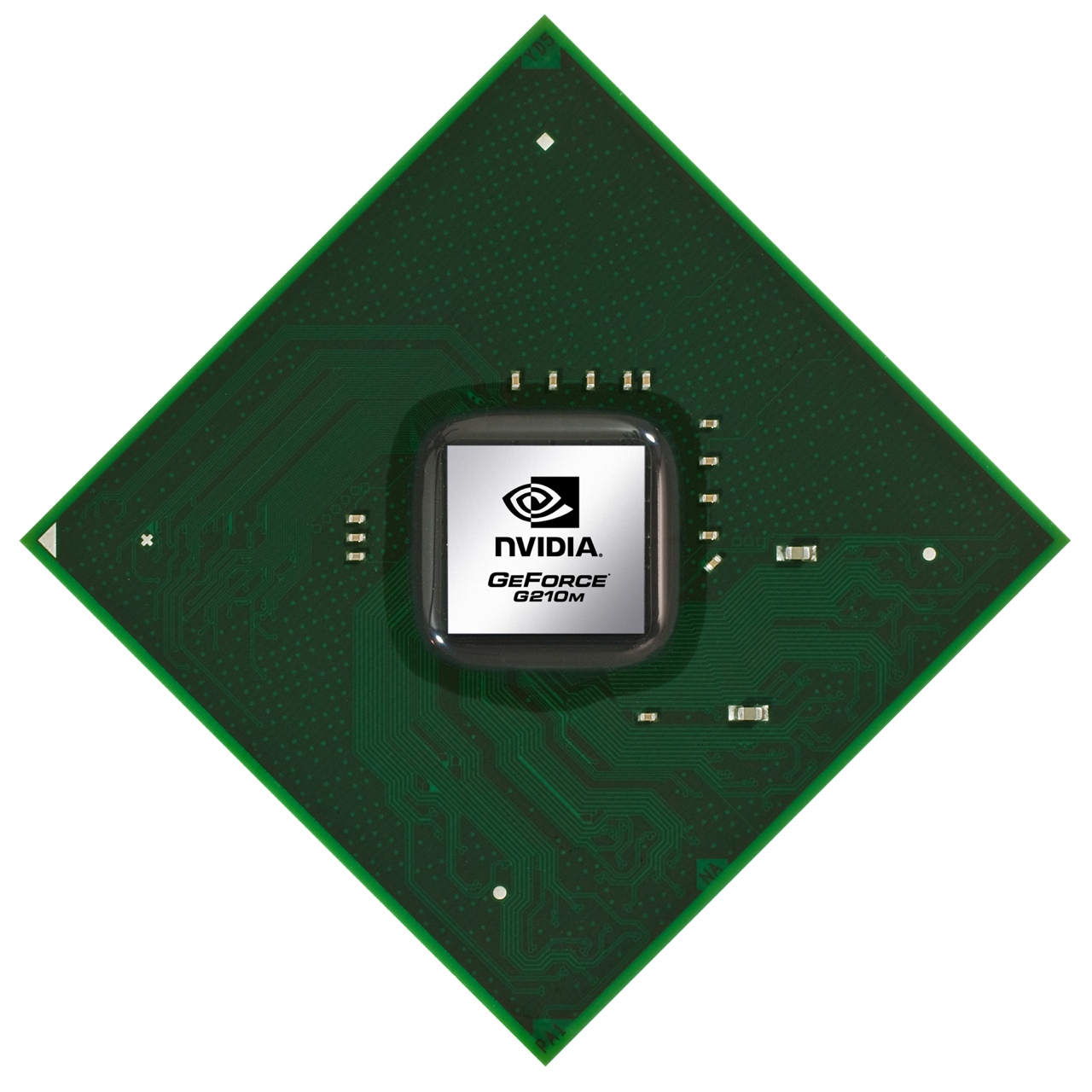
The Nividia GeForce G210M or G 210 M is a DirectX 10.1 graphics adapter for notebooks based on the GT218 core. As its predecessor, it features 16 shaders but the clock rates have been greatly increased and also the shaders were improved (different core). Because of the 40nm process (compared to the 55nm process of the G110M) the maximum power consumption stays the same. The later announced GeForce 310M for Arrandale laptops is just a renamed GeForce G210M.
The core of the G210M is internally called GT218 and according to Nvidia based on the current high-end desktop architecture (GTX 200 series). Furthermore, Nvidia has improved the micro-architecture for further power saving and performance increases. Therefore, the performance per shader unit should be slightly improved compared to the previous generation.
As the G 110M / 8400M GT, the G 210M features 16 stream processors that do the work of the former dedicated pixel- and vertex-shaders. The unified shaders of Nvidia are 1-dimensional (AMD has 5-dimensional shaders which leads to the higher number of shaders).
The GeForce G210M also supports CUDA, DirectX Compute and OpenCL to use the shaders for other tasks than rendering images (like encoding videos or mathematical tasks). For these special tasks, the GPU can be noticeably faster than current CPUs. PhysX is not supported by the G210M because of too less shaders (for rendering and PhysX).
The mobile graphics card has a built in video decoder called PureVideo HD with VP4. The Video Processor 4 (VP4) supports the full decoding of H.264, VC-1, and now also MPEG-4 ASP (e.g. DivX or XviD). MPEG-1 still wont be supported, but the decoding of this codec is quite trivial on a CPU.
In conjunction with a chipset from Nvidia with integrated graphics (e.g. 9400M), the G 210M supports Hybrid-SLI (HybridPower and GeForceBoost). HybridPower is a technique to choose between the integrated and dedicated graphics core, if performance or battery runtime is needed. This works only in Windows Vista (and possibly Windows 7). Up to now the user has to use a tool to switch between the GPUs. Later Nvidia wants to switch automatically in the drivers. GeForceBoost uses the integrated graphics core of the Nvidia chipset (e.g. 105M) and the dedicated of the G 210M in SLI mode to achieve better frame rates.
The performance of the entry level G 210M is on a level with the older GeForce 9500M G. Therefore, older or less demanding games should run fluently with medium to high details. Demanding DirectX 10 games, like Crysis, are playable only in low detail settings and low resolutions. Some games like GTA4 or NFS Shift wont even run in the lowest settings fluently. See below for a list of games we tested with the G 210M and the framerate we achieved.
Depending on the the used type of graphicsmemory (GDDR2, GDDR3 or perhaps even DDR2/DDR3) the performance may differ noticeably.
The power consumption of the mobile graphics card is - like the 110M - 14 Watt (TDP). Furthermore, according to Nvidia, the new improved core does only need half of the power in Idle mode.
- Range of benchmark values - Average benchmark values * Smaller numbers mean a higher performance
Game Benchmarks
The following benchmarks stem from our benchmarks of review laptops. The performance depends on the used graphics memory, clock rate, processor, system settings, drivers, and operating systems. So the results don't have to be representative for all laptops with this GPU. For detailed information on the benchmark results, click on the fps number.






 - Average benchmark values



 Add as a preferred source on Google


