




Sims 4 Benchmarked

Graphics
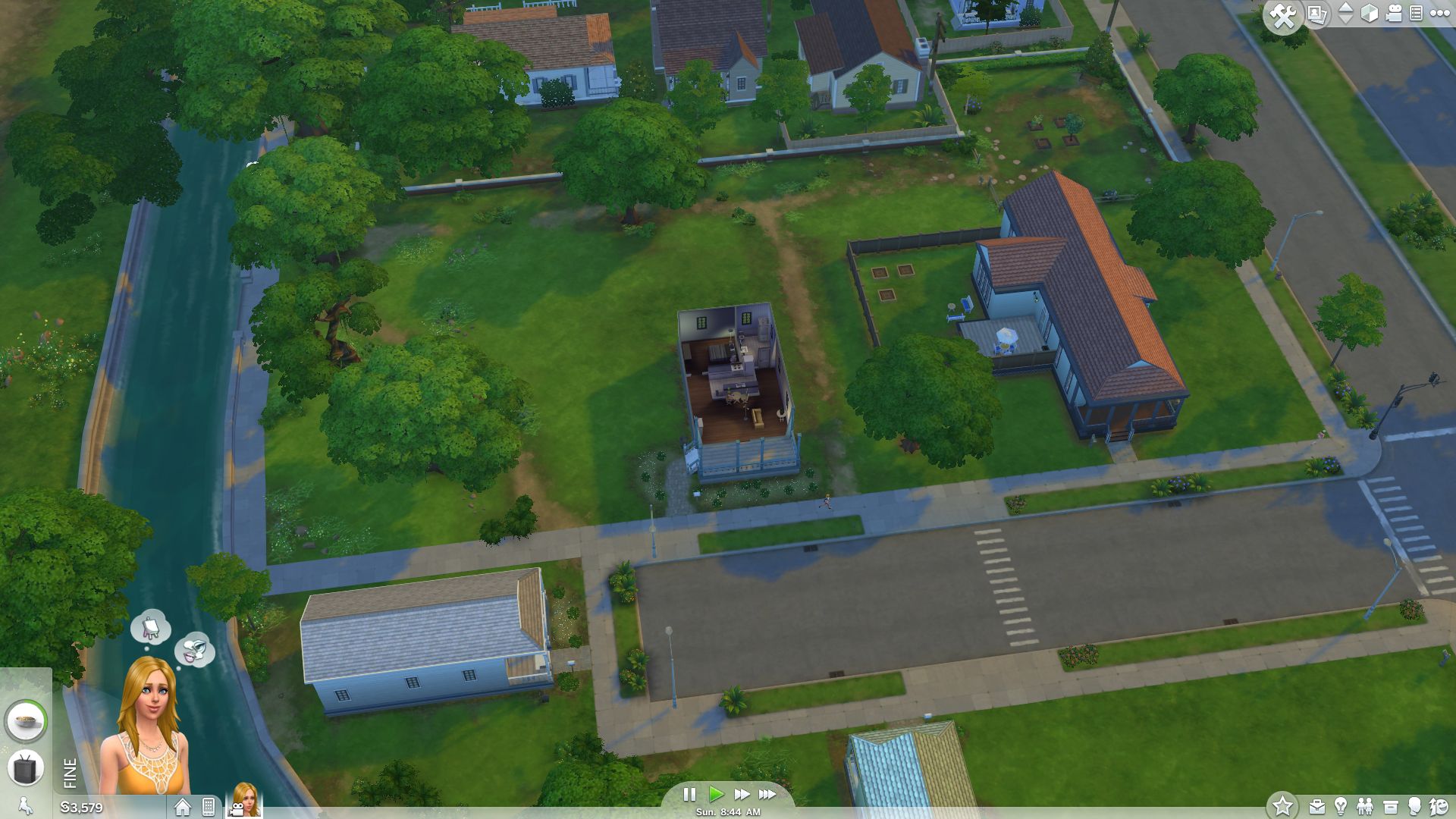
While the predecessor game's graphics looked at least somewhat realistic, in their fourth title, EA gives the extremely popular Sims series a very sketch-like appearance. Similar to Diablo III, the graphics are rather reminiscent of a comic. This design choice is completely understandable, as with it the developers can easily hide weaknesses in the graphics.
In addition to the lower texture and effect quality, the number of polygons is not exactly sumptuous. In the year 2014, gamers who expect a lot of a title's graphics hope for a lot more. The size of the levels also leaves something to be desired (did someone say SimCity?) When moving to other parts of the city, the user is confronted with a loading screen. It is hardly surprising, then, that the game's hardware demands are quite modest. Of course EA is interested in reaching as many customers as possible. Considering the high performance, however, the developers could have ventured to do a little more graphics-wise.

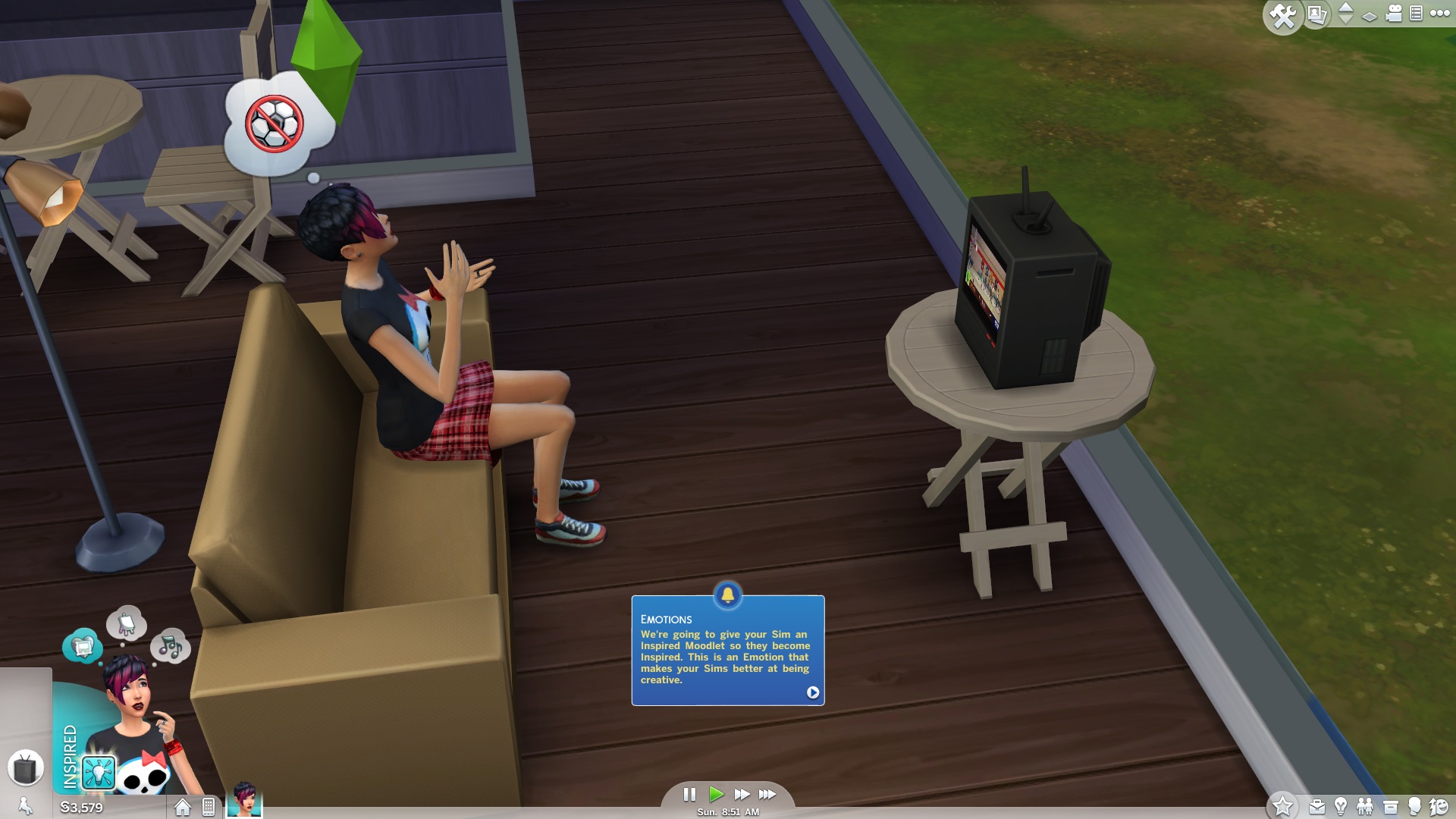
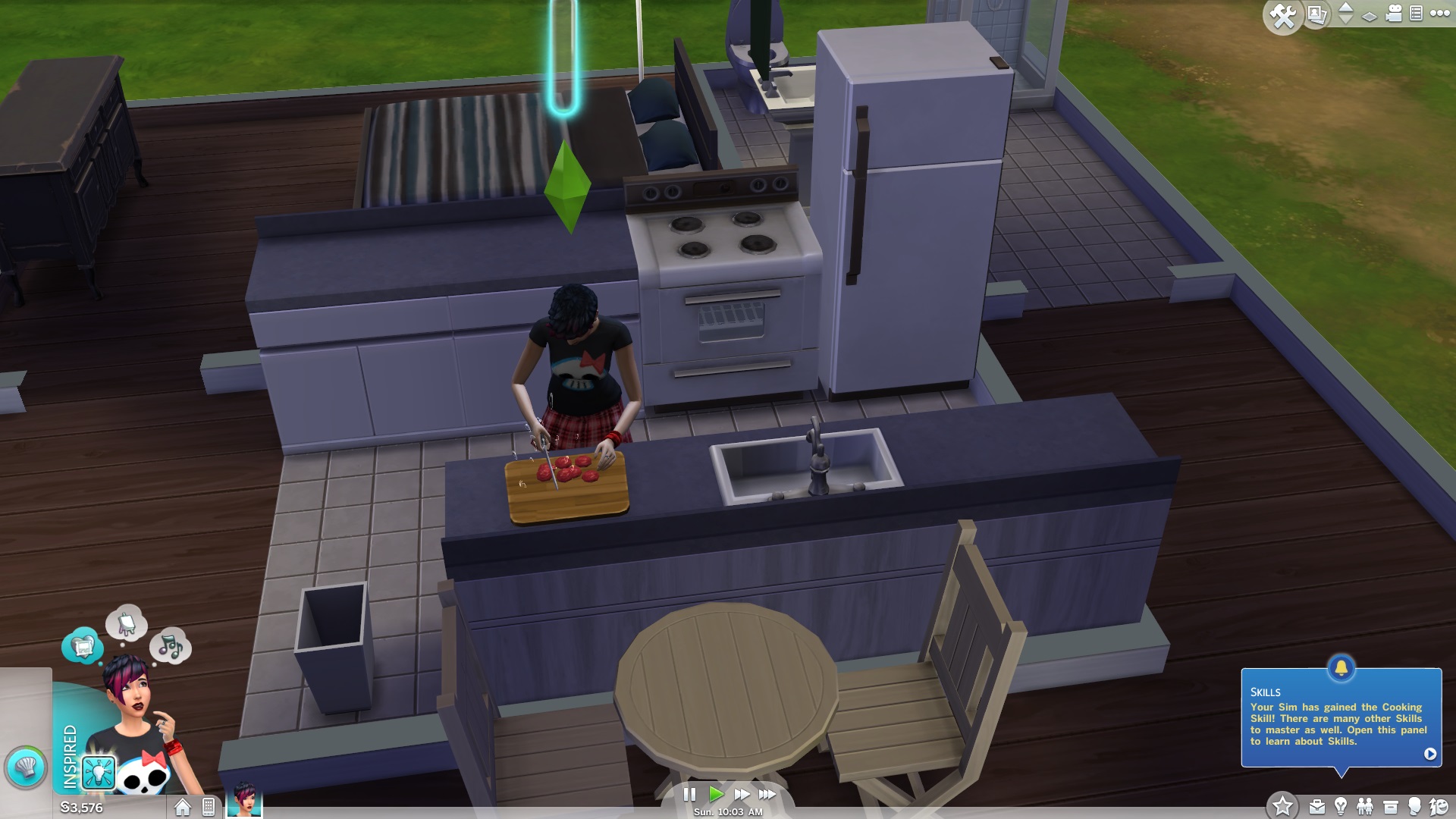
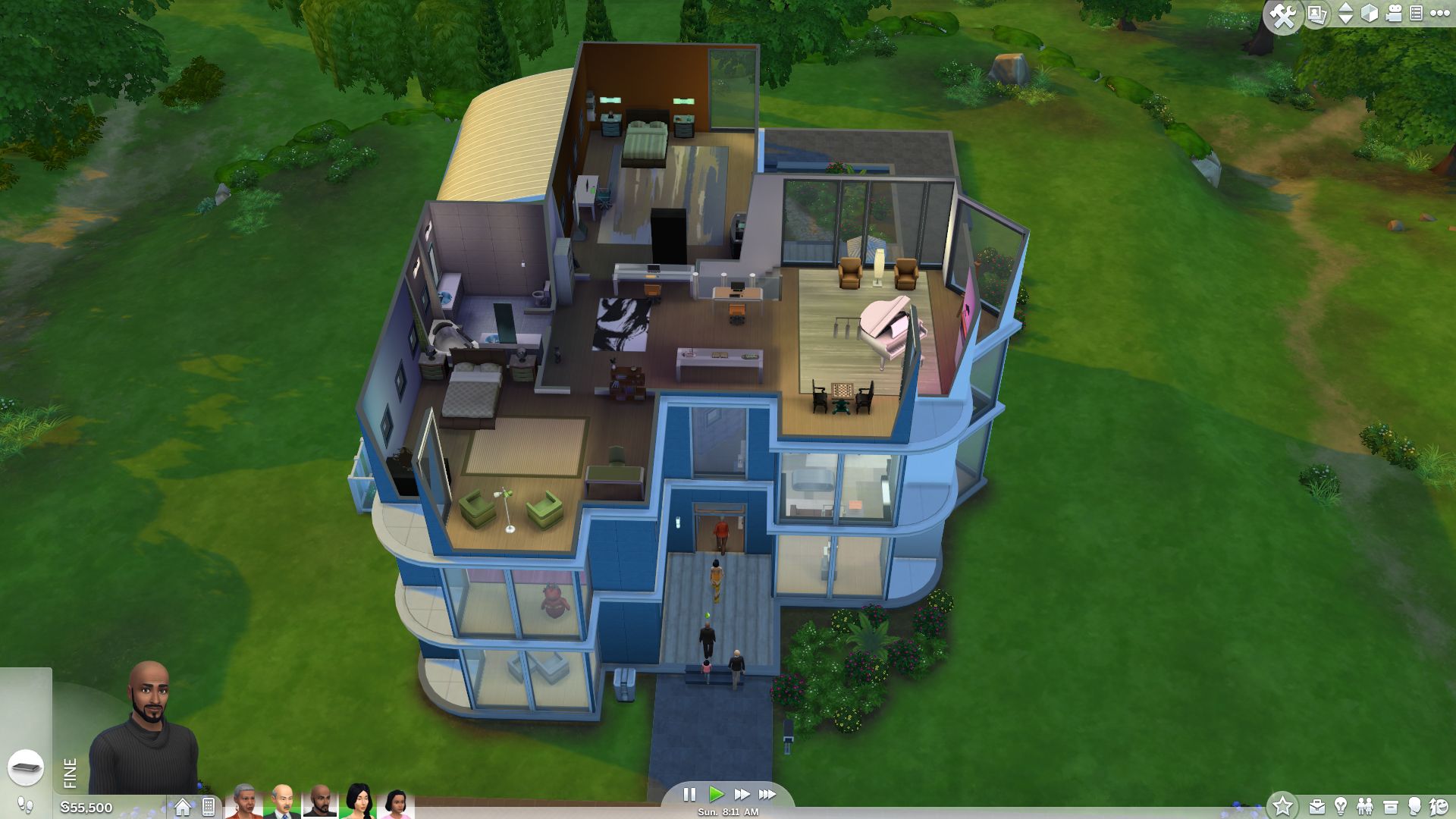
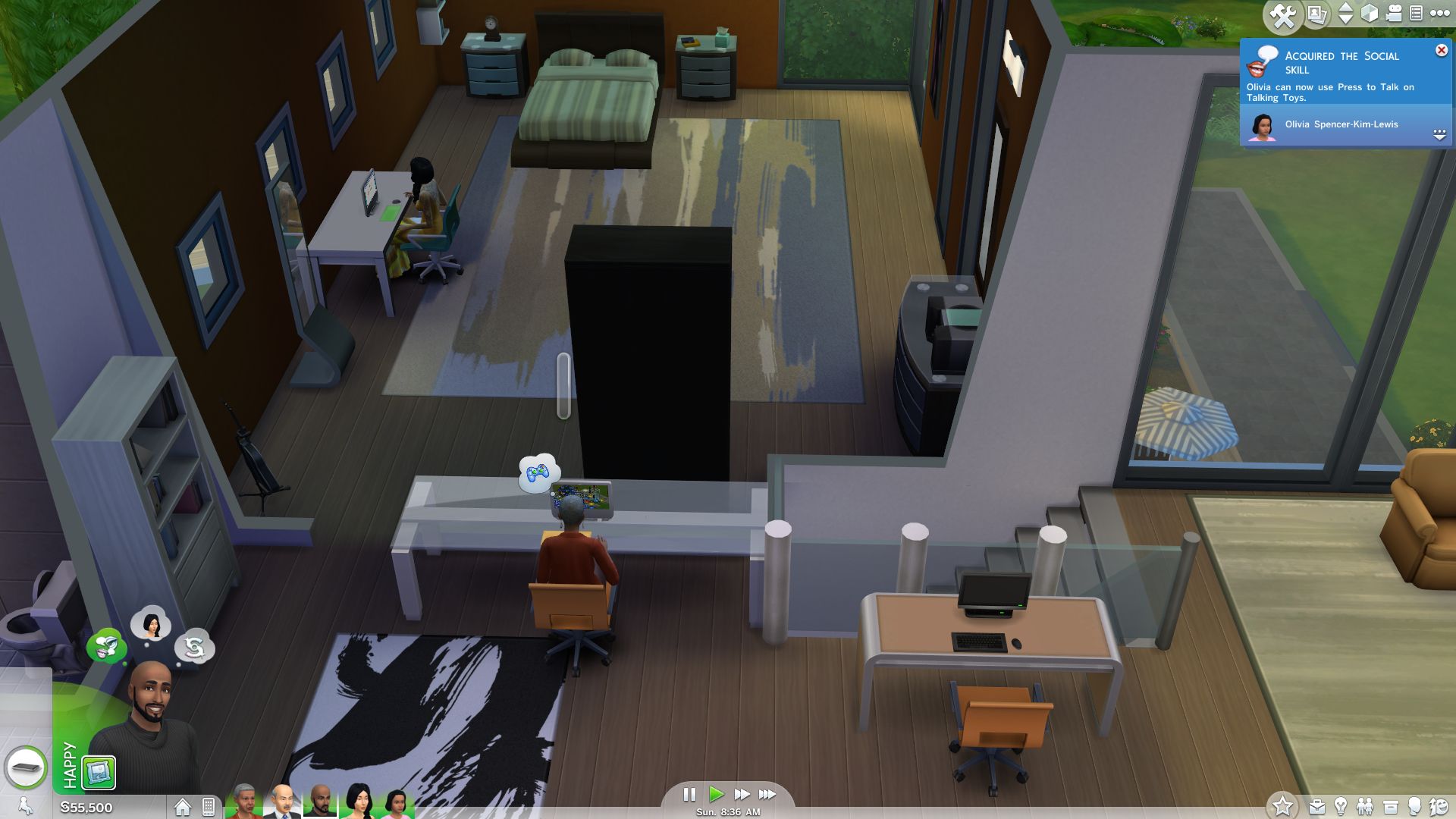
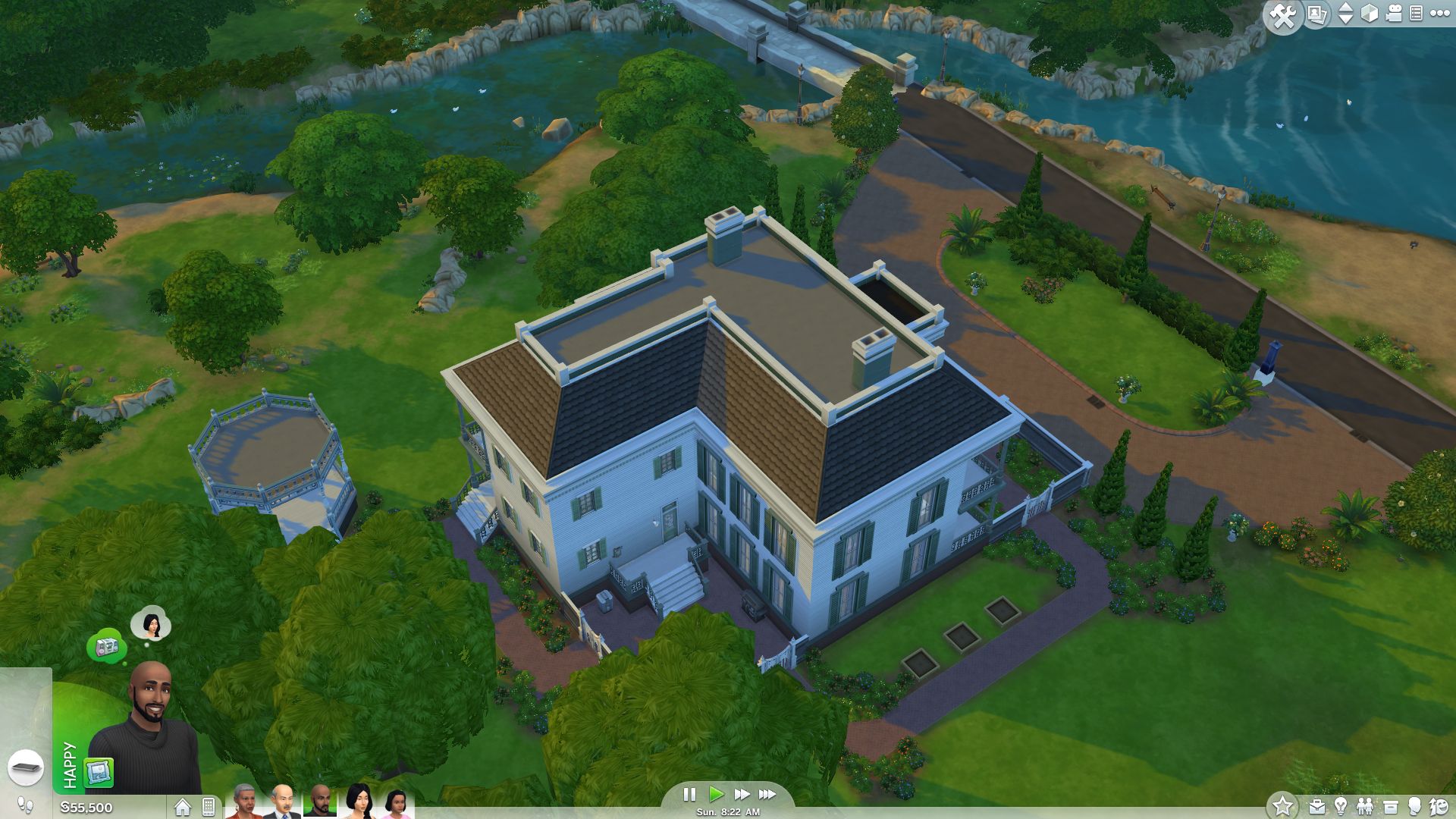
Still, the imagery fits wonderfully with the typical Sims situational comedy. Along with the background sounds, the animations also turned out well and are extremely funny. The graphics when changing perspectives, on the other hand, did not turn out quite so well. If the player flies over houses with the camera or zooms in or out drastically, the game often produces unattractive "image errors" (objects pop up, object wallpapers make a visible switch, etc.). The image shading is especially affected by this, as you can see in our benchmark video (watch the trees).
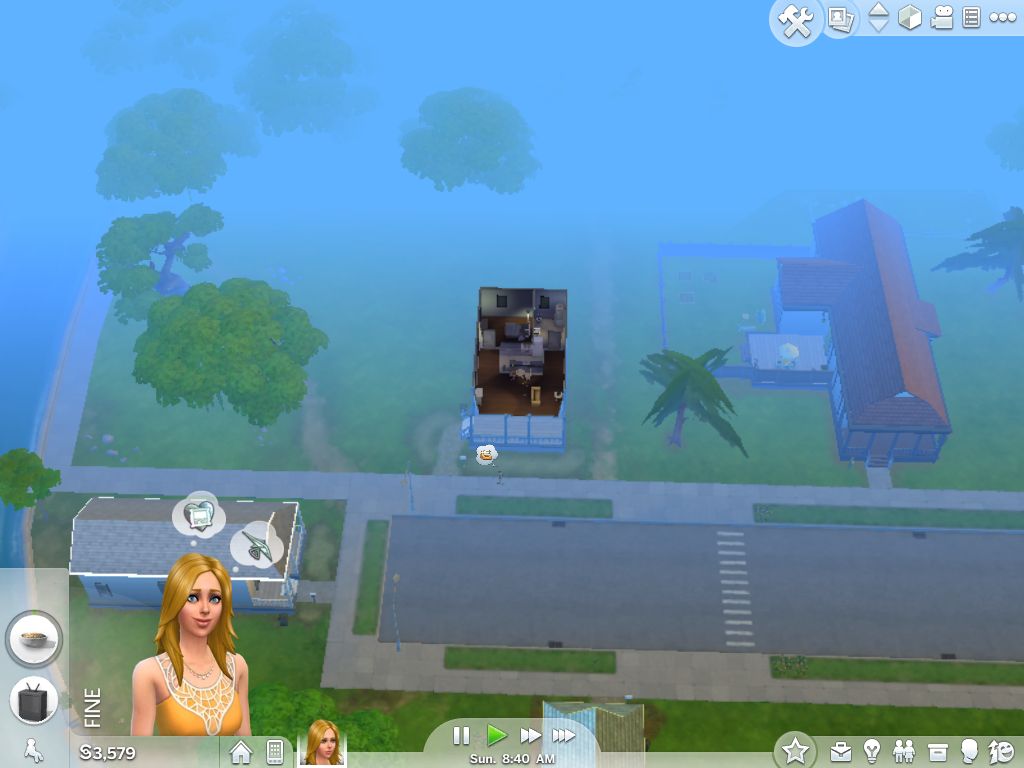
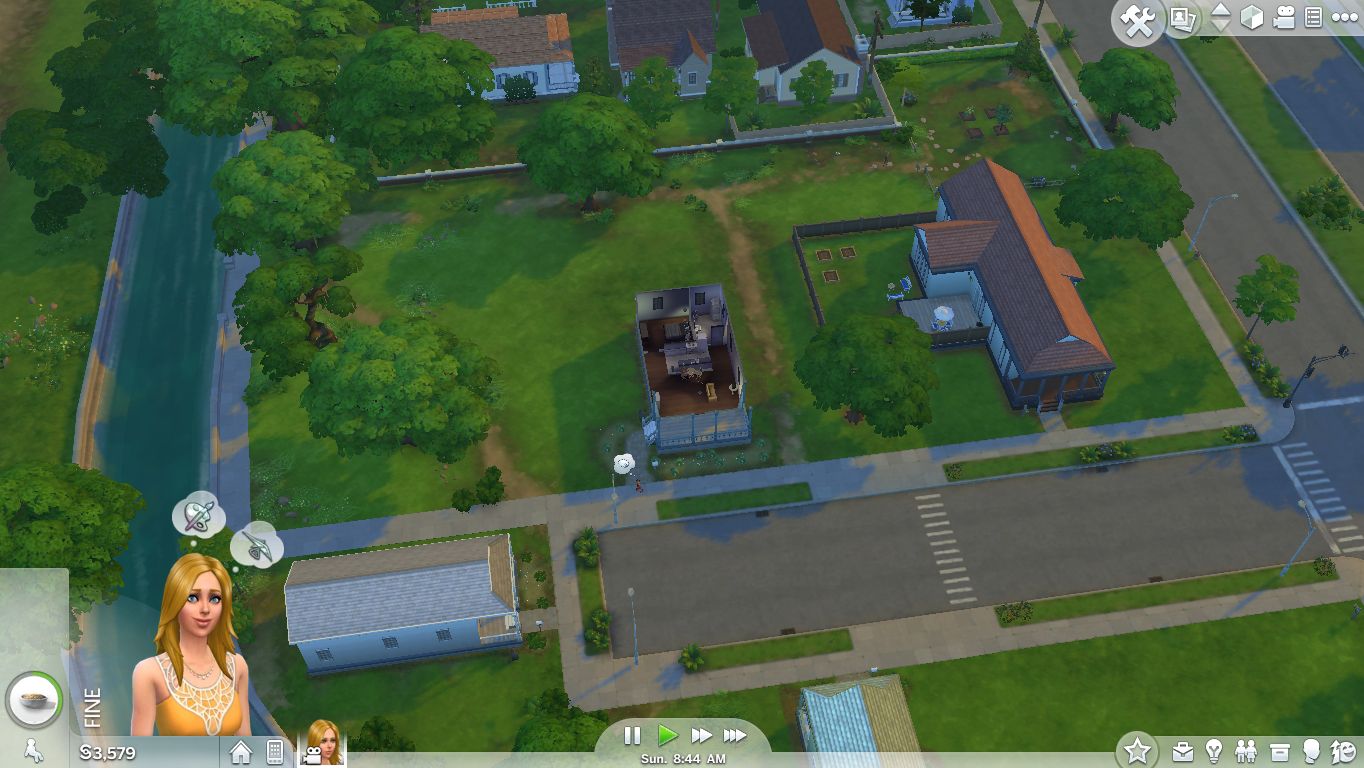
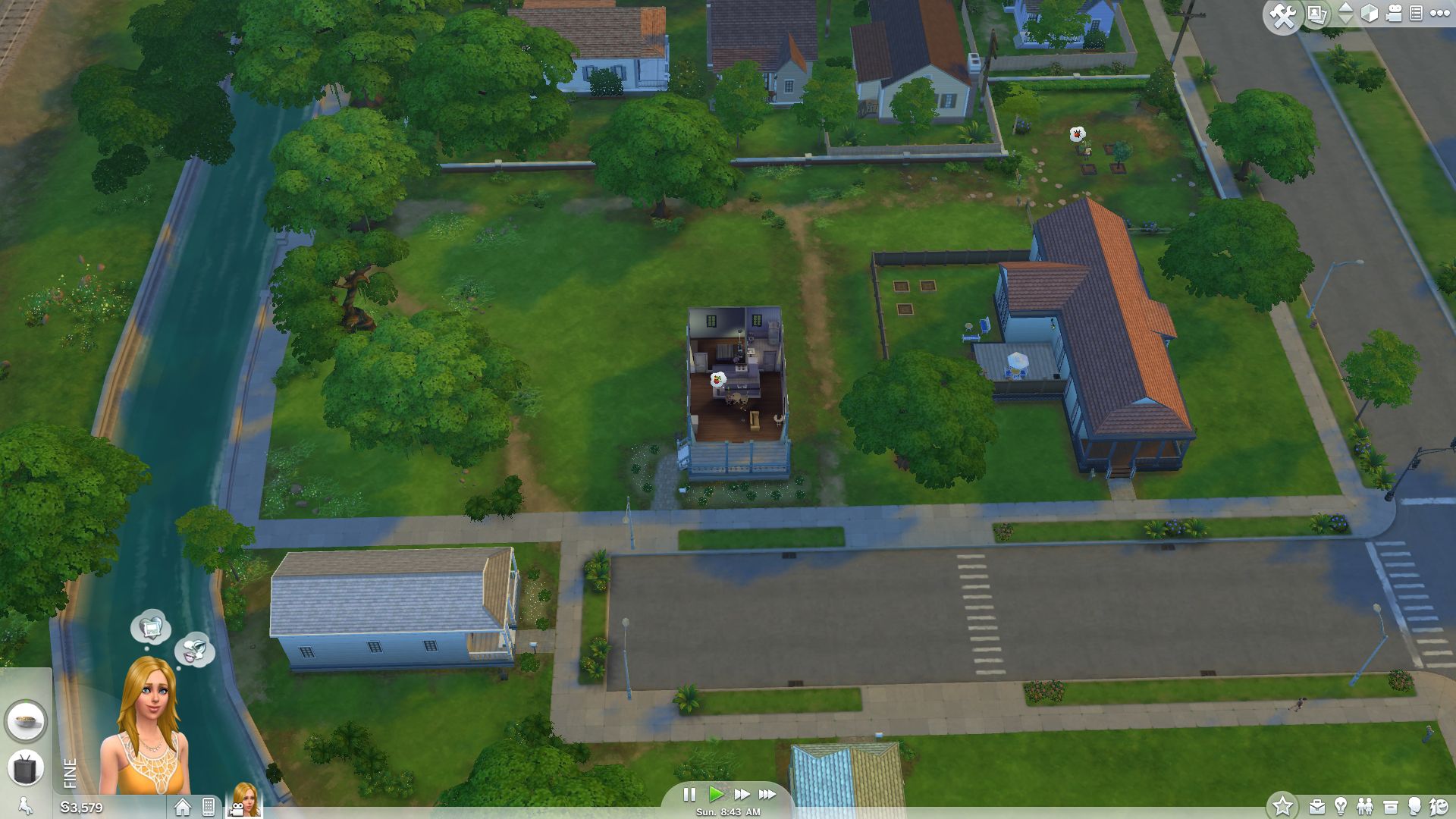




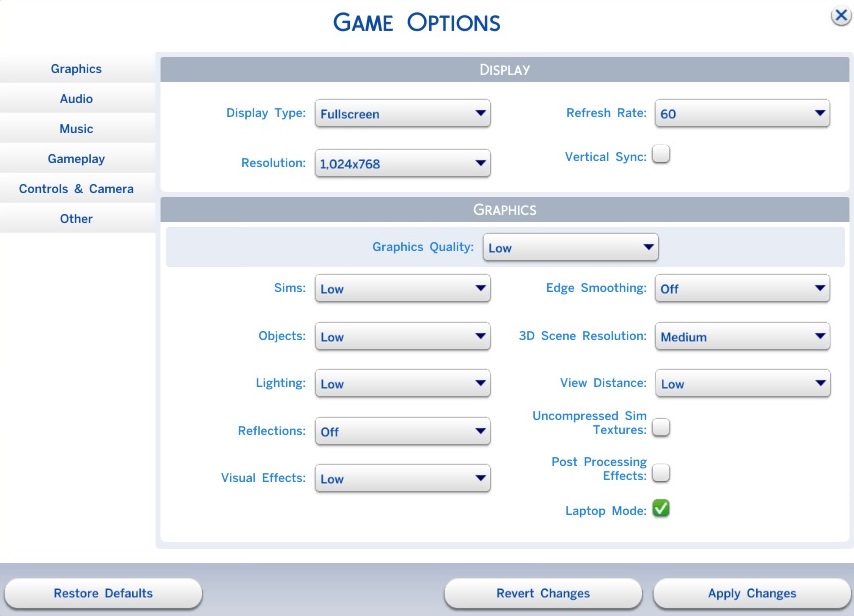
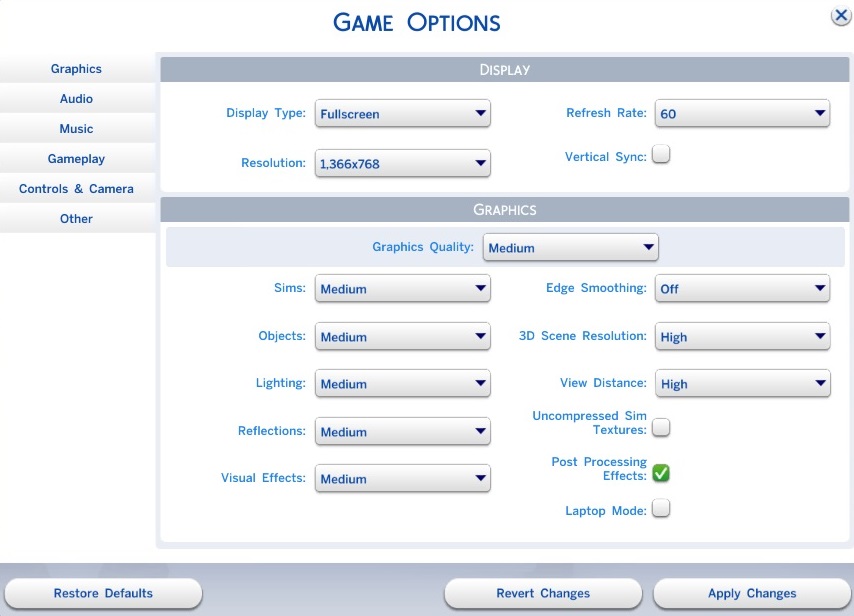
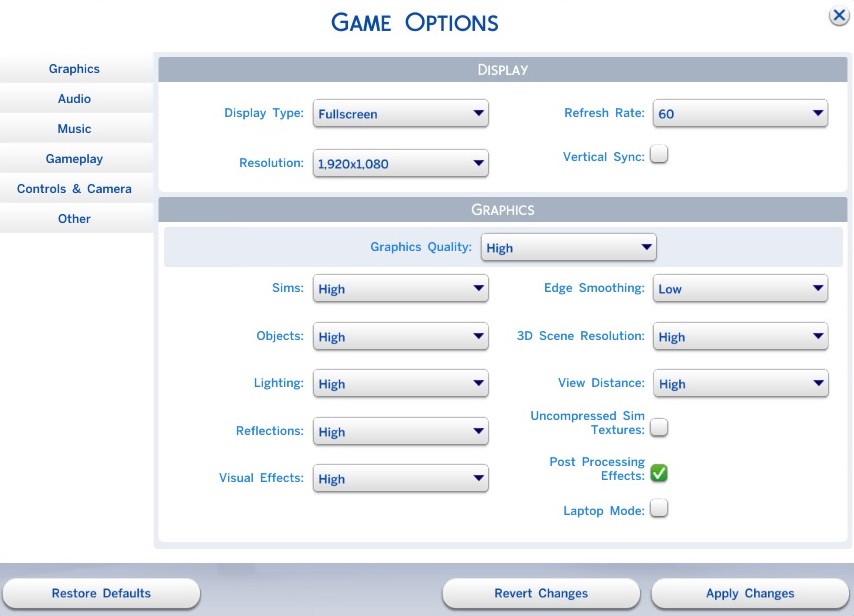
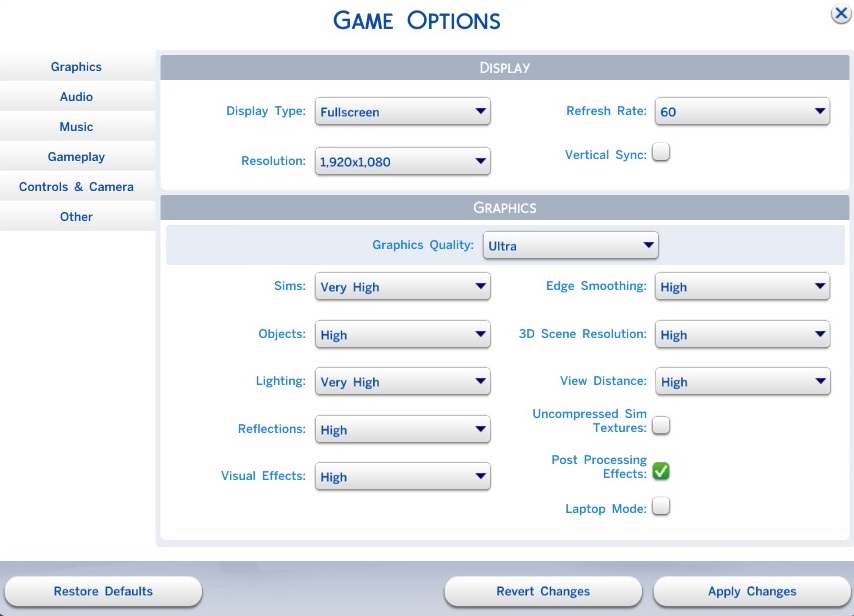
In terms of the options menu, the range of available settings is more or less average. The "Graphics" tab has 10 items, most of which can be adjusted across a gradation with several steps. For our benchmarks, we used the comfortable presets that automatically adjust the rest of the options. Apart from that, in the graphics menu the player can change the display mode, resolution and refresh rate. Vertical synchronization (eliminates image tearing) is also present.
While at minimum details, the game is fairly ugly (blue "fog of war" when the camera is in a high position), at medium to maximum settings, the graphics certainly have their charm. The differences in performance between the "High" and "Ultra" settings are only noticeable on weaker graphics cards. Speaking of the GPU: Except at low details (here the CPU is often the limiting factor), Sims 4 is rather lays most of the burden on the graphics card. By the way, due to the built-in limit, the framerate cannot exceed 200 fps.
Benchmark
Although we made a concerted effort to find a fair and sensible benchmark sequence, but it is also impossible to generate consistent results with "The Sims 4". Due to the manually directed camera movement, unfortunately the sequence can never be 100% identical. As a result, every once in a while GPUs place in higher positions than models that are actually stronger -- at least at moderate settings. Otherwise, our benchmark should give a pretty good idea of a Sims player's everyday experience will look like. In order to achieve that, the sequence is comprised of about 50% close-ups and 50% camera movements from a distance.
As we have already indicated, "The Sims 4" does not require a high-end computer. At maximum details and 1920x1080 pixels, the game runs fluidly with just a graphics card from the upper middle class. The DDR3 version of the GeForce GTX 850M managed 48 fps. For higher settings in Full HD, a mid-range chip more towards the inexpensive end will suffice, for instance the GeForce GT 750M (~40 fps). On the other hand, entry-level GPUs on par with the Intel HD Graphics 4600 cannot handle more than 1366x768 pixels and the "Medium" setting. Almost every notebook can render the game fluidly at low details (unless the device is 500 years old).
| Sims 4 | |
| 1920x1080 Ultra Preset 1920x1080 High Preset 1366x768 Medium Preset 1024x768 Low Preset | |
| GeForce GTX 780 Ti, 3770K | |
| Radeon R9 290X, 2600K, Samsung SSD 840 Pro 256GB MZ7PD256HAFV-0Z000 | |
| Radeon R9 280X, 3770K | |
| GeForce GTX 760, 3770K | |
| GeForce GTX 880M, 4700MQ | |
| GeForce GTX 780M, 4700MQ | |
| GeForce GTX 870M, 4700MQ | |
| GeForce GTX 750 Ti, 3770K | |
| GeForce GTX 770M, 4700MQ | |
| Radeon R9 M290X, 4700MQ | |
| GeForce GTX 860M, 4700MQ | |
| GeForce GTX 765M, 4700MQ | |
| GeForce GTX 850M, 4340M | |
| GeForce GT 750M, 4702MQ | |
| Iris Pro Graphics 5200, 4750HQ, Intel SSD 525 Series SSDMCEAC180B3 | |
| Radeon R7 512 Cores (Kaveri Desktop), A10-7850K, Samsung SSD 470 Series MZ-5PA256/EU | |
| GeForce GT 740M, 4200M | |
| Radeon HD 8650G, A10-5750M, Samsung SSD 470 Series MZ-5PA256/EU | |
| HD Graphics 4600, 4700MQ | |
| GeForce GT 720M, 4200M, WDC Scorpio Blue WD10JPVX-22JC3T0 | |
Test Systems
Our four test devices are courtesy of Schenker Technologies (mysn.de):
- W504 (Core i7-4700MQ, 8 GB DDR3, GeForce GTX 860M, GTX 870M, GTX 880M, Radeon R9 M290X)
- W503 (Core i7-4700MQ, 8 GB DDR3, GeForce GTX 765M, GTX 770M, GTX 780M)
- M504 (Core i5-4340M, 8 GB DDR3, GeForce GTX 850M)
- M503 (Core i7-4702MQ, 8 GB DDR3, GeForce GT 750M)
Windows 7 (64-bit edition) is installed on each of these notebooks. A further thank you goes to Micron for the 480 GB Crucial M500.
Another test device was provided by Nvidia:
- HP Envy 15-j011sg (Core i5-4200M, 12 GB DDR3, GeForce GT 740M)
GPU drivers used: Nvidia 340.52, AMD 14.7 RC3, Intel 10.18.10.3907
There are also benchmarks from other notebooks, possibly with different drivers.
Overview
 Add as a preferred source on Google


