




Forza Horizon 6 benchmark test: Stunning visuals between surprisingly scalable and brutally demanding
Eye candy.
Forza Horizon 6 delivers one of the most impressive open worlds the racing genre has ever seen, complete with dynamic weather, ray tracing, and breathtaking Japanese scenery. Add in thunderous engine sound design, and the result is a true showcase title. But how much hardware horsepower does this visual spectacle actually require? Our benchmark test reveals which laptop and desktop GPUs can deliver smooth frame rates in Full HD, QHD, and 4K.Christian Hintze 👁 (translated by Christian Hintze) Published 🇩🇪 🇳🇱 ...
Technology, settings & benchmark
With the previous installment (our benchmark test), Playground Games and Xbox Game Studios delivered a major hit. Naturally, expectations for the new sixth entry are sky-high. This time around, the developers are taking players to fan-favorite Japan in an effort to meet those expectations head-on.
Technology
The game throws players into an incredible variety of environments, ranging from neon-lit cities and lush forests to tree-lined roads covered in falling cherry blossoms, snowy mountain landscapes, and rolling grain fields. Spectators occasionally cheer from the sidelines, while the in-house ForzaTech engine impresses with massive draw distances and highly detailed environments.


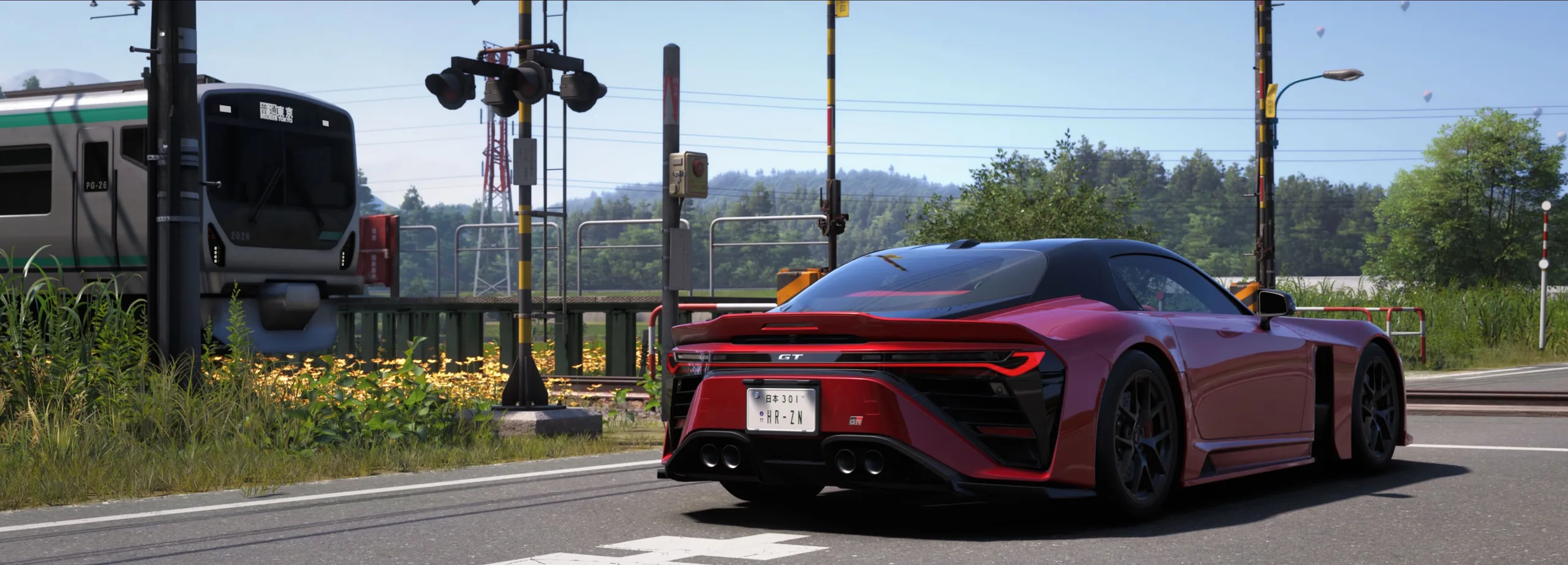
There is a full day-night cycle alongside dynamic weather effects such as rain, multiple camera perspectives, and of course a wide range of vehicle classes and race types. The game also includes online co-op and a fairly basic story mode in which players qualify for racing festivals while traveling between events in an open world.
Our colleague Alex also provides some gameplay and graphics impressions in the YouTube video below.


While the engine excels when it comes to car models and track detail, character animations can feel somewhat stiff. Facial detail and overall character quality are also noticeably less refined than the game’s clear main focus: cars and environments.
Loading times can also be an issue at times, depending on the system configuration.


Settings
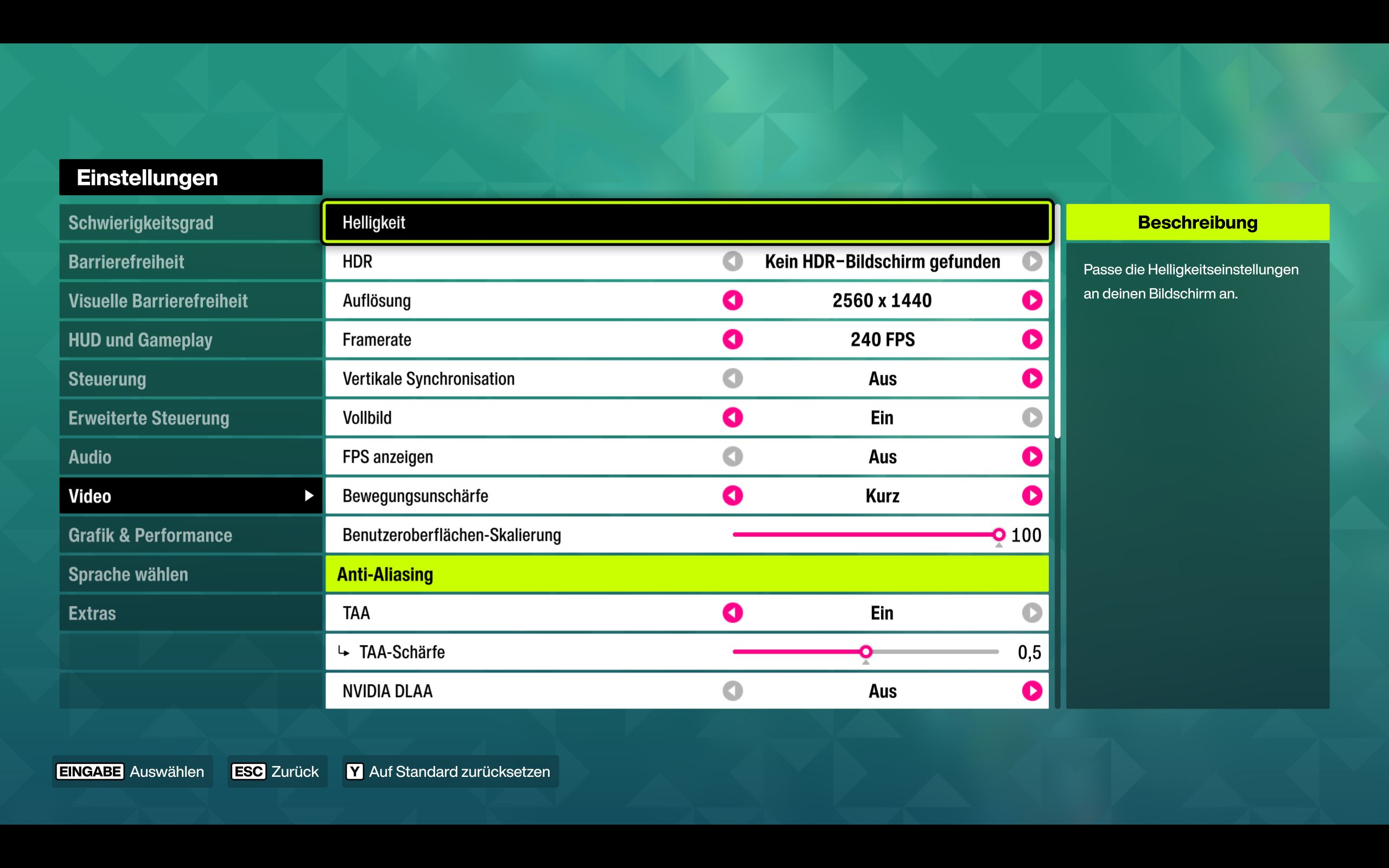
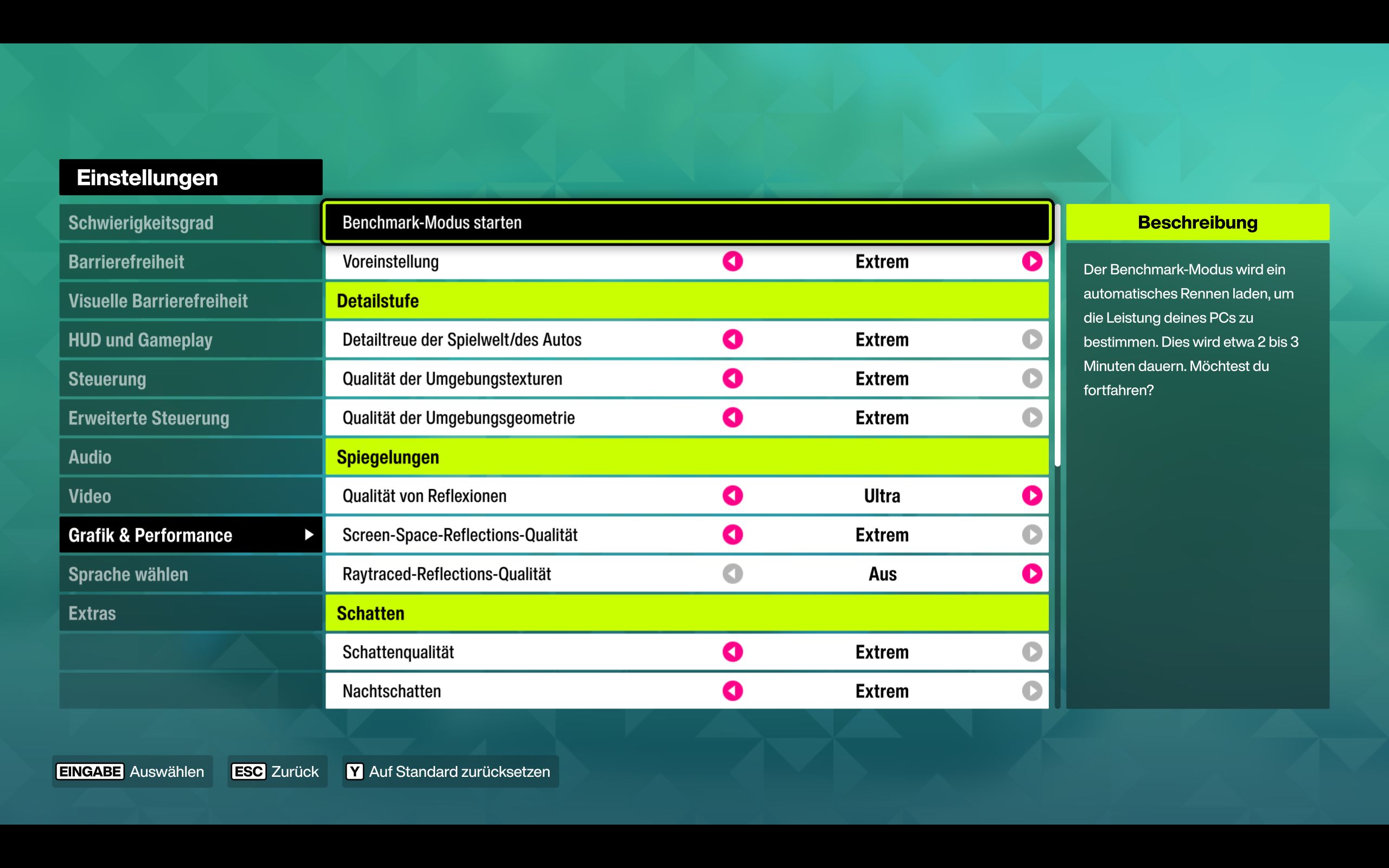
When it comes to graphics options, the game offers nearly everything you could ask for, from optional ray tracing to upscaling support for all major GPU brands including Nvidia DLSS 4.5, AMD FSR, and Intel XeSS, plus HDR support on compatible displays. For features like Multi Frame Generation, users may need to install the latest Nvidia driver.
Benchmark
For our testing, we used the built-in benchmark tool that the developers have thankfully included once again. It can be found in the settings menu under Graphics & Performance as the first option at the top.
The benchmark takes quite a while to load during its first run, as the game first needs to “optimize” itself for the respective PC. The actual benchmark sequence lasts around two to three minutes.
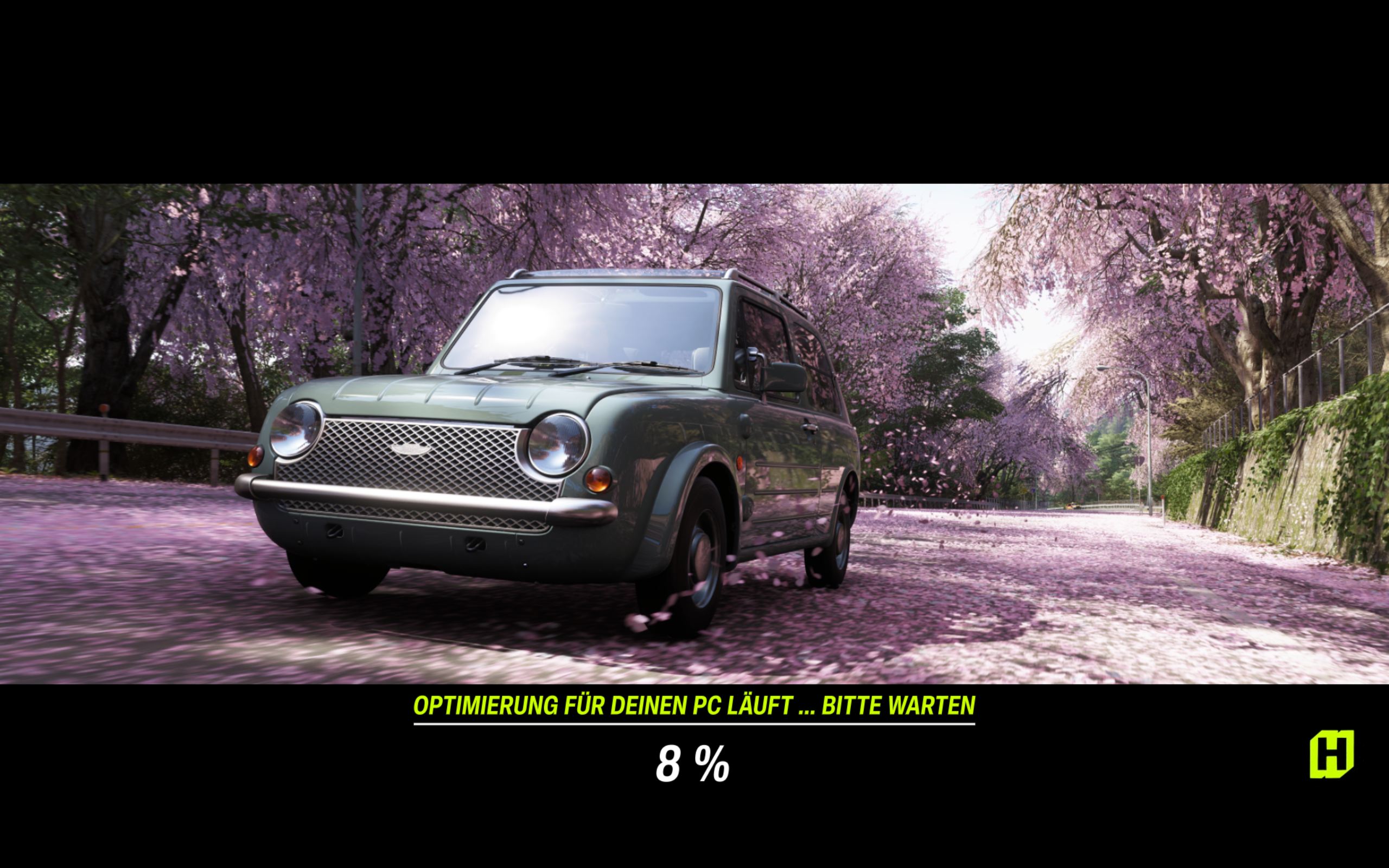
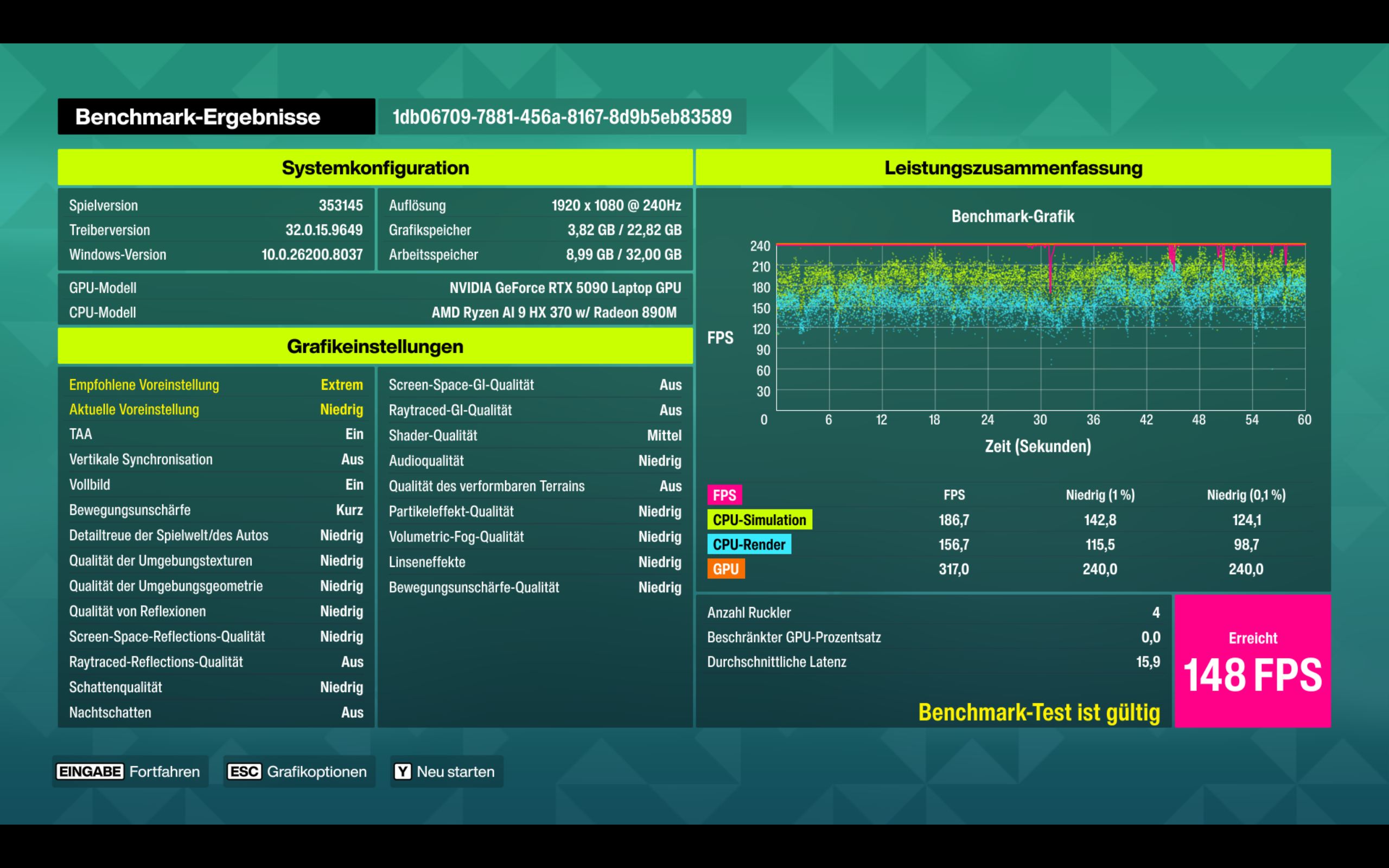
The test simulates a circuit race on the Electric Town Circuit track with multiple cars in rainy conditions and fixed camera perspectives. Afterwards, the game presents a detailed results screen.
Results
FHD / 1.920 x 1.080
The good news: with reduced detail settings, Forza Horizon 6 is playable in Full HD even on integrated GPUs such as the Arc 140V (46 fps in FHD Low), Intel Arc B390 (60 fps in FHD Medium), or AMD Radeon 890M (53 fps in FHD Medium). Even then, the game still looks very good.
The entry-level RTX 4050 Laptop GPU can even handle the Extreme preset at 50 fps, although it is clearly too weak for ray tracing with only 18 fps.
For comfortable RT gameplay, at least a Radeon 8060S is recommended, while an RTX 5070 Ti Laptop delivers stable 60 fps. Overall, the entry requirements are fairly modest considering the visual quality on offer.
| Forza Horizon 6 | |
| 1920x1080 low AA:T 1920x1080 medium AA:T 1920x1080 extreme AA:T 1920x1080 extreme + RT AA:T | |
| AMD Radeon 890M, Ryzen AI 9 HX 370 | |
| Intel Arc B390 12 Xe3 Panther Lake iGPU, Ultra X7 358H | |
| NVIDIA GeForce RTX 4050 Laptop GPU, i7-13700H | |
| NVIDIA GeForce RTX 4070 Laptop GPU, i9-13900HX | |
| AMD Radeon 8060S, Ryzen AI Max+ 395 | |
| NVIDIA GeForce RTX 5070 Laptop, R7 260 | |
| NVIDIA GeForce RTX 5070 Ti Laptop, Ultra 9 275HX | |
| NVIDIA GeForce RTX 5090 Laptop, Ryzen AI 9 HX 370 | |
QHD / 2.560 x 1.440 (+ Upscaling)
For QHD testing, we exclusively benchmarked the Extreme preset with ray tracing enabled, both natively and with AI upscaling technologies such as DLSS in Performance mode. At the lower end sits the Intel Arc B580, which manages just above 30 fps natively. The AMD Radeon RX 9060 XT desktop GPU with 16 GB of VRAM is only slightly faster.
Even the RTX 5070 Laptop struggles here, delivering only around 20 to 30 fps, and DLSS can only improve performance so much.
The GeForce RTX 5070 Ti Laptop performs considerably better, but stable 60 fps still requires either a desktop GeForce RTX 5070 Ti, a Radeon RX 9070 XT Desktop, or an RTX 5090 Laptop GPU.
| Forza Horizon 6 | |
| 2560x1440 extreme + RT AA:T 2560x1440 extreme + RT + DLSS perf. AA:T | |
| NVIDIA GeForce RTX 5070 Laptop, R7 260 | |
| Intel Arc B580, R7 9800X3D | |
| NVIDIA GeForce RTX 4070 Laptop GPU, i9-13900HX | |
| AMD Radeon RX 9060 XT 16GB, R7 9800X3D | |
| NVIDIA GeForce RTX 5070 Ti Laptop, R9 9955HX | |
| NVIDIA GeForce RTX 5070 Ti Laptop, Ultra 9 275HX | |
| AMD Radeon RX 9070 XT, R7 9800X3D | |
| NVIDIA GeForce RTX 5070 Ti, R7 9800X3D | |
| NVIDIA GeForce RTX 5090 Laptop, Ryzen AI 9 HX 370 | |
| NVIDIA GeForce RTX 5090, R7 9800X3D | |
UHD / 3.840 x 2.160 (+ Upscaling)
4K remains the ultimate challenge. Even an RTX 5090 Laptop GPU only manages 36 fps at native resolution. DLSS boosts that figure to around 50 fps. Only a desktop GeForce RTX 5090 paired with an AMD Ryzen R7 9800X3D can consistently achieve 60 fps or more.
With DLSS enabled, the GeForce RTX 5070 Ti desktop can also reach 60 fps in 4K Extreme with ray tracing enabled.
| Forza Horizon 6 | |
| 3840x2160 extreme + RT AA:T 3840x2160 extreme + RT + DLSS perf. AA:T | |
| NVIDIA GeForce RTX 5070 Ti Laptop, Ultra 9 275HX | |
| NVIDIA GeForce RTX 5090 Laptop, Ryzen AI 9 HX 370 | |
| AMD Radeon RX 9070 XT, R7 9800X3D | |
| NVIDIA GeForce RTX 5070 Ti, R7 9800X3D | |
| NVIDIA GeForce RTX 5080, R7 9800X3D | |
| NVIDIA GeForce RTX 5090, R7 9800X3D | |
(Multi) Frame Generation
Depending on the graphics card and driver version, Nvidia offers Multi Frame Generation (MFG) for Horizon 6 in 2x, 3x, 4x, or even 6x modes. Nvidia Reflex is automatically enabled alongside it to reduce latency.
In practice, simply enabling 2x MFG on our XMG Pro 16 with an RTX 5070 Ti nearly doubled frame rates. With 4x frame generation enabled, performance increased from 70 fps without MFG to well over 200 fps.
We did not notice any problematic latency issues during gameplay. In Forza Horizon 6, MFG is an excellent way to push frame rates closer to a monitor’s refresh rate.
| 2.560 x 1.440, Extreme+RT Preset | DLSS Performance | DLSS Performance + MFGx2 | DLSS Performance + MFGx4 |
| GeForce RTX 5070 Ti Laptop | 70 fps | 123 fps | 206 |
Verdict - Gorgeous graphics, well optimized
There is no question that Forza Horizon 6 is one of the best-looking racing games currently available, if not the best-looking outright. Cars and environments are beautifully rendered, even if they do not quite match the ultra-polished trailers. Character models are less impressive, but that hardly detracts from the overall visual experience.
At the same time, the game remains playable even on relatively modest hardware when detail settings are reduced. An AMD Radeon 890M, for example, still manages 53 fps in Full HD Medium settings. However, players who want the full visual experience including ray tracing in QHD or even 4K will need some of the fastest graphics hardware currently available.
DLSS, FSR, and XeSS certainly help ease the load, but Forza Horizon 6 remains extremely demanding at the highest quality settings. On lower presets, however, it scales surprisingly well — and that is good to see.
Test systems
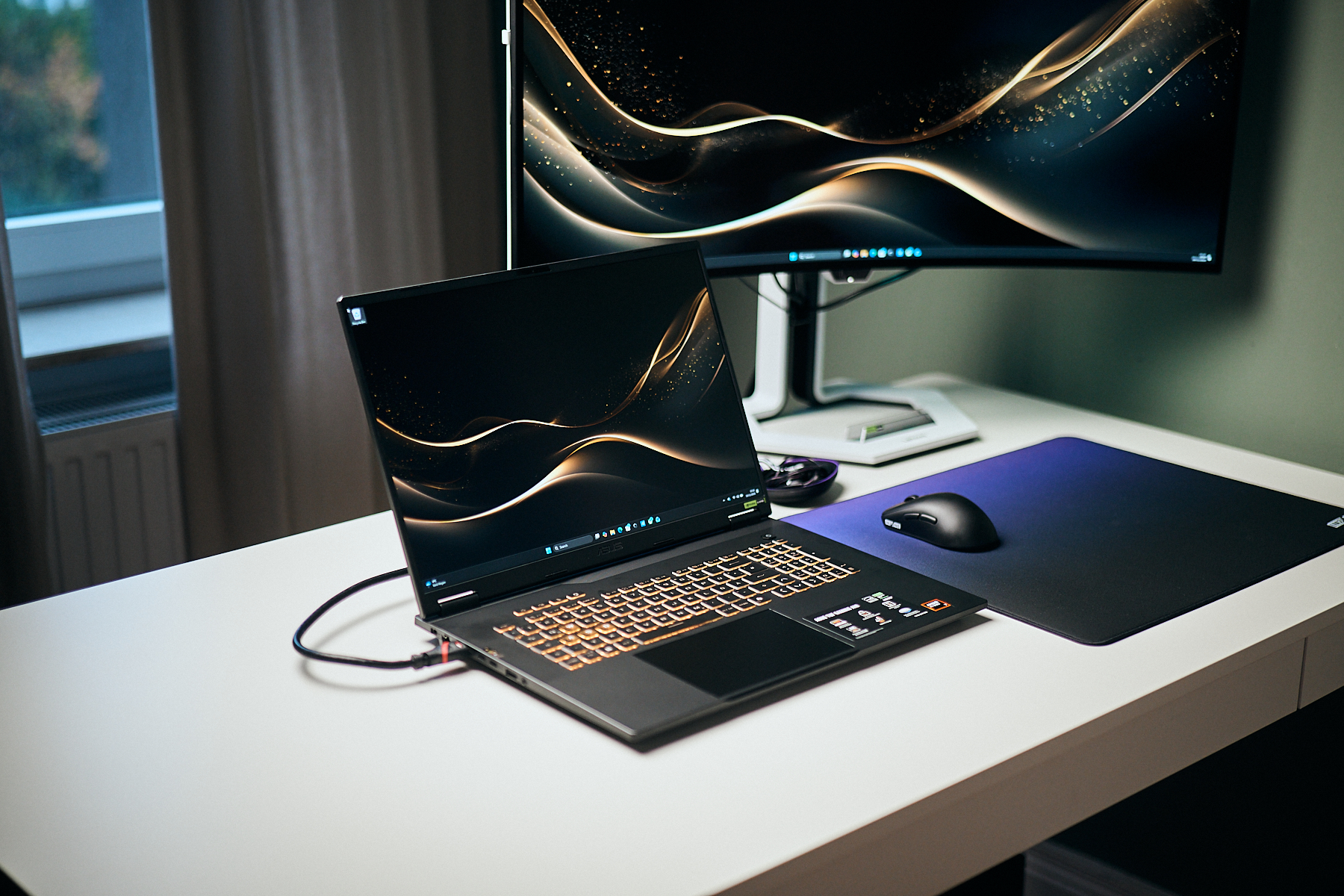
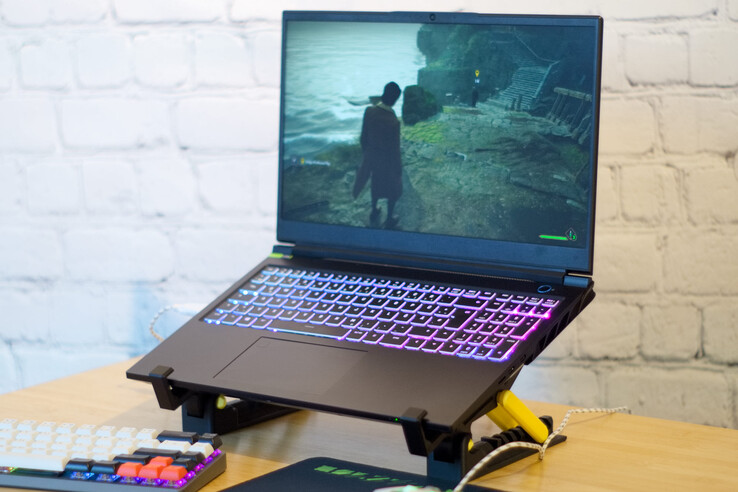
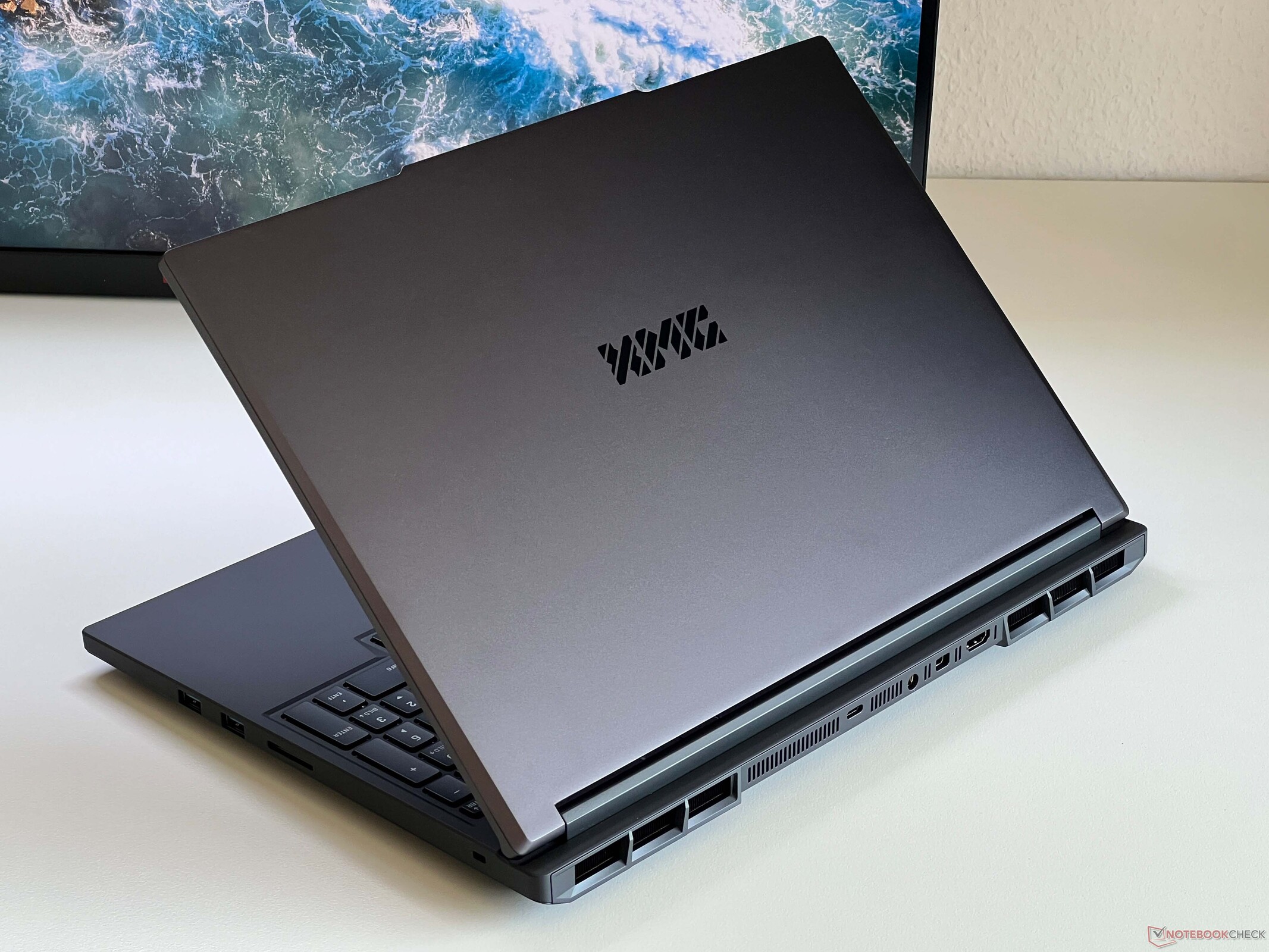
Overview
Because gaming benchmarks are extremely time-consuming and can sometimes be delayed further by activation restrictions, we are only able to present a limited number of results at launch. Additional GPU results will follow.
 Add as a preferred source on Google


