




Elgato Teleprompter review: The best creator gadget for streamers and YouTubers?
Streamer cheat sheet.
The Elgato Teleprompter aims to make life significantly easier for streamers, YouTubers, and content creators. Instead of relying on a smartphone or tablet, it ships with its own built-in display, a wide range of adapters, and a surprisingly simple setup process. In testing, the concept worked remarkably well — with a few minor drawbacks.Christian Hintze (translated by Christian Hintze) Published 🇩🇪 🇳🇱 ...
Verdict - Stream like a pro
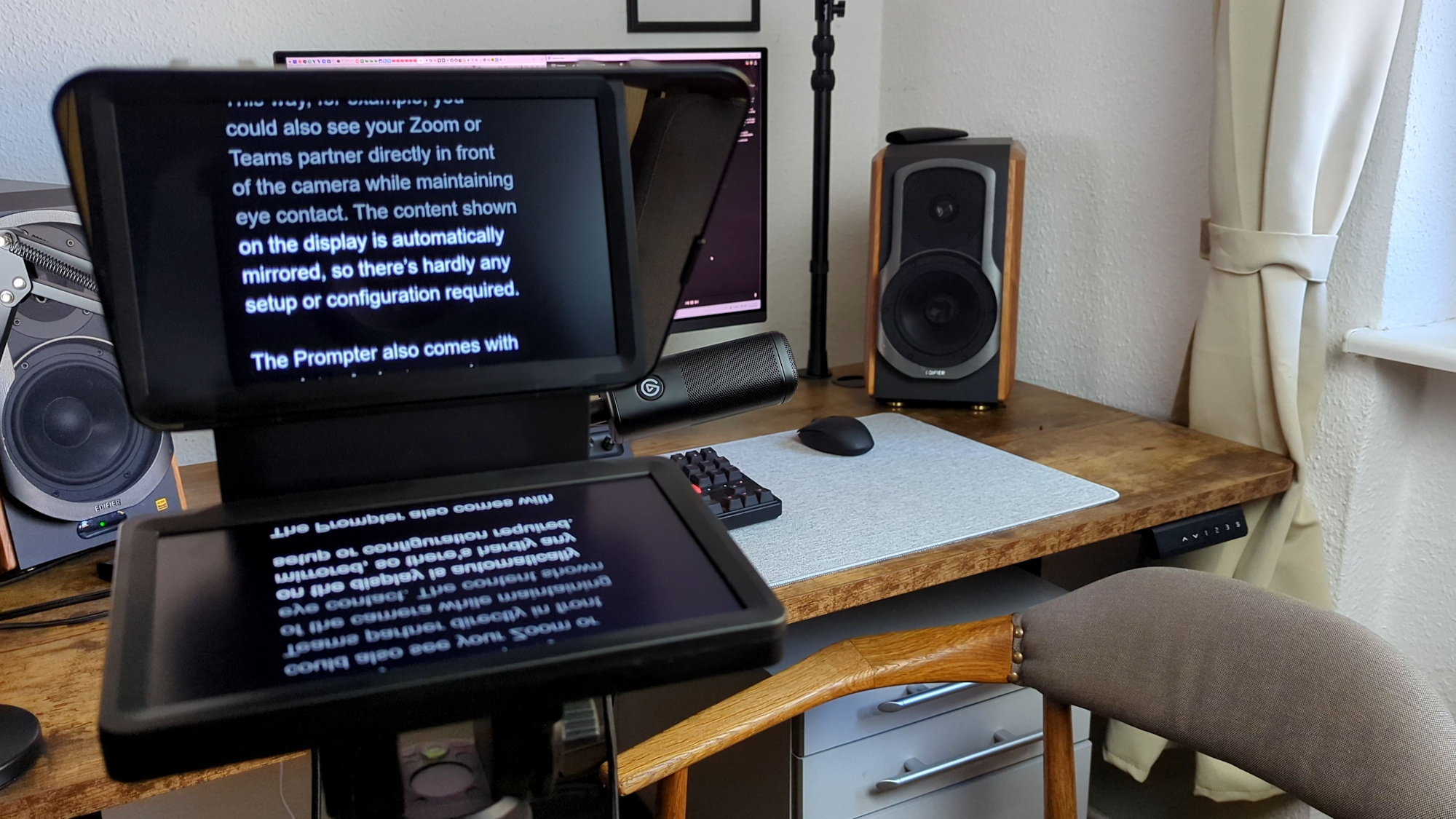
Instead of juggling a smartphone or tablet along with app installations, the Elgato Teleprompter comes with practically everything needed to get started right away, including its own display and various camera adapters. Setup is extremely simple, and thanks to the extended display functionality, it can show not only scrolling text but virtually any app as well, including video conferencing tools. That means teleprompters are not just interesting for streamers — although they benefit the most.
The slightly tinted glass makes the camera image minimally darker, but the effect is barely noticeable. The lack of a remote control, however, could frustrate users without an RTX GPU.
Pros
Cons
Price and availability
The teleprompter currently costs around $240 at retailers such as Amazon. However, Elgato Week starts on May 18, bringing major discounts on various products.

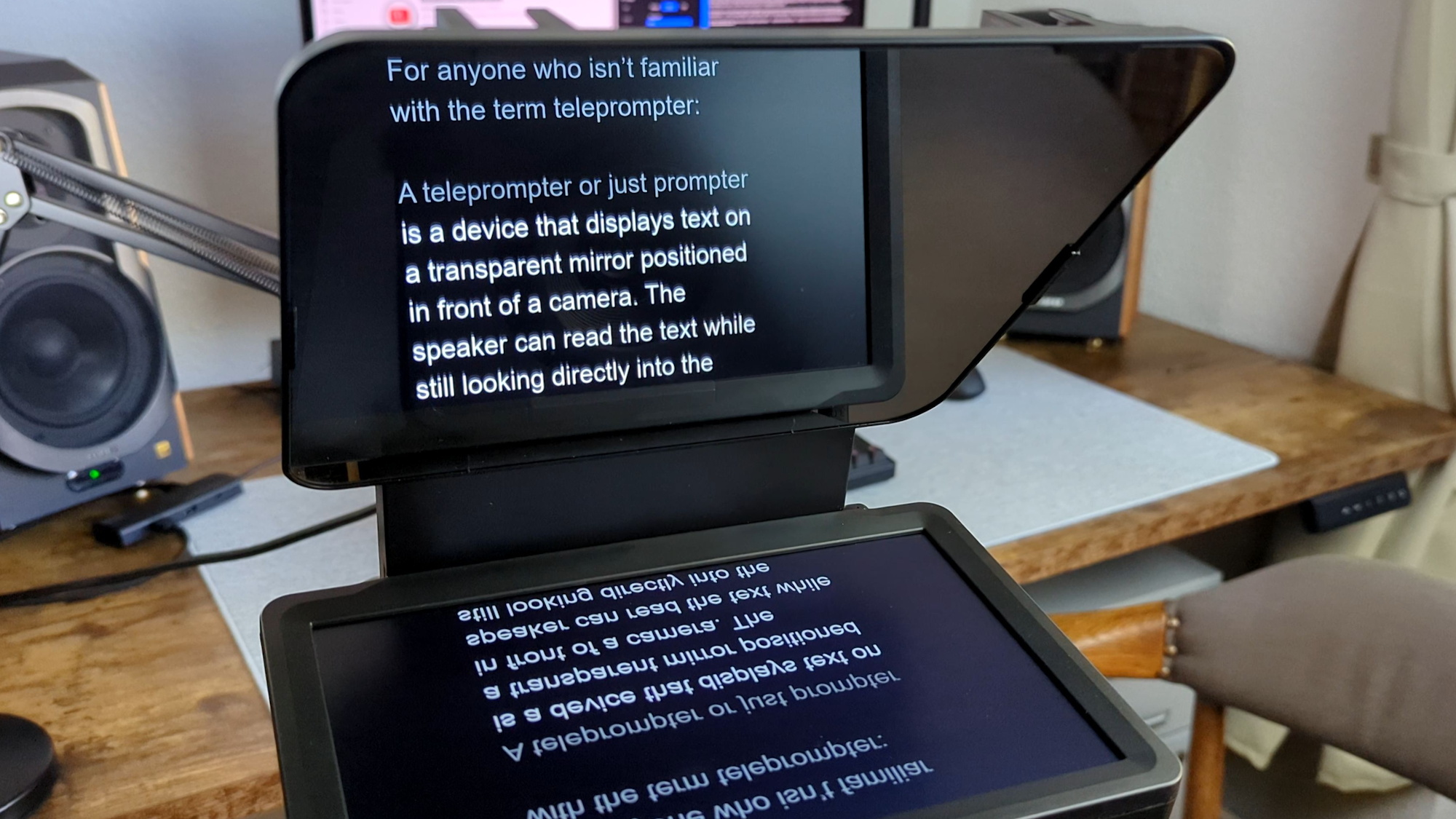
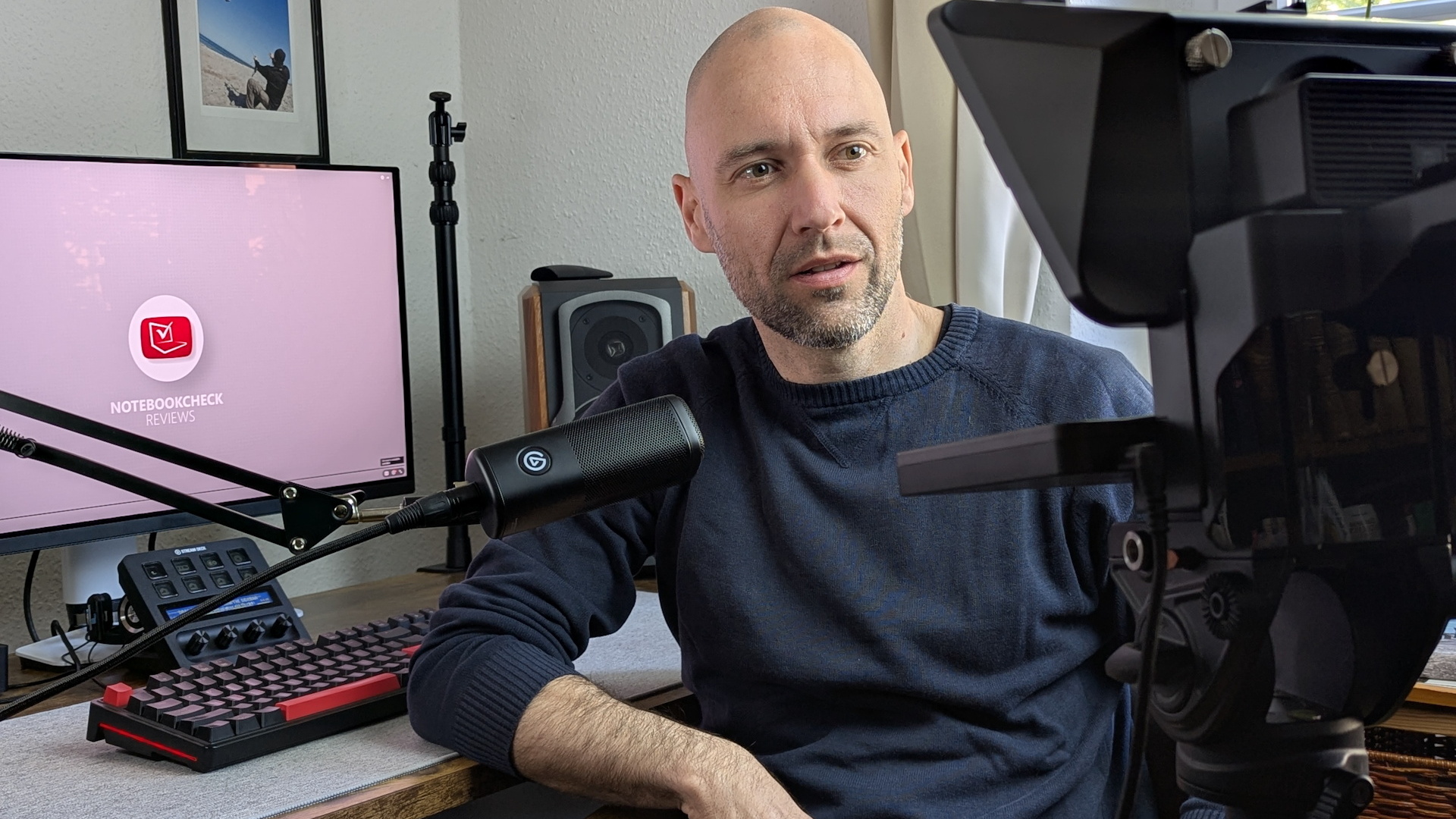
A teleprompter displays text on a transparent mirror positioned in front of a camera. The speaker can read the text while still looking directly into the camera. The projected text itself is invisible in the video feed.
This is especially useful because there is no need to memorize long scripts, presentations, or moderation segments. Instead, users can simply read the text while maintaining eye contact with the camera and focusing more on their on-screen presence.
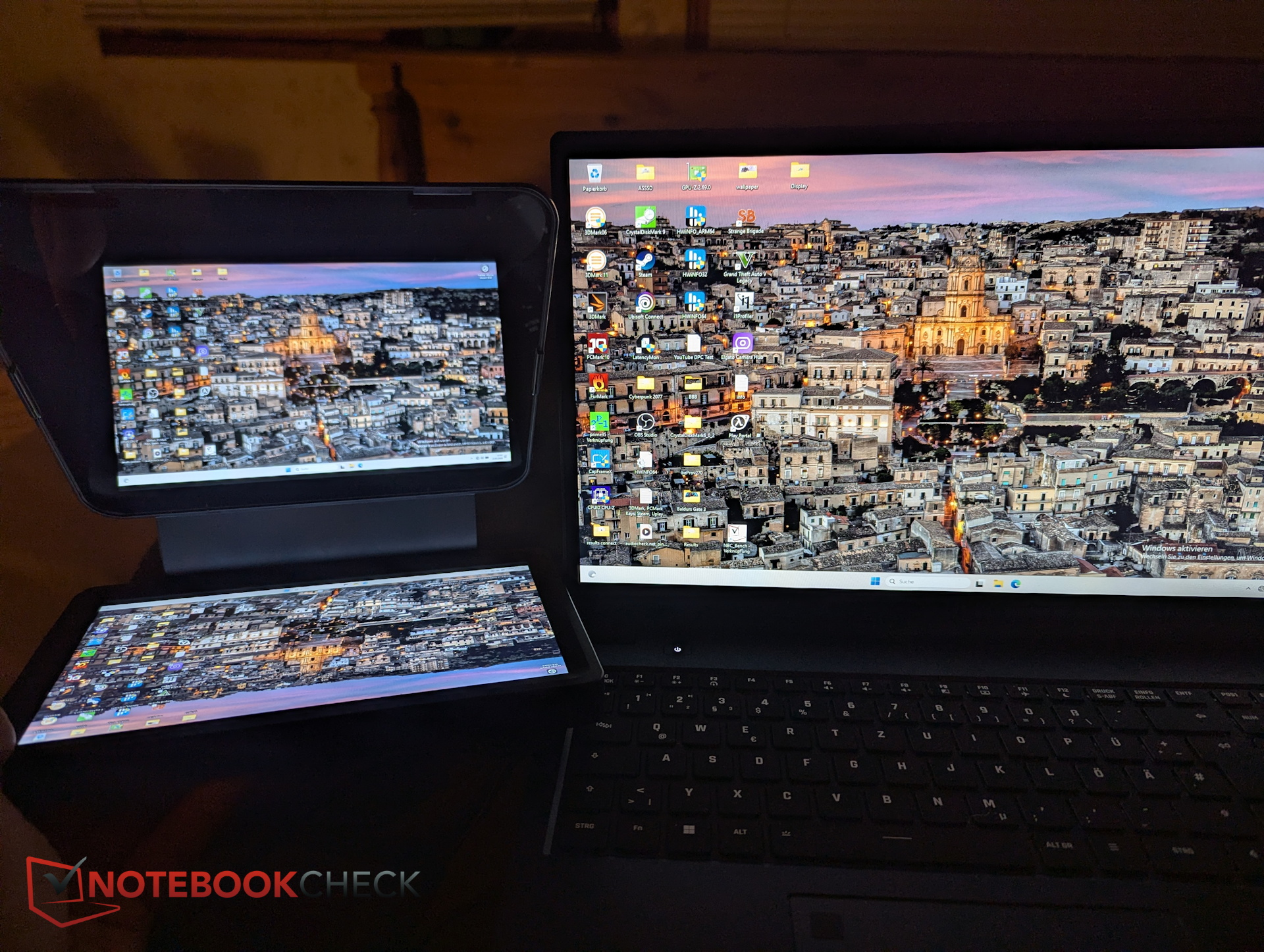
The Elgato Teleprompter makes the process even more convenient for streamers and other users. The Elgato design features an integrated display that also registers as a secondary monitor, allowing users to drag virtually any application onto it.
Chassis & design - Mirror and mounting plate
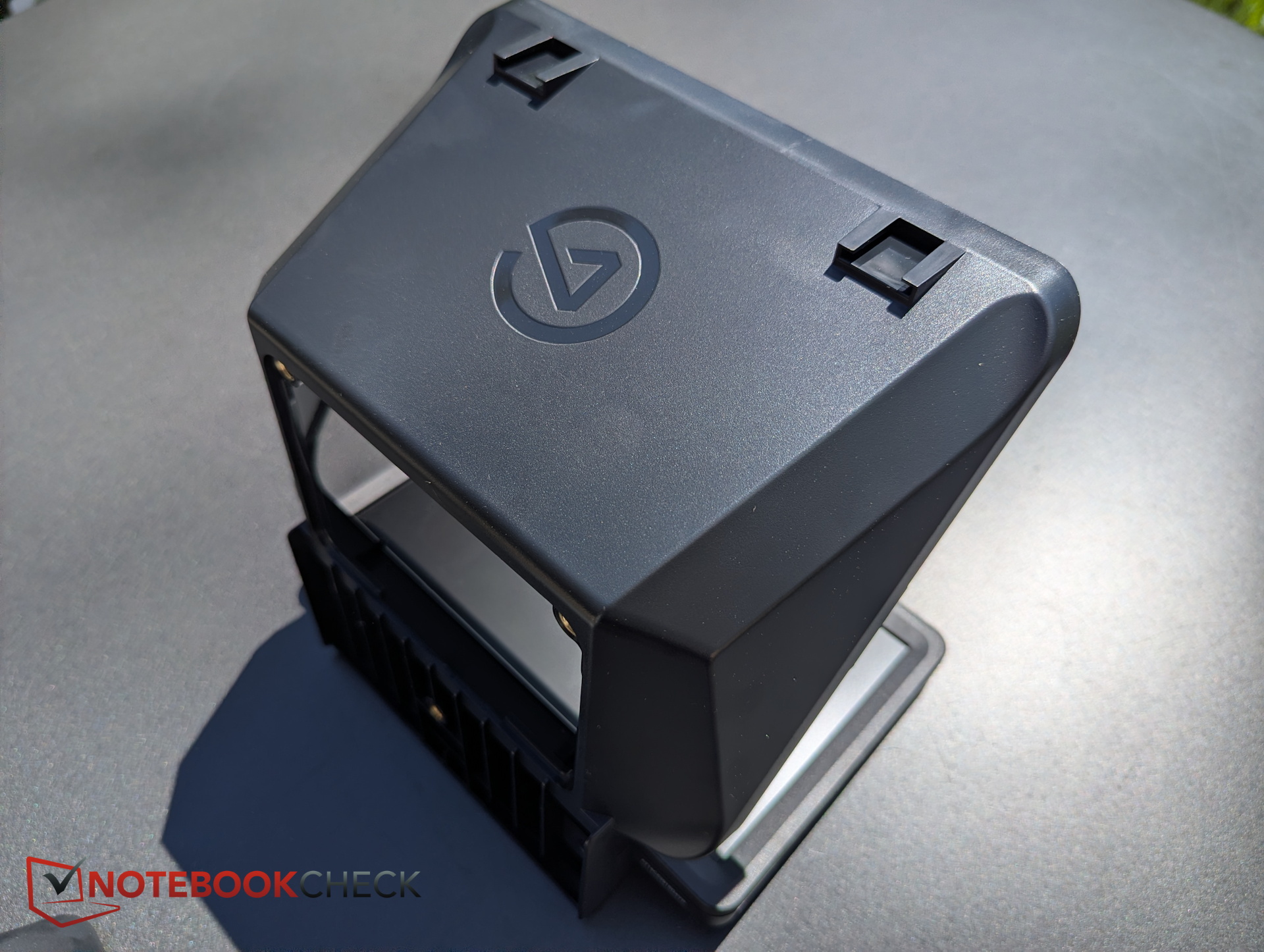
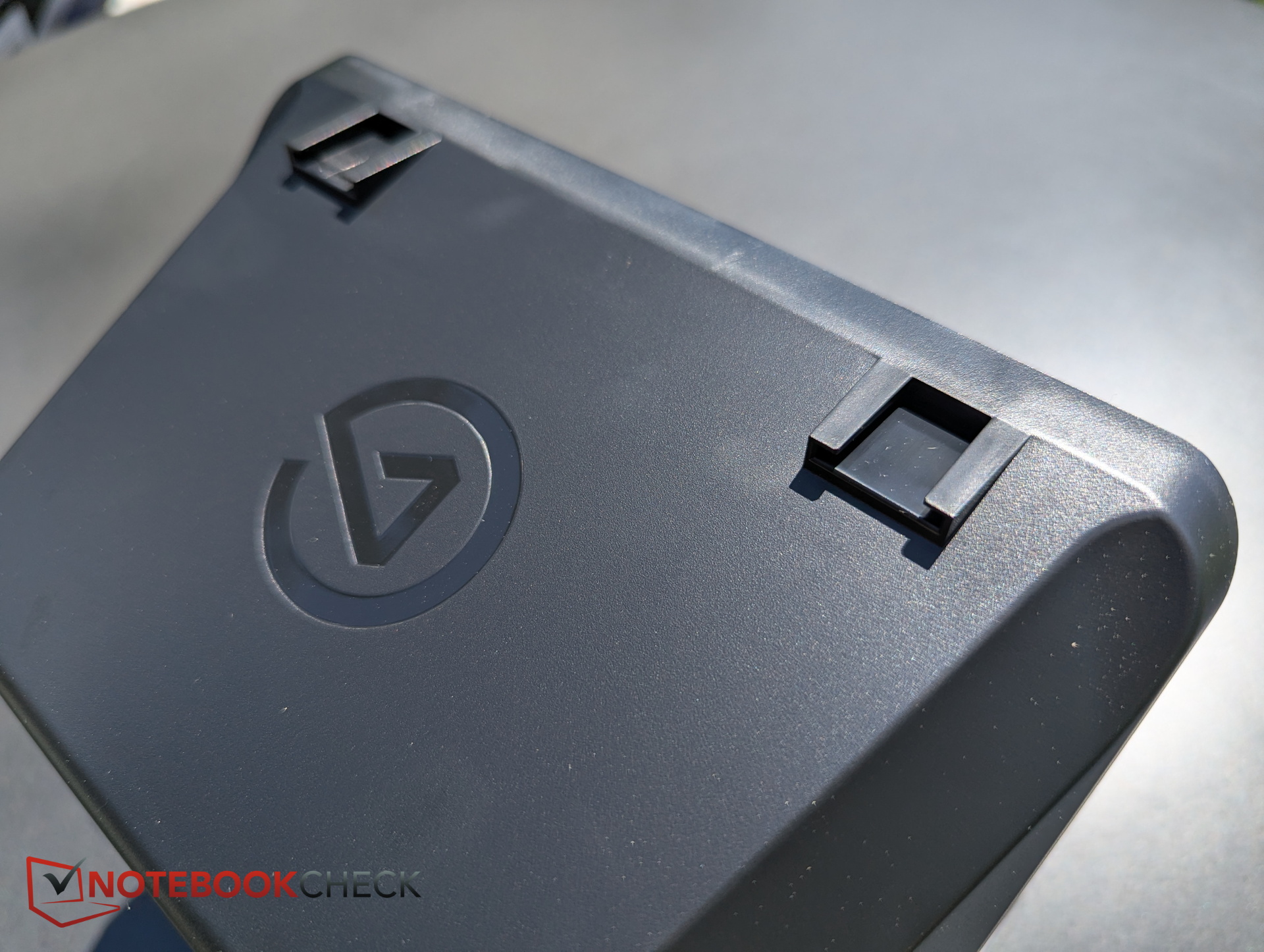
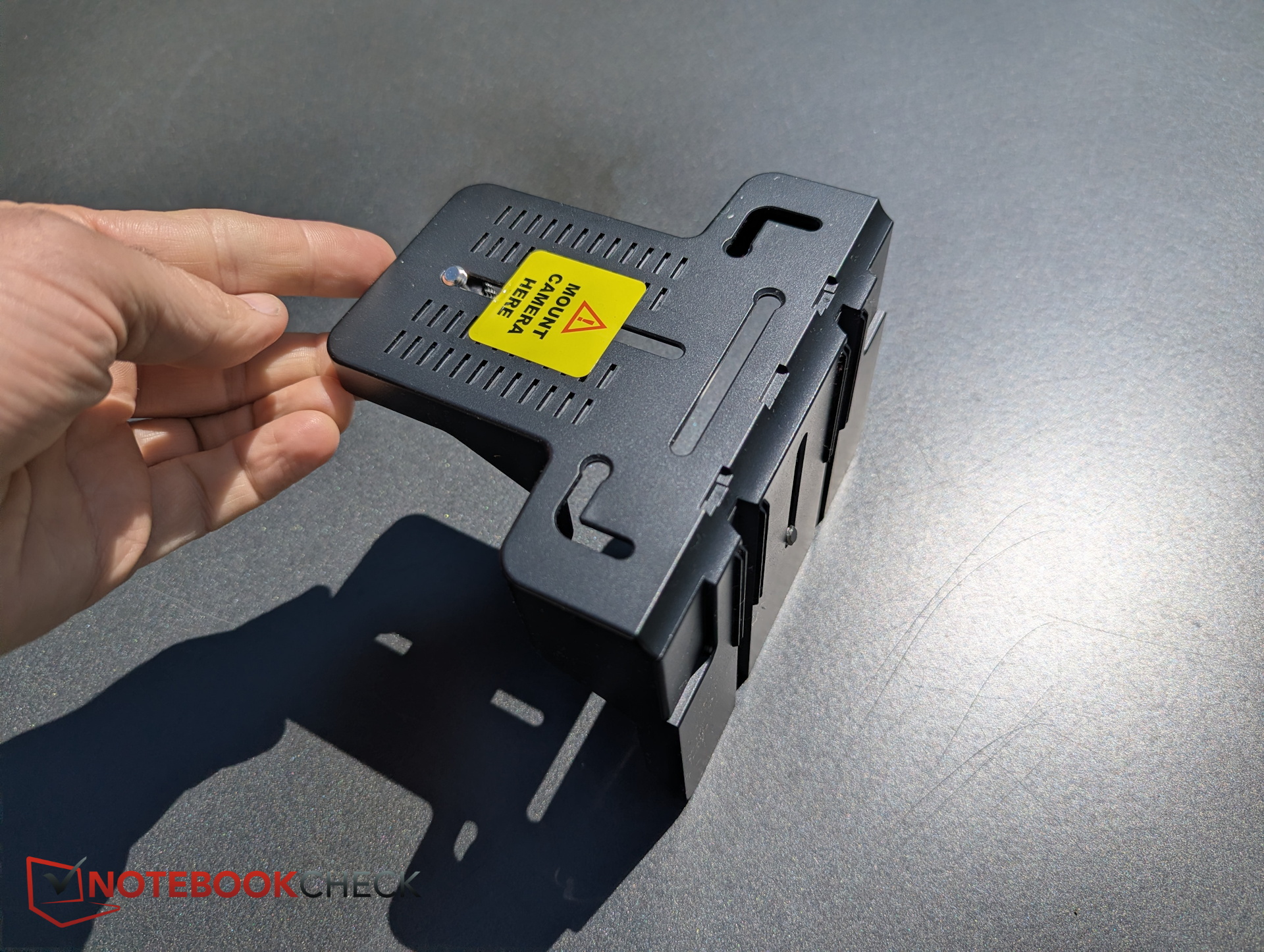
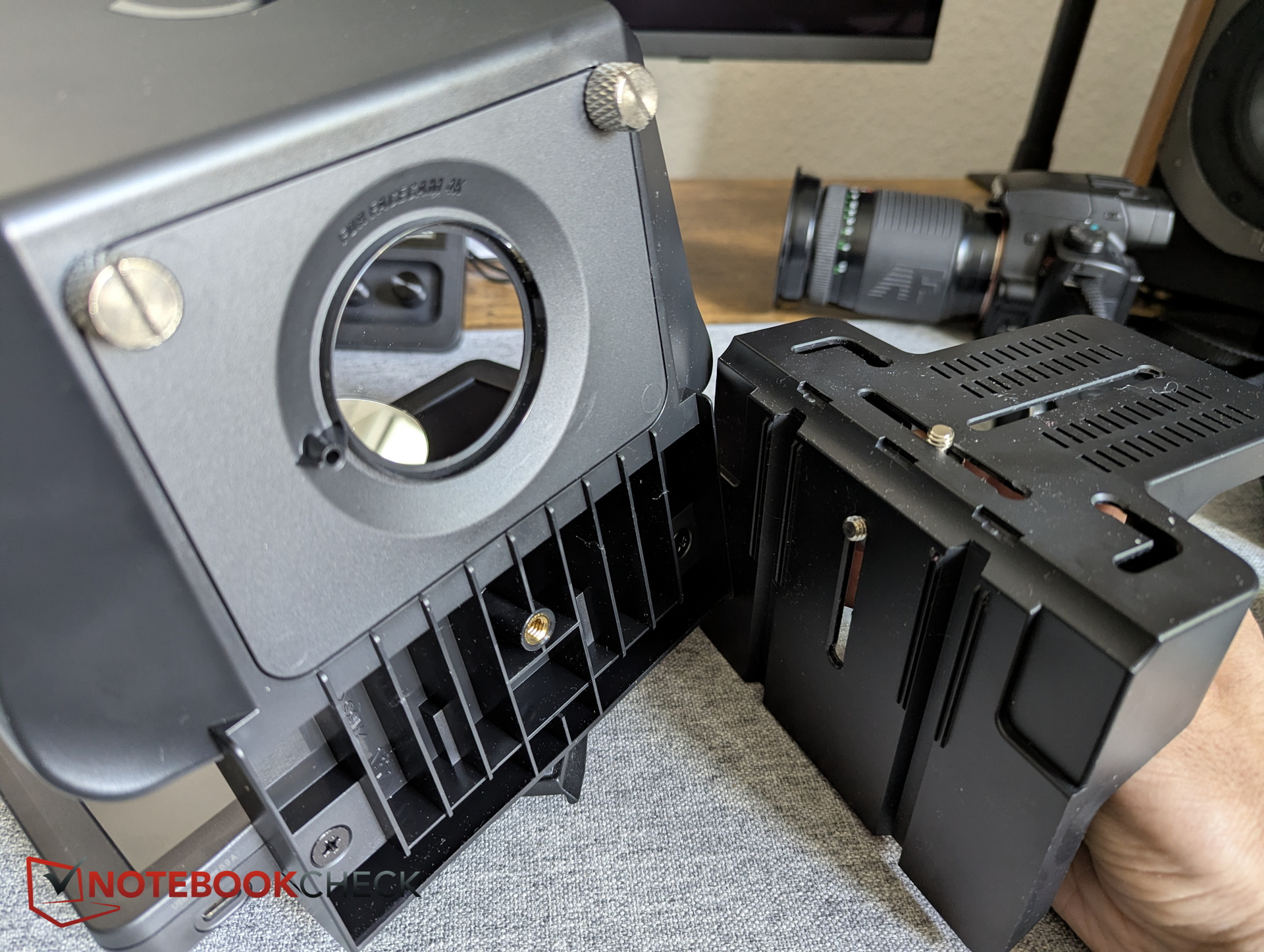
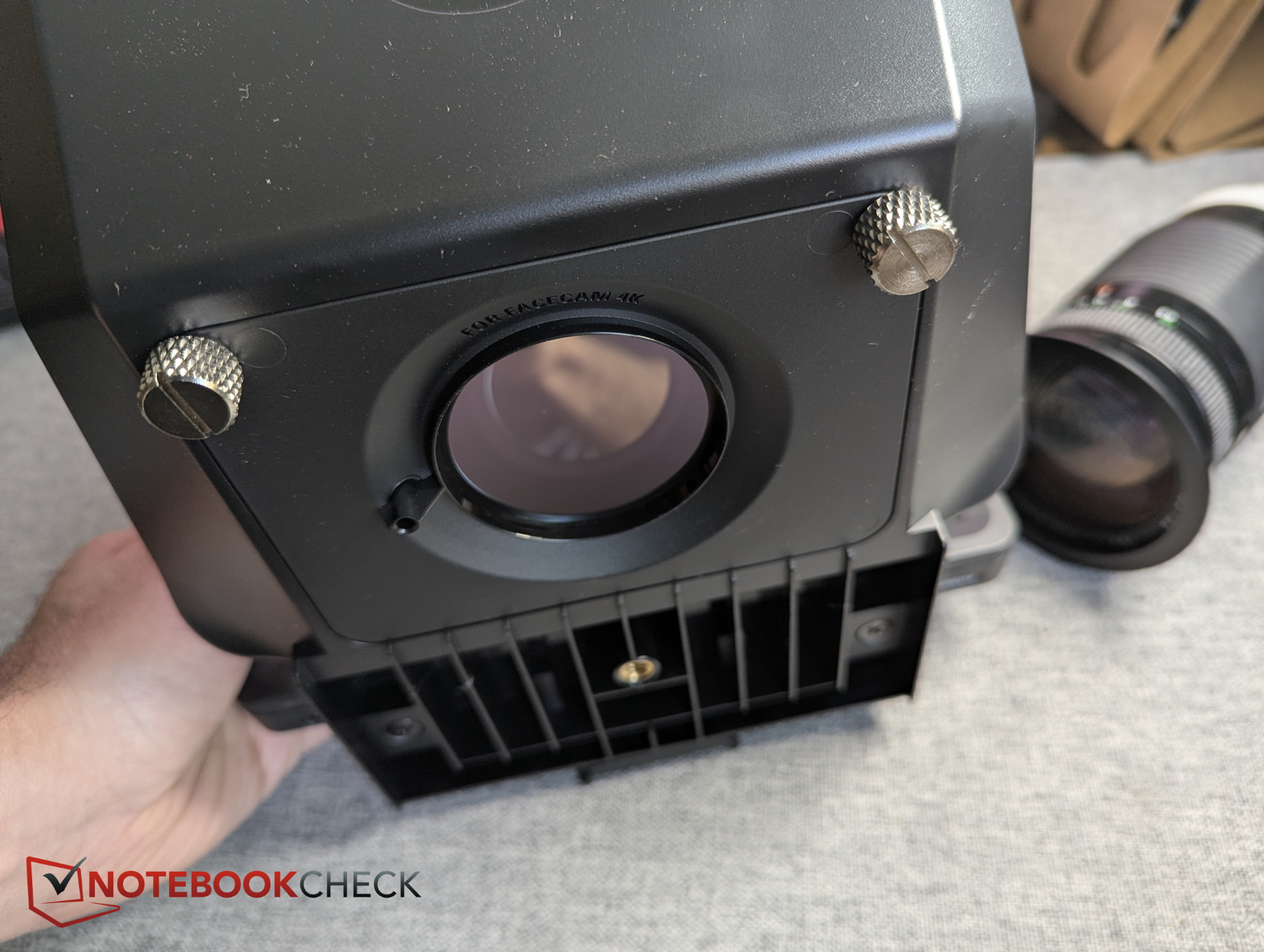
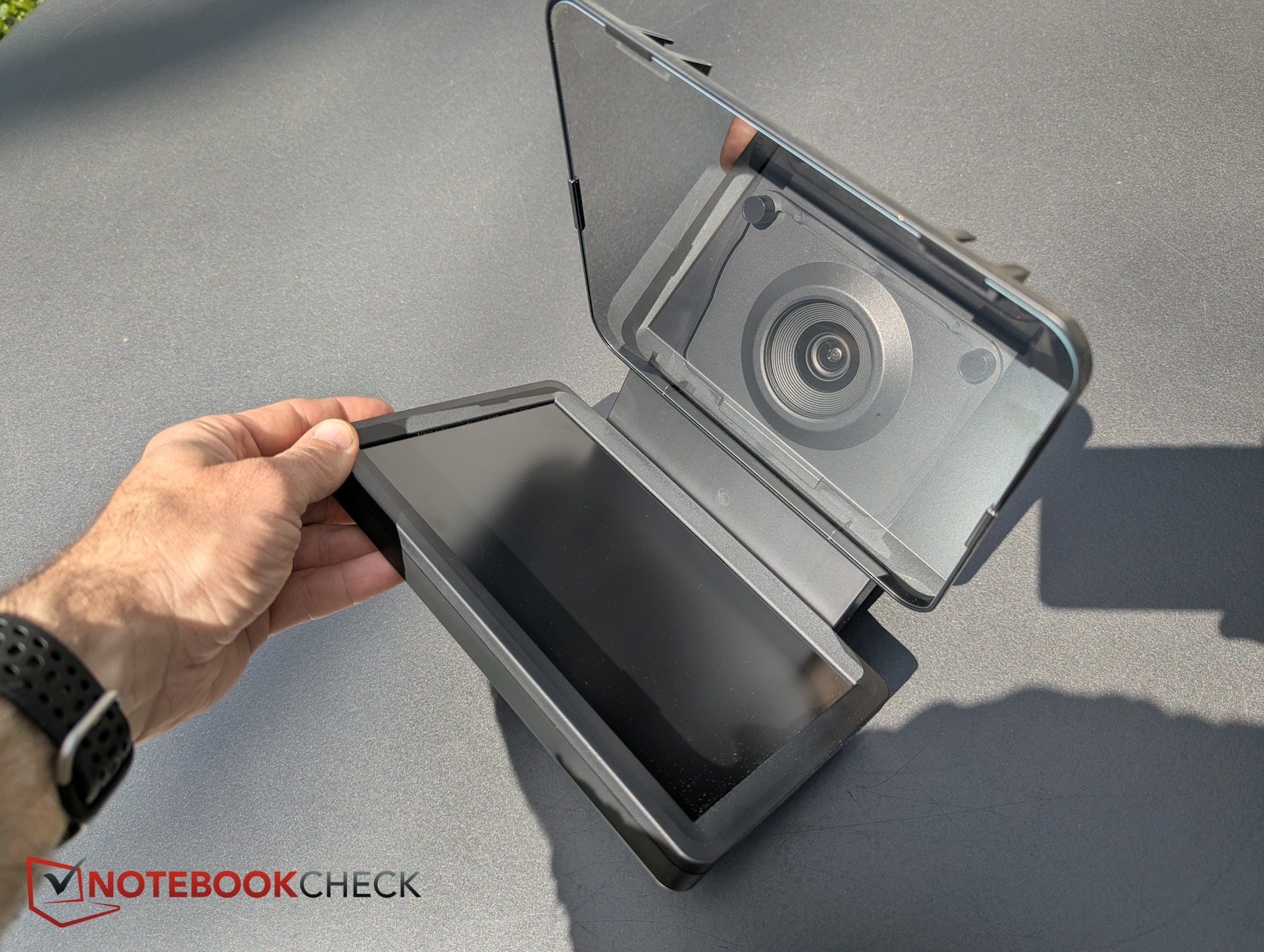
The teleprompter itself consists of the angled transparent mirror housed inside a black plastic frame. On top are two cold shoe mounts that can hold lights or other accessories. The rear features a large opening for the camera, where the appropriate backplate is installed beforehand.
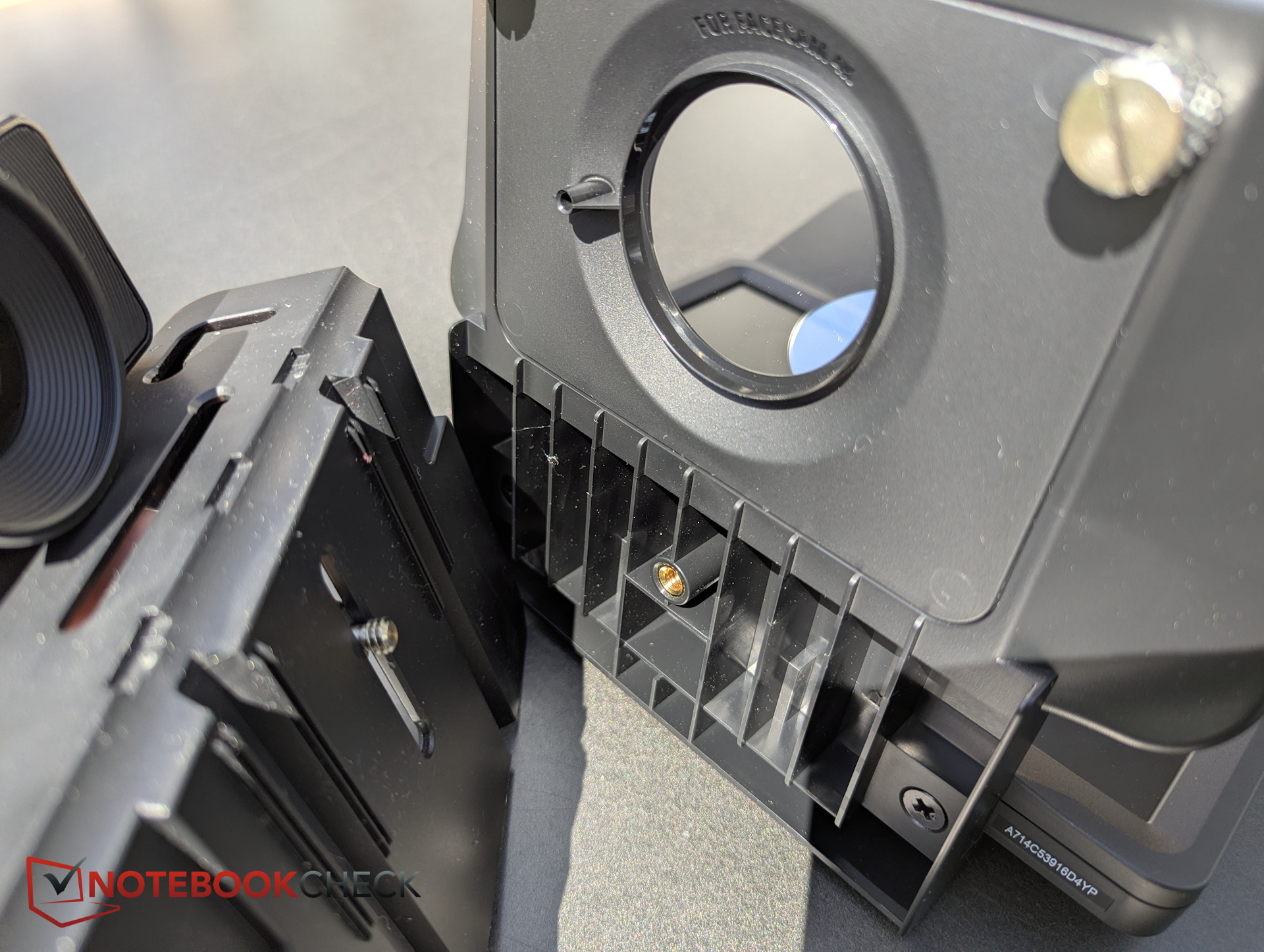
The second component is the mounting plate that holds the camera and attaches to the teleprompter with a screw. The screws sit inside adjustable rails, allowing users to vary both the height of the base plate and the distance between the camera and the teleprompter.
Specifications - Automatic voice scrolling requires RTX graphics
Some inexpensive teleprompters require a smartphone or tablet as the display, including separate software installation, mirrored content setup, and manual alignment. The Elgato Teleprompter arrives fully preconfigured and ready to use. Its integrated display automatically mirrors content.
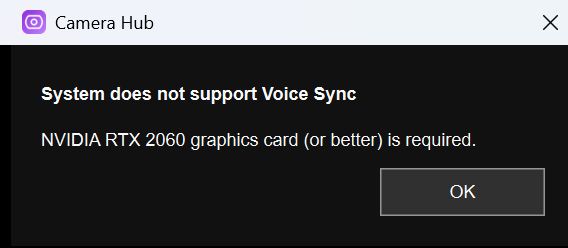
Using Elgato Camera Hub software, users can enter text that scrolls automatically. Unfortunately, there is no remote control. Instead, Elgato includes the AI-powered “Voice Sync” feature, which automatically detects the speaker’s position within the script and adjusts the scrolling speed accordingly. However, this feature requires at least an RTX 2060 GPU.
Installation and compatibility - Many camera models, matching adapters
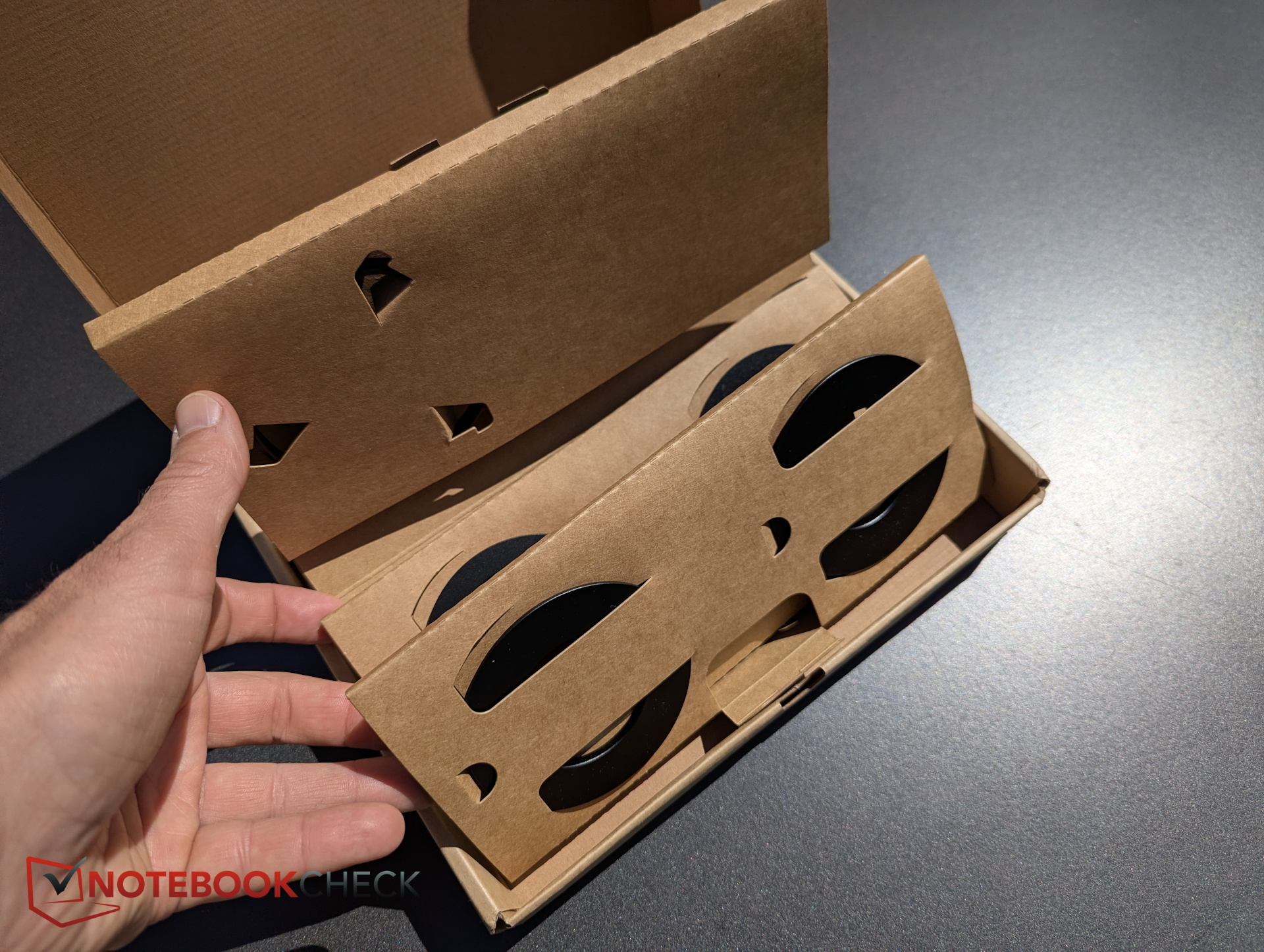
Setting up a camera with the teleprompter is quick and straightforward because Elgato includes numerous adapters and matching backplates for different camera models. Adapter rings can be screwed onto lenses and then easily inserted into the corresponding backplate.
The package also includes a universal backplate with a black cover cloth designed to block unwanted light on devices without a dedicated backplate, such as smartphones.
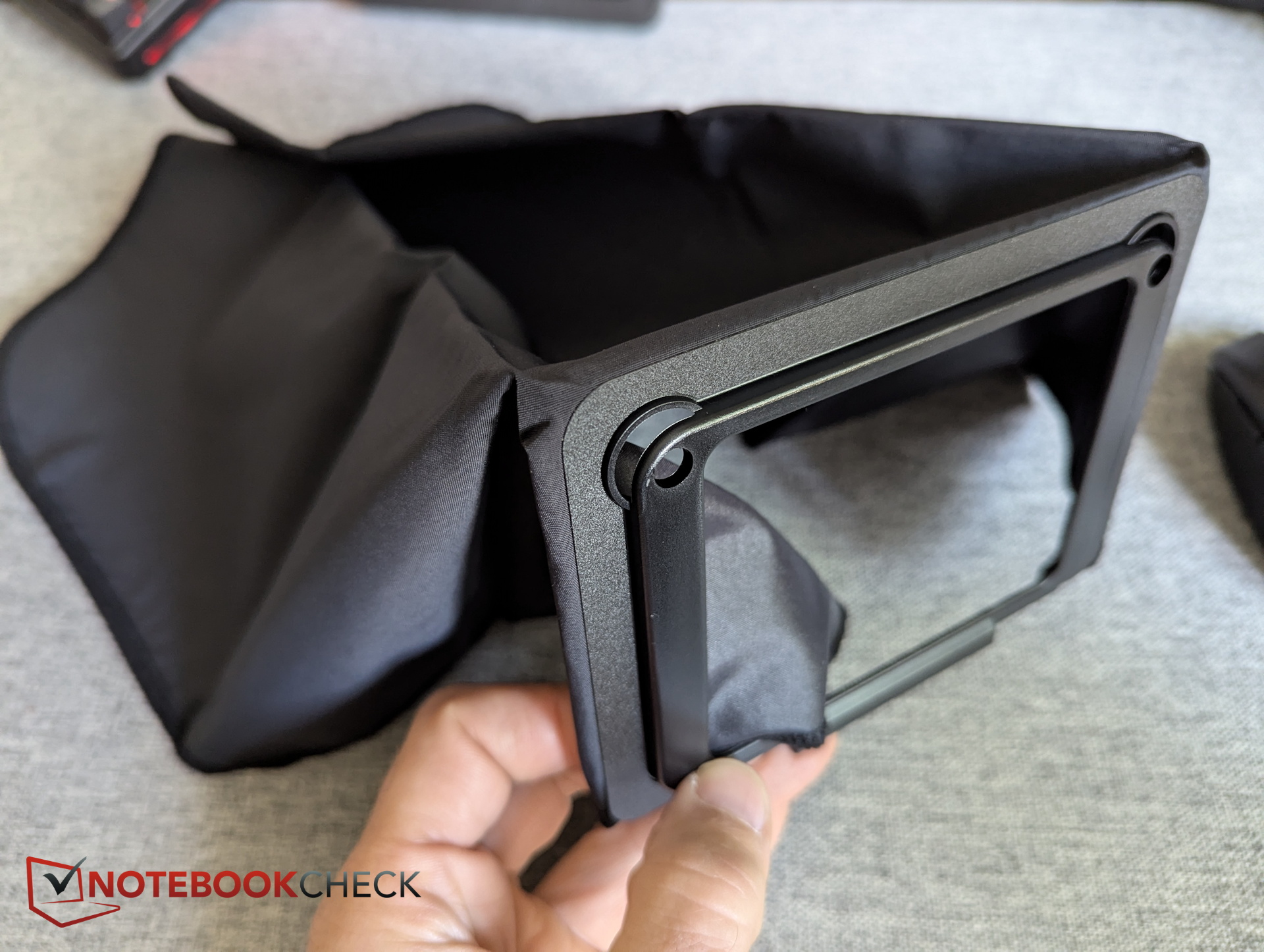
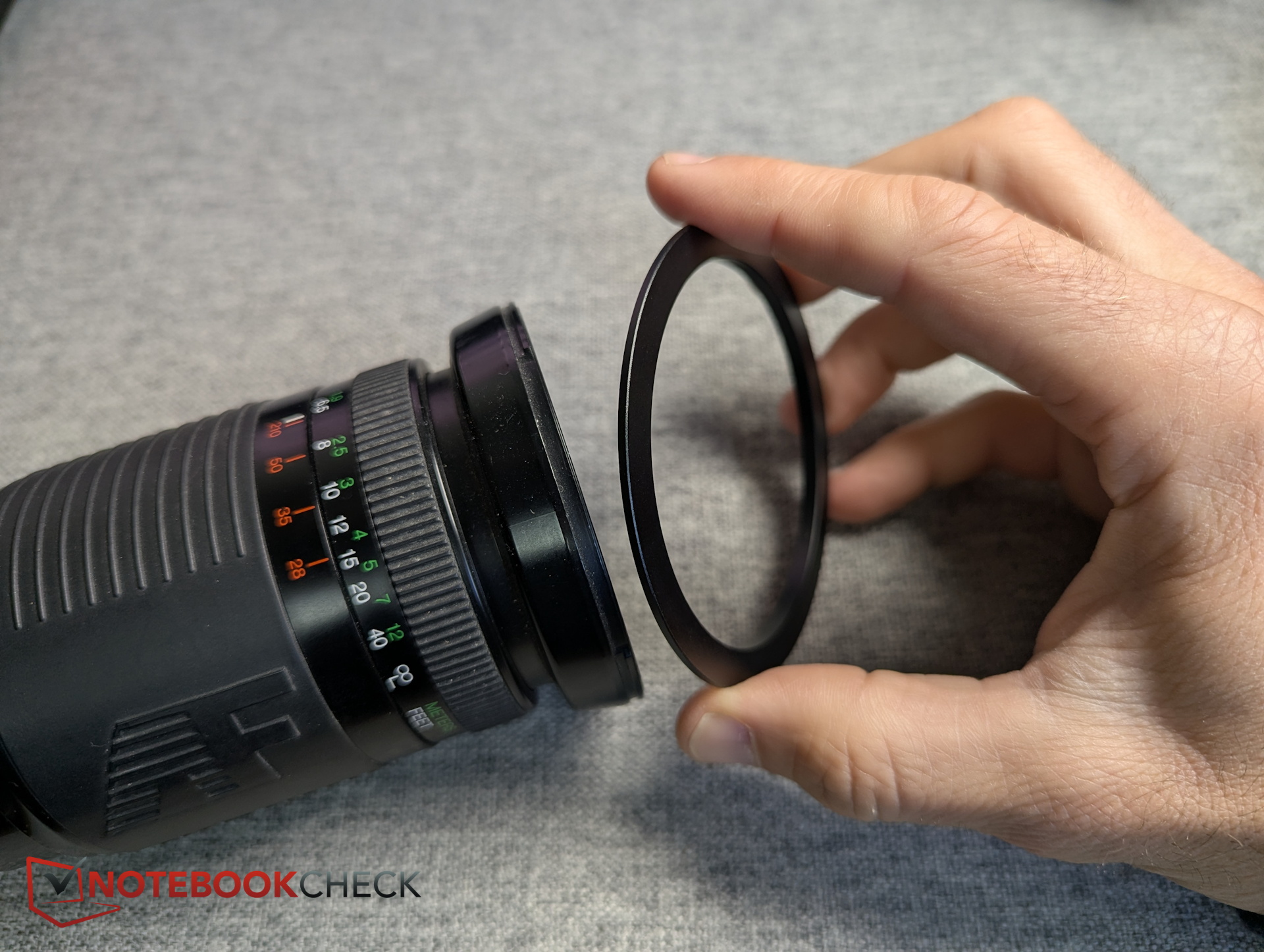
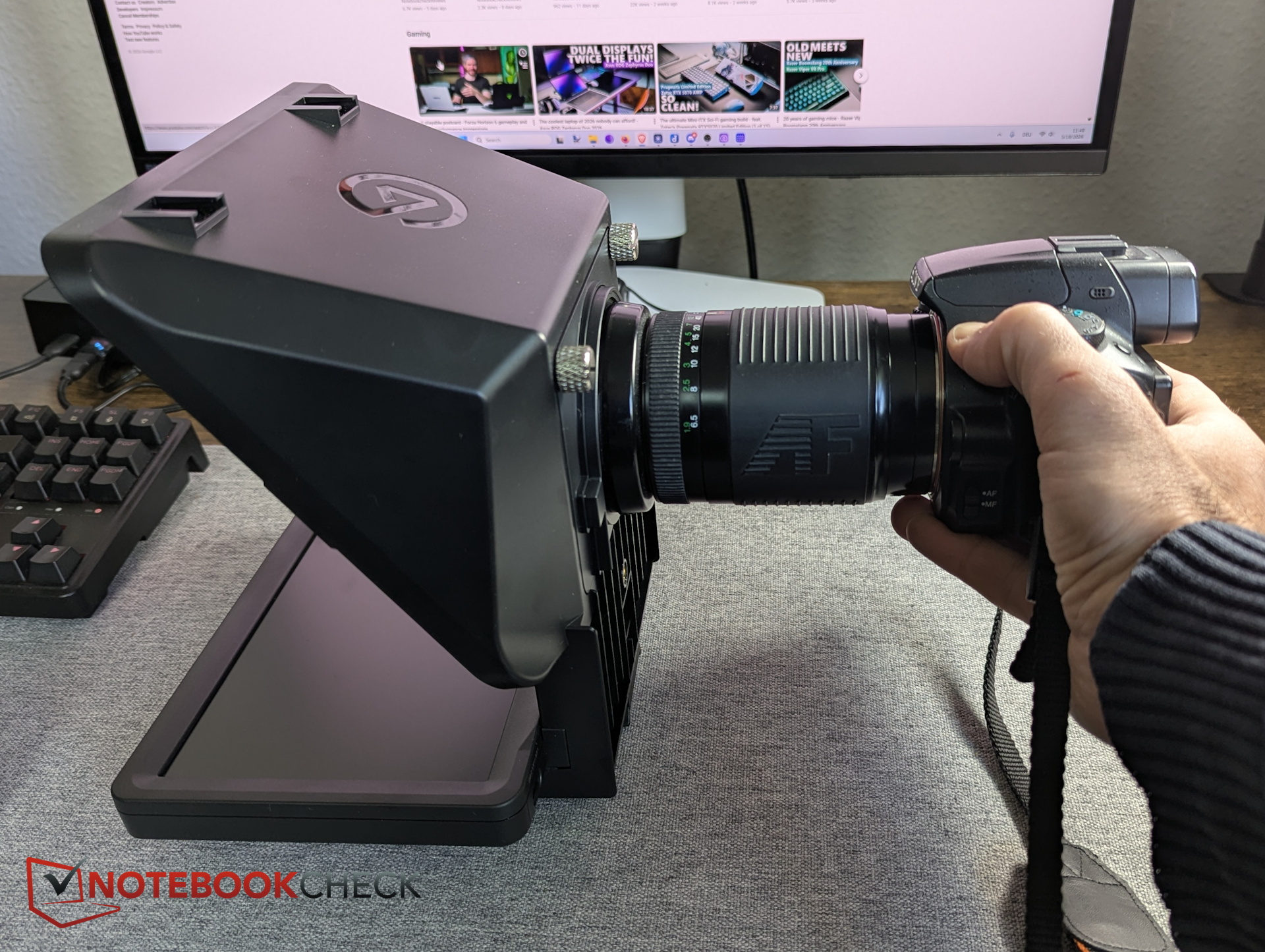
Example setup using the Elgato Facecam 4K
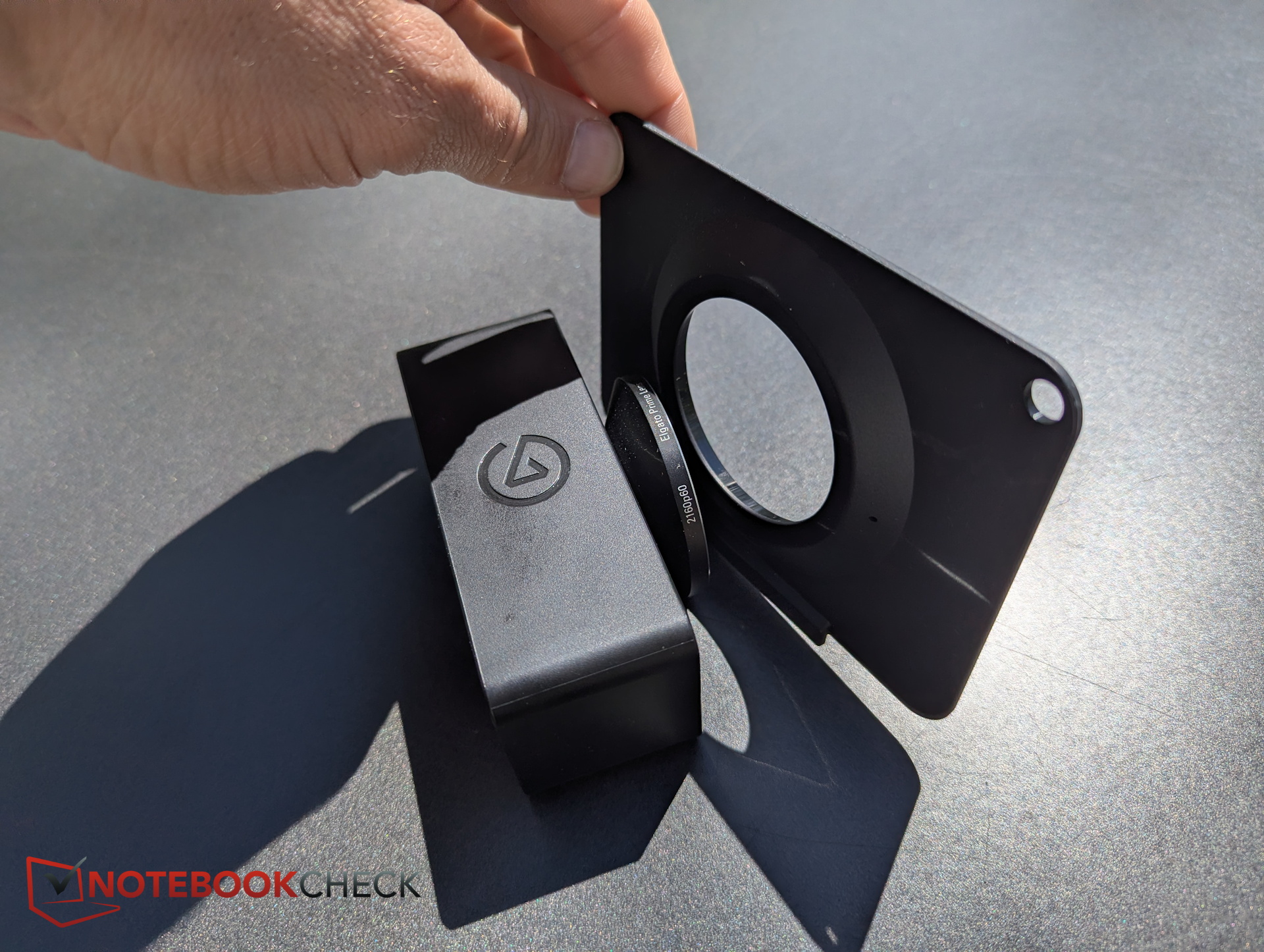
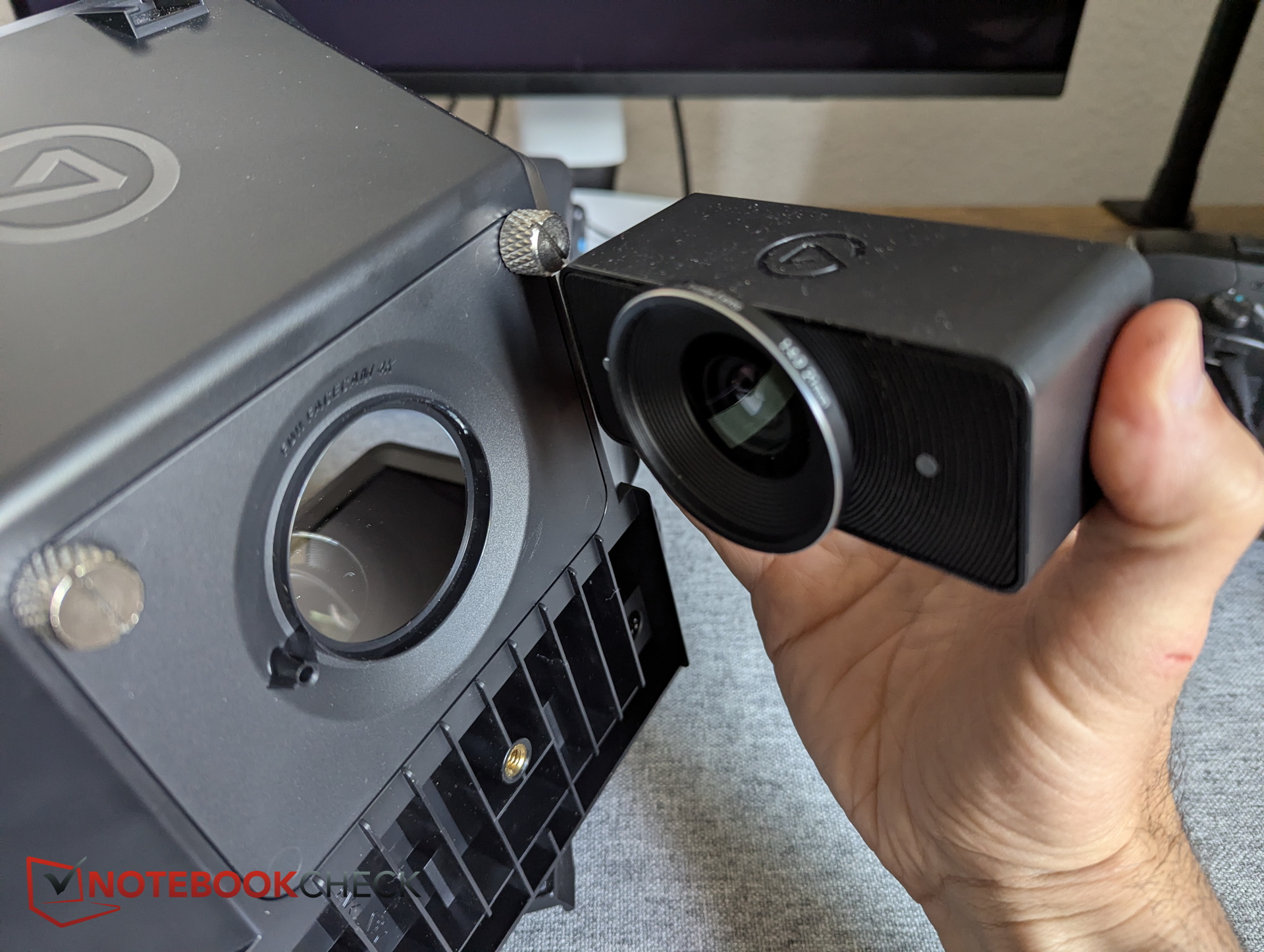
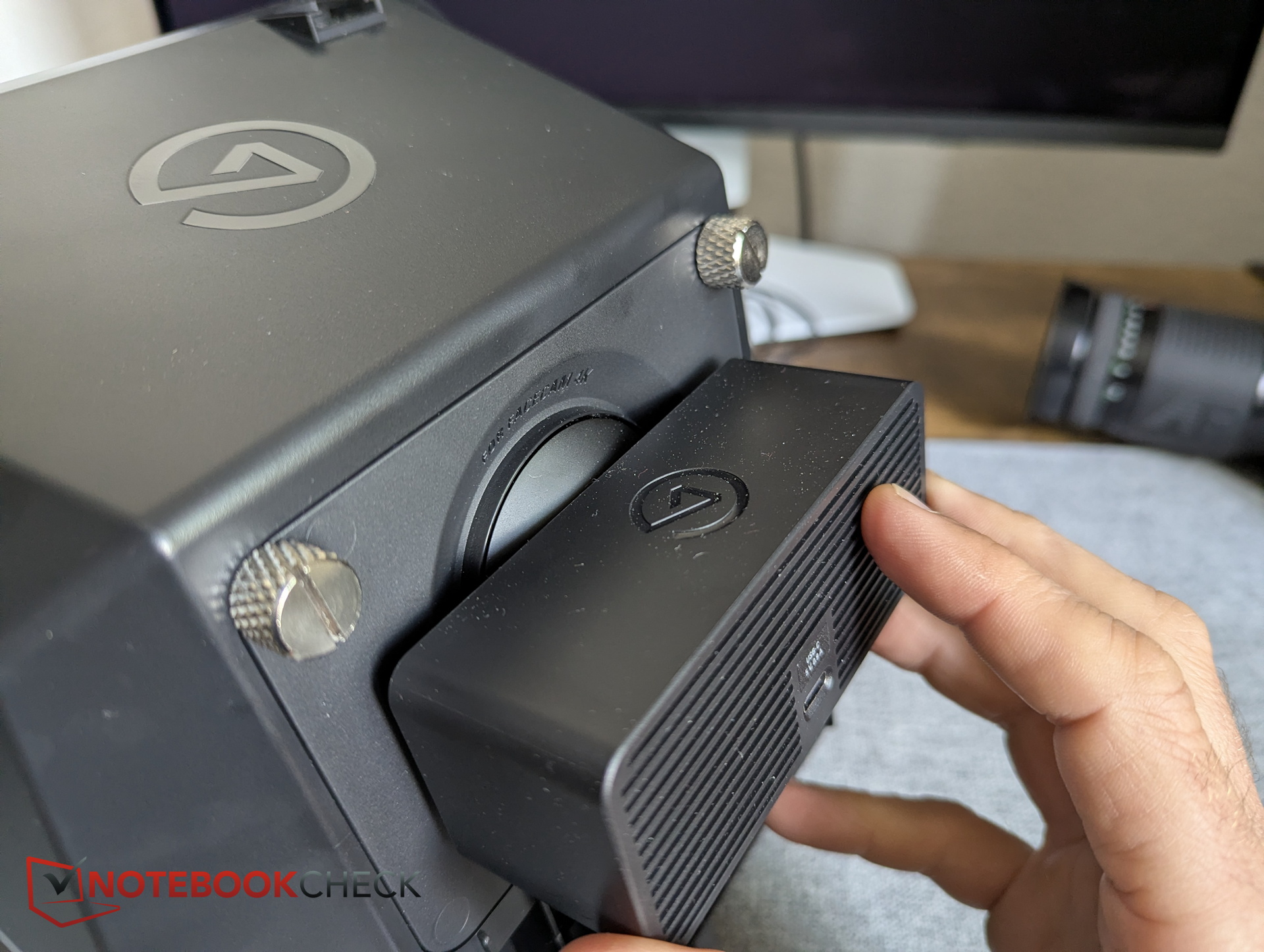
Elgato also includes a dedicated backplate for the Facecam 4K. It is first attached to the rear of the teleprompter using two screws. The Facecam lens fits perfectly into the opening of the plate.
To secure the camera in place, it is mounted onto the mounting plate, which is then attached to the rear of the teleprompter using a single thumbscrew. The complete setup can then be mounted onto a tripod.
Finally, the teleprompter and its display must be connected to the PC using a USB-C-to-A cable (5 Gbit/s). No separate power cable is required. The device appears to be somewhat picky when it comes to cables: While the Facecam 4K’s USB-C-to-C cable (also rated for 5 Gbit/s) allowed the display to be recognized, Camera Hub failed to detect the teleprompter itself.
Usage - As a second display or through Camera Hub
In general, the teleprompter can be used in several different ways. In practice, users will either rely on the Elgato Camera Hub app or simply use the monitor as a display extension.

Software - Elgato Camera Hub
Elgato’s software allows users to control the teleprompter display itself, for example by reducing brightness to prevent glare in the camera image. It also supports displaying and scrolling text. Numerous customization options are available, including font type, font size, display width, line spacing, character spacing, and scrolling speed.
However, the scrolling system does not work particularly well with the somewhat awkward chapter-based structure required for organizing entered text. The gaps between chapters do not have separate scrolling behavior, causing pauses that are often too long and disrupt the overall pacing.
It is also somewhat frustrating that there is no way to select all text across every chapter at once. Overall, though, text customization is extensive. Users who dislike the software can always switch to other applications thanks to the display extension functionality.
Transparency
The selection of devices to be reviewed is made by our editorial team. The test sample was given to the author by the manufacturer free of charge for the purposes of review. There was no third-party influence on this review, nor did the manufacturer receive a copy of this review before publication. There was no obligation to publish this review. As an independent media company, Notebookcheck is not subjected to the authority of manufacturers, retailers or publishers.
 Add as a preferred source on Google


