




Elgato Stream Deck+ with XLR Dock MK.2 review: Why this setup improves any PC
PC control at the press of a button.
With the new XLR Dock MK.2, Elgato is expanding its audio ecosystem with creators in mind—but the system goes far beyond that. Combined with Wave Link 3.0, this setup turns into a versatile control hub for audio, apps, and workflows. What we discovered in testing isn’t just compelling for creators.Christian Hintze (translated by Christian Hintze) Published 🇩🇪 🇳🇱 ...
Verdict – useful for everyday use and streaming alike
The new XLR Dock MK.2 is ideal for creators who want to control an XLR microphone on a PC via the Stream Deck—it works flawlessly and, thanks to a wide range of plugins, integrates with almost any software.
What genuinely surprised me, though, is how much I enjoyed using the Stream Deck+ outside of creator scenarios. Being able to launch and arrange all necessary apps with a single button press is incredibly satisfying. And that’s just scratching the surface—there’s a lot more to explore, and discovering those possibilities is part of the appeal.
Wave Link 3.0 is an excellent tool for streamers, allowing you to bundle or separate multiple audio devices and inputs, then assign them as virtual output mixes to different apps and outputs. The software feels well thought-out, remains easy to use, and still offers advanced functionality.
Pros
Cons
Price and availability
The Stream Deck+ with four rotary dials starts at €175. Unfortunately, the XLR Dock isn’t much cheaper at €125. The Wave DX microphone starts at €96.
Table of Contents
- Verdict – useful for everyday use and streaming alike
- Elgato Wave Next - overview of the new audio platform
- Stream Deck+ with XLR Dock MK.2 - setup and installation
- Hardware in detail - buttons, dials, and touchscreen
- Stream Deck+ plugins and features - workflows at the press of a button
- Wave Link 3.0 review - flexible audio mixing for PC
Elgato Wave Next - overview of the new audio platform
Elgato is currently rolling out Wave Next, the name for its new, comprehensive audio product lineup aimed at creators, streamers, podcasters, and professionals. At the center is Wave Link 3.0, a PC audio mixing software compatible with nearly any microphone, mixer, or audio interface.
We used the launch of the XLR Dock MK.2 and Wave Link 3.0 as an opportunity to explore the benefits of a PC control interface firsthand. For this test, we paired the Stream Deck+ with the dock, the Wave DX dynamic XLR microphone, and the new Wave Link 3.0 software.
Stream Deck+ with XLR Dock MK.2 - setup and installation
Our setup: we want to connect and control the Wave DX XLR microphone via the Stream Deck+ on a PC. Naturally, our PC doesn’t have an XLR microphone input—and neither does the Stream Deck+ out of the box.
So the first step is swapping the standard base plate of the Stream Deck+ for the new XLR Dock MK.2. To do this, we remove two screws, connect the dock to the USB-C port of the Stream Deck+, and screw everything back into place.
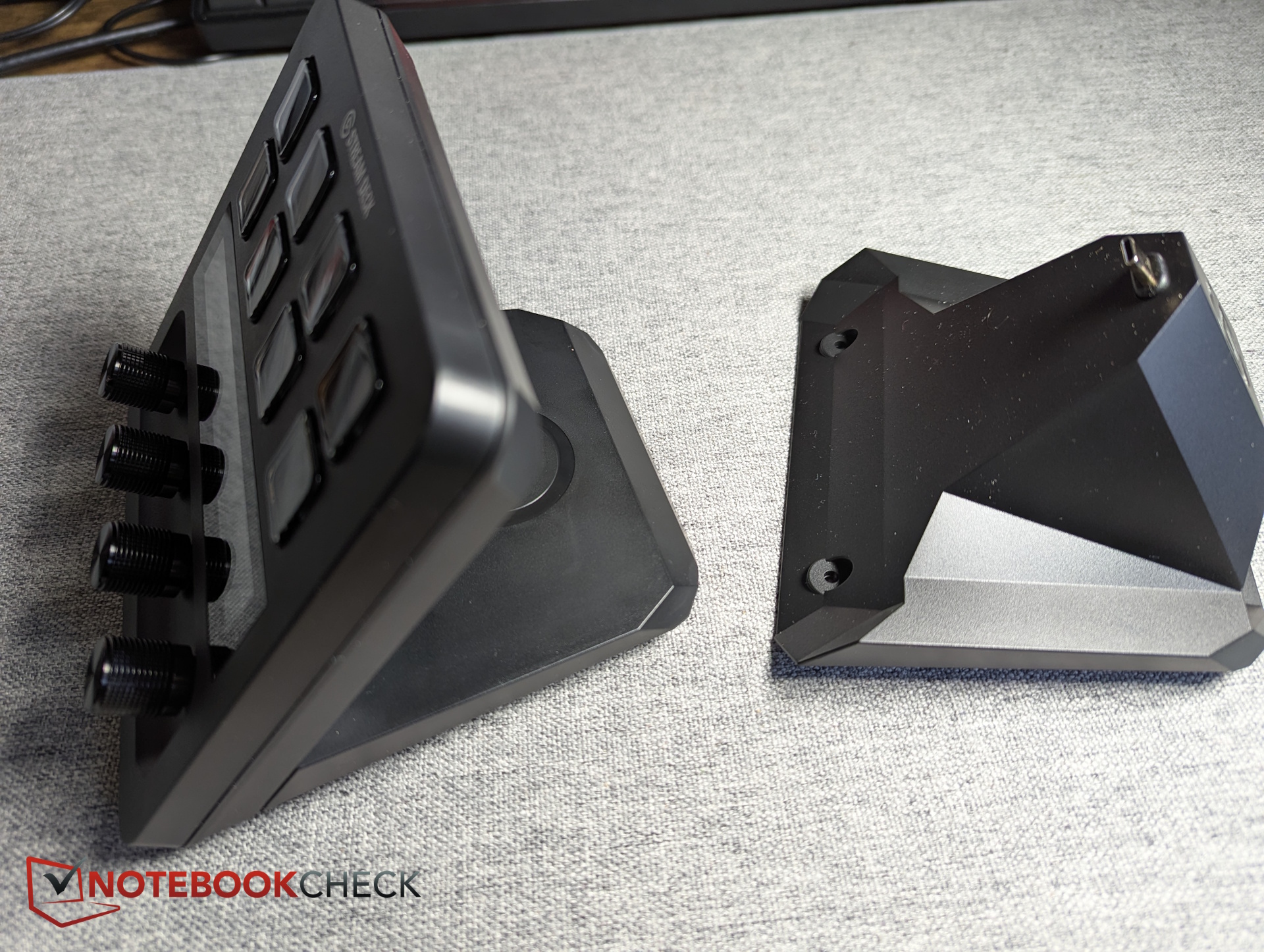
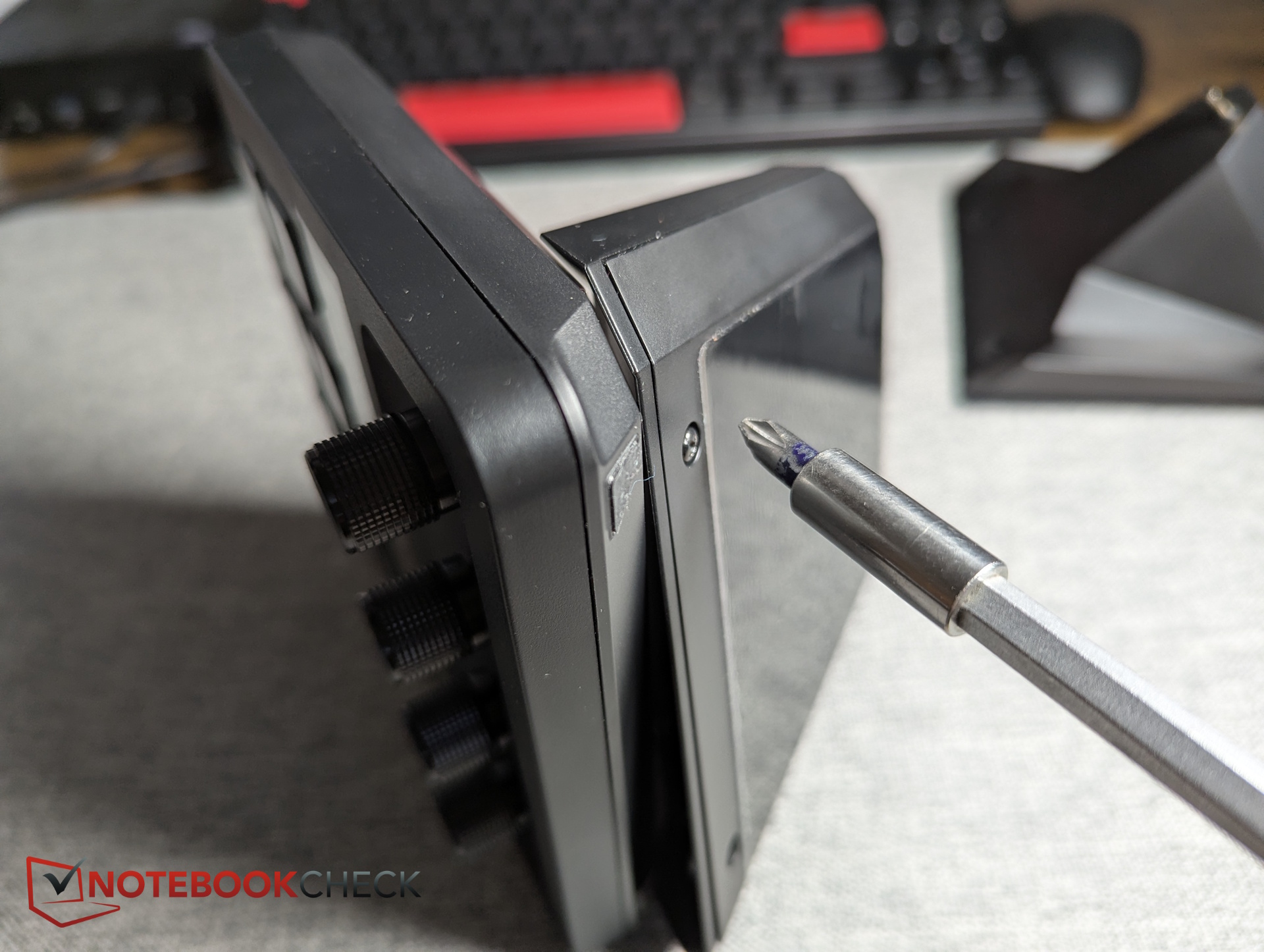
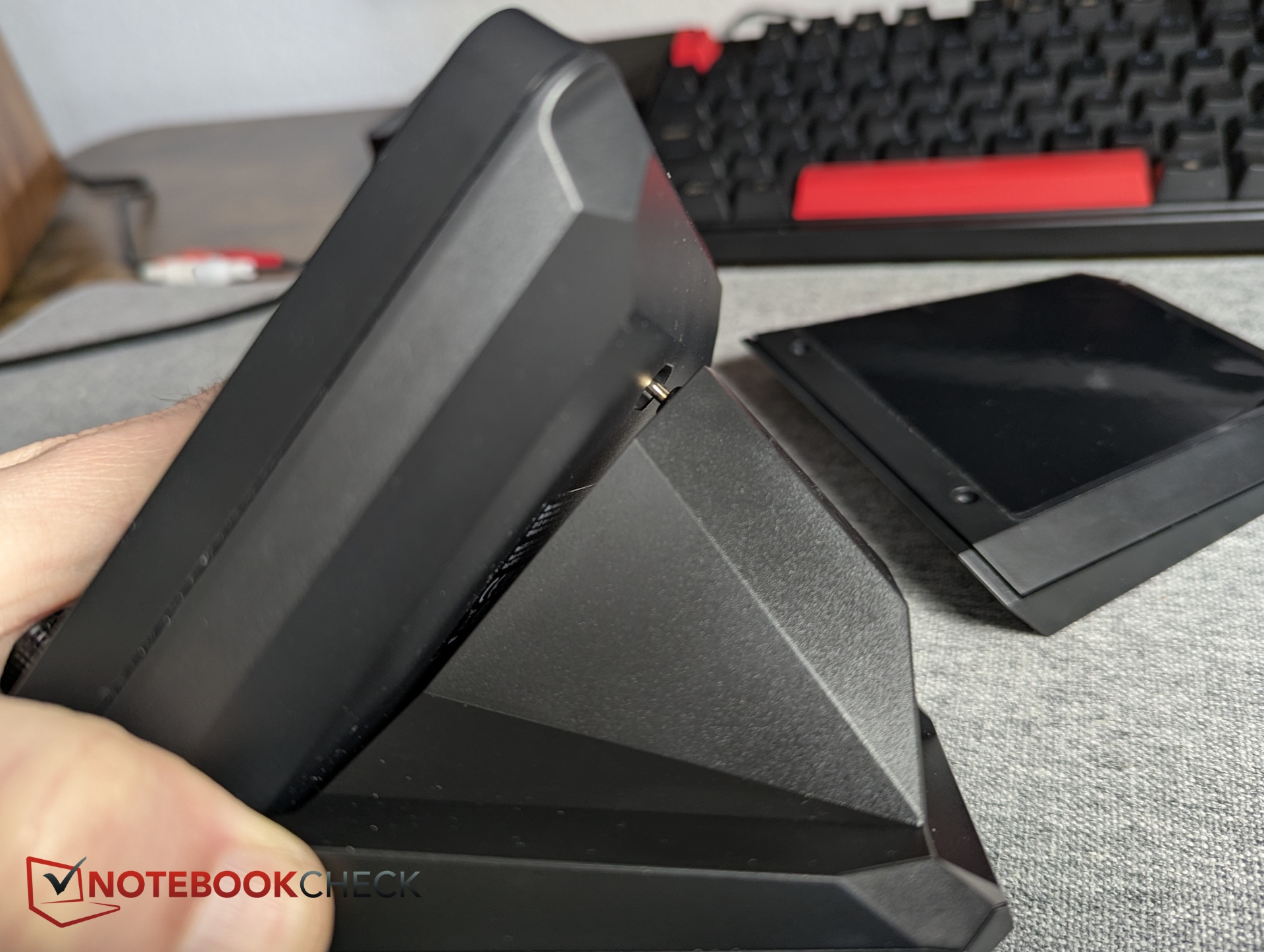
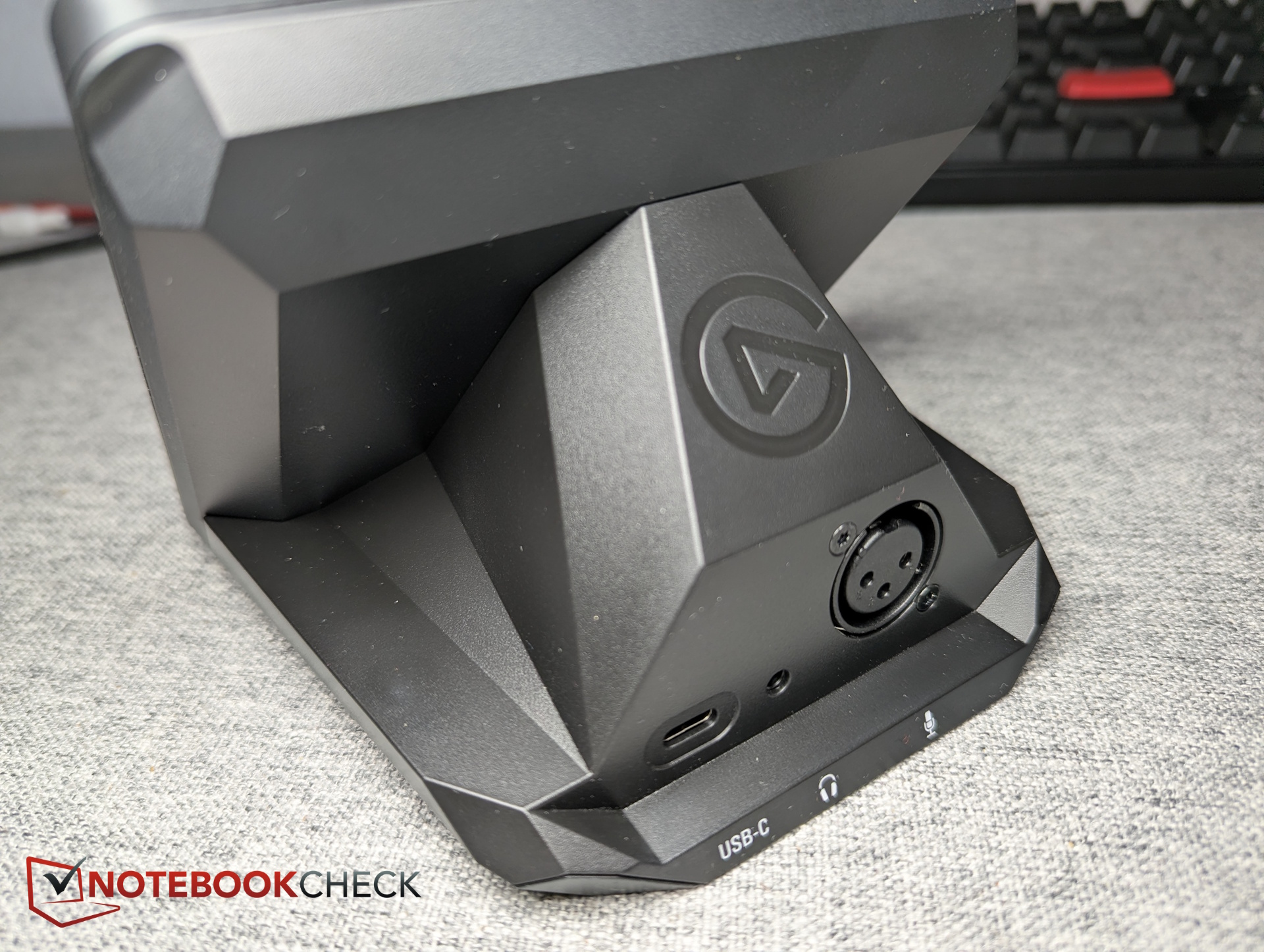
Next, we set up the microphone (a stand or mount is not included), connect it to the Stream Deck+ via XLR cable, and then connect the deck to the PC via USB-C. The Stream Deck+ is instantly recognized and automatically selected as the default audio input and output device.
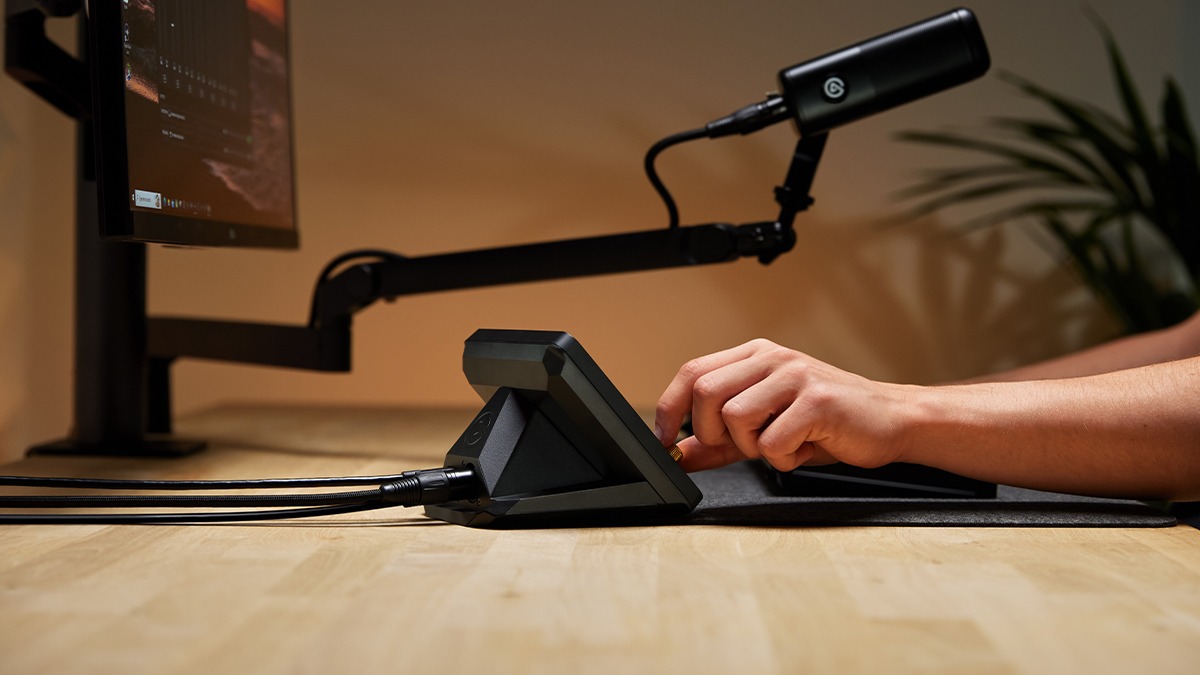

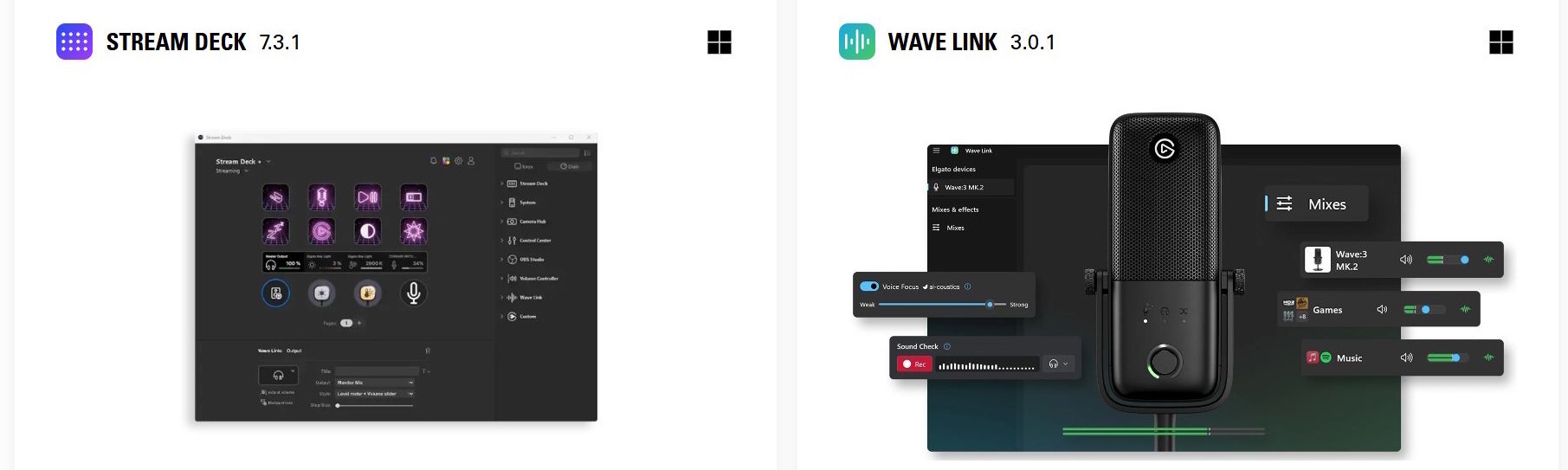
To unlock the full potential of the Stream Deck+, software setup is required. From elgato.com/downloads, we download:
- Stream Deck software
- Wave Link 3.0
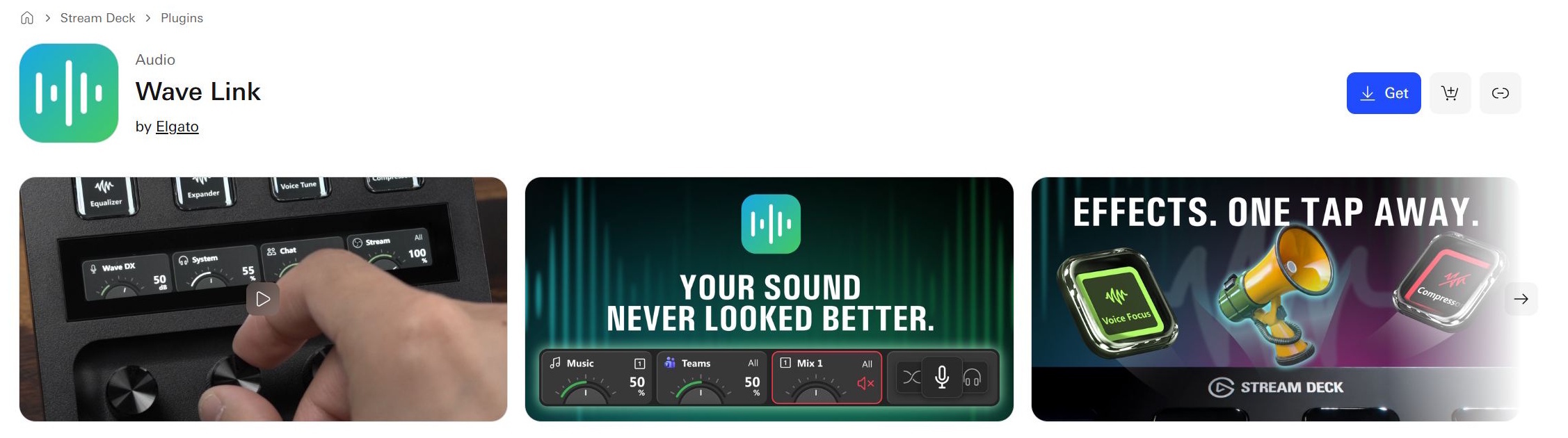
- Wave Link plugin for Stream Deck
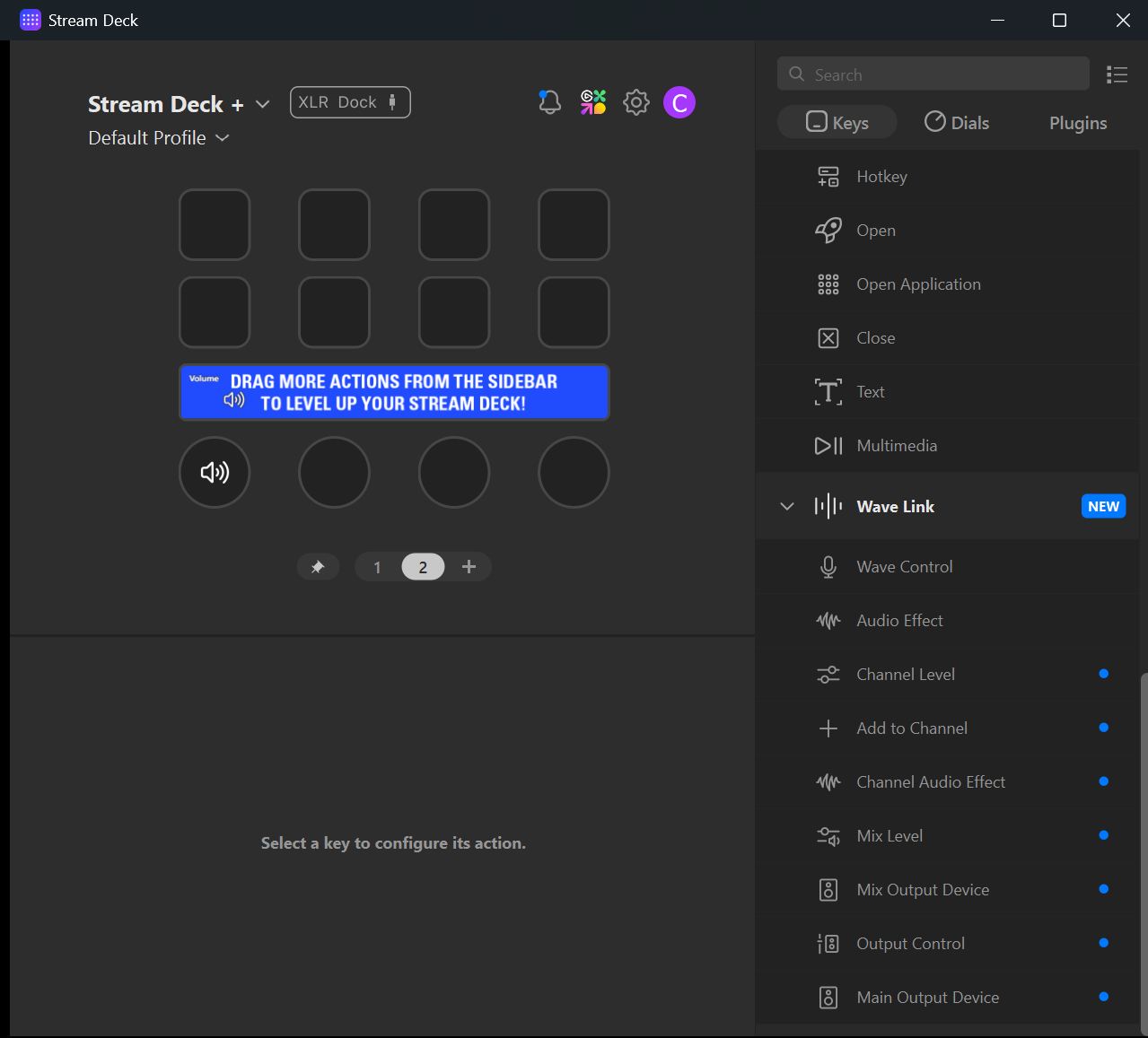
For plugins, Elgato redirects users to its marketplace, which unfortunately requires creating an account. That said, there’s a wide selection of useful plugins available, most of them free.
Hardware in detail - buttons, dials, and touchscreen
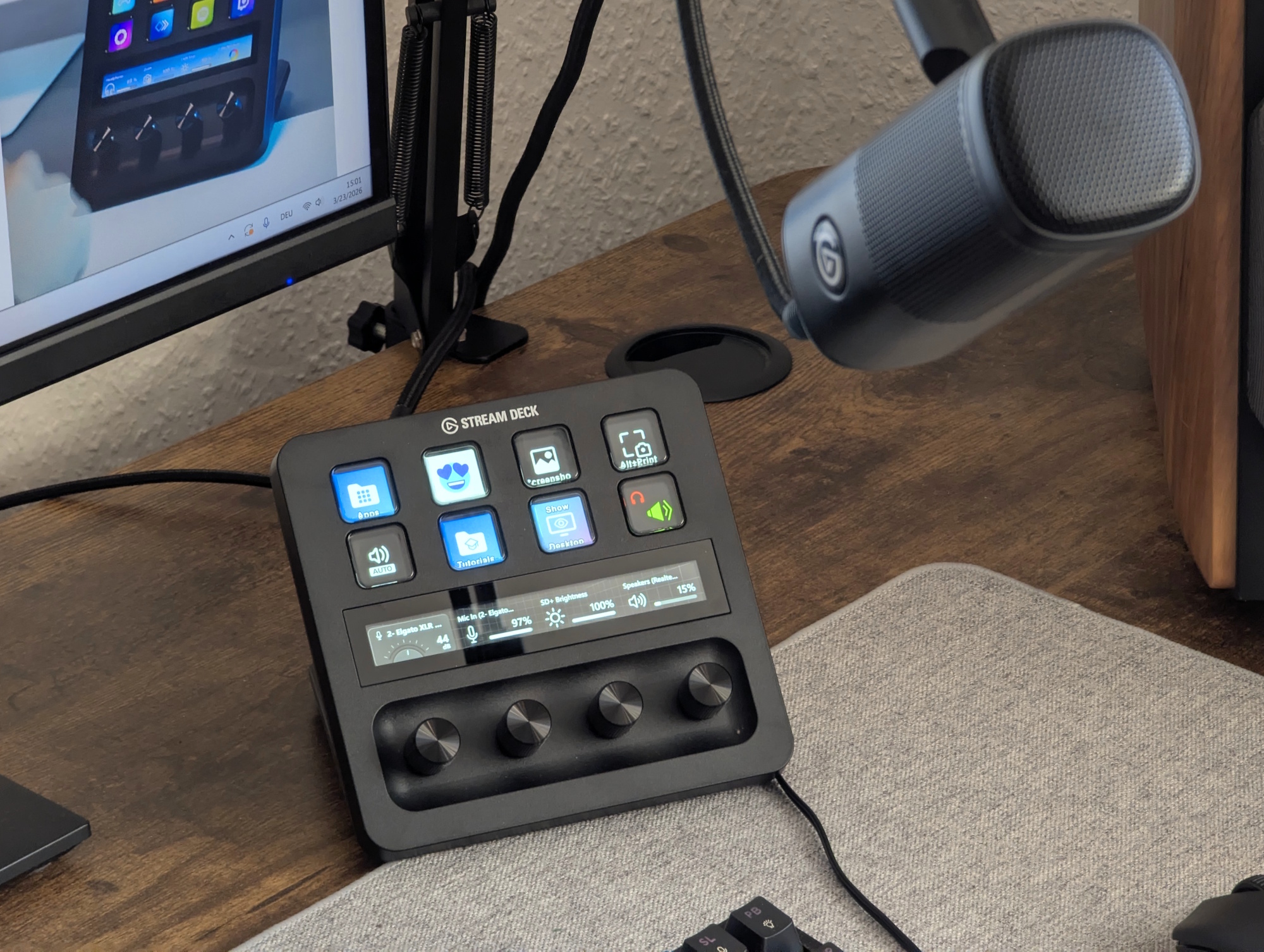
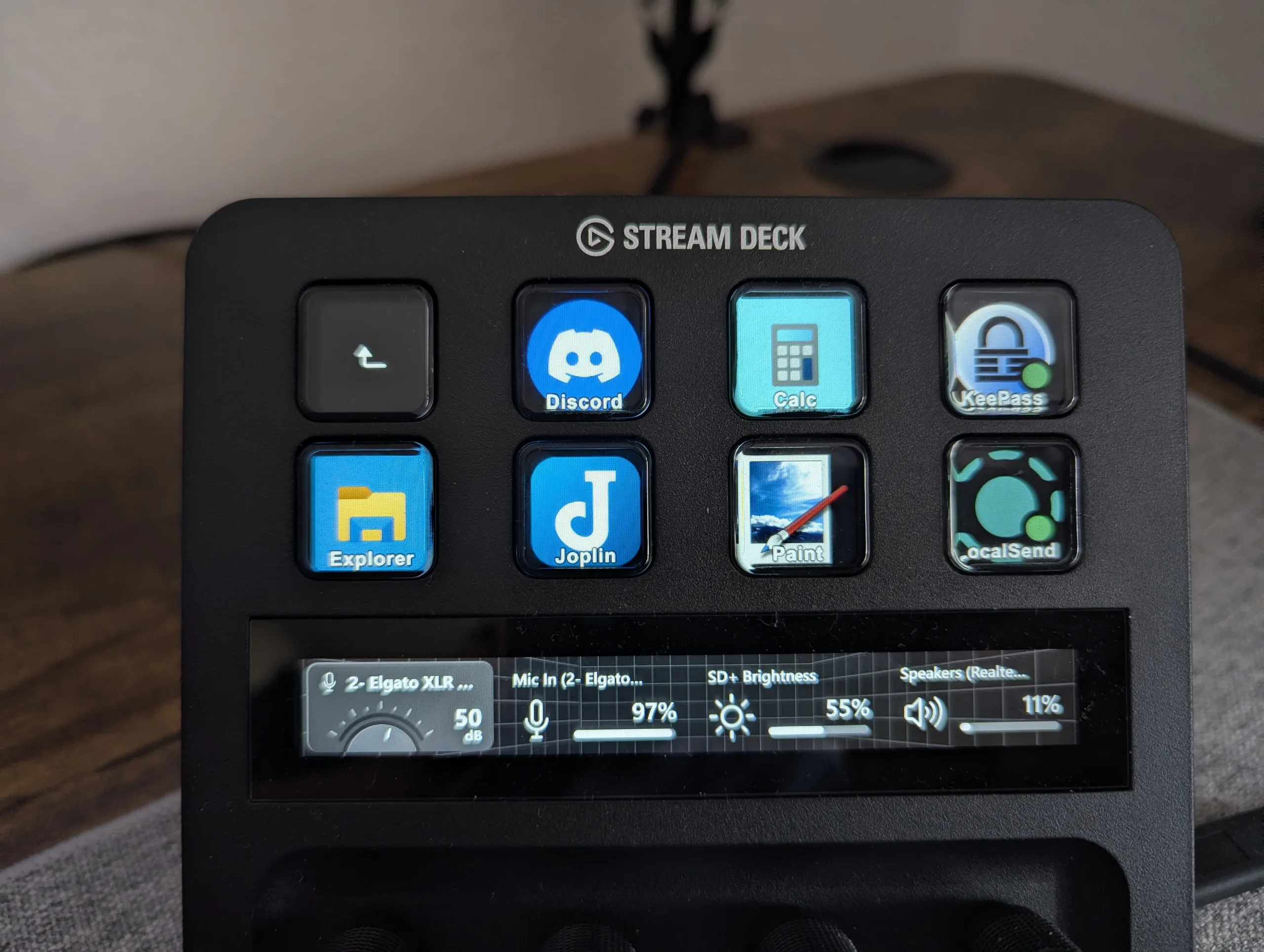
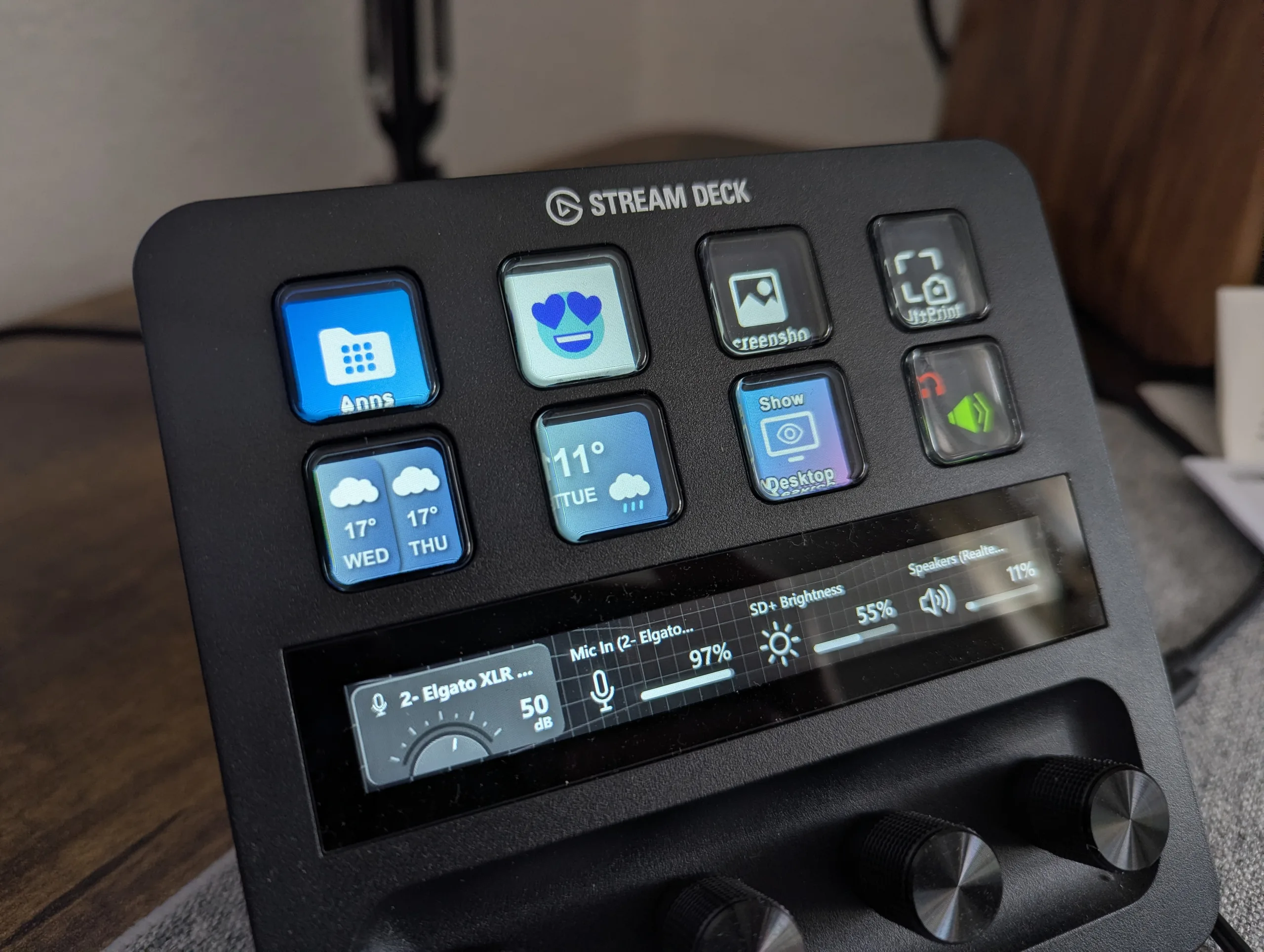
A quick look at the device: at the top are eight buttons arranged in two rows, followed by a touchscreen, and below that four rotary dials that can also be pressed. With the XLR Dock MK.2, you can now connect both a microphone and headphones. Each button supports three input types: single press, double press, and press-and-hold.
Stream Deck+ plugins and features - workflows at the press of a button
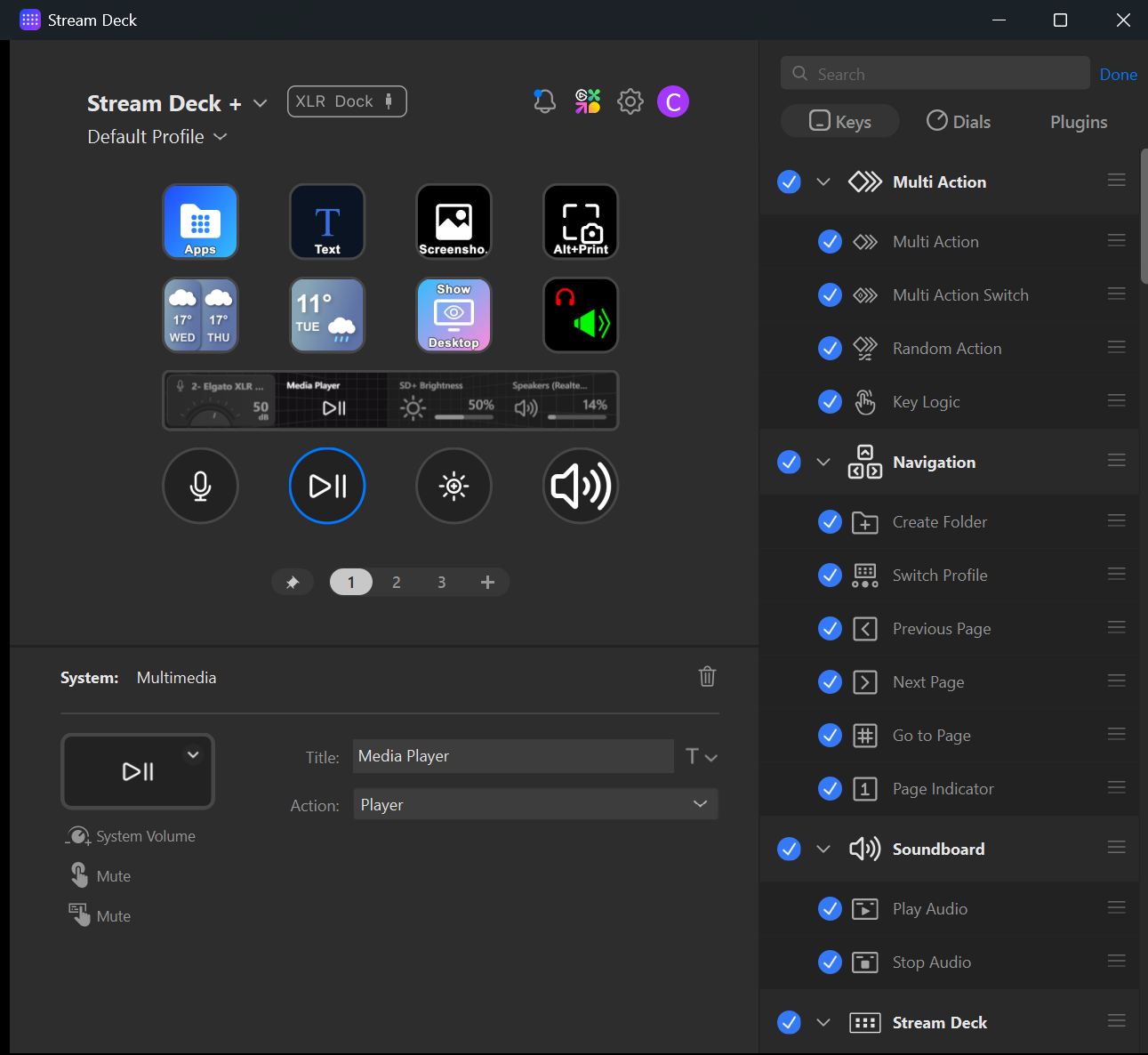
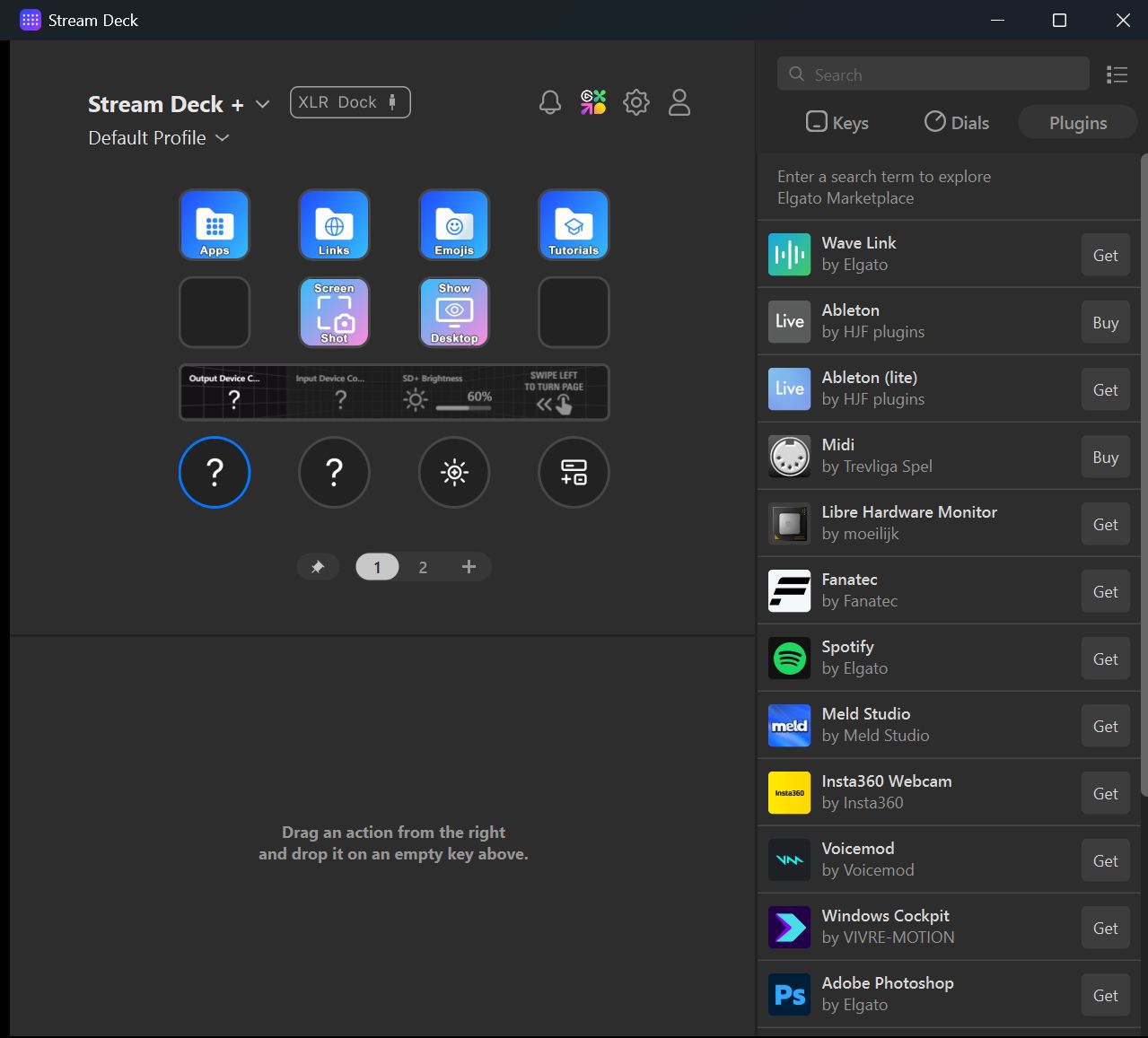
Once you start exploring the vast number of available plugins, the Stream Deck+ quickly turns into a playground—you’ll find it hard to stop experimenting. Here are just a few examples:
- Launch apps with a single button press
- Open folders (e.g., screenshots)
- Define keyboard shortcuts (show desktop, screenshot, Ctrl + C, etc.)
- Execute one of over 200 Windows functions (shutdown, sleep, zip, etc.)
- Create folders with eight new app functions for all buttons (OBS, Discord, etc.)
- Switch audio output between speakers and headphones
- Assign custom text to buttons
- Open emoji panel
- Play sounds
- Mute microphones or audio
- Display weather or PC stats (temperature, fan speed)
- Control smart devices
Multi-actions are especially powerful, allowing you to assign multiple commands to a single button and execute them sequentially. For example, with one press in the morning, I can launch my browser, open Word, Thunderbird, and LocalSend, start music playback, and automatically arrange all windows in a tiled layout—extremely convenient.
The touchscreen also lets you swipe to additional pages, giving you entirely new sets of buttons and expanding far beyond the base eight keys.
Wave Link 3.0 review - flexible audio mixing for PC
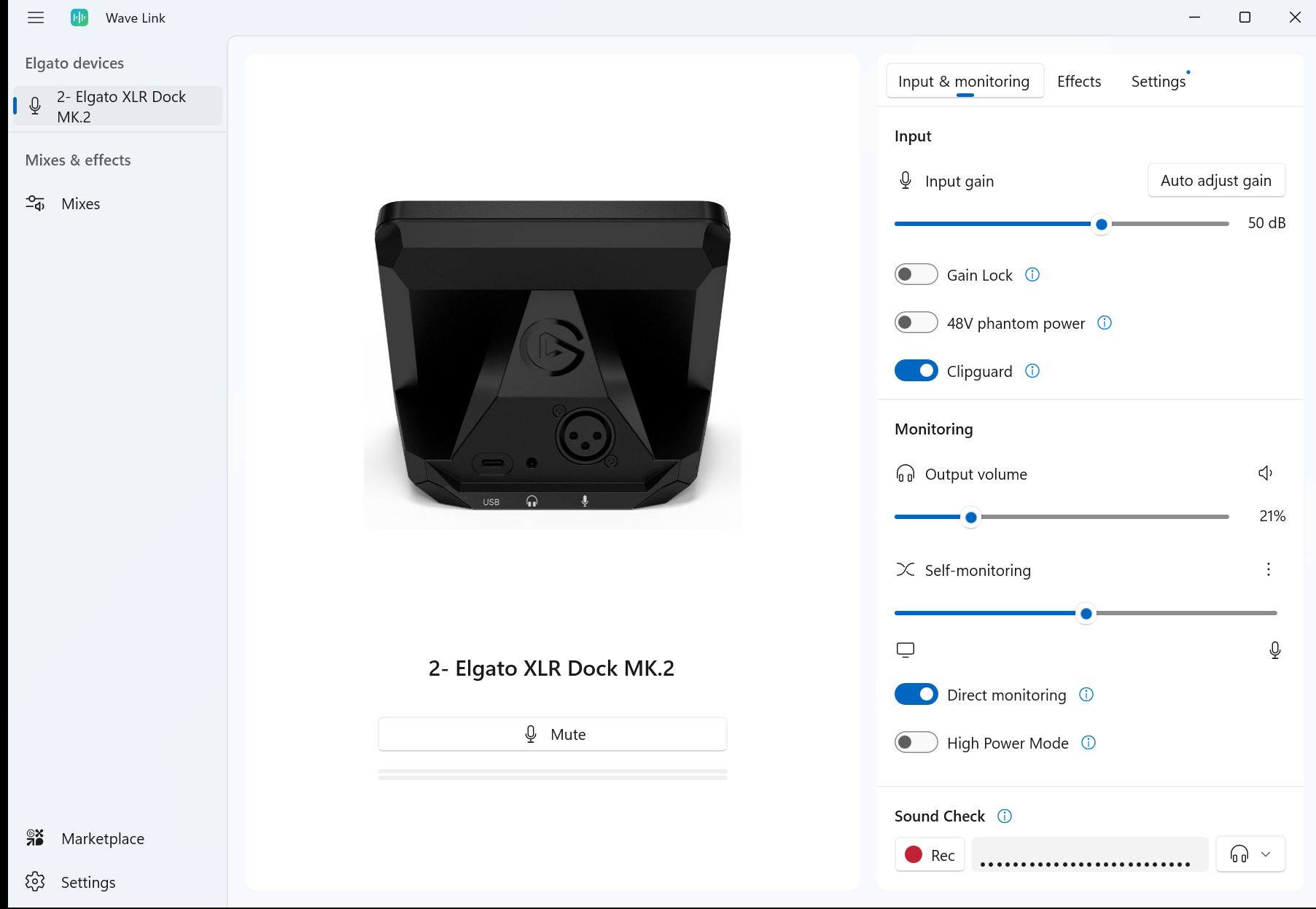
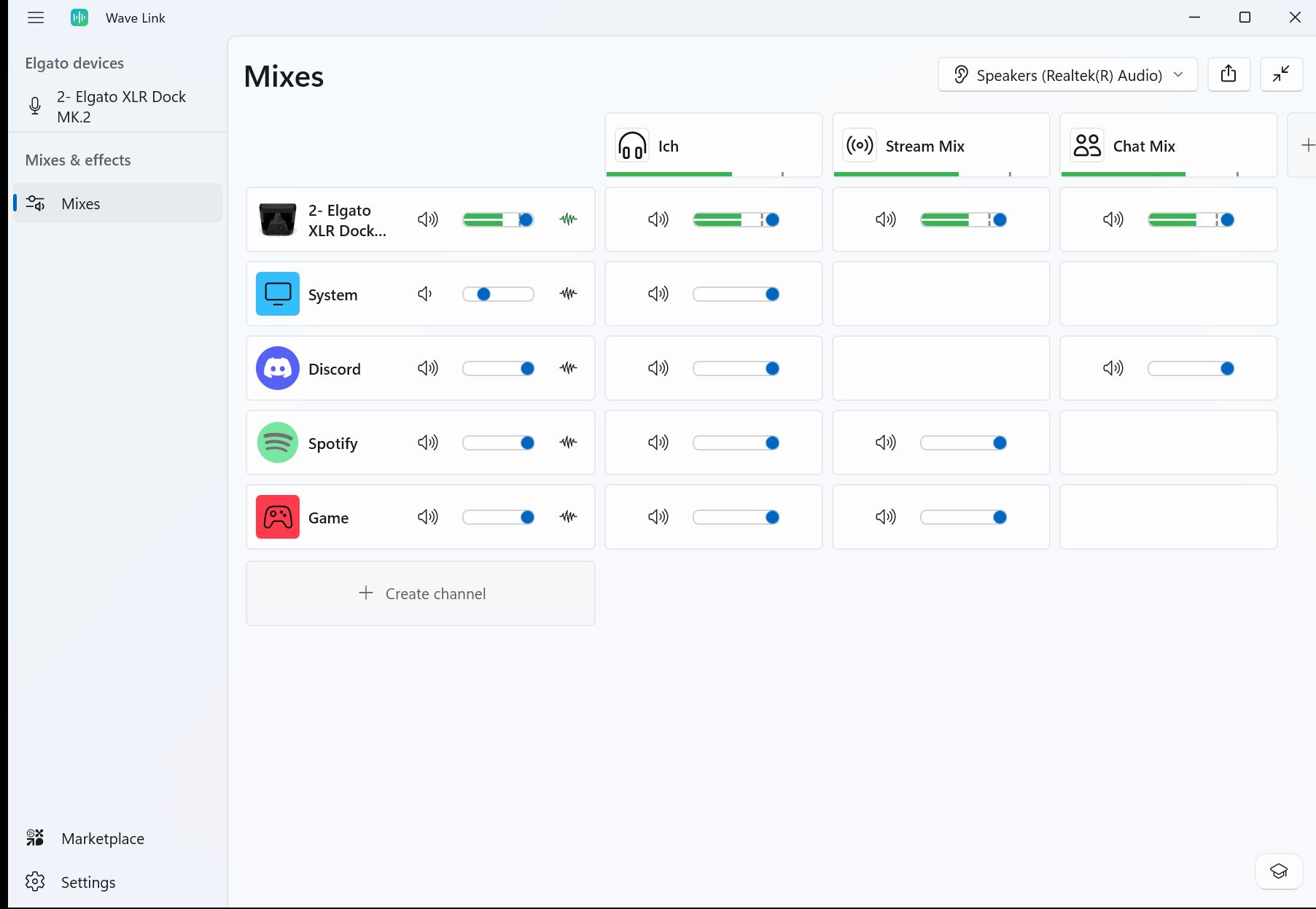
Wave Link 3.0 mixes hardware sources and software inputs to create up to five independent submixes. For example, you can combine your voice via the Wave DX microphone (hardware) with game audio (software) into a stream mix, while a separate mix sends Spotify only to your headphones. You can also adjust the same source differently across multiple mixes.
These mixes appear as input devices in the system and can be easily selected and switched within apps like OBS. This allows you, for instance, to toggle between a stream input mix and a chat mix directly in OBS.
Thanks to channel-specific processing, each source can also be individually enhanced using VST plugins.

Transparency
The selection of devices to be reviewed is made by our editorial team. The test sample was given to the author by the manufacturer free of charge for the purposes of review. There was no third-party influence on this review, nor did the manufacturer receive a copy of this review before publication. There was no obligation to publish this review. As an independent media company, Notebookcheck is not subjected to the authority of manufacturers, retailers or publishers.
 Add as a preferred source on Google


