




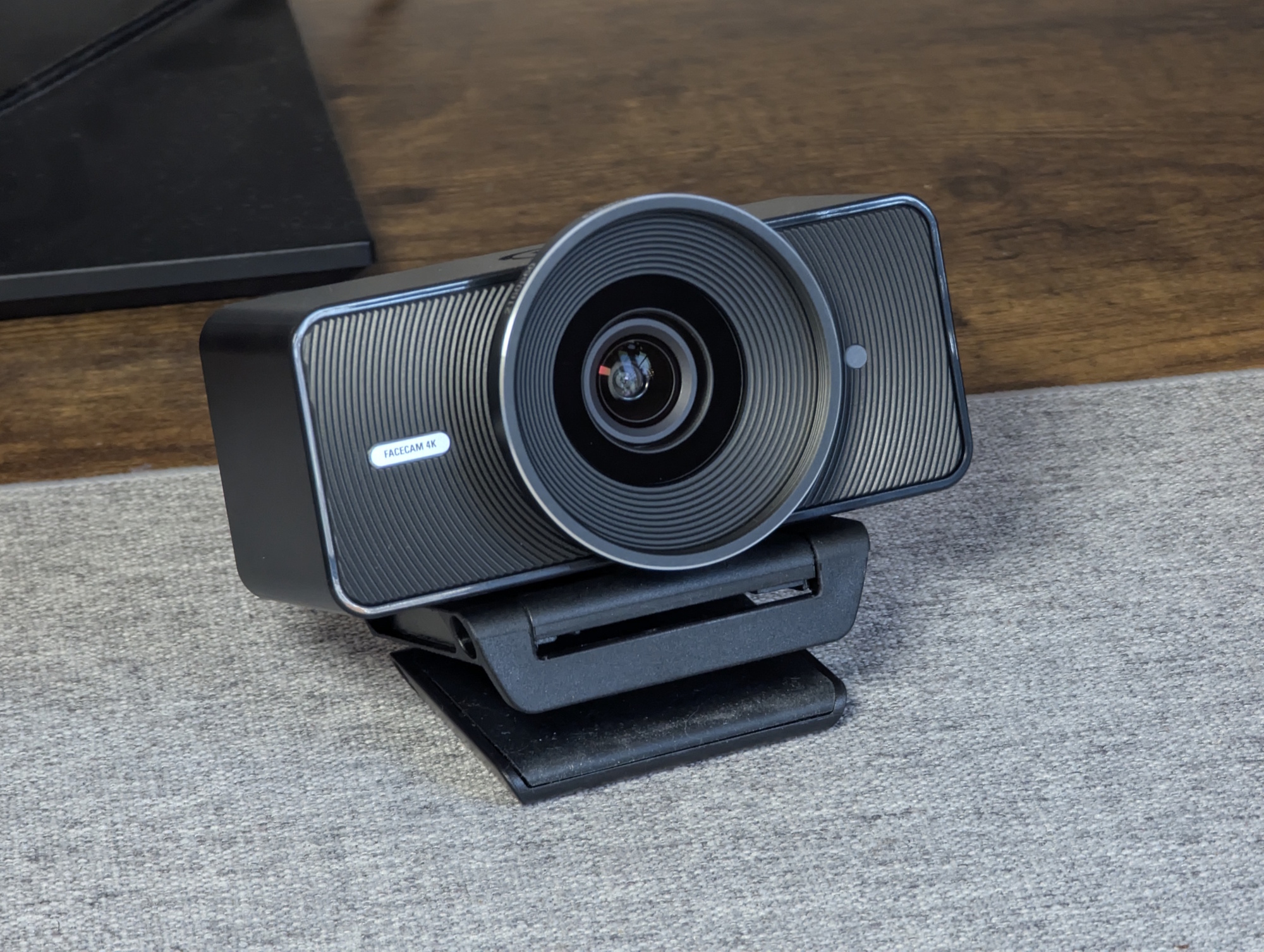
Streaming upgrade? Elgato Facecam 4K review with Sony Starvis 2 sensor and filter support
Desk director.
With the Facecam 4K, Elgato is clearly targeting creators and streamers. 4K at 60 fps, manual camera controls, and even a filter thread help it stand out from traditional webcams.Christian Hintze (translated by Christian Hintze) Published 🇩🇪 🇳🇱 ...
Verdict - Elgato Facecam 4K impresses with image quality and features
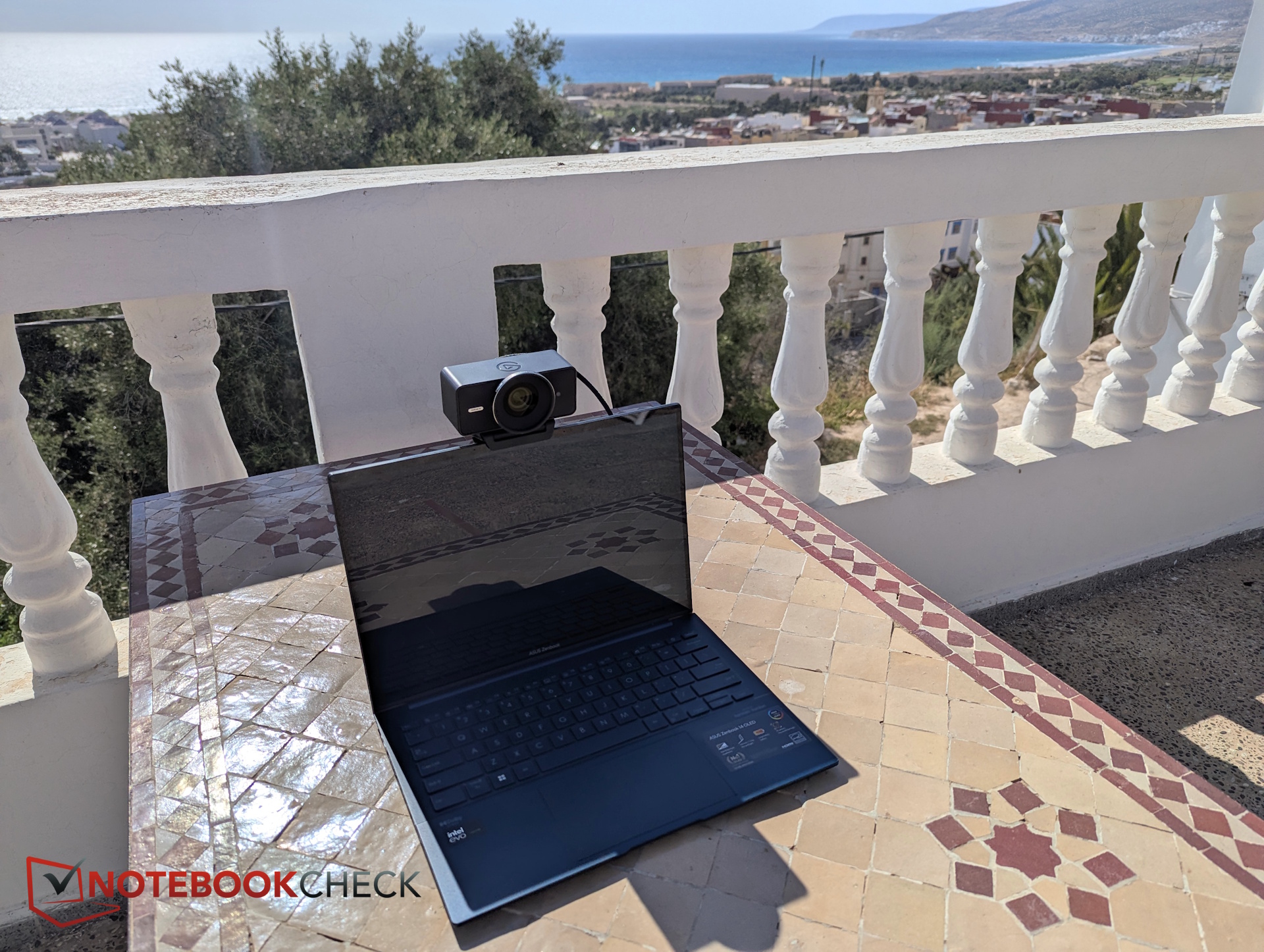
The Facecam 4K delivers good 4K image quality along with several useful extras, including support for polarizers and other filters as well as extensive manual controls.
That makes it suitable for far more than the occasional video call. Streamers in particular may find the Facecam 4K and its 1/1.8-inch sensor especially appealing. Thanks to its sharp image quality and reliable focus, it works well for tabletop reviews, unboxings, gear demos, or “talking over desk” setups.
Of course, it does not replace a professional DSLM camera. Without an RTX GPU, there is no background blur effect, and the field of view may feel a bit too wide for some streamers. The automatic exposure also deserves some criticism, as it does not always behave optimally. Good lighting is definitely recommended.
Pros
Cons

Table of Contents
Elgato’s best webcam to date records Ultra HD video (3840 x 2160) at 60 frames per second, offers what the company calls “DSLR-like control,” and supports a range of cinematic effects. Best of all, it even supports lens filters.
Design and build quality - Large lens with a unique filter thread
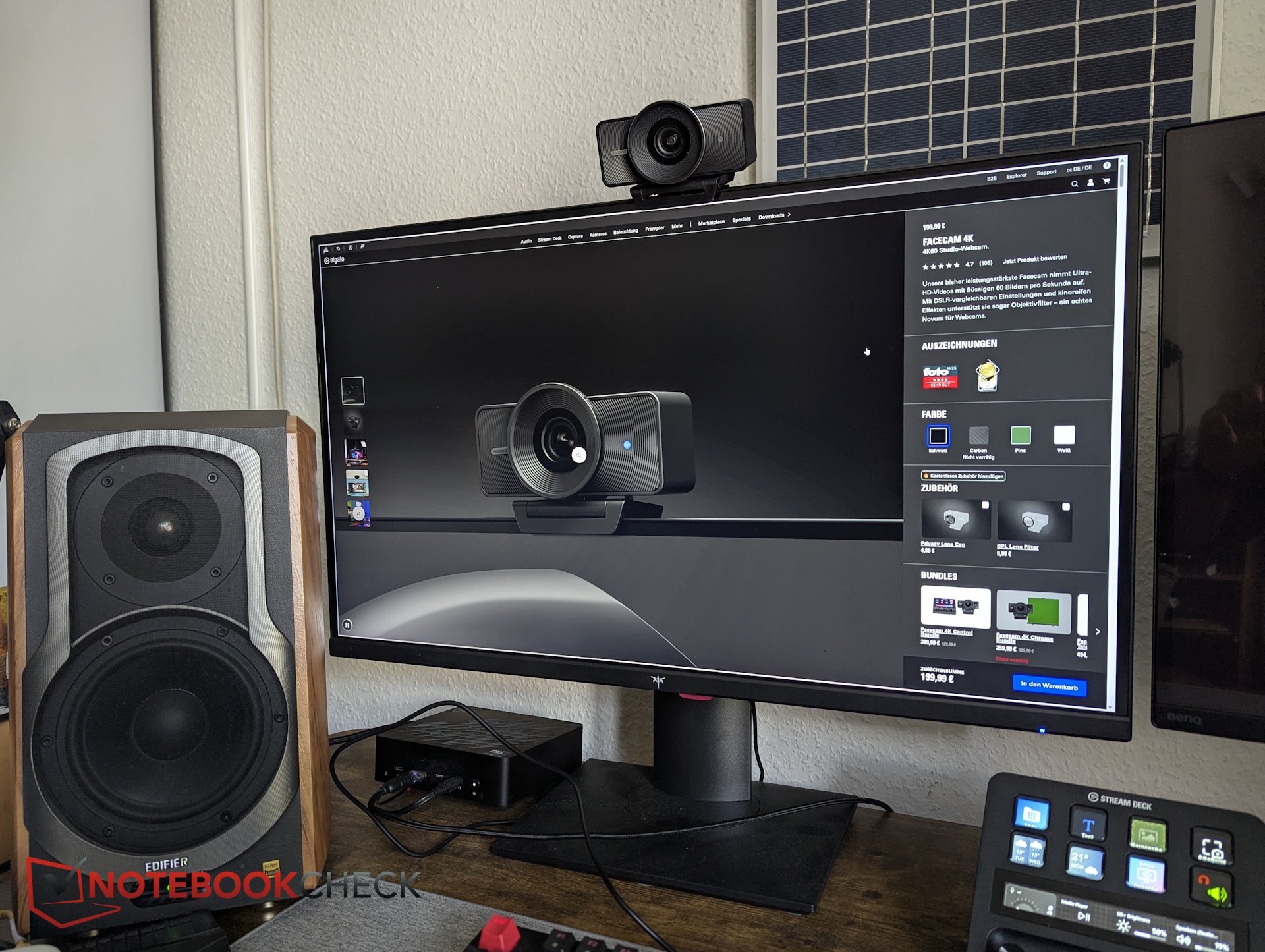
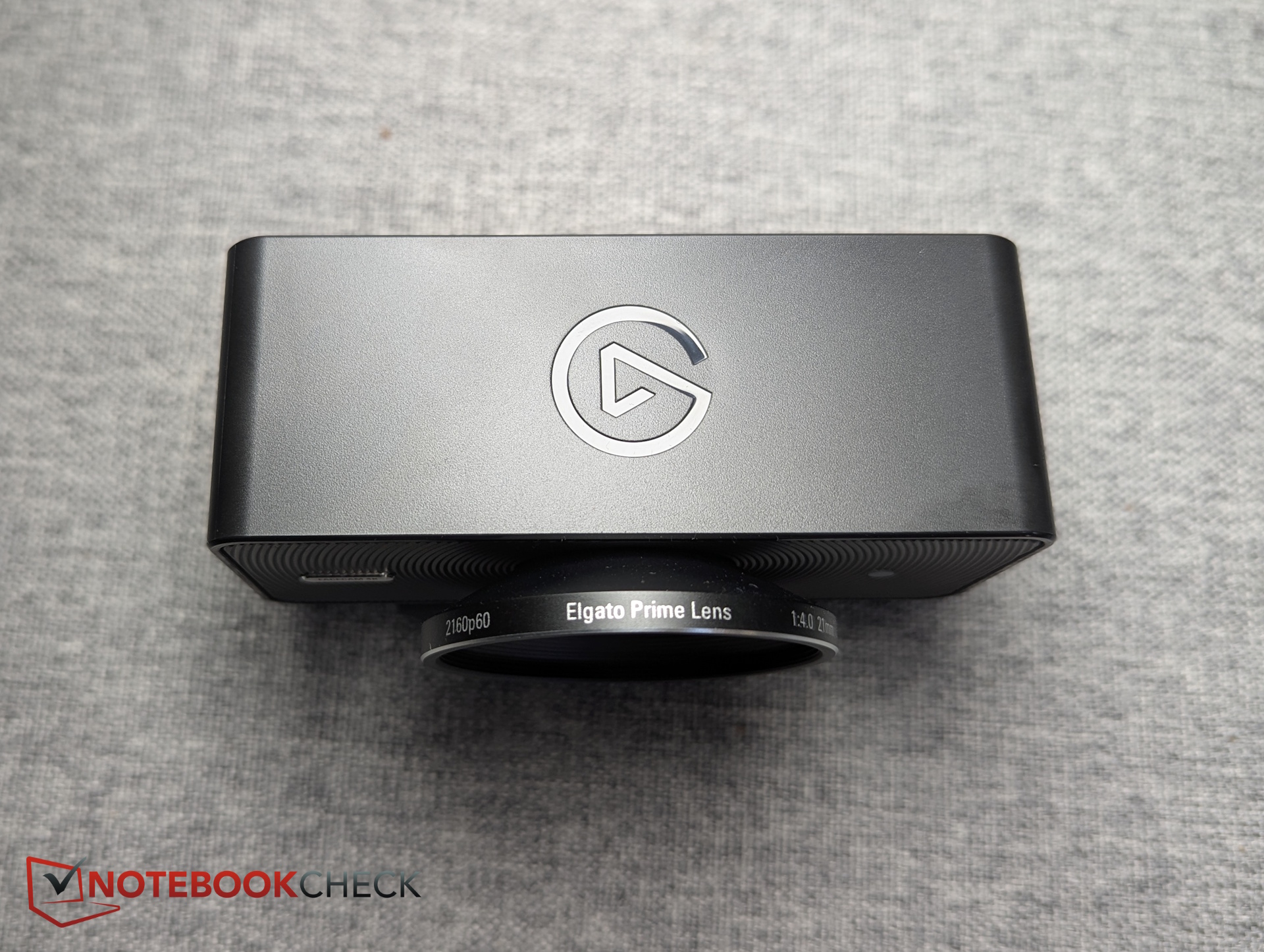
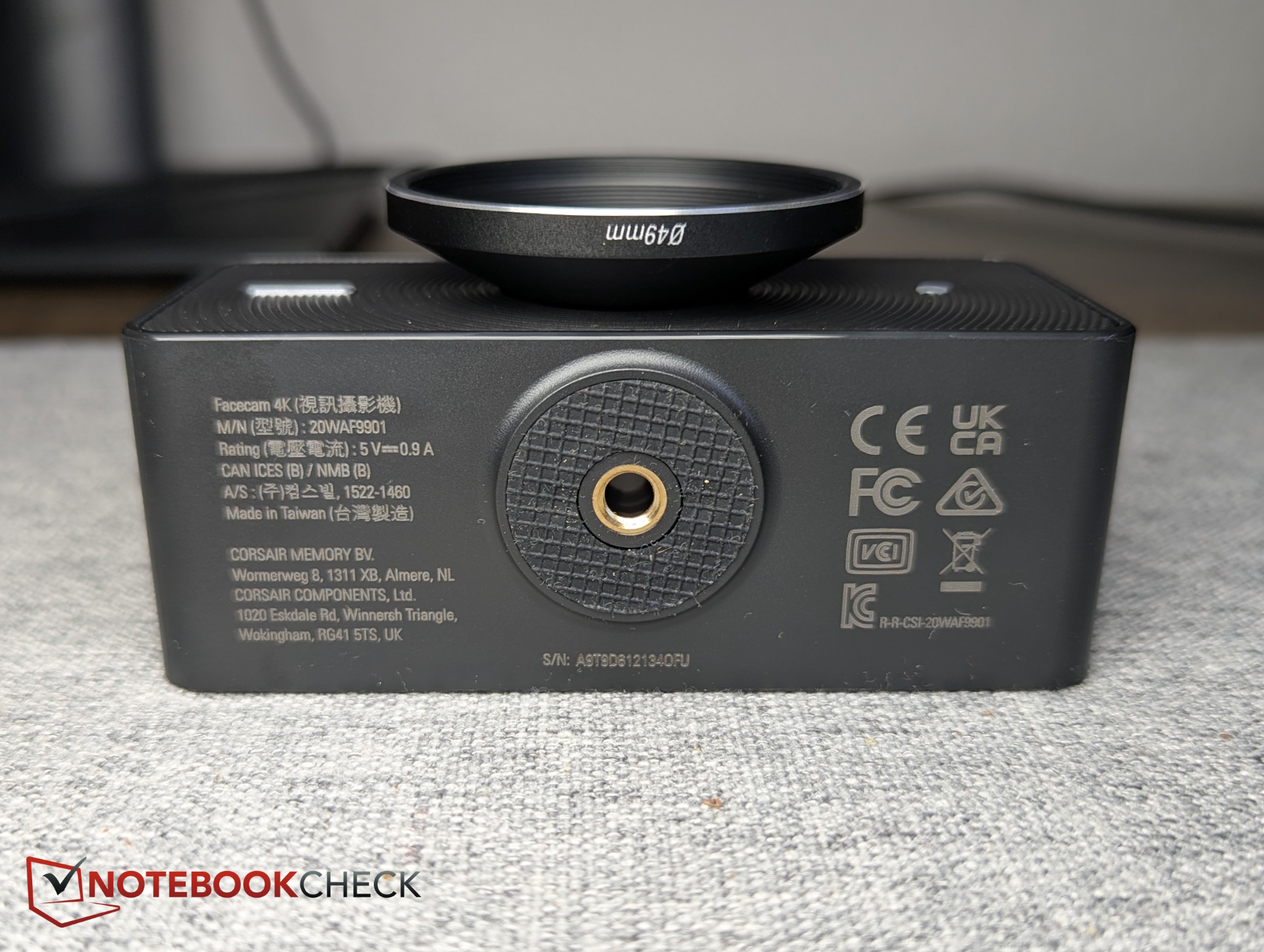
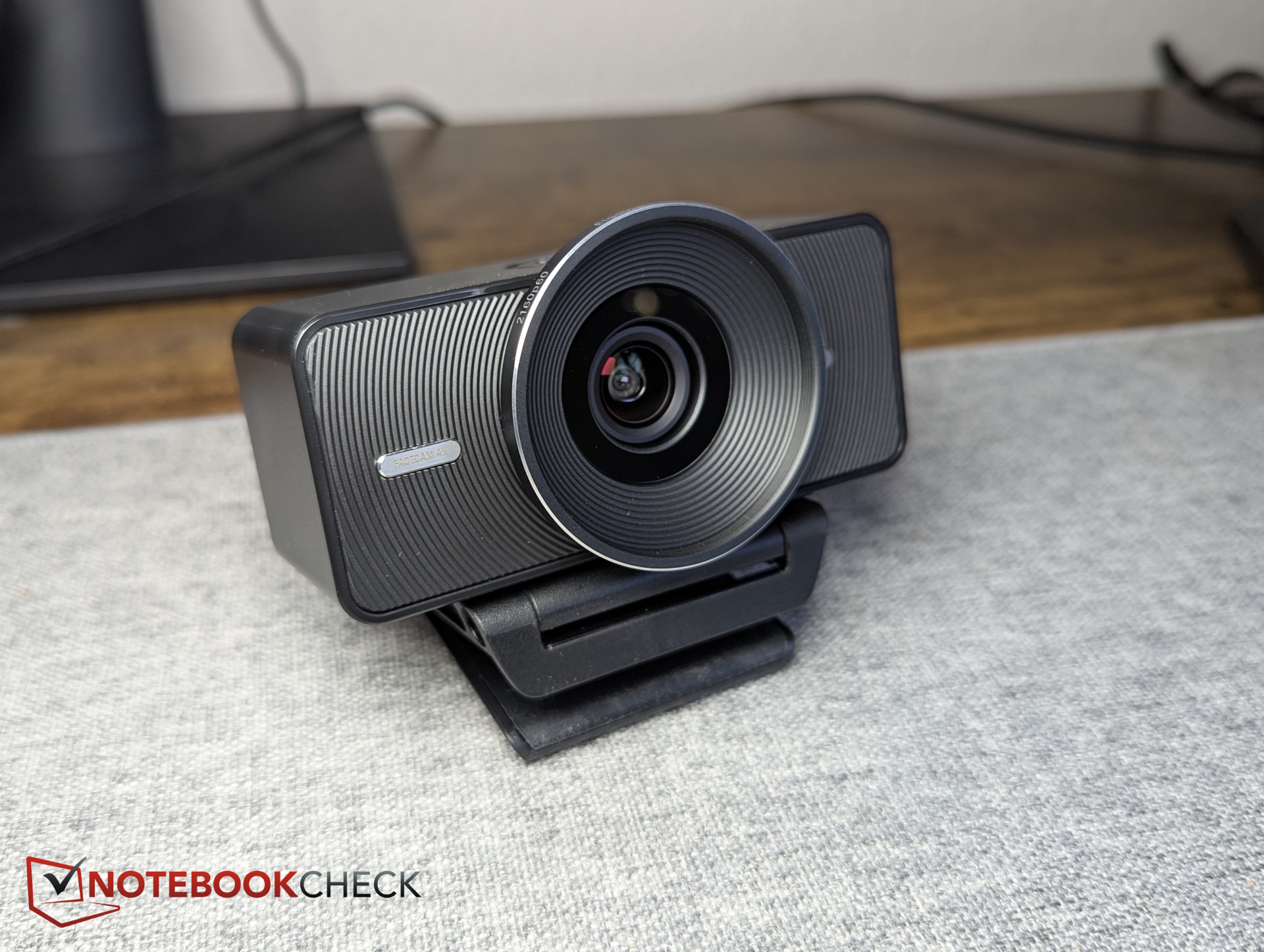
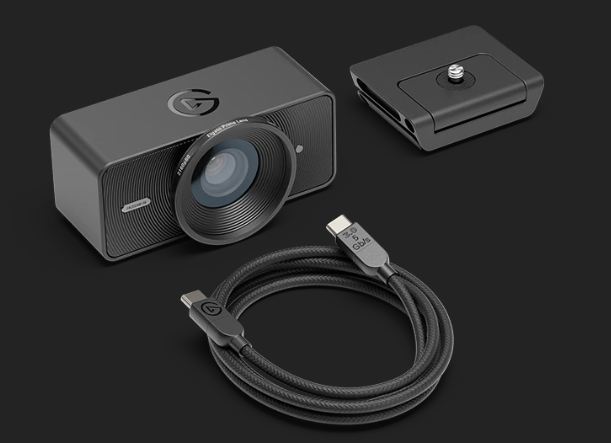
The Facecam 4K comes in a fairly large plastic housing, although it is surprisingly lightweight. Sixty percent of the plastic used is recycled material. The lens looks especially prominent, though much of its size comes from the 49 mm filter thread. Elgato claims it is the first webcam with 49 mm filter support.
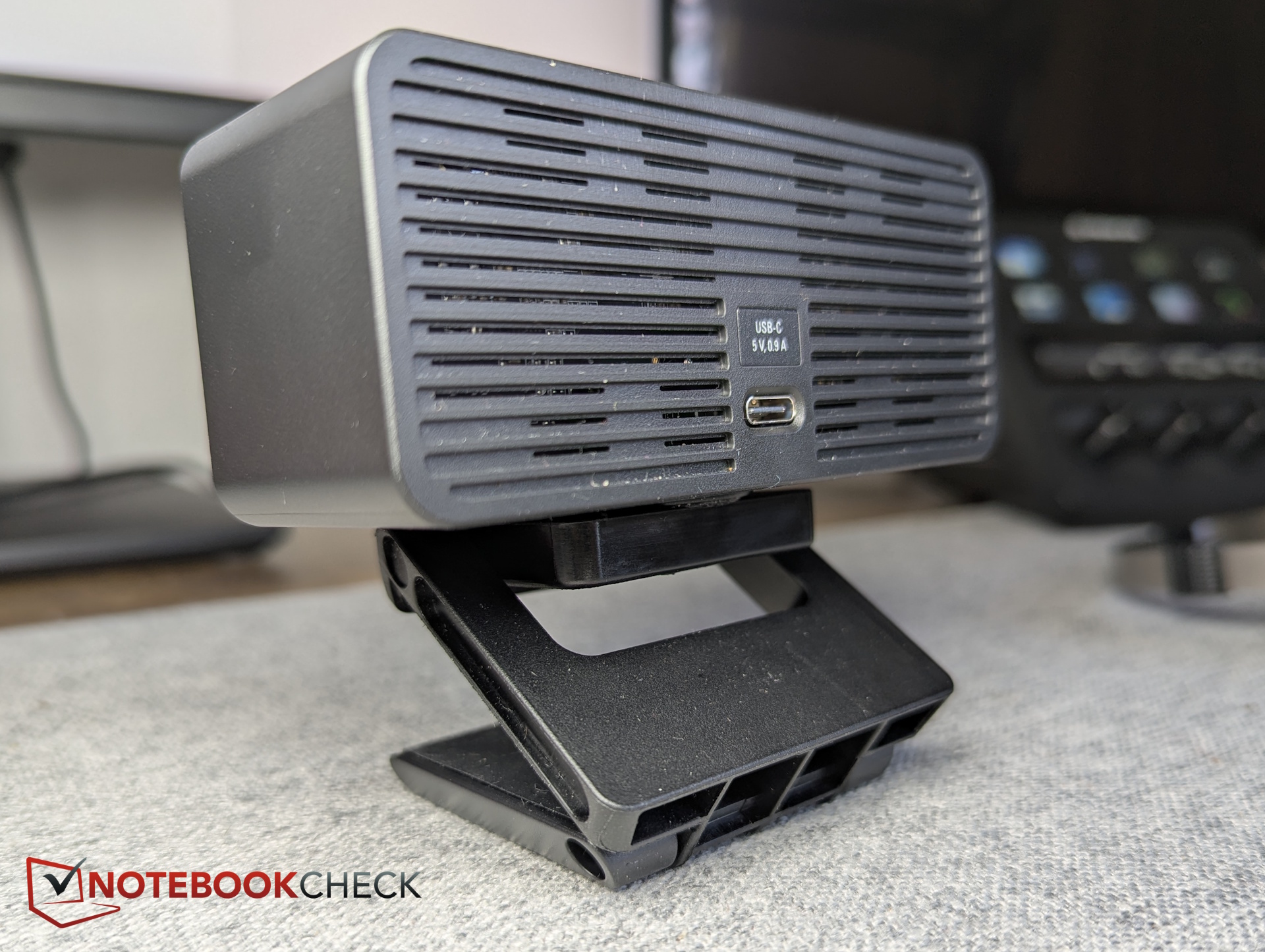
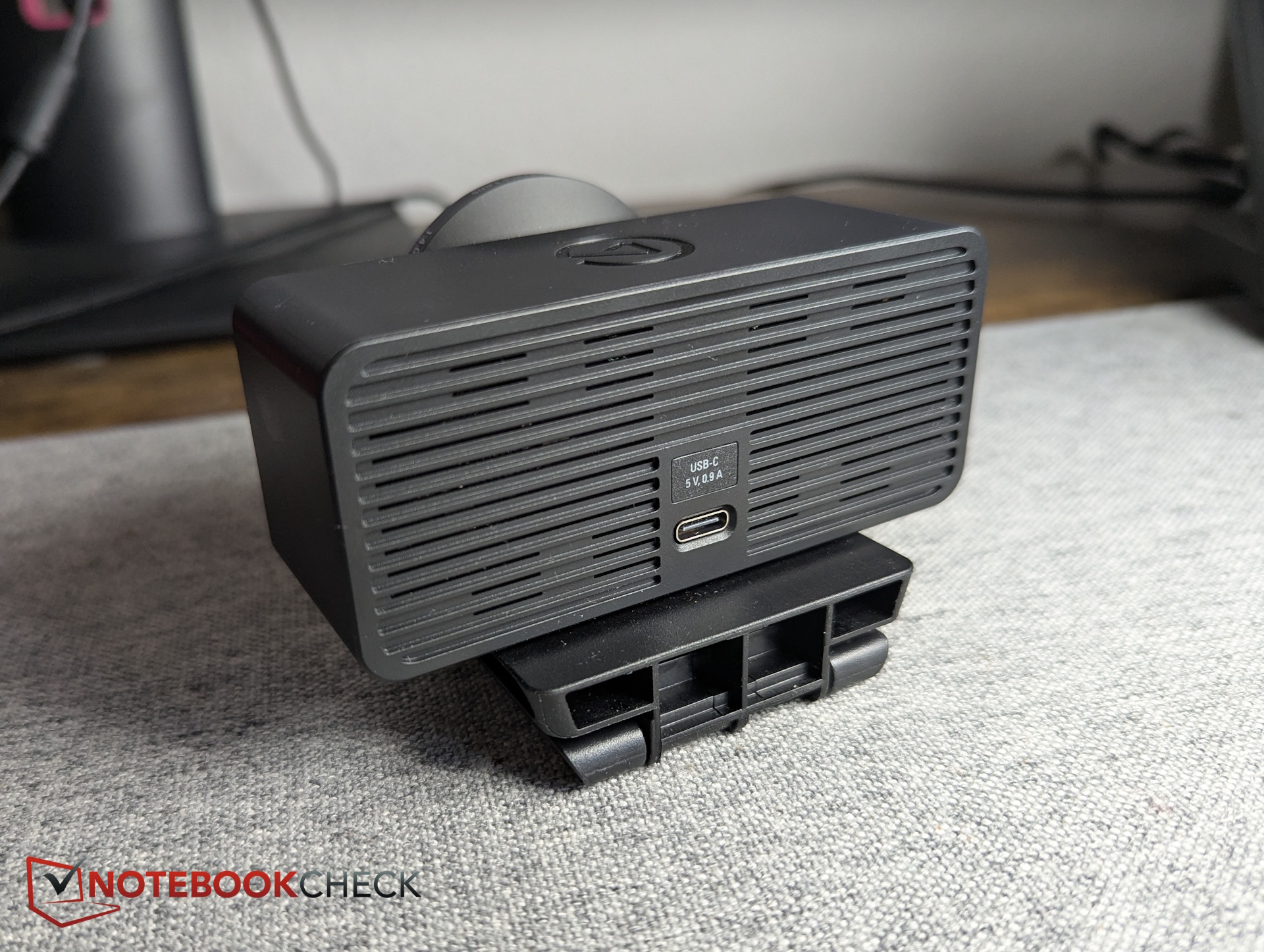
A tripod thread is located on the underside, while the monitor mount attaches directly to it. Around the back, the partially open slatted design provides passive sensor cooling. There is also a USB-C port, meaning the USB 3.0 cable is detachable and replaceable.
There is no built-in shutter, although Elgato sells a compatible cover separately, or users can 3D-print one themselves.
Accessories
Inside the box, Elgato includes a monitor mount and a USB-C to USB-C 3.0 cable measuring 200 cm (79 inches).
Specifications - 4K60 & Sony Starvis 2
Sony’s Starvis 2 sensor was originally designed for security and surveillance cameras, with a focus on precise object recognition regardless of lighting conditions. According to Elgato, the large 1/1.8-inch sensor should also perform well in low-light environments while reliably detecting the subject.
Another highlight is the potentially uncompressed video transmission at up to 4K and 30 fps.
| Sensor | 1/1.8 Sony Starvis 2 CMOS |
| Aperture | f/4.0 |
| Focal length | 21 mm |
| FOV | 90 degrees |
| Focus range | 30 – 120 cm |
| Recording | up to 4K at 60 fps |
| Video encoding | YUY2, NV12, MJPG |
| Data transmission | uncompressed up to 2160p at 30 fps via USB 3.0 |
| Features | manual ISO and shutter speed, HDR (up to 30 fps), LUT support, 49 mm lens filters, teleprompter support |
| Sustainability | 60% recycled plastics |
| Dimensions | W 104 x H 54 x D 52 mm |
| Weight | 112 g |
| Price | $199 |
Image quality - Detailed 4K image with HDR support
Our test charts reveal accurate colors and good sharpness in photo captures. This is where the 4K resolution really shines. Even in darker scenes, image noise remains under control.

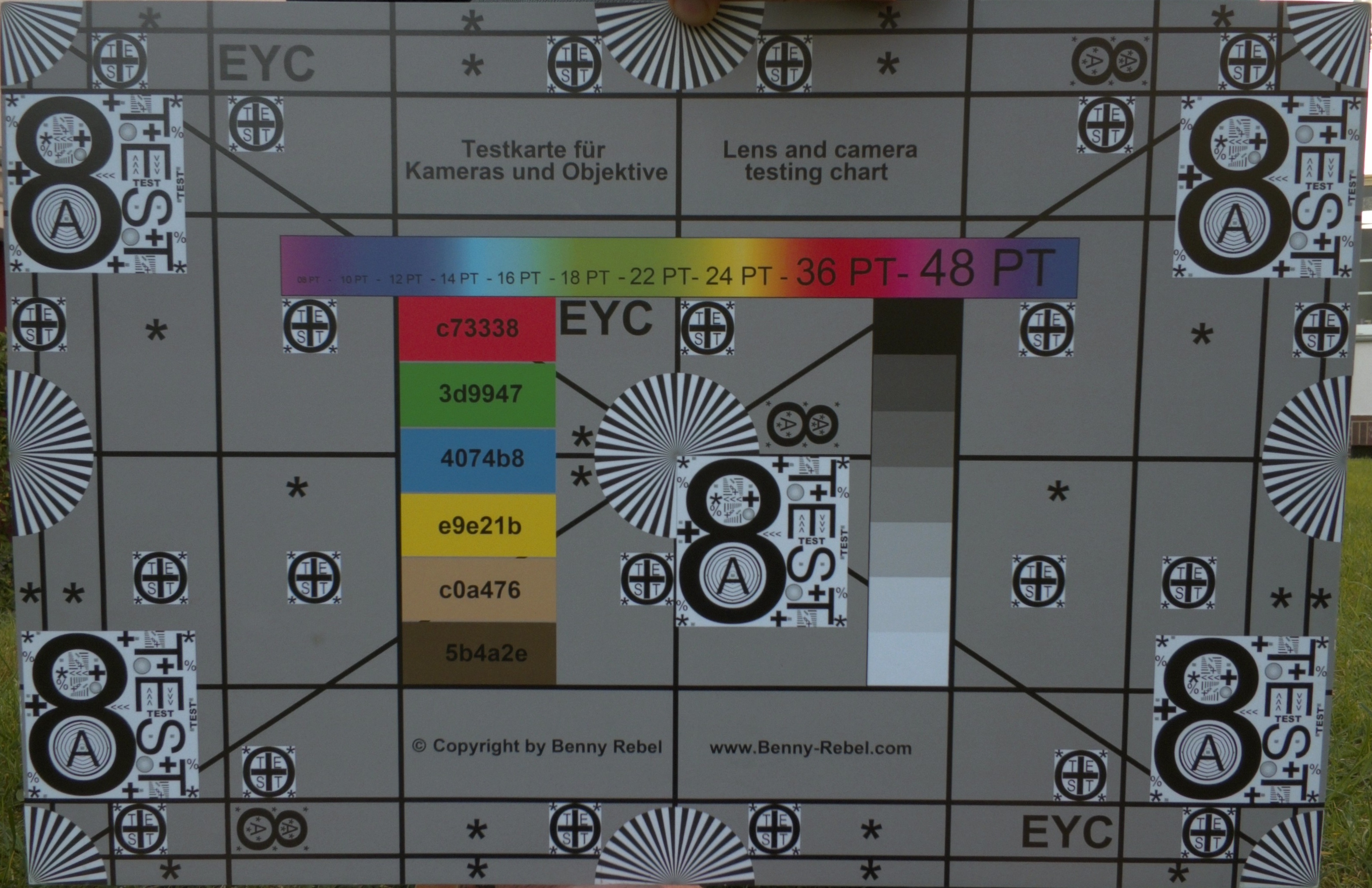

Overall, the Facecam 4K also looks noticeably more detailed and less artificially sharpened in 1080p compared to the integrated Full HD webcam in our Asus ZenBook 14 OLED. In high-contrast situations, the HDR mode (up to 30 fps) helps balance bright backgrounds and darker foregrounds.




Meanwhile, the automatic exposure does not always perform perfectly. In high-contrast situations, the camera may still expose for a bright window or outdoor background even when a person is clearly centered in the frame. Fortunately, the Camera Hub software provides plenty of manual adjustment options to compensate.


Elgato Camera Hub - Webcam software with extensive manual controls
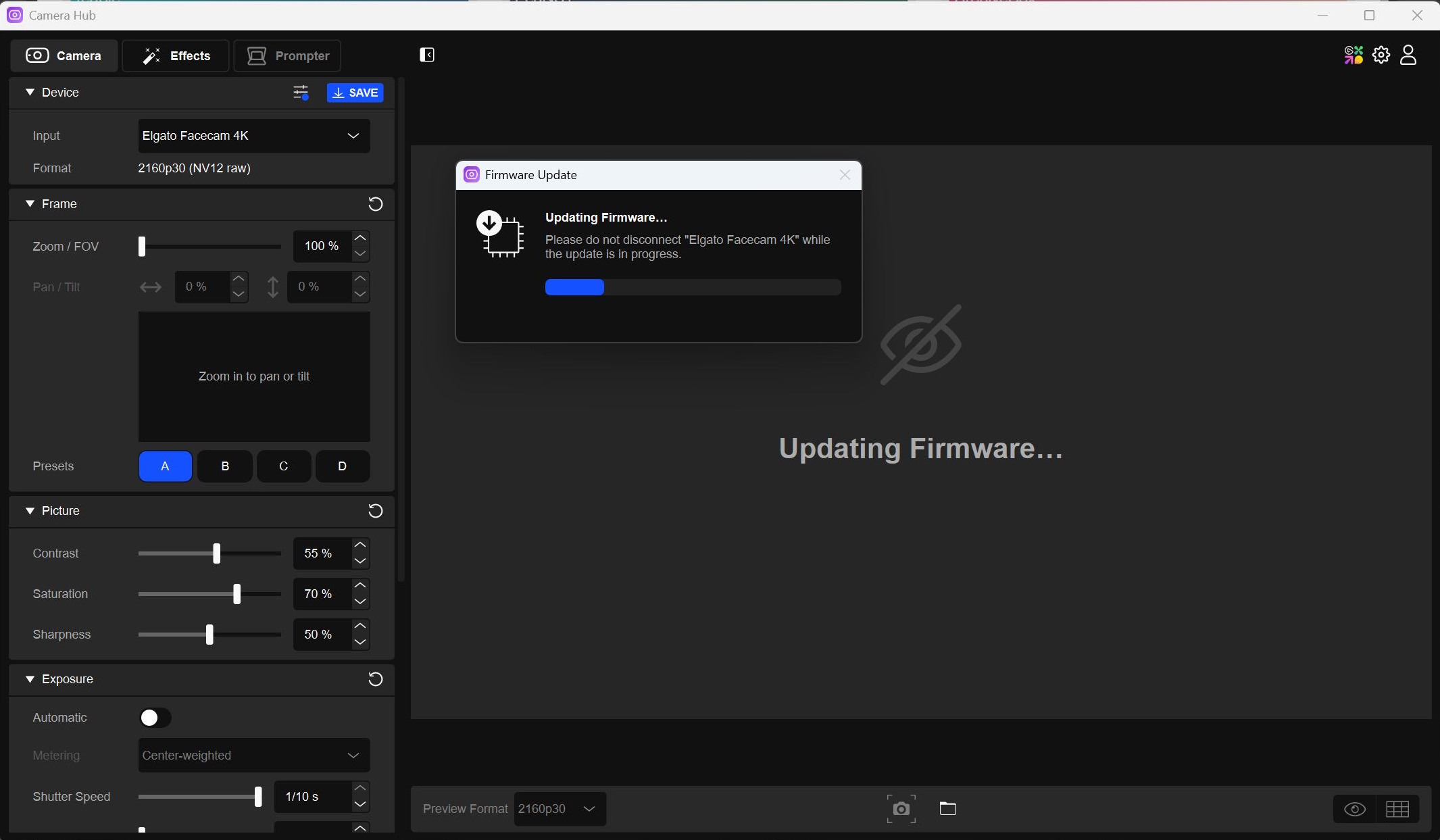
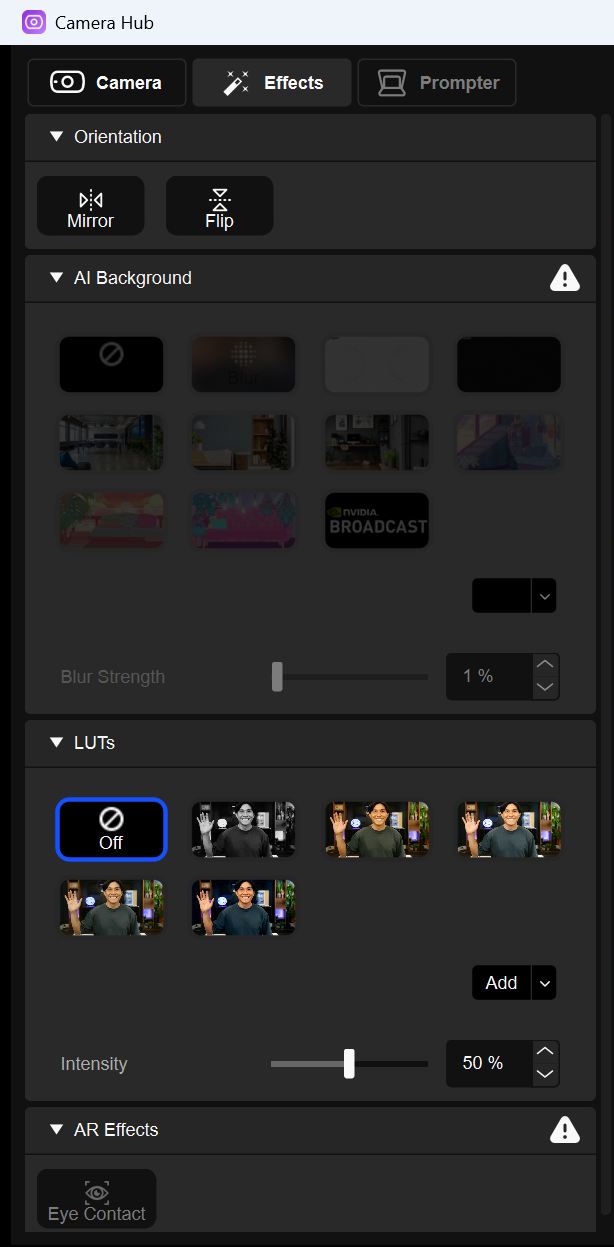
The webcam becomes even more powerful with Elgato’s “Camera Hub” software, which allows users to manually adjust settings such as ISO, shutter speed, exposure compensation, white balance, HDR, and noise reduction. Additional features include LUT support, AI backgrounds, and AR effects such as Eye Contact. Most effects, with the exception of LUTs, require an Nvidia GPU; otherwise they remain grayed out with a warning.
Another practical feature is the ability to save four different framing presets. Users can define various zoom and pan positions, assign them to one of four buttons, and switch between them instantly. This makes it possible, for example, to jump from a wide shot to a profile close-up and back again with a single click.
LUTs, background effects, and other adjustments can also be used in apps such as Zoom, Teams, and OBS by selecting the Elgato Virtual Camera instead of the Facecam 4K directly. The virtual camera applies all effects configured inside Camera Hub.
Users who also own Elgato’s Teleprompter — which we will be reviewing soon as well — can control it through the same software, as it is fully compatible with the Facecam.


Transparency
The selection of devices to be reviewed is made by our editorial team. The test sample was given to the author by the manufacturer free of charge for the purposes of review. There was no third-party influence on this review, nor did the manufacturer receive a copy of this review before publication. There was no obligation to publish this review. As an independent media company, Notebookcheck is not subjected to the authority of manufacturers, retailers or publishers.
 Add as a preferred source on Google


