




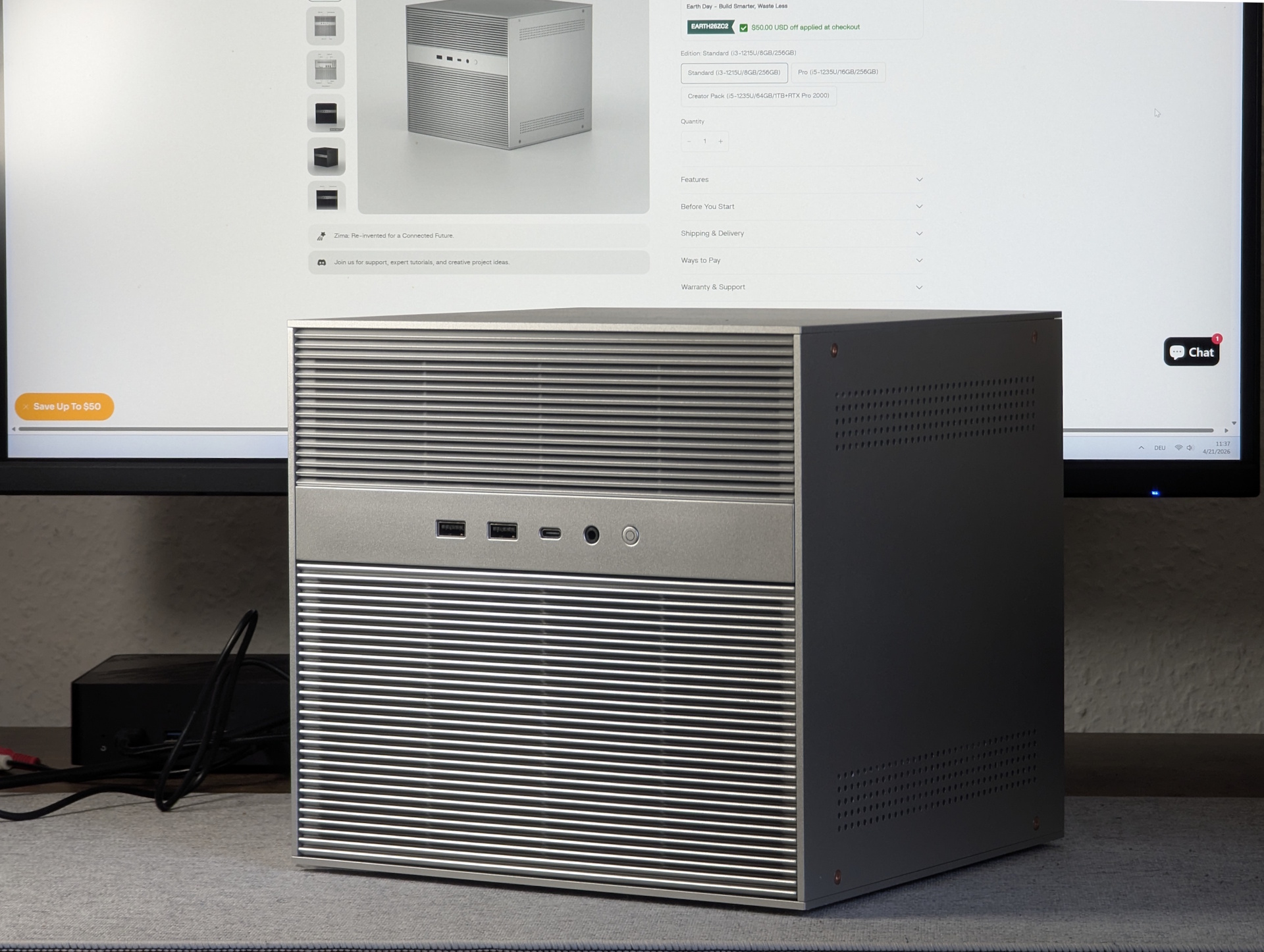
ZimaCube 2 review: This home server is more than just a NAS – a self-hosting powerhouse
Cube instead of cloud!
More than a classic NAS: Thanks to free OS choice, Thunderbolt 4, and PCIe expansions, this compact cube can transform into a home server, virtualization host, or even an AI machine on demand. But our testing shows that the biggest improvement isn't in the specs, but...Christian Hintze (translated by Christian Hintze) Published 🇩🇪 🇳🇱 ...
Verdict - A great home server, but more like a ZimaCube 1.5
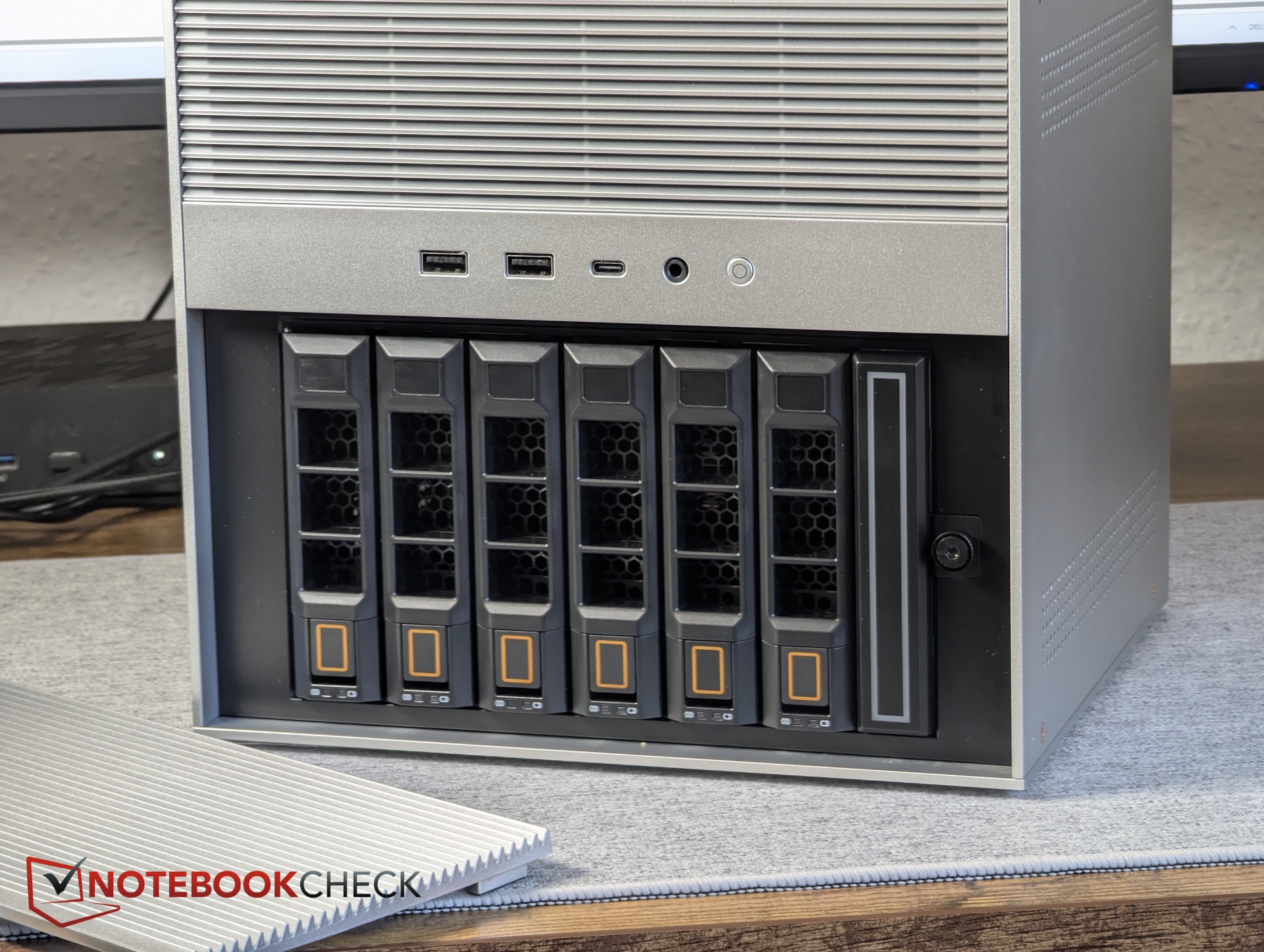
The standout feature of the ZimaCube (2) is its versatility. With its bays for 11 (!) storage drives, it can certainly functions as a NAS. However, while other NAS systems force you into a proprietary OS, this unit runs any x86 operating system, from Linux, Unraid, TrueNAS, and Proxmox to Windows. PCIe slots even allow you to add GPUs or other expansion cards. Depending on your needs, the ZimaCube can become a full-fledged (AI) server, a media center, a NAS, an external storage device via direct PC connection, an editing workstation, and so much more.
There are, however, some limitations: GPUs are capped at 70W (though Thunderbolt 4 supports eGPUs). At first glance, the specs might be a bit disappointing: primarily the PCIe slots have been upgraded; otherwise, there is little improvement for the Pro model, though the standard model benefits from more new features.
Still, the overall experience with the ZimaCube 2 feels much more refined than before. Specifically, the improved cooling system and reduced noise levels make this mini server much more appealing to home users and small businesses alike.
Pros
Cons
Preis und Verfügbarkeit
On the manufacturer's website, our standard variant is priced at $799. The Pro model is significantly more expensive at $1,299.
IceWhale is also offering a discount code, "notebookcheck_50", specifically for our readers, which saves you $50.
Table of Contents
We tested the ZimaCube 1.5 years ago—a highly capable home server. The only criticism was the noise from the fan, which was difficult to throttle.
Now, the successor, the ZimaCube 2, has launched, and we're looking at what has improved and changed.
Chassis - Two colors for two hardware variants
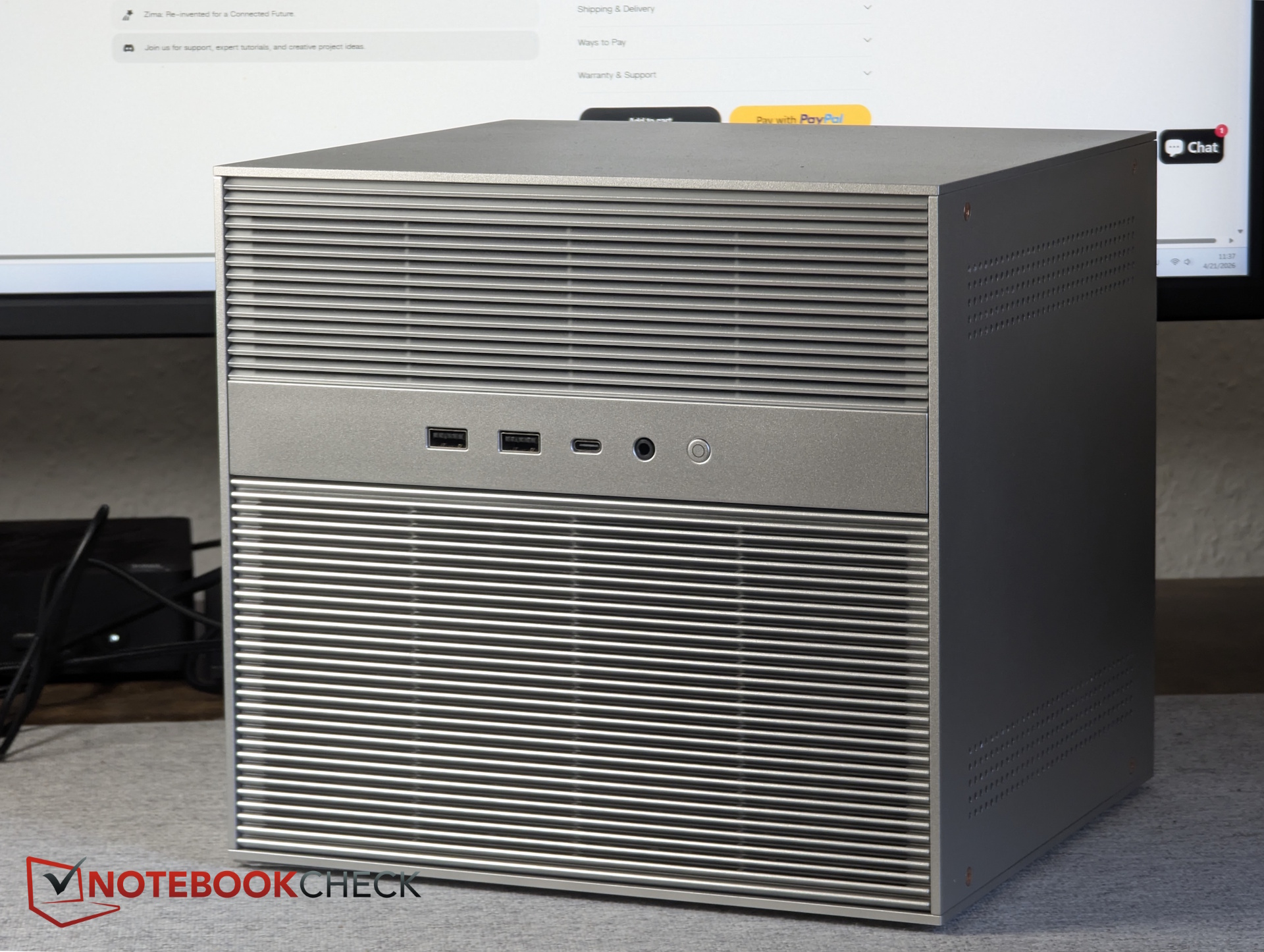
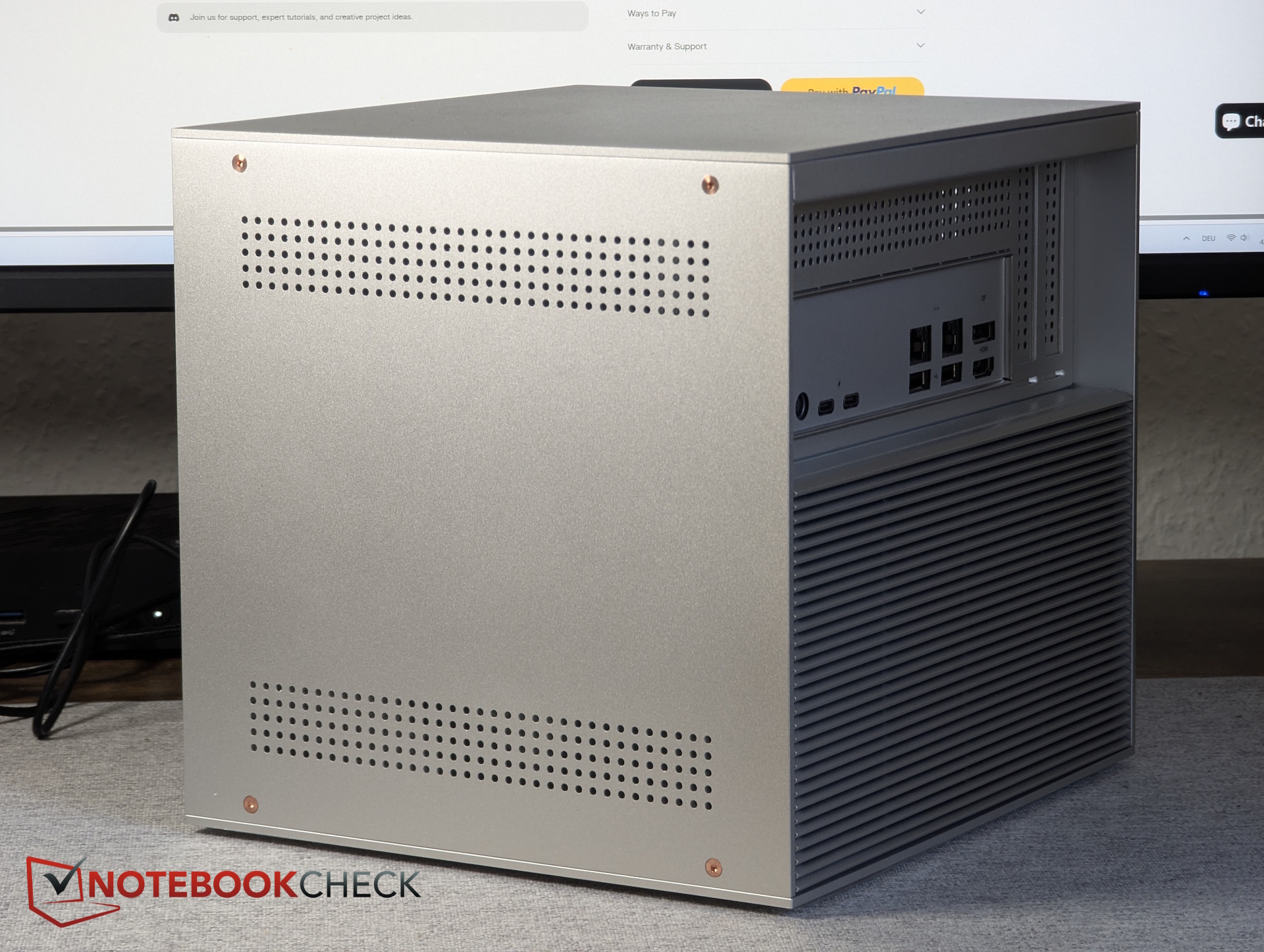
The cube's dimensions are identical to its predecessor, so there is almost no visible difference. Our ZimaCube 2 (ZC2) comes in silver, which applies to all standard models. To make them easier to distinguish, only the ZimaCube 2 Pro is available in black.
Ports
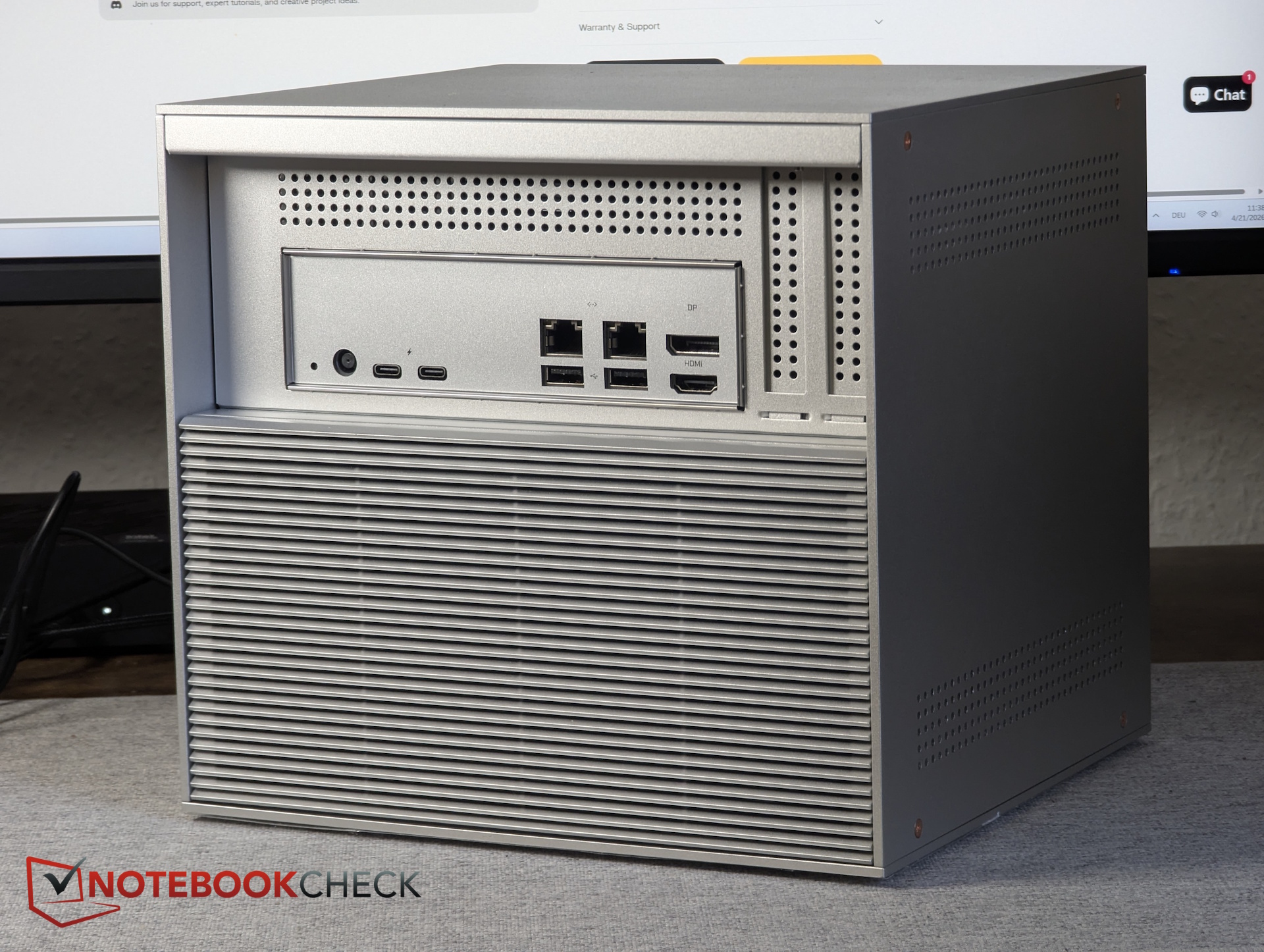
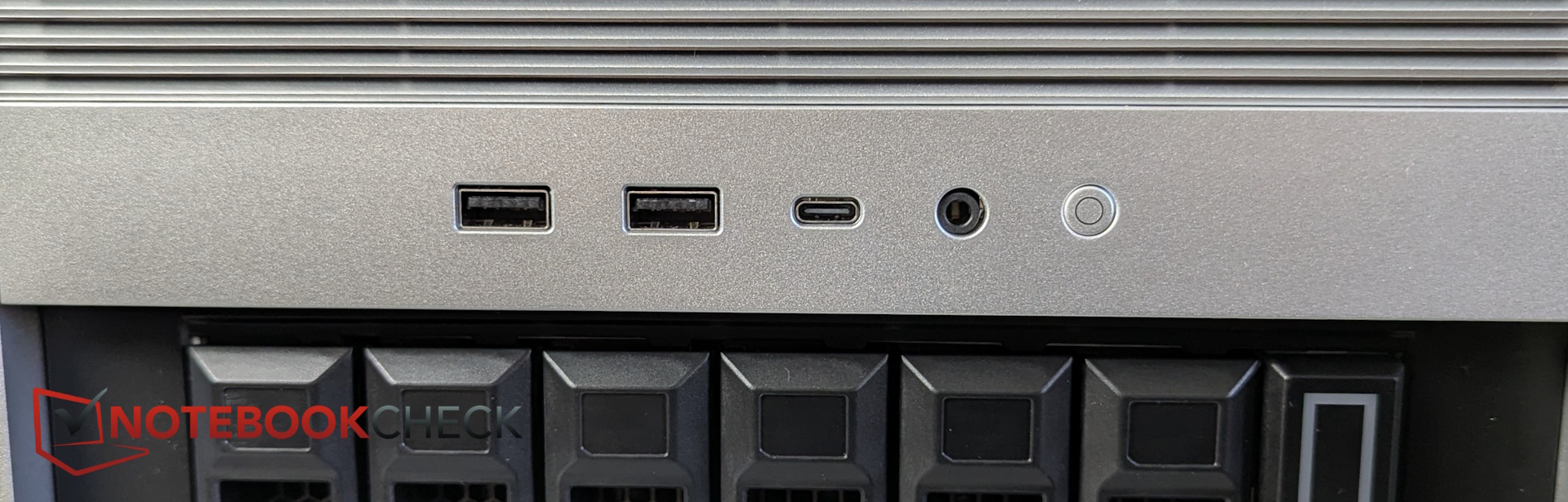
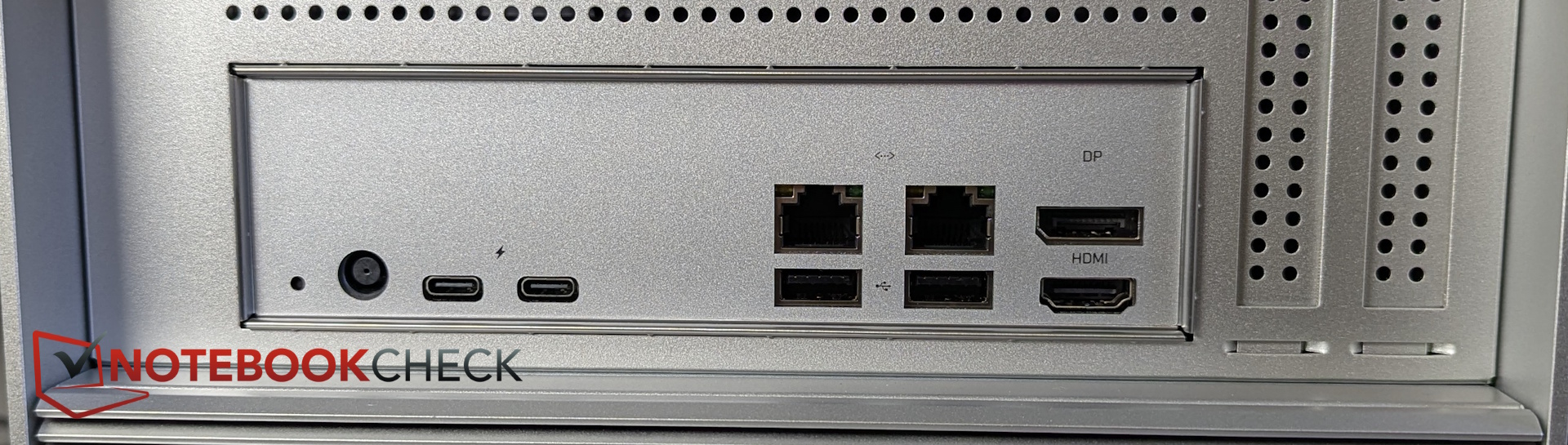
The ports are distributed between the front and rear. The rear houses the Thunderbolt ports (the ZC1 standard lacked TB4) and network interfaces, while the front features USB ports and a headphone jack, similar to a mini PC.
Maintenance
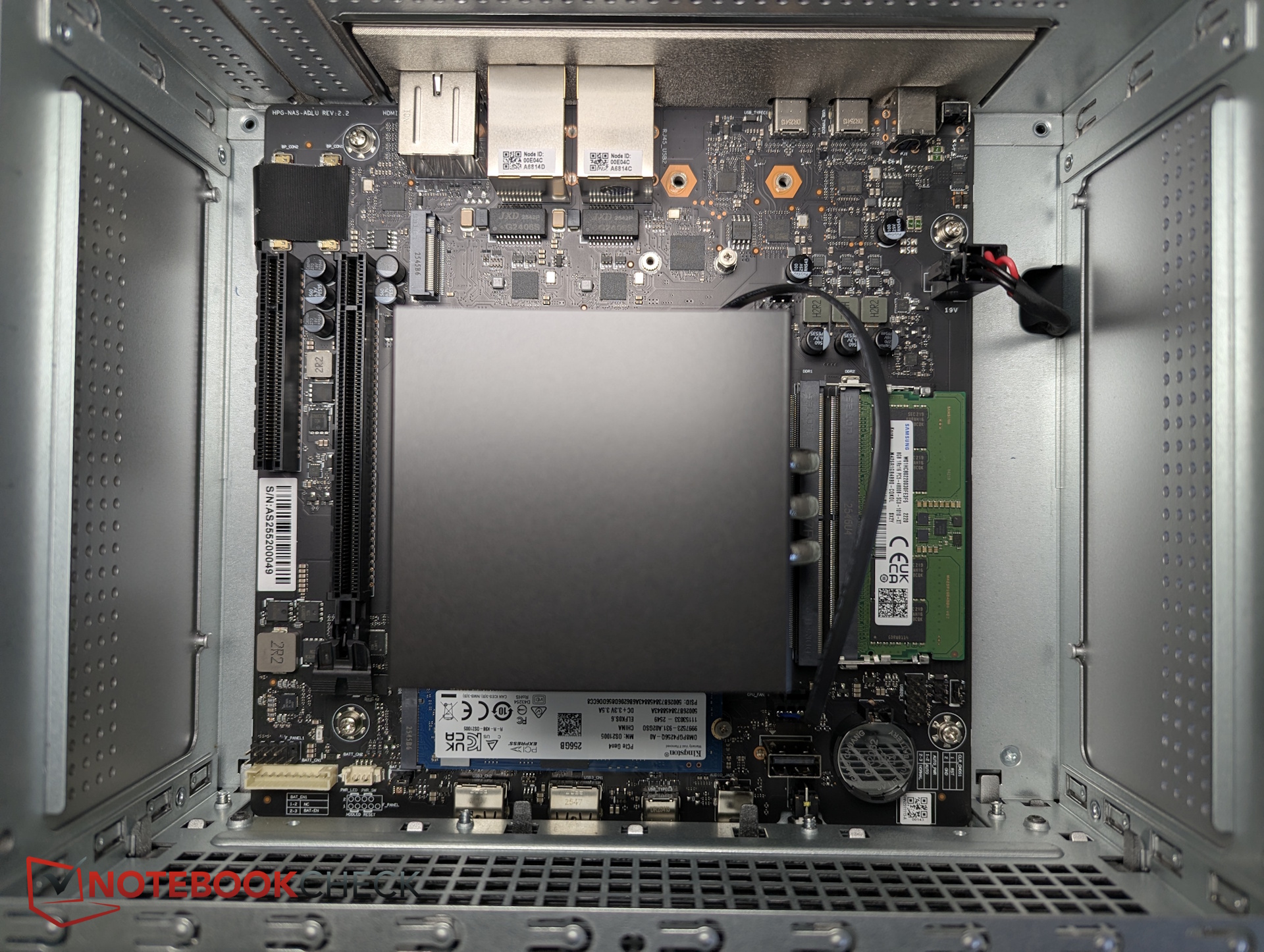
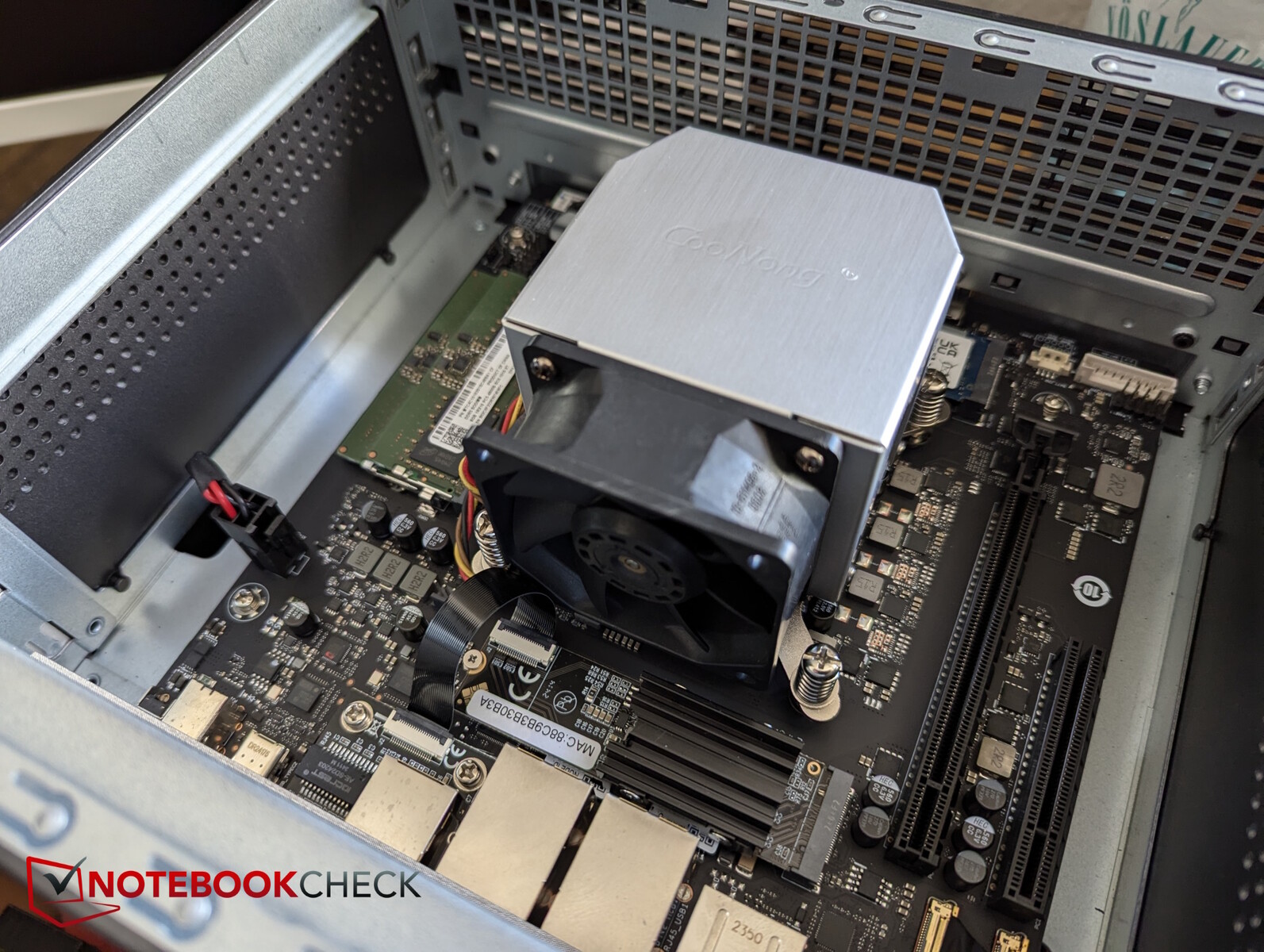
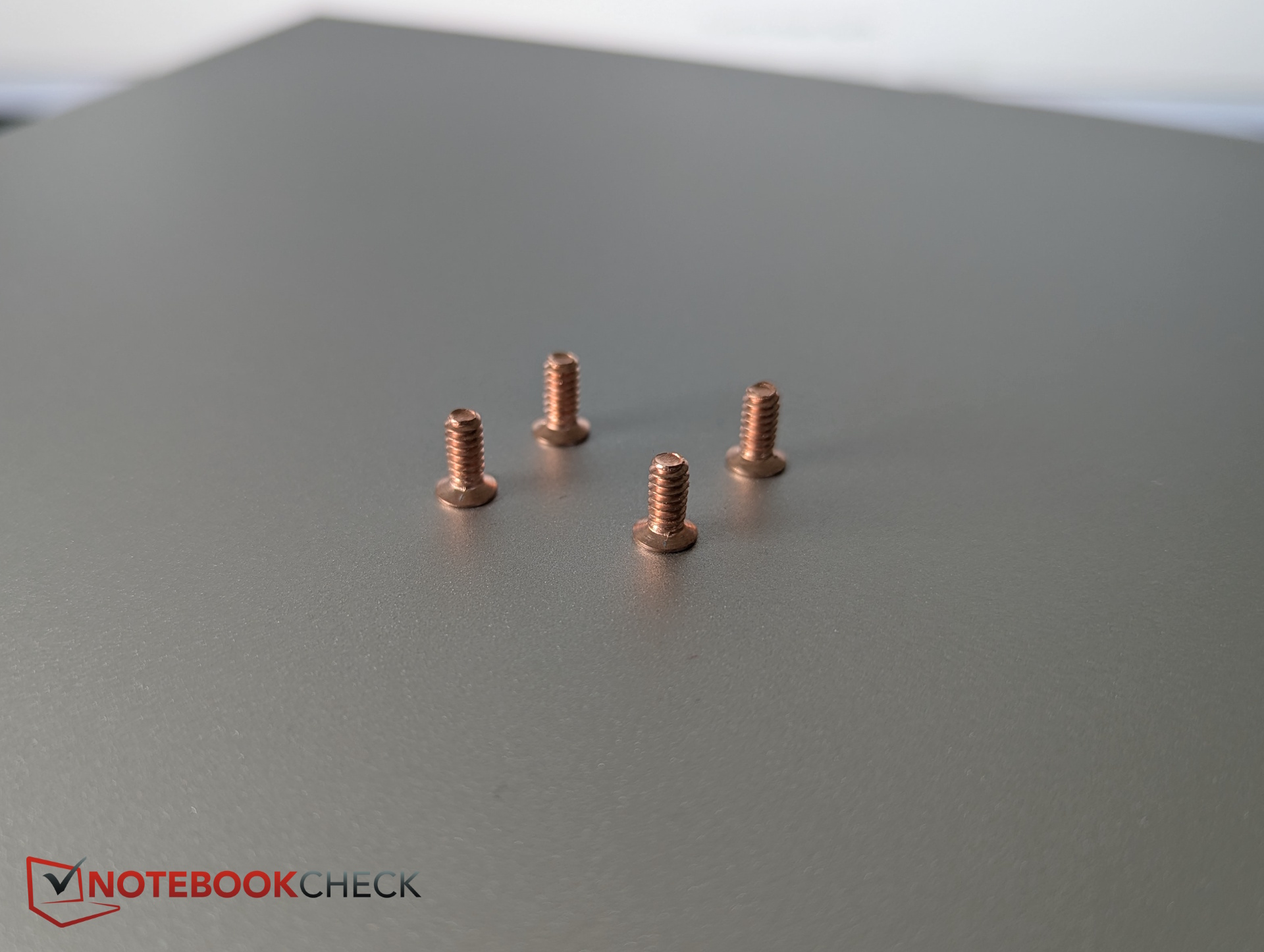
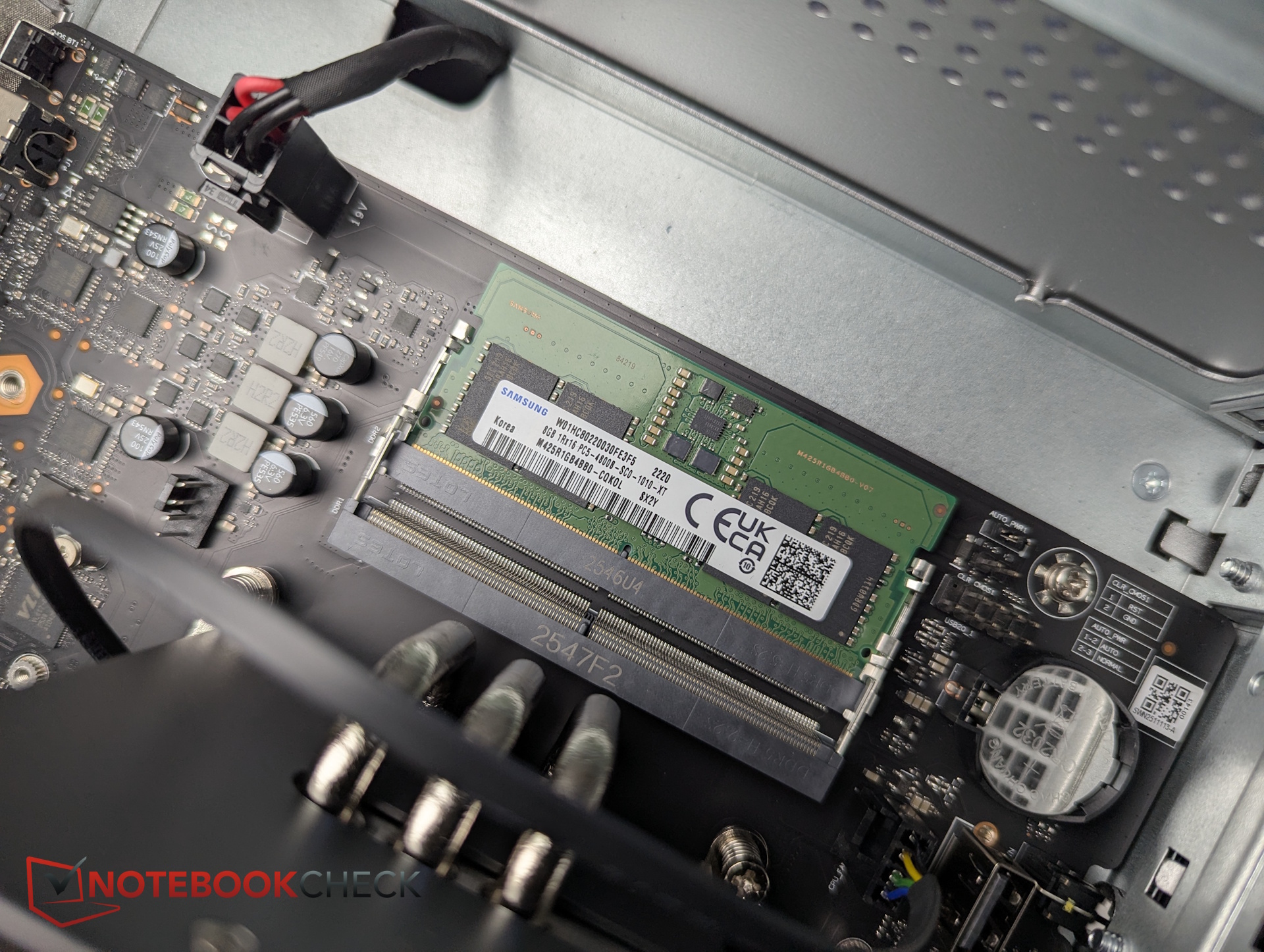
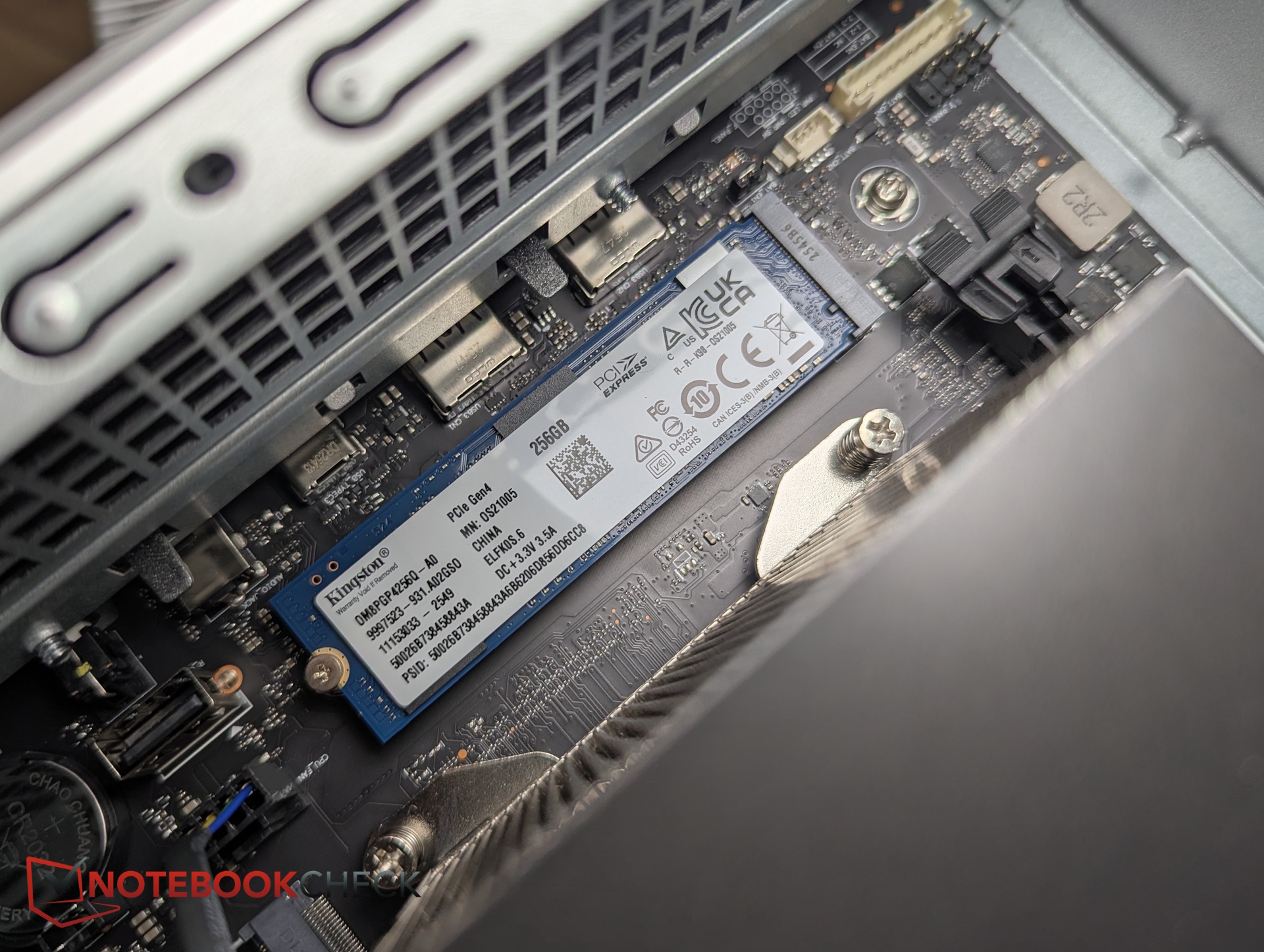
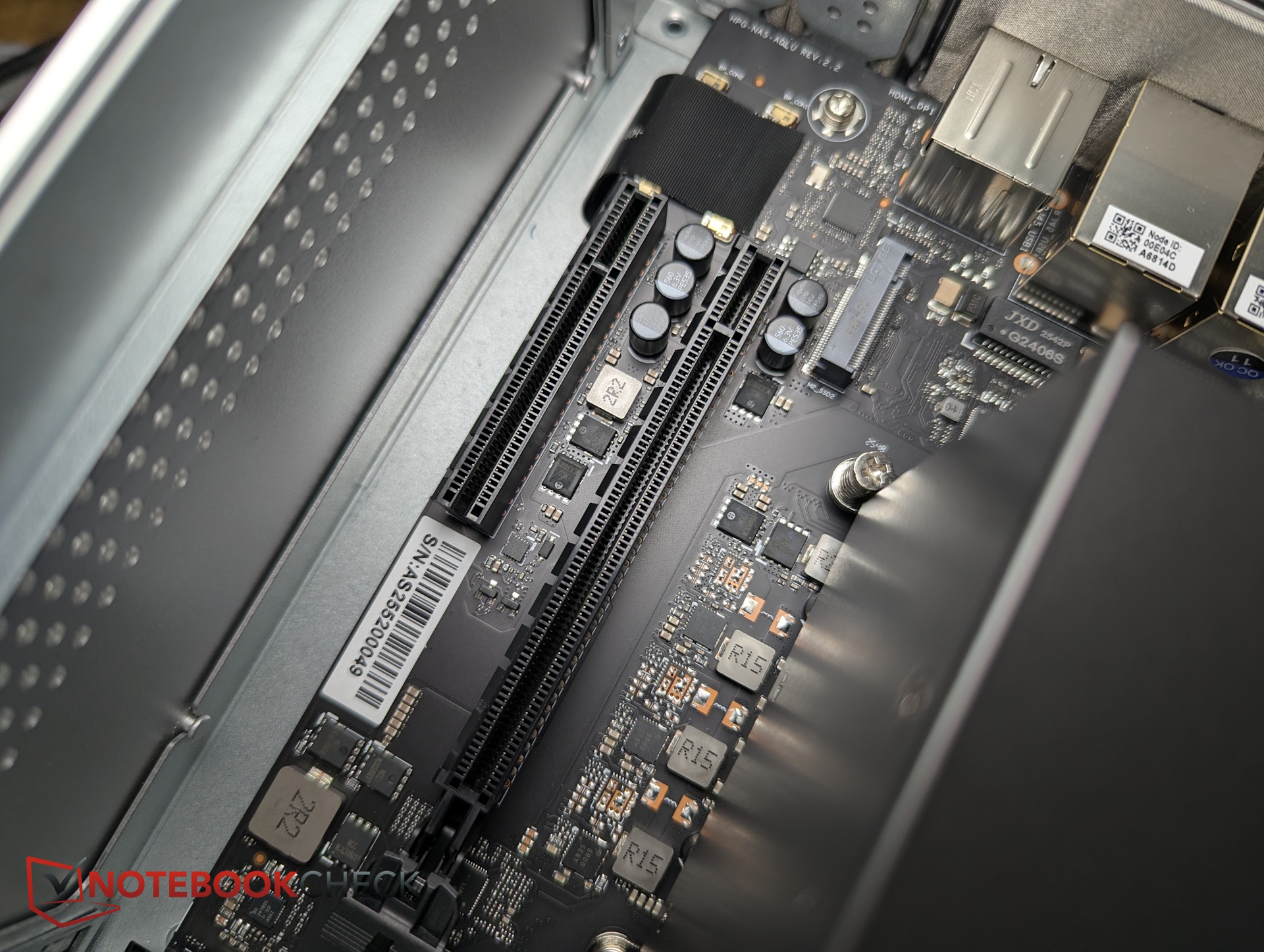
By loosening just four hex screws, we can remove the top plate. Inside, one of the two RAM slots remains empty, the SSD is replaceable, and the fan can be cleaned.
Accessories
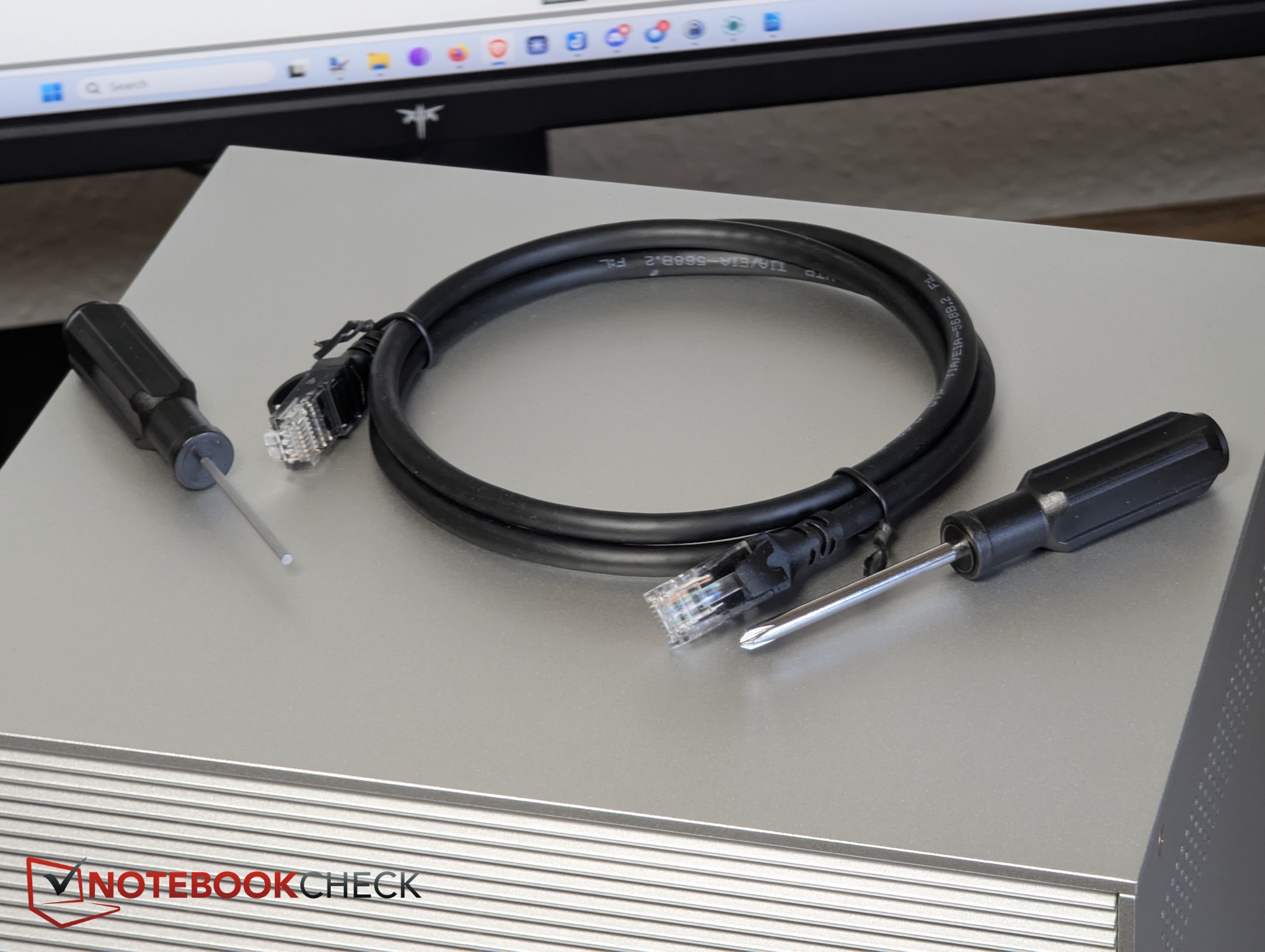
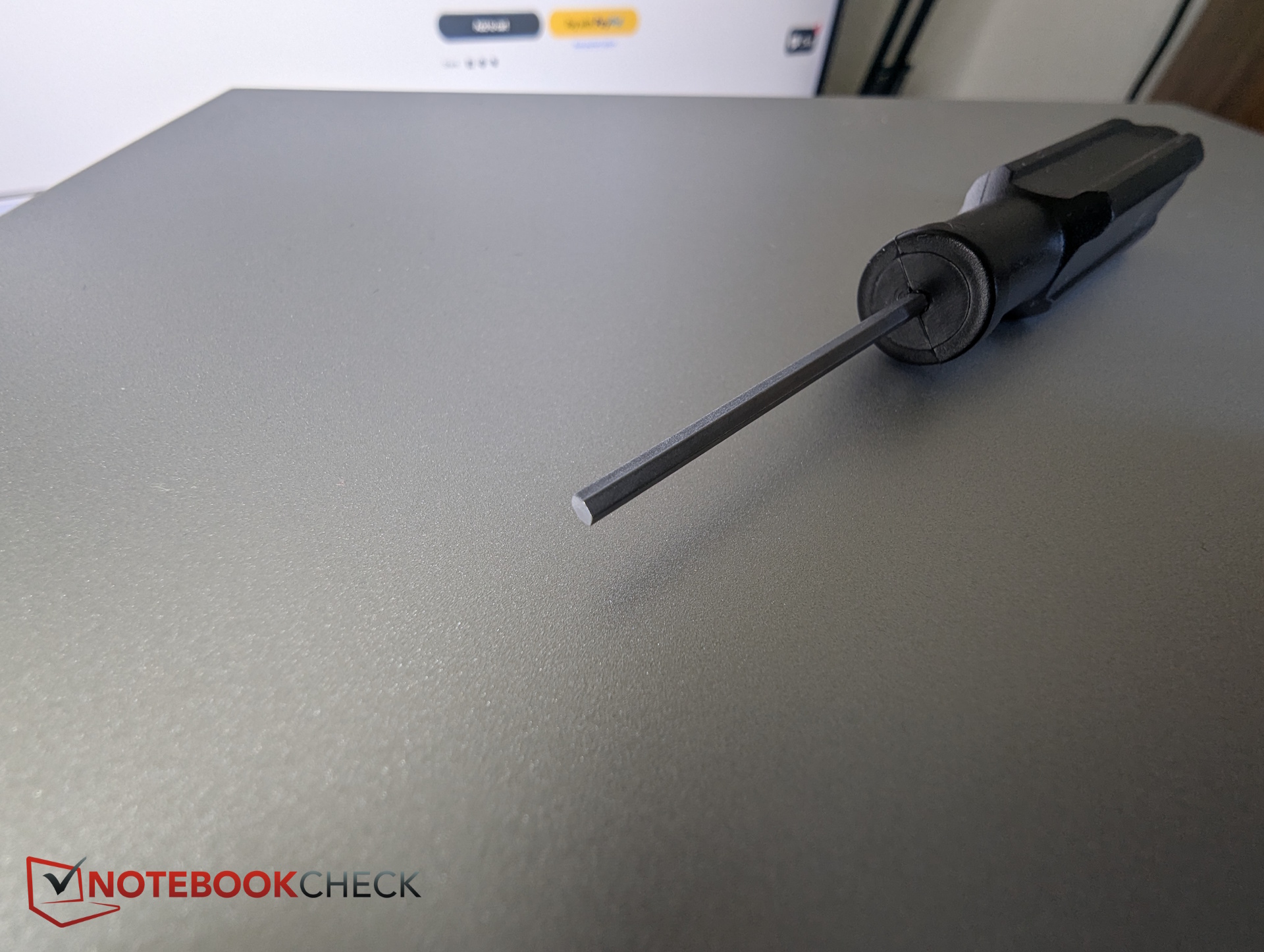
Along with the power supply, it includes various screws, two screwdrivers, and a short Cat6 LAN cable.
Specifications - Two ZimaCube variants again
In addition to the standard model, there is a Pro version which features a more powerful CPU and a 10 Gbps Ethernet port, among other things. This time, we are testing the $799 standard variant.
This model sees the most significant changes: instead of an N100 CPU, it is powered by an Intel i3-1215U, meaning the standard version finally supports 2x TB4, including direct PC connection or eGPU options.
The Pro model offers fewer new features, though the PCIe slots are faster, opening up more possibilities for 3D or AI expansions. Overall, the differences on paper, especially between the two Pro versions, are minimal.
However, IceWhale has put a lot of work into the internal cooling system; a vapor chamber now ensures quieter fan output.
| Feature/Model | ZimaCube 2 | ZimaCube 2 Pro | ZimaCube 1 Pro | ||
| Processor | Intel Core i3-1215U (6 cores, up to 4.4 GHz) |
Intel Core i5 1235U (10 cores) |
Intel Core i5 1235U (10 cores) |
||
| RAM | 8 GB DDR5-4800 SODIMM (expandable up to 64 GB) |
16 GB DDR5-4800 SODIMM | 16 GB DDR5-4800 MT/s (max. 32 GB) | ||
| Storage | 256 GB NVMe SSD | 256 GB SSD | 256 GB SSD | ||
| Drive bays | 6× SATA3 bays for 3.5" & 2.5" HDD/SSD plus 7th bay for 4× M.2 (800 MB/s r/w) |
6× SATA3 bays for 3.5" & 2.5" HDD/SSD plus 7th bay for 4× M.2 (3,200 MB/s) |
6× SATA3 bays for 3.5" & 2.5" HDD/SSD plus 7th bay for 4× M.2 |
||
| Network | 2× Intel i226 2.5 GbE ports | 2× 2.5 GbE ports + 1x Marvell AQC113 10 GbE | 1x 10 GbE + 2x 2.5 GbE ports | ||
| PCIe ports | PCIe 4.0 x4 (physical x16 slot) and PCIe 3.0 x2 (physical x8 slot) |
Gen 3.0 2 GB/s x1 and Gen 3.0 1 GB/s x1 |
Gen 4.0 8 GB/s x1 and Gen 3.0 2 GB/s x1 |
||
| USB ports | 2× USB-C with Thunderbolt 4 on the rear (supports direct Mac/PC connection) 4× USB-A 3.0, 1× USB-C 3.0 |
2x USB-C on the rear, 2x USB-A 2.0 on the front |
2× USB-C with Thunderbolt 4 on the rear 2x USB-A 3.0 on the front |
||
| Video output | HDMI 2.0 + DisplayPort 1.4 | DisplayPort 1.4, HDMI 2.0 | DisplayPort 1.4, HDMI 2.0 | ||
| Dimensions | 240 × 221 × 220 mm | 240 x 221 x 220 mm | 240 x 221 x 220 mm | ||
| Power supply | 19V / 13A (247W) | ||||
| Price | $799 | $1,299 | $1,099 |
Practical test - ZimaOS, Proxmox, Unraid, or Windows? Full OS freedom
Setup
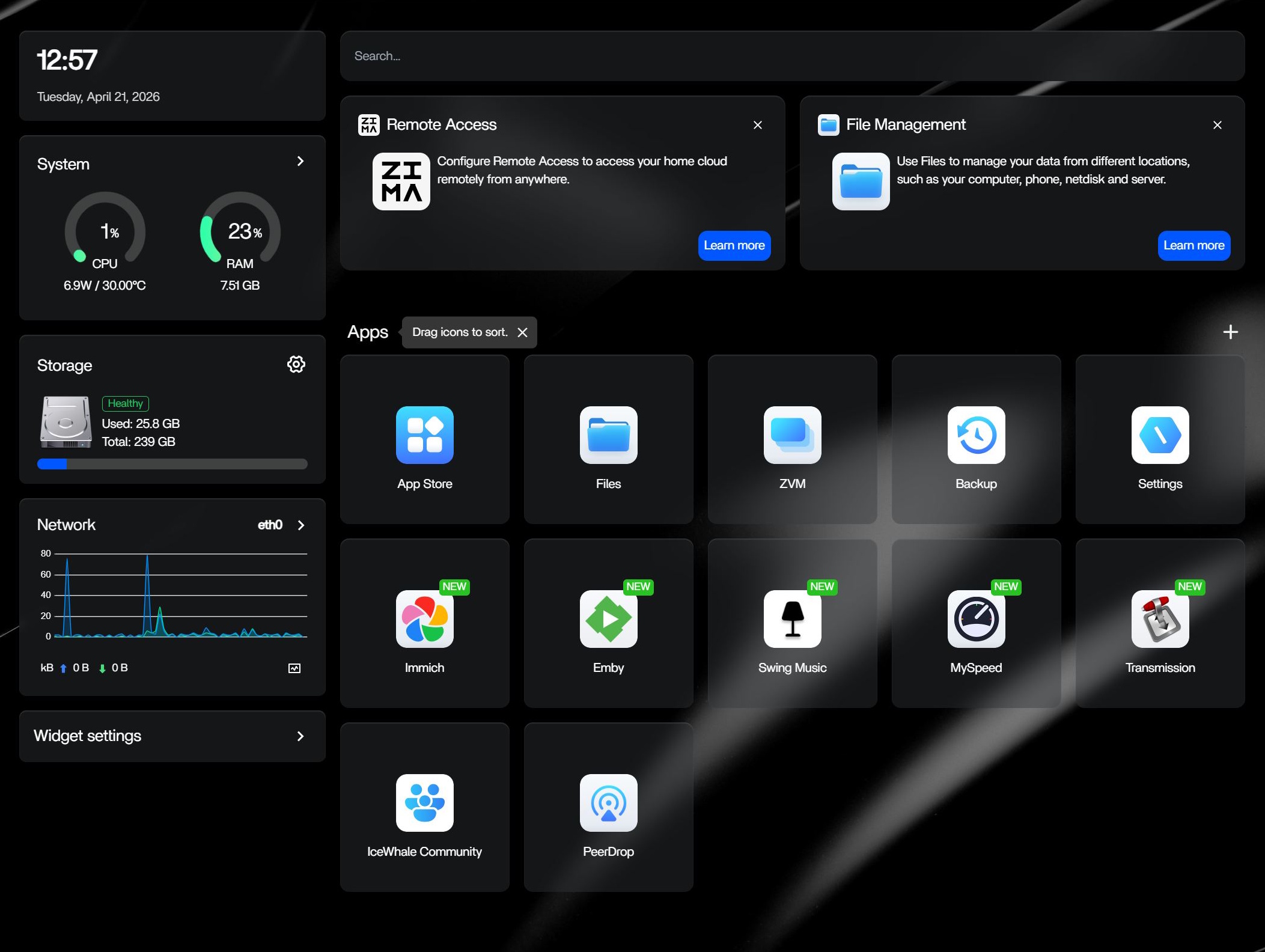
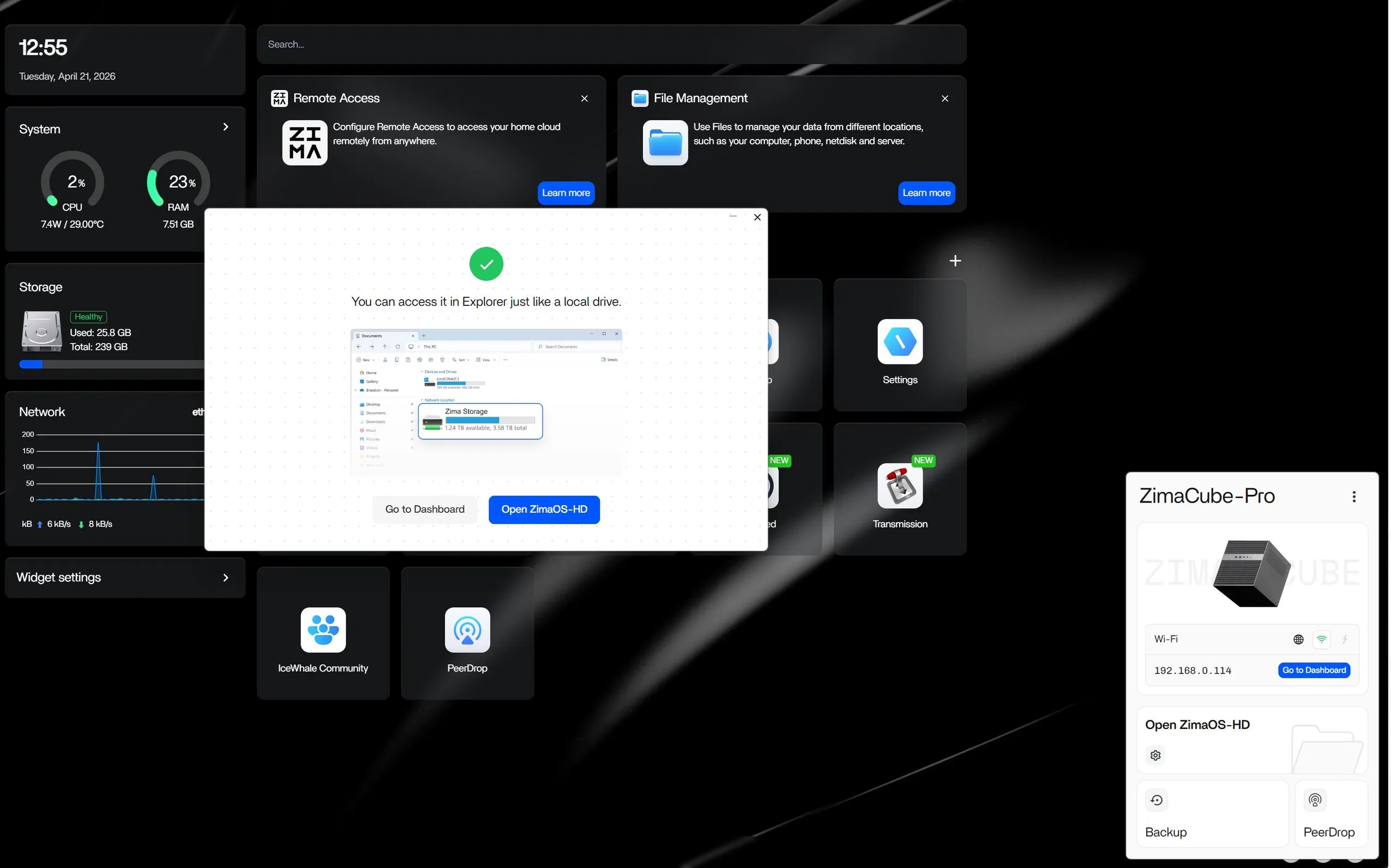
ZimaOS comes pre-configured; simply connect the Cube to your network/router and you can access it via IP through a web browser on a second computer.
However, IceWhale recommends installing ZimaClient, which automatically scans for connected devices, enables backups, and, most importantly, allows for easy remote access.
ZimaOS
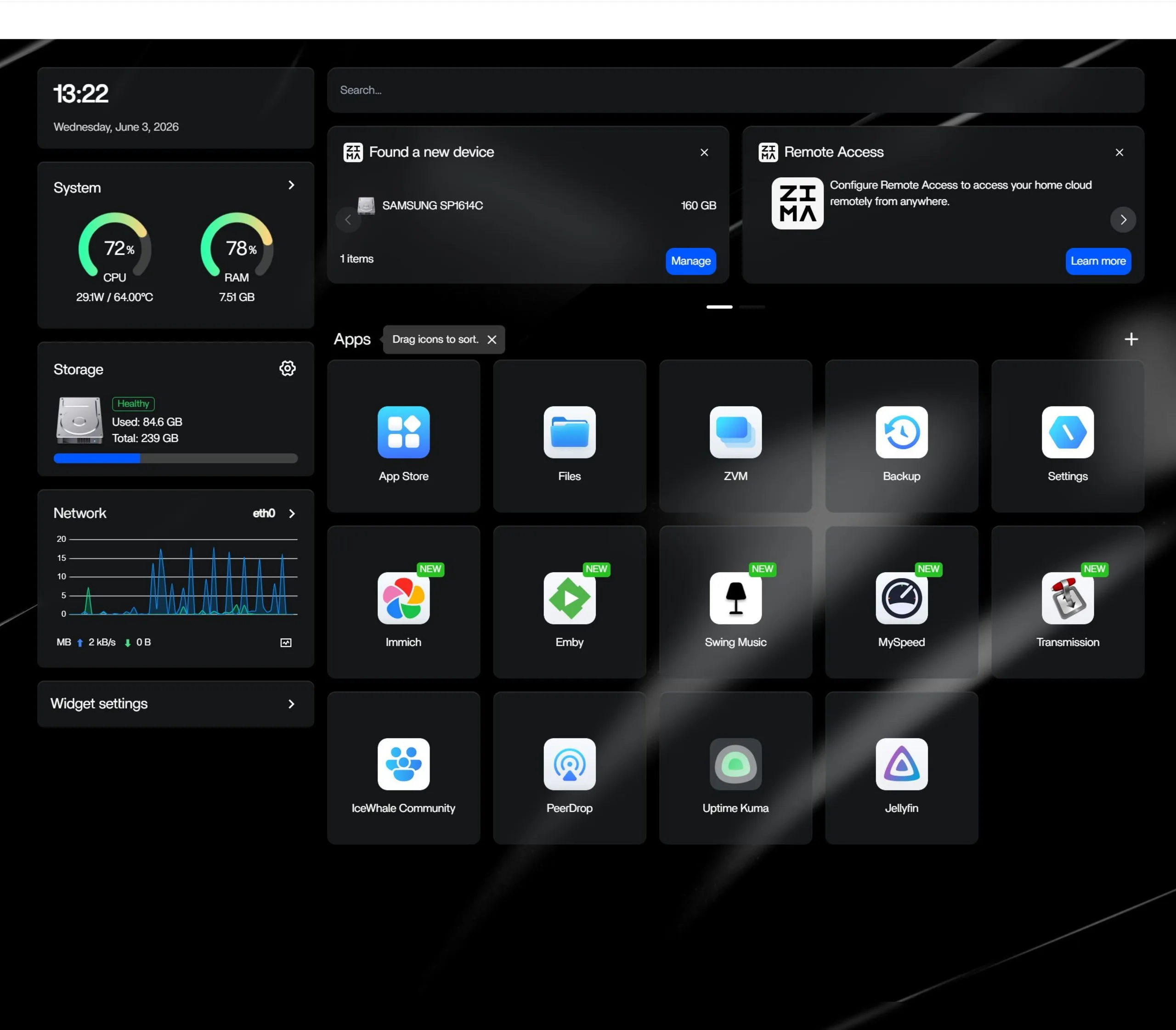
Naturally, you can install any x86 operating system, including Ubuntu, Unraid, TrueNAS, and of course Windows—the system has the power to handle it. However, the pre-installed ZimaOS is intentionally kept simple, providing a graphical server interface (GUI) in the browser based on CasaOS.
We praised this OS in our previous review (German only), and it has since become even more refined and versatile without becoming overly complex. For example, you can now set up VMs, configure storage in more RAID configurations, etc. This makes it exceptionally beginner-friendly while remaining capable for advanced users.
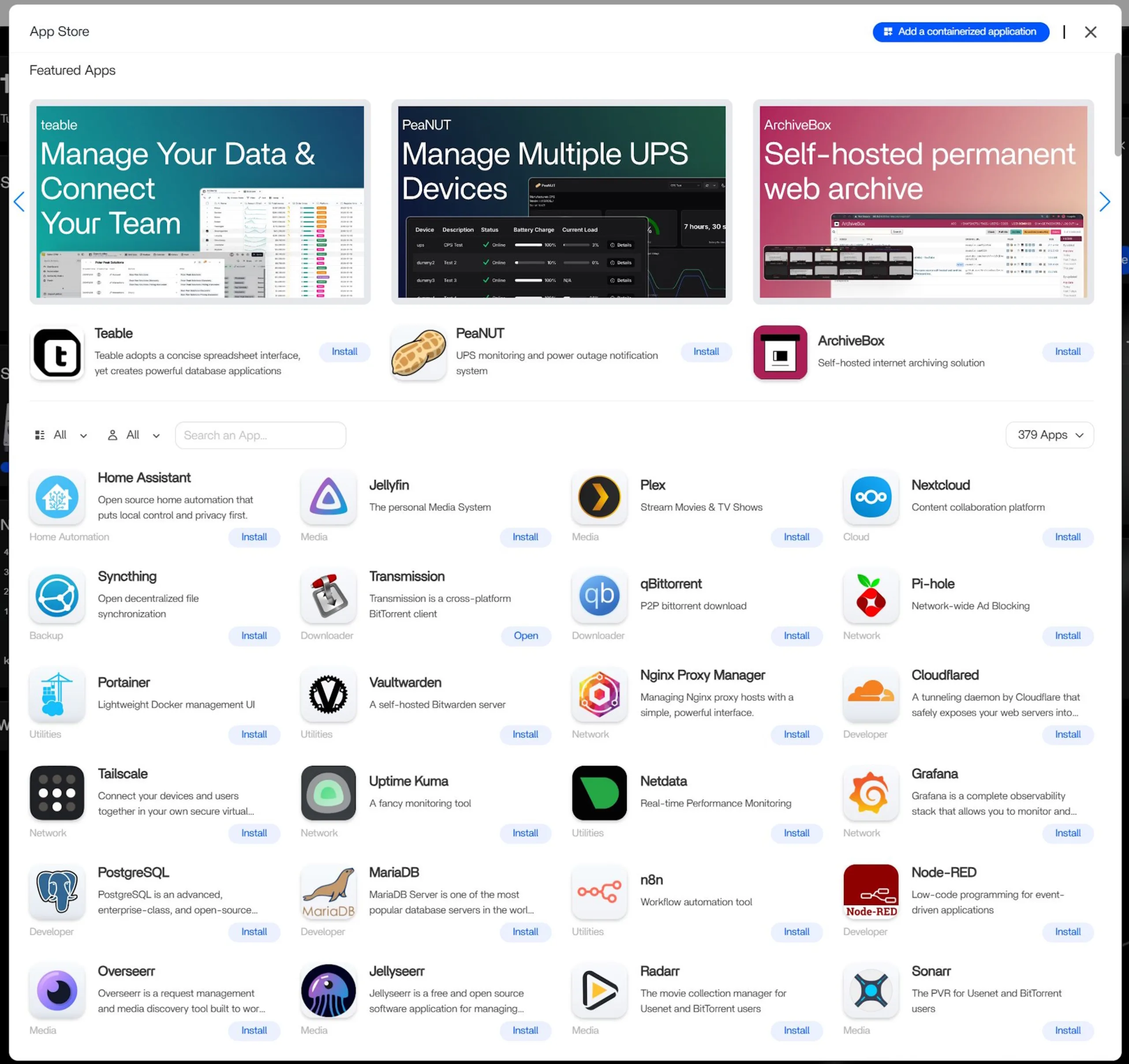
In the Container App Store, you can find almost everything you need; the GUI is clean and straightforward: from Pi-hole, Jellyfin, Plex, Syncthing, and Nextcloud to VMs, almost anything is possible.
Emissions & energy - Significantly quieter than the predecessor in daily use
Noise levels
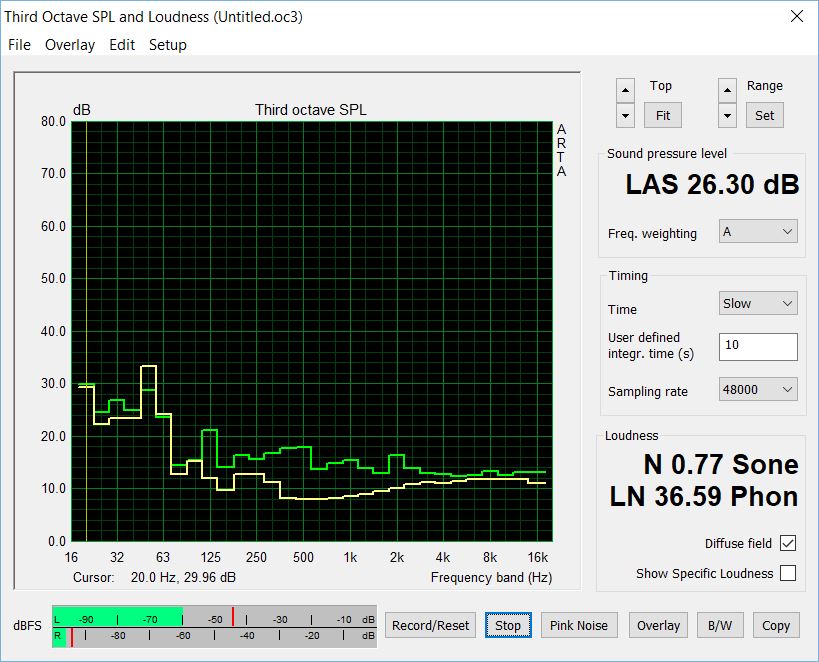
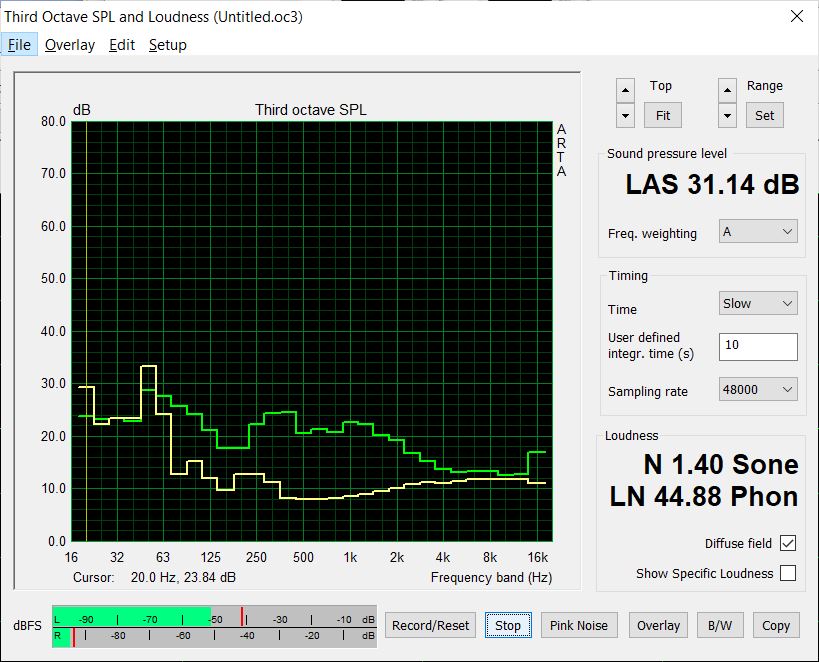
Upon booting or restarting (after an update), the fans spin up briefly but settle down if no processes are running. Generally, the fans are always running, measuring approximately 26 dB at idle from a distance of 1 meter.
With CPU utilization at about 60 to 70 percent (Jellyfin video playback and a Pop!_OS VM stress test via browser), fan noise increased to about 31 dB. Both values are a clear improvement over the predecessor (30 dB idle, 35 dB under stress).
Power consumption
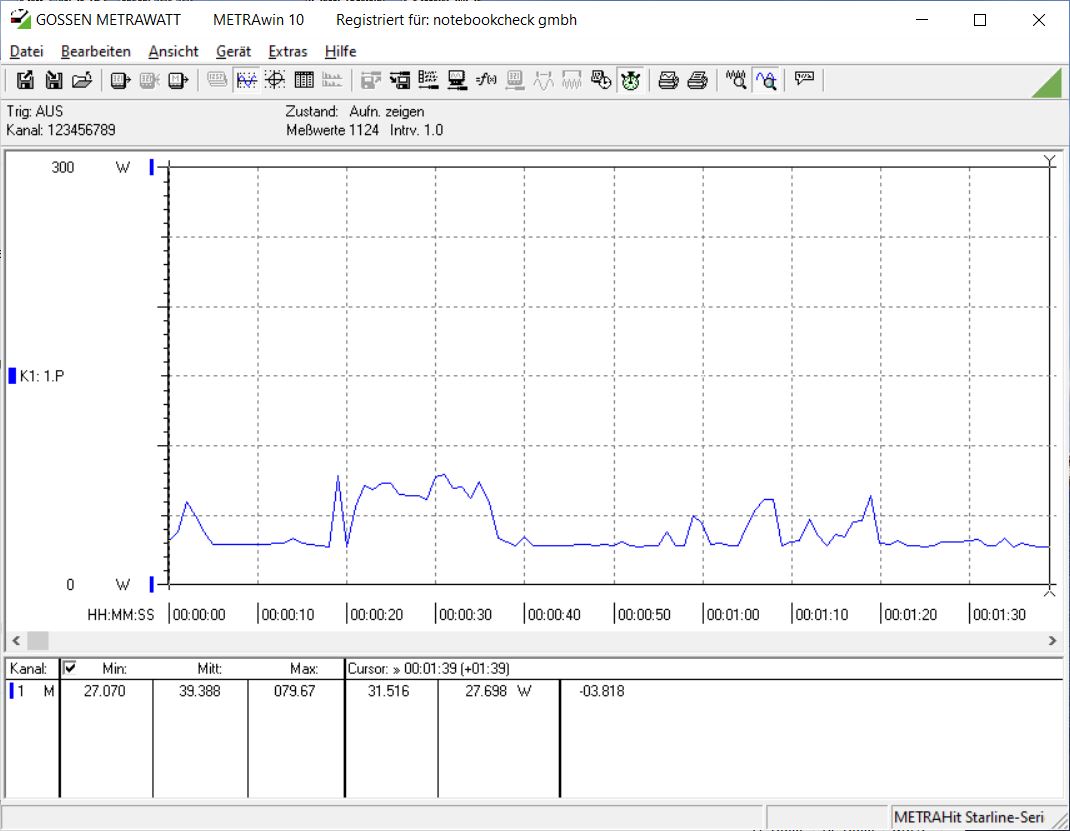
Idle consumption without additional storage media is around 20 to 28 W. Even when switched off, the ZimaCube 2 still draws just over 2 W.
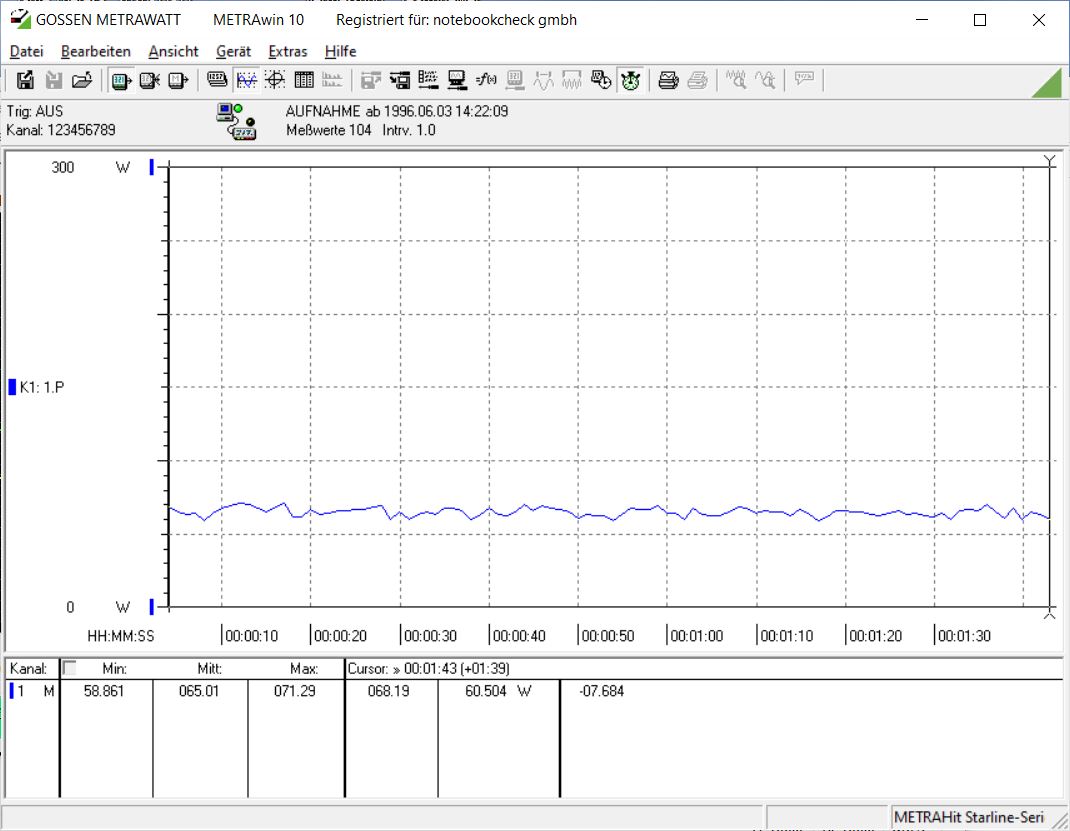
At 65 percent utilization, we measured a consumption of approximately 65 W, without additional HDDs or SSDs. While this might not seem low for a home user, the Cube is aimed at prosumers and small businesses.
Transparency
The selection of devices to be reviewed is made by our editorial team. The test sample was given to the author by the manufacturer free of charge for the purposes of review. There was no third-party influence on this review, nor did the manufacturer receive a copy of this review before publication. There was no obligation to publish this review. As an independent media company, Notebookcheck is not subjected to the authority of manufacturers, retailers or publishers.
 Add as a preferred source on Google


