




Ugreen NASync DXP4800 GT review: A powerful 4-bay NAS at a great price
Abhinav Fating Published 🇳🇱 🇫🇷 ...
Verdict
Ultimately, the Ugreen NASync DXP4800 GT is a fantastic 4-bay NAS that delivers in both performance and cost. The good-looking NAS system offers all the essential features, such as excellent build quality, dual 10 GbE ports, the AMD platform, ECC memory, and U.2 SSD support. The NAS server certainly isn’t without its limitations. The Ugreen AI features are limited to photos only. The UGOS Pro software still lacks some useful features. There’s no Thunderbolt 4 connectivity.
All in all, if you are looking for a feature-packed yet affordable 4-bay NAS for homes, small offices, and studios, you can’t go wrong with Ugreen’s NASync DXP4800 GT NAS.
Pros
Cons
Price and Availability
The Ugreen NASync DXP4800 GT is now available for purchase in the US at an MSRP of $659.99. As a part of the limited-time launch offer, the company is offering a straight 20% discount via the “DXP4800GT” code, bringing its price down from $659.99 to just $525.99 for a limited time. However, keep in mind that the offer lasts until June 26; thereafter, it will be available at its original retail price. Interested buyers can purchase the NAS system directly from Ugreen’s official website and Amazon. Do keep in mind that the drives aren't included in the box, meaning you have to purchase NAS drives separately.
Being a long-time cloud storage user, I've always been intrigued by NAS systems. So when Ugreen reached out and offered me the chance to review its latest NAS, I didn't need much convincing. The device I'm talking about is the newly launched NASync DXP4800 GT, a 4-bay NAS from Ugreen.
The Ugreen DXP4800 GT is advertised as the creator-focused model and it’s the first-ever model in the DXP4800 series that is powered by AMD’s Ryzen Embedded R2512 chipset. For context, the other models in the DXP4800 series, namely, the DXP4800 Plus and the DXP4800 Pro, come with the Intel Pentium Gold 8505 and Intel Core i3-1215U chipsets, respectively. Notebookcheck has covered Ugreen NAS hardware before, including the Ugreen iDX6011 Pro.
Ugreen’s latest NAS has the same design and pretty much similar features, albeit with few tweaks. I’ve been testing the DXP4800 GT for the last three weeks to see how well it performs and whether it holds its ground against some of its immediate competitors such as the Synology DS923+ and the QNAP TS-464.
Specifications
| Name | Ugreen NASync DXP4800 GT |
|---|---|
| CPU | CPU Model AMD Ryzen Embedded R2514 |
| CPU Core | 4 |
| CPU Threads | 8 |
| Max Frequency | 3.7GHz |
| Storage Drive Bays | 4 |
| M.2 SSD Slots | 2 |
| Maximum Capacity | 32 TB x4 + 8 TB x2 |
| M.2 Slot | 2x Gen 3 X2 |
| RAID Mode | JBOD/Basic/RAID0/RAID1/RAID5/RAID6/RAID10 |
| RAM | 8GB DDR4 |
| Expandable RAM Slots | 2 |
| Maximum Expansion | 64 GB |
| System System Drive | 64 GB eMMC |
| Operating System | UGOS Pro |
| LAN Port | 2x 10 GbE |
| Connectivity | USB-A 3.2 Gen 2 x2, USB-A 2.0 x2, USB-C 3.2 Gen 2 x1, HDMI 4K 60Hz, SD Slot SD 3.0 |
| Price | $659.99 |
Design
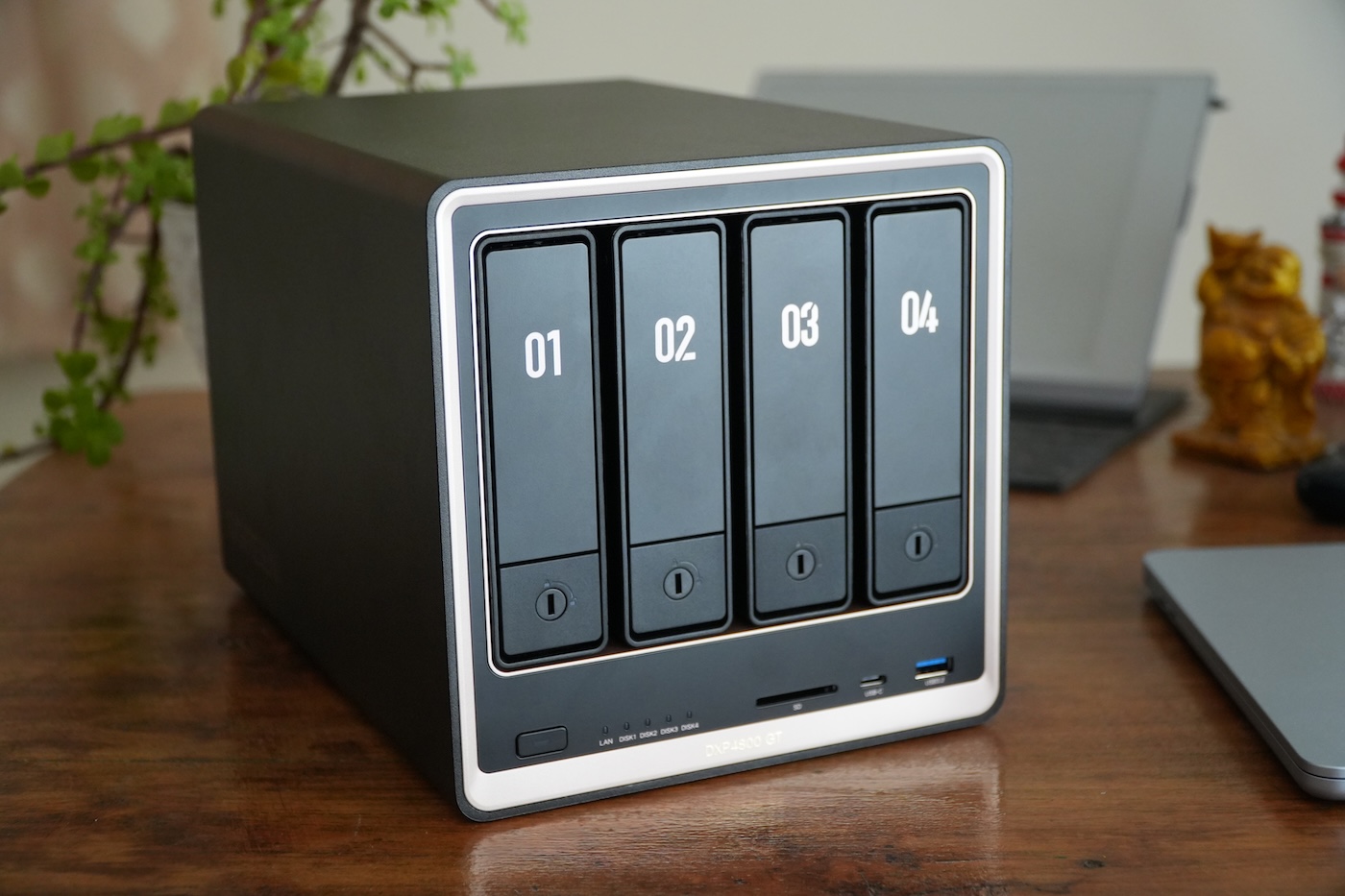
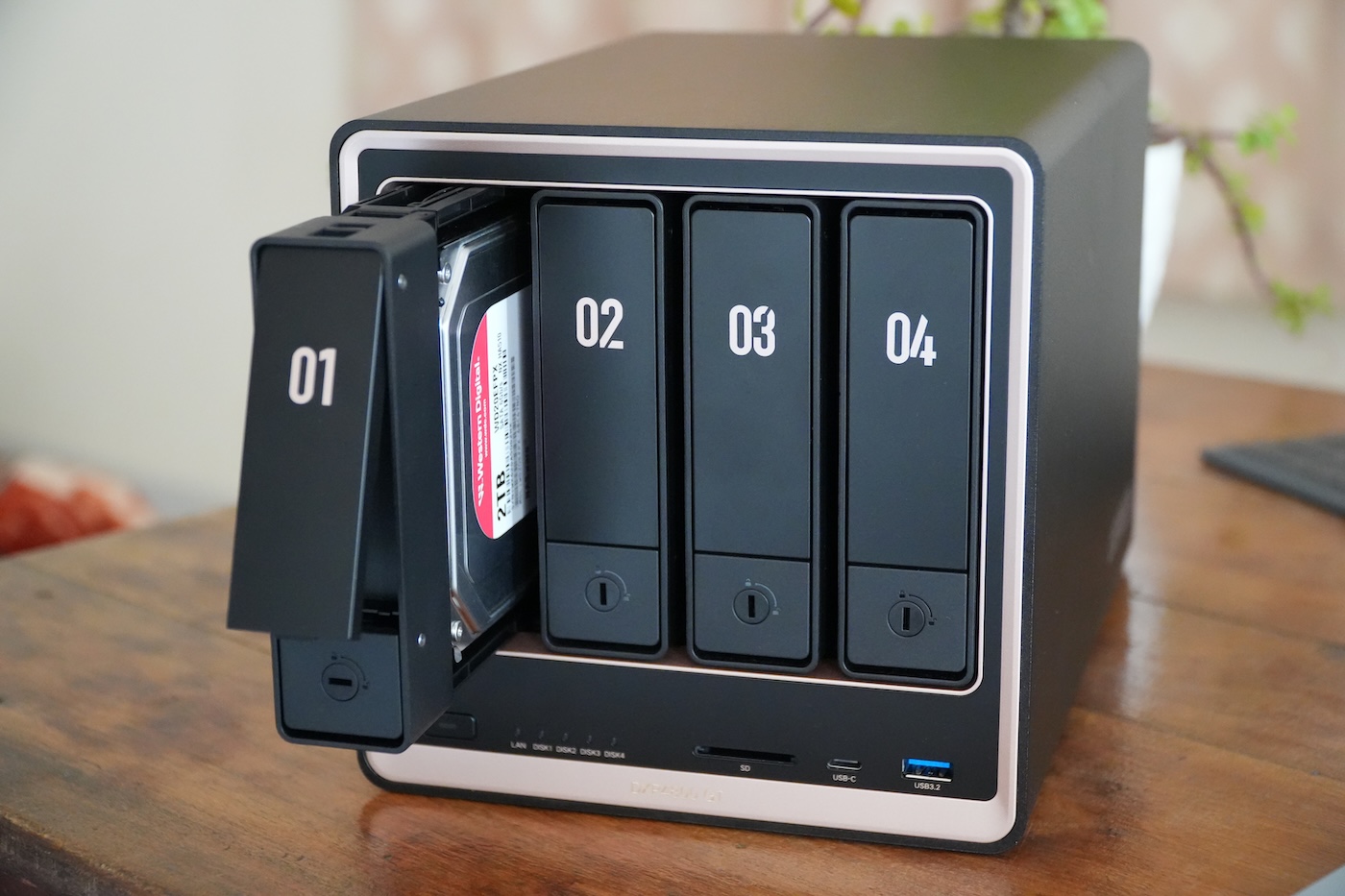
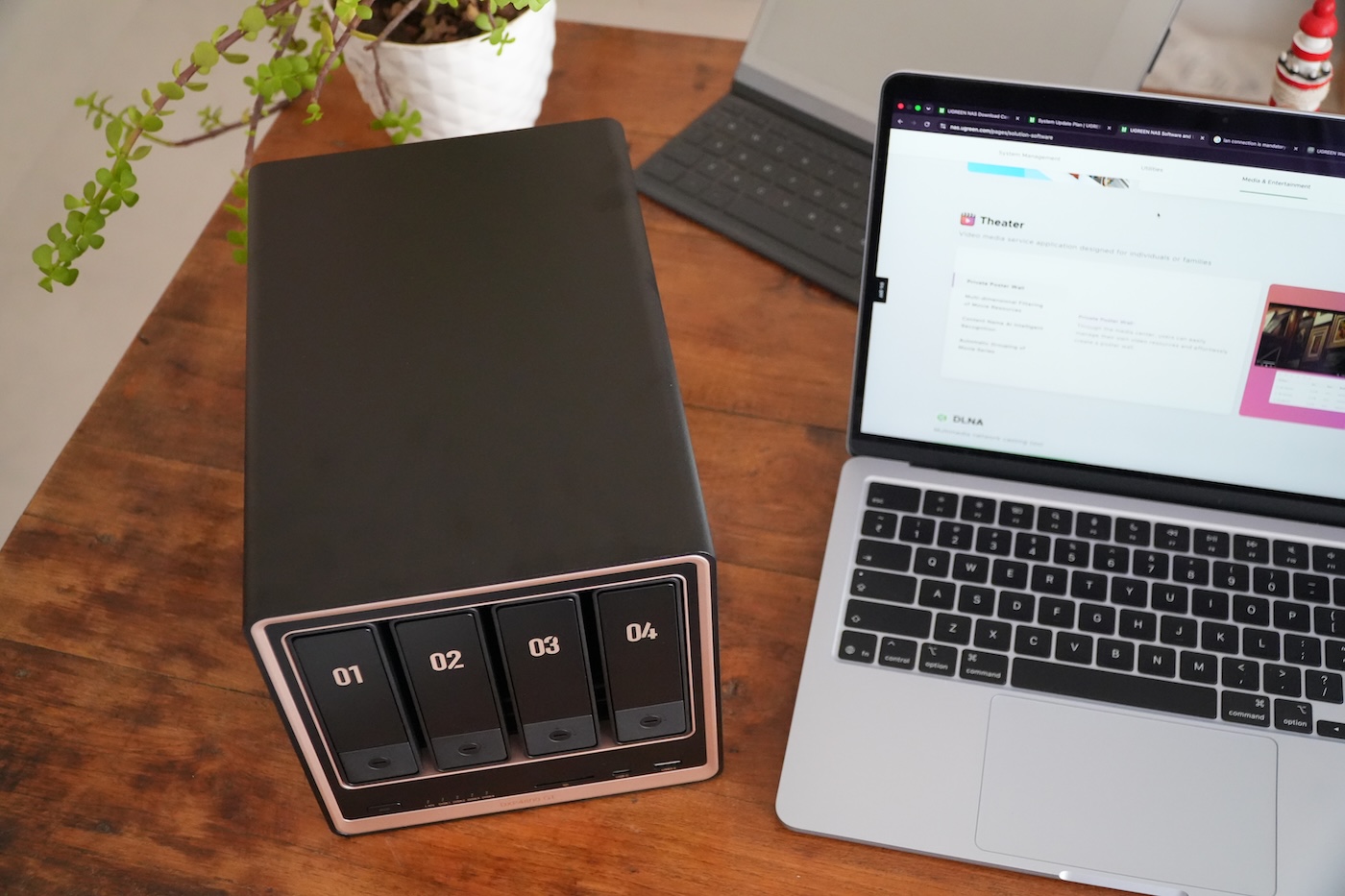
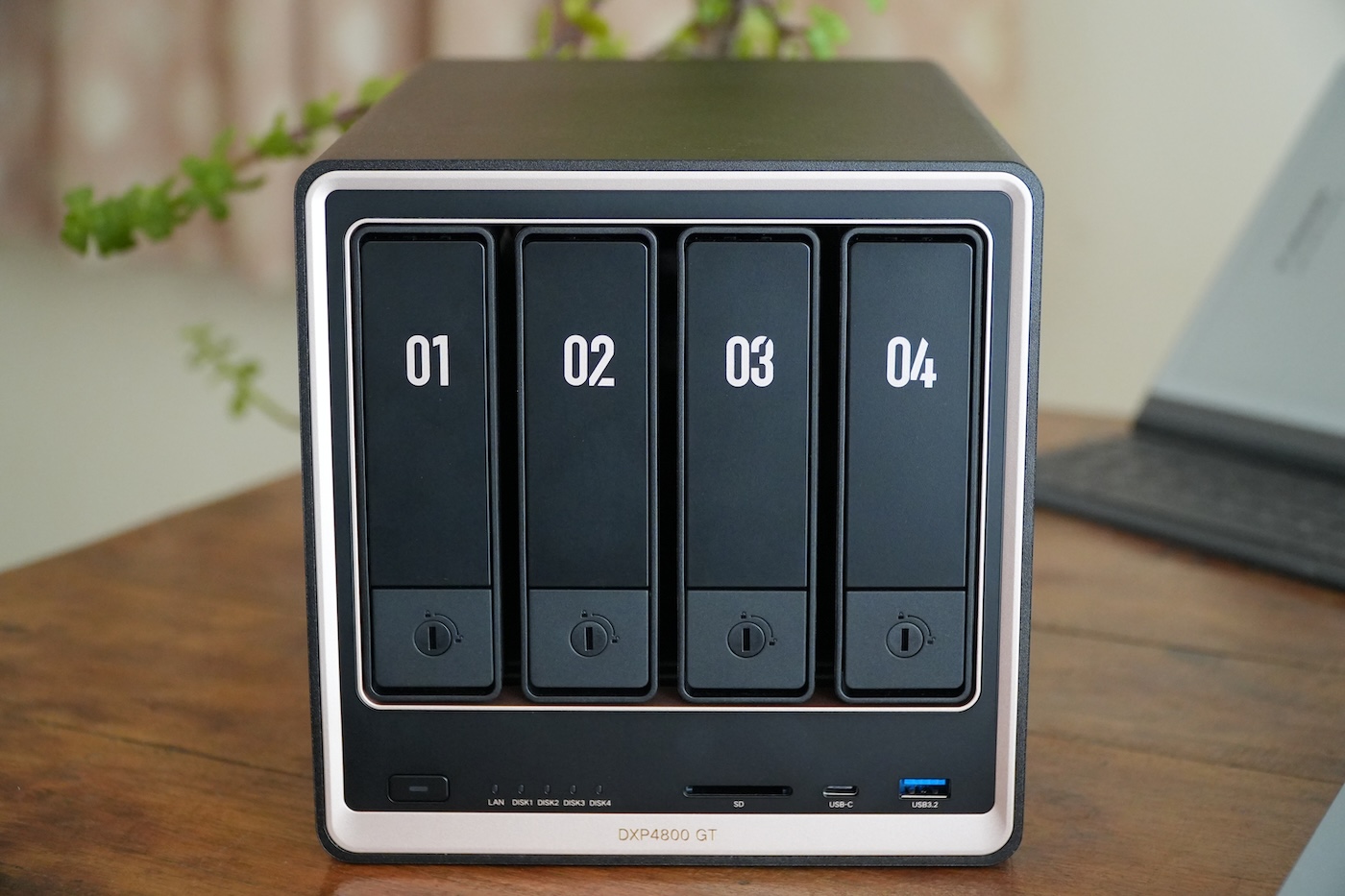
The design of the DXP4800 GT has a similar design language as its other DXP4800 series siblings. What makes the GT lineup stand out is its premium black-and-gold chassis. In my opinion, it looks much better than its mainstream silver finish used on the previous models. The metal build quality of the NAS is solid and the black matte finish really goes well with the gold tone. The overall aesthetic of the DXP4800 GT looks more eye-catching and professional than many NAS devices at this price.
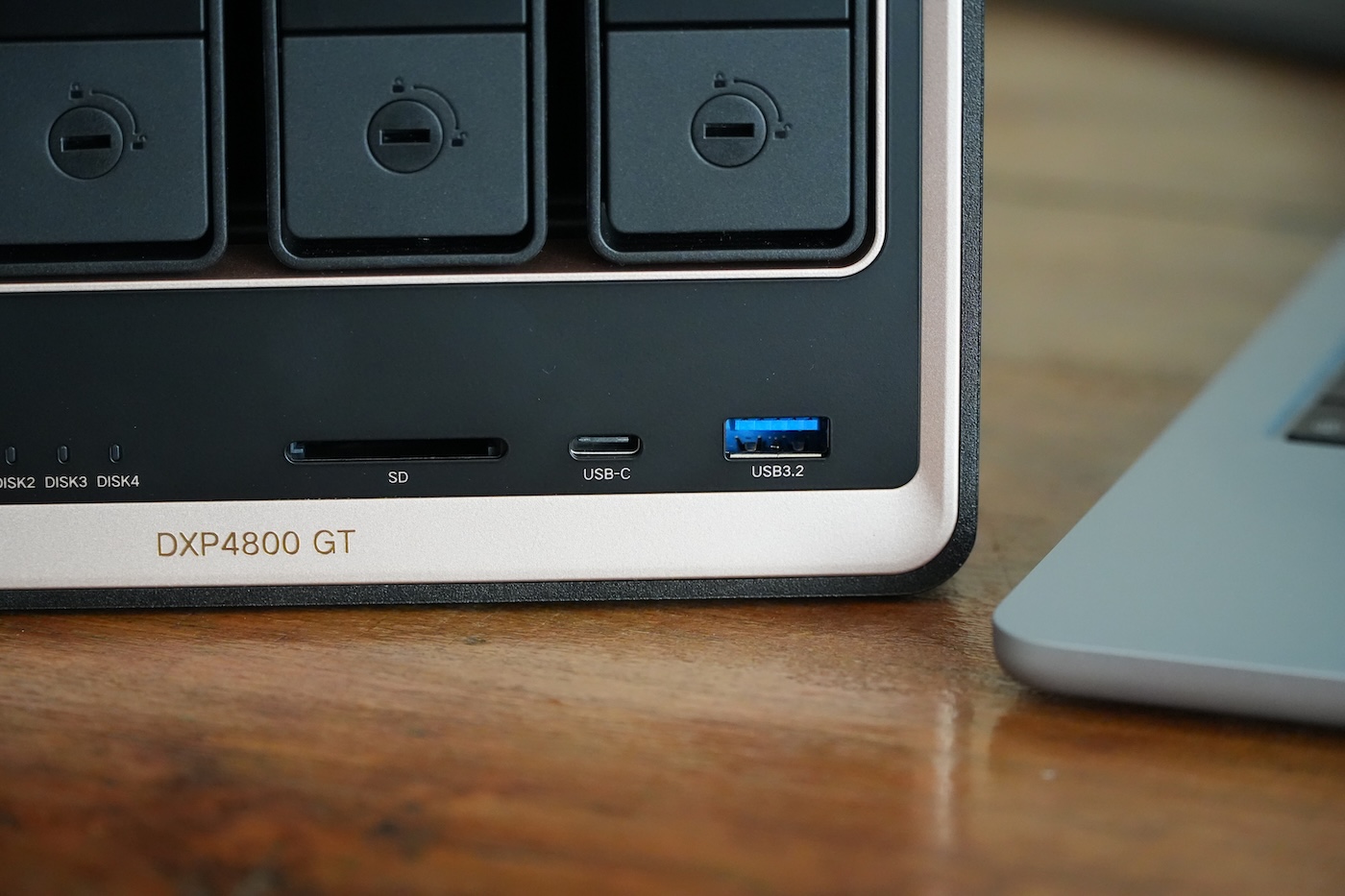
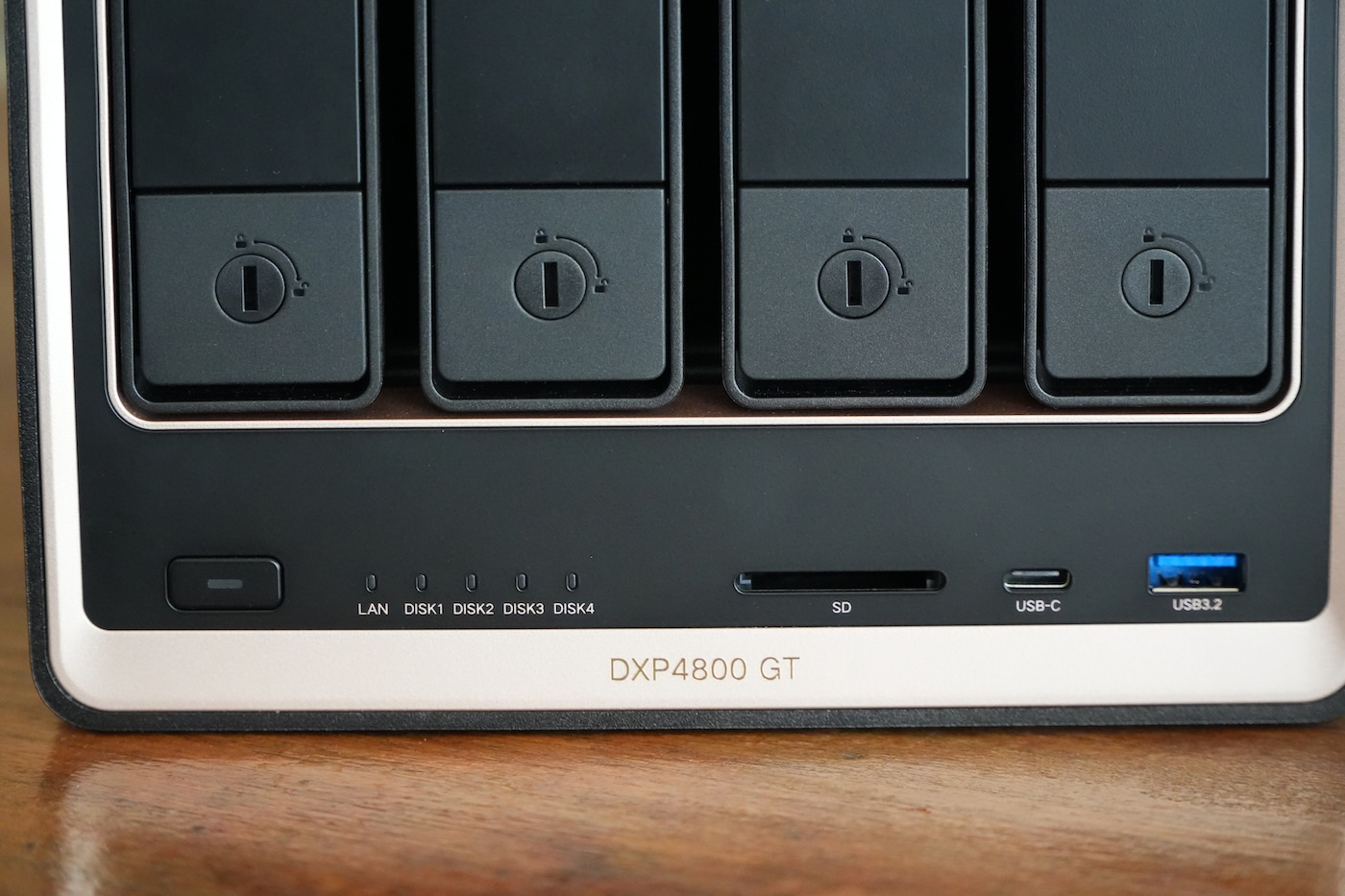
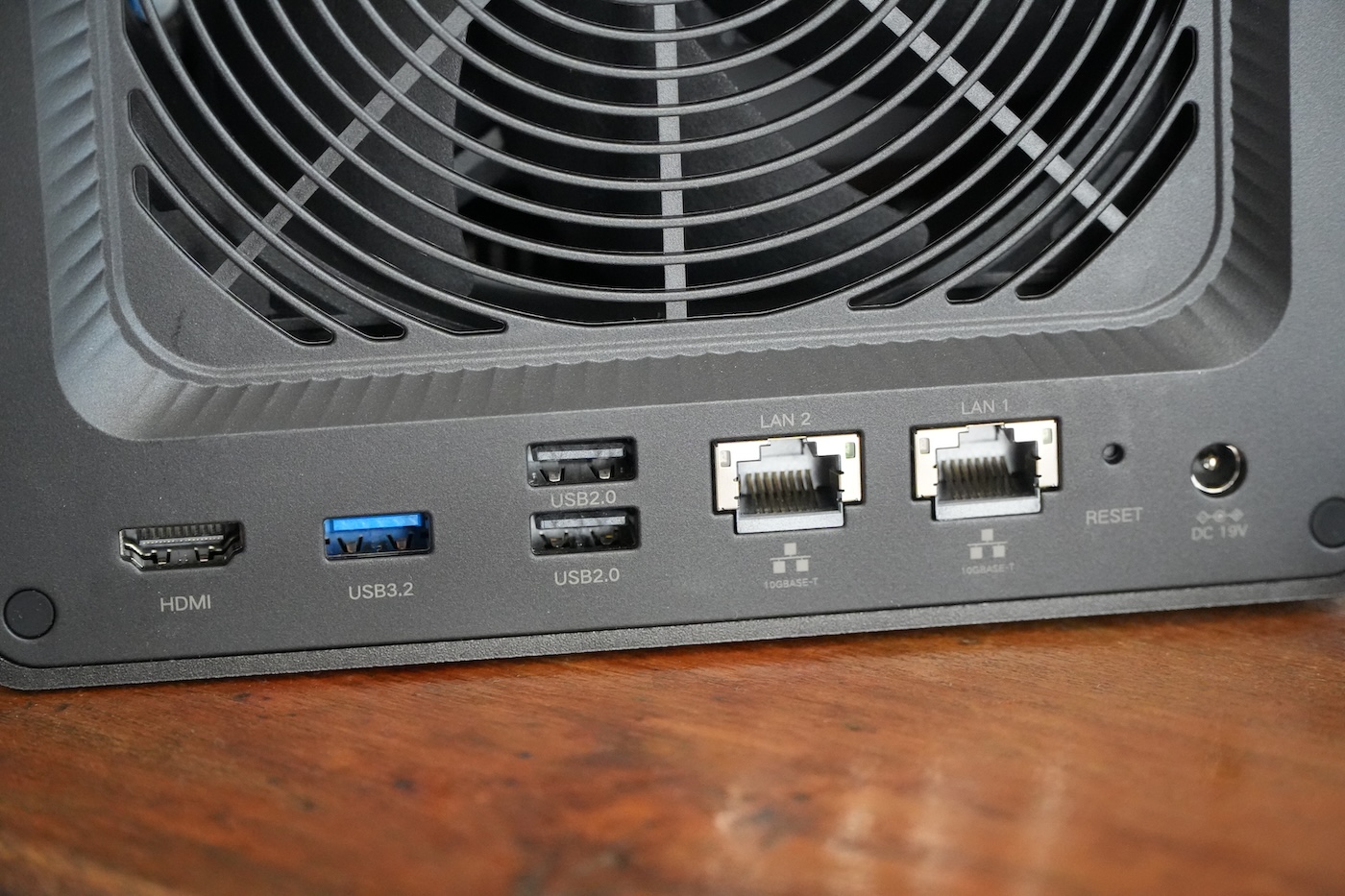
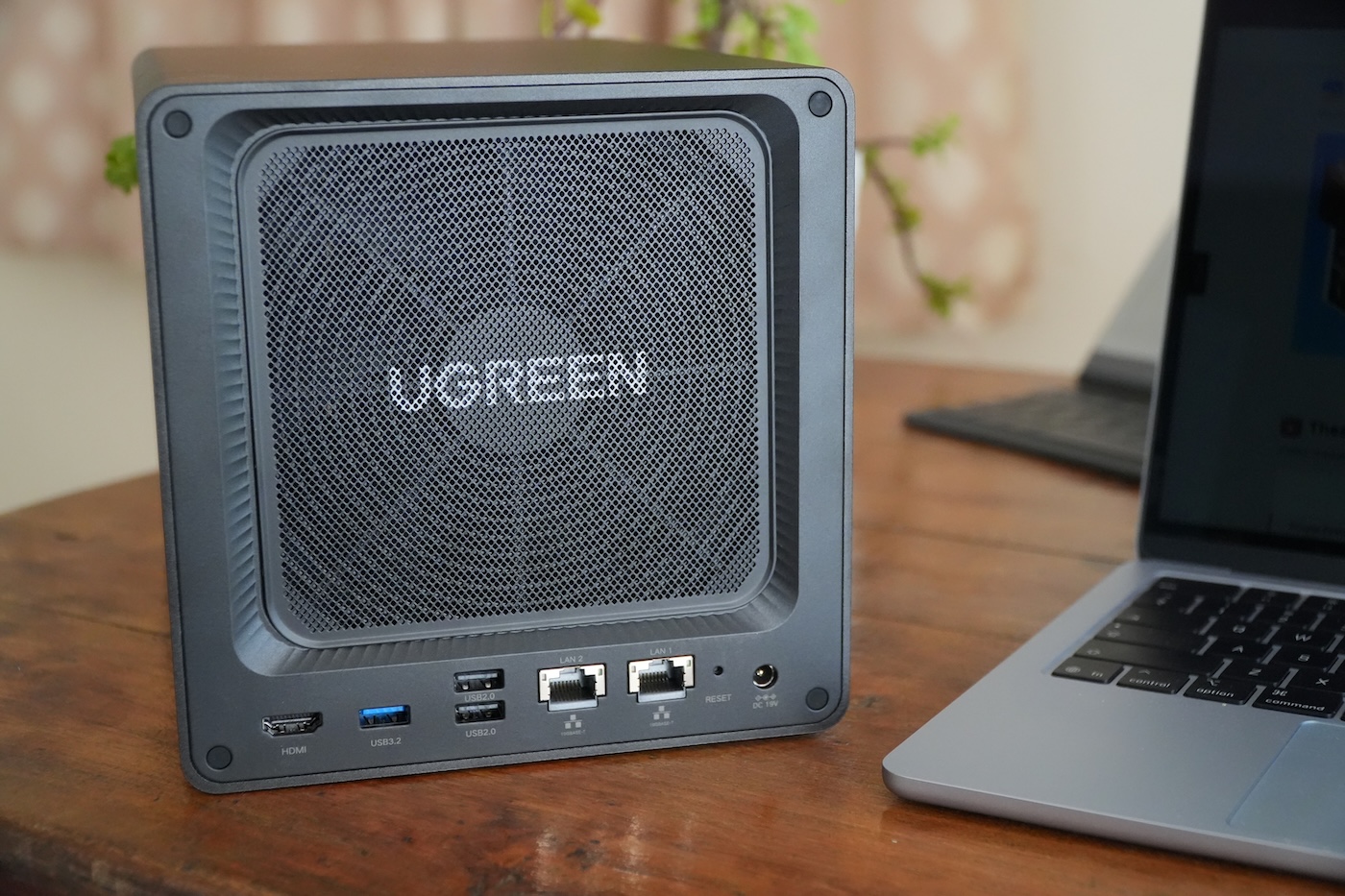
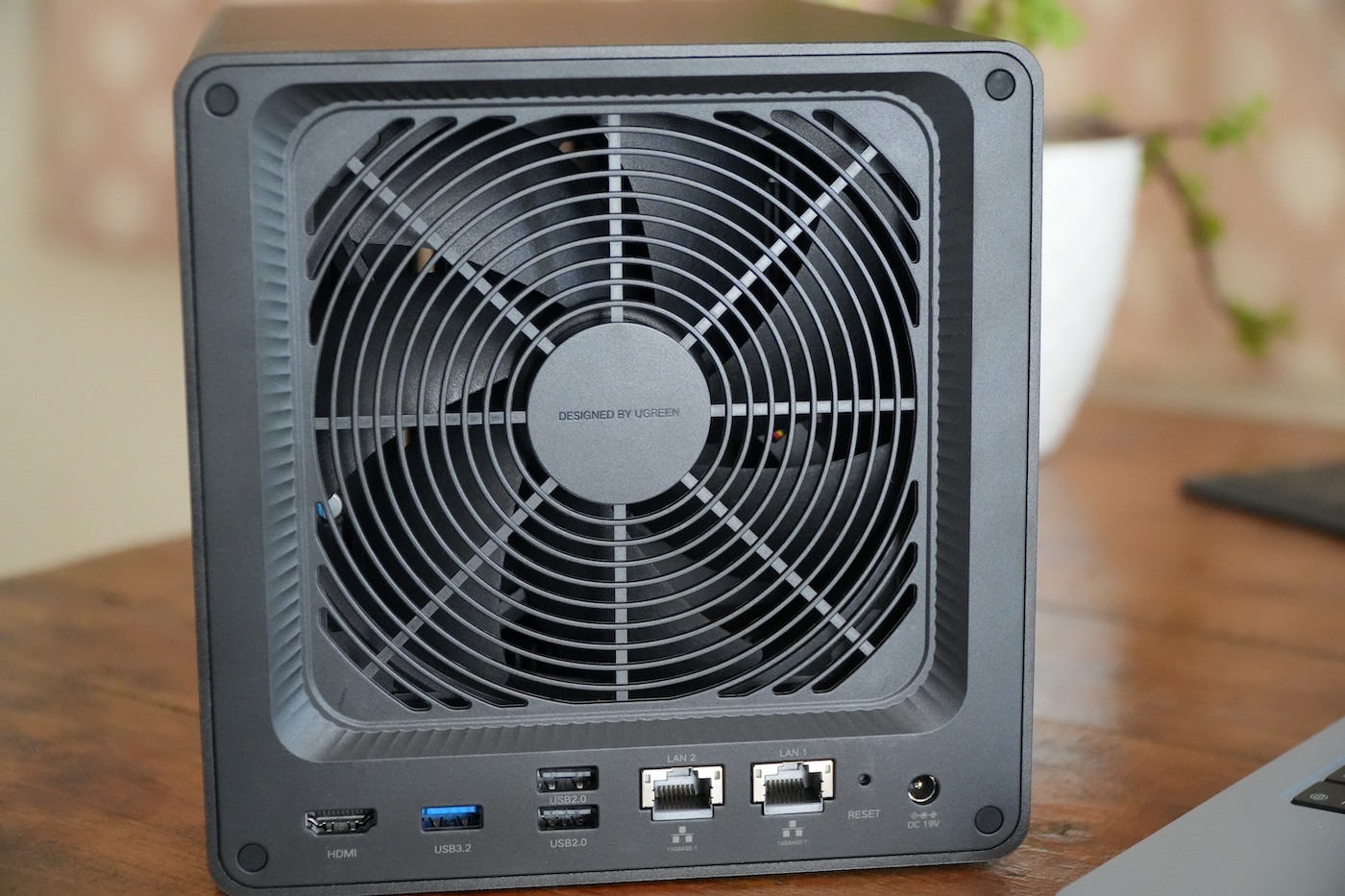
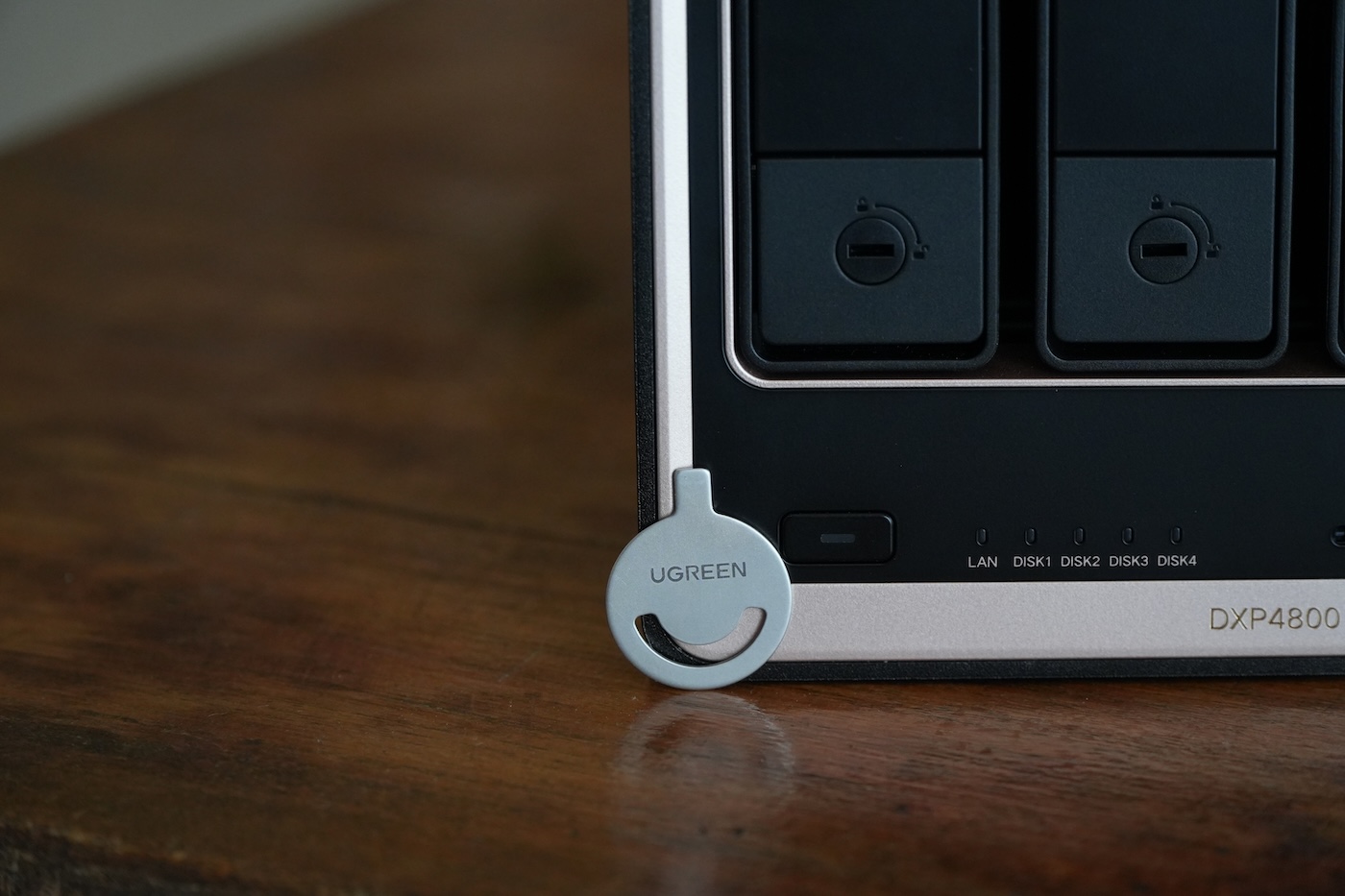
Since this is a 4-bay NAS, you can access all its four drive bays from the front, each numbered in gold-tone with a lockable tray. Just below the drive bays, you get a USB-A 3.2 port, a USB-C port, an SD card slot, status LEDs, and a power button. Plus, the “DXP4800 GT” branding carved on the chassis. At the rear, there are three USB-A ports: two of these are plain old USB-C 2.0, while the third is USB-A 3.2 Gen 2. In addition, you’ll find an HDMI and two Ethernet ports with a maximum data rate of 10 Gbit/s. Like other DXP4800 series models, you get the same magnetic dust filter at the rear. You’ll notice there are two M.2 slots for NVMe SSDs and two RAM slots (one of which is populated with a factory-fitted 8 GB module) on the bottom of the unit. Since Ugreen advertised this NAS as a creator-focused model, it’s very odd to see that there’s no Thunderbolt 4 connectivity.
Setup and features
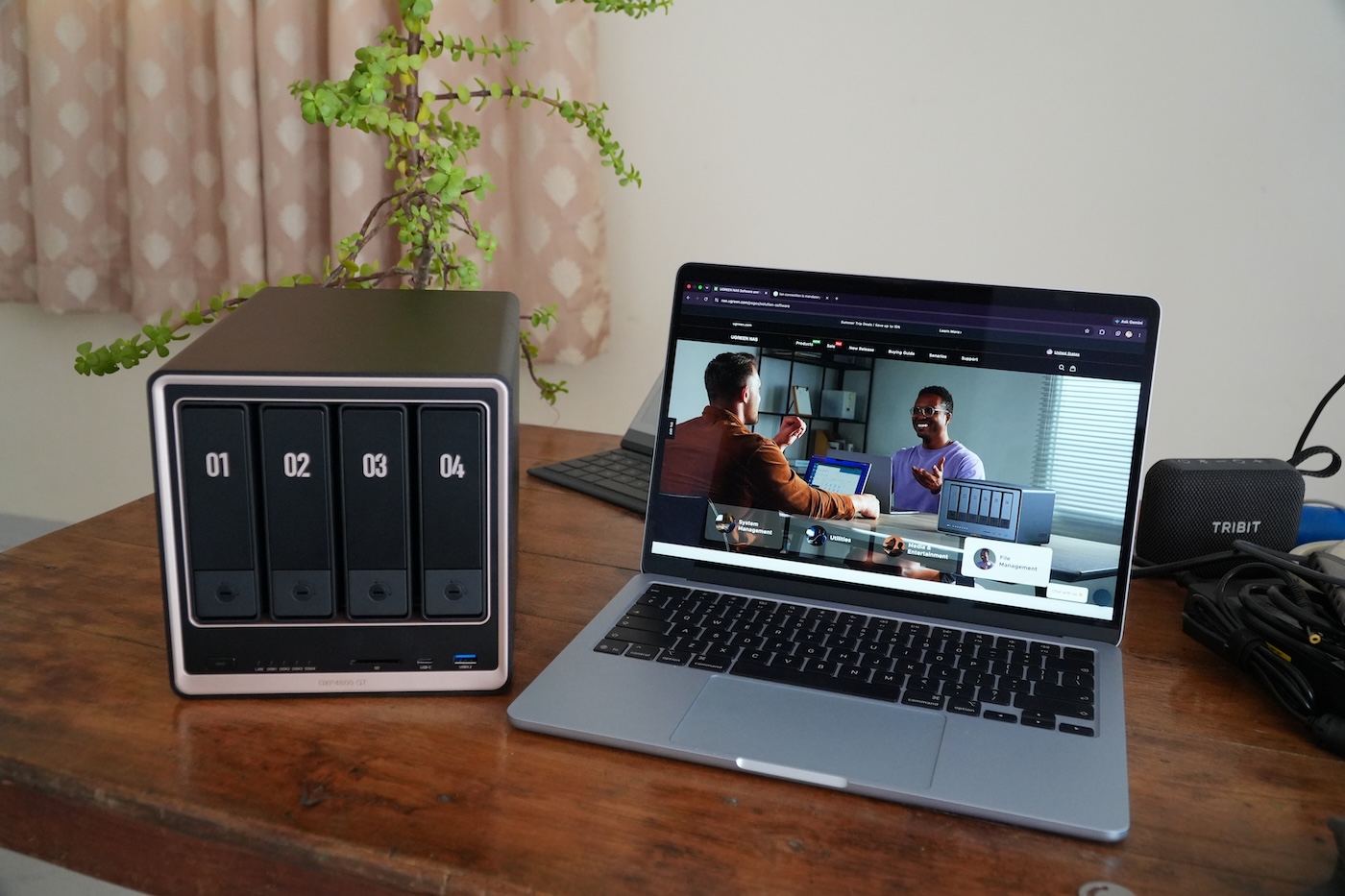
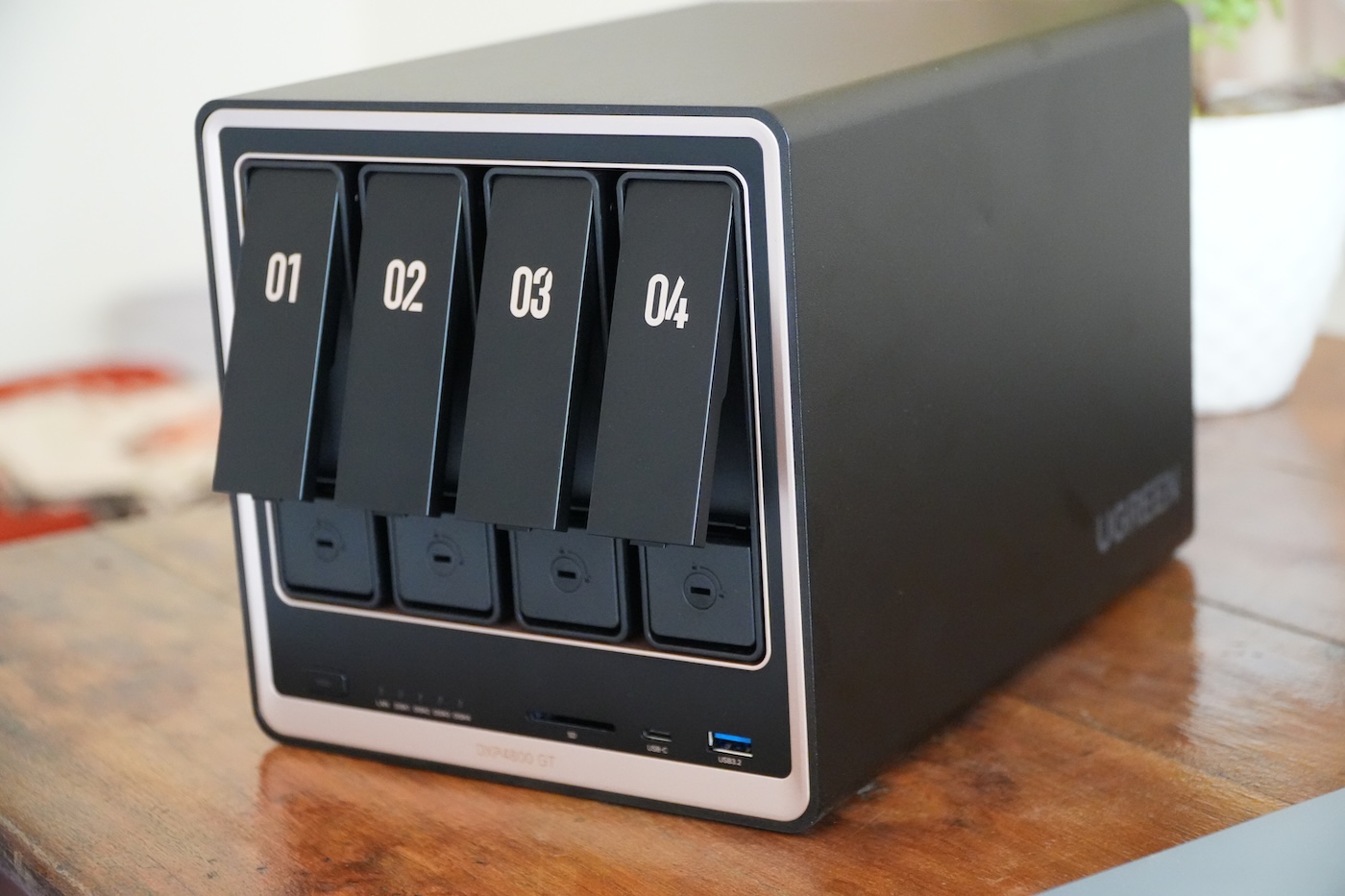
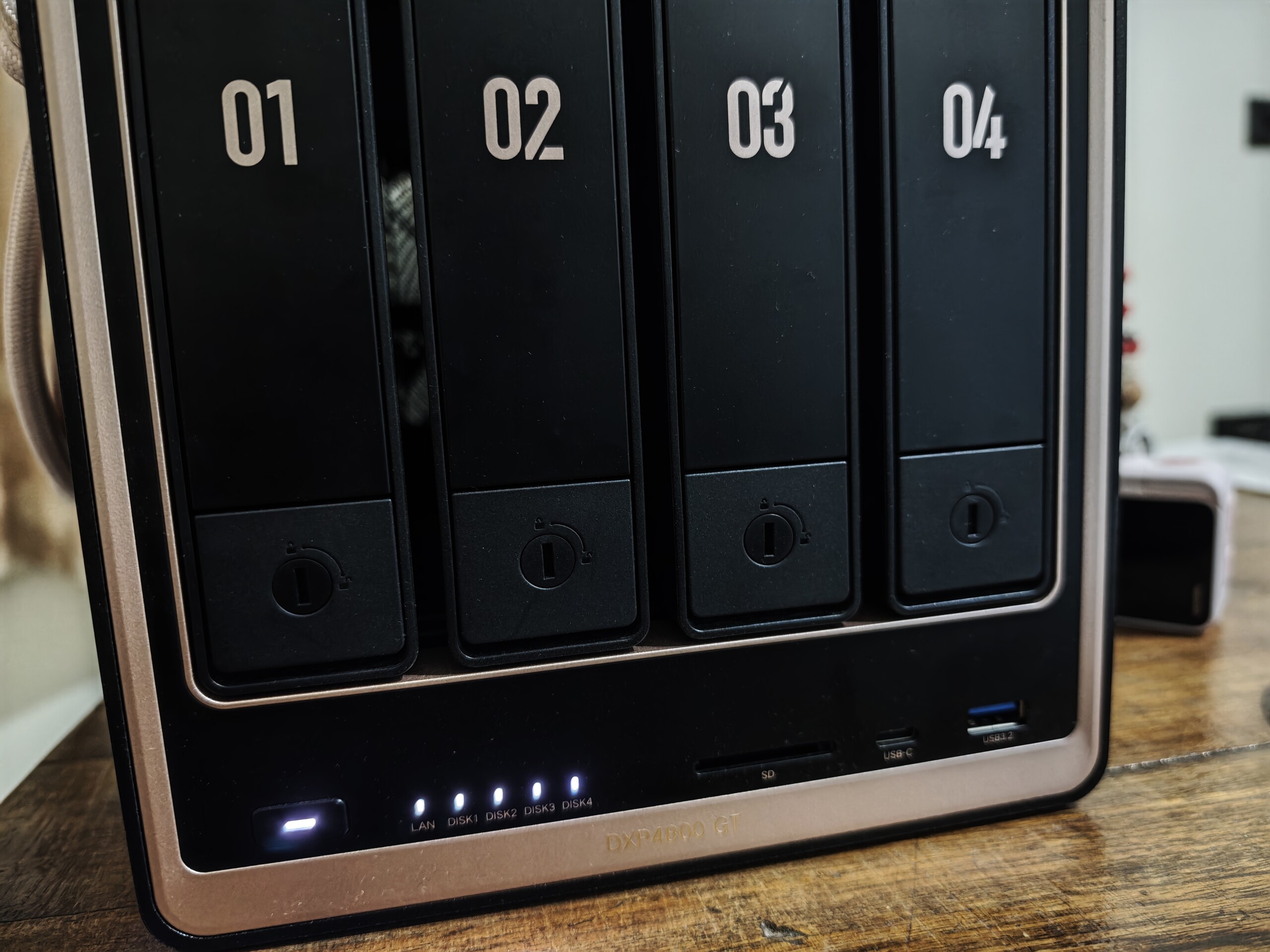
Setting up the DXP4800 GT was an easy-peasy task. Even a beginner can do it effortlessly. We tested the Ugreen DXP4800 GT NAS with four 2 TB WD Red Plus drives provided by Ugreen. You can easily install 3.5-inch SATA hard drives using a lever-style mechanism, which is very straightforward. This means there’s no need to use screws, either. Plus, the system also has U.2 SSD support, meaning you can slot 2.5-inch SSDs into the SATA 1 and SATA 2 drive bays. This is the first time in the DXP lineup you get to U.2 NVMe SSD integration, which is great.
When I compared the specs of the DXP4800 GT with the DXP4800 Plus and the DXP4800 Pro, I found that the NAS system falls between the latter two. Despite being designed for creators, I felt that the DXP4800 GT actually boasts lower specs. For example, the DXP4800 Plus and the DXP4800 Pro come with Intel chips, whereas the GT model pairs with a less powerful AMD CPU. Plus, the model uses DDR4 memory instead of DDR5 like the Plus and Pro, and you can expand up to 64 GB.
Not just only the RAM but also it uses an embedded MultiMedia Card (eMMC) for internal storage to run the UGOS Pro operating system, whereas its two siblings have dedicated 128 GB SSDs. Similarly, the M.2 slots are limited to Gen 3, meaning you can’t slot in faster Gen 4 SSDs in the NAS. The inclusion of the two 10 Gigabit Ethernet ports, ECC memory, and U.2 NVMe integration makes the GT model futureproof. Alongside that, you get 8 GB of pre-installed DDR4 RAM and the ability to slot in a total of 144 TB of storage—four drive bays each support SATA drives up to 32 TB and two M.2 slots can take in 8 TB SSDs, adding 16 TB of capacity.
At the heart of the DXP4800 GT is the AMD Embedded R2514 processor, fabricated on a 12 nm node, and it includes four cores and a max turbo of 3.7 GHz with base clocks of 2.1 GHz. Plus, unlike other AMD models, the processor has an integrated Vega 8 GPU, which further enables hardware-assisted transcoding. Personally, I’d recommend any buyer to get at least another 8 GB of ECC memory, if budget allows, since the installed 8 GB memory in the NAS isn’t ECC-compatible.
Software
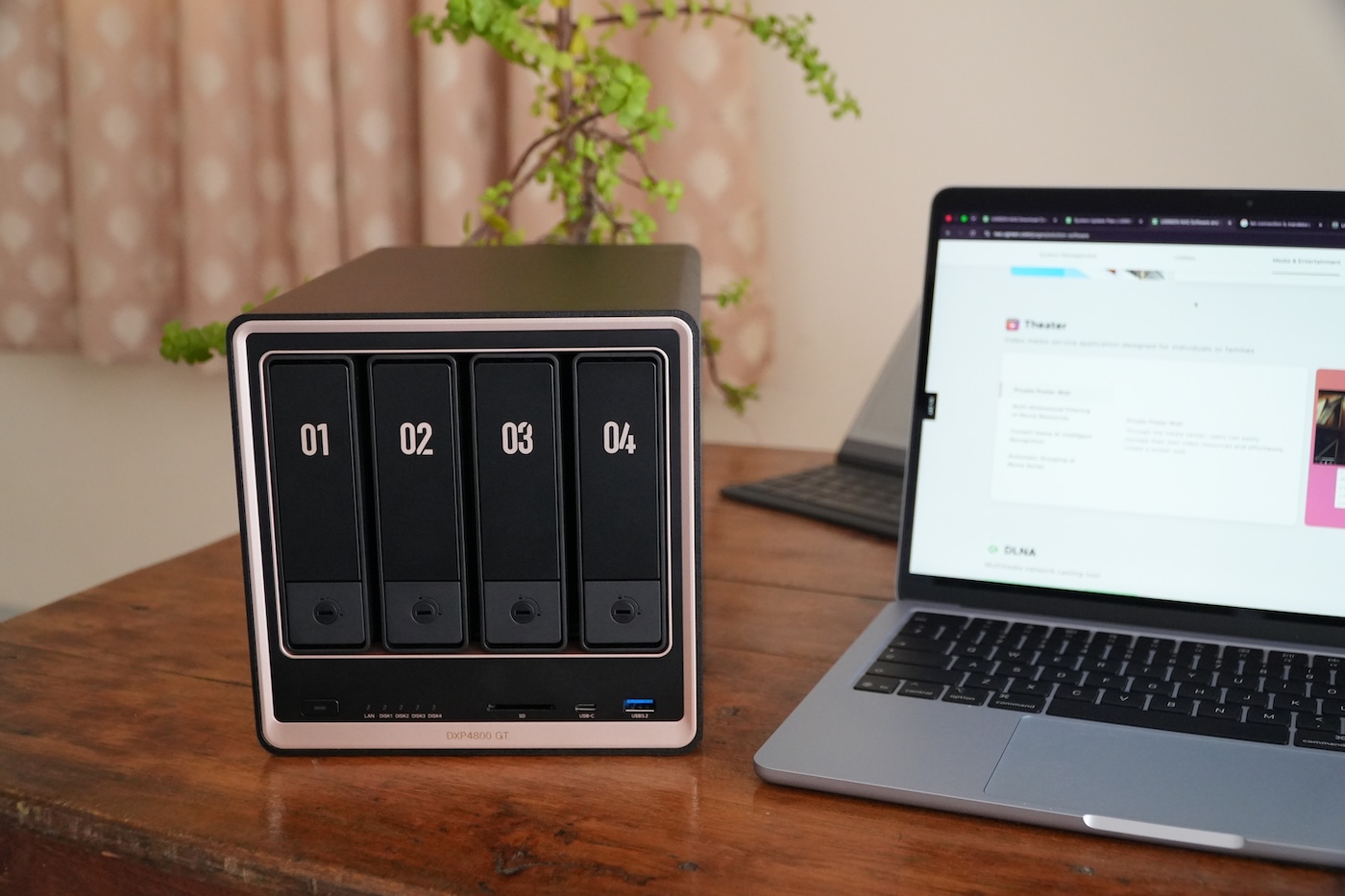
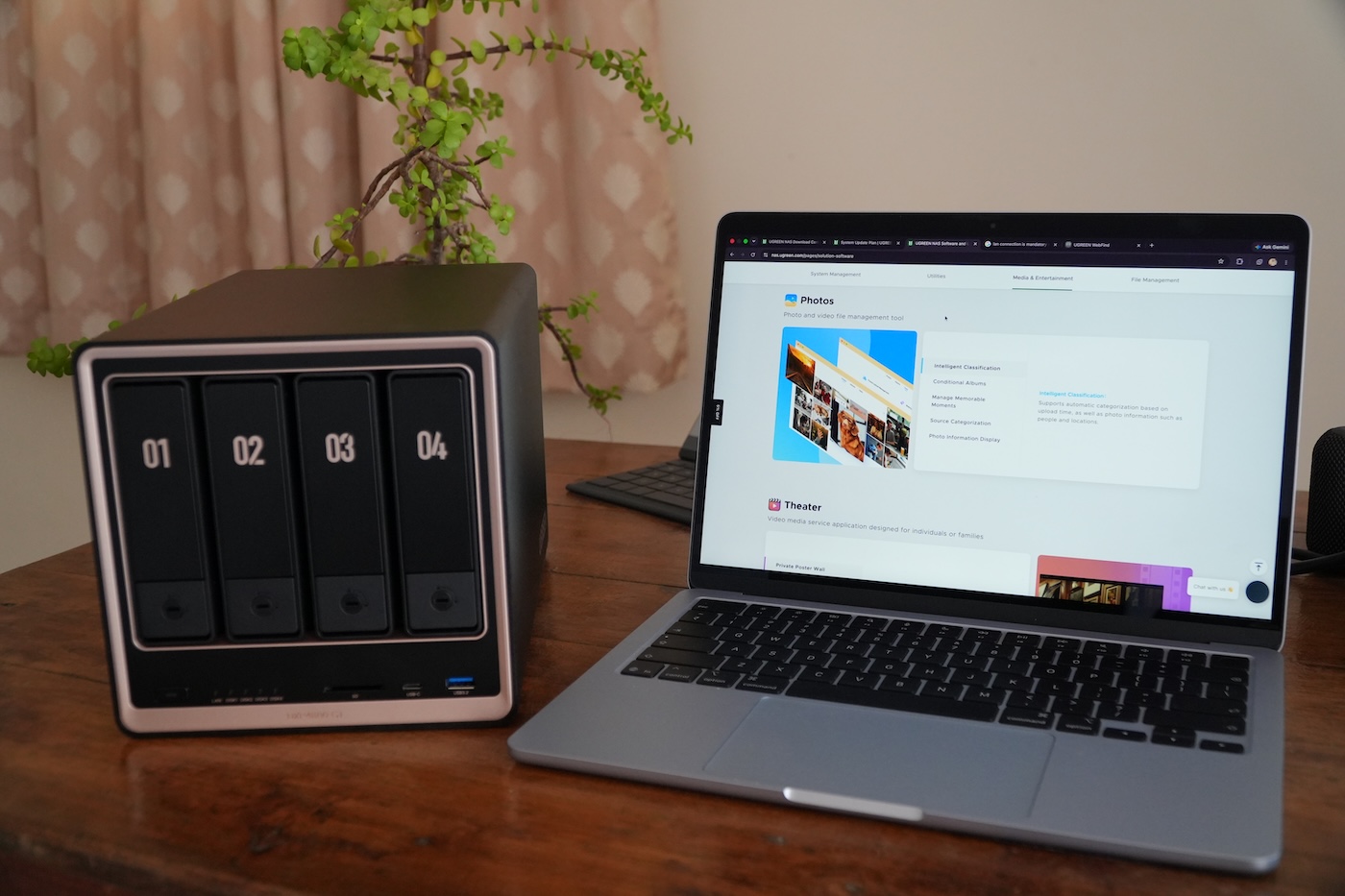
The Ugreen NASync DXP4800 GT runs the UGOS Pro operating system out of the box. The web interface of the software is clean, responsive, and fluid, and you get all basic features and apps—control panel, file explorer, data storage and organization, and easy remote access via UGREENlink (similar to Synology’s QuickConnect). On top of these features, there’s an app center that lets you install more applications to add functionality and features to the server, including virtual machines, data syncing/backups, Docker, and much more.
The Ugreen AI app offers six photo features, namely, people recognition, text recognition, similar and duplicate recognition, pet recognition, sensitive content recognition, and model training. During testing, I tried all these features with over 2,500+ images, and interestingly, all six options worked really well.
Overall, my experience with the UGOS Pro is decent. The software offers essential features but that’s not enough; it still lacks useful features such as native support for Plex Media Server, UGOS Pro lacks flexible RAID configurations, and the Download app doesn’t support torrent search. However, you have Docker, meaning you can easily install Plex or any other media utility you need. If you don’t want to spend time learning how to deploy in Docker, you might want to consider an alternative like the Synology DS923+, which offers far larger ecosystems.
Performance
I configured the Ugreen NASync DXP4800 GT with four WD Red Plus NAS drives in a RAID 5 array. Ugreen offers various RAID array types, including RAID 0, RAID 1, RAID 5, RAID 6, and RAID 10. This gives users multiple options depending on whether they want to prioritize security of their data or speed.
During my three weeks of testing period, the Ugreen NASync DXP4800 GT’s performance was fantastic. I didn’t notice any problems after almost three weeks of use. Of course, I don’t have the professional-grade networking equipment to take full advantage of these specs, but I found that the AMD-powered NAS system handles transfers admirably, even the largest files. Unlike other AMD-based NAS models, which lack hardware transcoding, the DXP4800 GT doesn’t. It can handle 4K transcoding in Plex without any issues whatsoever.
Transparency
The selection of devices to be reviewed is made by our editorial team. The test sample was given to the author by the manufacturer free of charge for the purposes of review. There was no third-party influence on this review, nor did the manufacturer receive a copy of this review before publication. There was no obligation to publish this review. As an independent media company, Notebookcheck is not subjected to the authority of manufacturers, retailers or publishers.
 Add as a preferred source on Google


