




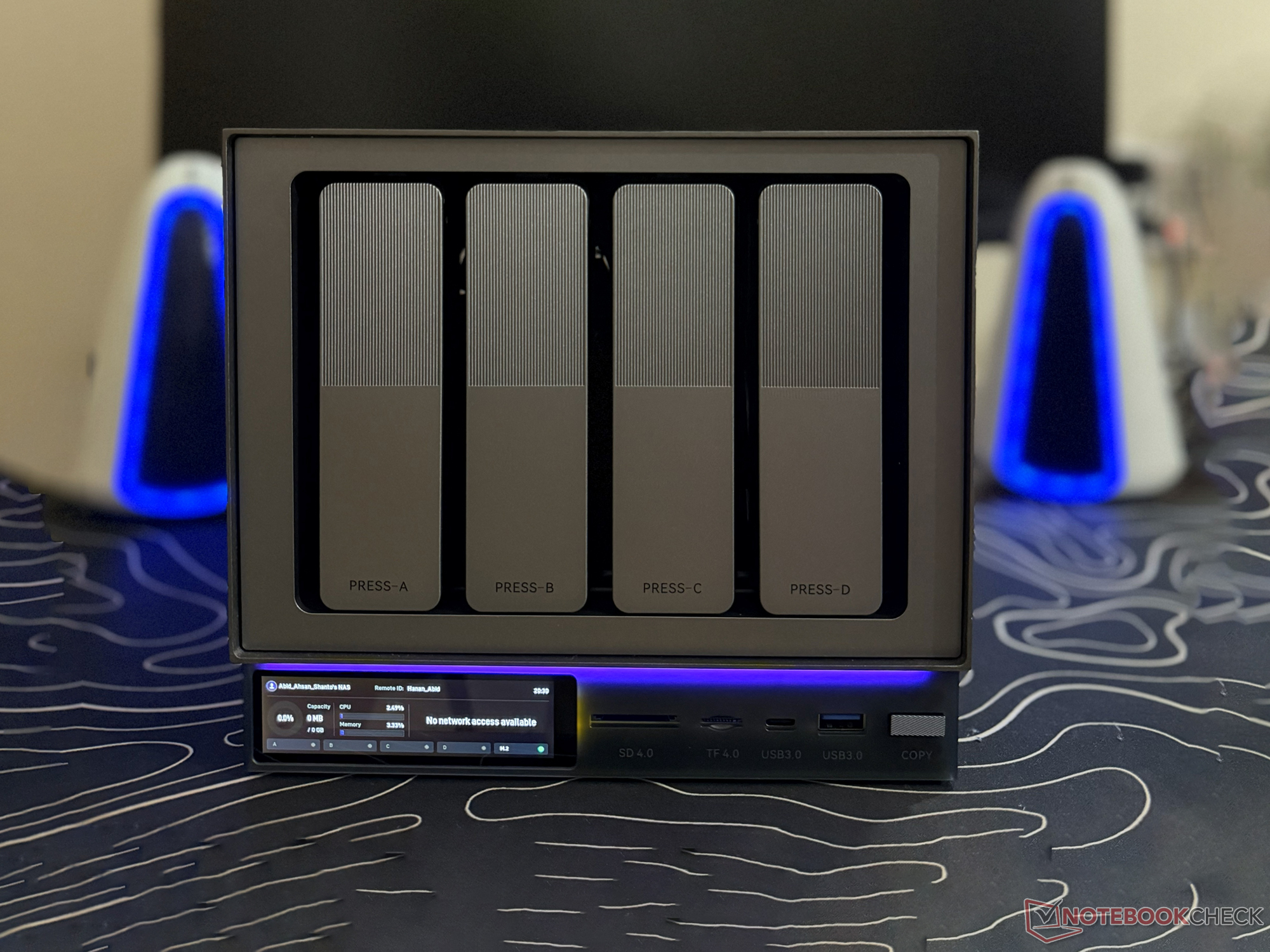
Zettlab D4 hands-on review: Sleek 4-bay AI NAS with support for 100 TB storage
Smart NAS, sensible limits.
The Zettlab D4 isn't as powerful as the D6 Ultra or D8 Ultra, but with four drive bays, support for 100 TB storage, and AI search, it offers all the essential functionality and more for general NAS operations.Abid Ahsan Shanto Published 🇫🇷 🇪🇸 ...
Verdict - A solid, storage-heavy NAS with limited headroom for power users
The Zettlab D4 gets the basics right. It's a well-built system from a hardware perspective, and it offers a good amount of flexibility in terms of ports. While it lacks some of the AI-focused features available on the Ultra models, the on-device AI search, media analysis, and categorization make file management easier.
There are features that cater to photographers and content creators, and with support for 100 TB of storage, it offers more than plenty for basic backup needs. However, due to the lack of a PCIe expansion slot, it may not stand as an ideal choice for those who prefer having high-speed storage in their NAS. In the current pre-release phase, the software also feels a bit incomplete, but the team is offering frequent updates.
Pros
Cons
Price and availability
The Zettlab team has finished their Kickstarter campaign and is taking pre-orders for the D4 through the official store. This 4-bay NAS currently has a pre-order price tag of $529.99, and the retail unit is set to cost $699.99. The team hopes to start shipping on January 20, 2025.
Zettlab introduced its AI NAS lineup, comprising four models, with the D4 as the entry-level option. It comes with a sleek design that looks similar to the Steam Machine, and with four drive bays and one M.2 SSD slot, it can be equipped with 100 TB of storage.
Specifications
| CPU | Rockchip RK3588 |
| NPU | 6 TOPS |
| RAM | 16 GB LPDDR4x |
| Case Material | Steel and aluminum |
| Drive bays | 4 |
| M.2 SSD slot | 1 |
| Maximum storage support | 100 TB |
| Ports | 1x USB 3 Gen 1 Type-C, 1x USB 3 Gen1 Type-A, 2x USB2.0 Type-A, 1x SD4.0, 1x TF4.0, 1x HDMI, 1x 1GbE Ethernet, 1x 2.5GbE Ethernet |
| Operating system | ZettOS |
| Docker support | Supported |
| UPS support | Supported |
First impressions, build quality, and included accessories
The Zettlab D4 looks like a distant cousin of the Steam Machine at first glance. For example, just like Valve's gaming PC, the NAS has an LED strip, but this one is more of an aesthetic element. The built-in LCD display is a nice touch, offering a quick view of the ongoing operations.
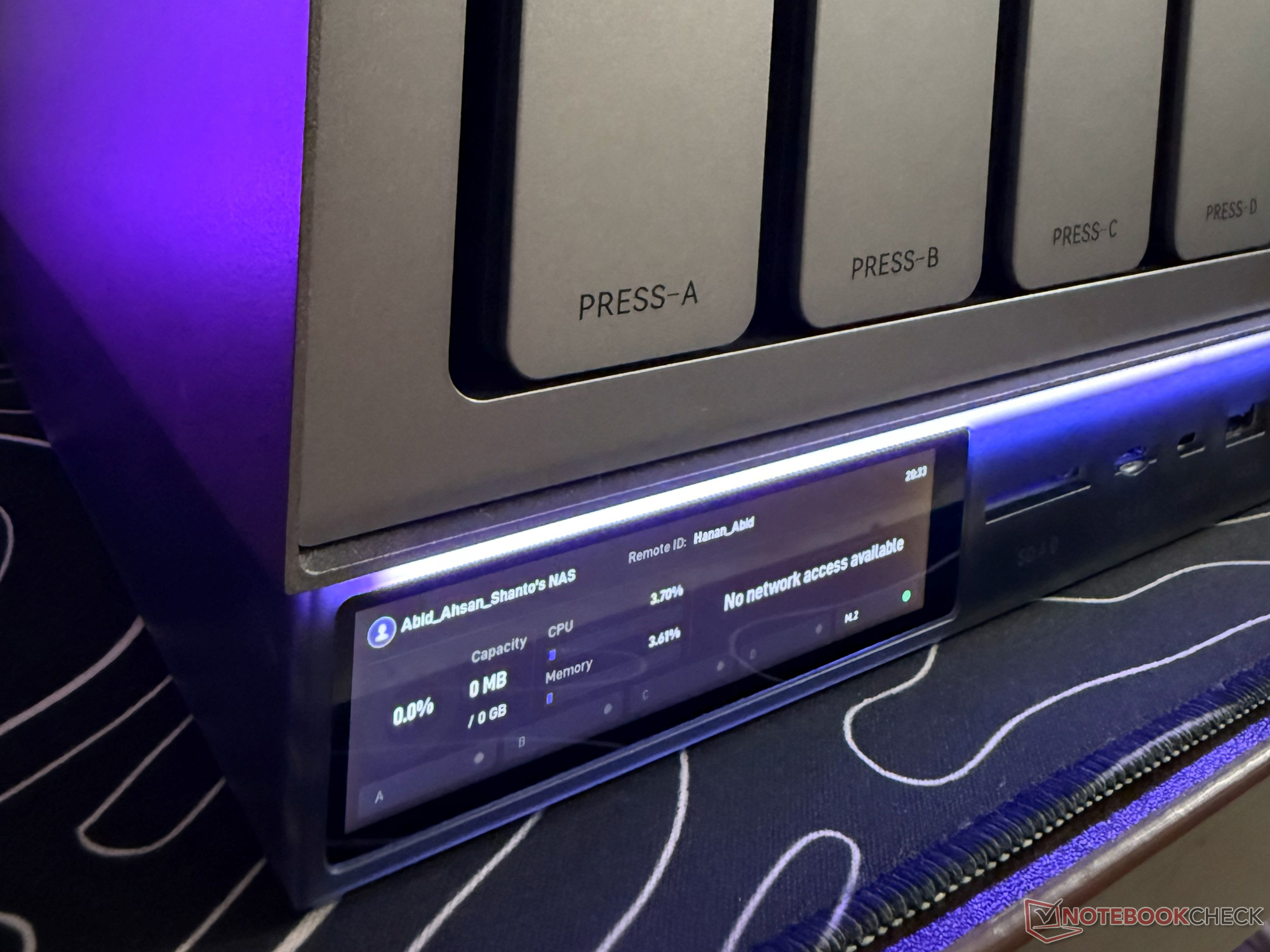
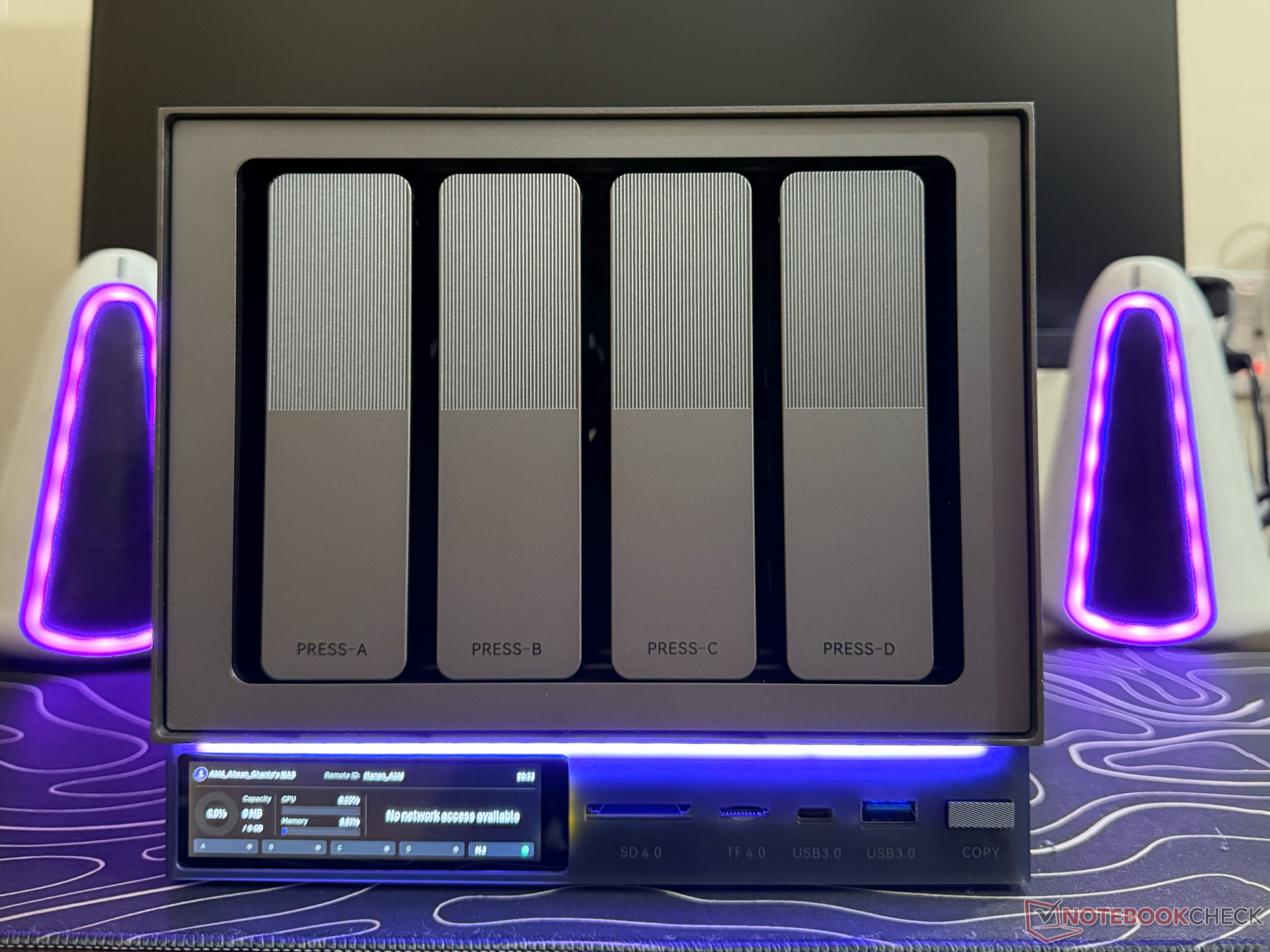
As for the build, the metal chassis makes the NAS look sleek, and each of the drive bays is easy to access thanks to the push-and-pull trays. With the system, Zettlab offers the basic required accessories, including:
- 1x Power adapter with AC cord
- 1x Gigabit Ethernet cable
- 1x M.2 SSD thermal pad
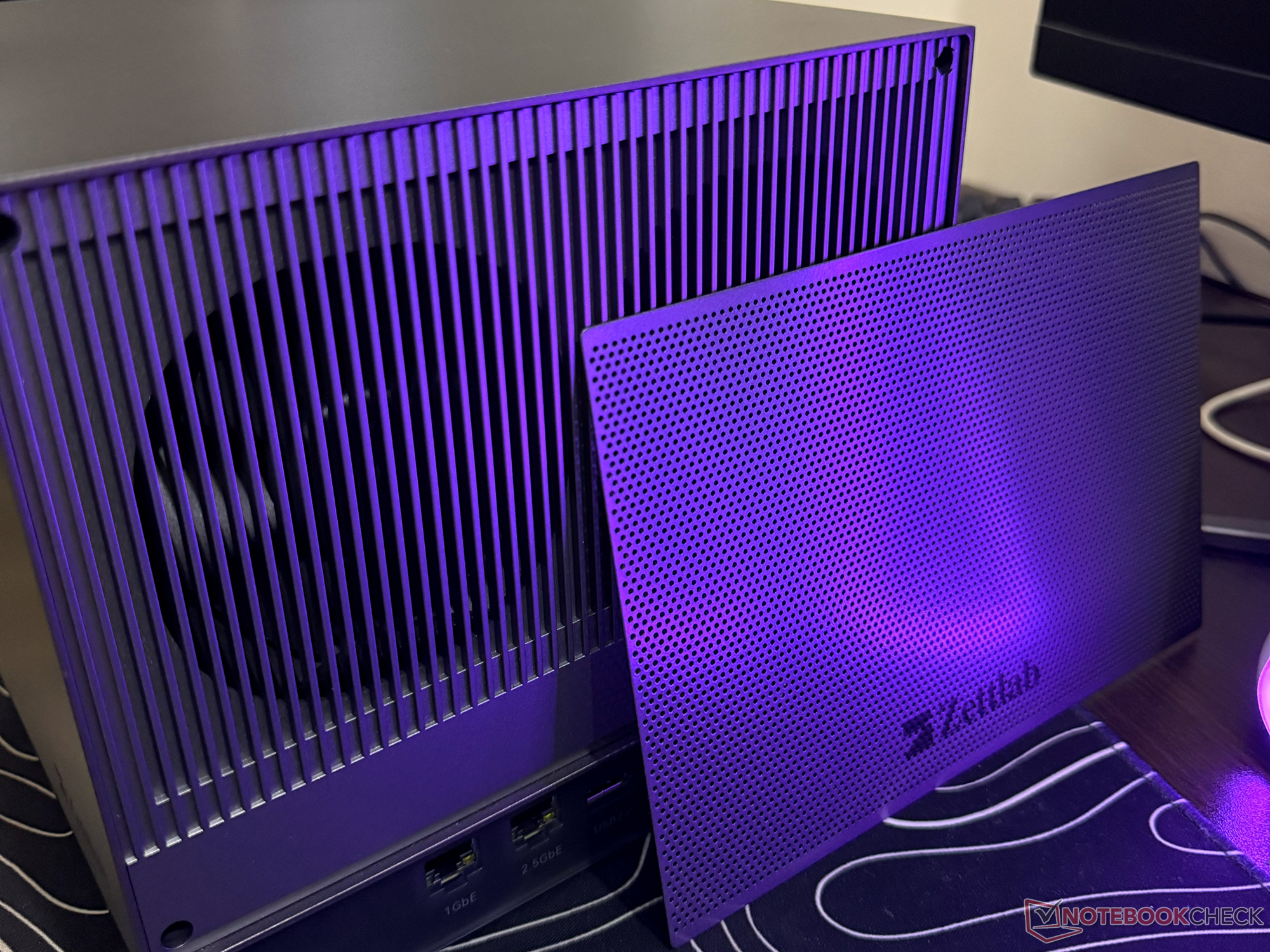
- 1x dustproof cover

Connectivity options and storage support of Zettlab D4 NAS
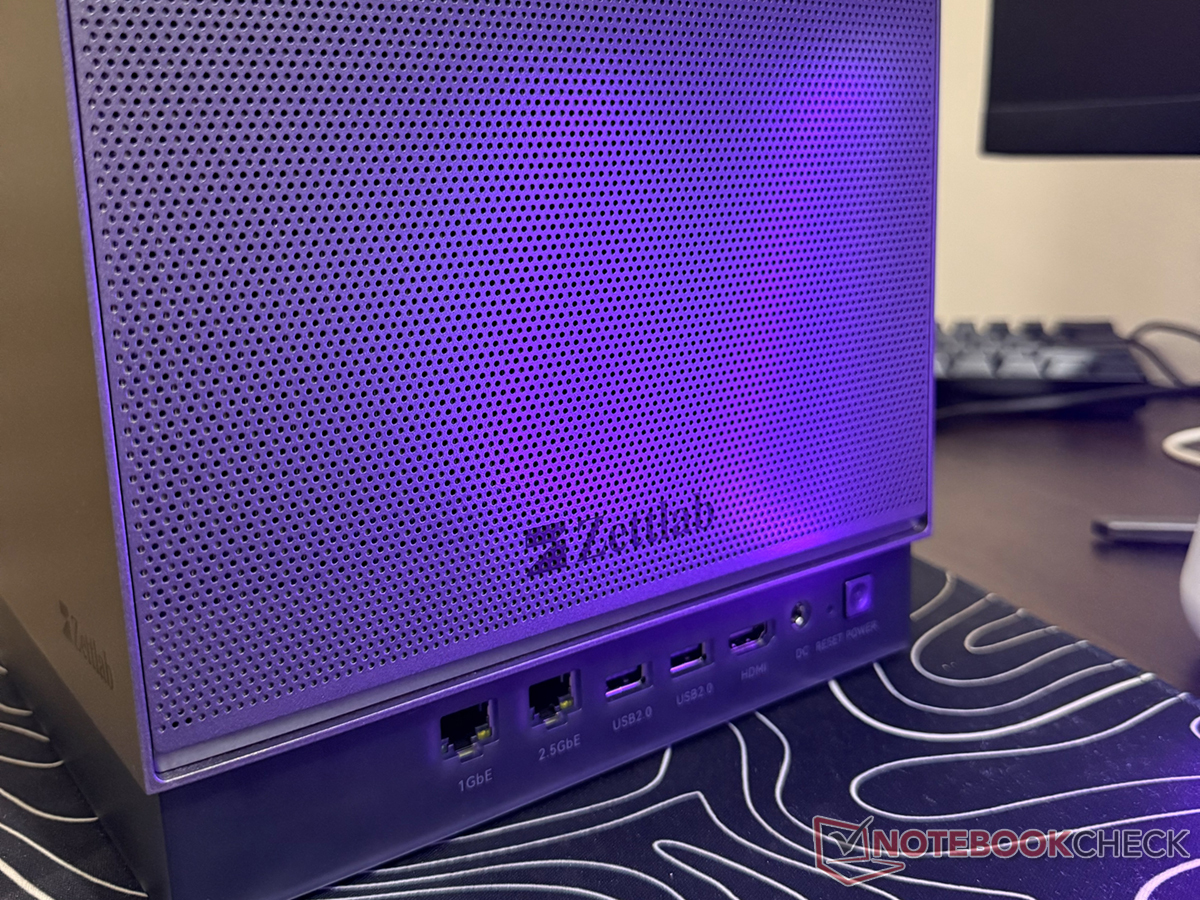
While the Zettlab D4 is a relatively compact four-bay NAS, it has a decent selection of ports, including one SD 4.0 and one TF 4.0 slot. For connecting with the network, there is one 1 GbE and one 2.5 GbE Ethernet port, but unlike some other NAS models, there’s no WiFi, meaning that it can only be connected to the network through wired mode.
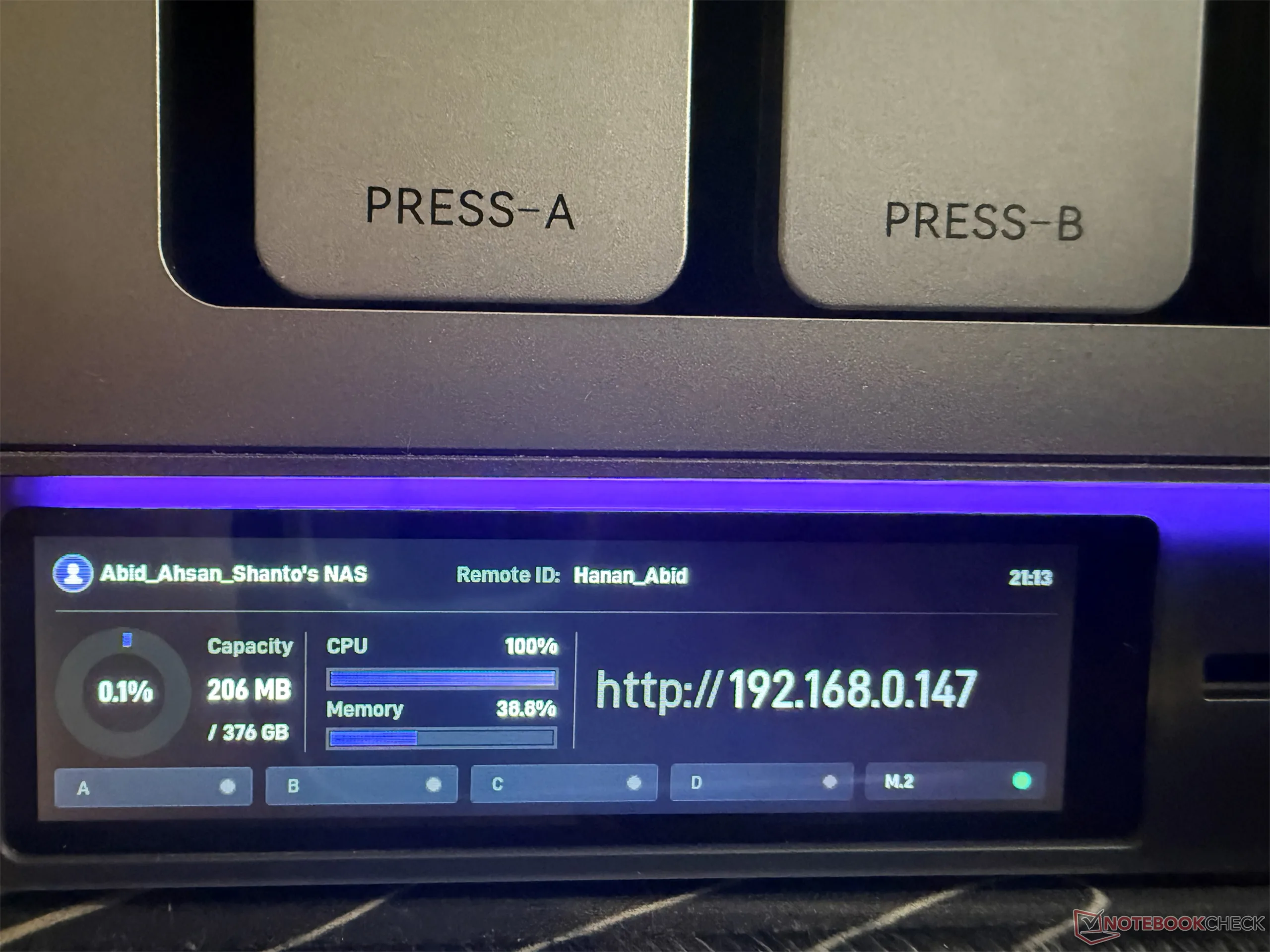
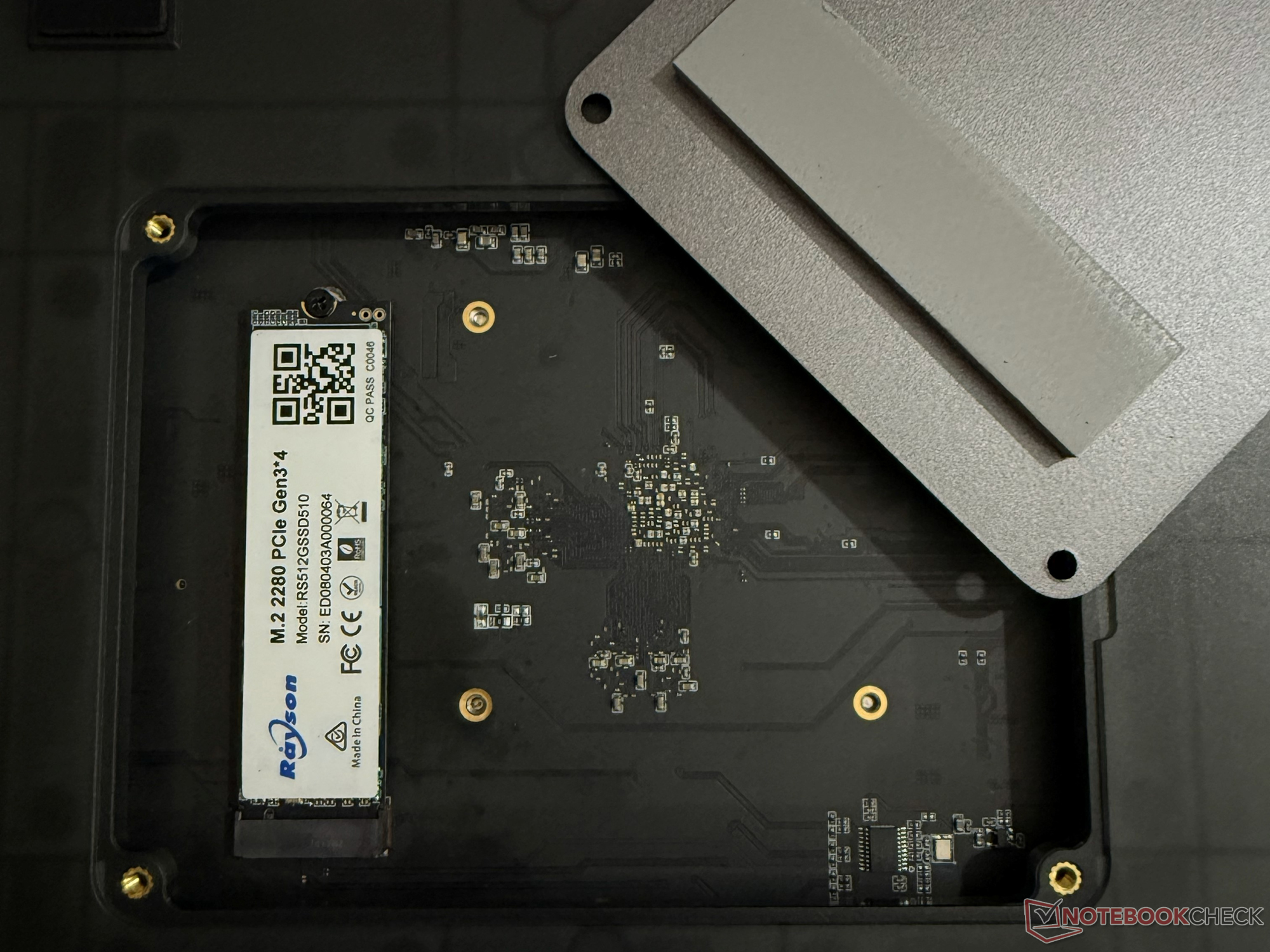
Although this is a four-bay NAS, it can hold a total of five drives: four HDDs and one SSD. The four SATA slots can hold up to a 24 TB HDD each, while the M.2 slot can be equipped with up to a 4 TB SSD. This totals the maximum storage support to 100 TB. There’s support for various RAID configurations, including RAID 0, 1, 5, 6, and 10.
The 100 TB storage support is more than plenty for the targeted general audience of the Zettlab D4, but it’s worth noting that there’s no PCIe expansion slot available. This means that users won’t have the option to install additional high-speed storage drives or a faster networking card.

Software and ease of backup
The Zettlab D4 runs on a proprietary operating system called ZettOS. This OS is a work in progress, but it comes with the standard NAS functions and has Docker support. Thanks to the latter, it’s possible to install different third-party apps on the NAS, which include media-focused apps like Plex and Jellyfin.
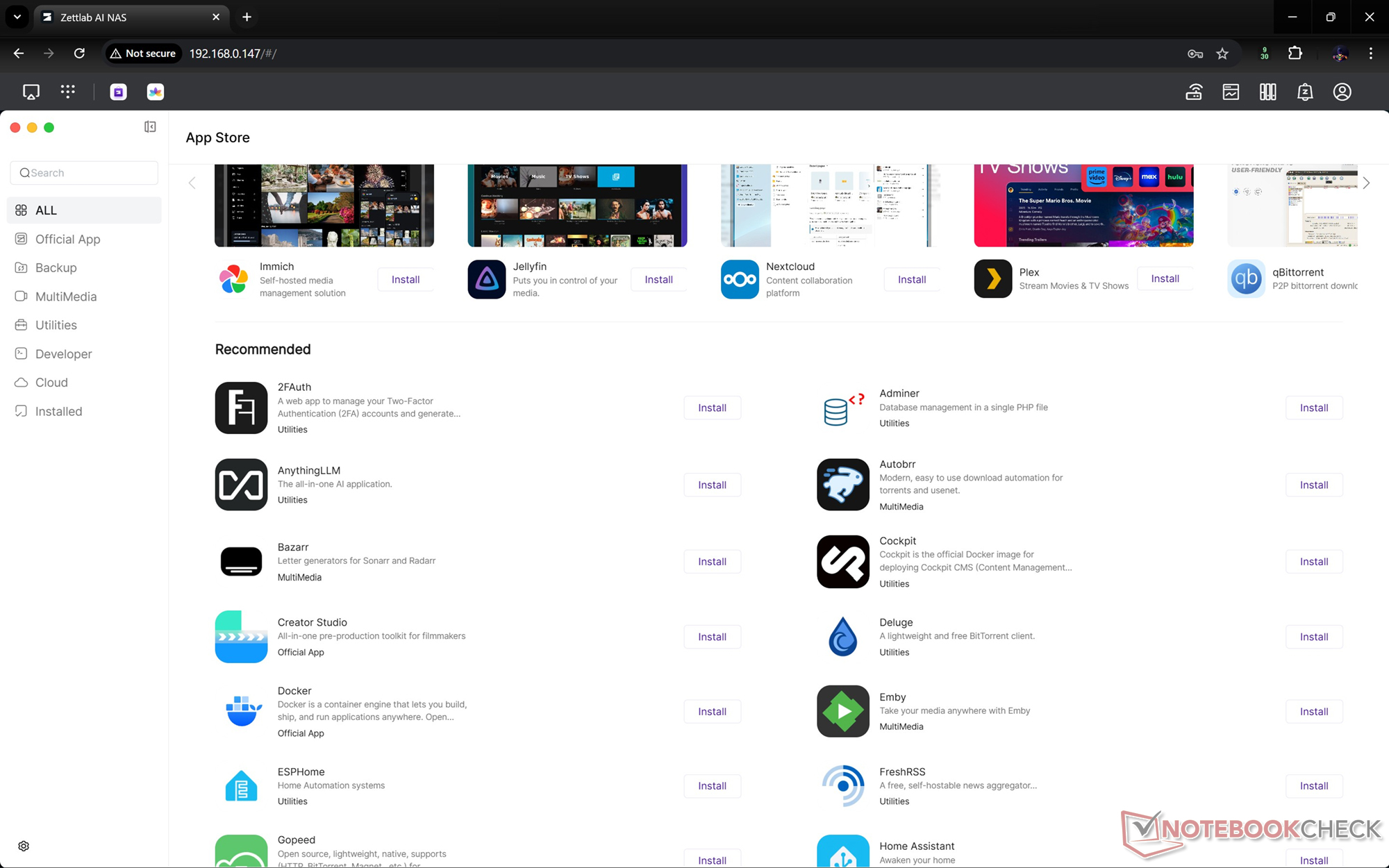
Even though the software is a work in progress at the current state, the UX appears to be fast and responsive. Files can be uploaded and managed through the web-based UI, desktop app, or the phone app, and from there, all the core functions of NAS can be accessed, including file management and setting up the installed apps.
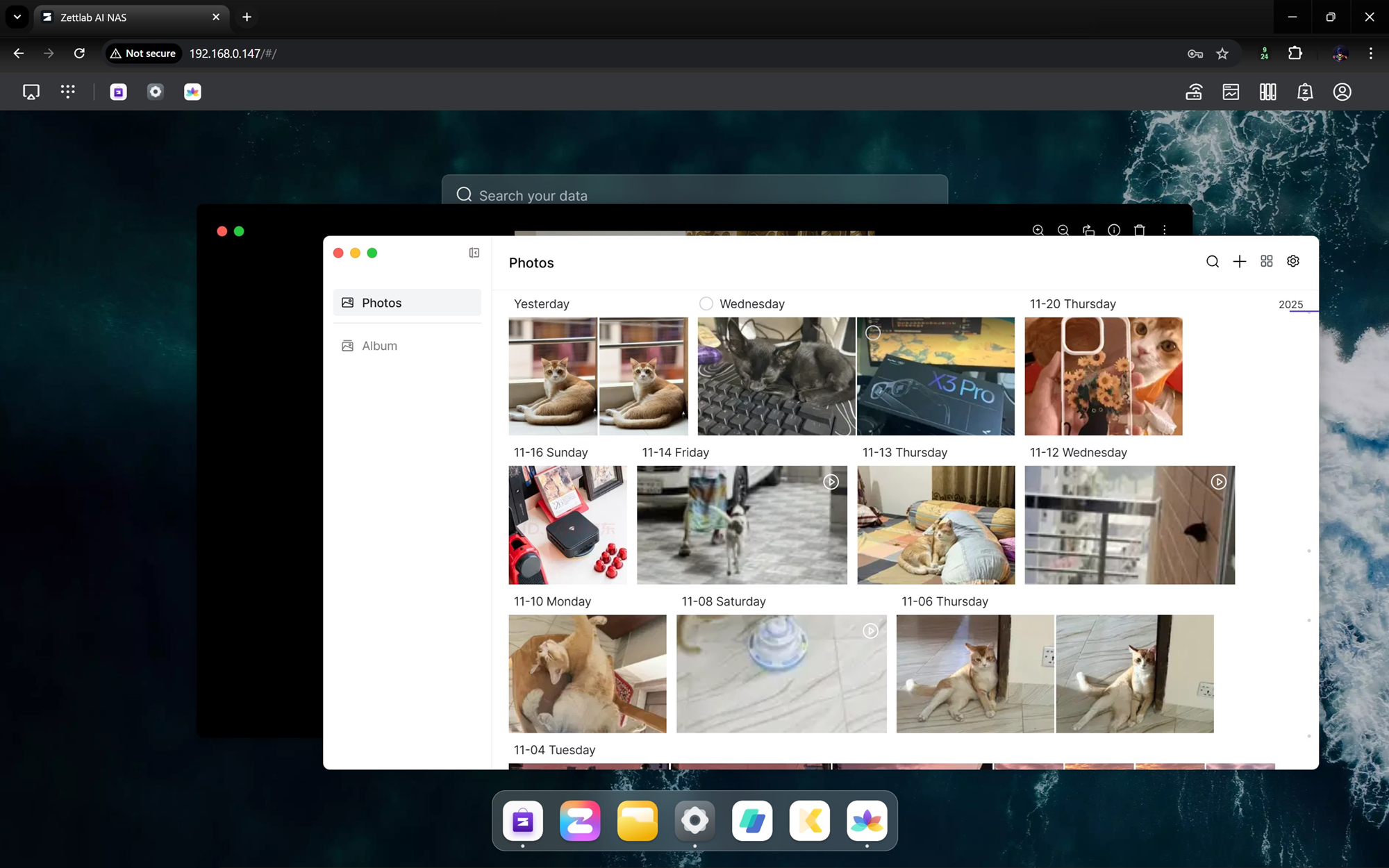
ZettOS offers the ability to automate backup on the paired phone, and there’s cross-device sync, which makes things easier for those who want to keep multiple devices connected.
Getting back to file management, while Rockchip RK3588 makes the Zettlab D4 miss out on many of the AI-powered features found on the Ultra, there are AI search and AI categories. The operating system of the NAS also does real-time classification of the media, meaning that the visual content can be searched with descriptive terms.
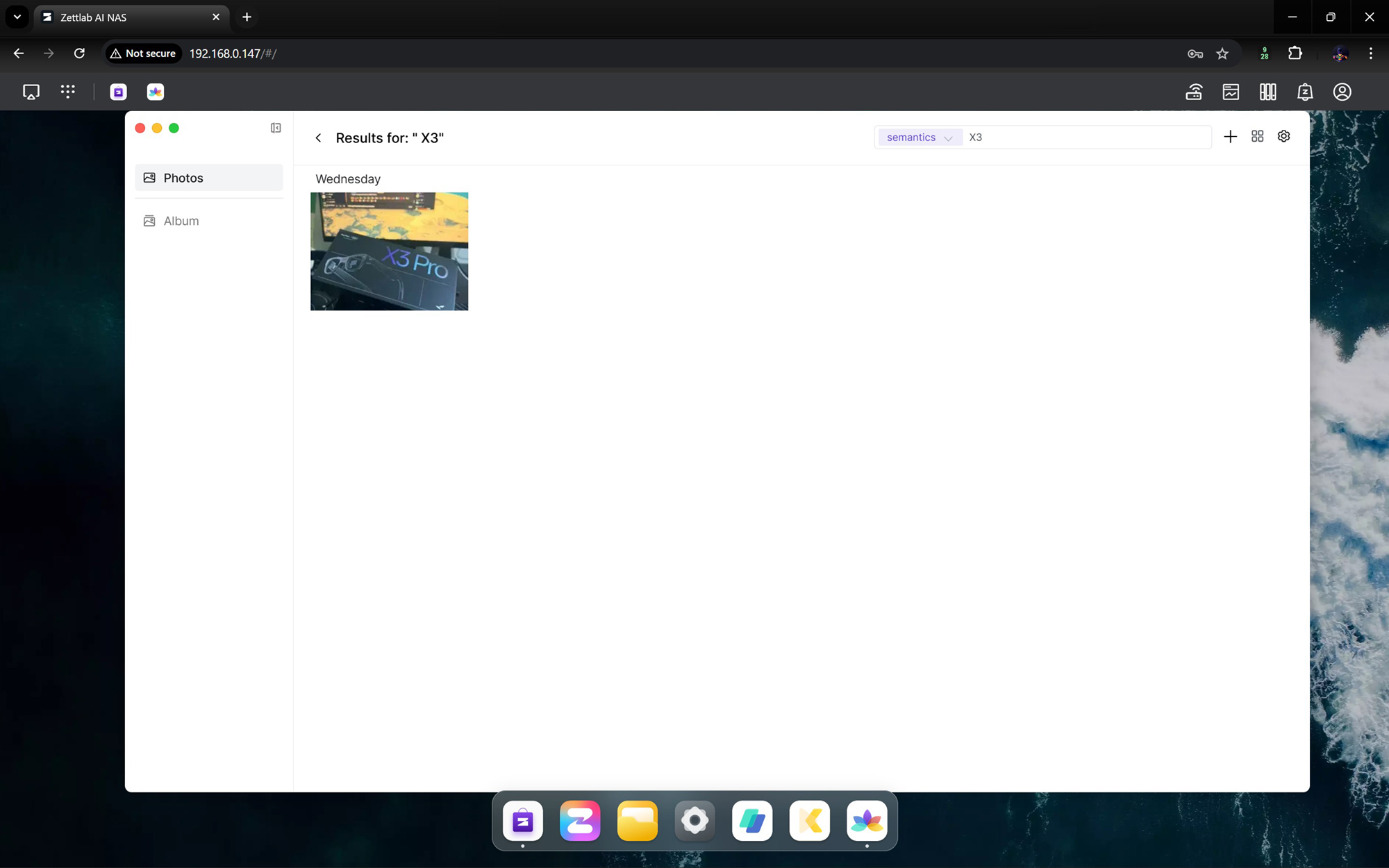

There’s support for OCR, object detection, and facial recognition as well, and all of these run on-device. For audio files and video files, there’s automatic transcription available, which can be a handy feature for content creators.
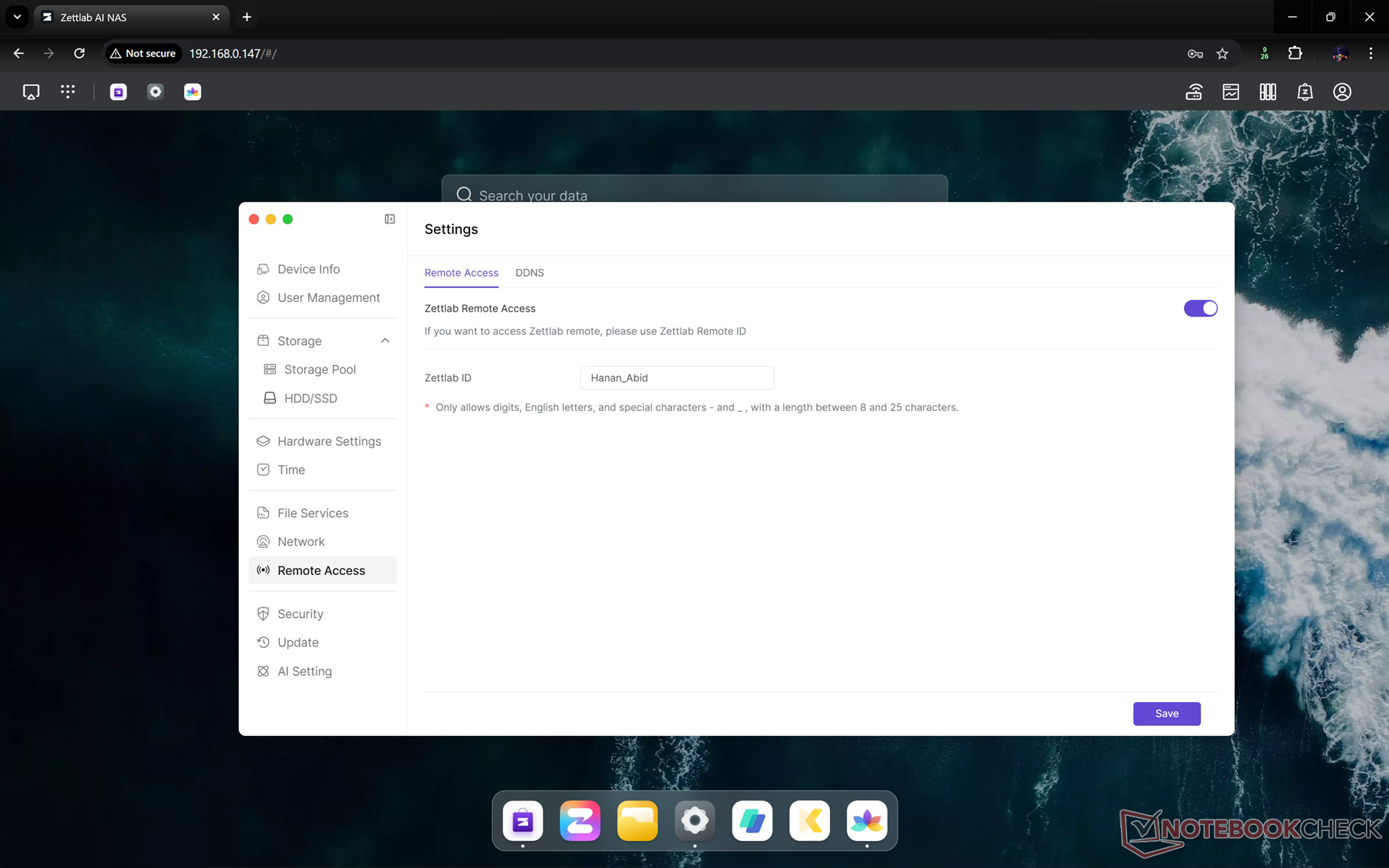
Speaking of which, for creators who tend to work more with SD cards, the Zettlab D4 has a one-click SD card backup button, and thanks to the remote access feature, photographers who tend to be on the go can remotely back up their files.
Conclusion
The Zettlab D4 features a premium build quality, which is paired with capable hardware for essential NAS functions. With up to 100 TB storage support, it can handle media organization and everyday backups. With the features available on ZettOS, it can be integrated smoothly with creator workflows.
However, it misses out on some of the advanced AI features available on the Ultra models. The lack of a PCIe expansion slot also makes it less ideal for power users.
Transparency
The selection of devices to be reviewed is made by our editorial team. The test sample was given to the author by the manufacturer free of charge for the purposes of review. There was no third-party influence on this review, nor did the manufacturer receive a copy of this review before publication. There was no obligation to publish this review. As an independent media company, Notebookcheck is not subjected to the authority of manufacturers, retailers or publishers.
 Add as a preferred source on Google


