




Verdict on the Ugreen NASync DXP6800 Pro
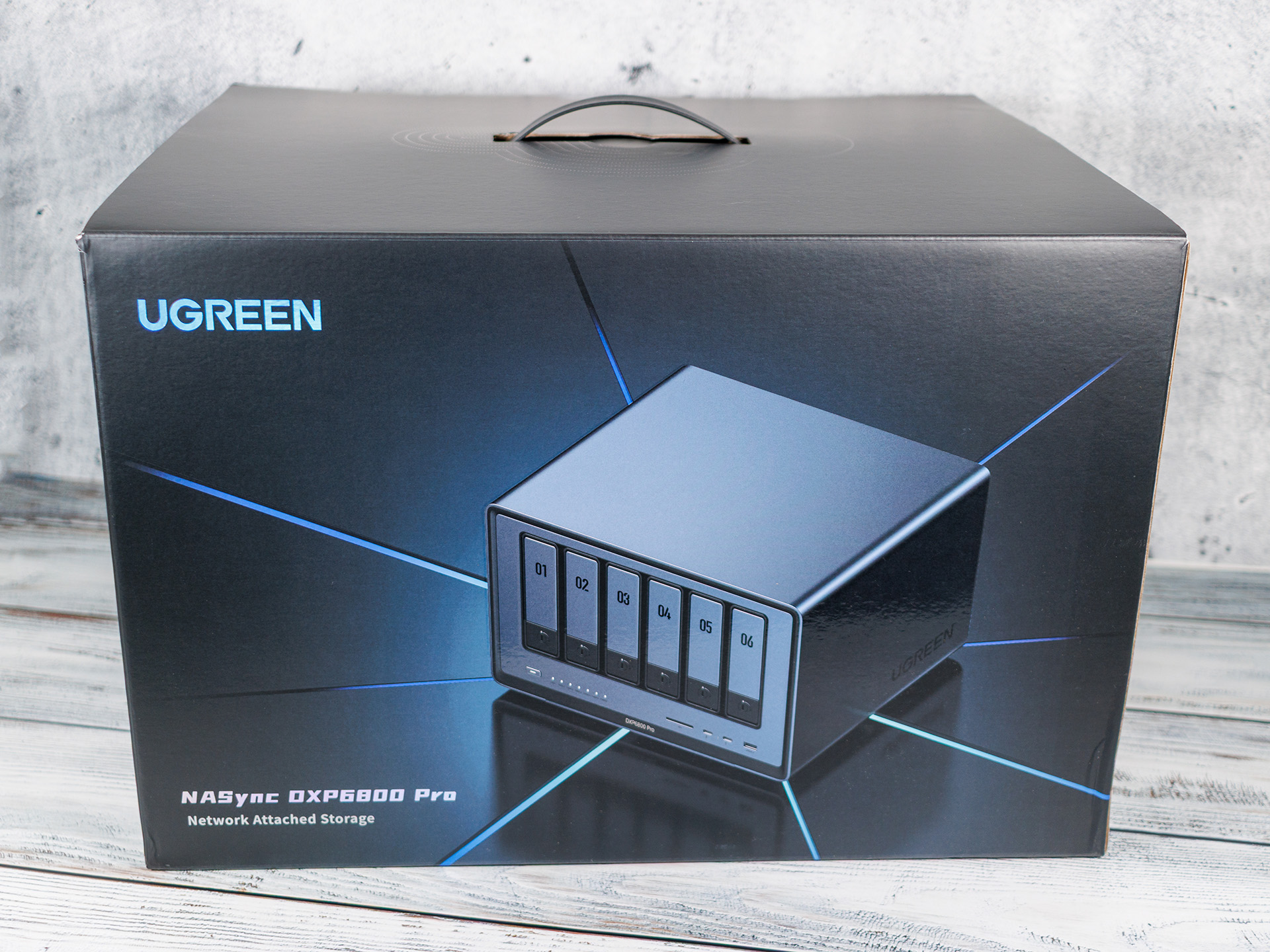
With the NASync DXP 6800 Pro, Ugreen delivers an impressively equipped 6-bay NAS that stands out from many competitors, particularly thanks to its exceptionally powerful hardware. The Intel Core i5-1235U, two native 10-GbE ports, Thunderbolt 4, PCIe expandability, and the ability to upgrade the RAM to up to 64 GB make the system a powerful platform for demanding home users, creatives, and small businesses. The high-quality build, modular design, and straightforward setup also leave a very good impression.
The performance is particularly impressive. In our tests, the NAS achieved nearly the full bandwidth of the 10-GbE interfaces and, thanks to the M.2 NVMe slots, offers sufficient headroom for virtualization, Docker containers, or video editing directly over the network. Another positive aspect is that the device isn’t limited to UGOS Pro: Users can also install TrueNAS Scale, Unraid, Proxmox VE, or other operating systems if they wish, allowing them to make flexible use of the powerful hardware.
On the software side, Ugreen has made significant progress since its market launch. The range of apps is growing steadily, and key features have been added. Nevertheless, UGOS Pro has not yet reached the level of maturity and feature set of established platforms such as Synology DSM or QNAP QTS. Certain applications are still missing, and some features can only be implemented via Docker. Added to this is an annoying weakness in the notification system: push notifications for malfunctions do not work reliably, meaning that administrators may not notice critical events until it is too late.
Compromises must also be made regarding power consumption and noise levels. For a NAS in this performance class, power consumption is comparatively high, and with noise levels of up to 43 dB(A) under load, the DXP 6800 Pro is not among the quietest models in its class. It therefore makes much more sense to place it in an office or utility room rather than operating it in the living room.
The Ugreen NASync DXP 6800 Pro stands out above all for its exceptionally strong value for money. Those looking for maximum hardware performance, modern interfaces, and plenty of room for expansion will find a NAS that holds its own against the competition. While minor software shortcomings and high power consumption are a downside, they do not change the fact that, with the DXP 6800 Pro, Ugreen now offers a serious alternative to established NAS manufacturers.
Pros
Cons
Price and availability

Table of Contents
- Verdict on the Ugreen NASync DXP6800 Pro
- Specifications: Ugreen NASync DXP6800 Pro
- Features and delivery scope - Two 10-GbE ports and PCIe in the DXP 6800 Pro
- Installation and Setup - UGOS Pro with just a few apps
- App-Support - Still some gaps, but significantly improved
- Performance - DXP 6800 Pro with a fast Core i5
- Energy consumption and loudness - Loud and hungry
Specifications: Ugreen NASync DXP6800 Pro
| Name | Ugreen NASync DXP 6800 Pro |
| Processor | Intel Core i5-1235U 12th Gen |
| Memory | 8 GB Samsung LPDDR5 4,800 MHz (expandable up to 64 GB), 128 GB SSD (system drive) |
| Storage Capacity | up to 208 TB (6 x SATA bays and 2 x M.2 SSD slots) |
| RAIDs | JBOD / Basic / 0 / 1 / 5 / 6 / 10 |
| Network Connectivity | 2 x 10 Gbps Ethernet (RJ45, rear) |
| Front Ports | 2 x Thunderbolt 4, SD card reader (SD 4.0), USB 3.2 (Gen. 2) |
| Rear Ports | HDMI 2.1 (8K), USB 3.2 (Gen. 2), 2 x USB 2.0 |
| Operating System | UGOS Pro 1.16.0.0089 |
| Dimensions | 293 x 258 x 20 mm |
| Weight | 6.3 kg (empty) |
| Power supply | built-in, 250 watts |
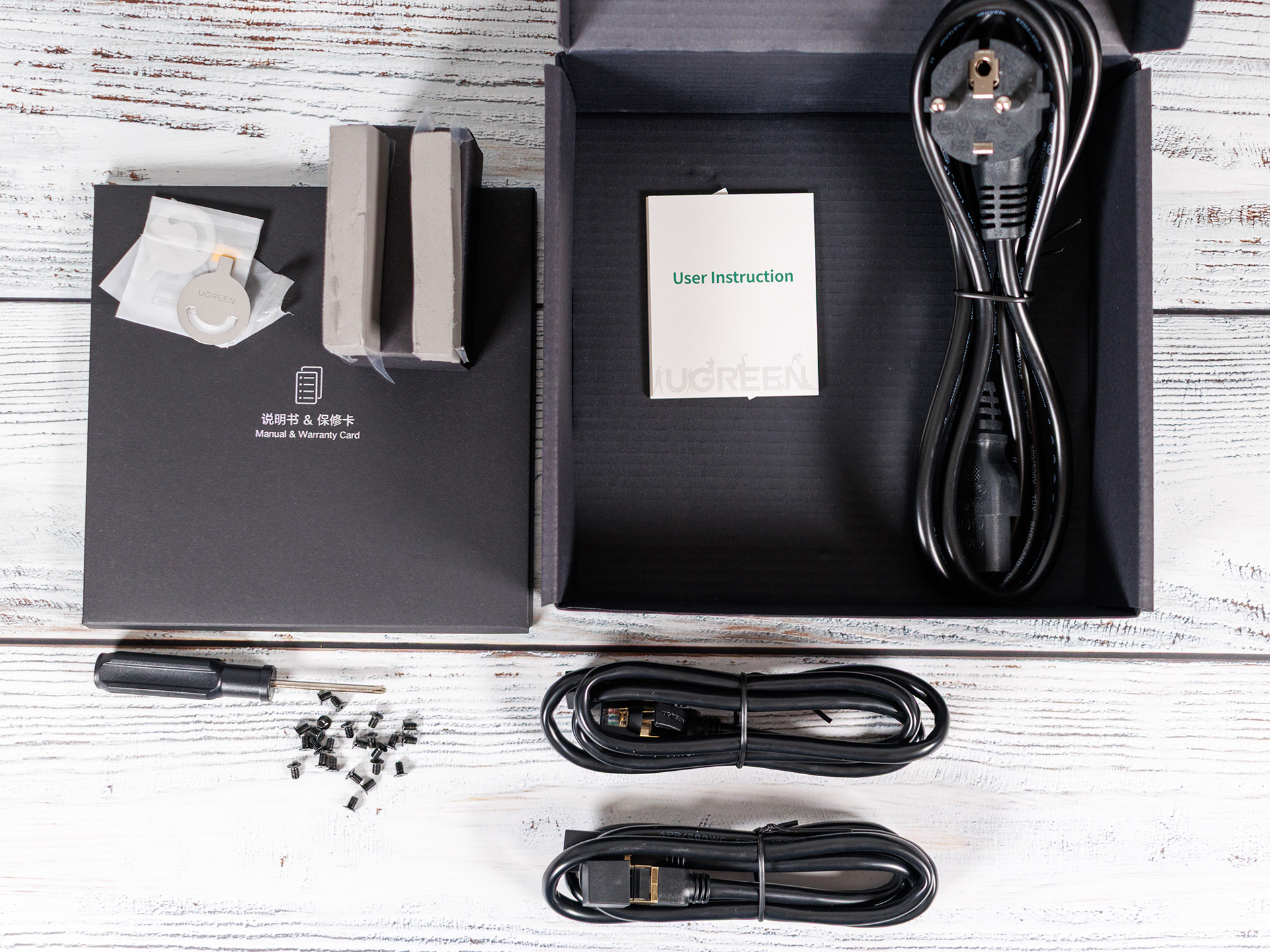
| Package contents | NAS, 2 x hard drive eject buttons, 1 x power cord, 2 x SSD silicone pads, 2 x Ethernet cables (Cat. 7), screws and screwdriver |
| Price (MSRP) | $1,1000 |
Features and delivery scope - Two 10-GbE ports and PCIe in the DXP 6800 Pro
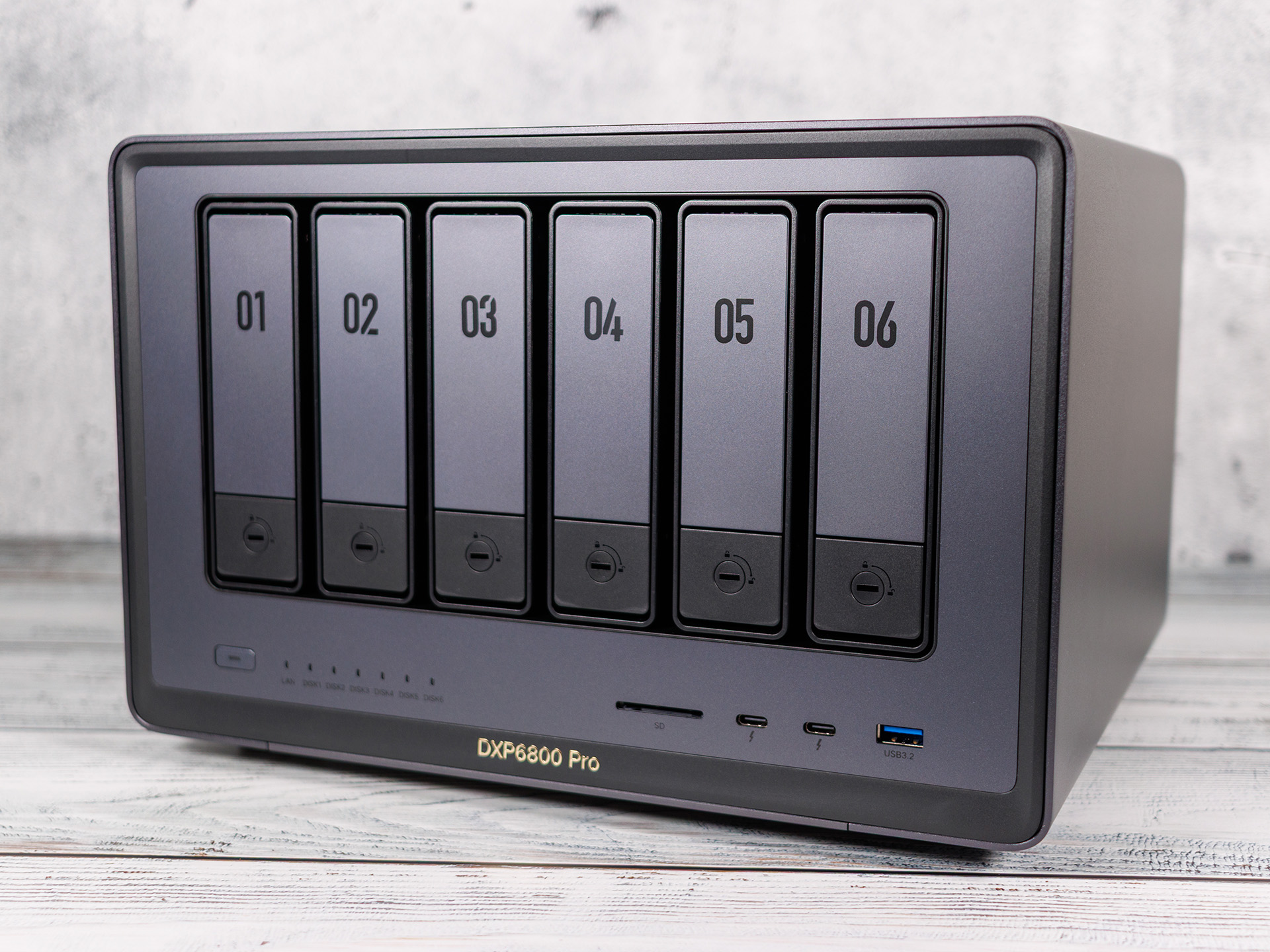
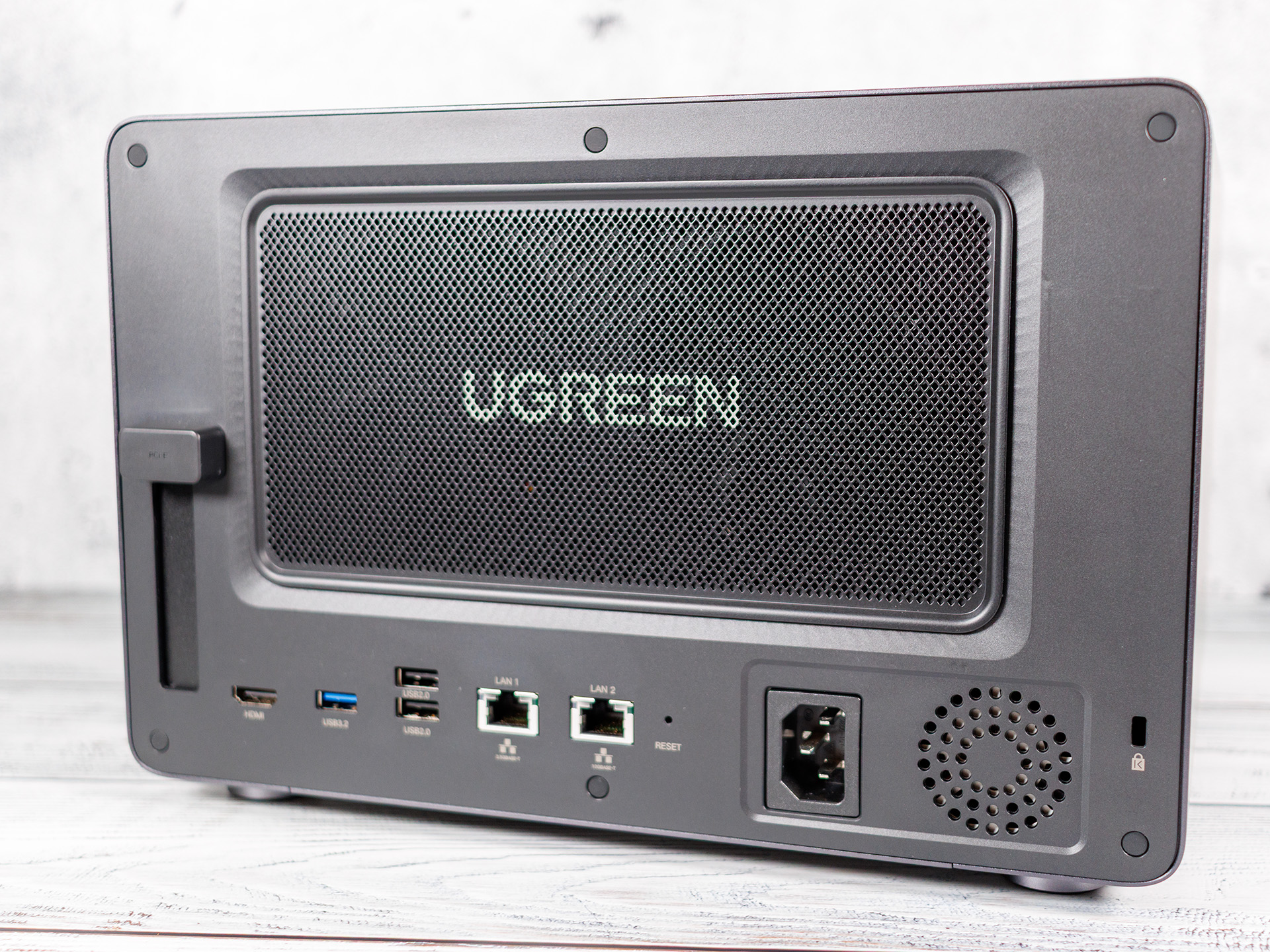
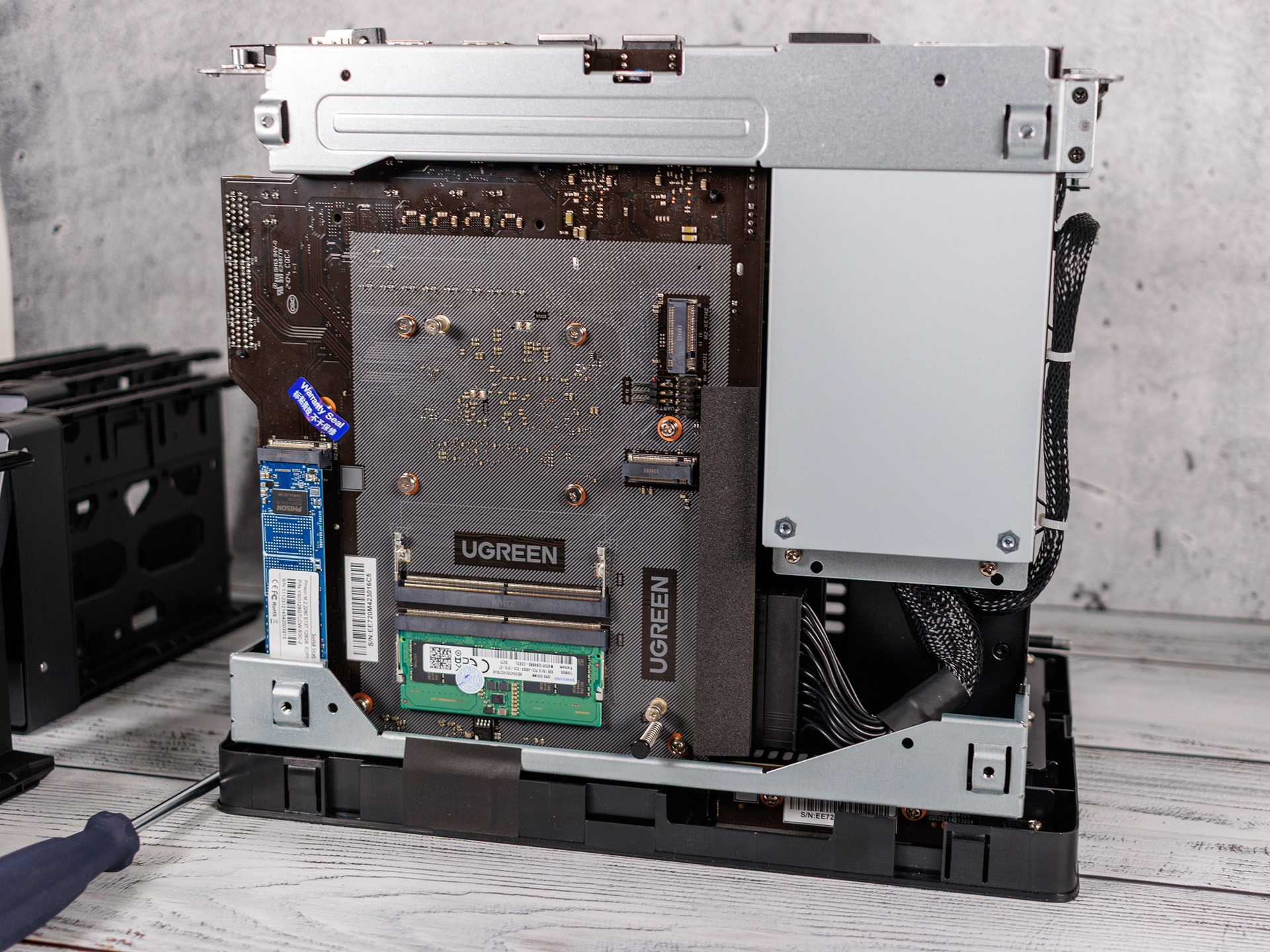
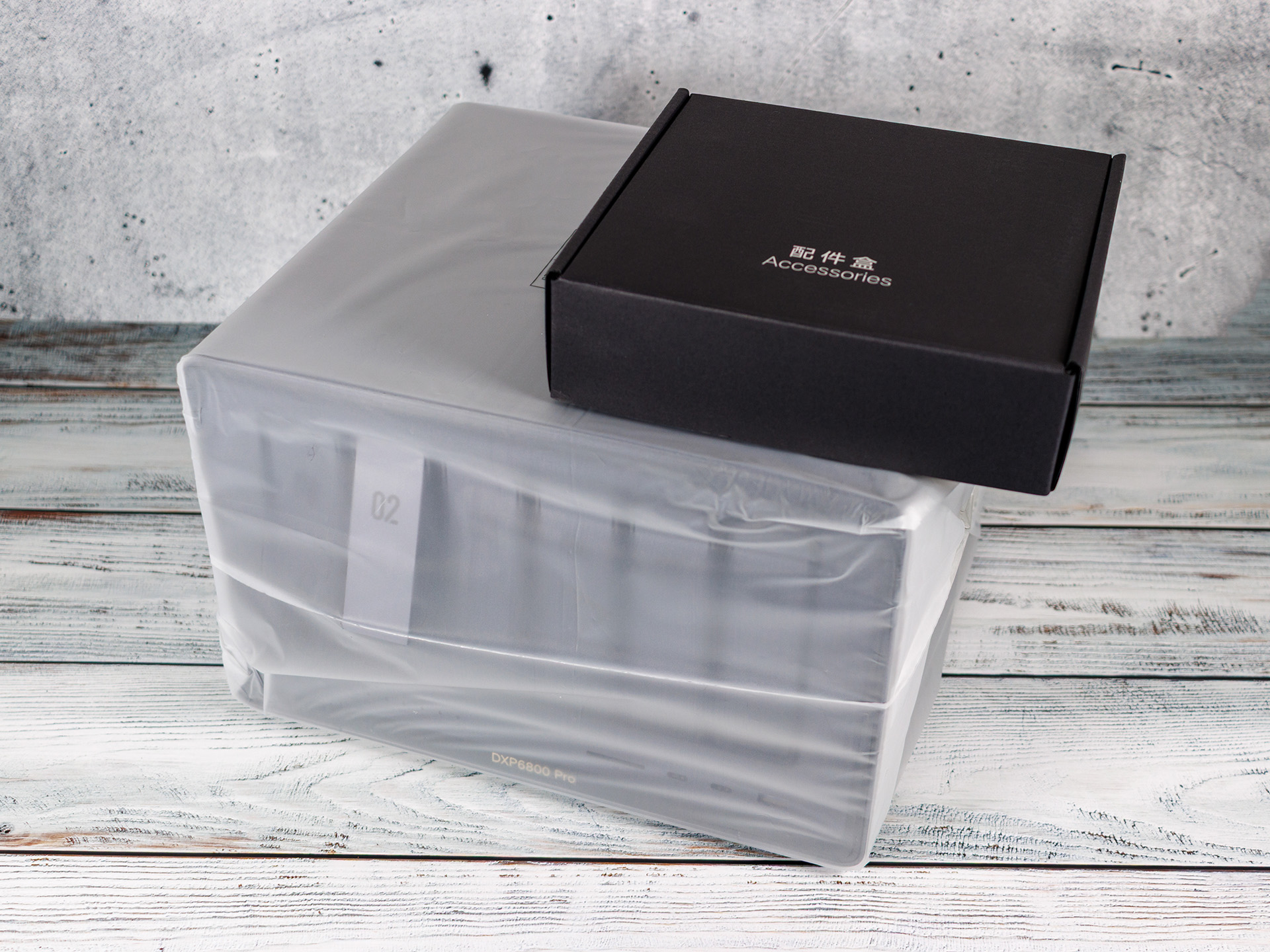
As soon as you unbox it, it’s clear that Ugreen didn’t skimp on the hardware. Inside the six-bay enclosure is an Intel Core i5-1235U, a processor that’s a good three and a half years old, dating back to the first quarter of 2022, but it still offers AV1 decoding, HDMI 2.1, and support for LPDDR5 and DDR5. The system comes factory-equipped with an 8 GB DDR5 module (4,800 MHz), but this can be upgraded to up to 64 GB of DDR5 running at 4,800 MT/s. These specs seem quite generous compared to some competing devices that come with just 4 GB of factory-installed memory. For the operating system, Ugreen includes a 120 GB internal SSD, meaning the device can theoretically boot even without hard drives in the six bays or without any M.2 slots populated.
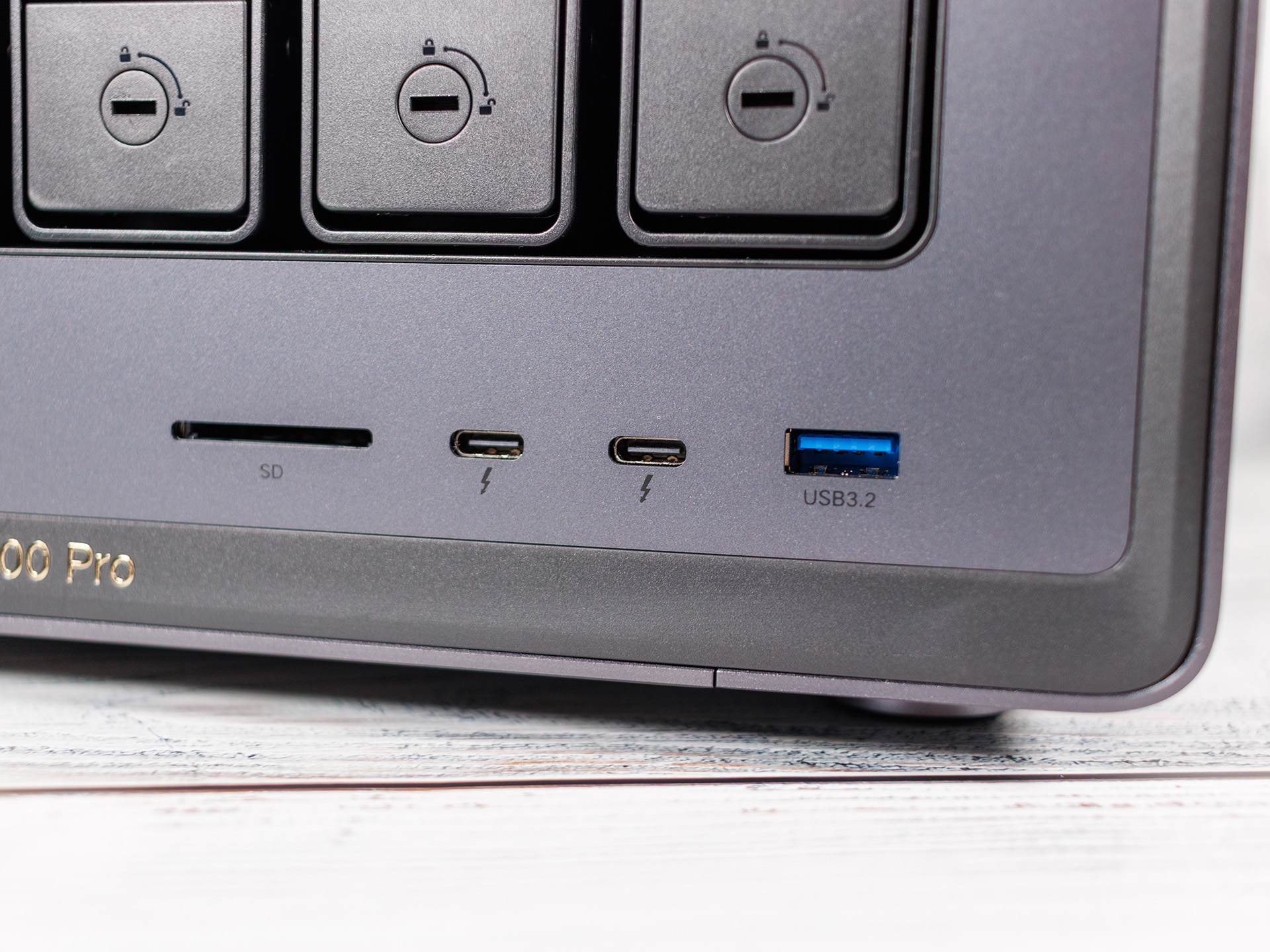
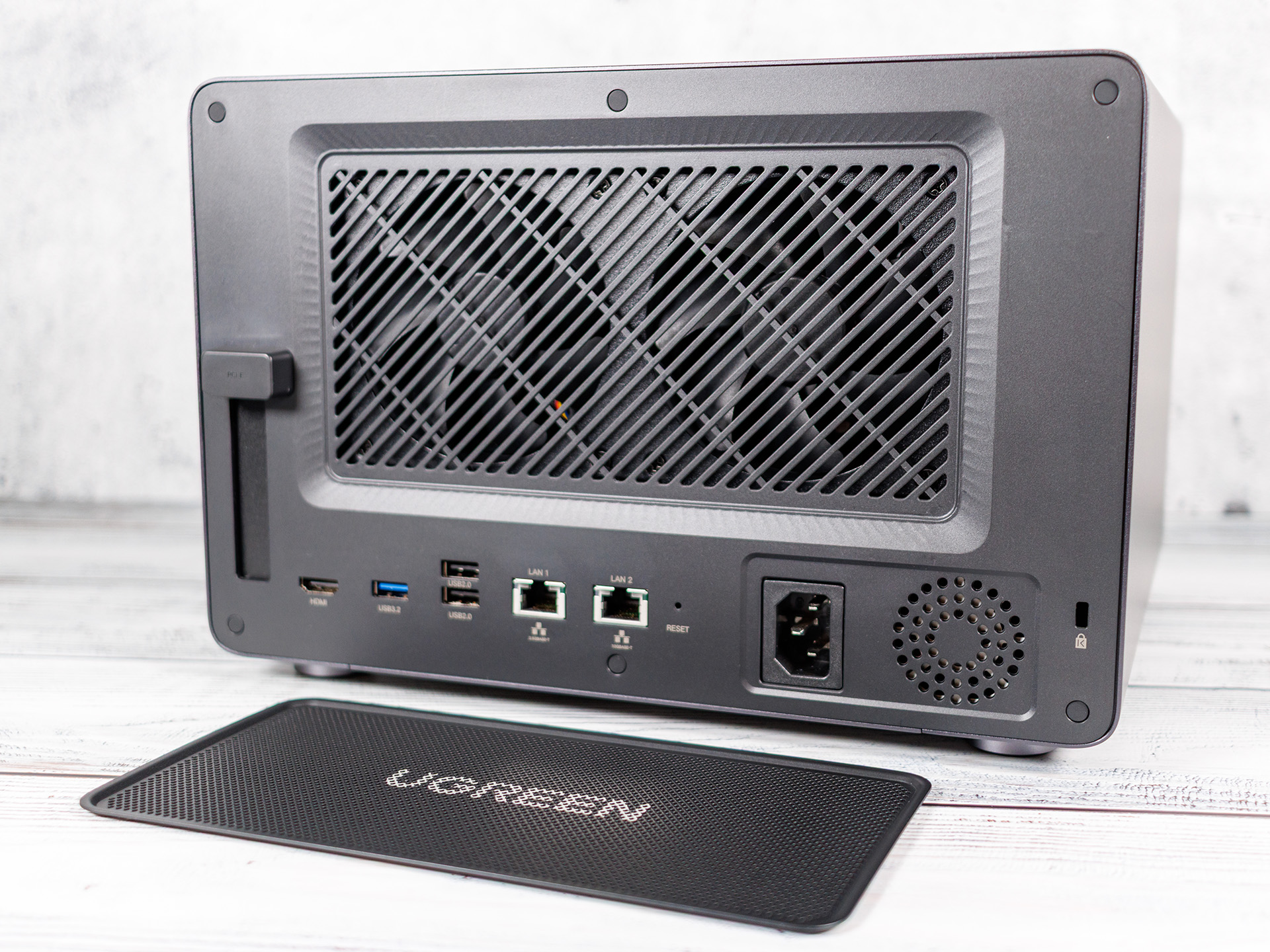
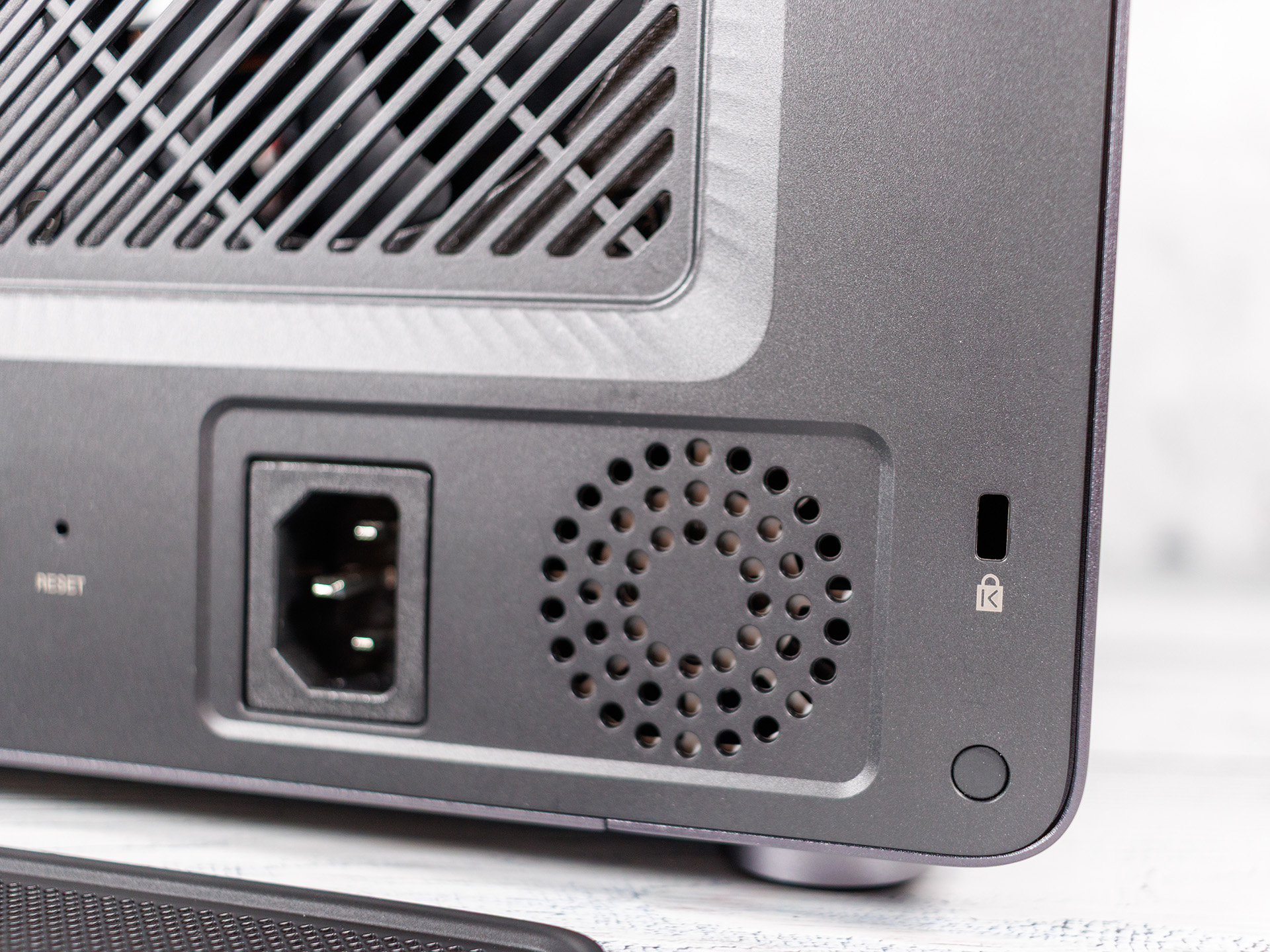
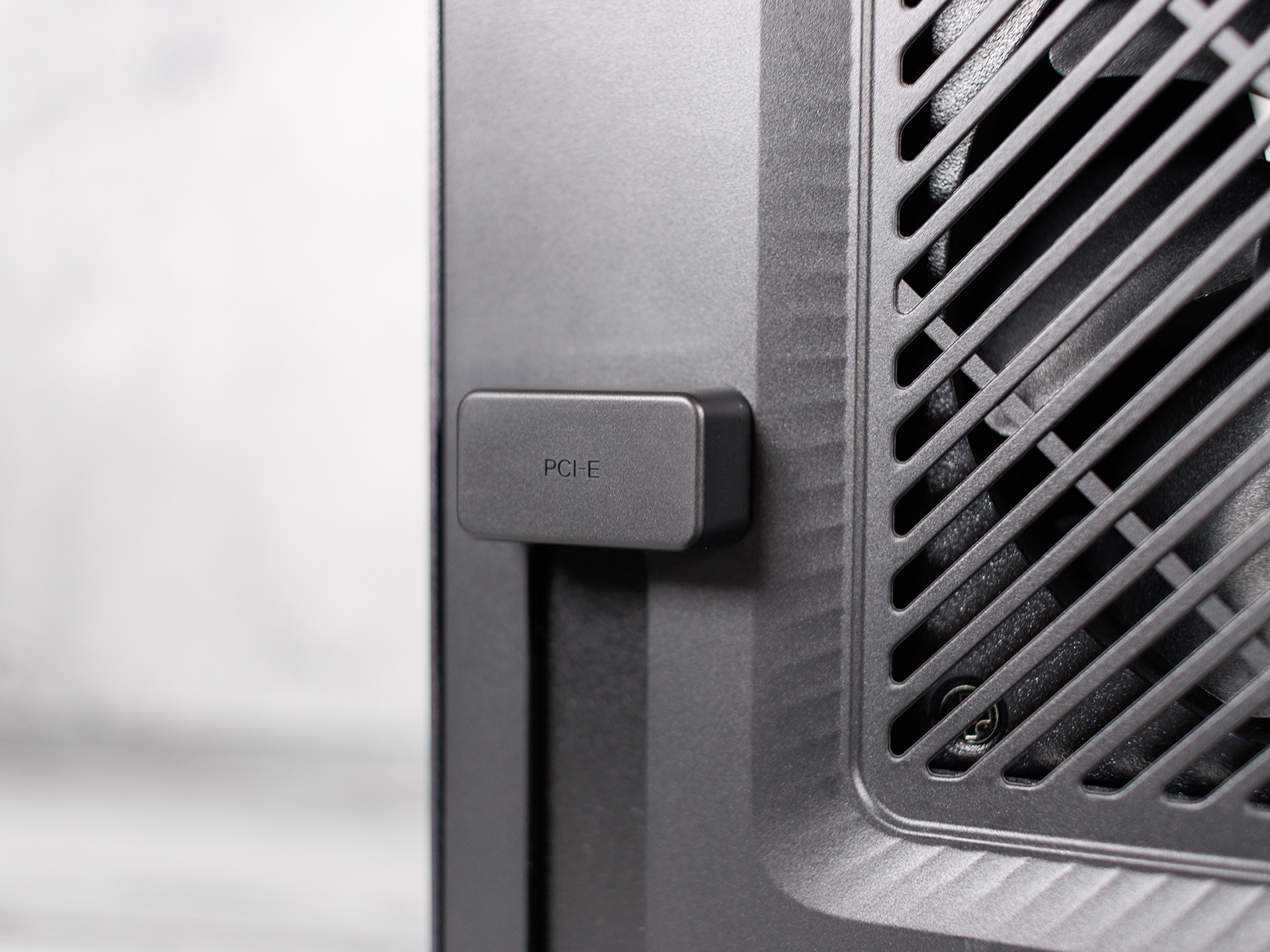
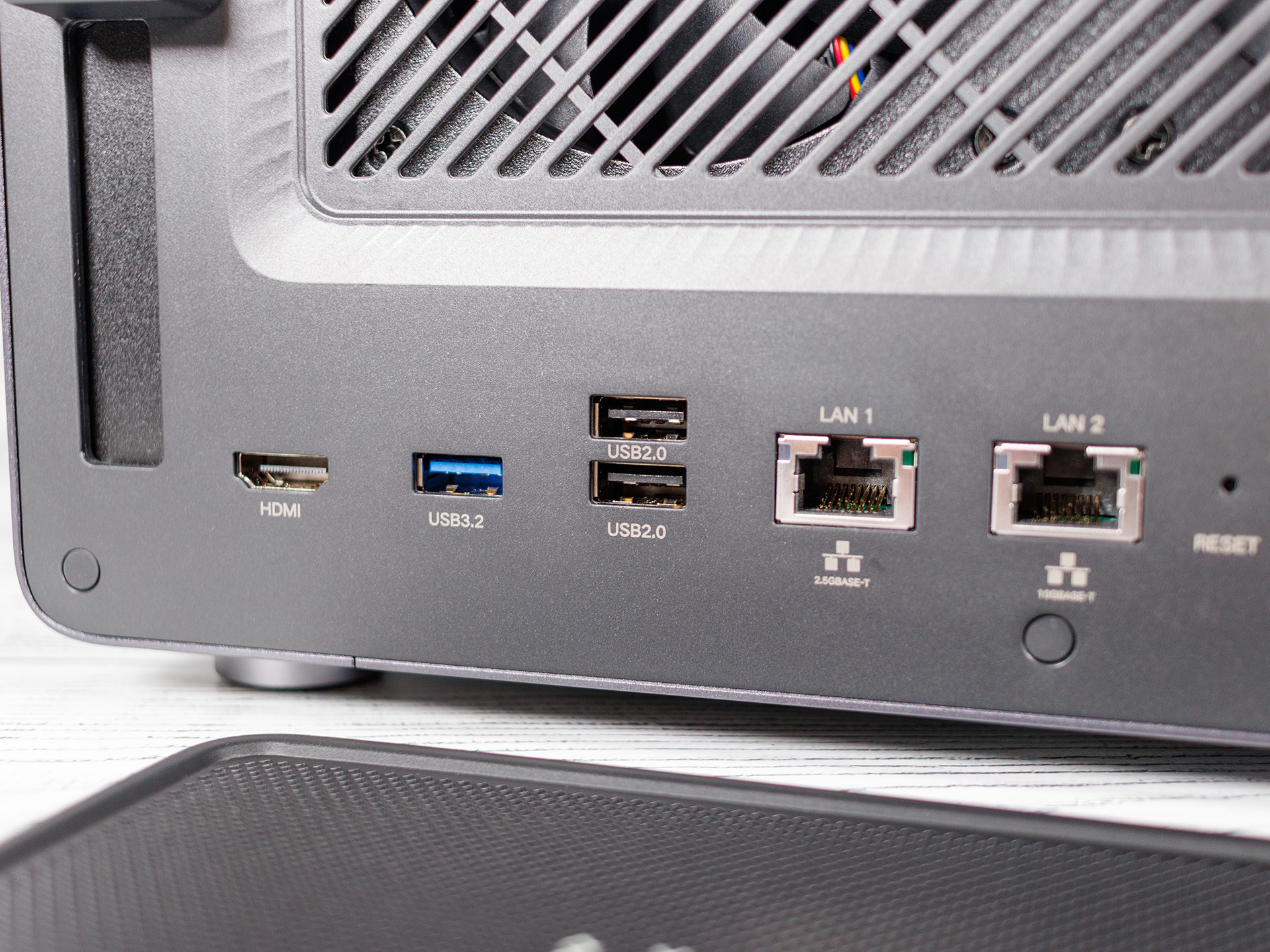
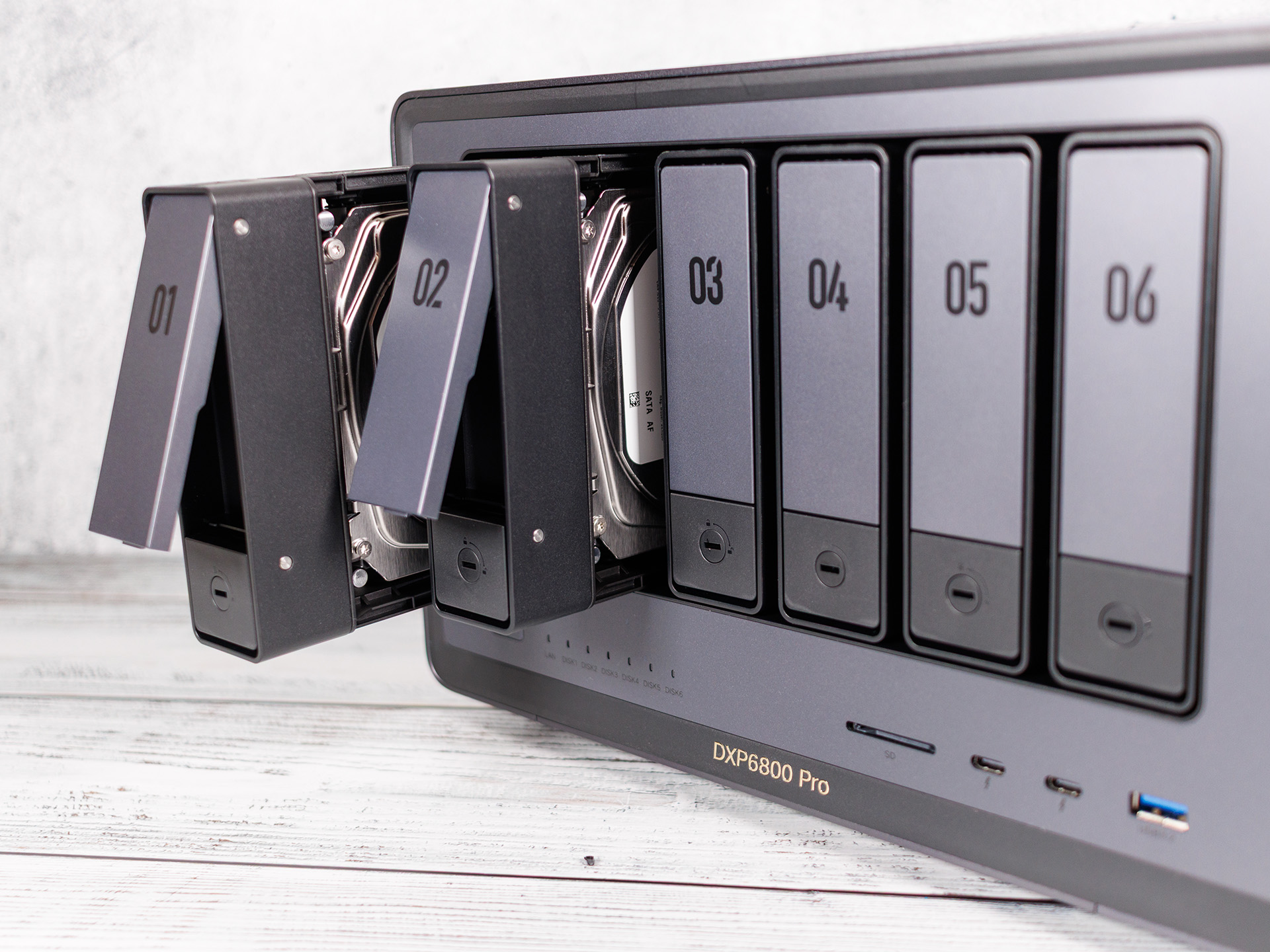
When it comes to connectivity options, this NAS is downright lavish: two 10GbE ports on the back, plus two USB-A 2.0 ports, one USB-A 3.2 port, and an HDMI output, complemented by a PCIe x4 expansion slot that allows for the retrofitting of additional network cards or SSDs. On the front panel, you’ll find another USB-A 3.2 port, two USB-C Thunderbolt 4 ports, and an SD card reader. This combination is far from common in the NAS segment and makes the device particularly appealing to creative professionals who want to copy files directly from their camera’s SD card to the NAS. However, the SD slot is not SD Express-compatible.
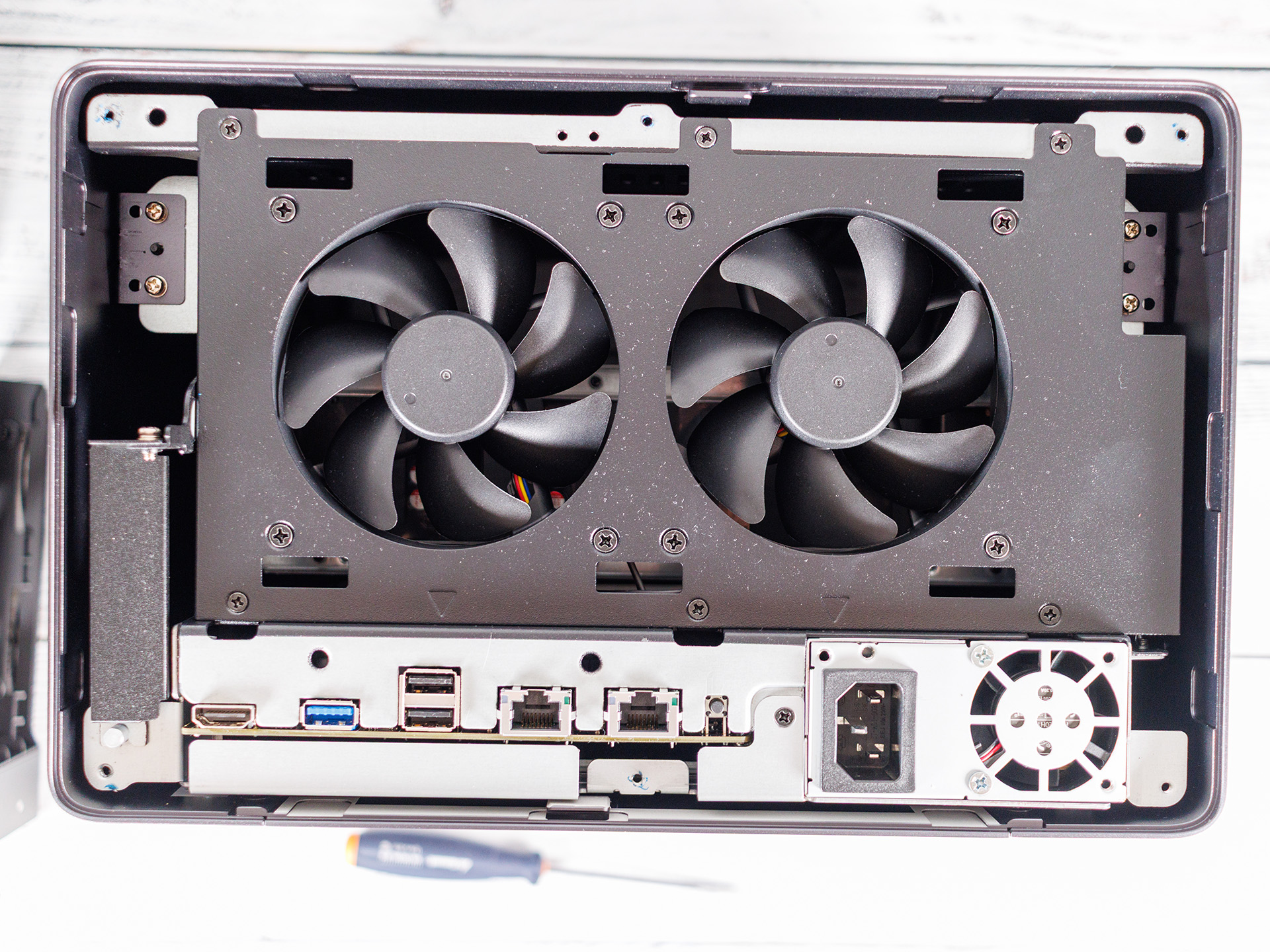
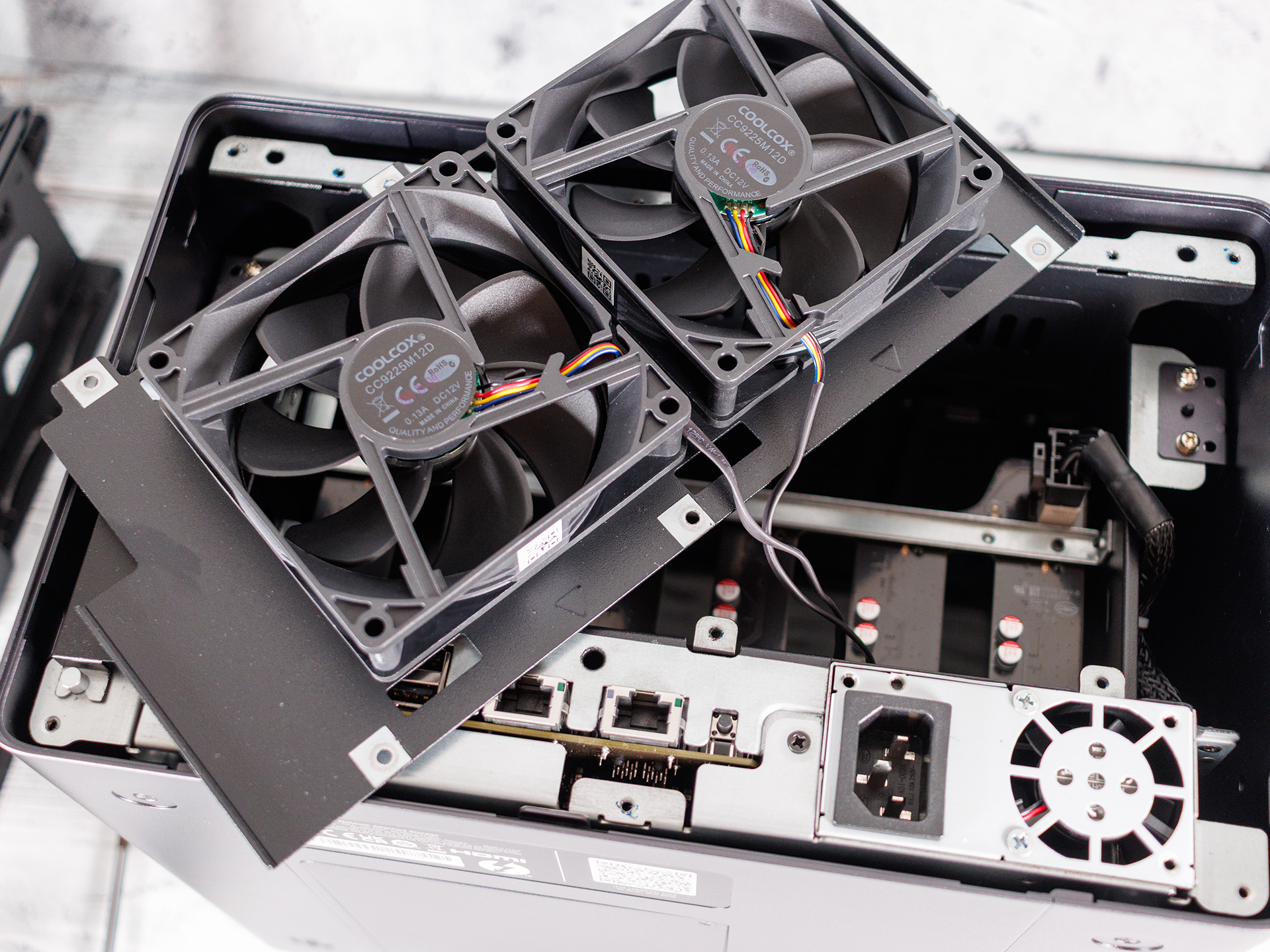
Those who need more speed can also install two M.2 NVMe SSDs, which can be used either as cache or as a standalone high-speed storage pool. The build quality is consistently high: a solid metal chassis, snugly fitting drive bays, and no creaking under load. The system also has a highly modular design, so most components are easily accessible and can be replaced if necessary.
Installation and Setup - UGOS Pro with just a few apps
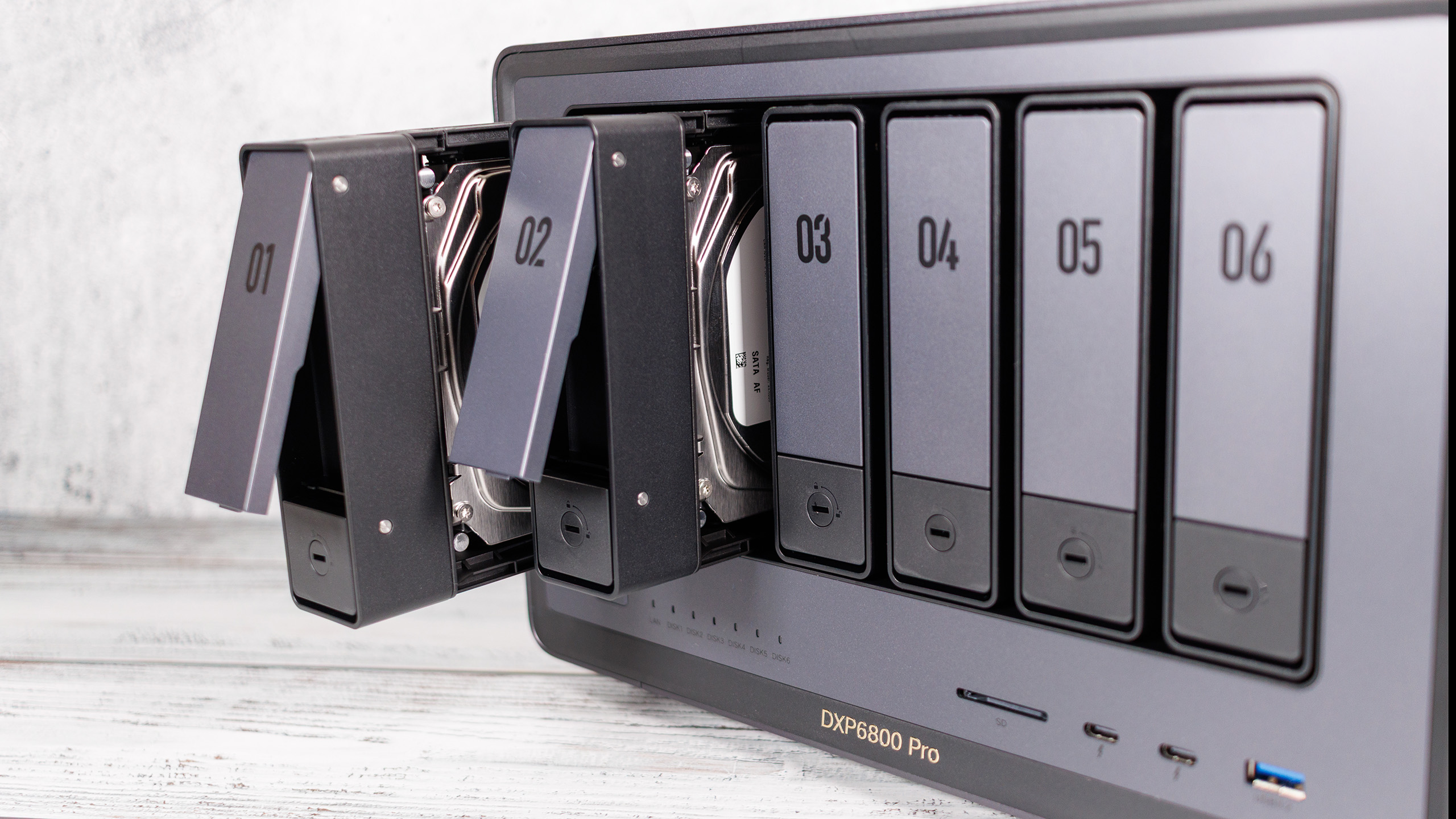
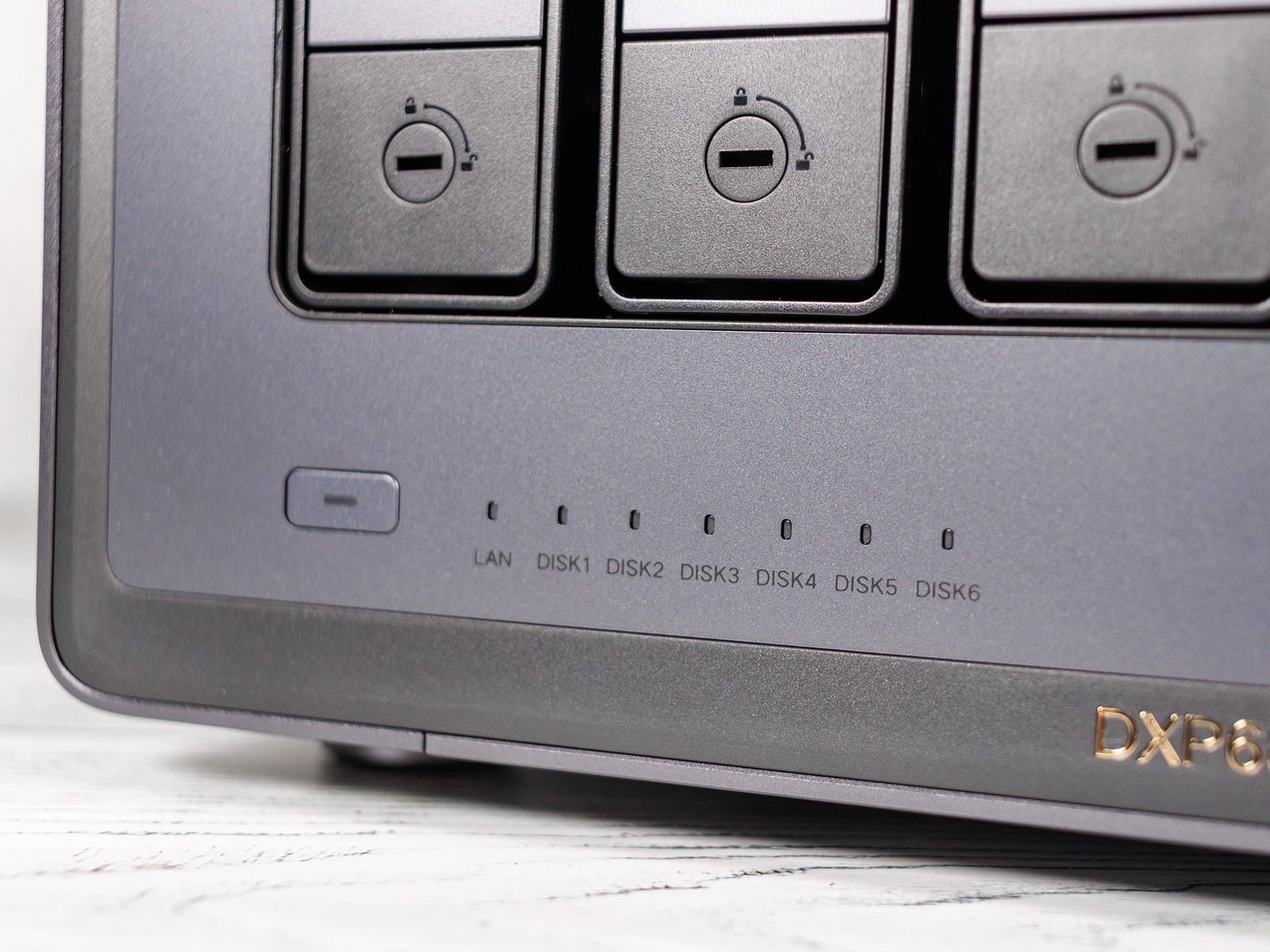
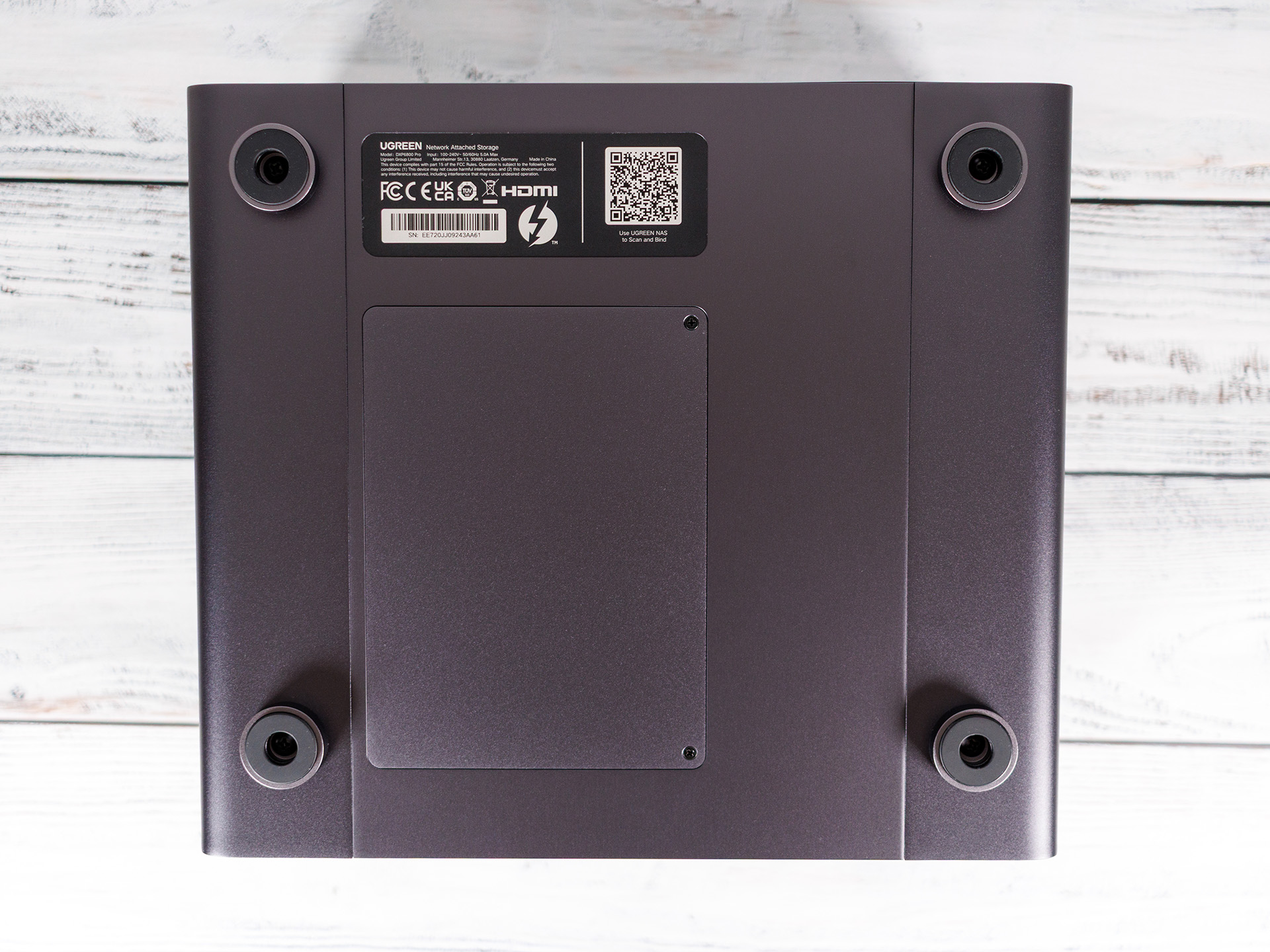
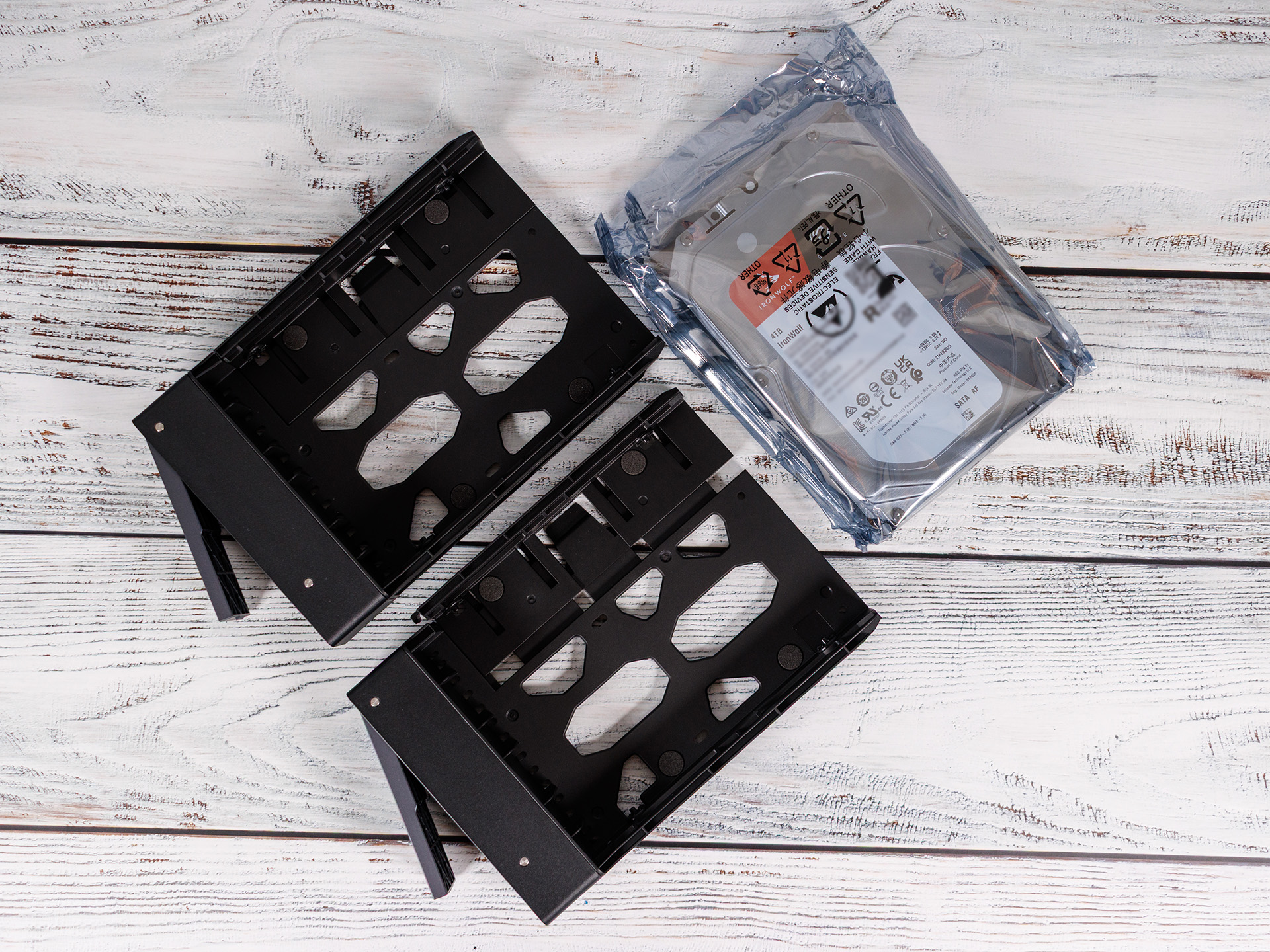
Thanks to its well-thought-out hardware and software design, setting up the Ugreen NASync DXP 6800 Pro is straightforward even for less experienced users. The physical setup begins by inserting the hard drives into the six solid aluminum drive bays, which feature a screwless locking mechanism and can be locked to prevent theft if necessary. If you want to equip the system with fast M.2 NVMe SSDs as cache or additional storage, you’ll find an easily accessible cover on the bottom of the enclosure that’s held in place by a single screw.
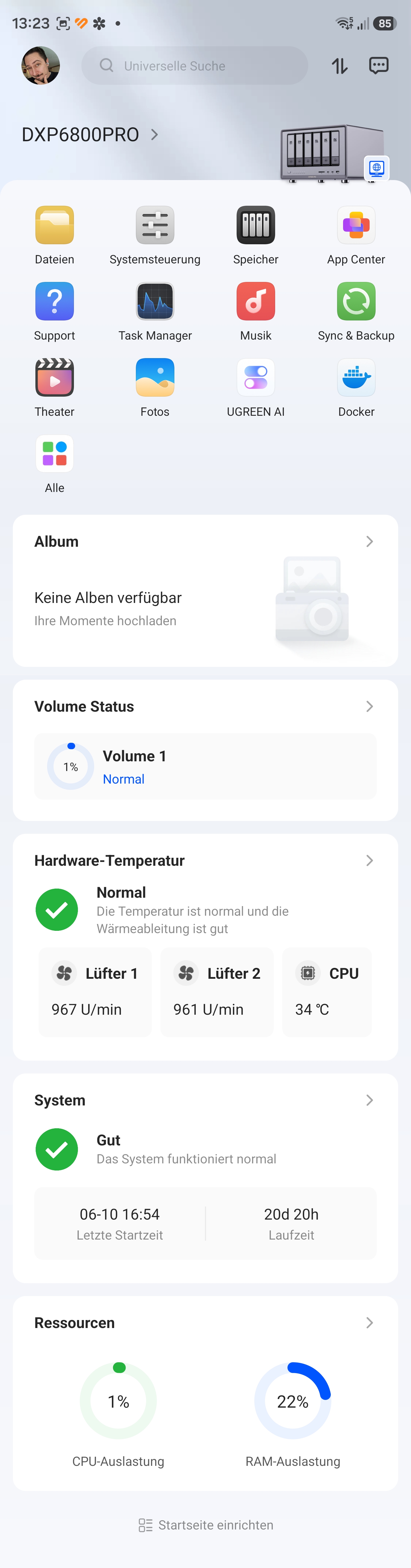
After plugging it into a power source and connecting it to the local network via one or both of the fast 10-GbE ports, the NAS boots up. The subsequent initial setup can be performed either via a dedicated smartphone app or, in the traditional way, via a web browser by entering the IP address or visiting the manufacturer’s search page. A wizard-guided setup process walks the user step by step through creating a Ugreen account, setting secure administrator credentials, and performing the first major firmware update to UGOS Pro. The system then redirects you directly to storage management, where you can initialize the desired RAID array (such as a secure RAID 5 or RAID 6) and format the file system with just a few clicks.
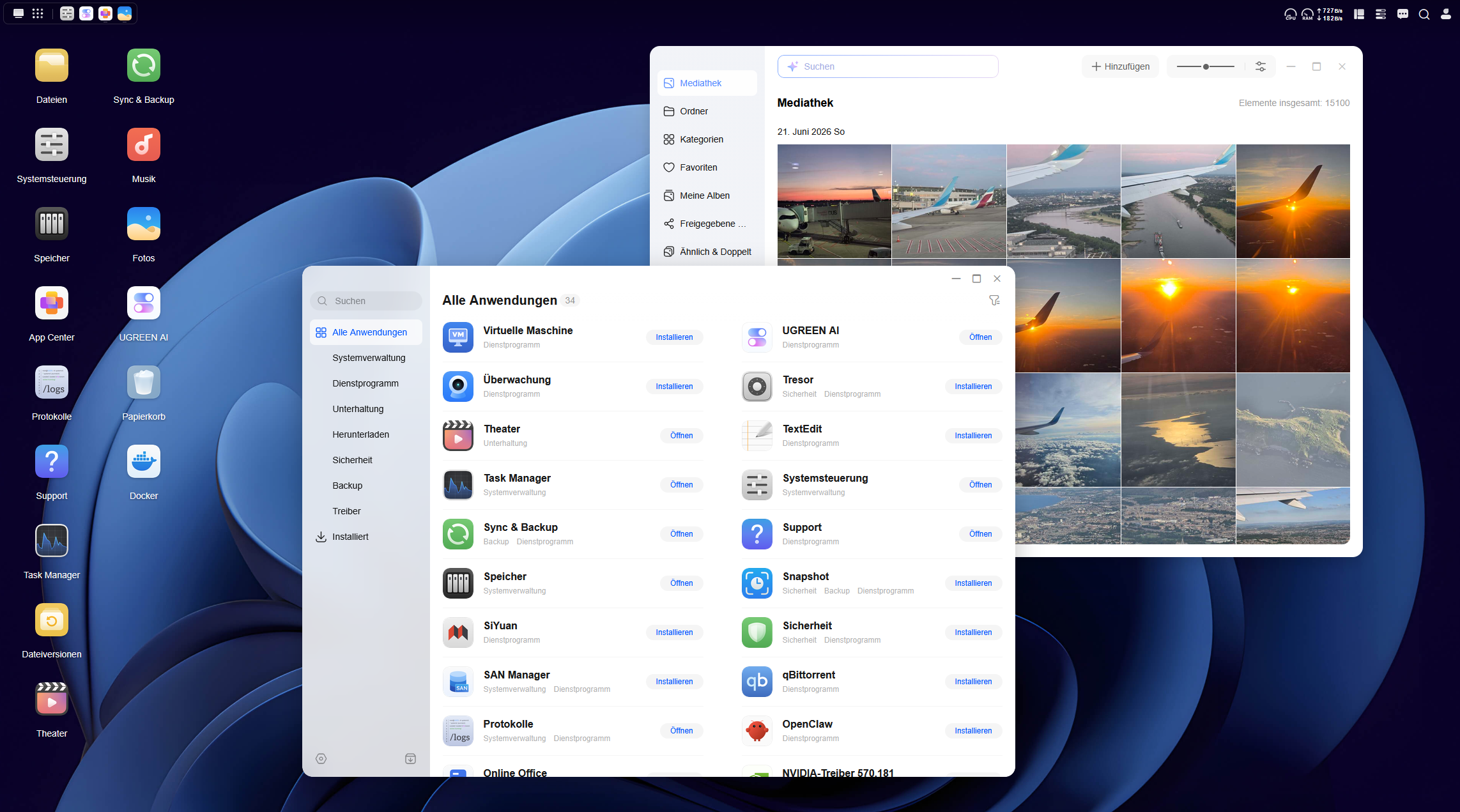
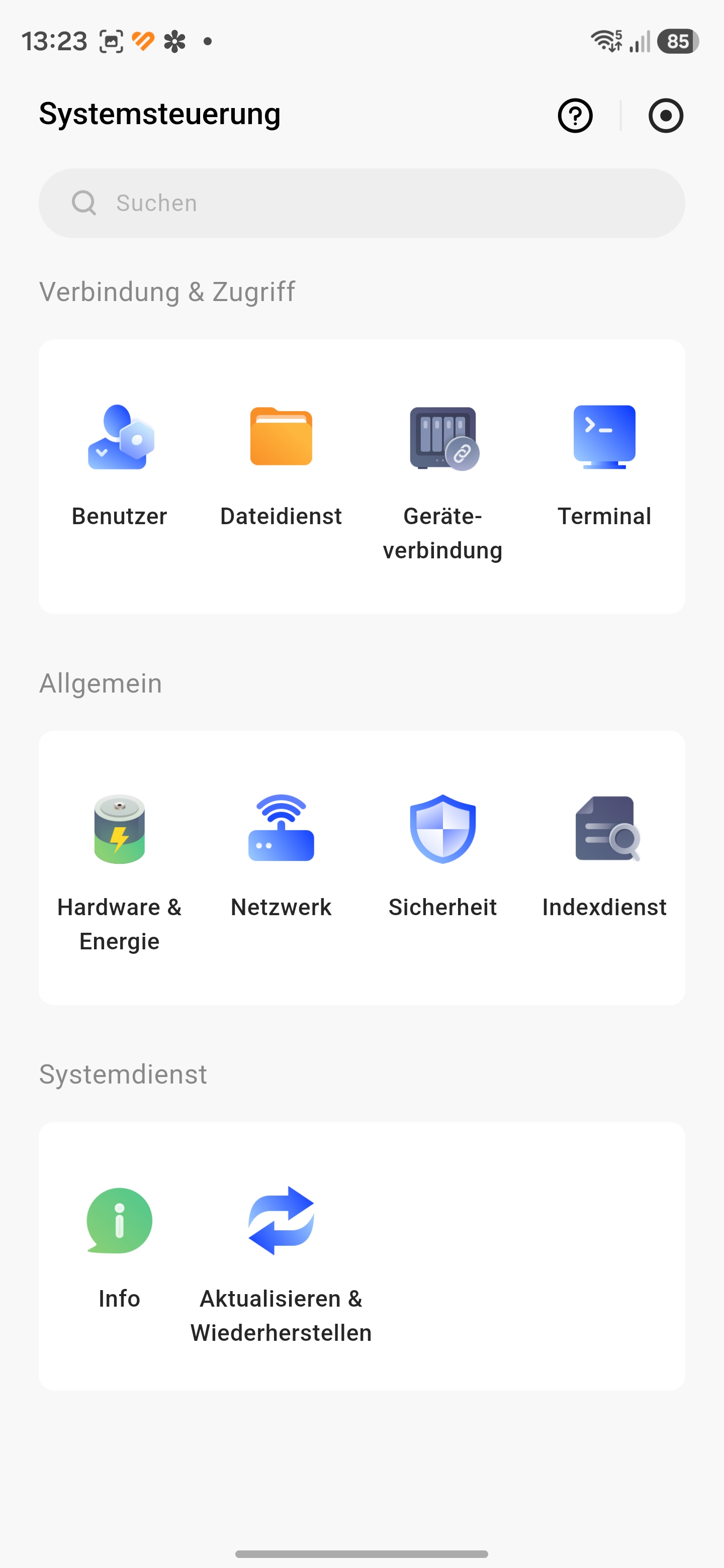
To make the most of the newly acquired storage space, the next step is the integrated App Center: Here, you can optionally install the SAN Manager with a single click, which allows you to configure iSCSI targets and LUNs to make the storage available as a high-performance IP-SAN for external clients. Thanks to the intuitive interface, modeled after modern desktop operating systems, the entire system, including user shares and the first network folders, is usually fully operational in less than 30 minutes.
It should be noted that UGOS Pro comes preinstalled, but other operating systems such as TrueNAS Scale, Proxmox VE, OpenMediaVault (OMV), and Unraid can also be installed; even Windows or Linux are possible.
App-Support - Still some gaps, but significantly improved
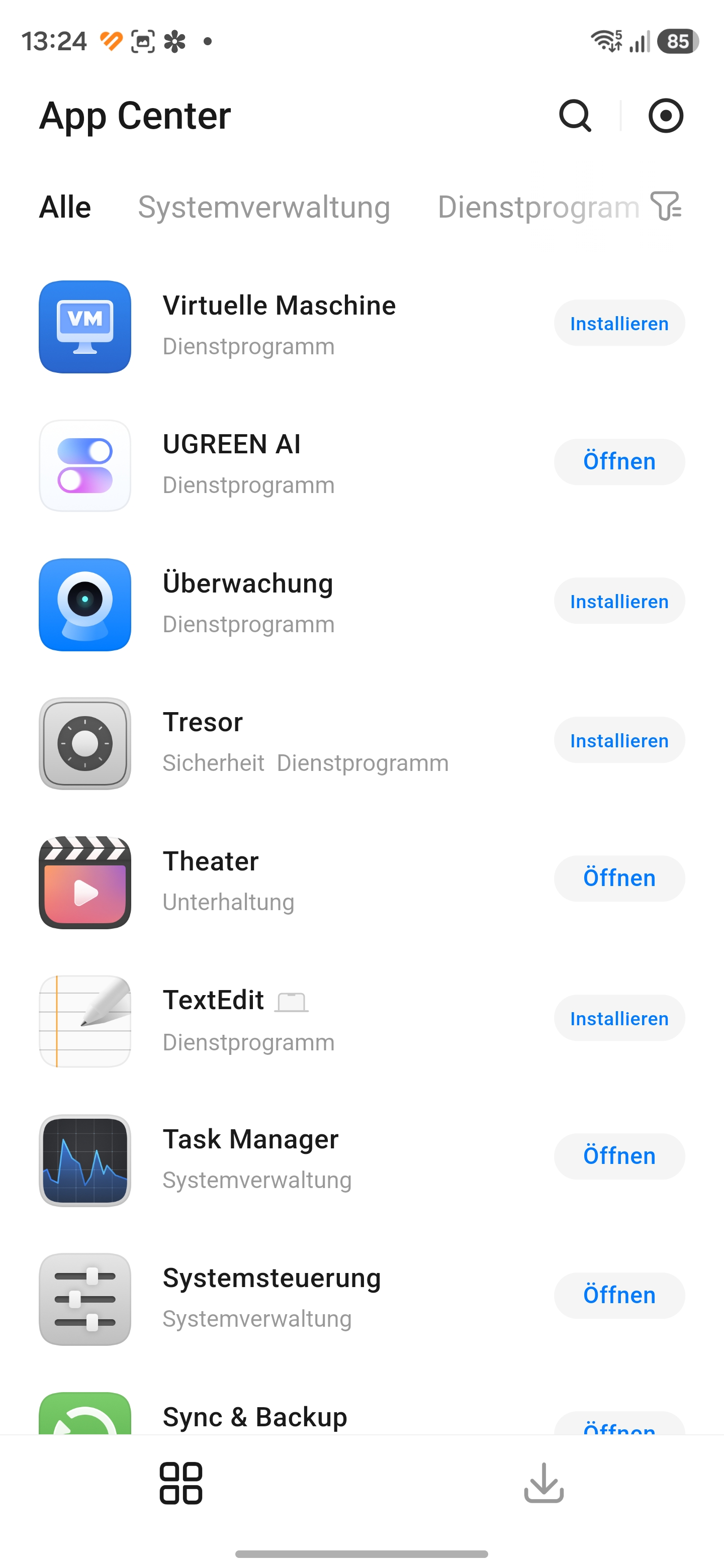
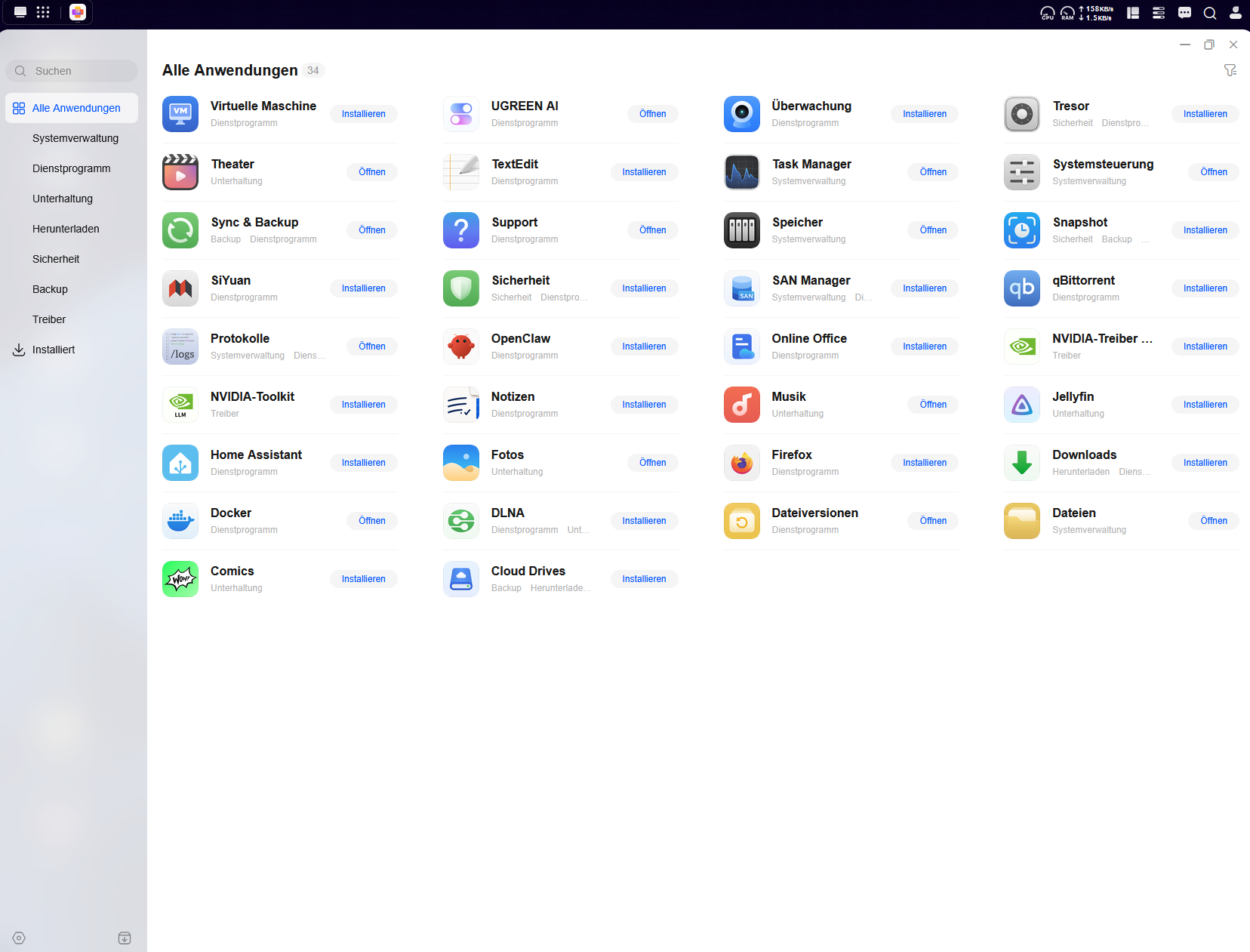
The App Center in Ugreen’s UGOS Pro operating system is the most dynamic component of the entire NASync series. At launch, the manufacturer faced the challenge that the included software seemed rather sparse compared to established competitors like Synology or QNAP. Although functional gaps could be flexibly addressed from the start using Docker containers, users demanded native and straightforward solutions directly from the manufacturer’s own store. Ugreen responded with frequent updates and successfully added essential applications such as the SAN Manager for IP-SAN and iSCSI management. A security manager based on the ClamAV engine for virus scans, a dedicated app for digital comics, and direct synchronization with Dropbox were also implemented. However, anyone wishing to run a standalone CardDAV or CalDAV server must still rely on Docker solutions. The offering was rounded out by functional updates to existing programs, such as an offline mode in the Media app for mobile video viewing and enhanced remote access, which allows users to access Docker containers directly via the encrypted UgreenLink service while on the go without complex VPN configurations.
Performance - DXP 6800 Pro with a fast Core i5
The Ugreen NASync DXP 6800 Pro breaks with conventional industry standards and offers a powerhouse hardware foundation for this price range. Powered by an Intel Core i5-1235U processor with 10 cores and expandable DDR5 RAM, this 6-bay NAS delivers enormous performance reserves. The two integrated M.2 NVMe slots can be flexibly configured as an ultra-fast read and write cache or as a standalone, lightning-fast storage pool to drastically increase the IOPS rate during parallel accesses.
The system really shows its muscle when it comes to data throughput: Thanks to the two native 10-GbE ports, the NAS delivers the bandwidth needed to smoothly handle even demanding virtualization environments or high-resolution 4K and 8K video editing. In a test with iPerf3, the NAS delivers a stable 9.5 Gbit/s for both sending and receiving data.
Energy consumption and loudness - Loud and hungry
In terms of power consumption, Ugreen estimates the energy requirement at 24.91 W when the hard drives are idle and 43.07 W during drive access, but does not specify which or how many drives are included in this scenario.
During our test, we measured up to 22.40 W in idle mode, without hard drives. When we use four Seagate IronWolf 4 TB drives, the power consumption fluctuates between 36.59 and 41.93 watts - in idle mode. We consider this to be very high.
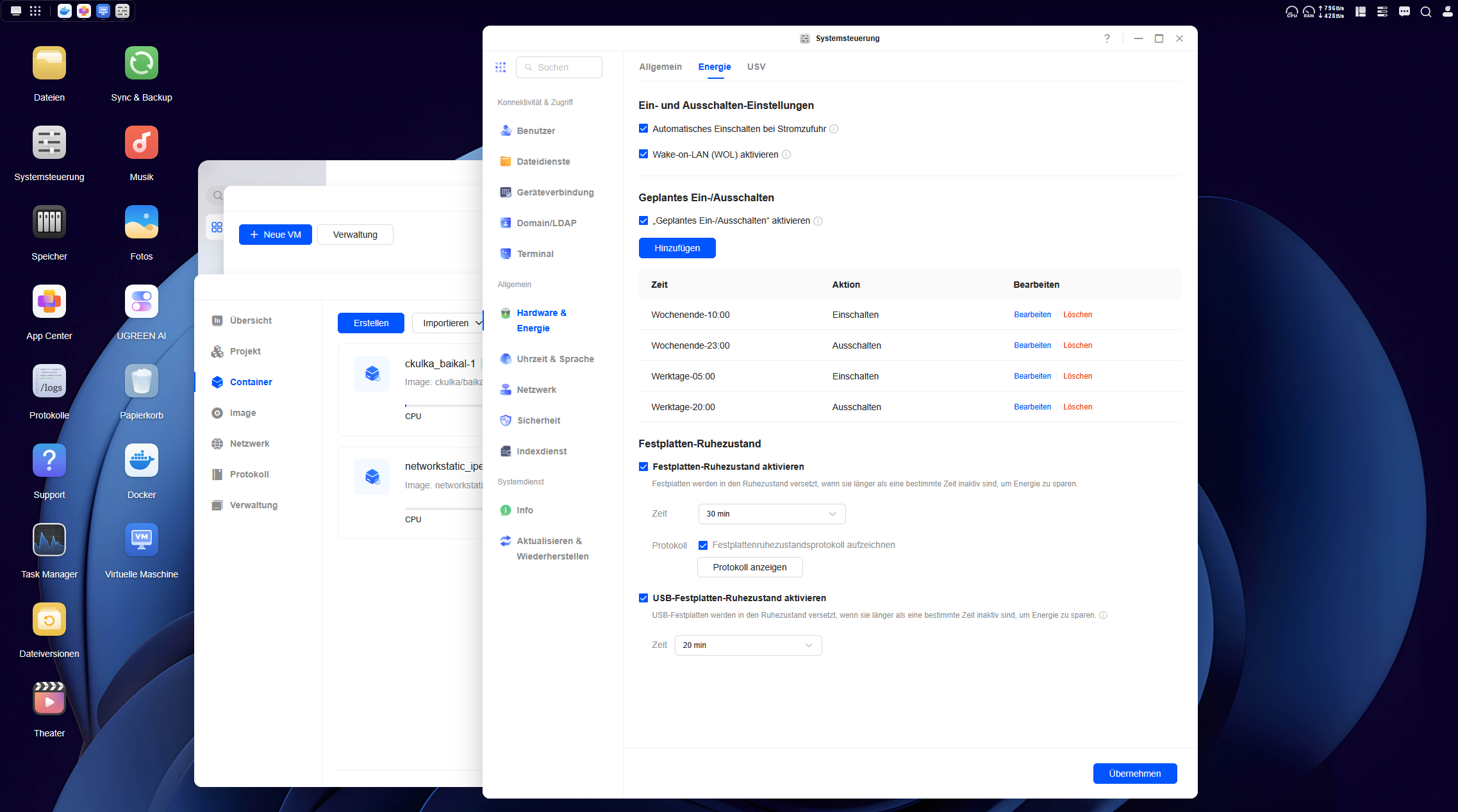
If you want to save energy, you can also set the NASync DXP 6800 Pro to turn on and off at scheduled times. This allows for operation control down to the minute, which can be configured daily, for weekends, or for weekdays. With Wake-on-LAN (WoL), the NAS can also be booted up at any time. When completely powered off, the DXP 6800 Pro consumes only 0.05 watts; with WoL enabled, power consumption rises to 2.39 watts.
The Ugreen NAS isn’t exactly a quiet device either. With the aforementioned SATA HDDs in idle mode, it still hums at a clearly audible 34.61 dB(A) and increases to up to 43 dB(A) during more intensive tasks. The DXP 6800 Pro is therefore not really suitable for the living room; ideally, it should be placed in a room where it won’t be a nuisance.
Transparency
The selection of devices to be reviewed is made by our editorial team. The test sample was given to the author by the manufacturer free of charge for the purposes of review. There was no third-party influence on this review, nor did the manufacturer receive a copy of this review before publication. There was no obligation to publish this review. As an independent media company, Notebookcheck is not subjected to the authority of manufacturers, retailers or publishers.
 Add as a preferred source on Google


