




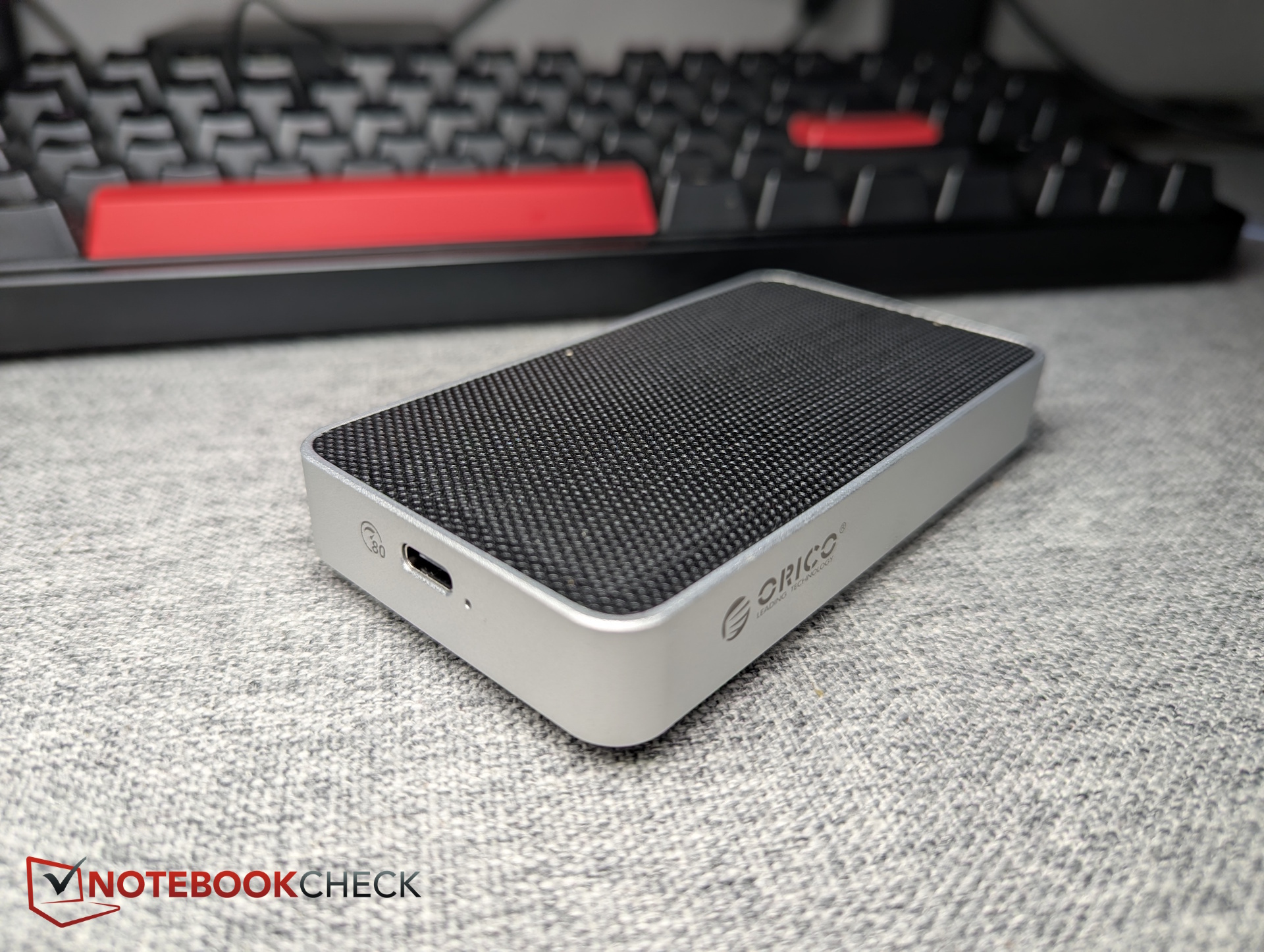
ORICO X50PRO review: This Thunderbolt 5 enclosure hits 6,000 MB/s
External storage accelerator.
With the X50PRO, ORICO is launching one of the first Thunderbolt 5 SSD enclosures designed for ultra-fast external NVMe storage. Powered by Intel’s JHL9480 controller and offering 80 Gbps bandwidth, the enclosure promises speeds of up to 6,000 MB/s — and it actually delivers in our testing. But Thunderbolt 5 still faces one major limitation right now.Christian Hintze (translated by Christian Hintze) Published 🇩🇪 🇫🇷 ...
Verdict - Fast SSD enclosure, only limited by Thunderbolt 5 adoption
In our testing, the ORICO X50PRO reached the promised 6,000 MB/s read speeds, making it one of the fastest external SSD solutions we’ve tested so far. We also liked how easy the aluminum enclosure is to open with just a single screw, allowing SSDs to be swapped quickly. The enclosure is compact and stays surprisingly cool even under sustained workloads.
Unfortunately — and this is not the enclosure’s fault — Thunderbolt 5 is still far from mainstream, with most systems continuing to rely on Thunderbolt 4. On top of that, the enclosure costs more than $200 without an SSD included. Those two factors significantly limit its potential audience. As a result, the ORICO X50PRO mainly targets users with devices like the MacBook Pro M5 who need extremely fast external storage performance.
Pros
Cons
Pricing and availability
The device costs $329 with a 1 TB SSD (5,000 MB/s) on Amazon.com. Unfortunately, in the US the case does not seem to be available on it's own just yet. In Germany, the same case without an SSD cost 207 Euro.

Table of Contents
- Verdict - Fast SSD enclosure, only limited by Thunderbolt 5 adoption
- Thunderbolt 5 SSD enclosure with Intel JHL9480 at a glance
- Design and build quality: Compact aluminum enclosure with cooling fins
- Included accessories - Enclosure, thermal pad, and USB-C cable
- Specifications: Thunderbolt 5 with 80 Gbps, but no PCIe 5 support
- Test system - TeamGroup MP44 SSD and MacBook Pro M5
- Installing the M.2 SSD: Easy setup with just one screw
- Benchmark results: ORICO X50PRO reaches 6,000 MB/s
Thunderbolt 5 SSD enclosure with Intel JHL9480 at a glance
With the X50PRO, ORICO is entering the market with an especially fast Thunderbolt SSD enclosure featuring 80 Gbps bandwidth. The company advertises speeds of up to 6,000 MB/s, which we tested and compared against other SSD enclosures we’ve reviewed.
Design and build quality: Compact aluminum enclosure with cooling fins
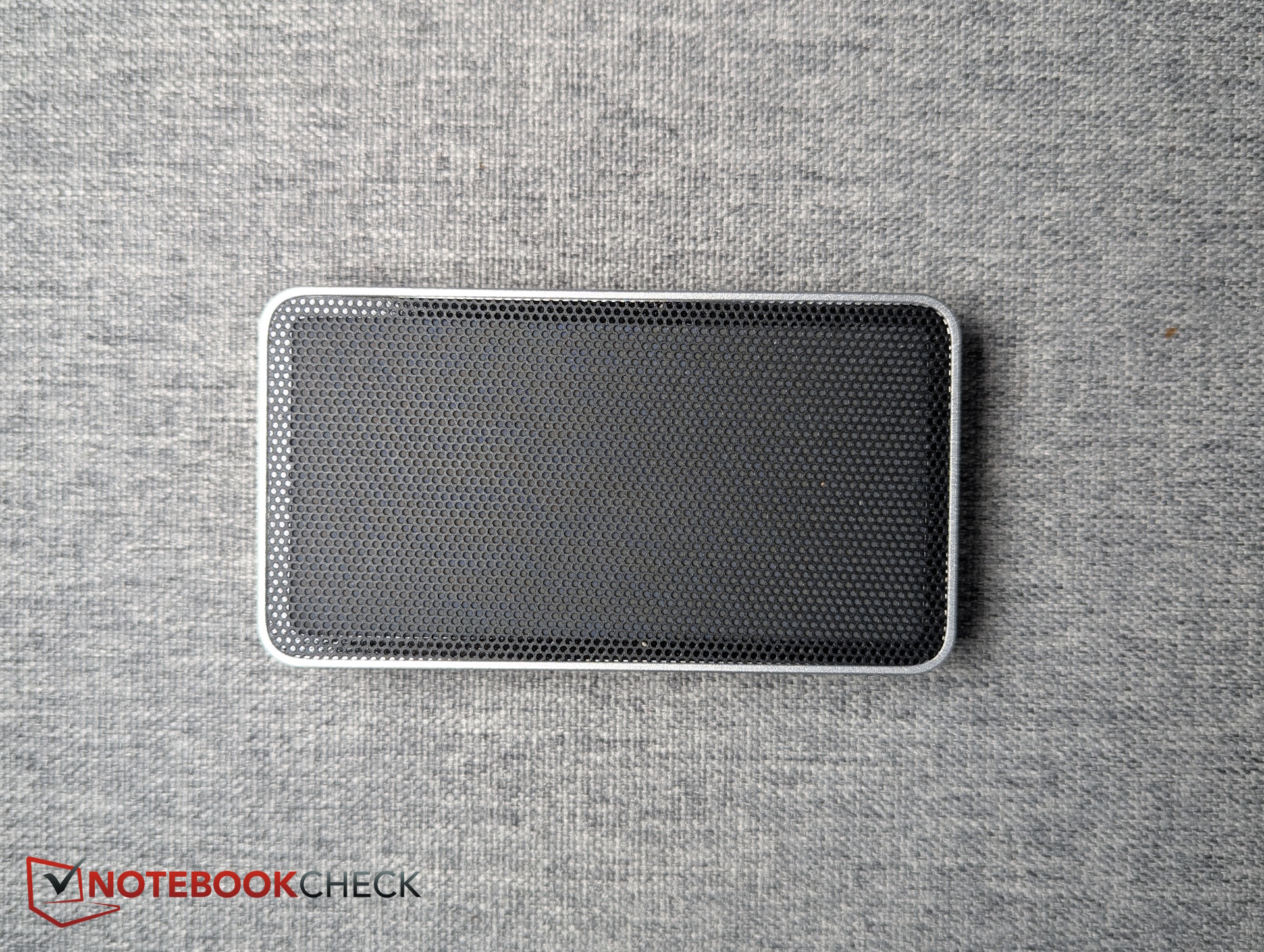
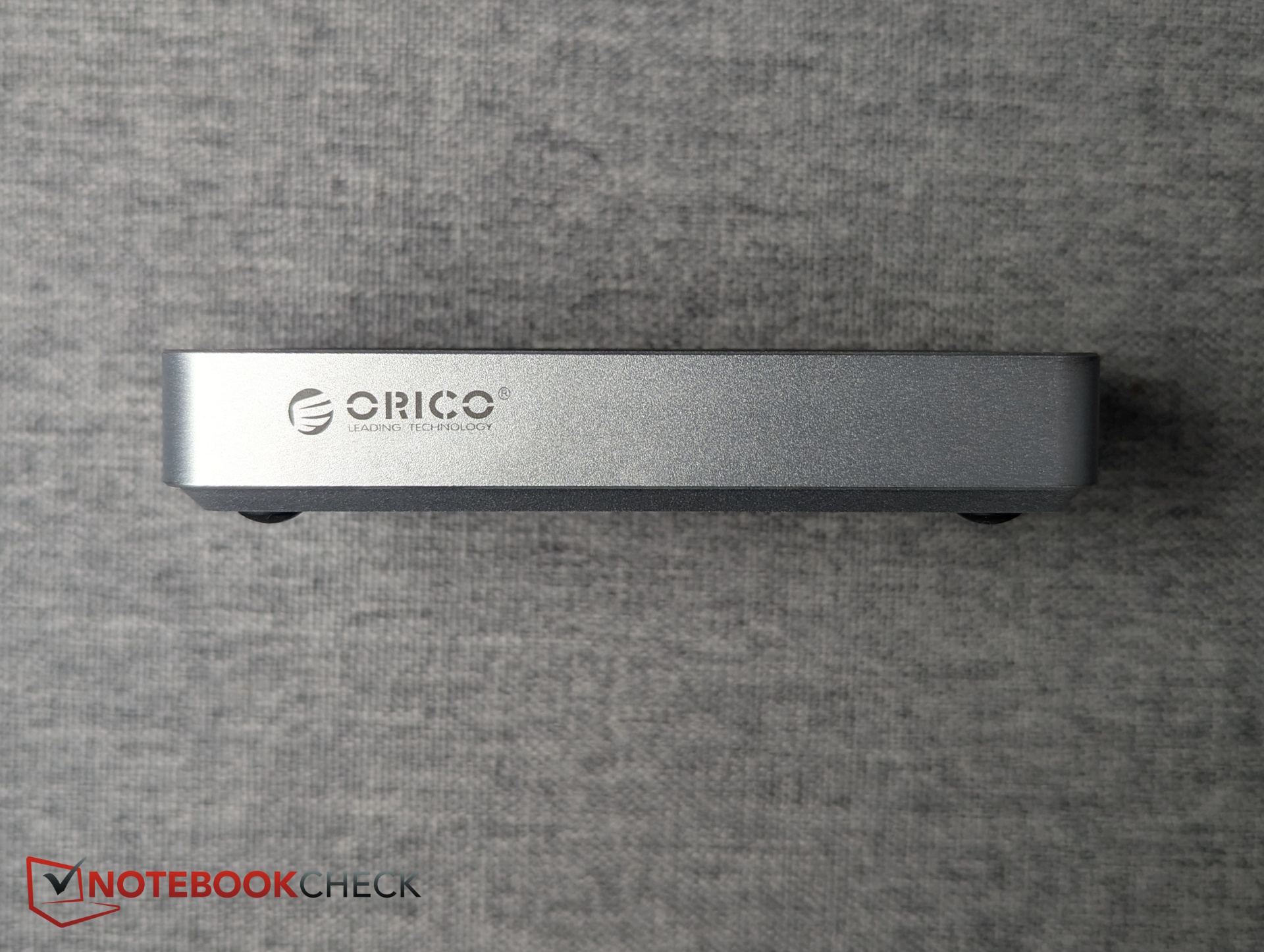
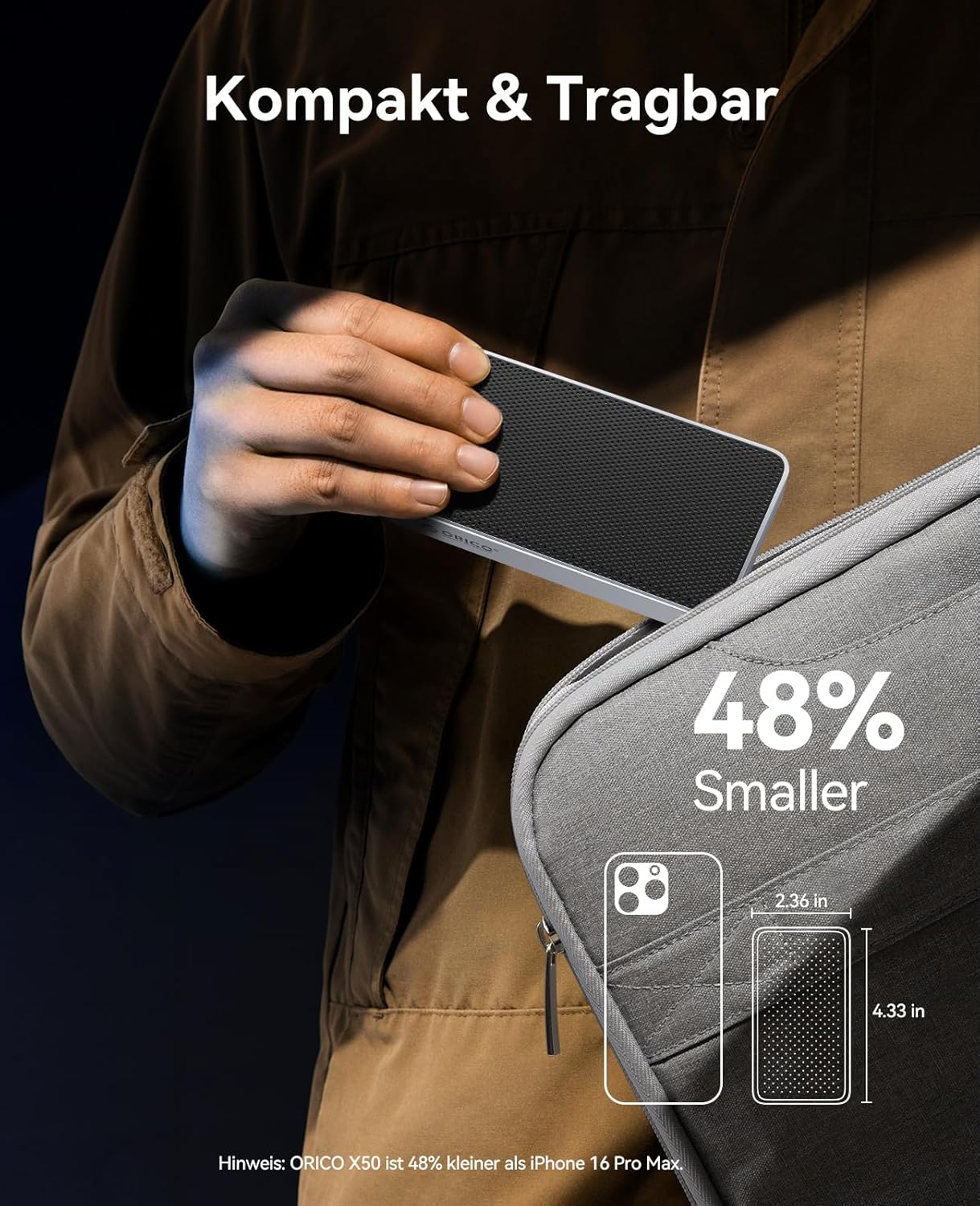
The enclosure is made primarily from silver-colored aluminum. Only the top section uses a thin plastic grille, though another aluminum plate appears to sit underneath it.
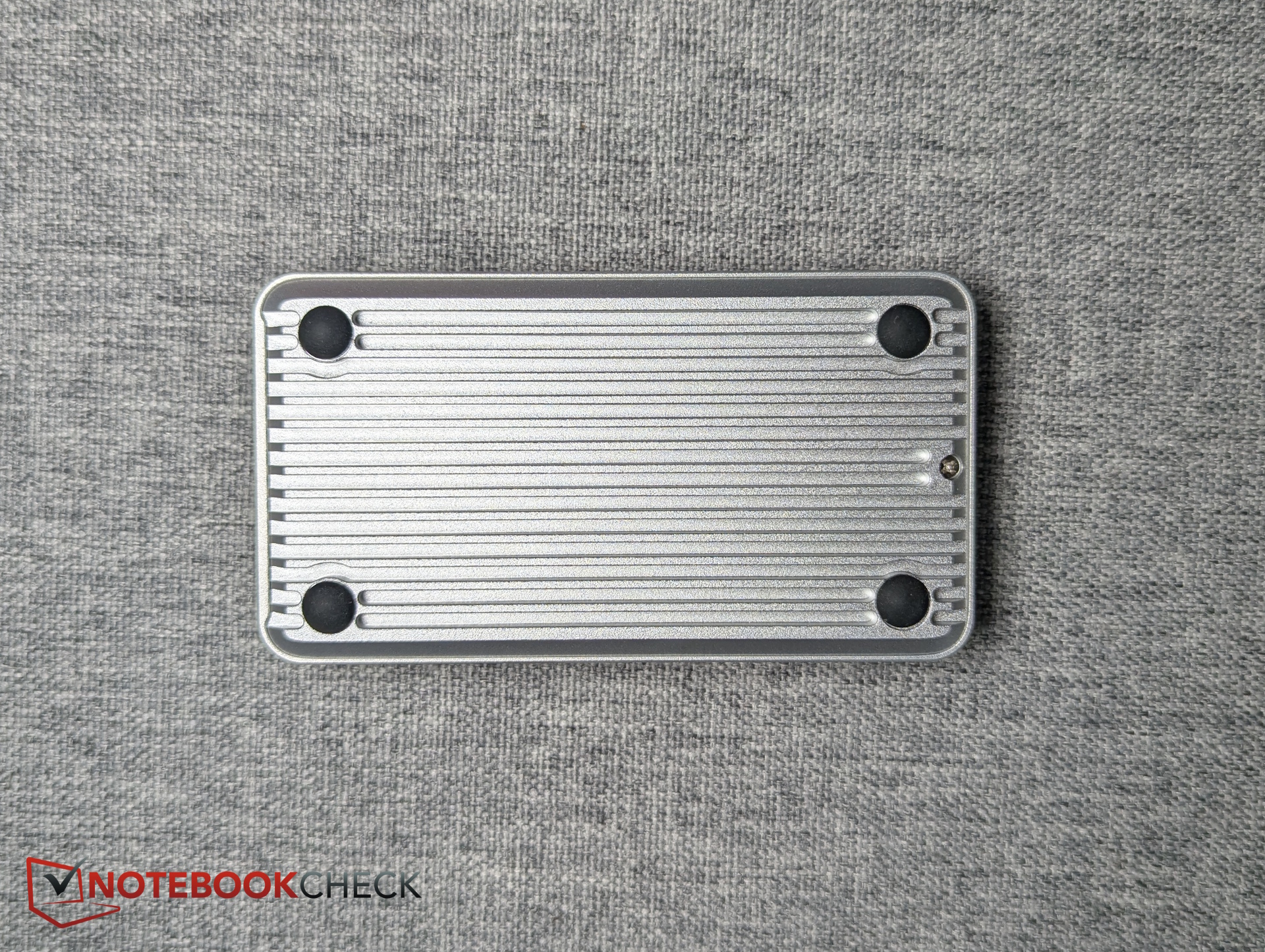
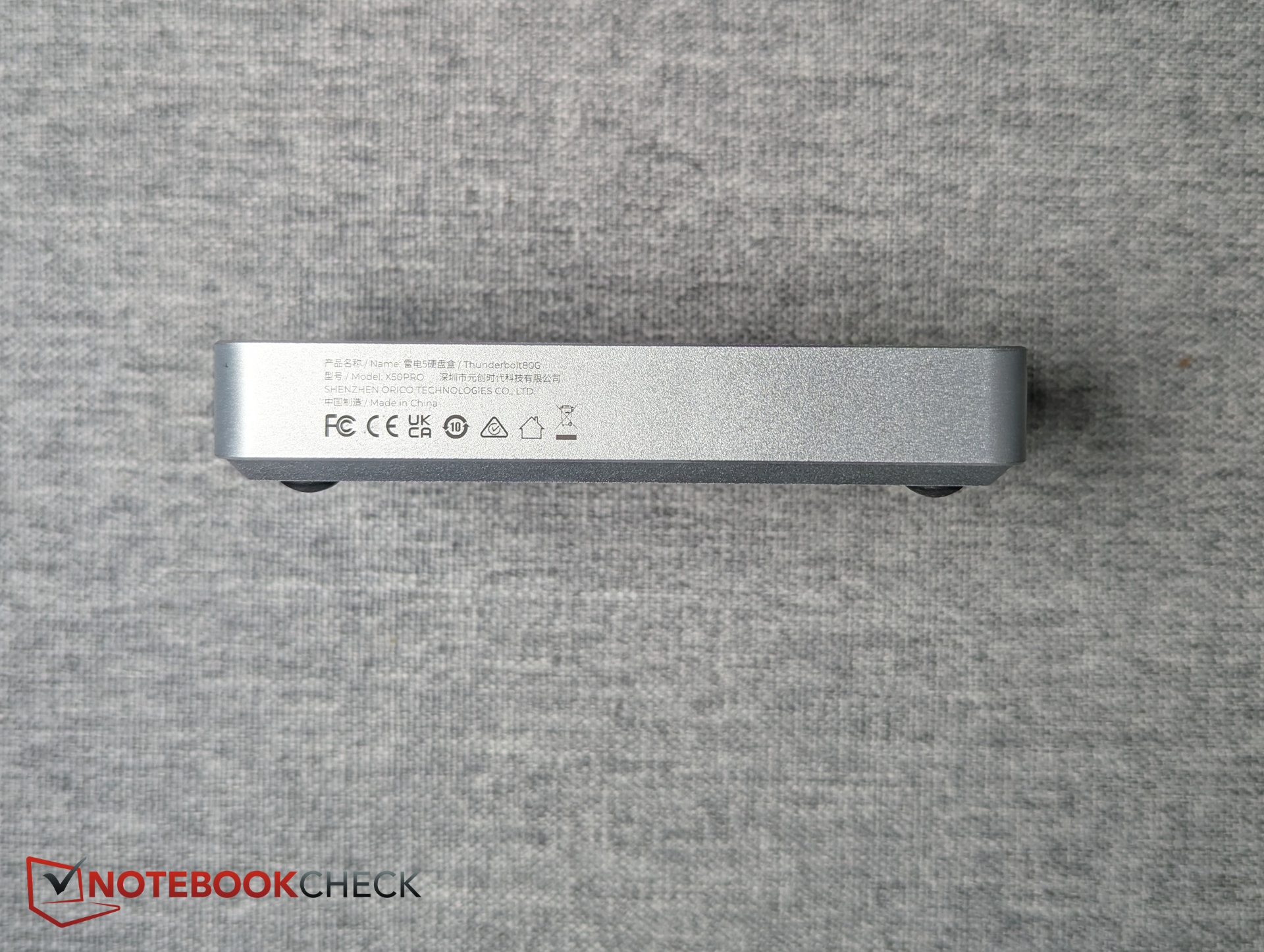
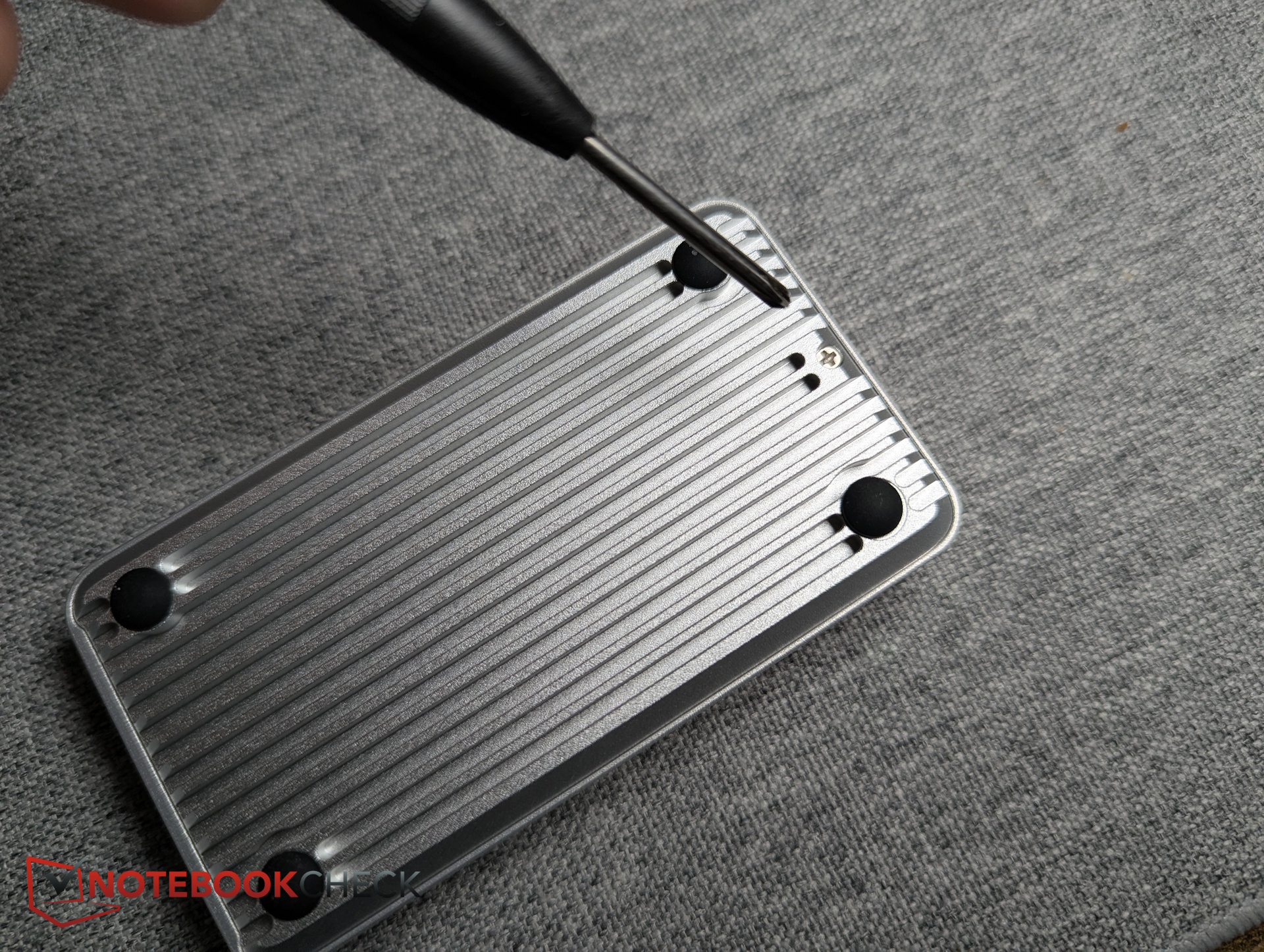
The removable bottom panel uses cooling fins to improve heat dissipation, while each corner includes a small rubber foot for stability.
As expected for this type of enclosure, there is only a single port: USB-C.
Included accessories - Enclosure, thermal pad, and USB-C cable
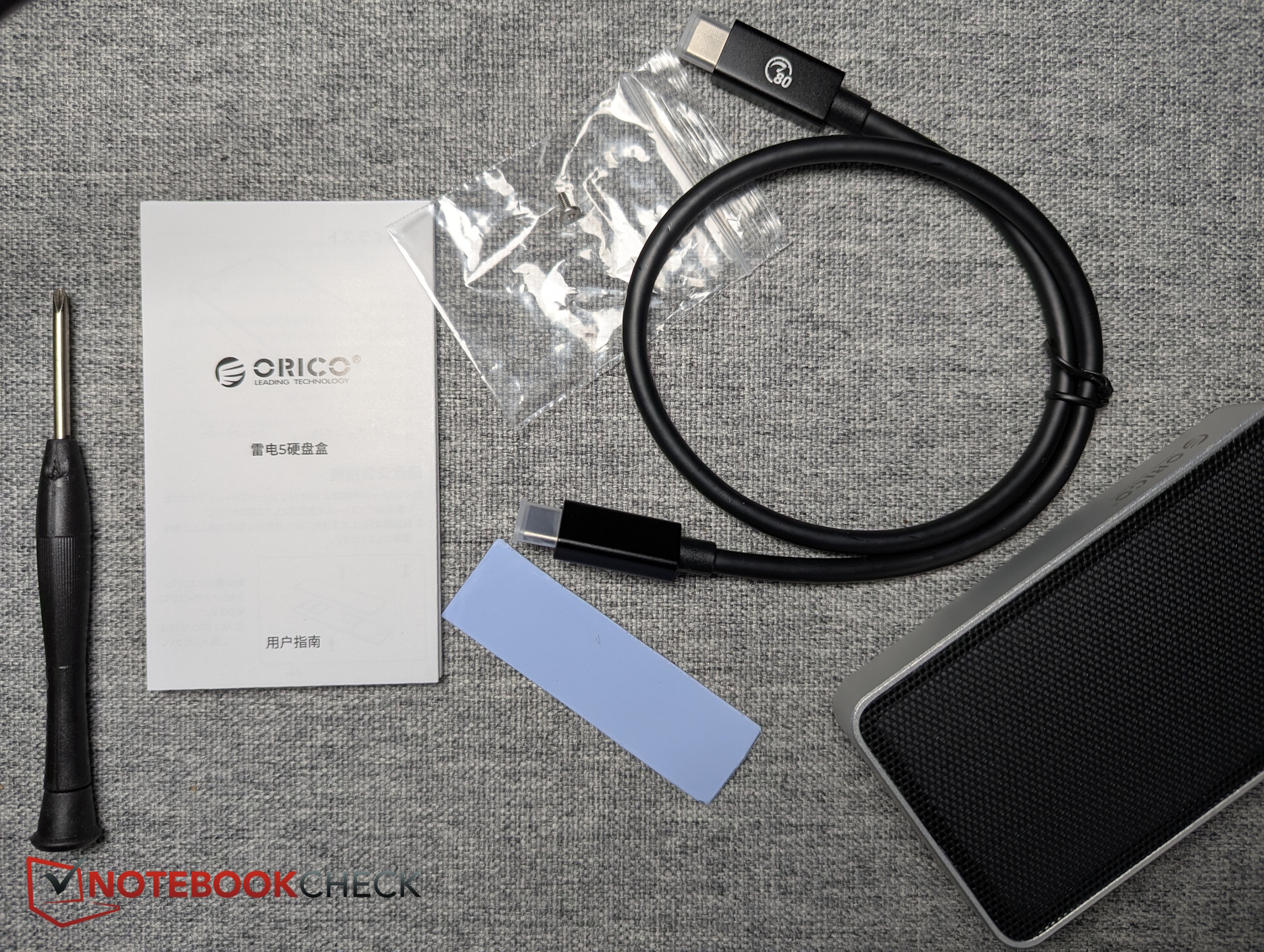
A compatible M.2 PCIe 4x4 SSD is not included and must be supplied separately. Inside the box, ORICO includes the enclosure itself, an adhesive thermal pad for the SSD, a small screwdriver, and a short USB-C to USB-C cable.
Specifications: Thunderbolt 5 with 80 Gbps, but no PCIe 5 support
ORICO advertises Thunderbolt 5 with 80 Gbps bandwidth. In theory, that allows transfer speeds of up to 10,000 MB/s, although the manufacturer officially rates the enclosure for up to 6,000 MB/s reads and 5,800 MB/s writes.
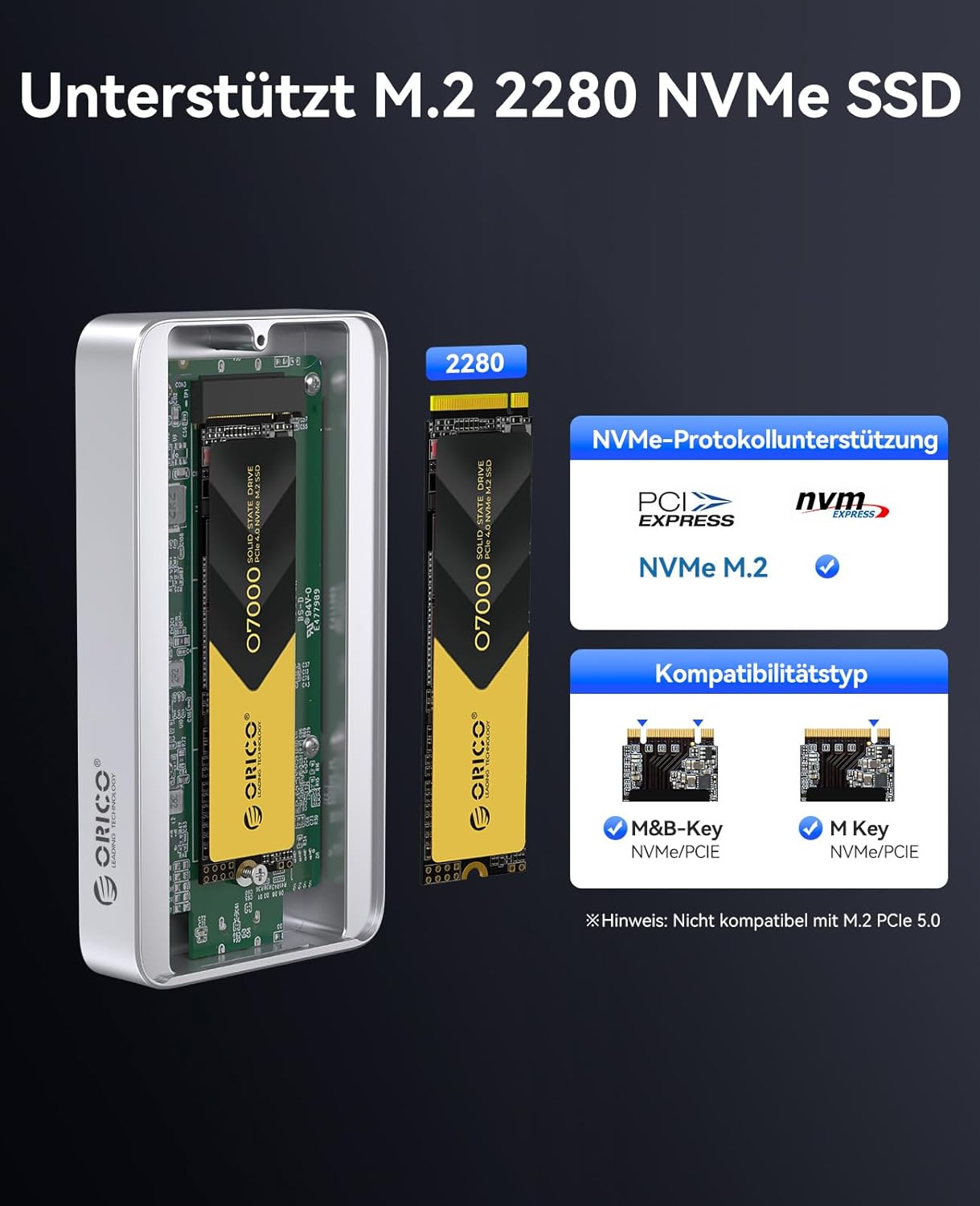
The somewhat poorly translated Amazon product page contains conflicting information regarding maximum supported capacity (4 TB vs. 8 TB). Only one of the product images mentions that PCIe 4.0 is supported, while PCIe 5.0 is not.

| Feature | Details |
| Interface | M.2 NVMe M-Key 2280; M&B-Key; PCIe 4.0 x4 |
| Controller | Intel Thunderbolt 5-certified JHL9480 chip |
| Supported protocols | Compatible with Thunderbolt 5/4/3 and USB4 |
| Price | $330 |
Test system - TeamGroup MP44 SSD and MacBook Pro M5
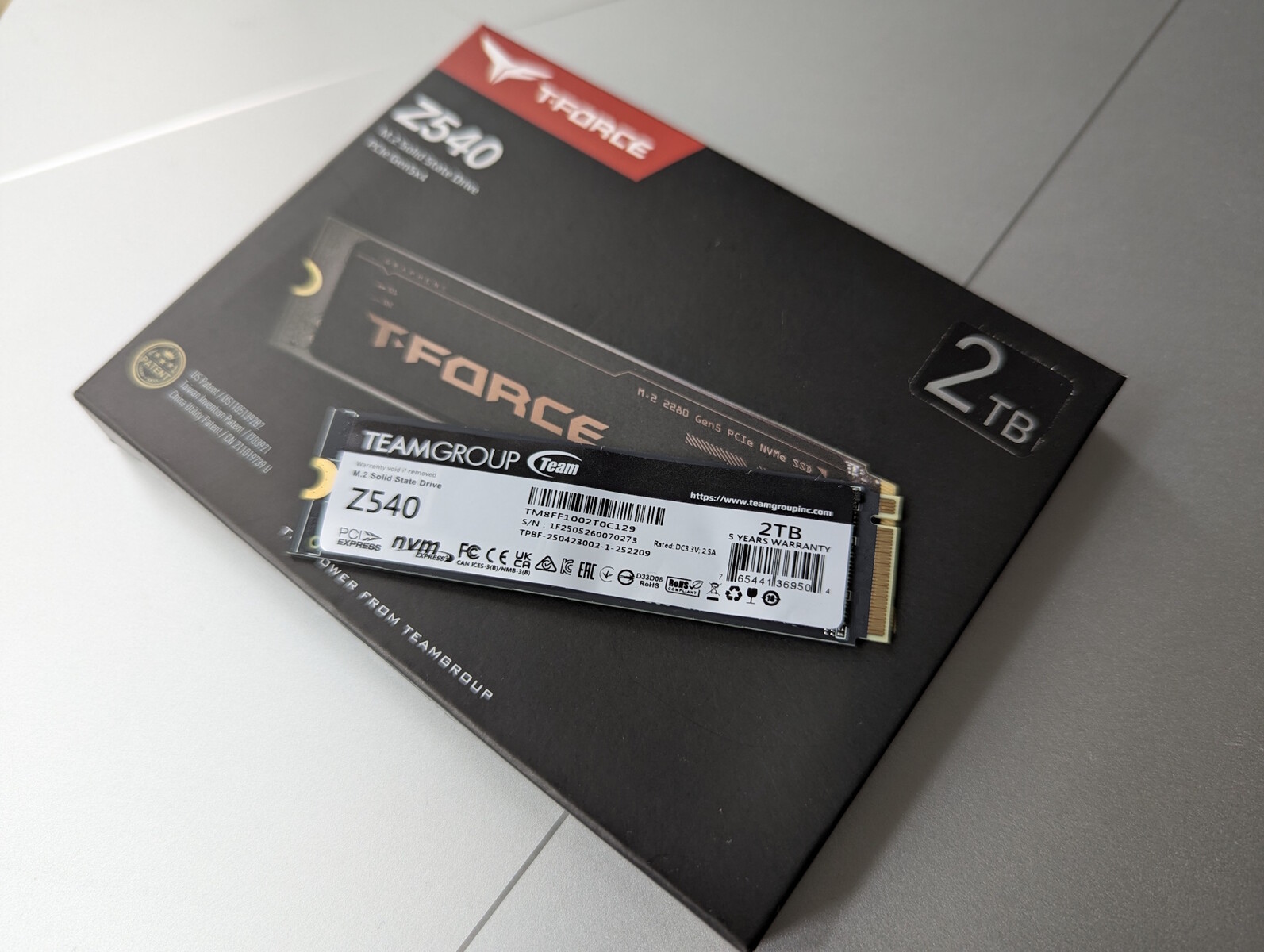
We tested two SSDs. First, we used the theoretically incompatible PCIe 5 TeamGroup T-Force Z540 2 TB simply to see how the ORICO enclosure would handle it.
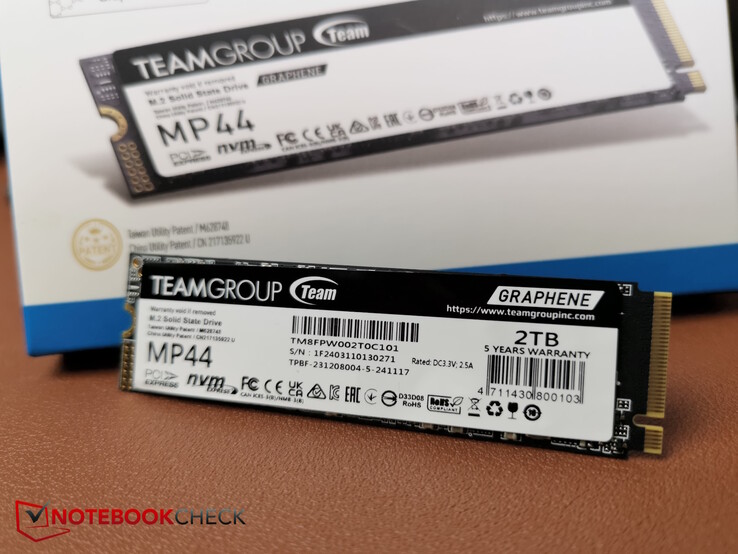
We also needed a fast PCIe 4.0 x4 SSD capable of saturating the enclosure’s claimed 6,000 MB/s speeds. Finding an SSD that fully utilizes PCIe 4.0’s bandwidth of up to 8,000 MB/s isn’t as easy as it sounds. Fortunately, we still had a TeamGroup MP44 available, rated for 7,000 MB/s sequential read speeds.
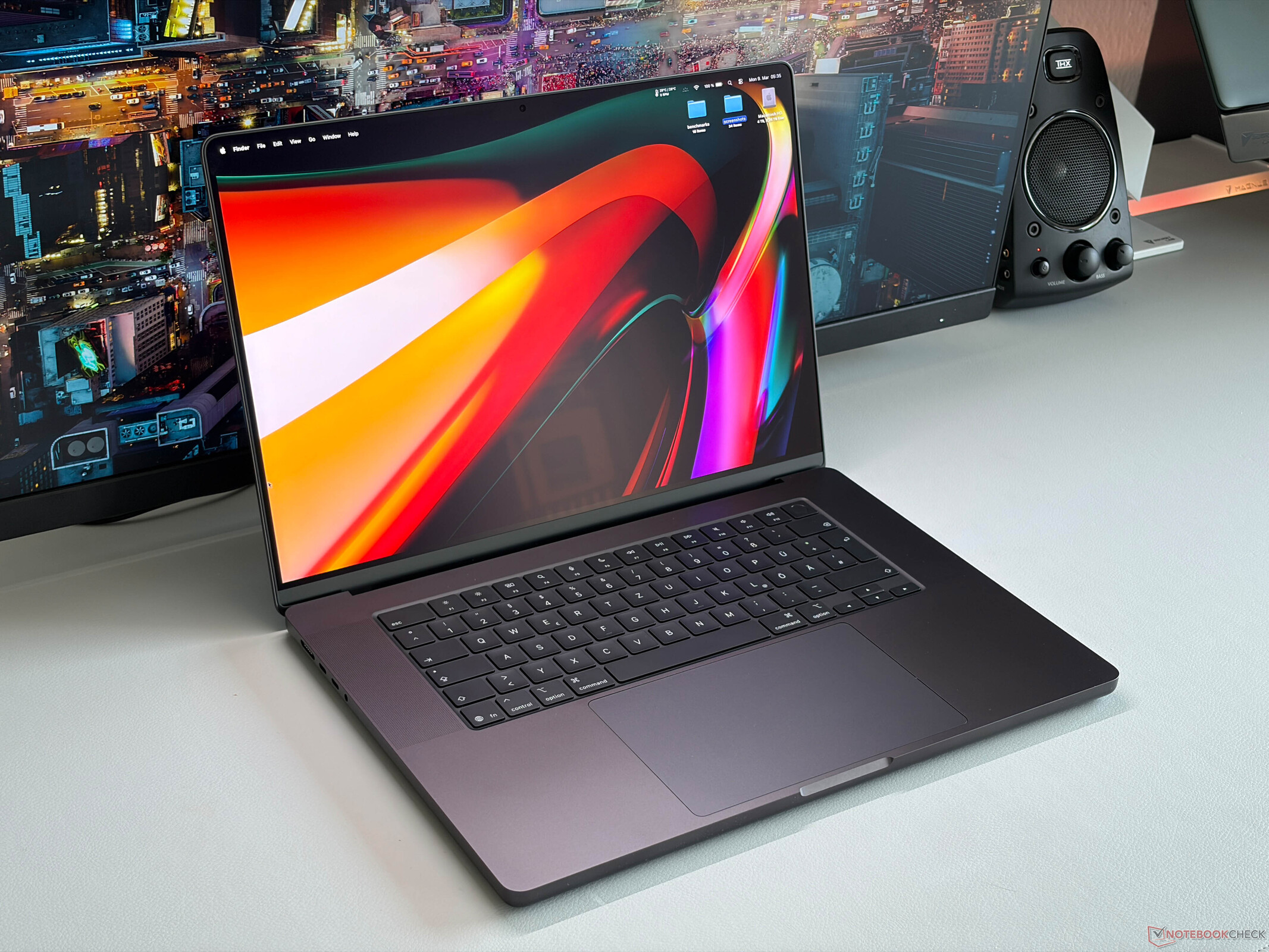
For Thunderbolt 5 testing, we used a MacBook Pro 16 M5. We also briefly tested the enclosure on a Thunderbolt 4-equipped Razer Blade 16 (2025).

Installing the M.2 SSD: Easy setup with just one screw
The bottom panel is secured with a single screw. Once removed, the panel can be lifted off.
The SSD should then be covered with the included thermal pad so it faces upward after installation. We initially skipped this step because our MP44 already had a graphene heat spreader attached. However, the graphene layer is thinner than ORICO’s included thermal pad and therefore doesn’t make direct contact with the aluminum baseplate. The thicker pad likely does.
The SSD can then be inserted into the single M.2 slot and secured with a screw.
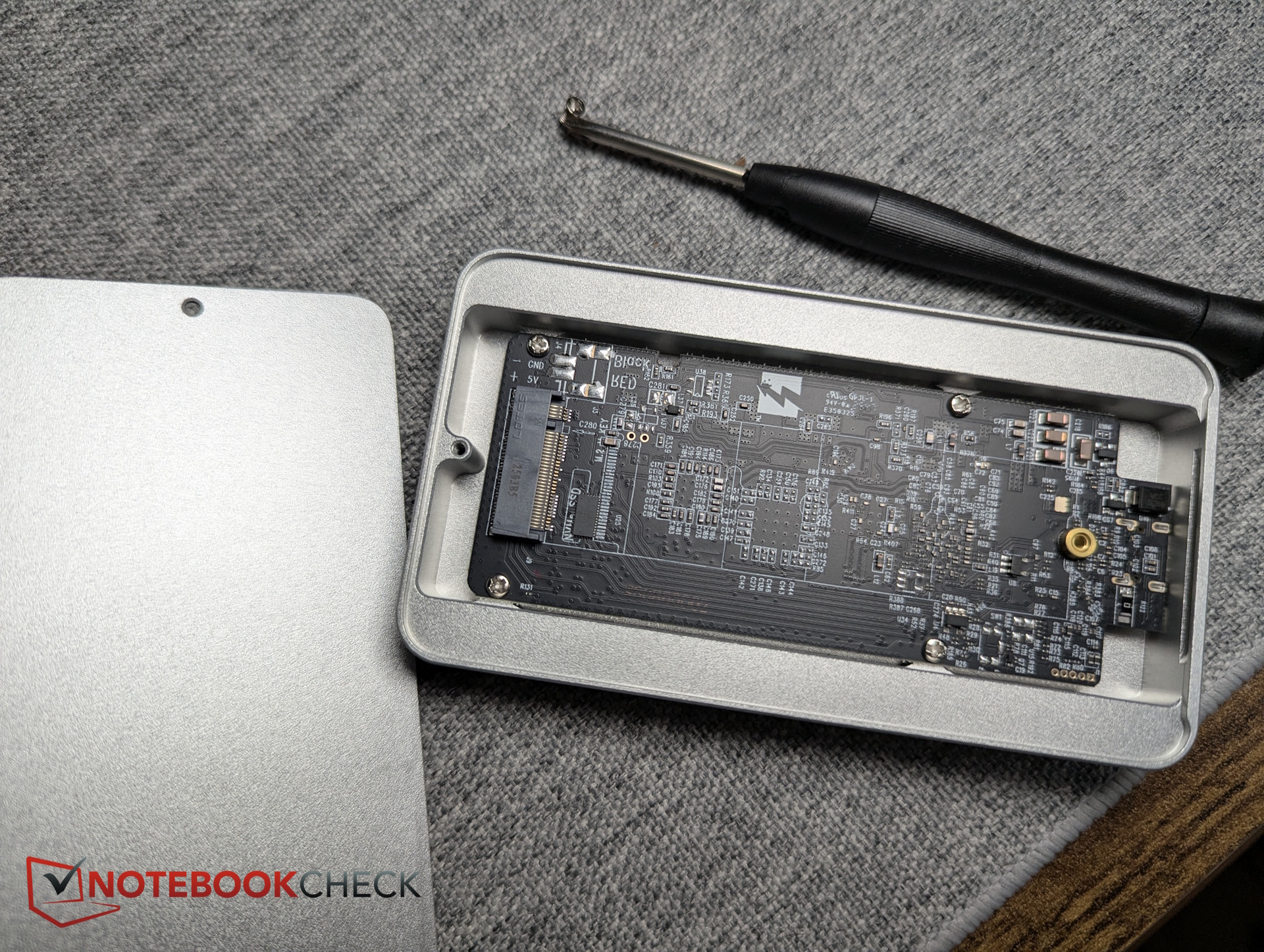
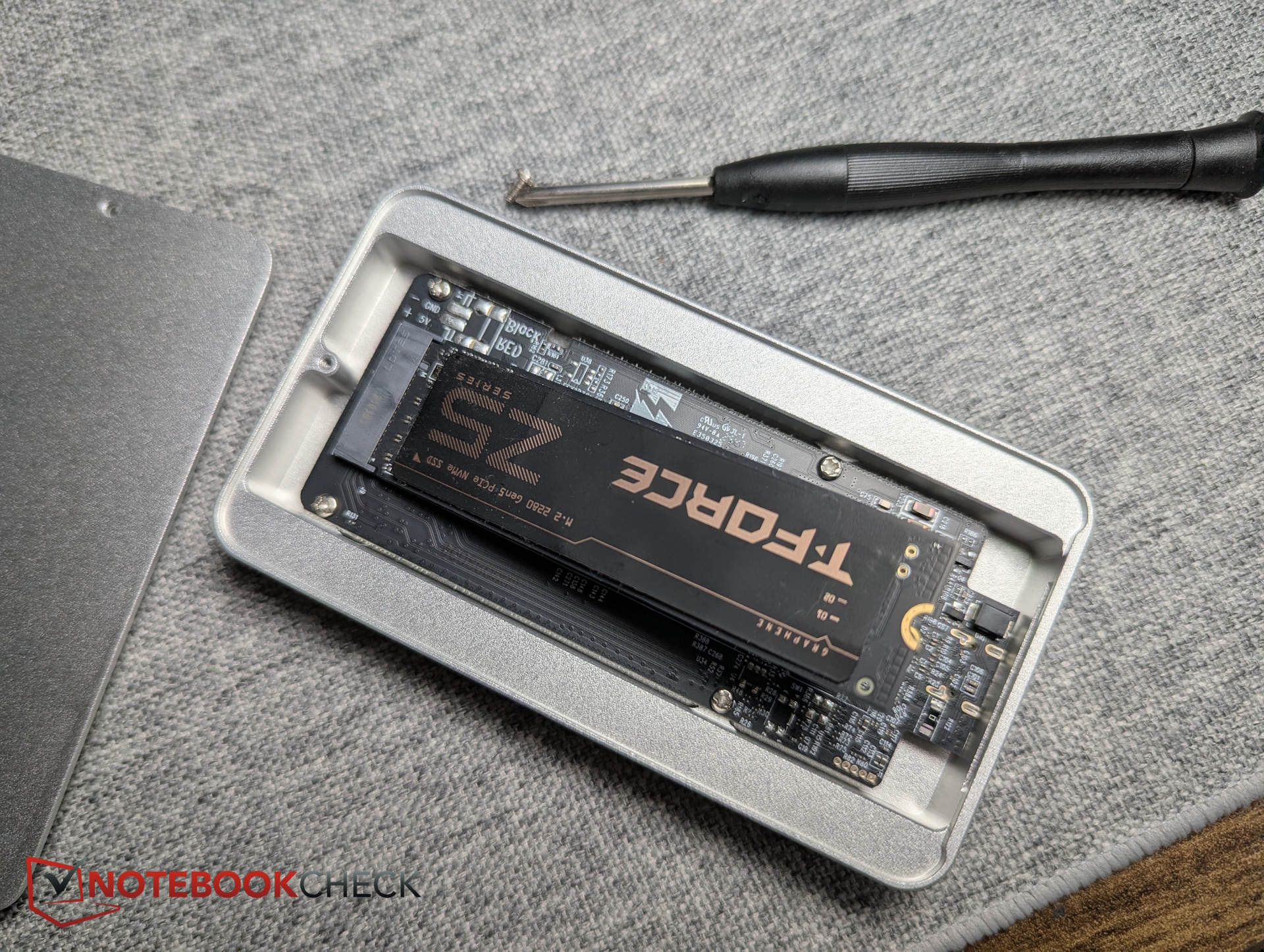
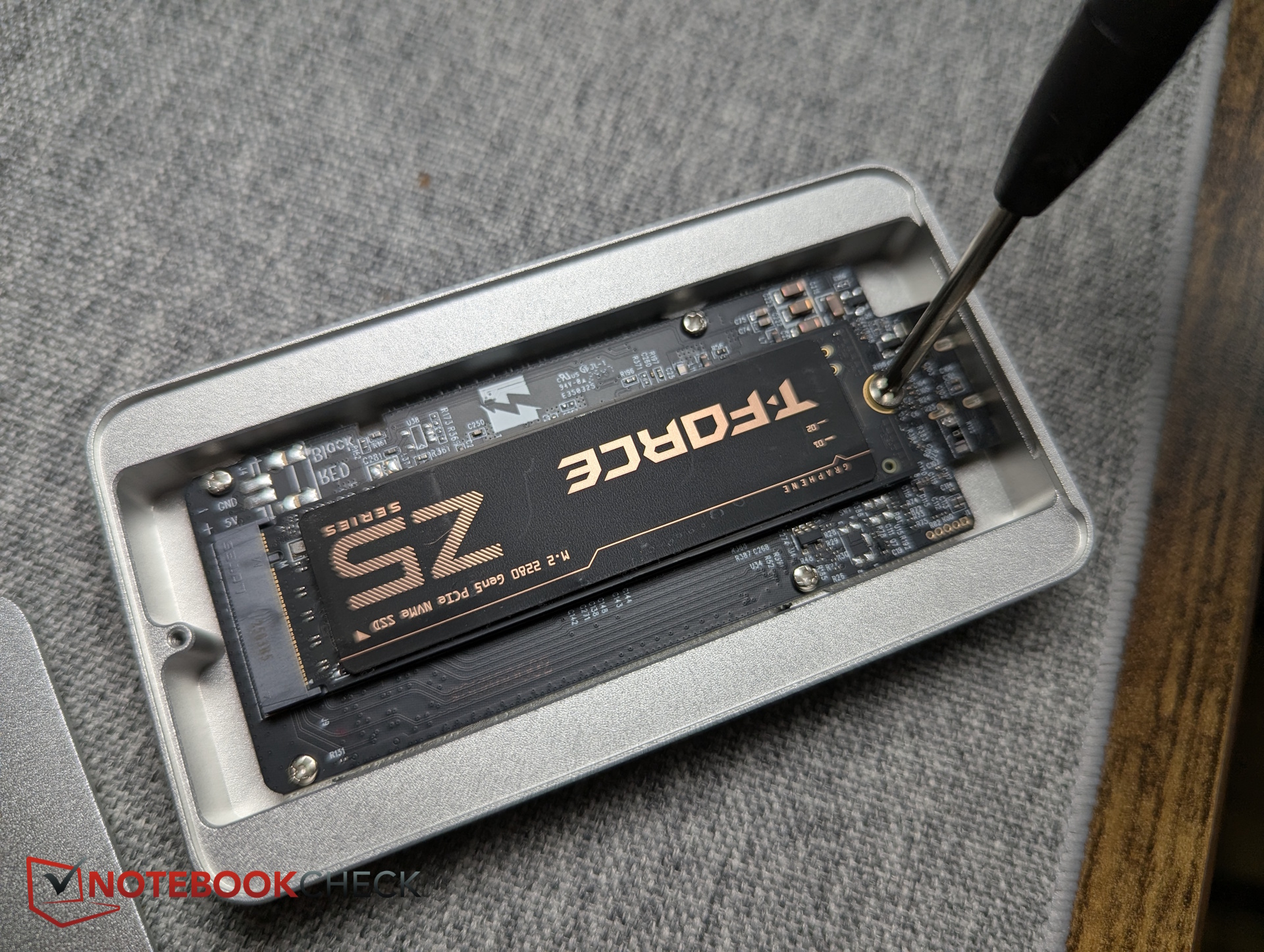
Benchmark results: ORICO X50PRO reaches 6,000 MB/s
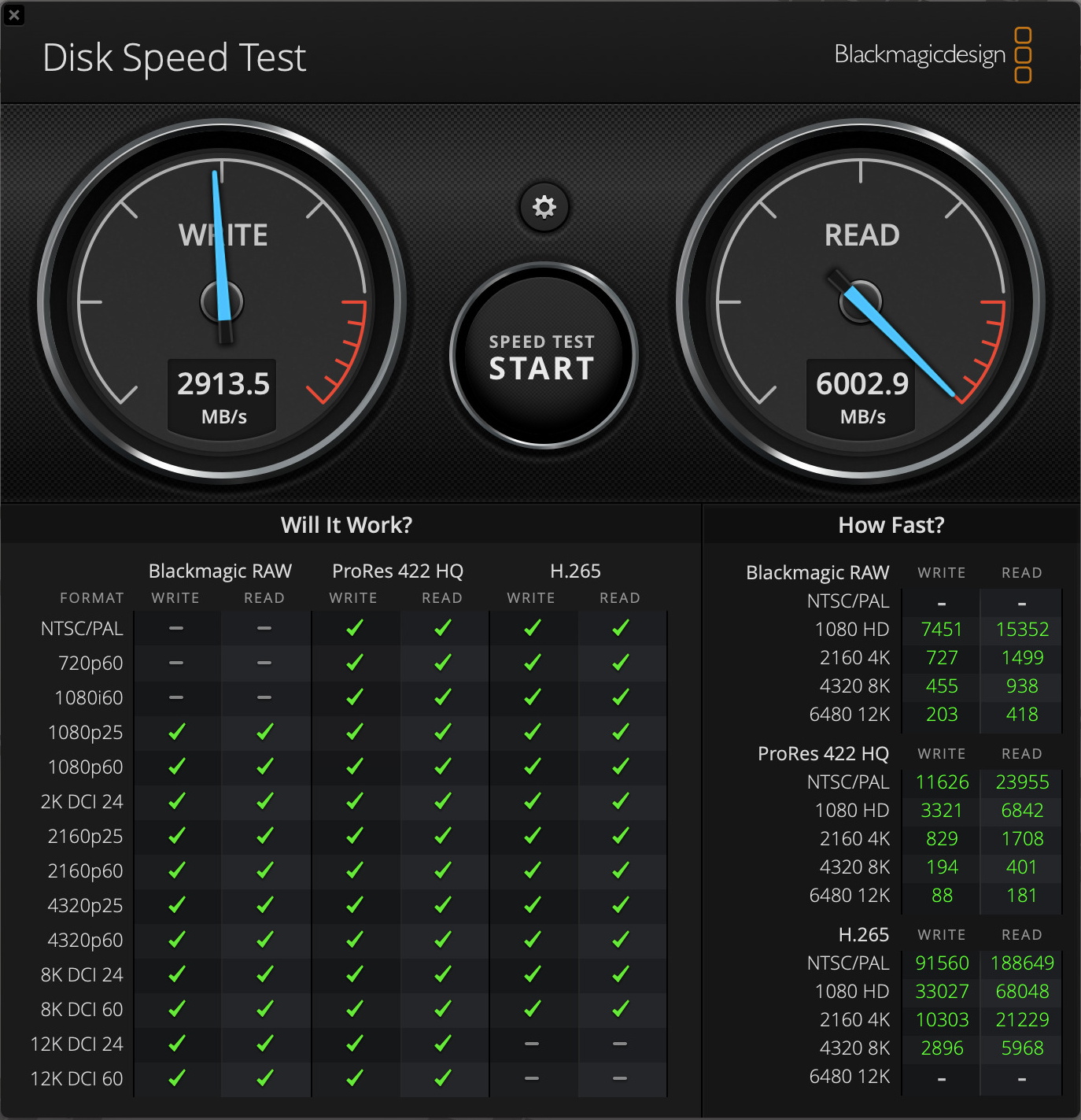
As expected, the PCIe 5 TeamGroup T-Force Z540 was not detected by the system at all. We therefore continued testing with the MP44, which had previously been installed in the ZikeDrive Z666. For testing on the MacBook Pro M5, we used Blackmagic Disk Speed Test. For comparisons on the Thunderbolt 4 port of the Razer Blade, we relied on CrystalDiskMark and AS SSD.
In the most important Thunderbolt 5 benchmark, the enclosure reached the advertised 6,000 MB/s read speeds, making it effectively the fastest external SSD setup we’ve tested so far. Write speeds were less impressive at around 3,000 MB/s, though still extremely fast.
Internally, the MP44 previously achieved more than 7,000 MB/s sequential read and 5,700 MB/s write speeds in CrystalDiskMark inside the Lenovo Legion Pro 5.
On the Thunderbolt 4 port of the Razer Blade, the ORICO enclosure predictably dropped to around 4,000 MB/s. However, write performance increased to more than 3,700 MB/s, showing that speeds are not limited to 3,000 MB/s. For additional comparison, we also included benchmarks of the MP44 inside the ZikeDrive Z666 connected to the same Thunderbolt 4 port, where the ORICO enclosure came out ahead.
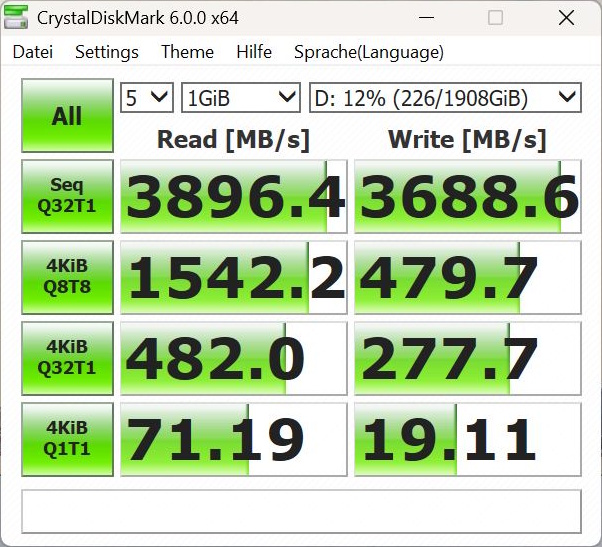
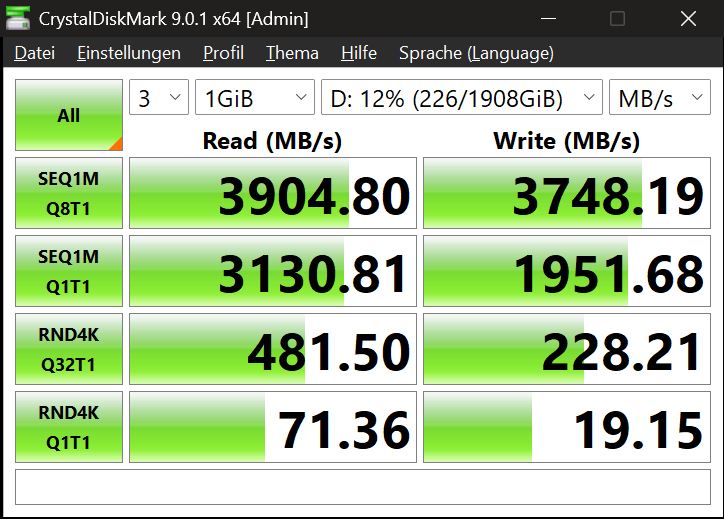
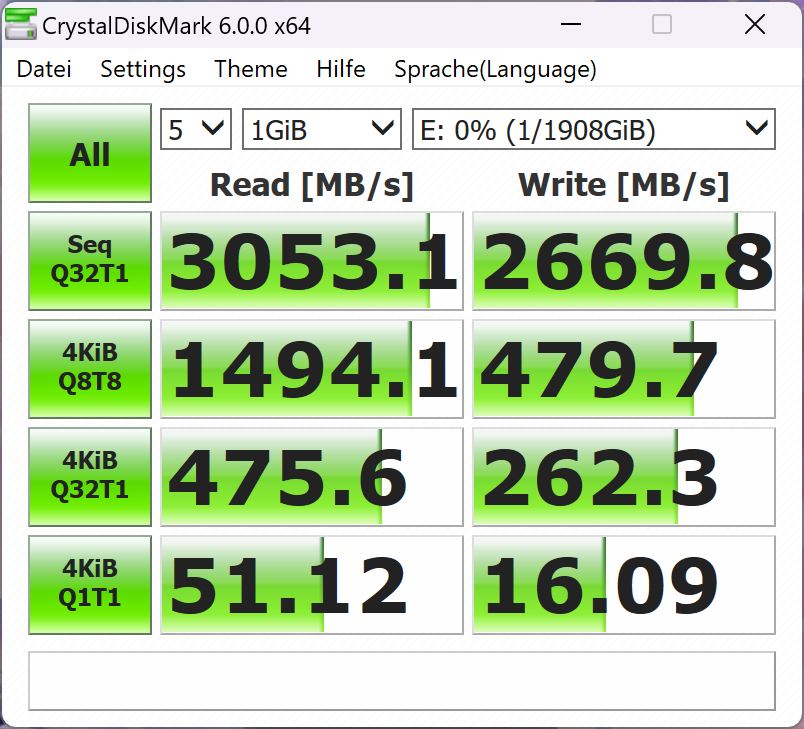
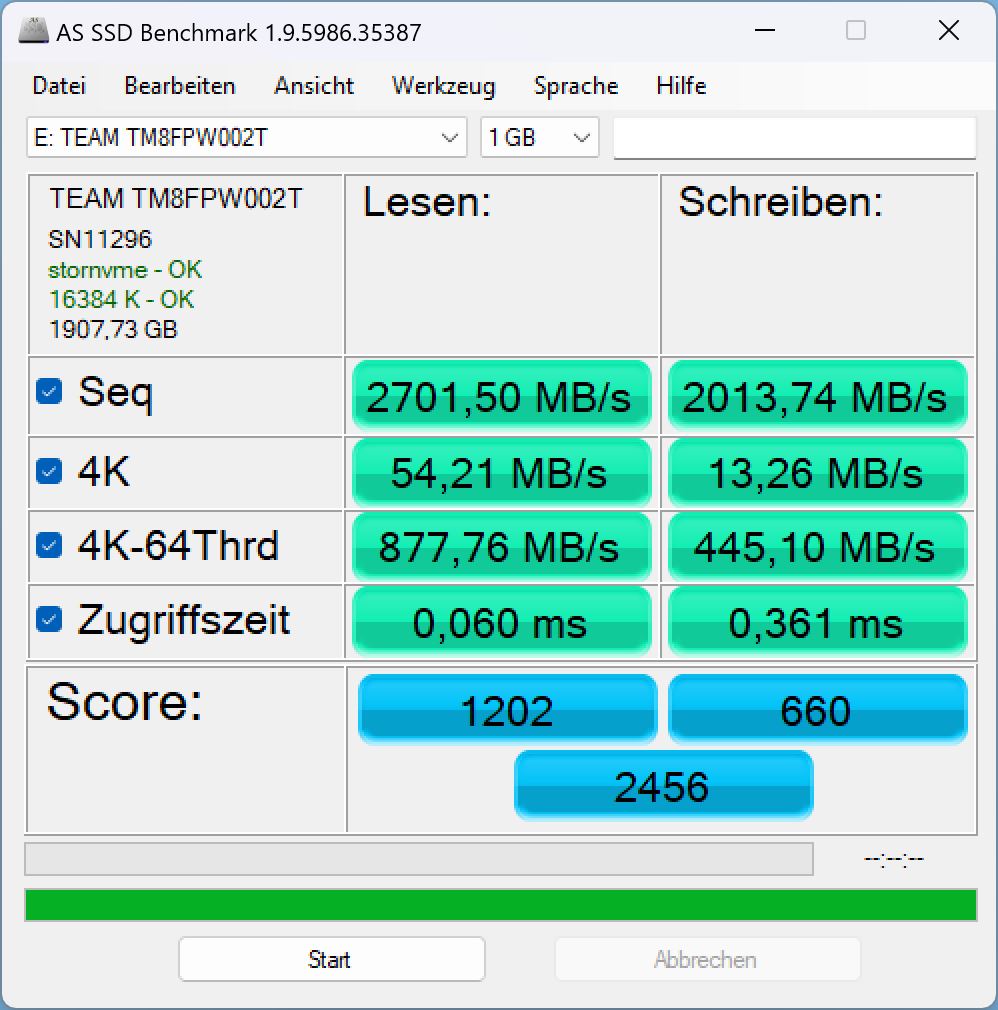
In DiskSpd, performance remained completely consistent, showing that Intel’s JHL9480 controller is theoretically capable of handling even higher internal SSD speeds without thermal throttling.
Sustained read performance: DiskSpd read loop, queue depth 8
Transparency
The selection of devices to be reviewed is made by our editorial team. The test sample was given to the author by the manufacturer free of charge for the purposes of review. There was no third-party influence on this review, nor did the manufacturer receive a copy of this review before publication. There was no obligation to publish this review. As an independent media company, Notebookcheck is not subjected to the authority of manufacturers, retailers or publishers.
 Add as a preferred source on Google


