




Pragmata review: Is a mid-range GPU enough for all the visual bells and whistles?
Combat meets hacking.
Shortly after Resident Evil Requiem, Capcom has already released its next hit, which has been very well received by both the press and the gaming community. We take a closer look at the many technical features and examine how the game performs.Florian Glaser, 👁 Florian Glaser, ✓ Ninh Duy (translated by DeepL / Ninh Duy) Published 🇩🇪 🇪🇸 ...
Technology, settings & benchmark
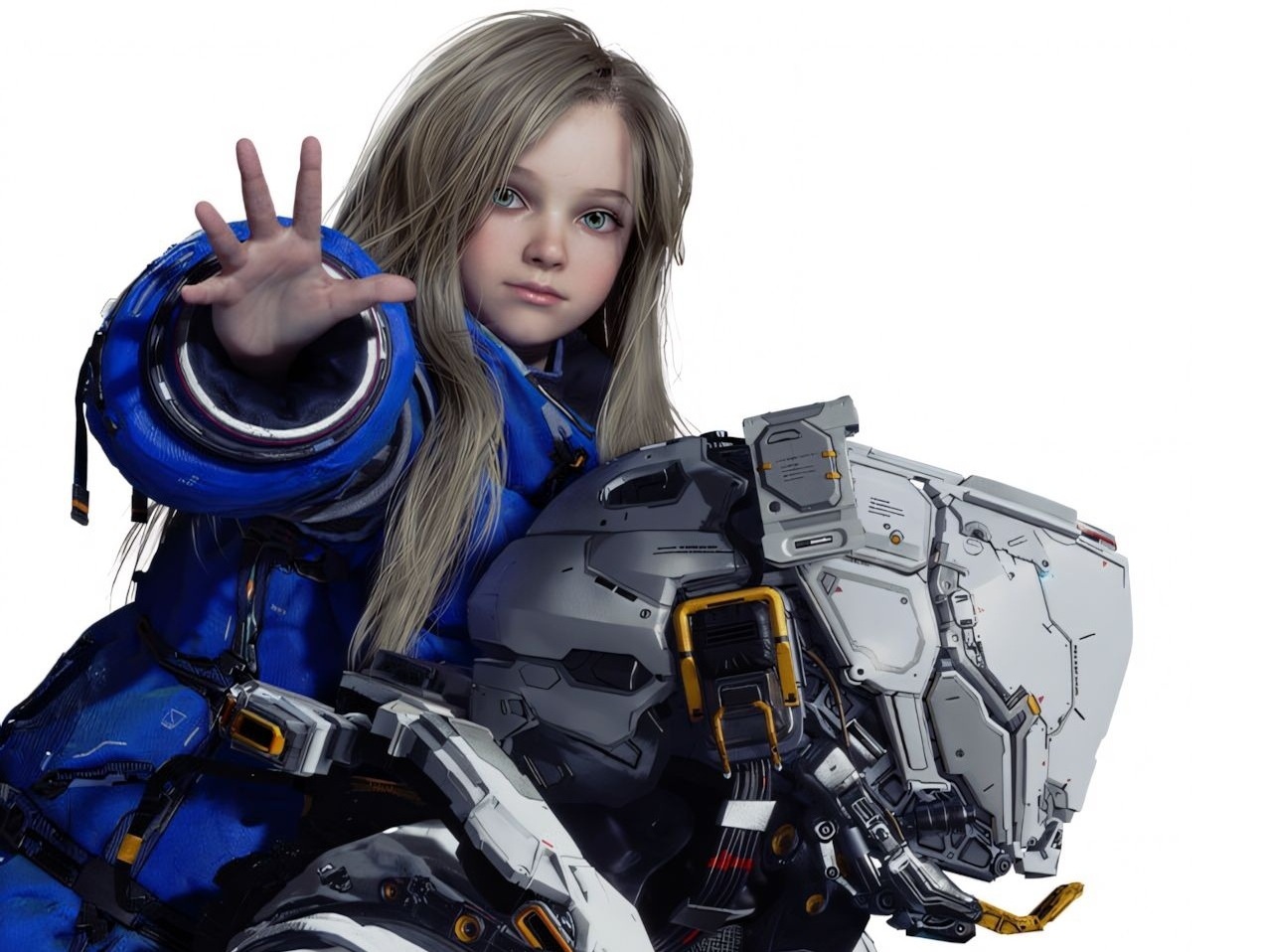
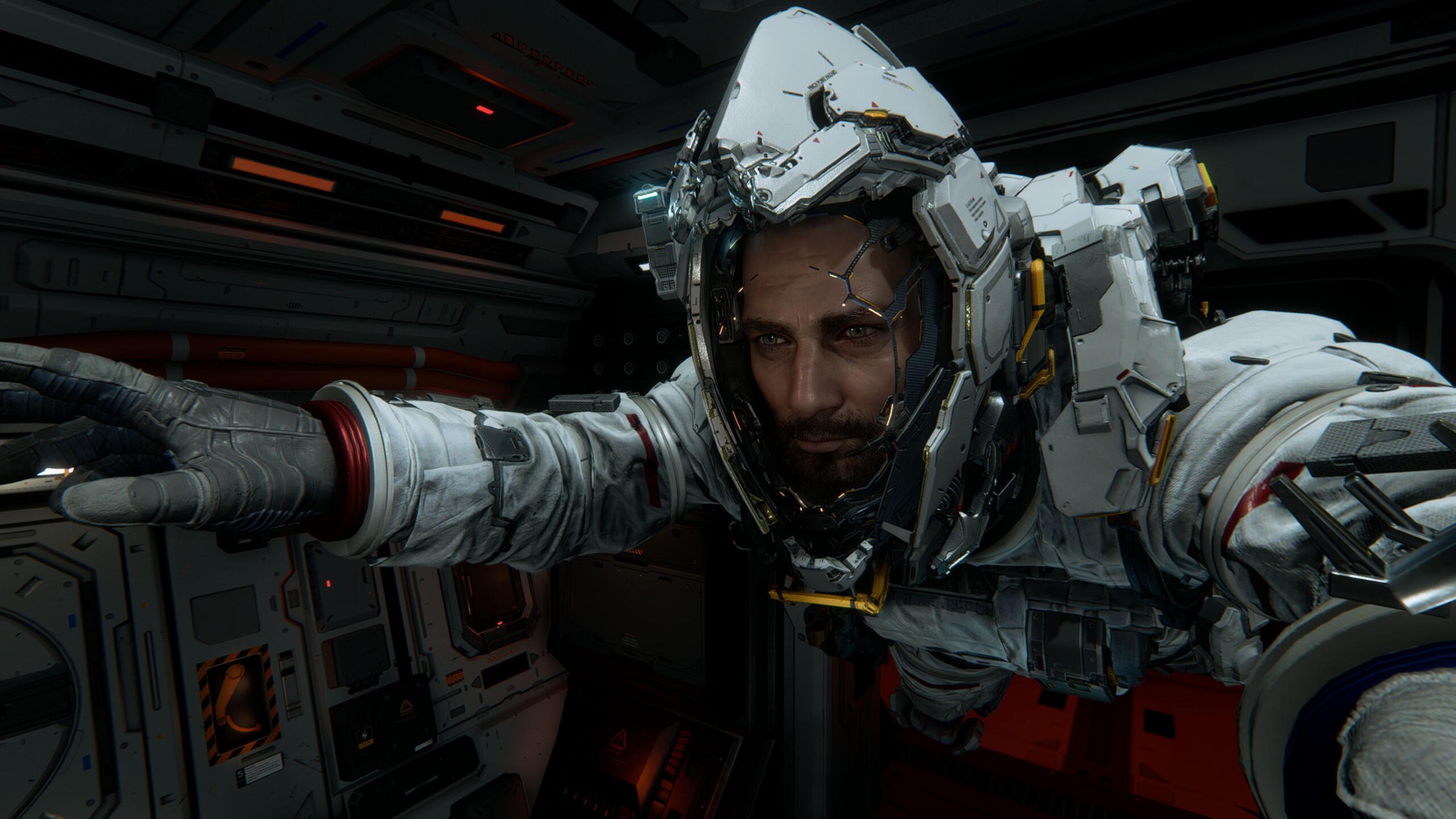
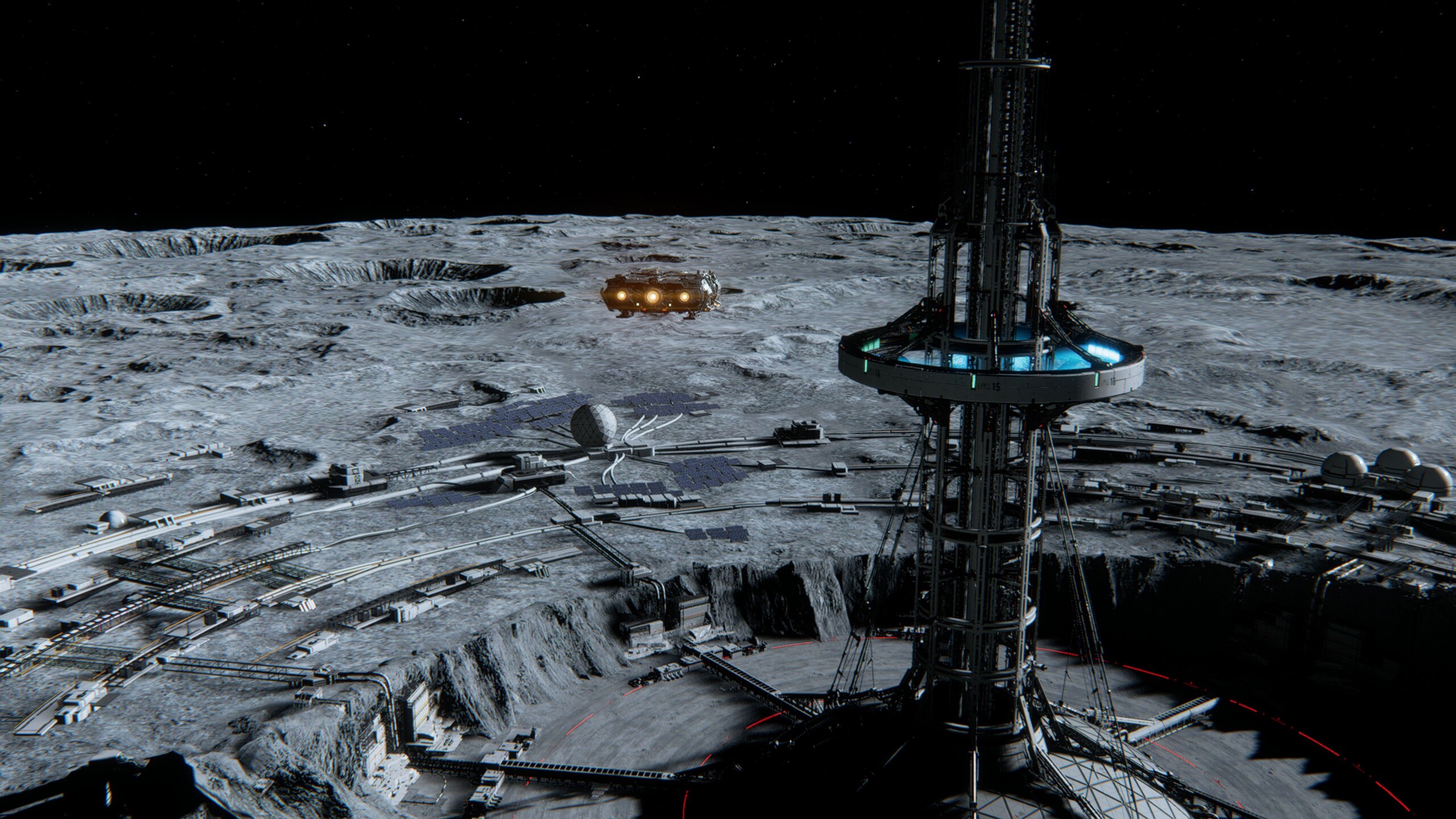
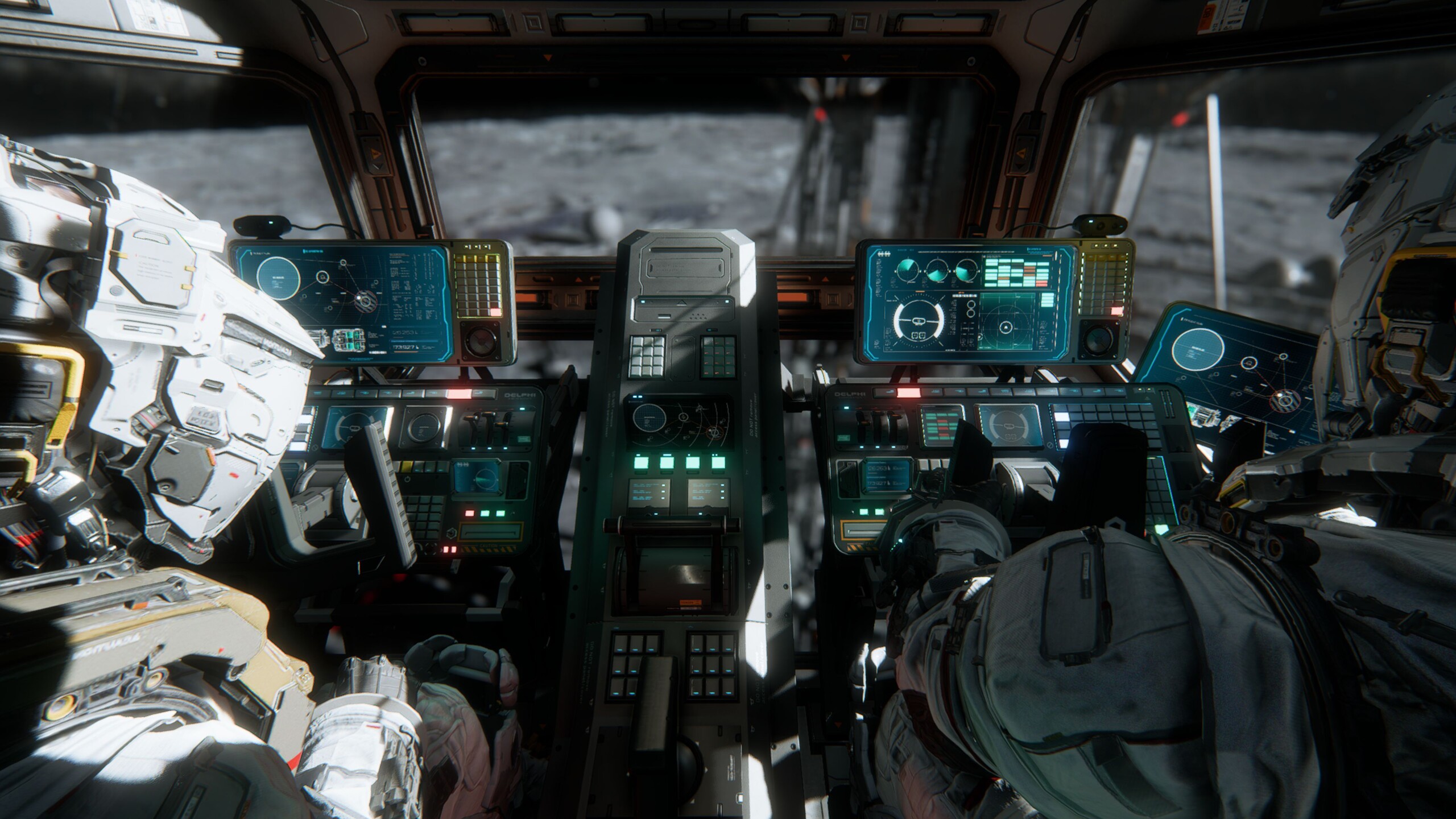
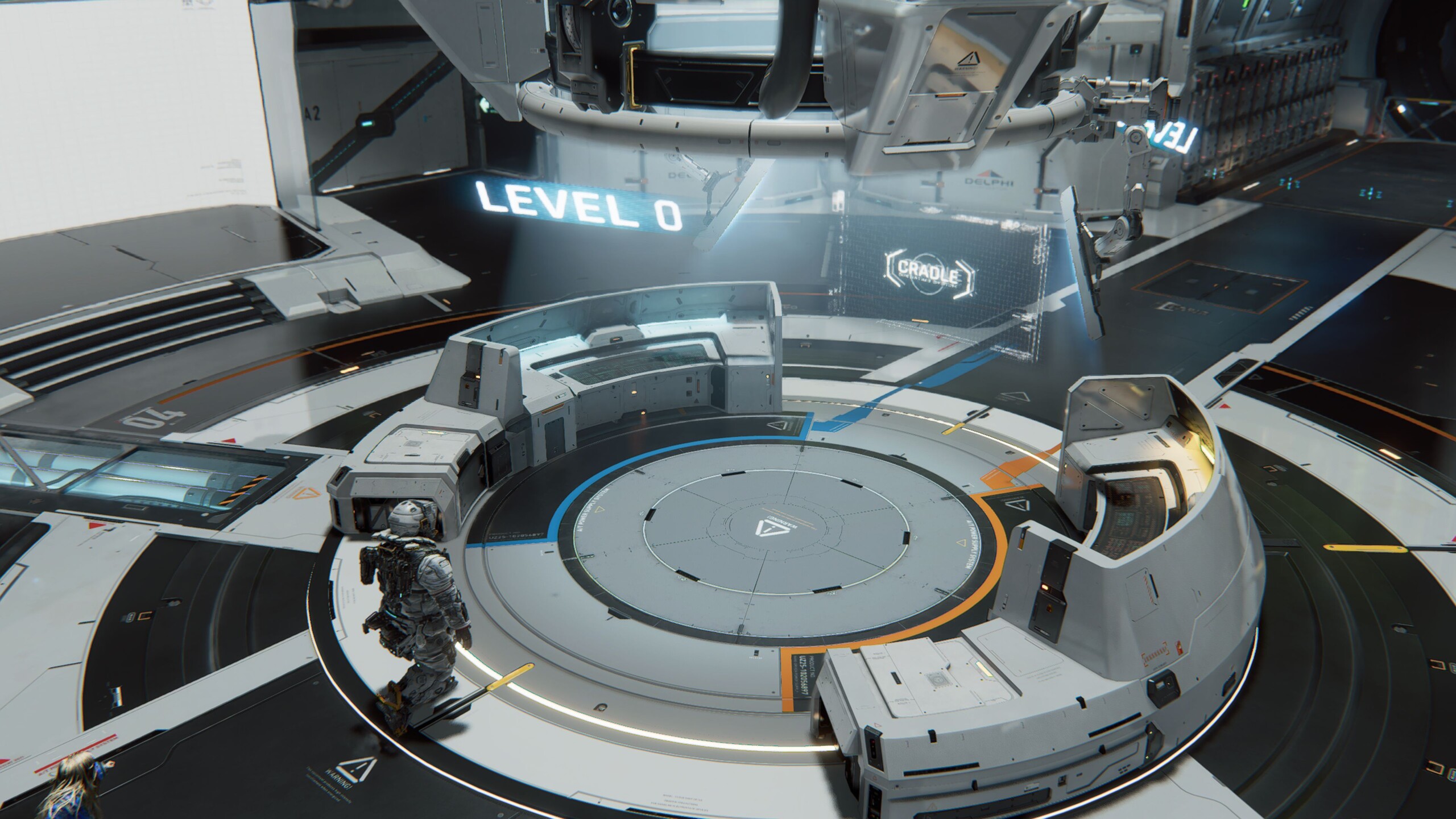
Like Resident Evil Requiem, Pragmata is also based on Capcom’s in-house RE Engine, which rarely falls short of other well-known technical frameworks such as Unreal Engine 5. The sci-fi world stands out with detailed characters and stylish environments, most of which feature sharp textures. There is also little to criticize when it comes to effects.
The opening sequence, with its approach through space toward an abandoned station, is strongly reminiscent of Dead Space and evokes both fascination and unease. Thanks to its effective presentation, the atmosphere is generally quite dense. In terms of gameplay, Pragmata tries to set itself apart from the competition primarily through its engaging combat system. The interesting hacking mini-game mechanics give battles a certain dynamism and an unusual sense of momentum, although some players may feel slightly overwhelmed by the resulting multitasking.
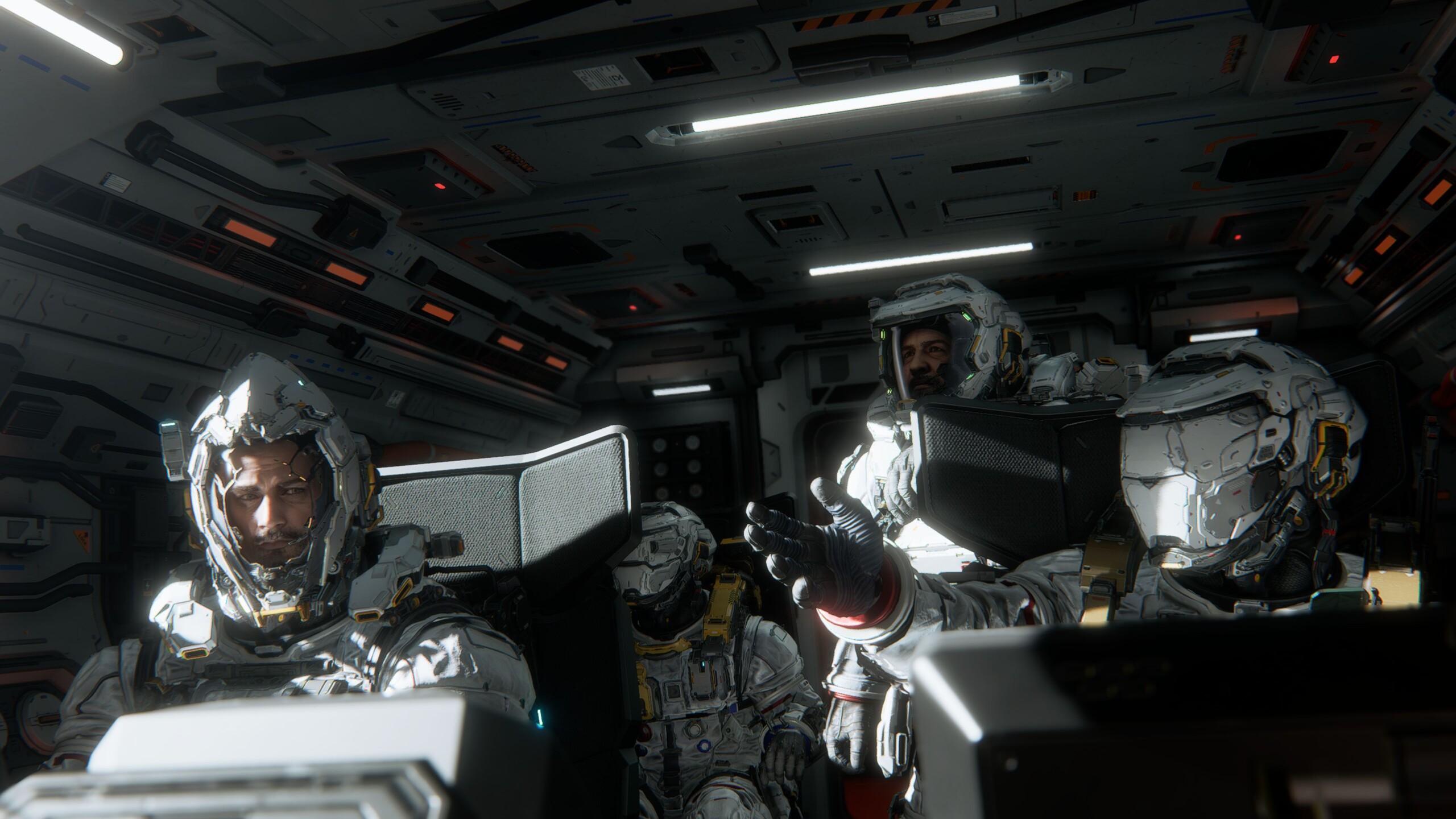
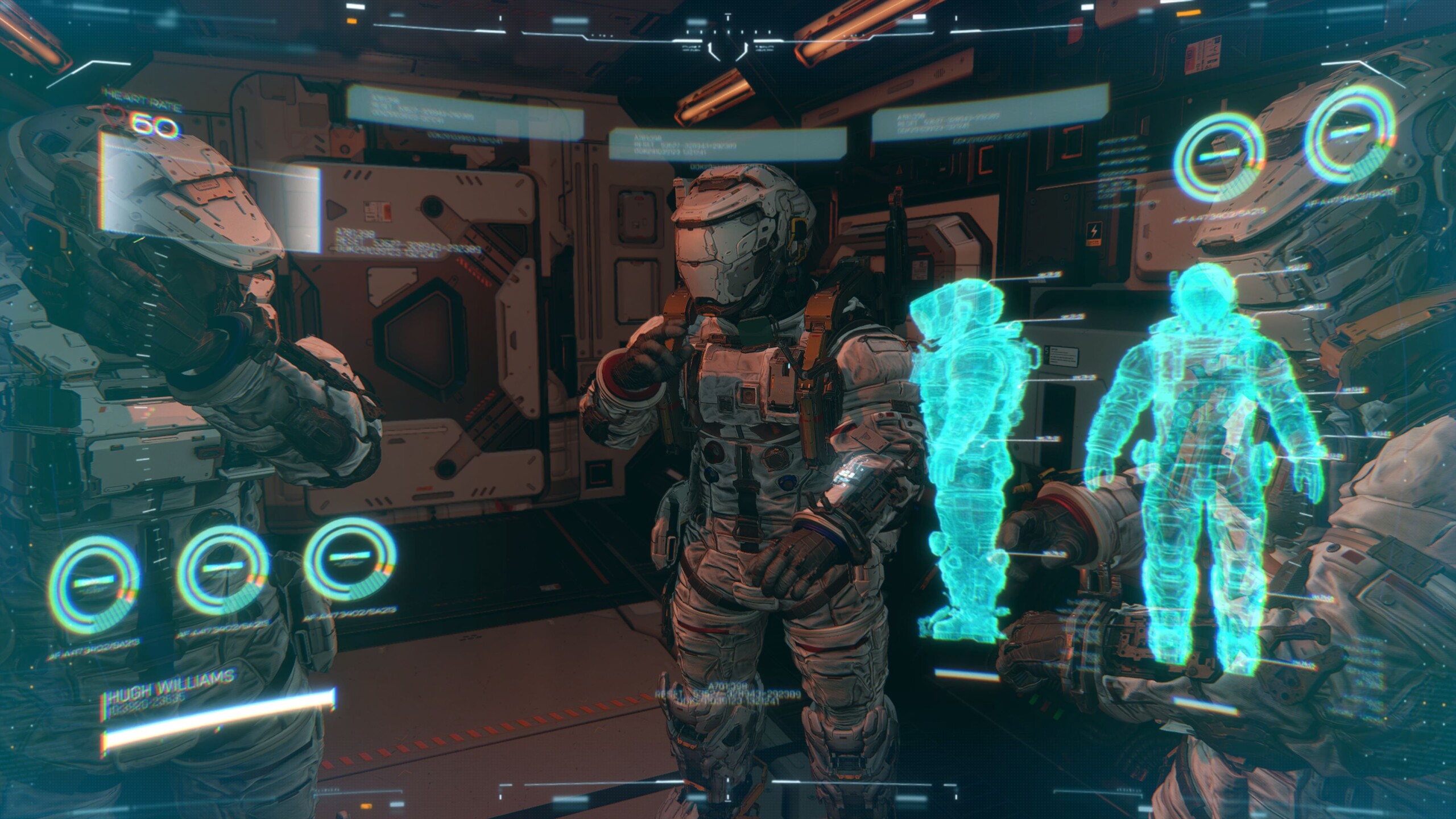
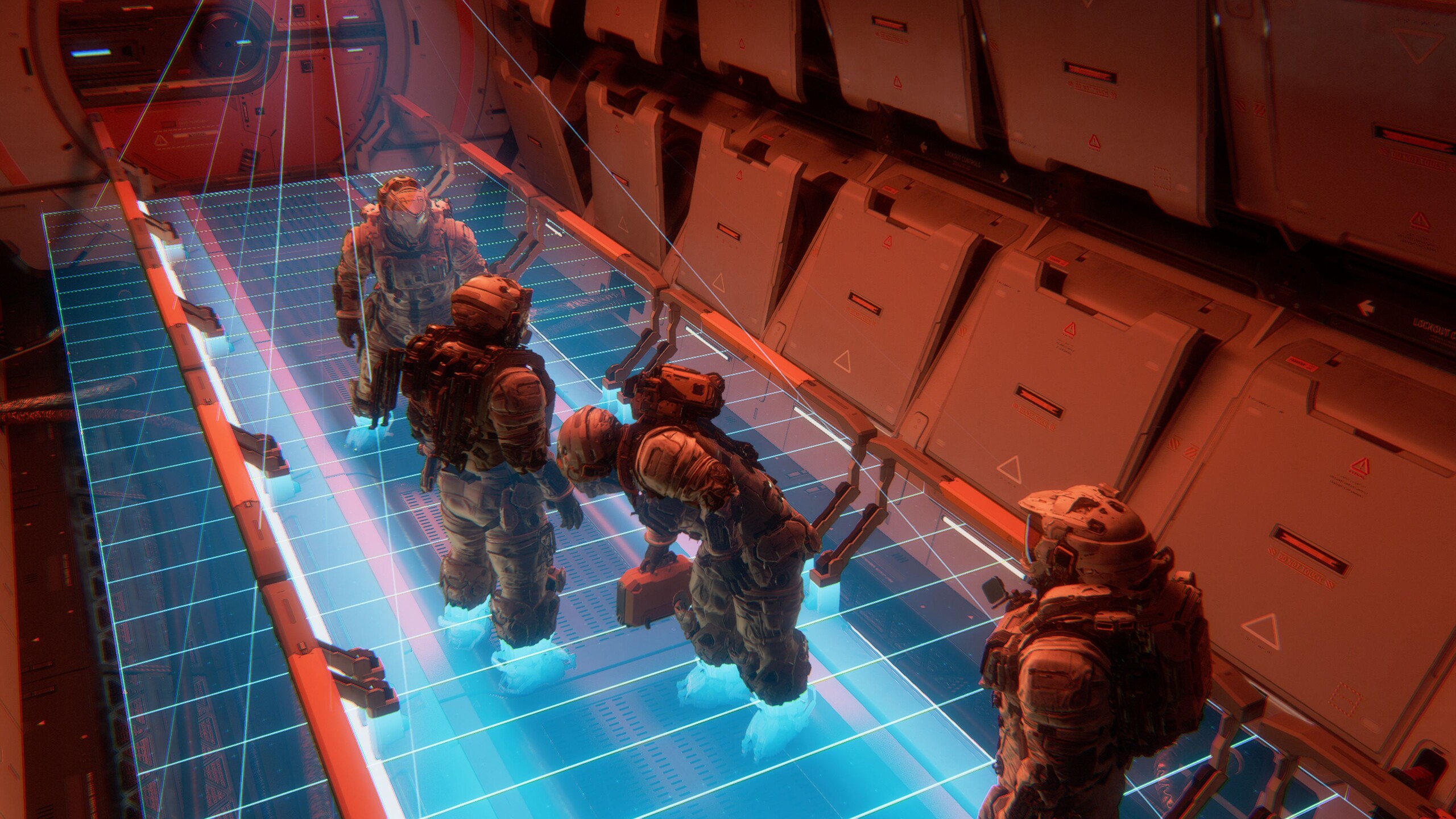
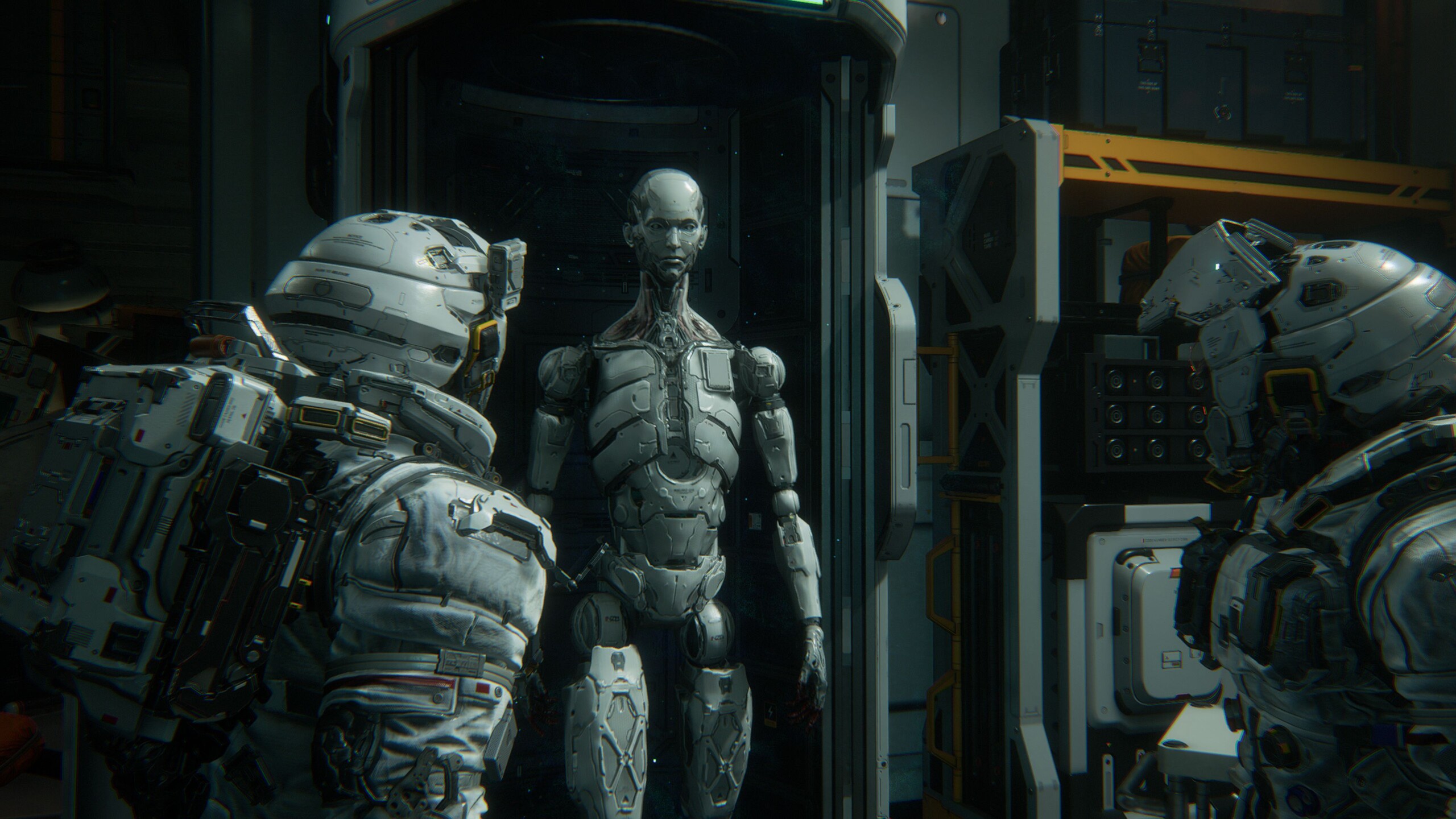
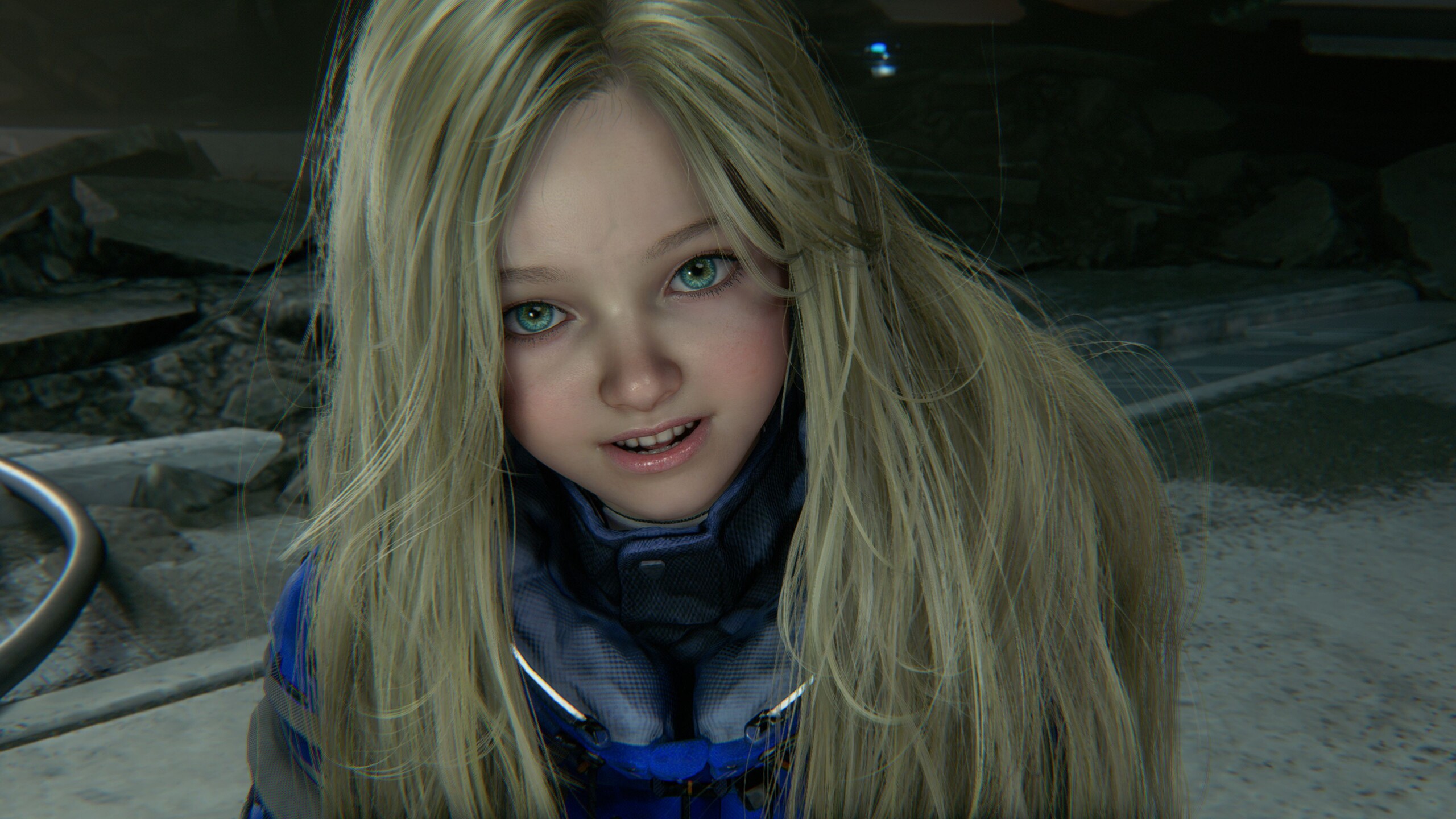
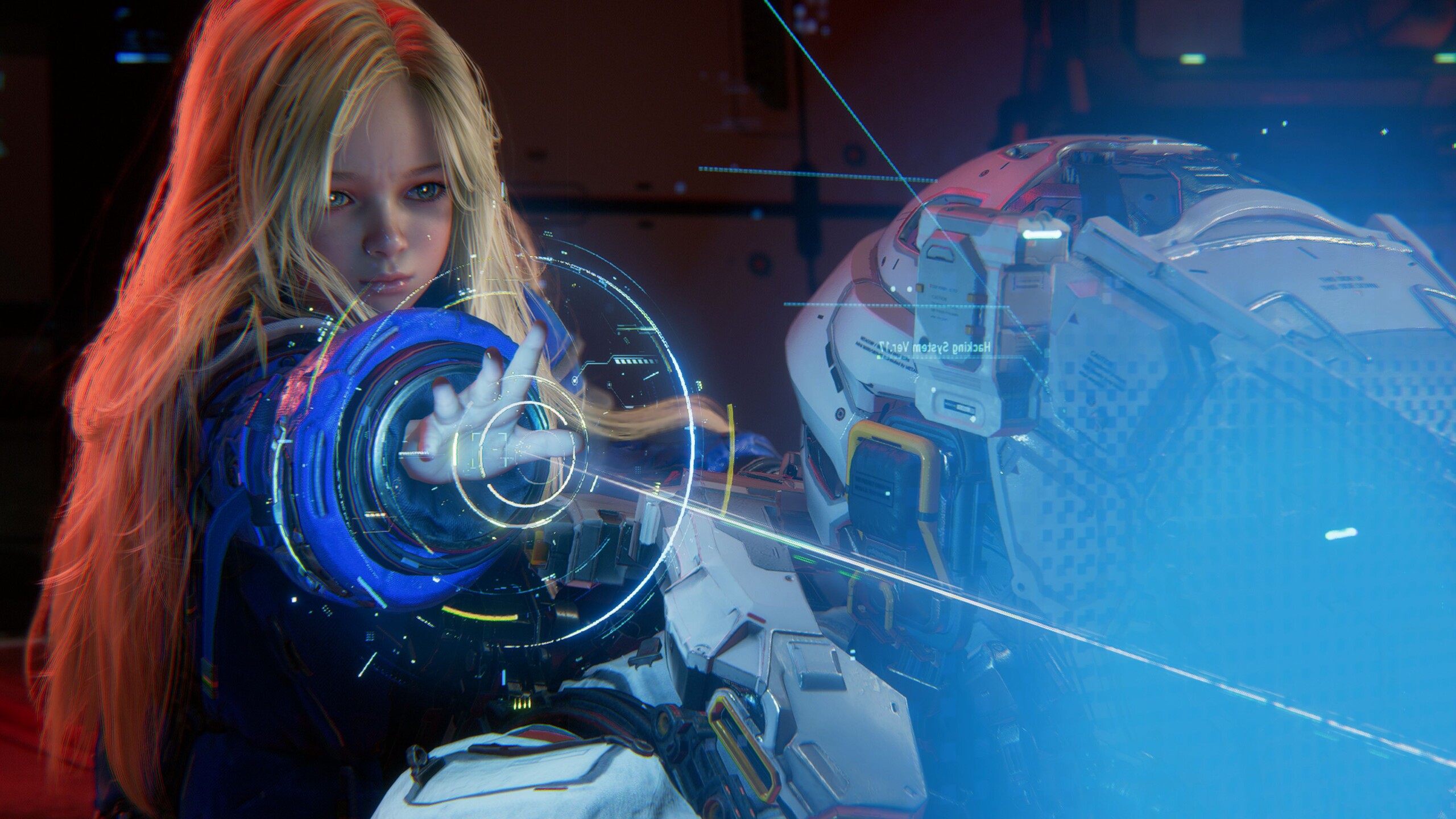
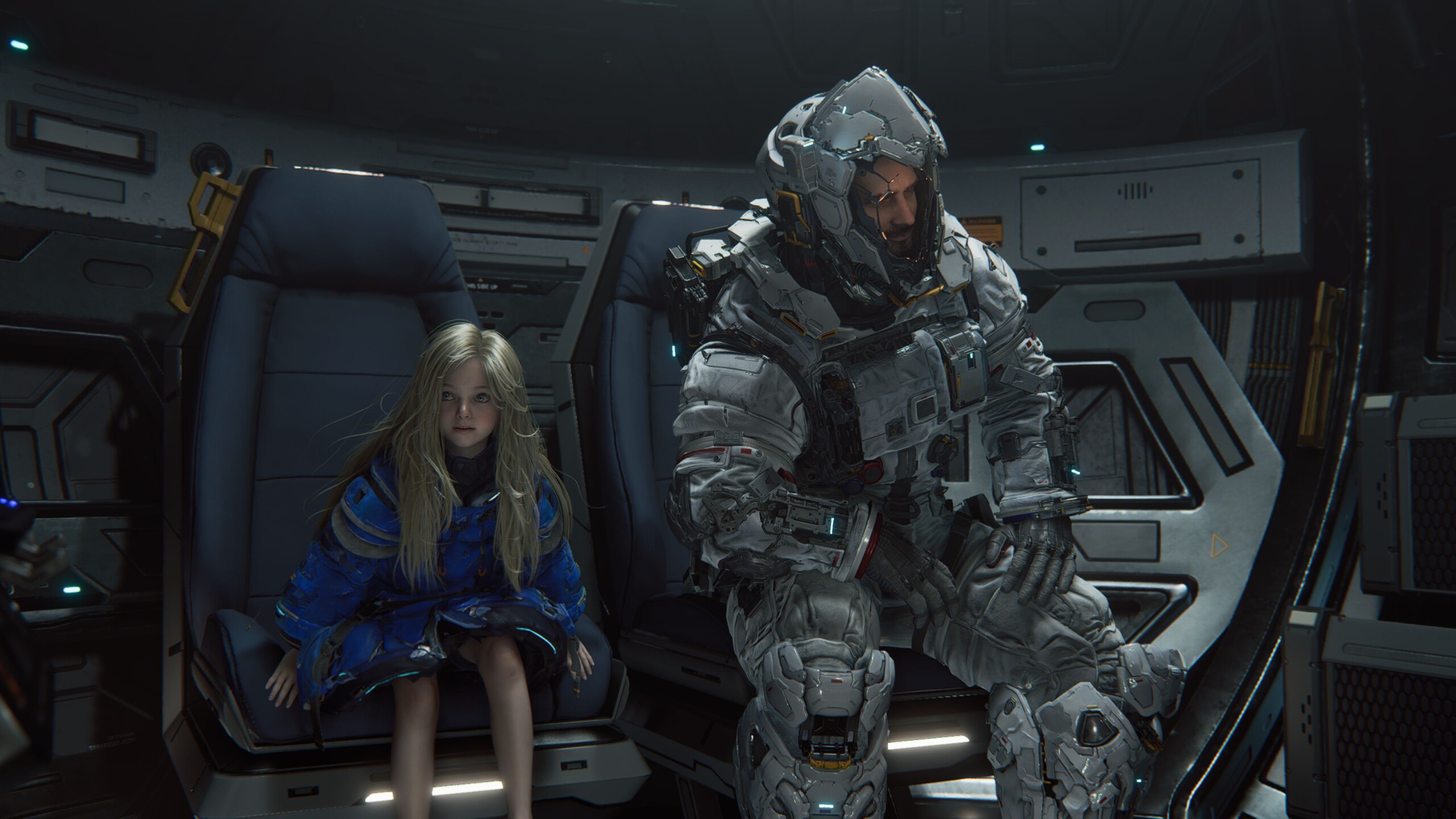
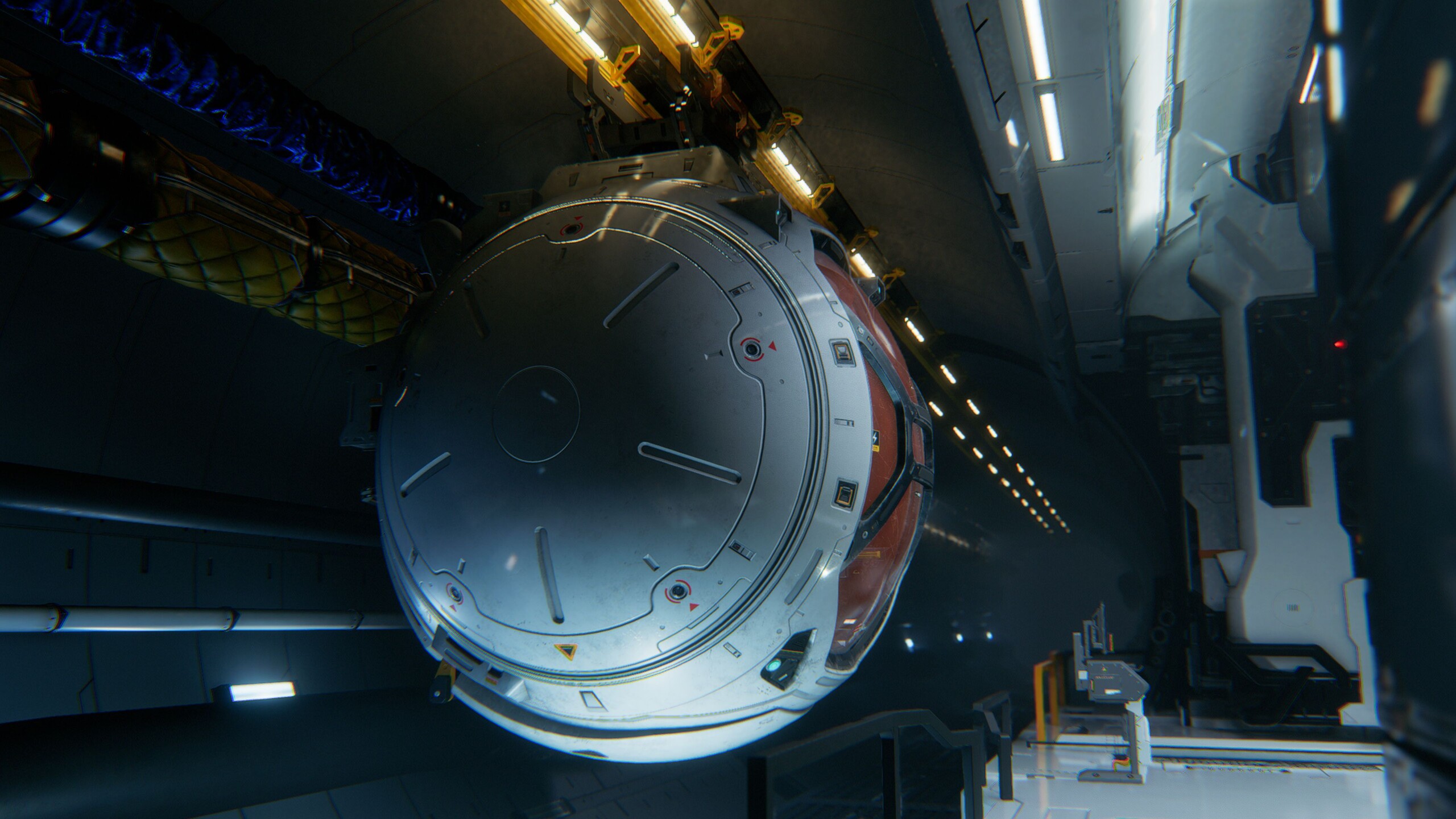
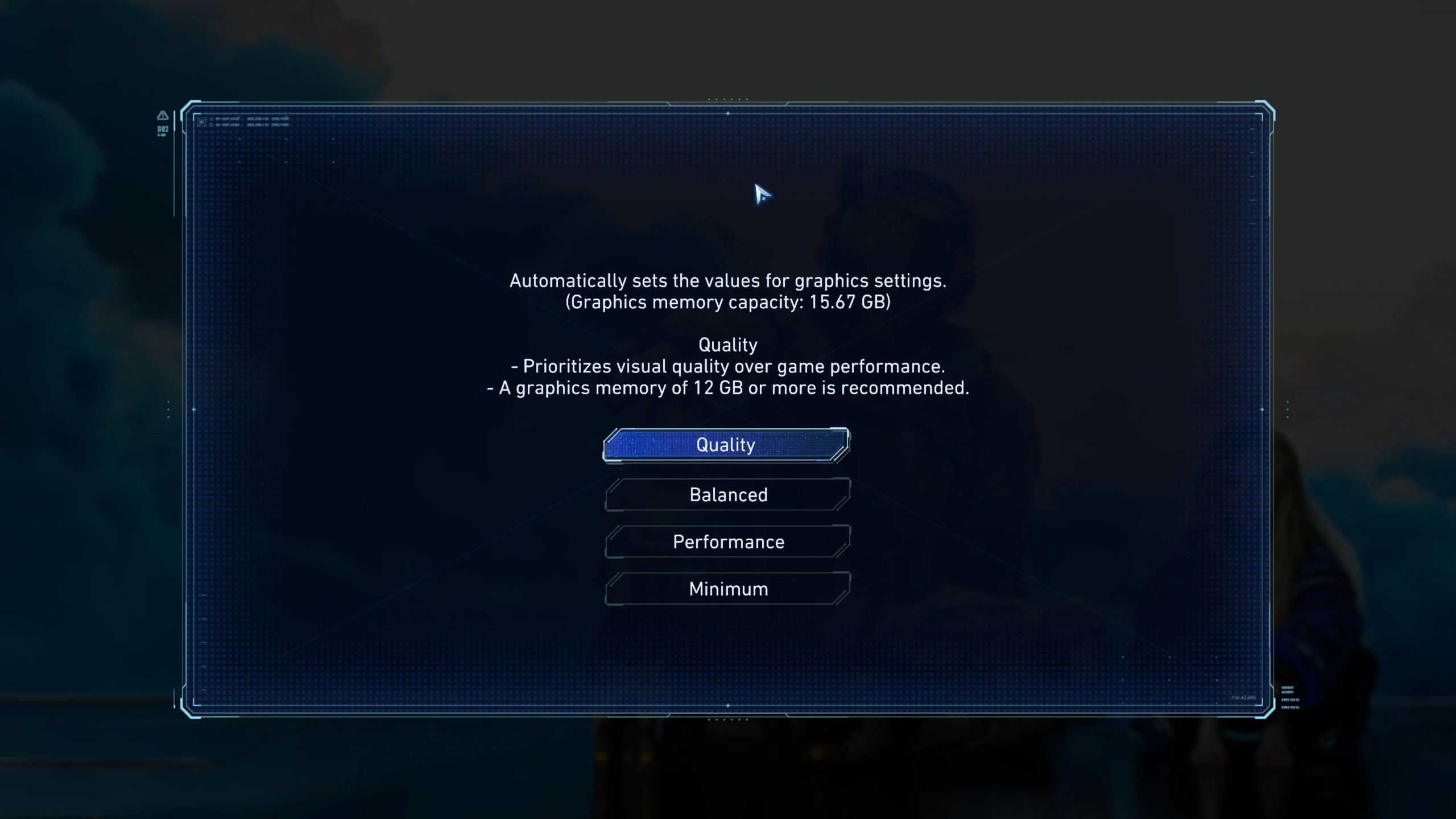
Another highlight from a PC perspective is the extensive graphics menu, which - unsurprisingly - often takes its cues from Resident Evil Requiem. That said, we do not find the structure or implementation entirely ideal. For example, it is certainly good to have several presets, but these also change settings that presets usually leave untouched in other titles — most notably the resolution.
The built-in VRAM display, meanwhile, earns some points. According to the presets, the Performance setting requires 6 GB of video memory, the Balanced setting 8 GB, and the Quality setting a full 12 GB. This confirms the ongoing trend toward higher VRAM requirements and highlights the meager memory configurations of many graphics cards. In 2026, dedicated gamers should no longer choose a graphics card with only 8 GB, although other titles are even more wasteful with VRAM, such as Borderlands 4. On the other hand, the game is otherwise pleasantly compact: around 37 GB of storage space is surprisingly little for a modern AAA game.
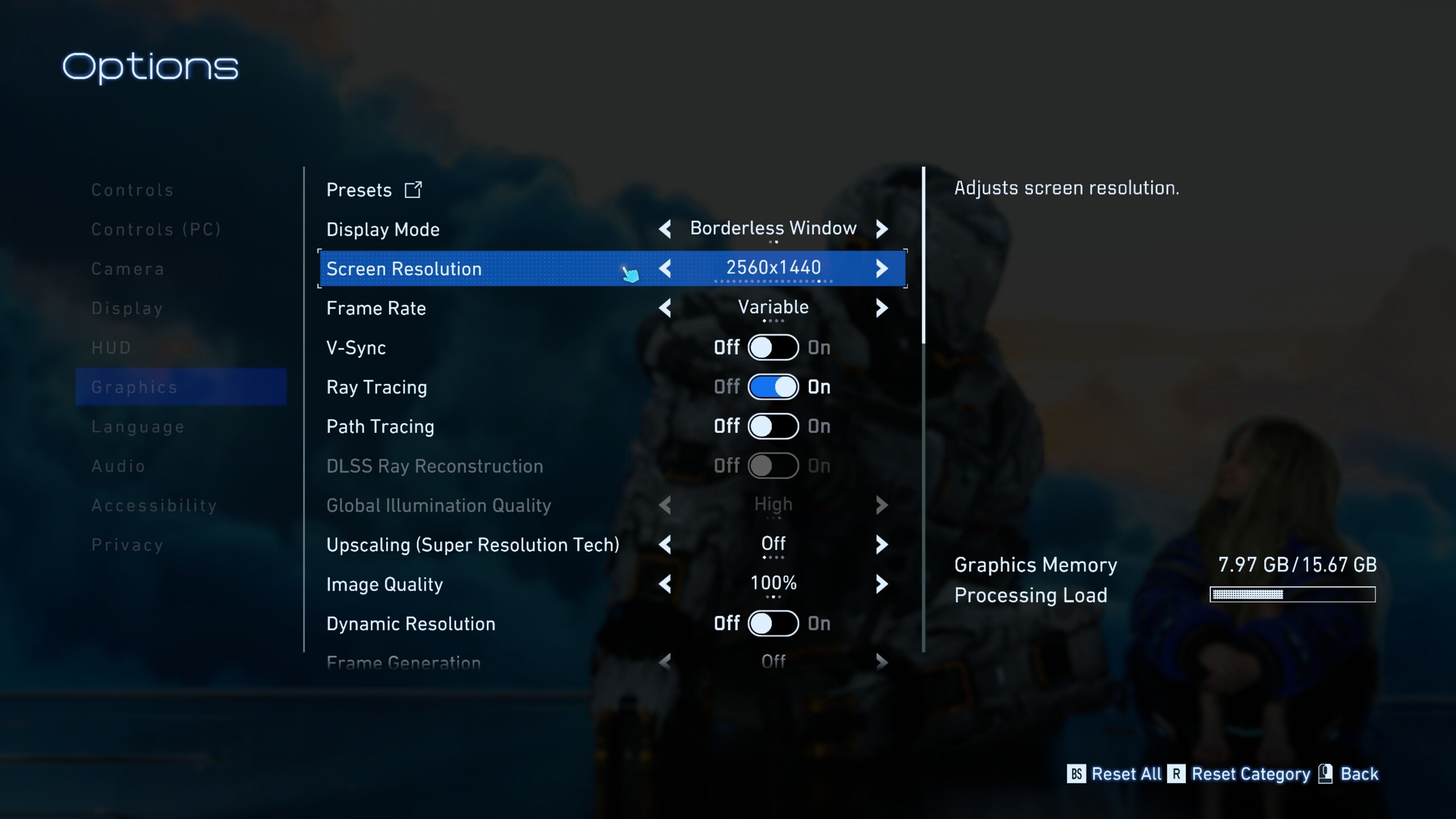
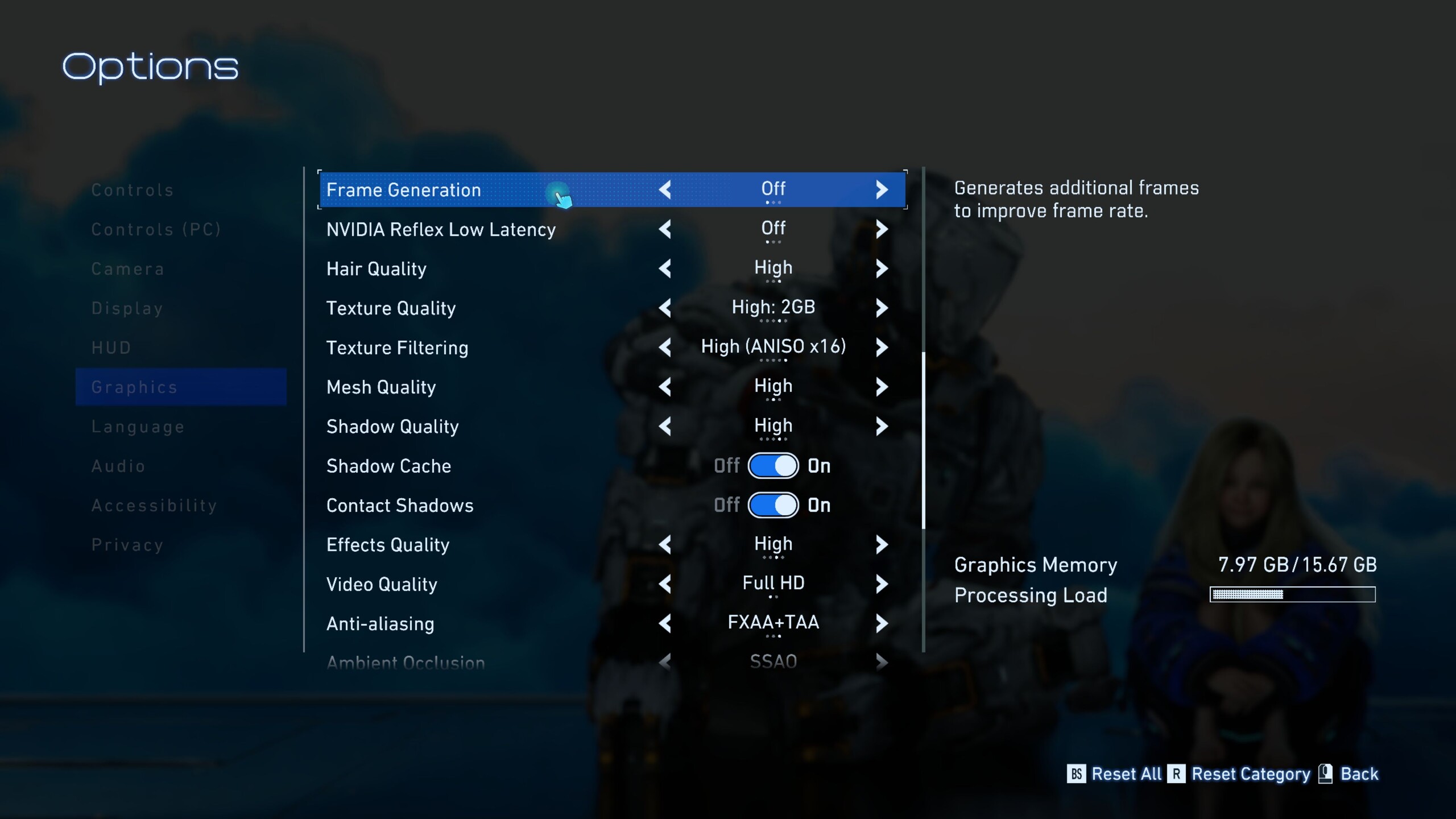
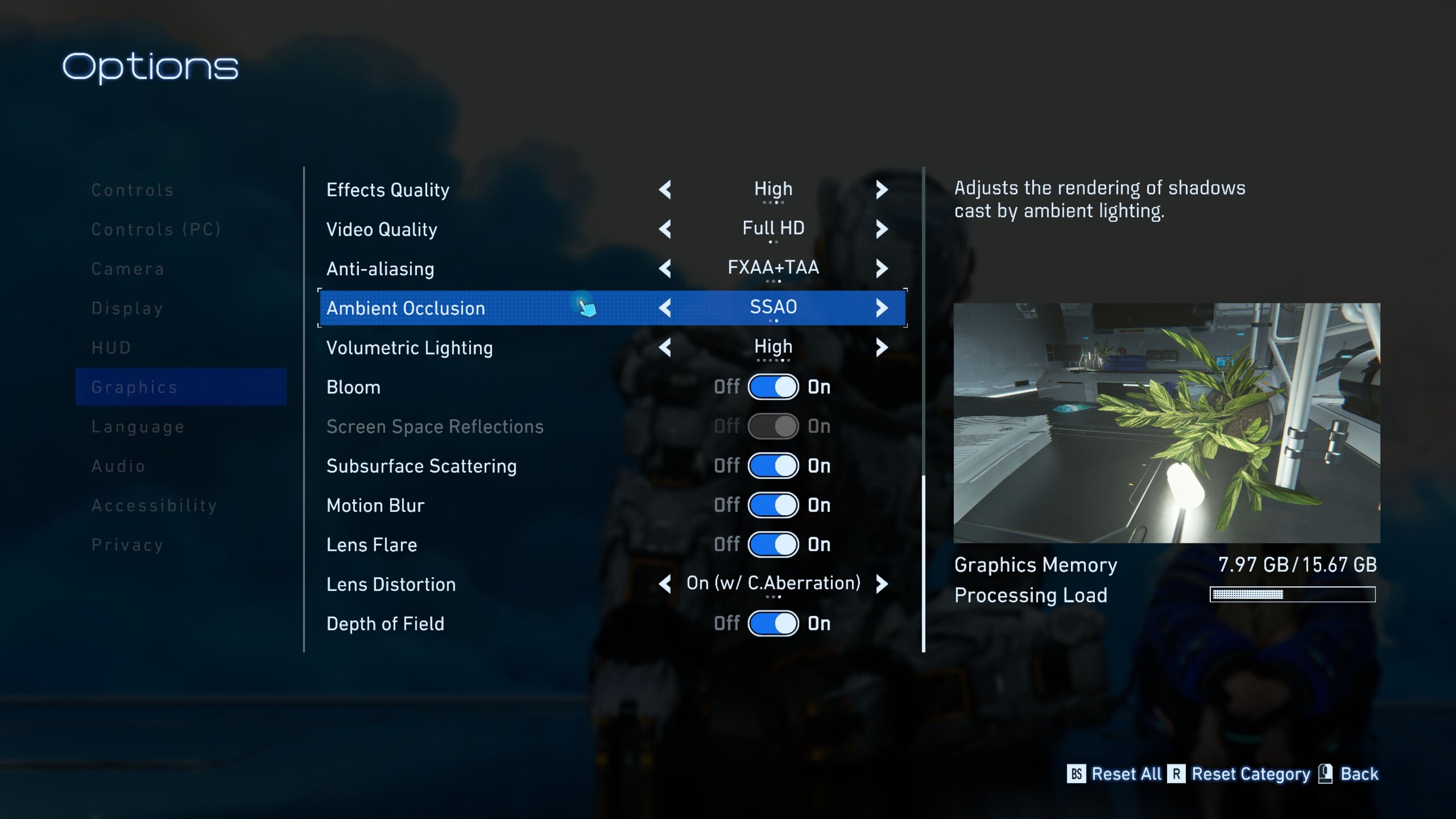
From a purely technical perspective, Pragmata is packed with nearly every feature currently available, from ray tracing - which is enabled automatically starting with the Quality preset - to path tracing, including Ray Reconstruction, as well as frame generation and upscaling via DLSS and FSR. Changes also do not require a restart, which is very convenient. Even shortly after release, Pragmata already feels quite mature - as it should - in terms of performance, stability, loading times, and related aspects.
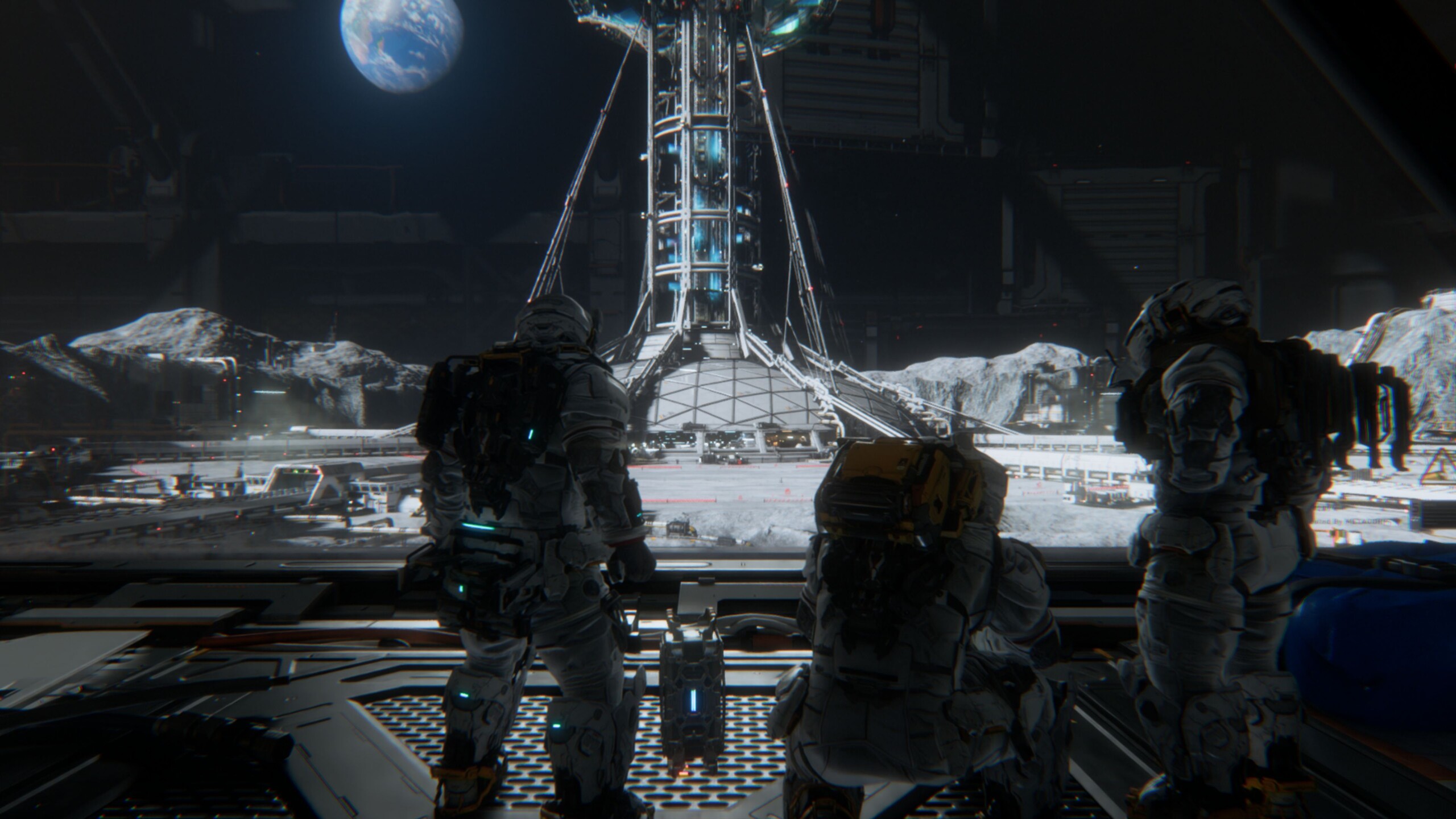
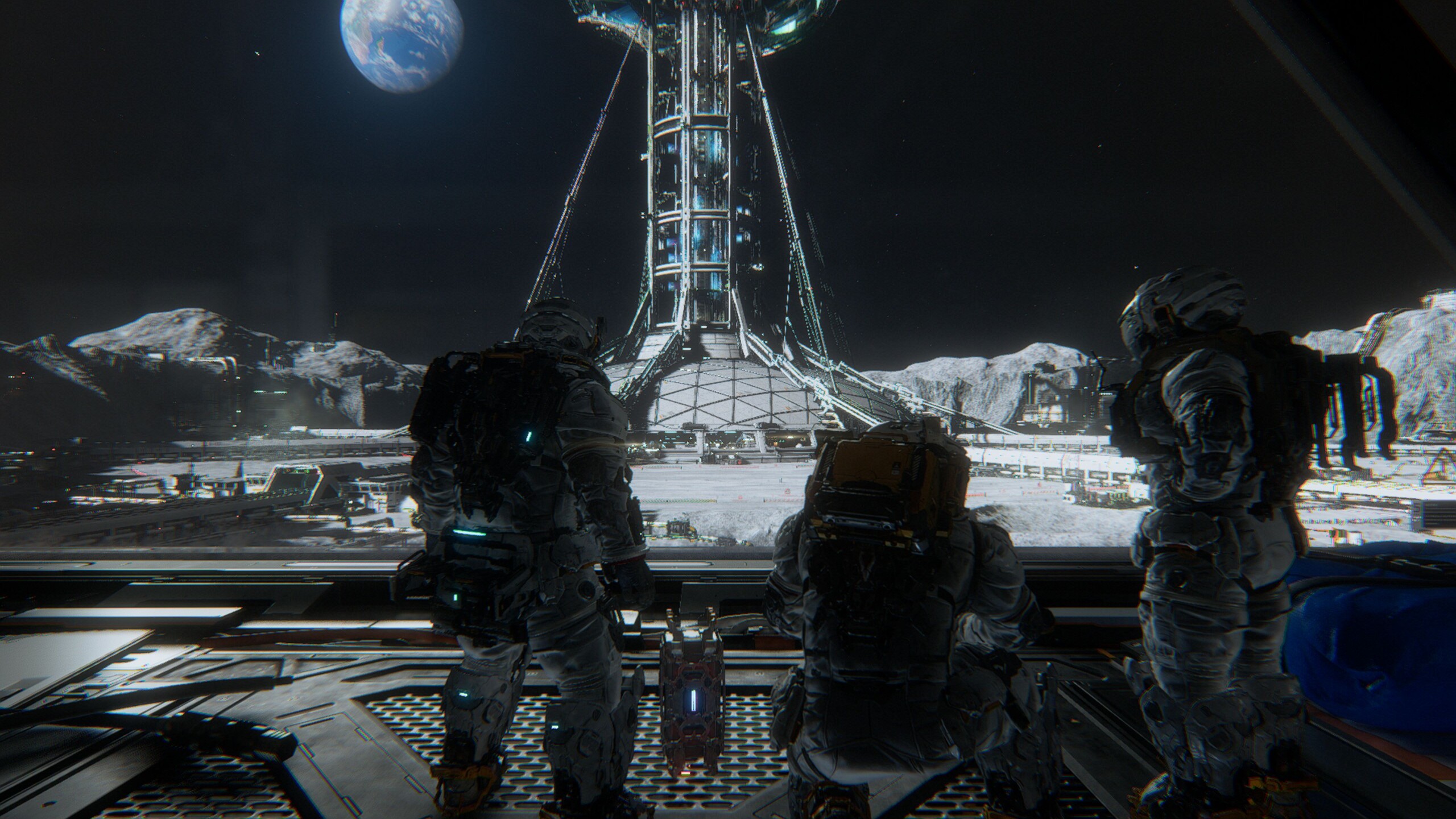
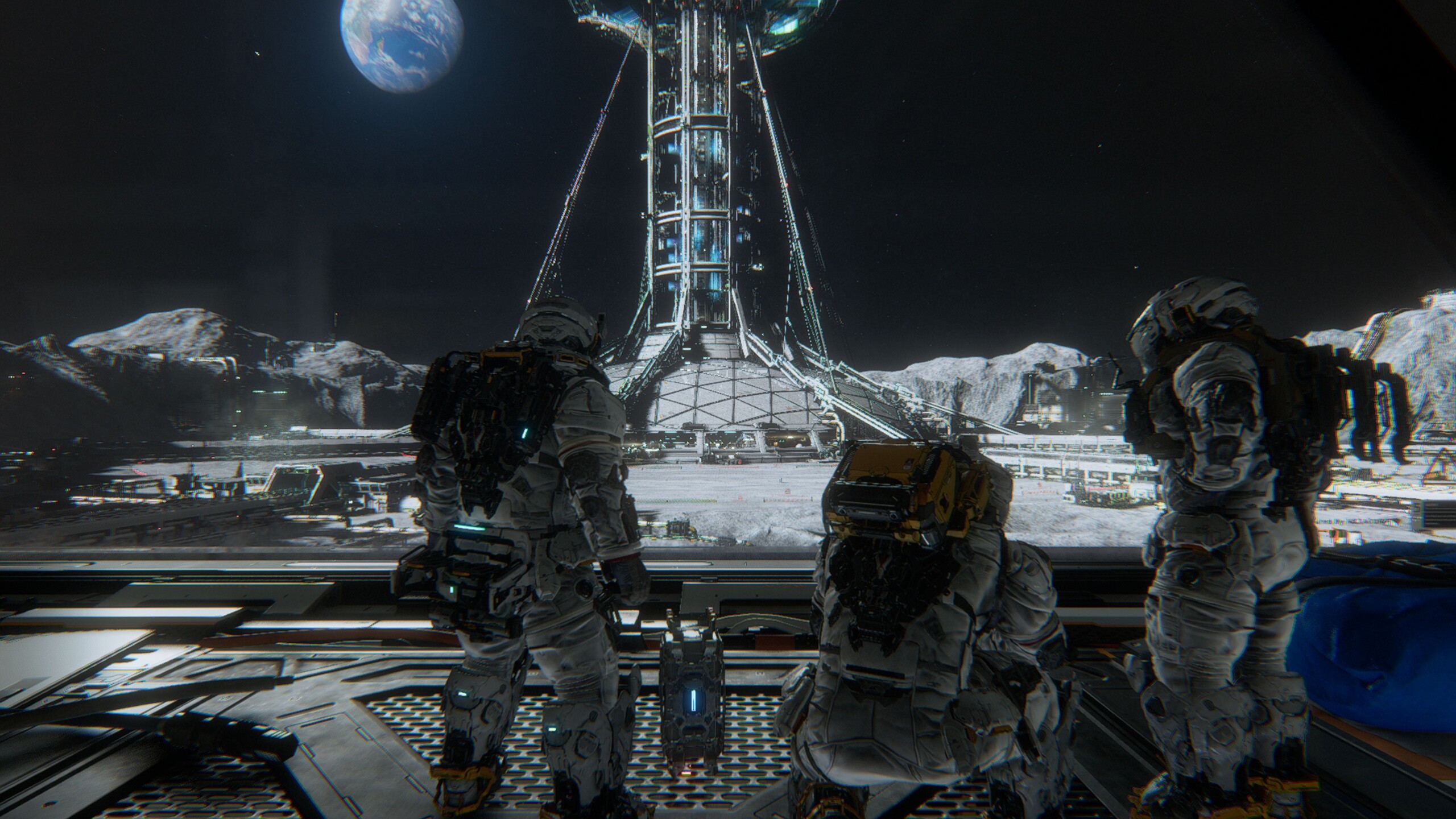
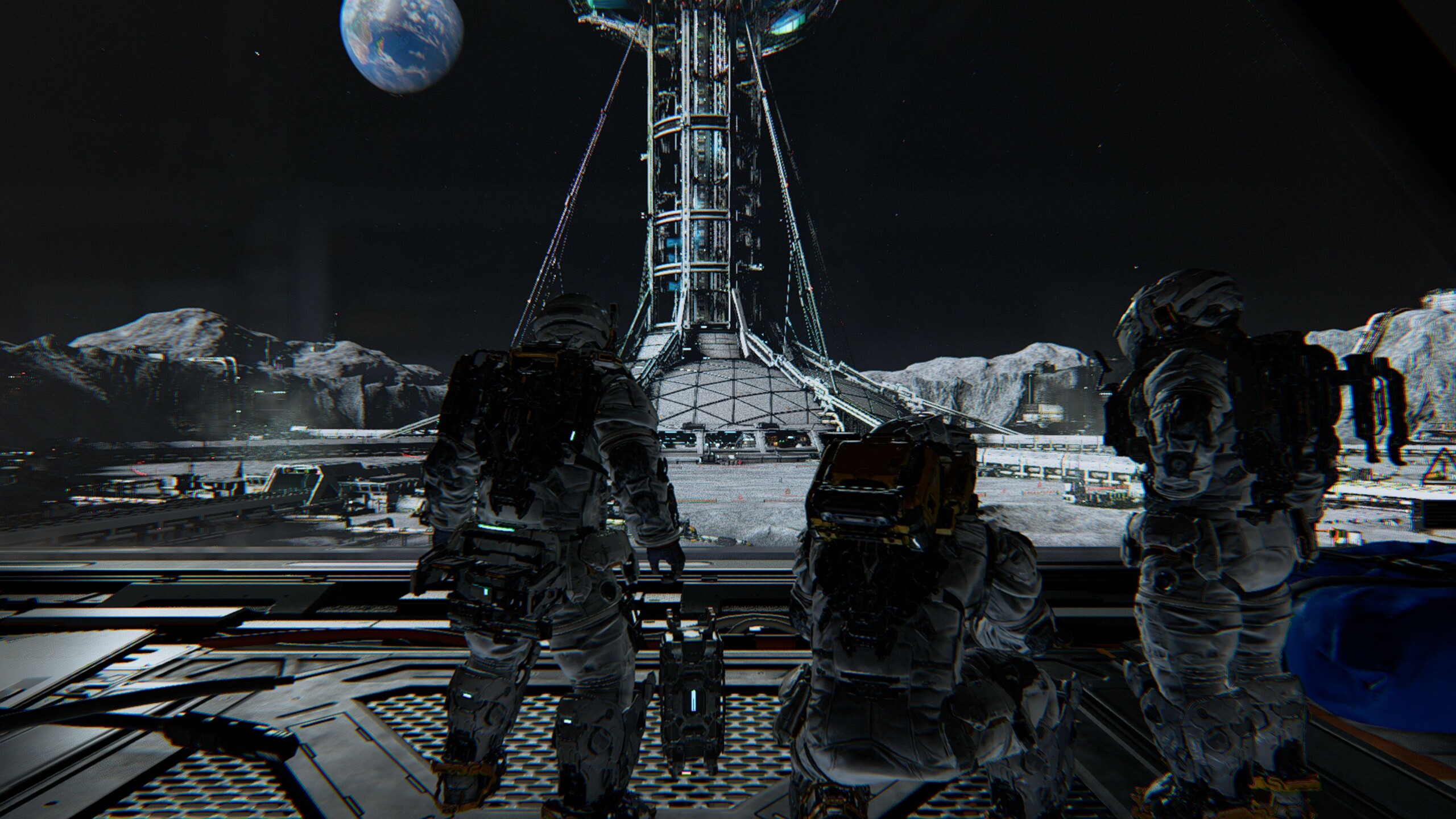
For our benchmarks, we use the very beginning of the game, when the main character enters the complex for the first time. Using CapFrameX, we record an approximately 40-second sequence that transitions from a manual sprint into an automatic camera movement.
Results
FHD / 1,920 x 1,080
Considering the level of visual quality, we would describe the hardware requirements as moderate. With a current mid-range GPU on the level of the GeForce RTX 5060 laptop, even maximum settings are not a problem at Full HD; the VRAM issue only tends to become noticeable at higher resolutions. With DLSS Balanced enabled, even path tracing and Ray Reconstruction are feasible on the mobile RTX 5060, although the nearly 60 FPS are held back by occasional stutters
| Pragmata | |
| 1920x1080 Minimum Preset 1920x1080 Balanced Preset 1920x1080 Quality Preset 1920x1080 Quality Preset + DLSS Balanced + Path Tracing | |
| NVIDIA GeForce RTX 4080, i9-13900K | |
| NVIDIA GeForce RTX 5090 Laptop, Ultra 9 275HX | |
| NVIDIA GeForce RTX 5080 Laptop, Ultra 9 275HX | |
| NVIDIA GeForce RTX 4090 Laptop GPU, R9 7945HX | |
| NVIDIA GeForce RTX 5060 Laptop, Ultra 9 275HX | |
| NVIDIA GeForce RTX 3060 Laptop GPU, i7-12700H | |
QHD / 2,560 x 1,440 (+ upscaling)
A combination of QHD resolution (2,560 x 1,440) and the Quality preset still does not require a high-end GPU. The RTX 5060 Laptop again reaches around 60 FPS here, with significantly better minimum FPS than with path tracing enabled. With DLSS Balanced, it even averages almost 80 FPS.
| Pragmata | |
| 2560x1440 Quality Preset 2560x1440 Quality Preset + DLSS Balanced | |
| NVIDIA GeForce RTX 4080, i9-13900K | |
| NVIDIA GeForce RTX 5090 Laptop, Ultra 9 275HX | |
| NVIDIA GeForce RTX 5080 Laptop, Ultra 9 275HX | |
| NVIDIA GeForce RTX 4090 Laptop GPU, R9 7945HX | |
| NVIDIA GeForce RTX 5060 Laptop, Ultra 9 275HX | |
| NVIDIA GeForce RTX 3060 Laptop GPU, i7-12700H | |
UHD / 3,840 x 2,160 (+ upscaling)
Only on 4K displays does the hardware gap really become apparent. While the aforementioned notebook RTX 5060 still achieves playable frame rates, at least with DLSS enabled, using the Quality preset without image optimizations requires at least a mobile RTX 5070 Ti for solid results.
| Pragmata | |
| 3840x2160 Quality Preset 3840x2160 Quality Preset + DLSS Balanced | |
| NVIDIA GeForce RTX 4080, i9-13900K | |
| NVIDIA GeForce RTX 5090 Laptop, Ultra 9 275HX | |
| NVIDIA GeForce RTX 5080 Laptop, Ultra 9 275HX | |
| NVIDIA GeForce RTX 4090 Laptop GPU, R9 7945HX | |
| NVIDIA GeForce RTX 5060 Laptop, Ultra 9 275HX | |
| NVIDIA GeForce RTX 3060 Laptop GPU, i7-12700H | |
(Multi) Frame Generation
Since the graphics demands are fairly moderate, Frame Generation is less necessary here than in other 2026 titles. As the table with the RTX 5080 laptop and RTX 5090 laptop shows, the technology delivers the expected performance gains, as usual, and can be particularly worthwhile on high-refresh-rate monitors.
| 3.840 x 2,160, Quality Preset | DLSS Balanced | DLSS Balanced + MFGx2 | DLSS Balanced + MFGx4 |
| GeForce RTX 5090 Laptop | 98 fps (1 % low: 69 fps) | 148 fps (1 % low: 63 fps) | 238 fps (1 % low: 52 fps) |
| GeForce RTX 5080 Laptop | 80 fps (1 % low: 60 fps) | 123 fps (1 % low: 52 fps) | 196 fps (1 % low: 42 fps) |
Verdict - Capcom knows what it’s doing
Looking at the overall package, the developers have done a pretty good job - both with the technology and with the game itself. In most scenarios, notebook users do not necessarily need a true high-end system to enjoy the game. As usual, upscaling and Frame Generation can help when performance becomes tight.
Test systems


Overview
Because gaming benchmarks are very time-consuming and are sometimes delayed by activation restrictions, we can only present a limited number of results when the articles are published. More GPUs will follow.
 Add as a preferred source on Google


