





Resident Evil Requiem blows us away in our benchmark test
It doesn’t get much scarier than this.
The year has barely begun, and Resident Evil Requiem is already here on PC - and it is a heavyweight release. In our benchmark test, we find out whether the tech is as impressive as the gameplay.Florian Glaser, ✓ Ninh Duy (translated by DeepL / Ninh Duy) Published 🇩🇪 🇫🇷 ...
Technology, settings, and benchmark
Resident Evil Requiem is built on Capcom’s in house RE Engine, which is packed with modern features. The extremely detailed graphics menu is split into the Display and Image tabs, as shown in the screenshots. It includes not only upscaling options, with support for DLSS, FSR, and frame generation, but also toggles for ray tracing and path tracing.
As the images below show, ray tracing already delivers very attractive reflections, for example on vehicle windows, and path tracing makes them even sharper. Without ray tracing, certain reflections disappear entirely, which naturally takes away from the atmosphere.

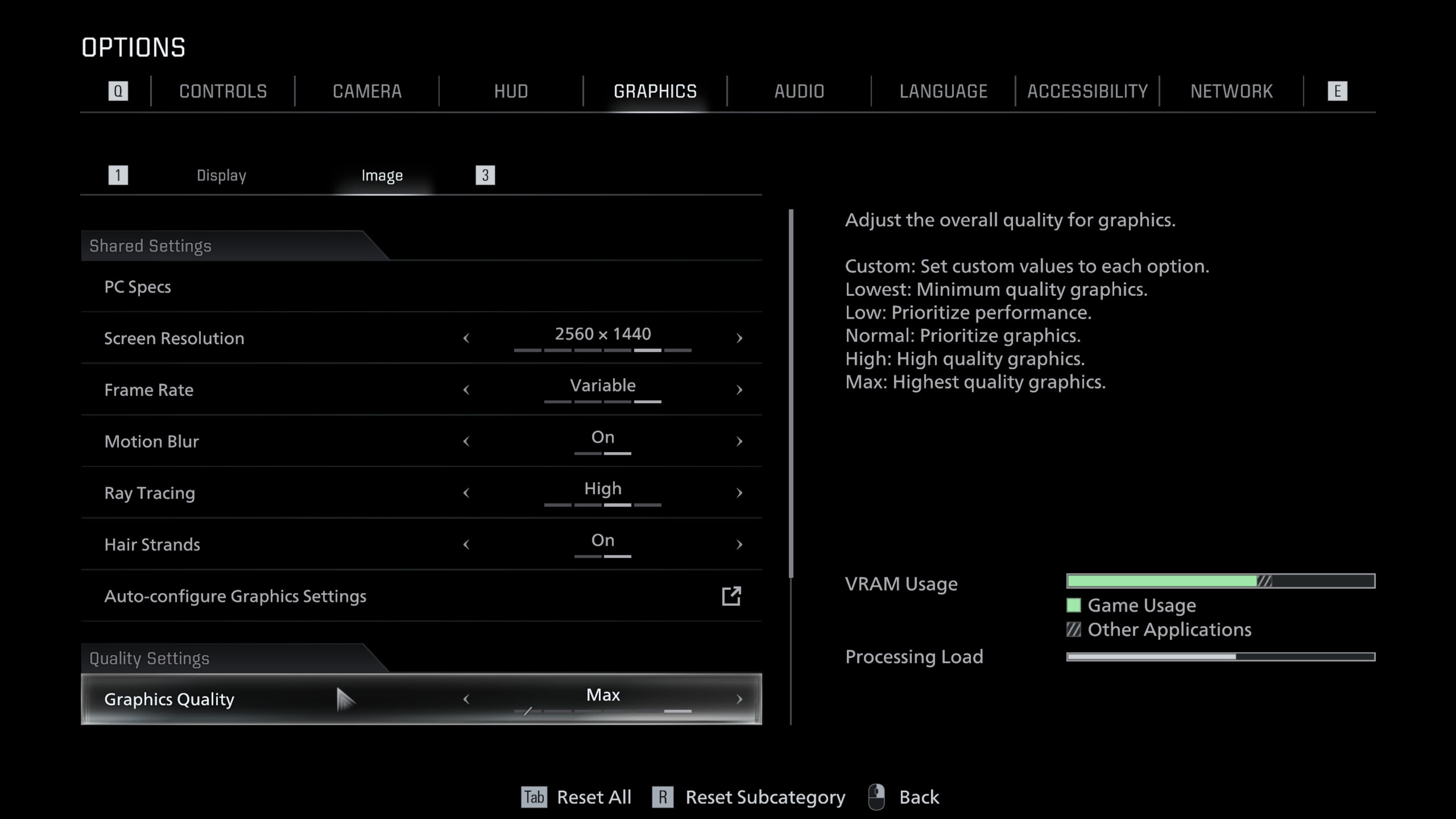
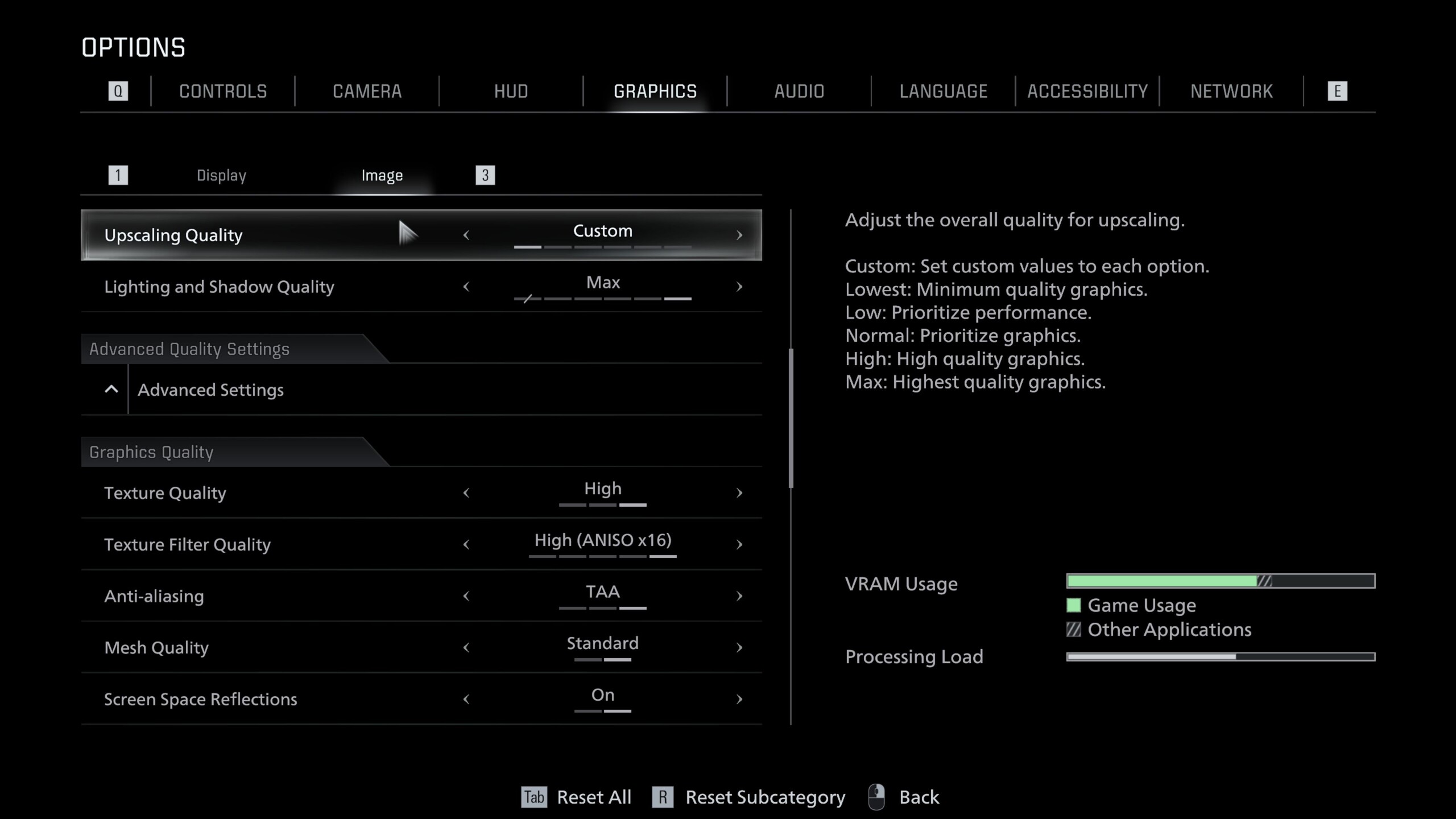
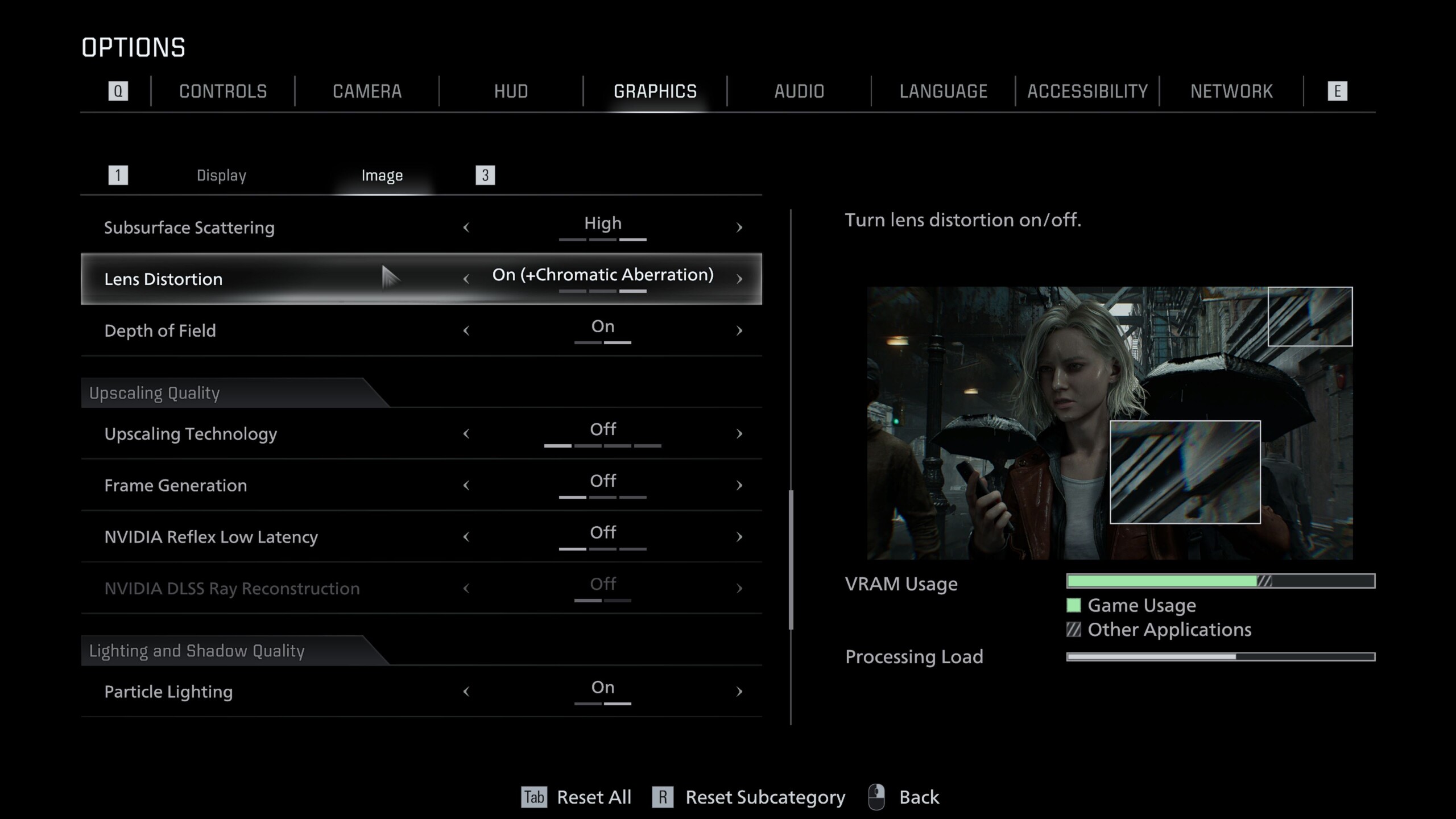
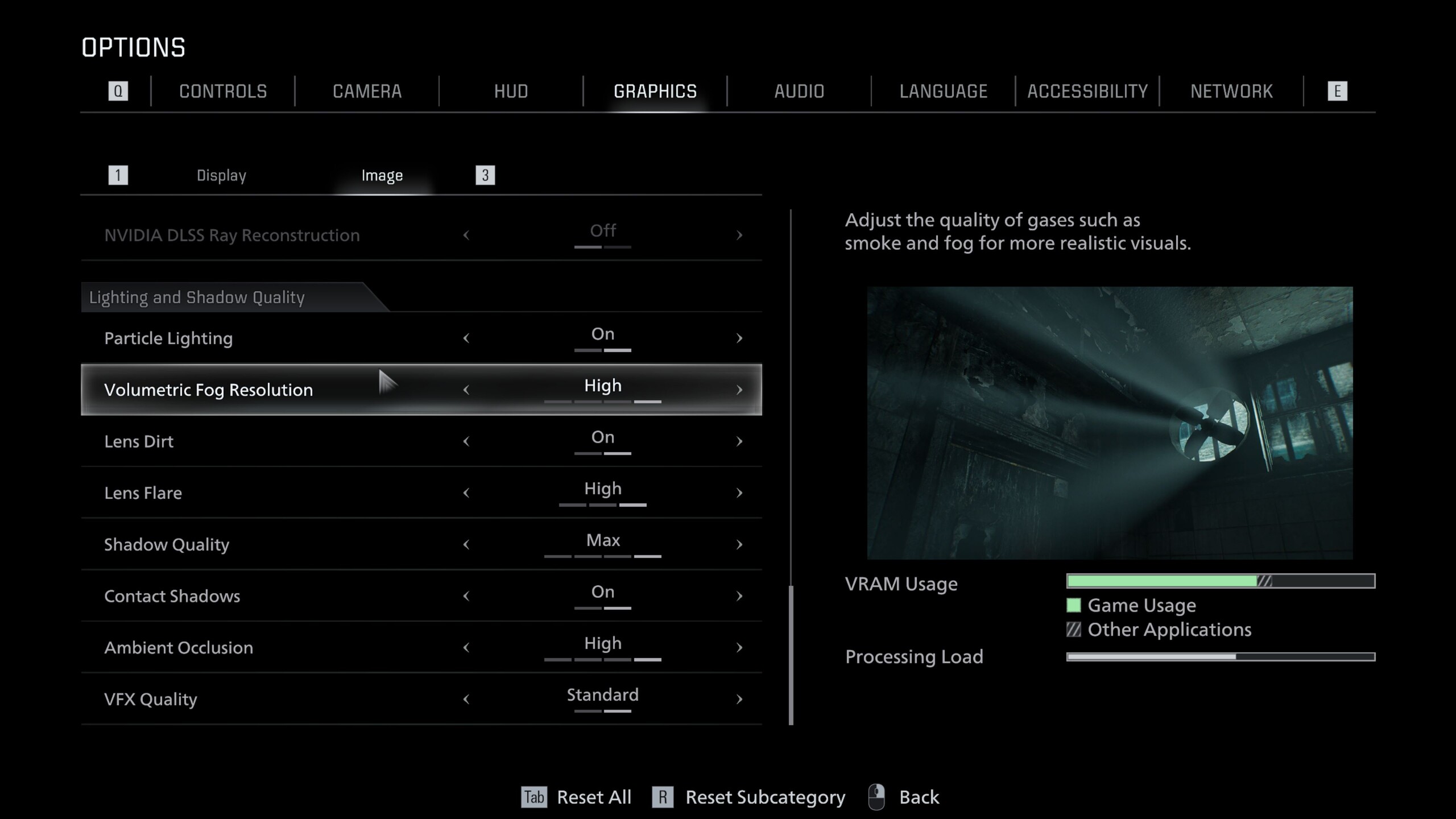
Even without the image enhancements mentioned above, Resident Evil Requiem still looks good to very good, at least from medium settings upward. That applies both to the atmosphere and to overall image quality. Textures are mostly crisp, and effects such as rain and smoke look genuinely impressive. The interplay of light and shadow stands out in particular, and comes across as both well executed and high quality. On top of that, the level of detail is enormous, and would not have been possible in this form just a few years ago.
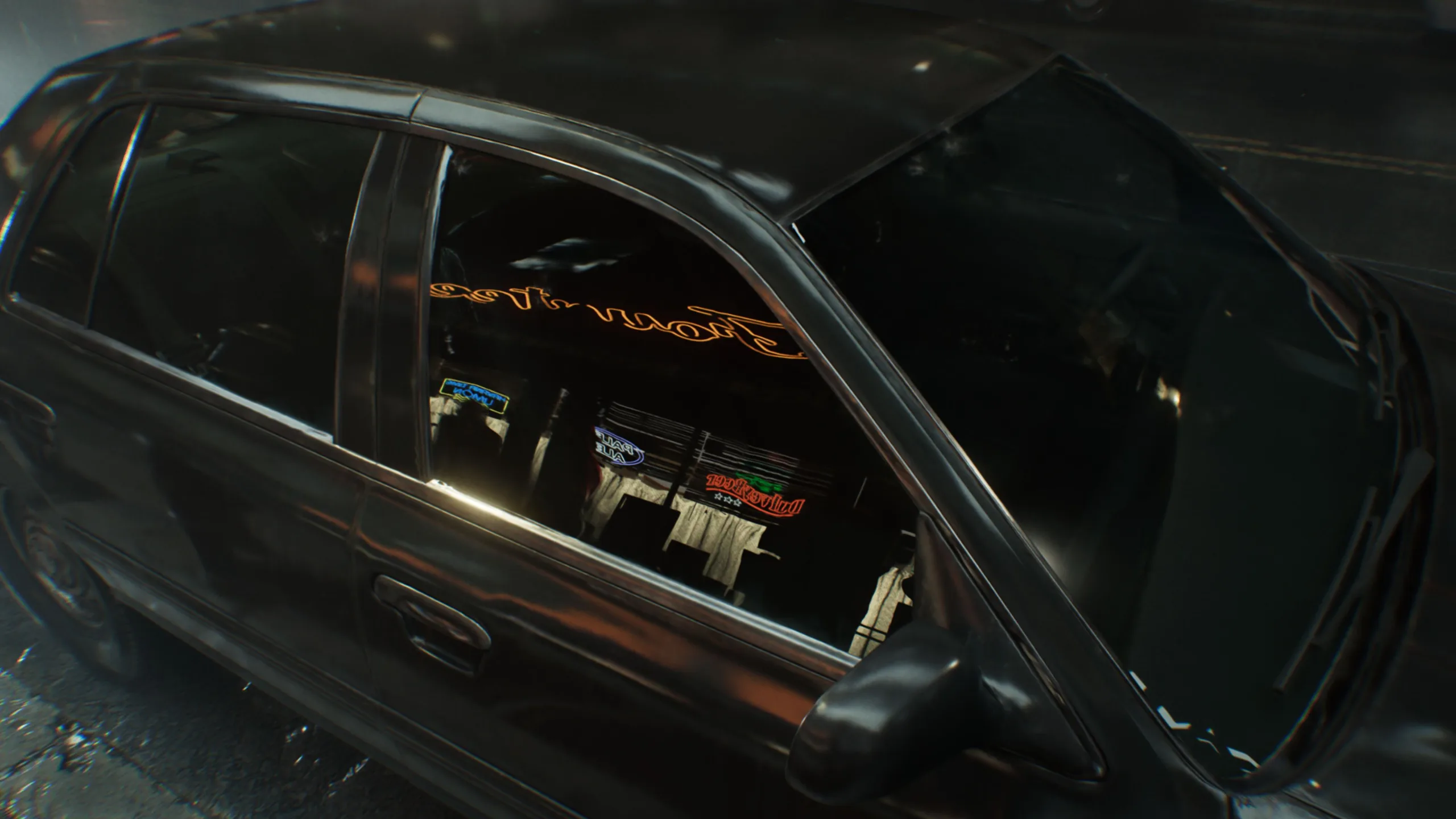
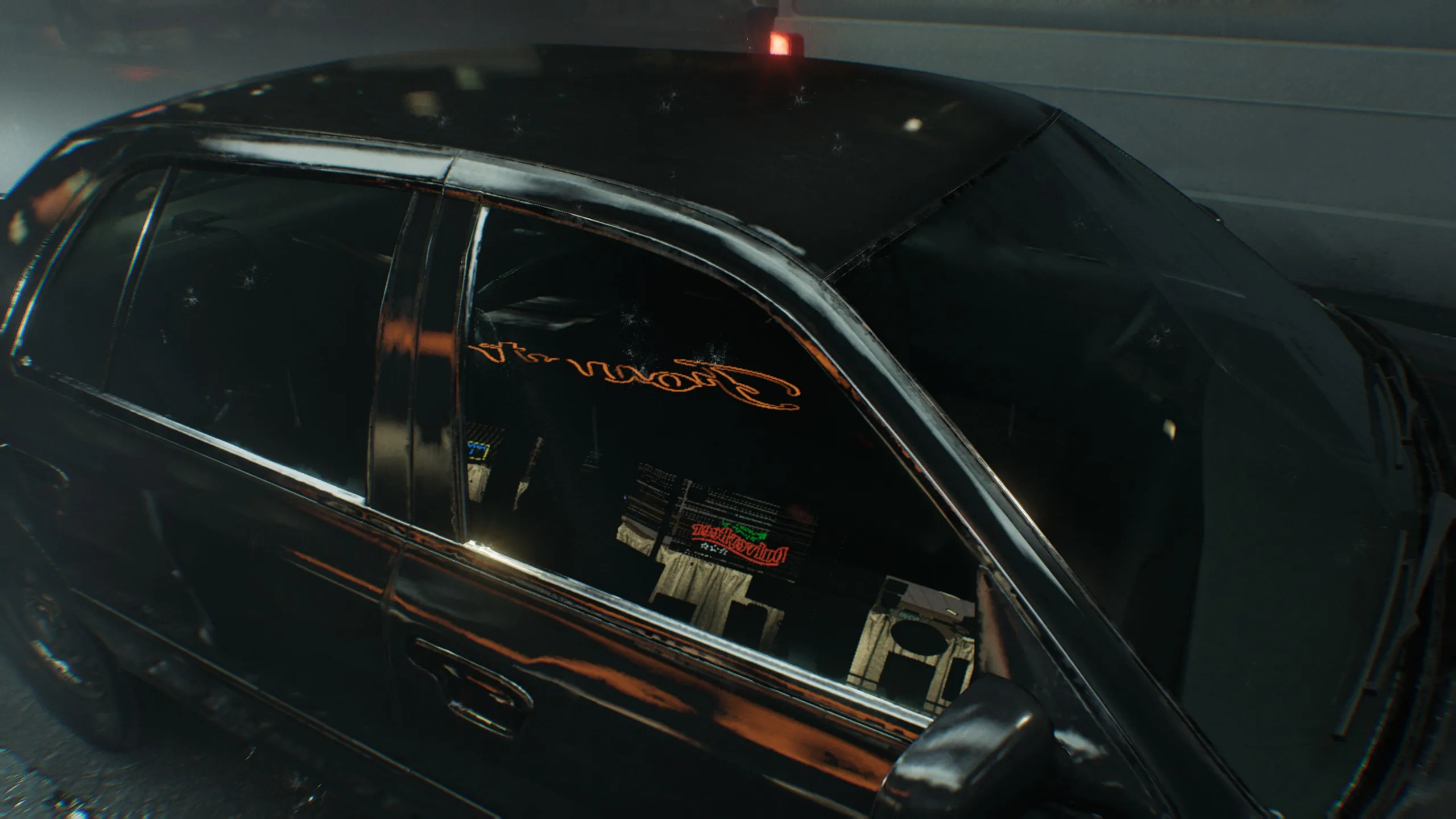
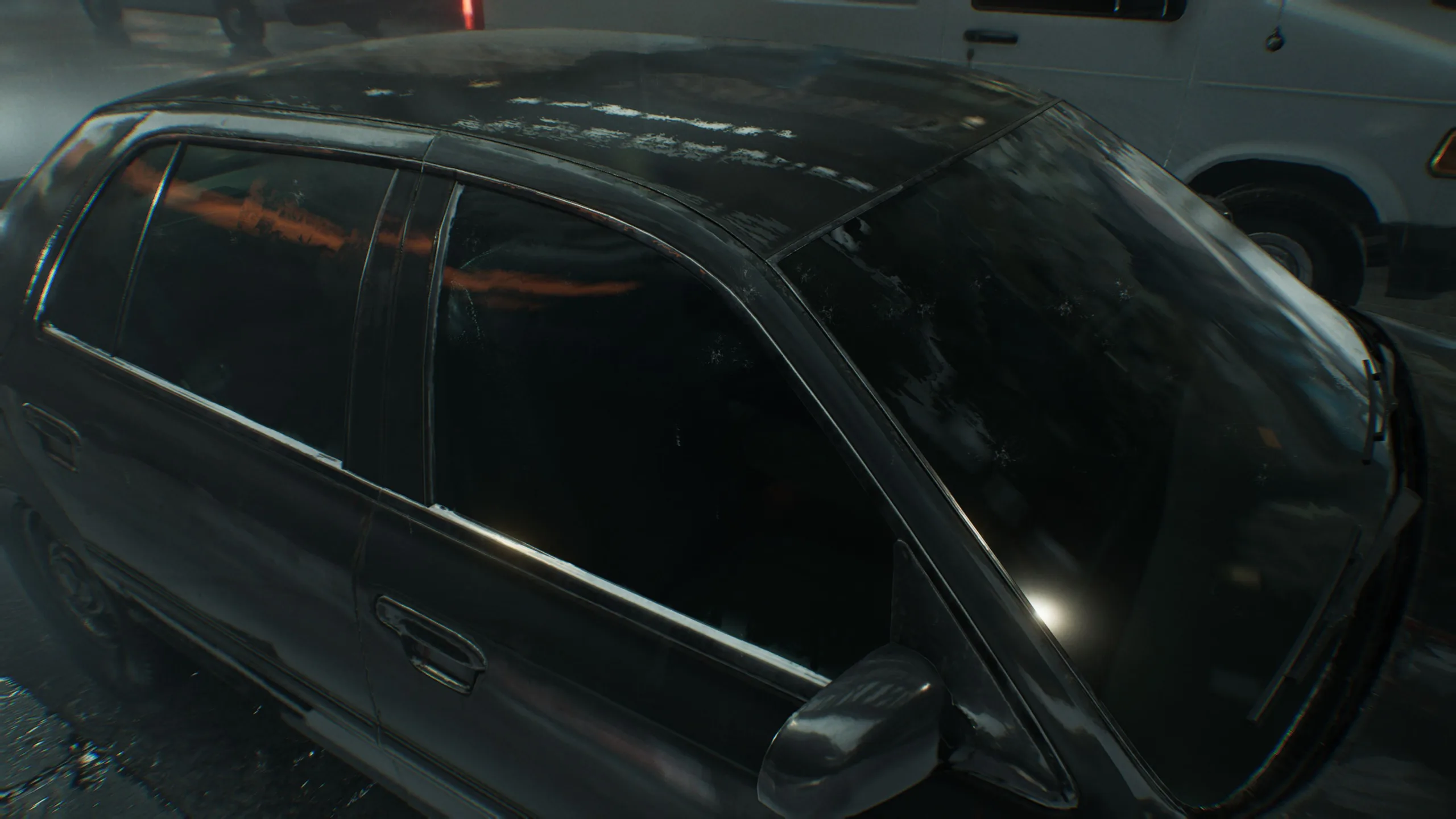
Additional points go to the fact that changes made in the main menu apply immediately, with no restart required. The comparison images available in parts of the options menu and the VRAM usage readout also deserve praise. On the VRAM front, 8 GB graphics cards such as the GeForce RTX 5060 are fully utilized at high settings, and performance can drop sharply at higher resolutions. With 12 GB of VRAM or more, we did not observe any issues.
With a download size of around 72 GB, Resident Evil Requiem is neither small nor especially huge. Loading times on SSDs are perfectly fine.
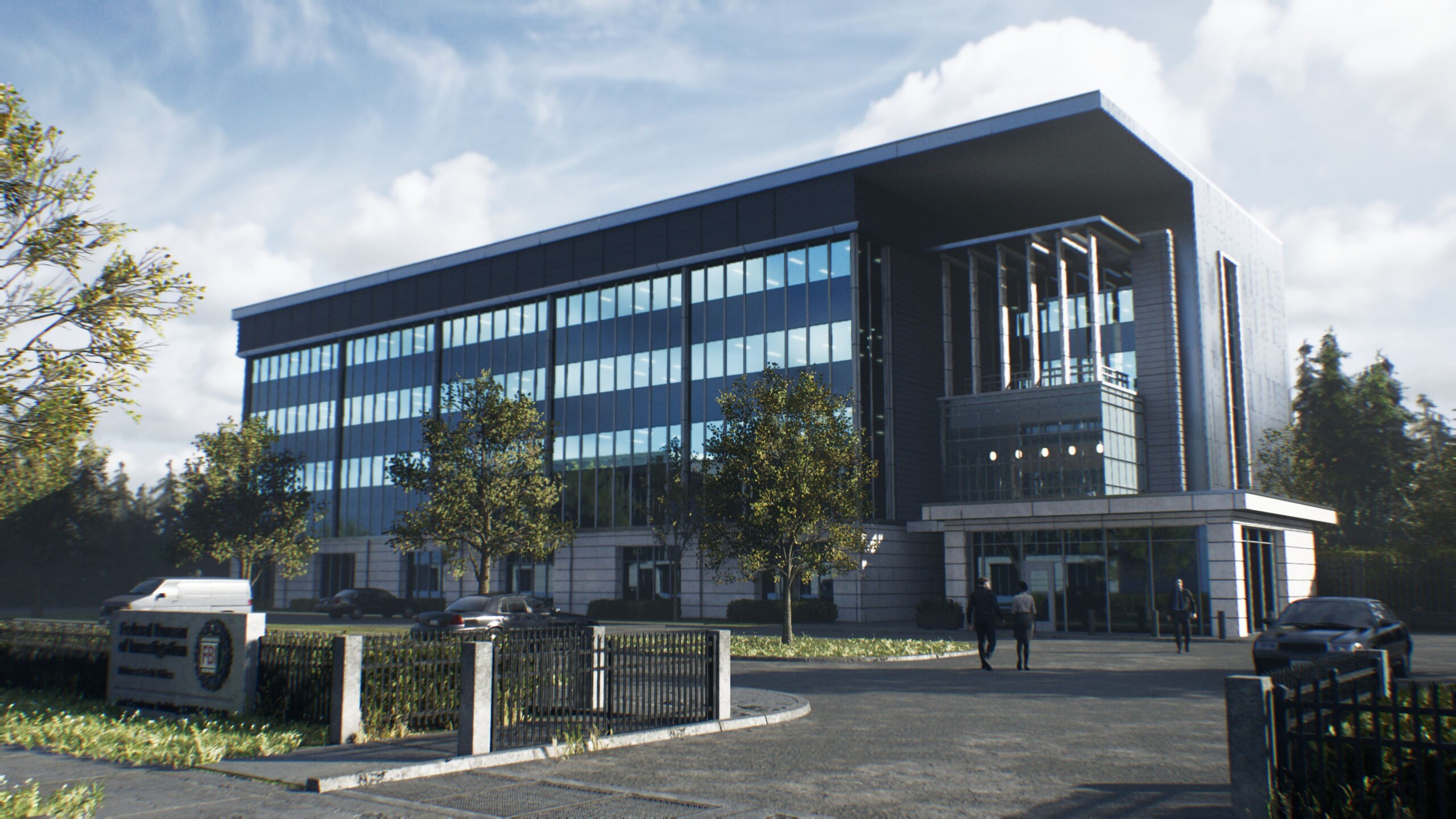



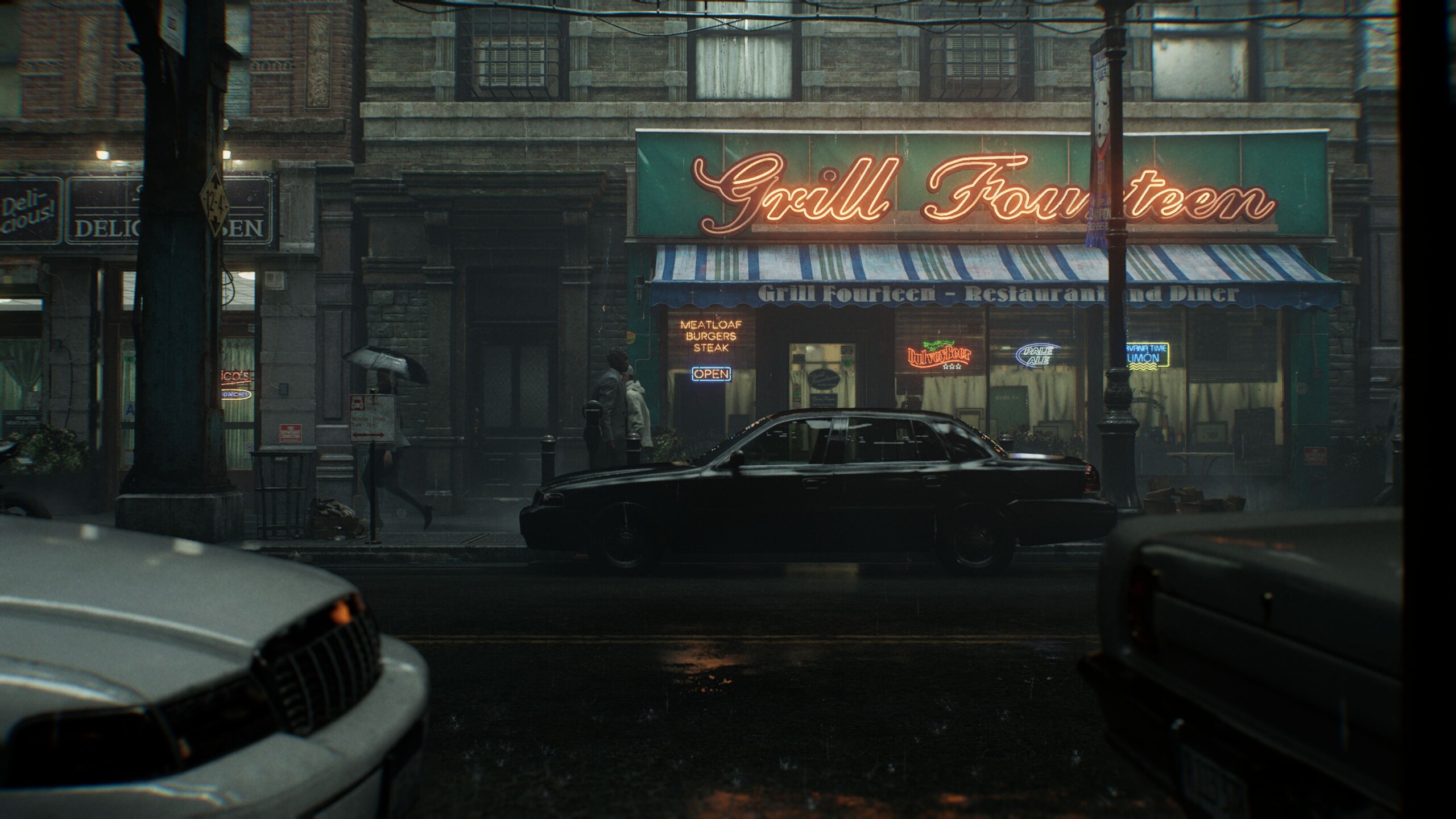
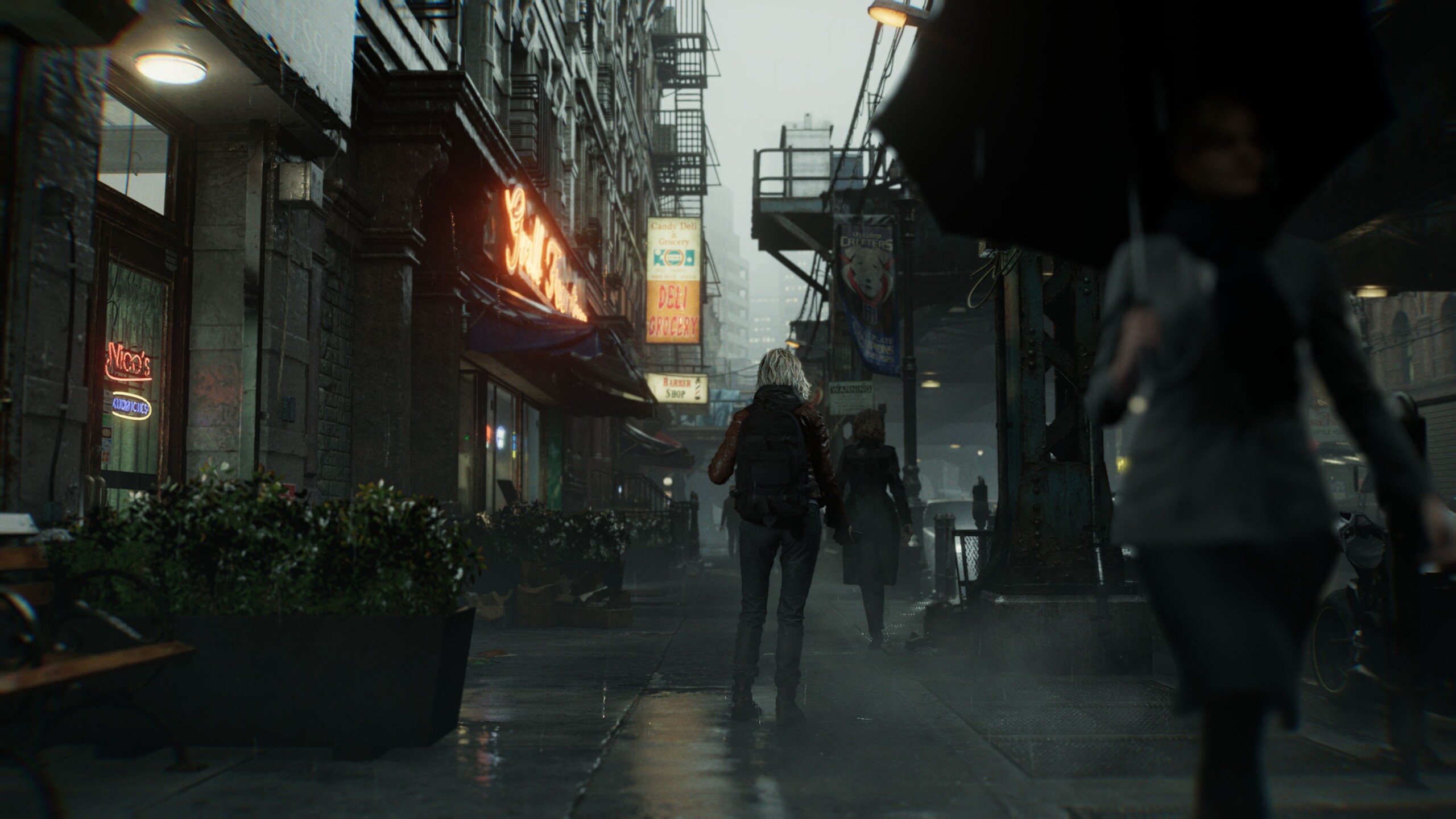
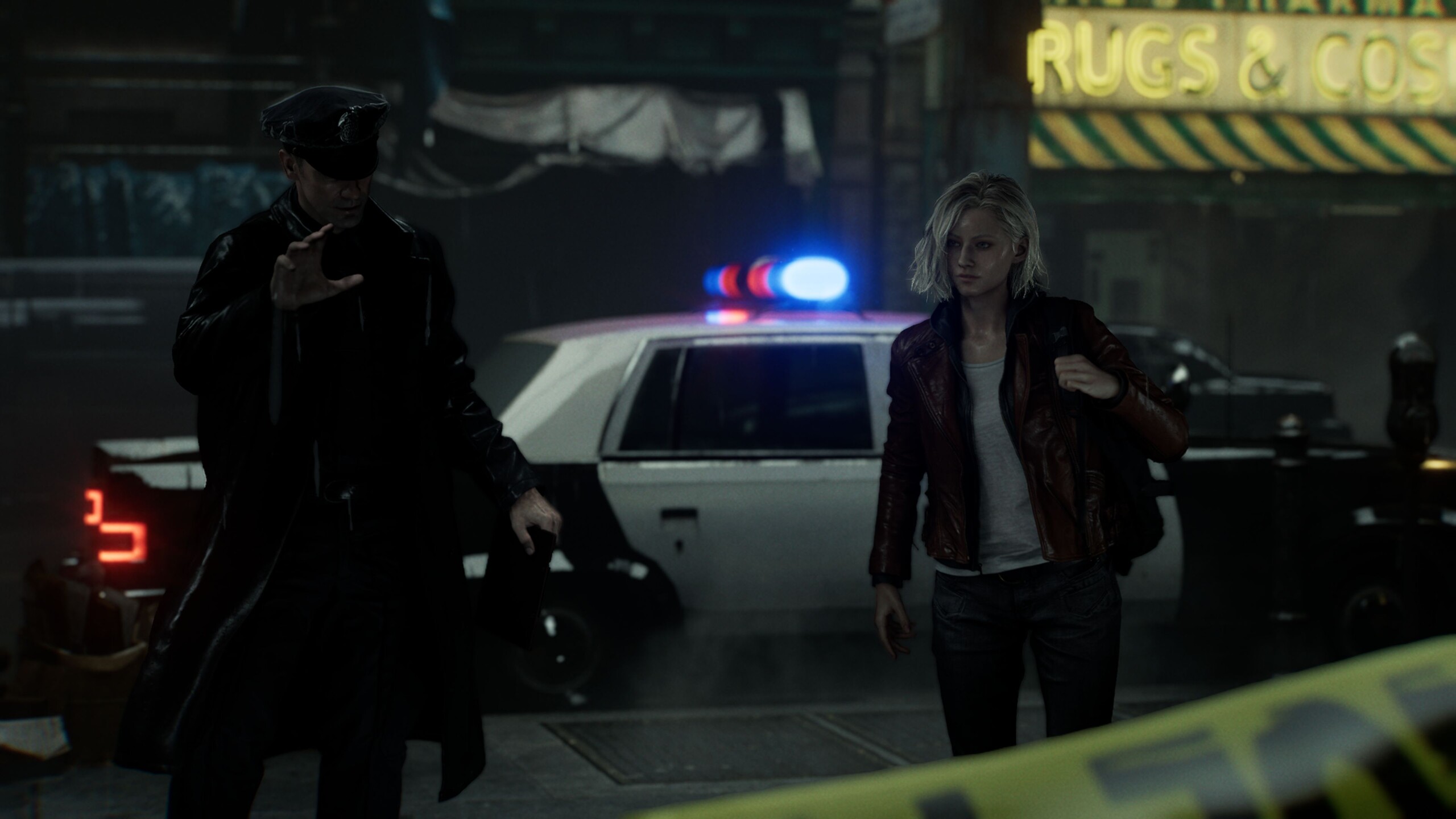
For our benchmark sequence, we use the very start of the game, when the main character runs along a densely populated street. This section showcases the many lighting effects, and it is also quite demanding in terms of performance.
Results
FHD / 1,920 x 1,080
As long as you skip ray tracing, the GPU demands are fairly moderate. Even an RTX 5060 laptop GPU nearly hits the 100 fps mark using the High preset. With maximum detail and a high ray tracing level, the workload rises noticeably. Even then, the RTX 5060 still manages just over 40 fps, which should be enough for many players.
| Resident Evil Requiem | |
| 1920x1080 Lowest Settings (no upscaling) 1920x1080 Normal Settings (no upscaling) 1920x1080 High Settings (no upscaling) 1920x1080 Max Settings + High Ray Tracing (no upscaling) | |
| NVIDIA GeForce RTX 4080, i9-13900K | |
| NVIDIA GeForce RTX 5090 Laptop, Ultra 9 275HX | |
| NVIDIA GeForce RTX 5080 Laptop, Ultra 9 275HX | |
| NVIDIA GeForce RTX 4090 Laptop GPU, R9 7945HX | |
| NVIDIA GeForce RTX 5060 Laptop, Ultra 9 275HX | |
| NVIDIA GeForce RTX 3060 Laptop GPU, i7-12700H | |
QHD / 2,560 x 1,440
Things only get tough in the QHD range, where VRAM demands matter even more. On a mobile RTX 5060, Ultra settings and high ray tracing turn into a stuttery mess unless you enable upscaling. An RTX 5080 laptop, by contrast, lands just under 60 fps, which is more than respectable.
| Resident Evil Requiem | |
| 2560x1440 Max Settings + High Ray Tracing (no upscaling) | |
| NVIDIA GeForce RTX 4080, i9-13900K | |
| NVIDIA GeForce RTX 5090 Laptop, Ultra 9 275HX | |
| NVIDIA GeForce RTX 5080 Laptop, Ultra 9 275HX | |
| NVIDIA GeForce RTX 4090 Laptop GPU, R9 7945HX | |
| NVIDIA GeForce RTX 5060 Laptop, Ultra 9 275HX | |
UHD / 3,840 x 2,160
At 3,840 by 2,160 with max settings, you basically need a desktop class GPU if you are not using upscaling, for example an RTX 4080 or better. Even an RTX 5090 laptop GPU has to work hard in this scenario.
| Resident Evil Requiem | |
| 3840x2160 Max Settings + High Ray Tracing (no upscaling) | |
| NVIDIA GeForce RTX 4080, i9-13900K | |
| NVIDIA GeForce RTX 5090 Laptop, Ultra 9 275HX | |
| NVIDIA GeForce RTX 5080 Laptop, Ultra 9 275HX | |
| NVIDIA GeForce RTX 4090 Laptop GPU, R9 7945HX | |
| NVIDIA GeForce RTX 5060 Laptop, Ultra 9 275HX | |
Path Tracing, Upscaling & Frame Generation
We also tested performance with path tracing enabled. For this setting, we used DLSS Balanced as an additional aid. At 1,920 x 1,080, a GeForce RTX 5070 or RTX 5070 Ti Laptop GPU should deliver solid results.
| Resident Evil Requiem | |
| 1920x1080 Max Settings + Path Tracing + DLSS Balanced | |
| NVIDIA GeForce RTX 5090 Laptop, Ultra 9 275HX | |
| NVIDIA GeForce RTX 4080, i9-13900K | |
| NVIDIA GeForce RTX 5080 Laptop, Ultra 9 275HX | |
| NVIDIA GeForce RTX 5060 Laptop, Ultra 9 275HX | |
In addition, we ran a few measurements on the mobile RTX 5080 and RTX 5090 using Multi Frame Generation at QHD with max settings, path tracing, and DLSS Balanced. The corresponding results are shown in the table below. As usual, MFG delivers a huge frame rate boost, especially at the x4 level. In terms of perceived latency, we noticed hardly any differences.
| 2.560 x 1,440, Max Settings with Path Tracing | DLSS Balanced + MFGx4 | DLSS Balanced + MFGx2 | DLSS Balanced |
| GeForce RTX 5090 Laptop | 179 fps (43 fps 1% low) | 104 fps (47 fps 1% low) | 62.8 fps (50 fps 1% low) |
| GeForce RTX 5080 Laptop | 145 fps (34 fps 1% low) | 85.3 fps (37 fps 1% low) | 51.4 fps (43 fps 1% low) |
Verdict: A graphical and gameplay highlight
Resident Evil Requiem makes a strong case for itself, showing how a modern title can impress not only technically, but also with its content almost across the board. It is no surprise that ratings from players and the press are correspondingly high. We recommend this horror entry to anyone who is even moderately interested in the genre, especially since system requirements remain manageable without ray tracing and similar features, and upscaling is available as a fallback if needed.
Test systems


Overview
Because gaming benchmarks are very time consuming and can sometimes be delayed by activation restrictions, we can only present a limited set of results when the article goes live. Additional GPUs will follow.
 Add as a preferred source on Google


