


 Deutsch
 Español
 Français
 Italiano
 Nederlands
 Polski
 Português
 Русский
 Türkçe
 Svenska
 Chinese
 Magyar
Dirt Showdown Benchmarked

In the past, particular focus was placed on the rally aspect in the Dirt series. Thanks to the successful mixture of arcade and simulation not only action fans (Need for Speed, Burnout, etc.), but also fans of authenticity were fairly satisfied. Besides the car model and track design, especially the atmosphere and technology convinced.
Graphics
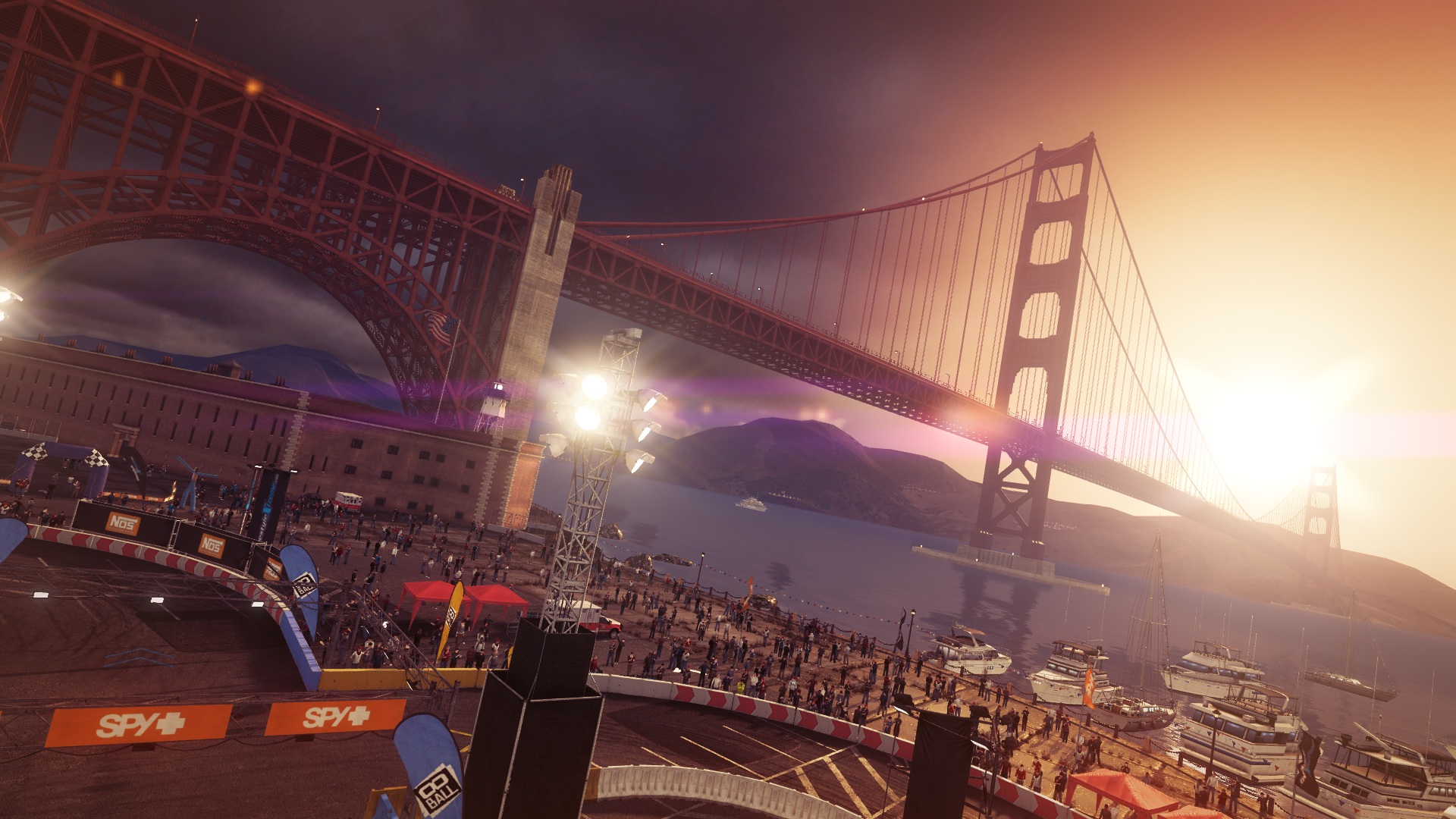
The same is true for the latest version. The screenshots show that Dirt Showdown offers outstanding graphics. Few rivals can present such clear textures, authentic reflections and fine shadows. The coherent light impressed us most – depending on the time of day, the levels shine in a different light. Sometimes you would just simply like to dive into the screen. The bundle is finished off with fastidious details such as cheering spectators.
Beyond that, the developer earns praise for the stylish menus that again make a quite complex impression, but whose design fits perfectly to the "destruction" motto.
The hardware requirements have increased a bit compared with Dirt 3. The latest episode occasionally runs noticeably slower when using the same hardware and settings.
Benchmarks
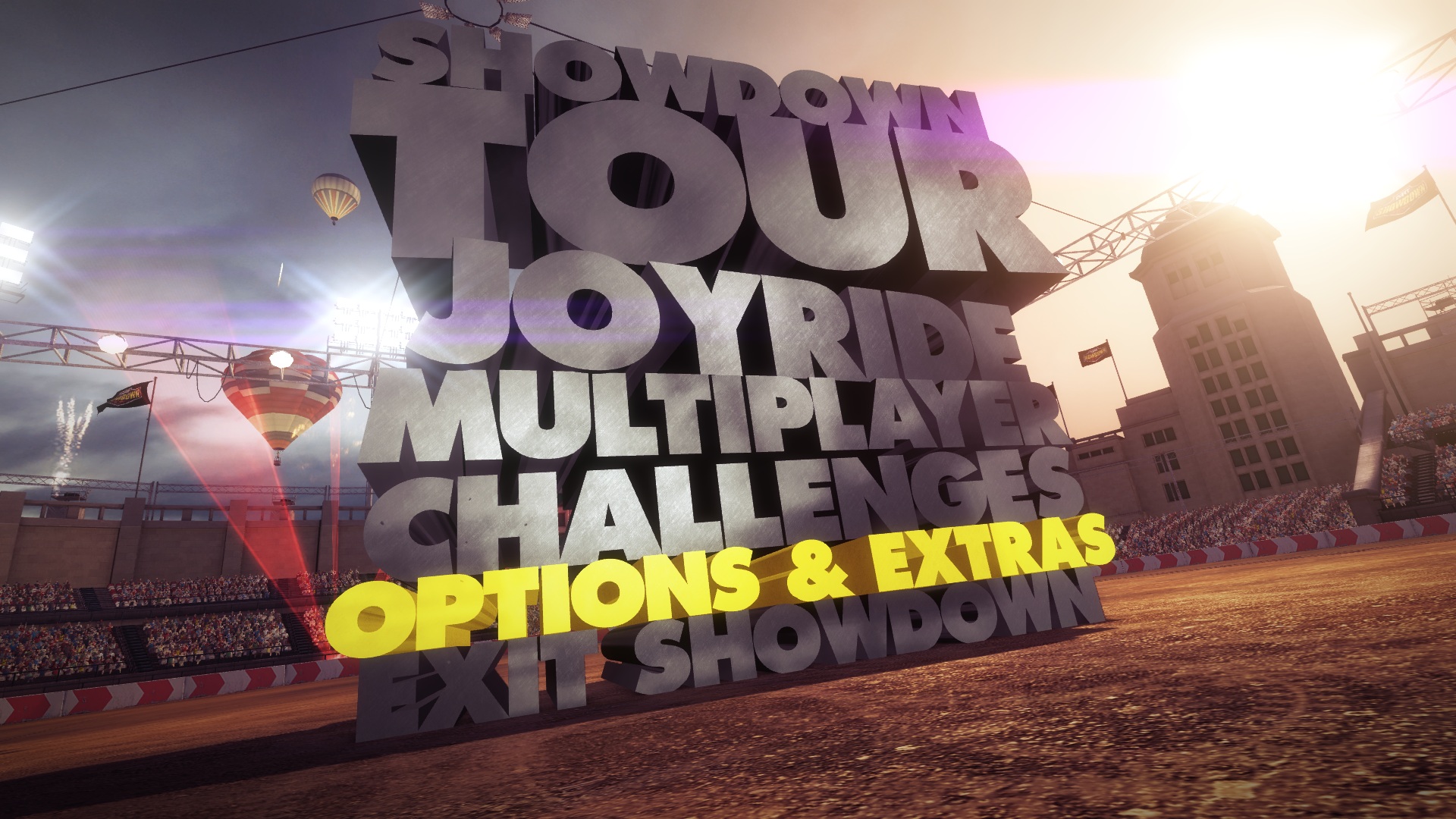
We use the limited demo version for our benchmarks that can be downloaded for free via the online platform Steam. Under "Showdown Tour" "Spy+ Pro" you will discover the 8-ball race that takes place in sunny San Francisco (8 ball refers to the layout).
We wait for booting and the intro video to finish and start recording with the tool Fraps when the user interface (position, health, etc.) appears. The benchmark is stopped on the finish line after exactly one round.
Settings
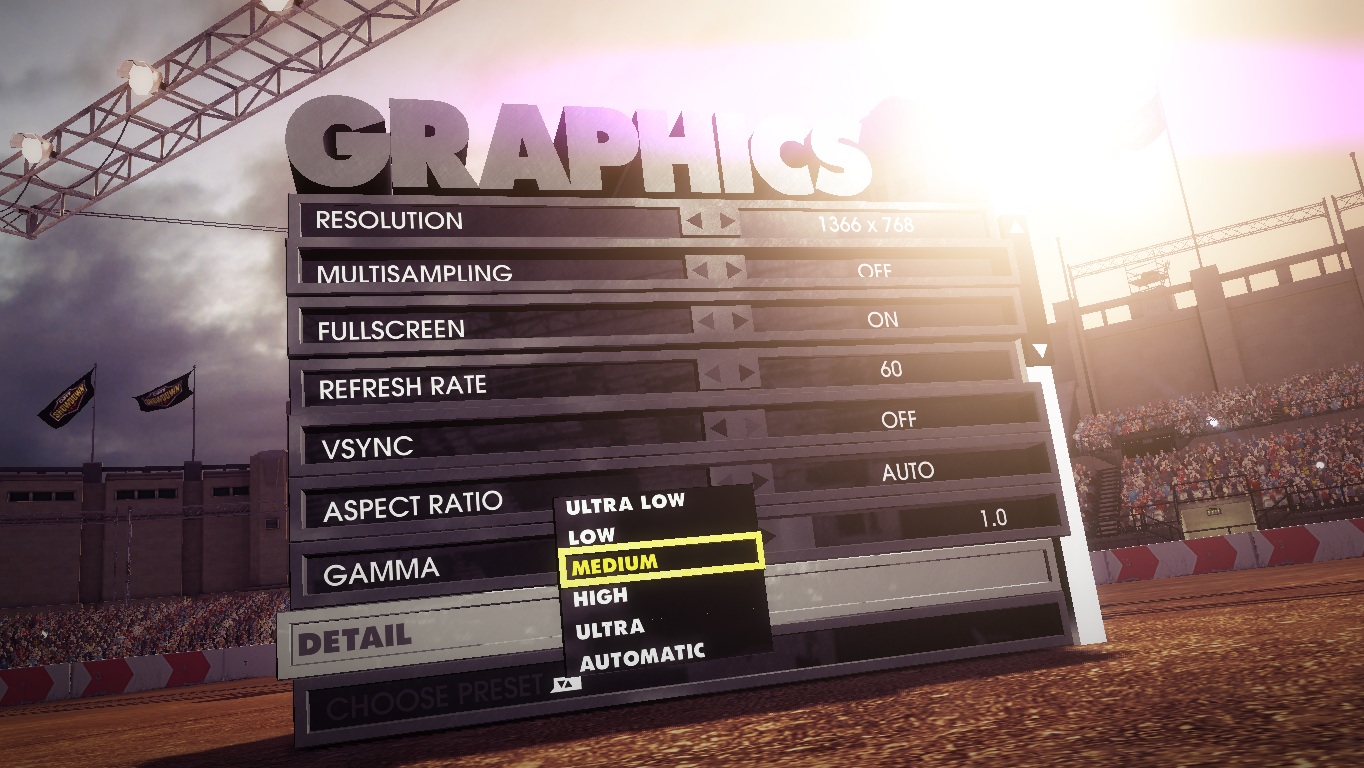
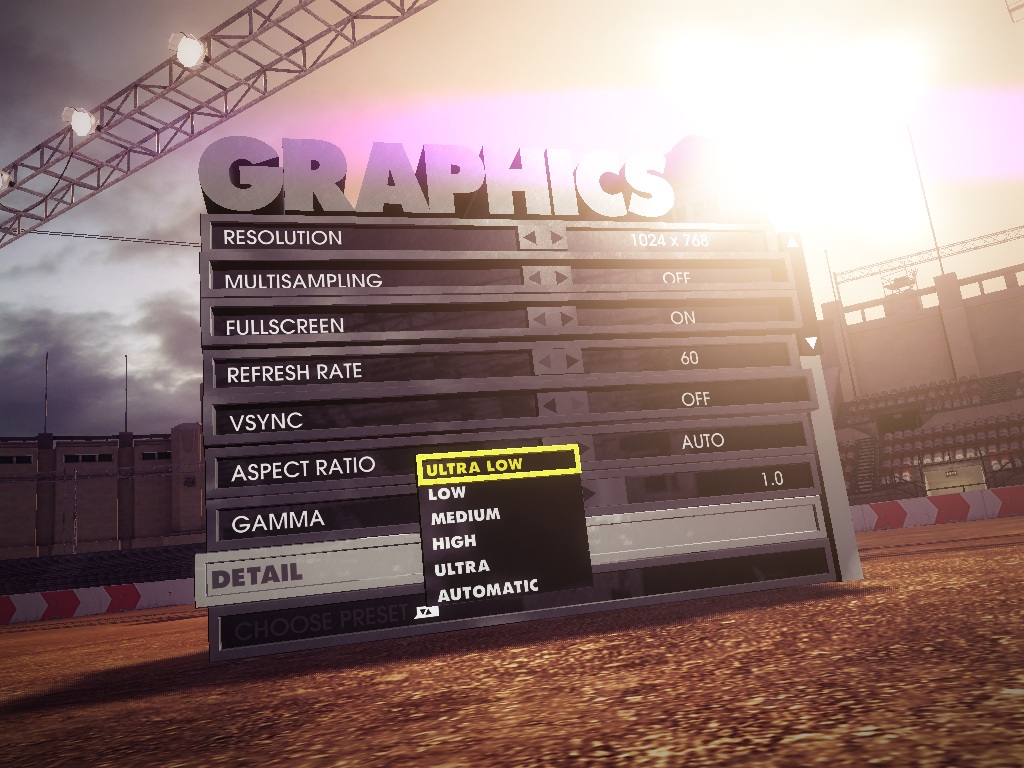
The graphics options are found in a clearly arranged menu. In addition to resolution, anti-aliasing (Codemasters relies on MSAA) and the screen mode, you can also modify the refresh rate and aspect ratio. To prevent annoying time lapses, VSync should also be enabled (the benchmarks were performed without VSync because of the fps limit). The detail level can be set automatically, manually or via five presets.
Great: Dirt Showdown accepts all modifications directly in a running game. Therefore, unlike other games, there is no need to restart or stop the race when altering the settings. Here are our four test settings:
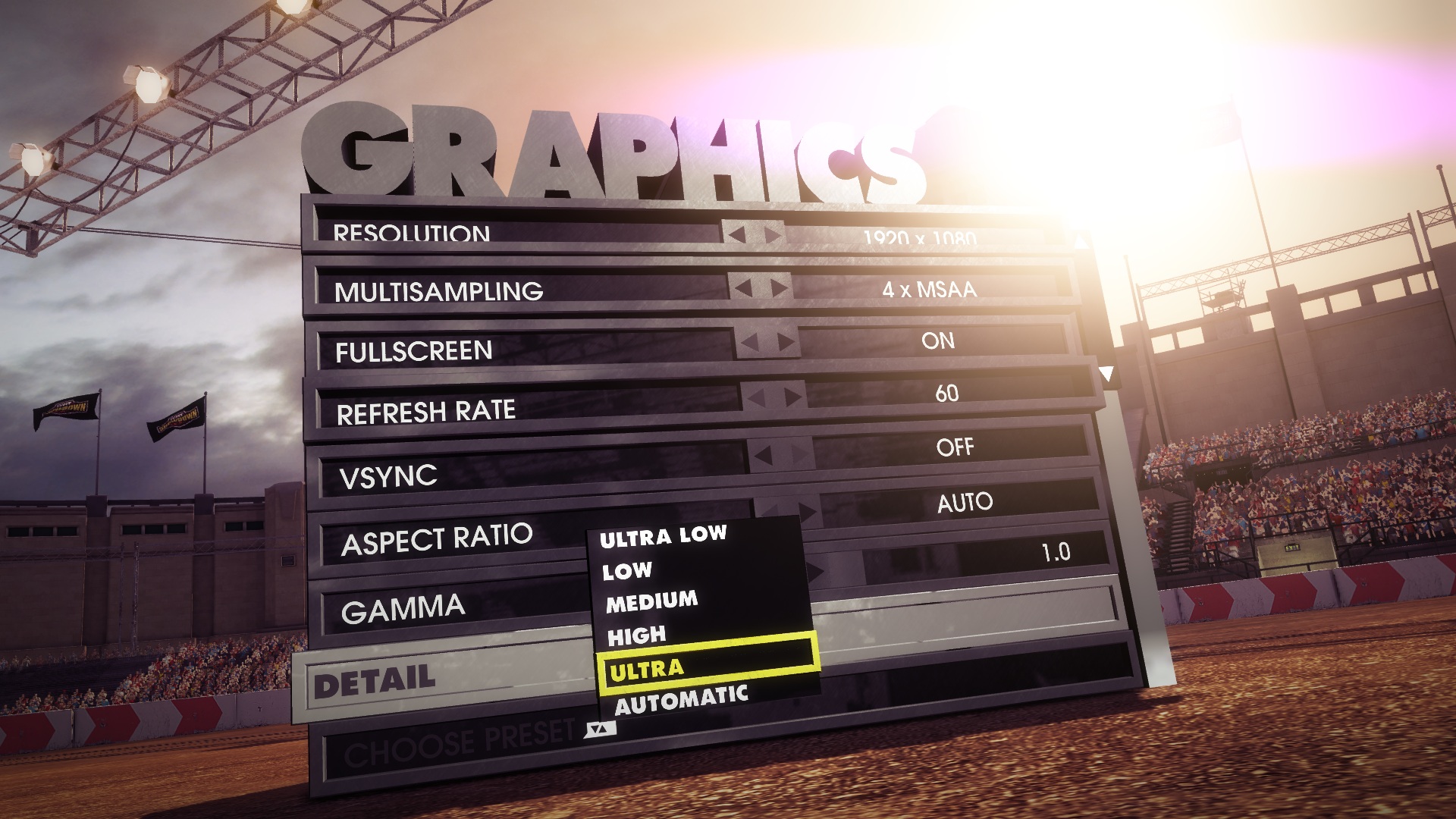
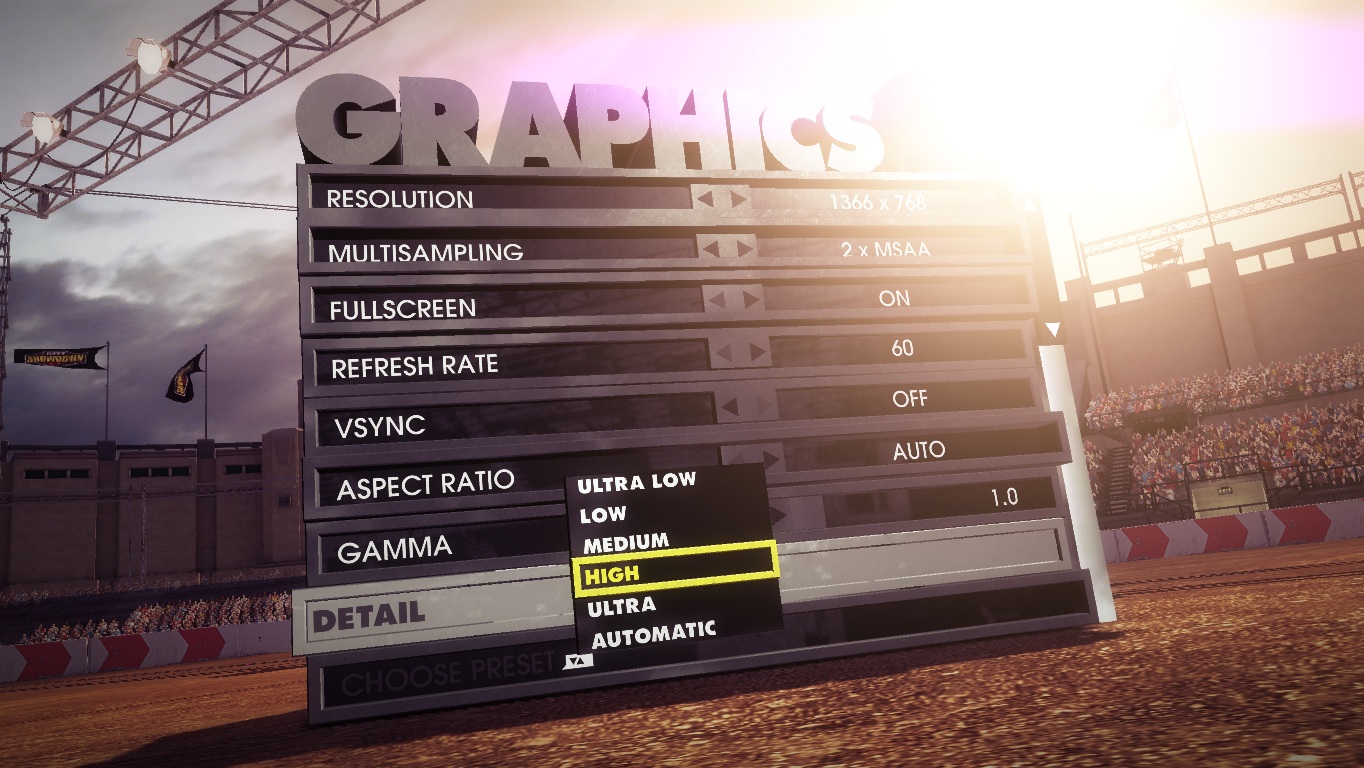
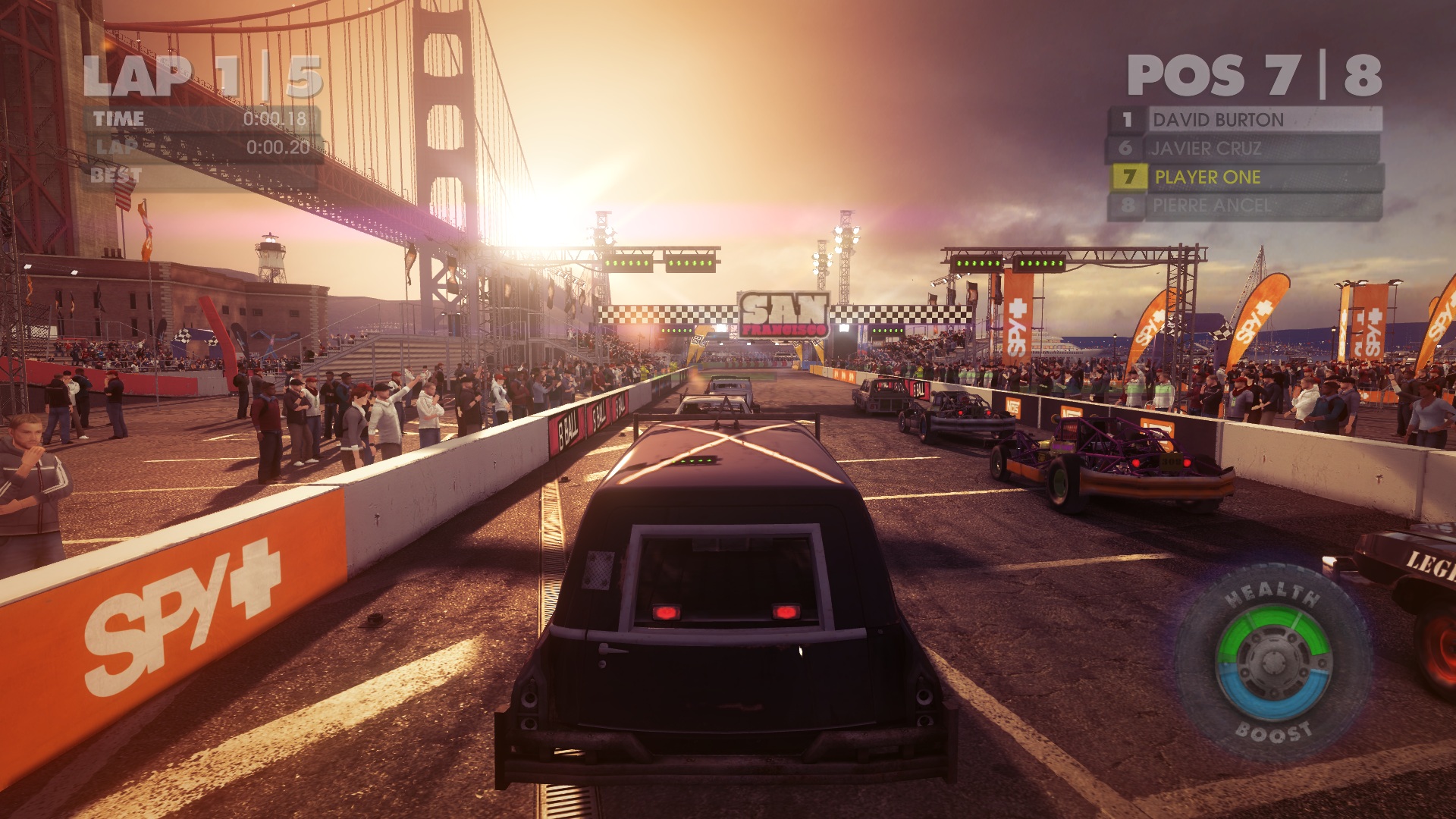
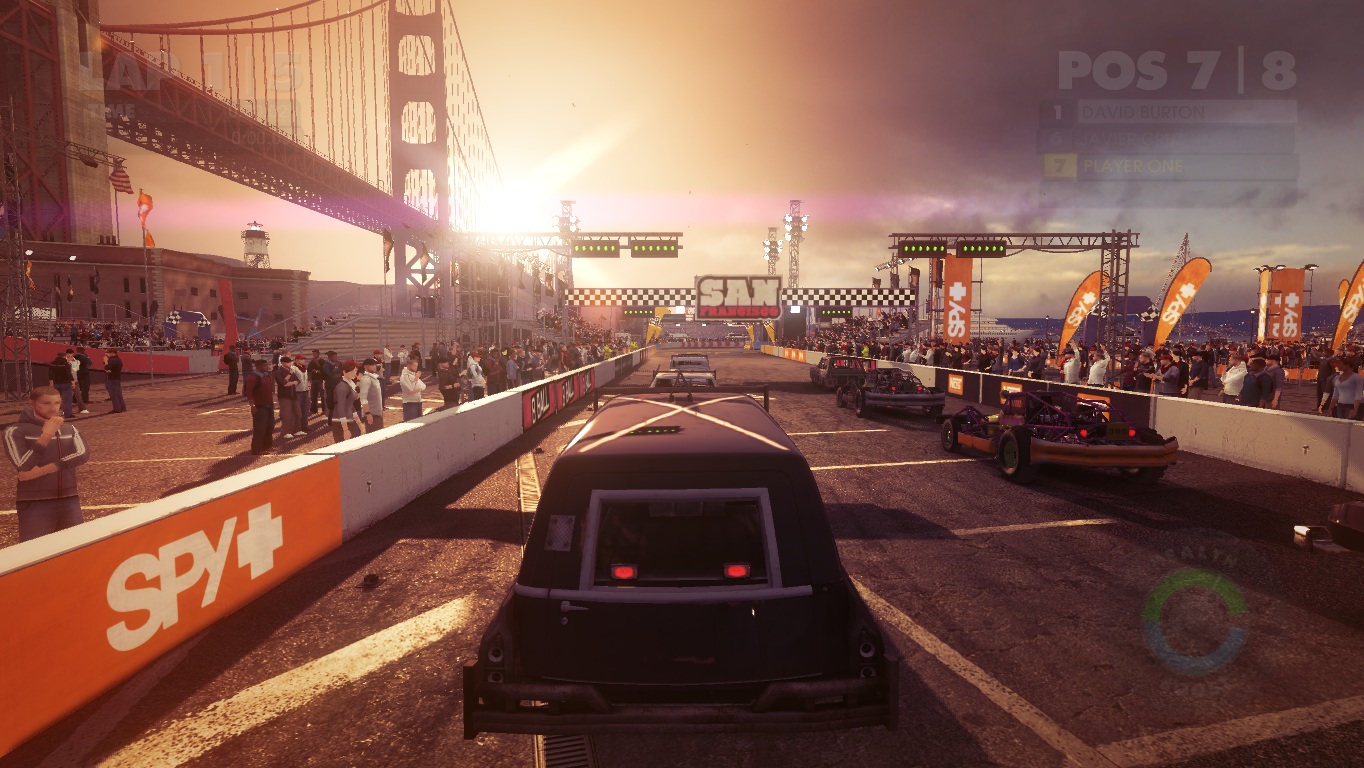
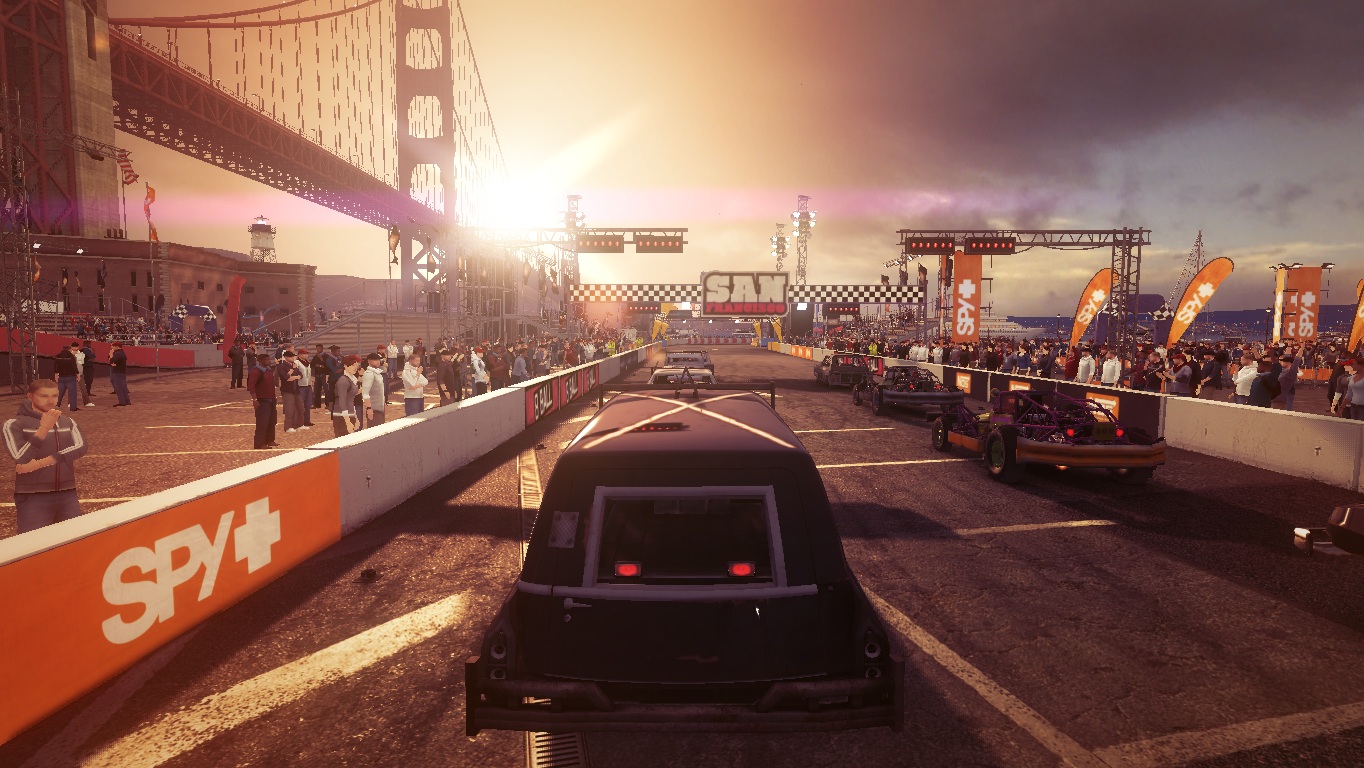
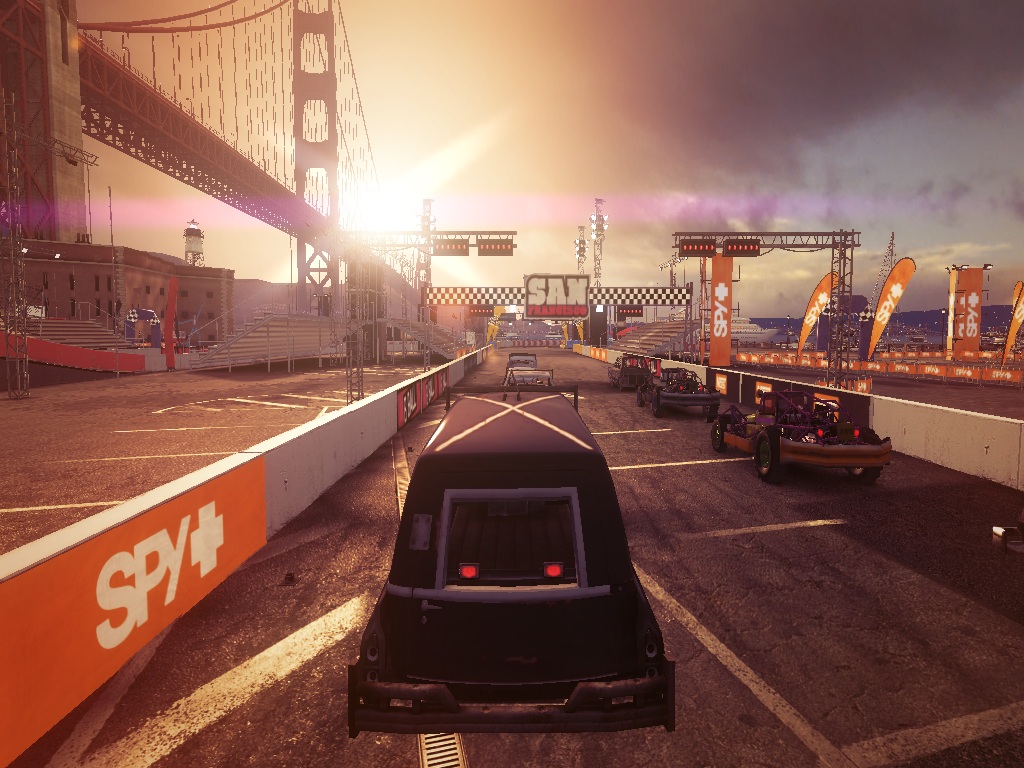
As expected, the ultra and high presets do not differ much. With the exception of the coarser shadow (compare picture I and II), you cannot see any significant deviation even when looking closely. Texture quality, illumination and reflections are on a high standard.
Medium settings also look good. However, some objects at the sides (note the spectators in the third picture) do not cast a shadow. There are virtually no shadows or reflections in minimum graphics settings. The absence of spectators also has a negative impact on the atmosphere (picture IV).
Results
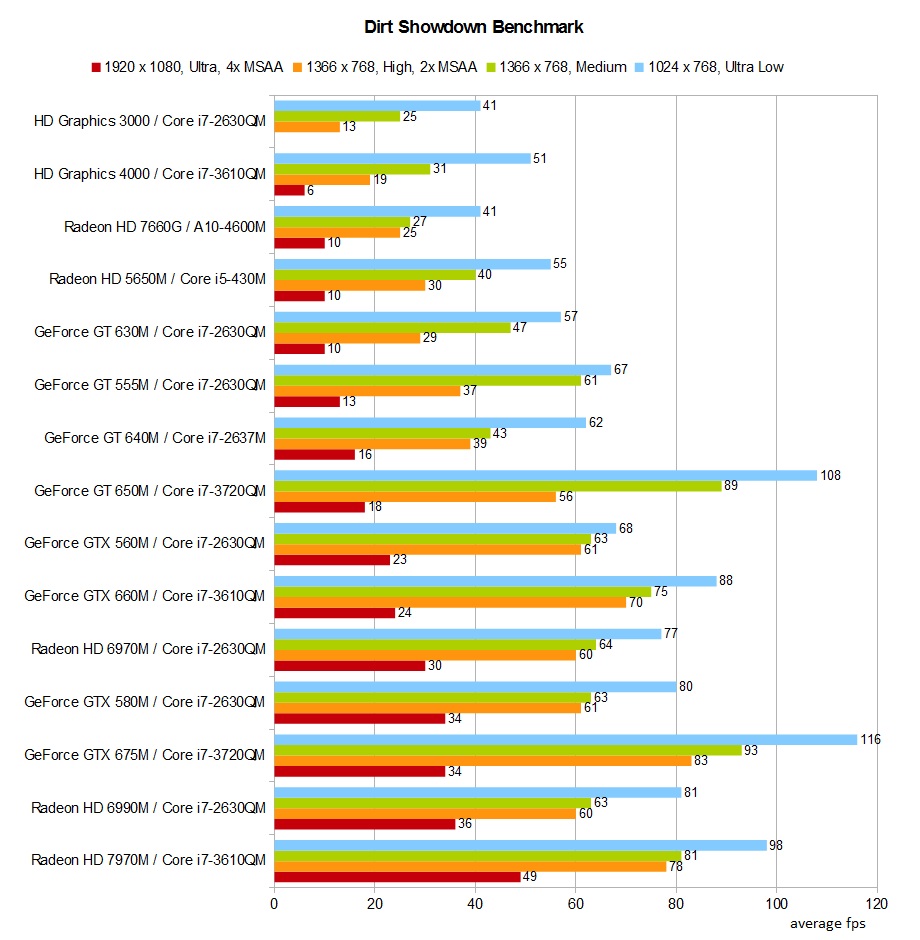
If you want to enjoy Dirt Showdown in its full beauty, you will have to fall back on a notebook with a high-end graphics card. Ultra details, 1920x1080 pixels and four-time anti-aliasing, are only properly displayed on a top model, such as the Radeon HD 6990M or GeForce GTX 675M. At least an upper midrange member (e.g. GeForce GT 640M) should be installed in the notebook for high details and two-time anti-aliasing.
Typical multimedia graphics cards on the level of a GeForce GT 630M can only display the medium preset smoothly in higher resolutions. In the meantime, minimum settings are also properly processed by integrated GPUs, such as the HD Graphics 3000 (only applies for low resolutions).
If we rule out the ultra preset, the processor has a surprising amount of impact in Dirt Showdown. Our benchmark chart shows that notebooks with a weaker graphics card frequently overtake notebooks with a stronger GPU model – depending on the installed CPU.
Test Systems
Parts of the results originate from Schenker Notebooks (mysn.de):
- XMG P501 (Core i7-2630QM, GeForce GTX 560M, GTX 580M, Radeon HD 6970M & HD 6990M, 8 GB RAM)
- XMG A501 (Core i7-2630QM, HD Graphics 3000 & GeForce GT 555M, 8 GB RAM)
- Xesia M501 (Core i7-2630QM, GeForce GT 630M, 4 GB RAM)
Many thanks for the great support!
In following, a list of all performed benchmarks:
