




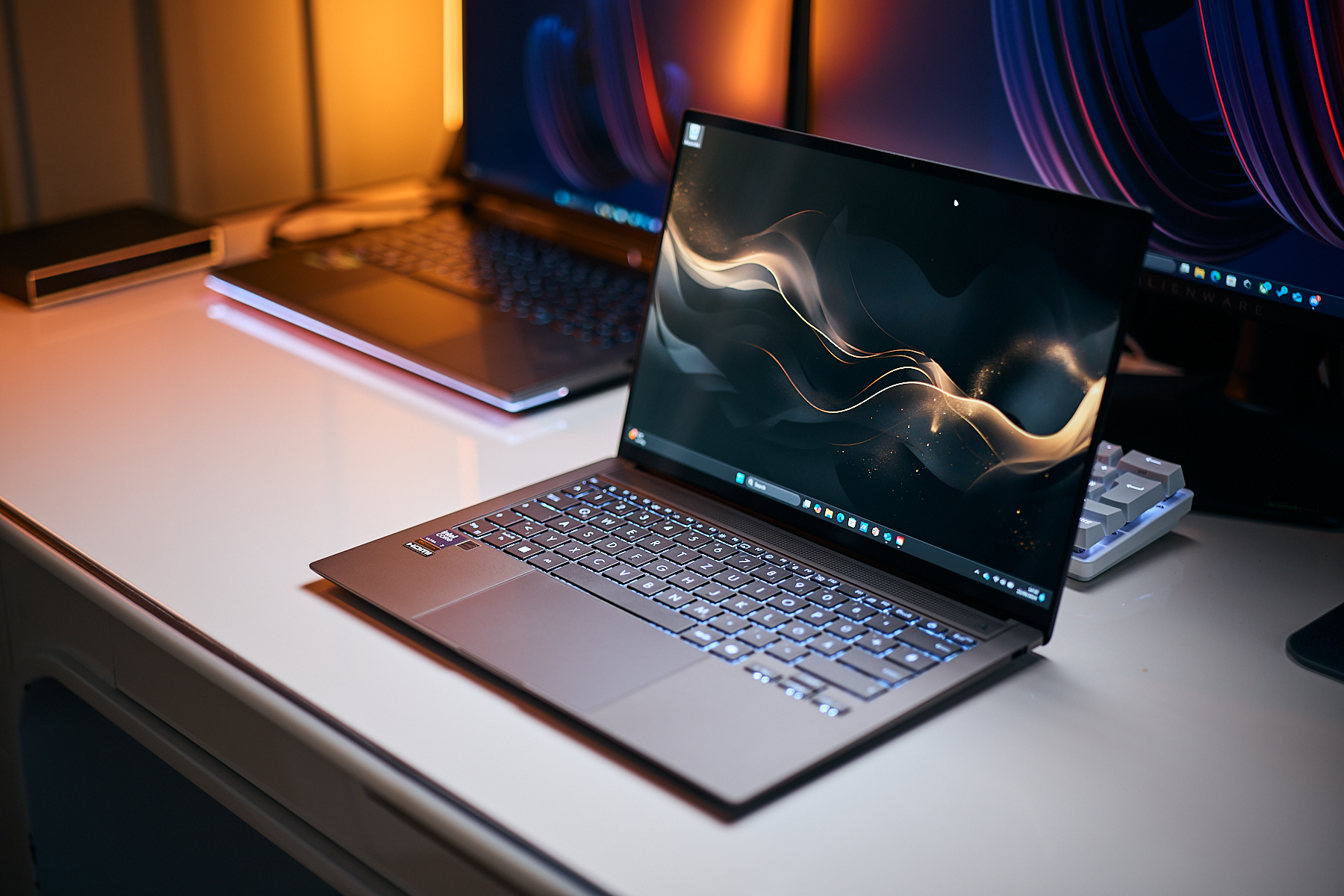
Ranking: Best ultra-portable laptops reviewed by Notebookcheck
April 2026 update.
Ultra-portable laptops, also known as subnotebooks or ultrabooks, stand out with their extremely compact design, lightweight build, and excellent battery life. They are a great pick for anyone who needs a laptop that's easy to carry and reliable when working on the go. This article lists the best subnotebooks recently tested by Notebookcheck editors.Sebastian Bade (translated by DeepL) Published 🇩🇪 🇹🇷 ...
Subnotebooks typically combine the performance of larger laptops with the portability of smaller devices like tablets or smartphones. These days, traditional subnotebooks increasingly compete with 2-in-1 laptops, which combine tablet and notebook functionality. In our definition, a subnotebook is a system with a display diagonal of up to 14 inches, weight of less than 1.5 kilograms, and (mostly) integrated graphics only. Prices for ultra-portable notebooks vary widely, ranging from several hundred euros up to several thousands. Although the Top 10 list below mostly focuses on the more high-end systems, relatively affordable options are featured as well.
Best super-portable laptops to buy in May 2026
Image | Model / Review | Price | Weight | Height | Display | Screen |
|---|---|---|---|---|---|---|
1. 91.6%  | Apple MacBook Air 15 M5 Apple M5 10-Core ⎘ Apple M5 10-Core GPU ⎘ 32 GB Memory, 2048 GB SSD | Amazon: | 1.5 kg | 11.5 mm | 15.30" 2880x1864 224 PPI IPS | glossy |
2. 89.9%  | Lenovo ThinkPad X1 Carbon Gen 13 21NS0010GE Intel Core Ultra 7 258V ⎘ Intel Arc Graphics 140V ⎘ 32 GB Memory, 1024 GB SSD | Amazon: 1. $1,849.00 Lenovo ThinkPad X1 Carbon Ge... 2. $1,449.99 Lenovo Gen 13 ThinkPad X1 Ca... 3. $1,859.95 Lenovo ThinkPad X1 Carbon Ge... List Price: 2700 Euro | 982 g | 16 mm | 14.00" 2880x1800 243 PPI OLED | glossy |
3. 90%  | Dell Pro 13 Premium PA13250 Intel Core Ultra 7 268V ⎘ Intel Arc Graphics 140V ⎘ 32 GB Memory, 1024 GB SSD | Amazon: List Price: 2700 Euro | 1.1 kg | 17.2 mm | 13.30" 1920x1200 170 PPI IPS | matte |
4. 89.6%  | HP EliteBook Ultra G1i 14 Intel Core Ultra 7 258V ⎘ Intel Arc Graphics 140V ⎘ 32 GB Memory, 1024 GB SSD | Amazon: List Price: 2349€ | 1.2 kg | 12.1 mm | 14.00" 2880x1800 243 PPI OLED | glossy |
5. 88.8%  | Lenovo ThinkPad X1 2-in-1 Gen 10 Intel Core Ultra 7 258V ⎘ Intel Arc Graphics 140V ⎘ 32 GB Memory | Amazon: List Price: 2300 USD | 1.4 kg | 18.3 mm | 14.00" 1920x1200 162 PPI IPS | matte |
6. 88.6%  | Lenovo ThinkPad T14s Gen 6 Intel Intel Core Ultra 5 228V ⎘ Intel Arc Graphics 130V ⎘ 32 GB Memory, 1024 GB SSD | Amazon: List Price: 2070 Euo | 1.3 kg | 19 mm | 14.00" 1920x1200 162 PPI IPS LED | matte |
7. 88.1% 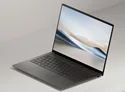 | Asus Zenbook S 14 UX5406 Intel Core Ultra 7 258V ⎘ Intel Arc Graphics 140V ⎘ 32 GB Memory, 1024 GB SSD | Amazon: List Price: 1999€ | 1.2 kg | 13 mm | 14.00" 2880x1800 243 PPI OLED | glossy |
8. 87.6%  | Asus ZenBook 14 OLED UX3405CA, Ultra 7 255H Intel Core Ultra 7 255H ⎘ Intel Arc Graphics 140T ⎘ 16 GB Memory, 1024 GB SSD | Amazon: List Price: 1599 Euro | 1.3 kg | 14.9 mm | 14.00" 1920x1200 162 PPI OLED | glossy |
9. 87.2% 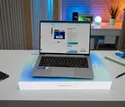 | Geekom GeekBook X14 Pro Intel Core Ultra 9 185H ⎘ Intel Arc 8-Core iGPU ⎘ 32 GB Memory, 2000 GB SSD | Amazon: List Price: 1599€ | 1 kg | 20 mm | 14.00" 2880x1800 243 PPI OLED | |
10. 86.9%  | Samsung Galaxy Book5 Pro 14 940XHA Intel Core Ultra 5 226V ⎘ Intel Arc Graphics 130V ⎘ 16 GB Memory, 512 GB SSD | Amazon: List Price: 1699€ | 1.2 kg | 11.6 mm | 14.00" 2880x1800 243 PPI OLED | glossy |
The table above is an overview of the best subnotebooks tested by Notebookcheck in the last 12 months as well as other products that are relevant and still available. If several products have the same rating, the newer review will be listed higher. The prices shown in the table are automatically updated daily and can vary over time.
Link: all tested devices in this class
1st place - Apple MacBook Air 13 M5
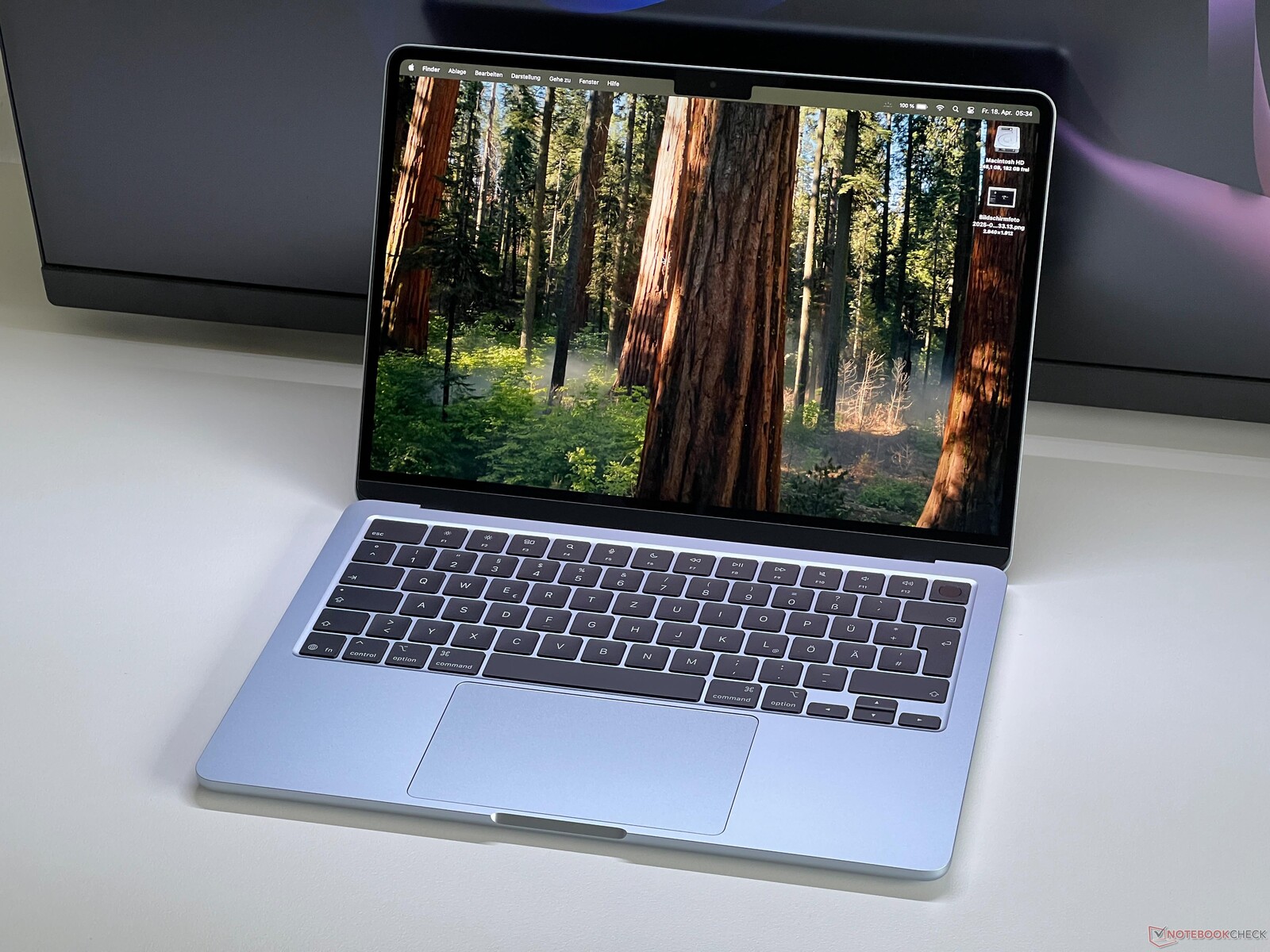
The base M5-powered MacBook Air 13 is a powerful, yet very lightweight notebook for everyday use. It impresses with its elegant design, long battery life and brilliant Liquid Retina display with highly accurate colors. The new M5 chip provides a further increase in performance compared to the previous generation, enabling smooth multitasking and powering through demanding creative and productivity applications. Despite the larger display size, the machine is fit for use on the go, offering solid features such as two Thunderbolt ports, Wi-Fi 7 and fast SSD storage. The passively cooled internals work silently, which makes the MacBook particularly convenient in everyday use. Its weaknesses are the slow 60-Hz display refresh rate, and how sharply the price goes up with higher-end SKUs.
2nd place - Lenovo ThinkPad X1 Carbon Gen 13
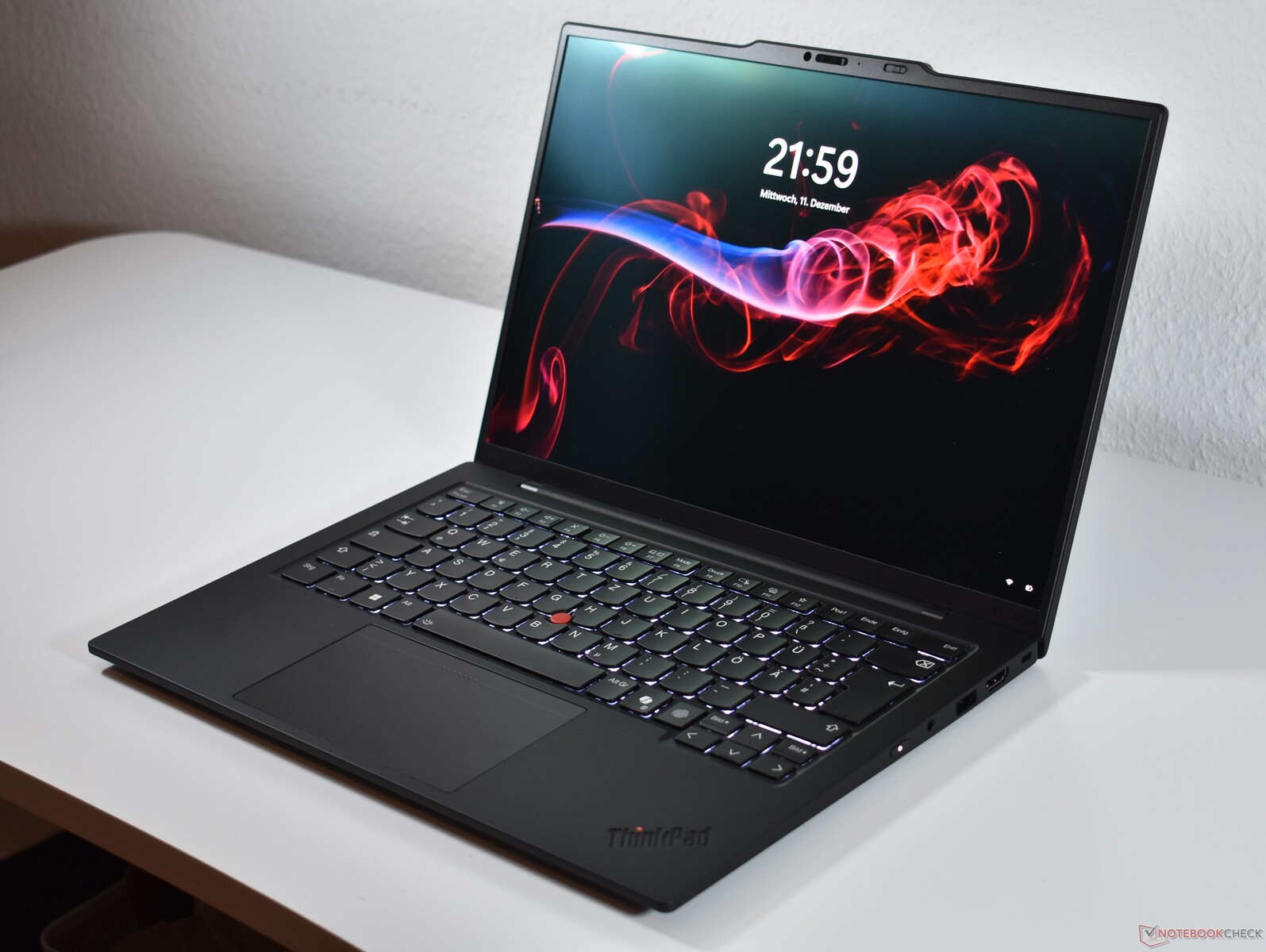
Lenovo's ThinkPad X1 Carbon Gen 13 is a premium business ultrabook, offering an excellent combination of mobility, performance, and build quality. At just 0.98 kg, it's exceptionally lightweight yet highly robust thanks to its premium case.
The legendary ThinkPad keyboard provides outstanding typing comfort, while the bright 14-inch OLED display (400 nits, 100% sRGB) ensures a razor-sharp image, even in challenging lighting conditions.
In terms of performance, Intel's Core Ultra 7 258V processor paired with 32 GB of LPDDR5X RAM easily handles office tasks, multitasking, and demanding applications. Battery life is also strong, delivering nearly 11 hours in our Wi-Fi test. The product is available directly from Lenovo Germany for 2,819 euros.
3rd place - Dell Pro 13 Premium PA13250
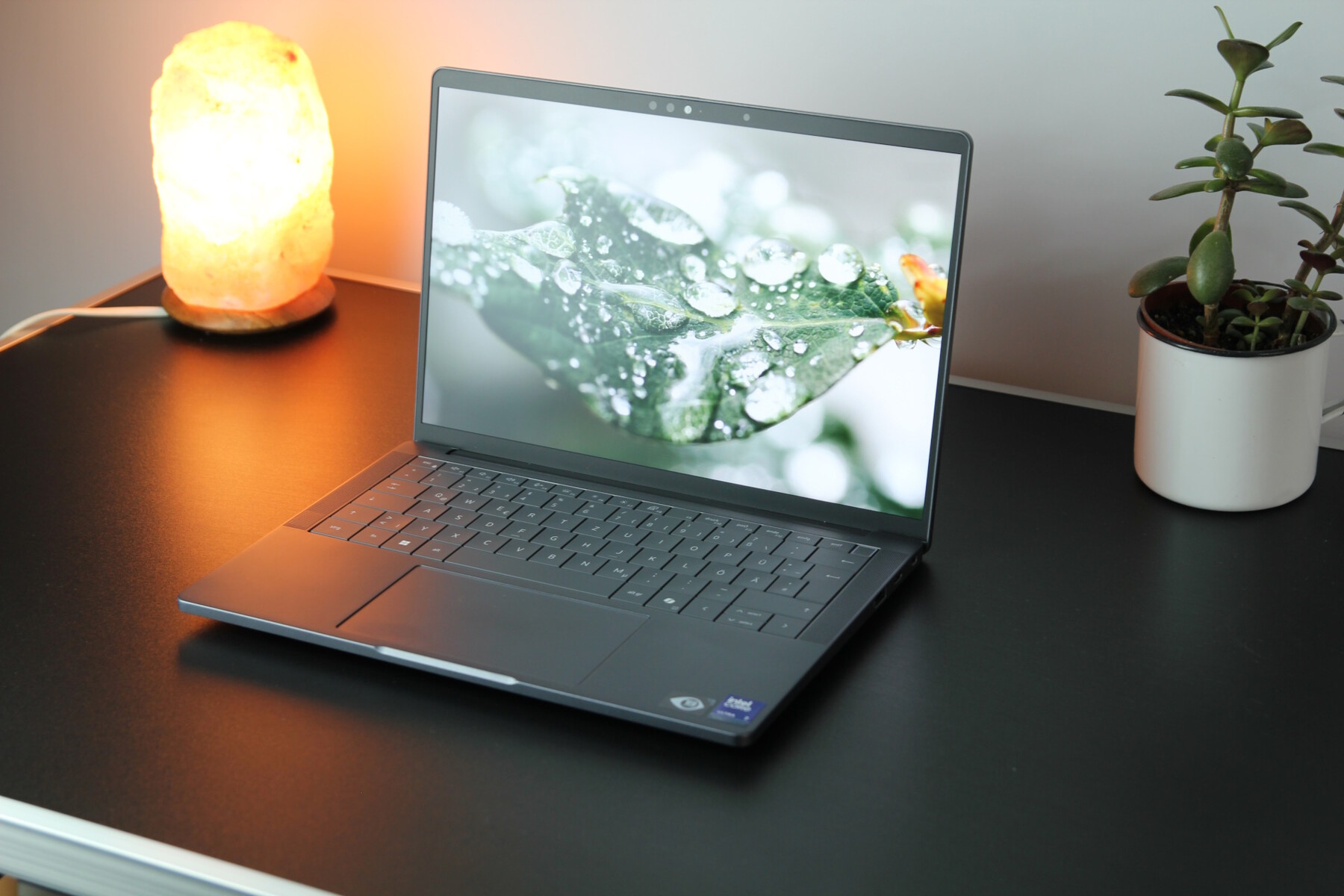
Dell's Pro 13 Premium is a high-performance business ultrabook for demanding users that sports attractive looks. With its 13.3-inch display (either Full HD or 4K), it offers brilliant colors and sharp images. Powered by the latest Intel Core processors, up to 32 GB of RAM and a fast SSD, it promises high performance and effortless multitasking. Its slim and robust aluminum case, backlit keyboard and large Precision touchpad promise to make performing daily duties more comfortable. Thanks to Wi-Fi 6E support, along with Thunderbolt 4 and long battery life, the system is ideal for doing work on the go while security features such as a built-in fingerprint reader and an optional IR camera ensure data protection and security.
4th place - HP EliteBook Ultra G1i 14
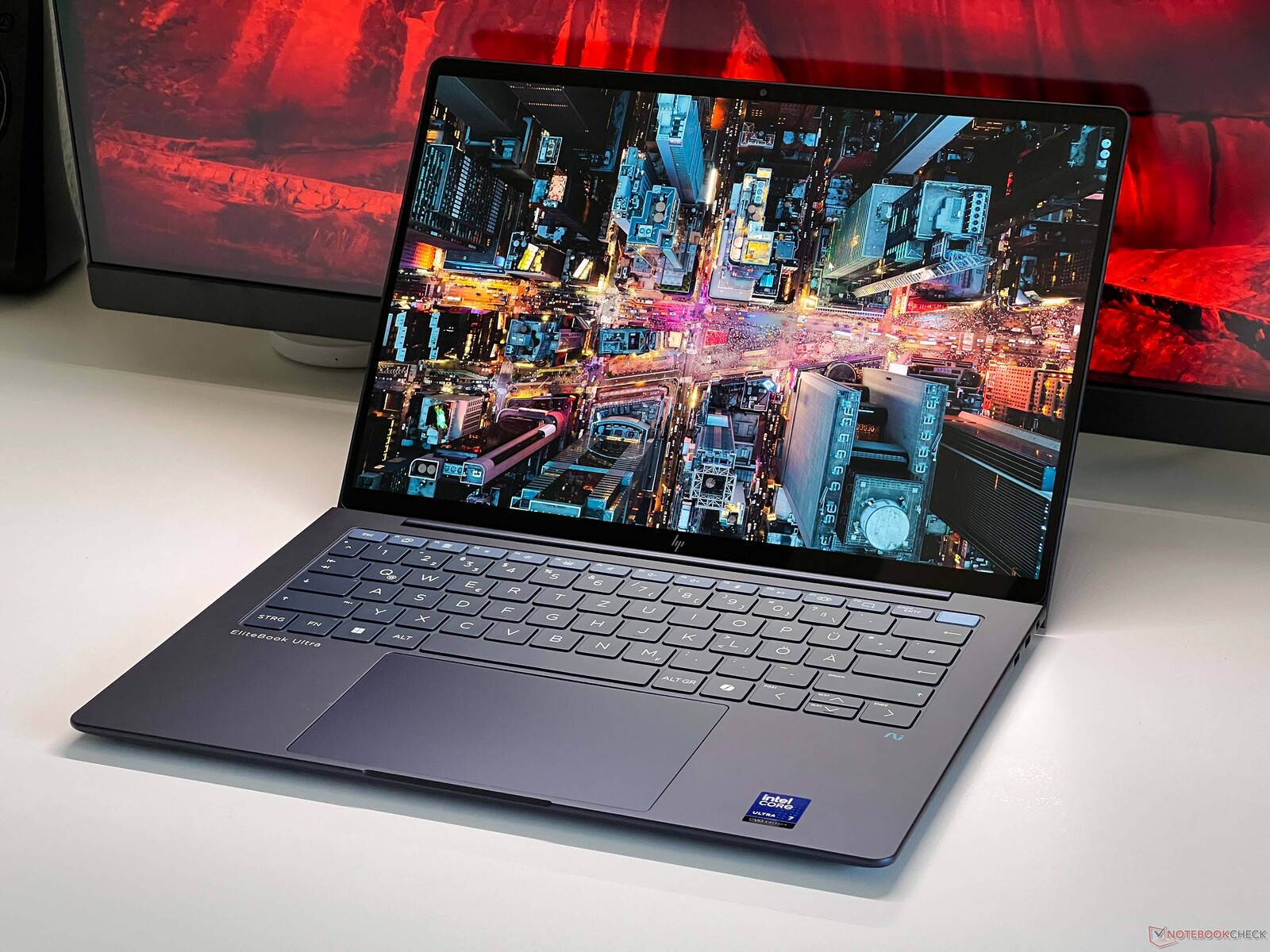
HP's EliteBook Ultra G1i 14 is a powerful and elegant-looking business notebook for pros. With its 14-inch 2.8K OLED display, it offers sharp, detailed visuals with brilliant colors. Equipped with the latest Intel Core Ultra processors of the Lunar Lake family, as well as 32 GB of LPDDR5 RAM and a 1-TB SSD, it delivered first-class performance for multitasking and demanding applications in our testing. Its lightweight, yet durable enough aluminum case, backlit keyboard and precise touchpad all deserve praise, as do security features such as HP Wolf Security, the fingerprint reader and the IR camera for Windows Hello. Wi-Fi 7 and long battery life round out the list of the product's key features.
5th place - Lenovo ThinkPad X1 2-in-1 Gen 10
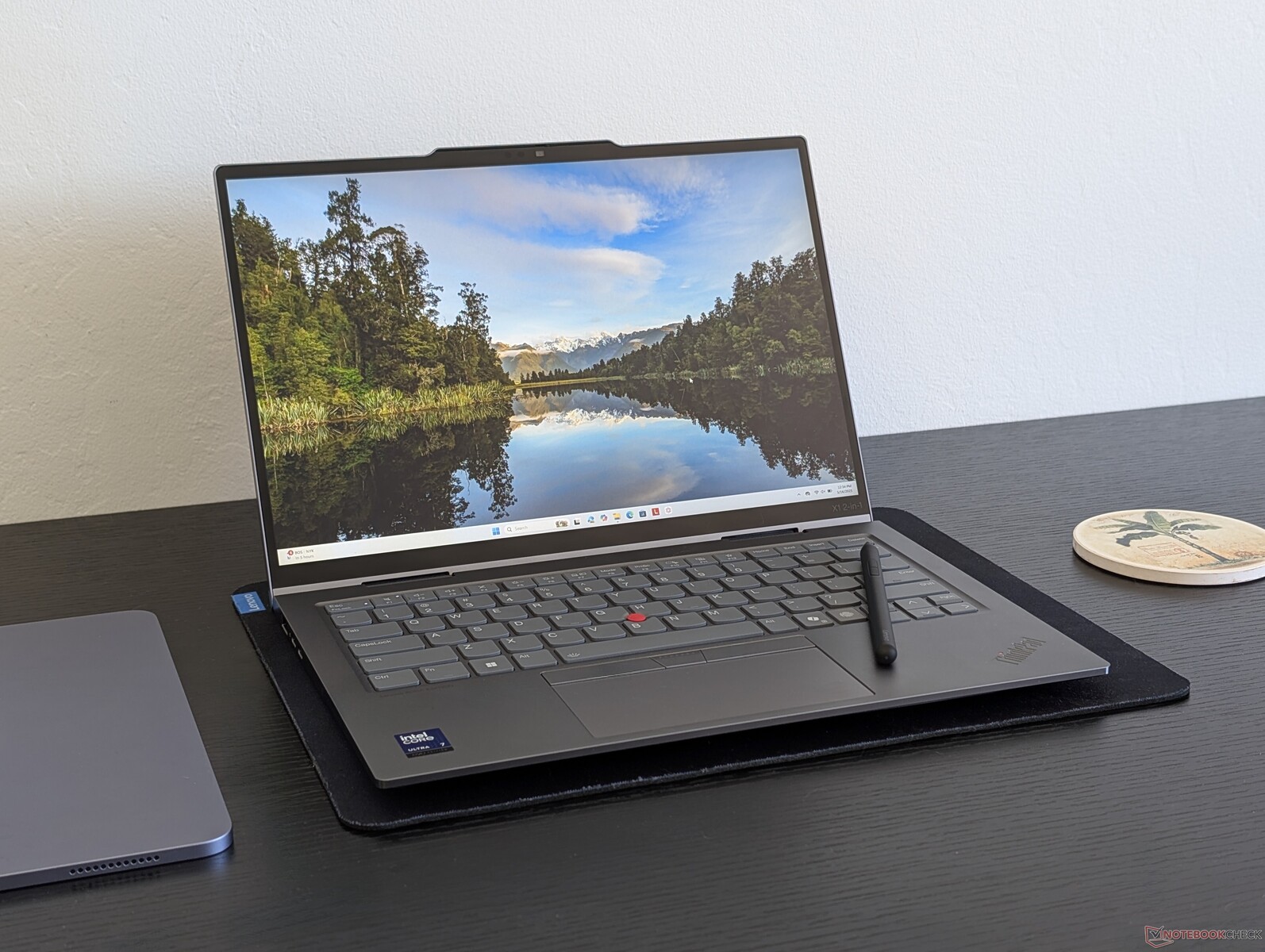
The ThinkPad X1 2-in-1 G10 is a high-quality convertible for business use. It combines a slim, robust chassis with flexible 360-degree hinges, allowing one to use it both as a notebook and as a tablet. Equipped with the latest Intel processors of the Lunar Lake generation, a bright 14-inch display (optionally OLED) and extensive security functions, it has other features that professional users should appreciate, such as its typical ThinkPad input devices - precise and comfortable. Despite the performance, the convertible does not make much noise and is ideal for working on the go.
6th place - Lenovo ThinkPad T14s Gen 6
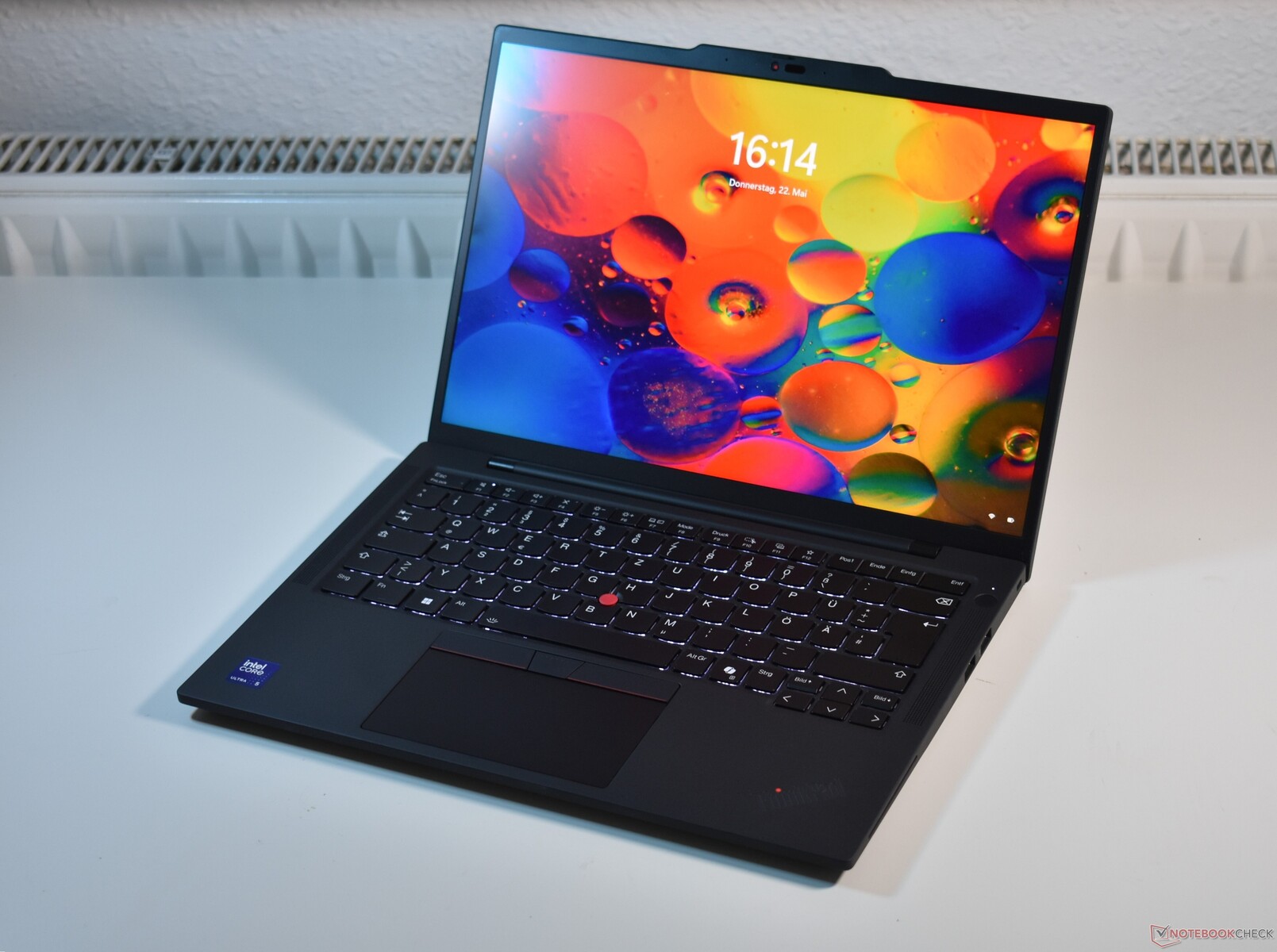
Tipping the scales at around 1.2 kg, the ThinkPad T14s G6's magnesium-aluminum casing is robust enough, yet portable. Featuring Intel's latest-generation Core Ultra 5 228V processor, 32 GB of LPDDR5X RAM and a 1-TB PCIe SSD, the system delivered solid performance in our testing that is more than sufficient for everyday tasks. Its 14-inch, 16:10 IPS display resolves at 1,920 × 1,200 pixels while delivers almost 100% sRGB color space coverage and brightness of up to 500 cd/m². The backlit keyboard and classic TrackPoint make tackling work that bit more pleasant.
Features-wise, its two Thunderbolt 4 ports, HDMI, USB-A, smart card reader and Wi-Fi 6E are complemented by good battery life of over 20 hours and fast charging support.
7th place - Asus Zenbook S 14 UX5406
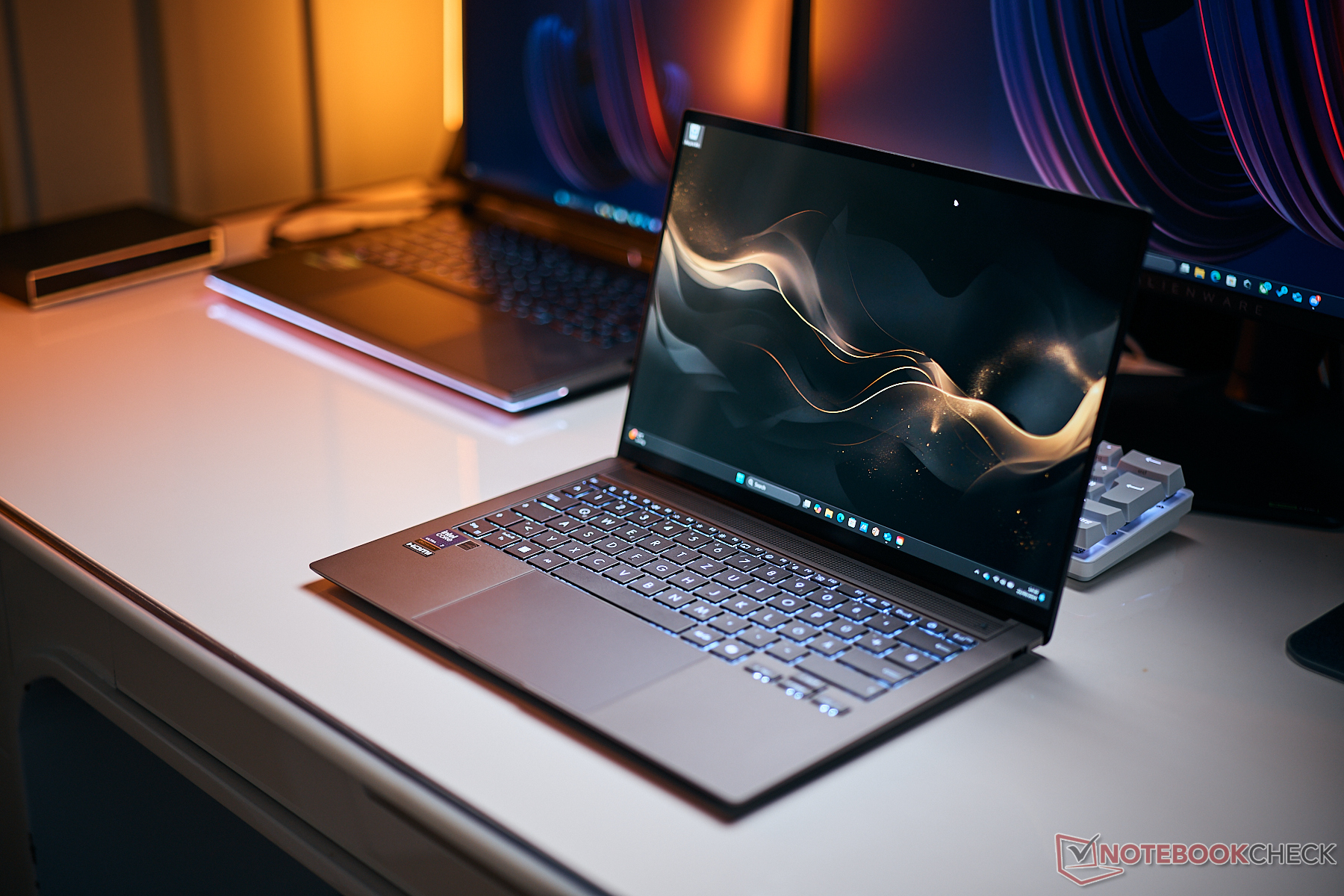
The 14-inch Zenbook S offers a great OLED display with 120 Hz in addition to the fairly fast Intel Core Ultra 7 258V CPU. We took a close look at a 32-GB RAM and 1-TB SSD SKU, with the Zenbook scoring good points for its high, stable performance and a very high-quality casing. Good input devices and extensive security features helped the system shoulder past many rivals, securing a spot in this Top 10 list. There is no dedicated graphics card here, but the iGPU is competent enough to make this a non-issue.
The new Asus Zenbook S 14 is one of the best 14-inch all-rounders on the market. With Intel Lunar Lake, there is more power, and the cooling solution does its job very well, too.
The new Zenbook S 14 can be ordered for 1,499 euros from MediaMarkt Deutschland, among other options.
8th place - Asus ZenBook 14 OLED
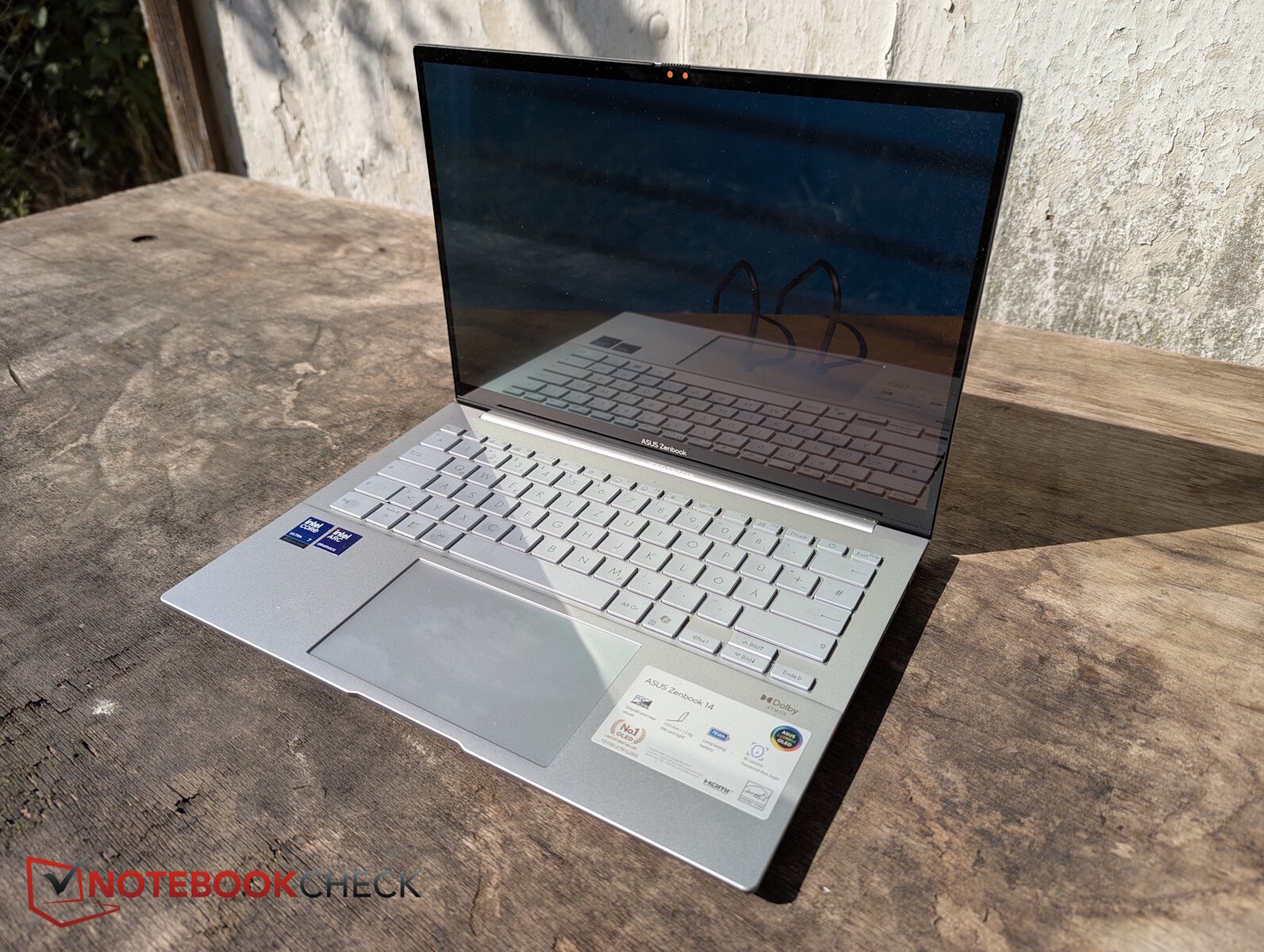
In our extensive testing, the ZenBook 14 OLED UX3405CA proved to be a slim and high-quality ultrabook, one that cleverly combines mobility, performance and image quality. The lightweight aluminum casing is elegant-looking and yet stable, while the 14-inch OLED display impresses with brilliant colors, strong contrast and smooth motion. Inside, Intel's latest Core Ultra processor with an integrated NPU ensures high efficiency and sufficient performance for both everyday use and creative applications. Battery life is easily good for a working day and connectivity options are practical despite the slim format of the machine. There is also a good keyboard, a precise touchpad and modern features such as Wi-Fi 7, enhancing mobile use. Overall, the ZenBook 14 OLED should work great for frequent travelers and creative types.
9th place - Geekom GeekBook X14 Pro
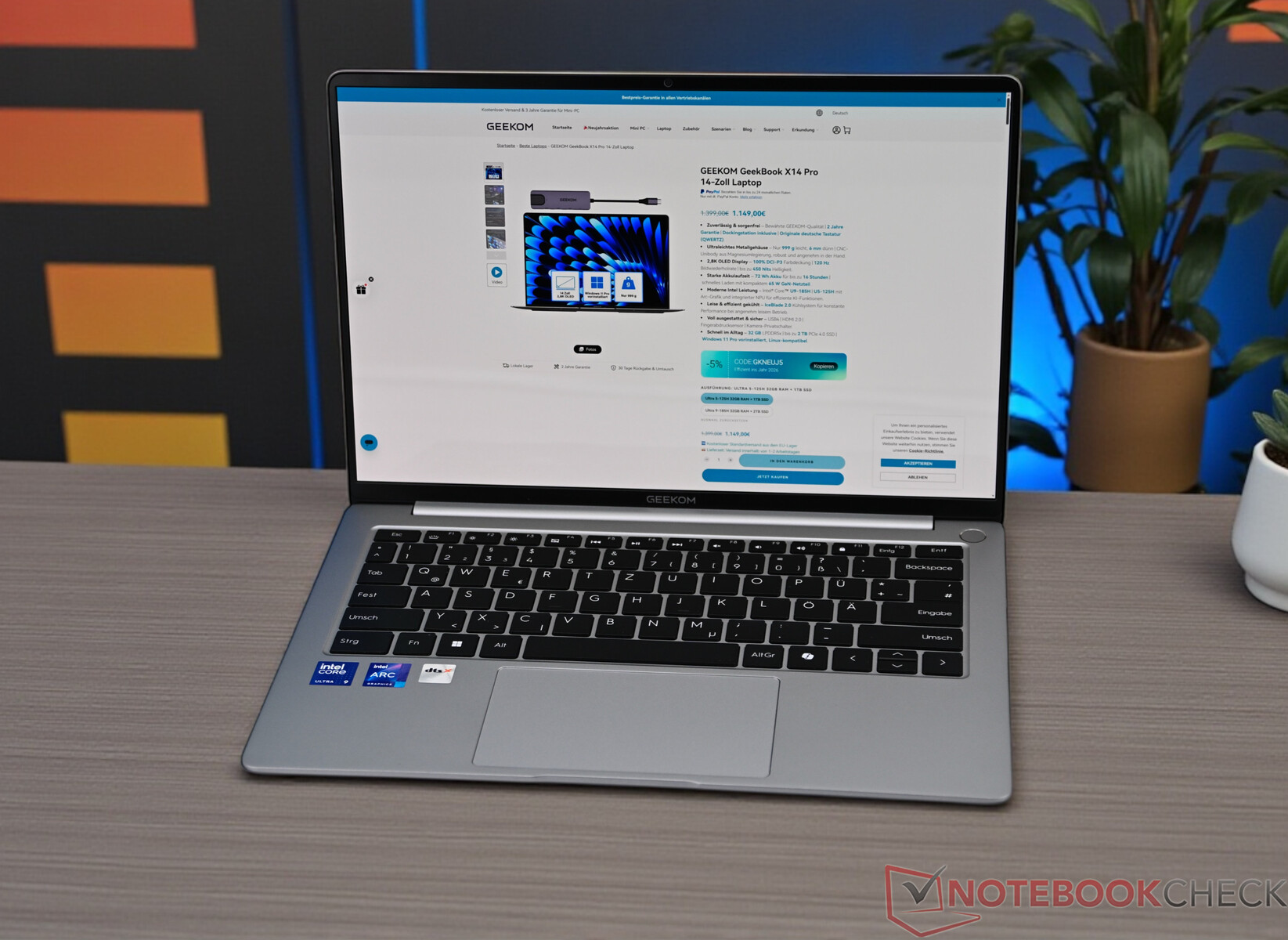
With the X14 Pro, Geekom enters the notebook world for the first time - specifically, the premium segment of it. The 14-inch ultrabook, which weighs only around one kilogram, combines a high-resolution OLED display with Intel's latest Core Ultra platform and is aimed at demanding mobile users. High-quality materials, modern design and solid every-day performance make the machine an exciting alternative to established brands' products. Its brilliant display and solid runtimes stood out in our tests as well. Some performance sustainability issues do not spoil the fun; Geekom managed to make a remarkably mature debut with the GeekBook X14 Pro, thus securing a place in our Top 10 list.
10th place - Samsung Galaxy Book5 Pro 14 940XHA
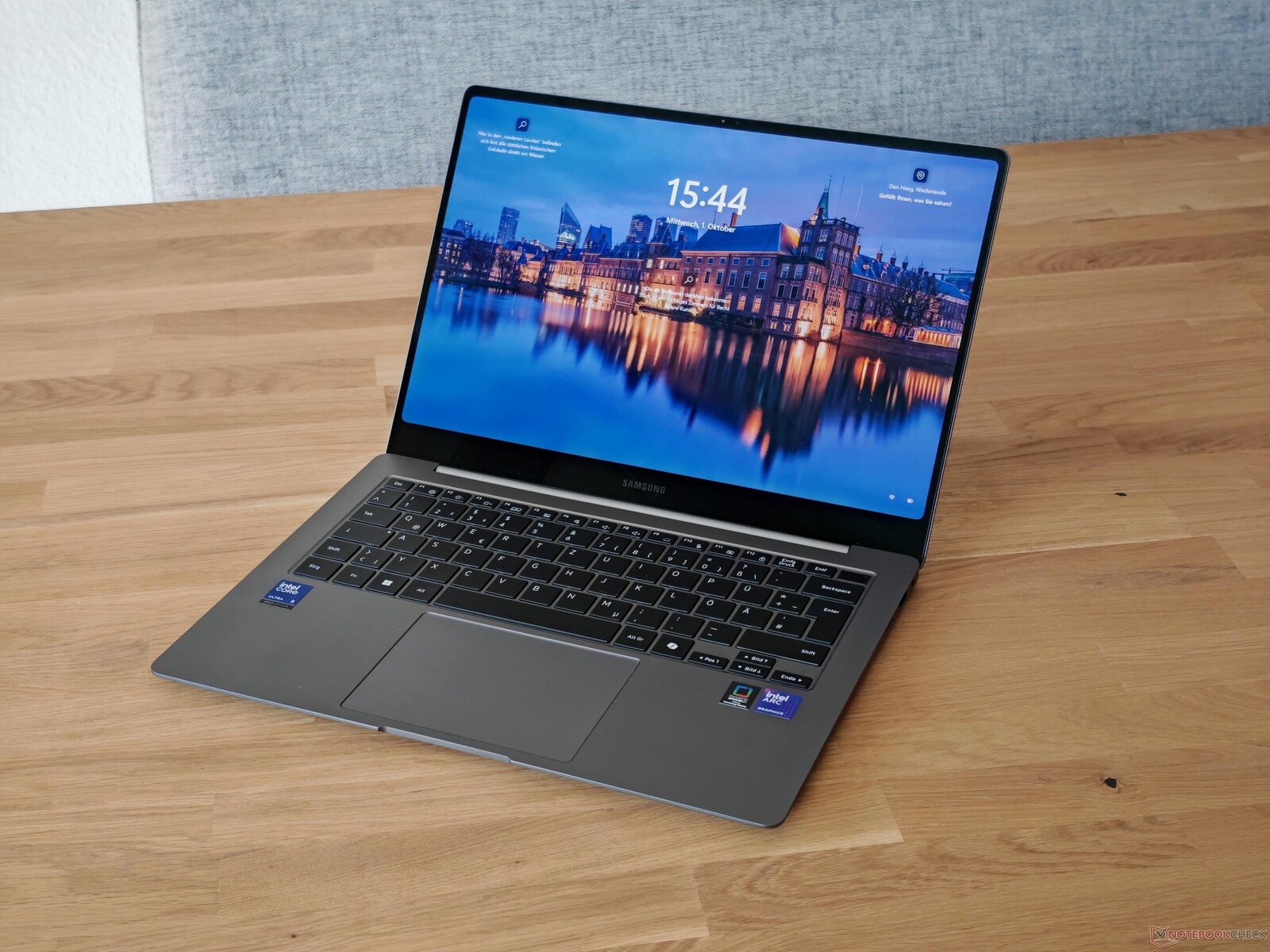
The Galaxy Book5 Pro is a quality ultrabook with a slim aluminum casing that weighs around 1.2 kilograms. It combines modern Intel Core Ultra processors with 16-GB RAM and thus offers plenty of power for work, study and creative tasks. The OLED display impresses with its high brightness, brilliant colors, a refresh rate of 120 Hz, and sharp 2,880 × 1,800 resolution - ideal for image and video editing. What's even more impressive is the machine's long battery life, lasting over ten hours in everyday use. It's pleasantly quiet, too, and it has a solid variety of connections to offer: Thunderbolt 4, USB-A, HDMI, as well as a micro-SD card slot. As some minor weakness, the 512-GB SSD in the base model is a little limiting, and the soldered RAM even more so. Still, the Galaxy Book should work well for users looking for a stylish and reliable system for work and creative tasks.
Best ultra-mobile notebooks: Overview
Measurements
| Apple MacBook Air 15 M5 | Lenovo ThinkPad X1 Carbon Gen 13 21NS0010GE | Dell Pro 13 Premium PA13250 | HP EliteBook Ultra G1i 14 | Lenovo ThinkPad X1 2-in-1 Gen 10 | Lenovo ThinkPad T14s Gen 6 Intel | Asus Zenbook S 14 UX5406 | Asus ZenBook 14 OLED UX3405CA, Ultra 7 255H | Geekom GeekBook X14 Pro | Samsung Galaxy Book5 Pro 14 940XHA | |
|---|---|---|---|---|---|---|---|---|---|---|
| Display | ||||||||||
| HDR Peak Brightness (cd/m²) | 495 | |||||||||
| Display P3 Coverage (%) | 97.5 | 99.5 | 74.3 | 99.7 | 67.8 | 76.6 | 99 | 99.7 | 99.9 | 99.9 |
| sRGB Coverage (%) | 98.3 | 100 | 99.1 | 100 | 97.2 | 97 | 100 | 100 | 100 | 100 |
| AdobeRGB 1998 Coverage (%) | 86.3 | 97.1 | 75.9 | 98 | 69.8 | 80.7 | 89.2 | 96.9 | 97 | 95.7 |
| Response Times | ||||||||||
| Response Time Grey 50% / Grey 80% * (ms) | 26.9 ? | 2.4 ? | 52.8 ? | 0.74 ? | 44.6 ? | 36.8 ? | 0.7 ? | 1.6 ? | 3.2 ? | 0.83 ? |
| Response Time Black / White * (ms) | 15.9 ? | 1.9 ? | 26.4 ? | 0.7 ? | 27.1 ? | 24.9 ? | 0.71 ? | 2 ? | 3.2 ? | 0.69 ? |
| PWM Frequency (Hz) | 240 ? | 480 ? | 480 ? | 480 | 122 ? | 240 ? | ||||
| PWM Amplitude * (%) | 33 | 26 | 26 | 28 | 20 | 66 | ||||
| Screen | ||||||||||
| Brightness middle (cd/m²) | 538 | 407 | 456 | 392 | 459 | 509 | 374 | 372 | 379 | 400 |
| Brightness (cd/m²) | 521 | 410 | 460 | 378 | 455 | 475 | 379 | 376 | 386 | 402 |
| Brightness Distribution (%) | 90 | 99 | 89 | 95 | 89 | 87 | 98 | 97 | 92 | 99 |
| Black Level * (cd/m²) | 0.44 | 0.23 | 0.24 | 0.26 | 0.01 | 0.01 | ||||
| Contrast (:1) | 1223 | 1983 | 1913 | 1958 | 37200 | 37900 | ||||
| Colorchecker dE 2000 * | 2.1 | 4.9 | 3.3 | 2.4 | 3.14 | 3.2 | 1 | 1.96 | 4.07 | 2.1 |
| Colorchecker dE 2000 max. * | 4.1 | 9.1 | 6.47 | 6.6 | 6.55 | 7.7 | 2.2 | 4.02 | 6.79 | 3.3 |
| Colorchecker dE 2000 calibrated * | 0.7 | 4.7 | 1.7 | 0.58 | 1.7 | 1.96 | 3.65 | 1.6 | ||
| Greyscale dE 2000 * | 3.1 | 2.3 | 4.35 | 1.9 | 3.9 | 5.2 | 1.1 | 1.94 | 1.25 | 2.3 |
| Gamma | 2.19 100% | 2.26 97% | 2.51 88% | 2.21 100% | 2.16 102% | 2.2 100% | 2.15 102% | 2.4 92% | 2.43 91% | 2.26 97% |
| CCT | 7075 92% | 6310 103% | 6215 105% | 6463 101% | 5867 111% | 6702 97% | 6549 99% | 6530 100% | 6374 102% | 6795 96% |
| Heat | ||||||||||
| Maximum Upper Side * (°C) | 44.1 | 42.3 | 31 | 37.9 | 40 | 42.6 | 43.7 | 40 | 47.3 | 41.4 |
| Maximum Bottom * (°C) | 43.1 | 40.1 | 31 | 44.3 | 38.6 | 41.6 | 46.9 | 47 | 45.5 | 44.6 |
| Idle Upper Side * (°C) | 24 | 27.3 | 24 | 23.3 | 25 | 27.1 | 25.8 | 29 | 35.8 | 24.9 |
| Idle Bottom * (°C) | 23.9 | 28.3 | 24 | 23.6 | 26.6 | 27.6 | 26.3 | 31 | 34.4 | 25.5 |
| Battery runtime | ||||||||||
| WiFi v1.3 (h) | 17.2 | 11 | 24 | 12 | 22 | 21.8 | 14.3 | 15.4 | 8.2 | 10.1 |
| Cyberpunk 2077 ultra 150cd (h) | 1.6 | |||||||||
| Load (h) | 1.4 | 2.8 | 1.8 | 2.6 | 2.7 | 2.3 | ||||
| Reader / Idle (h) | 12.4 | |||||||||
| Power Consumption | ||||||||||
| Idle Minimum * (Watt) | 2.2 | 4.7 | 2 | 3.7 | 1.5 | 3 | 5.1 | 3 | 6 | 3.7 |
| Idle Average * (Watt) | 11.7 | 5.7 | 4.3 | 5.4 | 4.8 | 4.7 | 6.2 | 3.5 | 8.5 | 5.2 |
| Idle Maximum * (Watt) | 11.8 | 6.1 | 4.75 | 5.7 | 5 | 5.4 | 6.9 | 4.2 | 10.8 | 5.4 |
| Load Average * (Watt) | 36.2 | 29.8 | 40 | 39.4 | 44.2 | 31.8 | 38.7 | 52.3 | 41.1 | 26.2 |
| Cyberpunk 2077 ultra external monitor * (Watt) | 21.7 | 34.1 | 38 | 32.4 | 39.3 | 37.1 | 28.6 | 49.8 | 45.2 | 42.7 |
| Cyberpunk 2077 ultra * (Watt) | 23.5 | 35.3 | 36.4 | 35.3 | 47.8 | 38.7 | 33.1 | 32.7 | 48.5 | 47.4 |
| Load Maximum * (Watt) | 37.4 | 60.1 | 57 | 62.9 | 60.2 | 58.9 | 60 | 66 | 63.7 | 63.5 |
| Noise | ||||||||||
| off / environment * (dB) | 23.2 | 23 | 23.9 | 23.3 | 24.2 | 23.7 | 24 | 24.6 | 25.1 | |
| Idle Minimum * (dB) | 23.2 | 23 | 23.9 | 23.3 | 24.2 | 23.7 | 24 | 24.6 | 25.1 | |
| Idle Average * (dB) | 23.2 | 23 | 23.9 | 23.3 | 24.2 | 23.7 | 24 | 24.6 | 25.1 | |
| Idle Maximum * (dB) | 23.2 | 23 | 23.9 | 23.3 | 24.2 | 23.7 | 24 | 24.7 | 25.1 | |
| Load Average * (dB) | 29.9 | 37 | 28.4 | 38 | 30.2 | 30.5 | 38.21 | 34.8 | 29.3 | |
| Cyberpunk 2077 ultra * (dB) | 43.3 | 42.74 | 31.5 | 37.8 | 39.3 | 31.1 | 39.05 | 42.7 | 33.1 | |
| Load Maximum * (dB) | 40.5 | 42.74 | 31.5 | 40.6 | 39.6 | 33.6 | 39.05 | 37.8 | 38.7 | |
| Witcher 3 ultra * (dB) | 45.8 |
* ... smaller is better
 Add as a preferred source on Google


