




Huawei Watch GT 7: Switching between Android and iPhone without resetting
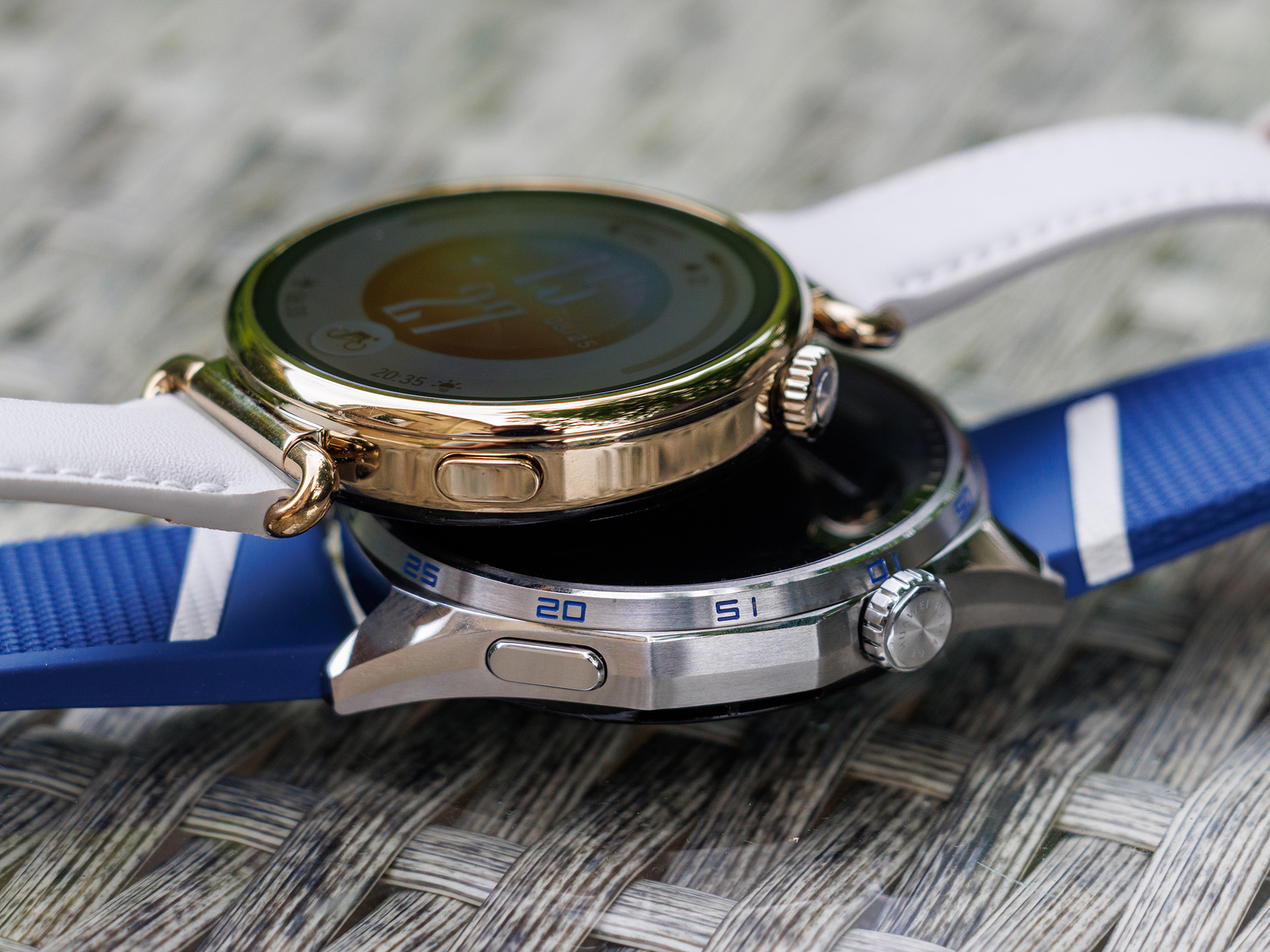
The Huawei Watch GT 7 offers welcome flexibility when it comes to choosing a smartphone. All you need to set it up is the Huawei Health app, which is available not only on Huawei’s own platform but also for iOS and various Android app stores. The official app is missing only from the Google Play Store and the Oppo App Market.
The GT 7 proves particularly handy when multiple smartphones are in use. Switching between different devices is straightforward, so the smartwatch isn’t permanently tied to a single smartphone. This makes it an attractive option, for example, for users who use different devices for work and personal use.
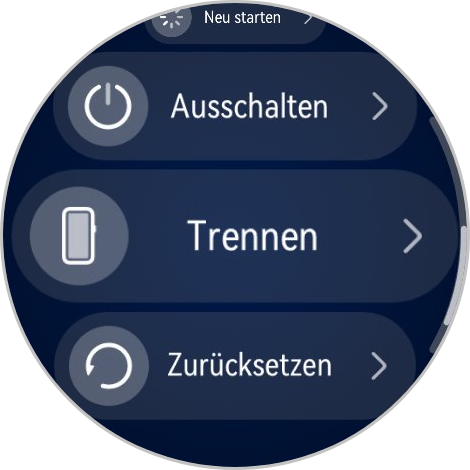
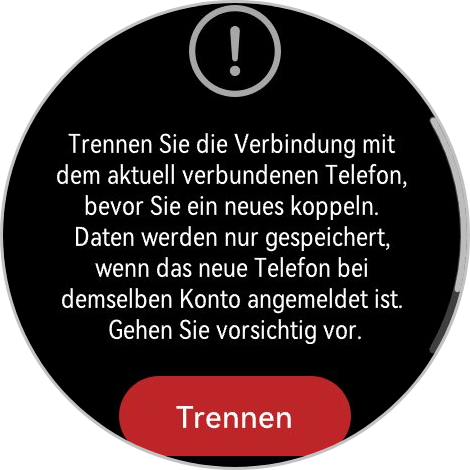
To do this, you simply need to pair the Huawei Watch GT 7 with each smartphone once, and make sure the Huawei Health app is installed on each smartphone you plan to use and linked to the same Huawei account. After setup, go to “Settings > System & Update” to find the “Disconnect” option. There, you can disconnect the watch from your current smartphone without removing it from the smartphone’s Bluetooth list. The watch will then return to pairing mode. Now connect it to the second smartphone, and the data will be synchronized via the Huawei Cloud. For each subsequent switch, simply disconnect the Watch GT 7 and tap “Connect” under “Devices” in the Huawei Health app.
Huawei thus offers an interesting middle ground: The GT 7 can generally be used with both Android and iOS, and switching between smartphones is pleasantly easy. However, iPhone users won’t get the same level of integration as on Android. For Android users, on the other hand, the choice of platform is hardly a reason to pass up the GT 7.
Source
 Add as a preferred source on Google


