




Framework Laptop 13 Pro improvements make the original Laptop 13.5 feel like an early prototype
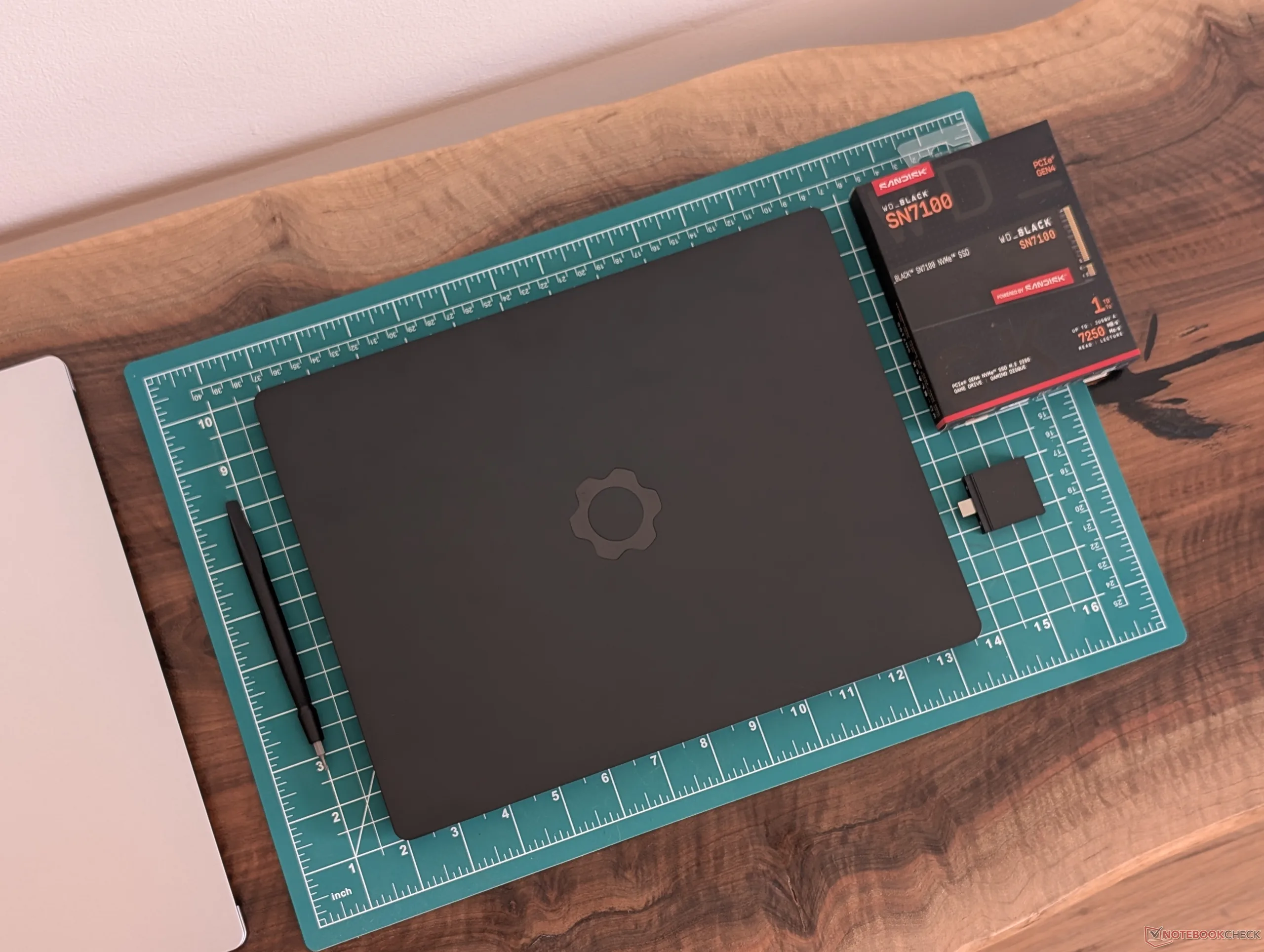
Laptops from major manufacturers like Dell, HP, or Lenovo typically have a refresh cycle of 2 to 3 years before significant external changes are introduced. The Framework Laptop, however, has looked exactly the same for over 5 years running since the original model launched back in 2021. Consequently, the upcoming Laptop 13 Pro is set to introduce massive updates to the series due to the elongated incubation period. Based on our time with an in-house unit, however, most of the changes are absolutely worth the long wait.
As noted in our review of the model, the Laptop 13 Pro chassis is built from blocks of CNC 6063 aluminum for the A, C, and D covers in contrast to the milled aluminum parts of the original Laptop 13.5. The difference in rigidity is immediate and unmistakable as the newer model is much less susceptible to creaking, twisting, and general warping than its immediate predecessor. The model feels more in line with traditional competitors like the Dell XPS or HP Elite in this regard which was where the original Laptop 13.5 fell short.
The higher quality comes with a denser weight, but the tradeoff is arguably more than worth the high repairability and build improvements.
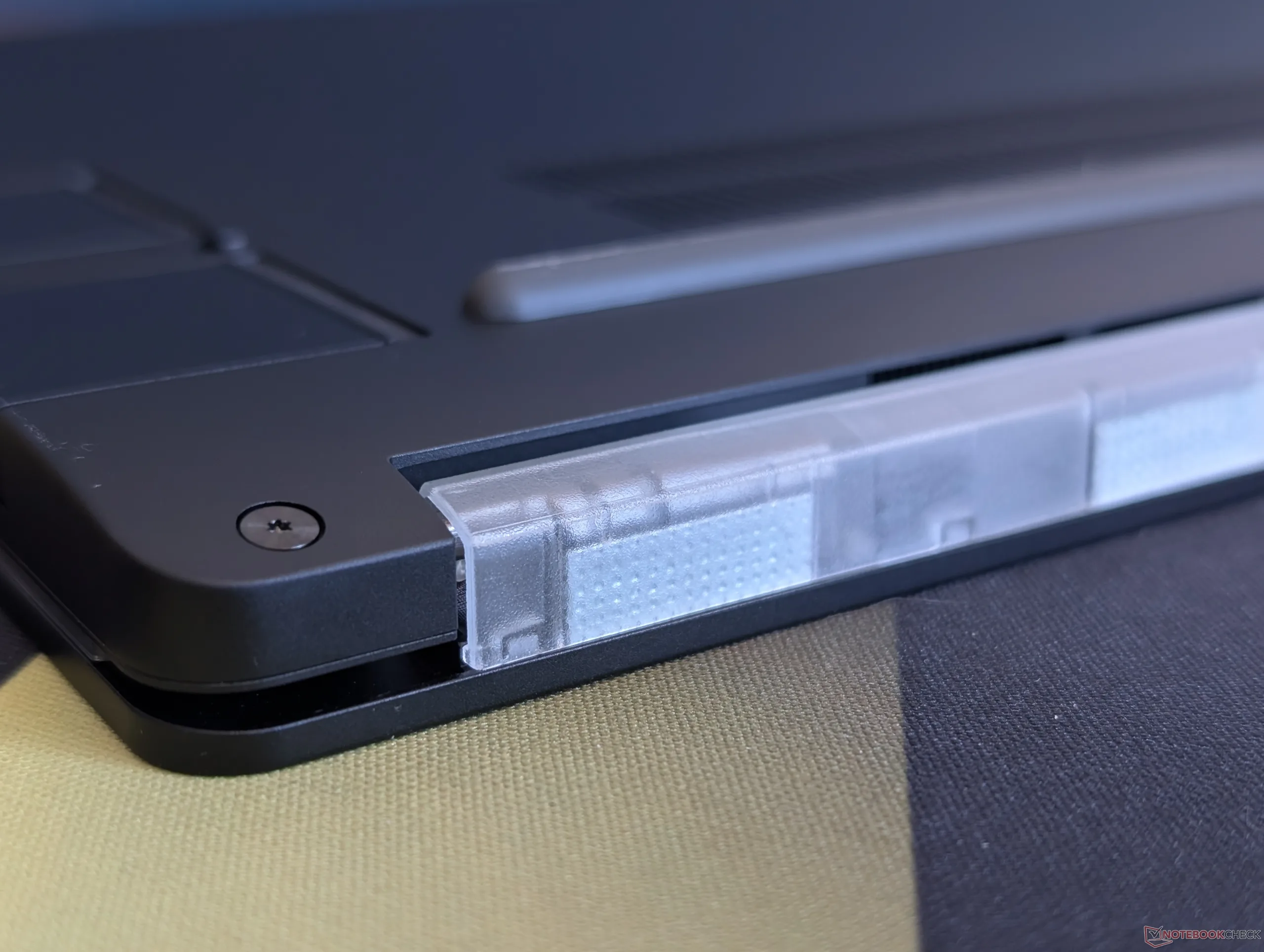
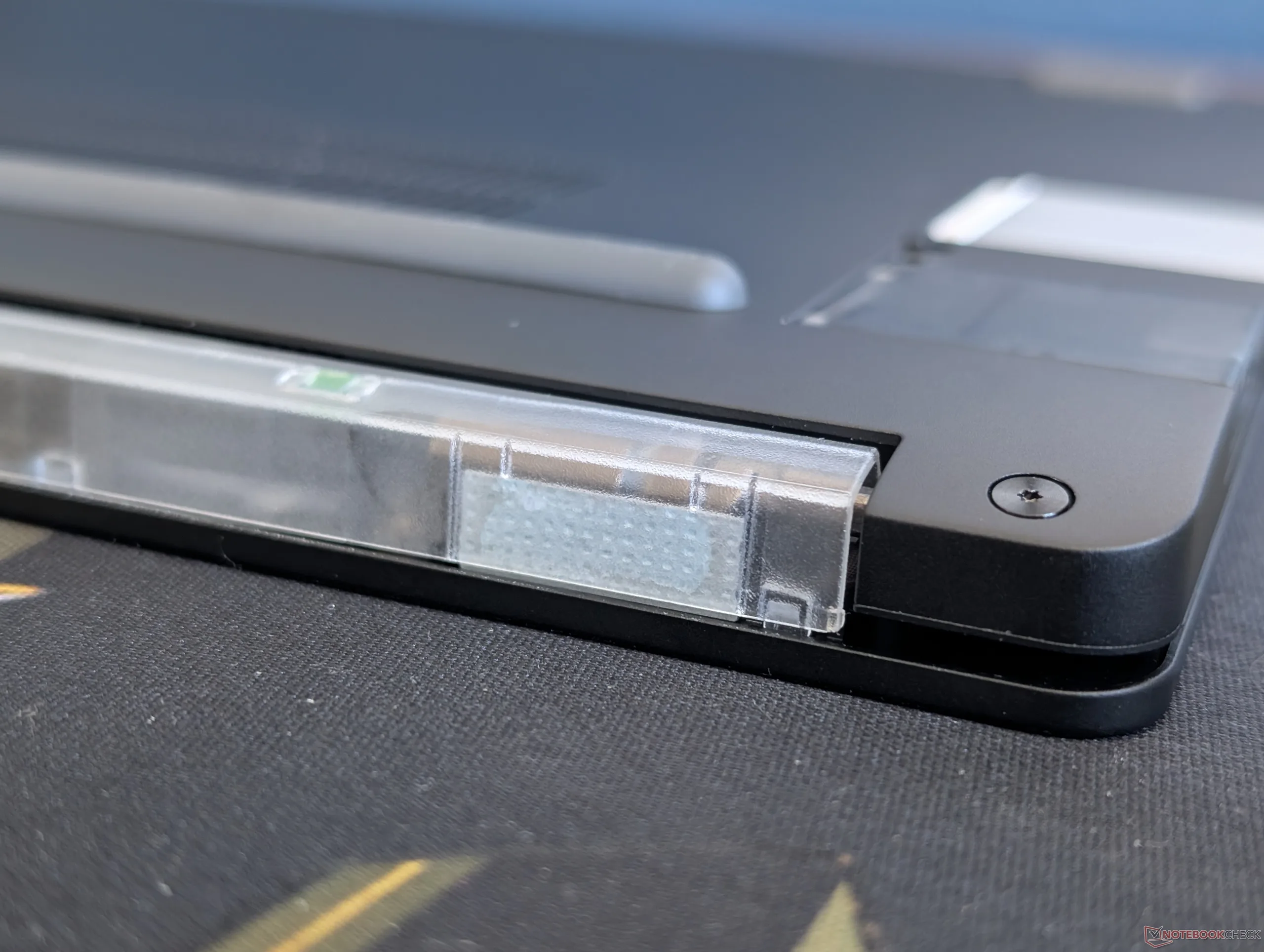
The changes aren't all perfect, however. The plastic display frame (or B cover) is removable via magnets much like on the original Laptop 13.5 so the manufacturer can continue selling colored bezel options. This inner display frame feels much flimsier than the rest of the laptop and the magnetic bezels don't always snap on perfectly along the edges as shown by our picture below. It's only a minor issue cosmetic issue to be sure, but it sticks out like a sore thumb on what is otherwise a prosumer laptop.
 Add as a preferred source on Google


