




8BitDo's new website lets you update your controller's firmware on your desktop browser
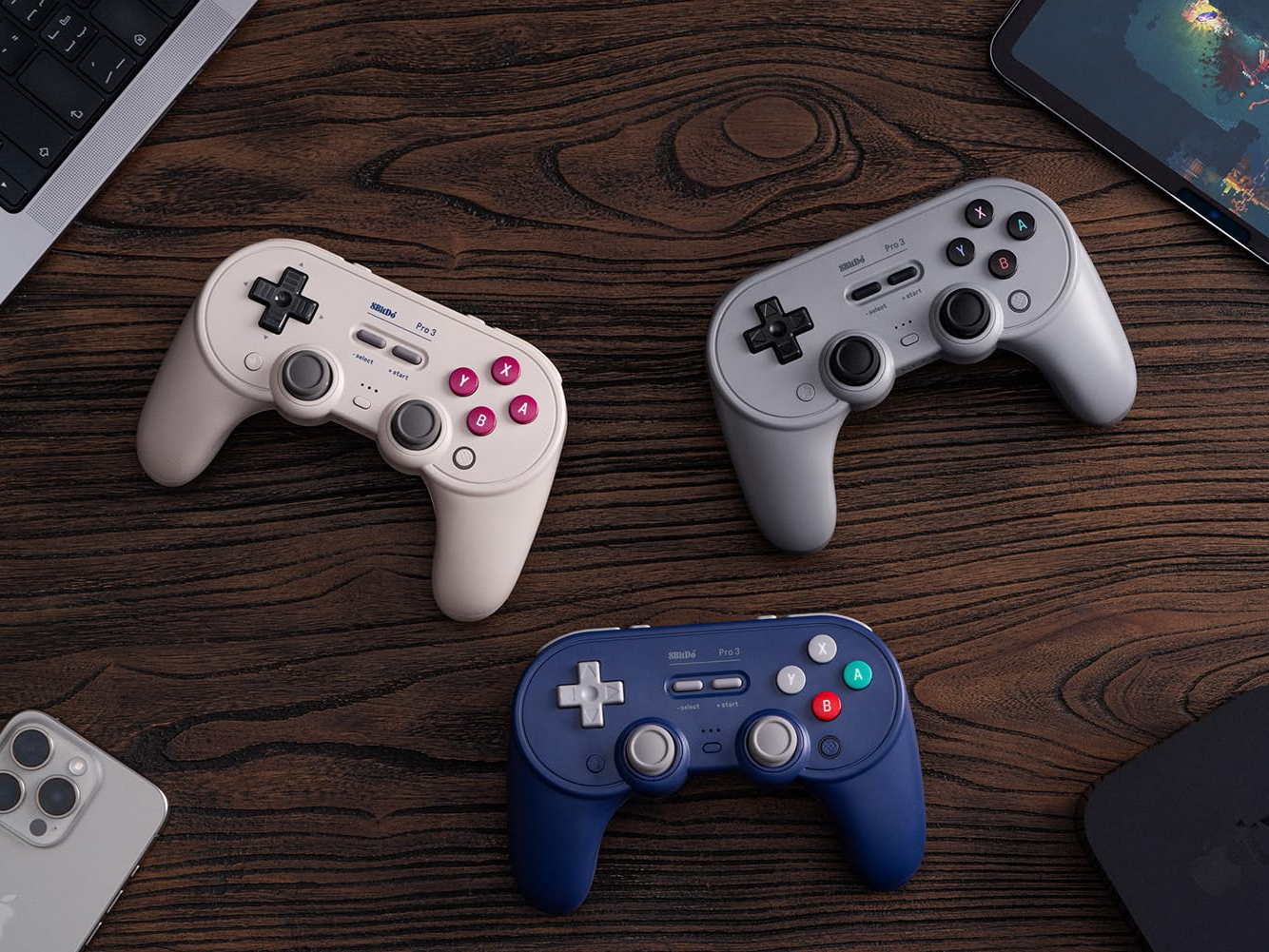
8BitDo offers firmware support for its controllers, allowing users to update them using a companion software that is available for Windows and macOS. However, not everyone uses a Windows or macOS computer, which means these users will not be able to update their devices.
To solve this issue, 8BitDo has launched a new website that allows users to update compatible controllers via a desktop browser. This is good news for Linux and ChromeOS users who own an 8BitDo controller. It also means you can update your controller using your Steam Deck or SteamOS device.
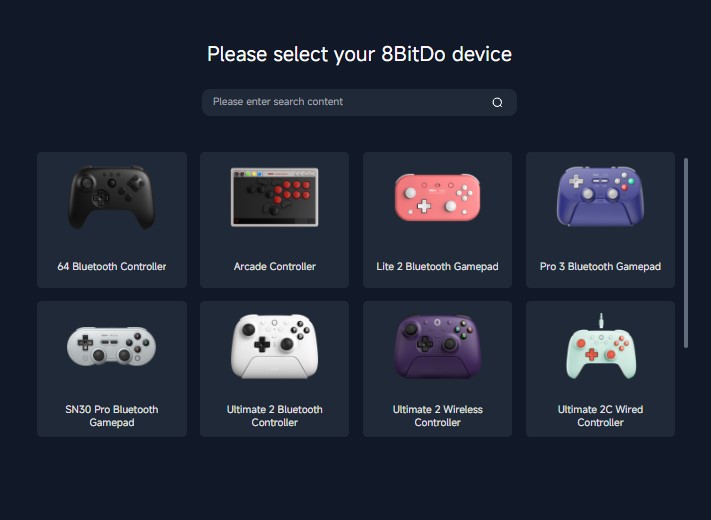
The new website eliminates the need for the 8BitDo upgrade tool designed for Windows PCs and Macs. However, as at the time of writing, only a fraction of 8BitDo's numerous controllers are supported, although it has been reported that more will be added in the future. Below is the list of supported controllers:
- 8BitDo 64 Bluetooth controller
- 8BitDo Arcade Controller
- 8BitDo Lite 2 Bluetooth Gamepad
- 8BitDo Pro 3 Bluetooth Gamepad (available on Amazon for $69.99)
- 8BitDo SN30 Pro Bluetooth Gamepad
- 8BitDo Ultimate 2 Bluetooth Controller
- 8BitDo Ultimate 2 Wireless Controller
- 8BitDo Ultimate 2C Wired Controller
- 8BitDo Ultimate 2C Wireless Controller
It is worth mentioning that the website also allows users to update the receivers of compatible devices. It also only works with Google Chrome, Google Chromium, Microsoft Edge, and Opera desktop browsers.
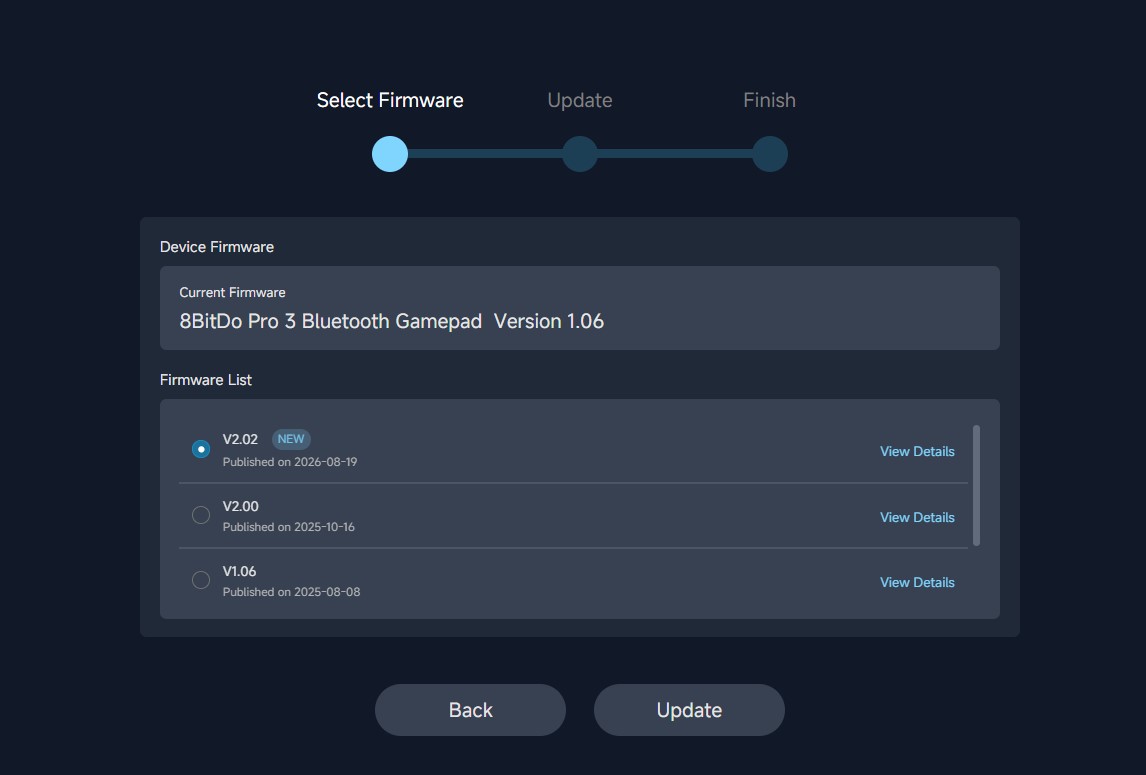
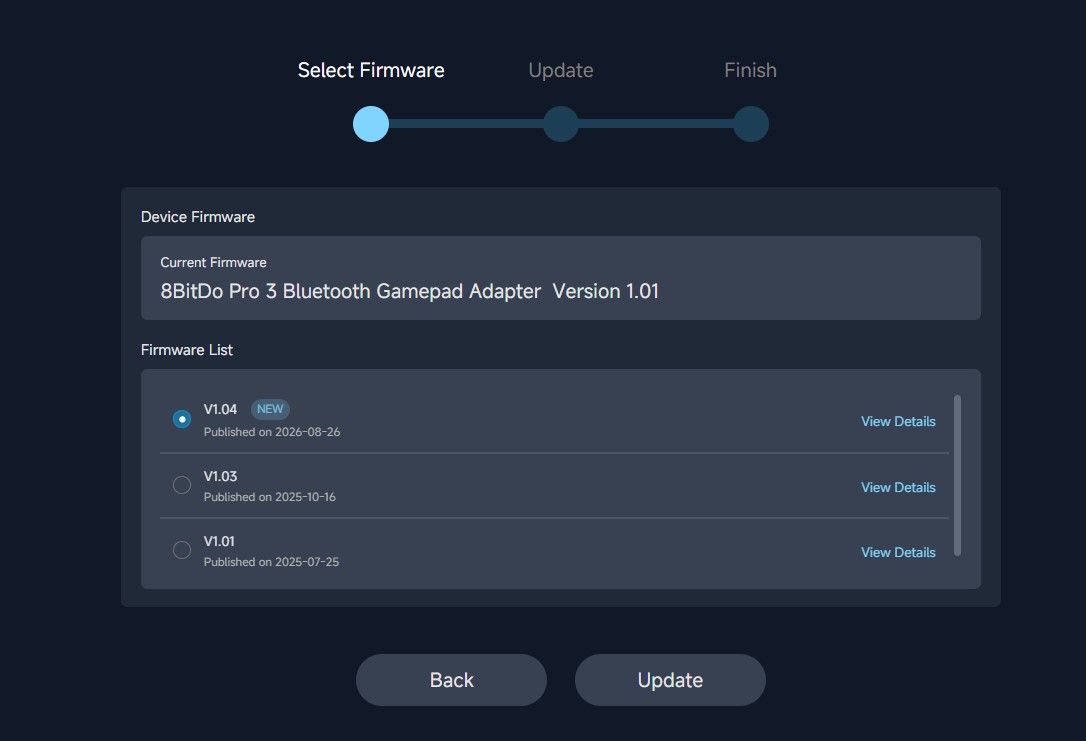
The update process for a compatible controller is easy and straightforward. Ensure your controller is charged and turned off, connect it to your computer via a USB cable, click on connect on the screen and a pop-up window should appear. Select your device in the pop-up window and click on connect. It is required for some controllers to be put in D-input mode before connecting to your computer.
The webpage should show your device, the current firmware version, and the available firmware packages you can install. Choose from the list and proceed to update your controller or receiver. Wait for the installation, which usually takes a few minutes, to finish, and proceed to disconnect your controller.
Source(s)
 Add as a preferred source on Google


