




Verdict on the Teclast T60 Pro
A few years ago, some of the Teclast T60 Pro's features would have been considered luxury class: A chic metal casing, the pen input with 4,096 pressure levels or the LTE support even including navigation capability.
In other areas, however, you realize that you are only looking at a tablet for around US$ 220: The performance is OK for everyday use, but quickly reaches its limits with more demanding tasks. The battery life is only average and charging takes a long time.
The cameras are more of a makeshift and the display is quite dark. The colors are bluish, but users who are plagued by PWM can rejoice, as we did not notice any flickering.
If you don't have much of a budget or are looking for a well-equipped second tablet, you should definitely take a look at the Teclast T60 Pro.
Pros
Cons
Price and availability
At the time of this review, you pay around US$ 220 for the tablet on temu.com.

- $169.99TECLAST T65 13.4" Android16 4G Tablet, 20GB+128GB 120Hz Widevine L1
- $9.99Case Compatible with Teclast T60 Pro 12 inch Tablet – Shockproof Silicone Protective Case with Kickstand Anti-Slip, Drop-Resistant Business Style (Black)
- $179.99TECLAST 13.4" Android Tablet with Keyboard, 4G LTE, Large Screen Tablet
Table of Contents
- Verdict on the Teclast T60 Pro
- Specifications
- Case and features - metal housing with concealed antennas
- Communication and operation - Slow 60 Hz screen
- Software and sustainability - Outdated security
- Cameras - Hardly usable for photos
- Display - Dark and bluish
- Performance, emissions and battery life - Doesn't last as long
- Notebookcheck overall rating
- Possible alternatives in comparison
Specifications
Case and features - metal housing with concealed antennas
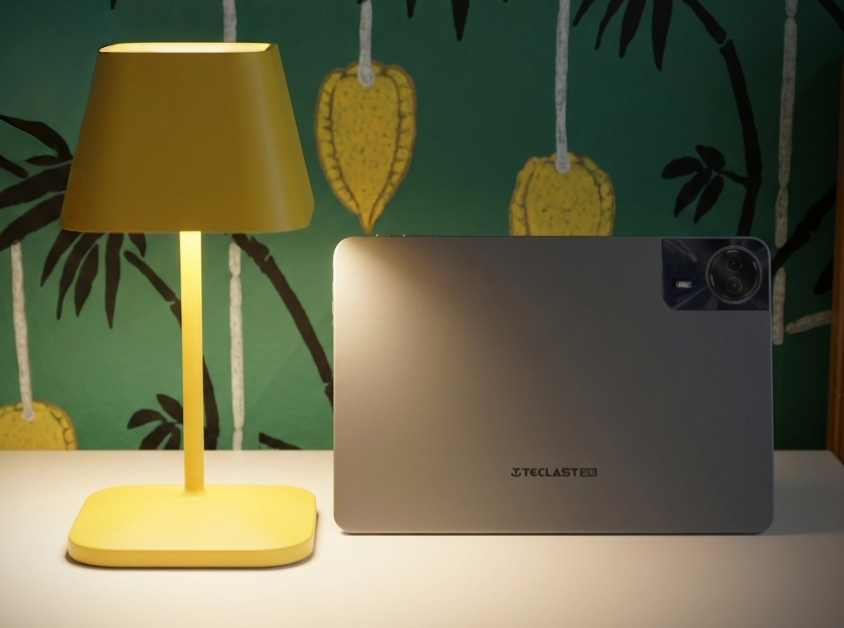
Teclast packs the T60 Pro tablet into a metal casing, which actually manages without a plastic area for better reception: the manufacturer has cleverly integrated the antennas into the camera module. The only color available is Space Grey, which reminds us of Apple tablets. The workmanship is clean and the tablet feels good in the hand.
However, creaking can be provoked when the 12-inch tablet is twisted.
8 GB RAM and 128 GB mass storage are the standard features in this price range. The memory can be expanded via a microSD reader, and the reader worked at an average speed in our review with the reference microSD Angelbird V60. You can therefore store data, but should not expect high-speed transfer.
GPS is also on board so that you can determine the position of the tablet and also use it for navigation in the car.


| SD Card Reader - average JPG Copy Test (av. of 3 runs) | |
| Samsung Galaxy Tab A11 (Angelbird V60) | |
| Teclast Art Pad Pro (Angelbird V60) | |
| Average of class Tablet (10.2 - 79.2, n=42, last 2 years) | |
| Teclast T60 Pro (Angelbird V60) | |
| Vale V12X (Angelbird V60) | |
Cross Platform Disk Test (CPDT)
Communication and operation - Slow 60 Hz screen
WiFi 5 is installed as the fastest WiFi standard. The tablet achieves the usual data rates of up to around 370 MBit/s. However, there are sometimes significant drops in speed, especially when transmitting.
It is great that the Teclast T60 Pro even comes with a cellular module, making it less dependent on a WiFi network. However, there are not many frequencies available here.
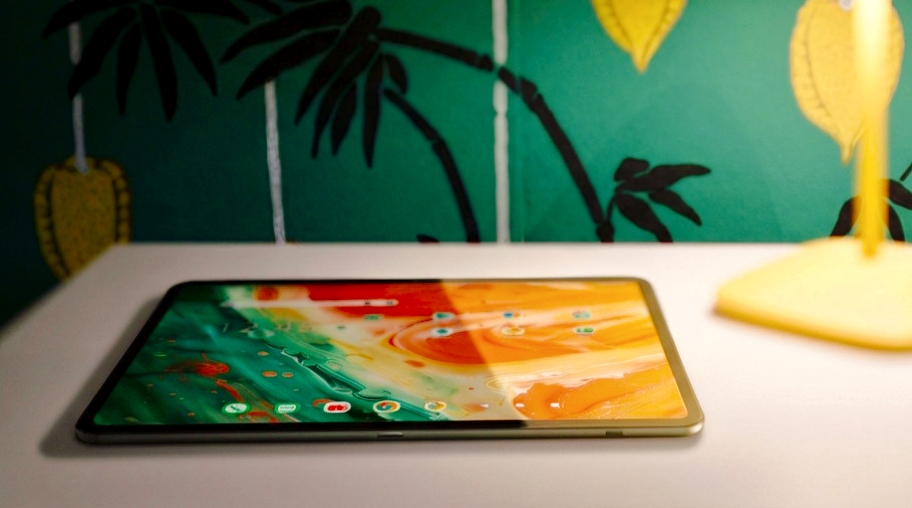
The touchscreen responds well to inputs, but the screen can only display a maximum of 60 images per second. This makes operation feel somewhat slower than on tablets with faster screens.
It is possible to use an active stylus; the manufacturer offers the Teclast T-Pen here, but also supports the universal USI 2.0 protocol. However, there is no magentic storage for the pen on the tablet.
There is also no fingerprint sensor for biometric recognition of the user.
| Networking | |
| Teclast T60 Pro | |
| iperf3 transmit AXE11000 | |
| iperf3 receive AXE11000 | |
| Vale V12X | |
| iperf3 transmit AXE11000 | |
| iperf3 receive AXE11000 | |
| Samsung Galaxy Tab A11 | |
| iperf3 transmit AXE11000 | |
| iperf3 receive AXE11000 | |
| Teclast Art Pad Pro | |
| iperf3 transmit AXE11000 | |
| iperf3 receive AXE11000 | |
| Average 802.11 a/b/g/n/ac | |
| iperf3 transmit AXE11000 | |
| iperf3 receive AXE11000 | |
| Average of class Tablet | |
| iperf3 transmit AXE11000 | |
| iperf3 receive AXE11000 | |
Software and sustainability - Outdated security
Android 15 is pre-installed on the tablet. Teclast makes an effort to optimize operation with a sidebar and easier access to the system menu in two-handed mode. However, there are not too many changes compared to the stock Android.
The security patches date back to August 2025 and are therefore clearly out of date.
There is no further information on sustainability. Plastic film is used for the packaging.
Cameras - Hardly usable for photos
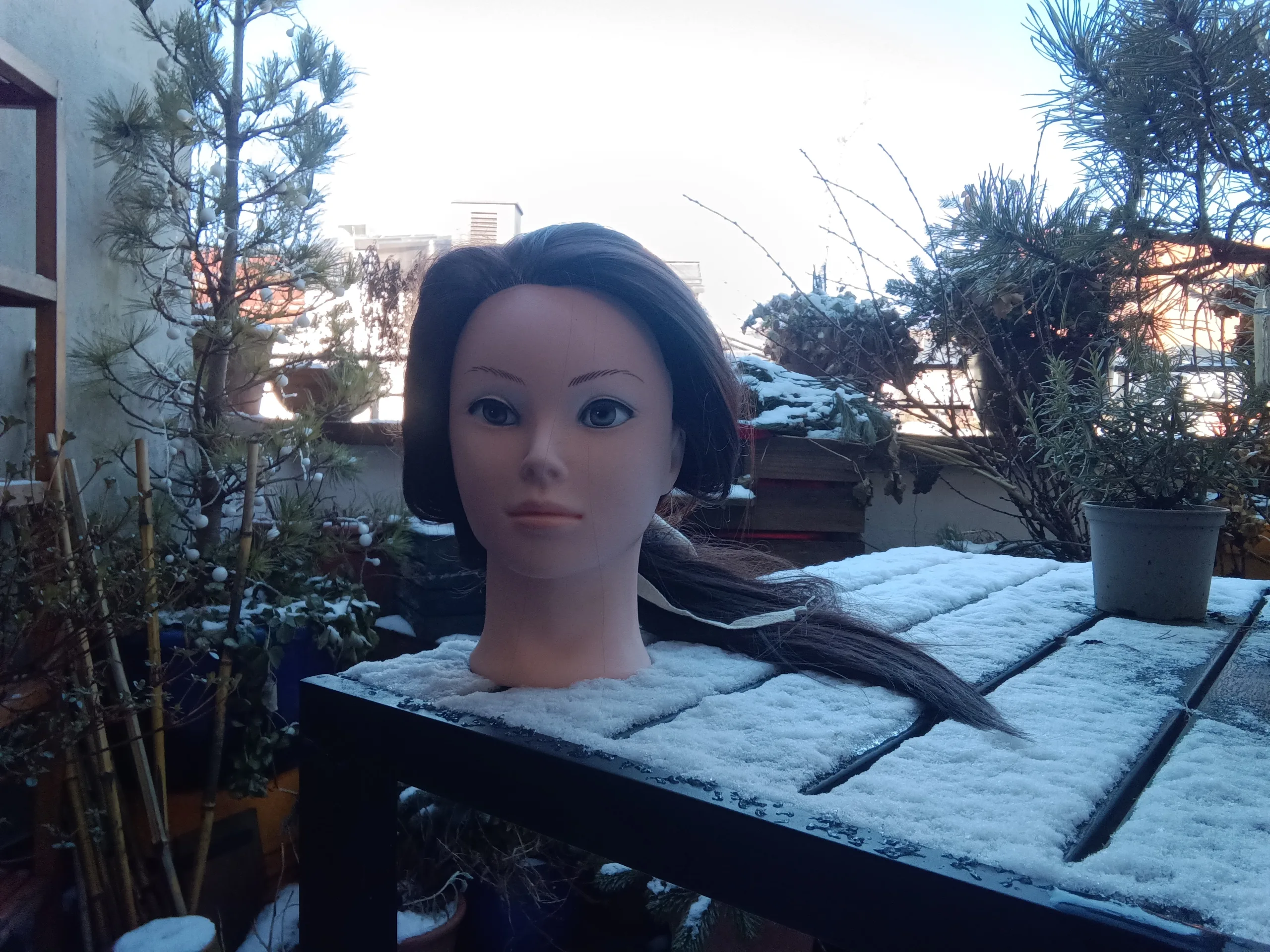
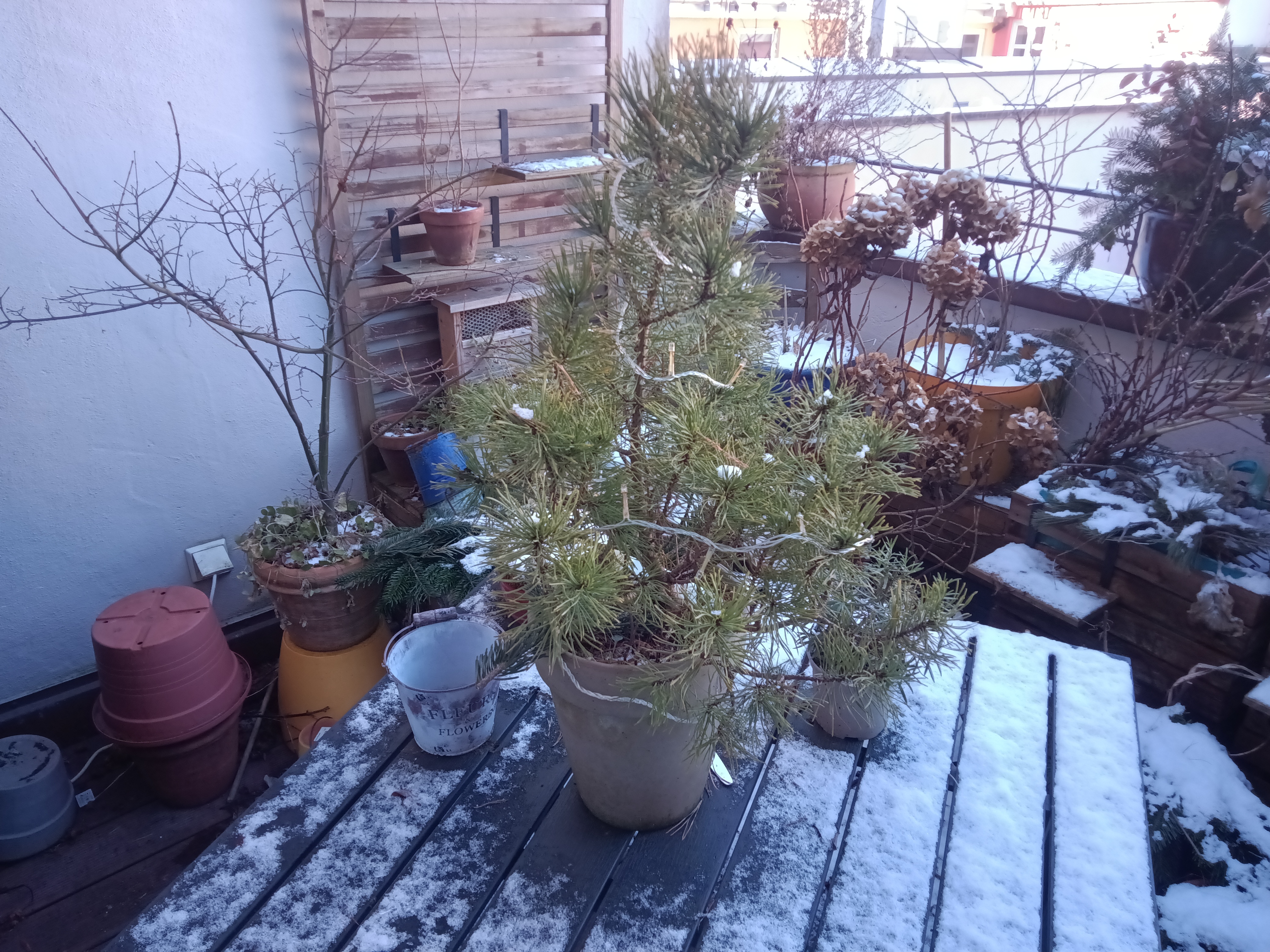
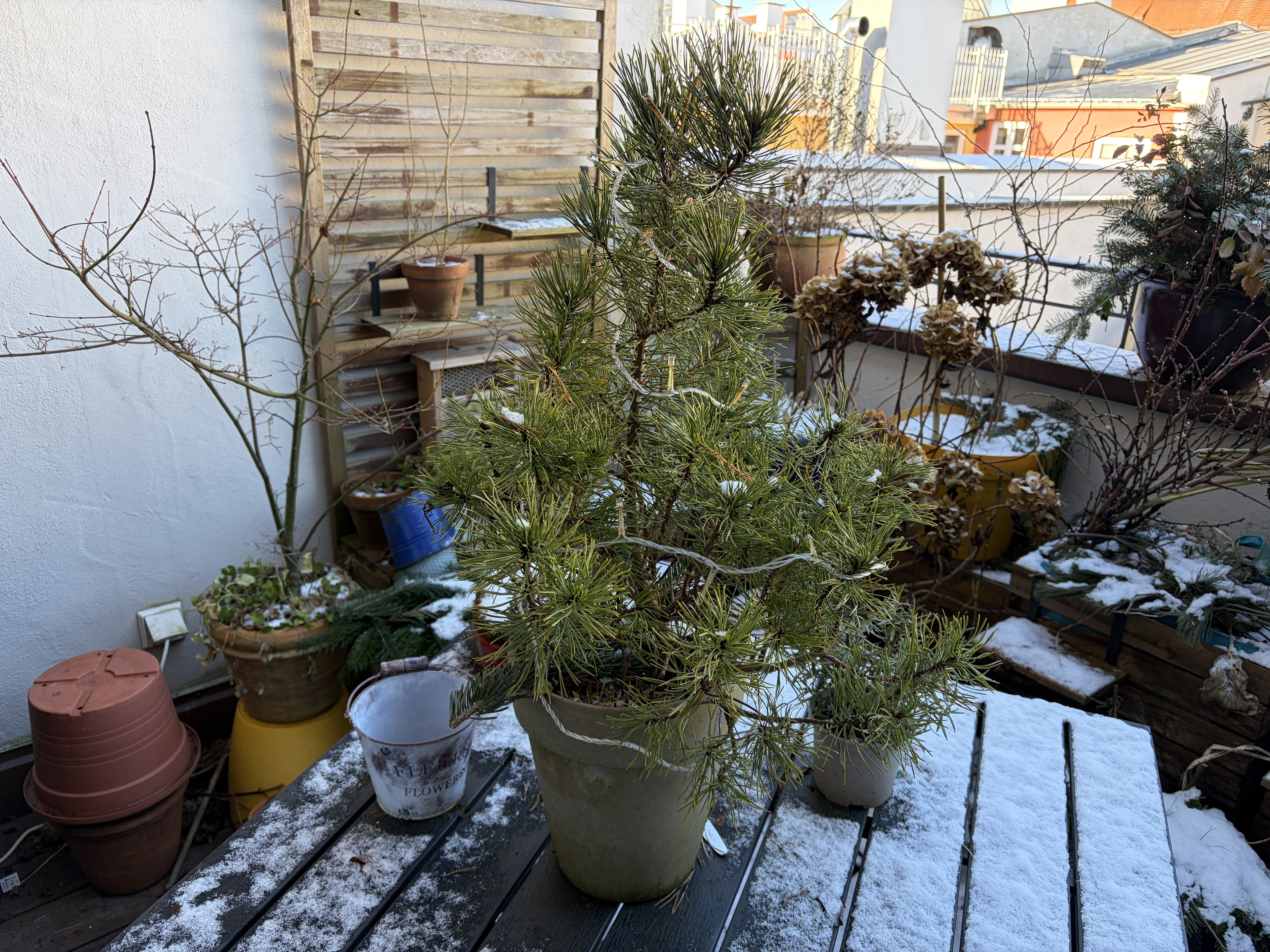
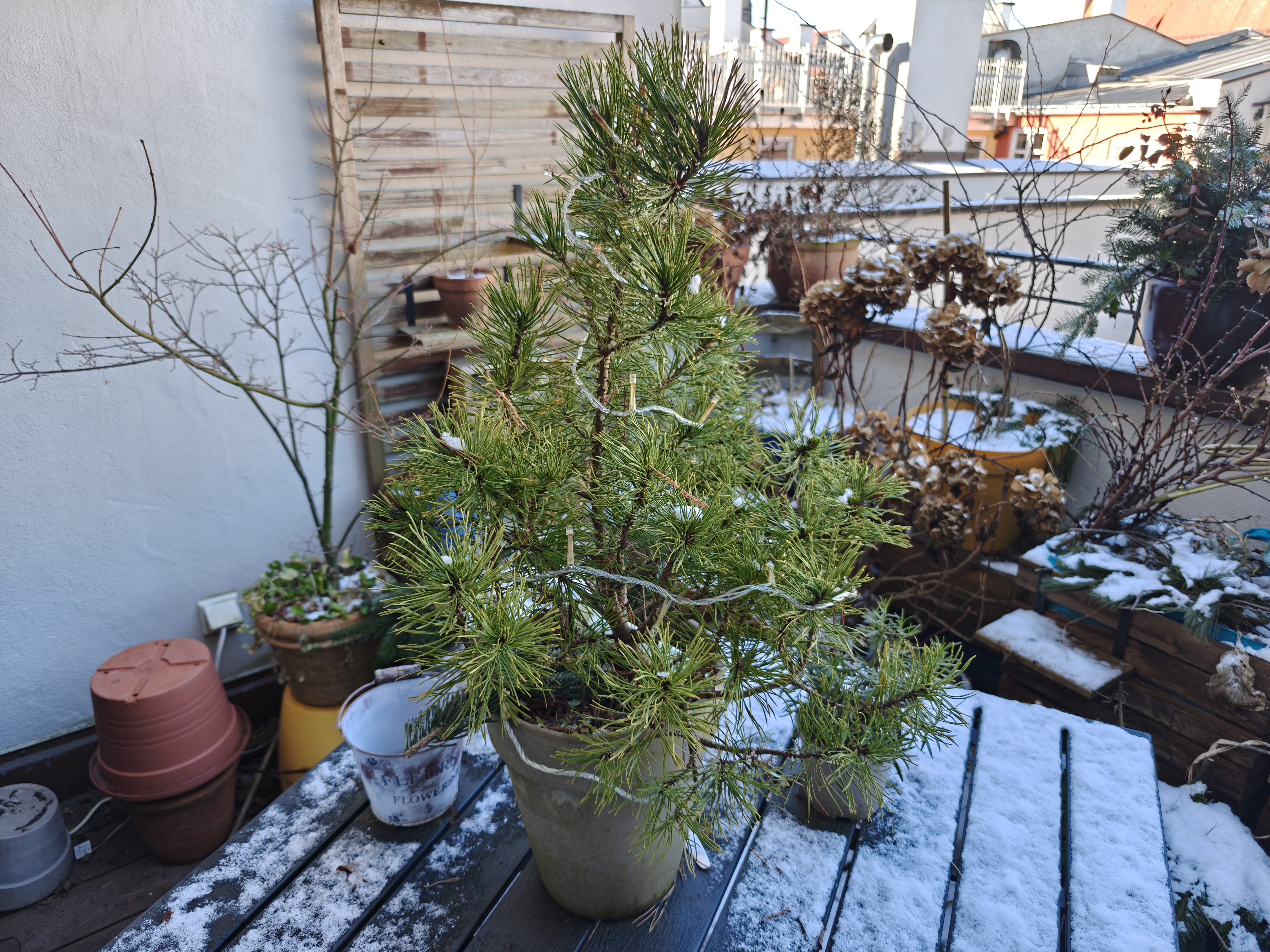
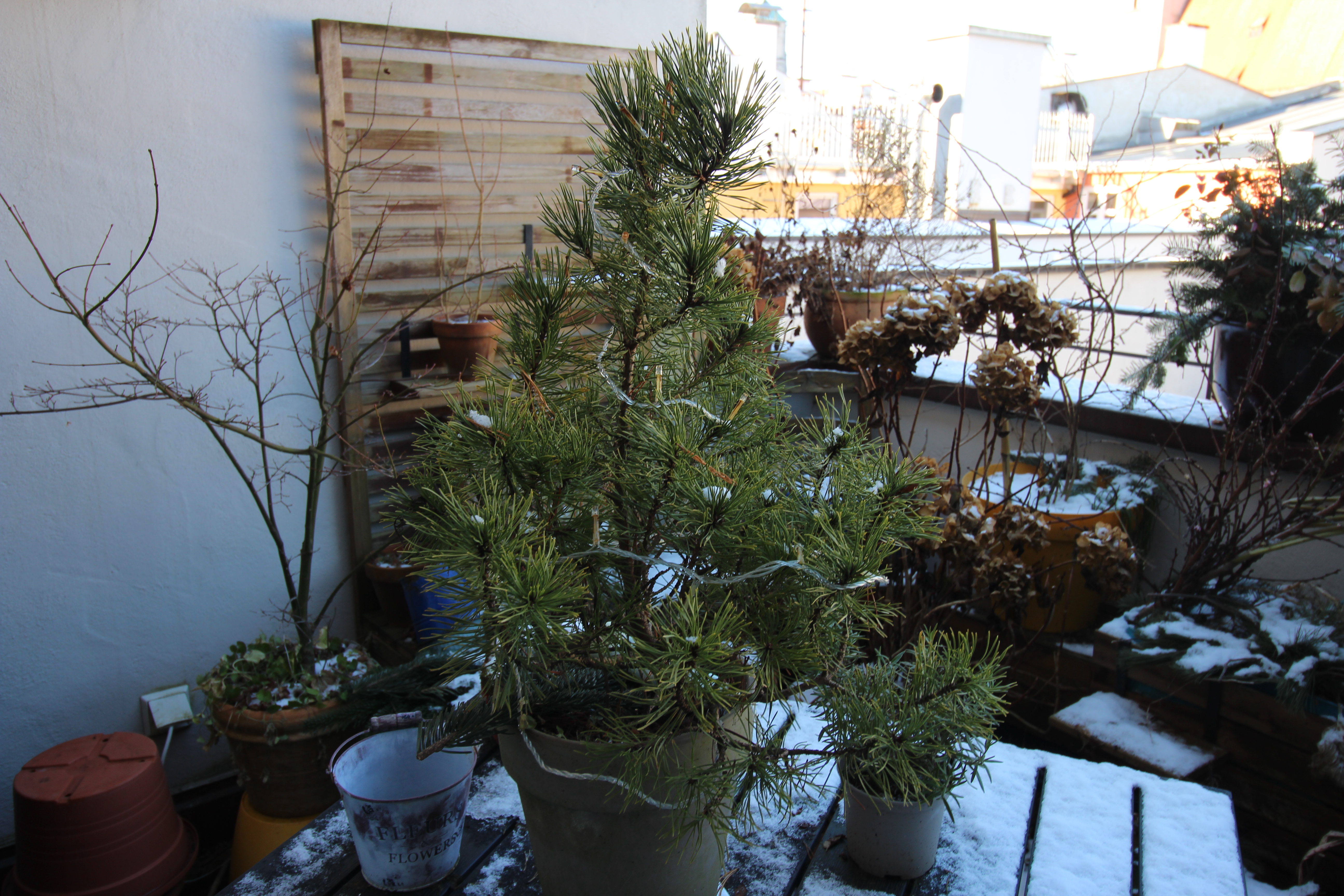
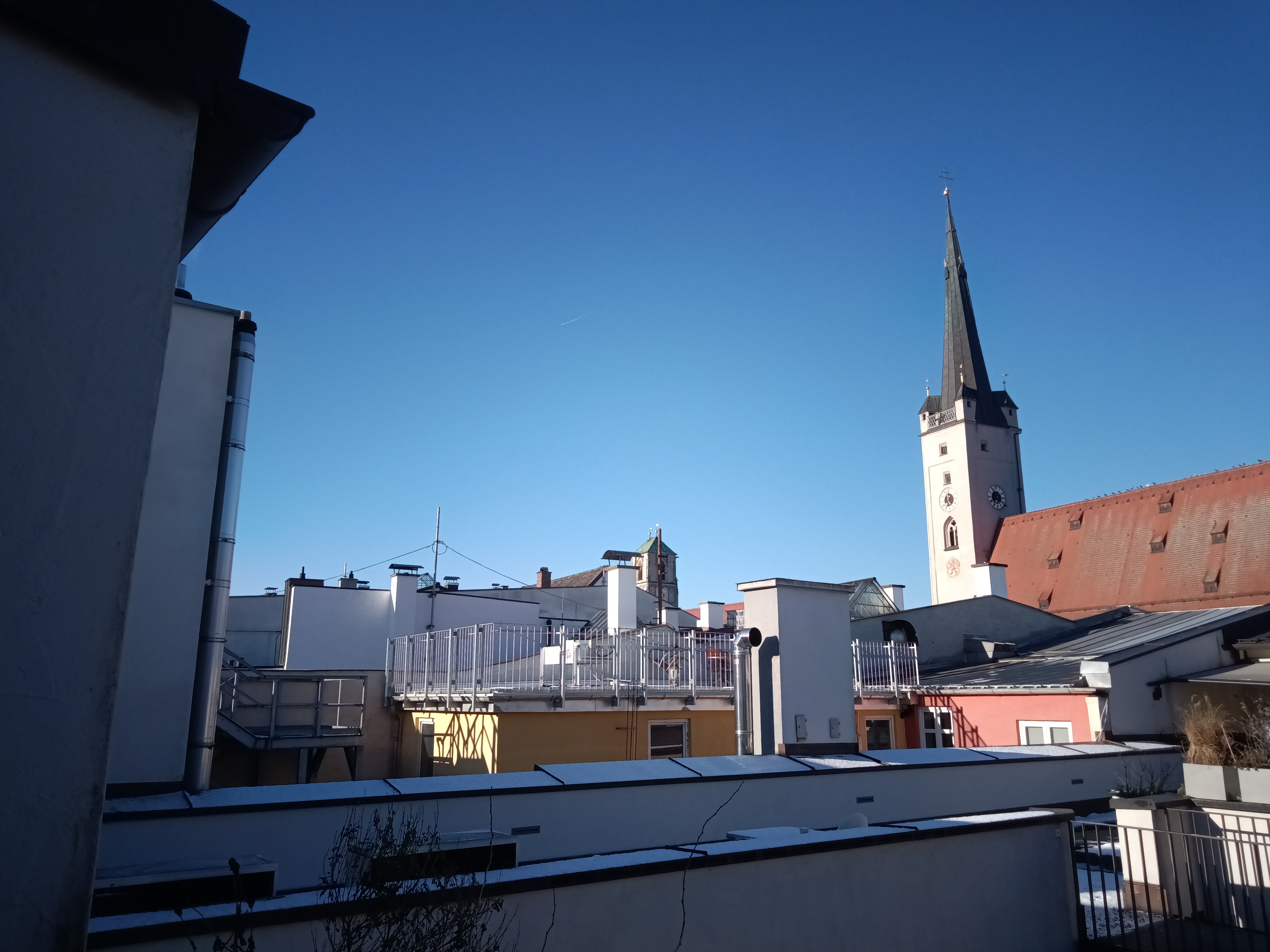
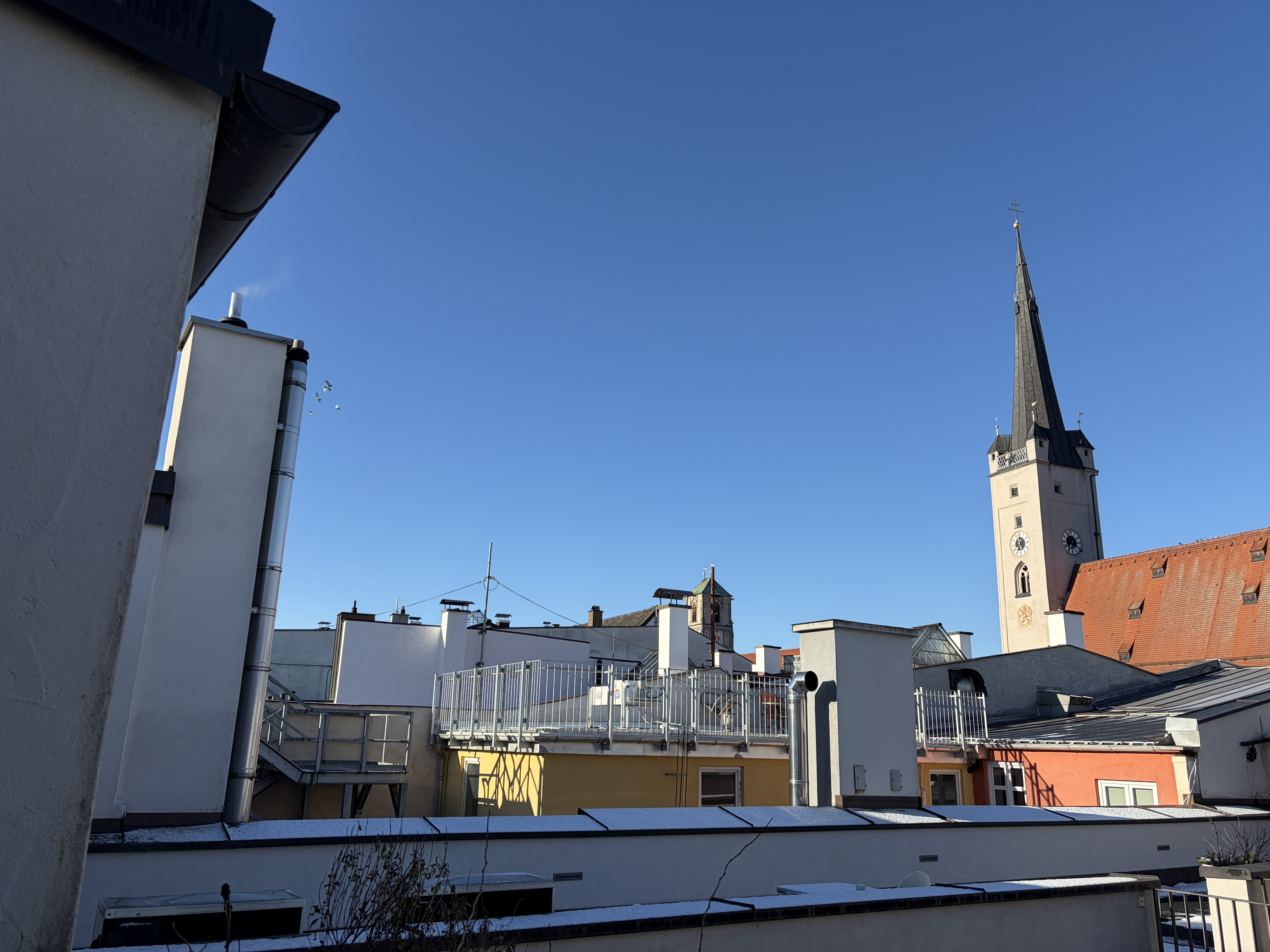
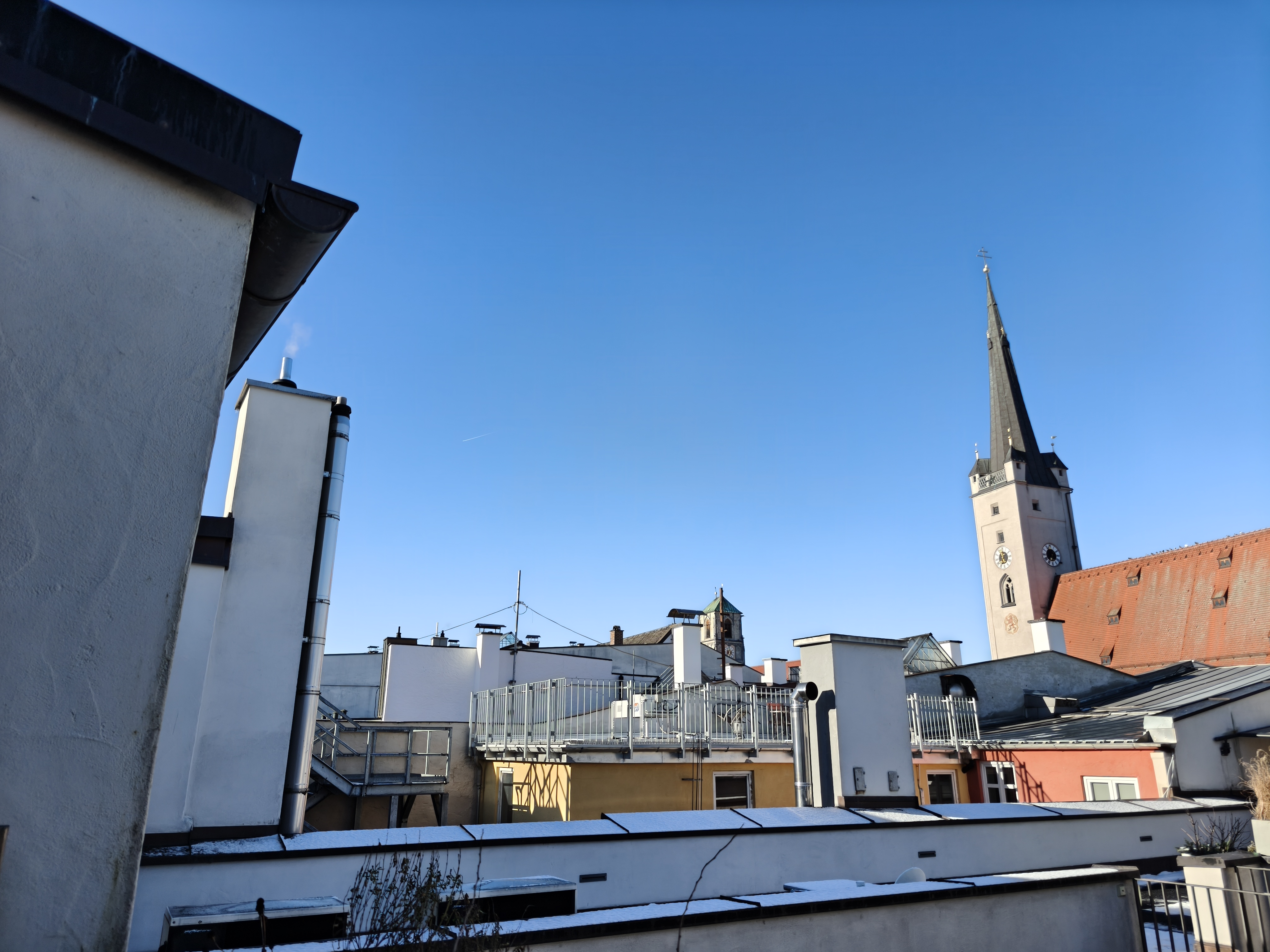
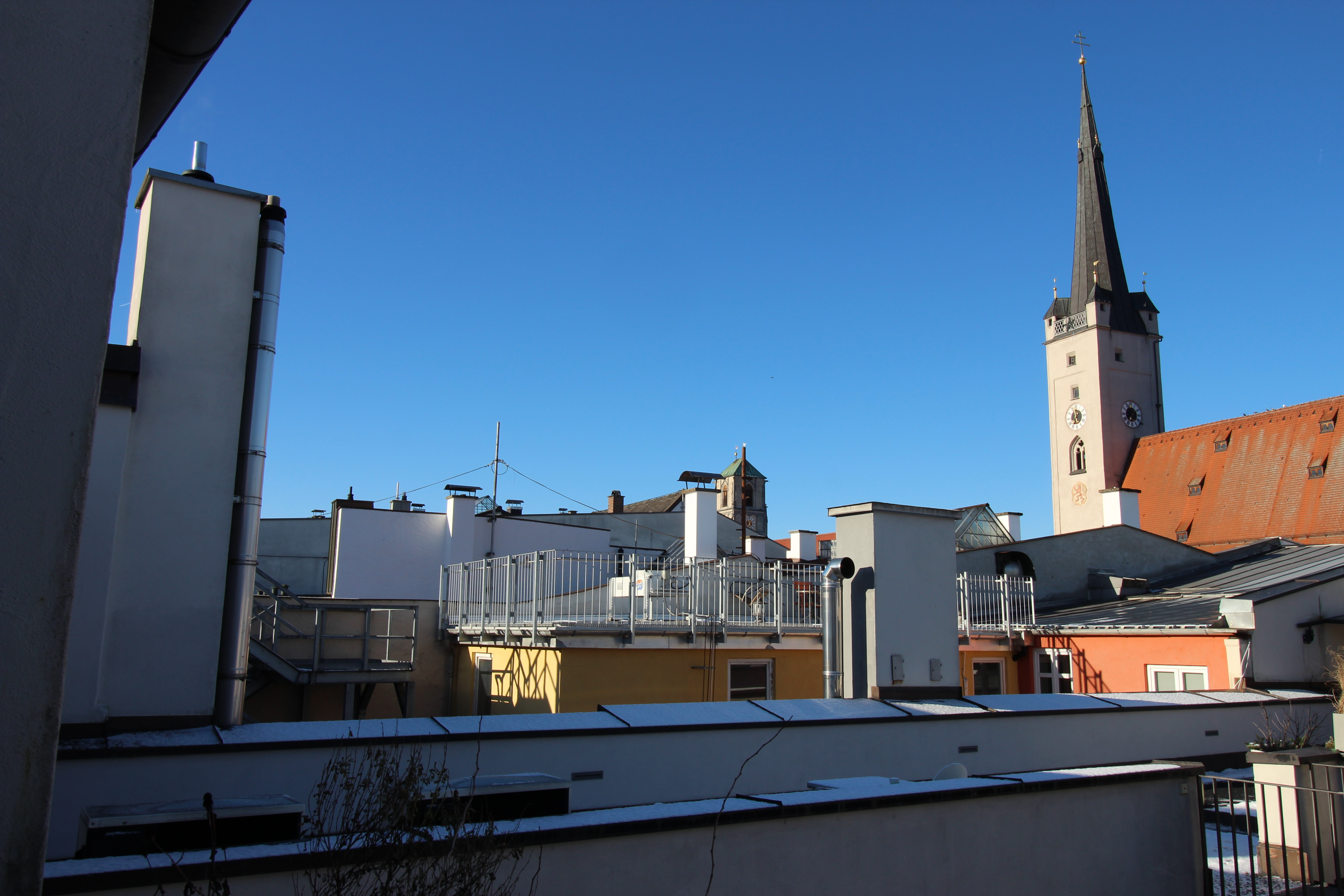
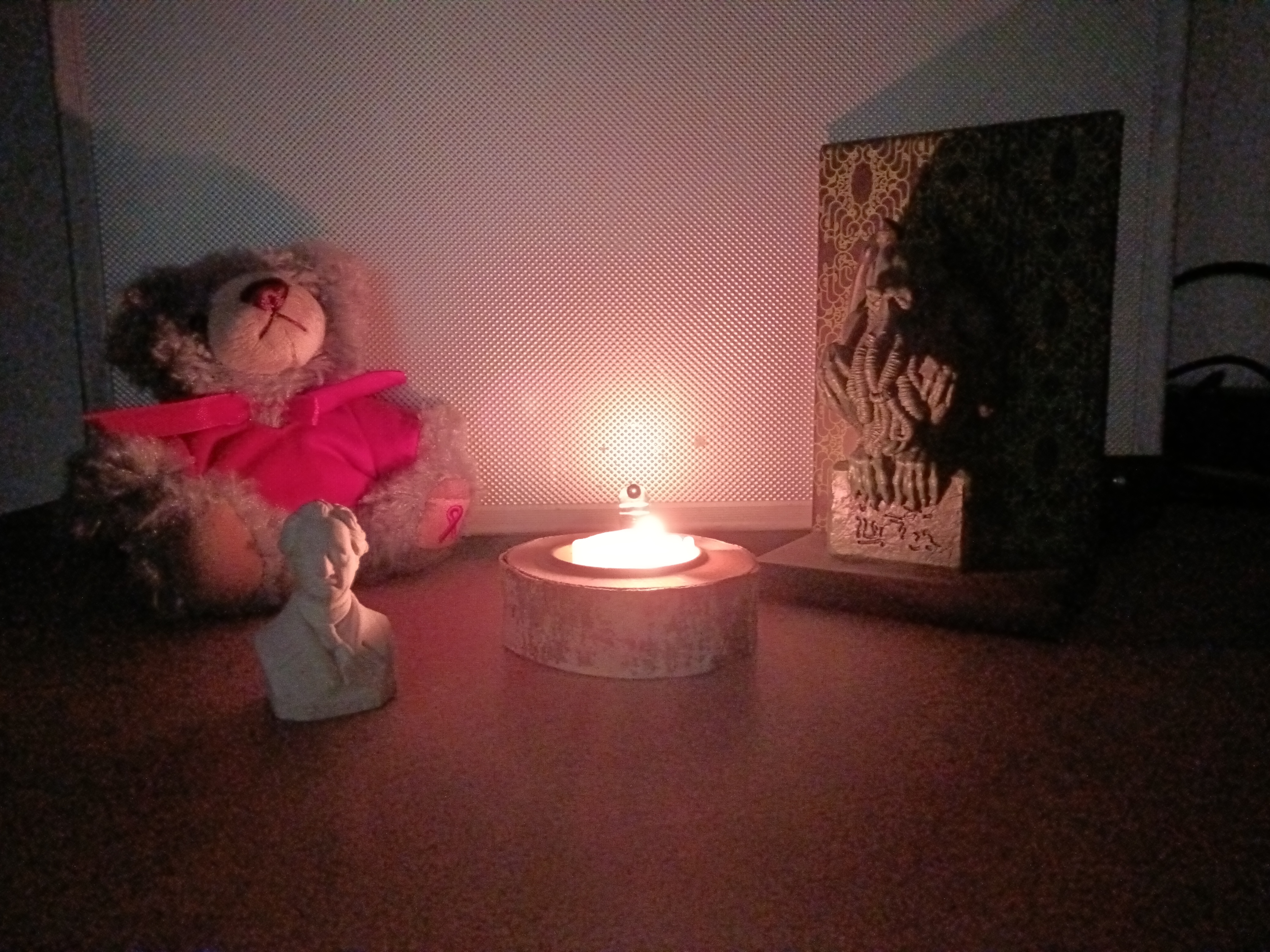
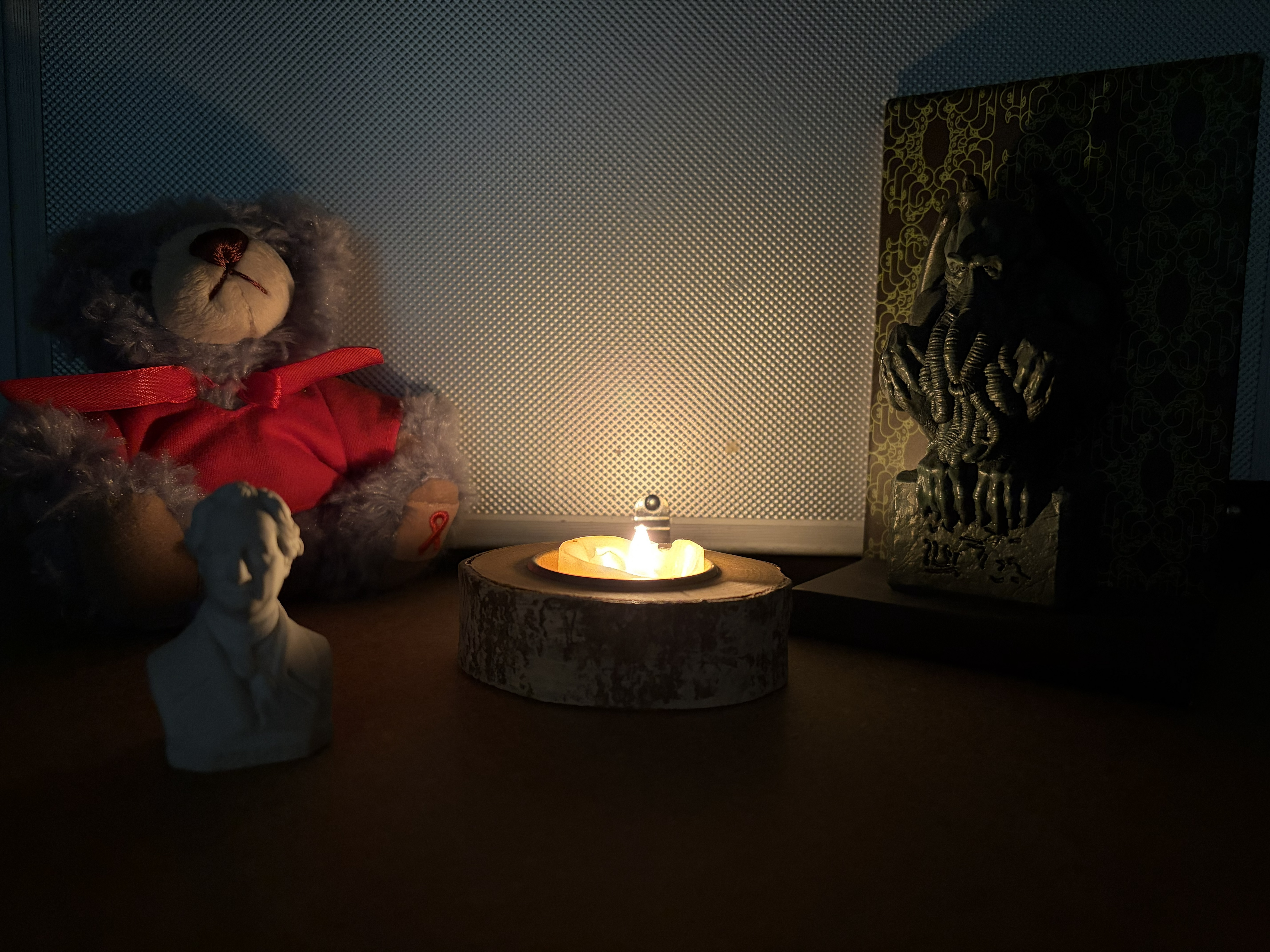
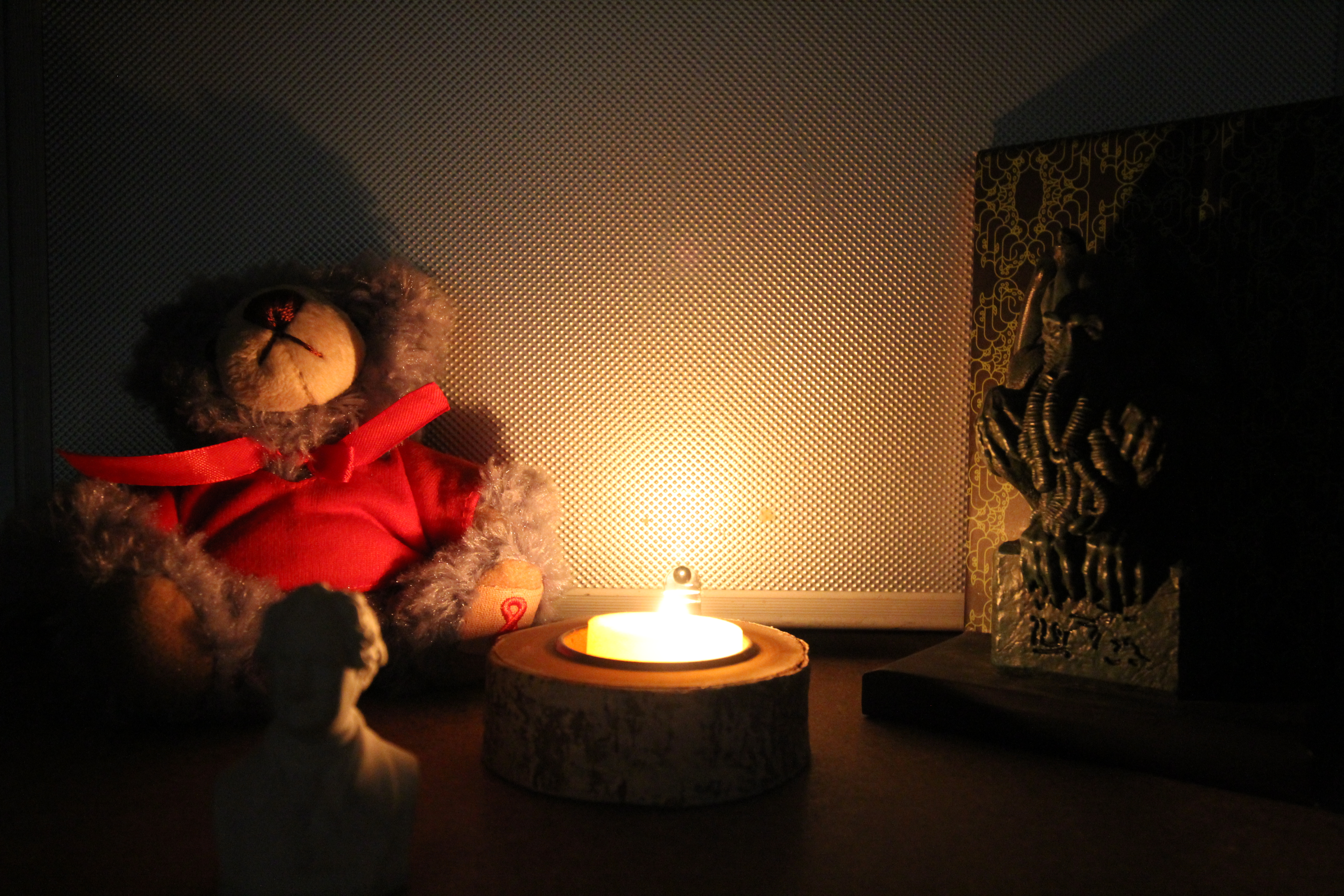
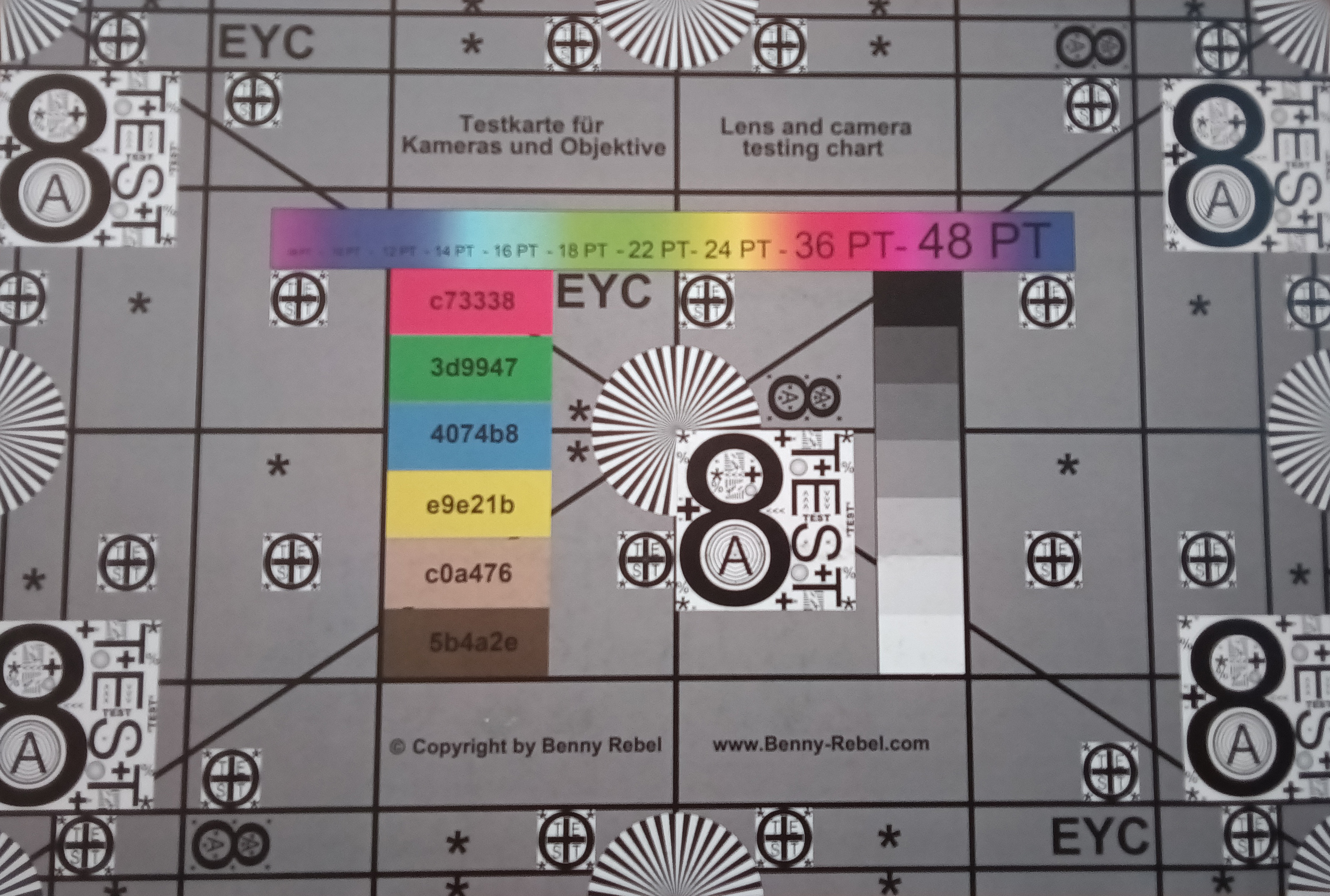
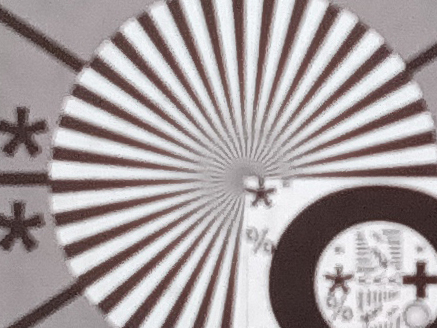
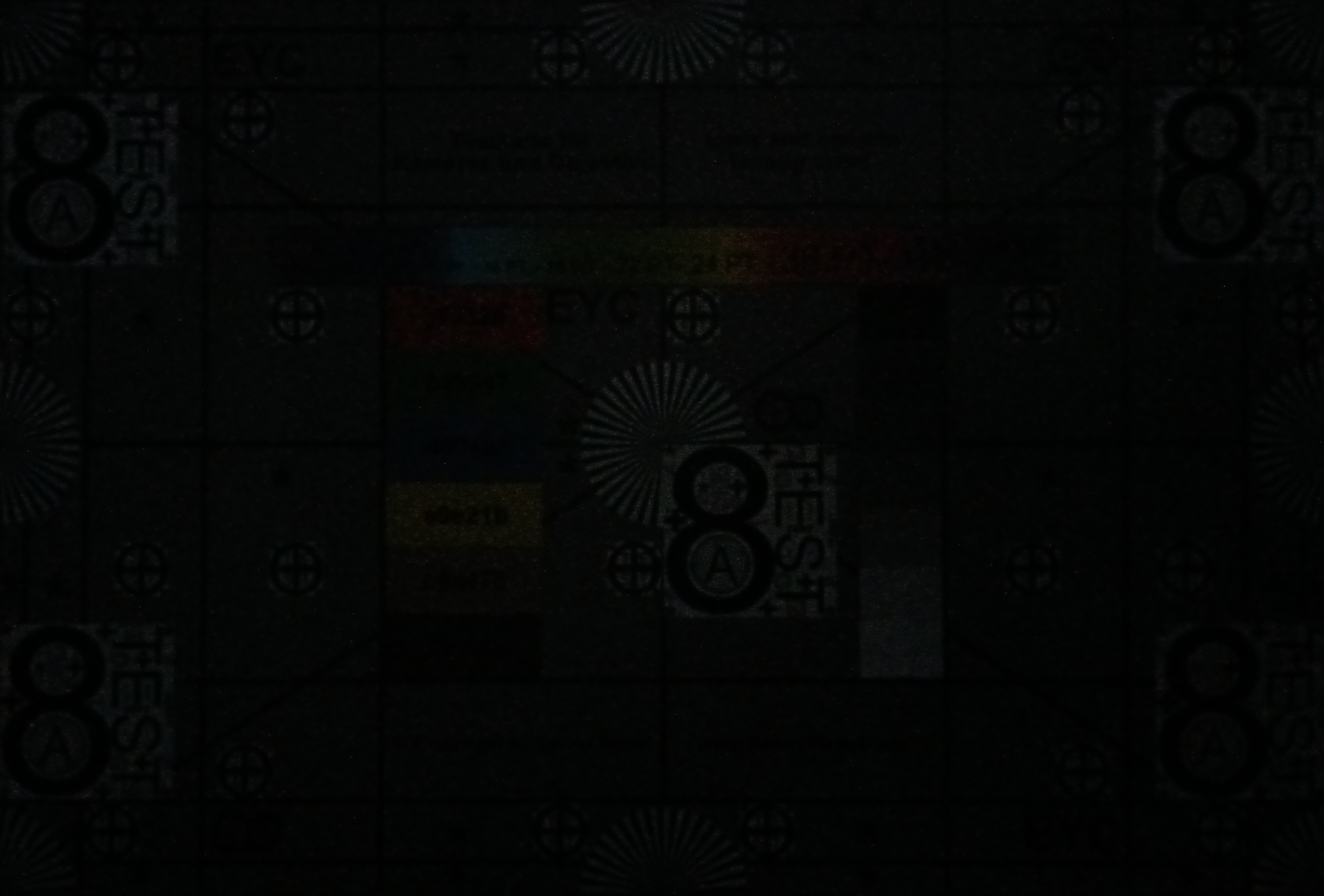
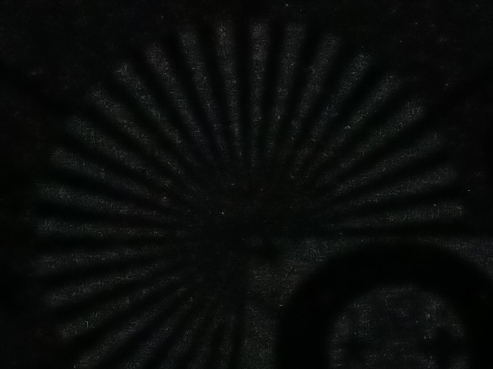
The 13-megapixel camera on the back only takes low-contrast photos and is quickly overwhelmed with a wide dynamic range. Images in low light become very grainy.
The front camera with 8 megapixels also has problems with large differences in brightness and takes rather bluish photos that only show coarse details.
Overall, the cameras can be used for documenting situations and sometimes scanning a document. However, they are not suitable for photo enthusiasts.
Image comparison
Choose a scene and navigate within the first image. One click changes the position on touchscreens. One click on the zoomed-in image opens the original in a new window. The first image shows the scaled photograph of the test device.
Rear camera - plantRear camera - streetRear camera - low light



Display - Dark and bluish
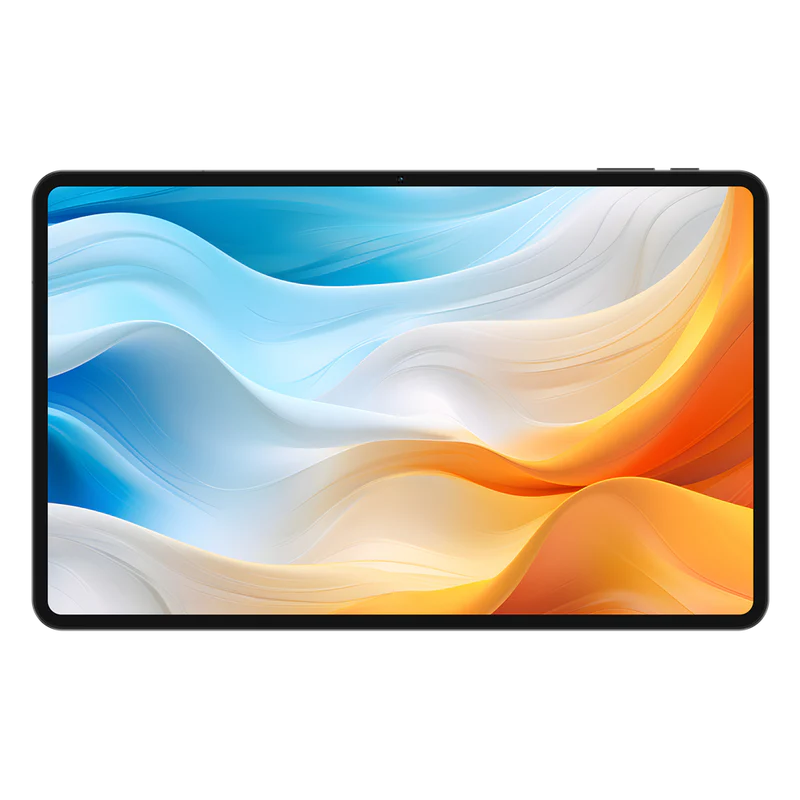
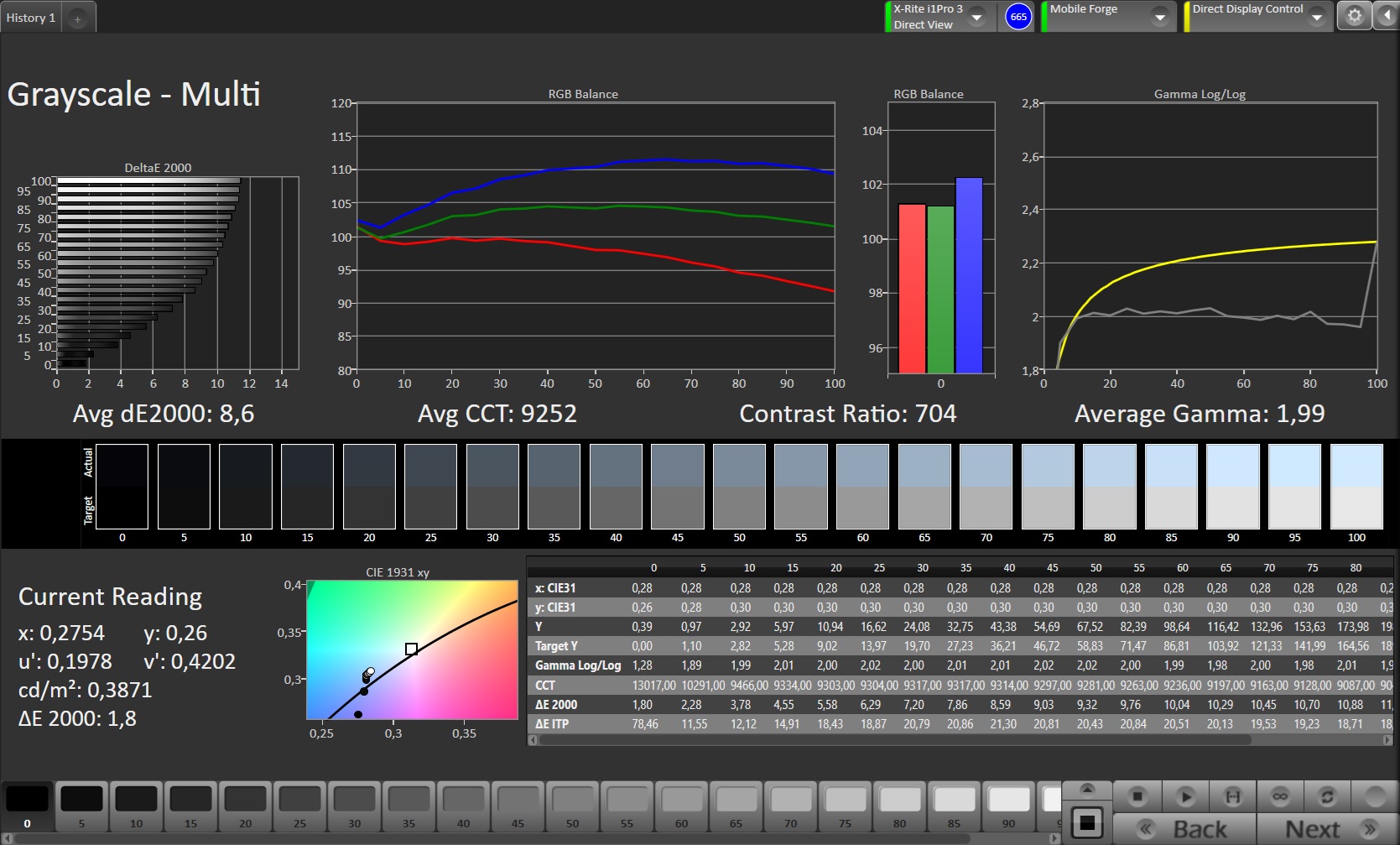
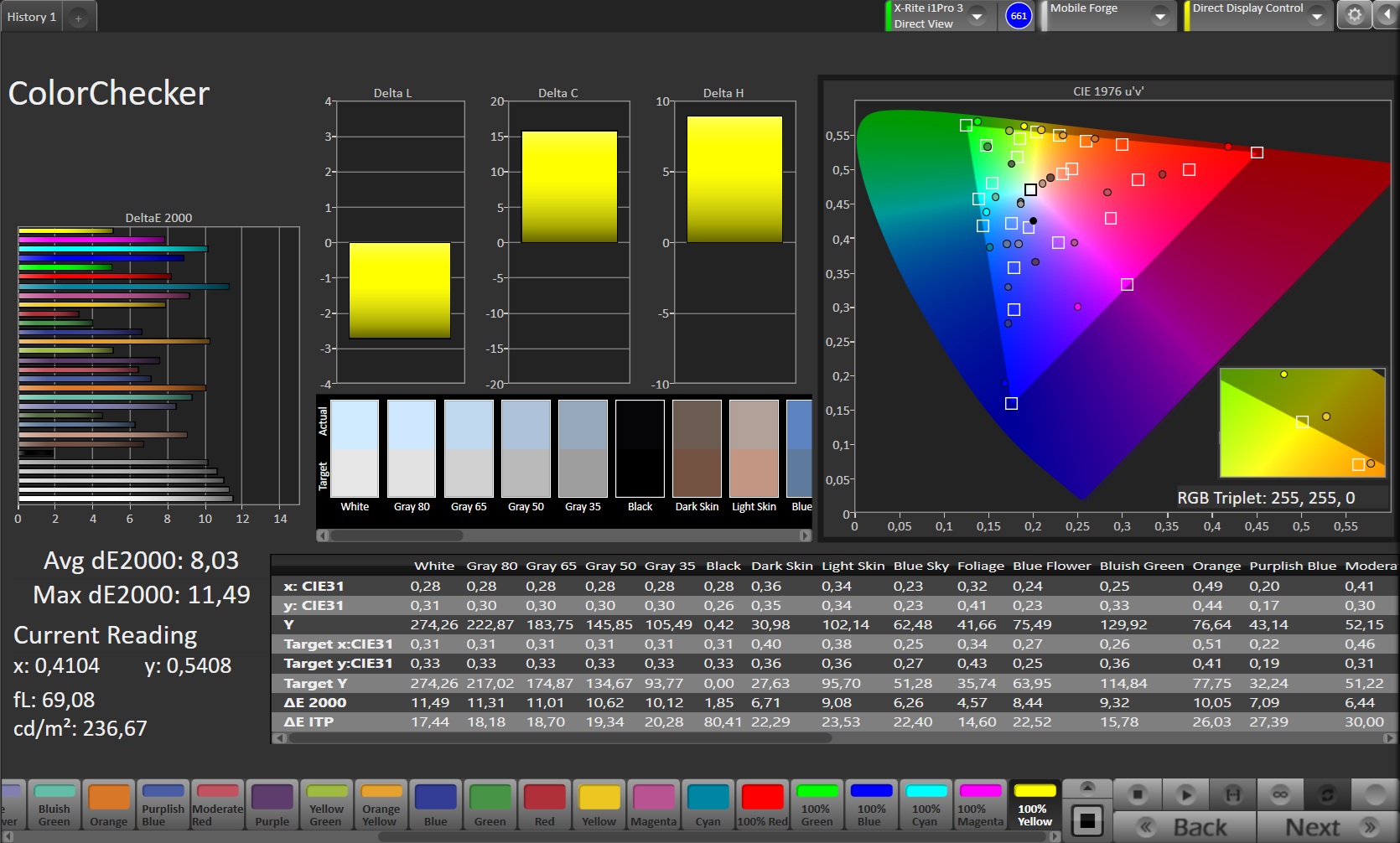
The 12-inch display is not particularly bright: we measured a maximum of 322 cd/m². This means it is only suitable for outdoor use on very cloudy days or in the shade.
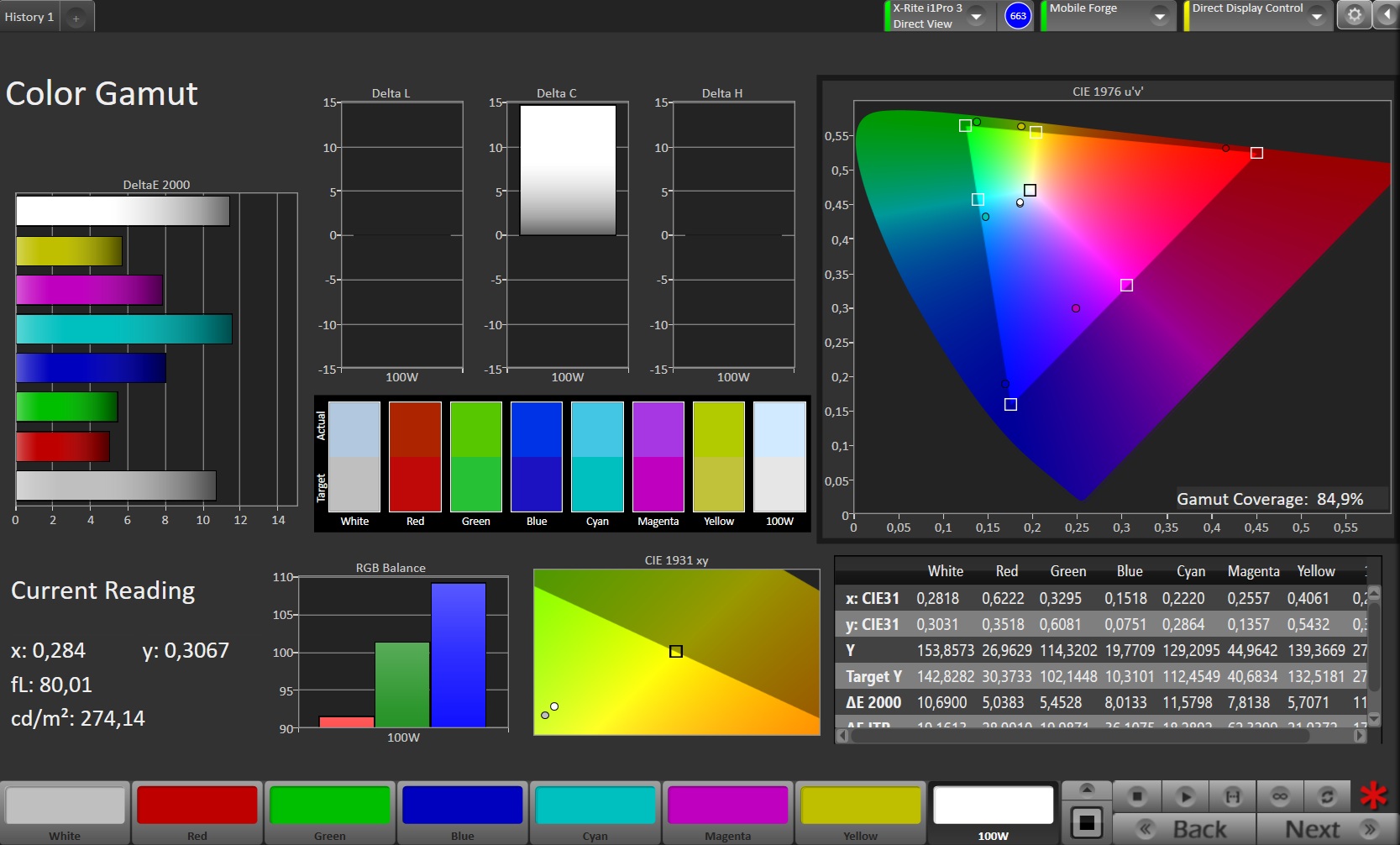
The color reproduction is also not really convincing: it is very bluish.
However, the IPS screen does not use PWM for brightness dimming and is therefore also suitable for more sensitive users.
| |||||||||||||||||||||||||
Brightness Distribution: 92 %
Center on Battery: 322 cd/m²
Contrast: 805:1 (Black: 0.4 cd/m²)
ΔE ColorChecker Calman: 8.03 | ∀{0.5-29.43 Ø4.7}
ΔE Greyscale Calman: 8.6 | ∀{0.09-98 Ø4.95}
84.9% sRGB (Calman 2D)
Gamma: 1.99
CCT: 9252 K
| Teclast T60 Pro IPS, 2000x1200, 12" | Vale V12X AMOLED, 2560x1600, 12.6" | Samsung Galaxy Tab A11 IPS, 1340x800, 8.7" | Teclast Art Pad Pro IPS, 2176x1600, 12.7" | |
|---|---|---|---|---|
| Screen | 21% | 28% | 1% | |
| Brightness middle (cd/m²) | 322 | 393 22% | 453 41% | 291 -10% |
| Brightness (cd/m²) | 309 | 381 23% | 438 42% | 269 -13% |
| Brightness Distribution (%) | 92 | 93 1% | 94 2% | 82 -11% |
| Black Level * (cd/m²) | 0.4 | 0.31 23% | 0.33 17% | |
| Contrast (:1) | 805 | 1461 81% | 882 10% | |
| Colorchecker dE 2000 * | 8.03 | 6.5 19% | 6.87 14% | 7.79 3% |
| Colorchecker dE 2000 max. * | 11.49 | 9.27 19% | 11.89 -3% | 10.97 5% |
| Greyscale dE 2000 * | 8.6 | 5 42% | 6.9 20% | 8 7% |
| Gamma | 1.99 111% | 2.215 99% | 2.216 99% | 2.007 110% |
| CCT | 9252 70% | 7298 89% | 8458 77% | 8922 73% |
* ... smaller is better
| Display / APL18 Peak Brightness | |
| Teclast T60 Pro | |
| Display / HDR Peak Brightness | |
| Teclast T60 Pro | |
Screen Flickering / PWM (Pulse-Width Modulation)
| Screen flickering / PWM not detected | 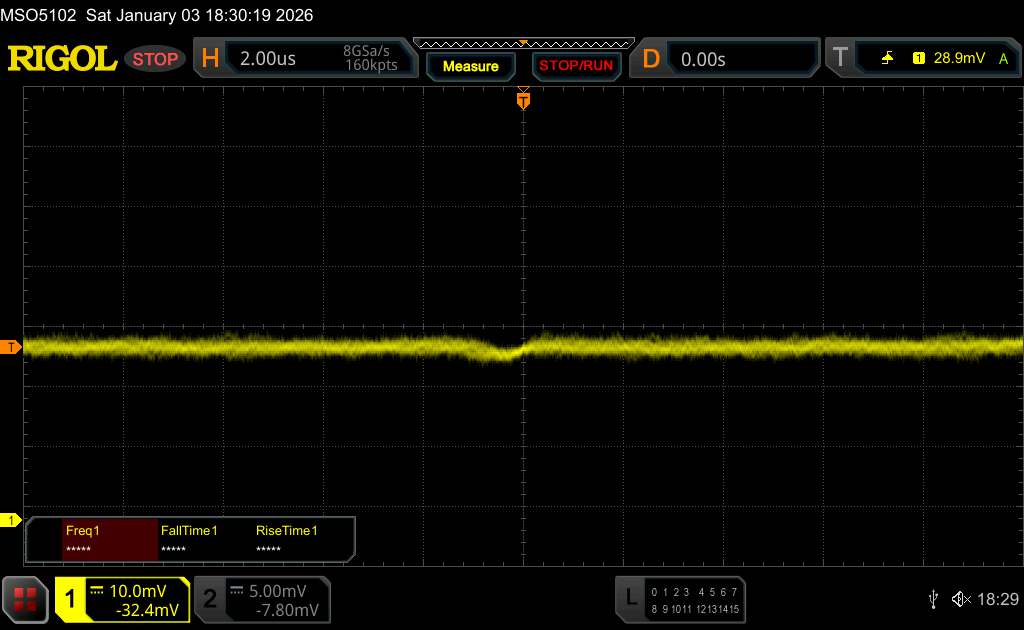 | ||
In comparison: 52 % of all tested devices do not use PWM to dim the display. If PWM was detected, an average of 7665 (minimum: 5 - maximum: 343500) Hz was measured. | |||
Display Response Times
| ↔ Response Time Black to White | ||
|---|---|---|
| 27.5 ms ... rise ↗ and fall ↘ combined | ↗ 12 ms rise | 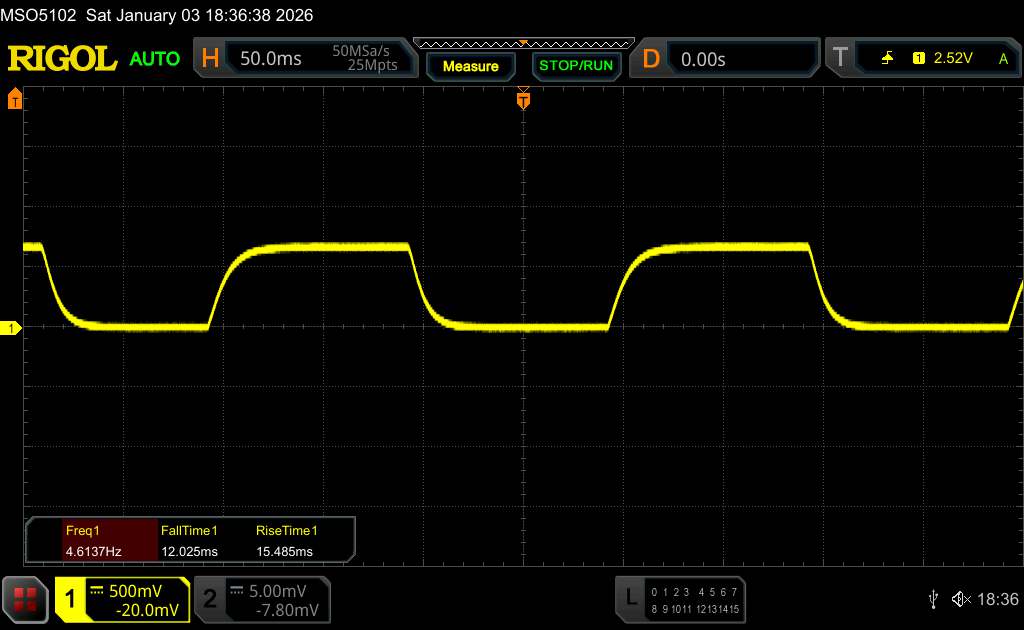 |
| ↘ 15.5 ms fall | ||
| The screen shows relatively slow response rates in our tests and may be too slow for gamers. In comparison, all tested devices range from 0.1 (minimum) to 240 (maximum) ms. » 70 % of all devices are better. This means that the measured response time is worse than the average of all tested devices (19.7 ms). | ||
| ↔ Response Time 50% Grey to 80% Grey | ||
| 46.8 ms ... rise ↗ and fall ↘ combined | ↗ 24.1 ms rise | 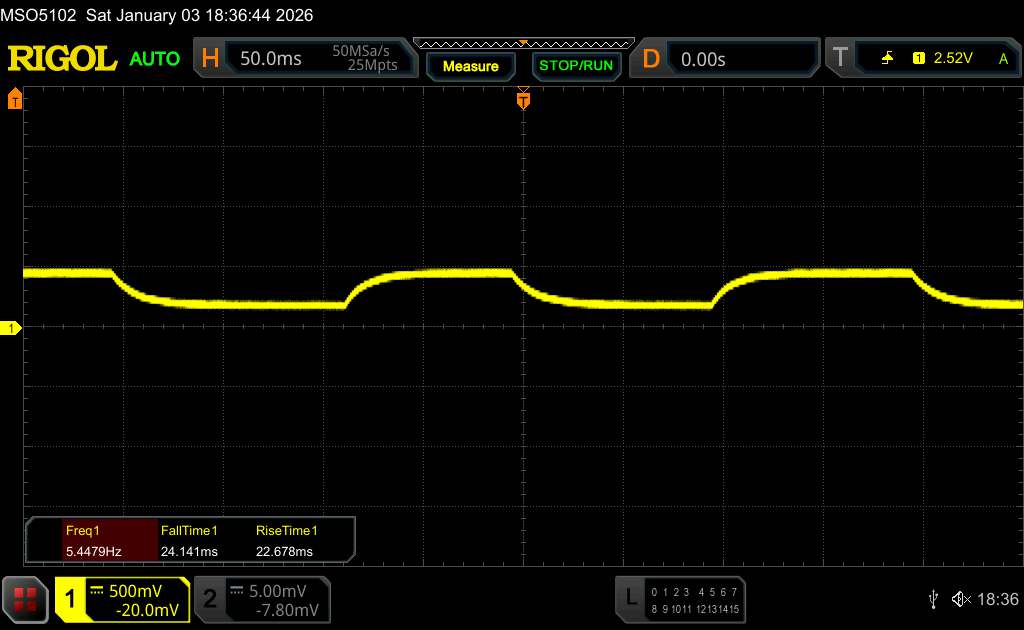 |
| ↘ 22.7 ms fall | ||
| The screen shows slow response rates in our tests and will be unsatisfactory for gamers. In comparison, all tested devices range from 0.13 (minimum) to 636 (maximum) ms. » 81 % of all devices are better. This means that the measured response time is worse than the average of all tested devices (30.8 ms). | ||
Performance, emissions and battery life - Doesn't last as long
With the MediaTek Helio G99 the tablet uses a typical SoC for the entry-level class. It offers enough power for simple everyday tasks, but is quickly overwhelmed by more complex tasks. Even in the menu, stutters cannot be completely ruled out.
The Teclast T60 Pro shows the usual performance values of the SoC and can convince with a constant performance even after prolonged load, as the 3DMark stress tests show. There is no noticeable warming of the casing after prolonged load.
The stereo speakers produce a decent sound for the price range, so you can listen to pop songs and other music. Those who are more demanding are more likely to use headphones or external speakers, which can be connected via USB or Bluetooth. Many Bluetooth audio codecs are supported, including Hi-Res audio.
8.000 mAh is rather low in terms of battery capacity; the competition sometimes offers significantly more. 11:55 hours in our Wi-Fi test is also a rather meagre runtime. Nevertheless, it is sufficient for a day on the sofa. However, charging takes quite a long time due to the low power of only 15 watts maximum.
| 3DMark | |
| Wild Life Score | |
| Average of class Tablet (461 - 20048, n=43, last 2 years) | |
| Average Mediatek Helio G99 (1165 - 1364, n=27) | |
| Teclast T60 Pro | |
| Teclast Art Pad Pro | |
| Vale V12X | |
| Wild Life Unlimited Score | |
| Average of class Tablet (468 - 29287, n=76, last 2 years) | |
| Samsung Galaxy Tab A11 | |
| Average Mediatek Helio G99 (1011 - 1340, n=28) | |
| Vale V12X | |
| Teclast T60 Pro | |
| Teclast Art Pad Pro | |
| Wild Life Extreme | |
| Average of class Tablet (121 - 9391, n=82, last 2 years) | |
| Teclast T60 Pro | |
| Average Mediatek Helio G99 (322 - 378, n=28) | |
| Teclast Art Pad Pro | |
| Vale V12X | |
| Samsung Galaxy Tab A11 | |
| Wild Life Extreme Unlimited | |
| Average of class Tablet (122 - 11105, n=81, last 2 years) | |
| Samsung Galaxy Tab A11 | |
| Teclast T60 Pro | |
| Average Mediatek Helio G99 (323 - 366, n=28) | |
| Vale V12X | |
| Teclast Art Pad Pro | |
| Geekbench AI | |
| Single Precision NPU 1.7 | |
| Average of class Tablet (166 - 5295, n=48, last 2 years) | |
| Teclast T60 Pro | |
| Average Mediatek Helio G99 (209 - 211, n=2) | |
| Teclast Art Pad Pro | |
| Half Precision NPU 1.7 | |
| Average of class Tablet (154 - 41155, n=48, last 2 years) | |
| Average Mediatek Helio G99 (309 - 313, n=2) | |
| Teclast T60 Pro | |
| Teclast Art Pad Pro | |
| Quantized NPU 1.7 | |
| Average of class Tablet (88 - 57388, n=48, last 2 years) | |
| Average Mediatek Helio G99 (195 - 199, n=2) | |
| Teclast T60 Pro | |
| Teclast Art Pad Pro | |
| Jetstream 2 - 2.0 Total | |
| Average of class Tablet (48 - 420, n=55, last 2 years) | |
| Vale V12X | |
| Teclast Art Pad Pro | |
| Samsung Galaxy Tab A11 | |
| Teclast T60 Pro | |
| Average Mediatek Helio G99 (46.9 - 92.8, n=16) | |
| Teclast T60 Pro | Vale V12X | Samsung Galaxy Tab A11 | Teclast Art Pad Pro | Average 128 GB UFS 2.1 Flash | Average of class Tablet | |
|---|---|---|---|---|---|---|
| AndroBench 3-5 | 16% | -26% | 9% | -36% | 86% | |
| Sequential Read 256KB (MB/s) | 879.6 | 994.2 13% | 925.1 5% | 1007.37 15% | 760 ? -14% | 2120 ? 141% |
| Sequential Write 256KB (MB/s) | 754.4 | 914.9 21% | 395.6 -48% | 873.36 16% | 302 ? -60% | 1719 ? 128% |
| Random Read 4KB (MB/s) | 226.5 | 258.5 14% | 179.5 -21% | 237.46 5% | 155.3 ? -31% | 280 ? 24% |
| Random Write 4KB (MB/s) | 219.5 | 257.1 17% | 129.9 -41% | 215.52 -2% | 132.5 ? -40% | 332 ? 51% |
(+) The maximum temperature on the upper side is 34.6 °C / 94 F, compared to the average of 33.7 °C / 93 F, ranging from 20.7 to 53.2 °C for the class Tablet.
(+) The bottom heats up to a maximum of 30.7 °C / 87 F, compared to the average of 33.2 °C / 92 F
(+) In idle usage, the average temperature for the upper side is 24.9 °C / 77 F, compared to the device average of 30 °C / 86 F.
3DMark Stress Tests
| 3DMark | |
| Wild Life Stress Test Stability | |
| Vale V12X | |
| Teclast T60 Pro | |
| Teclast Art Pad Pro | |
| Samsung Galaxy Tab A11 | |
| Wild Life Extreme Stress Test | |
| Teclast T60 Pro | |
| Teclast Art Pad Pro | |
| Vale V12X | |
| Steel Nomad Light Stress Test Stability | |
| Vale V12X | |
| Teclast Art Pad Pro | |
Teclast T60 Pro audio analysis
(+) | speakers can play relatively loud (86 dB)
Bass 100 - 315 Hz
(-) | nearly no bass - on average 22% lower than median
(±) | linearity of bass is average (7.4% delta to prev. frequency)
Mids 400 - 2000 Hz
(±) | higher mids - on average 7.4% higher than median
(+) | mids are linear (5.1% delta to prev. frequency)
Highs 2 - 16 kHz
(±) | higher highs - on average 5.3% higher than median
(+) | highs are linear (5.9% delta to prev. frequency)
Overall 100 - 16.000 Hz
(±) | linearity of overall sound is average (18.3% difference to median)
Compared to same class
» 47% of all tested devices in this class were better, 6% similar, 46% worse
» The best had a delta of 7%, average was 21%, worst was 130%
Compared to all devices tested
» 40% of all tested devices were better, 8% similar, 52% worse
» The best had a delta of 4%, average was 23%, worst was 136%
Vale V12X audio analysis
(+) | speakers can play relatively loud (89.9 dB)
Bass 100 - 315 Hz
(-) | nearly no bass - on average 25.8% lower than median
(±) | linearity of bass is average (11.9% delta to prev. frequency)
Mids 400 - 2000 Hz
(±) | higher mids - on average 8.1% higher than median
(+) | mids are linear (6.6% delta to prev. frequency)
Highs 2 - 16 kHz
(±) | higher highs - on average 5.2% higher than median
(±) | linearity of highs is average (7.1% delta to prev. frequency)
Overall 100 - 16.000 Hz
(±) | linearity of overall sound is average (21.2% difference to median)
Compared to same class
» 65% of all tested devices in this class were better, 5% similar, 30% worse
» The best had a delta of 7%, average was 21%, worst was 130%
Compared to all devices tested
» 59% of all tested devices were better, 7% similar, 34% worse
» The best had a delta of 4%, average was 23%, worst was 136%
| Teclast T60 Pro 8000 mAh | Vale V12X 10000 mAh | Samsung Galaxy Tab A11 5100 mAh | Teclast Art Pad Pro 10000 mAh | |
|---|---|---|---|---|
| Battery runtime | 12% | 22% | -15% | |
| WiFi v1.3 (h) | 11.9 | 13.3 12% | 14.5 22% | 10.1 -15% |
| Load (h) | 3.7 | 4.4 | ||
| Reader / Idle (h) | 32.4 | |||
| H.264 (h) | 19.3 |
Notebookcheck overall rating
The Teclast T60 Pro is a well-equipped tablet for very little money.
You shouldn't expect too much performance, but you do get LTE, pen input and a PWM-free display.
Teclast T60 Pro
- 01/21/2026 v8
Florian Schmitt
 Total Sustainability Score:
 Possible alternatives in comparison
Image | Model / Review | Price | Weight | Drive | Display |
|---|---|---|---|---|---|
1. 75.8%  | Teclast T60 Pro Mediatek Helio G99 ⎘ ARM Mali-G57 MP2 ⎘ 8 GB Memory, 128 GB UFS 2.1 | Amazon: List Price: 160€ | 553 g | 128 GB UFS 2.1 Flash | 12.00" 2000x1200 194 PPI IPS |
2. 77.3%  | Vale V12X Mediatek Helio G99 ⎘ ARM Mali-G57 MP2 ⎘ 8 GB Memory, 128 GB UFS 3.1 | Amazon: List Price: 449€ | 555 g | 128 GB UFS 3.1 Flash | 12.60" 2560x1600 240 PPI AMOLED |
3. 76.4%  | Samsung Galaxy Tab A11 Mediatek Helio G99 ⎘ ARM Mali-G57 MP2 ⎘ 4 GB Memory, 64 GB eMMC | Amazon: List Price: 179€ | 335 g | 64 GB eMMC Flash | 8.70" 1340x800 179 PPI IPS |
4. 75.8%  | Teclast Art Pad Pro Mediatek Helio G99 ⎘ ARM Mali-G57 MP2 ⎘ 8 GB Memory, 256 GB UFS 2.2 | Amazon: List Price: 350 Euro | 674 g | 256 GB UFS 2.2 Flash | 12.70" 2176x1600 213 PPI IPS |
Transparency
The selection of devices to be reviewed is made by our editorial team. The test sample was freely purchased by the author at his/her own expense. The lender had no influence on this review, nor did the manufacturer receive a copy of this review before publication. There was no obligation to publish this review. As an independent media company, Notebookcheck is not subjected to the authority of manufacturers, retailers or publishers.
This is how Notebookcheck is testing
Every year, Notebookcheck independently reviews hundreds of laptops and smartphones using standardized procedures to ensure that all results are comparable. We have continuously developed our test methods for around 20 years and set industry standards in the process. In our test labs, high-quality measuring equipment is utilized by experienced technicians and editors. These tests involve a multi-stage validation process. Our complex rating system is based on hundreds of well-founded measurements and benchmarks, which maintains objectivity. Further information on our test methods can be found here.
 Add as a preferred source on Google


