Temu tablet causes a stir in the creative scene: Is the Teclast ArtPad Air really a viable Wacom replacement?

In the past, a Wacom tablet with a stylus was an accessory for PCs, but today many creative professionals draw directly on their tablets. Improved touch recognition, various screen modes, sophisticated apps and better styluses have made this possible. The iPad Pro is often the tablet of choice, but there are also significantly cheaper options available.
Creative tablets for $200 or less
We recently reviewed the Teclast Art Pad Air, which even comes with a stylus and keyboard cover, depending on the retailer. The tablet is currently available via Temu and is expected to come to Amazon soon, where previous products such as the ArtPadPro are available. The ArtPad Air costs $200, but can you really expect meaningful performance in the creative field for that price?
The stylus is impressive
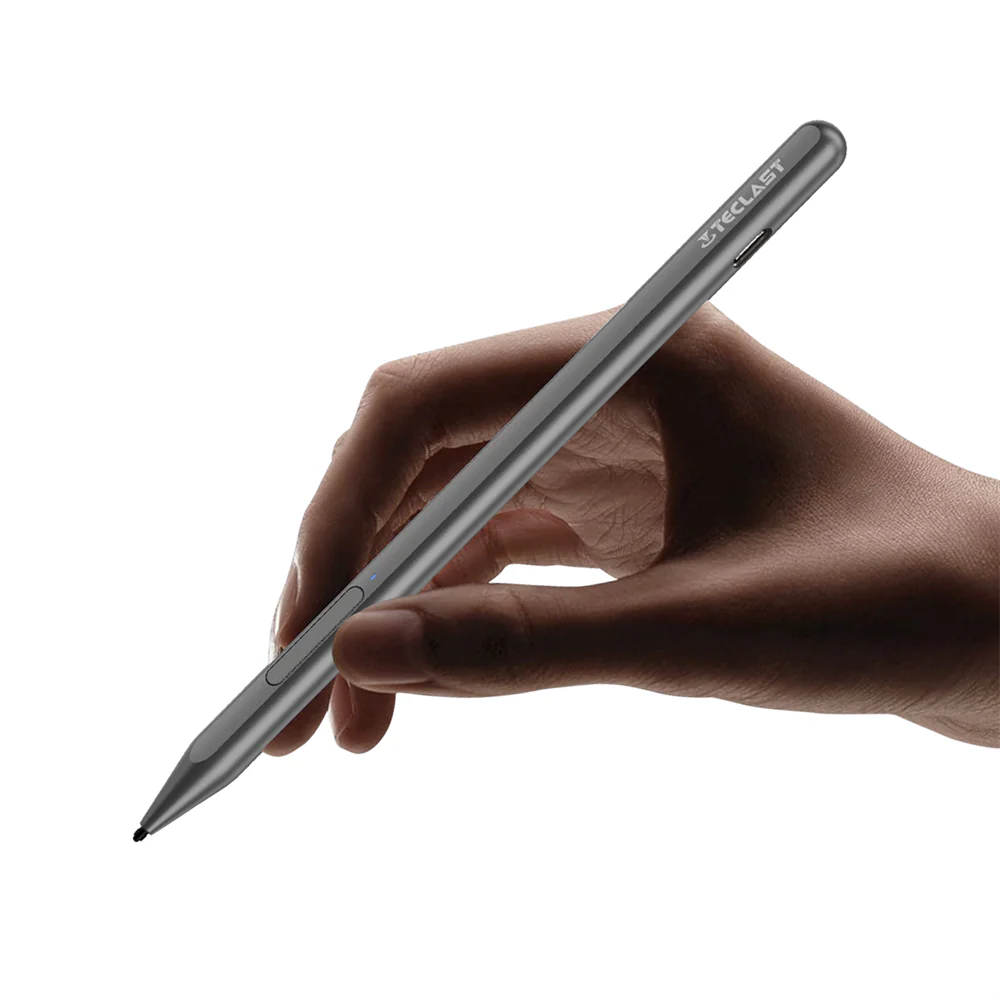
The Teclast T-Pen fits comfortably in your hand and has 4,096 pressure levels, fulfilling the basic requirements for smooth operation. It can be magnetically attached to the top of the tablet for storage and is charged via a USB port. Of course, there are some compromises in terms of convenience here, as more expensive tablets usually offer wireless charging via an induction coil.
The stylus is compatible with the universal USI 2.0 protocol, so it can also be used with other tablets. The tips are interchangeable and the stylus also has a button that is used for activation and toggling the eraser function.
Practical drawing test
The palm recognition on the ArtPad Air works quite reliably, so you don't have to worry about accidental inputs. The pen is ready to use immediately and is even capable of drawing fine lines thanks to the 4,096 pressure levels.
The ArtPad Air's screen offers various modes, such as pastel or black and white, which are well suited to their respective color schemes. However, the purpose of these modes isn't entirely clear, since the corresponding color or grayscale levels can also be displayed in full-color mode.
The slightly more square screen format is suitable for documents and drawings. However, color representation is rather difficult, as it is almost impossible to match exact color tones.
Verdict
If Teclast had put a little more effort into calibrating the display colors, the Teclast ArtPad Air would be serious competitor indeed. As it stands, it's unlikely to be suitable for professionals. Its performance is also too low for this purpose. Interested buyers can find out more in our detailed review.
Source(s)
 Add as a preferred source on Google