Special tablet operating system for creative minds: ArtOS put to the test
Teclast is primarily known for its affordable tablets. Yet, the company consistently manages to offer features that one wouldn't necessarily expect at such low prices. The ArtPads, for example, are tablets designed for creative work, yet cost significantly less than an iPad Pro.
We recently reviewed the Teclast ArtPad Air, which is available from Temu for just under $200. Despite its low price, it supports pen input with 4,096 levels of pressure sensitivity, features an 11-inch screen with a 90 Hz refresh rate, and also runs a special operating system called ArtOS, which we examine in more detail here.
Few changes compared to standard Android
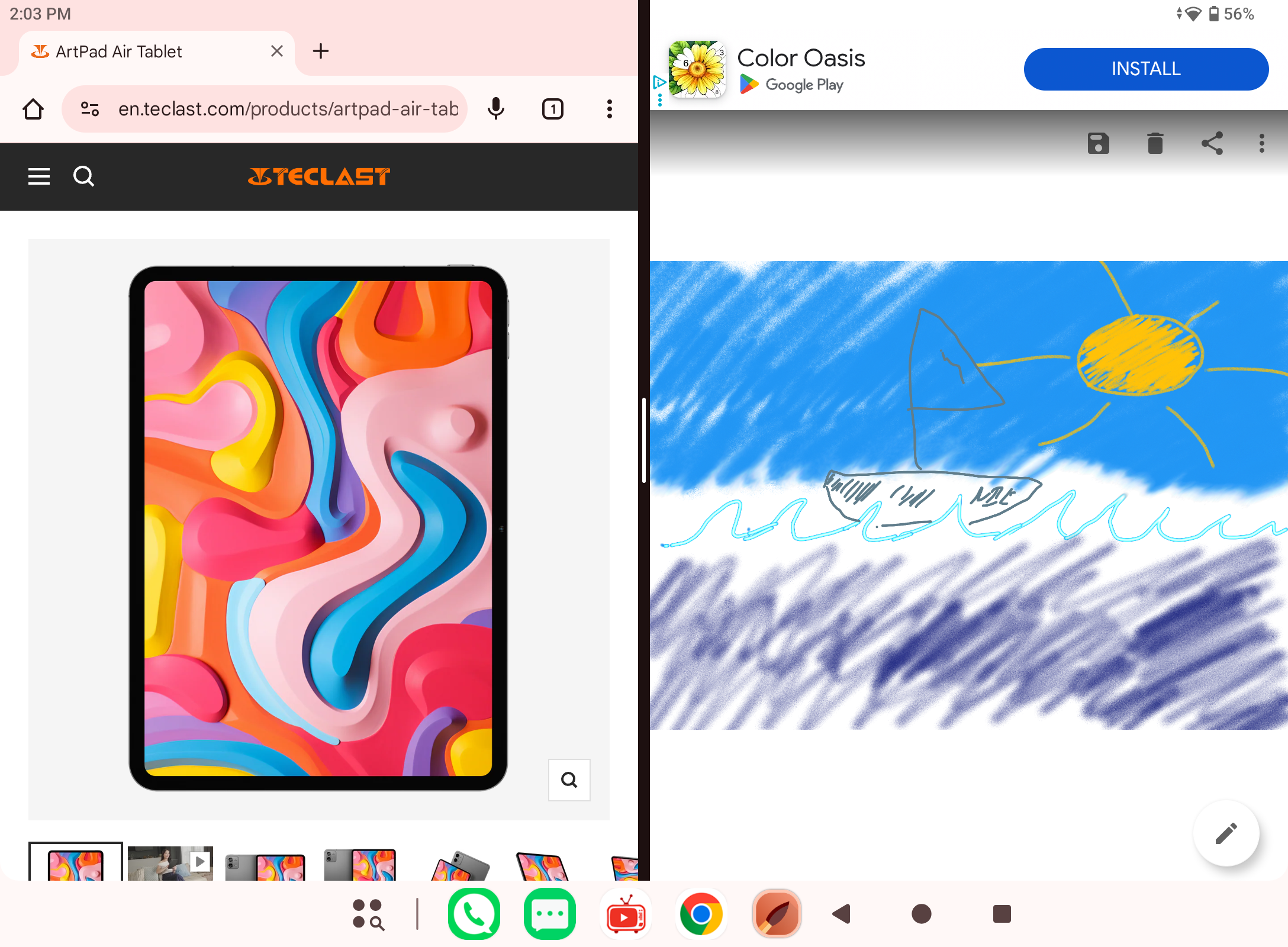
At first glance, there are hardly any differences compared to conventional Android builds on tablets from other manufacturers. Opening multiple apps side-by-side in windows is quite easy, allowing you to keep track of several things at once, such as tracing a template drawing.
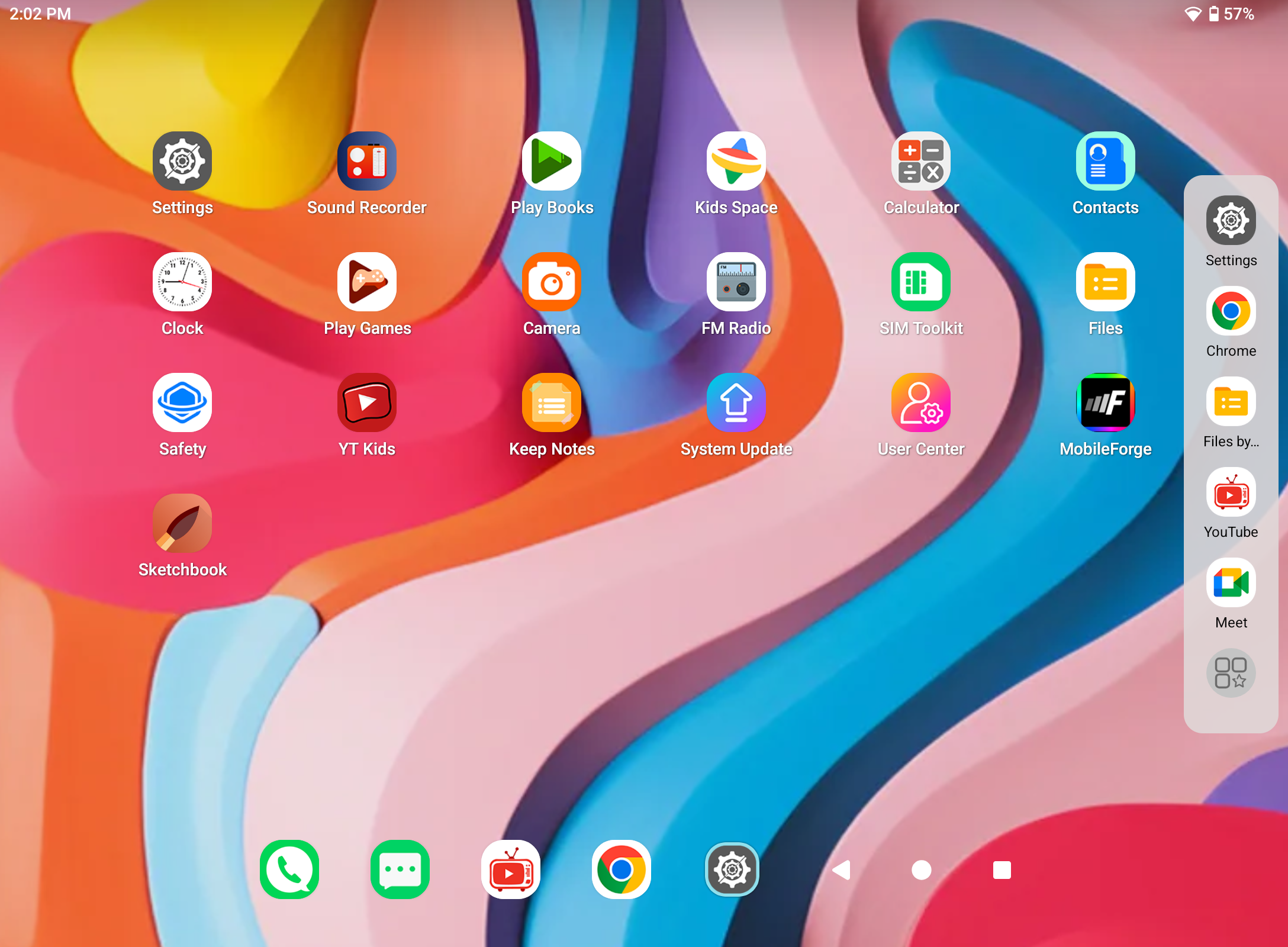
An activatable sidebar provides quick access to your favorite apps.
Art Space as a highlight
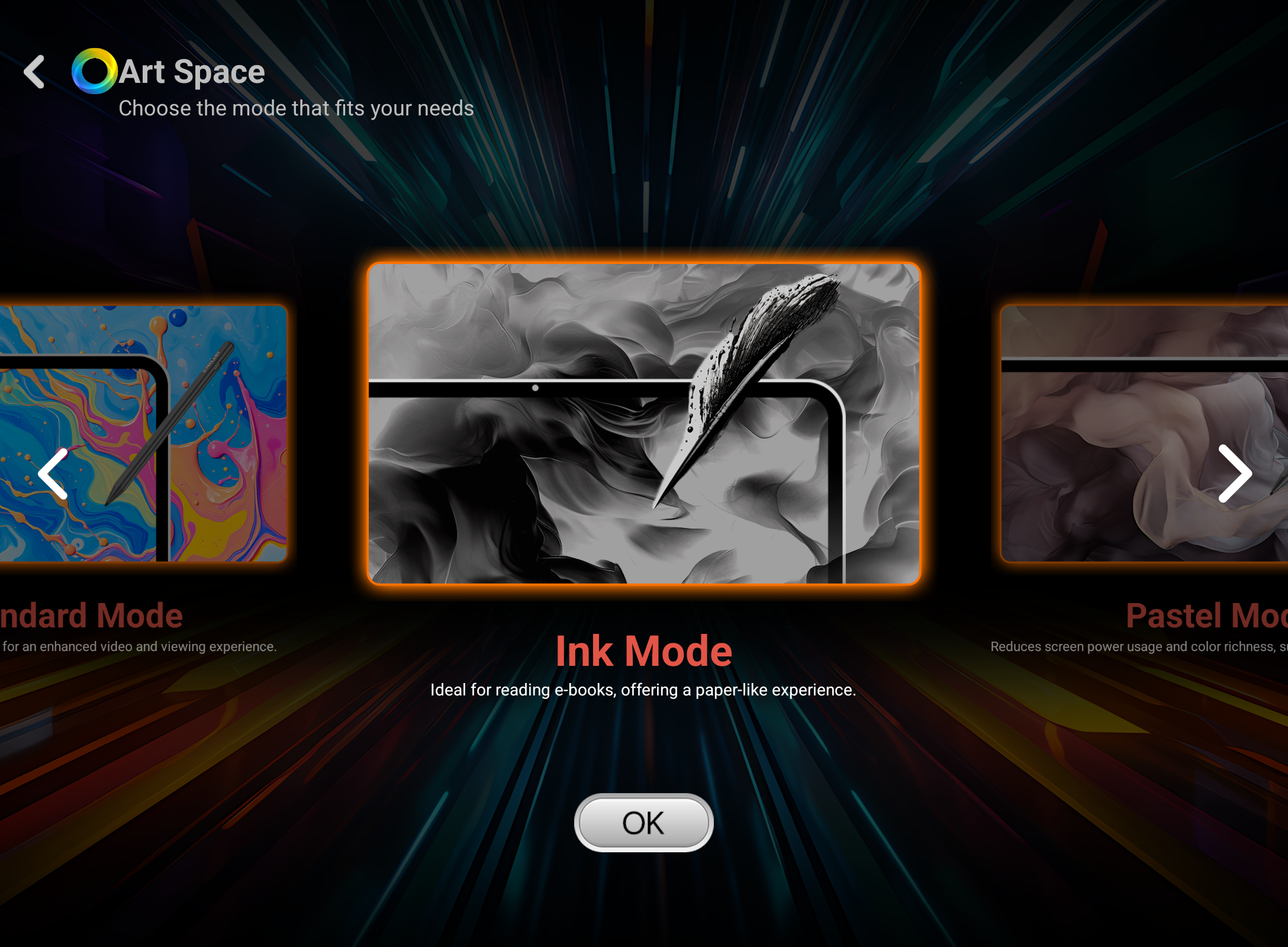
Teclast advertises the ArtPad Air feature in particular on the ArtPad Air, which allows users to set various screen modes, such as black and white or pastel. A stylish animation and sound effect accompany the switch.
The different modes can indeed be quite useful. Above all, they reduce distractions from other screen content. Of course, shades of gray or pastel tones can also be rendered on a full-color screen.
Pre-installed apps could be more comprehensive
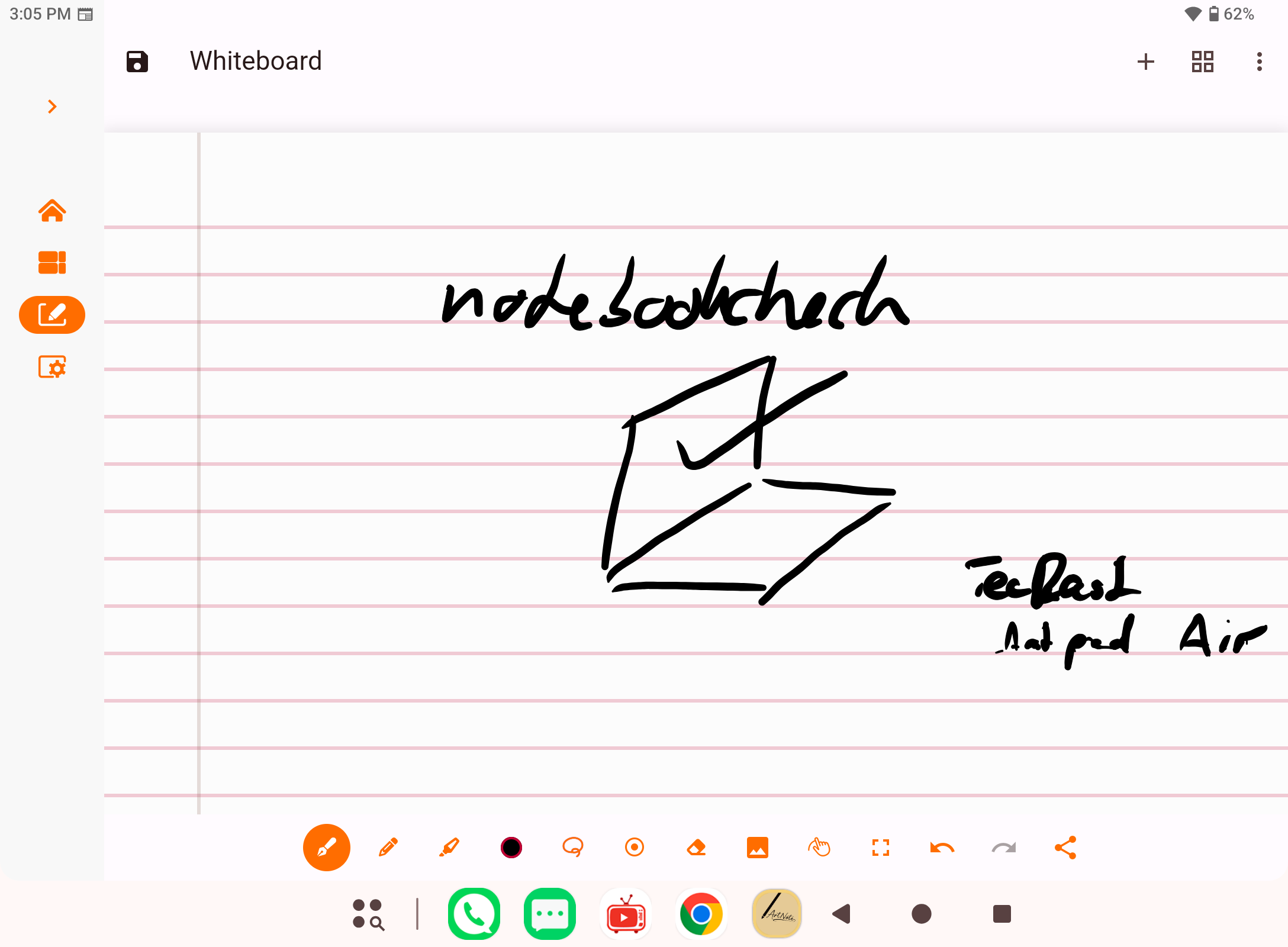
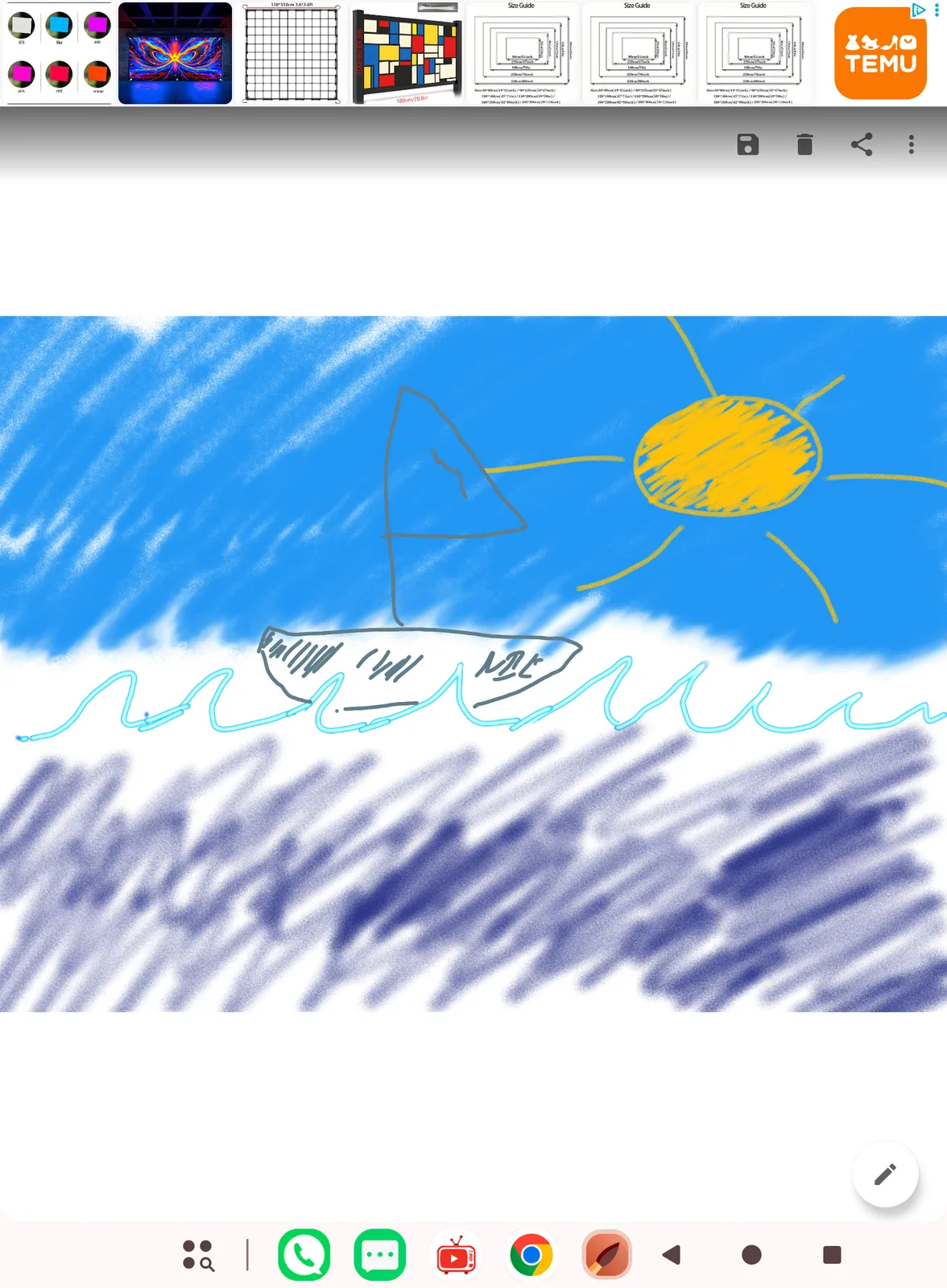
The ArtNote app is the only creative app pre-installed, but it offers a rather limited range of tools and is better suited for handwritten notes than for extensive drawings or paintings.
Verdict
At such a low price, you can't really expect a full-fledged alternative to Procreate on iOS devices or Adobe software on Android tablets. But Teclast could have put a little more effort into the pre-installed app. The switchable modes are nice, but not game-changers.
Where the Teclast ArtPad Air impresses as a creative tablet, and where you have to accept limitations, can be found in our detailed review.
Source(s)
 Add as a preferred source on Google