




Verdict
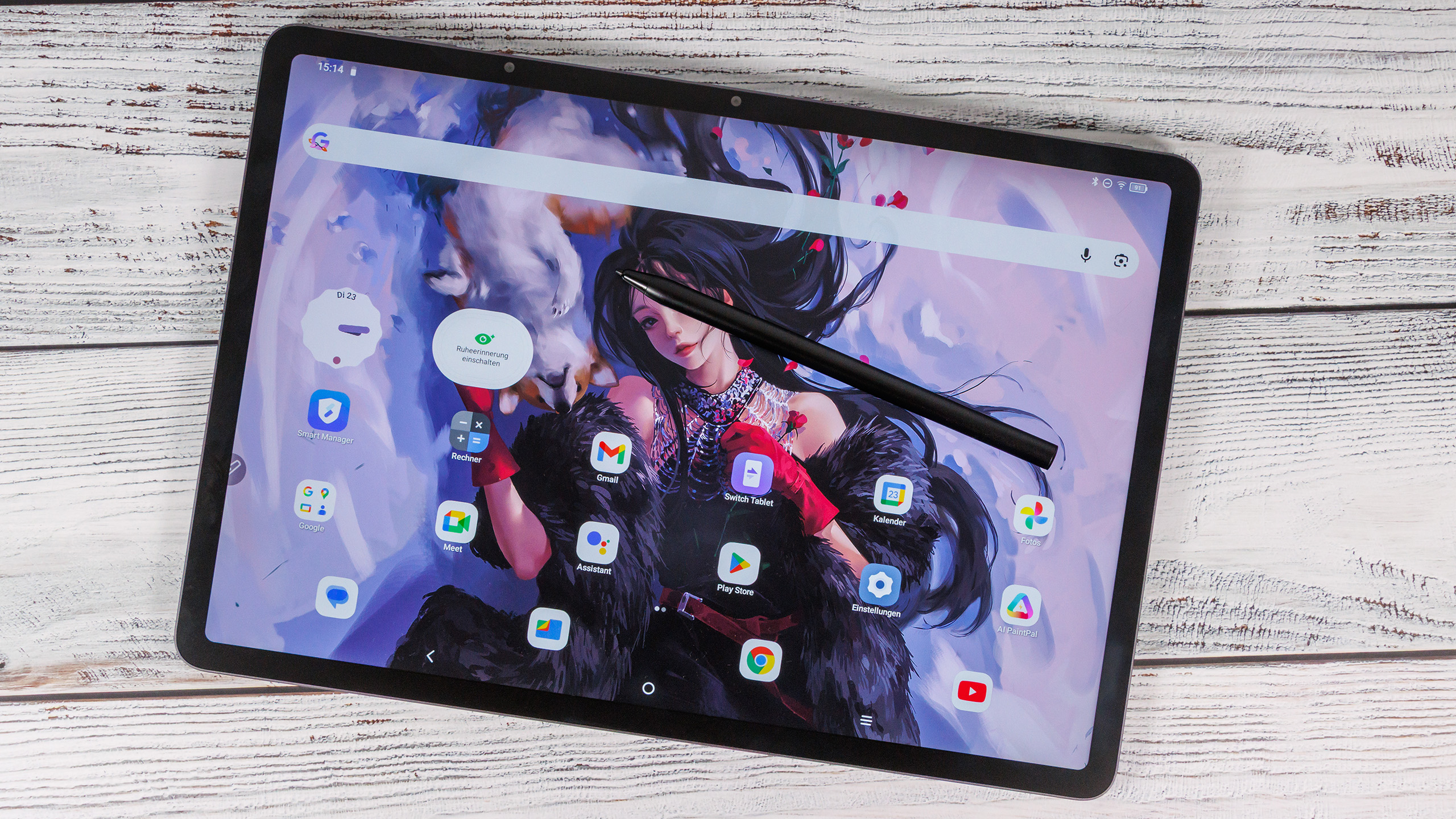
The Ugee UT3 is aimed at creative users who primarily want to work with a stylus and a large display. The 14.25-inch panel is the main selling point: the matte surface, three color modes, and fully laminated design provide a pleasant writing and drawing experience, even if brightness is limited and color reproduction isn’t perfectly calibrated. The stylus is accurate enough for sketches or note-taking, but the latency is noticeable and prevents a truly professional feel.
In terms of build quality, materials, and overall stability, the UT3 leaves a good impression, but its high weight and sharp edges reduce comfort somewhat. The technical foundation - based on the aging Helio G99, eMMC storage, and limited connectivity - feels outdated. The tablet doesn’t show any major issues in everyday tasks, but it clearly remains in the entry-level segment.
Pros
Cons
Price and availability
The UT3 can be purchased directly from the Ugee online store, but it is also available on Amazon (Germany).
Table of Contents
- Verdict
- Specifications: Ugee UT 3
- Case and features - UT3 weighs 760 grams
- Communication and operation – Slow Wi-Fi on the Ugee UT3
- Software and sustainability - uncertain future
- Cameras - Sufficient performance
- Display - TCL NxtVision on the Ugee UT3
- Performance, emissions and battery life - Ugee tablet with a sluggish Helio G99
- Notebookcheck overall rating
- Possible alternatives in comparison
Ugee is a China-based company that has been around since 1998 and originally specialized in drawing tablets.
The tablet’s main draw is its huge display with three color modes and stylus support. Ugee lists it at an MSRP of €526 (approx. $614), but it is consistently available for well under €400 (approx. $467).
Specifications: Ugee UT 3
Case and features - UT3 weighs 760 grams
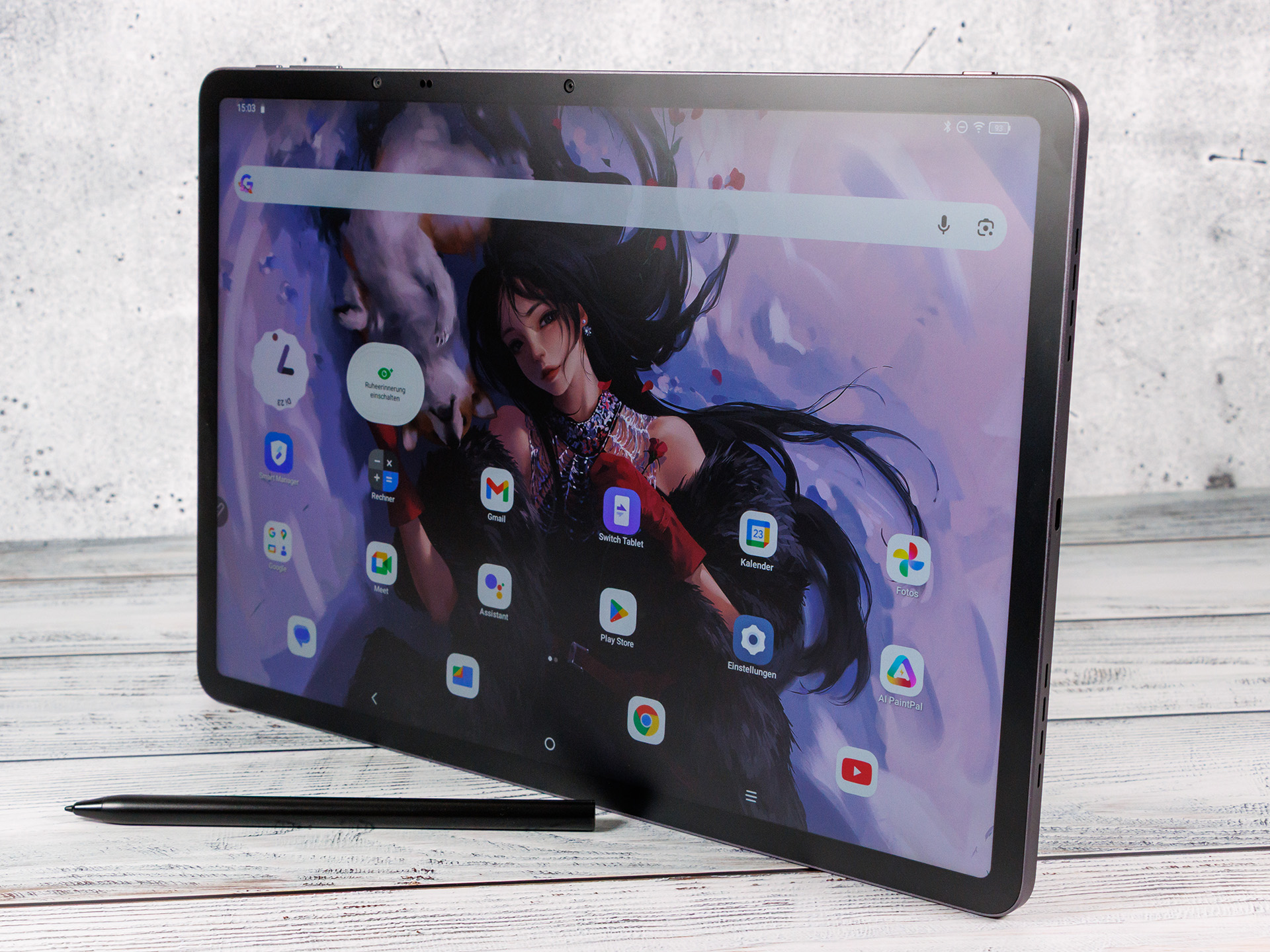
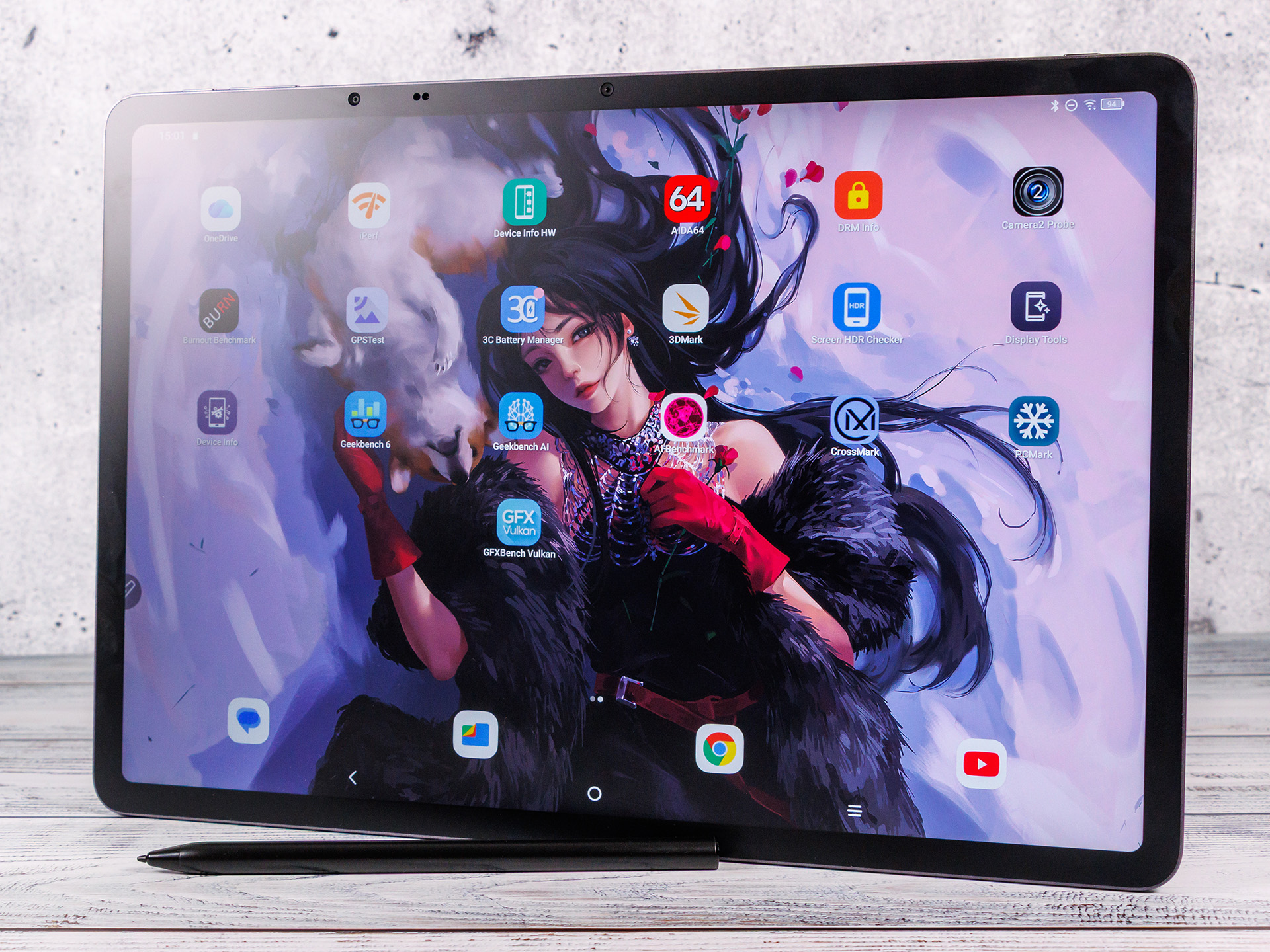
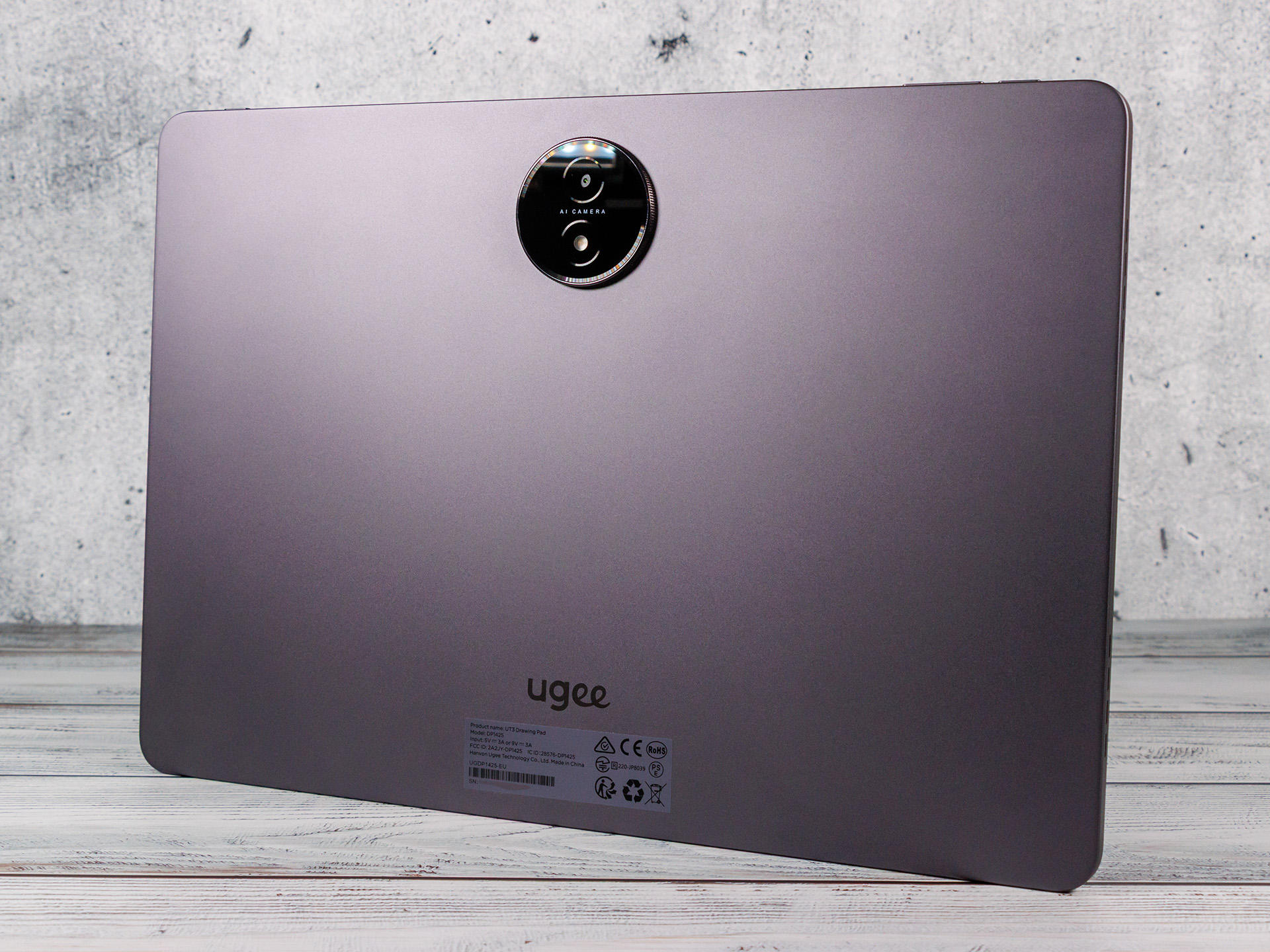
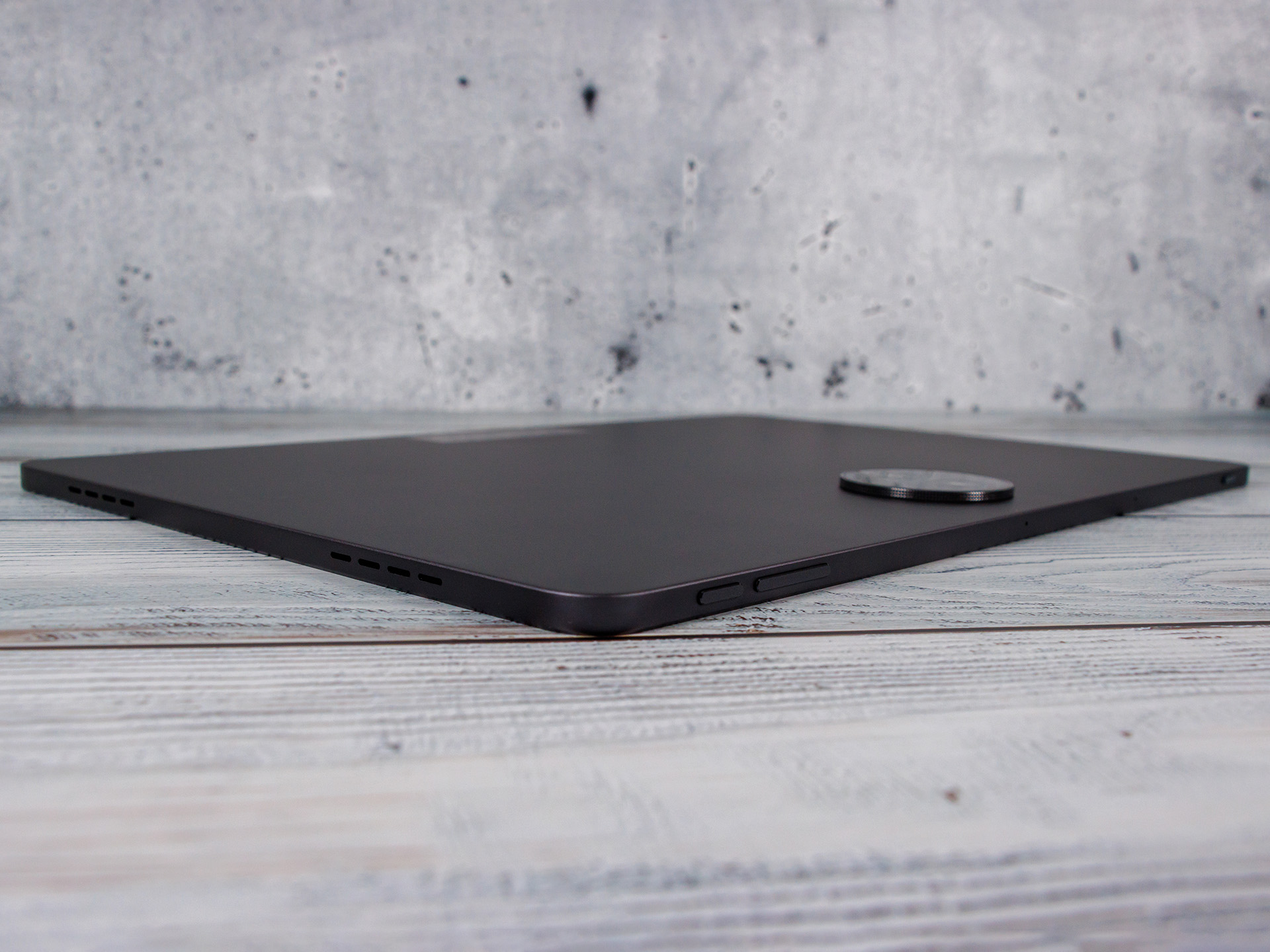
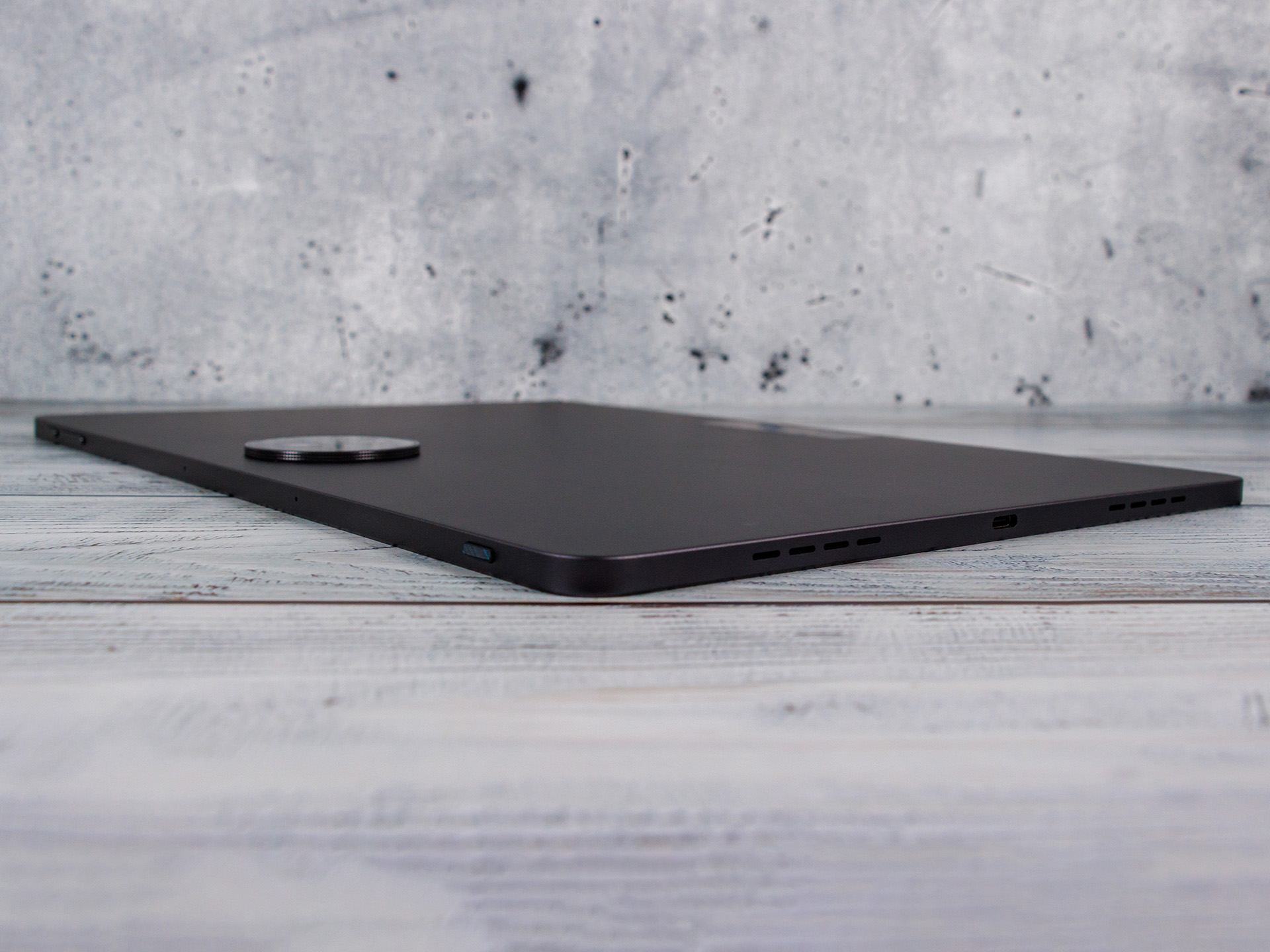
The Ugee UT3 is only available in grey and is nominally 6.95 mm thin, with a camera it is 9.45 mm. This is quite large and positioned in the middle, so that wobbling on a table is limited.
The weight is quite high at 760 grams, but this is not noticeable in both hands. The hard edges of the aluminum unibody are more unpleasant. The workmanship is convincing and the tablet does not creak even when twisted.
The features are a little outdated: Bluetooth 5.0, USB 2.0 and single-band GNSS without Galileo support.
Communication and operation – Slow Wi-Fi on the Ugee UT3
The Ugee UT3 supports 802.11ac Wi-Fi, which proved consistently stable in our testing, but it does not deliver high speeds. The two microphones provide only moderate voice quality, with no noticeable background-noise suppression.
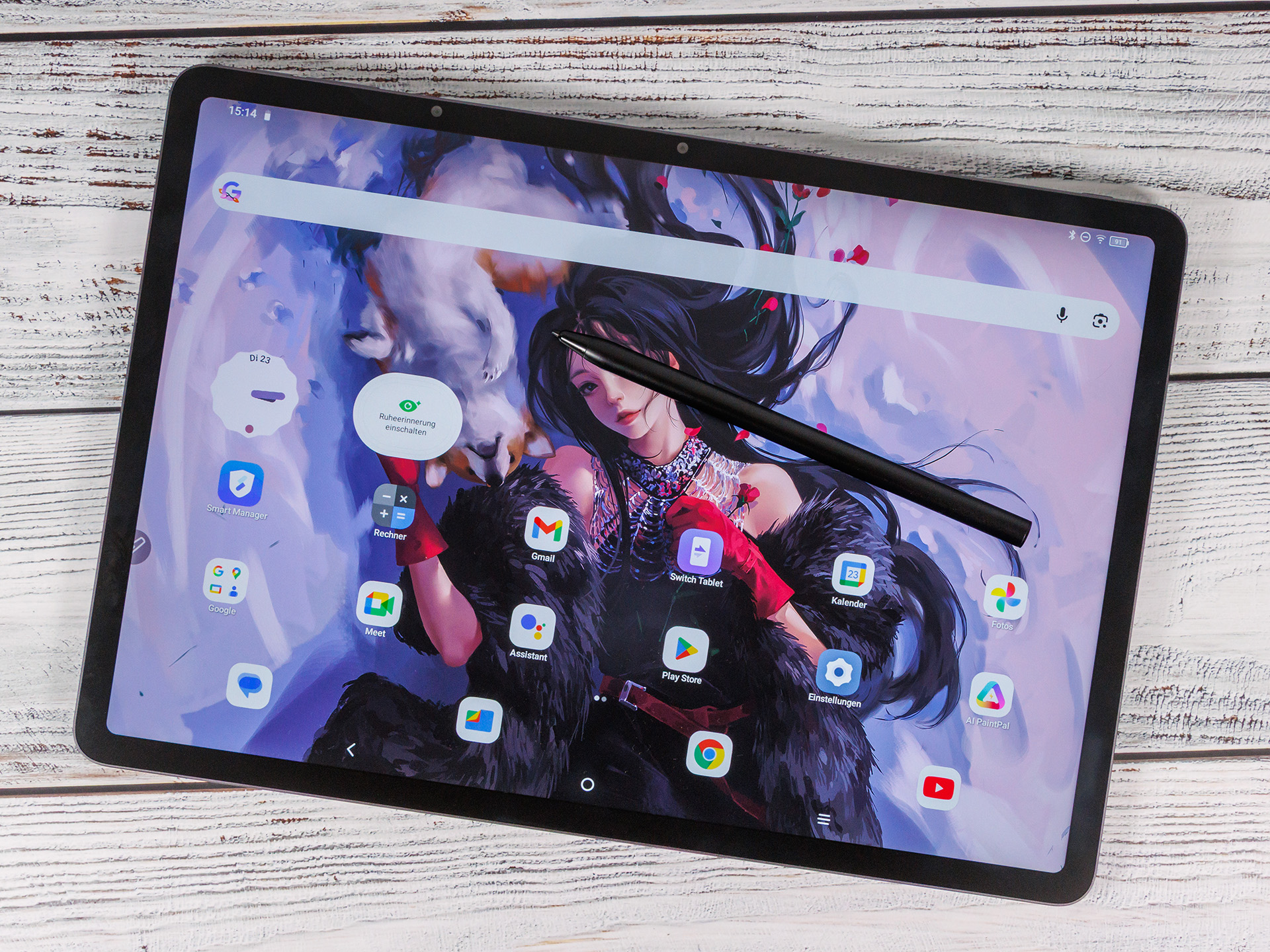
In addition to the touchscreen, the UT3 can also be operated with its active stylus, which supports 4,096 levels of pressure sensitivity and has a relatively high latency of 20 ms. This delay is clearly noticeable in everyday use, but thanks to the fully laminated panel and matte surface, the writing experience is still decent. However, it often sounds as if you’re writing on a slate.
There is no vibration motor and no fingerprint sensor. The only biometric option is facial recognition via the front-facing camera.
| Networking | |
| Ugee UT 3 | |
| iperf3 transmit AXE11000 | |
| iperf3 receive AXE11000 | |
| Vale V12X | |
| iperf3 transmit AXE11000 | |
| iperf3 receive AXE11000 | |
| Samsung Galaxy Tab S10 FE+ | |
| iperf3 transmit AXE11000 | |
| iperf3 receive AXE11000 | |
| Honor MagicPad 3 | |
| iperf3 transmit AXE11000 | |
| iperf3 receive AXE11000 | |
| Average 802.11 a/b/g/n/ac | |
| iperf3 transmit AXE11000 | |
| iperf3 receive AXE11000 | |
| Average of class Tablet | |
| iperf3 transmit AXE11000 | |
| iperf3 receive AXE11000 | |
Software and sustainability - uncertain future
The Ugee UT3 still comes with Android 14 with only minimal visual adjustments. Whether and for how long there will be updates is unclear. The security patches (as of May 5, 2025) are outdated at the time of testing, but the Play system updates (as of November 1, 2025) are quite up-to-date.
Ugee does not provide any information on sustainability.
Cameras - Sufficient performance

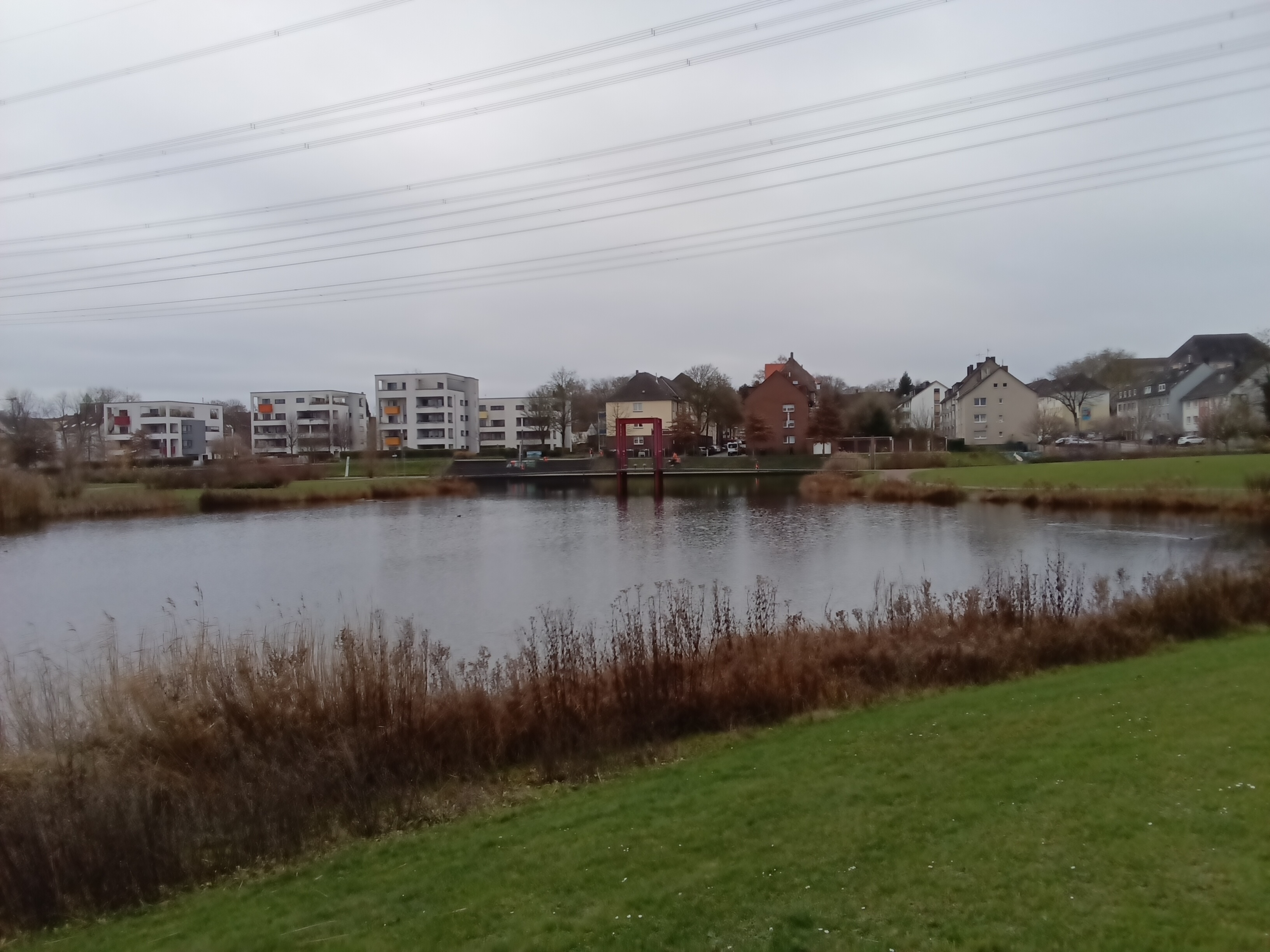
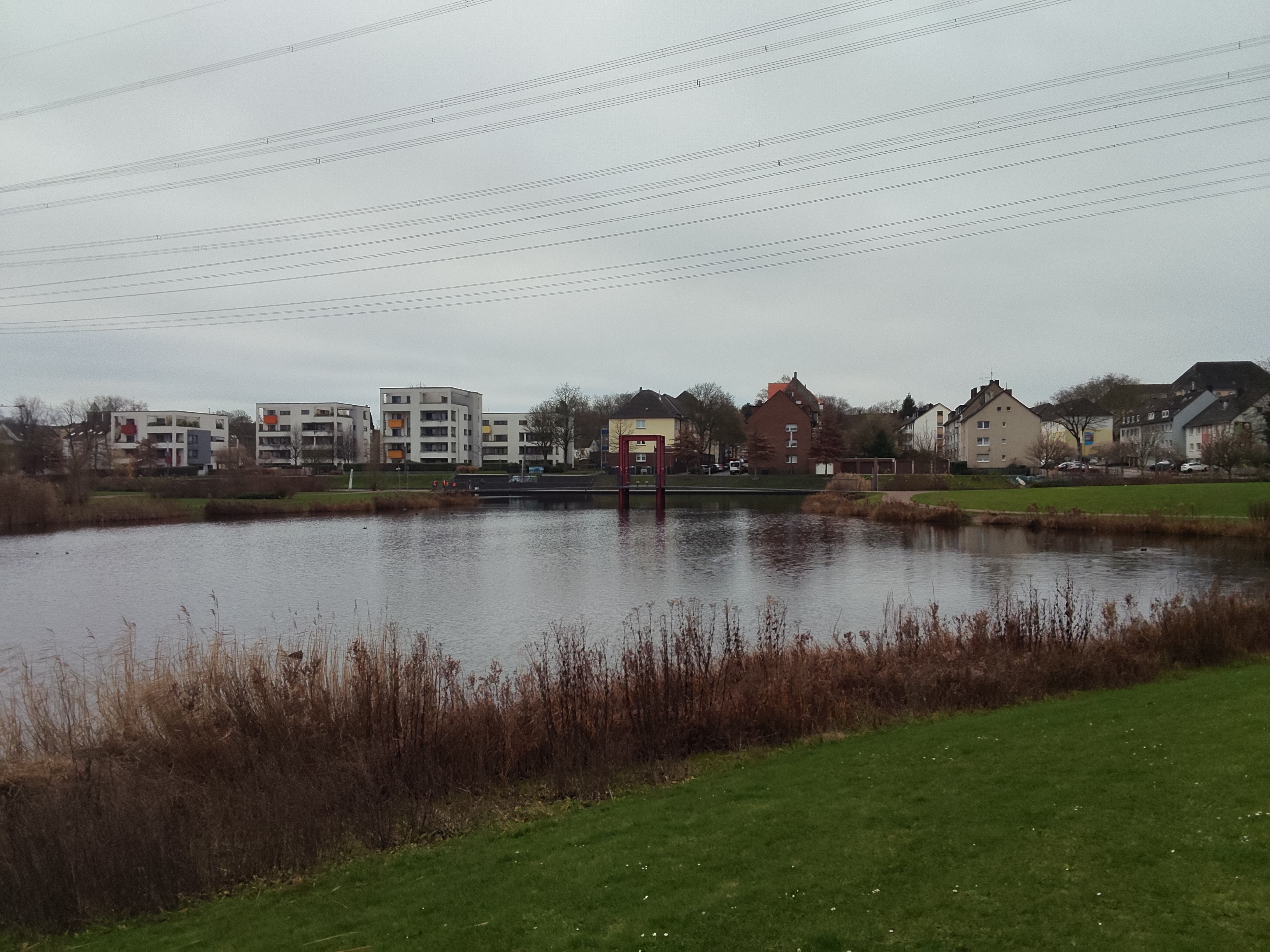
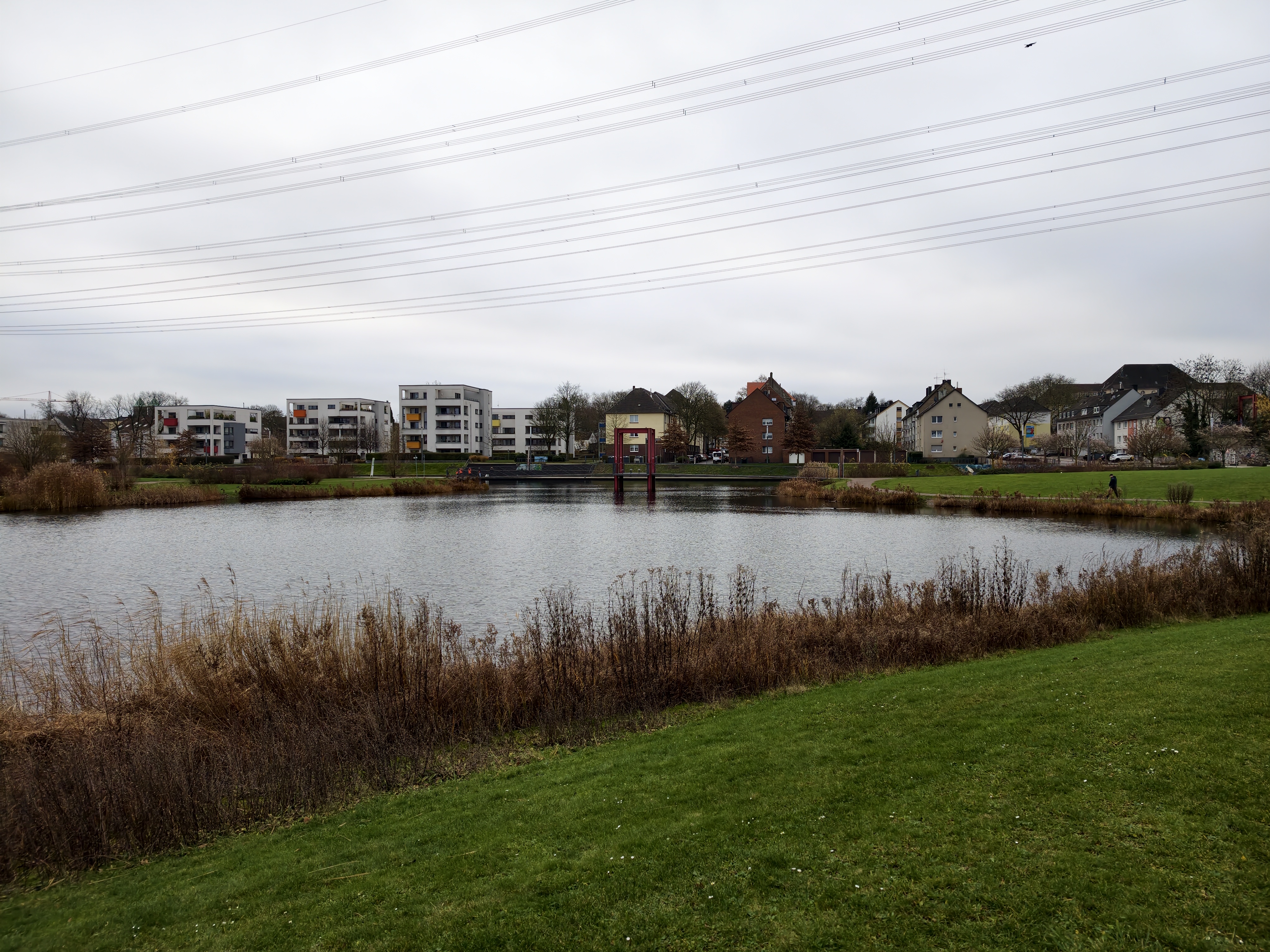
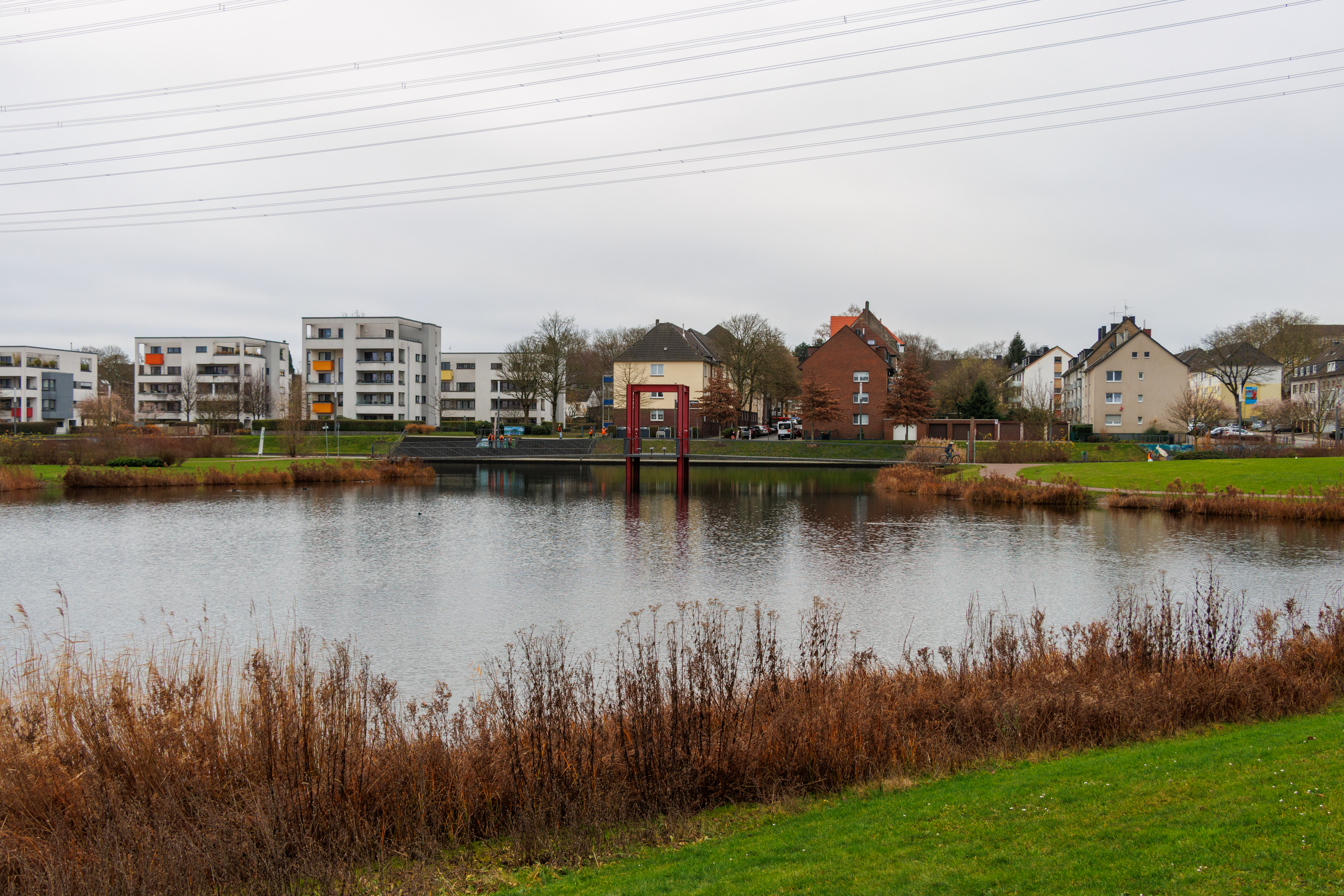
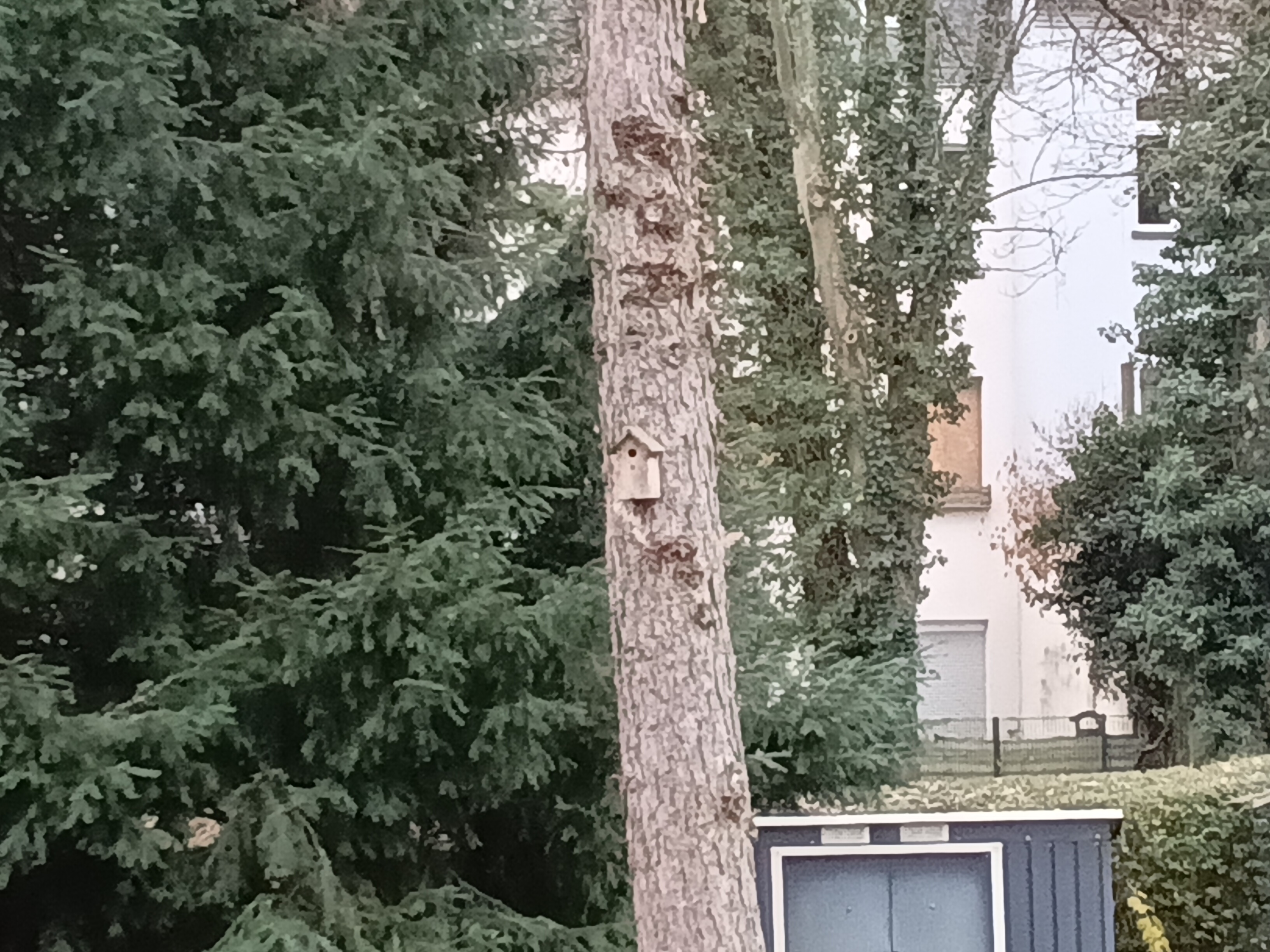
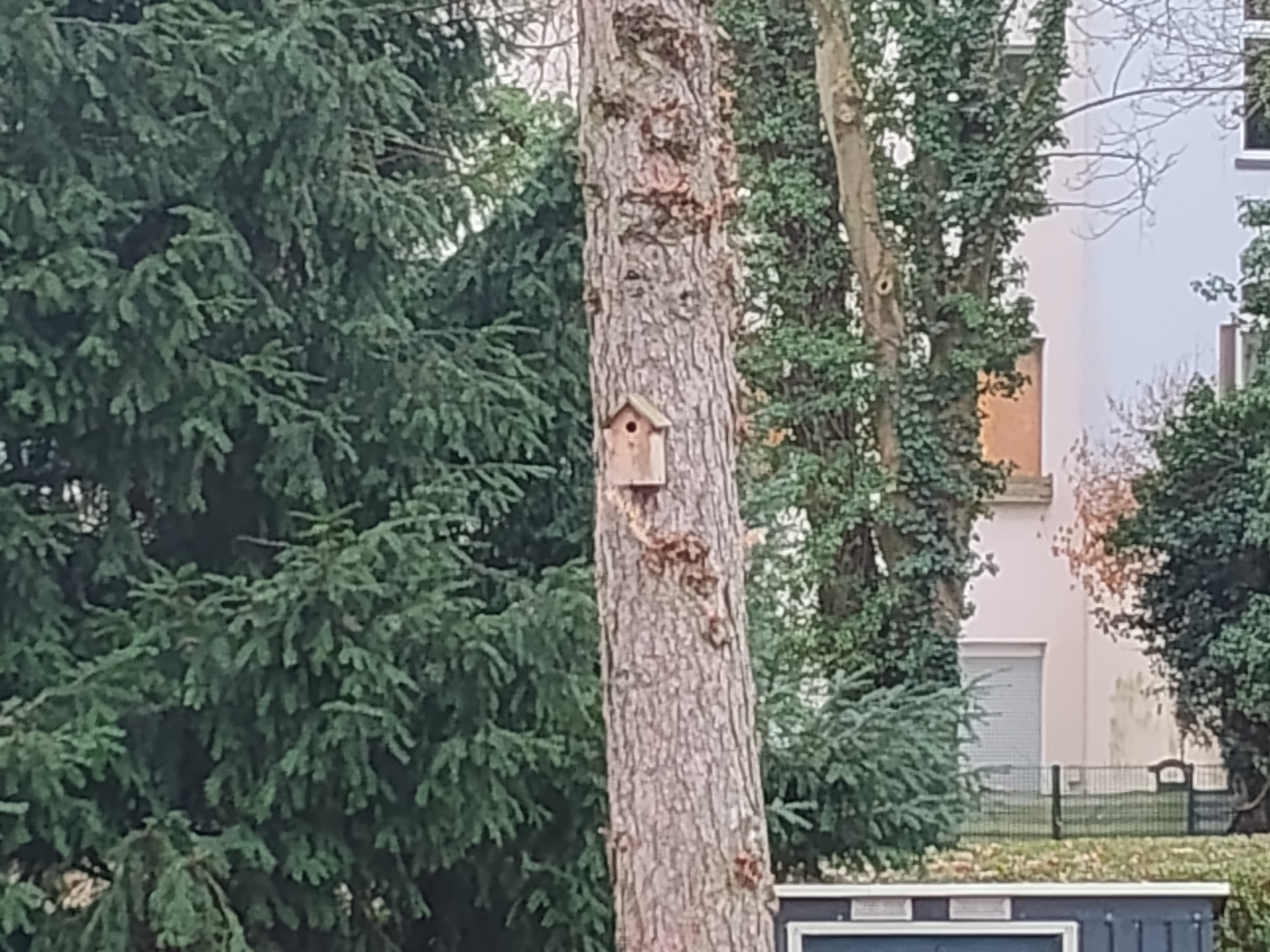
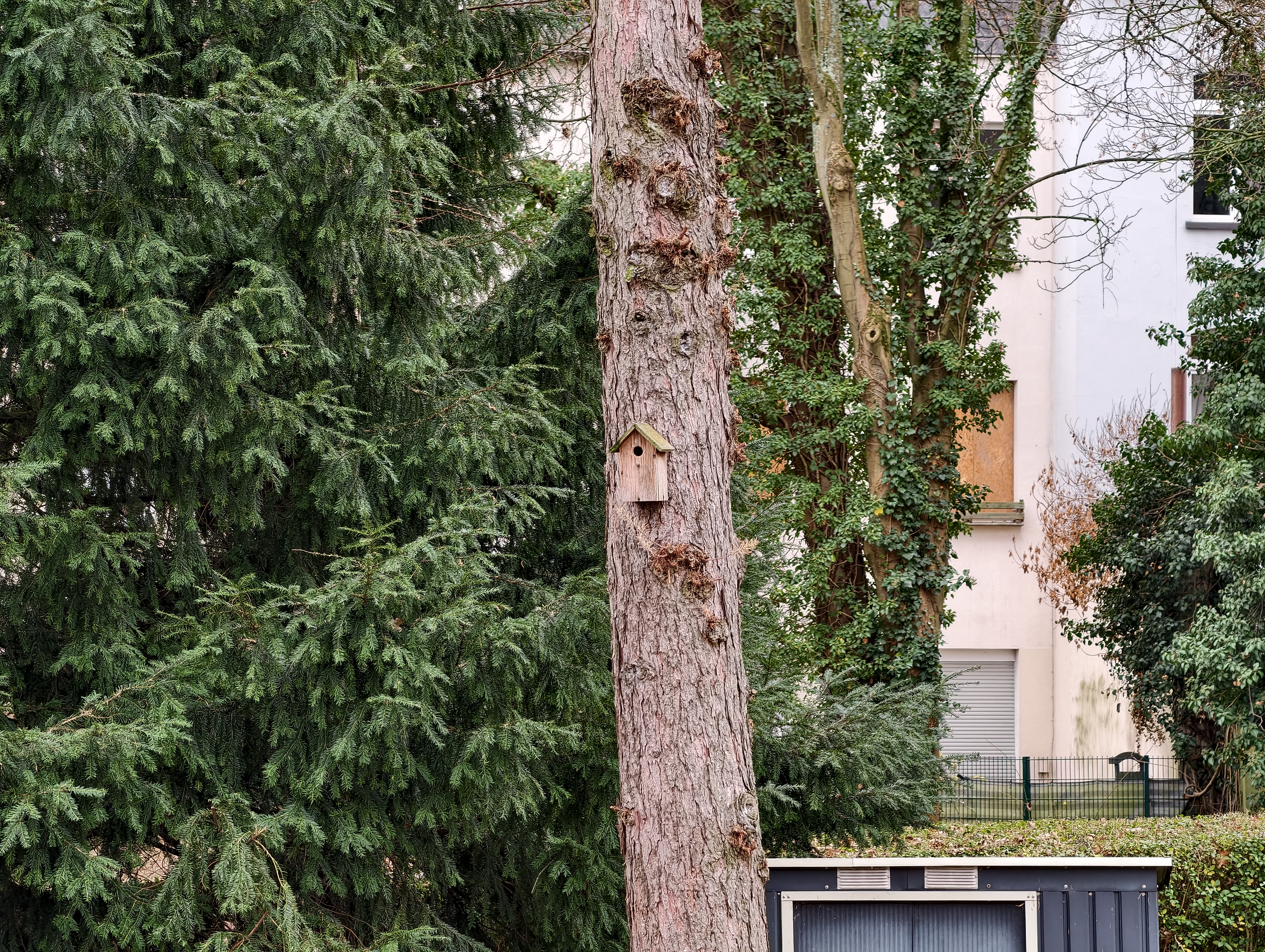
The cameras on the Ugee UT3 deliver rather mediocre image quality, but they are sufficient for video calls and simple documentation.
Photos taken with the main camera show little detail and look somewhat washed out. Digital zoom is limited to 4x and does not produce good results. Low-light shots are also very noisy.
Videos can be recorded with both cameras at up to 2K (30 FPS).
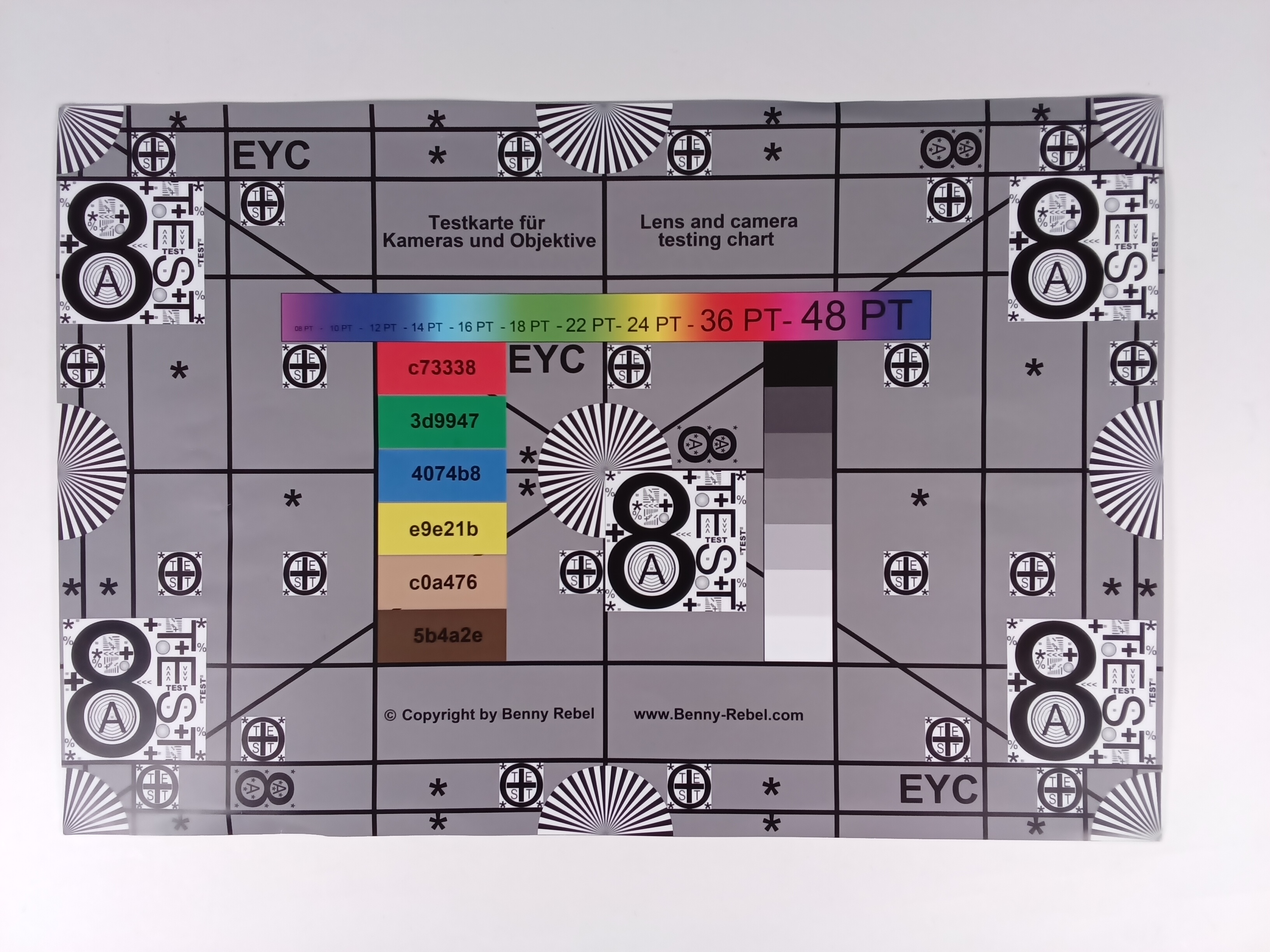
Image comparison
Choose a scene and navigate within the first image. One click changes the position on touchscreens. One click on the zoomed-in image opens the original in a new window. The first image shows the scaled photograph of the test device.
Main cameraMain camera4/5x zoomLow light












Display - TCL NxtVision on the Ugee UT3
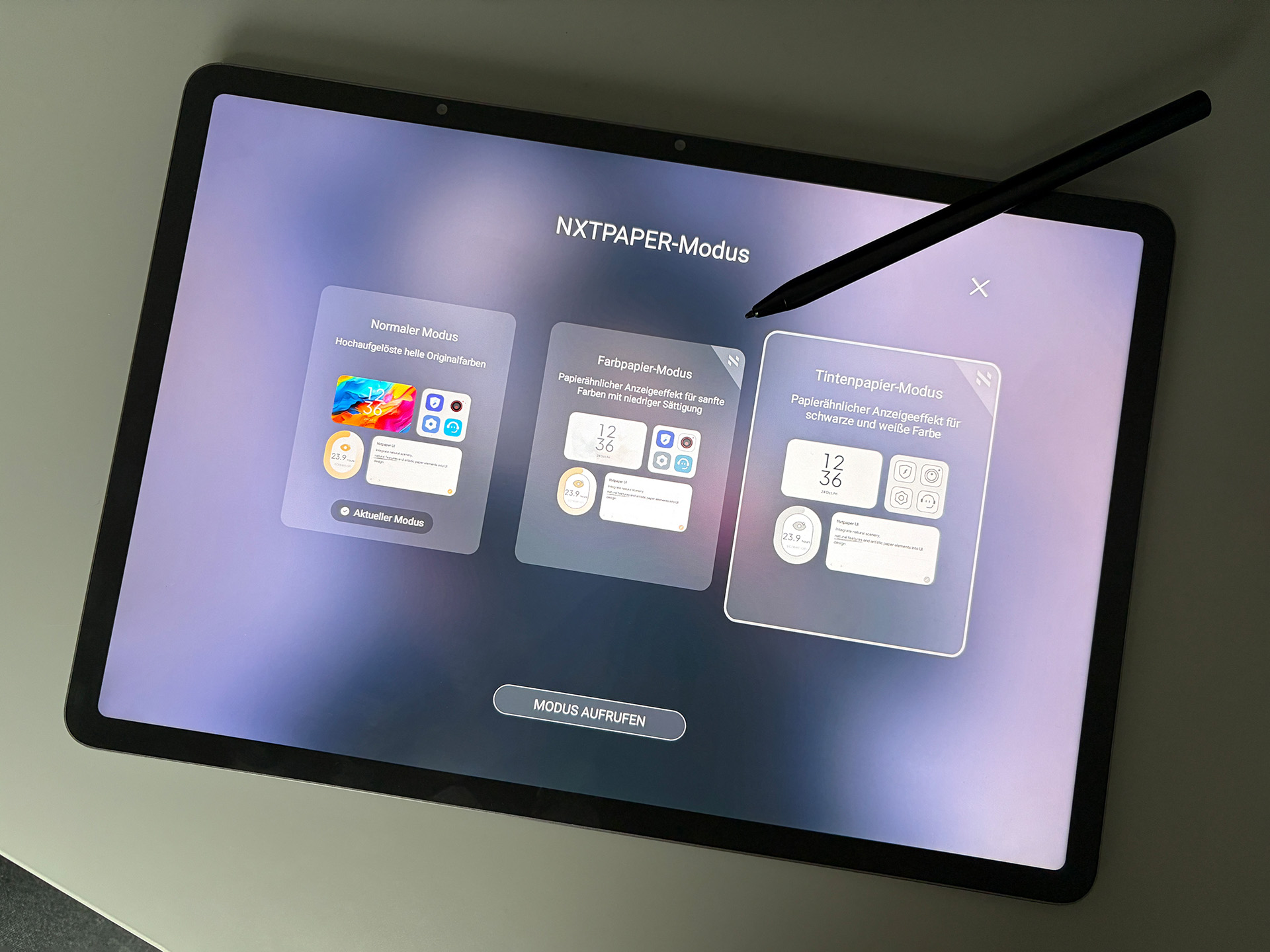
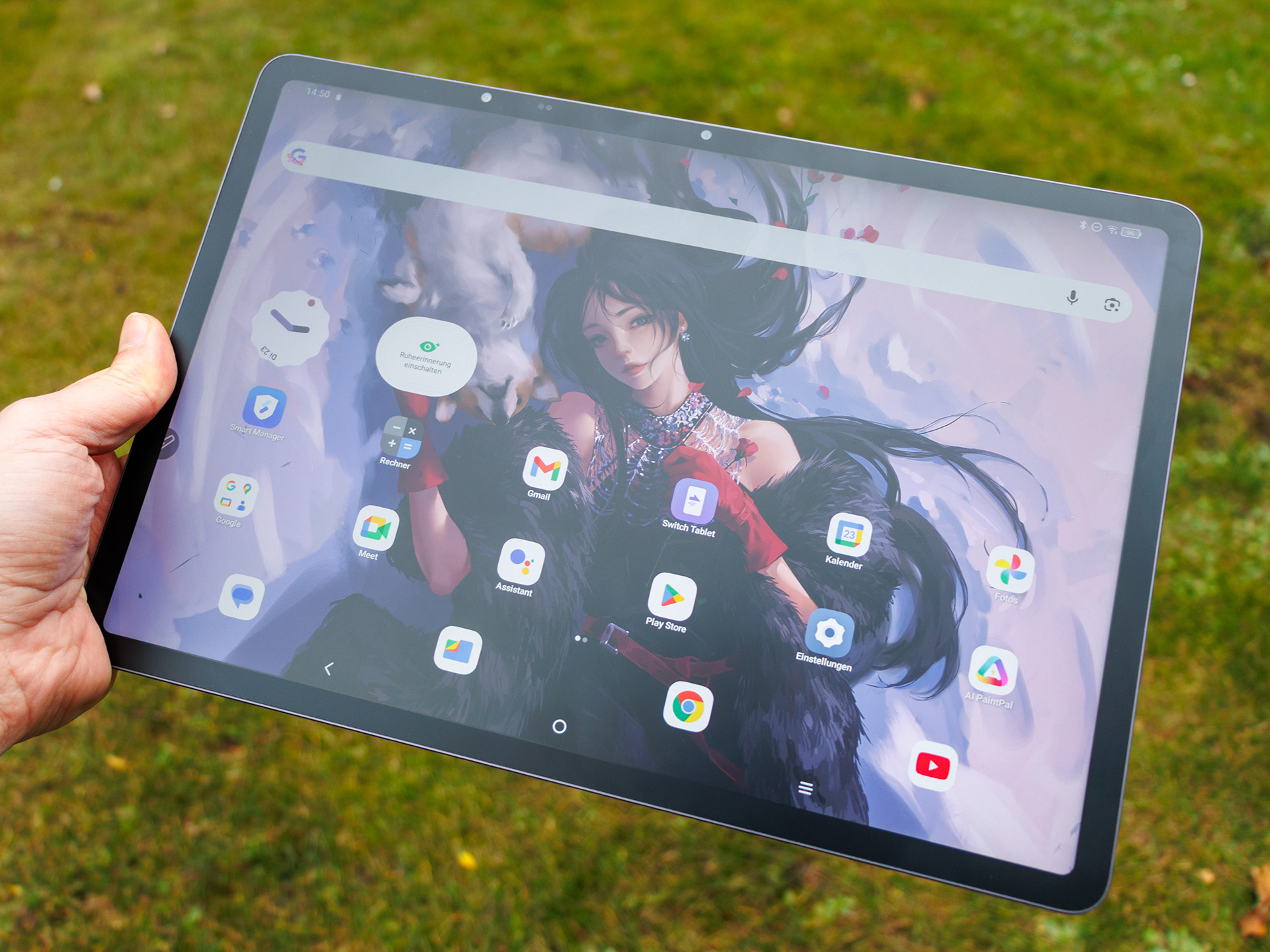
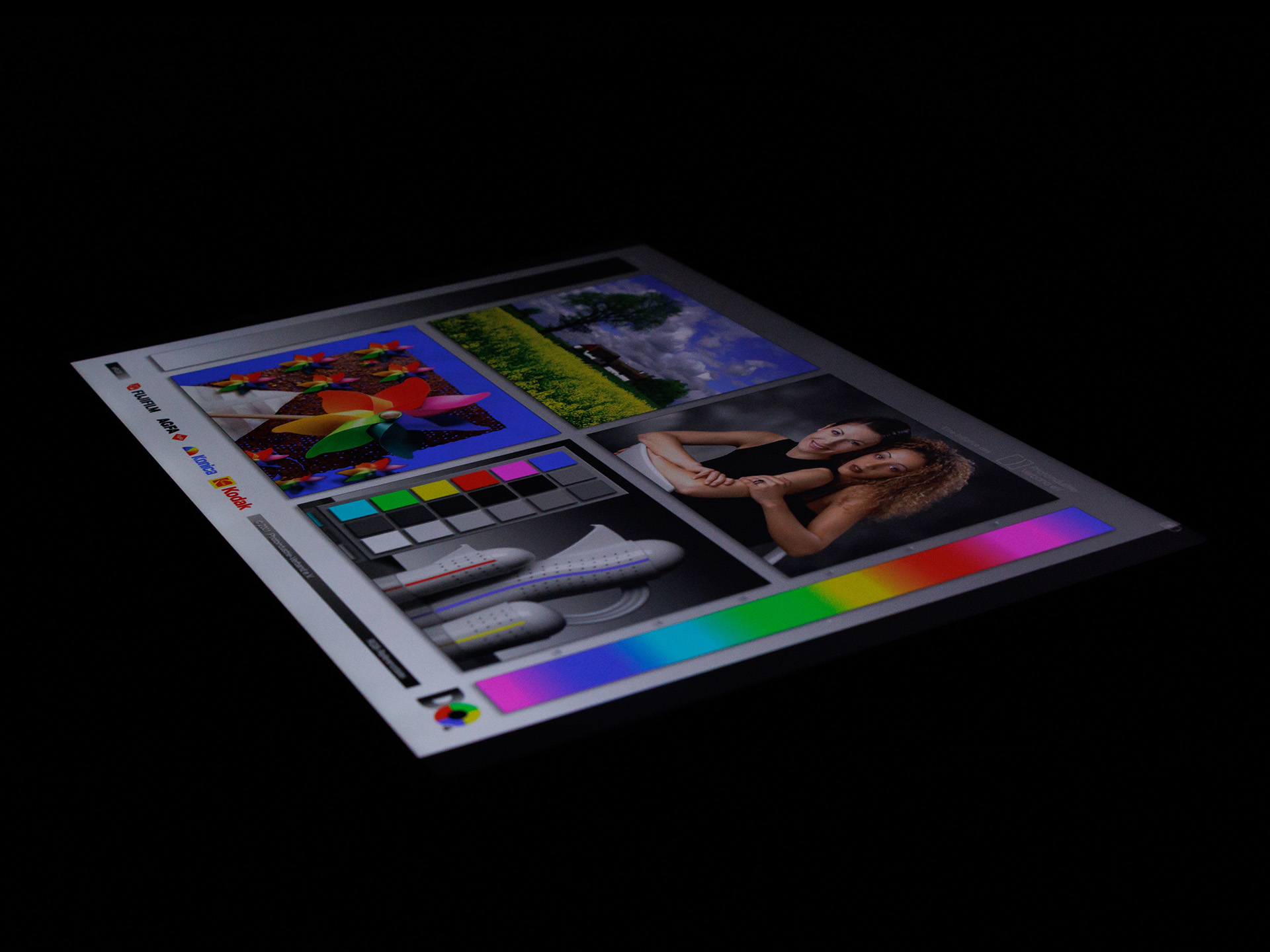
The Ugee UT3’s huge 14.25-inch (36.2 cm) LCD delivers a punchy contrast ratio and, thanks to its matte coating, remains largely free of reflections outdoors, but it does not get particularly bright.
Unfortunately, the panel is limited to a 60 Hz refresh rate and does not support HDR. On the plus side, it does not use PWM for brightness control. However, at minimum brightness we detected irregular flickering with an oscilloscope. Unfortunately, we cannot confirm whether this is caused by temporal dithering, as the matte coating prevents the sub-pixel structure from being captured.
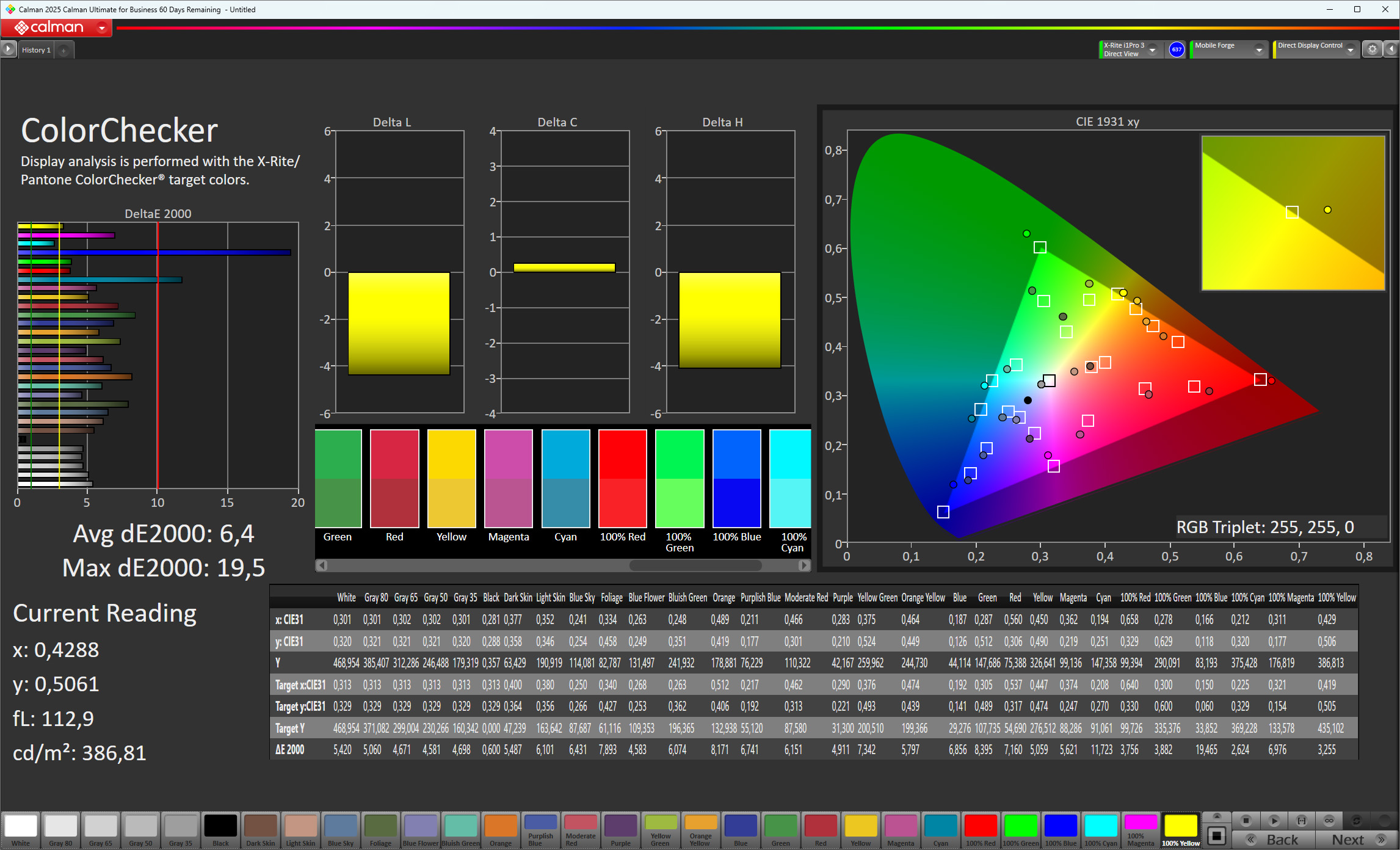
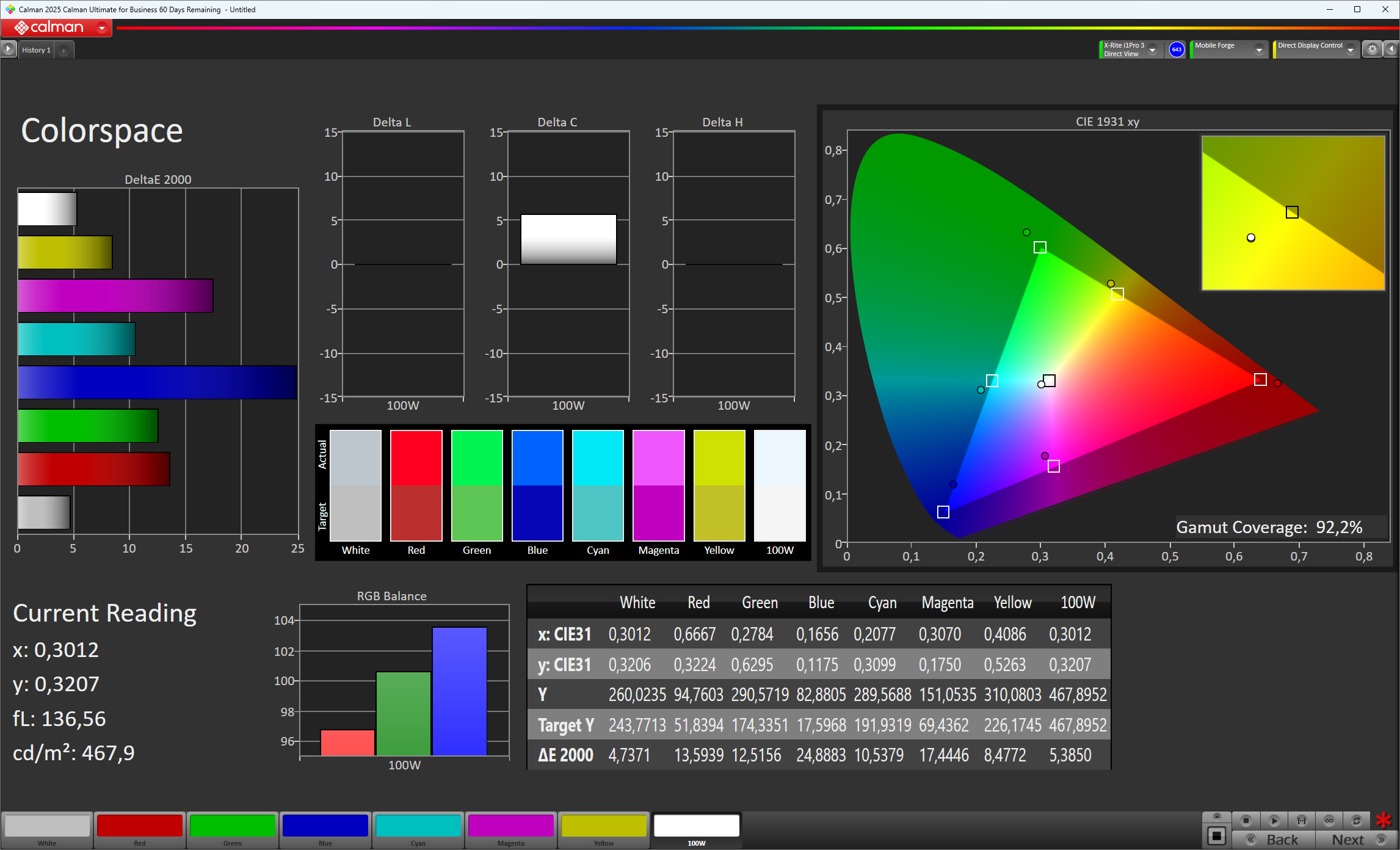
The display mode can be changed using a dedicated button. In addition to the standard mode, there is a Color Paper mode that is designed to simulate colored paper, resulting in a much warmer image with lower saturation and softer colors. The third mode is called Ink Paper mode and is limited to monochrome output, similar to an e-book reader. However, there is no real E Ink display, and we would have liked to see better calibration for color reproduction as well.
| |||||||||||||||||||||||||
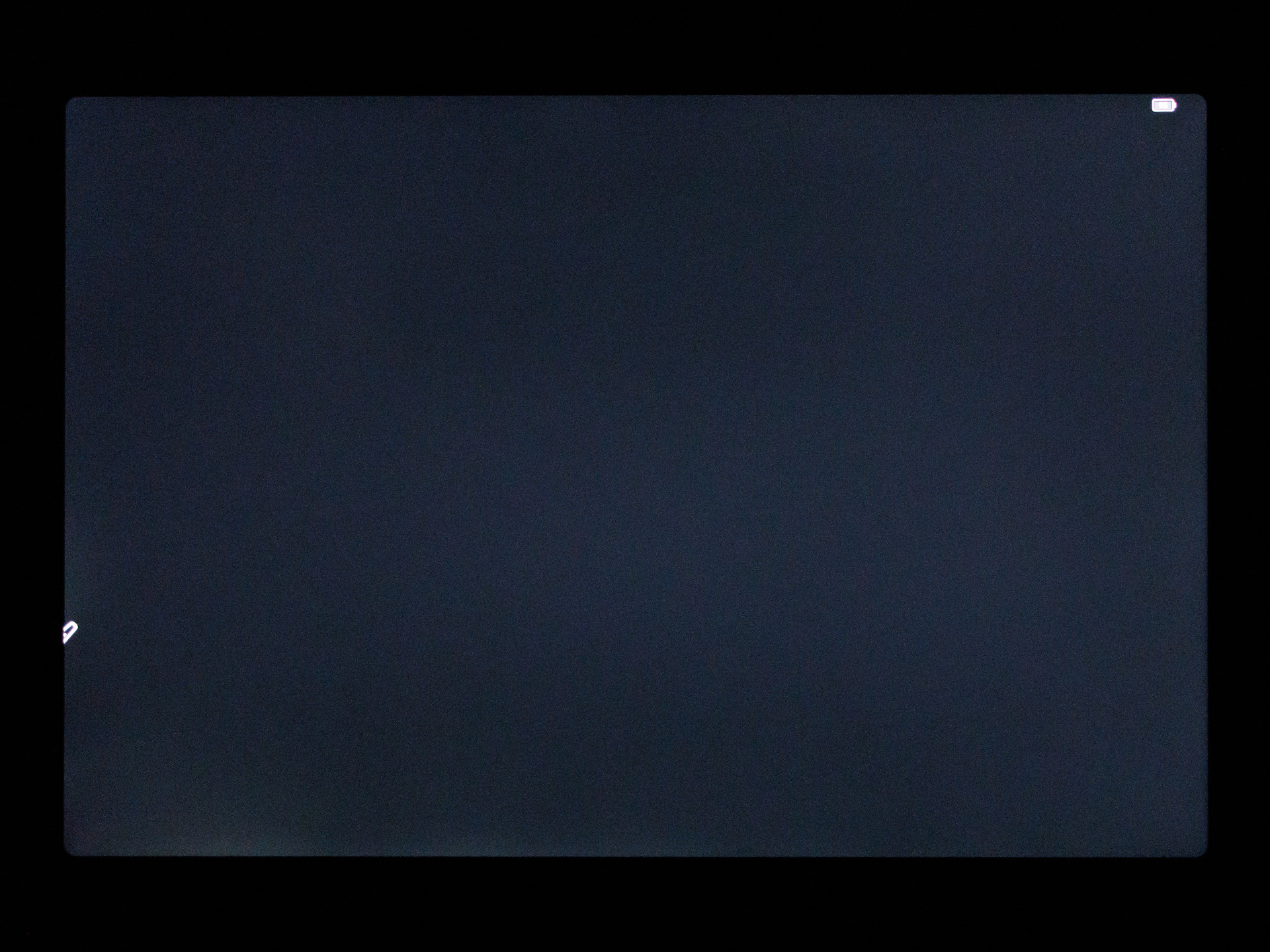
Brightness Distribution: 84 %
Center on Battery: 521 cd/m²
Contrast: 1109:1 (Black: 0.47 cd/m²)
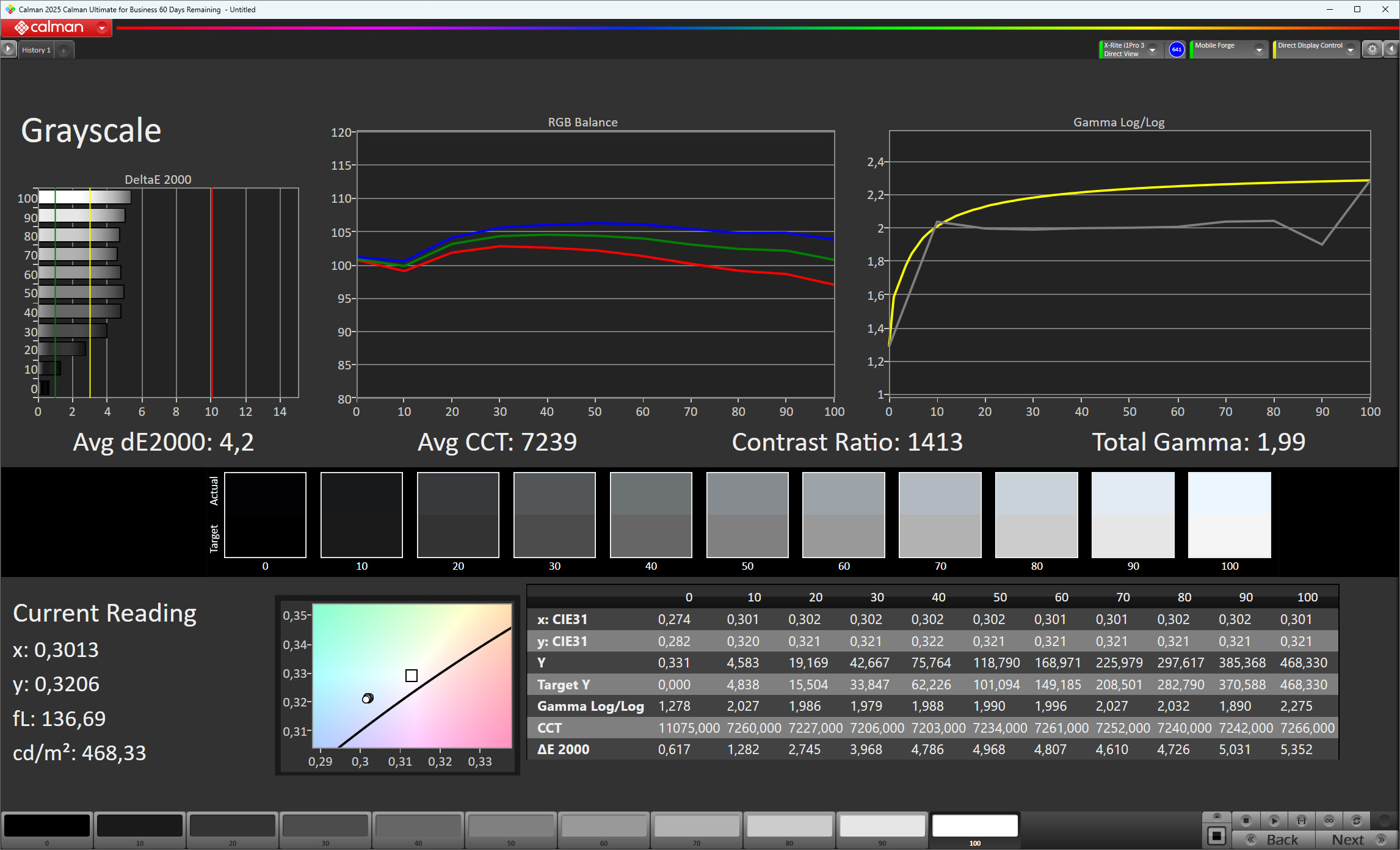
ΔE ColorChecker Calman: 6.4 | ∀{0.5-29.43 Ø4.69}
ΔE Greyscale Calman: 4.2 | ∀{0.09-98 Ø4.94}
92.2% sRGB (Calman 2D)
Gamma: 1.99
CCT: 7239 K
| Ugee UT 3 TFT-LCD, 2400x1600, 14.3" | Vale V12X AMOLED, 2560x1600, 12.6" | Samsung Galaxy Tab S10 FE+ TFT-LCD, 2880x1800, 13.1" | Honor MagicPad 3 LCD, 3200x2136, 13.3" | |
|---|---|---|---|---|
| Screen | -1% | 46% | 3% | |
| Brightness middle (cd/m²) | 521 | 393 -25% | 779 50% | 753 45% |
| Brightness (cd/m²) | 480 | 381 -21% | 751 56% | 706 47% |
| Brightness Distribution (%) | 84 | 93 11% | 90 7% | 86 2% |
| Black Level * (cd/m²) | 0.47 | 0.43 9% | 1.23 -162% | |
| Contrast (:1) | 1109 | 1812 63% | 612 -45% | |
| Colorchecker dE 2000 * | 6.4 | 6.5 -2% | 1.9 70% | 2.3 64% |
| Colorchecker dE 2000 max. * | 19.5 | 9.27 52% | 5 74% | 5.9 70% |
| Greyscale dE 2000 * | 4.2 | 5 -19% | 2.7 36% | 4.2 -0% |
| Gamma | 1.99 111% | 2.215 99% | 2.2 100% | 2.27 97% |
| CCT | 7239 90% | 7298 89% | 6923 94% | 7391 88% |
* ... smaller is better
| Display / APL18 Peak Brightness | |
| Honor MagicPad 3 | |
| Samsung Galaxy Tab S10 FE+ | |
| Ugee UT 3 | |
| Display / HDR Peak Brightness | |
| Honor MagicPad 3 | |
| Samsung Galaxy Tab S10 FE+ | |
| Ugee UT 3 | |
Screen Flickering / PWM (Pulse-Width Modulation)
| Screen flickering / PWM not detected | 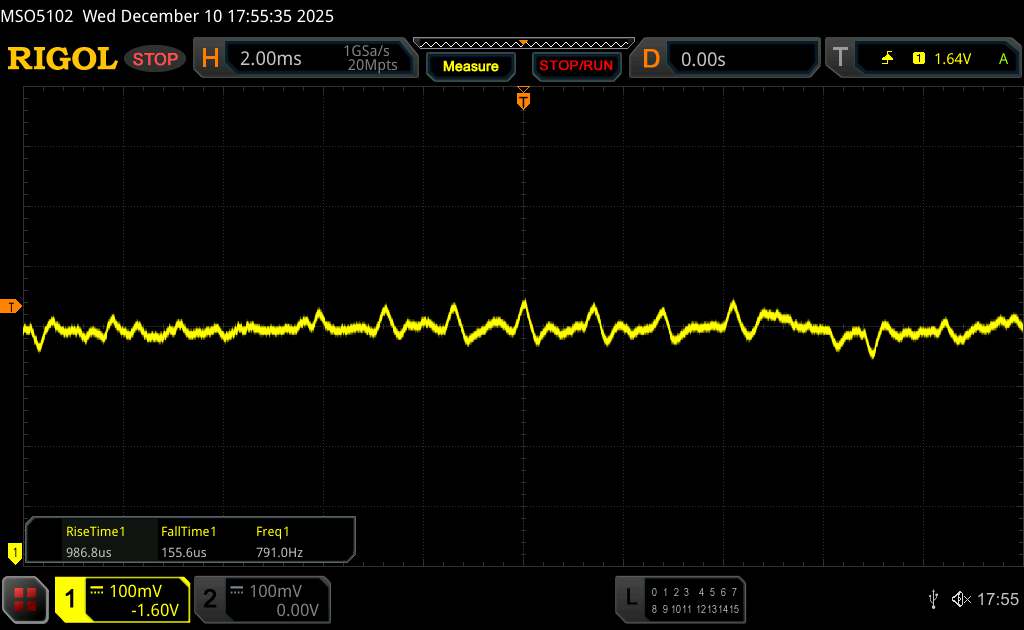 | ||
In comparison: 52 % of all tested devices do not use PWM to dim the display. If PWM was detected, an average of 7608 (minimum: 5 - maximum: 343500) Hz was measured. | |||
Display Response Times
| ↔ Response Time Black to White | ||
|---|---|---|
| 38.07 ms ... rise ↗ and fall ↘ combined | ↗ 18.66 ms rise | 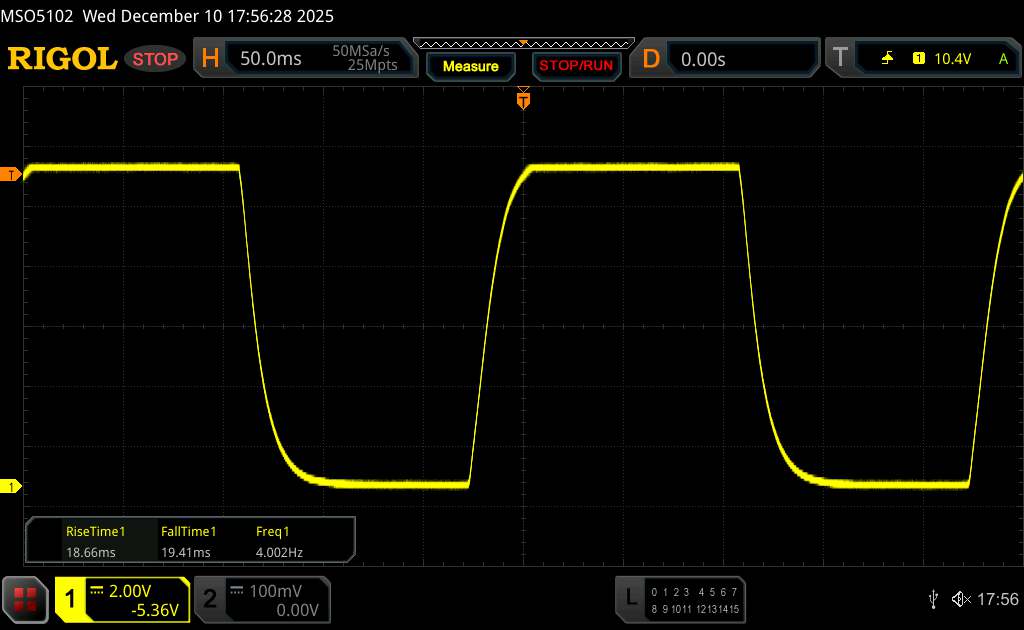 |
| ↘ 19.41 ms fall | ||
| The screen shows slow response rates in our tests and will be unsatisfactory for gamers. In comparison, all tested devices range from 0.1 (minimum) to 240 (maximum) ms. » 96 % of all devices are better. This means that the measured response time is worse than the average of all tested devices (19.7 ms). | ||
| ↔ Response Time 50% Grey to 80% Grey | ||
| 66.13 ms ... rise ↗ and fall ↘ combined | ↗ 28.36 ms rise | 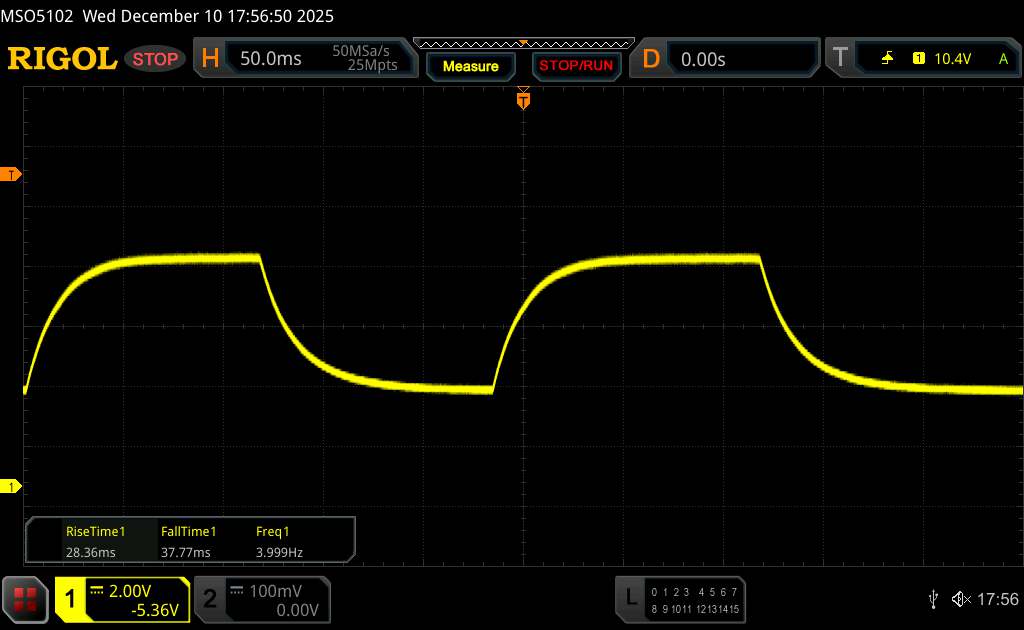 |
| ↘ 37.77 ms fall | ||
| The screen shows slow response rates in our tests and will be unsatisfactory for gamers. In comparison, all tested devices range from 0.13 (minimum) to 636 (maximum) ms. » 98 % of all devices are better. This means that the measured response time is worse than the average of all tested devices (30.7 ms). | ||
Performance, emissions and battery life - Ugee tablet with a sluggish Helio G99
The entry-level MediaTek Helio G99, introduced back in 2022, is a slow chipset that is still sufficient for basic tasks. On top of that, Ugee only includes sluggish eMMC storage, and it does not provide any information on the RAM type. Thermally, the tablet performs well.
Despite having four speakers, sound quality is rather mediocre: bass is only weakly present, while the highs sound hollow and muffled.
The 10,000 mAh battery gives the Ugee UT3 good battery life. Using the included power adapter, the tablet can be fully recharged within two hours (50%: 47 min; 80%: 78 min).
| 3DMark | |
| Wild Life Score | |
| Samsung Galaxy Tab S10 FE+ | |
| Average of class Tablet (461 - 20048, n=43, last 2 years) | |
| Ugee UT 3 | |
| Average Mediatek Helio G99 (1165 - 1364, n=27) | |
| Vale V12X | |
| Wild Life Unlimited Score | |
| Honor MagicPad 3 | |
| Average of class Tablet (468 - 29287, n=77, last 2 years) | |
| Samsung Galaxy Tab S10 FE+ | |
| Ugee UT 3 | |
| Average Mediatek Helio G99 (1011 - 1340, n=28) | |
| Vale V12X | |
| Wild Life Extreme | |
| Honor MagicPad 3 | |
| Average of class Tablet (121 - 9391, n=83, last 2 years) | |
| Samsung Galaxy Tab S10 FE+ | |
| Ugee UT 3 | |
| Average Mediatek Helio G99 (322 - 378, n=28) | |
| Vale V12X | |
| Wild Life Extreme Unlimited | |
| Honor MagicPad 3 | |
| Average of class Tablet (122 - 11105, n=82, last 2 years) | |
| Samsung Galaxy Tab S10 FE+ | |
| Ugee UT 3 | |
| Average Mediatek Helio G99 (323 - 366, n=28) | |
| Vale V12X | |
| Jetstream 2 - 2.0 Total | |
| Average of class Tablet (48 - 420, n=54, last 2 years) | |
| Ugee UT 3 | |
| Vale V12X | |
| Average Mediatek Helio G99 (46.9 - 92.8, n=16) | |
| AI Benchmark - Score V6 | |
| Honor MagicPad 3 | |
| Average of class Tablet (70.4 - 22476, n=38, last 2 years) | |
| Ugee UT 3 | |
| Average Mediatek Helio G99 (68.9 - 219, n=4) | |
| Ugee UT 3 | Vale V12X | Samsung Galaxy Tab S10 FE+ | Average 256 GB eMMC 5.1 Flash | Average of class Tablet | |
|---|---|---|---|---|---|
| AndroBench 3-5 | 211% | 257% | -15% | 405% | |
| Sequential Read 256KB (MB/s) | 298.74 | 994.2 233% | 1686.77 465% | 280 ? -6% | 2117 ? 609% |
| Sequential Write 256KB (MB/s) | 258.95 | 914.9 253% | 999.78 286% | 220 ? -15% | 1691 ? 553% |
| Random Read 4KB (MB/s) | 95.88 | 258.5 170% | 228.91 139% | 82.5 ? -14% | 280 ? 192% |
| Random Write 4KB (MB/s) | 89.12 | 257.1 188% | 211.53 137% | 67 ? -25% | 327 ? 267% |
(+) The maximum temperature on the upper side is 33.8 °C / 93 F, compared to the average of 33.7 °C / 93 F, ranging from 20.7 to 53.2 °C for the class Tablet.
(+) The bottom heats up to a maximum of 32.4 °C / 90 F, compared to the average of 33.2 °C / 92 F
(+) In idle usage, the average temperature for the upper side is 28.7 °C / 84 F, compared to the device average of 30 °C / 86 F.
3DMark Stress Tests
| 3DMark | |
| Wild Life Stress Test Stability | |
| Vale V12X | |
| Ugee UT 3 | |
| Honor MagicPad 3 | |
| Samsung Galaxy Tab S10 FE+ | |
| Wild Life Extreme Stress Test | |
| Ugee UT 3 | |
| Vale V12X | |
| Samsung Galaxy Tab S10 FE+ | |
| Honor MagicPad 3 | |
| Steel Nomad Light Stress Test Stability | |
| Ugee UT 3 | |
| Vale V12X | |
| Honor MagicPad 3 | |
Ugee UT 3 audio analysis
(+) | speakers can play relatively loud (88 dB)
Bass 100 - 315 Hz
(-) | nearly no bass - on average 23.2% lower than median
(±) | linearity of bass is average (12.1% delta to prev. frequency)
Mids 400 - 2000 Hz
(±) | higher mids - on average 6.5% higher than median
(+) | mids are linear (5.4% delta to prev. frequency)
Highs 2 - 16 kHz
(±) | higher highs - on average 5.9% higher than median
(+) | highs are linear (4.3% delta to prev. frequency)
Overall 100 - 16.000 Hz
(±) | linearity of overall sound is average (19.9% difference to median)
Compared to same class
» 55% of all tested devices in this class were better, 8% similar, 36% worse
» The best had a delta of 7%, average was 21%, worst was 130%
Compared to all devices tested
» 52% of all tested devices were better, 7% similar, 41% worse
» The best had a delta of 4%, average was 23%, worst was 136%
Samsung Galaxy Tab S10 FE+ audio analysis
(+) | speakers can play relatively loud (86.4 dB)
Bass 100 - 315 Hz
(±) | reduced bass - on average 11.7% lower than median
(±) | linearity of bass is average (8.9% delta to prev. frequency)
Mids 400 - 2000 Hz
(±) | higher mids - on average 5.7% higher than median
(+) | mids are linear (3.7% delta to prev. frequency)
Highs 2 - 16 kHz
(+) | balanced highs - only 4.8% away from median
(+) | highs are linear (3.4% delta to prev. frequency)
Overall 100 - 16.000 Hz
(+) | overall sound is linear (14.4% difference to median)
Compared to same class
» 29% of all tested devices in this class were better, 4% similar, 66% worse
» The best had a delta of 7%, average was 21%, worst was 130%
Compared to all devices tested
» 18% of all tested devices were better, 4% similar, 77% worse
» The best had a delta of 4%, average was 23%, worst was 136%
| Battery runtime - WiFi v1.3 | |
| Ugee UT 3 | |
| Vale V12X | |
| Samsung Galaxy Tab S10 FE+ | |
| Honor MagicPad 3 | |
Notebookcheck overall rating
The Ugee UT3 is a large-format Android tablet with a matte 14.25-inch display and stylus support. It scores points with its three color modes and solid build quality, but its outdated feature set, weak performance, mediocre cameras, and uncertain update policy only partially justify its low price.
Ugee UT 3
- 01/06/2026 v8
Daniel Schmidt
 Total Sustainability Score:
 Possible alternatives in comparison
Image | Model / Review | Price | Weight | Drive | Display |
|---|---|---|---|---|---|
1. 73.9%  | Ugee UT 3 Mediatek Helio G99 ⎘ ARM Mali-G57 MP2 ⎘ 8 GB Memory, 256 GB eMMC | List Price: 380€ | 760 g | 256 GB eMMC 5.1 Flash | 14.25" 2400x1600 202 PPI TFT-LCD |
2. 77.3%  | Vale V12X Mediatek Helio G99 ⎘ ARM Mali-G57 MP2 ⎘ 8 GB Memory, 128 GB UFS 3.1 | List Price: 449€ | 555 g | 128 GB UFS 3.1 Flash | 12.60" 2560x1600 240 PPI AMOLED |
3. 81.8%  | Samsung Galaxy Tab S10 FE+ Samsung Exynos 1580 ⎘ Samsung Xclipse 540 ⎘ 8 GB Memory, 128 GB UFS 3.1 | List Price: 789€ | 664 g | 128 GB UFS 3.1 Flash | 13.10" 2880x1800 259 PPI TFT-LCD |
4. 85.9%  | Honor MagicPad 3 Qualcomm Snapdragon 8 Gen 3 ⎘ Qualcomm Adreno 750 ⎘ 16 GB Memory, 512 GB UFS 3.1 | Amazon: 1. $749.00 HONOR MagicPad3 Wi-Fi Tablet... 2. $1,029.00 HONOR MagicPad4 (12.3 Inch, ... 3. $215.00 HONOR PAD X9a, 11.5" HONOR F... List Price: 700€ | 595 g | 512 GB UFS 3.1 Flash | 13.30" 3200x2136 289 PPI LCD |
Transparency
The selection of devices to be reviewed is made by our editorial team. The test sample was given to the author by the manufacturer free of charge for the purposes of review. There was no third-party influence on this review, nor did the manufacturer receive a copy of this review before publication. There was no obligation to publish this review. As an independent media company, Notebookcheck is not subjected to the authority of manufacturers, retailers or publishers.
This is how Notebookcheck is testing
Every year, Notebookcheck independently reviews hundreds of laptops and smartphones using standardized procedures to ensure that all results are comparable. We have continuously developed our test methods for around 20 years and set industry standards in the process. In our test labs, high-quality measuring equipment is utilized by experienced technicians and editors. These tests involve a multi-stage validation process. Our complex rating system is based on hundreds of well-founded measurements and benchmarks, which maintains objectivity. Further information on our test methods can be found here.
 Add as a preferred source on Google


