




Huawei without Google: How well does a MatePad perform in everyday use?
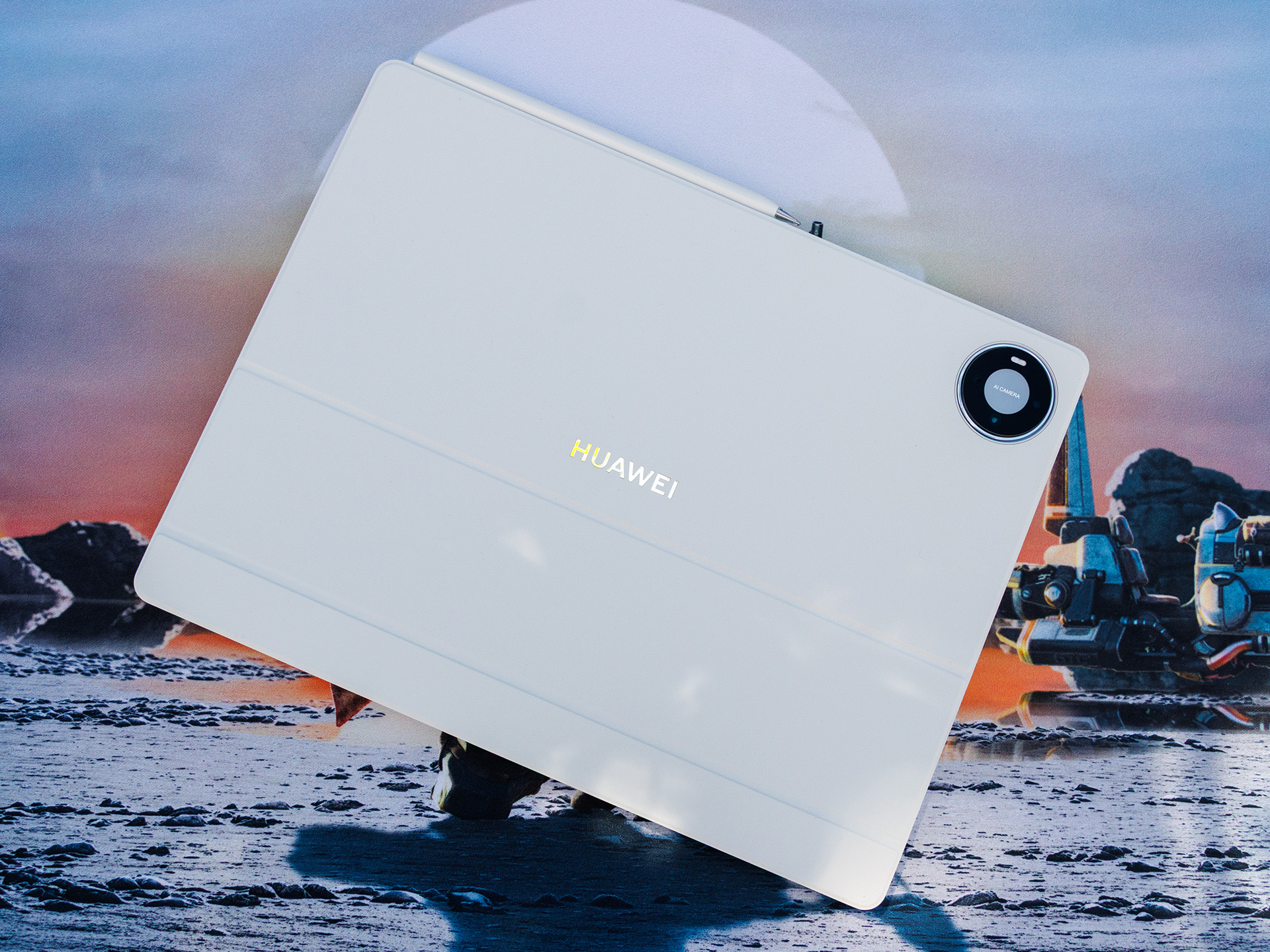
The biggest question mark surrounding the Huawei MatePad Pro Max isn’t the design, display, or processor, but the software. Like all current Huawei devices, the tablet comes without the Google Play Store and without the official Google Play Services. Instead, Huawei relies on its own AppGallery and in-house HarmonyOS.
Those who are already deeply immersed in the Huawei ecosystem or rarely use Google services will be able to cope with this at first. It becomes more difficult for users whose daily lives revolve around Gmail, Google Maps, YouTube, Drive, or other Google apps. These apps aren’t necessarily missing entirely, but some may require a bit of a workaround to set up.
One option is the Aurora Store. It can be downloaded directly from the AppGallery and provides access to numerous Android apps. This makes installing many apps much easier than it was a few years ago. Nevertheless, there’s still a difference compared to a traditional Android tablet: You’ll need to familiarize yourself with the process first. Read here to find out how it works.
That’s likely to be the deciding factor for many buyers. Technically, some features can be added later, but it’s not always convenient. Anyone who wants to unbox a tablet, set it up, and then start using it right away as usual will find the lack of Google integration annoying.
On top of that, Huawei equips the system with a number of pre-installed third-party apps. Users may also encounter some ads. While both can be largely removed or disabled, they don’t leave quite as clean an impression as some competitors do. On the other hand, HarmonyOS runs smoothly, and Huawei offers a long-term supply of security patches for the MatePad Pro Max. The basic user interface works convincingly in everyday use.
This makes Google the biggest drawback of this otherwise strong tablet. Anyone willing to put in a little effort to set it up will find the MatePad Pro Max a great tool to work with. Those expecting maximum convenience will find a simpler solution with other tablets.


 Add as a preferred source on Google


