




Samsung Galaxy S26 series first to receive critical July update
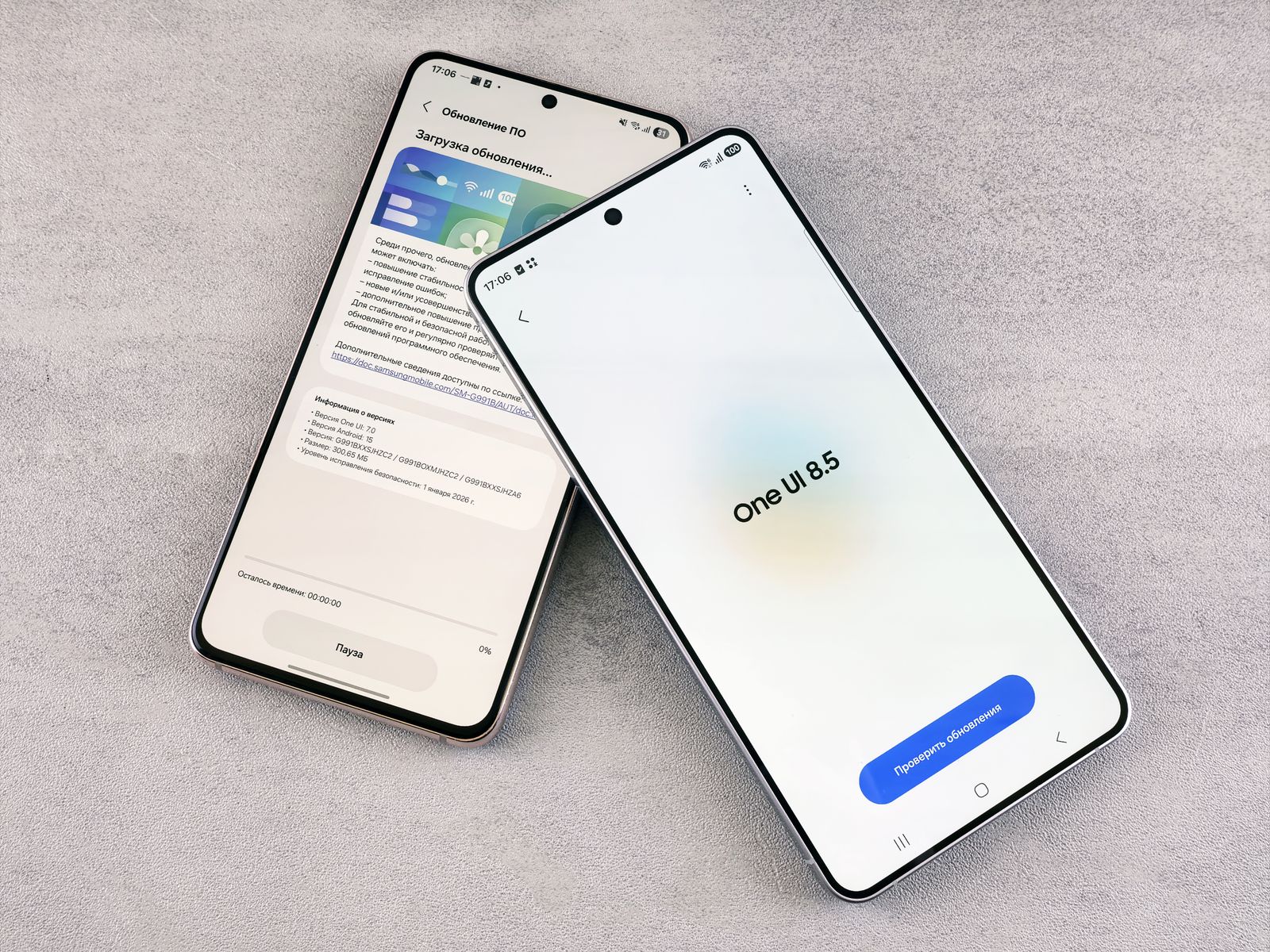
Samsung has begun rolling out its July security update. The Galaxy S26 series is the first to receive the patch, which became available in South Korea on July 9, 2026. Additional models and regions are expected to follow in the coming days. This update isn’t merely an optional extra, as it addresses vulnerabilities that could allow attackers to inject malicious code onto devices.
What's included in the July update
According to Samsung's official security bulletin, the July patch fixes a total of 57 vulnerabilities, 41 of which stem from Google’s Android security bulletin. The remaining 16 are Samsung Vulnerabilities and Exposures (SVE), which are proprietary flaws discovered and fixed by the company in its One UI overlay. Five of the vulnerabilities are classified as critical, 42 as high, and seven as moderate.
Most of the vulnerabilities affect devices running Android 14, 15, or 16. Among the critical issues are several memory errors exploitable for malicious code injection. Users who update their Galaxy devices regularly effectively close off attractive entry points for such attacks.
These Galaxy models will receive it first
Beyond the Galaxy S26 series, Samsung is rolling out the update to the Galaxy S25 lineup, including the S25 Edge and S25 FE models. Also on the list are the Galaxy Z Fold7, Galaxy Z Flip7, and the Galaxy Z TriFold. The rollout will begin in South Korea before gradually expanding to other countries. Based on past experience, older devices and mid-range models are likely to receive the update slightly later.
How to install the update
To check if the update is available for your device, go to Settings and select Software Update. Tap Download and Install if it is already offered. It is crucial to keep your device up to date with the latest security patches, as monthly updates only protect you once they are installed. As with the latest Android security patch, the sooner you install it the better.
Source(s)
 Add as a preferred source on Google


