




The super flexible foldable is here—Let us show you possible use cases
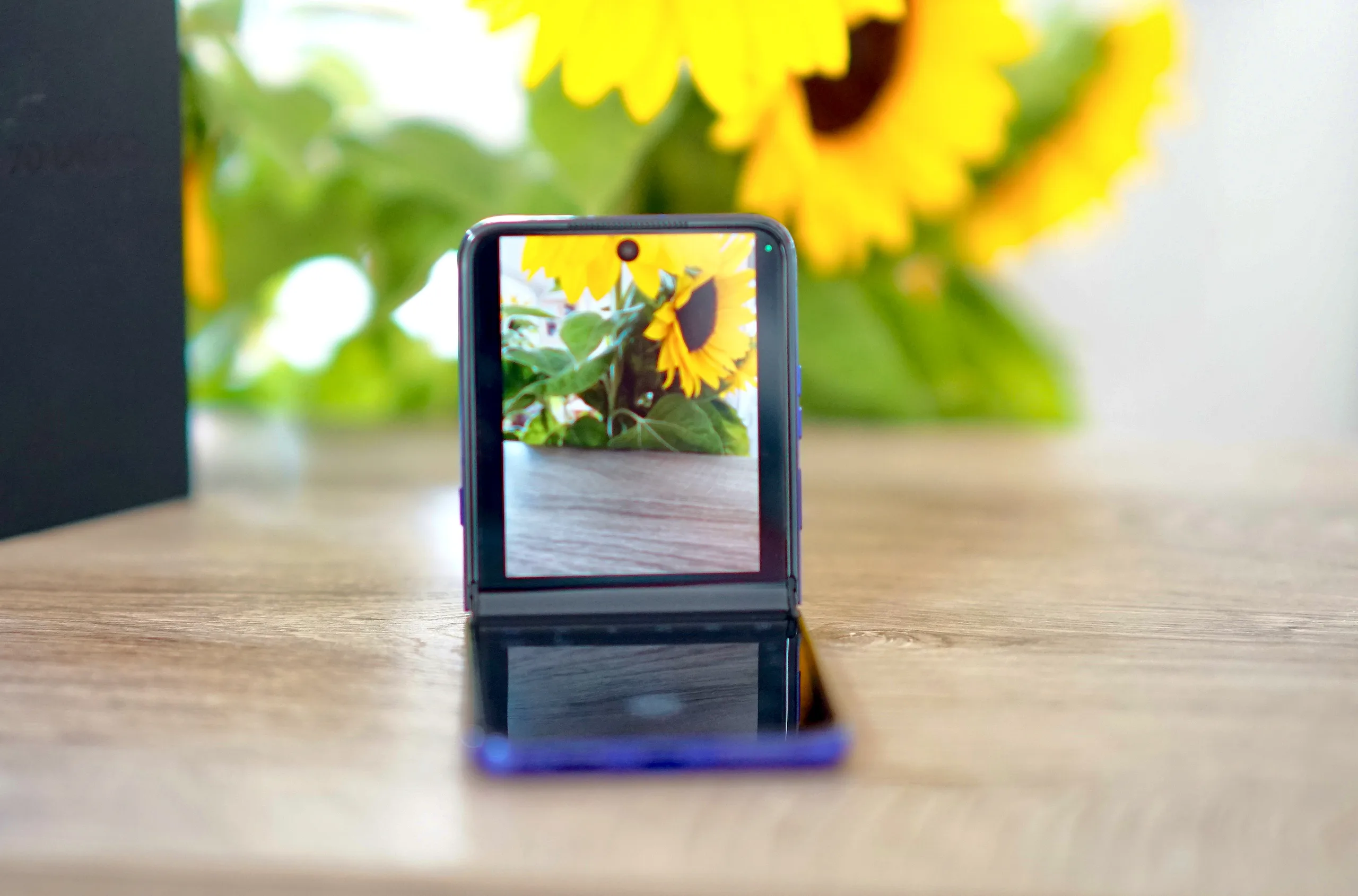
The new Motorola foldable is called the Razr Ultra 2026 (Razr 70 Ultra). The name comes from the fact that it’s as thin as a razor blade, that it’s the seventh generation of Motorola’s foldable smartphone, and that it’s ultra-flexible when used for taking photos or recording videos.
The following images provide a glimpse:
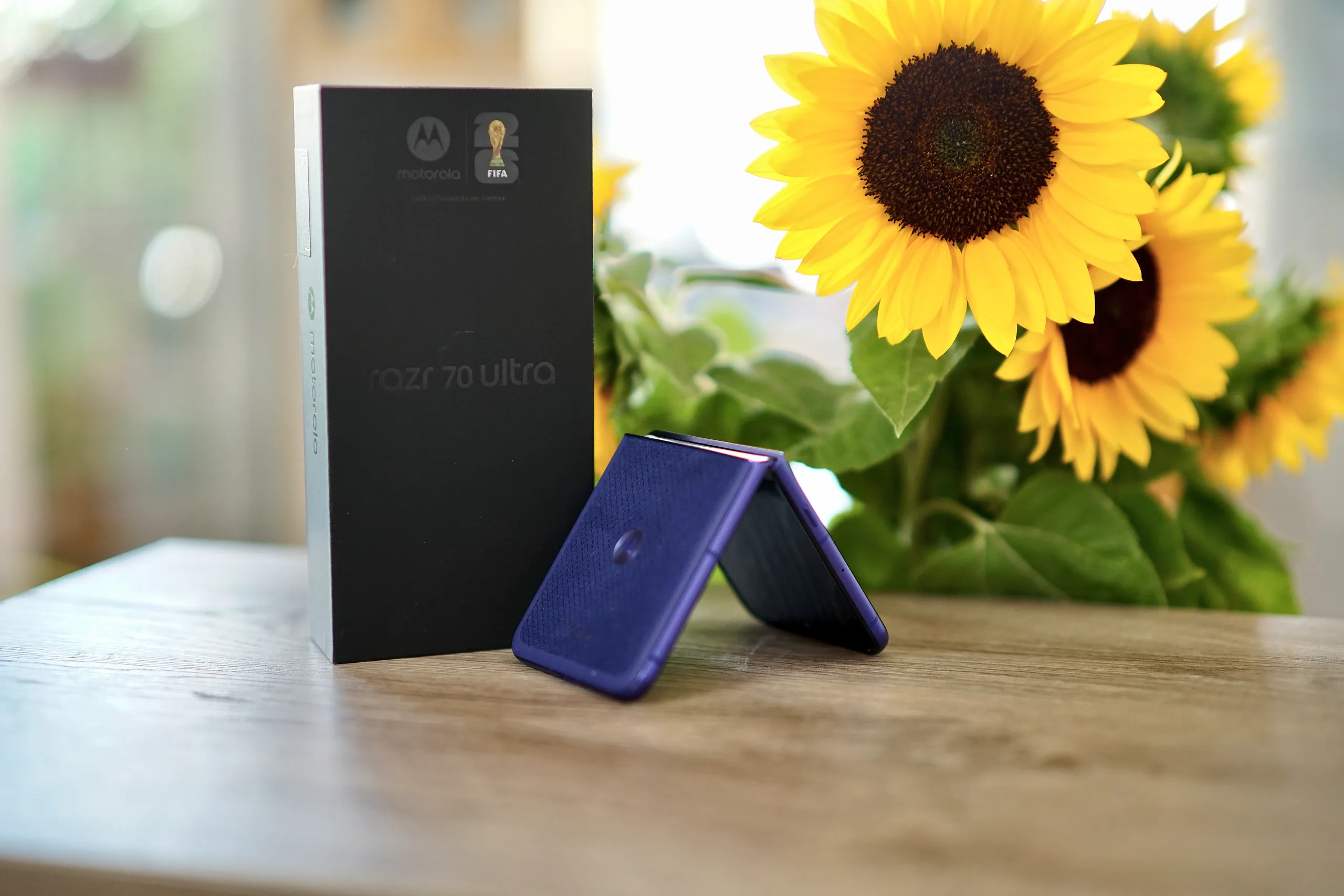
Tent Mode
You can set up the Motorola Razr Ultra 2026 (Razr 70 Ultra) like a tent. Thanks to its great hinge, the phone stays in this position without any problems, and the cameras remain steadily aimed at a subject. This allows you, for example, to take selfies or record videos for social media without needing someone behind the camera.
Camcorder Mode
In camcorder mode, you hold the phone just like you used to hold a camcorder with video tapes or memory cards. You hold one part of the smartphone firmly in your hand, while the other part, with the cameras, is pointed at the subject. This allows you to achieve a steadier image even without a gimbal.
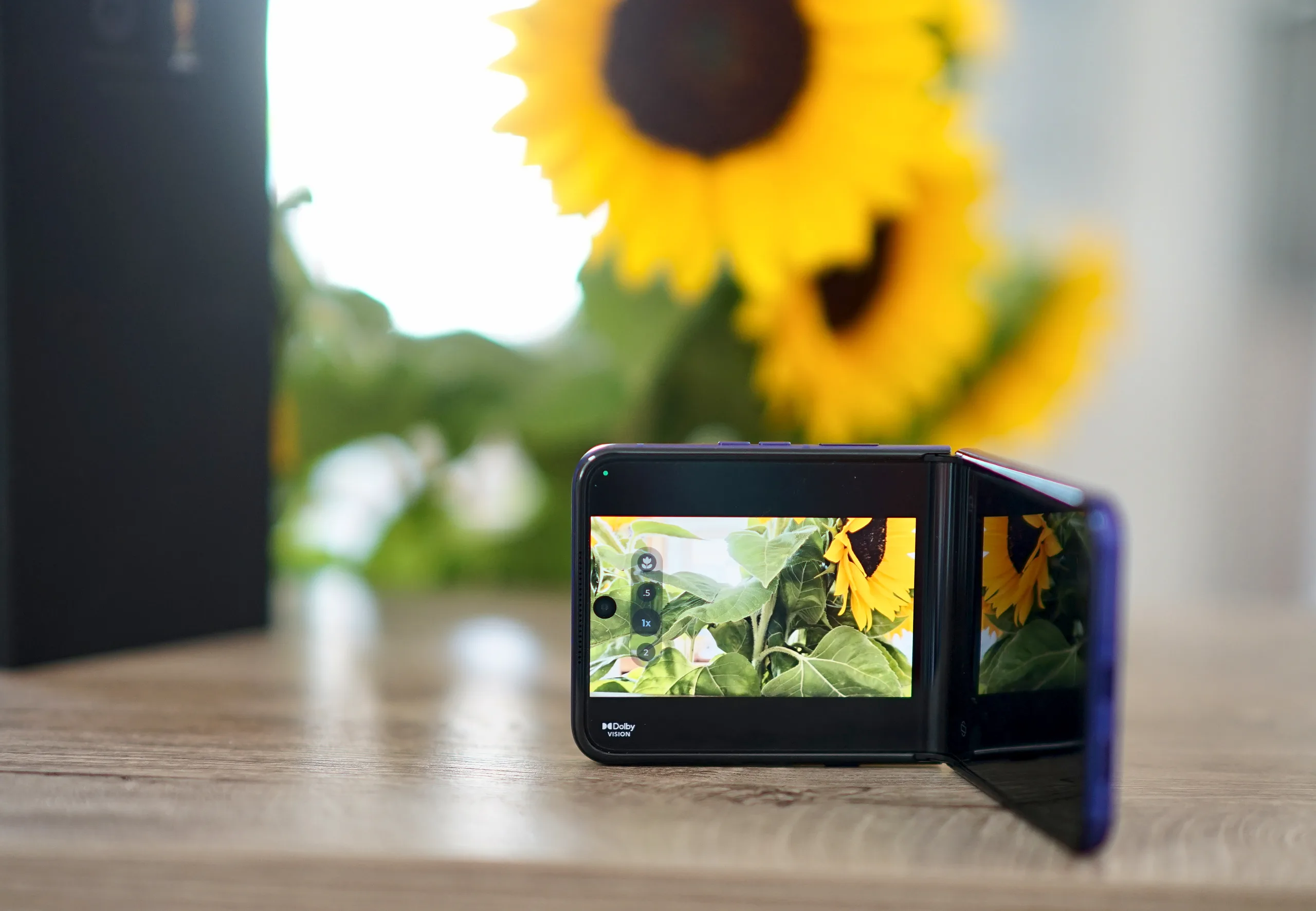
Portrait Mode
If you open the phone halfway and place it on a table, you can also achieve a tripod-like effect and take portrait-oriented shots without camera shake. In this mode, various controls—such as the shutter button—are displayed at the bottom of the screen.
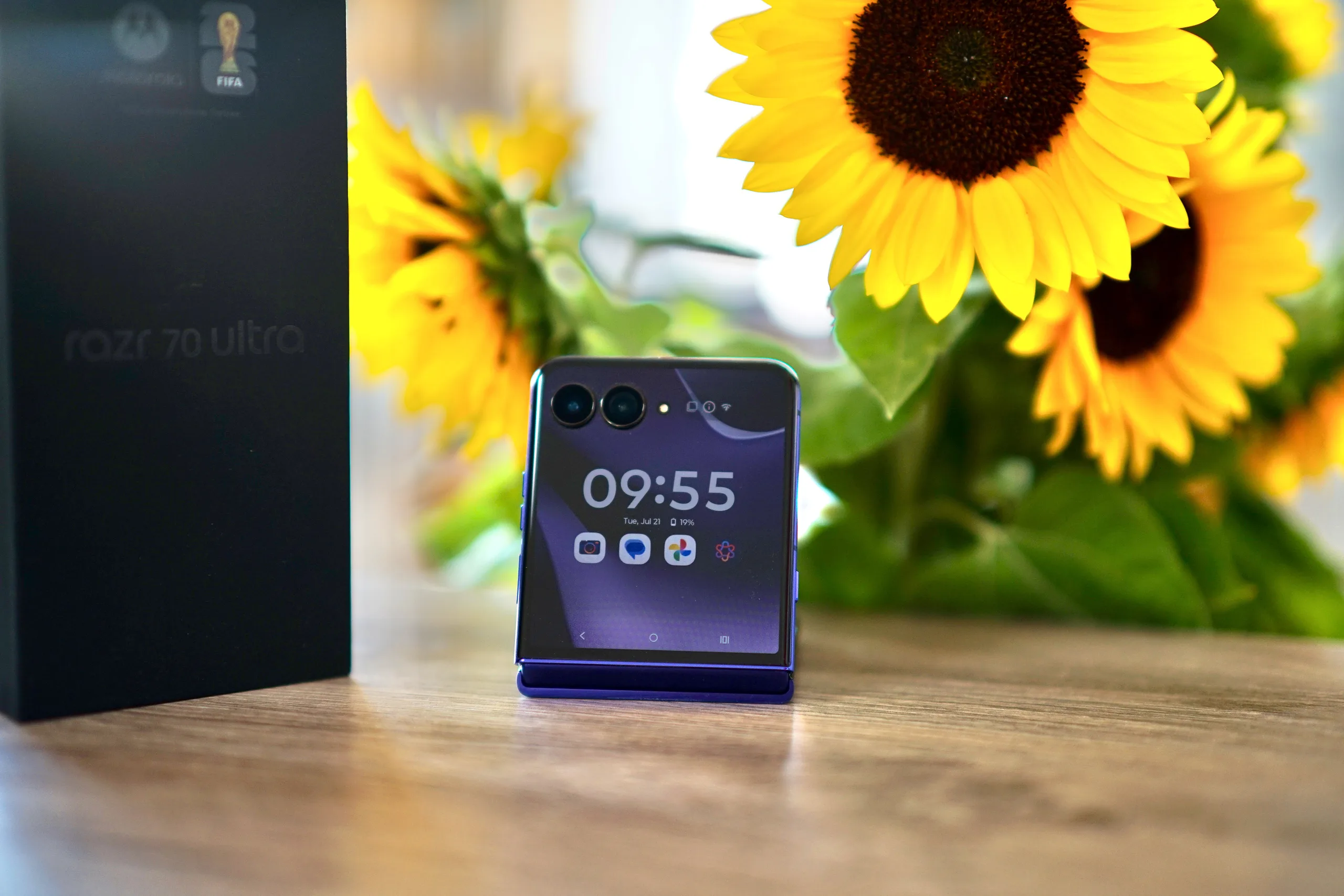
Selfies with the Viewfinder via the Main Camera
If you don’t want to take selfies with the inner camera, you can also use the main camera. The Razr 70 Ultra’s 4-inch external display makes this possible. You can see yourself, take advantage of the higher-quality optics, and use the volume controls as a shutter button.
Conclusion on the Razr 70 Ultra’s Image Quality
The Razr 70 Ultra comes with good cameras, but despite its high price, it can’t keep up with conventional high-end smartphones in terms of image quality or zoom capabilities. However, it offers many ways to capture photos and videos in unique ways, even without your own tripod or gimbal.
Our in-depth review reveals even more about this high-quality flip phone.
 Add as a preferred source on Google


