




Philips Hue quietly rolls out useful new tool in app
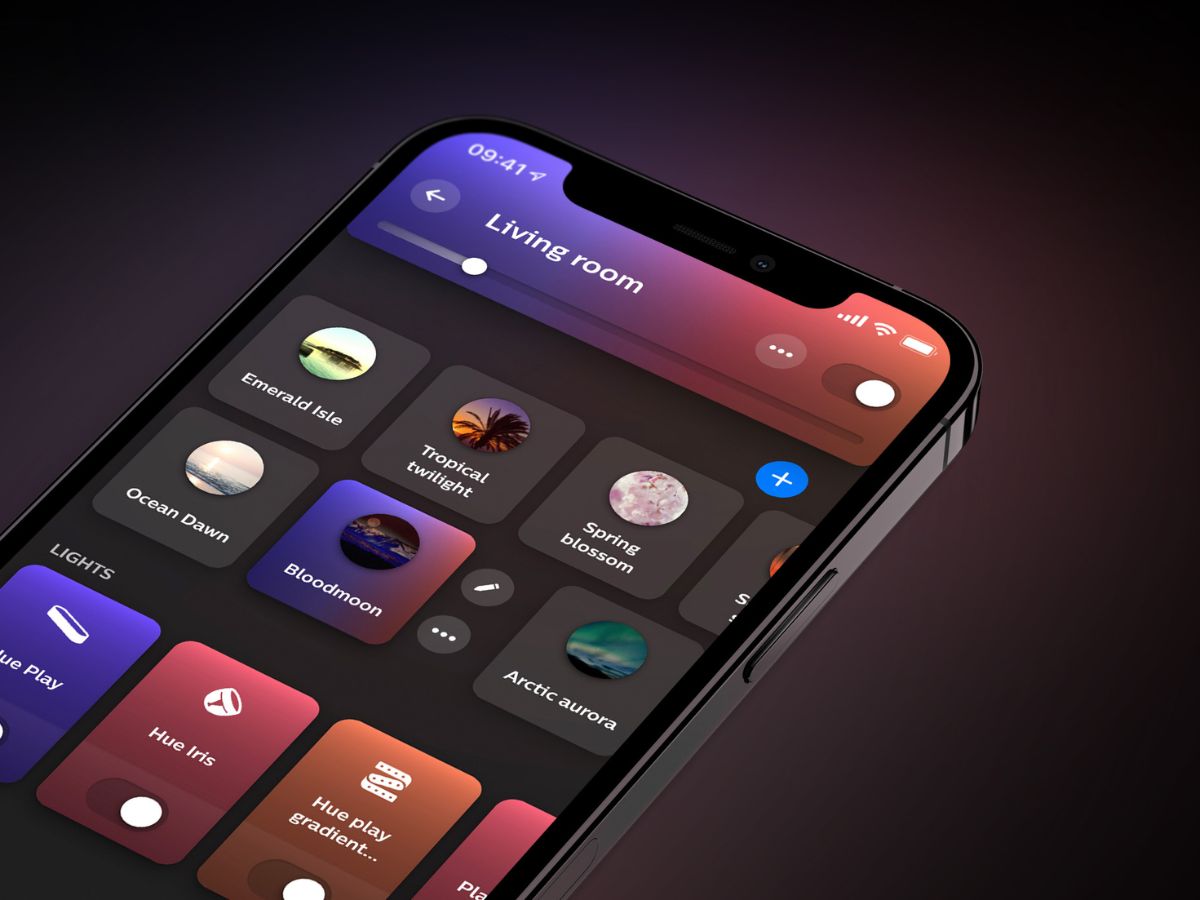
In the recent Philips Hue smartphone app update, another feature arrived unannounced. Version 5.60.1 for the apps for iOS and Android began rolling out to customers in late January 2026. The change log states that it brought support for the AI assistant in Spanish, German and Dutch, as well as new features for users of the Hue Secure wired cameras and the Hue Secure Wired video doorbell (curr. $169.99 at Amazon).
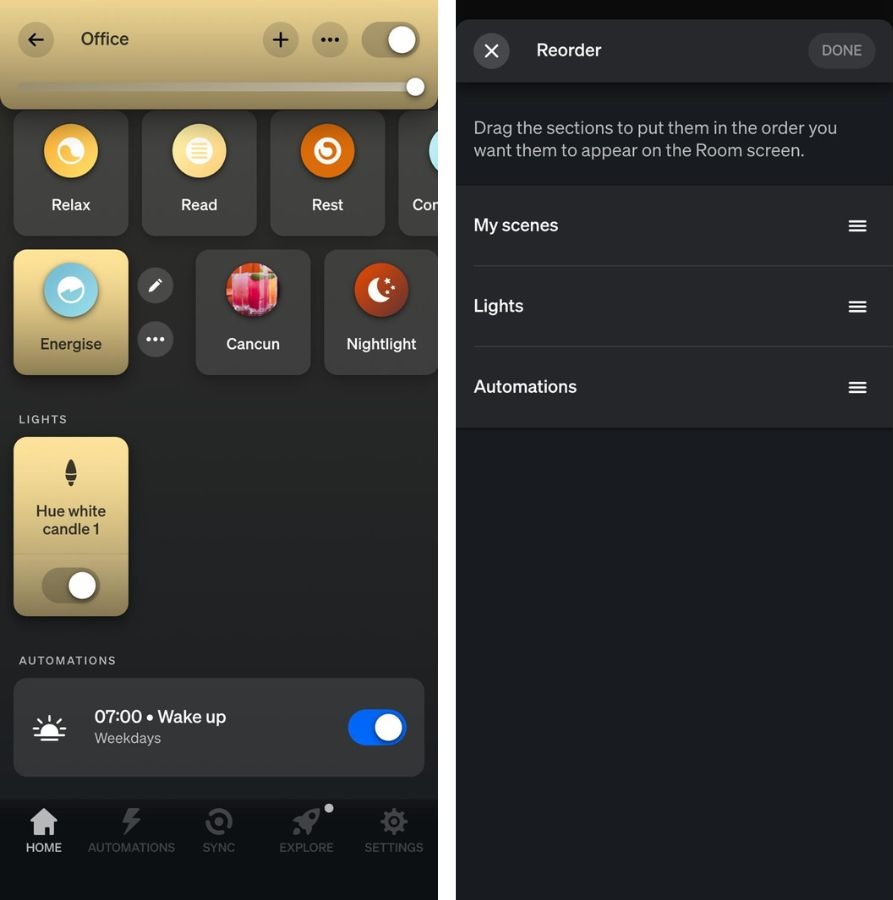
With version 5.60.1, a previously mentioned improvement for automations is now available for Philips Hue users. In January 2026, updates for the Philips Hue Bridge v2 and the Bridge Pro were said to be paving the way for a new tool that would allow users to access automations directly from within a Room or Zone in the app. Users of the Philips Hue app gained this feature in version 5.60.1.
In Room or Zone View, the first three sections are as before: My Scenes (a list of your saved scenes), Lights (a list of connected devices) and Controls (a list of connected accessories). Below this is a new Automations section, listing all automations linked to this particular Room or Zone. If you want to reorder the new Room or Zone View, you can do so by clicking (...) > Edit Room > Order.
It is unclear why this function was not mentioned in the release notes for the Philips Hue app version 5.60.1 release. You can download the latest version of the Philips Hue app from the Apple App Store or the Google Play Store.
Source(s)
 Add as a preferred source on Google


