




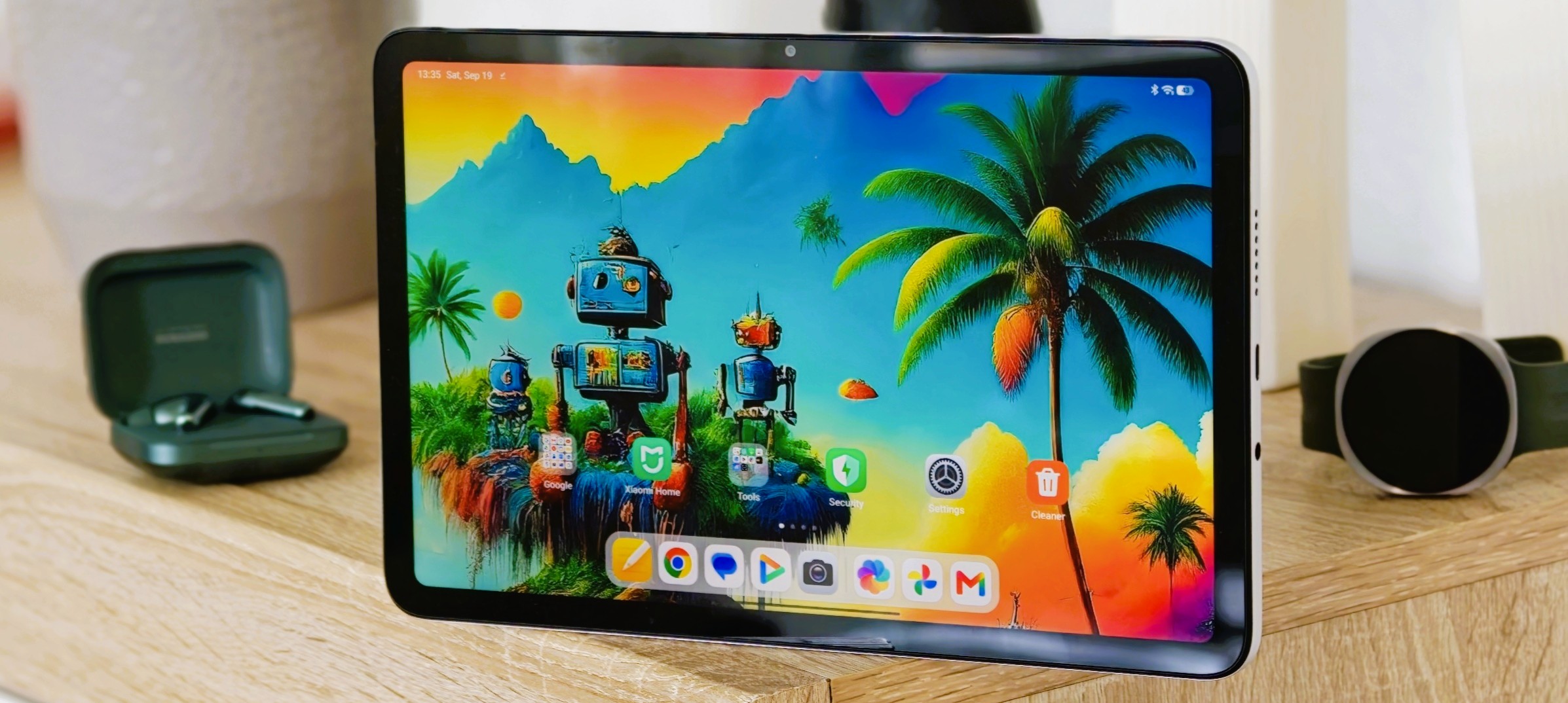
Verdict on the Redmi Pad 2 9.7
The Redmi Pad 2 9.7 has everything you need to get started in the world of tablets. In our view, Xiaomi has found a good way to ensure that the compromises resulting from cost-cutting measures are hardly noticeable in everyday use.
At first glance, you’d hardly notice the price of this entry-level tablet. The choice of materials, the fairly thin display bezels, and the smooth 120-Hz panel definitely exude a mid-range feel. A matching stylus is also available—though without a digitizer—and the tablet features affordable storage expansion via microSD. Thanks to its 9.7-inch screen size, the Redmi Pad is also quite light and easy to handle, making it ideal for everyday use at college or as a student tablet.
Considering the price point the weak points are not that bad: Anyone who analyzes our test data in detail will quickly see that the performance of the new Snapdragon chipset is a bit of a letdown. However, if you spare the Redmi Pad 2 9.7 from multitasking or gaming and don’t run tasks like streaming or web browsing simultaneously, you’ll be rewarded with decent performance. Since Xiaomi, thankfully, provides updates for a very long time, the lack of performance reserves could become a bottleneck in the future, though.
Our other test results for display brightness, Wi-Fi speed, and pink noise also justify the affordable price point. If you’re only willing to make minor compromises here, you should check out our review of the Xiaomi Pad 8—though budget-conscious shoppers will need to budget for double the price.
For around US$ 180, however, the Redmi Pad 2 9.7 also offers a lot of tablet for the money.
Pros
Cons
Price and availability for the Xiaomi Redmi Pad 2 9.7
The Redmi Pad 2 9.7 launches with 64 GB of internal storage at an MSRP of about US$ 190, available from amazon.com, among others. An LTE version is also available.
According to the spec sheet, in addition to the version with 4 GB of RAM, a 6-GB variant is also available; however, this does not appear to be available in Europe (as of yet). If you don’t want to do without it, you can also check out the Poco Pad C1, which is identical in design.

- $159.99XIAOMI Redmi Pad 2 9.7" Only WiFi (No Calls or Text) 2K 120Hz Octa Core Global ROM 7600mAh Bluetooth 8MP Model 2603ARP14G (Gray, 64GB + 4GB)
- $159.99XIAOMI Redmi Pad 2 9.7" Only WiFi (No Calls or Text) 2K 120Hz Octa Core Global ROM 7600mAh Bluetooth 8MP Model 2603ARP14G (Silver, 64GB + 4GB)
- $182.75XIAOMI Redmi Pad 2 9.7" Only WiFi (No Calls or Text) 2K 120Hz Octa Core Global ROM 7600mAh Bluetooth 8MP Model 2603ARP14G (Gray, 128GB + 4GB)
Table of Contents
- Verdict on the Redmi Pad 2 9.7
- Redmi Pad 2 9.7 specifications
- Case - Affordable Xiaomi tablet with an aluminum unibody design and IP rating
- Features - Affordable Android tablet with a 3.5 mm headphone jack
- Software - Redmi Pad 2 9.7 with Android 16 and 7 years of updates
- Communication - Entry-Level tablet without Wi-Fi 7 and GPS
- Cameras - Redmi Pad 2 9.7 with an 8-megapixel camera, but without optical image stabilization
- Accessories - Entry-level tablet without charger
- Input devices and operation - Affordable Xiaomi Tablet without a stylus digitizer
- Display - The Redmi Pad 2 9.7 with 120 Hz does not use PWM
- Performance - Affordable Android tablet relies on a Qualcomm chipset rather than a MediaTek one
- Emissions - Entry-level tablet with minimal heat dissipation
- Battery life
- Notebookcheck Overall Rating
- Comparison of Possible Alternatives
Redmi Pad 2 9.7 specifications
Case - Affordable Xiaomi tablet with an aluminum unibody design and IP rating
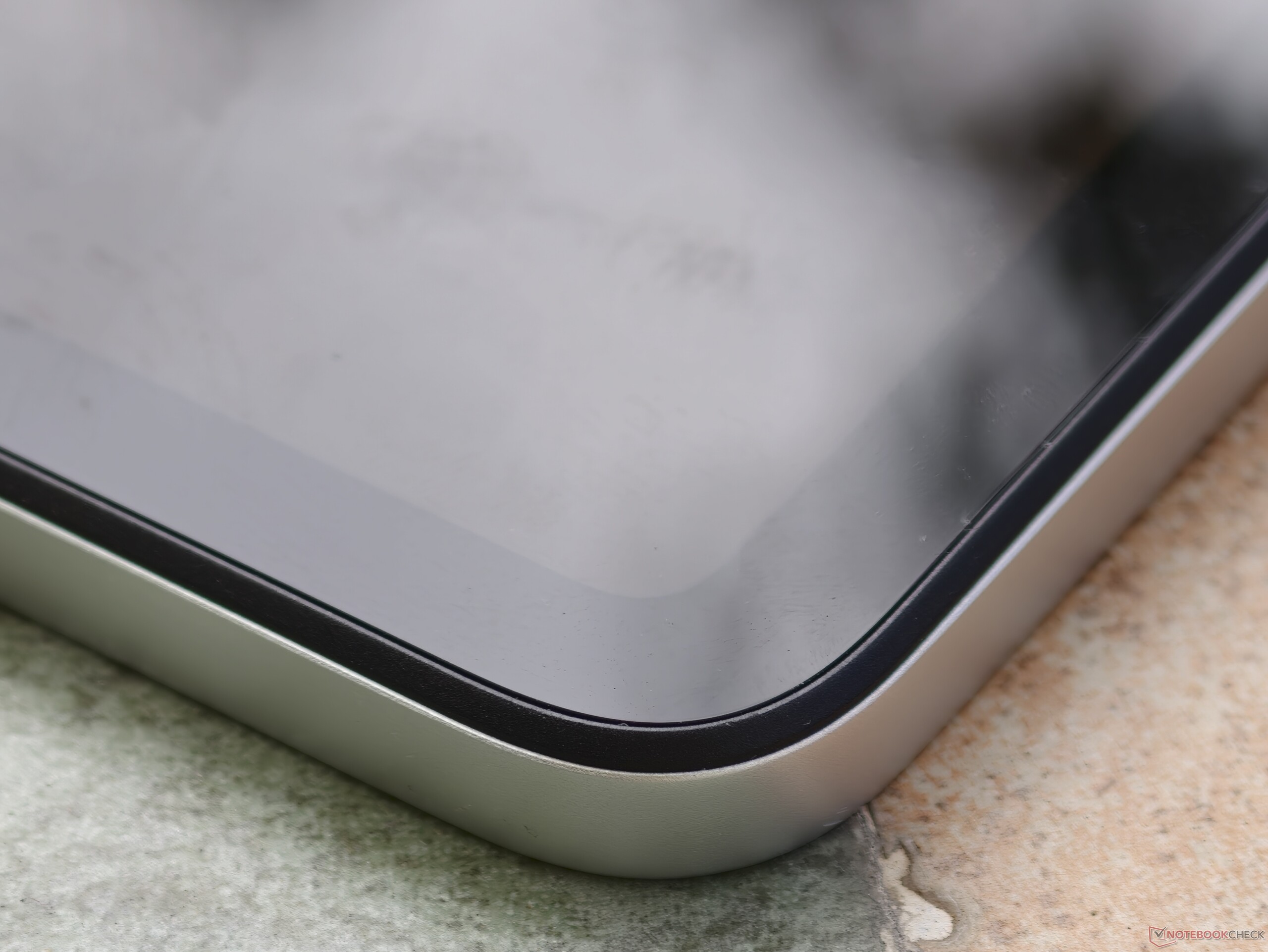
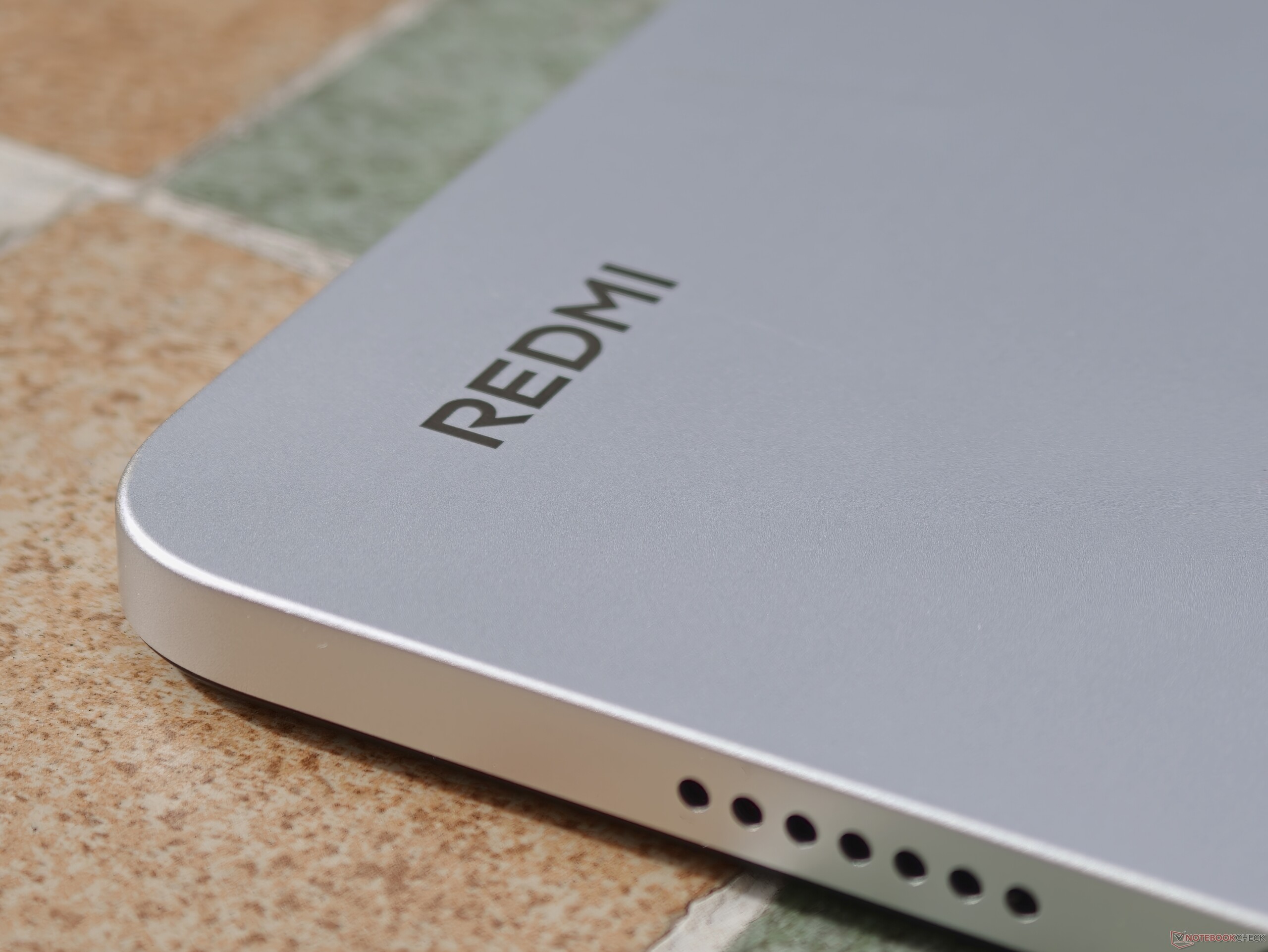
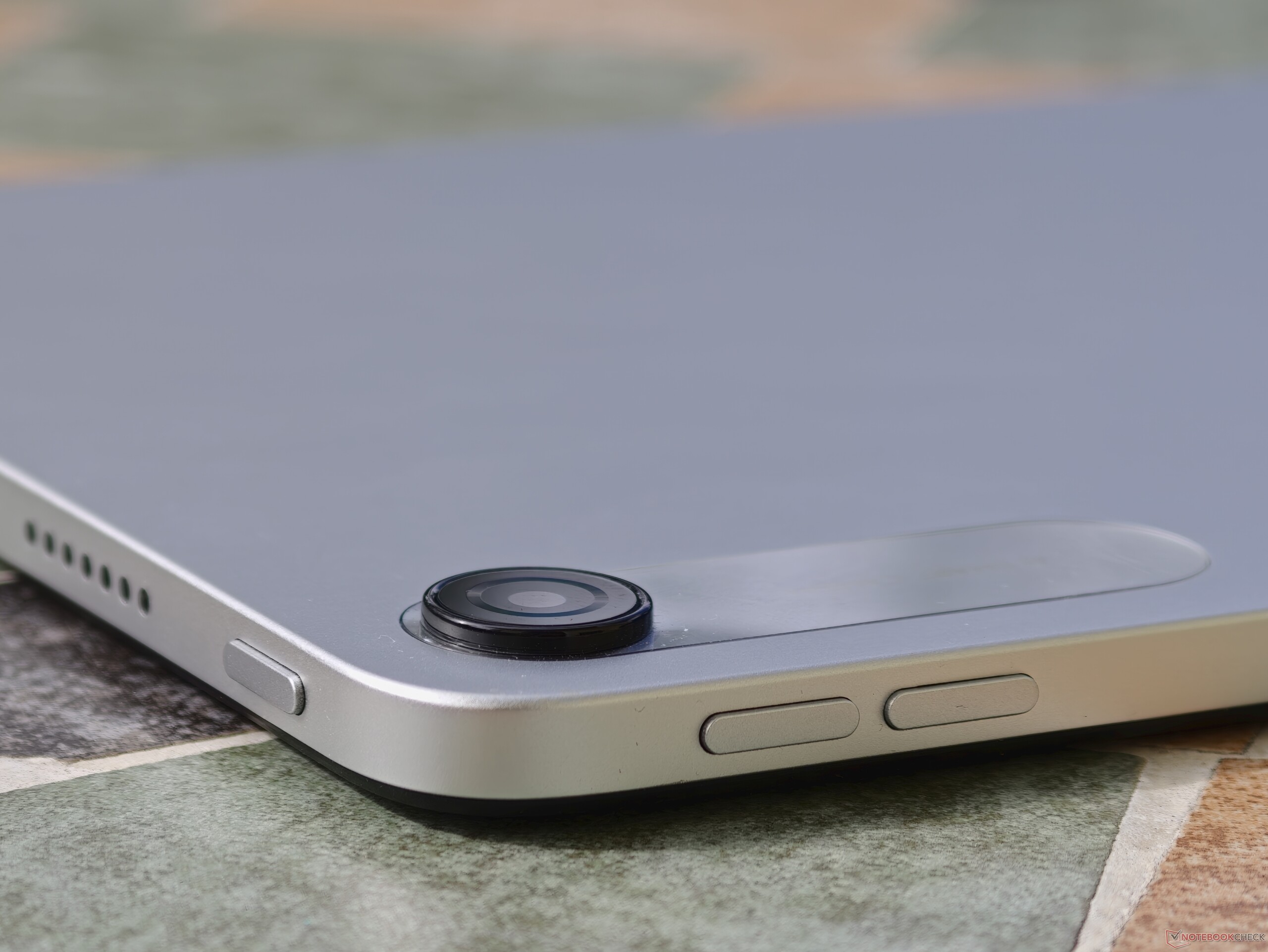
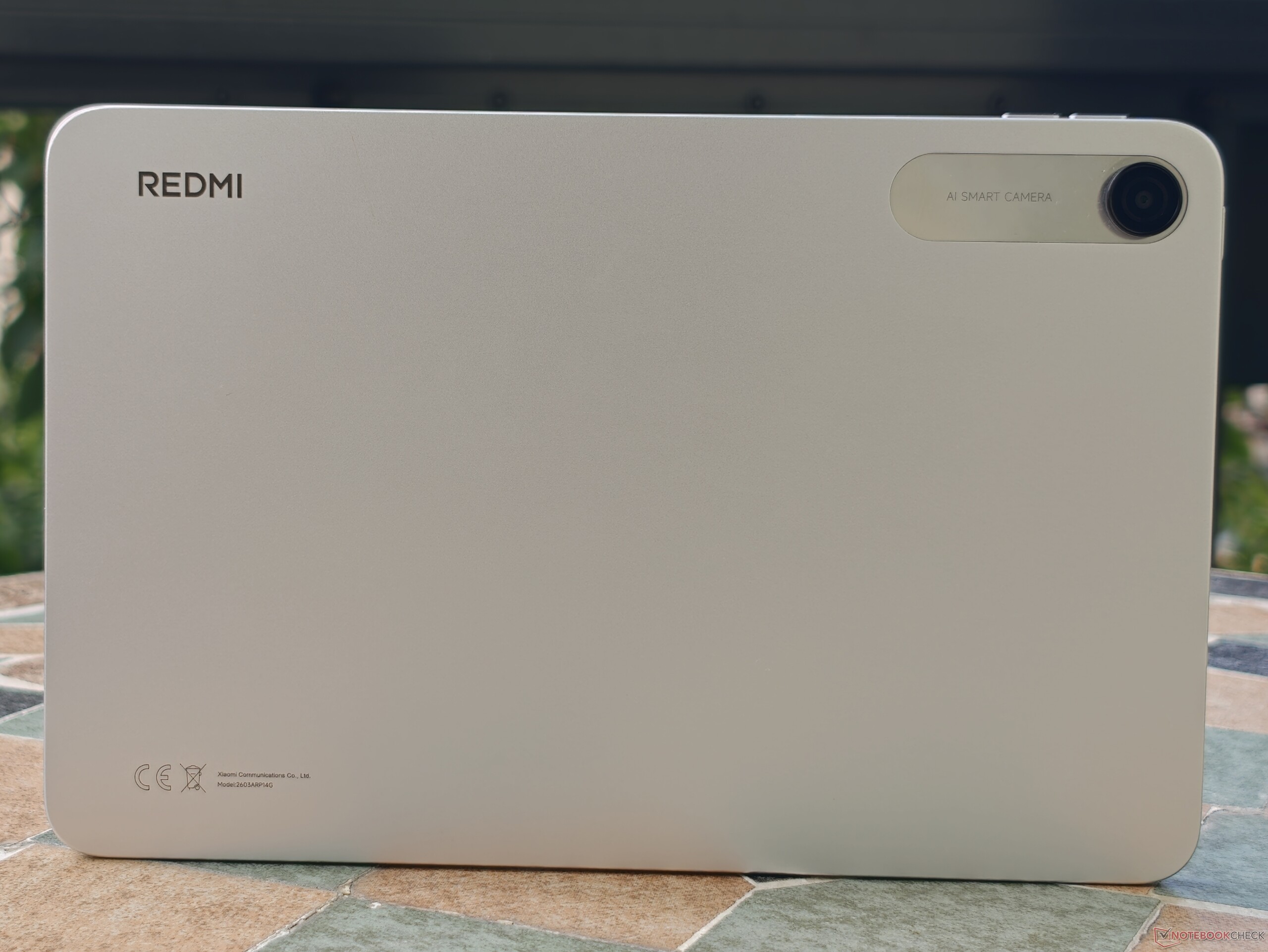
Anyone picking up the Redmi Pad 2 9.7 for the first time won’t notice its affordable price. The aluminum unibody case impresses with its high-quality appearance and excellent build quality.
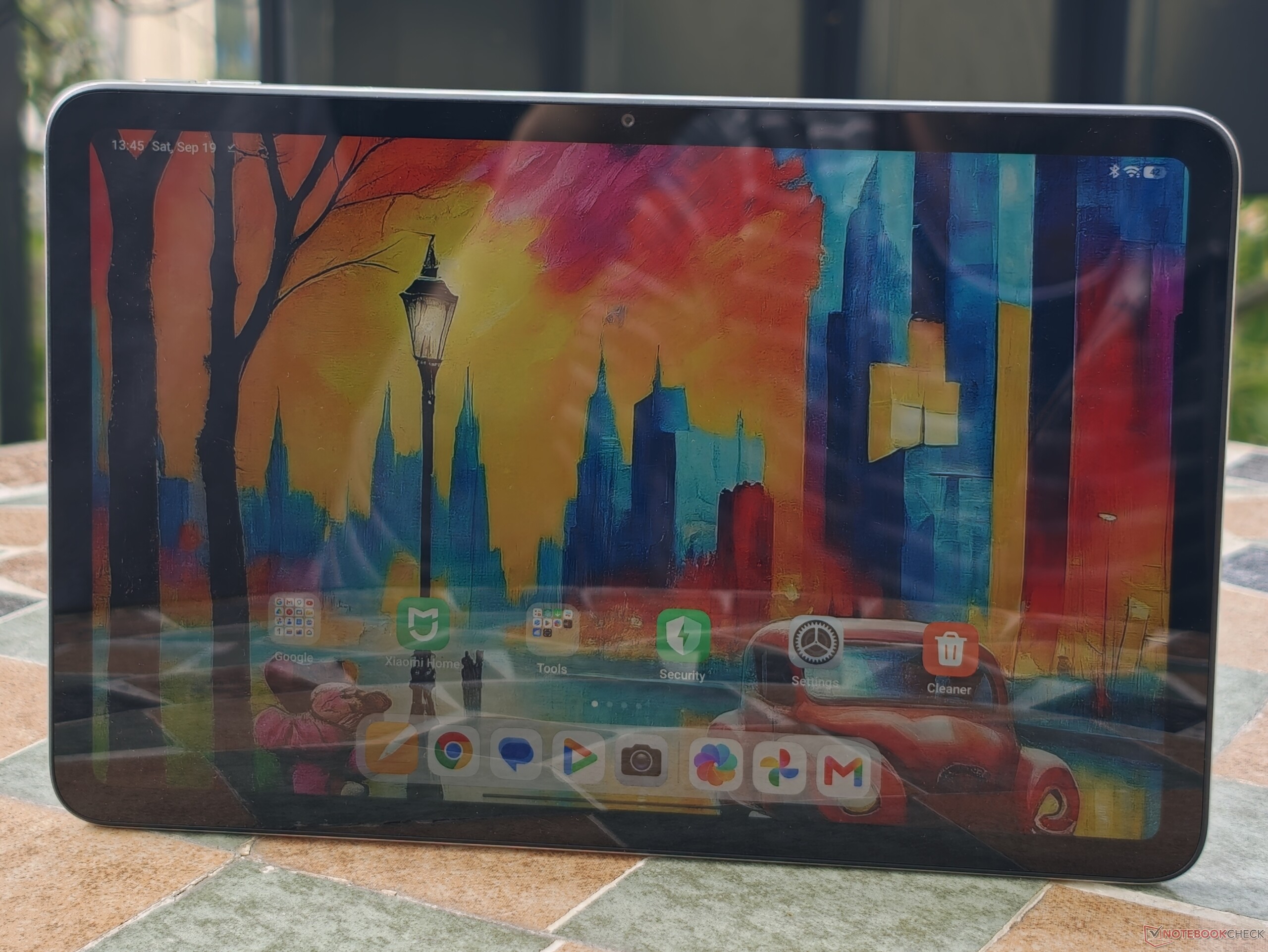
The design also stands out for its very efficient front-to-total-surface ratio for this price range. At nearly 83 percent, the screen takes up a large portion of the front. By comparison, an iPad 11 only reaches 80 percent here.
The Xiaomi tablet is IPX2-certified, meaning the LTE version can be used outdoors even in the rain.
Features - Affordable Android tablet with a 3.5 mm headphone jack
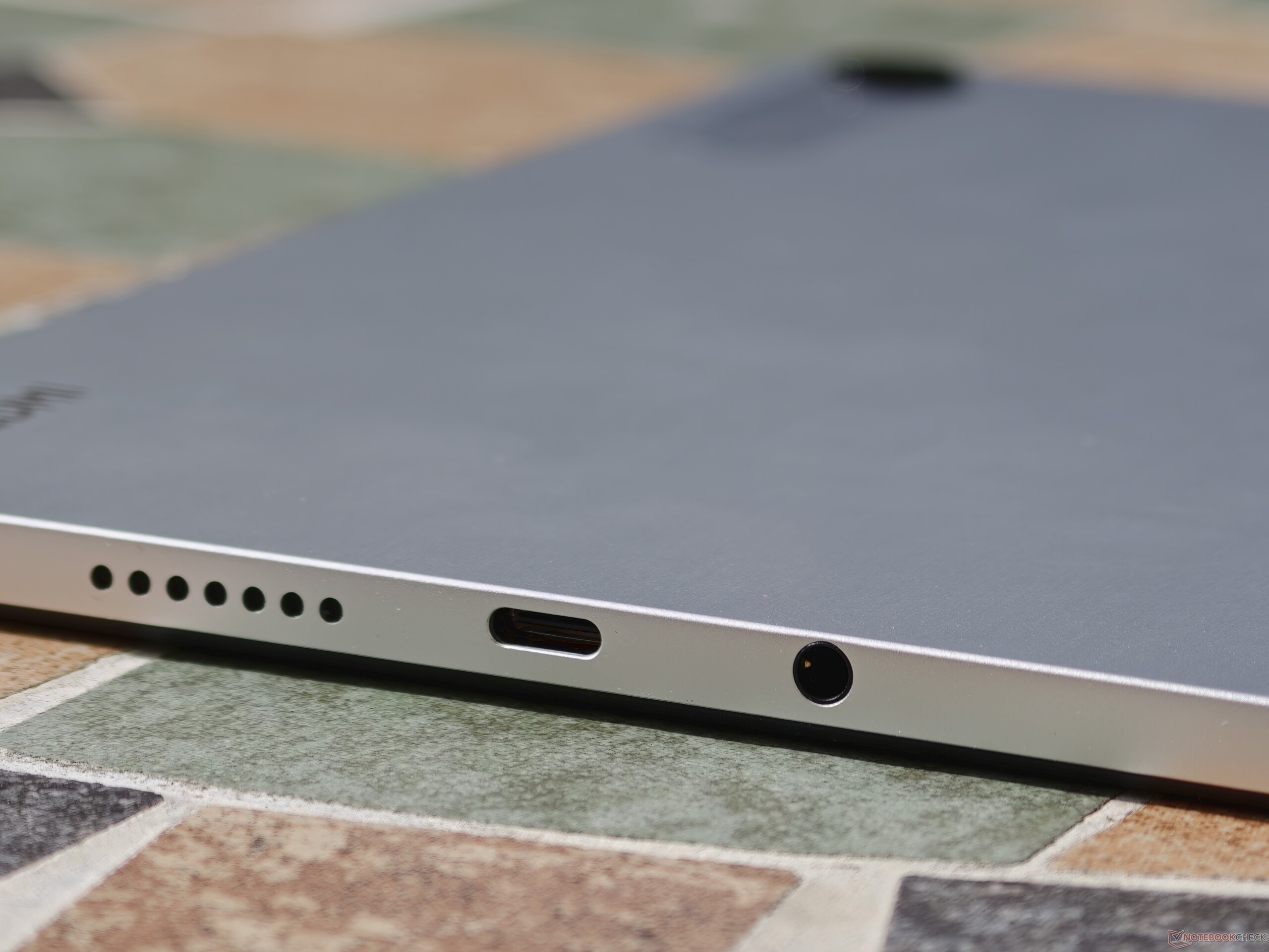
The Redmi Pad 2 9.7’s specs are perfectly adequate for an entry-level tablet. Anyone who wants to expand the limited storage in the base model can do so affordably using microSD cards. In our testing, the card slot is actually quite fast. USB flash drives can also be connected thanks to USB-OTG.
However, the USB 2.0 port is slow and does not support wired video output. Unfortunately, the Xiaomi tablet also lacks a fingerprint sensor.
| SD Card Reader - average JPG Copy Test (av. of 3 runs) | |
| Samsung Galaxy Tab S10 Lite (Angelbird V60) | |
| Xiaomi Redmi Pad 2 9.7 (Angelbird V60) | |
| Average of class Tablet (10.2 - 79.2, n=44, last 2 years) | |
| Xiaomi Redmi Pad 2 4G (Angelbird AV Pro V60) | |
| Lenovo Tab K11 Gen 2 (Angelbird V60) | |
Cross-Platform Disk Test (CPDT)
Software - Redmi Pad 2 9.7 with Android 16 and 7 years of updates
Although the Redmi Pad 2 9.7 is positioned in the entry-level segment, it fortunately receives updates for a very long time. In Xiaomi’s Security Center, this Redmi model is listed through April 2033. In addition, security patches are scheduled to be released once per quarter. Android upgrades are expected to be available up to version 21.
Important for those interested in the LTE model: updates for the Redmi Pad 2 9.7 will no longer be available as early as 2029.
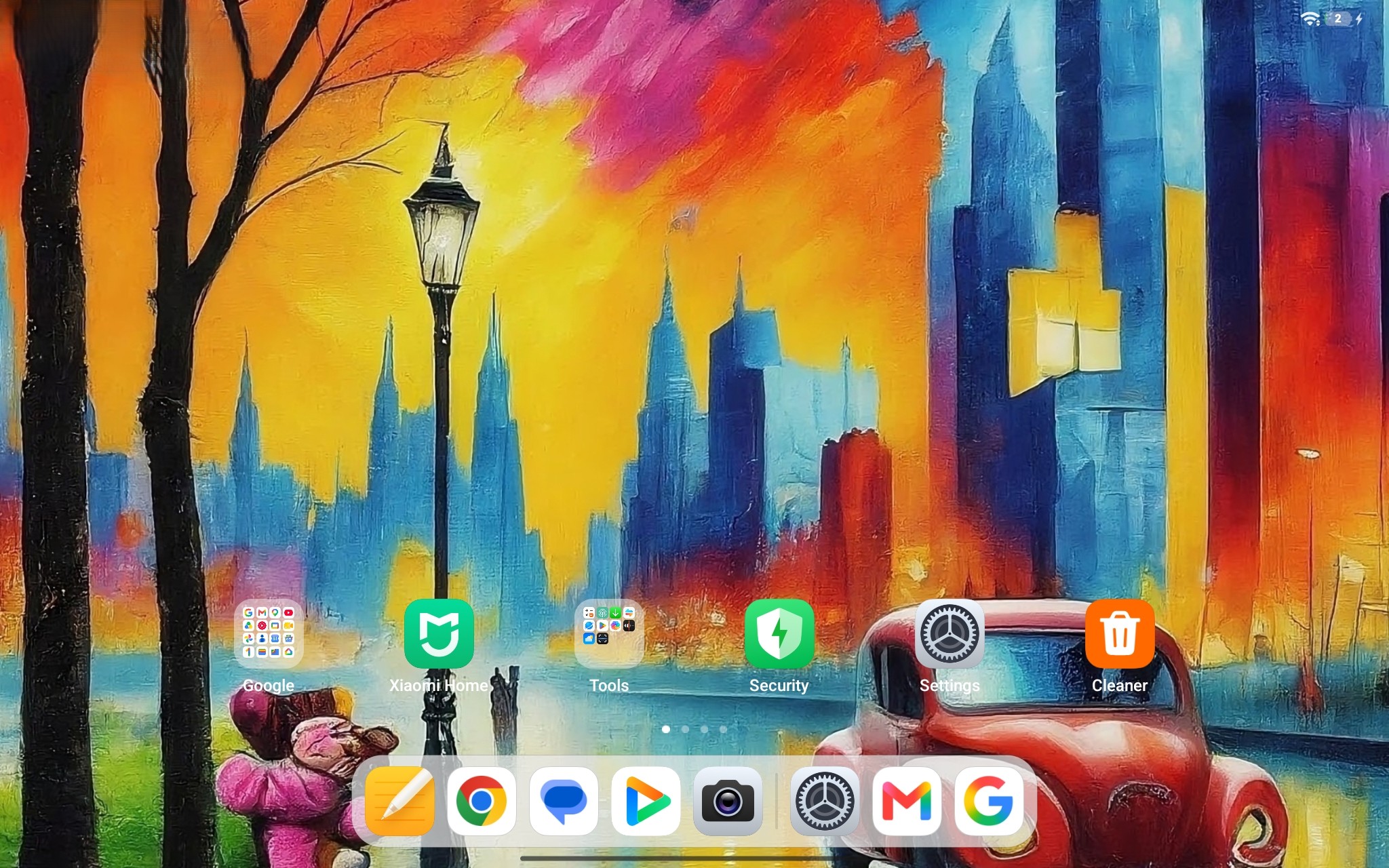
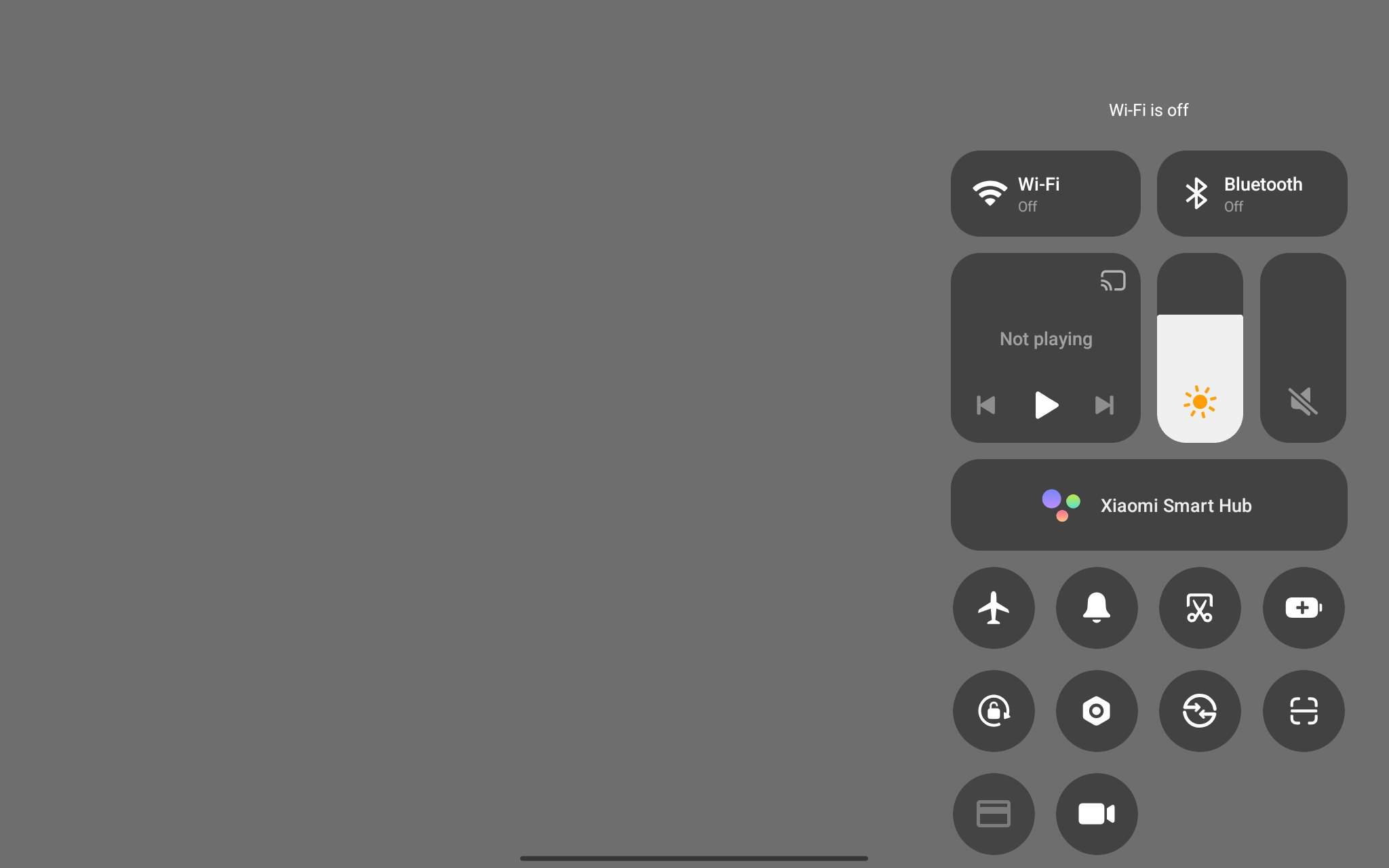
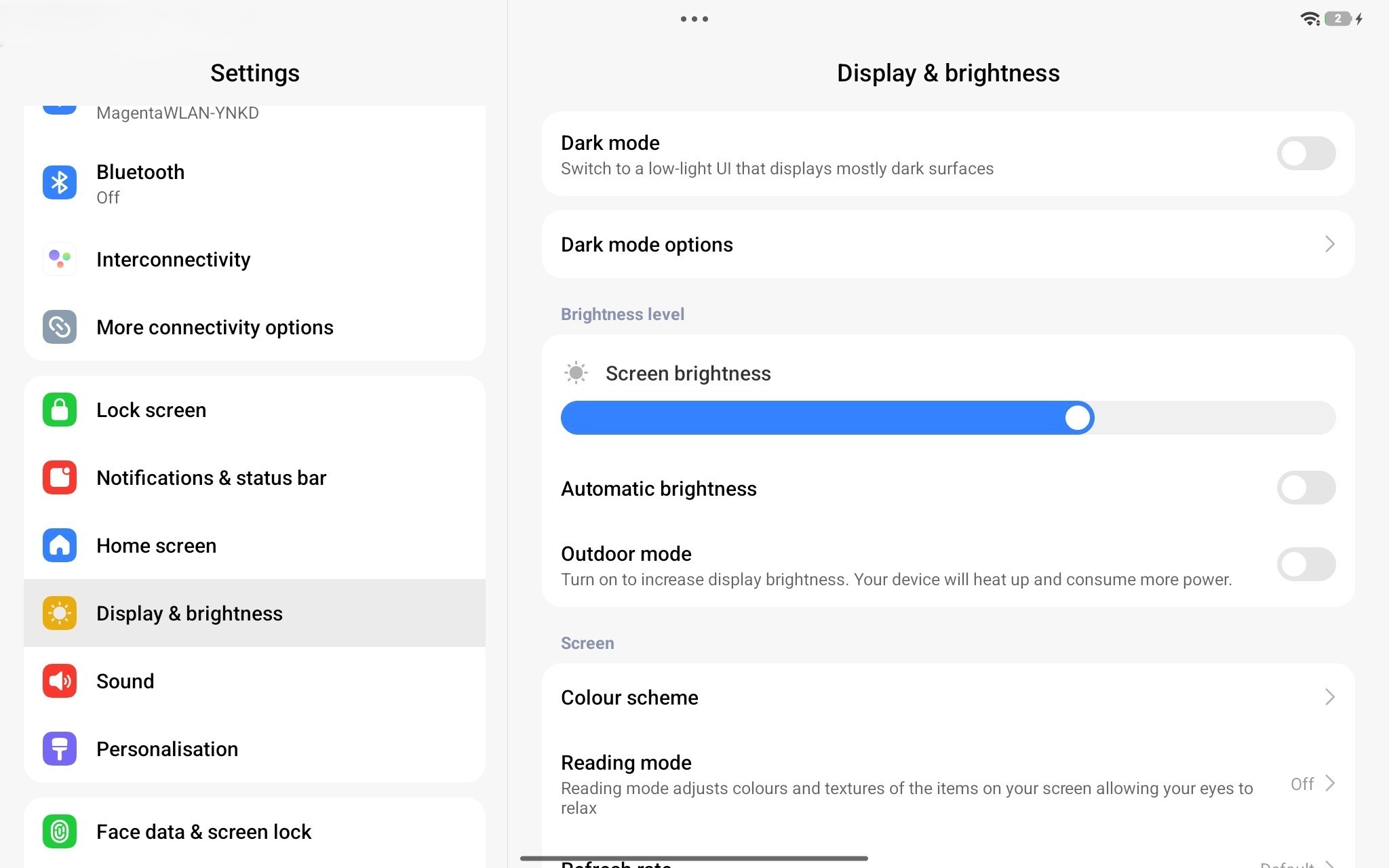
During the testing period, the Xiaomi tablet comes with Android 16 and HyperOS 3. It supports HyperOS Interconnectivity, which allows Xiaomi devices to connect to each other and also enables data transfer with Apple devices, such as the iPad.
Sustainability - Xiaomi does not provide information on its carbon footprint
With its entry-level tablet, Xiaomi does not prioritize sustainability. Information regarding the choice of materials used or recycling is not openly communicated. Repairability is also difficult to assess. In the EPREL database, the Xiaomi tablet is listed with a repairability class of C.
The packaging is made of cardboard and appears to contain no plastic.
Communication - Entry-Level tablet without Wi-Fi 7 and GPS
The Xiaomi tablet equipped with Wi-Fi 6 does not achieve high data transfer rates when paired with the Asus reference router; however, in everyday use, the peak speeds of 300 to 350 Mbps we measured should be sufficient for most users.
The WiFi version of the Redmi Pad 2 9.7 does not support location tracking via global satellite networks. Users who need location tracking on their tablet must opt for the 4G version, which includes A-GPS.
| Networking | |
| Xiaomi Redmi Pad 2 9.7 | |
| iperf3 transmit Wi-Fi6/7 RT-BE96U | |
| iperf3 receive Wi-Fi6/7 RT-BE96U | |
| Xiaomi Redmi Pad 2 4G | |
| iperf3 transmit AXE11000 | |
| iperf3 receive AXE11000 | |
| Samsung Galaxy Tab S10 Lite | |
| iperf3 transmit AXE11000 | |
| iperf3 receive AXE11000 | |
| Lenovo Tab K11 Gen 2 | |
| iperf3 transmit AXE11000 | |
| iperf3 receive AXE11000 | |
| Average 802.11 a/b/g/n/ac | |
| iperf3 transmit AXE11000 | |
| iperf3 receive AXE11000 | |
| iperf3 transmit Wi-Fi6/7 RT-BE96U | |
| iperf3 receive Wi-Fi6/7 RT-BE96U | |
| Average of class Tablet | |
| iperf3 transmit AXE11000 | |
| iperf3 receive AXE11000 | |
| iperf3 transmit Wi-Fi6/7 RT-BE96U | |
| iperf3 receive Wi-Fi6/7 RT-BE96U | |
Cameras - Redmi Pad 2 9.7 with an 8-megapixel camera, but without optical image stabilization

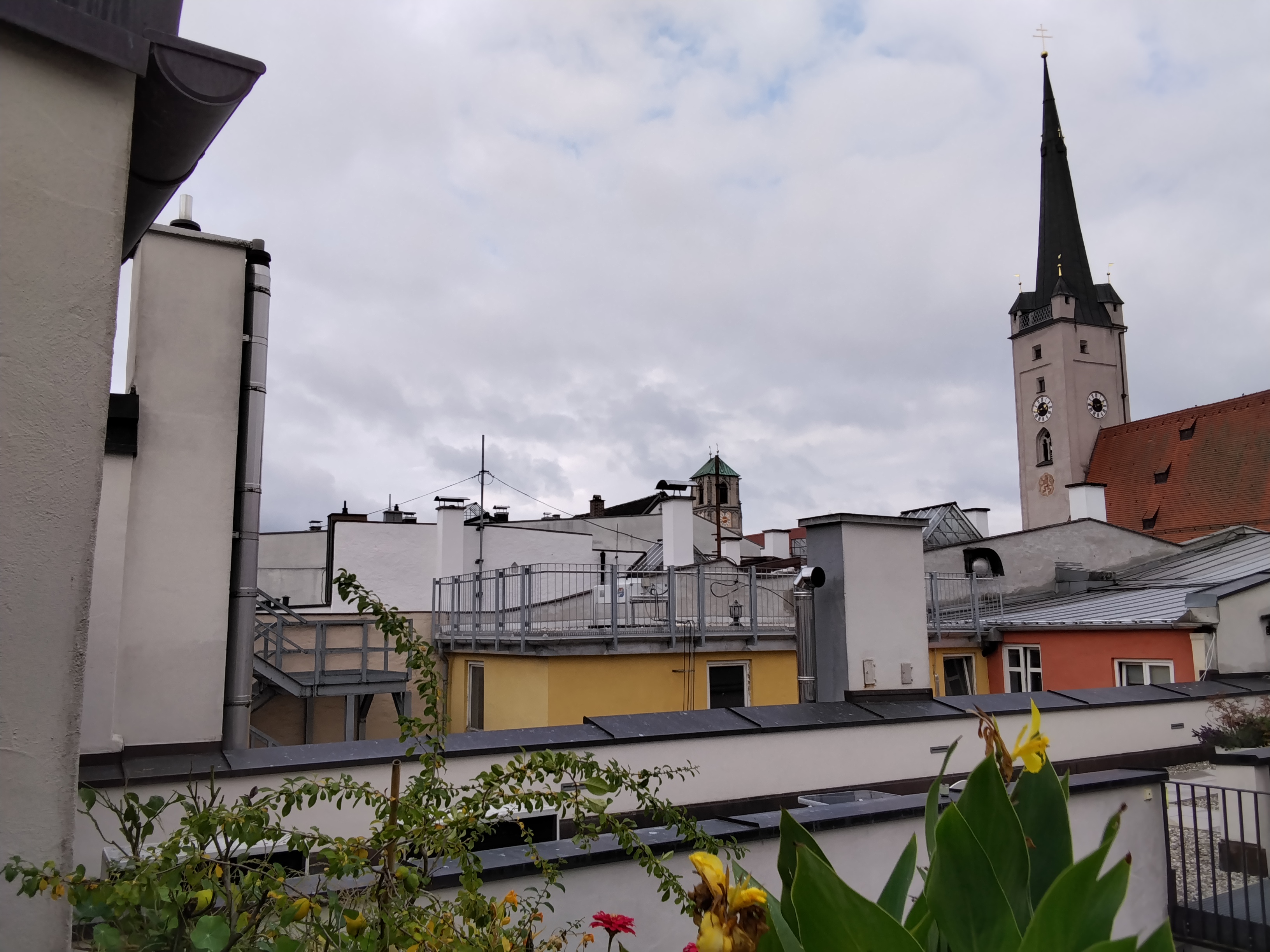
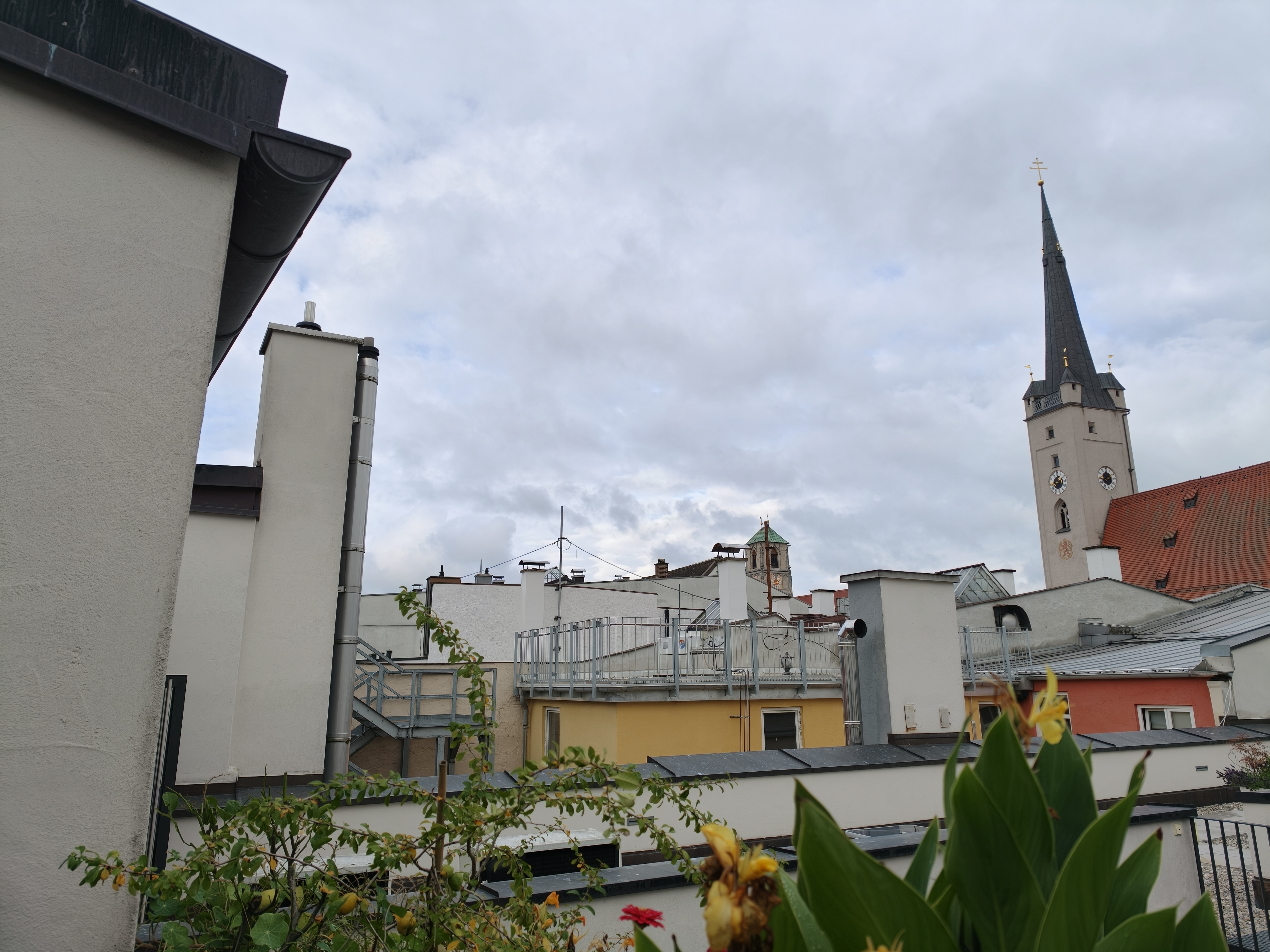
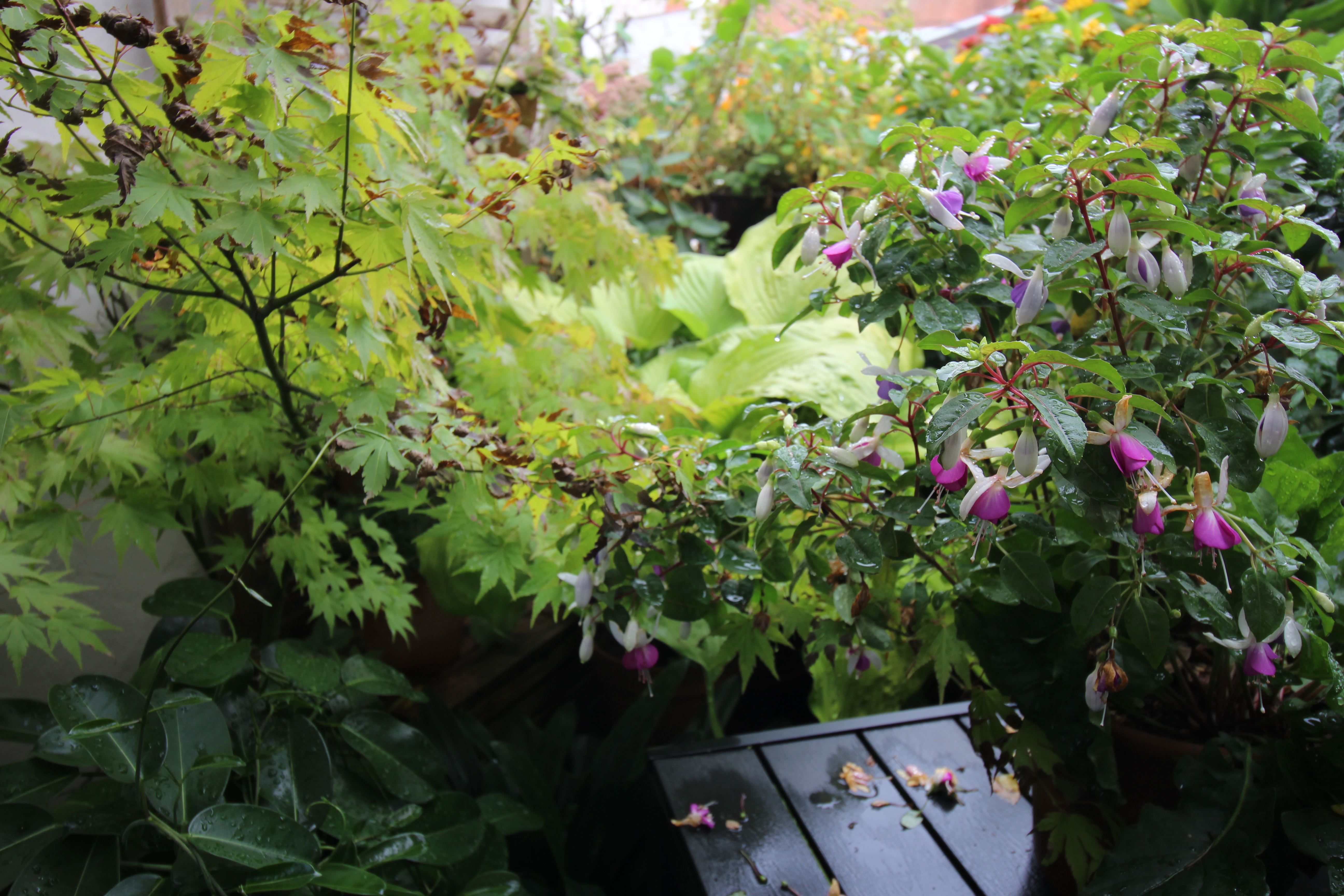
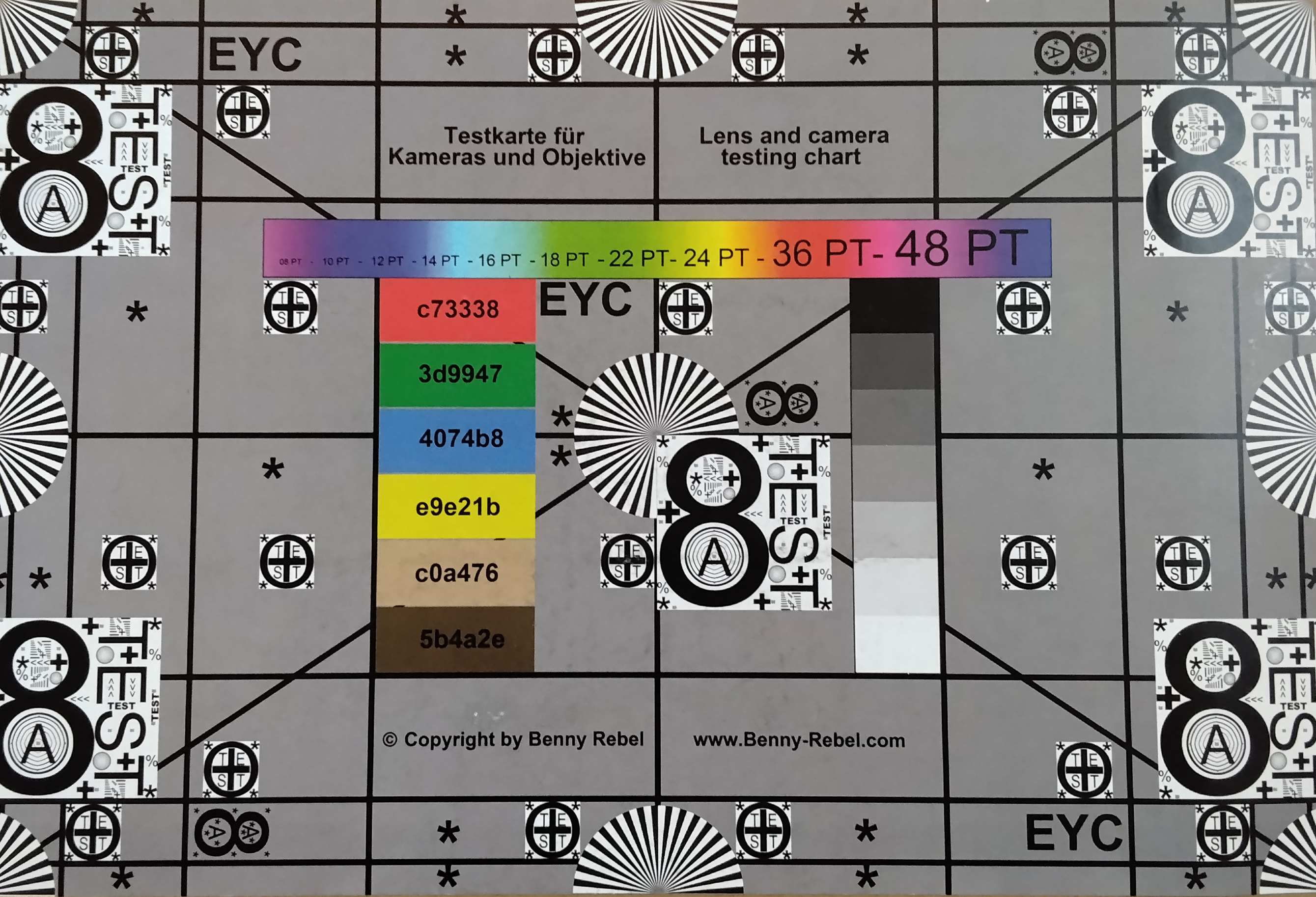
The Redmi Pad 2 9.7 has a camera on both the front and the back. This allows you to make video calls and capture documents—but that’s about it. The sensors are tiny. The Xiaomi tablet’s main camera uses the same sensor as the ultra-wide-angle camera on the Redmi Note 14 Pro. Videos can only be recorded at 1080p at 30 fps.
Image comparison
Choose a scene and navigate within the first image. One click changes the position on touchscreens. One click on the zoomed-in image opens the original in a new window. The first image shows the scaled photograph of the test device.
SurroundingPlantLow Light
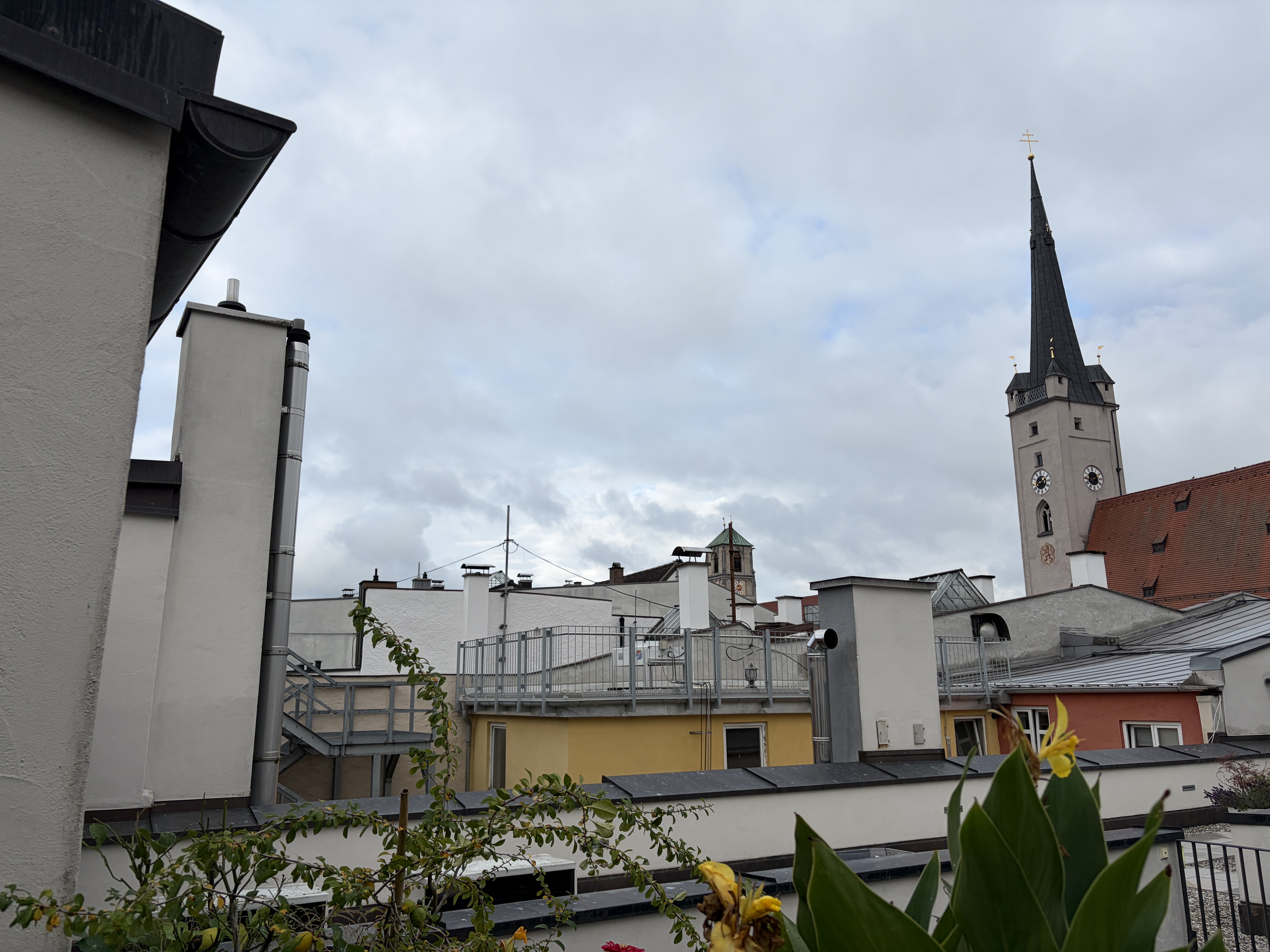
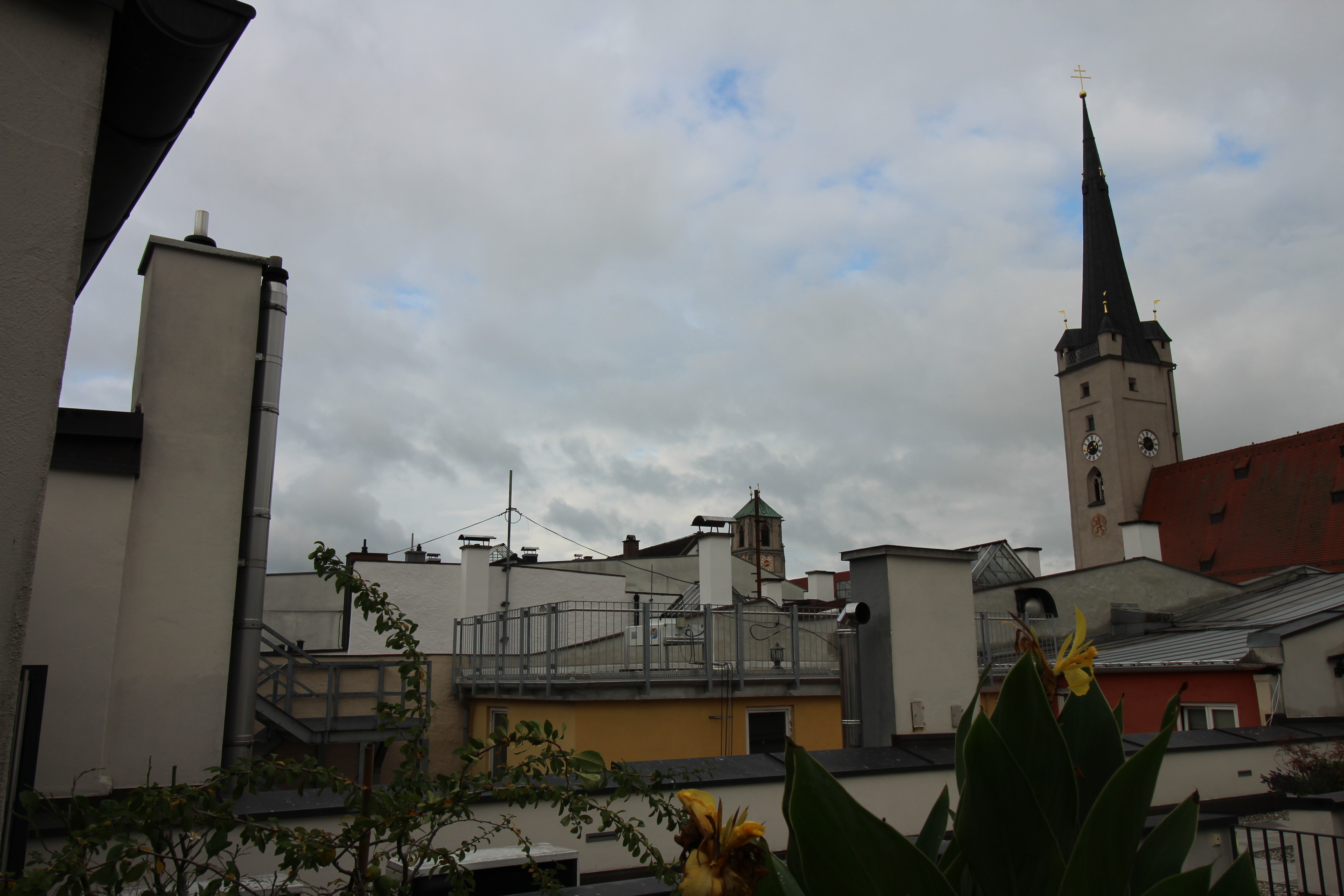
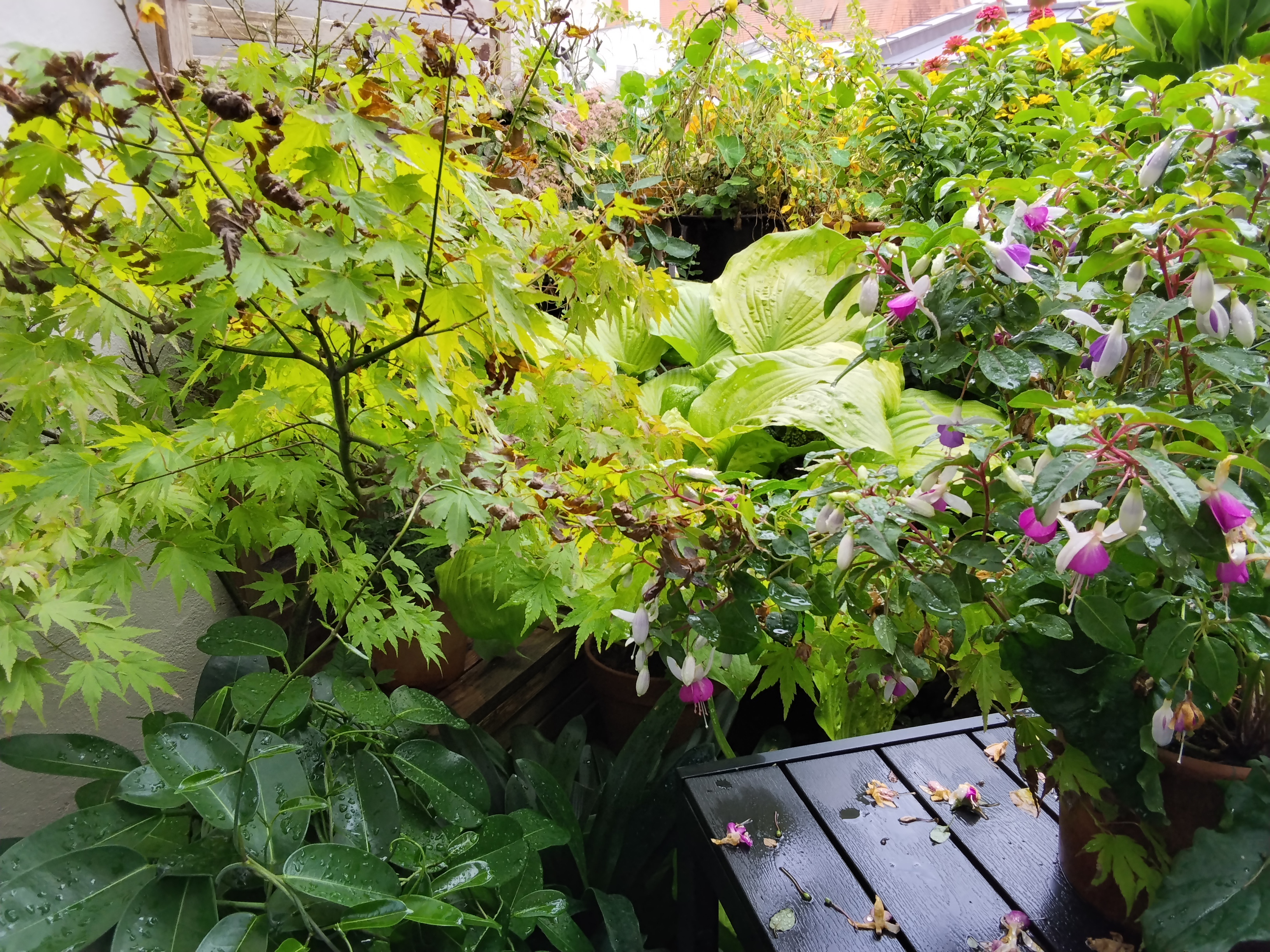
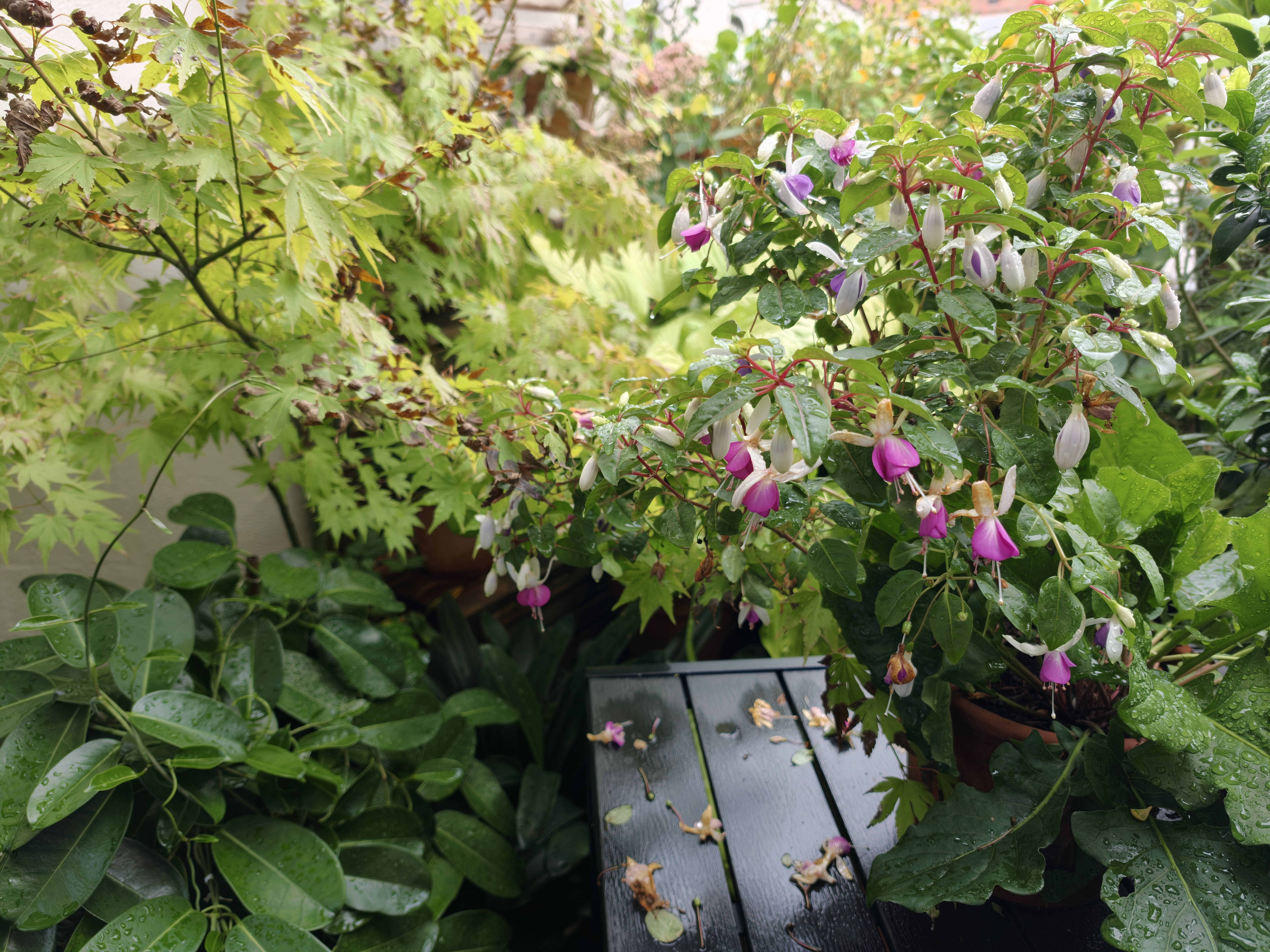








Accessories - Entry-level tablet without charger
The package contents are very minimal. Only a USB cable is included. A fast-charging power adapter or a protective case is not included. A screen protector is also not applied at the factory.
The Redmi Stylus For Pad (MSRP: around US$ 20) is available as an optional accessory.
Input devices and operation - Affordable Xiaomi Tablet without a stylus digitizer
The Redmi Pad 2 9.7 uses only 2D facial recognition via the front camera for biometric user identification; however, this method is not very secure. In our test the Xiaomi tablet recognized us quite reliably under good lighting conditions.
Touchscreen inputs are processed quickly with a sampling rate of up to 240 Hz. Since the LCD panel is laminated—unlike the iPad 11 (2025)—inputs are also quite accurate. The Redmi Stylus For Pad also benefits from this. However, it operates without a digitizer and therefore lacks palm rejection or pressure sensitivity.
Display - The Redmi Pad 2 9.7 with 120 Hz does not use PWM
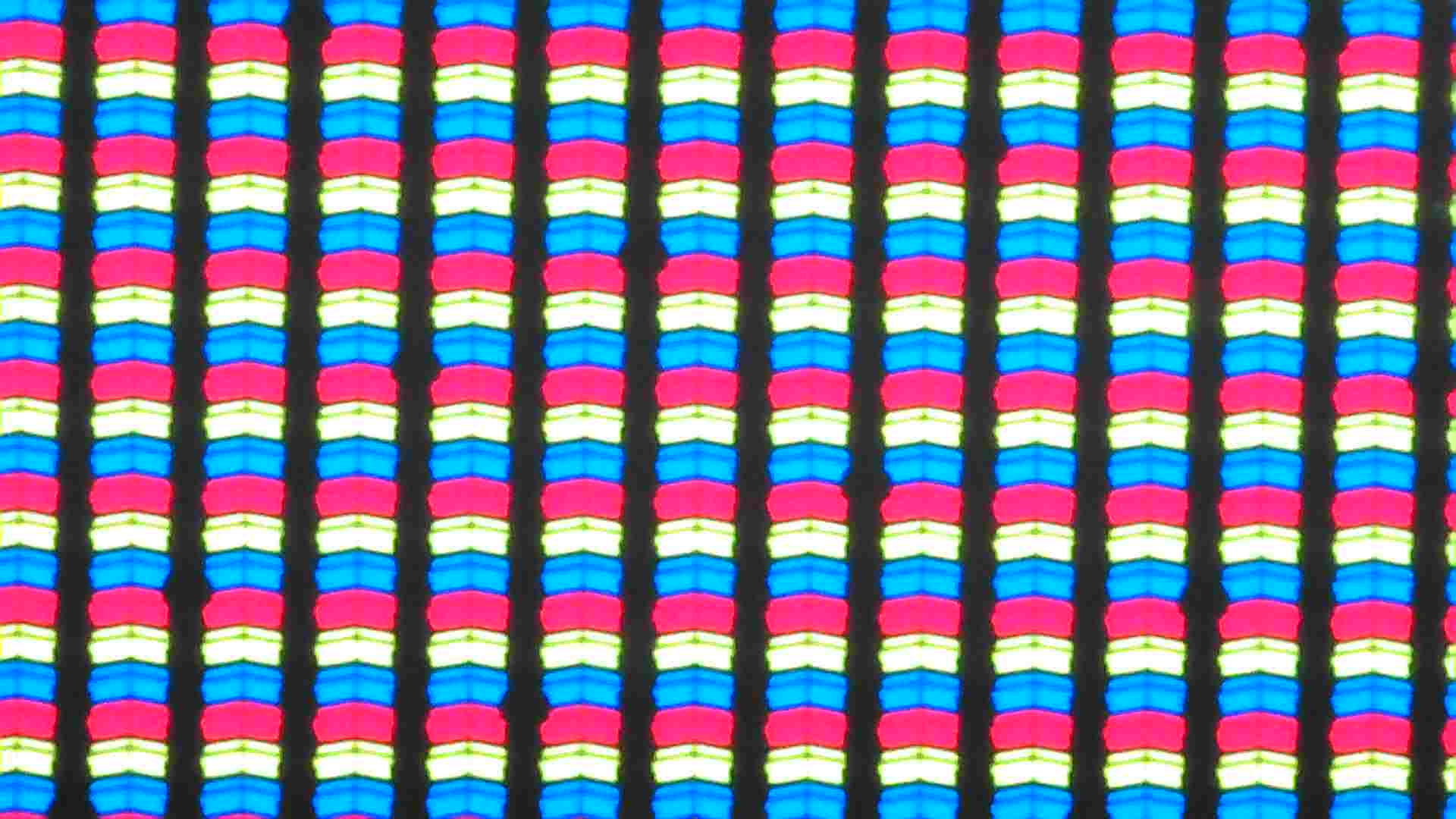
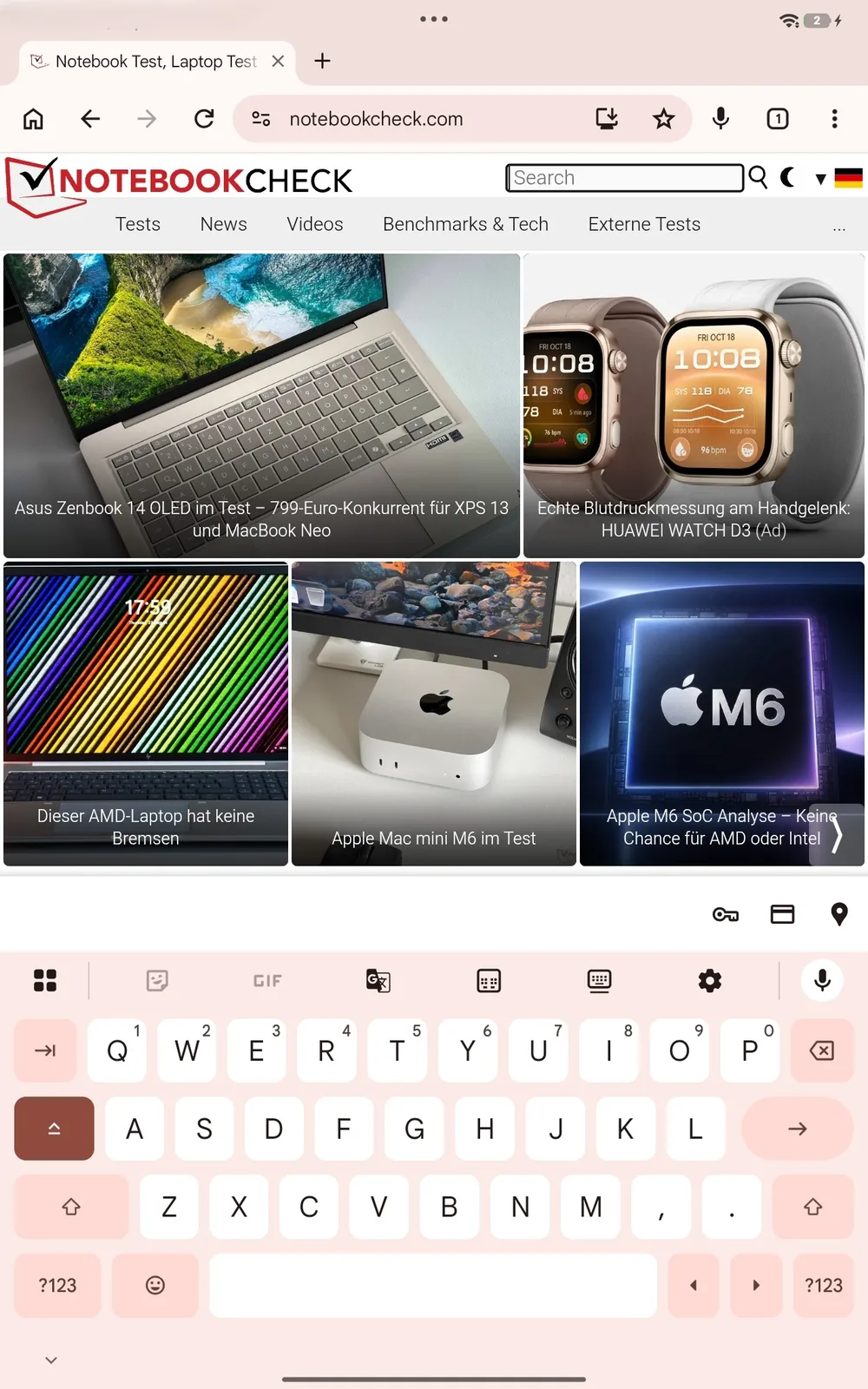
The 9.7-inch screen supports up to 120 Hz and a 1,080p resolution. As a result, the display appears pleasantly smooth but not particularly sharp. Even at the maximum brightness we measured—only about 400 cd/m²—some compromises must be accepted. However, the brightness of competing budget tablets isn’t any higher either.
The LCD screen does not use PWM for brightness control. In our measurements with an oscilloscope, we also detected screen flicker.
| |||||||||||||||||||||||||
Brightness Distribution: 86 %
Center on Battery: 418 cd/m²
Contrast: 1045:1 (Black: 0.4 cd/m²)
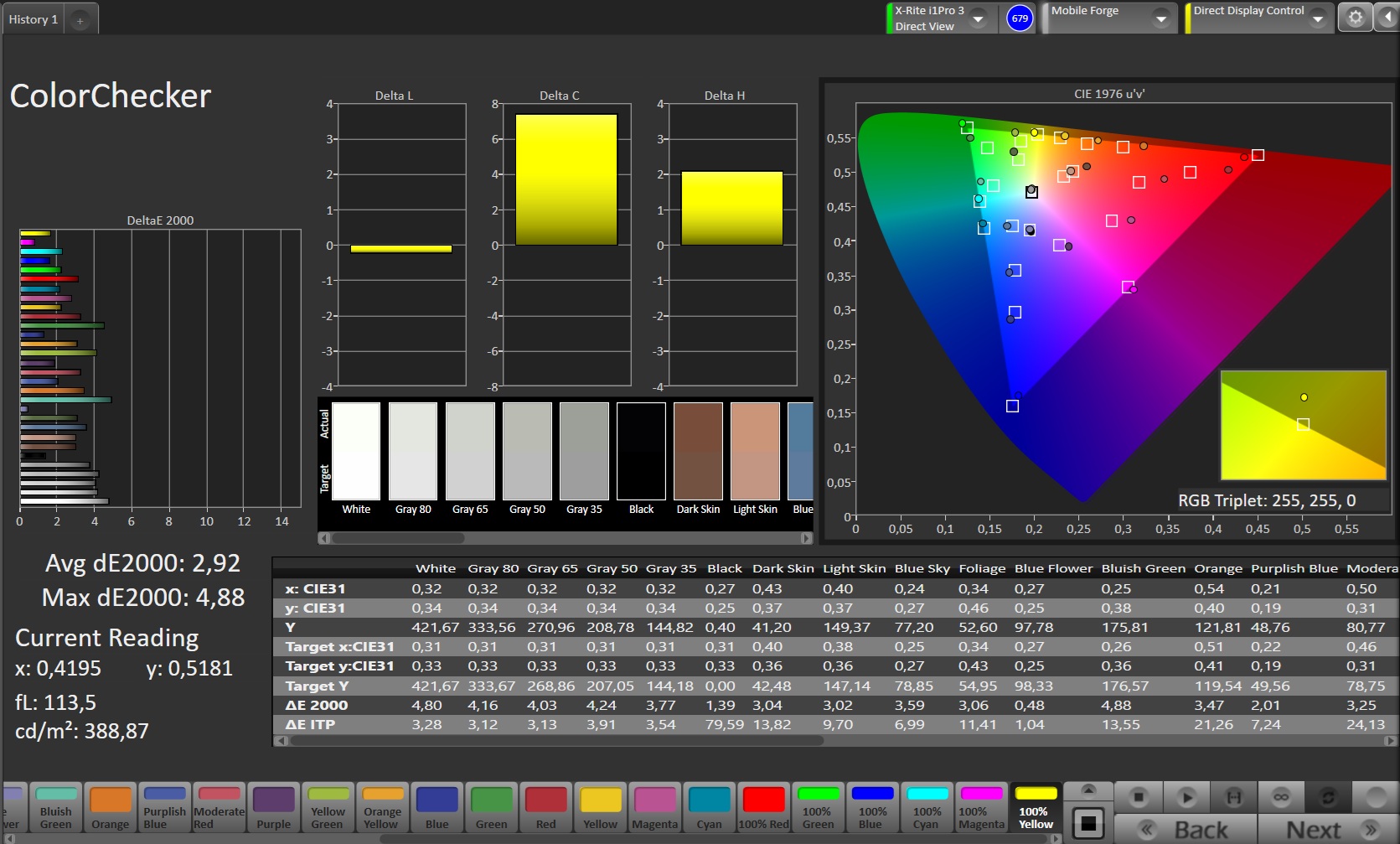
ΔE ColorChecker Calman: 2.92 | ∀{0.5-29.43 Ø4.69}
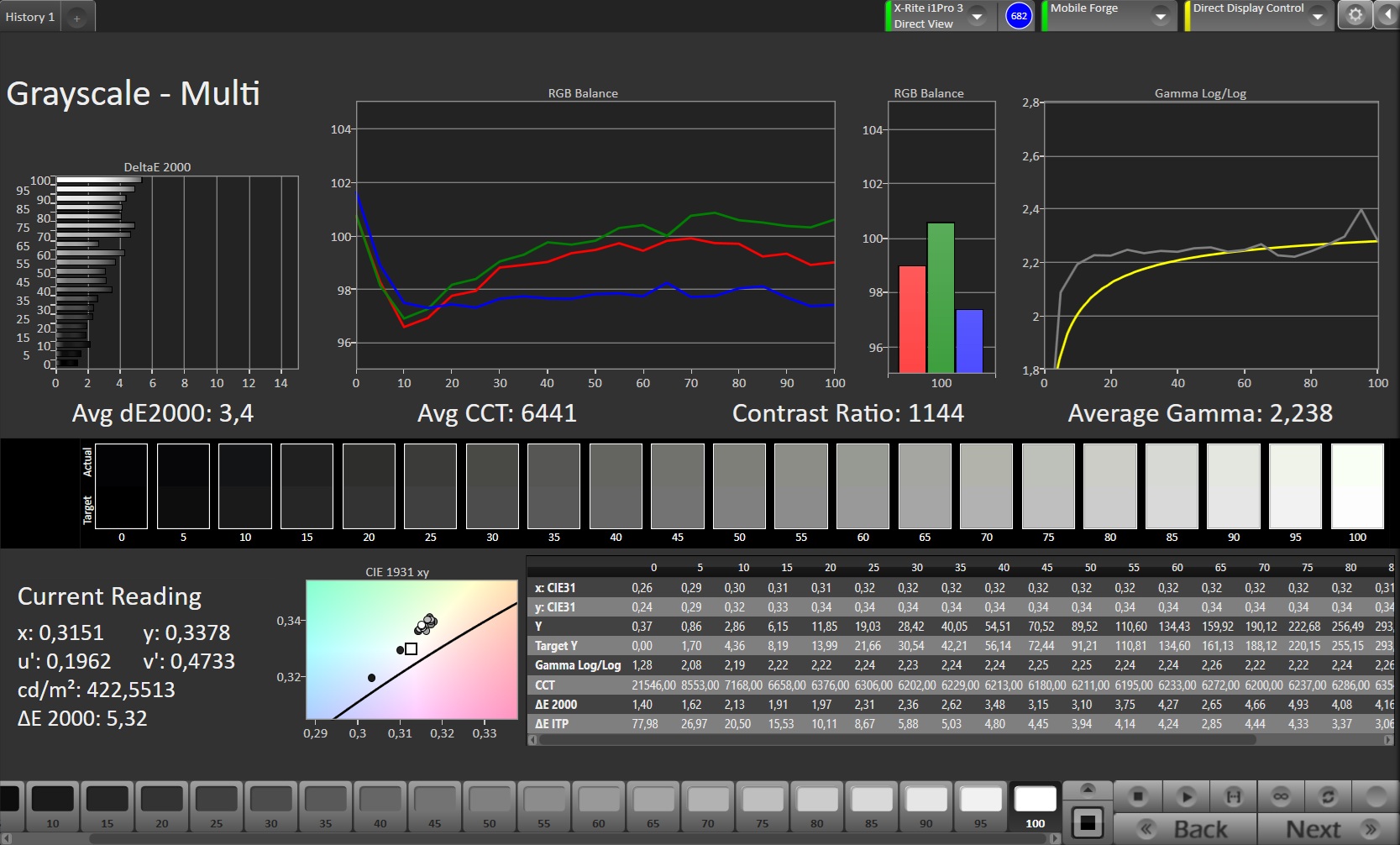
ΔE Greyscale Calman: 3.4 | ∀{0.09-98 Ø4.94}
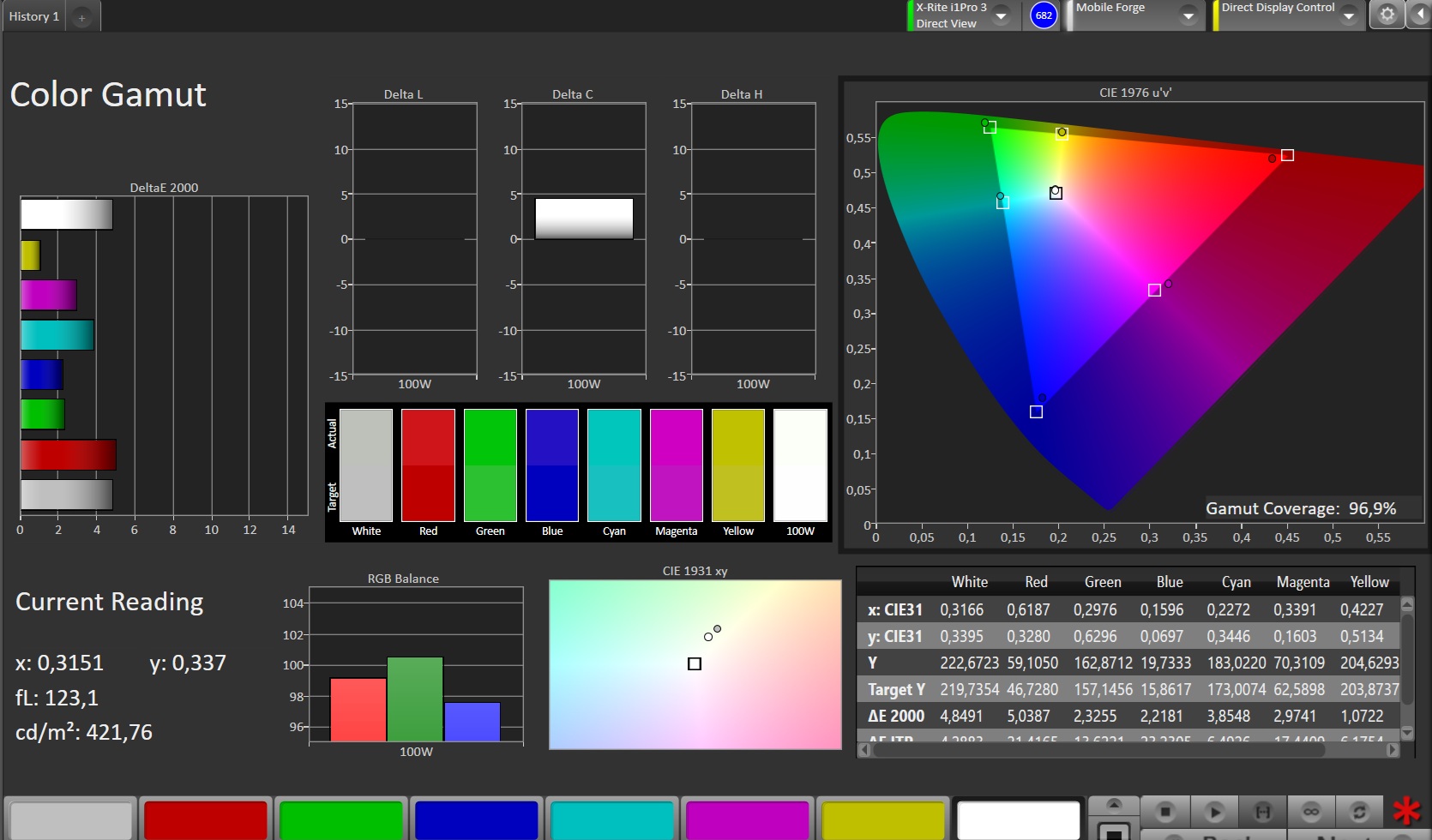
96.9% sRGB (Calman 2D)
Gamma: 2.238
CCT: 6441 K
| Xiaomi Redmi Pad 2 9.7 LCD TFT, 2048x1280, 9.7" | Xiaomi Redmi Pad 2 4G TFT-LCD, 2560x1600, 11" | Samsung Galaxy Tab S10 Lite TFT LCD, 2112x1320, 10.9" | Lenovo Tab K11 Gen 2 IPS LCD, 2560x1600, 11" | |
|---|---|---|---|---|
| Display | -25% | 4% | ||
| APL18 Peak Brightness (cd/m²) | 425 | 359 -16% | 423 0% | |
| HDR Peak Brightness (cd/m²) | 420 | 278 -34% | 451 7% | |
| Response Times | 4% | -31% | 8% | |
| Response Time Grey 50% / Grey 80% * (ms) | 36.2 ? | 33.04 ? 9% | 46 ? -27% | 38.4 ? -6% |
| Response Time Black / White * (ms) | 24 ? | 24.2 ? -1% | 32.5 ? -35% | 18.8 ? 22% |
| PWM Frequency (Hz) | 14990 | |||
| PWM Amplitude * (%) | ||||
| Screen | 16% | -5% | -30% | |
| Brightness middle (cd/m²) | 418 | 398 -5% | 468 12% | 406 -3% |
| Brightness (cd/m²) | 416 | 354 -15% | 437 5% | 393 -6% |
| Brightness Distribution (%) | 86 | 84 -2% | 83 -3% | 93 8% |
| Black Level * (cd/m²) | 0.4 | 0.28 30% | 0.26 35% | 0.42 -5% |
| Contrast (:1) | 1045 | 1421 36% | 1800 72% | 967 -7% |
| Colorchecker dE 2000 * | 2.92 | 1.6 45% | 3.74 -28% | 5.35 -83% |
| Colorchecker dE 2000 max. * | 4.88 | 3.2 34% | 8.51 -74% | 12.54 -157% |
| Greyscale dE 2000 * | 3.4 | 3.2 6% | 5.5 -62% | 3 12% |
| Gamma | 2.238 98% | 2.67 82% | 2.234 98% | 2.5 88% |
| CCT | 6441 101% | 6542 99% | 7958 82% | 6323 103% |
| Total Average (Program / Settings) | -2% /
7% | -18% /
-11% | -6% /
-18% |
* ... smaller is better
Screen Flickering / PWM (Pulse-Width Modulation)
| Screen flickering / PWM not detected | 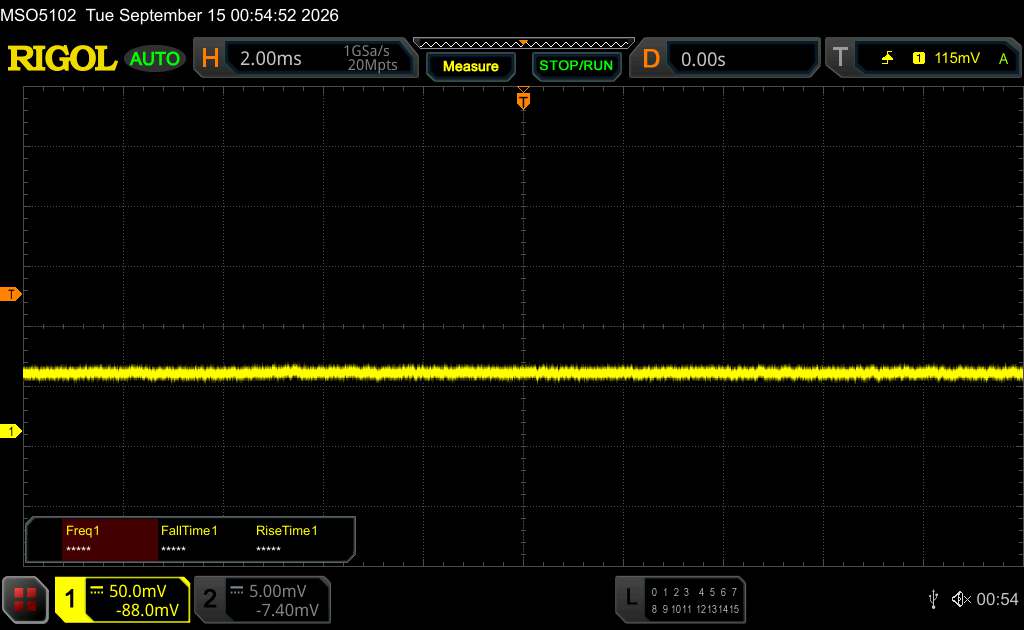 | ||
In comparison: 52 % of all tested devices do not use PWM to dim the display. If PWM was detected, an average of 7625 (minimum: 5 - maximum: 343500) Hz was measured. | |||
We check the color reproduction using a photo spectrometer and the Calman analysis software. We achieve the best results in “Standard” color mode. The deviations in color and grayscale reproduction are not particularly low, but they are acceptable compared to the competition and within the target range (<3).
Display Response Times
| ↔ Response Time Black to White | ||
|---|---|---|
| 24 ms ... rise ↗ and fall ↘ combined | ↗ 11 ms rise | 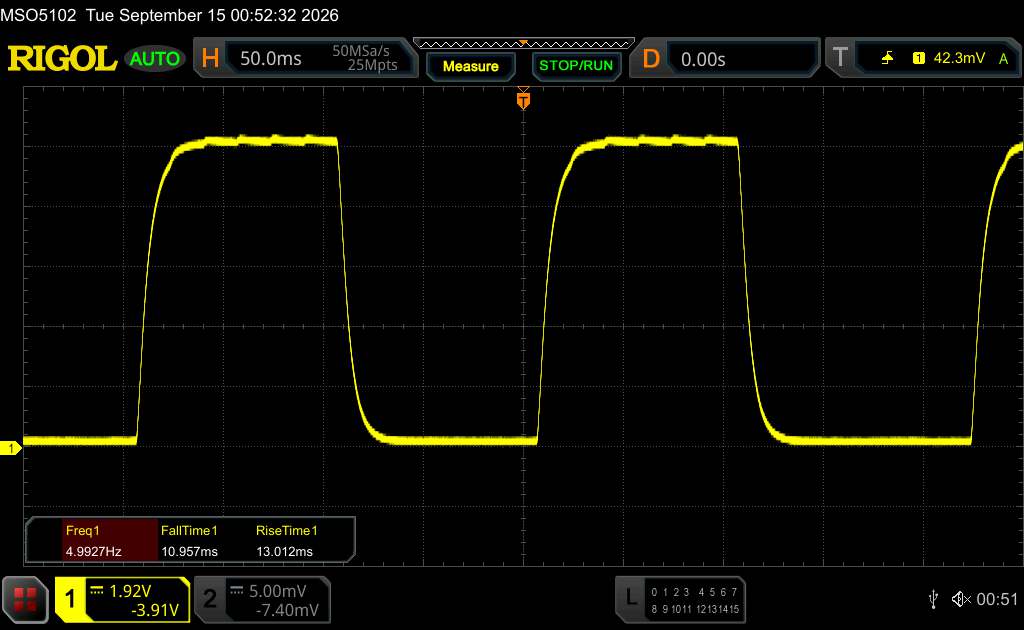 |
| ↘ 13 ms fall | ||
| The screen shows good response rates in our tests, but may be too slow for competitive gamers. In comparison, all tested devices range from 0.1 (minimum) to 240 (maximum) ms. » 55 % of all devices are better. This means that the measured response time is worse than the average of all tested devices (19.7 ms). | ||
| ↔ Response Time 50% Grey to 80% Grey | ||
| 36.2 ms ... rise ↗ and fall ↘ combined | ↗ 19.9 ms rise | 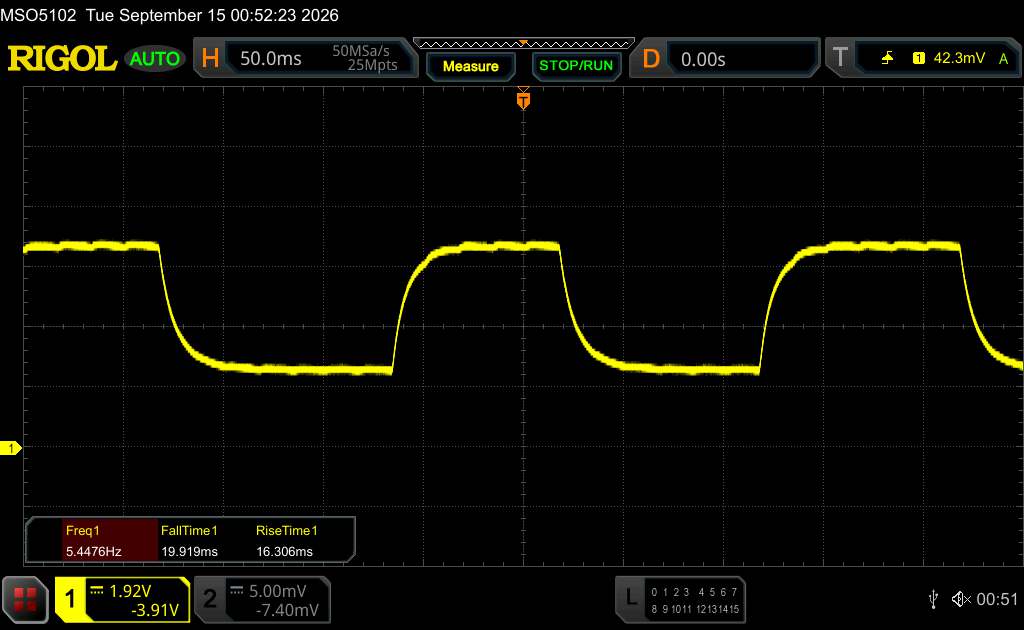 |
| ↘ 16.3 ms fall | ||
| The screen shows slow response rates in our tests and will be unsatisfactory for gamers. In comparison, all tested devices range from 0.13 (minimum) to 636 (maximum) ms. » 53 % of all devices are better. This means that the measured response time is worse than the average of all tested devices (30.7 ms). | ||
Performance - Affordable Android tablet relies on a Qualcomm chipset rather than a MediaTek one
Although the Snapdragon 6s 4G Gen 2 in the Redmi Pad 2 9.7 is a chipset that has been unveiled late 2025, it still features “outdated technology” with limited performance. The Qualcomm SoC uses four Cortex-A73 and four Cortex-A53 cores, each running at 2.4 GHz.
Does this make the Xiaomi tablet feel fast in everyday use? Not at all. However, after a short while, performance stabilizes at an acceptable level with only occasional minor lags. In our version with 4 GB of RAM, we view the limited amount of RAM critically with an eye toward the future.
In CPU benchmarks, the Redmi Pad 2 9.7 delivers very low scores.
| Antutu v11 - Score | |
| Average of class Tablet (522205 - 4184631, n=12, last 2 years) | |
| Average Qualcomm Snapdragon 6s 4G Gen 2 (n=1) | |
| Xiaomi Redmi Pad 2 9.7 | |
| UL Procyon AI Inference for Android - Overall Score NNAPI | |
| Average of class Tablet (3600 - 76852, n=53, last 2 years) | |
| Samsung Galaxy Tab S10 Lite | |
| Average Qualcomm Snapdragon 6s 4G Gen 2 (3788 - 4431, n=2) | |
| Xiaomi Redmi Pad 2 9.7 | |
An Adreno 610 is integrated for graphics tasks. Anyone who hoped the GPU would be more competitive than the CPU will be disabused of that notion by the GFXBench results. Less than 2 fps in the 4K test is extremely poor. By comparison, a Pad 8 achieves 31 fps here.
GFXBench 3.0: on screen Manhattan Onscreen OGL | 1920x1080 1080p Manhattan Offscreen
GFXBench 3.1: on screen Manhattan ES 3.1 Onscreen | 1920x1080 Manhattan ES 3.1 Offscreen
GFXBench: on screen Car Chase Onscreen | 1920x1080 Car Chase Offscreen | on screen Aztec Ruins High Tier Onscreen | 2560x1440 Aztec Ruins High Tier Offscreen | on screen Aztec Ruins Normal Tier Onscreen | 1920x1080 Aztec Ruins Normal Tier Offscreen | 3840x2160 4K Aztec Ruins High Tier Offscreen
| GFXBench (DX / GLBenchmark) 2.7 / T-Rex Onscreen | |
| Samsung Galaxy Tab S10 Lite | |
| Xiaomi Redmi Pad 2 9.7 | |
| GFXBench (DX / GLBenchmark) 2.7 / T-Rex Offscreen | |
| Samsung Galaxy Tab S10 Lite | |
| Xiaomi Redmi Pad 2 9.7 | |
| GFXBench 3.0 / Manhattan Onscreen OGL | |
| Samsung Galaxy Tab S10 Lite | |
| Xiaomi Redmi Pad 2 9.7 | |
| GFXBench 3.0 / 1080p Manhattan Offscreen | |
| Samsung Galaxy Tab S10 Lite | |
| Xiaomi Redmi Pad 2 9.7 | |
| GFXBench 3.1 / Manhattan ES 3.1 Onscreen | |
| Samsung Galaxy Tab S10 Lite | |
| Xiaomi Redmi Pad 2 9.7 | |
| GFXBench 3.1 / Manhattan ES 3.1 Offscreen | |
| Samsung Galaxy Tab S10 Lite | |
| Xiaomi Redmi Pad 2 9.7 | |
| GFXBench / Car Chase Onscreen | |
| Samsung Galaxy Tab S10 Lite | |
| Xiaomi Redmi Pad 2 9.7 | |
| GFXBench / Car Chase Offscreen | |
| Samsung Galaxy Tab S10 Lite | |
| Xiaomi Redmi Pad 2 9.7 | |
| GFXBench / Aztec Ruins High Tier Onscreen | |
| Samsung Galaxy Tab S10 Lite | |
| Lenovo Tab K11 Gen 2 | |
| Xiaomi Redmi Pad 2 4G | |
| Xiaomi Redmi Pad 2 9.7 | |
| GFXBench / Aztec Ruins High Tier Offscreen | |
| Samsung Galaxy Tab S10 Lite | |
| Lenovo Tab K11 Gen 2 | |
| Xiaomi Redmi Pad 2 4G | |
| Xiaomi Redmi Pad 2 9.7 | |
| GFXBench / Aztec Ruins Normal Tier Onscreen | |
| Samsung Galaxy Tab S10 Lite | |
| Lenovo Tab K11 Gen 2 | |
| Xiaomi Redmi Pad 2 9.7 | |
| Xiaomi Redmi Pad 2 4G | |
| GFXBench / Aztec Ruins Normal Tier Offscreen | |
| Samsung Galaxy Tab S10 Lite | |
| Lenovo Tab K11 Gen 2 | |
| Xiaomi Redmi Pad 2 4G | |
| Xiaomi Redmi Pad 2 9.7 | |
| GFXBench / 4K Aztec Ruins High Tier Offscreen | |
| Samsung Galaxy Tab S10 Lite | |
| Xiaomi Redmi Pad 2 4G | |
| Lenovo Tab K11 Gen 2 | |
| Xiaomi Redmi Pad 2 9.7 | |
| Jetstream 2 | |
| 2.0 Total | |
| Average of class Tablet (48 - 420, n=54, last 2 years) | |
| Xiaomi Redmi Pad 2 4G (Chrome 137) | |
| Average Qualcomm Snapdragon 6s 4G Gen 2 (n=1) | |
| 2.2 Total | |
| Average of class Tablet (61.3 - 579, n=45, last 2 years) | |
| Samsung Galaxy Tab S10 Lite (Chrome 140) | |
| Average Qualcomm Snapdragon 6s 4G Gen 2 (79 - 92.5, n=2) | |
| Xiaomi Redmi Pad 2 9.7 (Chrome 153) | |
| Speedometer 2.0 - Result 2.0 | |
| Average of class Tablet (45 - 790, n=33, last 2 years) | |
| Average Qualcomm Snapdragon 6s 4G Gen 2 (89.1 - 91.2, n=2) | |
| Xiaomi Redmi Pad 2 9.7 (Chrome 153) | |
| Speedometer 3 - Score 3.0 | |
| Average of class Tablet (3 - 49.1, n=49, last 2 years) | |
| Average Qualcomm Snapdragon 6s 4G Gen 2 (4.78 - 6.33, n=2) | |
| Xiaomi Redmi Pad 2 9.7 (Chrome 153) | |
| WebXPRT 4 - Overall | |
| Average of class Tablet (54 - 376, n=53, last 2 years) | |
| Samsung Galaxy Tab S10 Lite (Chrome 140) | |
| Average Qualcomm Snapdragon 6s 4G Gen 2 (n=1) | |
| Octane V2 - Total Score | |
| Average of class Tablet (4497 - 138481, n=69, last 2 years) | |
| Samsung Galaxy Tab S10 Lite (Chrome 140) | |
| Average Qualcomm Snapdragon 6s 4G Gen 2 (19898 - 21044, n=2) | |
| Xiaomi Redmi Pad 2 9.7 (Chrome 153) | |
| Mozilla Kraken 1.1 - Total | |
| Xiaomi Redmi Pad 2 9.7 (Chrome 153) | |
| Average Qualcomm Snapdragon 6s 4G Gen 2 (1858 - 1945, n=2) | |
| Average of class Tablet (243 - 13119, n=64, last 2 years) | |
| Samsung Galaxy Tab S10 Lite (Chrome 140) | |
* ... smaller is better
| Xiaomi Redmi Pad 2 9.7 | Xiaomi Redmi Pad 2 4G | Samsung Galaxy Tab S10 Lite | Lenovo Tab K11 Gen 2 | Average 64 GB UFS 2.2 Flash | Average of class Tablet | |
|---|---|---|---|---|---|---|
| AndroBench 3-5 | -1% | -46% | -21% | -32% | 68% | |
| Sequential Read 256KB (MB/s) | 1045.21 | 975.3 -7% | 523.85 -50% | 542.3 -48% | 785 ? -25% | 2098 ? 101% |
| Sequential Write 256KB (MB/s) | 808.51 | 913.33 13% | 237.31 -71% | 501.2 -38% | 421 ? -48% | 1691 ? 109% |
| Random Read 4KB (MB/s) | 209.85 | 214.81 2% | 241.12 15% | 232.1 11% | 159.4 ? -24% | 279 ? 33% |
| Random Write 4KB (MB/s) | 255.76 | 228.14 -11% | 62.52 -76% | 229.1 -10% | 181.8 ? -29% | 329 ? 29% |
Emissions - Entry-level tablet with minimal heat dissipation
Temperature
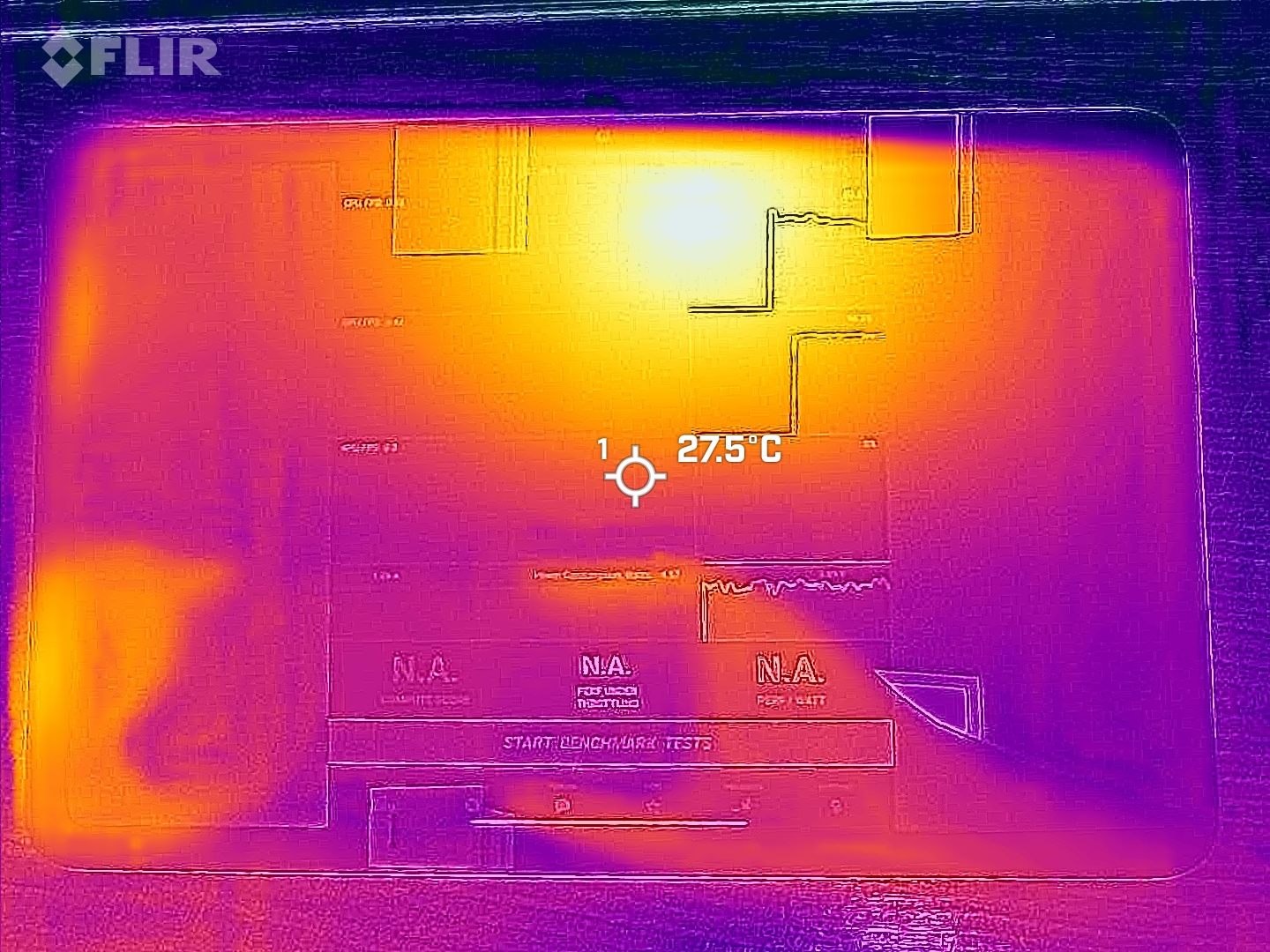
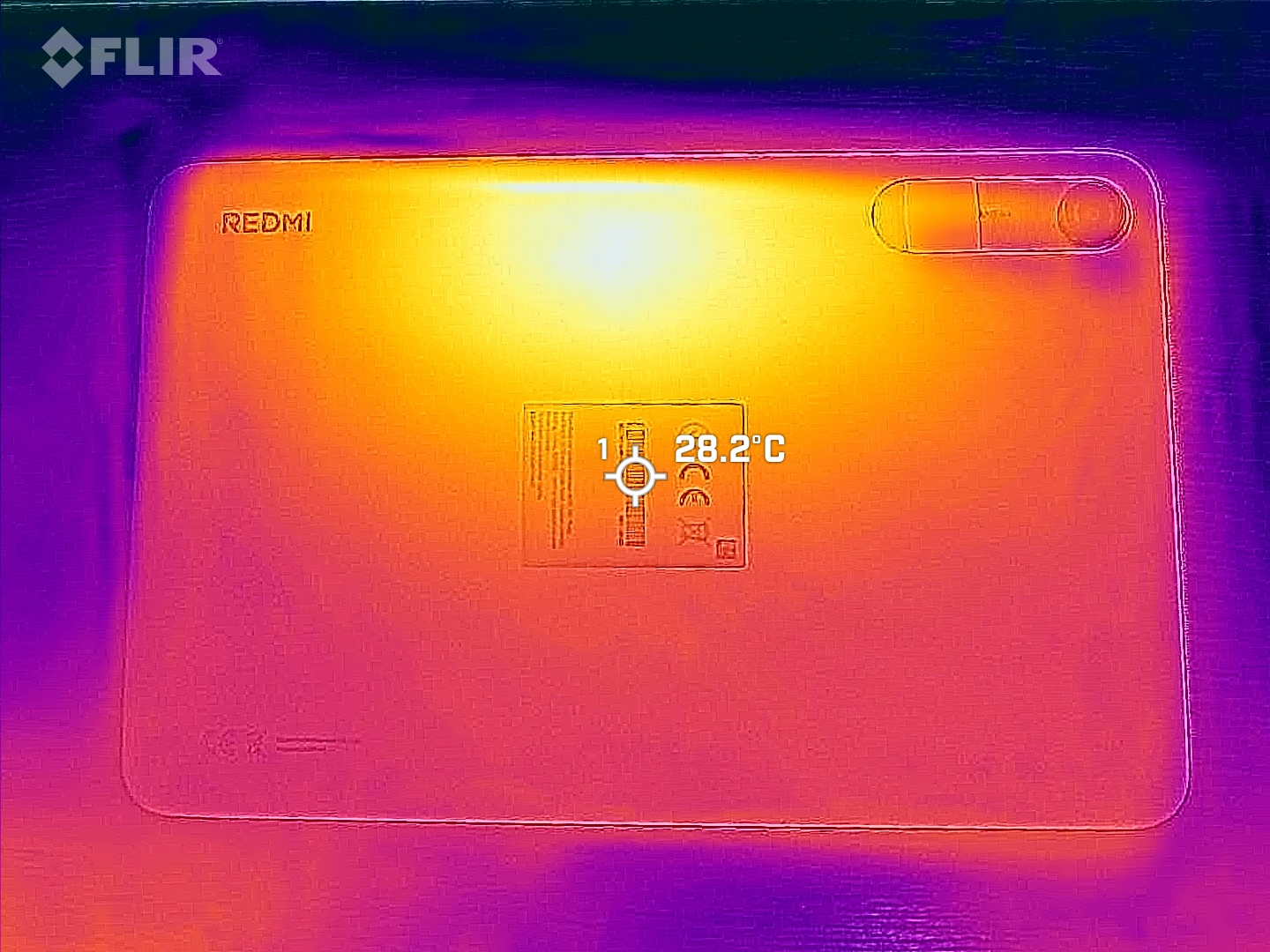
Surface temperatures are not an issue with this entry-level tablet. To check for heat buildup inside, we typically use the 3DMark stress tests. However, these tests are not compatible with the Redmi Pad 2 9.7, and the GFXBench Battery Test also yields no results. SoC throttling is unlikely, though.
(+) The maximum temperature on the upper side is 32.7 °C / 91 F, compared to the average of 33.7 °C / 93 F, ranging from 20.7 to 53.2 °C for the class Tablet.
(+) The bottom heats up to a maximum of 35.8 °C / 96 F, compared to the average of 33.2 °C / 92 F
(+) In idle usage, the average temperature for the upper side is 25.2 °C / 77 F, compared to the device average of 30 °C / 86 F.
Speaker
The Redmi Pad 2 9.7 features two speakers that work together to provide stereo sound. At medium and high volumes, noticeable distortion is audible. Bass, however, is not present in the sound profile, and the pink noise also exhibits a wave-like frequency response.
If you want to use an external audio output, you can connect via the wired 3.5 mm jack or wirelessly via Bluetooth 5.0. However, the supported codecs are quite limited.
Xiaomi Redmi Pad 2 9.7 audio analysis
(+) | speakers can play relatively loud (84.3 dB)
Bass 100 - 315 Hz
(-) | nearly no bass - on average 30.8% lower than median
(±) | linearity of bass is average (13.8% delta to prev. frequency)
Mids 400 - 2000 Hz
(±) | higher mids - on average 6.3% higher than median
(+) | mids are linear (6.2% delta to prev. frequency)
Highs 2 - 16 kHz
(+) | balanced highs - only 4% away from median
(+) | highs are linear (6.8% delta to prev. frequency)
Overall 100 - 16.000 Hz
(±) | linearity of overall sound is average (24.6% difference to median)
Compared to same class
» 75% of all tested devices in this class were better, 7% similar, 18% worse
» The best had a delta of 7%, average was 21%, worst was 130%
Compared to all devices tested
» 75% of all tested devices were better, 5% similar, 20% worse
» The best had a delta of 4%, average was 23%, worst was 136%
Xiaomi Redmi Pad 2 4G audio analysis
(+) | speakers can play relatively loud (86.3 dB)
Bass 100 - 315 Hz
(-) | nearly no bass - on average 19.8% lower than median
(±) | linearity of bass is average (10.9% delta to prev. frequency)
Mids 400 - 2000 Hz
(±) | higher mids - on average 6.7% higher than median
(+) | mids are linear (5.3% delta to prev. frequency)
Highs 2 - 16 kHz
(+) | balanced highs - only 3.3% away from median
(+) | highs are linear (6.3% delta to prev. frequency)
Overall 100 - 16.000 Hz
(±) | linearity of overall sound is average (16.4% difference to median)
Compared to same class
» 38% of all tested devices in this class were better, 5% similar, 57% worse
» The best had a delta of 7%, average was 21%, worst was 130%
Compared to all devices tested
» 28% of all tested devices were better, 6% similar, 67% worse
» The best had a delta of 4%, average was 23%, worst was 136%
Battery life
Energy intake
The Xiaomi tablet uses an older generation of batteries without a silicon-carbon anode from LIWINON or ATL. At 7,600 mAh, the battery capacity isn’t huge relative to the display size, and it can only be charged via USB-C at up to 18 watts. In our test, it took about 1.5 hours to fully charge. It supports the QC 2.0 and PD 2.0 protocols.
The Redmi Pad 2 9.7’s power consumption is particularly efficient when idle. Here, we measured an average of just 1.5 watts.
| Off / Standby |   0.1 / 0.2 Watt 0.1 / 0.2 Watt |
| Idle |  1.2 / 1.5 / 2.1 Watt 1.2 / 1.5 / 2.1 Watt |
| Load |
4.7 / 8.1 Watt |
    
| |
Key:
min: ,
med: ,
max: Metrahit Energy | |
| Xiaomi Redmi Pad 2 9.7 7600 mAh | Xiaomi Redmi Pad 2 4G 9000 mAh | Samsung Galaxy Tab S10 Lite 8000 mAh | Average Qualcomm Snapdragon 6s 4G Gen 2 | Average of class Tablet | |
|---|---|---|---|---|---|
| Power Consumption | -116% | -67% | 0% | -102% | |
| Idle Minimum * (Watt) | 1.2 | 0.89 26% | 2.3 -92% | 1.2 ? -0% | 2.16 ? -80% |
| Idle Average * (Watt) | 1.5 | 5.02 -235% | 2.8 -87% | 1.5 ? -0% | 3.9 ? -160% |
| Idle Maximum * (Watt) | 2.1 | 5.05 -140% | 3.1 -48% | 2.1 ? -0% | 4.29 ? -104% |
| Load Average * (Watt) | 4.7 | 6.8 -45% | 4.7 ? -0% | 8.87 ? -89% | |
| Load Maximum * (Watt) | 8.1 | 13.1 -62% | 8.1 ? -0% | 14.4 ? -78% |
* ... smaller is better
Power consumption: Geekbench (150 cd/m²)
Power consumption: GFXbench (150 cd/m²)
Battery life
In our Wi-Fi test, the entry-level tablet delivered a respectable battery life of 16.5 hours under real-world conditions, putting it on par with the competition.
| Xiaomi Redmi Pad 2 9.7 7600 mAh | Xiaomi Redmi Pad 2 4G 9000 mAh | Samsung Galaxy Tab S10 Lite 8000 mAh | Lenovo Tab K11 Gen 2 7040 mAh | |
|---|---|---|---|---|
| Battery runtime | -2% | -7% | -24% | |
| WiFi v1.3 (h) | 16.4 | 16.1 -2% | 15.3 -7% | 12.4 -24% |
| Reader / Idle (h) | 28 | |||
| Load (h) | 4.4 |
Notebookcheck Overall Rating
The Redmi Pad 2 9.7 is a relatively compact Android tablet that offers great value for the money.

Xiaomi Redmi Pad 2 9.7
- 09/23/2026 v8
Marcus Herbrich
 Total Sustainability Score:
 Comparison of Possible Alternatives
Image | Model / Review | Price | Weight | Drive | Display |
|---|---|---|---|---|---|
1. 78.3% 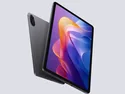 | Xiaomi Redmi Pad 2 9.7 Qualcomm Snapdragon 6s 4G Gen 2 ⎘ Qualcomm Adreno 610 ⎘ 4 GB Memory, 64 GB UFS 2.2 | List Price: 189€ | 406 g | 64 GB UFS 2.2 Flash | 9.70" 2048x1280 249 PPI LCD TFT |
2. 77.6% 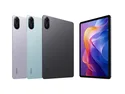 | Xiaomi Redmi Pad 2 4G Mediatek Helio G100 ⎘ ARM Mali-G57 MP2 ⎘ 8 GB Memory, 256 GB UFS 2.2 | Amazon: | 519 g | 256 GB UFS 2.2 Flash | 11.00" 2560x1600 274 PPI TFT-LCD |
3. 79.9% 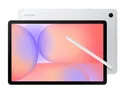 | Samsung Galaxy Tab S10 Lite Samsung Exynos 1380 ⎘ ARM Mali-G68 MP5 ⎘ 6 GB Memory, 128 GB UFS 2.1 | List Price: 399€ | 524 g | 128 GB UFS 2.1 Flash | 10.90" 2112x1320 228 PPI TFT LCD |
4. 77.9% 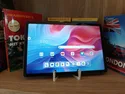 | Lenovo Tab K11 Gen 2 Mediatek Dimensity 6300 ⎘ ARM Mali-G57 MP2 ⎘ 8 GB Memory, 256 GB UFS 2.2 | Amazon: $799.65 List Price: 270€ | 480 g | 256 GB UFS 2.2 Flash | 11.00" 2560x1600 274 PPI IPS LCD |
Transparency
The selection of devices to be reviewed is made by our editorial team. The test sample was provided to the author as a loan by the manufacturer or retailer for the purpose of this review. The lender had no influence on this review, nor did the manufacturer receive a copy of this review before publication. There was no obligation to publish this review. As an independent media company, Notebookcheck is not subjected to the authority of manufacturers, retailers or publishers.
This is how Notebookcheck is testing
Every year, Notebookcheck independently reviews hundreds of laptops and smartphones using standardized procedures to ensure that all results are comparable. We have continuously developed our test methods for around 20 years and set industry standards in the process. In our test labs, high-quality measuring equipment is utilized by experienced technicians and editors. These tests involve a multi-stage validation process. Our complex rating system is based on hundreds of well-founded measurements and benchmarks, which maintains objectivity. Further information on our test methods can be found here.
 Add as a preferred source on Google


No comments for this article

