




Arch-based Omarchy 3.7.0 targets Linux gamers
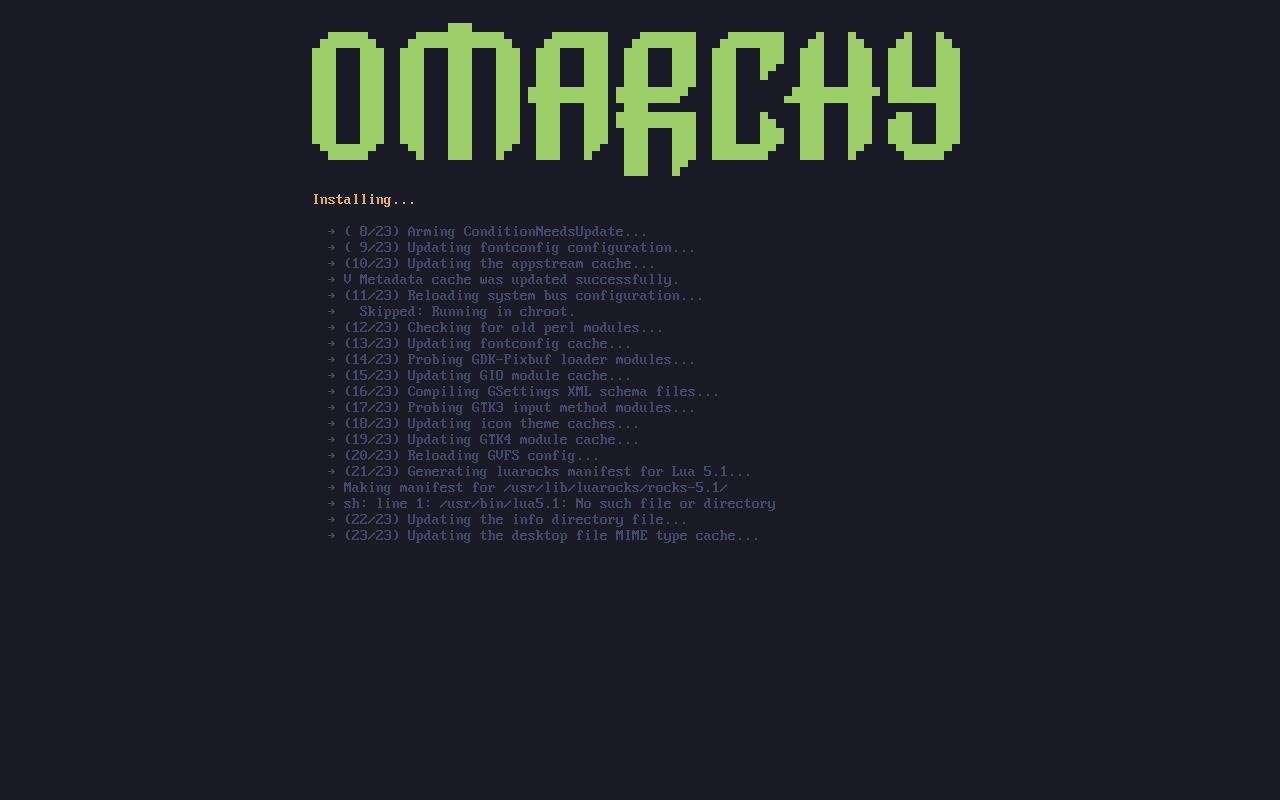
Omarchy 3.7.0 is now available as a "Gaming Edition" release that can be installed from scratch using a 7 GB+ ISO file, but those who are already running this Arch-based distro can upgrade from Update > Omarchy from the menu. Although it can't run some popular titles, this distro is definitely one to check out when looking for a proper software environment for gaming.
Without further ado, these are some highlights of Omarchy 3.7.0:
- Full compatibility with the ASUS ExpertBook Panther Lake laptop for boot, screen, touchpad, and fingerprint reader. See our review of the ExpertBook Ultra B9406CAA model on this page.
- Streamlined Steam installer without the need for user input.
- Fully AUR-free, preconfigured RetroArch.
- Lutris Launcher for running Diablo, Starcraft, WoW.
- Moonlight GameStream, which allows for remote play of PC games from the Sunshine server.
- Boot unlock screen themes now available via Style > Unlock.
- Xbox Cloud Gaming web app for remote Xbox Game Pass play.
- Support for extra theme installs over ssh not just web.
In addition to the above, this release comes with a generous list of fixes, which can be found on the GitHub project page, accessible via the link below the video. On the GitHub project page, those interested in trying out this distro can also find a rich selection of screenshots. However, before deciding to dedicate the time needed to try it, any gamer should keep in mind that, at least for now, Omarchy can't run Fortnite and Rocket League.
Source(s)
Omarchy (on GitHub)
 Add as a preferred source on Google


