




Mobile Graphics Cards for Professional Users (AMD FirePro, NVIDA Quadro)
Introduction
Mobile workstations come with professional-grade GPUs that are cut out for performing several compute intensive tasks unlike a consumer grade GPU. Independent Software Vendor (ISV) certification coupled with round the clock support, make professional GPUs a no-brainer for content creators, researchers, architects, and explorers. AMD and NVIDIA have traditionally maintained distinct consumer and professional GPU lines. While the underlying GPU belongs to the same generation as the consumer version, the professional variants undergo rigorous testing and validation to ensure they meet the needs of the industry. Unlike consumer GPUs, professional GPUs need not be of the latest iteration as long as they are able to get the job done. In this article, let us take a look at some of recent workstation notebooks offering professional GPUs and see how they compare to help you make a buying decision.
Consumer vs Professional GPUs
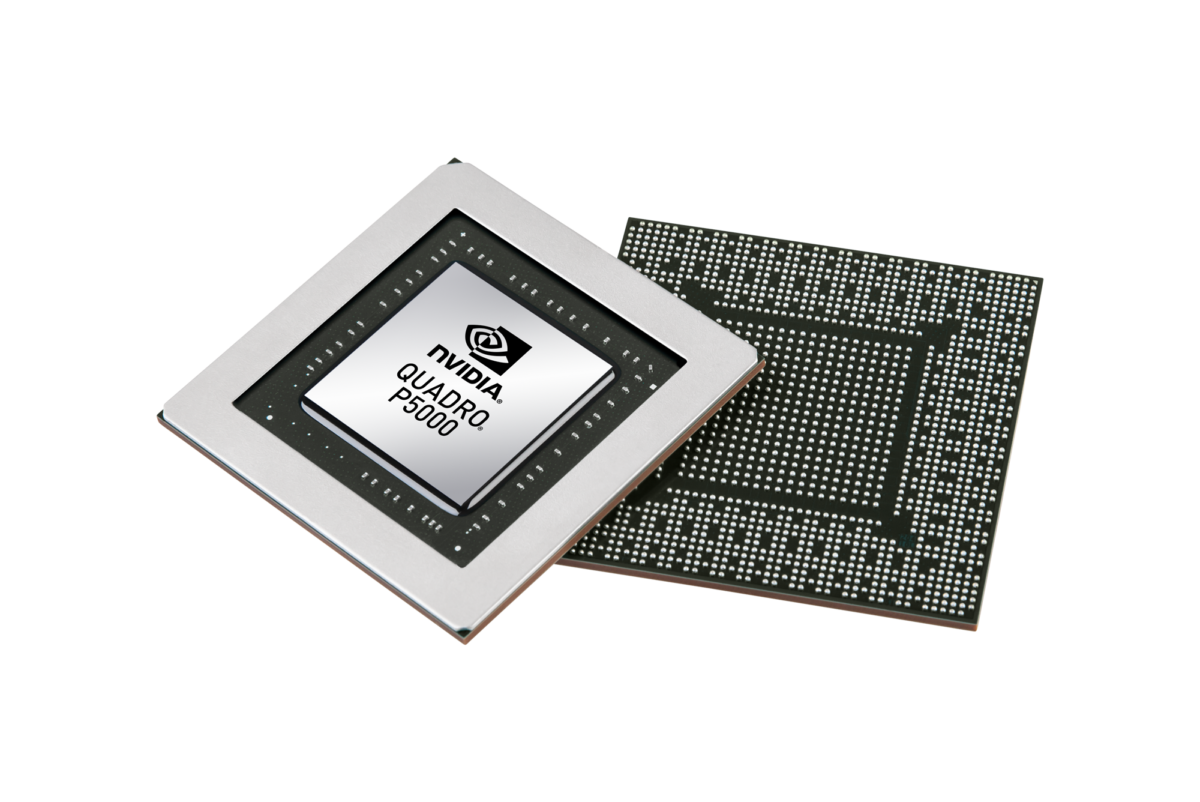
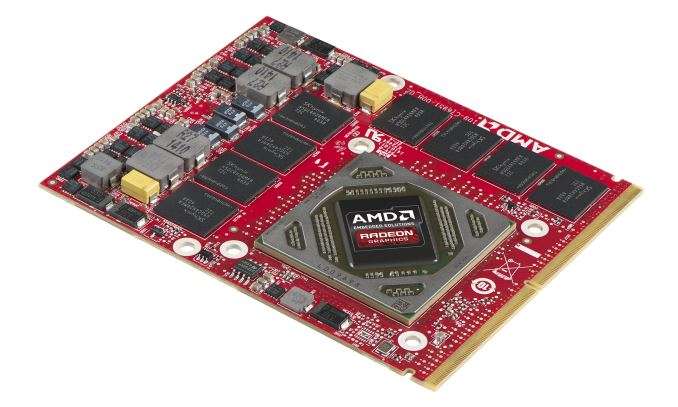
First up, let us get to know how professional GPUs are different from the consumer variants. At the core GPU level, there is not much difference. For example, both the NVIDIA Quadro P5000 and the NVIDIA GeForce GTX 1070 (Laptop) use the same GP104 GPU. Similarly, on the AMD camp, we have the AMD FirePro W7170M and the Radeon R9 M390X, which are based on the same Tonga-based GCN 1.2 chip. While NVIDIA already has Pascal-based Quadros in the market, AMD is still yet to debut Vega-based FirePro GPUs. There are, however, Vega-based Radeon Pro GPUs available for desktop workstations.
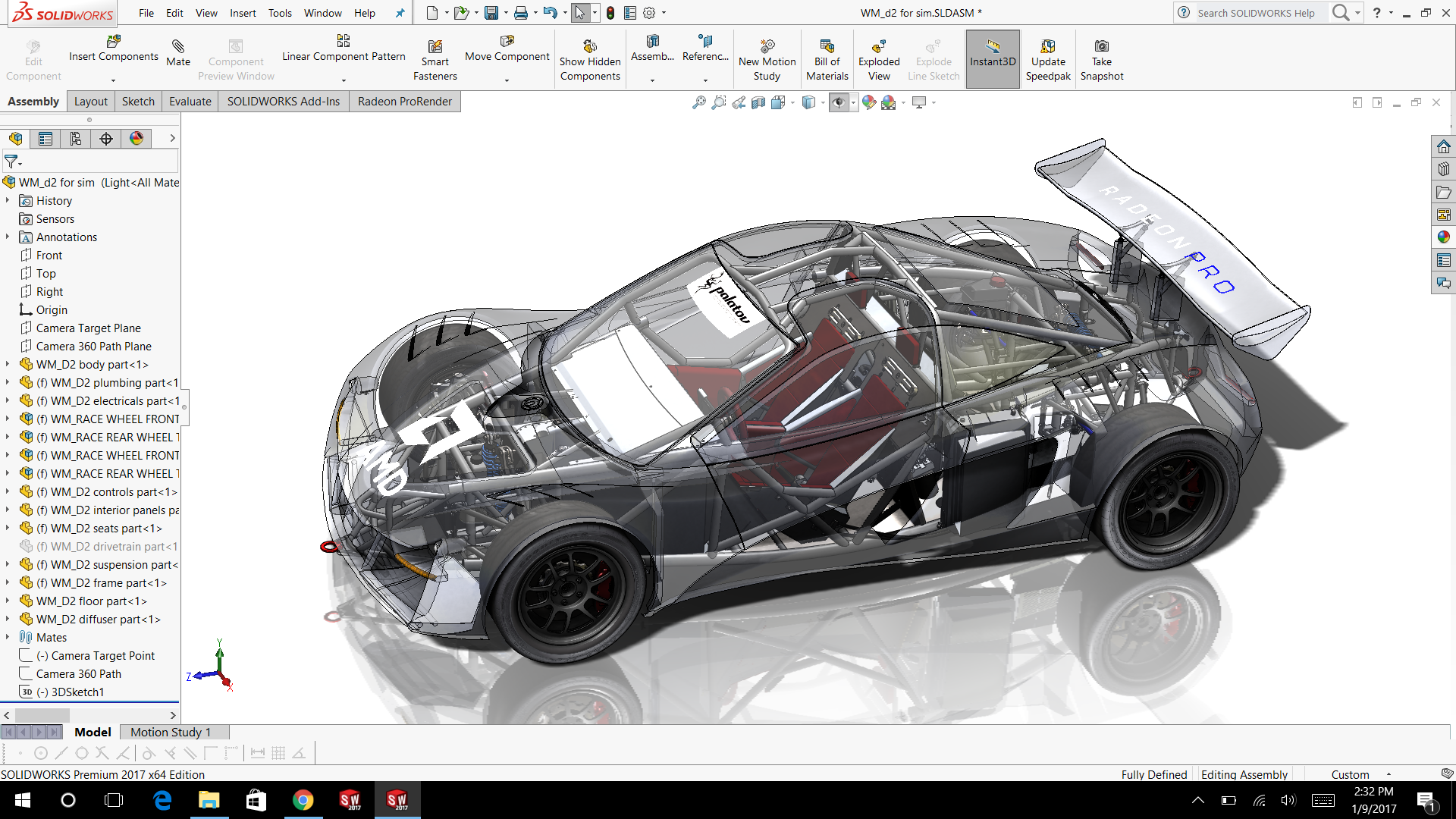
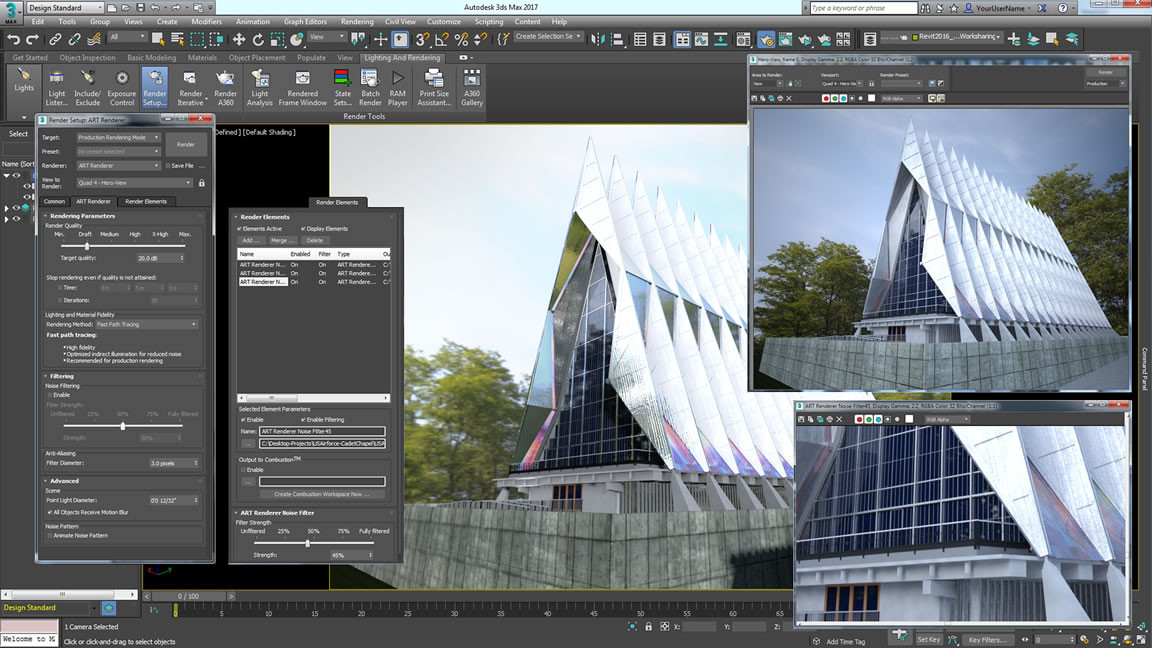
So, if they are based on the same underlying architecture, why the segmentation into pro and consumer? Professional GPUs are certified by ISVs to play well with their software. Many times, drivers for such GPUs are written with the exact software in mind and have a slower release cadence than consumer drivers. These GPUs also contain instructions in the BIOS that enable specific GPU functions not found in consumer models. Also, they are certified to last long under extreme use and usually have a higher memory capacity to handle large datasets. For example. the Quadro P5000 supports up to 16 GB GDDR5 ECC RAM wheras its consumer variant, the GTX 1070 (Laptop), supports only up to 8 GB GDDR5 non-ECC RAM. Pro GPUs are also capable of double precision floating point operations, which are important for simulations and modeling workflows. Vendor support for pro GPUs is also a notch higher than the consumer variants. Therefore, these GPUs are priced relatively higher than their consumer counterparts.
Consumer graphic cards on the other hand are geared towards gaming and rendering pipelines and may or may not optimally perform well with certain specialized applications. They are generally restricted to single precision floating point operations. Thus, while a pro GPU will usually take time to render the scene without any missing detail, consumer GPUs can override some of the render operations in the interest of higher frame rates resulting in viewport glitches. Drivers for consumer GPUs are released much faster and are optimized towards newly released games.
Performance
Many of the professional suites depend more on the OpenGL API than on DirectX. We ran both OpenGL and DirectX benchmarks to see how the professional GPUs stack up against each other. SPECviewperf is a benchmark that tests both OpenGL and DirectX capabilities of the GPUs. Depending on the viewsets, SPECviewperf will automatically select the required API and run the benchmark. One should note that even a lower end pro GPU optimized for OpenGL has the potential to beat high end gaming GPUs in OpenGL-optimized software.
One should also note that the results can easily vary even with minimal configuration changes. Also, synthetic benchmark results only serve to tell the overall performance of each GPU. The real-world suitability of the workstation notebook for a particular workflow needs to be evaluated before purchasing. Needless to say, performance is hugely dependent on the power management functions of the notebook; in other words, expect low scores on battery power. Often, vendors release tailor made driver updates for specific ISV software, therefore, that is also a variable to be aware of.
SPECviewperf 11 & 12
We use the benchmarks SPECviewperf 11 and 12 to determine the performance in professional 3D scenarios. It covers the sectors of CAD, 3D design, 3D visualization, oil and gas exploration as well as medical imaging.
DirectX
3DMark and Unigine Heaven were used to evaluate the DirectX performance of the GPUs. Since pro GPUs tend to be optimized towards OpenGL-based software, any such optimizations will not affect the DirectX scores. Unigine Heaven uses both DirectX and OpenGL benchmarks, therefore, OpenGL optimizations can lead to higher scores in this benchmark.
OpenCL
OpenCL APIs can be used to let the GPU perform tasks that are usually performed by the CPU. Technically referred to as GPGPU (General Purpose computing on GPUs), it enables the GPU to supplement the CPU in speeding up certain workflows such as ray tracing. OpenCL is supported by both NVIDIA and AMD. NVIDIA also has its own proprietary GPGPU API called CUDA. We used Luxmark 2.0 to compare the performance of workstation GPUs. LuxMark 2.0 uses OpenCL for ray tracing (complex light-shadow calculations) and only the dedicated GPU is used in this case.
Making a Purchase Decision
As mentioned earlier, benchmark scores for pro GPUs only offer a superficial view of the hardware capabilities. Unlike conventional consumer GPUs, the performance of pro GPUs are largely dependent on the application they are used for. It is highly probable that some applications might work well even with low end GPUs while others require the cream of the crop. Therefore, it is of paramount importance to list out the applications and then narrow down to the GPU choice. Professional software are usually certified after rigorous testing on pro GPUs. Usually, the compatibility of the software with the GPUs can be got from the ISV's site itself.
Broadly, the purchase decision can be centered around the following factors —
1. Software
The software you use will determine what GPU you can buy. Ask yourself what kind of programs do you use or will be using (also see the software overview towards the end of this article.) Some applications like AutoCAD, for example, have switched to DirectX from OpenGL. Such developments should be factored in the purchase decision. You should also note that some applications run better on AMD's FirePro and others better on NVIDIA's Quadro series. If your workflow is primarily centered around DirectX applications, consumer cards will also work; pro GPUs can then be considered if you're looking for vendor specific updates and long term support.
2. Frequency/ Intensity
How often do you use pro software and for how long? If the usage is relatively minimal, you can get along fairly well even with a consumer card. However, if you're looking at living and breathing CAD/CAM, simulations, deep learning etc., a pro GPU is the only option.
3. Support
Vendor and ISV support are vital components of pro applications and the kind of support offered can veer the decision choice between one platform and the other, especially in mission critical scenarios. Pro GPUs generally have a longer support time and priority fixes to specific applications. You would absolutely want 24x7 support from both the GPU vendor and the ISV as every hour spent is accountable. Such kind of support is hard to come by in a consumer setup. Remember that a major chunk of the expense in owning a pro GPU goes towards the support system.
4. Cost
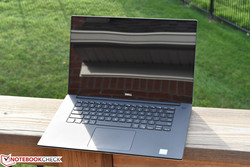
Mobile workstations featuring FirePro and Quadro GPUs don't come cheap. The Eurocom Tornado F5W, for example, costs a staggering US$6000. At a more 'reasonable' level, the Dell Precision 5520 UHD costs about US$2,867. Expect to shell out upwards of US$2,000 for a capable workstation notebook. Add to that the licensing costs of pro software and the sky is the limit for burning a hole in the pocket. The silver lining, however, is that most companies can recover these investments in a short time unless of course you're an independent worker.
5. Alternatives
It is always a good idea to look for alternatives before spending the moolah on the latest and greatest. Workstations come with long support periods and there's every probability you can get a re-certified and refurbished model from a previous generation at a significantly lower price. Also, certain workflows do not require the latest pro GPUs and can perform just fine with an older generation chip. The long service period also means that getting spares shouldn't be much of a hassle. There's also the fact that mobile workstations have a far superior build quality than their consumer counterparts, therefore, can take quite a beating before they give up.
Other points for consideration
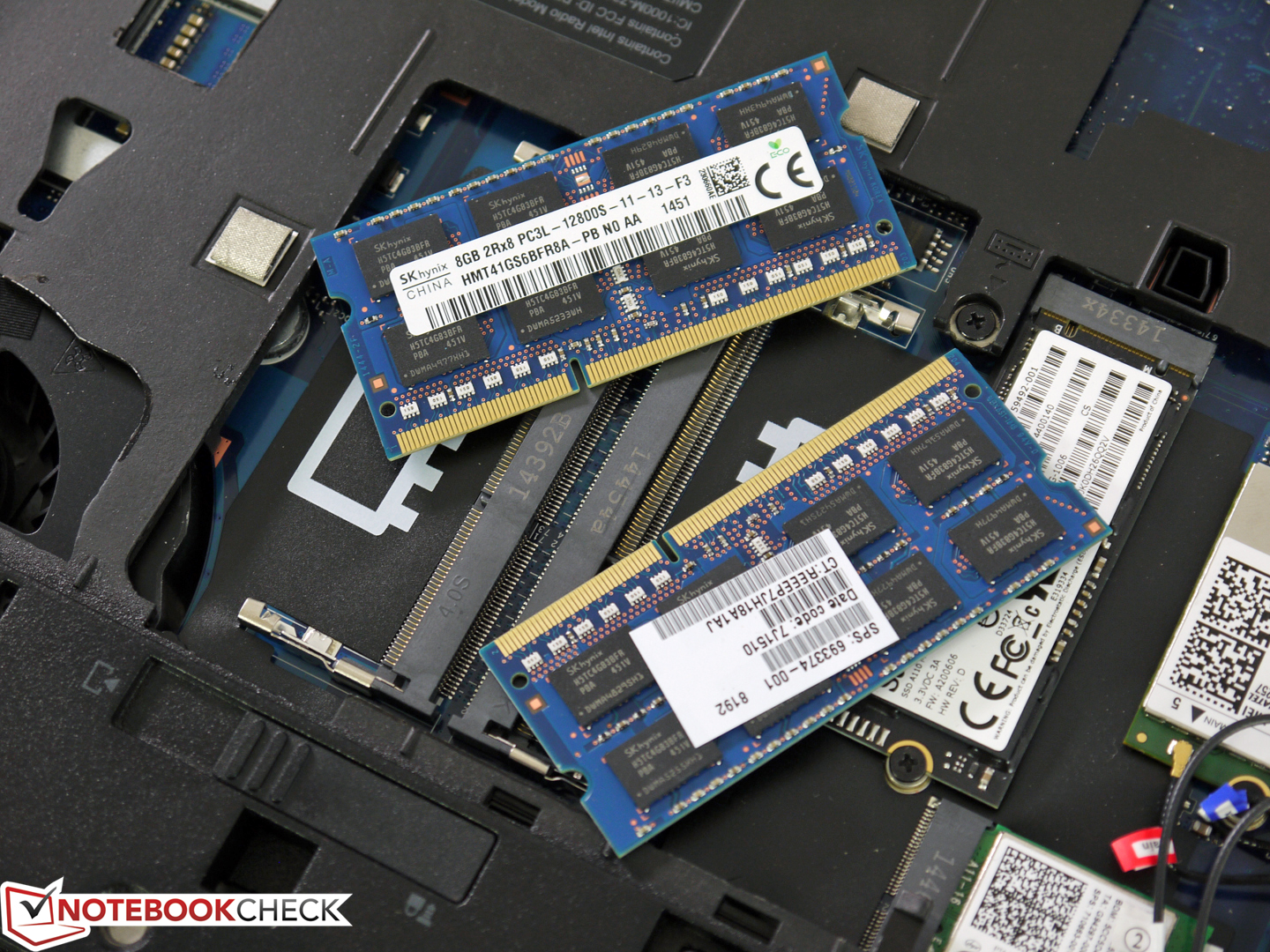
All software usually have minimum and recommended hardware requirements. We recommend not focusing on the minimum requirements, because the working speed, workflow and the output quality (representation) will usually suffer from weak hardware. Mobile workstations are also expected to last for quite a while in most cases, so there should also be some headroom for upgrades.
The following aspects should also be considered when deciding on a mobile workstation.
- Display characteristics — Size, resolution (screen estate, depth of detail), outdoor capabilities, color gamut
- Port selection (type and number) — Thunderbolt, DisplayPort, HDMI, Firewire, eSATA, PCIe (NVMe), mSATA, WWAN, Line In/Outs if needed
- Hardware — CPU, RAM, internal storage device (number, performance), optical drive requirements
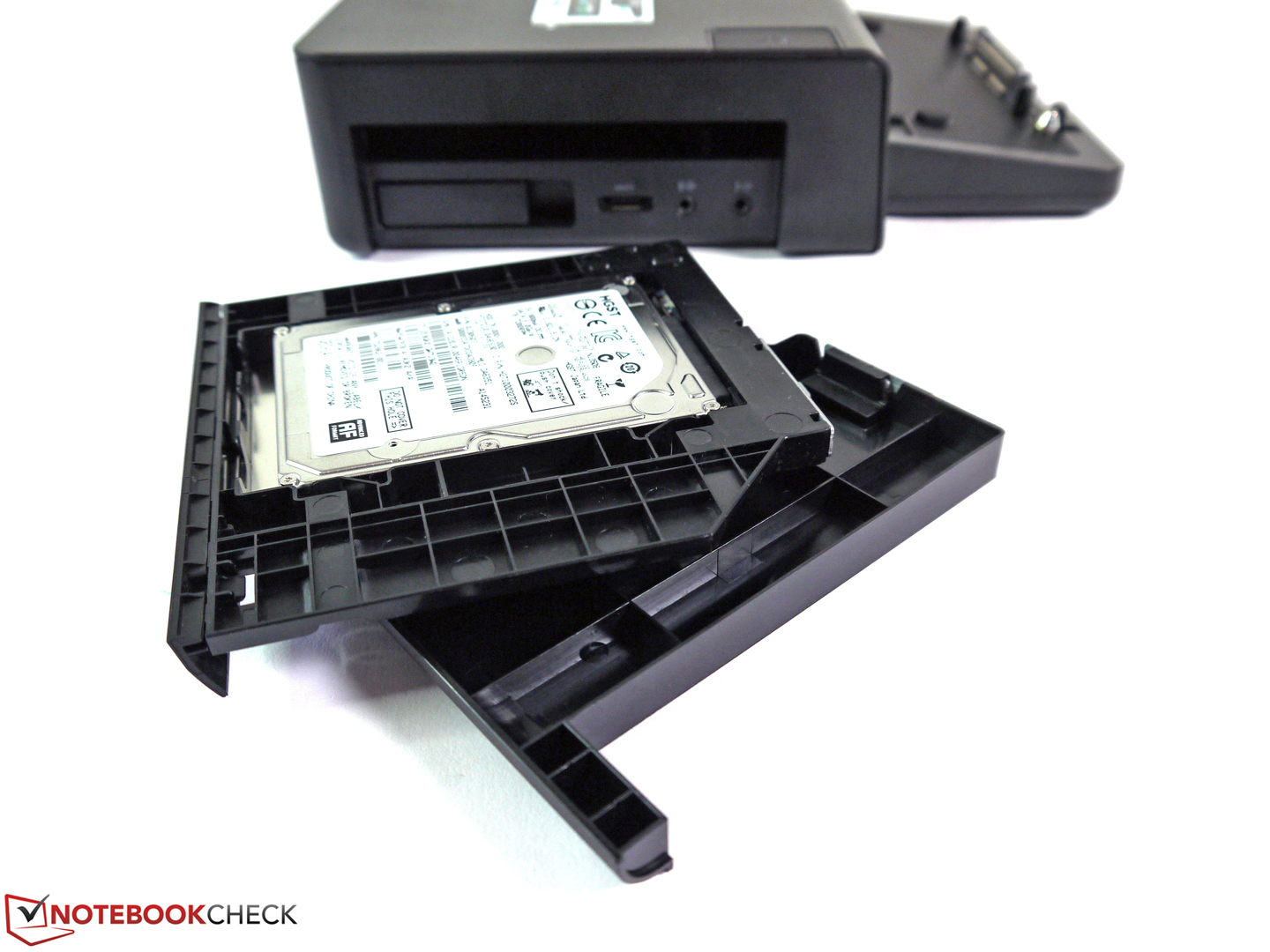
- Flexibility/ expandability — Modular bays for quick change of optical drive, hard drive, battery, empty module, docking station/ port replicator for quick attachment of stationary peripherals
Software Overview
The below table summarizes some of the popular professional software that benefit from the capabilities of the FirePro and the Quadro GPUs. It is not an exhaustive list but gives an idea of the kind of applications these mobile workstations can handle.
Oil and Gas |
Architecture | Media & Entertainment | Geospatial Applications | Product Development Landmark DecisionSpace |
Autodesk Revit | Adobe Creative Cloud | ArcGIS | PTC Creo Schlumberger Petrel, Geoframe |
Autodesk AutoCAD | Adobe After Effects CC | Autodesk AutoCAD Map 3D | Dassault Systèmes Catia Paradigm 14 |
Bentley Microstation | Adobe Photoshop CC | Hexagon GeoMedia | Dassault Systèmes SolidWorks IHS Kingdom, Petra |
Autodesk Navisworks | Autodesk 3ds Max | Autodesk Inventor ffA GeoTeric |
Autodesk 3ds Max Design | Autodesk Flame | Life Sciences | Autodesk AutoCAD Drilling Info Transform |
Autodesk Showcase | Autodesk Maya | Imaging | Siemens NX Emerson Roxar RMS |
Accelerware ITK | Autodesk Alias Headwave Core |
Molecular Dynamics | Informatics | Mathimatica | Autodesk Mudbox | AMBER | Blast | Matlab | CHARMM | FastROCS | Quantum Chemistry | GROMACS | GPU-HMMR | GAMESS | NAMD | MUMmerGPU | NWchem | SmithWaterman | Terachem |
Conclusion
Deciding on a mobile workstation is one of the most important tech decisions you'll ever make considering the investment involved. Unlike consumer GPUs, which can be decided to an extent based on benchmarks scores alone, professional GPU purchases should also take into account the practical applications. Although both the same GPU can come in both pro and consumer variants, the target market will decide on specific features enabled for each application. While pro GPUs might not be the best choice for gaming, some consumer GPUs can be quite effective at professional work, especially, if the workflow is based on a DirectX pipeline. Thorough evaluation of all aspects of the workflow keeping in mind future considerations is important to ensure that the investment is protected.
 Add as a preferred source on Google


