




Unbloated: Open-source alternatives to Armoury Crate, Vantage, and other control centers – part 1

There was a time when laptop performance profiles were handled entirely through Windows power settings. Later, major PC manufacturers introduced their own apps to manage performance modes, fan curves, RGB lighting, and more. What started as a sensible idea has since taken on some fairly grotesque proportions.
Armoury Crate, Lenovo Vantage, and the rise of laptop bloatware
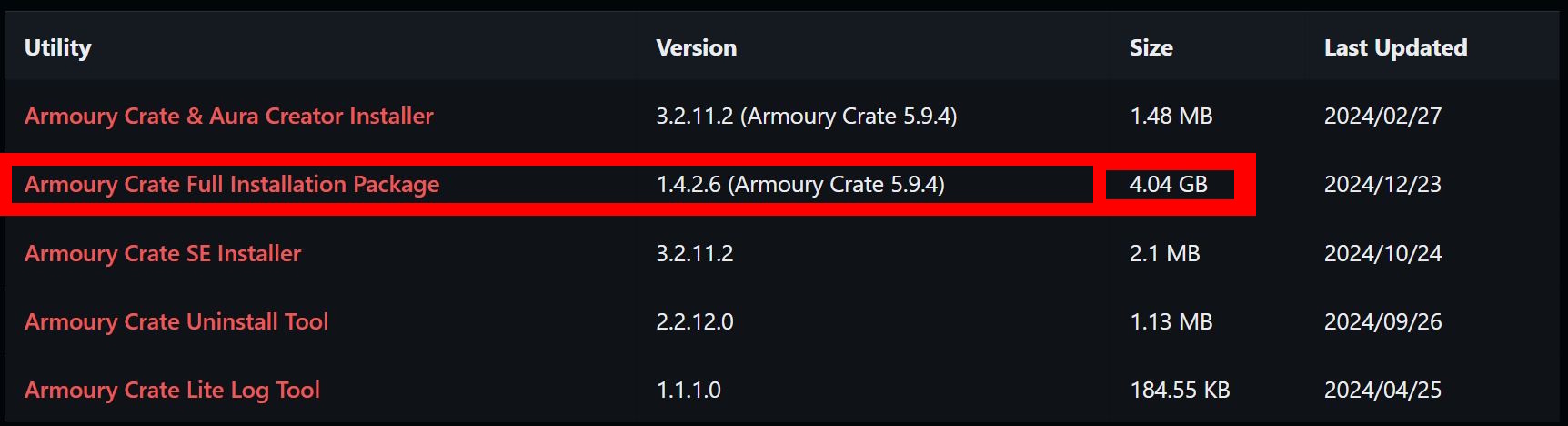
Take Asus Armoury Crate, for example: the full installation package for Asus gaming laptops weighs in at a staggering 4 GB. Lenovo Vantage is smaller, but still comes in at around 650 MB. These apps have grown so large that users often don’t even download the actual software anymore—just a stub installer that pulls hundreds of megabytes from the internet during setup. All of this just to change a handful of laptop settings?

Advertising and tracking: An underestimated problem
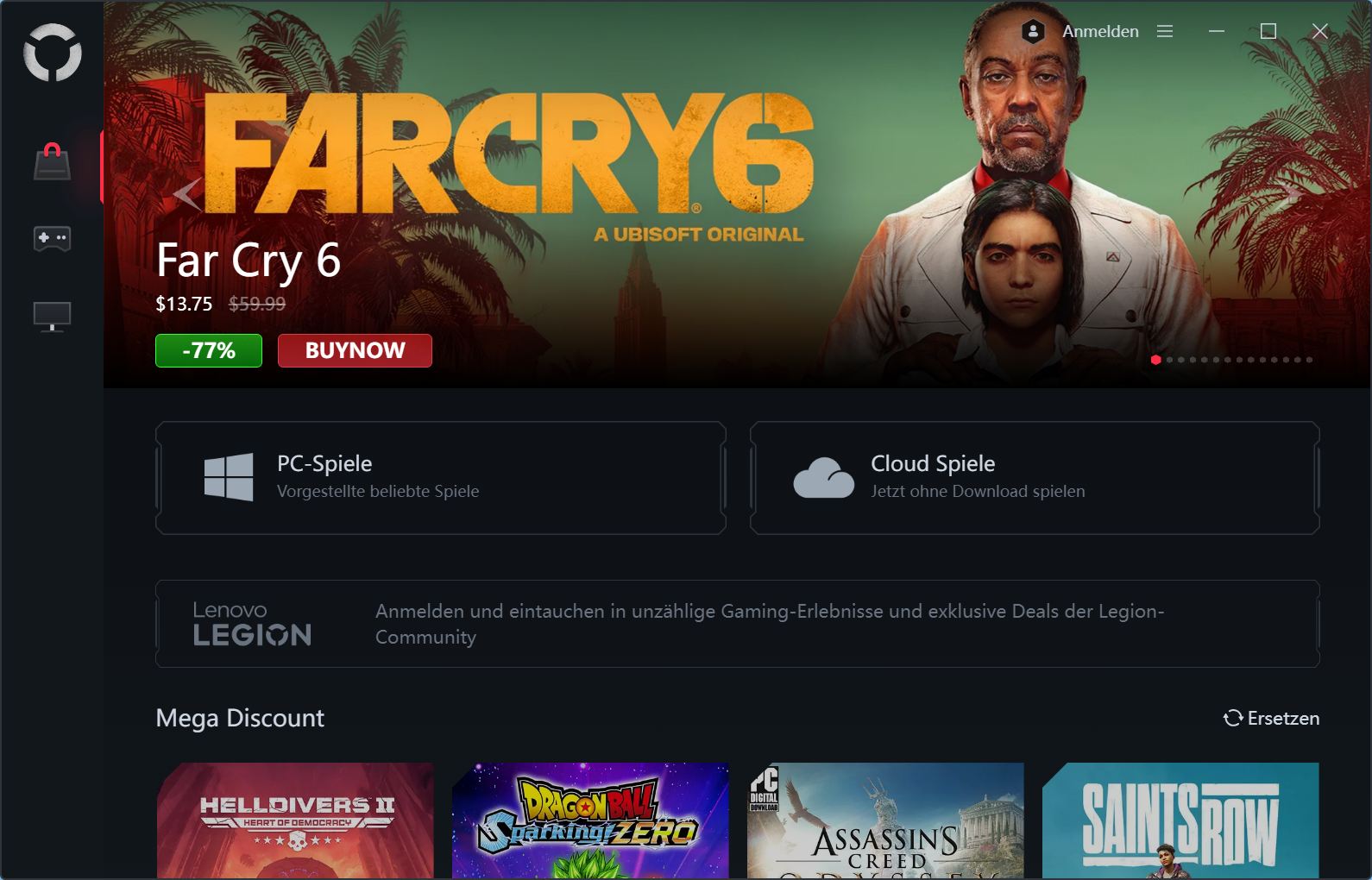
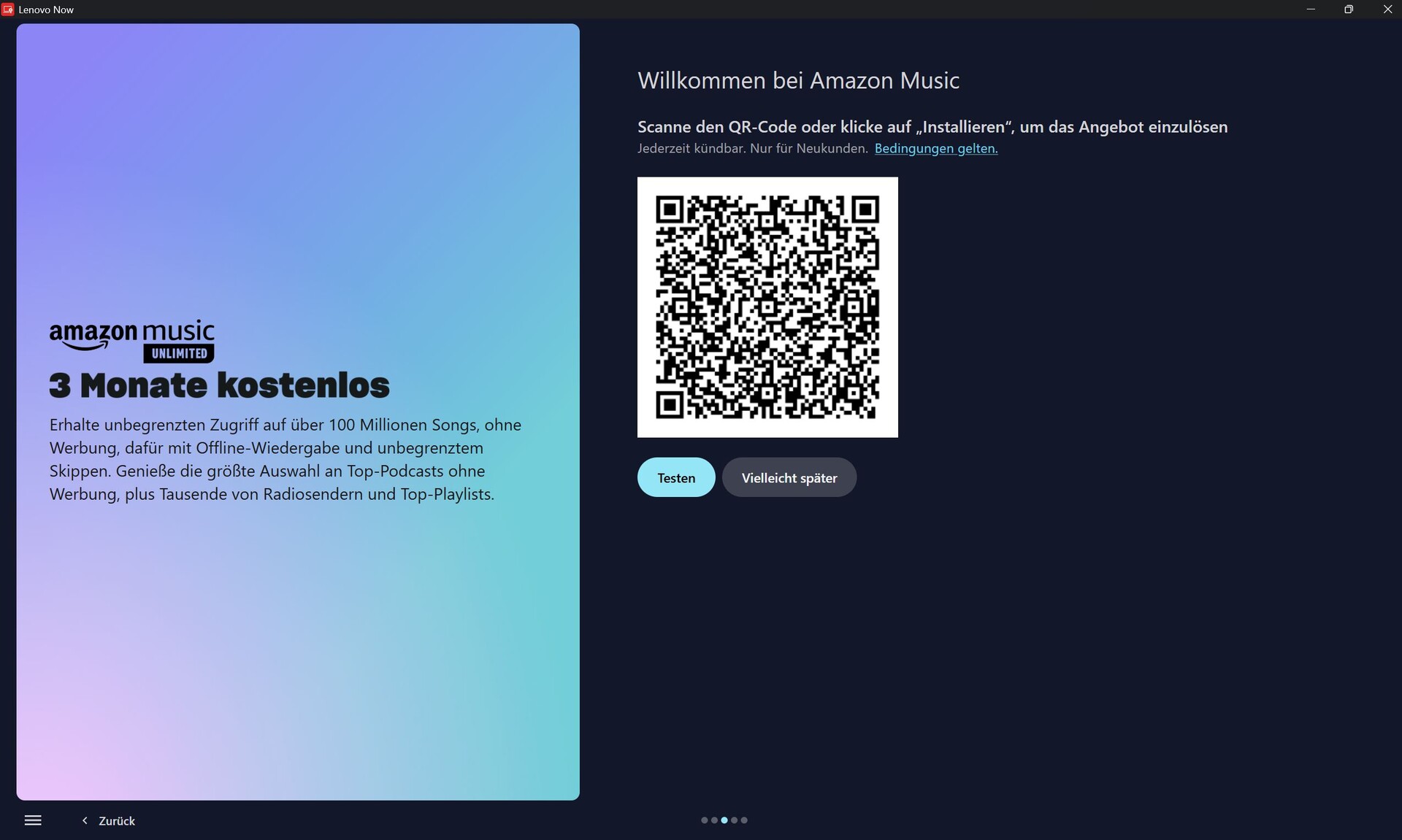
Unfortunately, it doesn’t stop there. Control center apps from Lenovo, Asus, Acer, Dell, HP, and others are increasingly used to push ads and collect user data. Lenovo Vantage, for instance, regularly bombards users with promotional content that takes up more screen space than the actual settings. During installation and first-time setup, Lenovo also attempts to bundle additional apps such as Amazon Music or YouTube.
At the same time, these control center apps are often presented as mandatory if users want to unlock the full performance and feature set of their laptops. But are they really indispensable?
Are there real alternatives to manufacturer control centers?
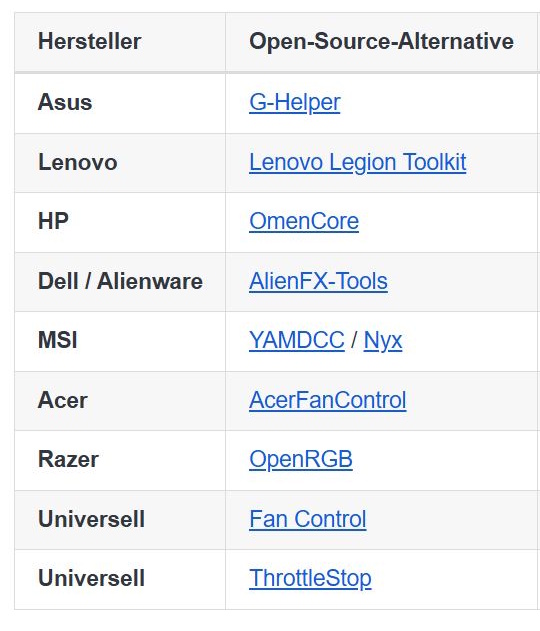
Manufacturers have pushed this development so far that my growing frustration with mandatory control center apps eventually led me to look for open-source alternatives—self-inflicted, you might say. And yes, they do exist.
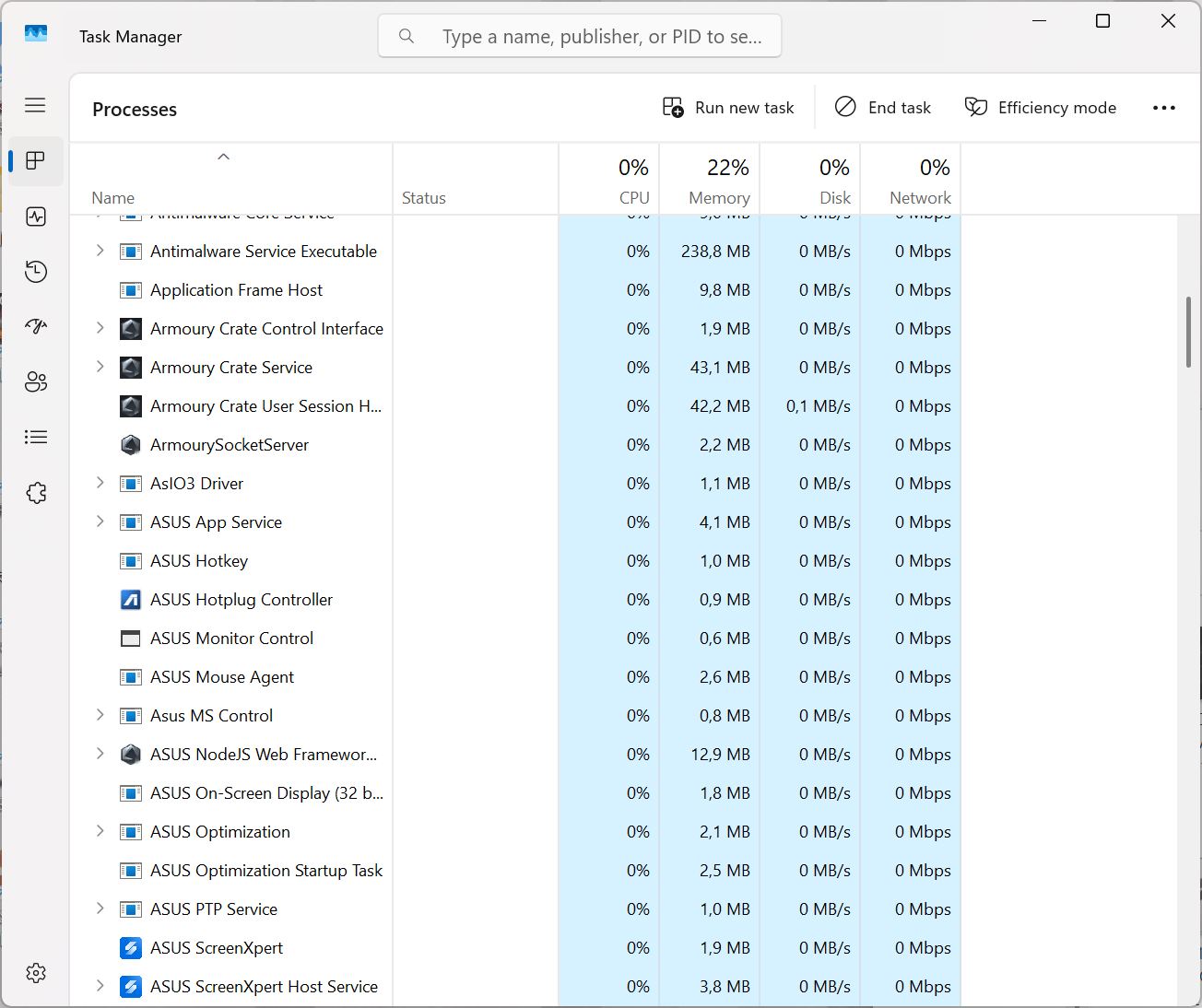
Especially in the gaming laptop segment (office-focused models are harder to support), there are numerous open-source tools that are often only a few megabytes in size yet offer almost the same functionality as the official software—just without ads, tracking, or unnecessary background services.
Outlook: which open-source tool we’ll test next
In this mini-series, we’ll take a closer look at open-source alternatives for the major laptop brands. We’ll start with the open-source replacement for Asus Armoury Crate and MyAsus: G-Helper, widely considered one of the best alternatives for consumer gaming laptops. Instead of multiple gigabytes, the tool comes as a single 5 MB file.
We’ll evaluate its feature set, how straightforward the installation process is, which laptop models are supported, where it may even outperform the official software, and where the limitations of the open-source approach become apparent.
What this article series aims to deliver
Over the coming days and weeks, we’ll cover additional control center alternatives for other manufacturers. The release schedule may be irregular, as we need to have a suitable (gaming) laptop from each brand on hand for proper testing. At the moment, that includes Asus (Asus TUF Gaming A18 review), Acer (Acer Nitro V 17 review), and an older Alienware model (Alienware 13 R3 review).
At the end of the series, we’ll provide an overall conclusion and put the available alternatives into context for each manufacturer. Read the 2nd Unbloated article here (link becomes active once the next article goes public)
 Add as a preferred source on Google


