




Too dark, too slow: Why the Acer Nitro V 17’s display is a real problem
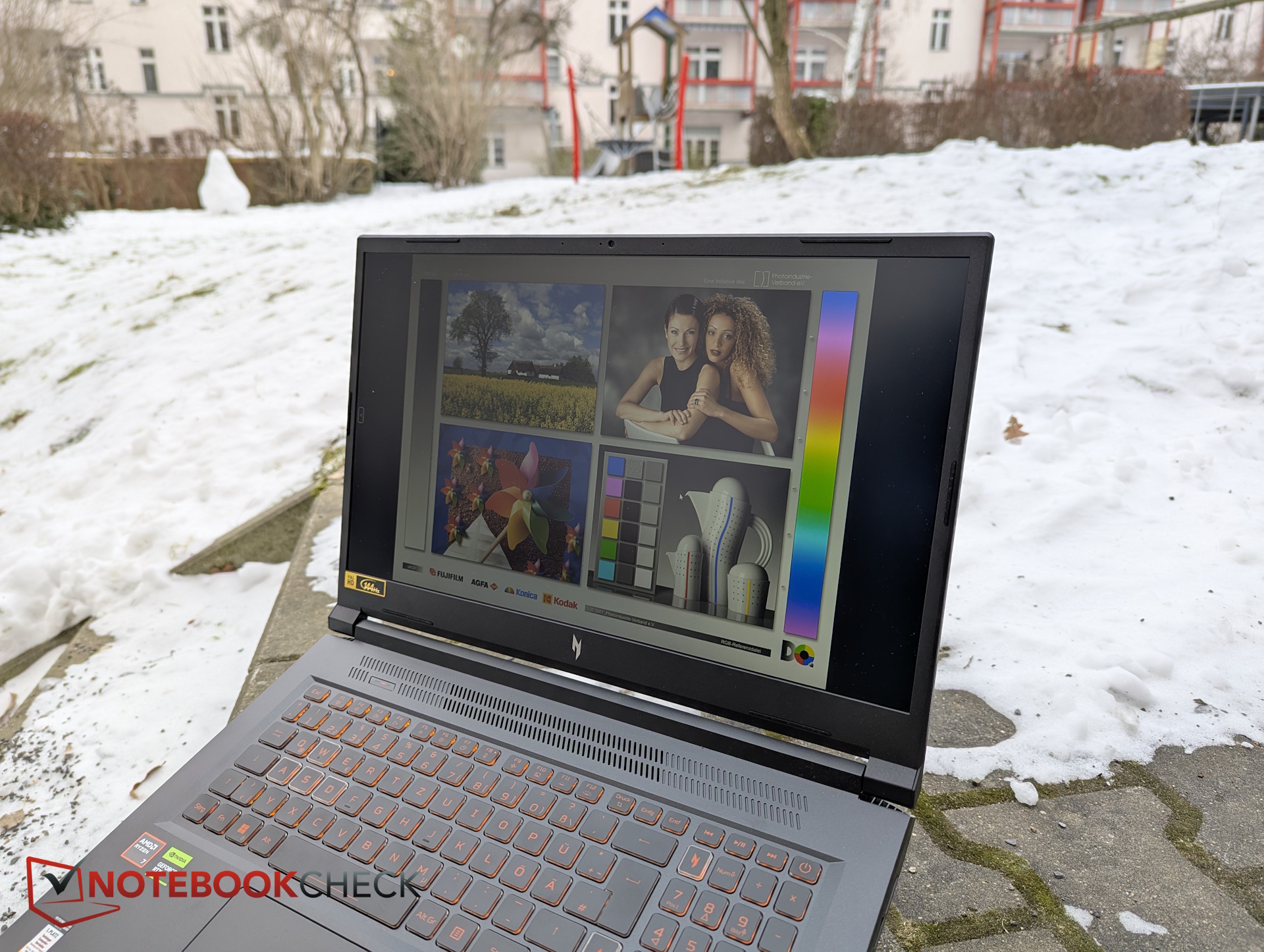
Acer Nitro V 17 is quiet and efficient, but...
We recently tested the Acer Nitro V 17, a 17-inch gaming laptop. Together with the Lenovo LOQ 17 and the Omen 16, it is among the most affordable laptops currently available with an NVIDIA GeForce RTX 5070. On paper, that makes the Nitro V 17 an attractive option.
In practice, the laptop does have its strengths. It runs noticeably quiet and power-efficient, although this comes at the cost of slightly reduced gaming performance. In the budget segment, that trade-off is reasonable.
Where Acer goes too far, however, is the display.
How bright is the Acer Nitro V 17’s display really?
The installed Full HD IPS panel reaches an average brightness of just 238 nits. That is clearly insufficient for outdoor use, and even indoors the image often appears dull and lacking punch. Even by budget standards, this level of brightness is noticeably low.
What color gamut coverage does the Full HD panel offer?
On top of that, the display does not come close to covering the sRGB color space. Colors appear visibly washed out, and images lack depth and vibrancy. While this may be tolerable for occasional gaming, the weak color reproduction becomes much more apparent during everyday tasks such as browsing, working, or watching media.
Are the response times suitable for gaming?
Response times are another major weak point. With measured values between 30 and 42 milliseconds, the panel struggles to meet even basic expectations for a gaming laptop. Motion appears sluggish and ghosting is noticeable—figures that are difficult to justify, even in a budget device.
How does the Acer Nitro V 17 compare to other budget competitors?
A look at direct competitors shows that better solutions are clearly possible at similar prices.
The similarly priced Lenovo LOQ 17 also uses a Full HD panel, but reaches around 300 nits, covers the sRGB color space, and delivers much faster response times of 10 to 16 milliseconds.
The Omen 16 takes a different approach with a 1200p display in a 16:10 aspect ratio, again offering roughly 300 nits of brightness. While its color gamut coverage is similarly limited, its response times are roughly half as slow as those of the Nitro V 17.
In direct comparison, the Nitro V 17’s display clearly ends up at the bottom of the budget class.
Why a decent display is especially impotant for buyers on a budget?
Especially in the budget segment, a laptop is often the only computer a user owns. It is not just a gaming machine, but also a tool for work, studying, and media consumption. Those on a tight budget typically cannot afford a dedicated second system.
From personal experience—dating back to student years—this makes the issue even clearer: when one device has to handle everything, display quality quickly becomes critical. A consistently weak screen turns into a daily annoyance.
Conclusion: A clear weakness in the fight for buyers
Manufacturers should therefore avoid cutting too deeply on display quality, especially in the entry-level segment. An OLED or Mini-LED panel is not required—but users should get a screen they actually enjoy looking at every day.
This is exactly where the Acer Nitro V 17 risks losing ground to competitors such as the Lenovo LOQ 17, the Omen 16, or even the Katana 17. Despite its quiet and efficient operation, the display remains a serious drawback—and one that is likely to turn many potential buyers away.
Source
 Add as a preferred source on Google


