




Unbloated: G-Helper – The best open-source alternative to Asus Armoury Crate – Part 2
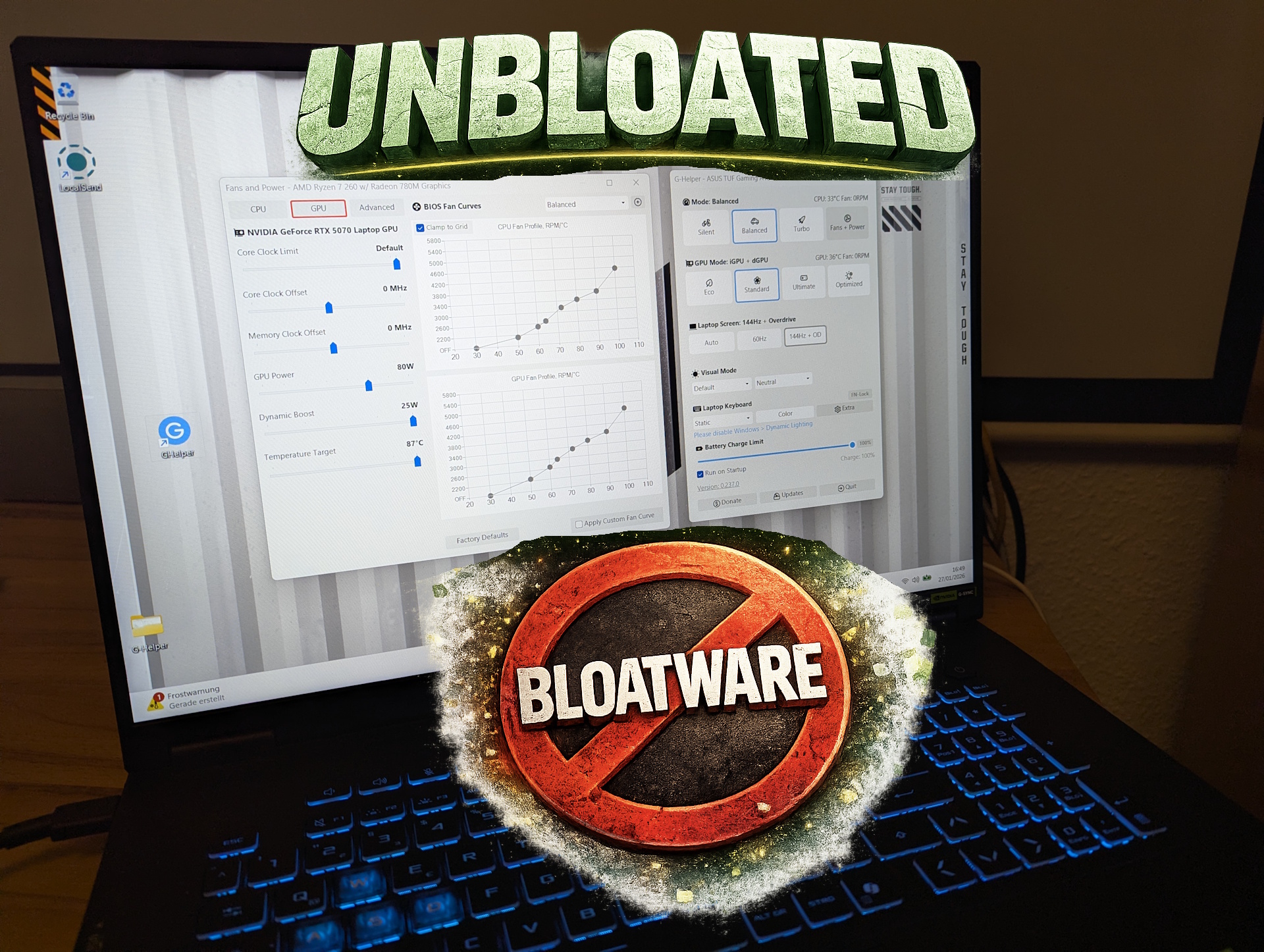
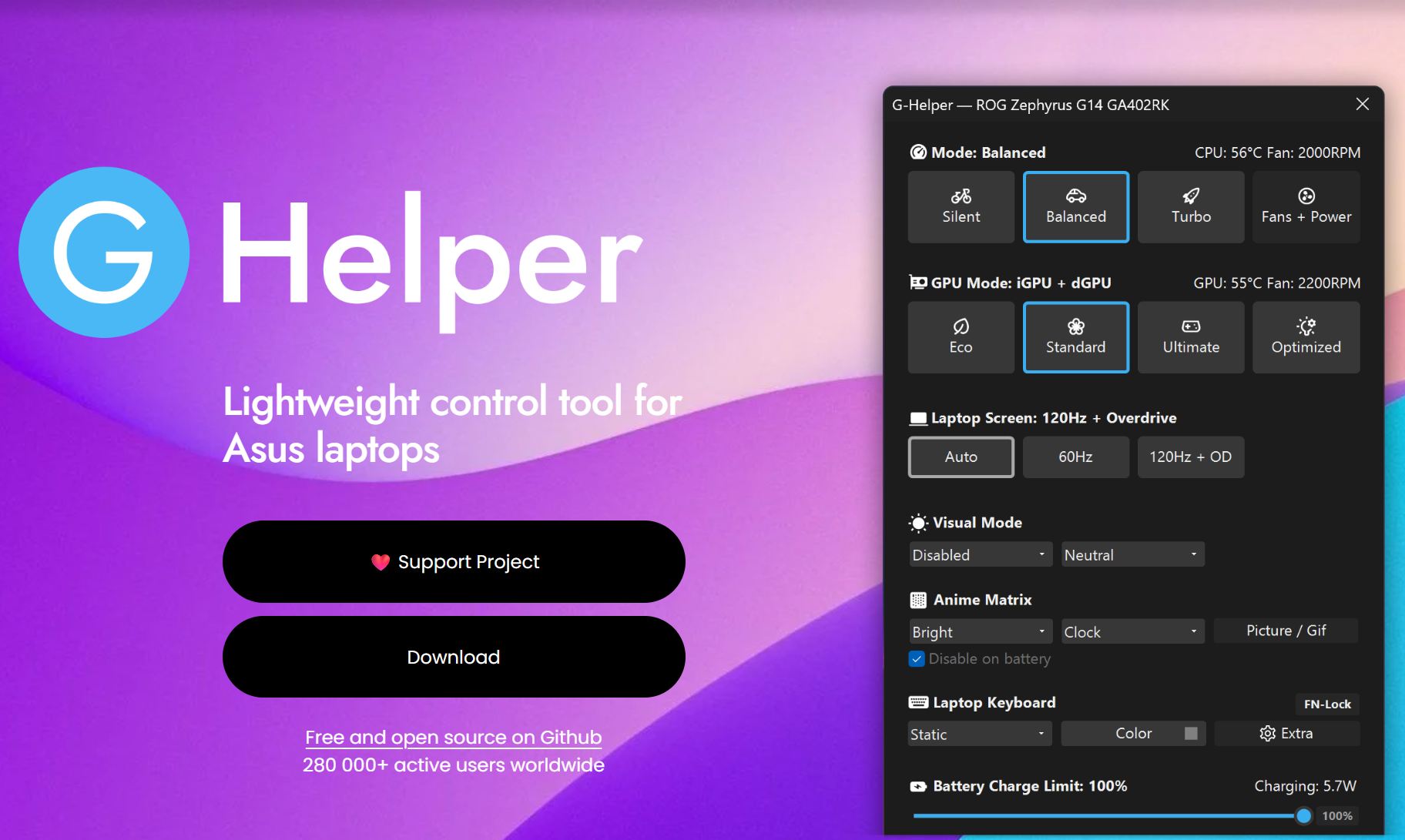
With part 1, I introduced this mini series to highlight the growing abuse of manufacturer control-center apps for advertising and tracking, and presented a list of open-source alternatives. Today, I want to focus on one of those tools in detail: G-Helper, a small but remarkably capable replacement for Asus Armoury Crate.
Why G-Helper?
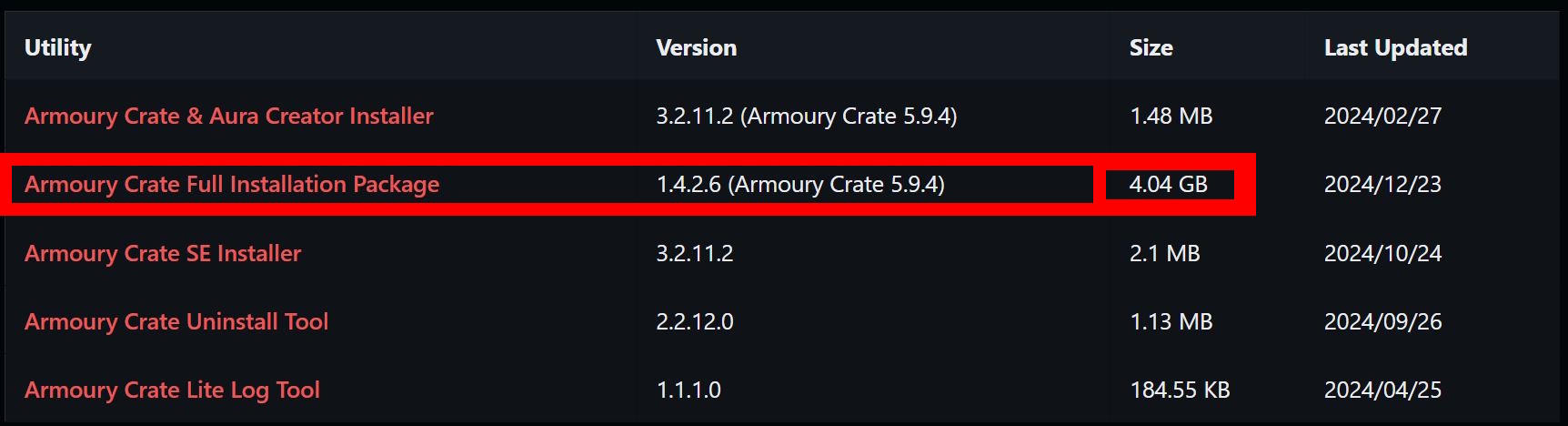
On Asus laptops, configuring performance modes, lighting effects, and other system settings often requires multiple applications. Consumer models usually come with MyAsus preinstalled, while gaming laptops additionally rely on Armoury Crate. The full Armoury Crate package alone takes up an absurd 4.4 GB of disk space.
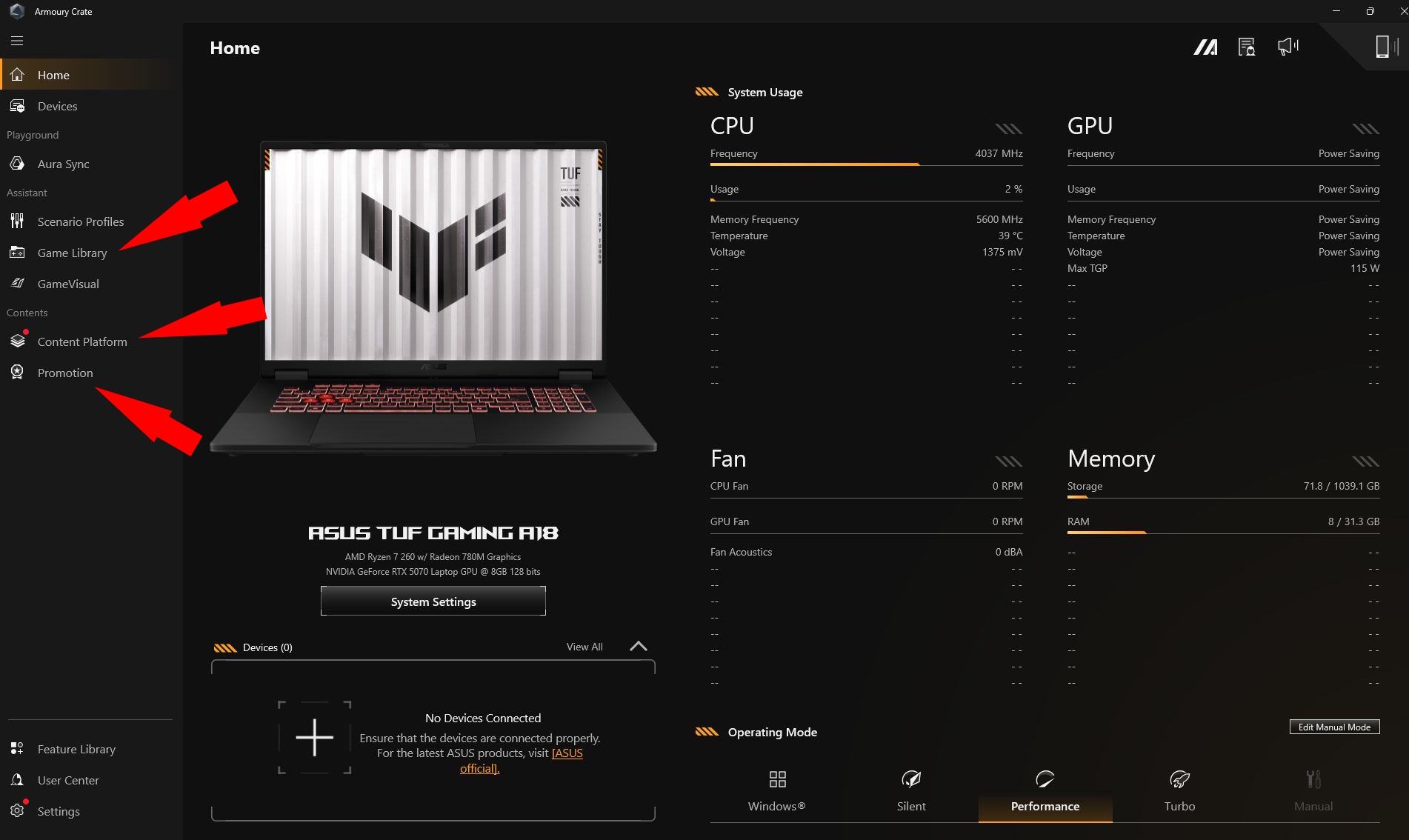
Armoury Crate is slow to start, sometimes fails to load altogether, and feels bloated and sluggish. Its interface is cluttered with tabs for a gaming library, content platforms, and — most notably — promotional content. On top of that, it spawns an excessive number of background Asus processes.
Which Asus laptops are supported?
According to the developer, G-Helper supports — among many others — the following models: ROG Zephyrus G14, G15, G16, M16, Flow X13, Flow X16, Flow Z13, DUO, TUF series, Strix and Scar series, ProArt, Vivobook, Zenbook, Expertbook, ROG Ally and Ally X, and many more.
For this test, I’m using the Asus TUF Gaming A18, which I previously reviewed here.
How to install G-Helper
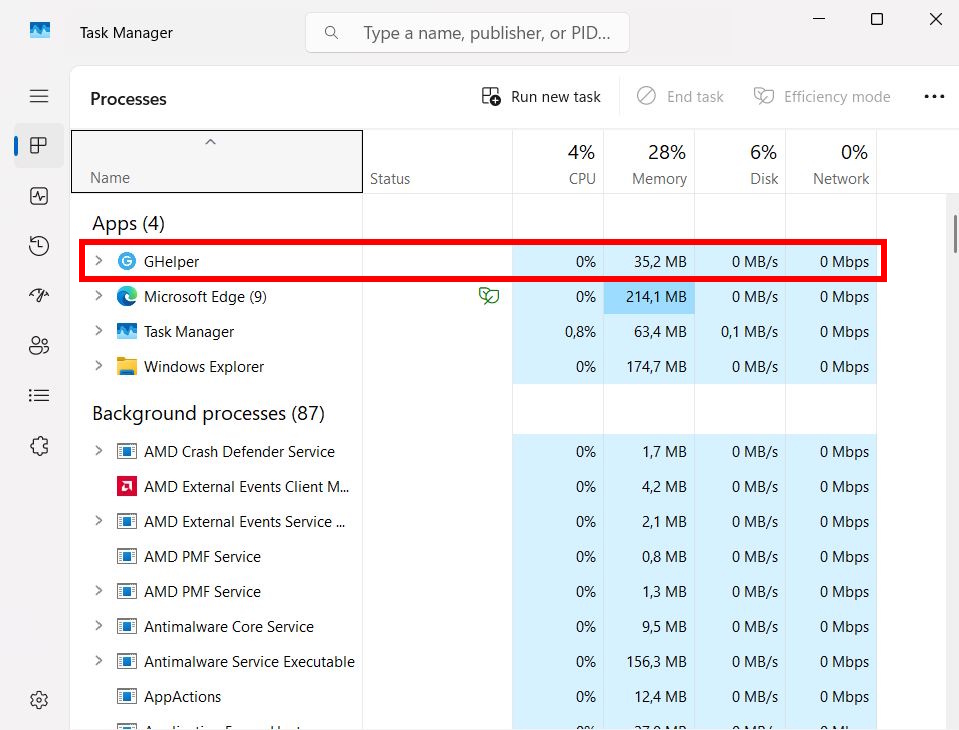
G-Helper is a lightweight open-source tool. The ZIP file itself is just 2 MB, and the actual executable is around 5 MB. It promises significantly lower resource usage, no data collection, and no advertising. Its source code is fully available on GitHub.
Before installing G-Helper, you should take the following steps:
- If you still want to register your device via MyAsus, do that first. Afterward:
- Uninstall Armoury Crate and MyAsus from your Asus laptop to avoid potential conflicts. Optionally, also remove Asus Smart Display Control
- Make sure Microsoft .NET 8 is installed
- Ensure that Asus System Control Interface is installed (this is usually the case if the Asus apps were previously installed)
After uninstalling the Asus software, a reboot is recommended. You can then download G-Helper either from GitHub or the official website. There is no installation process — it’s a single executable that you simply run. You can also configure it to launch automatically with Windows.

What features does G-Helper offer?
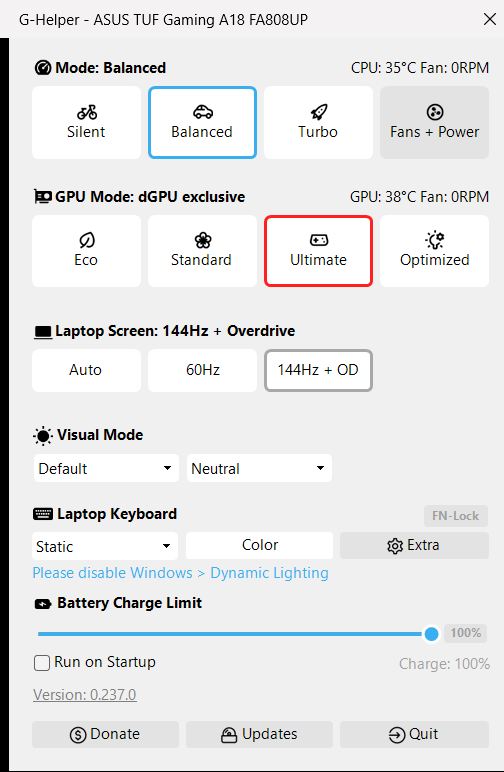
In short: almost everything Armoury Crate can do — plus the update functionality of MyAsus, and even some overclocking-style features commonly associated with tools like MSI Afterburner. All of this is presented in an extremely clean and well-organized interface.
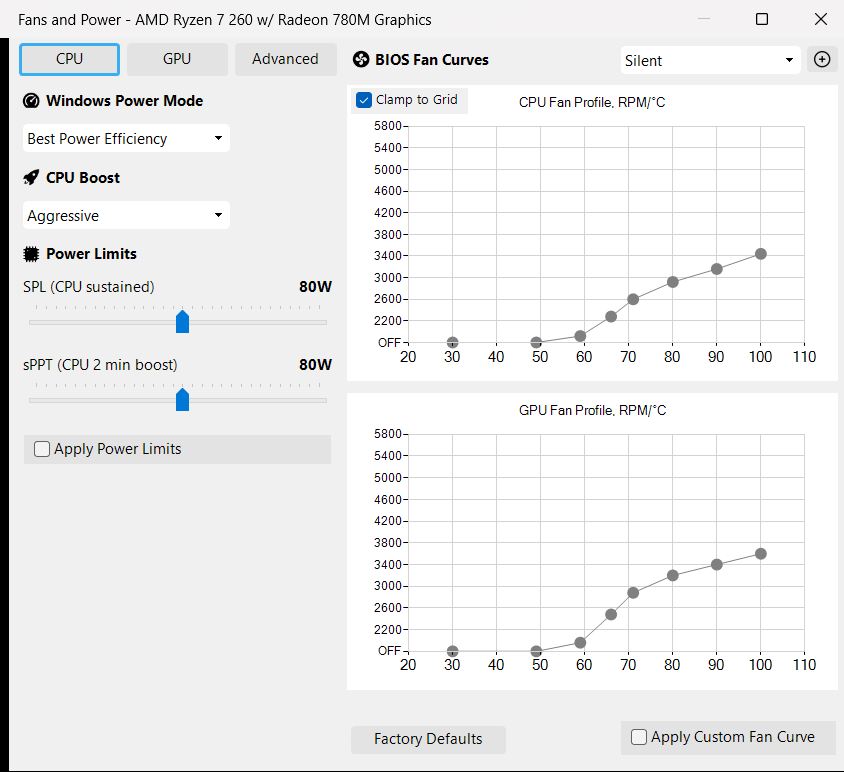
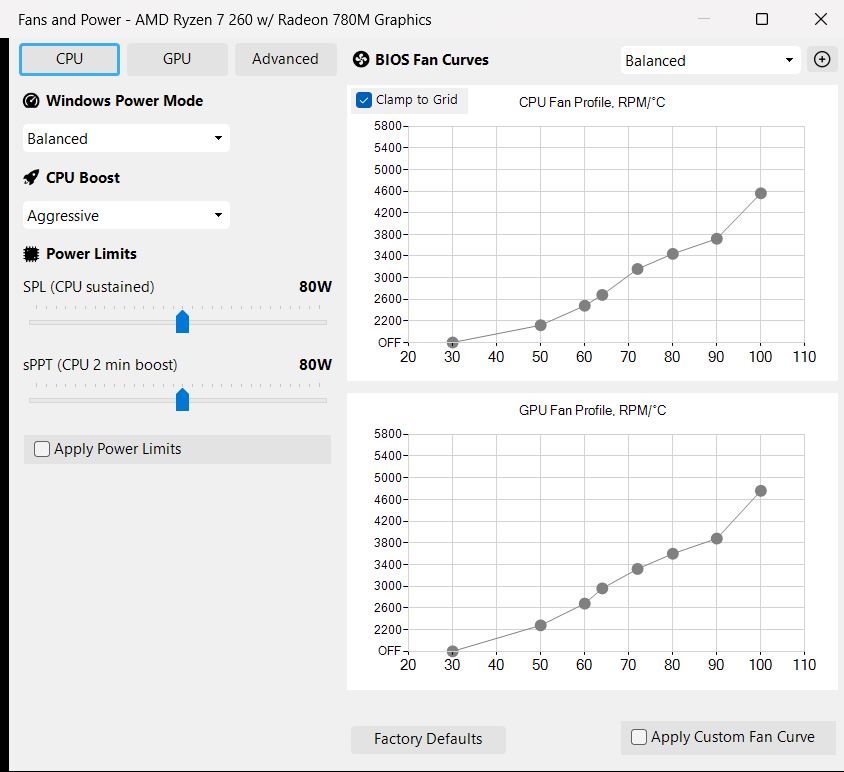
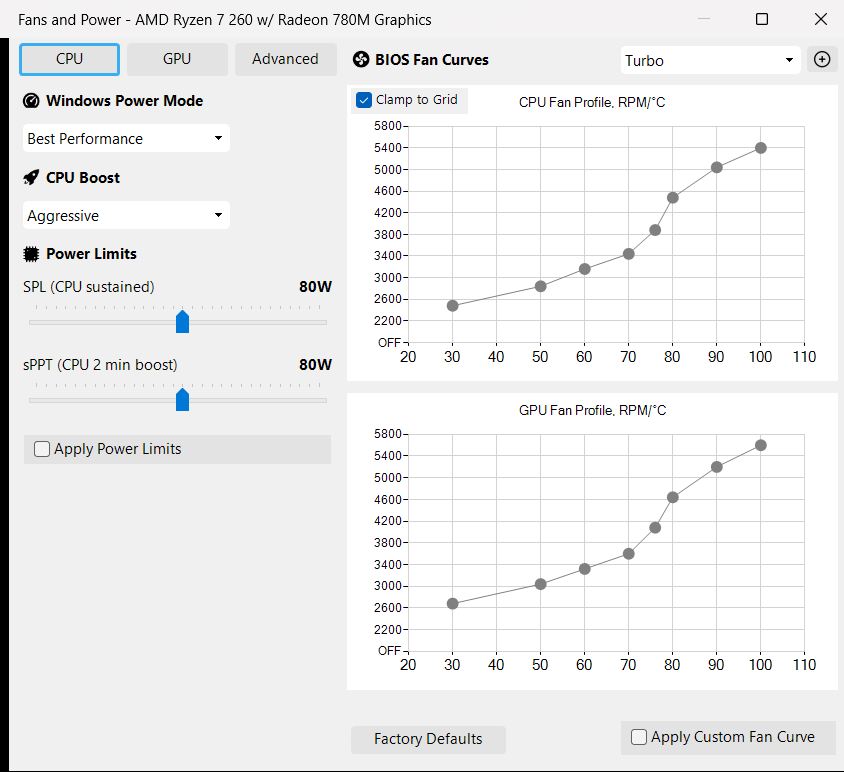
You can switch performance profiles, define manual fan curves and power limits for each profile, and manage everything comfortably. These limits are read from the BIOS, meaning all changes remain within official specifications.
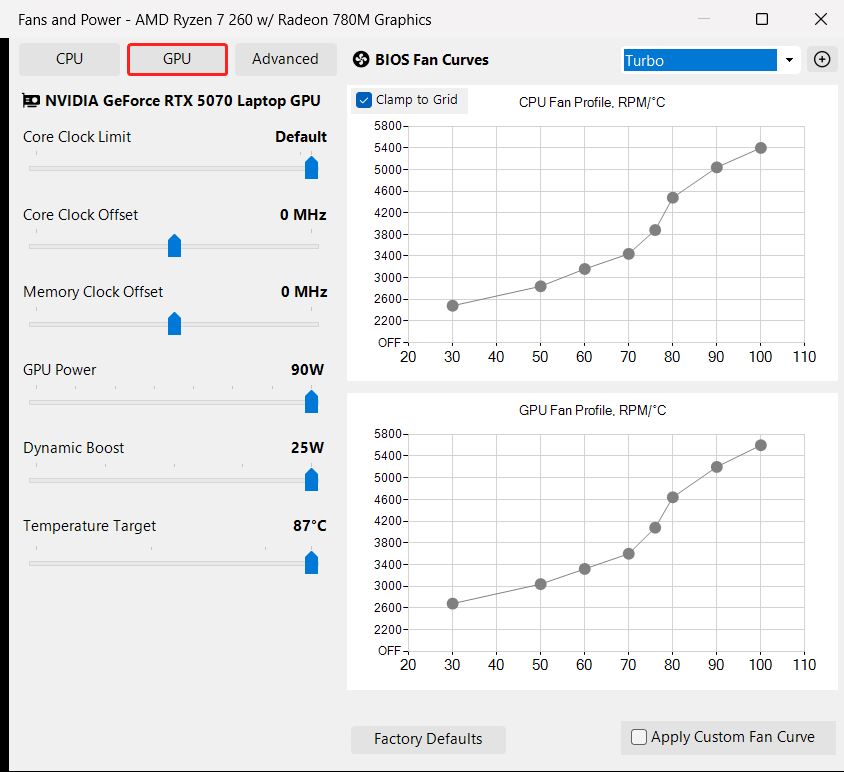
G-Helper includes a MUX switch, supports RGB lighting (including Anime Matrix and Slash Lighting), allows monitoring of CPU and GPU temperatures, offers battery charge limits, a Mini LED multi-zone toggle, and even a flicker-free dimming mode.
What G-Helper does better than Armoury Crate
Beyond the complete absence of ads and tracking, the developer has added several genuinely useful features that are not available in the official software:
- While Armoury Crate allows you to choose between predefined performance profiles or a single manual profile, G-Helper goes much further. For each performance mode (Silent, Balanced, Turbo, etc.), you can create, save, and switch between multiple custom fan and power profiles.
- CPU and GPU undervolting is supported, similar to tools like MSI Afterburner. At the moment, CPU undervolting is limited to certain AMD processors.
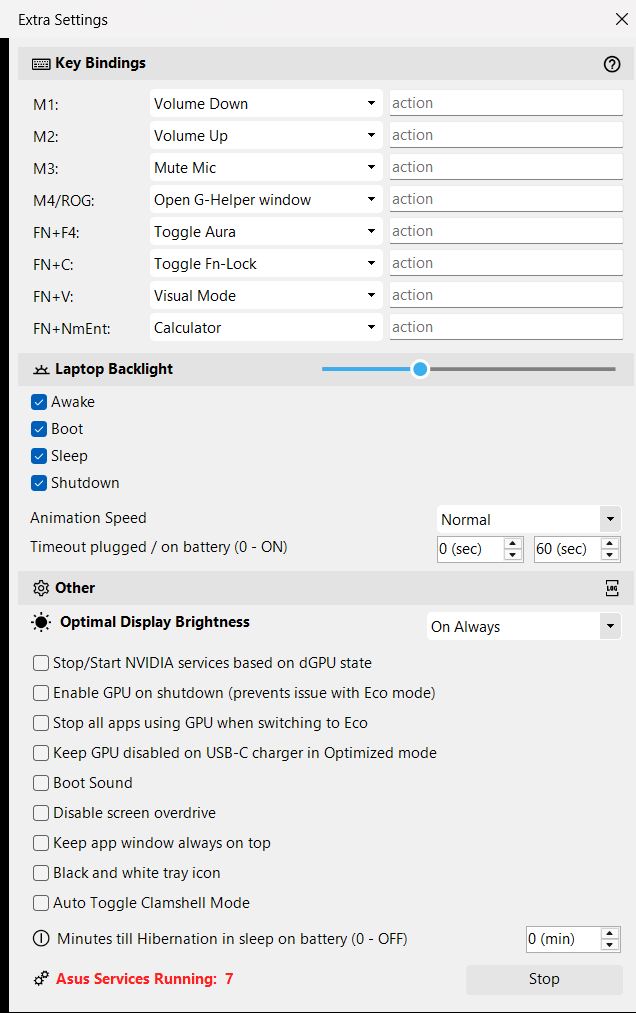
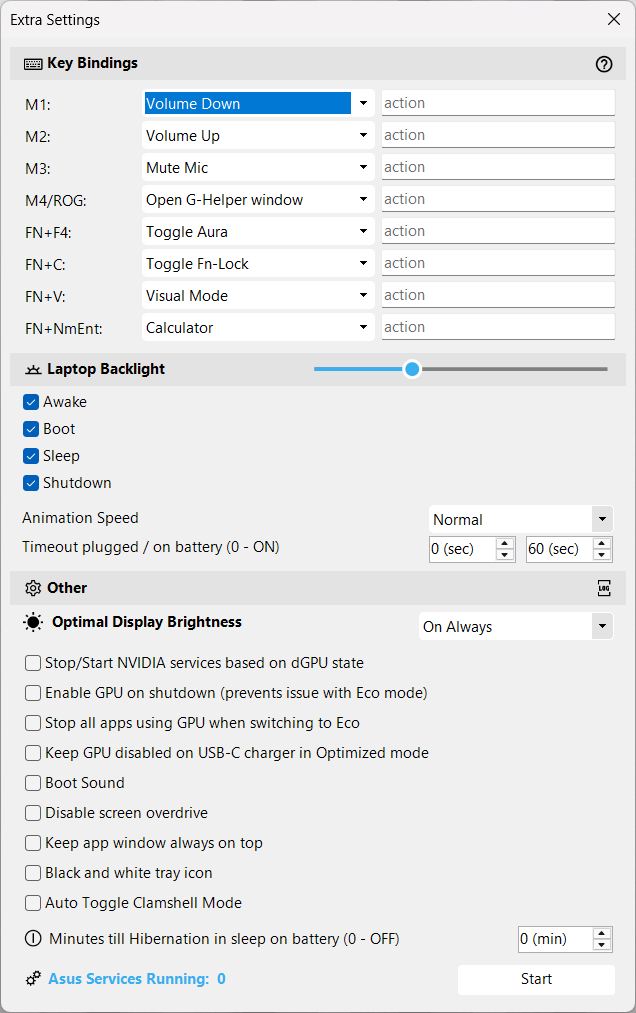
- G-Helper allows users to freely assign the four extra hardware buttons found on many Asus laptops. This finally makes it possible to map a proper Print Screen key, which is inexplicably missing on many gaming keyboards.
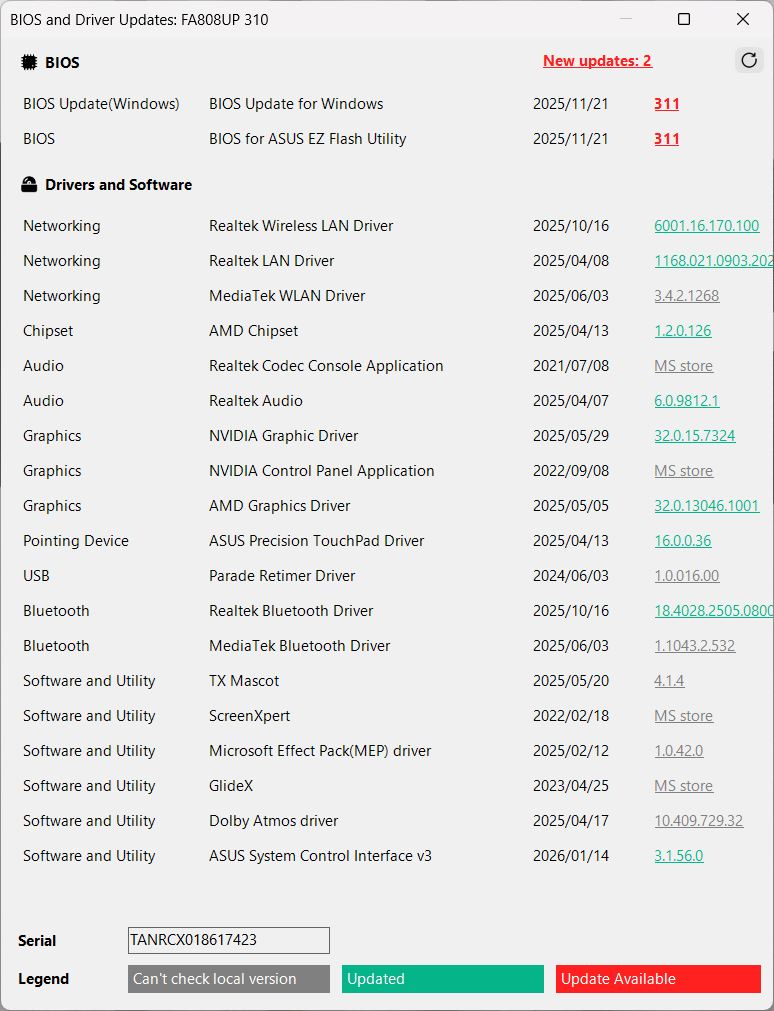
- The tool also displays available updates and the installed versions of various drivers — functionality that would otherwise require MyAsus. In this regard, G-Helper effectively combines the roles of Armoury Crate and MyAsus into a single application.
- With a single button press, all remaining and potentially annoying Asus background processes can be terminated at once.
- When an Asus mouse is connected, additional configuration options automatically appear.
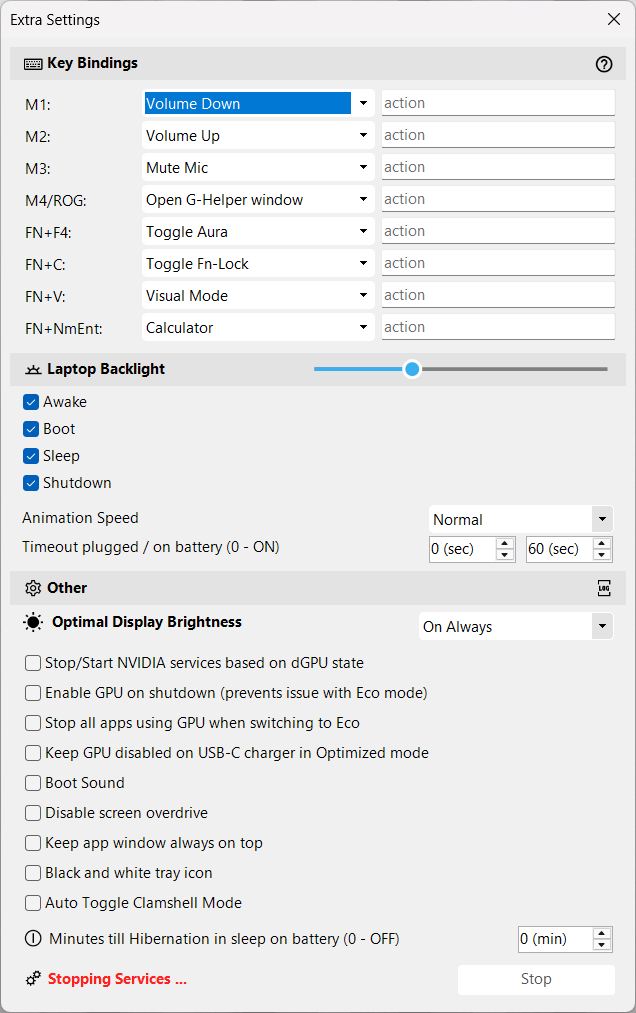
What G-Helper can’t do
One of the few missing features is the ability to change display color profiles. Armoury Crate offers several screen presets such as Cinema or Racing, and this functionality is currently not available in G-Helper.
Conclusion – A lean and powerful tool not just for Asus gaming laptops
G-Helper is one of the most mature and fully featured control-center alternatives available today. It is open source, lightweight, free of ads and tracking, and effectively combines the functionality of Armoury Crate, MyAsus, and even parts of MSI Afterburner.
Despite its extensive feature set, the interface remains minimalistic and easy to navigate. Installation and day-to-day use couldn’t be simpler. If I personally owned an Asus laptop, I wouldn’t hesitate for a second — I’d uninstall Armoury Crate and MyAsus and rely exclusively on G-Helper.
 Add as a preferred source on Google


