




Unbloated: Alternatives to NitroSense & PredatorSense – Why Acer users are left behind – Part 3
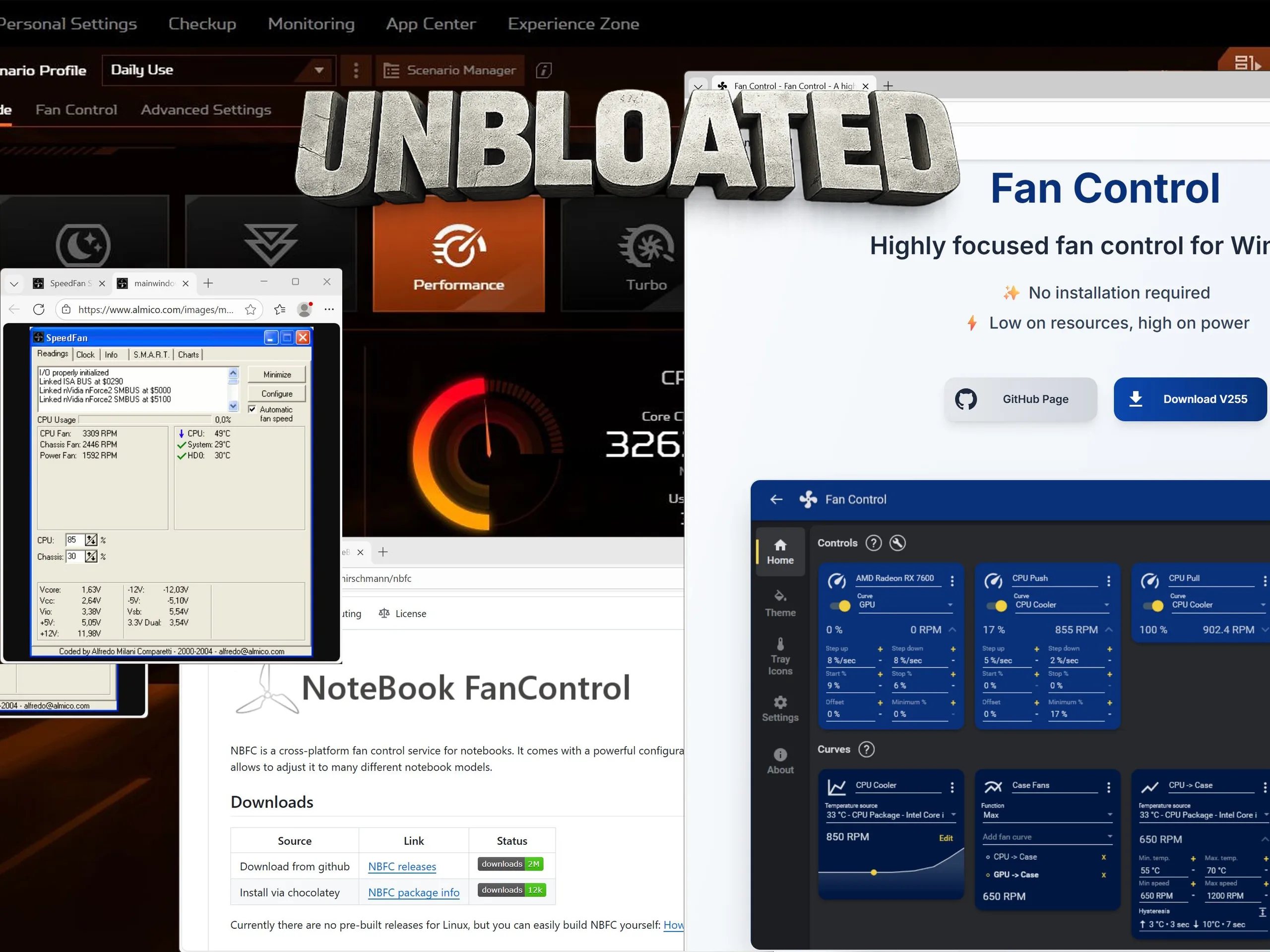
Why look for alternatives to NitroSense and PredatorSense?
We’ve been spoiled—by G-Helper, the excellent open-source tool covered in the previous part of this series. Developed and maintained by a single developer, it’s so polished, clean, and powerful that it made us forget about Asus’ official apps, Armoury Crate and MyAsus, along with their built-in tracking and advertising.
Finding a comparable alternative for Acer laptops turns out to be significantly harder. There appears to be no full-featured, Acer-specific replacement for NitroSense or PredatorSense, including performance profiles and system controls. Instead, users are often pointed toward manufacturer-agnostic fan control tools such as NotebookFanControl (Github) or another utility simply called Fan Control (official website).
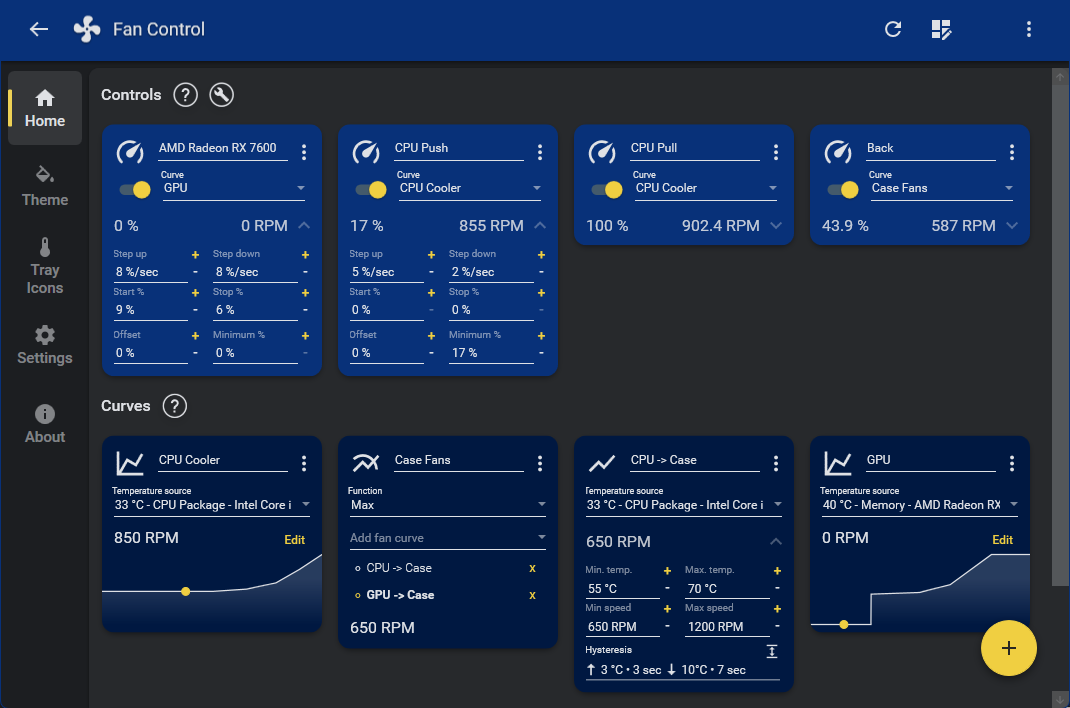
Fan Control – Flexible fan curves, but only partially usable
Fan Control is the more user-friendly of the two. Its main strength lies in the ability to create fan curves based on temperature sensors—and even combine multiple sensors into a single control source.
For example, you can define a behavior like “set fan speed to 60% once the temperature exceeds 70 °C” and use both CPU and GPU sensors (or additional ones) as triggers. Whichever component hits the threshold first will activate the defined fan response.
On desktop PCs—and possibly on older Acer laptops—this approach works well. On current Acer laptops, however, things look very different.
Embedded controller and BIOS locks as the core problem
On our Acer Nitro V 17 (review) and other recent Acer gaming laptops, Acer locks fan control at the BIOS or embedded controller (EC) level. As a result, firmware-controlled fans can only be accessed through NitroSense or PredatorSense. Third-party tools are unable to directly read or control the necessary sensors.
NotebookFanControl (NBFC) – Powerful in theory, unusable in practice
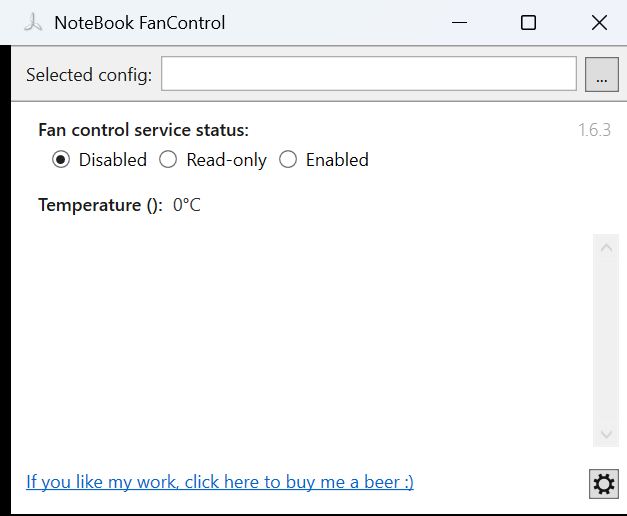
NotebookFanControl (NBFC) does not work out of the box. Instead, it requires a so-called configuration file—typically community-created profiles tailored to specific laptop models. The problem is that most available config files target older devices, while profiles for newer laptops are extremely rare.
Creating your own config file is a complex process, even with the Github wiki as guidance. It requires reading specific registers, which is made dramatically harder—or outright impossible—by Acer’s EC restrictions.
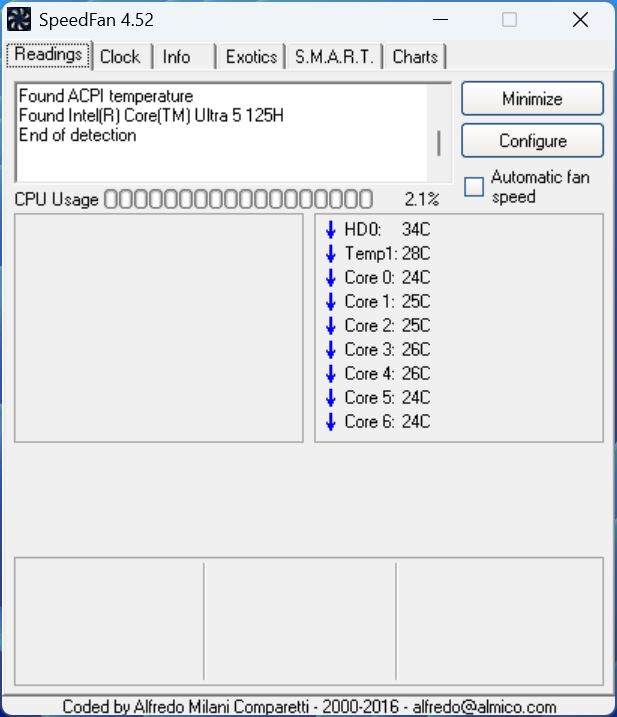
SpeedFan is another well-known, universal fan control tool, but it runs into the same limitations on modern Acer laptops.
MSI Afterburner as a last resort for Acer gaming laptops
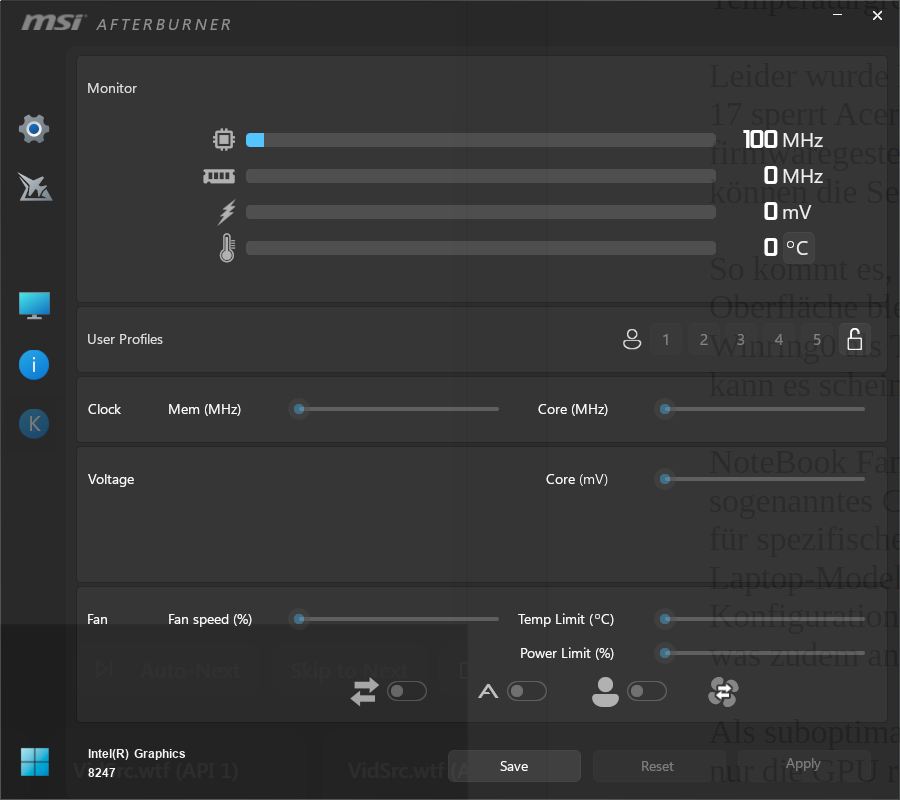
That leaves MSI Afterburner as a suboptimal fallback. Suboptimal because it only controls the GPU, not the CPU. Still, the 43 MB tool allows users to create profiles for GPU clocks and fan behavior, offering at least some level of control over thermals and performance.
Conclusion – Why there is currently no real alternative to NitroSense and PredatorSense
For Acer desktop PCs, NotebookFanControl and Fan Control can serve as partial replacements. While they’re nowhere near as refined as G-Helper is for Asus systems, they can cover many basic functions.
Unfortunately, Acer locks fan control on most of its current gaming laptops at the BIOS or embedded controller level. As a result, there is—at least to the best of our knowledge—no serious open-source alternative to NitroSense or PredatorSense on Acer laptops today. MSI Afterburner can handle GPU behavior to some extent, but it does not come close to replacing Acer’s own control software.
 Add as a preferred source on Google


