




Dell XPS features more battery charging options than most other laptops
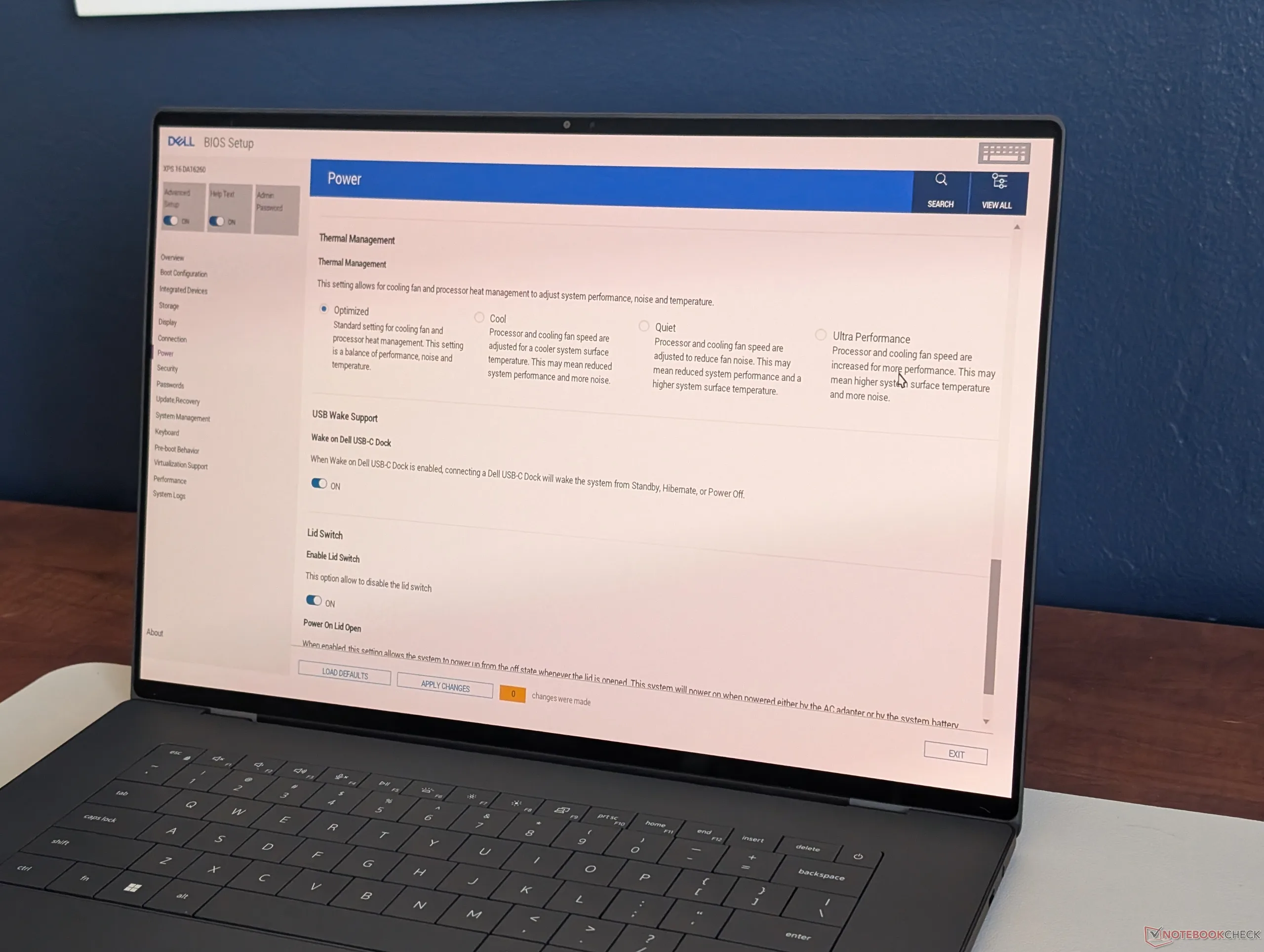
Much like EVs, the Li-ion batteries in laptops tend to degrade over time leading to shorter runtimes with age. A few laptop manufacturers like Asus or LG combat this by including built-in settings that can limit charging to 80 percent or lower, but Dell takes it a step further by including even more intricate settings to extend battery health.
On XPS models in particular, the battery charging and management settings are accessible via the pre-installed Optimizer software or through the BIOS menu. The following selections are available:
- Adaptive mode: System is set to Express Charge mode but will automatically switch to Primary AC mode if plugged into an outlet for more than 12 hours.
- Primary AC mode: If battery state is >80% and "Charge Limiter" is active, the system will enter "Learn Mode" where it will discharge or charge the battery to 80% even if plugged into an outlet.
- Standard mode: Battery will charge to 100% in 3 hours or less when plugged into an outlet. "Charge Limiter" is disabled.
- Express Charge mode: Battery will charge to 100% in 2 hours or less when plugged into an outlet. "Charge Limiter" is disabled.
- Custom mode: Same as Standard mode, but user can set the battery charge limit and discharge factors.
XPS systems ship in "Adaptive mode" by default for maximum battery capacity and charging speeds, but Primary AC mode or Standard mode may be more desirable for longevity's sake depending on your daily usage scenarios.
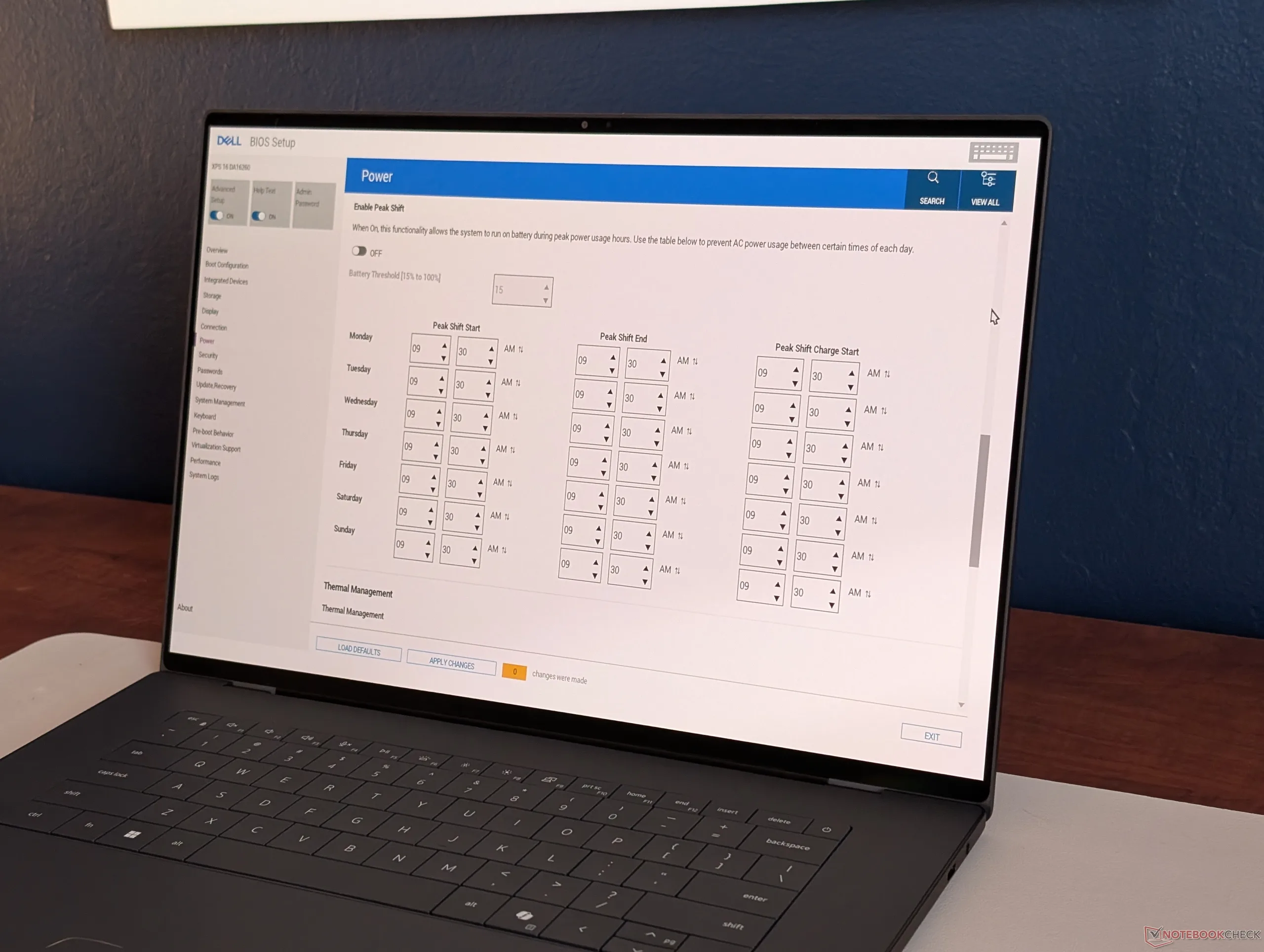
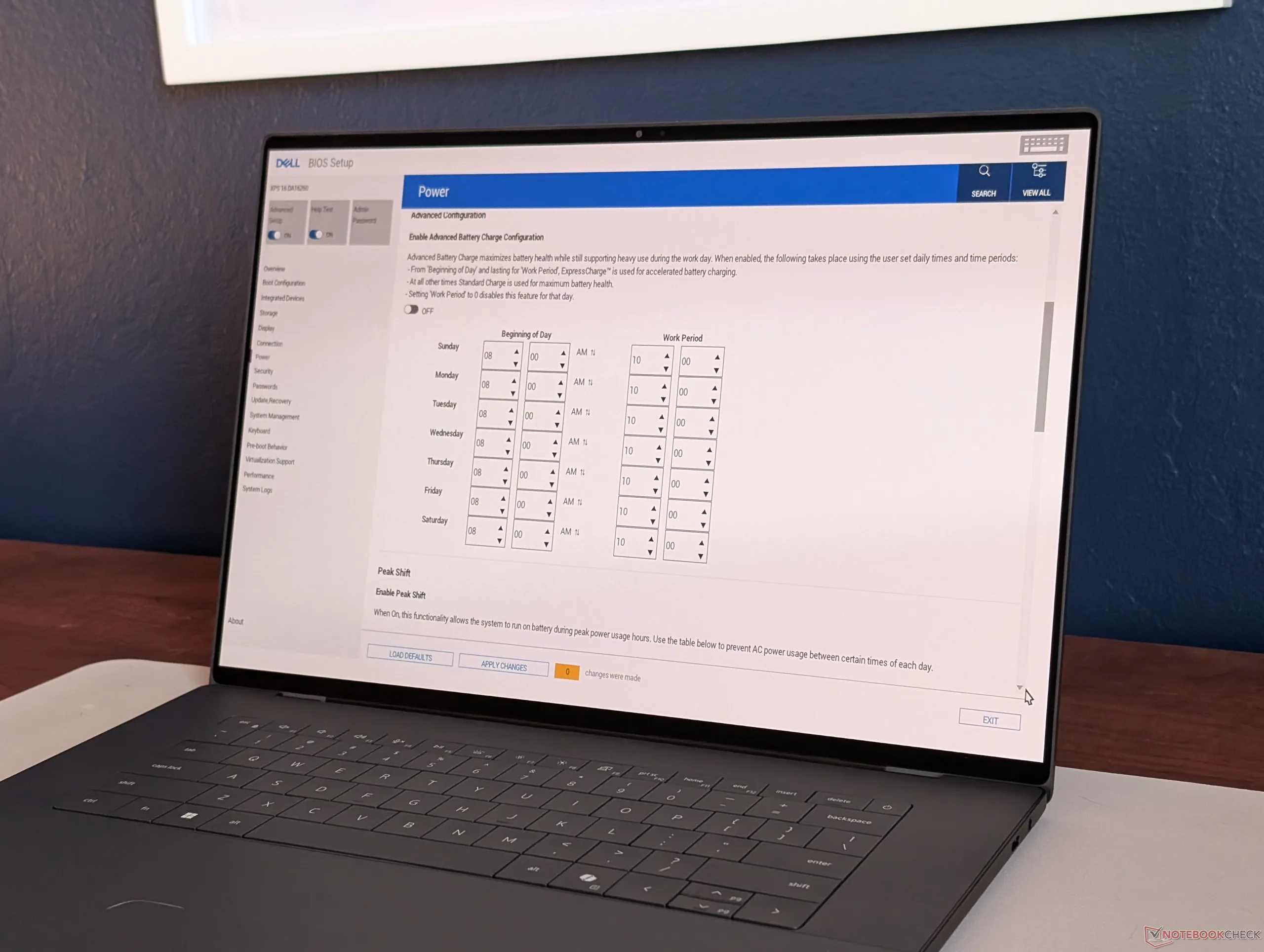
In addition to the above, toggling the "Advanced Setup" key in BIOS opens up several more battery options related to peak shift and charging behavior that are dependent on the time of day to better adapt to user demands. This level of fine-tuning for the battery is also available on some HP models albeit only for pricier, higher-end business laptops like those from the Elite series.
Users can expect the XPS 16 to last anywhere from 10 hours to 20+ hours depending on the configuration as detailed in our recent review of the IPS and OLED SKUs.
(April 17, 2026 update: A recent BIOS update changes the default battery mode from Adaptive to Express Charge.)
Source(s)
Notebookcheck
 Add as a preferred source on Google


