




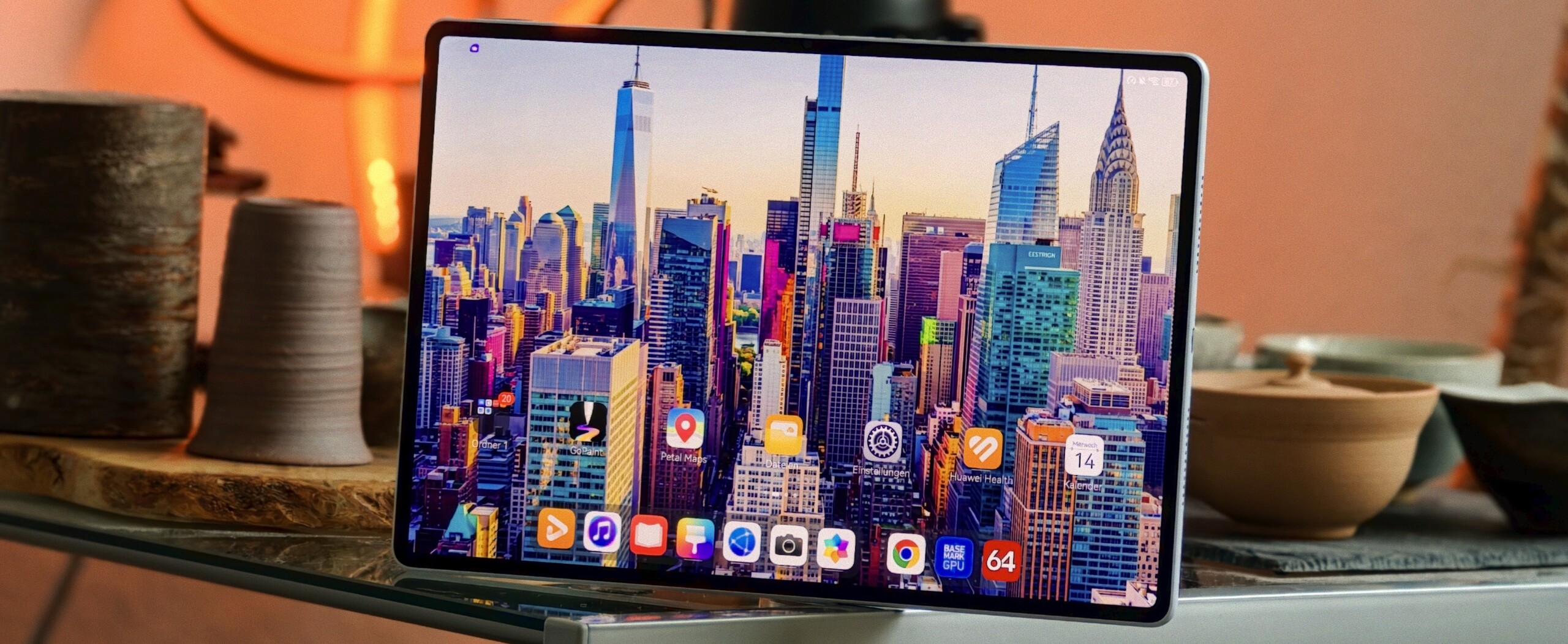
Verdict - Huawei MatePad Air (2026)
The MatePad Air (2026) possesses the hallmark strengths we've come to expect from a Huawei tablet. This mid-range device impresses with its bright display and highly legible "PaperMatte" surface—a feature that makes far more sense when paired with an OLED panel than with an LCD—as well as its top-notch build quality and truly excellent speakers. When compared specifically to the iPad Air, the MatePad Air’s display superiority becomes strikingly apparent, and to call it a "class difference" would almost be an understatement. In this respect, Apple and Huawei's "Air" models are truly worlds apart.
The MatePad Air's highly appealing accessories also make it a great tablet for productive tasks—whether for university or school—as well as an excellent alternative to Apple tablets. Despite this, power users might miss features such as a desktop mode (similar to Samsung DeX) and, potentially, native access to the Google Play Store.
In everyday situations, the Kirin chipset's performance is solid; however, when it comes to graphics performance, Huawei lags significantly behind the competition. We also find it somewhat baffling as to why Huawei has opted against including a secure biometric unlocking method at this price point. The same applies to the absence of a long-term update guarantee—a concern compounded by the ongoing issues regarding Google services.
Pros
Cons
Price and availability - Huawei MatePad Air (2026)
The MatePad Air is available in silver, pink, or light blue. The RRP starts at £699.99 (stylus included), and you can purchase the tablet directly from the Huawei UK store. However, various bundles are also available, including one that comes with a keyboard case.
Table of Contents
- Verdict - Huawei MatePad Air (2026)
- Specifications - Huawei MatePad Air (2026)
- Case - A slim Android tablet with an IP rating
- Features - A large OLED tablet with fast USB 3.2
- Software - Android, but without the official Google PlayStore
- Communication and GNSS - A mid-range tablet with WiFi 7, but without GPS
- Cameras - A 12-inch tablet with 50 megapixels and autofocus
- Accessories and warranty - An Android tablet without a charger, but with a stylus
- Input devices and operation - Unfortunately no fingerprint sensor, but Nearlink is on board
- Display - A large 144 Hz OLED screen with PWM dimming
- Performance - An Android tablet that doesn't pack a Qualcomm or Mediatek chipset
- Emissions - A large OLED tablet with minimal waste heat
- Battery life
- Notebookcheck overall rating
- Possible alternatives compared
Specifications - Huawei MatePad Air (2026)
Case - A slim Android tablet with an IP rating
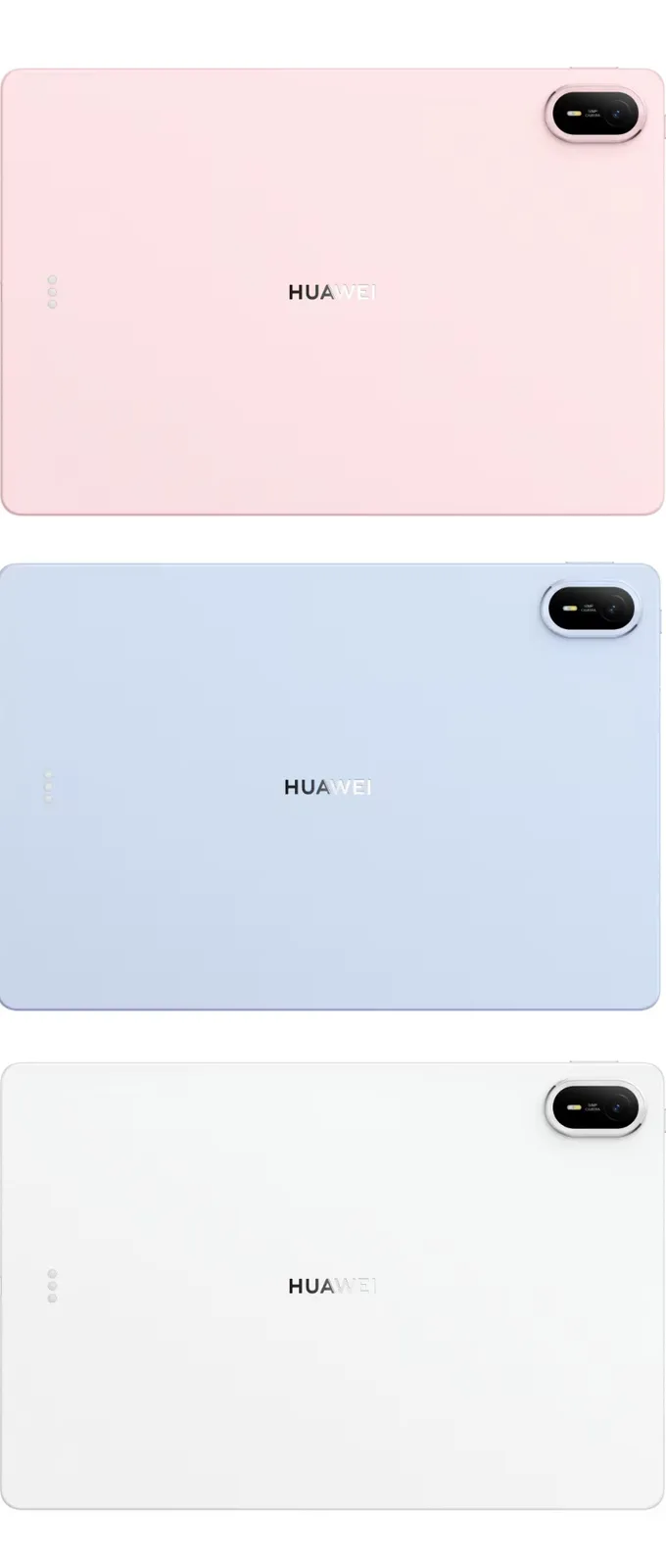
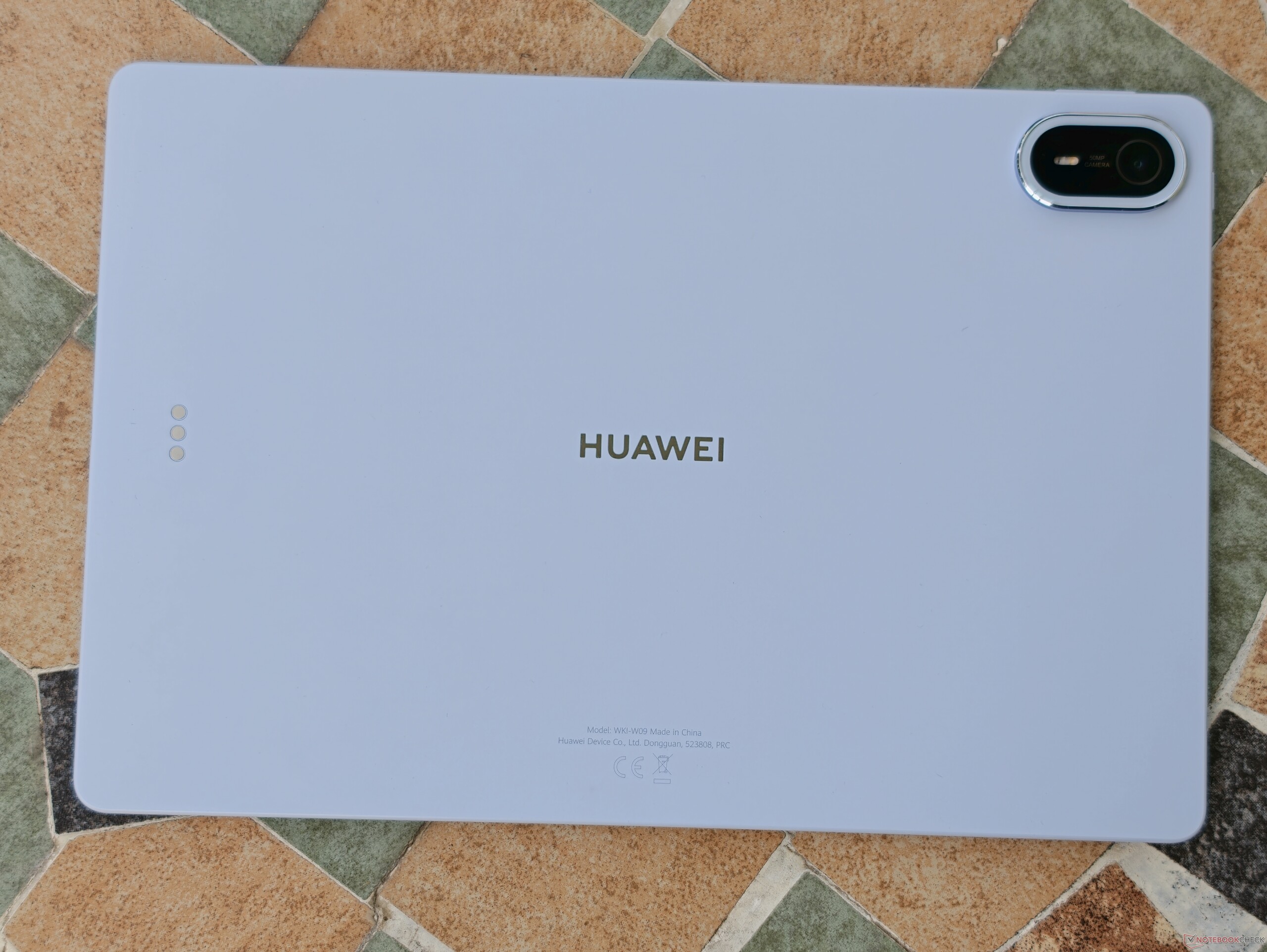
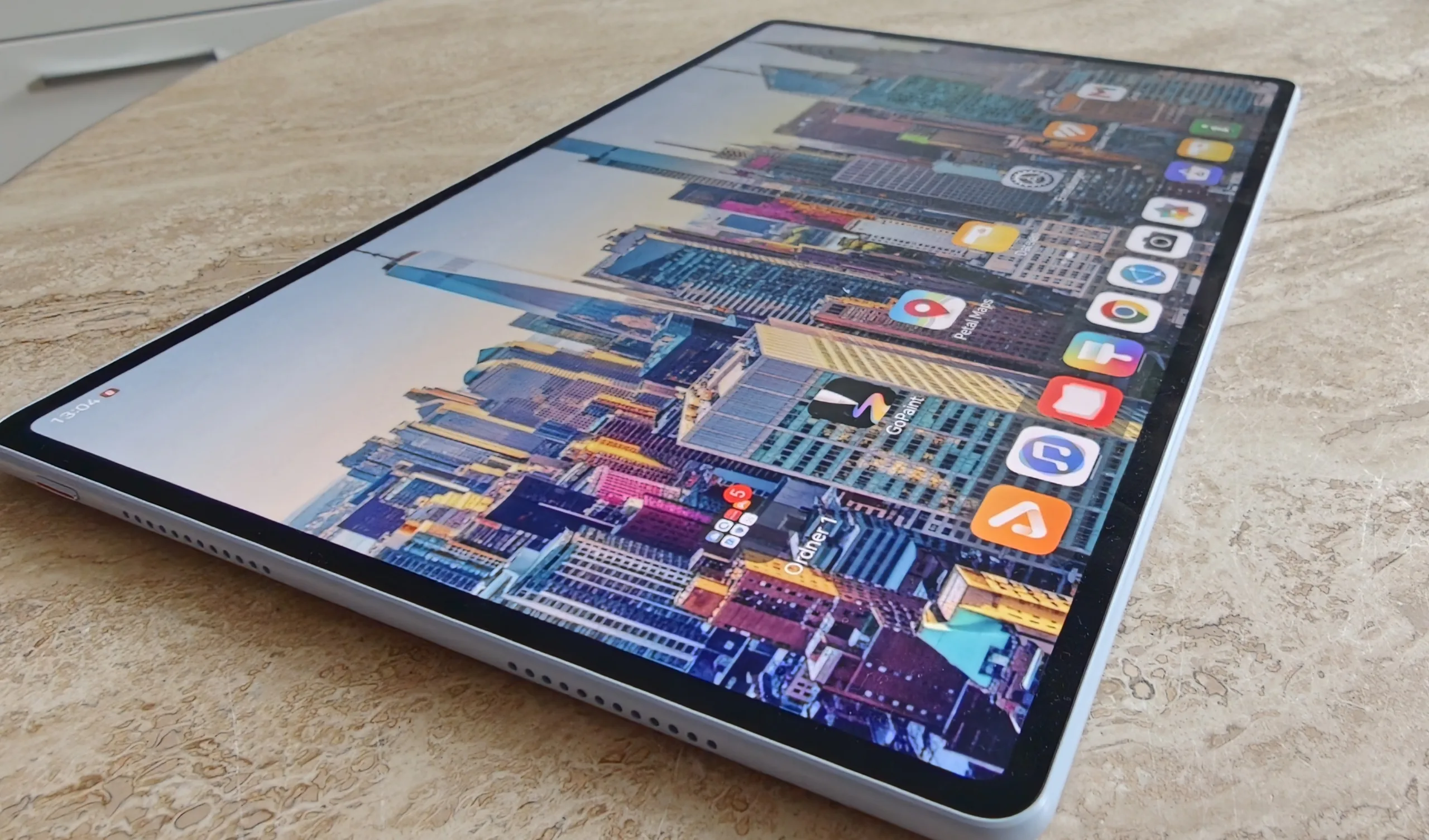
With the new Air model, Huawei has primarily focused on redesigning the camera module. At 5.3 millimeters thick and tipping the scales at 509 grams, the case is thinner and lighter than its predecessor.
The screen bezels are symmetrical and, according to the manufacturer, only 4.6 millimeters wide. This results in a good screen-to-body ratio of over 86 percent. For comparison, the Apple iPad Air 11 (2026) only manages 80.9 percent.
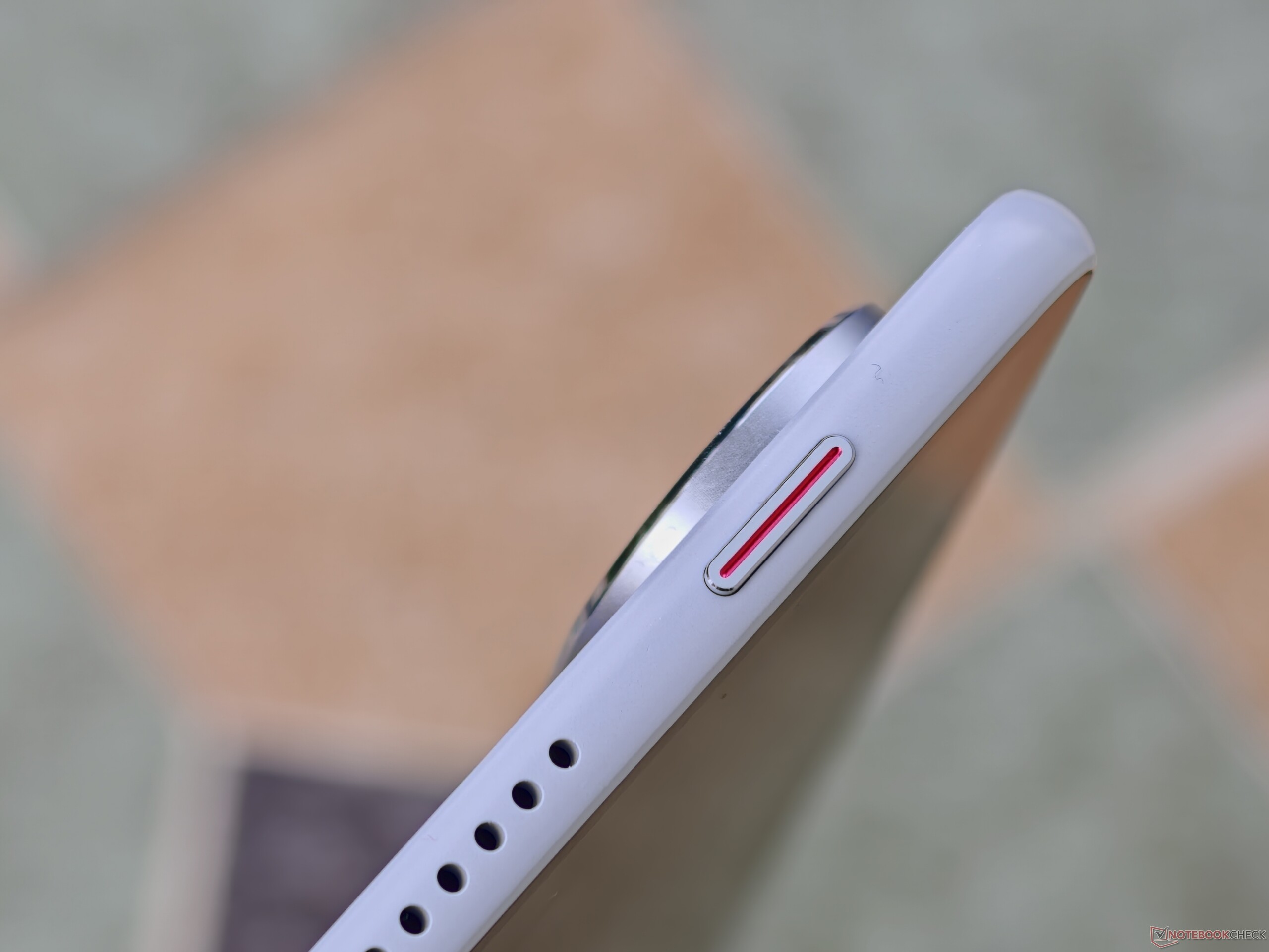
The metal unibody design features a pearlescent finish and feels good in the hand. The build quality of the IP42-certified chassis is also impressive. Furthermore, the compatible Huawei stylus can be attached magnetically to the MatePad Air.
Features - A large OLED tablet with fast USB 3.2
With six speakers, Bluetooth 6.0, and a fast USB port, the MatePad Air is ideally suited for multimedia applications. Huawei has equipped its mid-range tablet with a USB 3.2 Gen 1 port, and we measured data transfer rates of up to 254 MB/s using a Samsung SSD (model T7). Thanks to USB OTG, USB flash drives can also be easily connected.
With the help of an adapter, the USB port can be used as an output for video signals to external monitors. However, only the screen content is mirrored. A desktop mode, such as the DeX mode seen on Samsung tablets, is not available.
Software - Android, but without the official Google PlayStore
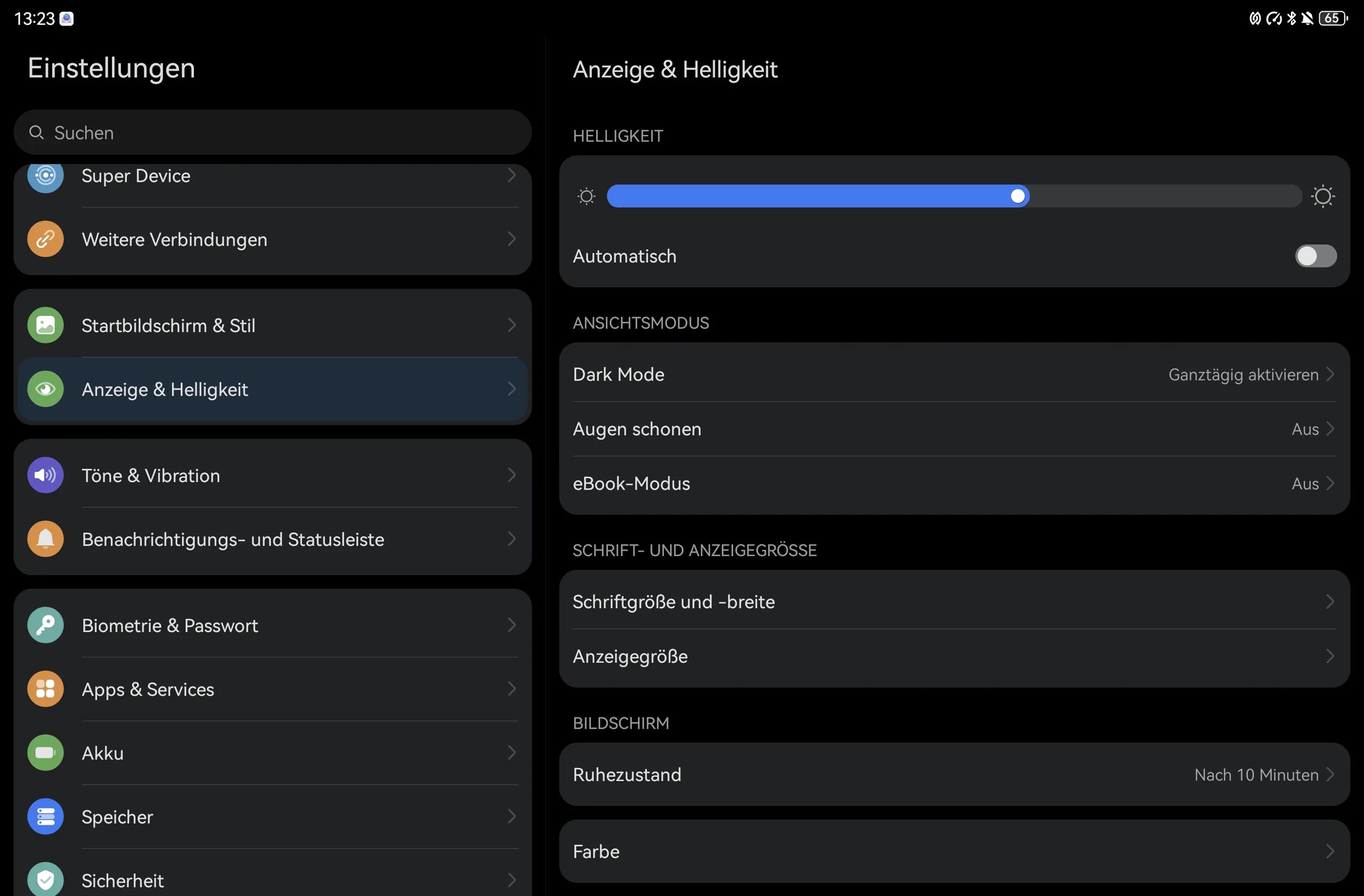
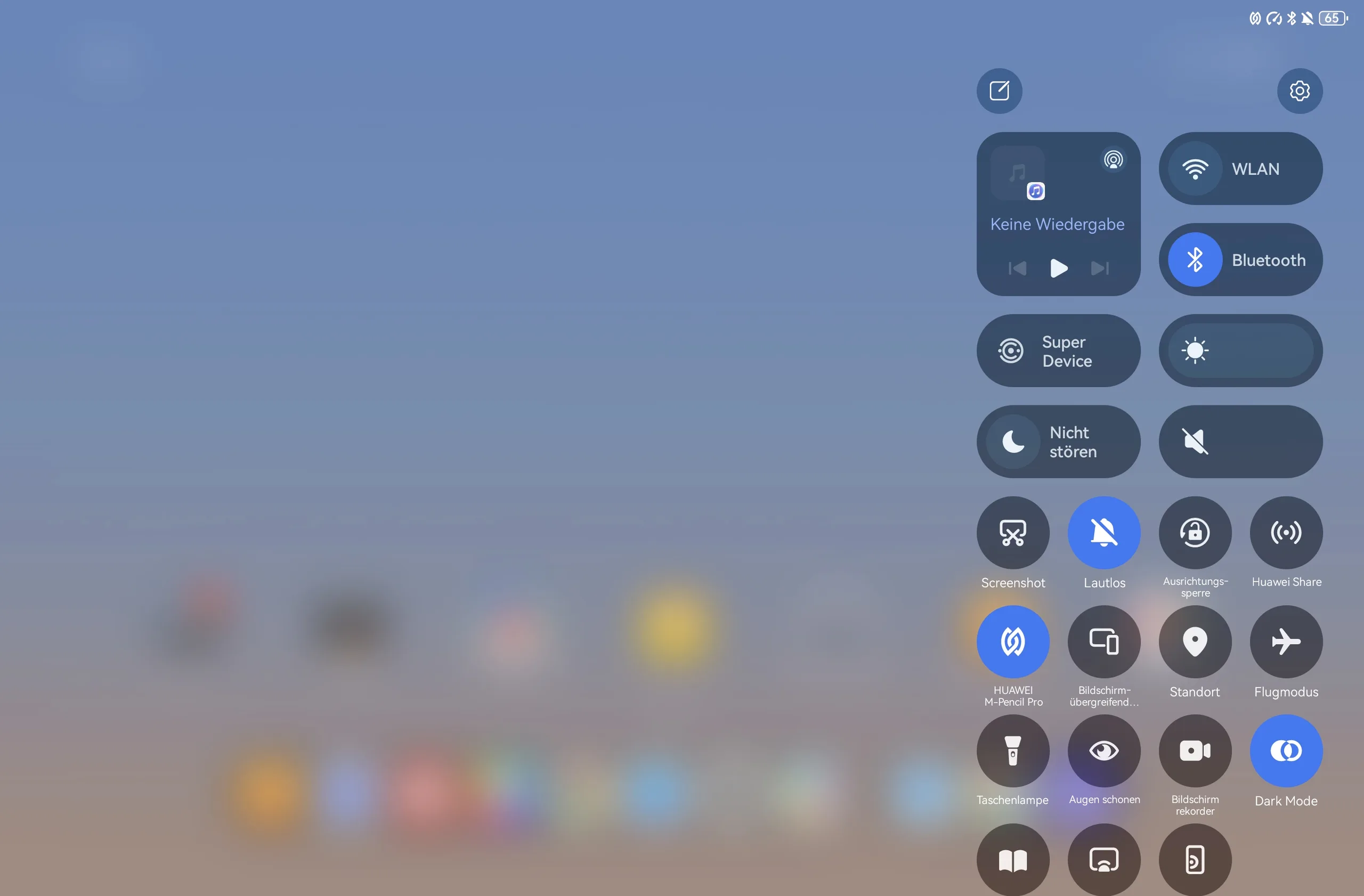
When it comes to the MatePad Air, the software topic remains one of Huawei's key considerations. This mid-range tablet runs on HarmonyOS 4.3, which is based on open-source Android 12 and does not include Google Play services out of the box. However, you can still access the Play Store library by using the Aurora Store, which can be downloaded directly from the AppGallery. You can find out how to do this in the following article.
With the MatePad Air, however, we had to install the original Aurora Store APK file from the developer, as only "Anonymous" mode works (at least currently). Linking a Google account directly via microG was not possible during testing.
Huawei, unlike Samsung or Oppo, doesn't promise a definitive duration for the planned software support. However, Huawei has officially stated that it will comply with EU directives. Consequently, security patches can be expected for a minimum of 6 years.
Sustainability
Huawei has not provided any information regarding sustainability or user-performed repairs. However, when it comes to packaging, Huawei is demonstrating a greater commitment to sustainability, and although the company has avoided the use of obvious plastic components, the boxes are still wrapped in plastic film.
Communication and GNSS - A mid-range tablet with WiFi 7, but without GPS
Huawei doesn't offer a cellular option for its MatePad Air, and that means location tracking via A-GPS or satellite systems isn't supported. For Wi-Fi connectivity, the Huawei tablet utilizes the modern Wi-Fi 7 standard, though it cannot access the 6 GHz band.
In our testing, the MatePad Air achieved high transmission speeds of nearly 2,800 Mbit/s when sending data. Top-tier smartphones, such as the Find X9 Ultra are still significantly faster.
| Networking | |
| Huawei MatePad Air (2026) | |
| iperf3 transmit Wi-Fi6/7 RT-BE96U | |
| iperf3 receive Wi-Fi6/7 RT-BE96U | |
| Oppo Pad 6 | |
| iperf3 transmit Wi-Fi6/7 RT-BE96U | |
| iperf3 receive Wi-Fi6/7 RT-BE96U | |
| Apple iPad Air 11 M4 2026 | |
| iperf3 transmit AXE11000 6GHz | |
| iperf3 receive AXE11000 6GHz | |
| Honor MagicPad 4 | |
| iperf3 transmit AXE11000 | |
| iperf3 receive AXE11000 | |
| iperf3 transmit AXE11000 6GHz | |
| iperf3 receive AXE11000 6GHz | |
| Huawei MatePad 12 X 2025 | |
| iperf3 transmit AXE11000 | |
| iperf3 receive AXE11000 | |
| Average 802.11 a/b/g/n/ac/ax/be | |
| iperf3 transmit AXE11000 | |
| iperf3 receive AXE11000 | |
| iperf3 transmit AXE11000 6GHz | |
| iperf3 receive AXE11000 6GHz | |
| iperf3 transmit Wi-Fi6/7 RT-BE96U | |
| iperf3 receive Wi-Fi6/7 RT-BE96U | |
| Average of class Tablet | |
| iperf3 transmit AXE11000 | |
| iperf3 receive AXE11000 | |
| iperf3 transmit AXE11000 6GHz | |
| iperf3 receive AXE11000 6GHz | |
| iperf3 transmit Wi-Fi6/7 RT-BE96U | |
| iperf3 receive Wi-Fi6/7 RT-BE96U | |
Cameras - A 12-inch tablet with 50 megapixels and autofocus

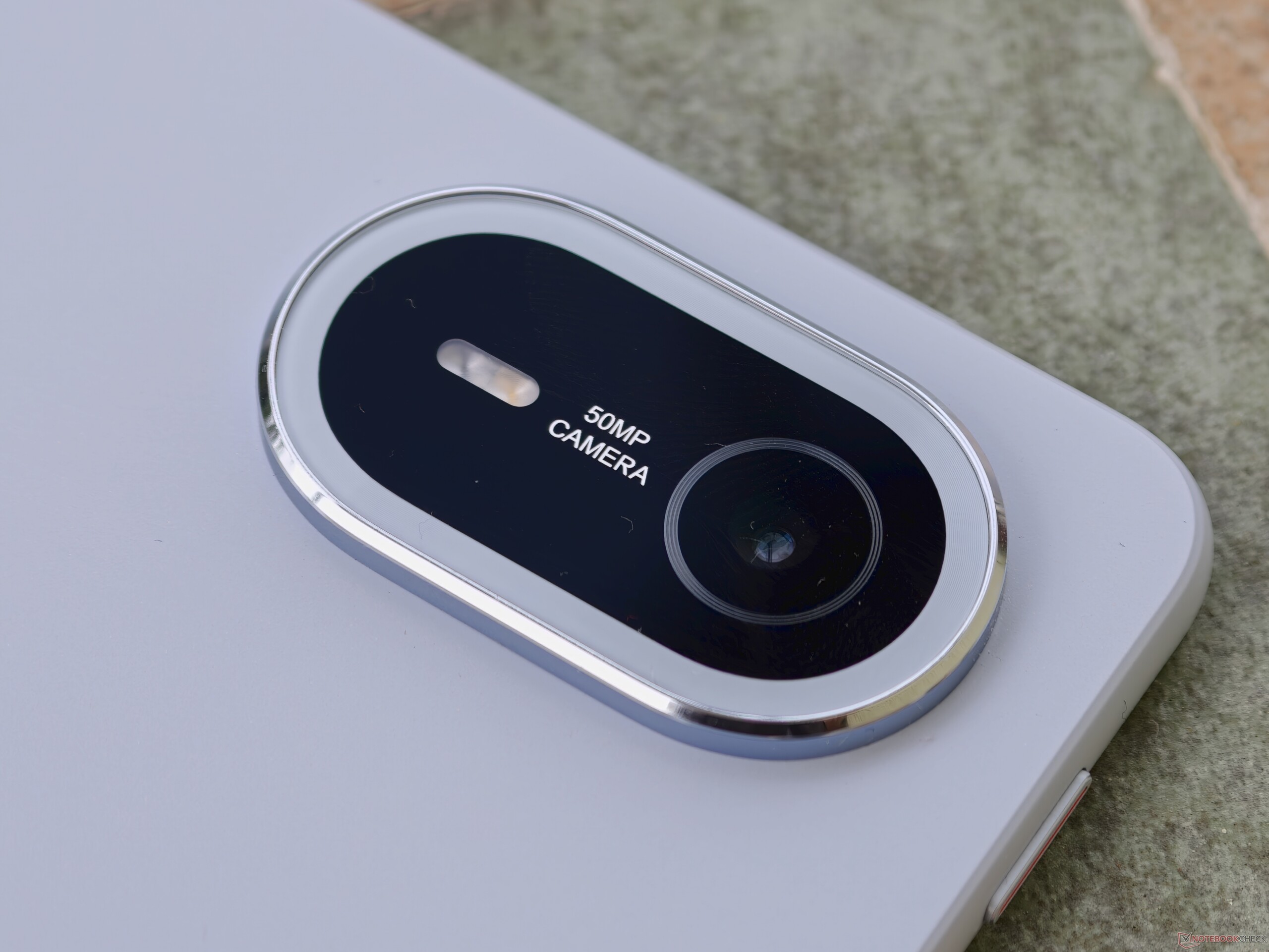
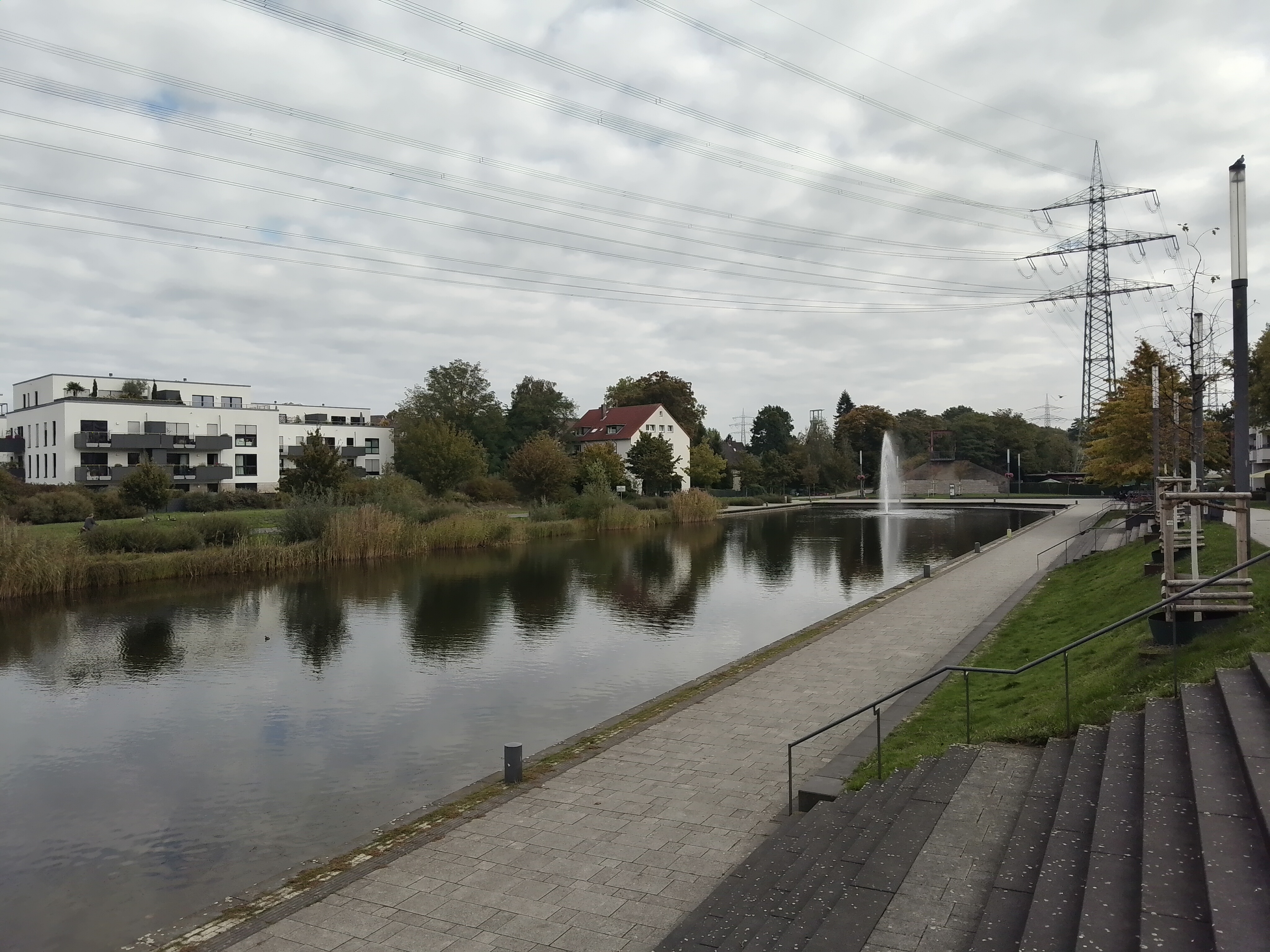
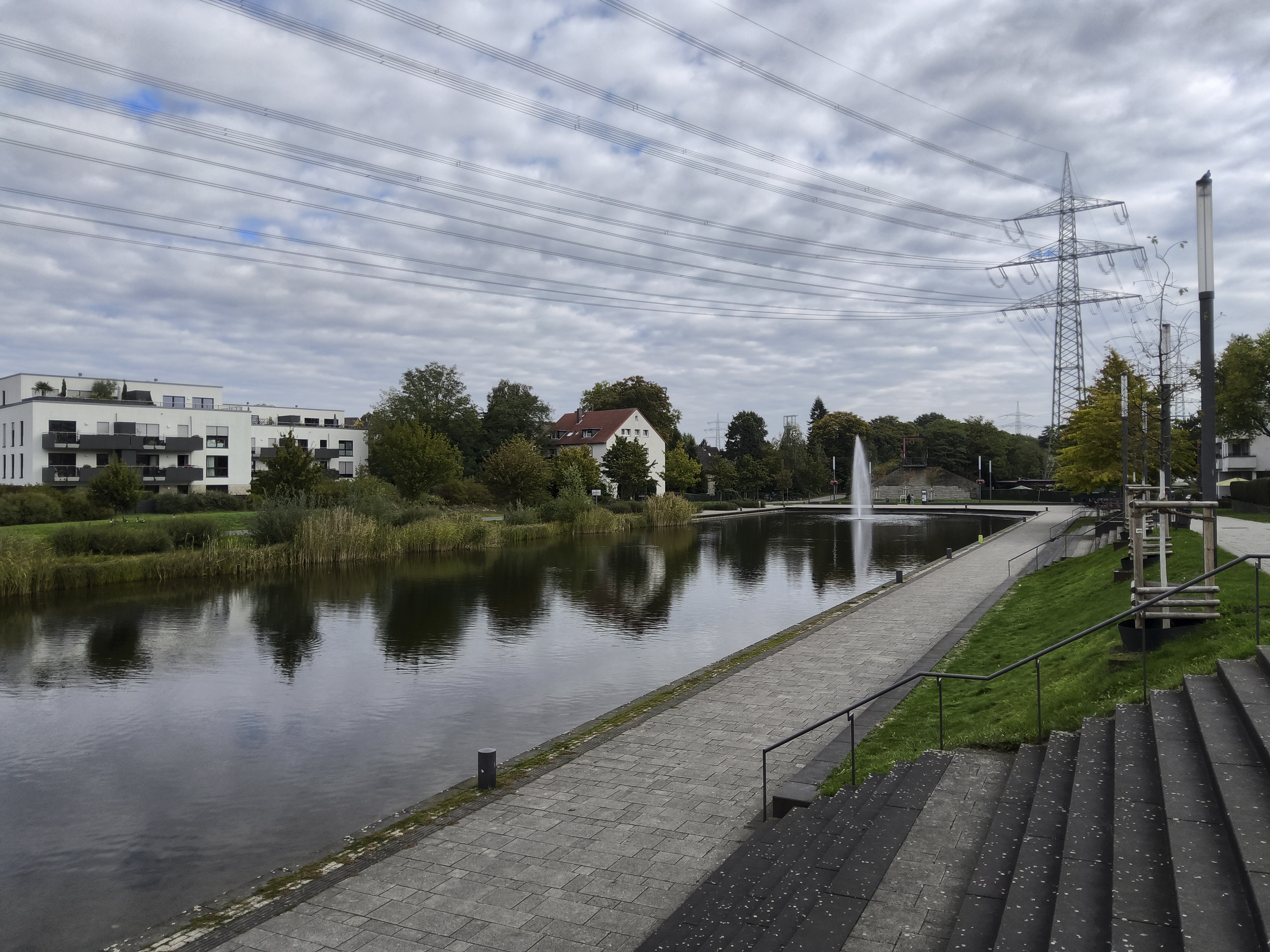
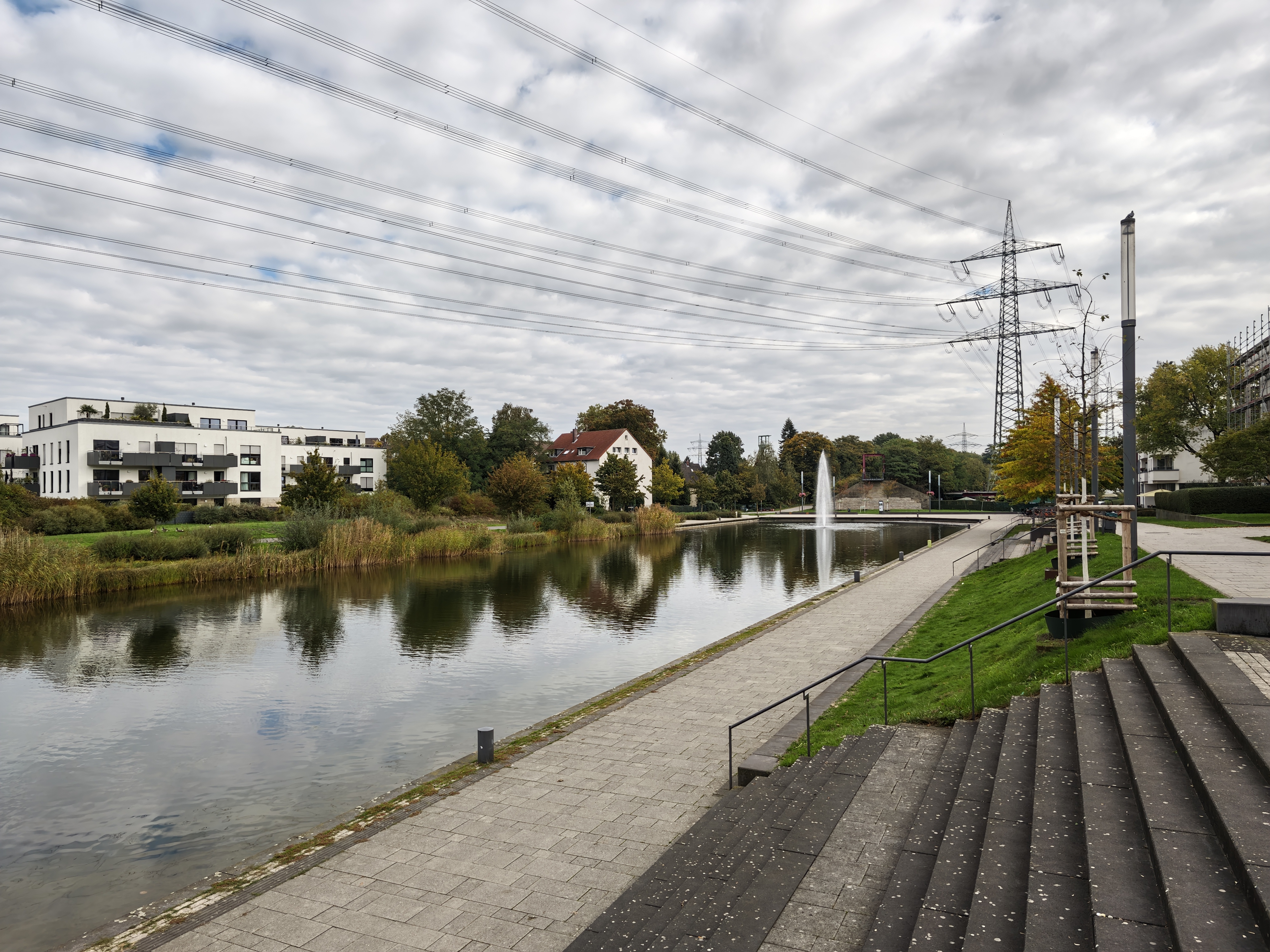
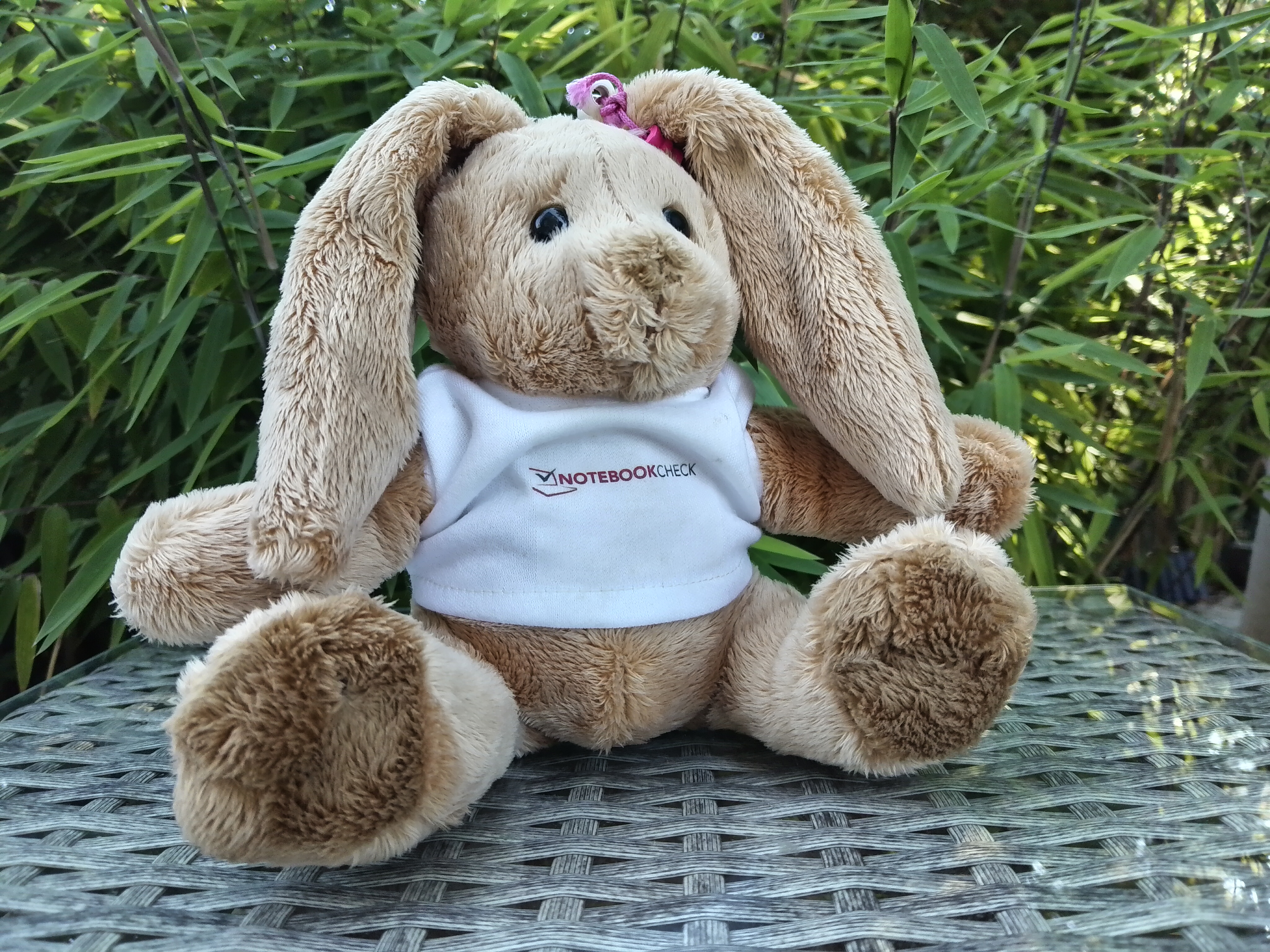
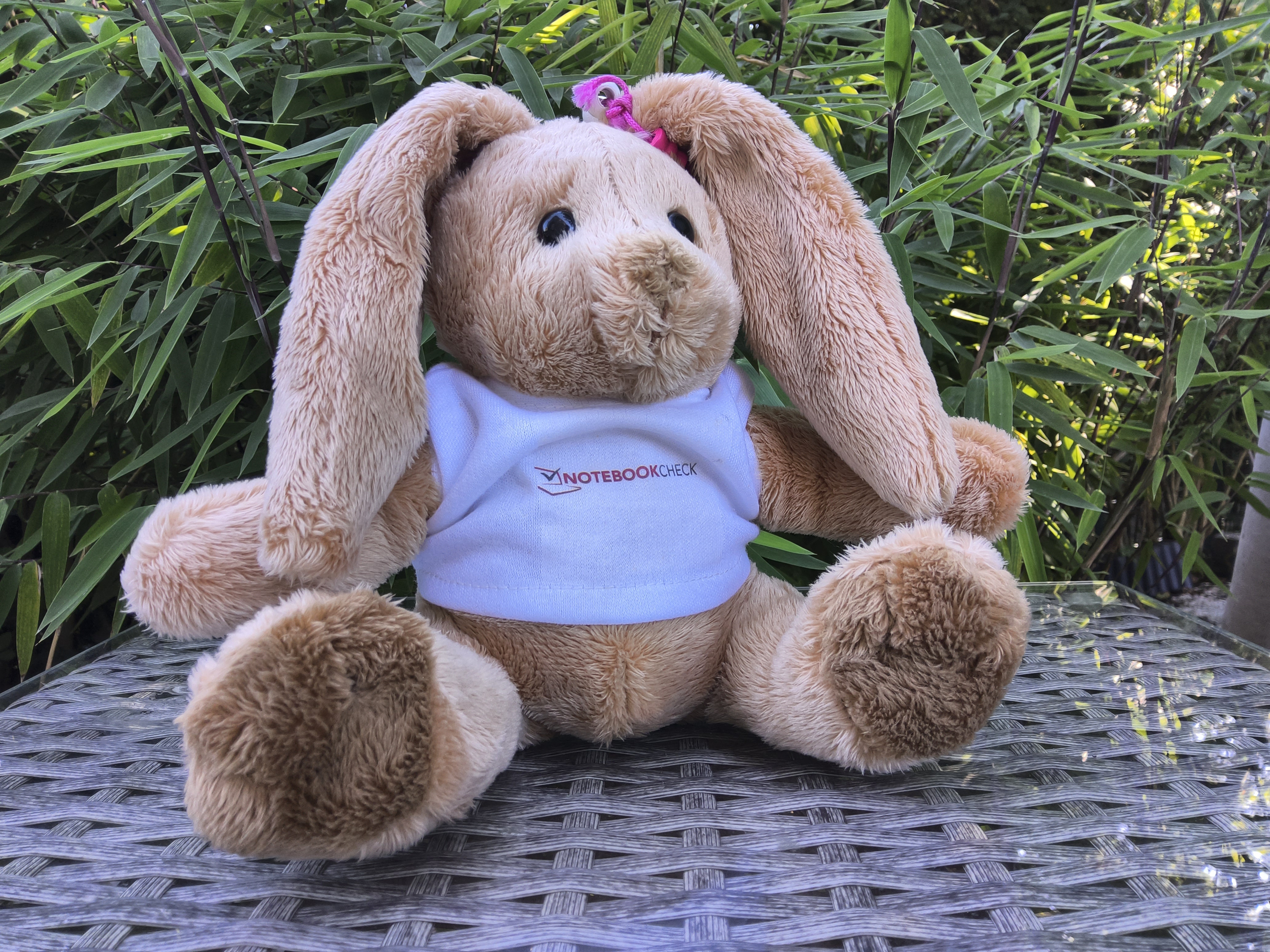
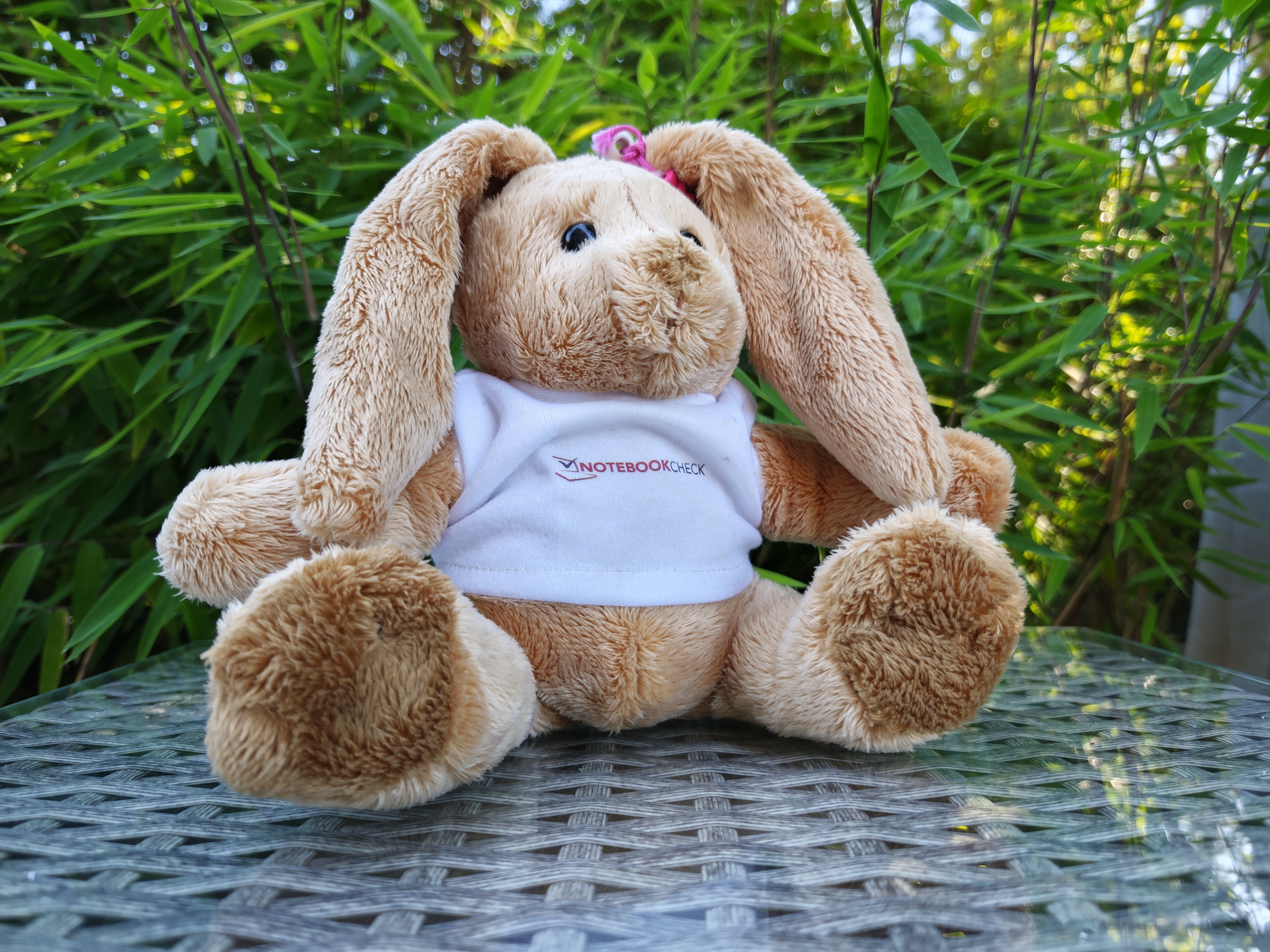
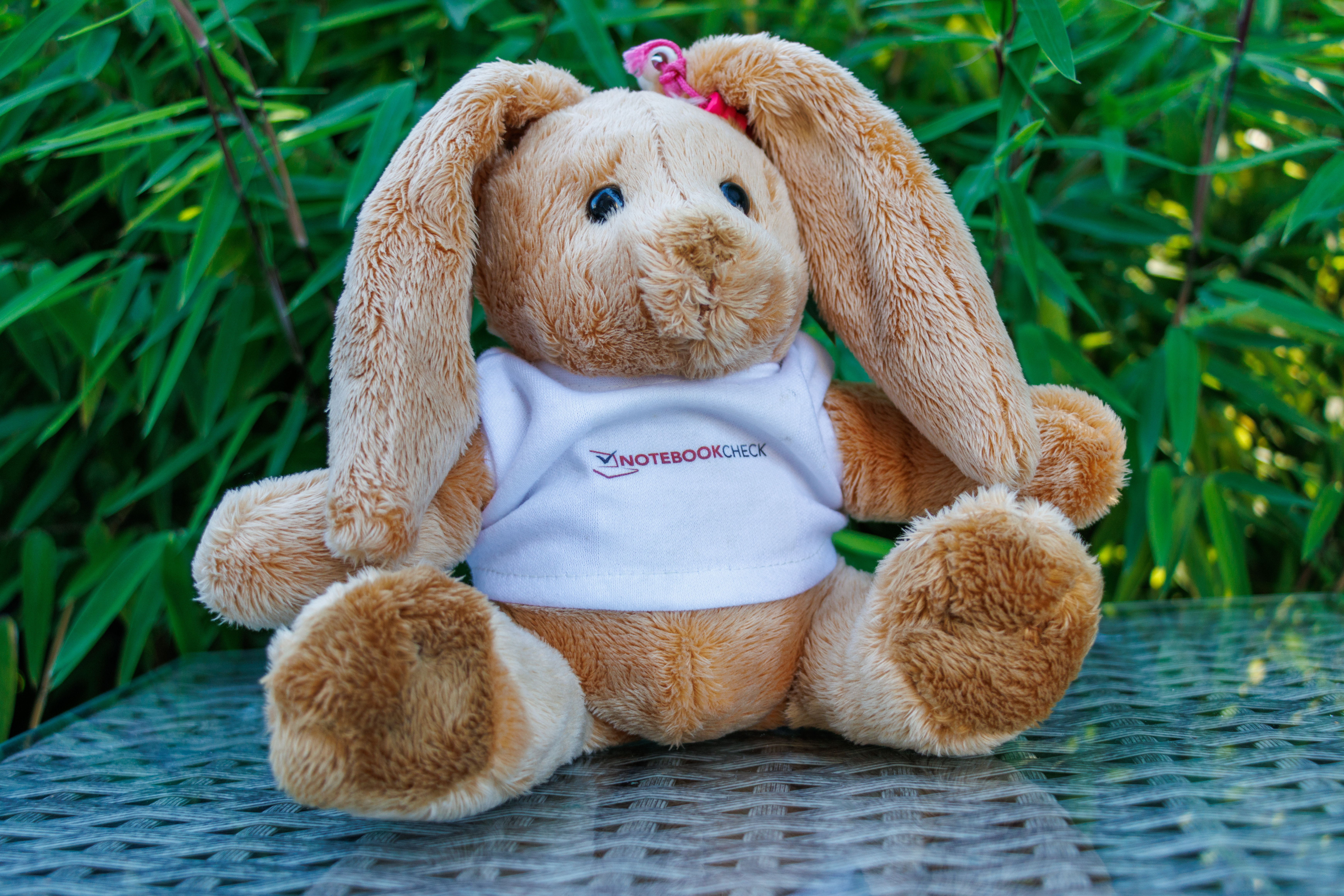
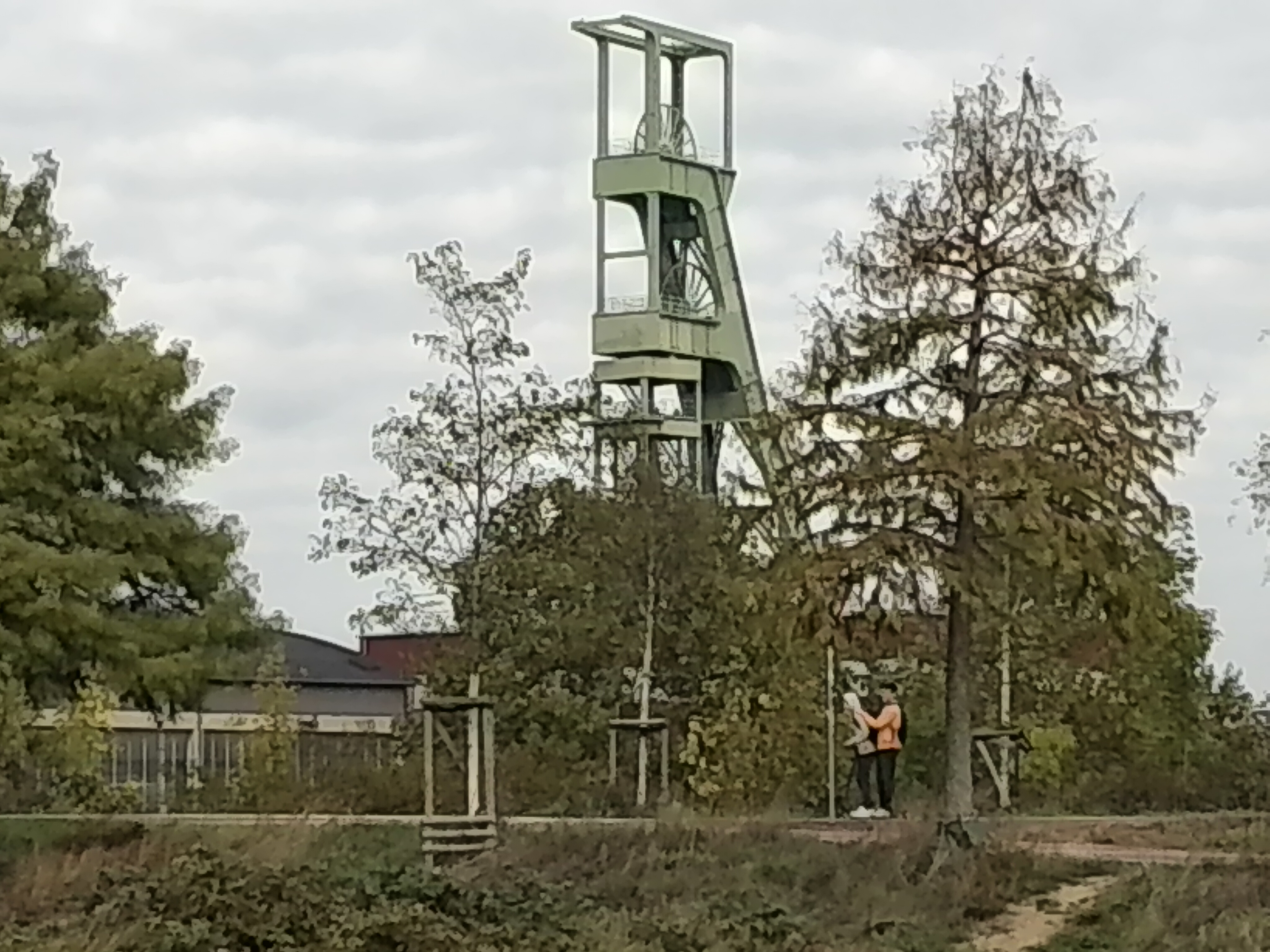
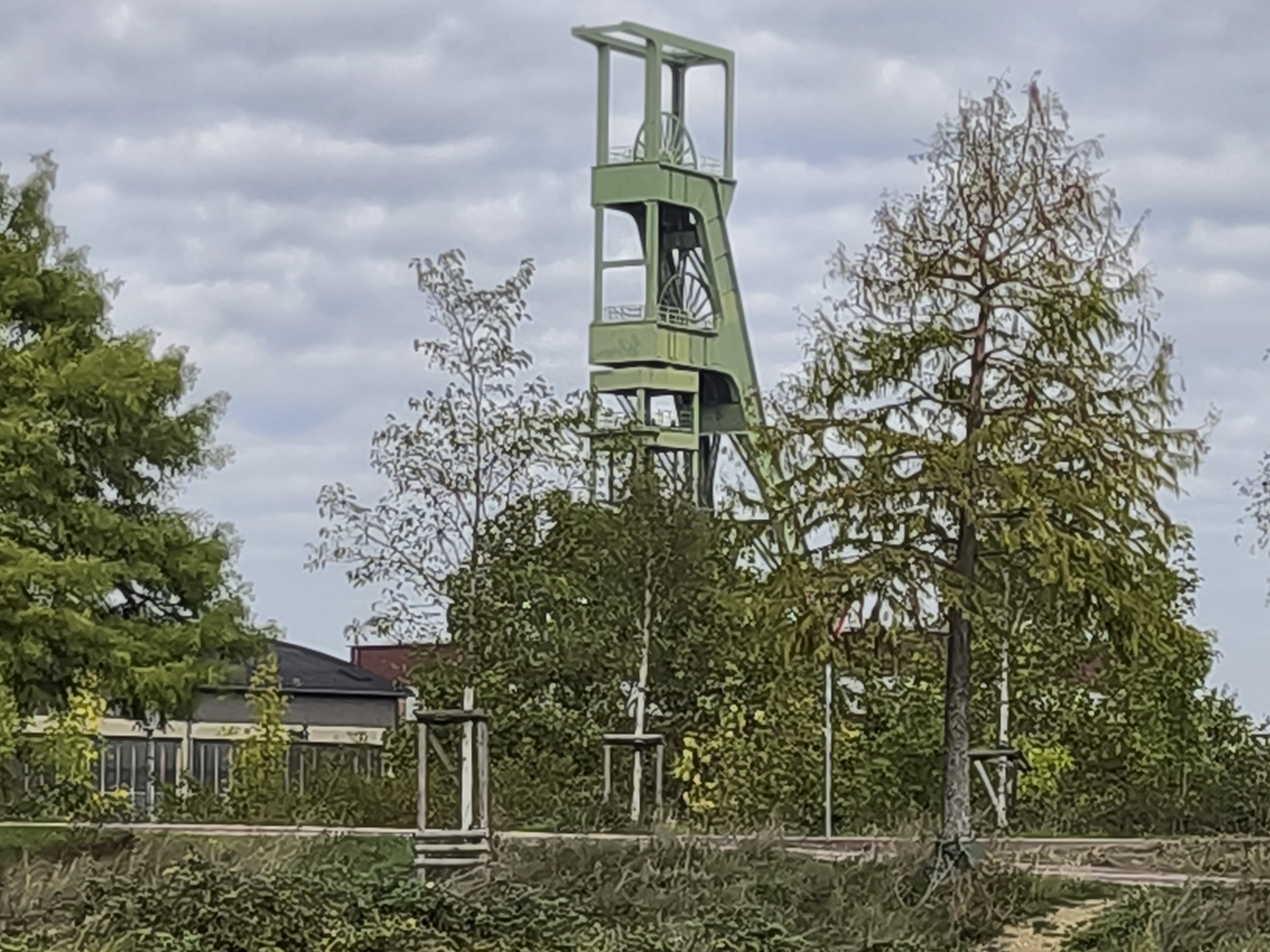
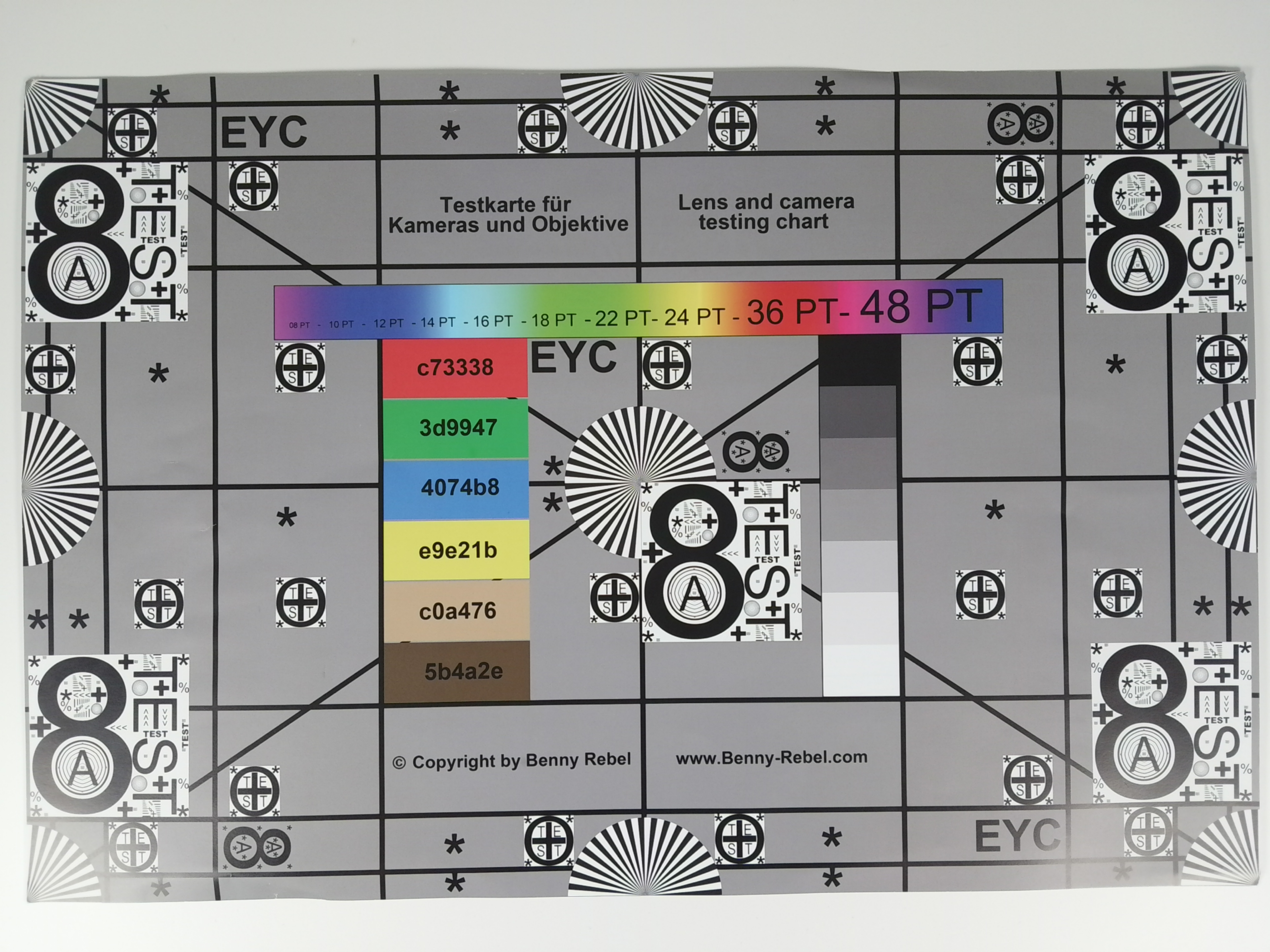
On the front of the device, Huawei has equipped its mid-range tablet with a 12 MP fixed-focus camera. Selfies captured with the MatePad Air are solid, though video recording is limited to a maximum resolution of 1080p. The same applies—for unknown reasons—to the 50 MP rear-facing camera, which also features phase-detection autofocus (PDAF).
Nevertheless, the photo quality is impressive and boasts quite accurate color reproduction. Thanks to the high resolution, the MatePad Air is well-suited for digitizing notes or documents. The digital zoom also benefits from the 50-megapixel sensor—useful, for instance, when you need to enlarge content in a university lecture hall.











Accessories and warranty - An Android tablet without a charger, but with a stylus
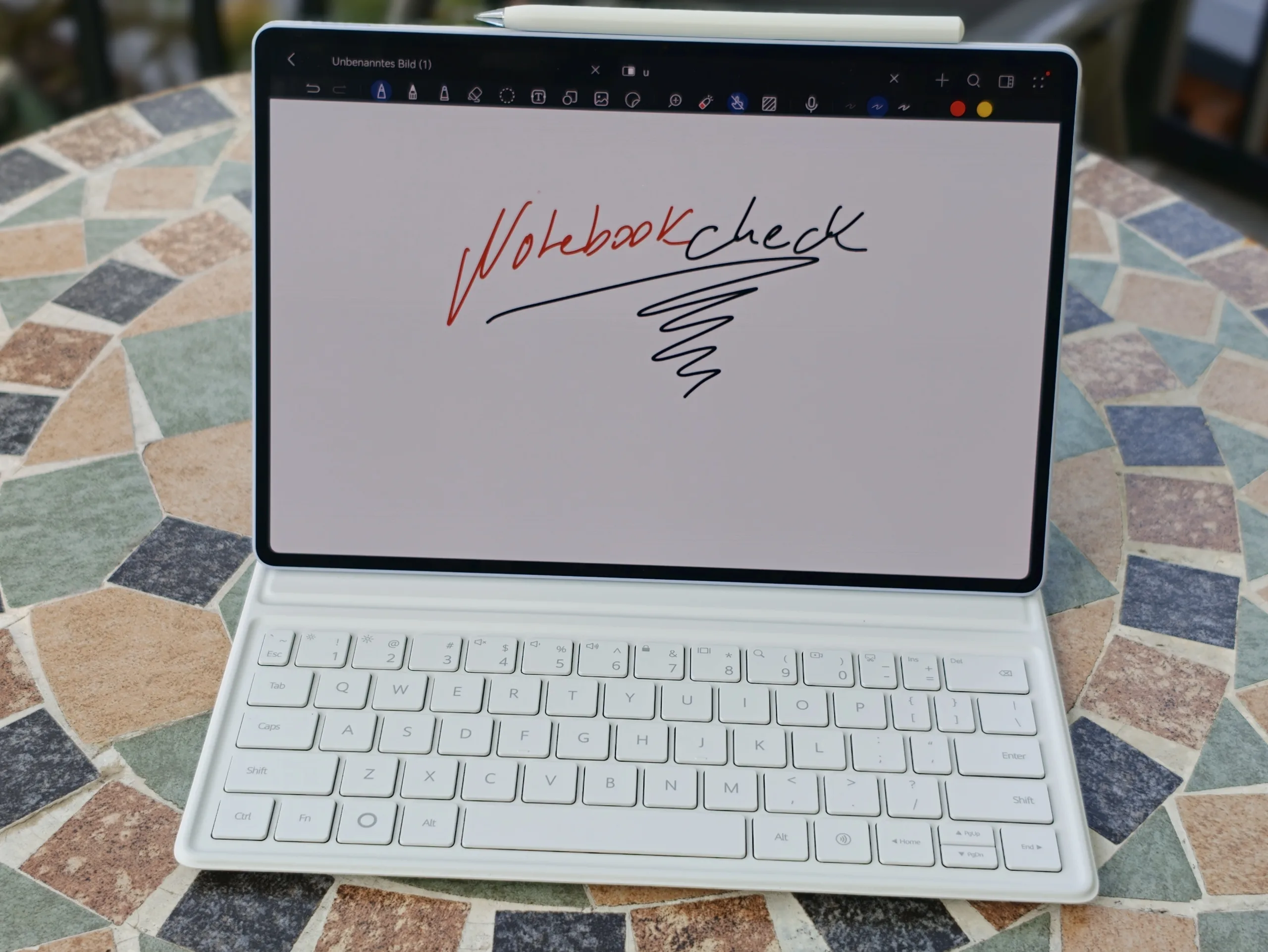
The MatePad Air comes bundled with either the Huawei M-Pencil Pro or a keyboard case featuring a QWERTZ layout. We received the full package for our review, though this version is only available with a QWERTY keyboard. The box also includes a microfiber cloth and a USB-C cable. A compatible power adapter is available as an optional purchase from Huawei.
In Germany, the warranty covers 24 months.
Input devices and operation - Unfortunately no fingerprint sensor, but Nearlink is on board
Like most Huawei tablets, the Air model supports NearLink, which is used to connect accessories. The M-Pencil Pro allows for gesture control, as well as contactless page-turning when in "Air Mouse" mode. The writing experience is excellent, and the MatePad Air also features automatic handwriting optimization—converting handwriting into digital text—and an AI-powered learning assistant.
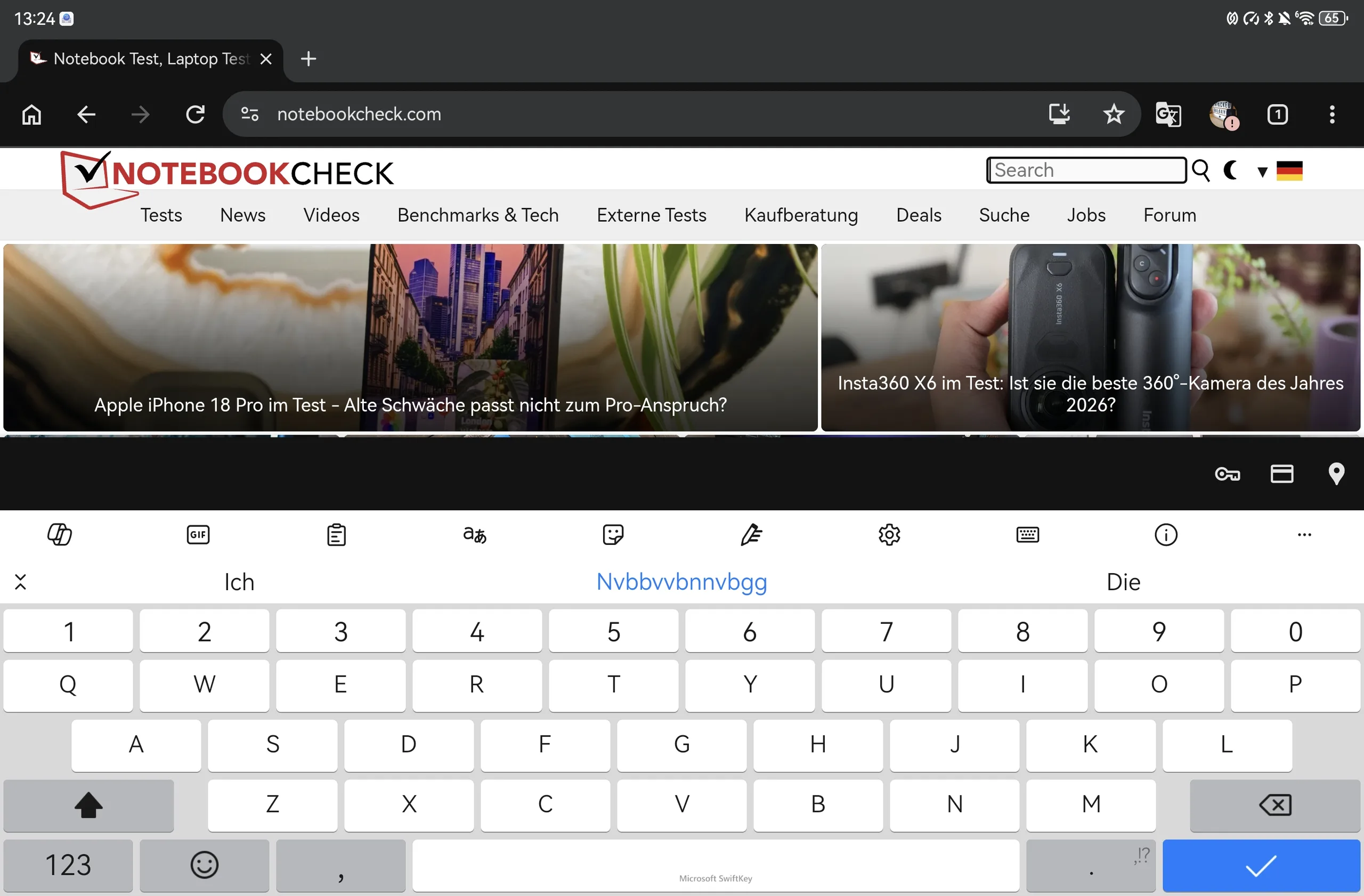
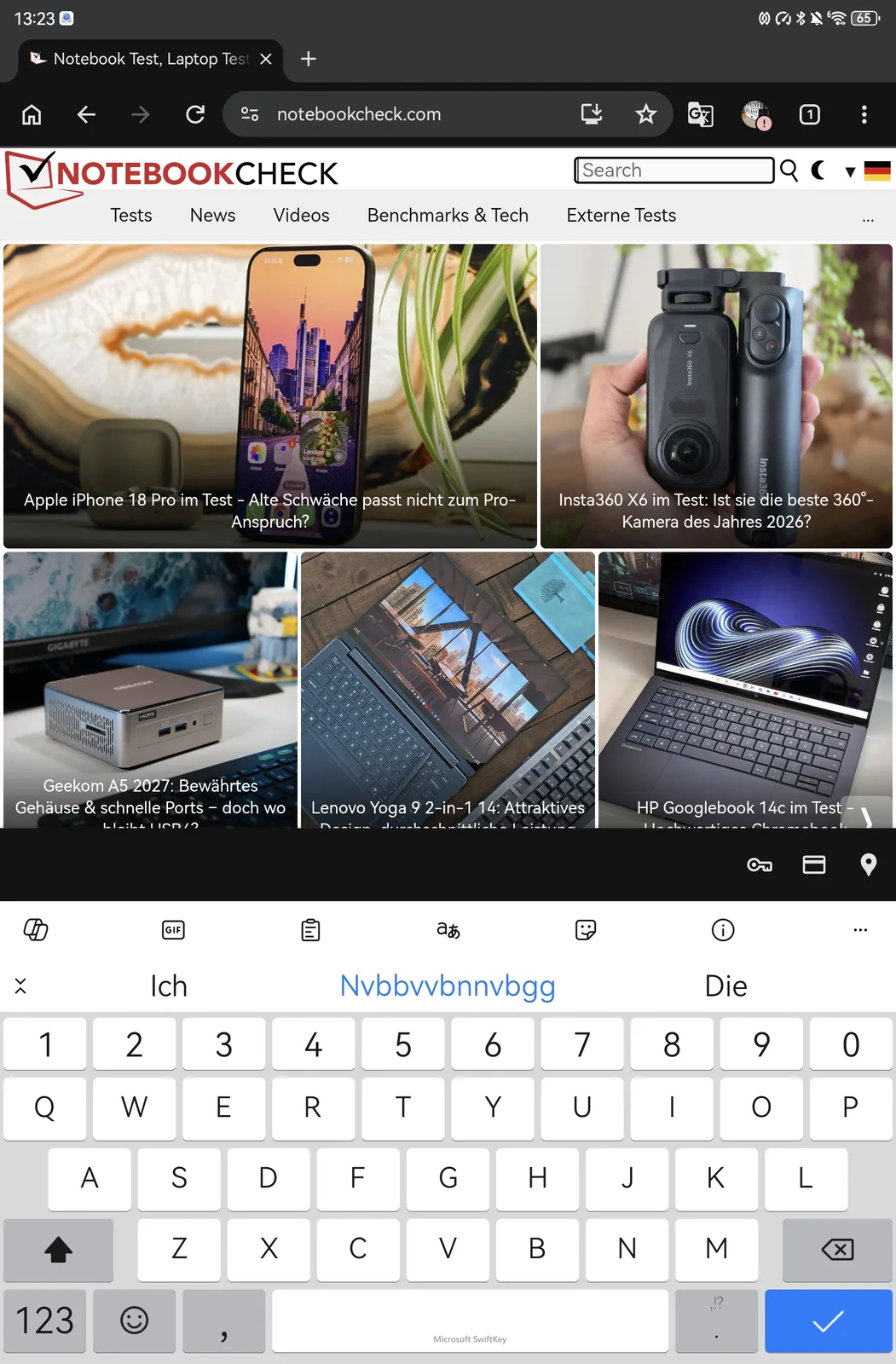
Touch input via one's fingers also works seamlessly on the touchscreen, with commands executed swiftly. Unfortunately, Huawei has not included a vibration motor or a fingerprint sensor. However, the device does come with facial recognition via the front-facing camera, though this method is not considered secure.
Display - A large 144 Hz OLED screen with PWM dimming


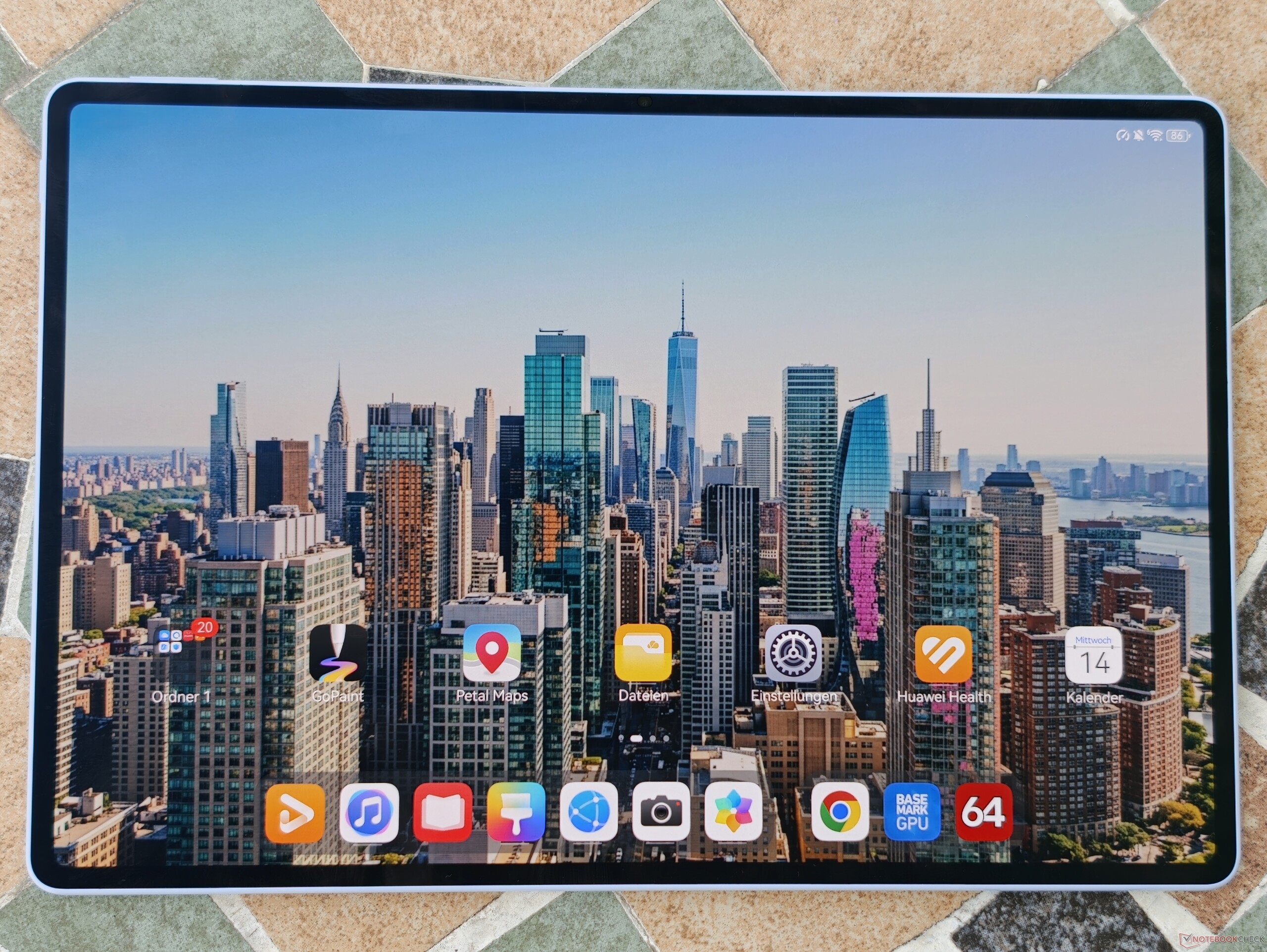
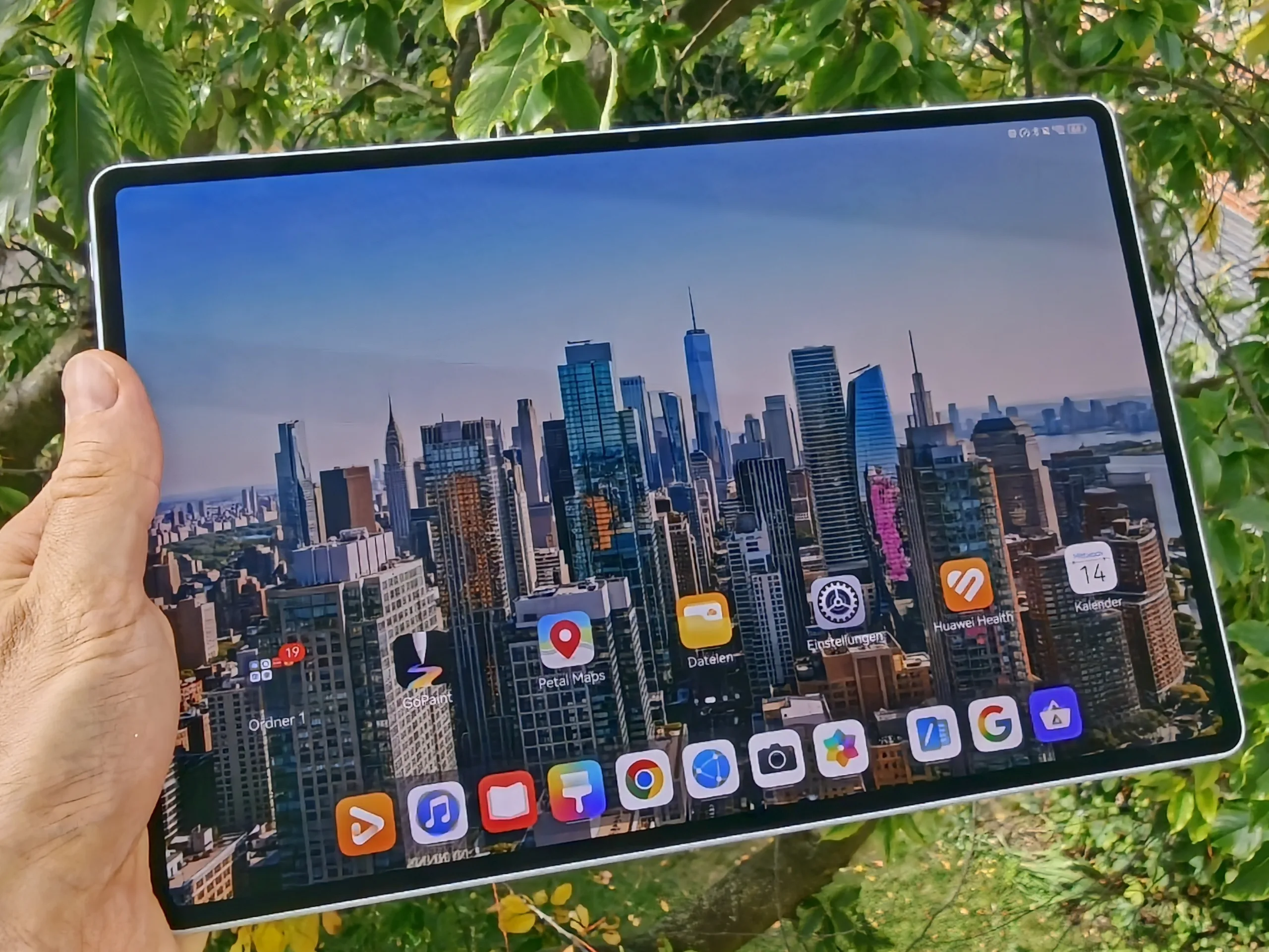
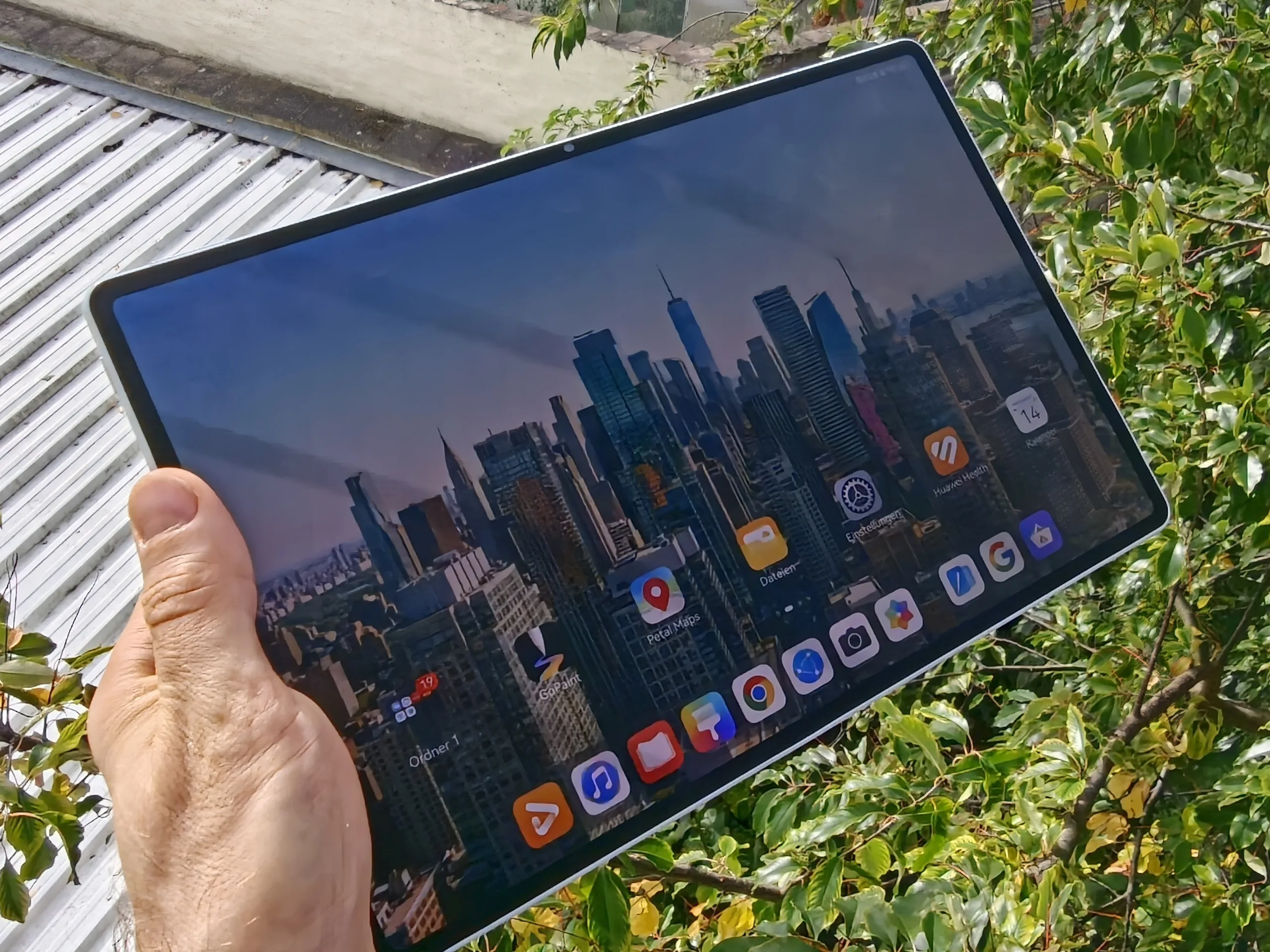
The 12-inch display housed inside the 2026 MatePad Air model utilizes an OLED panel. With its matte surface, 144 Hz refresh rate, and 1840p resolution, this Huawei tablet offers a dream-like viewing experience—whether you’re relaxing on the sofa or using it outdoors.
The peak brightness, exceeding 1,200 cd/m², is exceptionally good for a mid-range tablet and highlights the iPad Air's shortcomings. Only the Honor MagicPad 4 gets noticeably brighter than the MatePad Air.
The "PaperMatte" surface significantly reduces reflections, and the OLED technology ensures that poor black levels are confined to the past. However, the coating does slightly diminish the "wow factor" of deep, true blacks. Additionally, users will have to contend with PWM (pulse-width modulation).
That said, at 360 Hz, the base frequency we measured is quite high, and Huawei has also implemented high-frequency PWM dimming at over 1,400 Hz. Consequently, any issues for users sensitive to PWM should remain minimal.
| |||||||||||||||||||||||||
Brightness Distribution: 96 %
Center on Battery: 777 cd/m²
Contrast: ∞:1 (Black: 0 cd/m²)
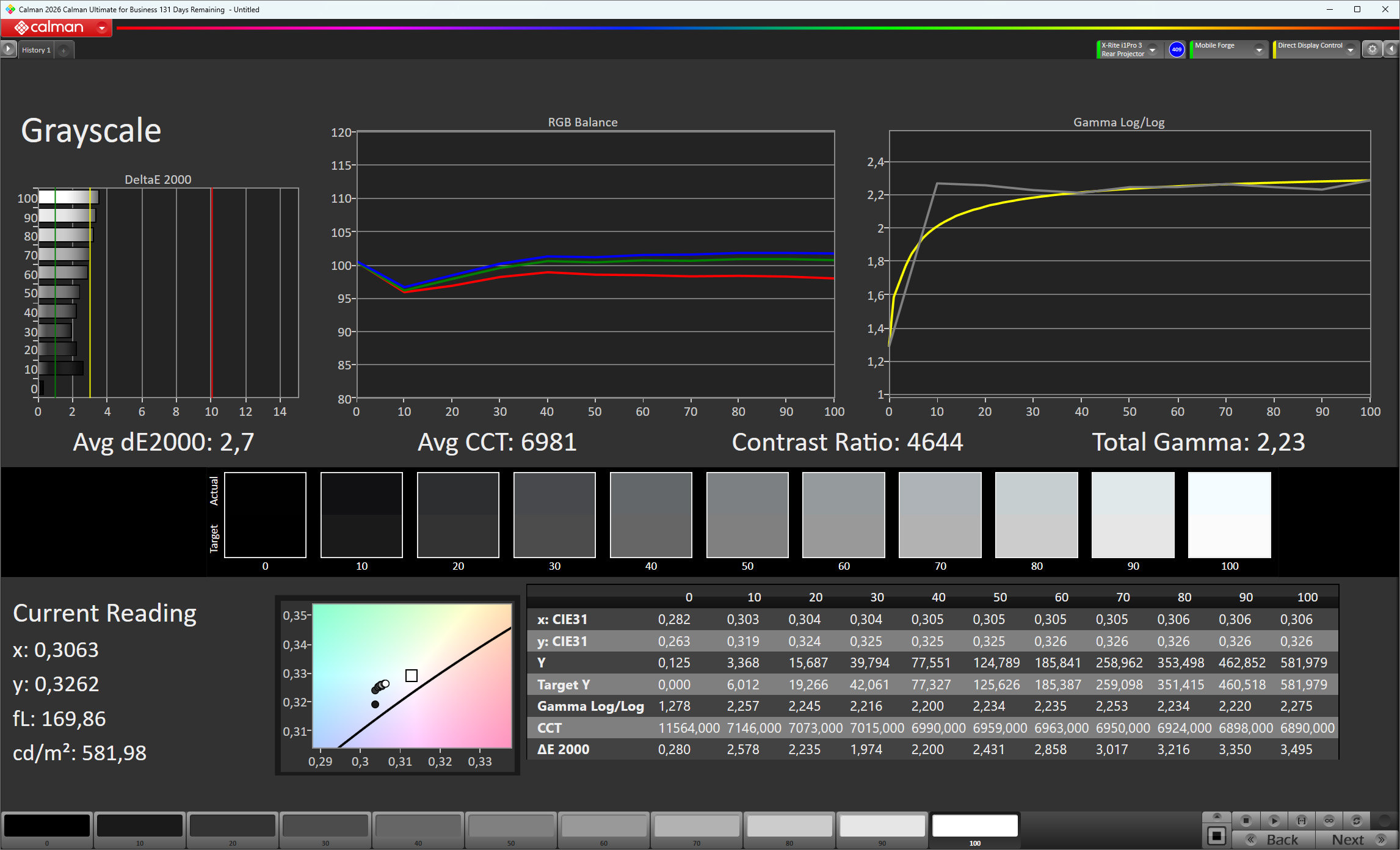
ΔE ColorChecker Calman: 1.6 | ∀{0.5-29.43 Ø4.68}
ΔE Greyscale Calman: 2.7 | ∀{0.09-98 Ø4.93}
100% sRGB (Calman 2D)
Gamma: 2.23
CCT: 6981 K
| Huawei MatePad Air (2026) OLED, 2800x1840, 12" | Oppo Pad 6 LCD, 3000x2000, 12.1" | Apple iPad Air 11 M4 2026 IPS, 2360x1640, 10.9" | Honor MagicPad 4 OLED, 3000x1920, 12.3" | Huawei MatePad 12 X 2025 LCD, 2800x1840, 12" | |
|---|---|---|---|---|---|
| Display | -22% | -56% | 131% | -18% | |
| APL18 Peak Brightness (cd/m²) | 1203 | 899 -25% | 526 -56% | 2337 94% | 959 -20% |
| HDR Peak Brightness (cd/m²) | 1152 | 929 -19% | 508 -56% | 3084 168% | 965 -16% |
| Response Times | -1076% | -1500% | -354% | -1572% | |
| Response Time Grey 50% / Grey 80% * (ms) | 1.4 ? | 17.2 ? -1129% | 29.6 ? -2014% | 16.6 ? -1086% | 29.44 ? -2003% |
| Response Time Black / White * (ms) | 1.3 ? | 14.6 ? -1023% | 14.1 ? -985% | 0.91 ? 30% | 16.13 ? -1141% |
| PWM Frequency (Hz) | 360 | 60 | |||
| PWM Amplitude * (%) | 15.23 | 16.05 -5% | |||
| Screen | 7% | -18% | 26% | -58% | |
| Brightness middle (cd/m²) | 777 | 821 6% | 513 -34% | 829 7% | 970 25% |
| Brightness (cd/m²) | 768 | 510 -34% | 827 8% | 906 18% | |
| Brightness Distribution (%) | 96 | 98 2% | 90 -6% | 90 -6% | |
| Black Level * (cd/m²) | 0.47 | 0.45 | 0.87 | ||
| Colorchecker dE 2000 * | 1.6 | 1.49 7% | 1.92 -20% | 0.9 44% | 3.6 -125% |
| Colorchecker dE 2000 max. * | 3.5 | 3.24 7% | 4.12 -18% | 1.7 51% | 8.2 -134% |
| Greyscale dE 2000 * | 2.7 | 2.5 7% | 2.8 -4% | 1.3 52% | 6.1 -126% |
| Gamma | 2.23 99% | 2.293 96% | 2.222 99% | 2.25 98% | 2.25 98% |
| CCT | 6981 93% | 6391 102% | 7102 92% | 6601 98% | 7149 91% |
| Contrast (:1) | 1747 | 1140 | 1115 | ||
| Total Average (Program / Settings) | -364% /
-271% | -525% /
-322% | -66% /
-58% | -549% /
-353% |
* ... smaller is better
Screen Flickering / PWM (Pulse-Width Modulation)
| Screen flickering / PWM detected | 360 Hz Amplitude: 15.23 % Secondary Frequency: 1428 Hz | 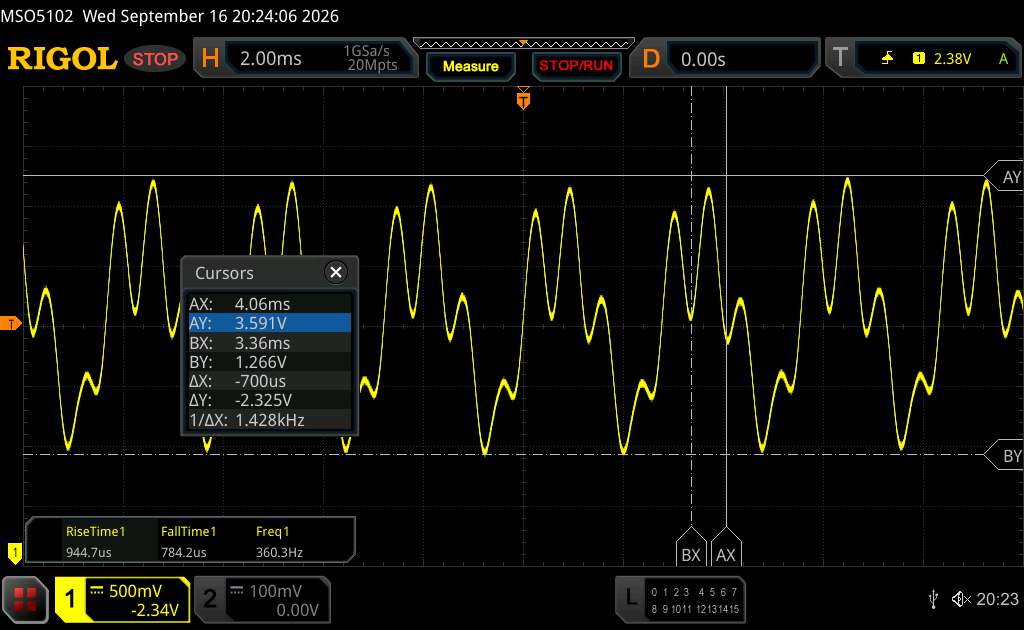 | |
The display backlight flickers at 360 Hz (worst case, e.g., utilizing PWM) . The frequency of 360 Hz is relatively high, so most users sensitive to PWM should not notice any flickering. However, there are reports that some users are still sensitive to PWM at 500 Hz and above, so be aware. In comparison: 52 % of all tested devices do not use PWM to dim the display. If PWM was detected, an average of 7572 (minimum: 5 - maximum: 343500) Hz was measured. | |||
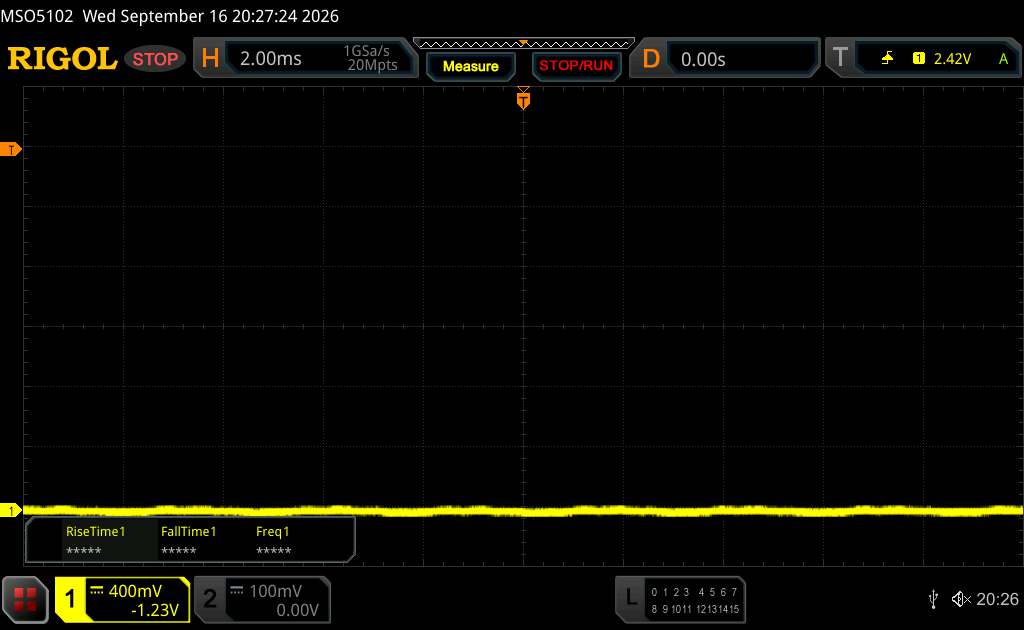
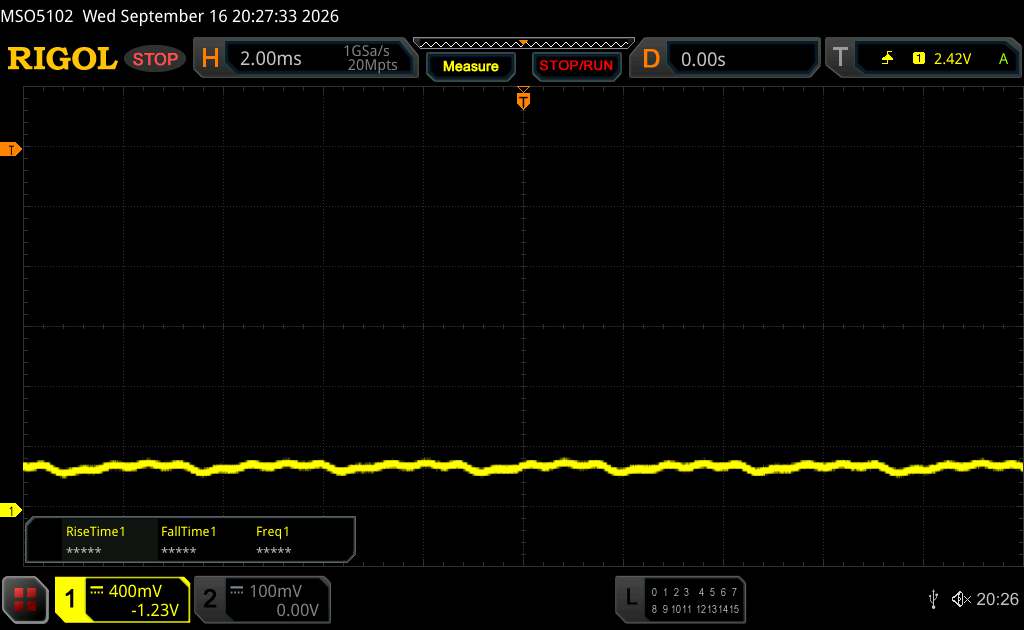
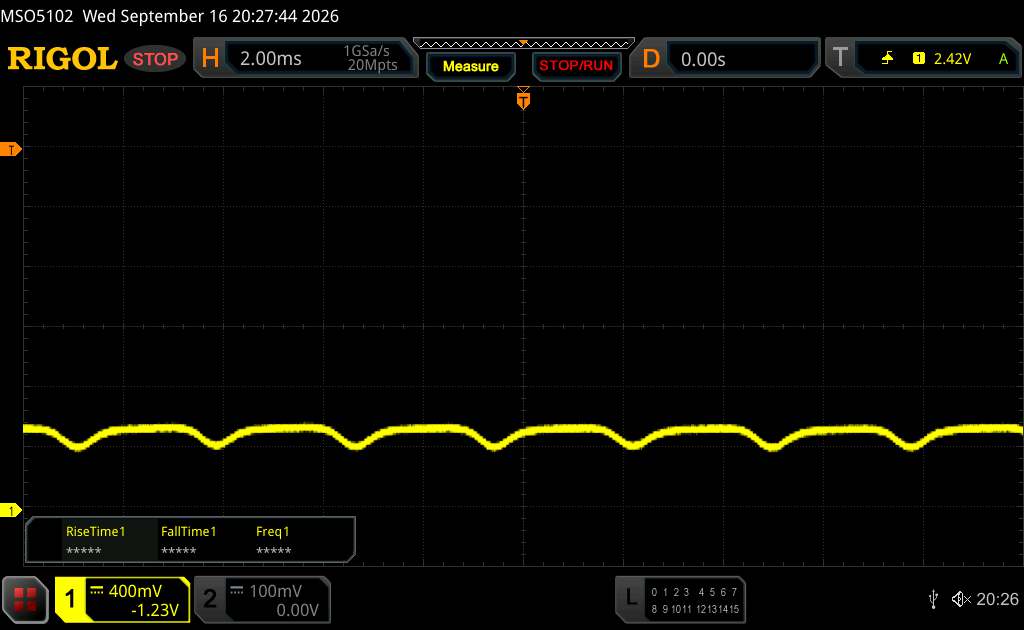
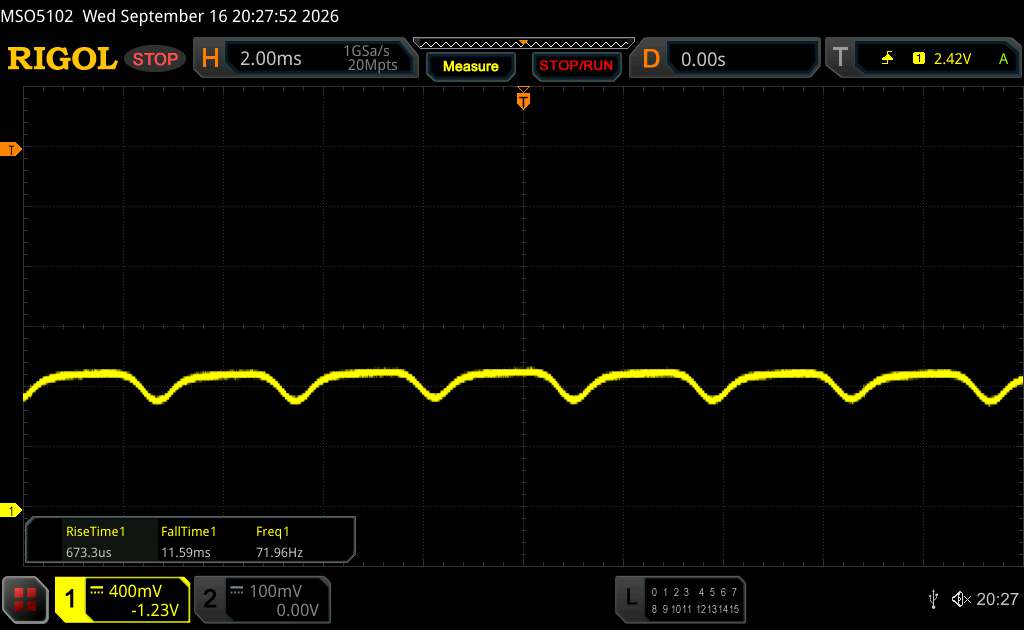
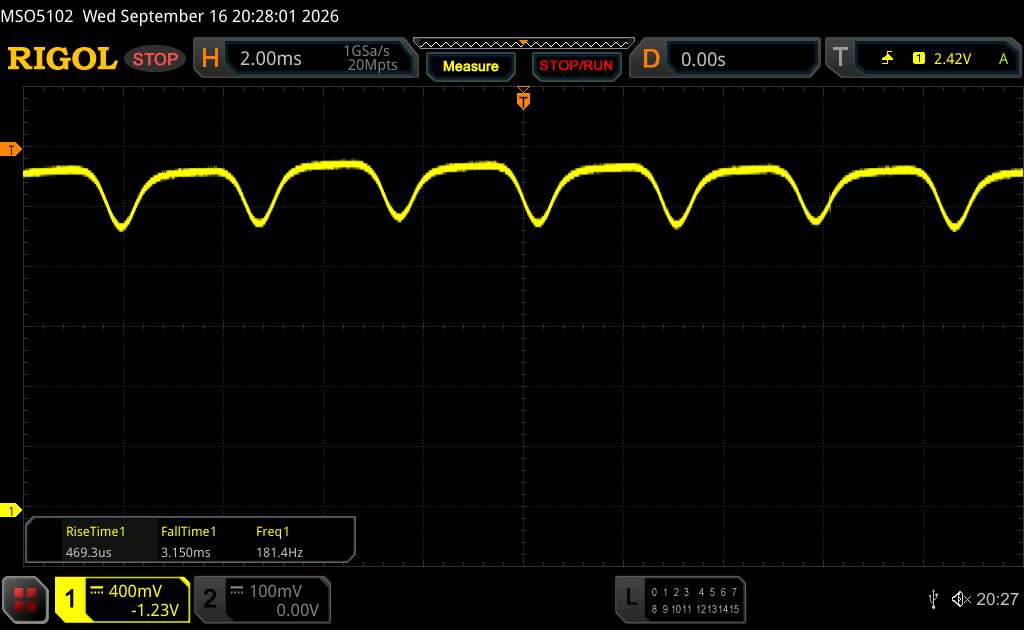
A series of measurements with a fixed zoom level and various brightness settings (Although the amplitude waveform appears flat at minimum brightness, this is due to the scaling. An enlarged version of the amplitude at minimum brightness is shown in the information box.)
Für die Calman-Analyse haben wir das Profil "Natürlich" gewählt, da dieses die genauste Farbdarstellung im Test erlaubt. Generell zeigt sich das MatePad Air (2026) gut kalibriert.


Display Response Times
| ↔ Response Time Black to White | ||
|---|---|---|
| 1.3 ms ... rise ↗ and fall ↘ combined | ↗ 0.653 ms rise | 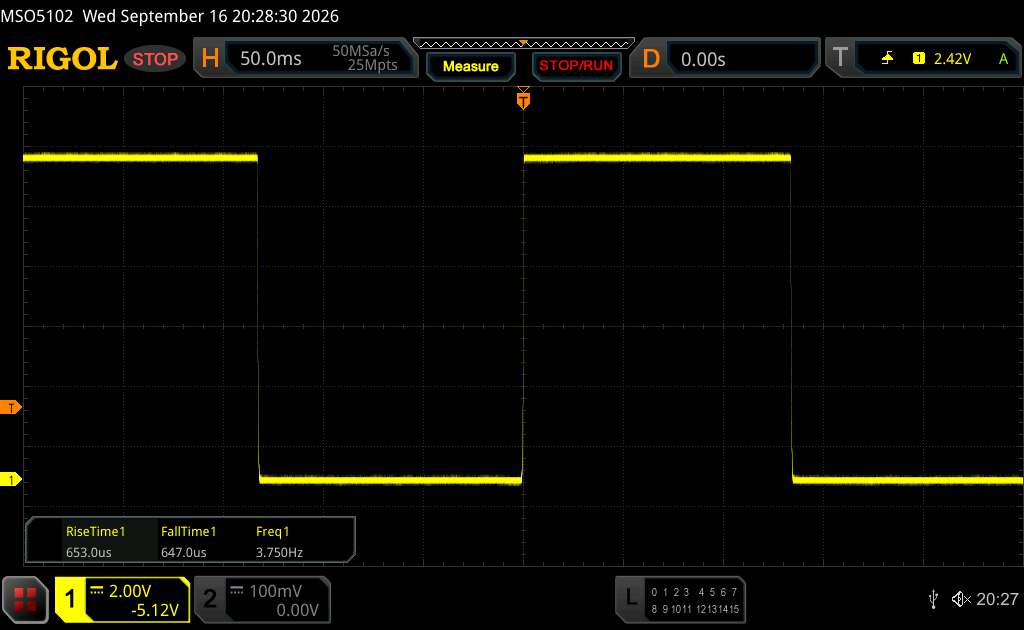 |
| ↘ 0.647 ms fall | ||
| The screen shows very fast response rates in our tests and should be very well suited for fast-paced gaming. In comparison, all tested devices range from 0.1 (minimum) to 240 (maximum) ms. » 8 % of all devices are better. This means that the measured response time is better than the average of all tested devices (19.6 ms). | ||
| ↔ Response Time 50% Grey to 80% Grey | ||
| 1.4 ms ... rise ↗ and fall ↘ combined | ↗ 0.668 ms rise | 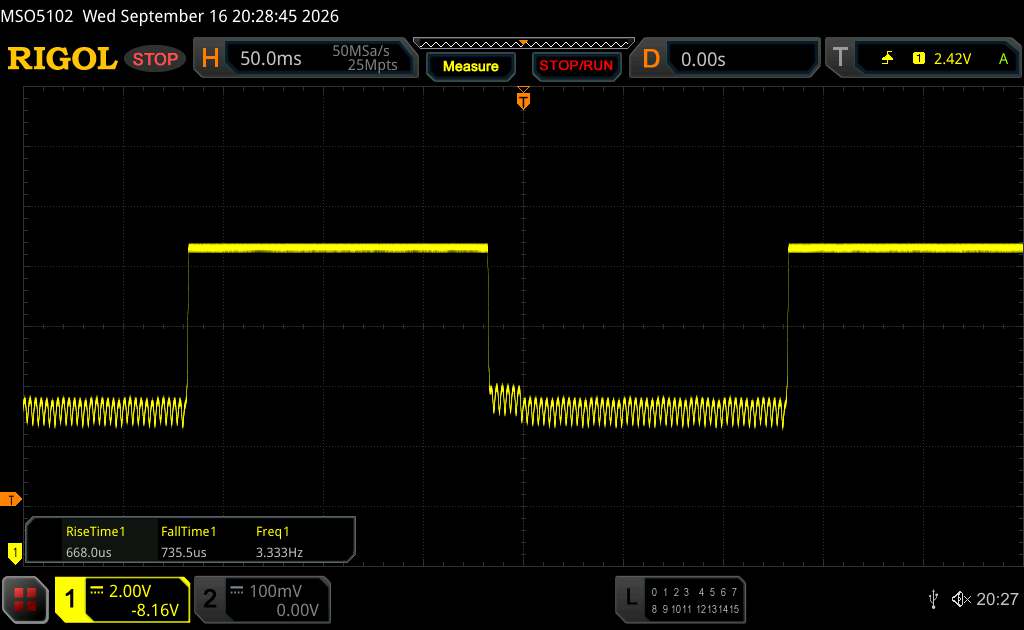 |
| ↘ 0.7355 ms fall | ||
| The screen shows very fast response rates in our tests and should be very well suited for fast-paced gaming. In comparison, all tested devices range from 0.13 (minimum) to 636 (maximum) ms. » 7 % of all devices are better. This means that the measured response time is better than the average of all tested devices (30.7 ms). | ||
Performance - An Android tablet that doesn't pack a Qualcomm or Mediatek chipset
The MatePad Air relies on its in-house Kirin T93C, which packs an 8-core chipset. While the 5nm Huawei SoC is neither exceptionally efficient nor particularly powerful for this price range, it still delivers good performance in everyday use. Multitasking on the Air model is also perceptibly lag-free.
The MatePad Air performs poorly, however, specifically when it comes to AI benchmarks.
| PCMark for Android - Work 3.x | |
| Honor MagicPad 4 | |
| Average of class Tablet (7084 - 27428, n=56, last 2 years) | |
| Huawei MatePad Air (2026) | |
| Average HiSilicon Kirin T93C (n=1) | |
| CrossMark - Overall | |
| Honor MagicPad 4 | |
| Average of class Tablet (319 - 2375, n=47, last 2 years) | |
| Oppo Pad 6 | |
| Huawei MatePad Air (2026) | |
| Average HiSilicon Kirin T93C (n=1) | |
| UL Procyon AI Inference for Android - Overall Score NNAPI | |
| Honor MagicPad 4 | |
| Average of class Tablet (3600 - 76852, n=52, last 2 years) | |
| Huawei MatePad Air (2026) | |
| Average HiSilicon Kirin T93C (n=1) | |
| AImark - Score v3.x | |
| Average of class Tablet (252 - 50153, n=35, last 2 years) | |
| Huawei MatePad Air (2026) | |
| Average HiSilicon Kirin T93C (n=1) | |
The Maleoon 920A GPU unit is responsible for graphical calculations. However, the Huawei tablet cannot keep up with the current competition. Does it perform better than the CPU unit when compared to competing tablets? No, in fact, it's quite the opposite. In the GFXBench 4K test, we measured only 13 fps.
GFXBench (DX / GLBenchmark) 2.7: T-Rex Onscreen | 1920x1080 T-Rex Offscreen
GFXBench 3.0: on screen Manhattan Onscreen OGL | 1920x1080 1080p Manhattan Offscreen
GFXBench 3.1: on screen Manhattan ES 3.1 Onscreen | 1920x1080 Manhattan ES 3.1 Offscreen
GFXBench: on screen Car Chase Onscreen | 1920x1080 Car Chase Offscreen | on screen Aztec Ruins High Tier Onscreen | 2560x1440 Aztec Ruins High Tier Offscreen | on screen Aztec Ruins Normal Tier Onscreen | 1920x1080 Aztec Ruins Normal Tier Offscreen | 3840x2160 4K Aztec Ruins High Tier Offscreen
| 3DMark / Wild Life Extreme Unlimited | |
| Apple iPad Air 11 M4 2026 | |
| Honor MagicPad 4 | |
| Oppo Pad 6 | |
| Huawei MatePad Air (2026) | |
| Huawei MatePad 12 X 2025 | |
| 3DMark / Wild Life Extreme | |
| Apple iPad Air 11 M4 2026 | |
| Honor MagicPad 4 | |
| Oppo Pad 6 | |
| Huawei MatePad Air (2026) | |
| Huawei MatePad 12 X 2025 | |
| 3DMark / Wild Life Unlimited Score | |
| Oppo Pad 6 | |
| Honor MagicPad 4 | |
| Huawei MatePad Air (2026) | |
| Huawei MatePad 12 X 2025 | |
| 3DMark / Steel Nomad Light Unlimited Score | |
| Apple iPad Air 11 M4 2026 | |
| Honor MagicPad 4 | |
| Oppo Pad 6 | |
| Huawei MatePad Air (2026) | |
| Huawei MatePad 12 X 2025 | |
| 3DMark / Steel Nomad Light Score | |
| Apple iPad Air 11 M4 2026 | |
| Oppo Pad 6 | |
| Honor MagicPad 4 | |
| Huawei MatePad Air (2026) | |
| Huawei MatePad 12 X 2025 | |
| GFXBench (DX / GLBenchmark) 2.7 / T-Rex Onscreen | |
| Honor MagicPad 4 | |
| Huawei MatePad Air (2026) | |
| GFXBench (DX / GLBenchmark) 2.7 / T-Rex Offscreen | |
| Honor MagicPad 4 | |
| Huawei MatePad Air (2026) | |
| GFXBench 3.0 / Manhattan Onscreen OGL | |
| Honor MagicPad 4 | |
| Huawei MatePad Air (2026) | |
| GFXBench 3.0 / 1080p Manhattan Offscreen | |
| Honor MagicPad 4 | |
| Huawei MatePad Air (2026) | |
| GFXBench 3.1 / Manhattan ES 3.1 Onscreen | |
| Honor MagicPad 4 | |
| Huawei MatePad Air (2026) | |
| GFXBench 3.1 / Manhattan ES 3.1 Offscreen | |
| Honor MagicPad 4 | |
| Huawei MatePad Air (2026) | |
| GFXBench / Car Chase Onscreen | |
| Honor MagicPad 4 | |
| Huawei MatePad Air (2026) | |
| GFXBench / Car Chase Offscreen | |
| Honor MagicPad 4 | |
| Huawei MatePad Air (2026) | |
| GFXBench / Aztec Ruins High Tier Onscreen | |
| Honor MagicPad 4 | |
| Oppo Pad 6 | |
| Huawei MatePad Air (2026) | |
| Huawei MatePad 12 X 2025 | |
| GFXBench / Aztec Ruins High Tier Offscreen | |
| Honor MagicPad 4 | |
| Oppo Pad 6 | |
| Huawei MatePad Air (2026) | |
| Huawei MatePad 12 X 2025 | |
| GFXBench / Aztec Ruins Normal Tier Onscreen | |
| Honor MagicPad 4 | |
| Oppo Pad 6 | |
| Huawei MatePad Air (2026) | |
| Huawei MatePad 12 X 2025 | |
| GFXBench / Aztec Ruins Normal Tier Offscreen | |
| Honor MagicPad 4 | |
| Oppo Pad 6 | |
| Huawei MatePad Air (2026) | |
| Huawei MatePad 12 X 2025 | |
| GFXBench / 4K Aztec Ruins High Tier Offscreen | |
| Honor MagicPad 4 (vulkan) | |
| Oppo Pad 6 | |
| Huawei MatePad Air (2026) (vulkan) | |
| Huawei MatePad 12 X 2025 | |
| Jetstream 2 | |
| 2.0 Total | |
| Apple iPad Air 11 M4 2026 (Safari 26) | |
| Honor MagicPad 4 (Chrome 148) | |
| Huawei MatePad 12 X 2025 (Chrome 141) | |
| Average of class Tablet (48 - 420, n=51, last 2 years) | |
| 2.2 Total | |
| Apple iPad Air 11 M4 2026 (Safari 26) | |
| Honor MagicPad 4 (Chrome 148) | |
| Average of class Tablet (61.3 - 579, n=48, last 2 years) | |
| Oppo Pad 6 (Chrome 151) | |
| Average HiSilicon Kirin T93C (n=1) | |
| Huawei MatePad Air (2026) (Chrome 154) | |
| Speedometer 2.0 - Result 2.0 | |
| Apple iPad Air 11 M4 2026 (Safari 26) | |
| Average of class Tablet (45 - 790, n=33, last 2 years) | |
| Huawei MatePad Air (2026) (Chrome 154) | |
| Average HiSilicon Kirin T93C (n=1) | |
| Speedometer 3 - Score 3.0 | |
| Apple iPad Air 11 M4 2026 (Safari 26) | |
| Average of class Tablet (3 - 49.1, n=48, last 2 years) | |
| Huawei MatePad Air (2026) (Chrome 154) | |
| Average HiSilicon Kirin T93C (n=1) | |
| WebXPRT 4 - Overall | |
| Apple iPad Air 11 M4 2026 (Safari 26) | |
| Average of class Tablet (54 - 376, n=50, last 2 years) | |
| Octane V2 - Total Score | |
| Apple iPad Air 11 M4 2026 (Safari 26) | |
| Honor MagicPad 4 (Chrome 148) | |
| Average of class Tablet (4497 - 138481, n=68, last 2 years) | |
| Huawei MatePad Air (2026) (Chrome 154) | |
| Average HiSilicon Kirin T93C (n=1) | |
| Mozilla Kraken 1.1 - Total | |
| Average of class Tablet (243 - 13119, n=63, last 2 years) | |
| Huawei MatePad Air (2026) (Chrome 154) | |
| Average HiSilicon Kirin T93C (n=1) | |
| Honor MagicPad 4 (Chrome 148) | |
| Apple iPad Air 11 M4 2026 (Safari 26) | |
* ... smaller is better
| Huawei MatePad Air (2026) | Oppo Pad 6 | Honor MagicPad 4 | Huawei MatePad 12 X 2025 | Average 256 GB UFS 4.0 Flash | Average of class Tablet | |
|---|---|---|---|---|---|---|
| AndroBench 3-5 | -53% | -27% | 3% | -19% | -44% | |
| Sequential Read 256KB (MB/s) | 3863.8 | 1742.8 -55% | 1978.75 -49% | 3939.89 2% | 3618 ? -6% | 2219 ? -43% |
| Sequential Write 256KB (MB/s) | 2563.7 | 1676.9 -35% | 1752.63 -32% | 2609.8 2% | 2624 ? 2% | 1783 ? -30% |
| Random Read 4KB (MB/s) | 448.3 | 308.5 -31% | 513.85 15% | 473.25 6% | 391 ? -13% | 287 ? -36% |
| Random Write 4KB (MB/s) | 982.3 | 74.7 -92% | 574.85 -41% | 988.72 1% | 400 ? -59% | 344 ? -65% |
Emissions - A large OLED tablet with minimal waste heat
Temperature
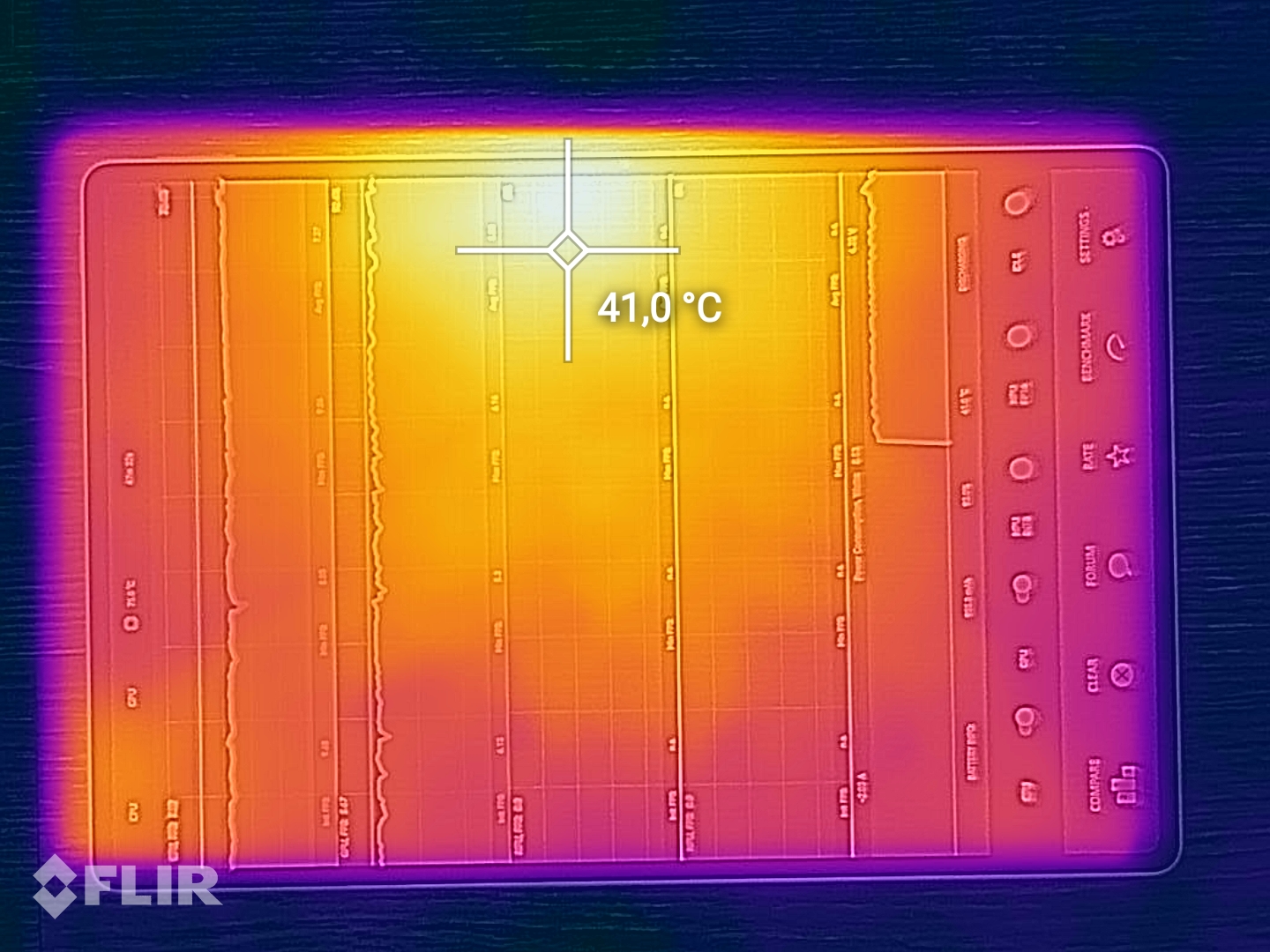
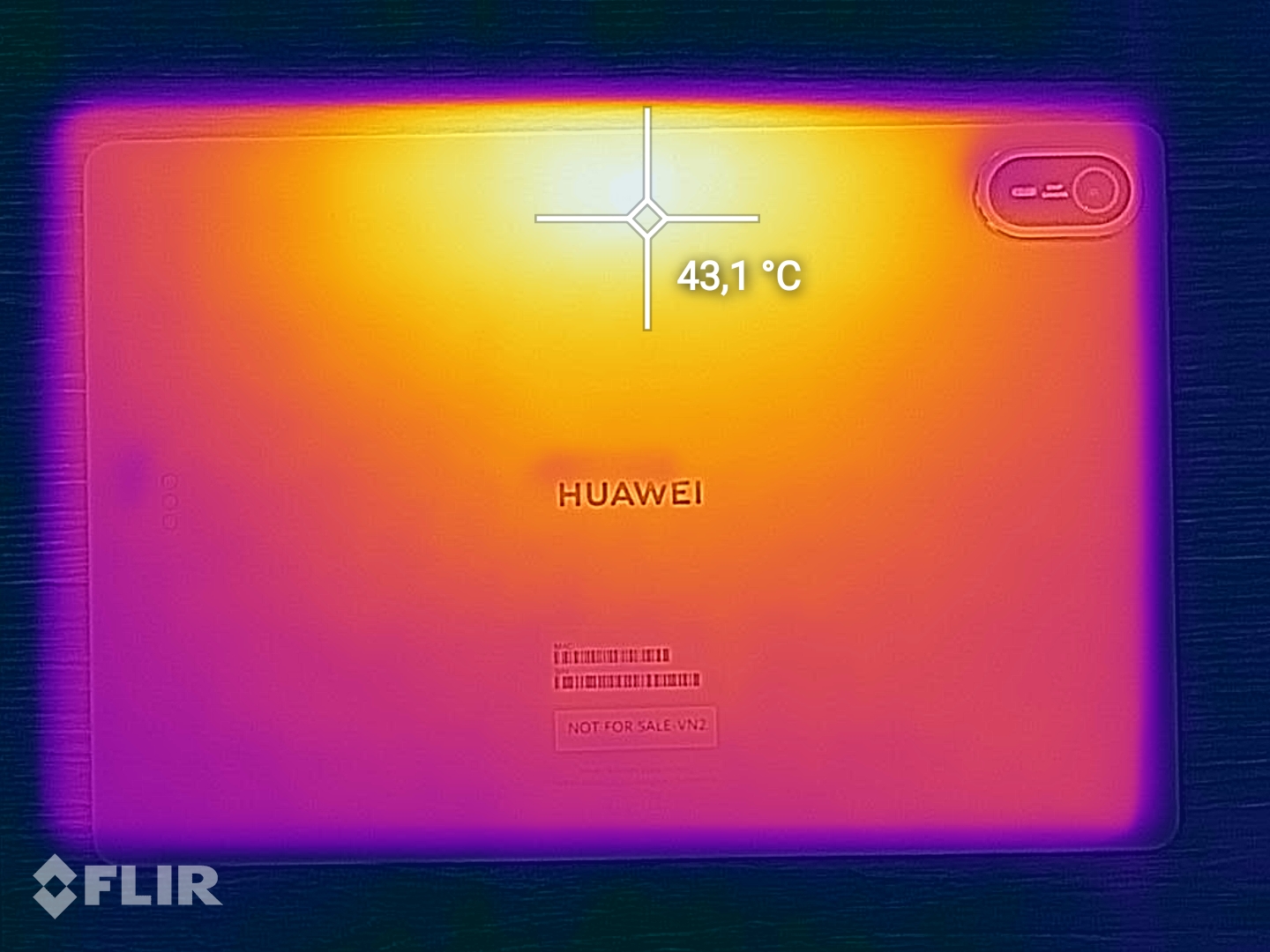
Even under sustained load, surface temperatures remained around the 40 °C mark. Most stress tests demonstrated high stability, and the Kirin 93C exhibited relatively little thermal throttling. Nevertheless, it still only delivered about 60 percent of the performance seen in the Oppo Pad 6 in the Wild Life stress test.
(+) The maximum temperature on the upper side is 39.9 °C / 104 F, compared to the average of 33.7 °C / 93 F, ranging from 20.7 to 53.2 °C for the class Tablet.
(±) The bottom heats up to a maximum of 41.3 °C / 106 F, compared to the average of 33.2 °C / 92 F
(+) In idle usage, the average temperature for the upper side is 28.4 °C / 83 F, compared to the device average of 30 °C / 86 F.
3DMark Stress Tests
| 3DMark | |
| Wild Life Stress Test Stability | |
| Huawei MatePad 12 X 2025 | |
| Oppo Pad 6 | |
| Honor MagicPad 4 | |
| Huawei MatePad Air (2026) | |
| Wild Life Extreme Stress Test | |
| Huawei MatePad Air (2026) | |
| Honor MagicPad 4 | |
| Apple iPad Air 11 M4 2026 | |
| Oppo Pad 6 | |
| Steel Nomad Light Stress Test Stability | |
| Huawei MatePad 12 X 2025 | |
| Huawei MatePad Air (2026) | |
| Oppo Pad 6 | |
| Apple iPad Air 11 M4 2026 | |
Speakers
Despite its slim design, the six speakers deliver truly impressive sound. For a tablet, the MatePad Air offers significant depth and subtle bass. It’s hard to top, even if the very high frequencies do drop off slightly.
Alternatively, audio can be output via the USB port or a Bluetooth connection—though the latter has limited codec support. Despite this, it does offer LDAC and L2HC for high-resolution audio.
Huawei MatePad Air (2026) audio analysis
(+) | speakers can play relatively loud (87.1 dB)
Bass 100 - 315 Hz
(+) | good bass - only 4.9% away from median
(±) | linearity of bass is average (7.2% delta to prev. frequency)
Mids 400 - 2000 Hz
(±) | higher mids - on average 6.3% higher than median
(+) | mids are linear (5.3% delta to prev. frequency)
Highs 2 - 16 kHz
(+) | balanced highs - only 2.9% away from median
(+) | highs are linear (4.6% delta to prev. frequency)
Overall 100 - 16.000 Hz
(+) | overall sound is linear (10% difference to median)
Compared to same class
» 5% of all tested devices in this class were better, 3% similar, 91% worse
» The best had a delta of 7%, average was 21%, worst was 130%
Compared to all devices tested
» 5% of all tested devices were better, 1% similar, 94% worse
» The best had a delta of 4%, average was 23%, worst was 136%
Apple iPad Air 11 M4 2026 audio analysis
(+) | speakers can play relatively loud (82 dB)
Bass 100 - 315 Hz
(±) | reduced bass - on average 14.5% lower than median
(-) | bass is not linear (20.2% delta to prev. frequency)
Mids 400 - 2000 Hz
(+) | balanced mids - only 4.4% away from median
(+) | mids are linear (6.7% delta to prev. frequency)
Highs 2 - 16 kHz
(+) | balanced highs - only 2.7% away from median
(+) | highs are linear (4.3% delta to prev. frequency)
Overall 100 - 16.000 Hz
(±) | linearity of overall sound is average (19.6% difference to median)
Compared to same class
» 55% of all tested devices in this class were better, 7% similar, 38% worse
» The best had a delta of 7%, average was 21%, worst was 130%
Compared to all devices tested
» 50% of all tested devices were better, 7% similar, 43% worse
» The best had a delta of 4%, average was 23%, worst was 136%
Battery life
Power consumption
The power consumption is excellent for a tablet housing a 12-inch display. The 10,100 mAh battery can be fast-charged via USB-C at up to 66 watts. In our test using a Xiaomi power bank, a full charge took around 1.5 hours.
| Off / Standby |   0.22 / 0.24 Watt 0.22 / 0.24 Watt |
| Idle |  0.59 / 1.55 / 1.64 Watt 0.59 / 1.55 / 1.64 Watt |
| Load |
6.18 / 12.52 Watt |
    
| |
Key:
min: ,
med: ,
max: Metrahit Energy | |
| Huawei MatePad Air (2026) 10100 mAh | Oppo Pad 6 10420 mAh | Apple iPad Air 11 M4 2026 7606 mAh | Honor MagicPad 4 10100 mAh | Huawei MatePad 12 X 2025 10100 mAh | Average HiSilicon Kirin T93C | Average of class Tablet | |
|---|---|---|---|---|---|---|---|
| Power Consumption | -68% | -113% | -195% | -241% | 0% | -124% | |
| Idle Minimum * (Watt) | 0.59 | 1.6 -171% | 2 -239% | 3.53 -498% | 1.49 -153% | 0.59 ? -0% | 2.16 ? -266% |
| Idle Average * (Watt) | 1.55 | 1.8 -16% | 2.9 -87% | 4.77 -208% | 6.09 -293% | 1.55 ? -0% | 3.77 ? -143% |
| Idle Maximum * (Watt) | 1.64 | 1.9 -16% | 3.7 -126% | 4.86 -196% | 6.16 -276% | 1.64 ? -0% | 4.17 ? -154% |
| Load Average * (Watt) | 6.18 | 10.9 -76% | 11.21 -81% | 6.18 ? -0% | 8.8 ? -42% | ||
| Load Maximum * (Watt) | 12.52 | 16.9 -35% | 11.67 7% | 12.5 ? -0% | 14.6 ? -17% |
* ... smaller is better
Power consumption: Geekbench (150 cd/m²)
Power consumption: GFXbench (150 cd/m²)
Battery runtime
At just under 15 hours, the MatePad Air's battery life is good, but not outstanding. The Oppo Pad 6 kept going for significantly longer in our battery test.
| Battery runtime - WiFi v1.3 | |
| Huawei MatePad Air (2026) | |
| Oppo Pad 6 | |
| Apple iPad Air 11 M4 2026 | |
| Honor MagicPad 4 | |
| Huawei MatePad 12 X 2025 | |
Notebookcheck overall rating
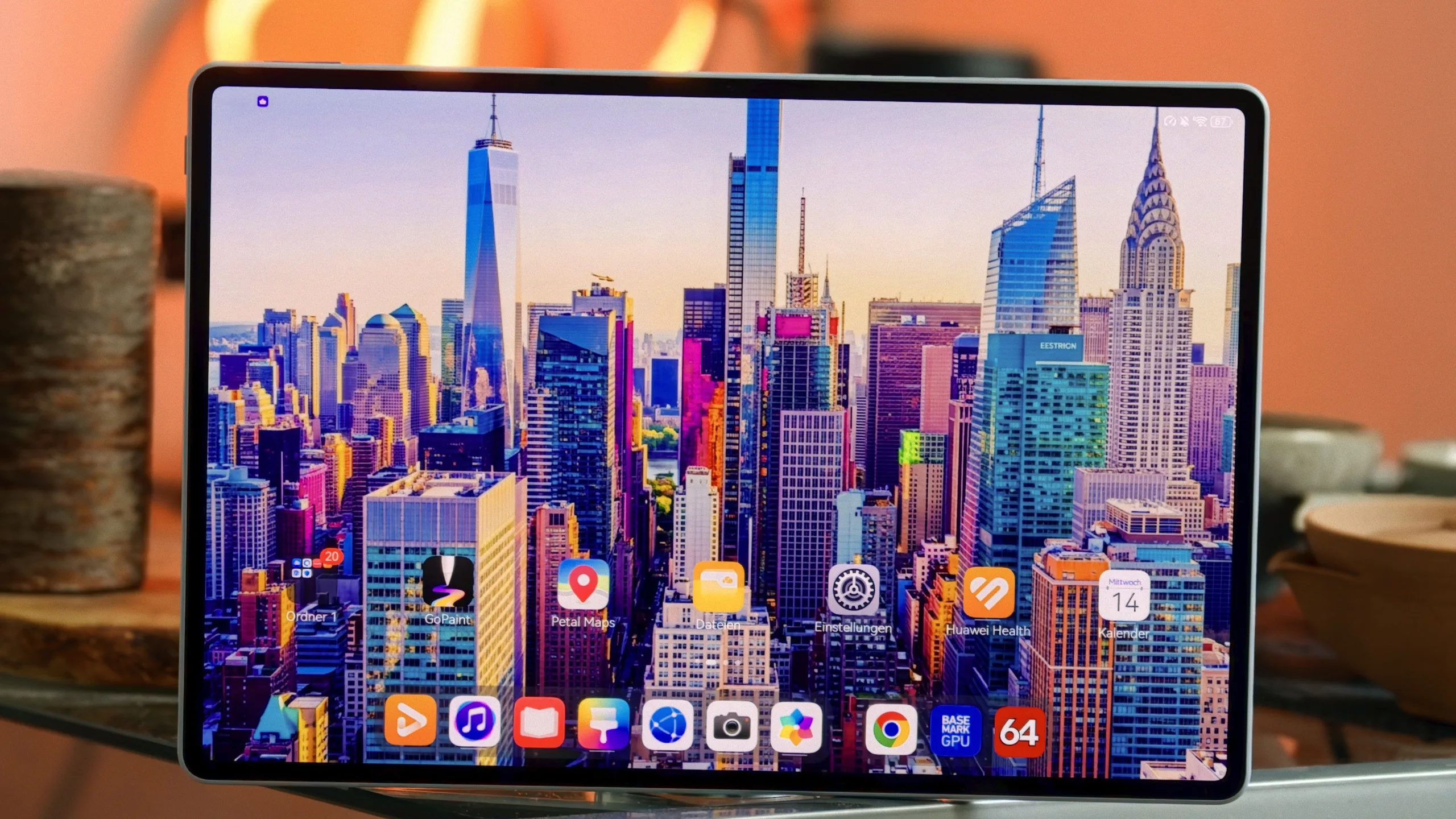
The MatePad Air (2026) impressed us with its excellent display, powerful speakers, and premium build quality. Its high-quality accessories also make the Huawei tablet an attractive option for school and university students. However, we find it lacks a comprehensive desktop mode.
Huawei MatePad Air (2026)
- 10/25/2026 v8
Marcus Herbrich
 Total Sustainability Score:
 Possible alternatives compared
Image | Model / Review | Price | Weight | Drive | Display |
|---|---|---|---|---|---|
1. 85.3% 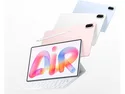 | Huawei MatePad Air (2026) HiSilicon Kirin T93C ⎘ HiSilicon Maleoon 935B ⎘ 12 GB Memory, 256 GB UFS 4.x | 509 g | 256 GB UFS 4.0 Flash | 12.00" 2800x1840 279 PPI OLED | |
2. 85.8%  | Oppo Pad 6 Mediatek Dimensity 9500s ⎘ ARM Immortalis-G925 MC11 ⎘ 12 GB Memory, 256 GB UFS 3.1 | Amazon: 1. $13.56 CongJiaLingXi (2-Pack Screen... 2. $24.99 BLCshine 2 PACK Paperfeel Sc... 3. $18.99 INSOLKIDON Compatible for Op... List Price: 667€ | 579 g | 256 GB UFS 3.1 Flash | 12.10" 3000x2000 298 PPI LCD |
3. 87.5%  | Apple iPad Air 11 M4 2026 Apple M4 8-Core ⎘ Apple M4 9-Core GPU ⎘ 12 GB Memory, 128 GB NVMe | List Price: 600€ | 464 g | 128 GB NVMe | 10.86" 2360x1640 265 PPI IPS |
4. 89.6%  | Honor MagicPad 4 Qualcomm Snapdragon 8 Gen 5 ⎘ Qualcomm Adreno 829 ⎘ 12 GB Memory, 256 GB UFS 4.x | Amazon: 1. $1,059.00 HONOR MagicPad4 (12.3 Inch, ... 2. $1,029.00 HONOR MagicPad4 (12.3 Inch, ... 3. $799.00 HONOR MagicPad4 (12.3 Inch, ... List Price: 600€ | 450 g | 256 GB UFS 4.0 Flash | 12.30" 3000x1920 290 PPI OLED |
5. 83.2% 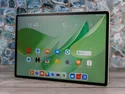 | Huawei MatePad 12 X 2025 HiSilicon Kirin T92 ⎘ HiSilicon Maleoon 920 ⎘ 12 GB Memory, 256 GB UFS 4.x | List Price: 649€ | 555 g | 256 GB UFS 4.0 Flash | 12.00" 2800x1840 279 PPI LCD |
Transparency
The selection of devices to be reviewed is made by our editorial team. The test sample was provided to the author as a loan by the manufacturer or retailer for the purpose of this review. The lender had no influence on this review, nor did the manufacturer receive a copy of this review before publication. There was no obligation to publish this review. As an independent media company, Notebookcheck is not subjected to the authority of manufacturers, retailers or publishers.
This is how Notebookcheck is testing
Every year, Notebookcheck independently reviews hundreds of laptops and smartphones using standardized procedures to ensure that all results are comparable. We have continuously developed our test methods for around 20 years and set industry standards in the process. In our test labs, high-quality measuring equipment is utilized by experienced technicians and editors. These tests involve a multi-stage validation process. Our complex rating system is based on hundreds of well-founded measurements and benchmarks, which maintains objectivity. Further information on our test methods can be found here.
 Add as a preferred source on Google


