




Super loud Overdrive mode on Alienware 16 is mostly unnecessary for gaming
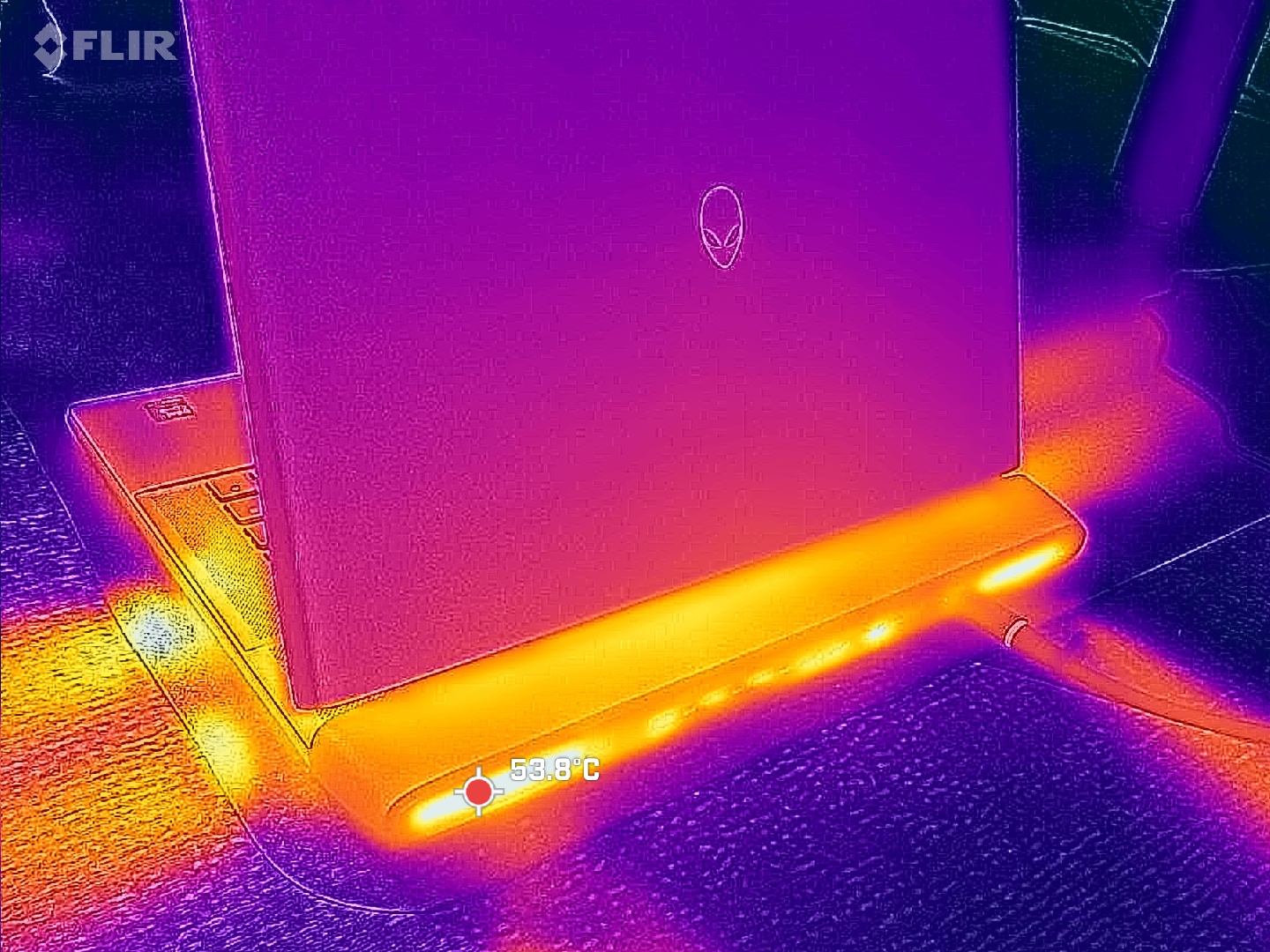
While most laptop PC users are likely familiar with the default Power Saver, Balanced, and Performance profile profiles, dedicated gaming laptops tend to have an additional profile above even Performance oftentimes called "Turbo" mode or, in our case with the Alienware 16 Area-51, "Overdrive" mode. Enabling this mode on the Alienware would bump up the fans to their maximum RPM levels for maximum performance. In practice, however, the extra profile on the Alienware is arguably unnecessary for the vast majority of gamers.
The table below compares Time Spy scores on Overdrive, Performance, and Balanced modes and their corresponding fan noise levels. Most notably, gaming on Performance mode instead of Overdrive mode entails a graphics deficit of only 3 percent whereas the change in fan noise levels is much more significant from 57 dB(A) to 49 dB(A). Dropping down to Balanced mode would entail another 3 percent hit to graphics performance, but with only a minor decrease in fan noise from 49 dB(A) to 48 dB(A). For most gamers, Performance mode is the recommended sweet spot as the fans become unbearably loud on Overdrive mode in our experience for just a very minor increase in graphics.
| Power Profile | Graphics Score | Physics Score | Combined Score | Fan Noise (dB(A)) |
|---|---|---|---|---|
| Overdrive Mode | 22247 | 17534 | 21384 | 57 |
| Performance Mode | 21478 (-3%) | 17530 (-0%) | 20776 (-3%) | 49 |
| Balanced Mode | 20815 (-6%) | 17251 (-2%) | 20189 (-6%) | 48 |
When looking closer at the GPU, we can see the RTX 5080 in our test unit running at 172 W, 156 W, and 151 W when set to Overdrive, Performance, and Balanced modes, respectively. See our review on the Alienware 16 for more benchmark comparisons.
 Add as a preferred source on Google


