




Sometimes less is more: Vivo X500 Pro Max Zeiss camera review and Brazil travelogue, part 2
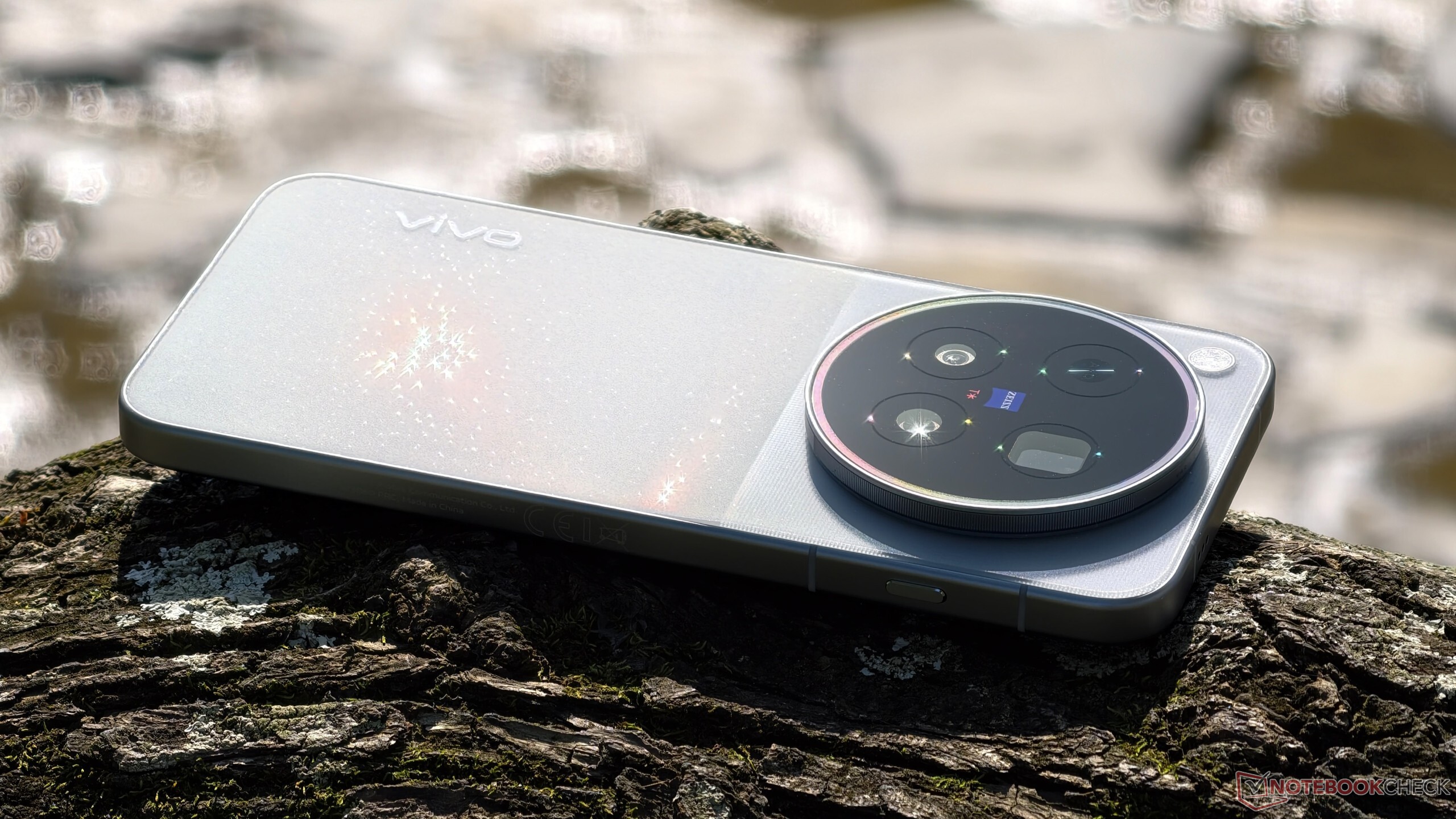
In part 1 of my travel report covering the Vivo X500 Pro Max in Brazil, I visited Salvador, Recife, and the beautiful old town of Olinda. In part 2, I am now heading south, first flying to Rio, then taking a bus along the Costa Verde to São Paulo, with a stop in the colonial town of Paraty. A quick word about flying in Brazil: domestic flights within this enormous country feel like a throwback to the days before 9/11. You do have to take your laptop out of your carry-on bag, but nobody is interested in any liquids or even batteries. My carry-on bag, packed with tech and several bottles of water, passed through every security scanner on a total of four flights without being inspected closely even once, all without modern CT scanners. Whether that is an advantage from a security perspective is debatable, but it was certainly a welcome relief change compared with the usual, very strict procedures in most other countries. Incidentally, all the Brazilian airlines I flew with (Latam, GOL, Azul) offer at least a basic level of service, such as a free snack and a non-alcoholic drink in economy, even the budget airlines. As soon as I landed in Argentina, however, it was back to the Ryanair-style no service experience.
Destination 3: Rio de Janeiro
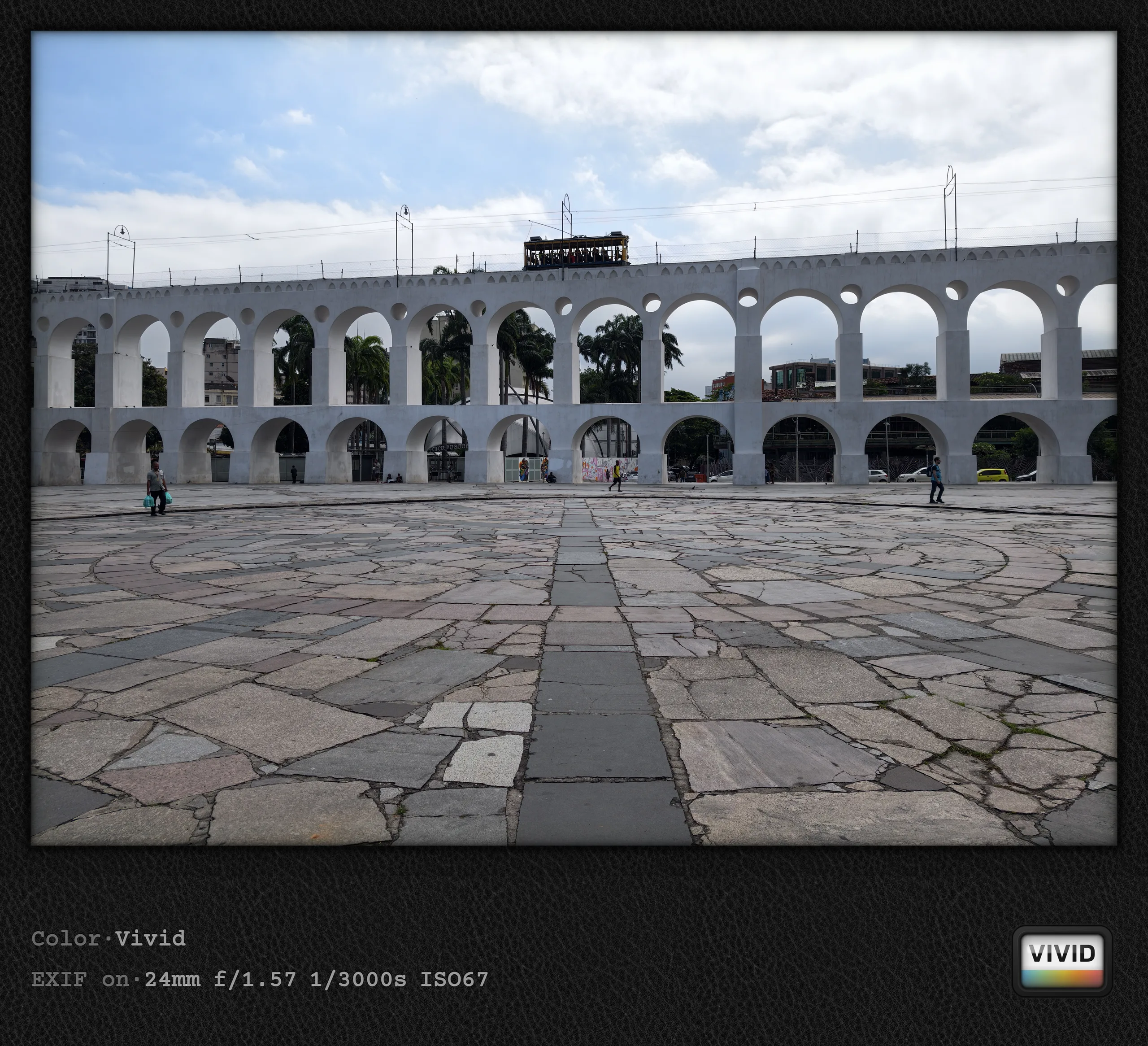
Rio was a bit of a disappointment for me, mainly because of the weather. Although the city center was fascinating by all means, I missed out on the classic photographic views of Christ the Redeemer and Sugarloaf Mountain, or rather, doing them was pointless given the thick cloud cover hanging over Rio almost constantly. There was still perfect sunshine on the day I arrived, which I (unfortunately) used to visit the famous Copacabana beach, with the visit to the Christ statue planned for the following day. Booking tickets online is recommended both for this and for the cable car up Pão de Açúcar, but that has the serious drawback that you might end up in bad weather, which is rather pointless if you are after good photos of Rio from above. Although tickets can be exchanged, the process was far too bureaucratic for my liking, and the whole experience is not cheap either. For the best view of Rio, including Sugarloaf Mountain and Corcovado, you should probably look for another viewpoint behind them anyway. As I said, though, that only makes sense when visibility conditions are good.
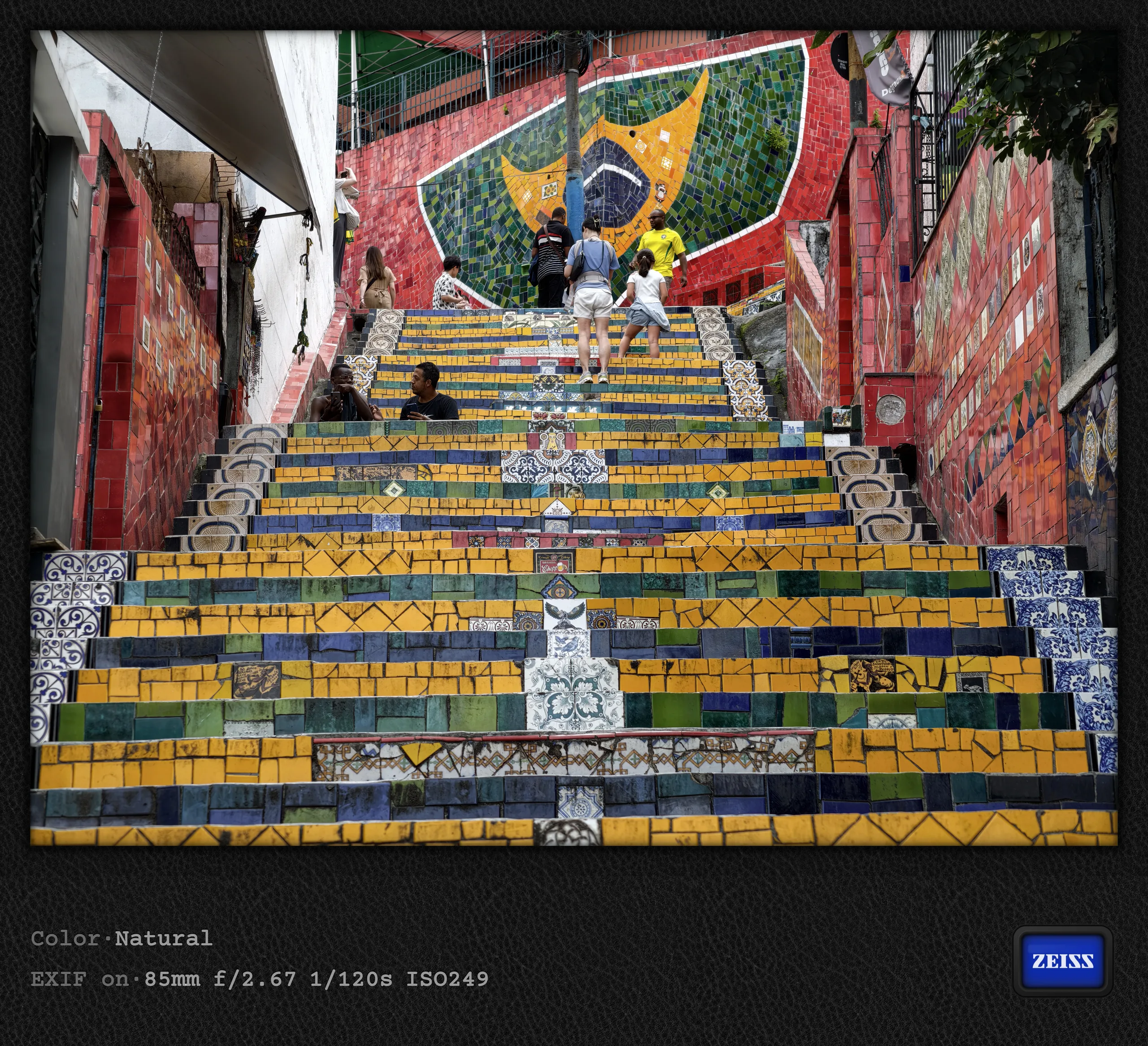
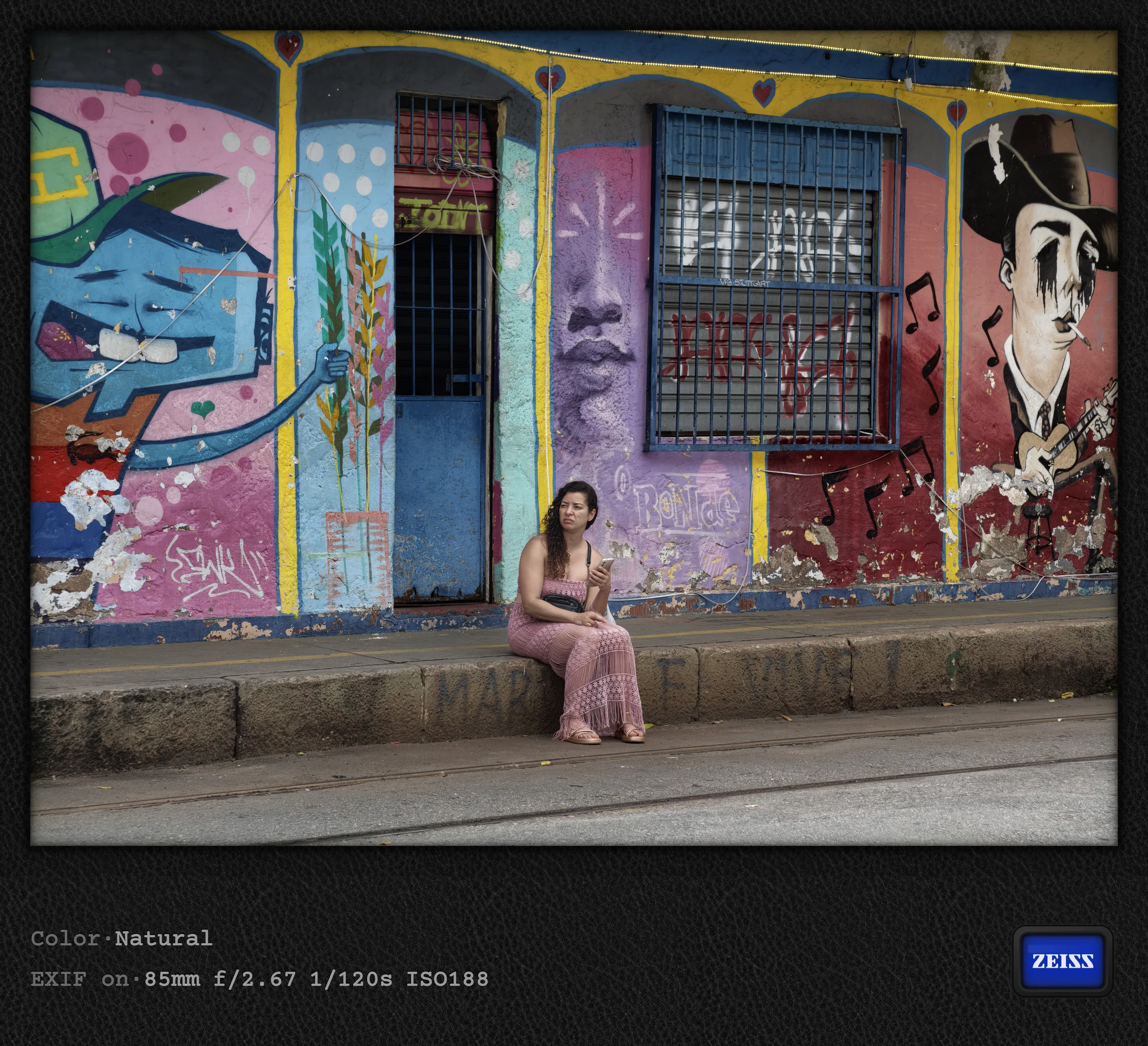
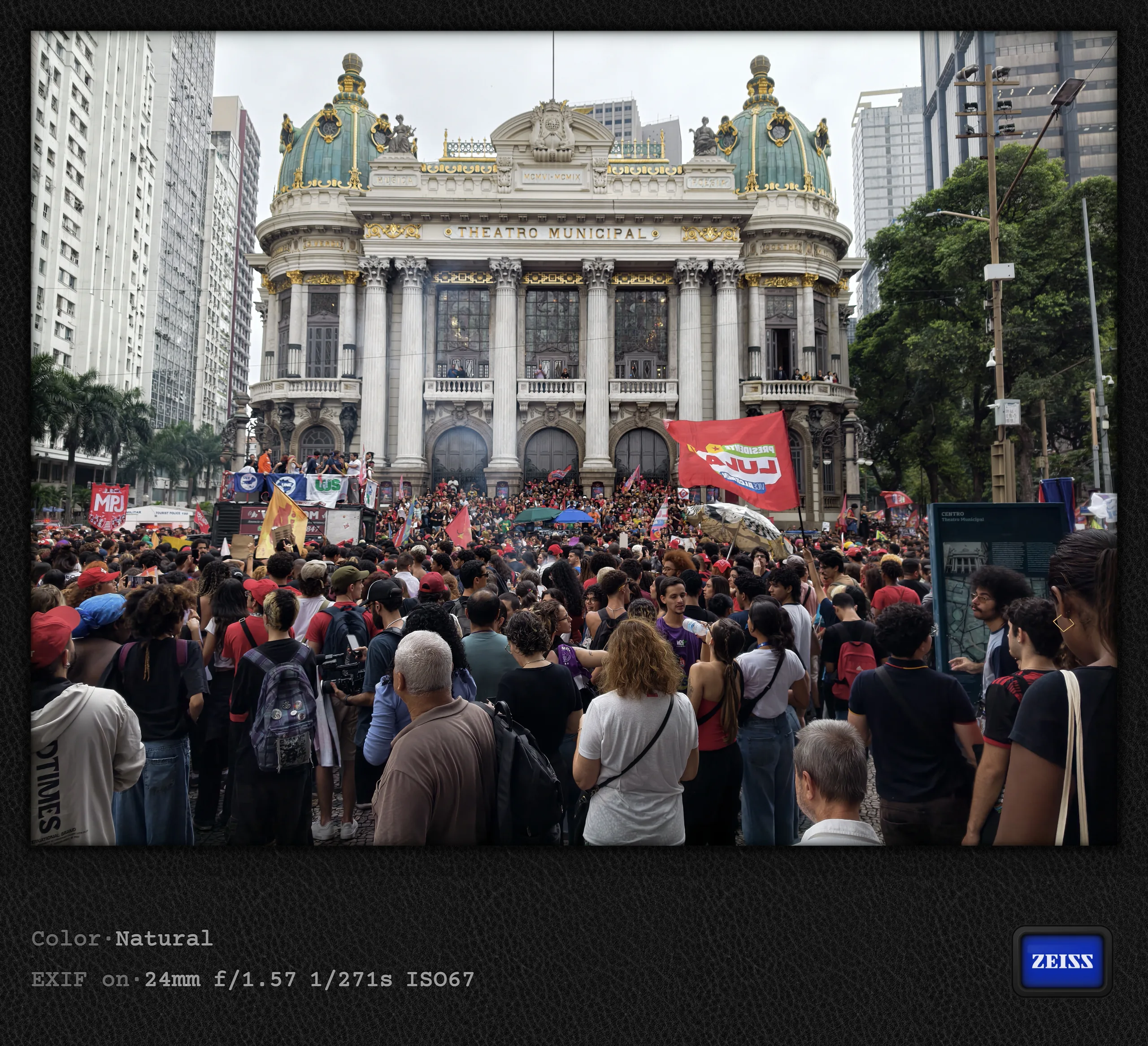
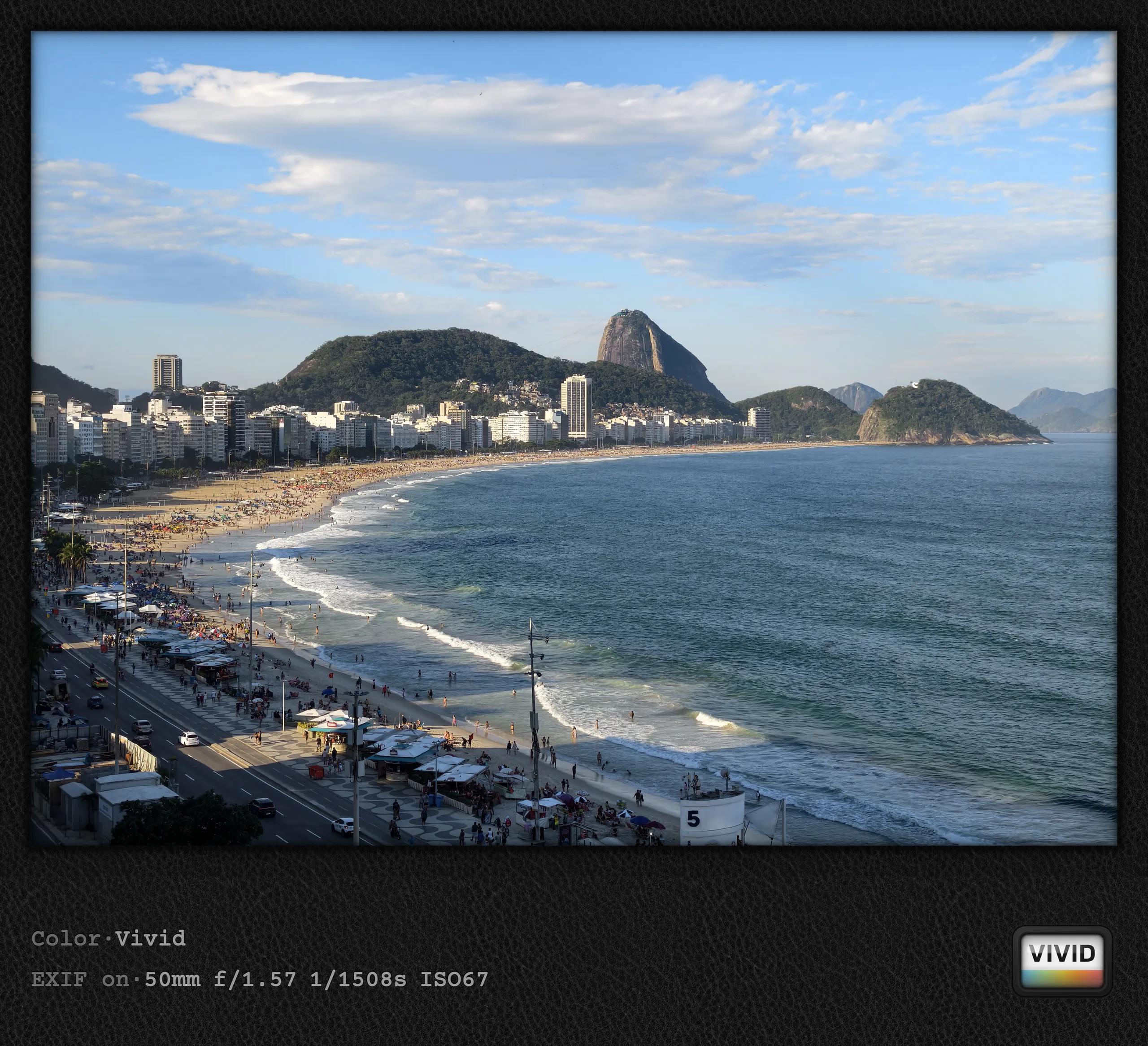
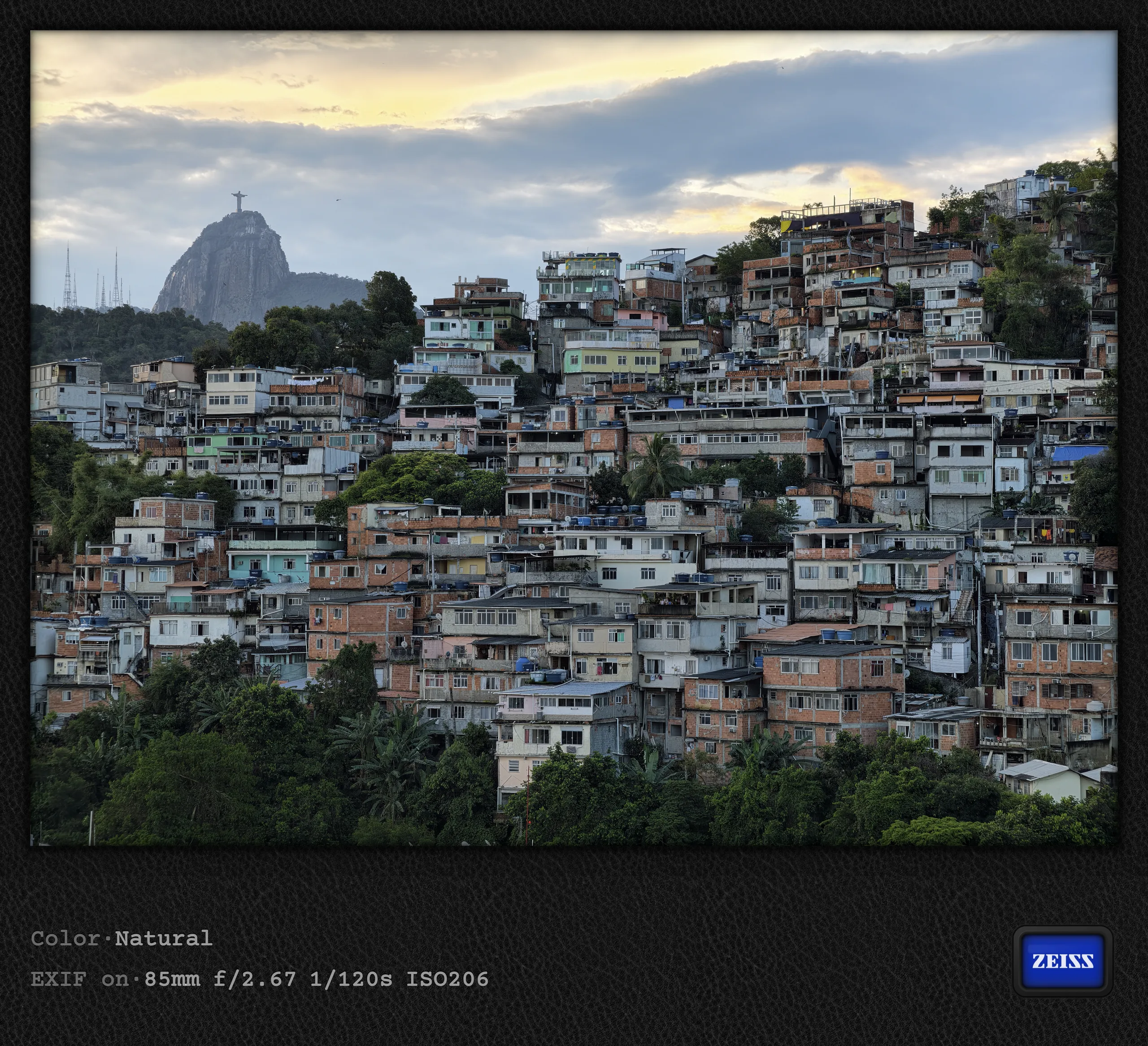
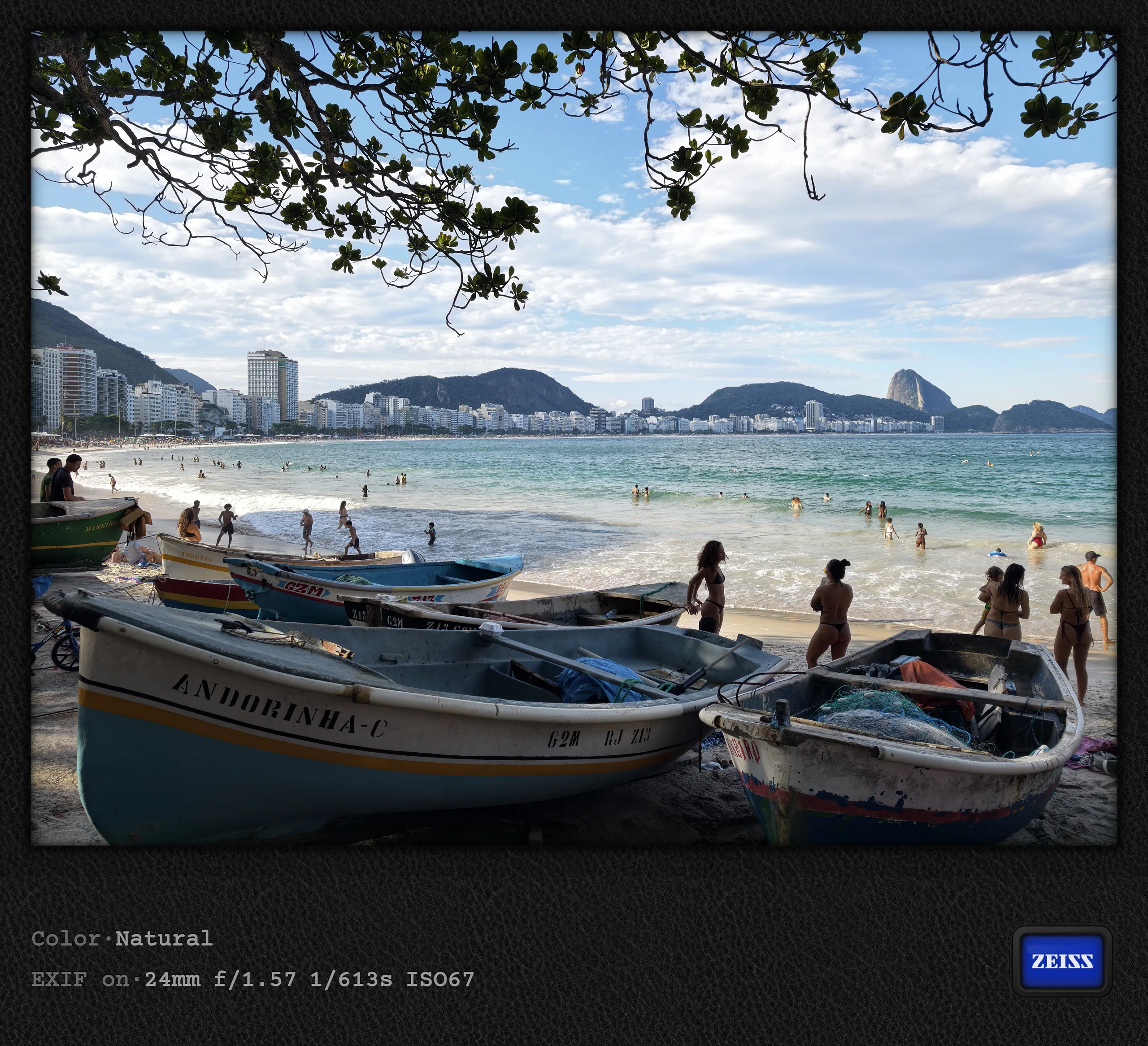
I miss the Vivo X200 Ultra's camera button
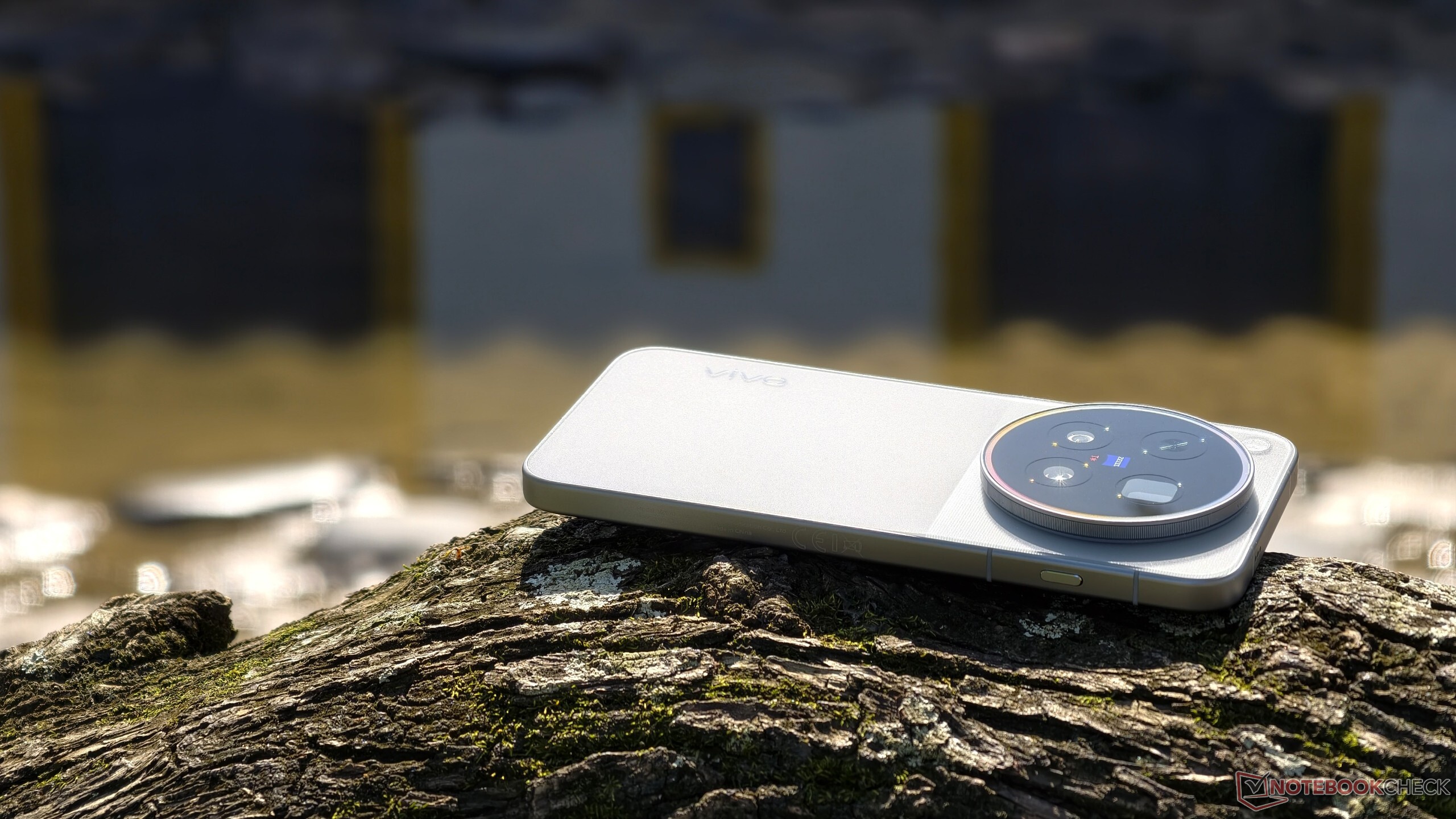
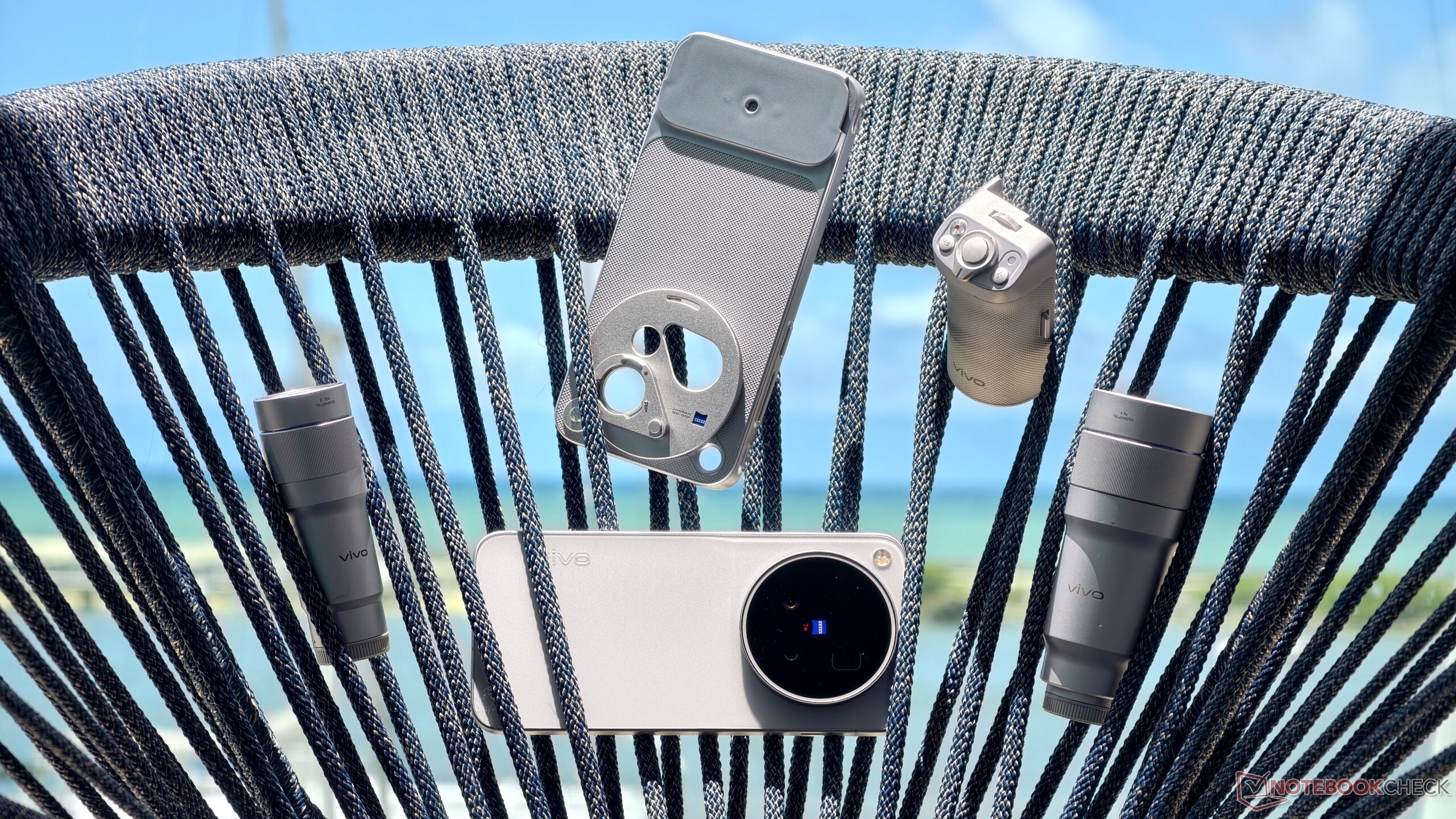
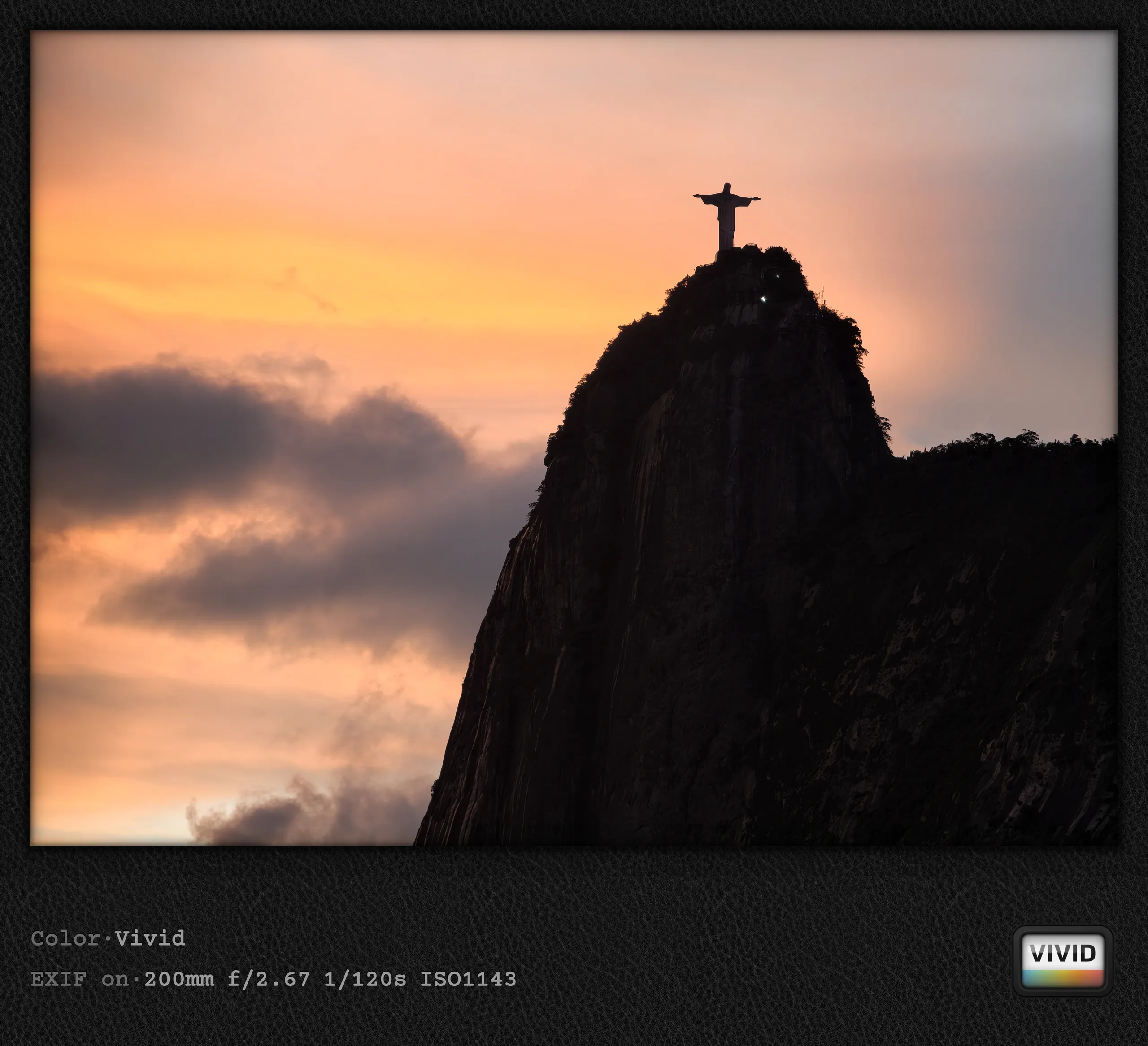
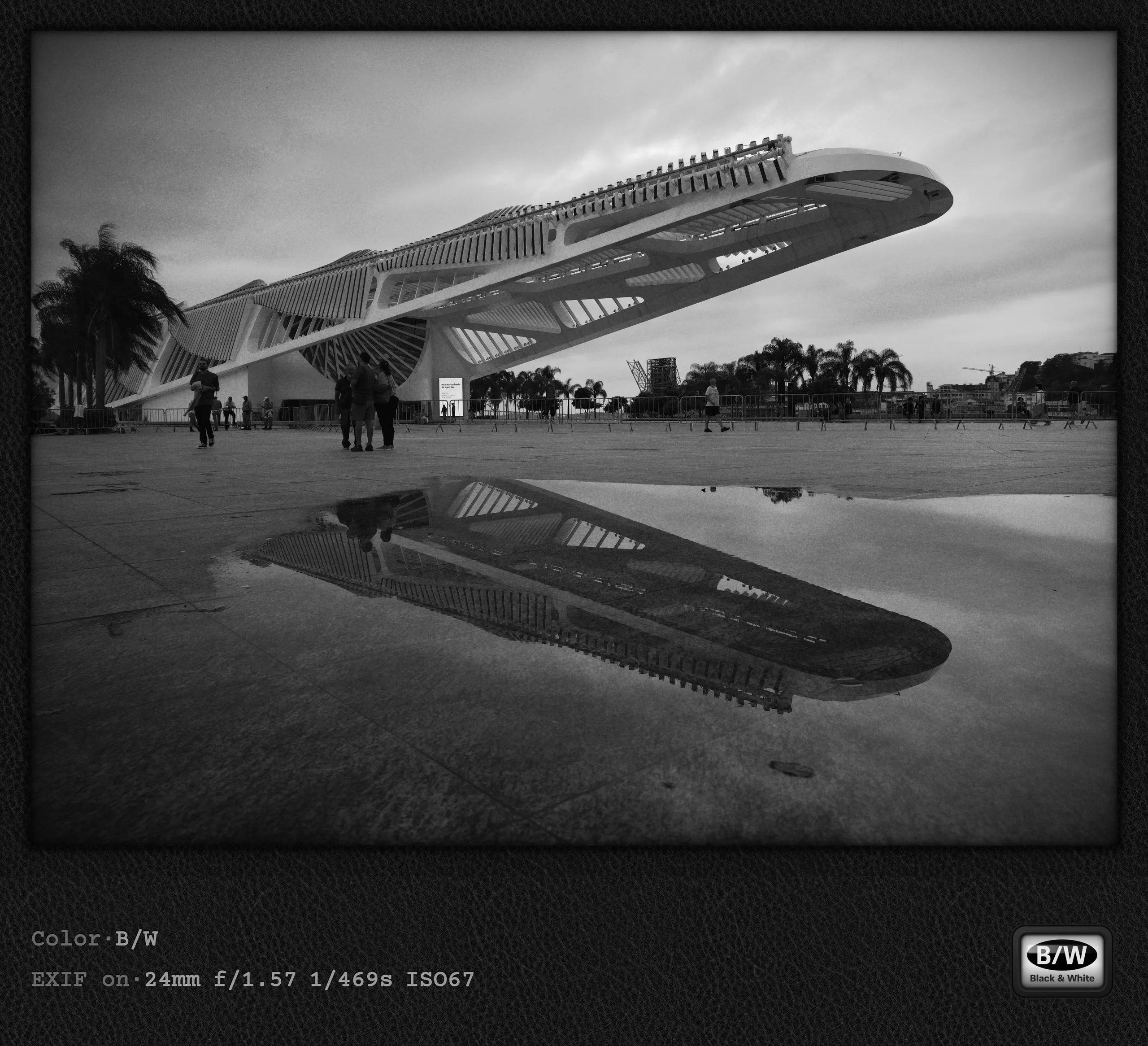
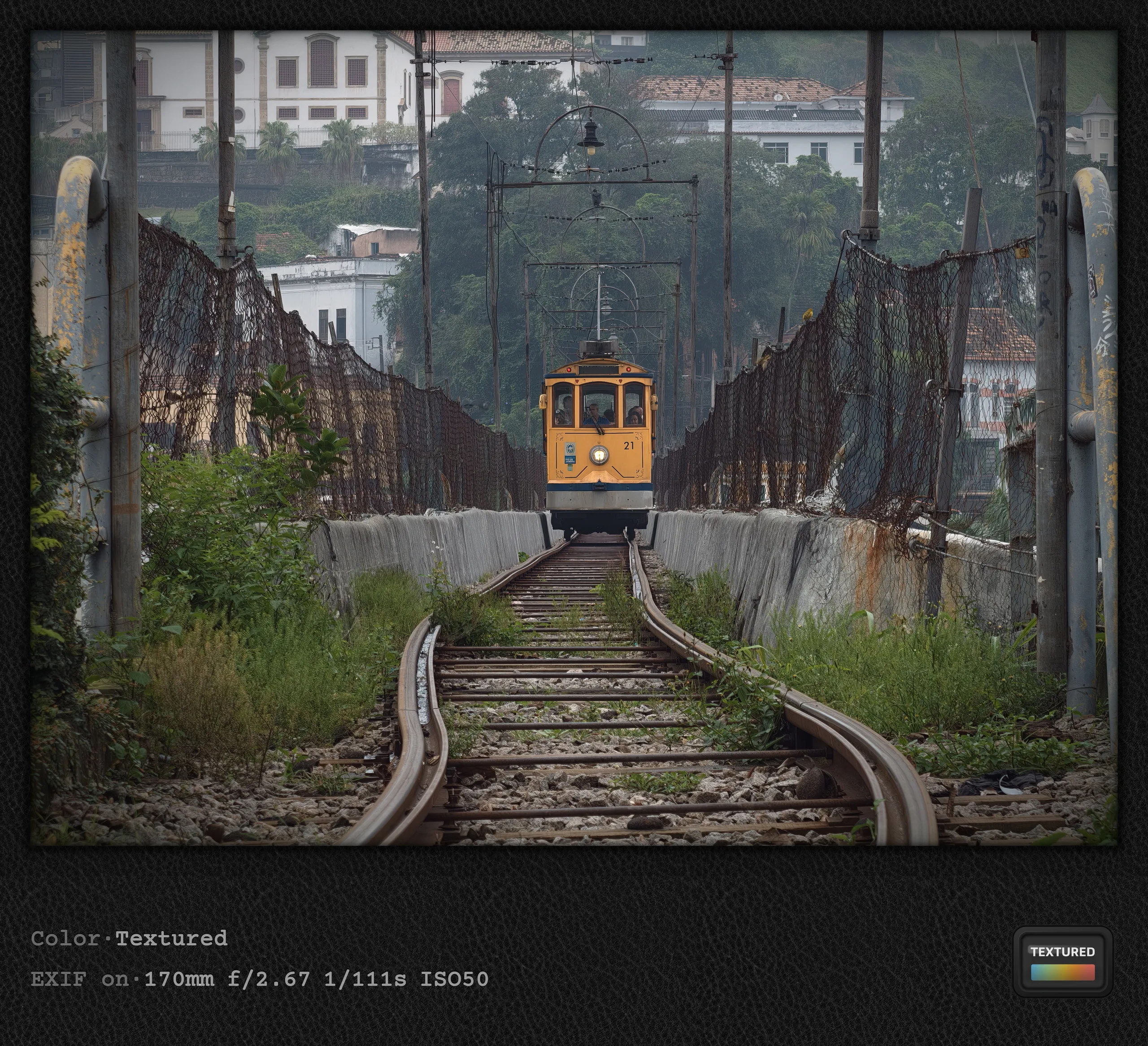
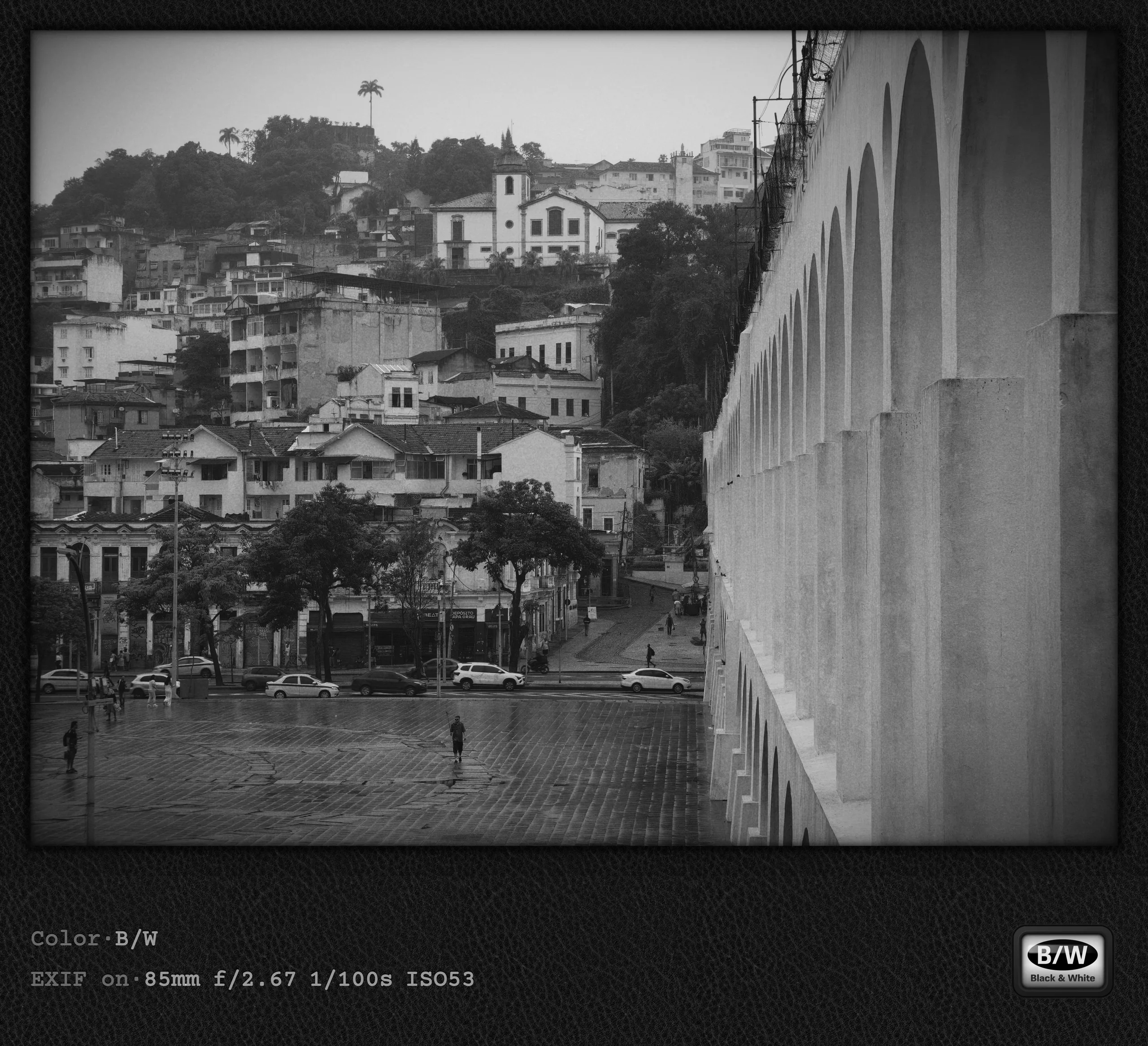
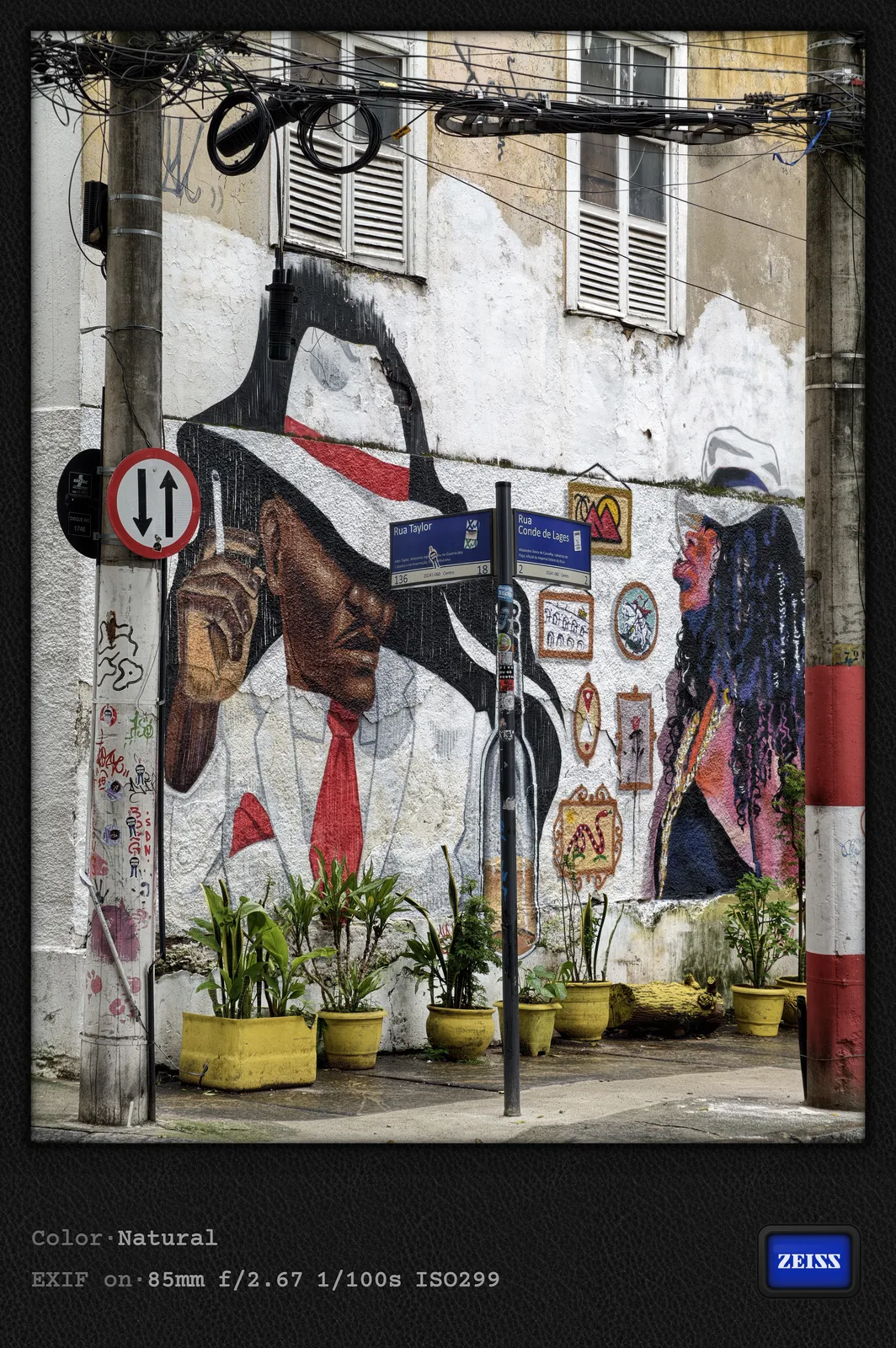
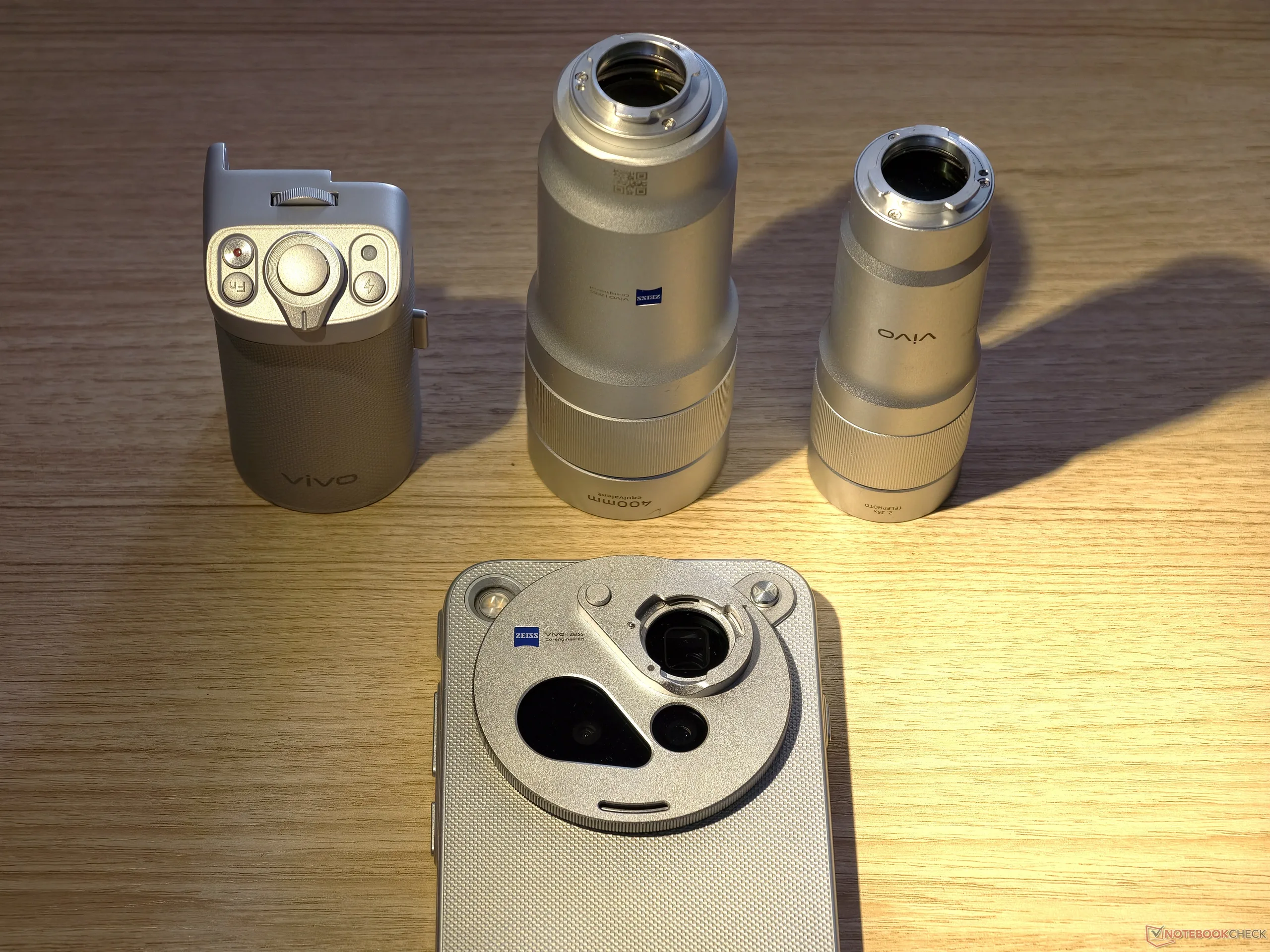
One evening did bring an unexpected sunset, although I could only capture it from the top floor of my hotel thanks to Vivo`s teleconverter. Better than nothing. Given the rainy weather, I used the camera app's black-and-white style relatively often, as it captures the rather dull mood better than any of the others. In the first part of this photo story, I criticized Vivo's sometimes overloaded camera app. In this second part, I want to address another aspect of Vivo's flagships that has frustrated me since the Vivo X300 Pro: the shortcut button.
In my Vivo X300 Pro camera review, I mainly criticized the position of this button on the "wrong" side. This time, I want to discuss a problem that regularly frustrates me when using Vivo's flagships as a camera. It may be a simple bug, but this shortcut button regularly switches modes and starts recording video if it is set to start the camera app. This happens when you press it intentionally or unintentionally, while the camera app is open. As someone who likes to rest my camera on railings to stabilize it, I find this to be a constant annoyance. Apparently, I am the only person who uses their smartphone this way; otherwise, someone would have brought it up by now. The following video demonstrates the problem, sorry for my imperfect English.
Vivo flagships as cameras
This issue with the shortcut button, along with the camera app being overloaded in some respects, is something of a mystery to me. For years, Vivo has been trying to position itself as the perfect solution for ambitious photographers and videographers who prefer the smartphone form factor. The sensor quality, processing, and price are certainly high-end, but using the phone as a camera replacement is surprisingly cumbersome and complicated. For a brand positioning itself in the premium camera segment, I really cannot understand why Vivo (unlike Apple, for example) dropped the Vivo X200 Ultra's dedicated camera button after just one generation and instead implemented such a poorly positioned and implemented shortcut button. For future generations, I would like Vivo to put more thought into usability as a camera, focusing on speed, consistency, and stability. That is also the focus of my camera review, especially since I think the photo quality speaks for itself and leaves little to be desired. Using the Vivo X500 Pro Max as a camera in everyday life is unnecessarily complicated, though.
Destination 4: Paraty
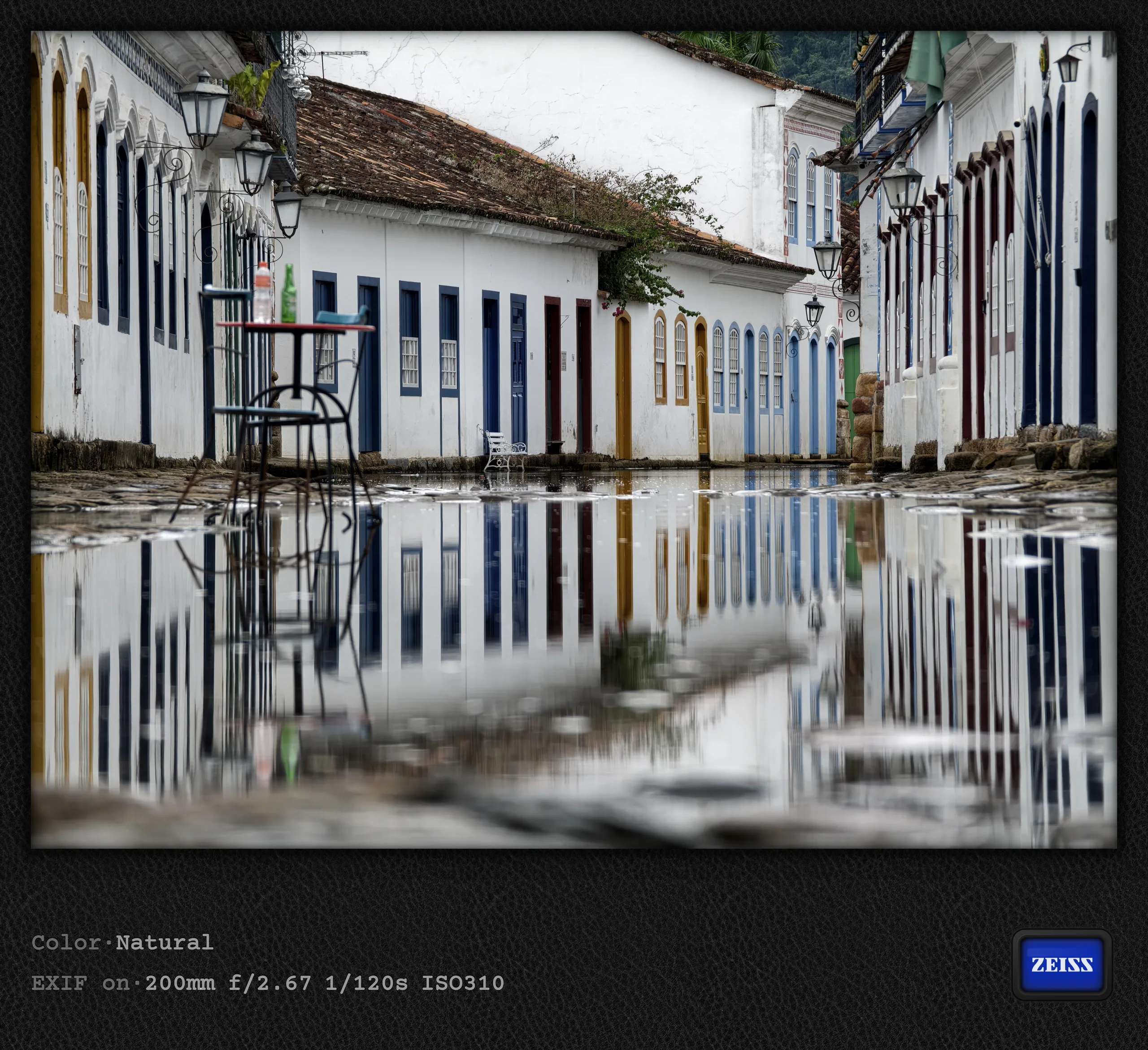
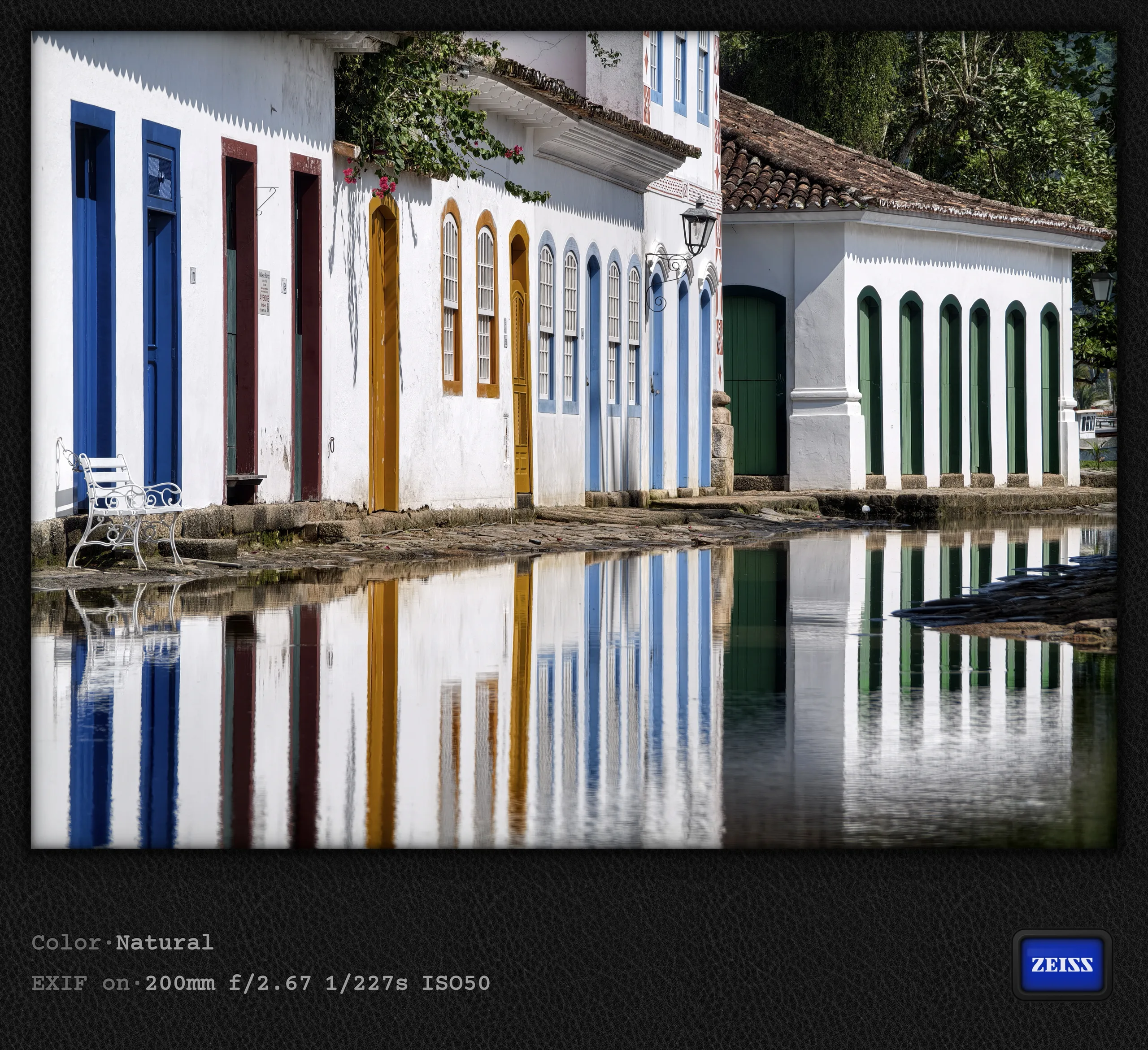
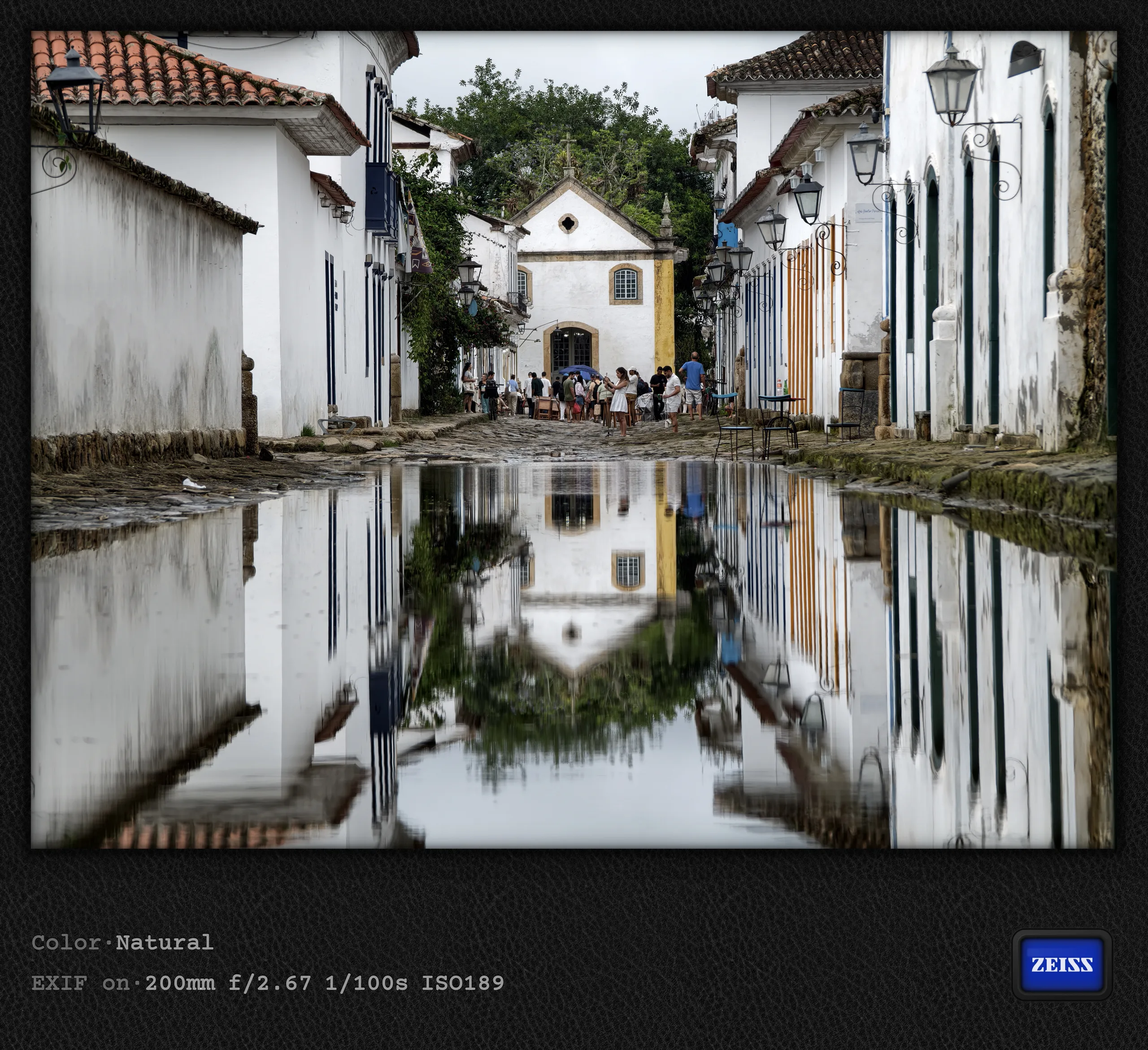
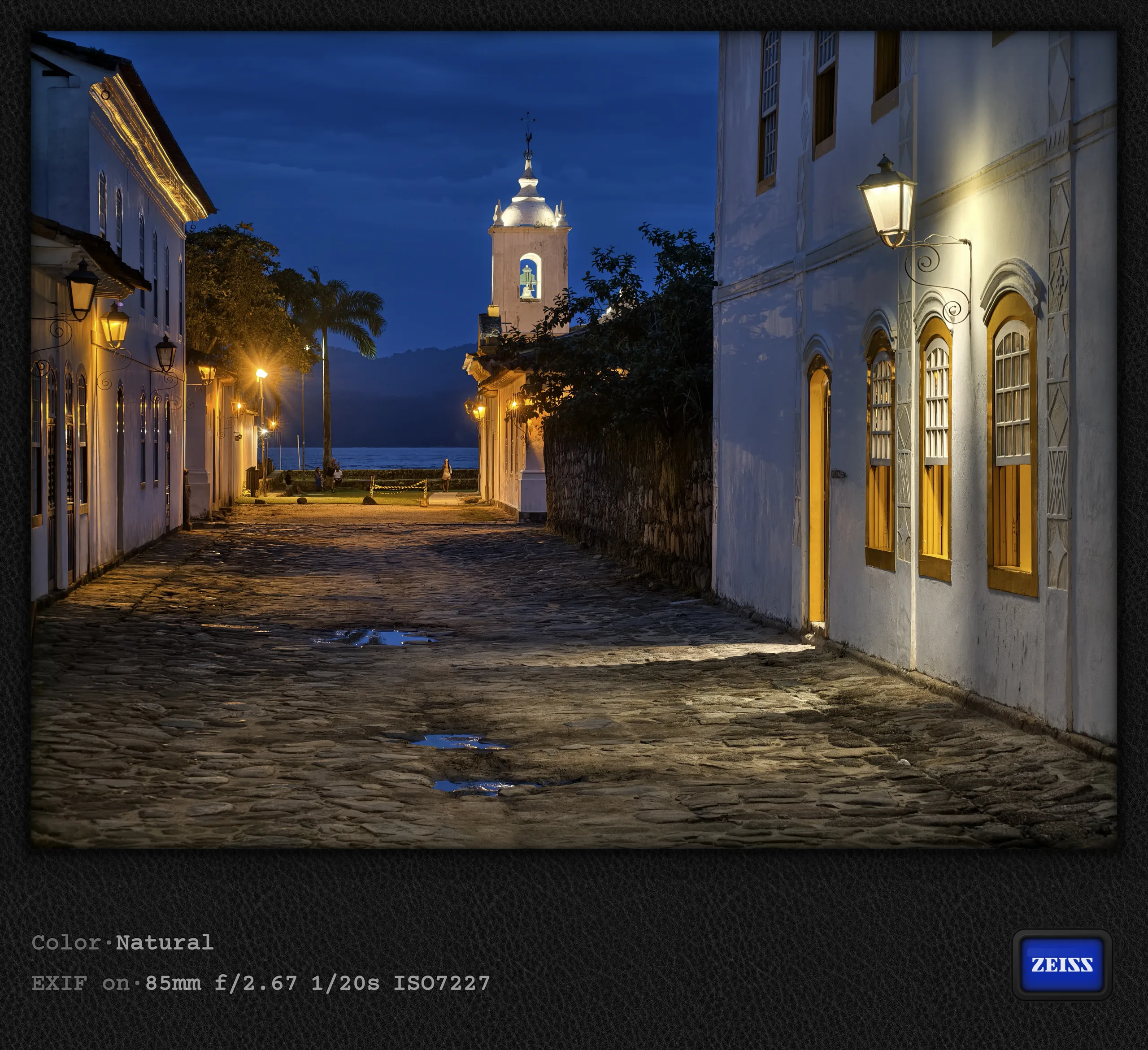
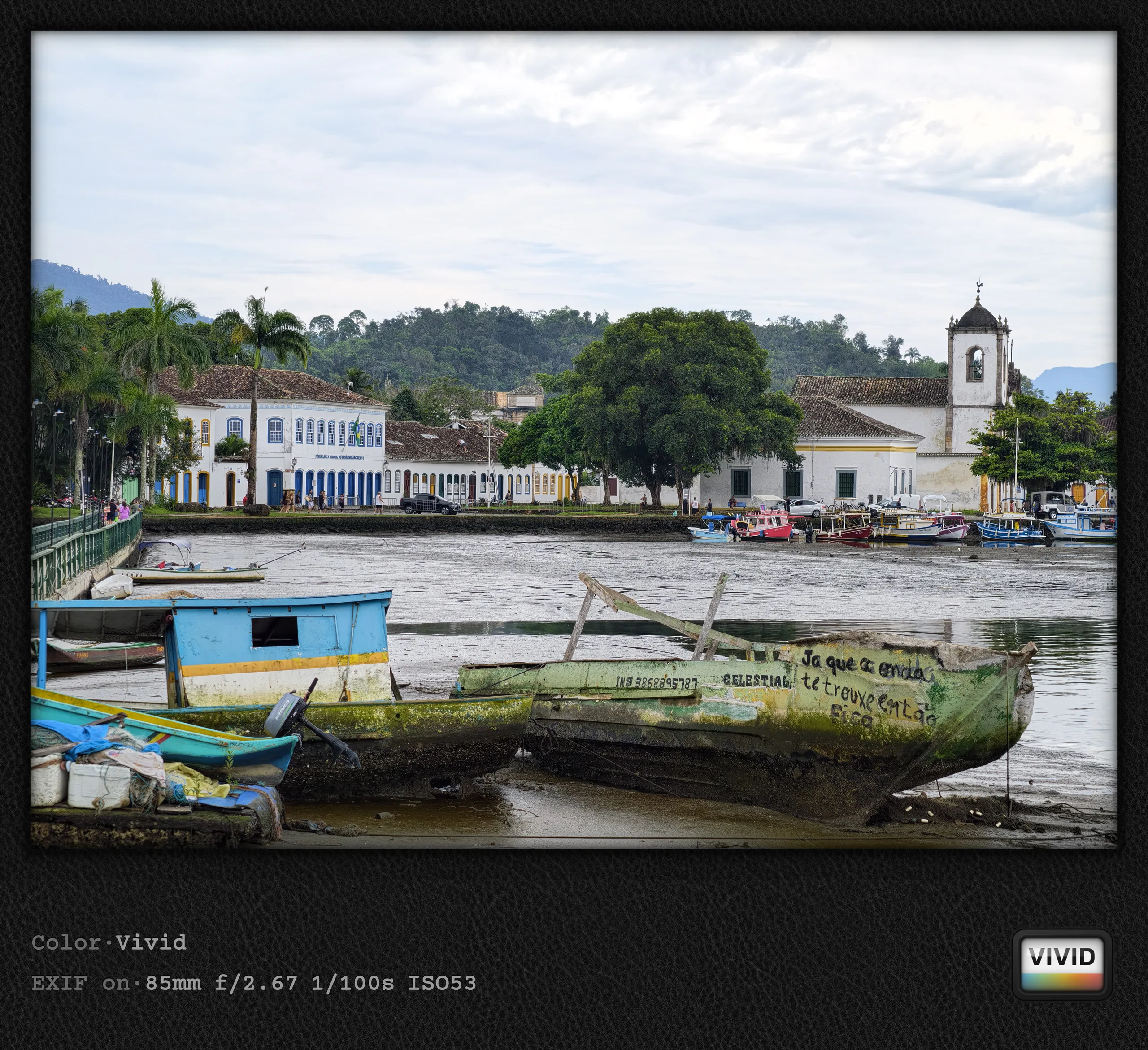
The fact that parts of Brazil's colonial past are deliberately allowed to flood at high tide was just one of the fascinating aspects of Paraty. For a photographer, this naturally provides a perfect opportunity for impressive shots, but it must be frustrating for the residents. Some parts of the historic center also get genuinely bogged down in mud, and in general, the extremely uneven cobblestones make walking around very slow and require you to constantly watch your step. Nevertheless, Paraty was a highlight of this trip, as was a boat tour of the surrounding area with its many islands and bays. Such tours are practically obligatory for tourists and are offered by countless colorful boats with more or less creative decorations.
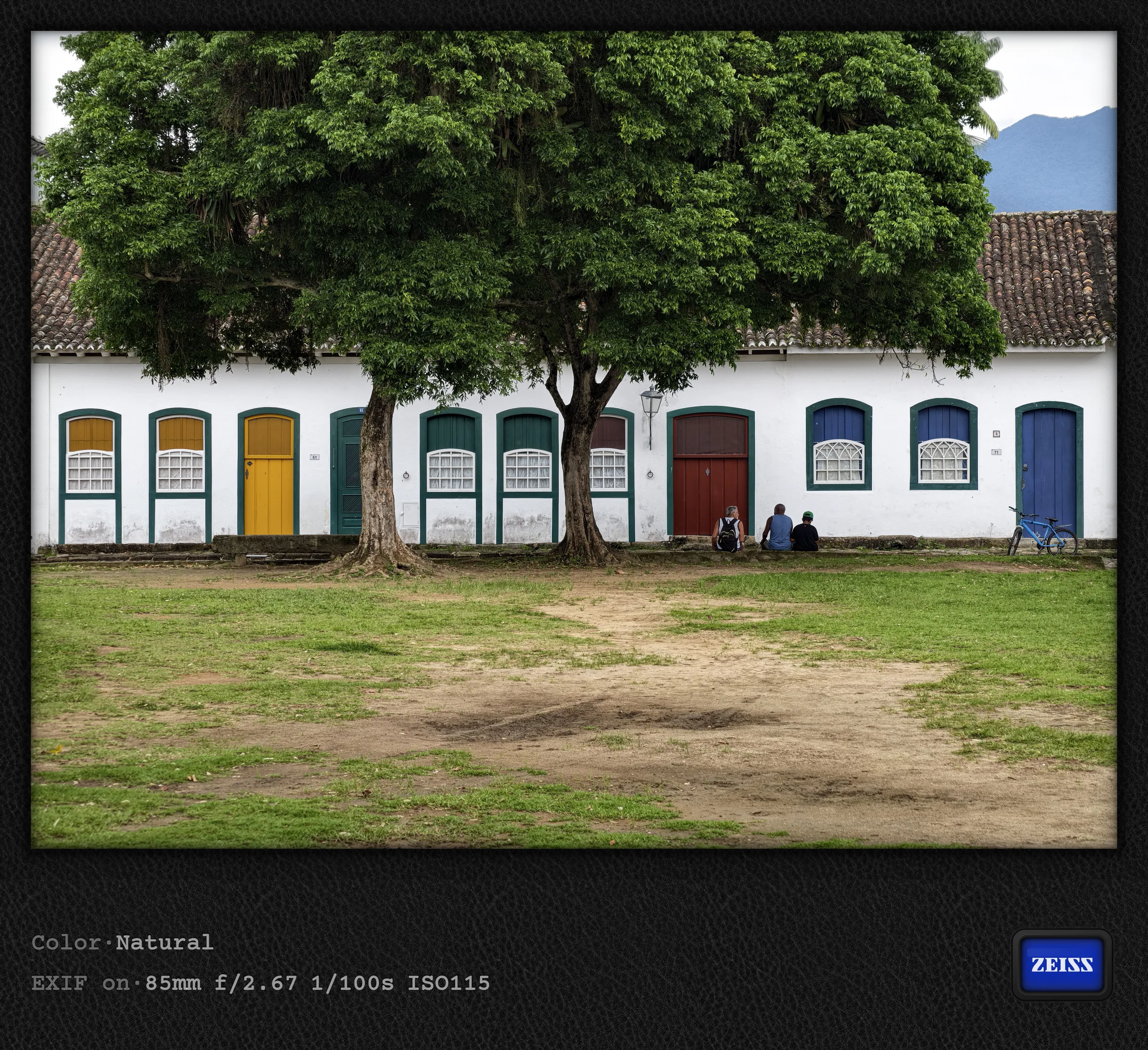
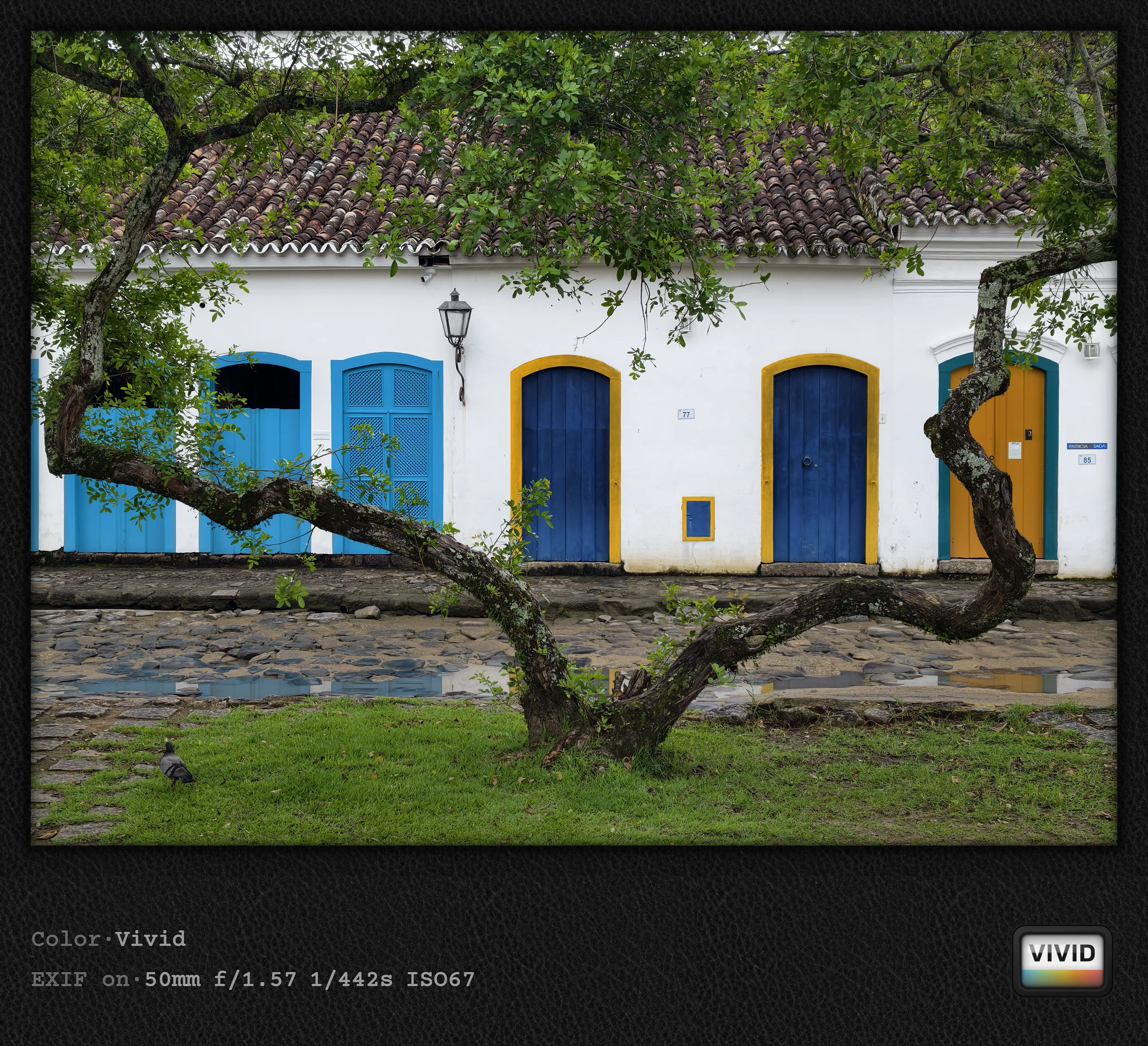
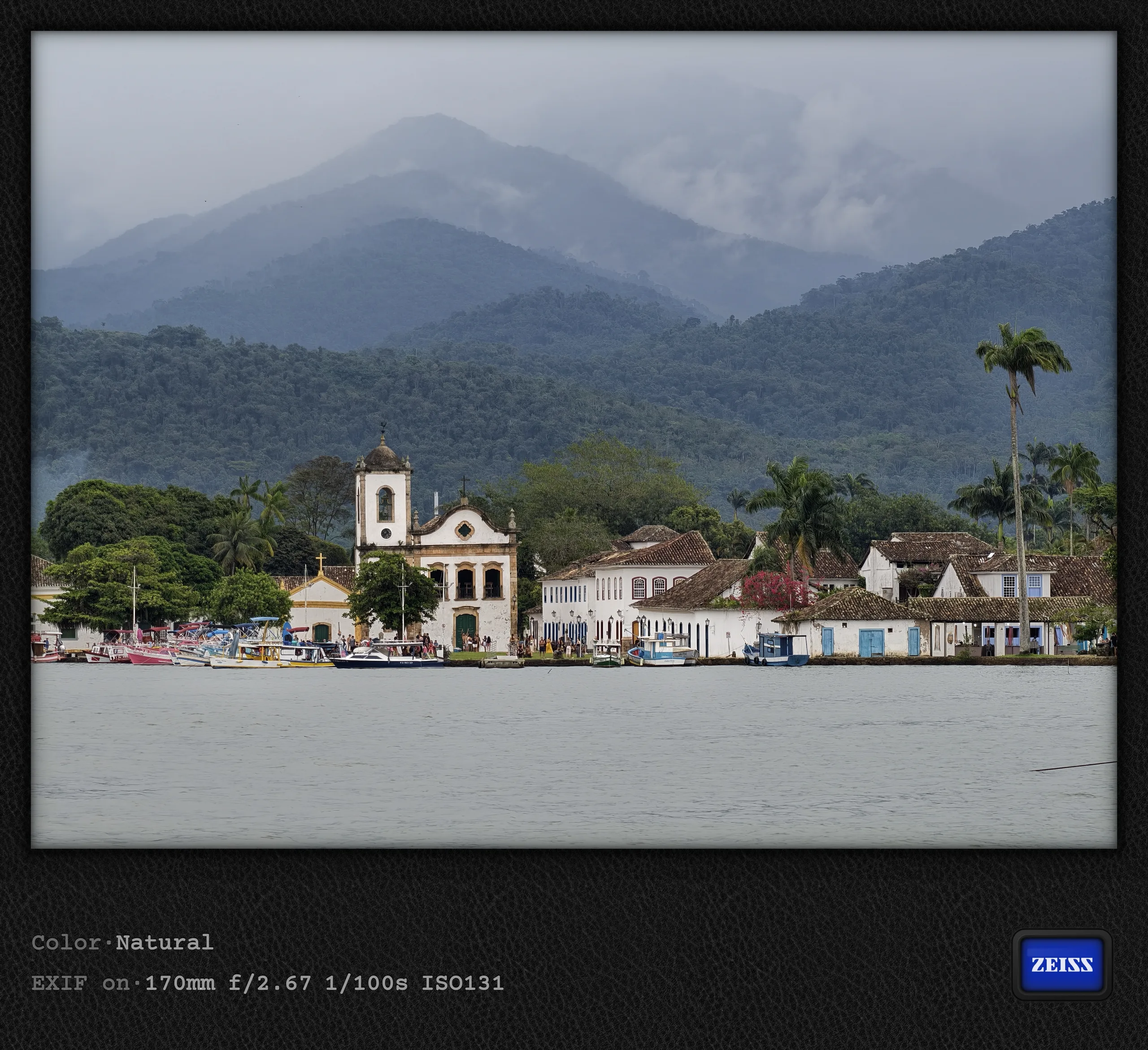
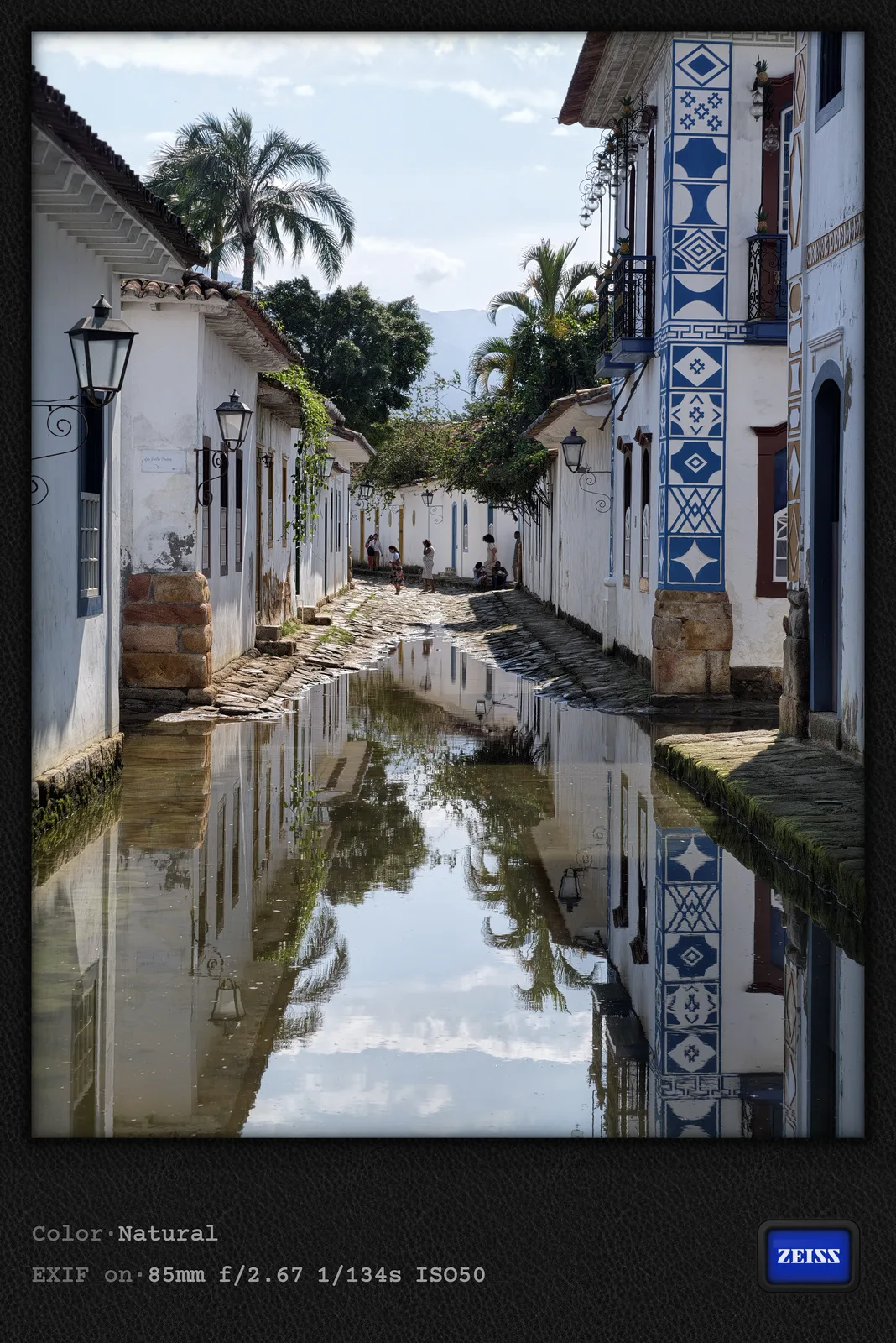

Food in Paraty
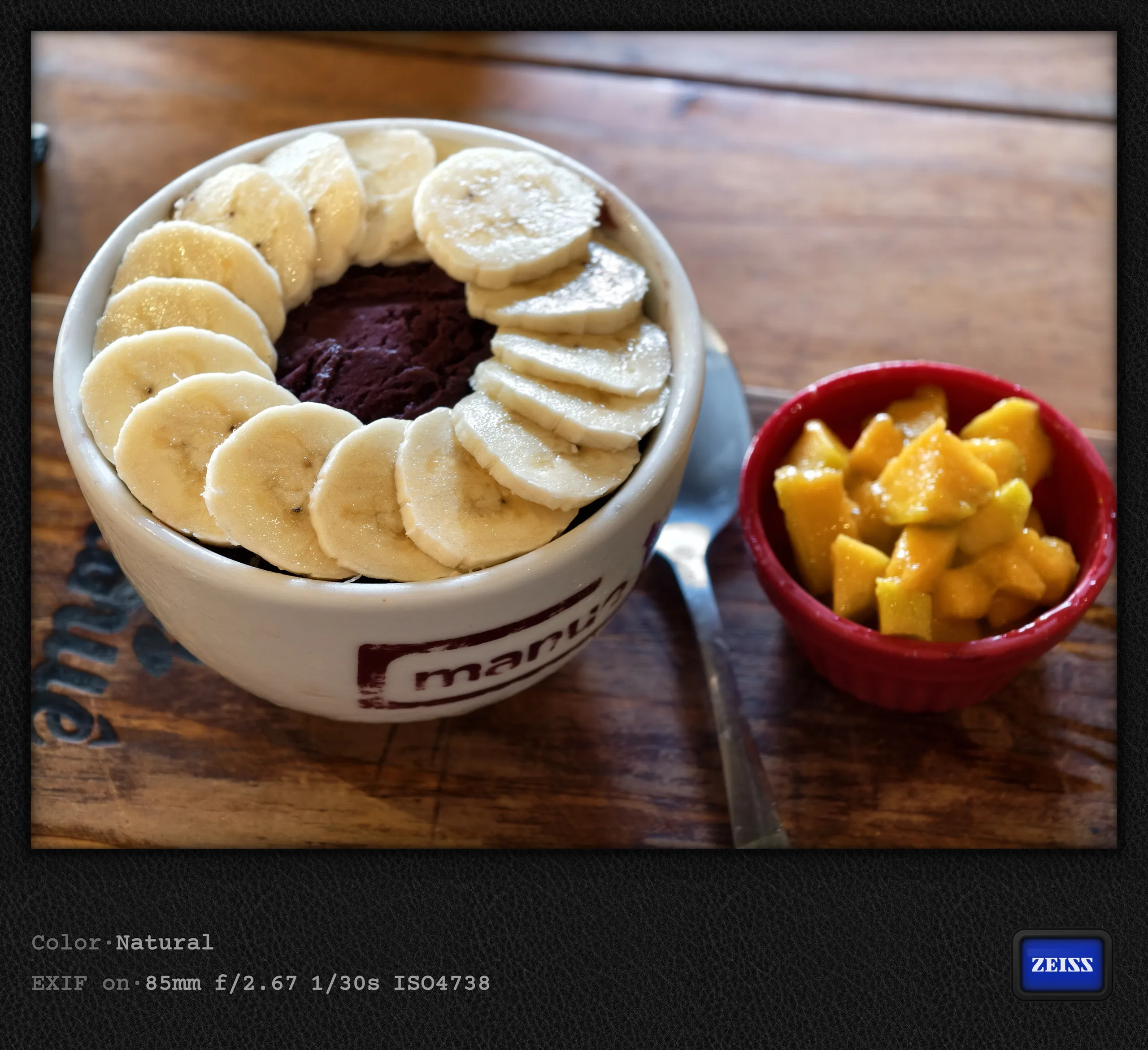
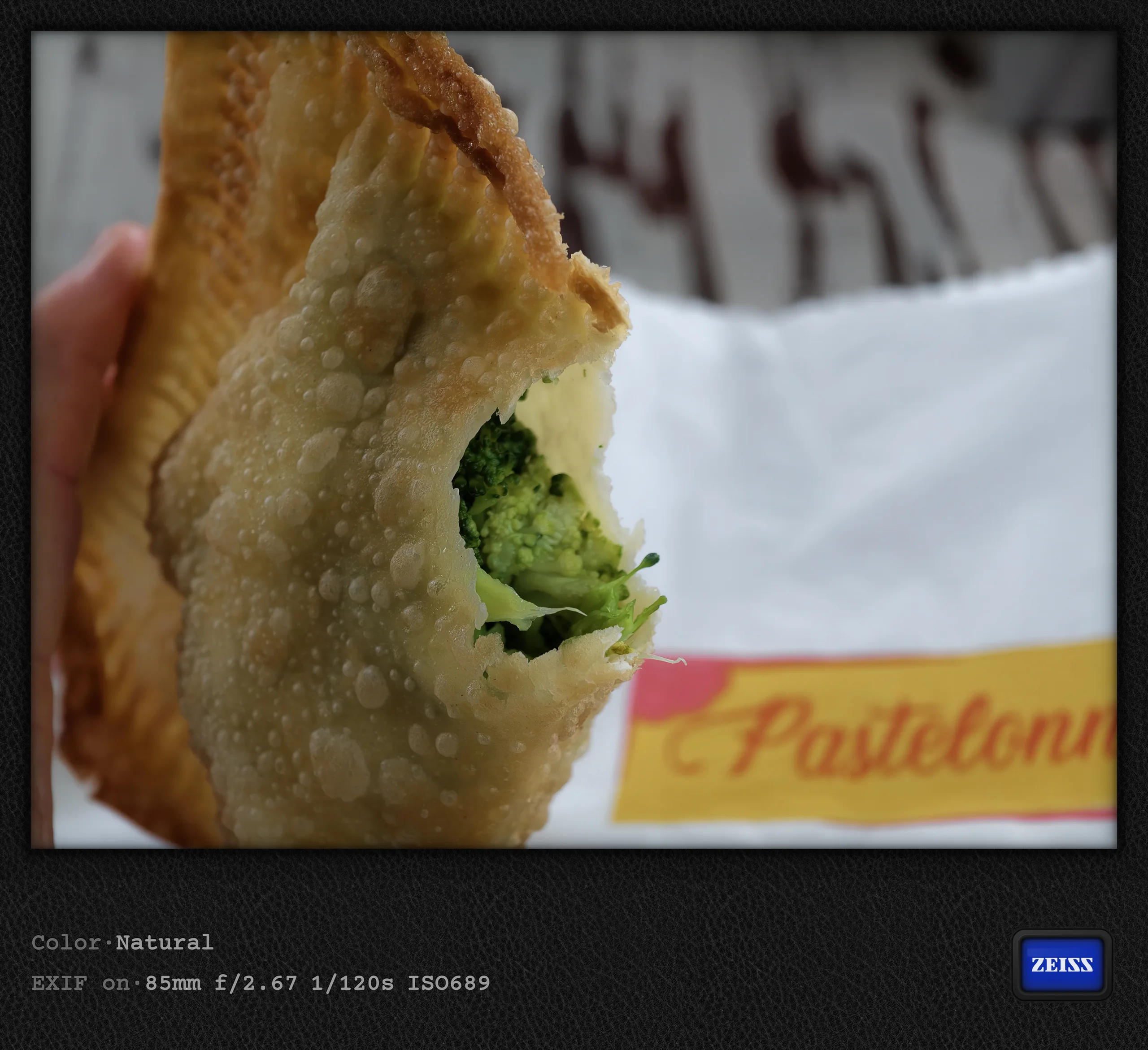
I first tried açaí bowls back in Rio, but this very ice-cream-like treat was particularly beautifully presented at Manu in Paraty. The pastéis available in hundreds of variations (here with fish and broccoli fillings, for example) also deserve a mention. You come across them everywhere in Brazil, though, much like empanadas in Argentina.

10x zoom on a boat tour
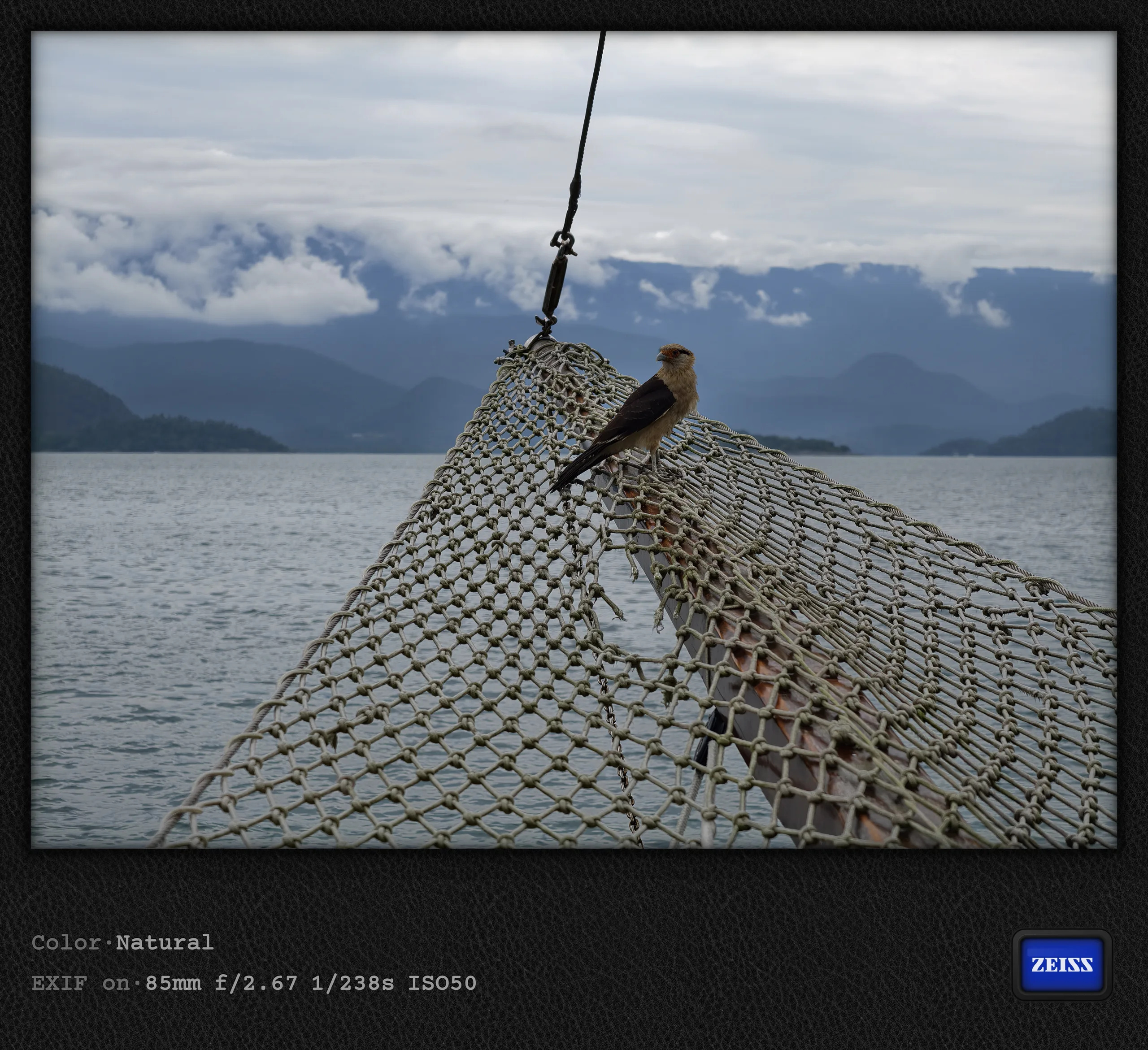
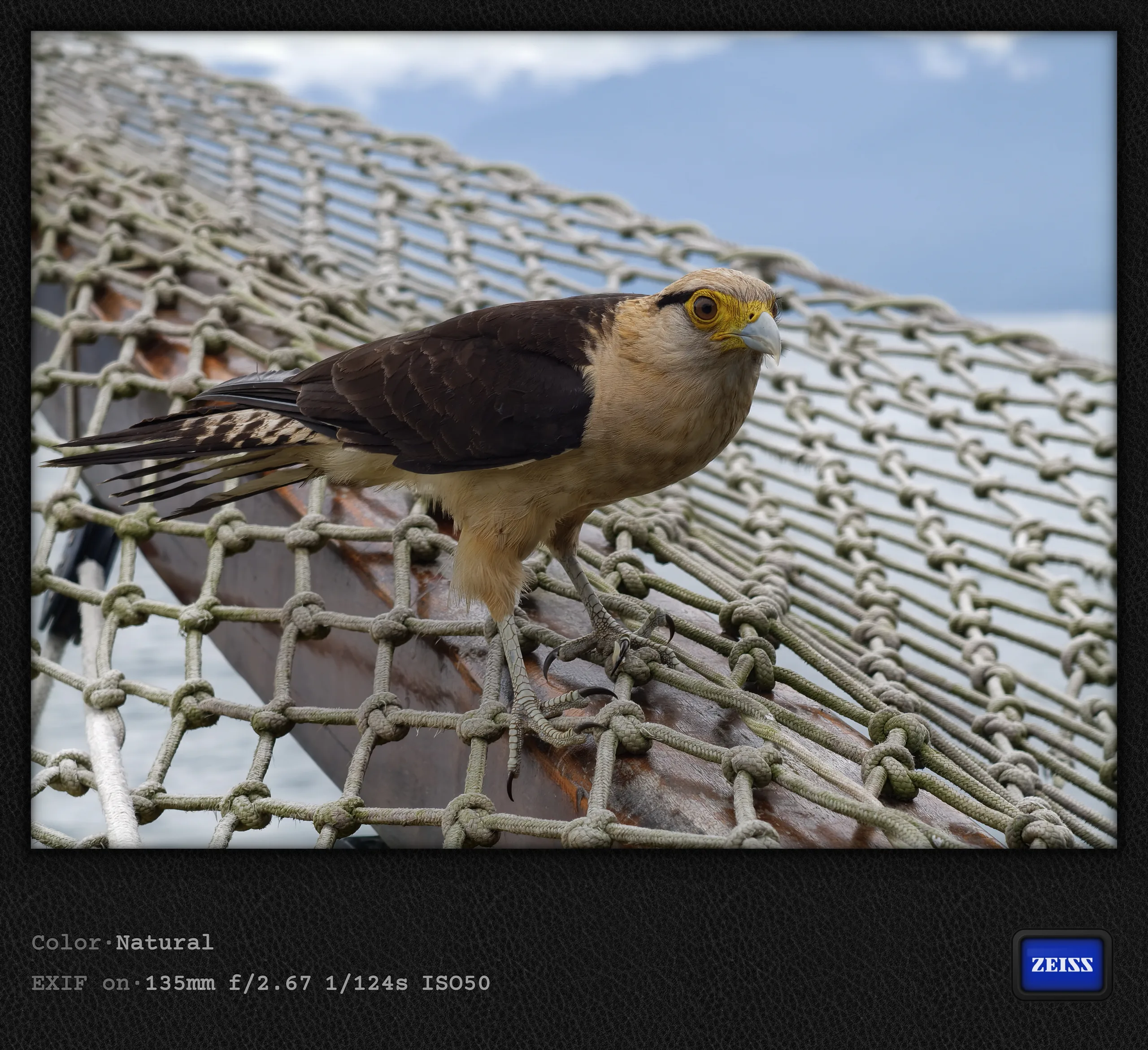
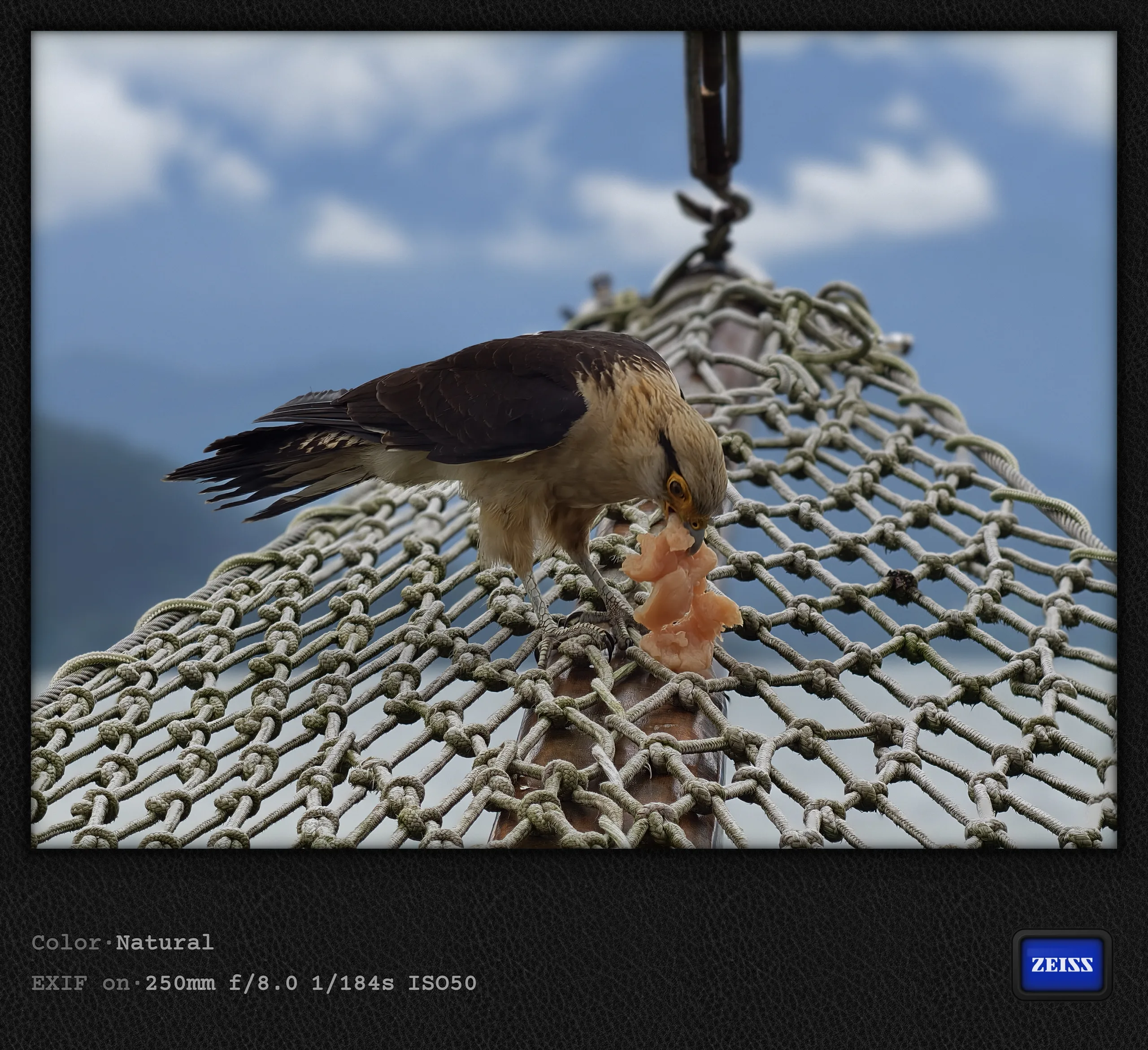
I would also like to briefly discuss the three pictures of a caracara bird of prey (according to ChatGPT), which was presumably attracted by the food and made itself comfortable for a while on the schooner's netting. Below are three pictures taken at 85mm (the telephoto camera's native focal length), 135mm, and 250mm (10x zoom), without a teleconverter. Given the somewhat rocking boat and the bird not staying entirely still, they look quite good at first glance, although some AI artifacts are visible, particularly at 10x zoom. The results would probably be better with the tele-extender, but you do not always have one with you, do you?
Destination 5: São Paulo
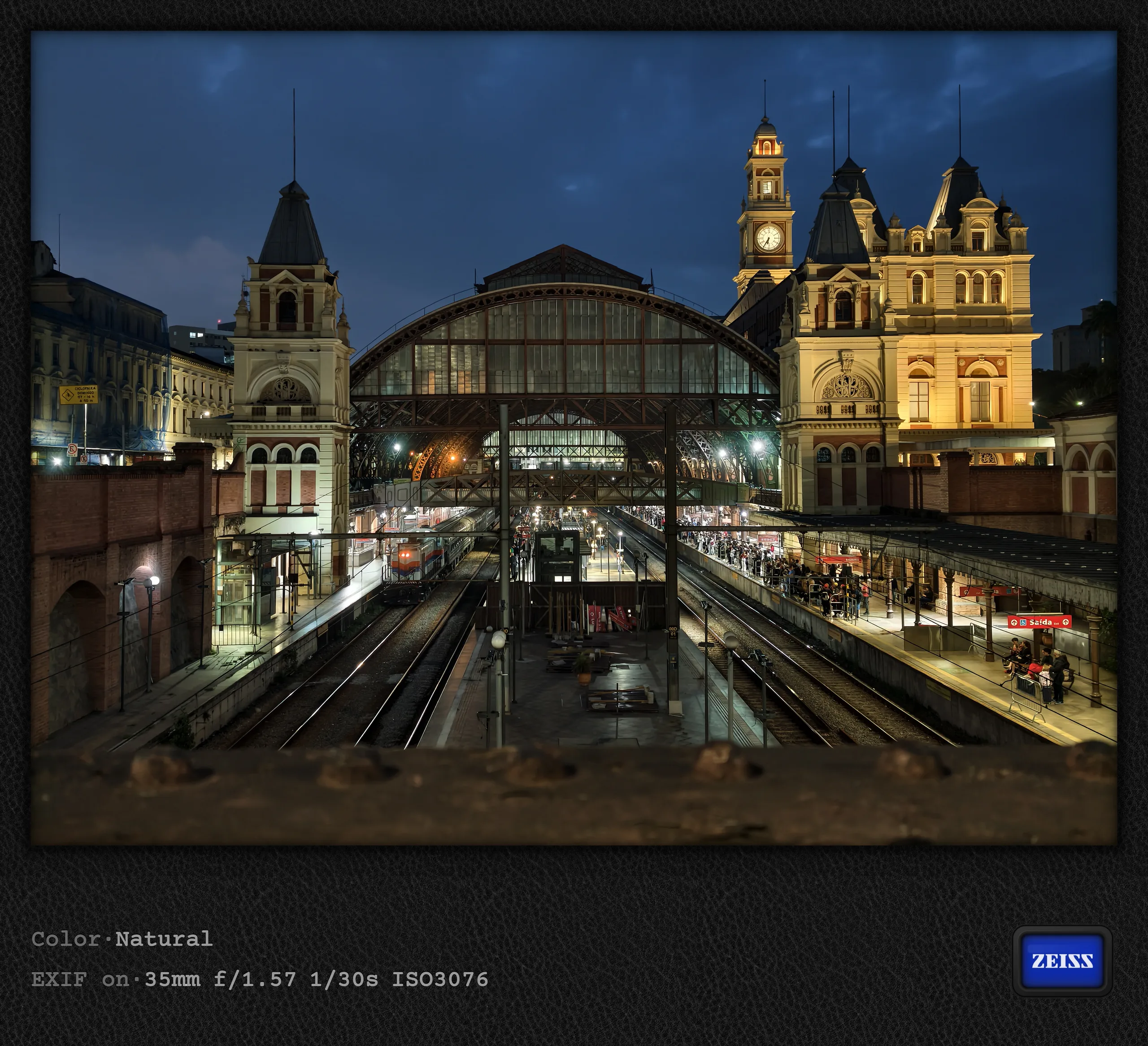
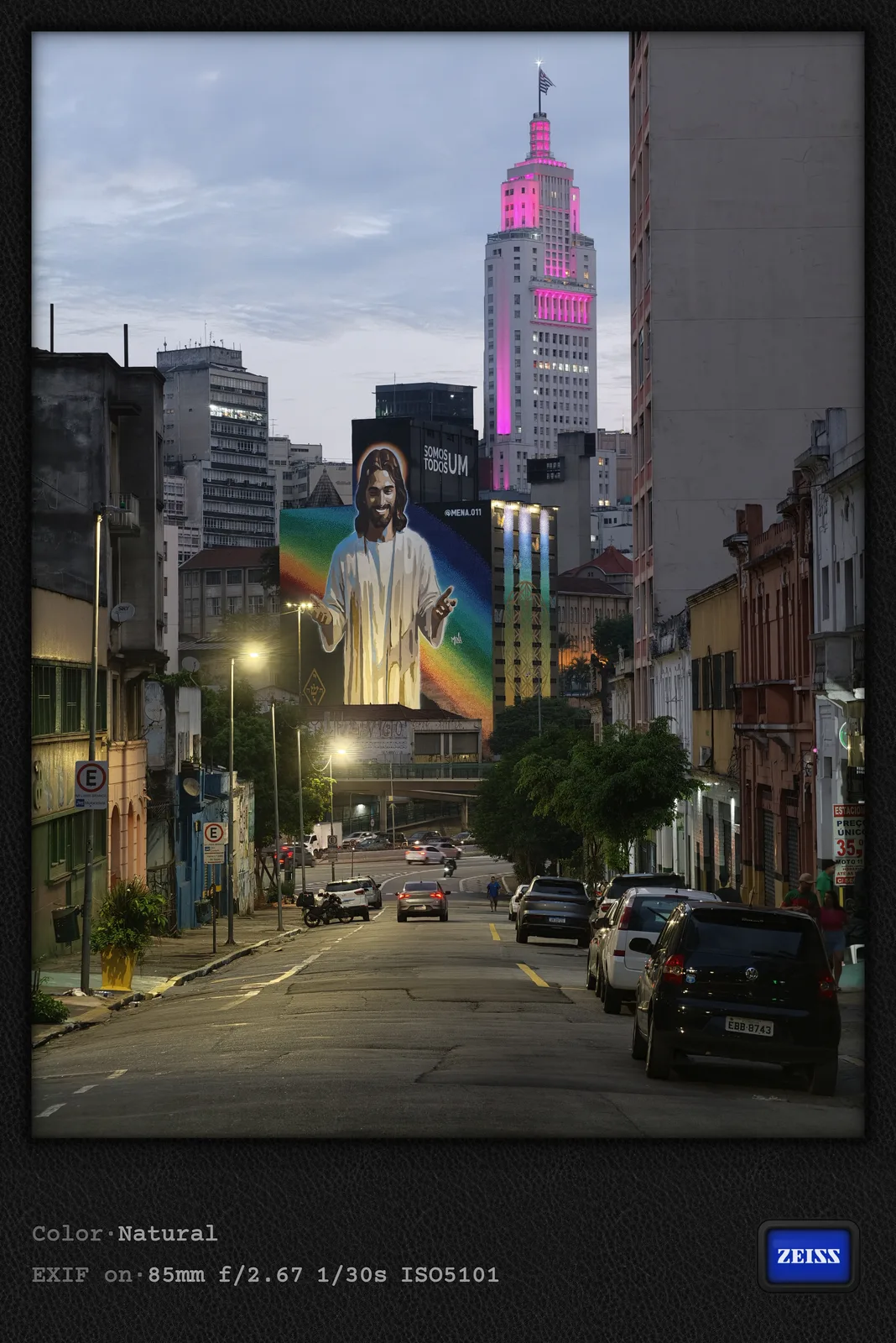
After Paraty, I made brief stops in Caraguatatuba and São Sebastião on the way to São Paulo, but in hindsight, I would be more inclined to choose Ubatuba or Ilha Grande. As a city person, however, I was more fascinated by São Paulo anyway, a place tourists usually tend to ignore. I found Brazil's largest city quite interesting. It certainly has by far the most modern feel, at least among the destinations I have visited in Brazil so far. Alongside the many colorful graffiti murals on building facades, the so-called Pichação is also very noticeable: cryptic markings on countless buildings that apparently have a political dimension as well. The last photo below shows a prominent example of it in the city center. The new monorail line to Congonhas Airport (Line 17) kept me occupied for an entire afternoon. The video below shows one of the two switches in action, captured using the 400mm tele-extender.
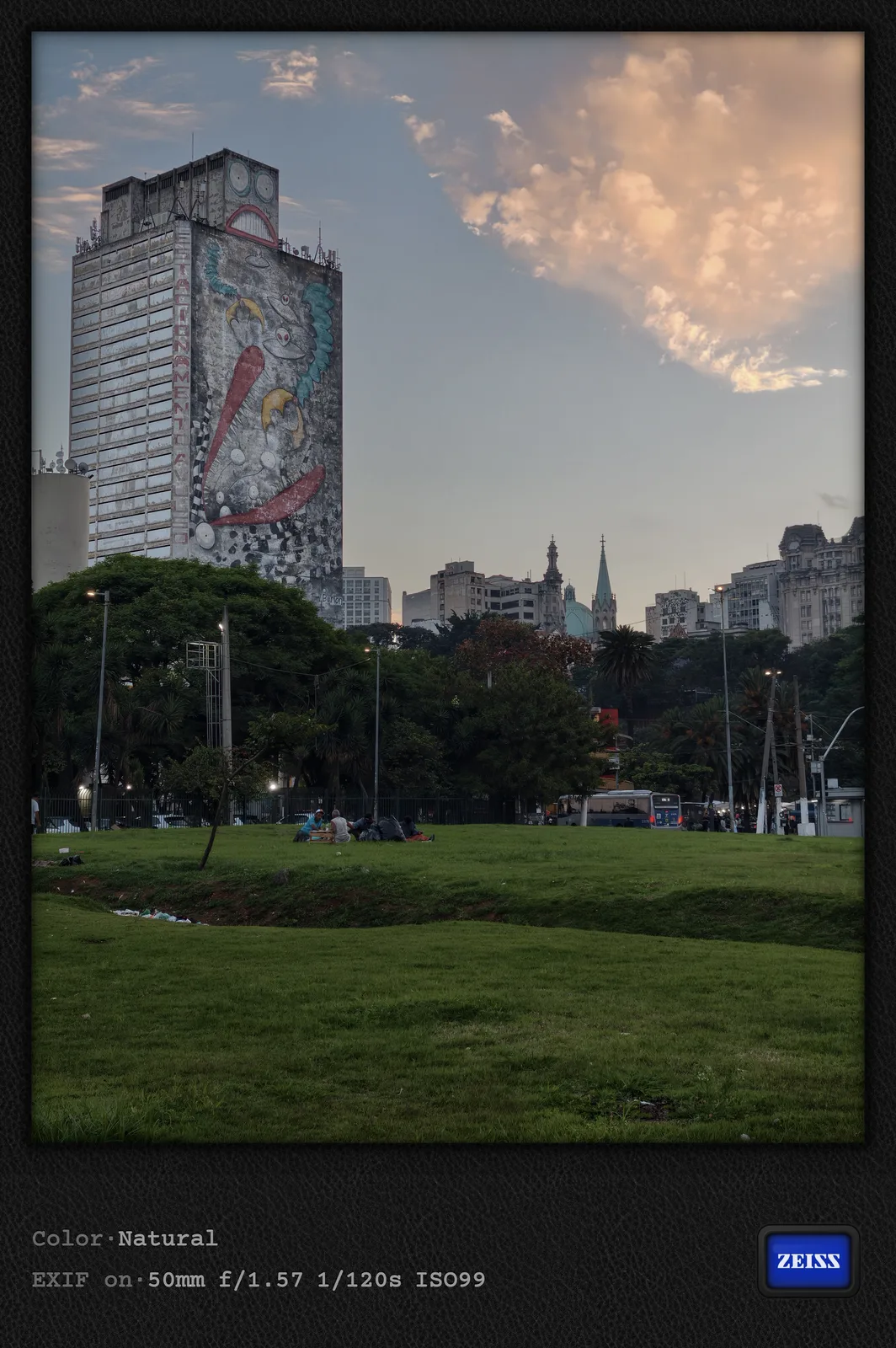
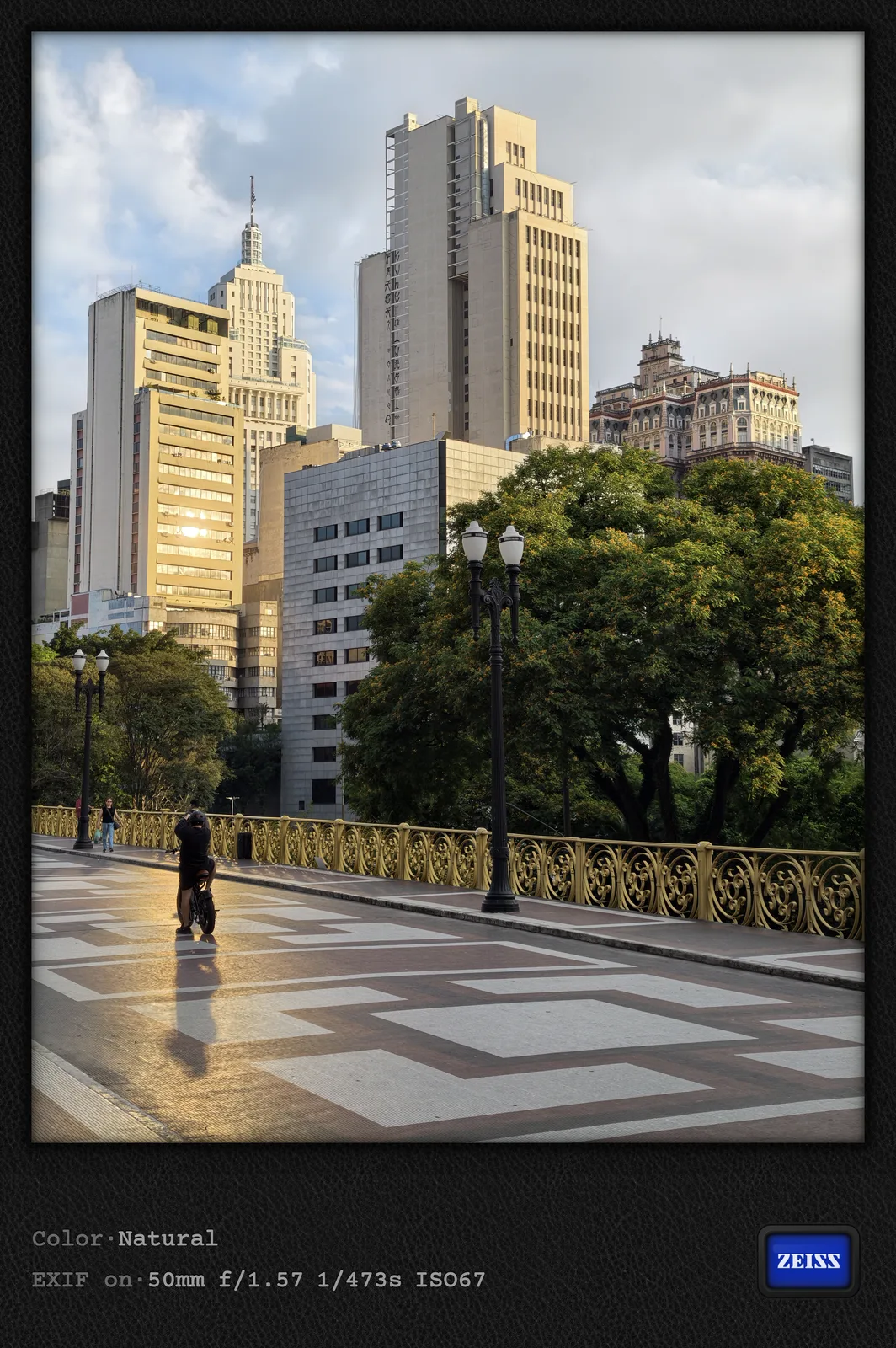
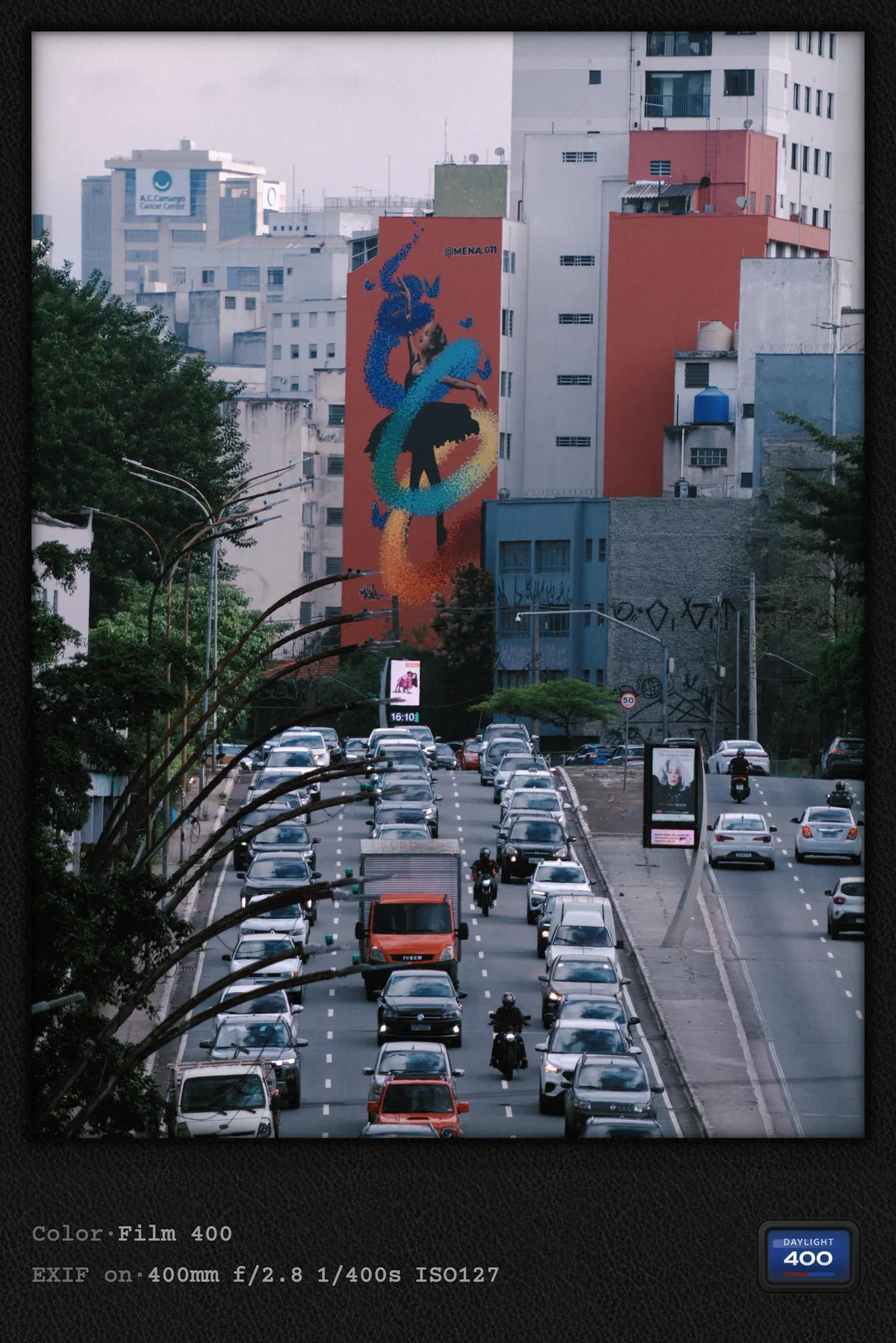
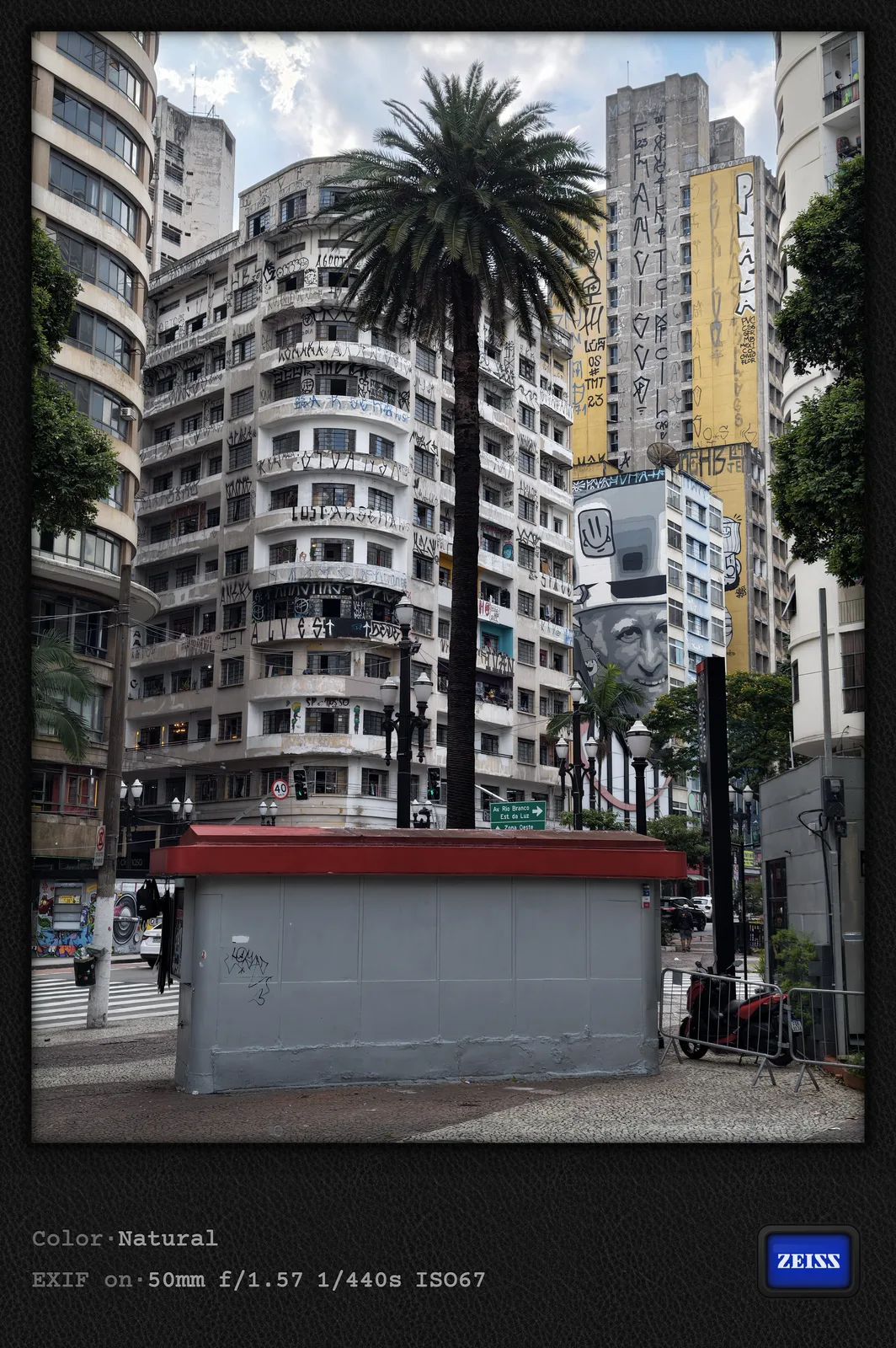
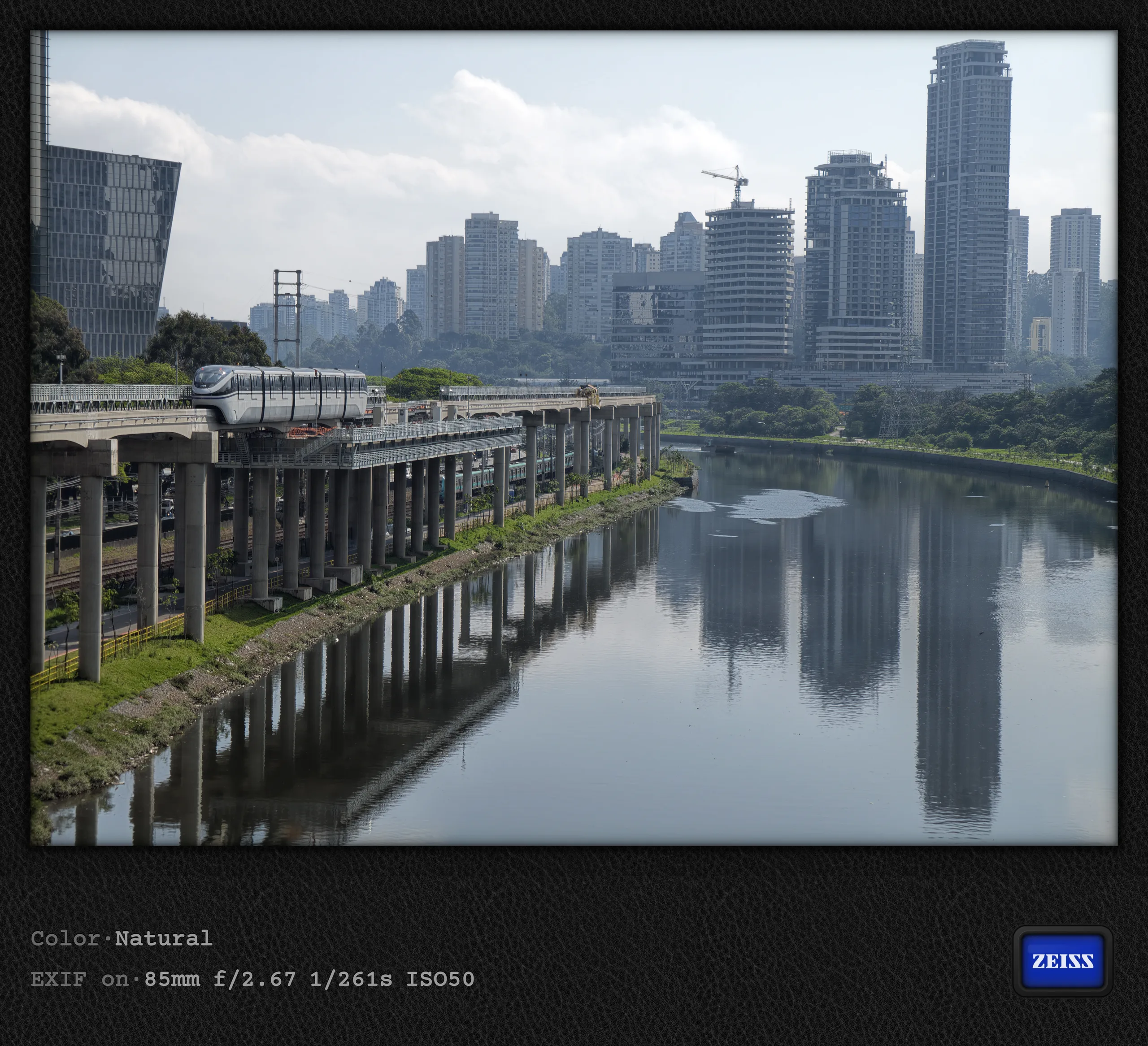
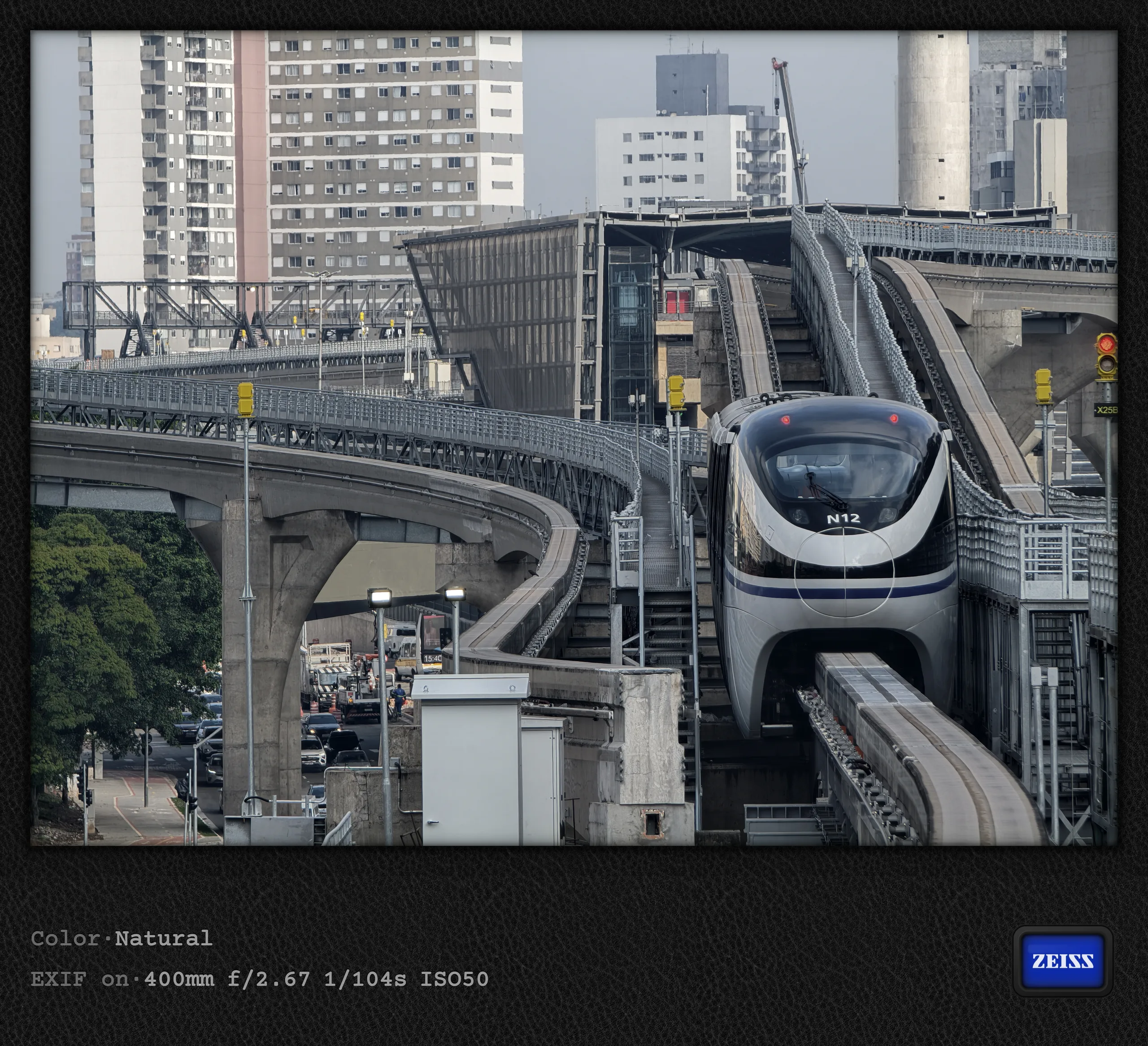
Authentic Lighting still works as before
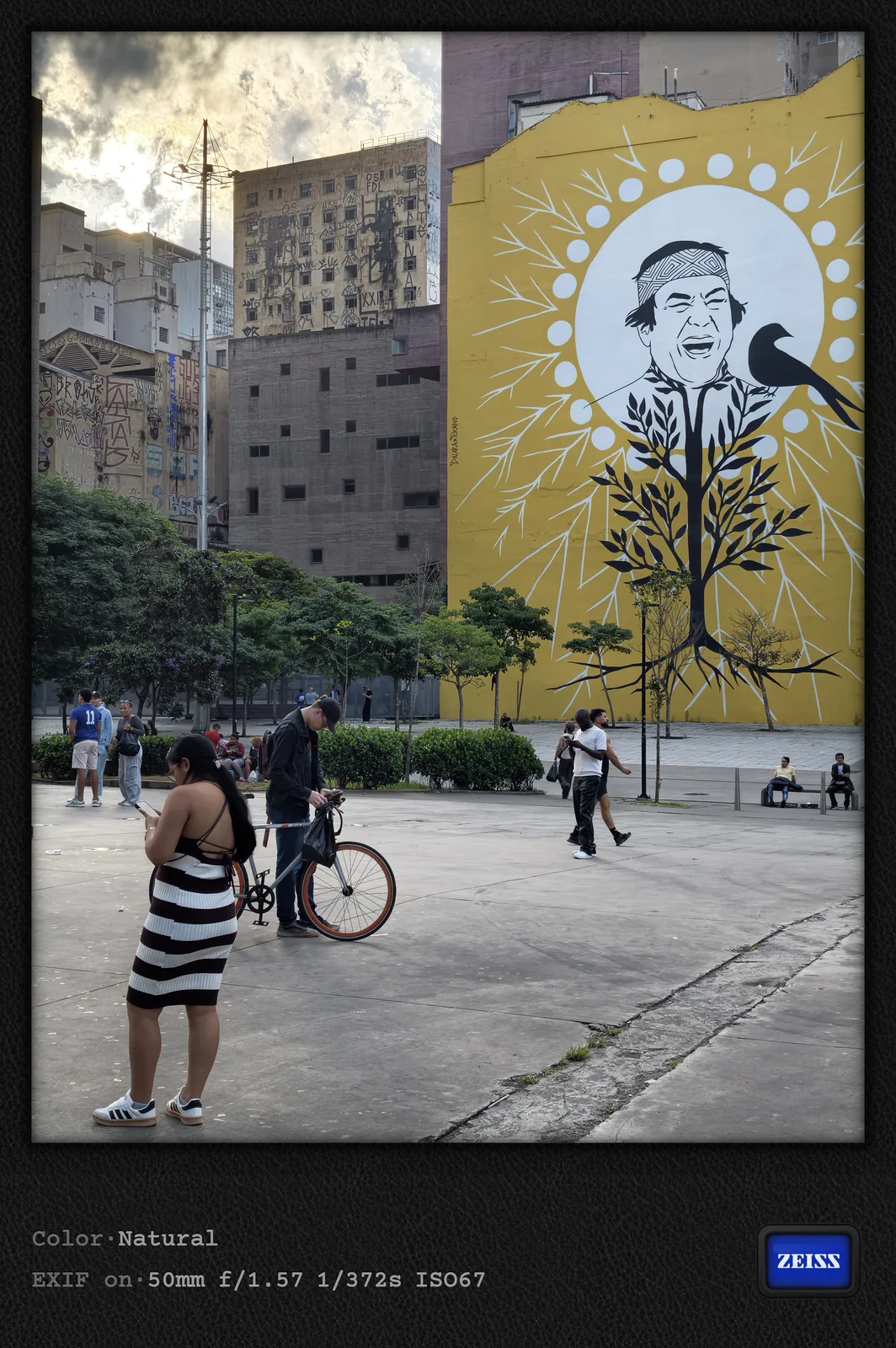
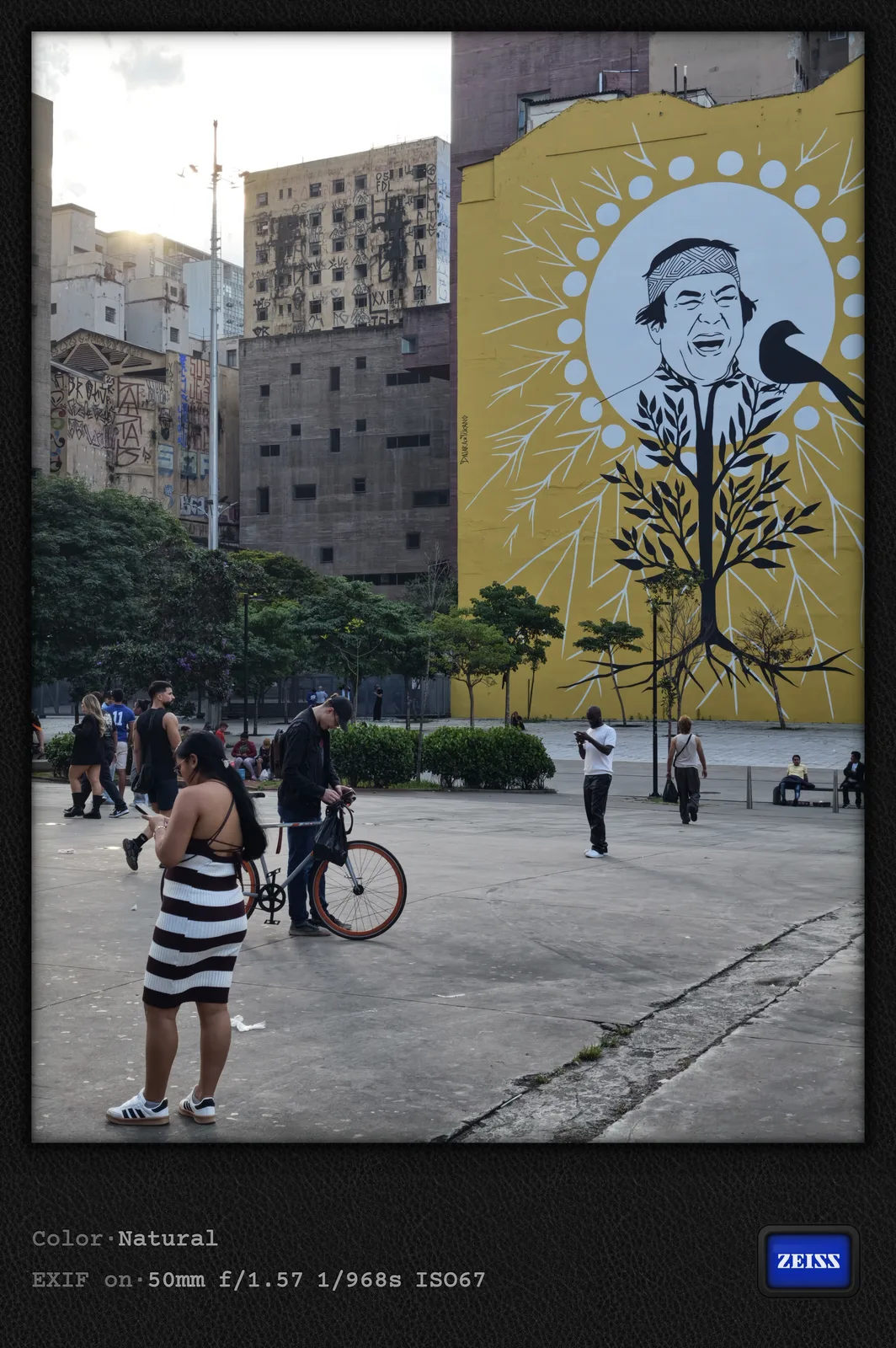
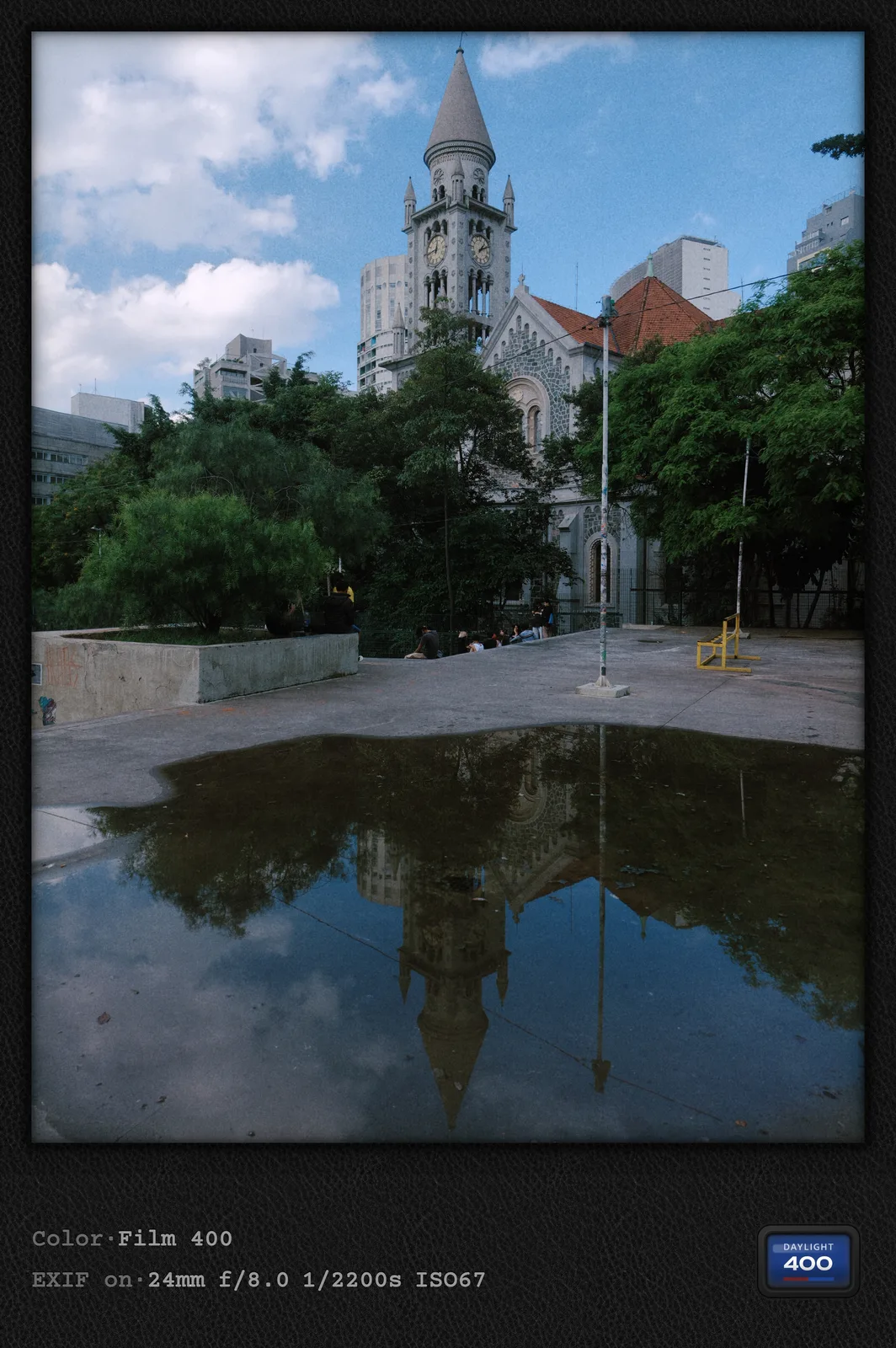
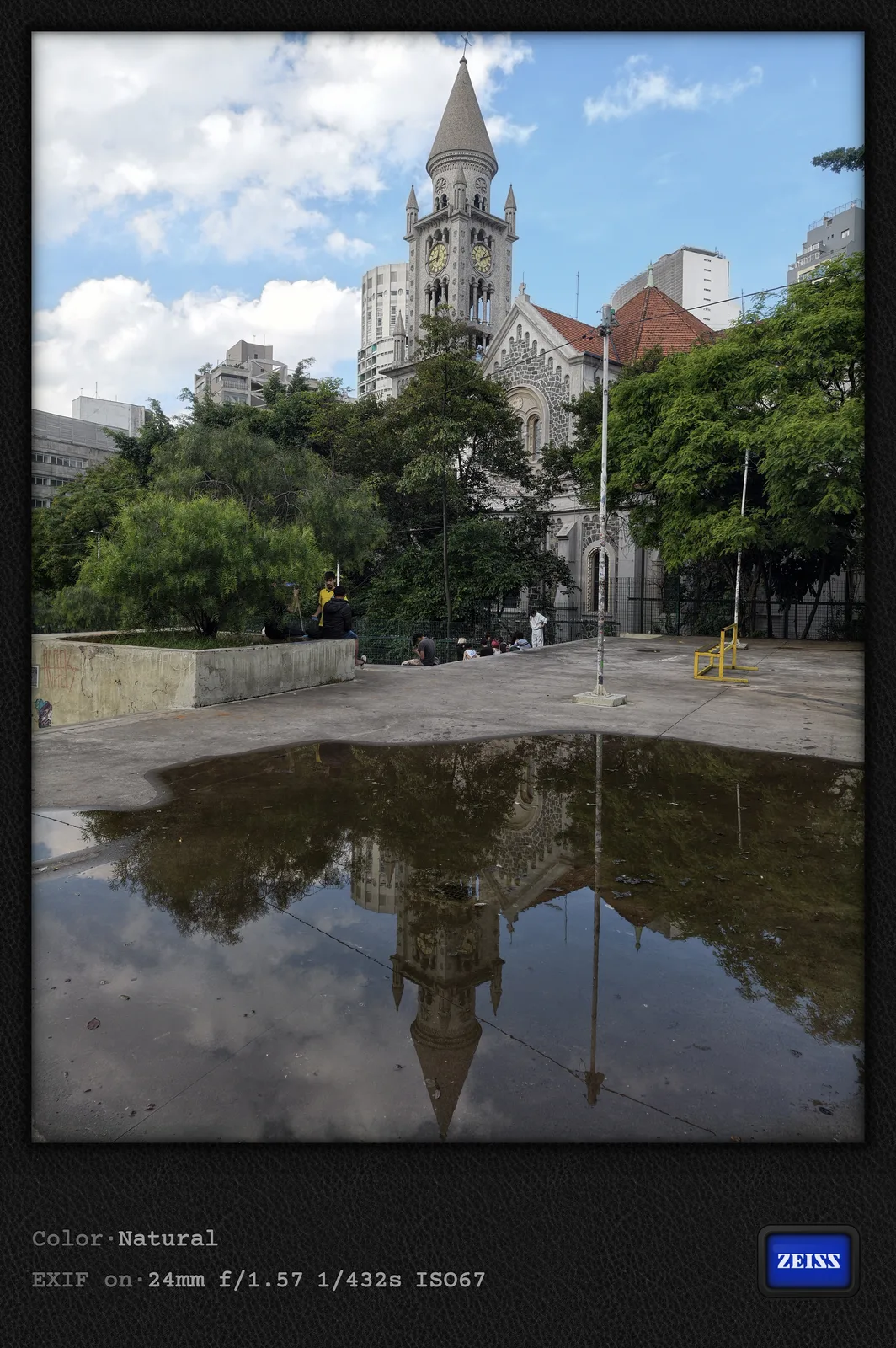
The cryptic markings are also impossible to miss in the pair of photos below. My actual intention here, however, was to compare Vivo's very intense default HDR processing with the feature now called Authentic Lighting (formerly Raw Lighting). It works similar to the Vivo X300 Pro, making the photo feel more like it came from a real camera instead of a smartphone.
Moment mode is a hidden portrait mode
I already discussed the new Moment mode in part 1; it now sits at the far left of the camera app's mode dial. More or less by chance, I discovered another aspect of this former Humanistic Street Photography mode. It produces portrait shots by default, meaning photos with bokeh that can be adjusted afterward. You can see this not only from the bokeh label in the camera app, but also from the unusual F/8.0 aperture value in the watermark. Why this Moment mode produces portrait shots, even though it actually evolved from Street Photography mode, remains a mystery, at least to me. The Vivo X300 Pro already did this, though; I simply did not notice at the time because I had largely ignored that mode. In my opinion, the intense blue tone of the Film 400 style suits this scene very well, although the result is obviously not very realistic.
The "ultimate" megapixel comparison
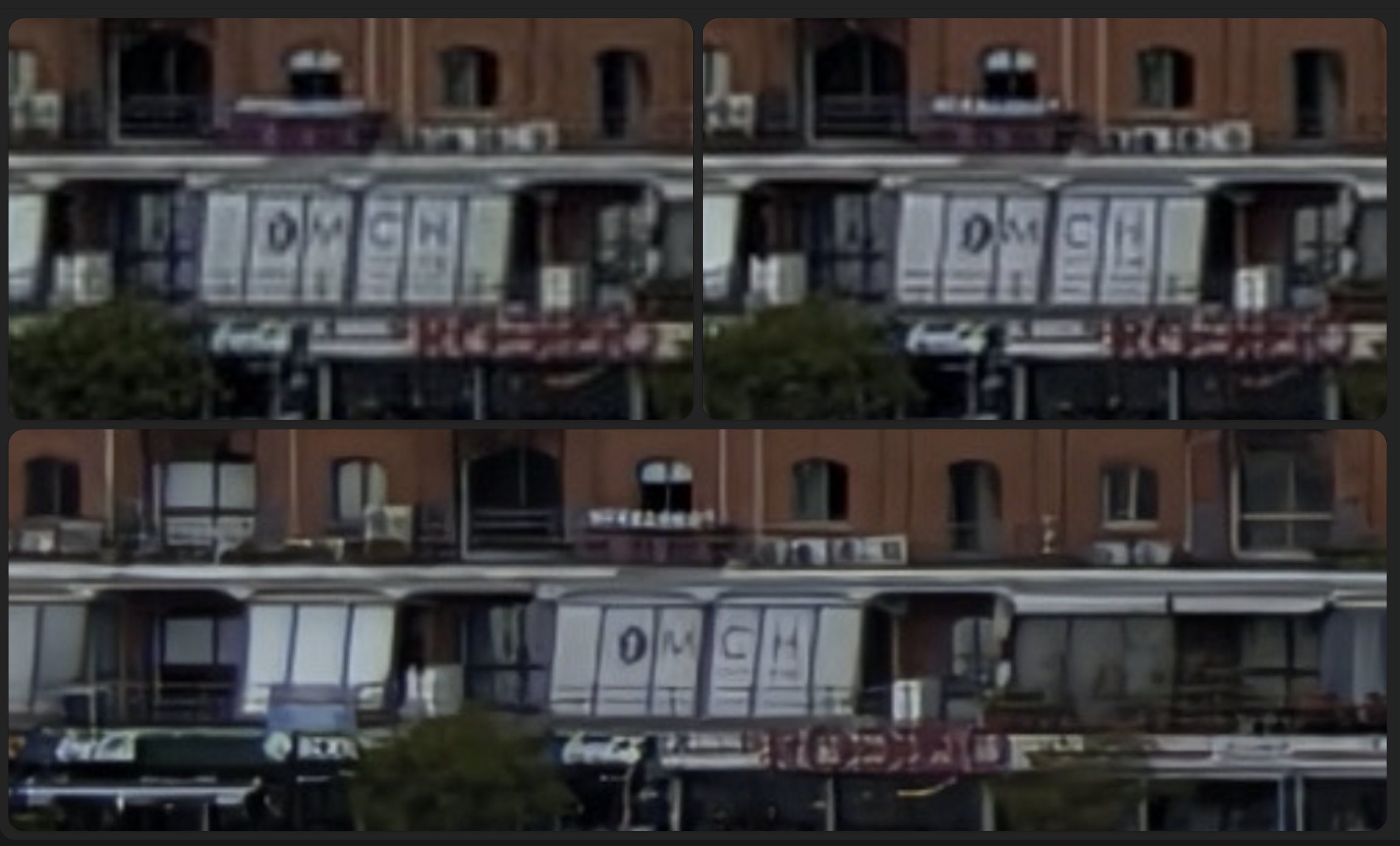
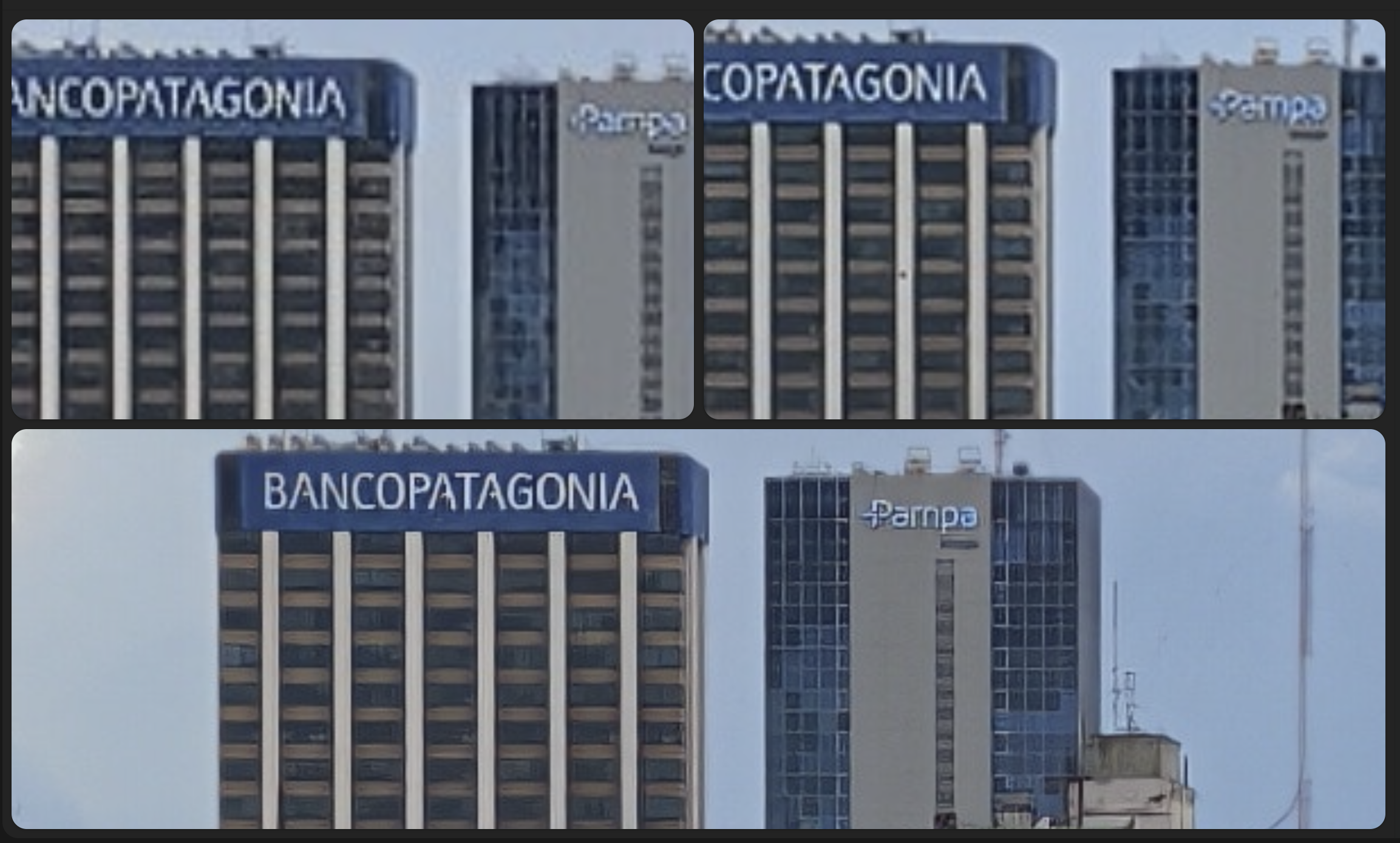
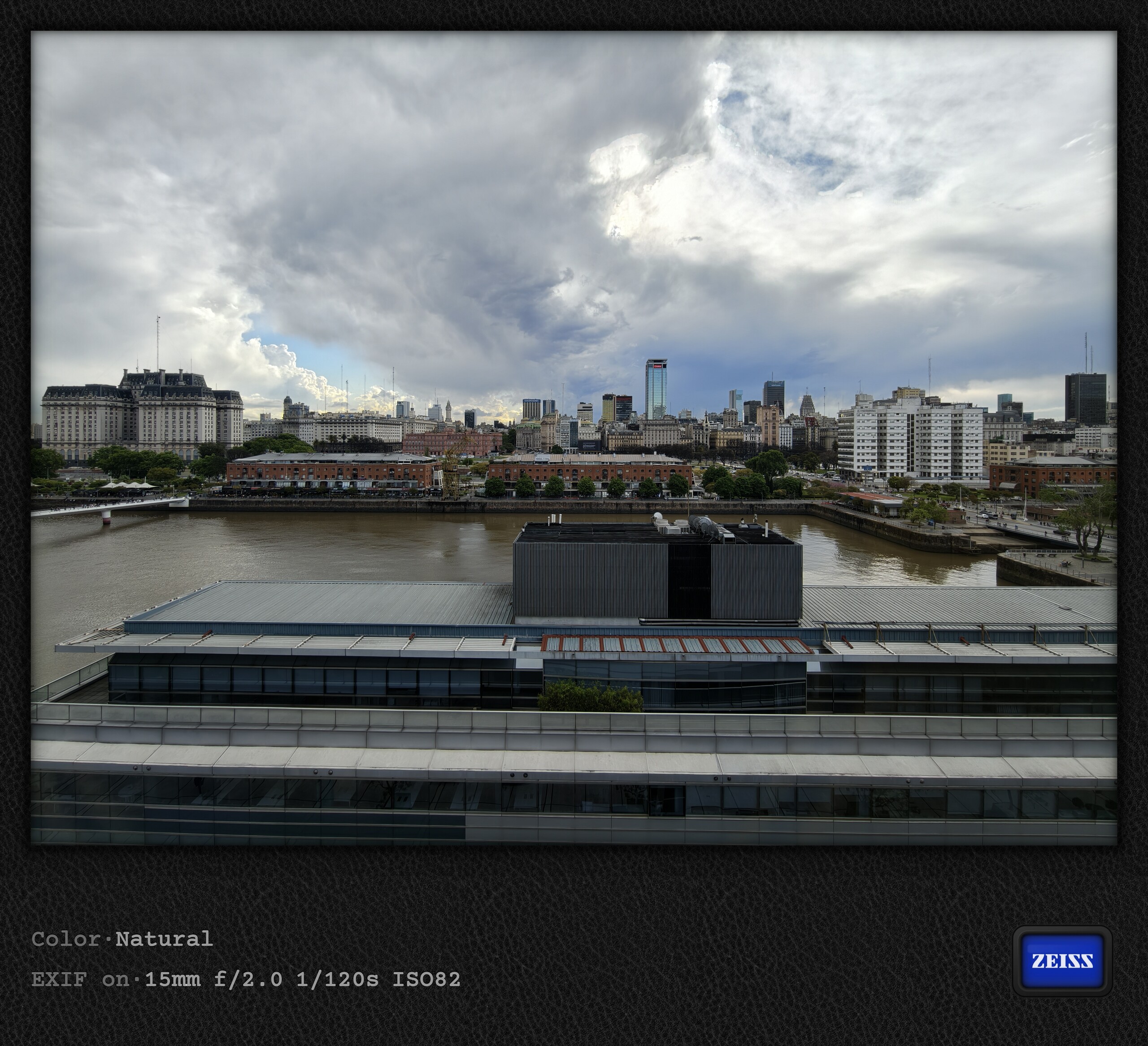
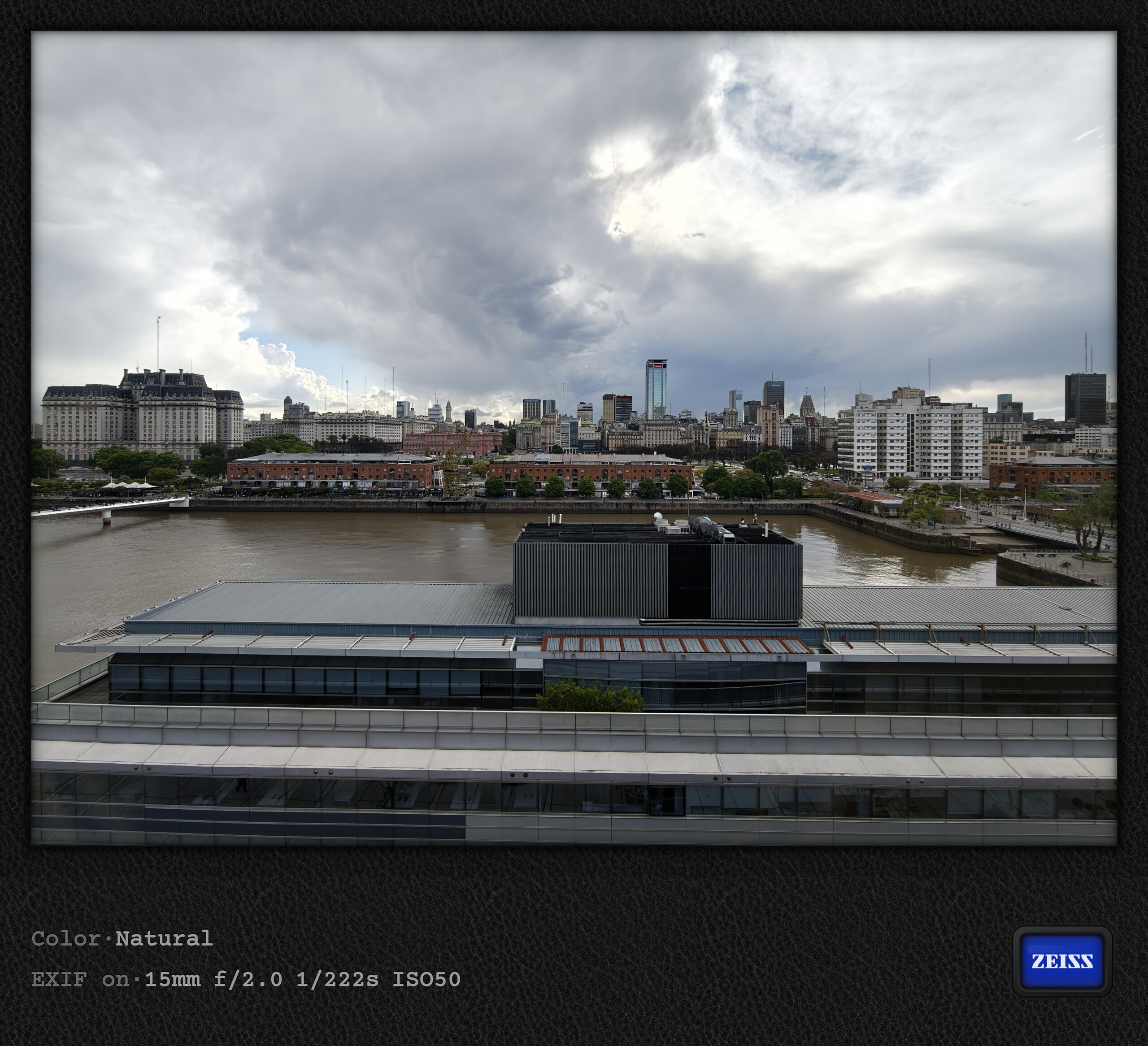
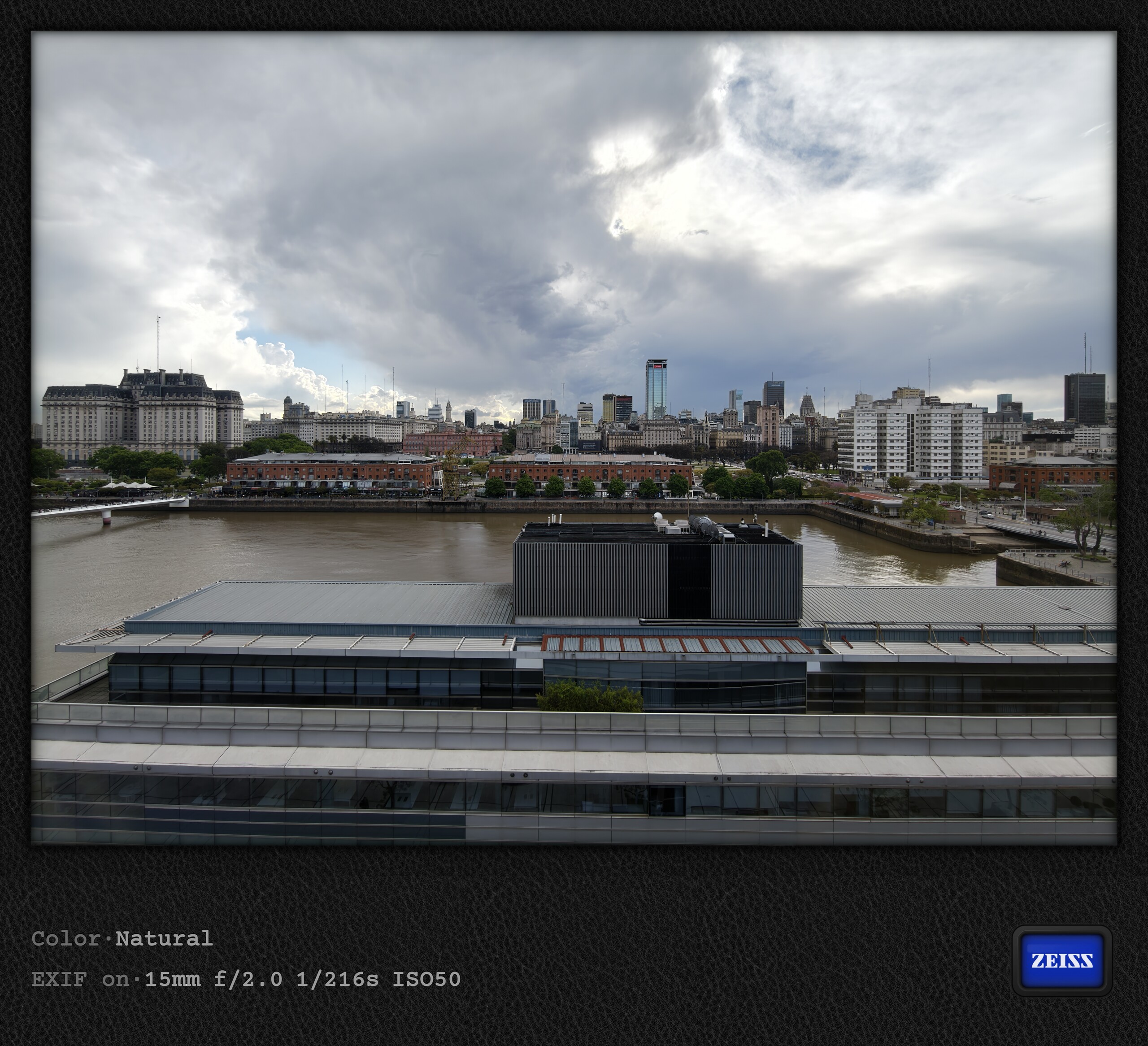
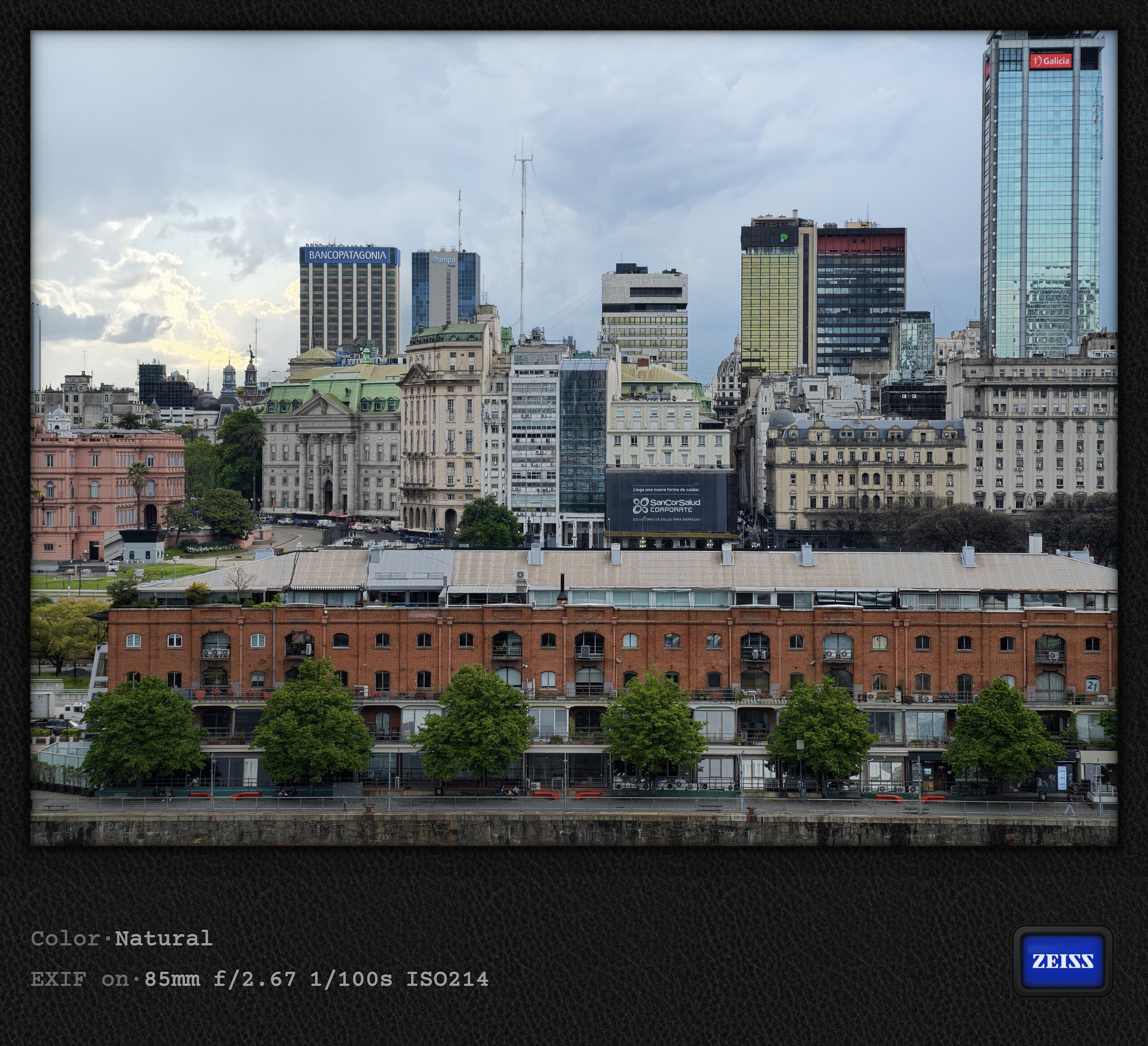
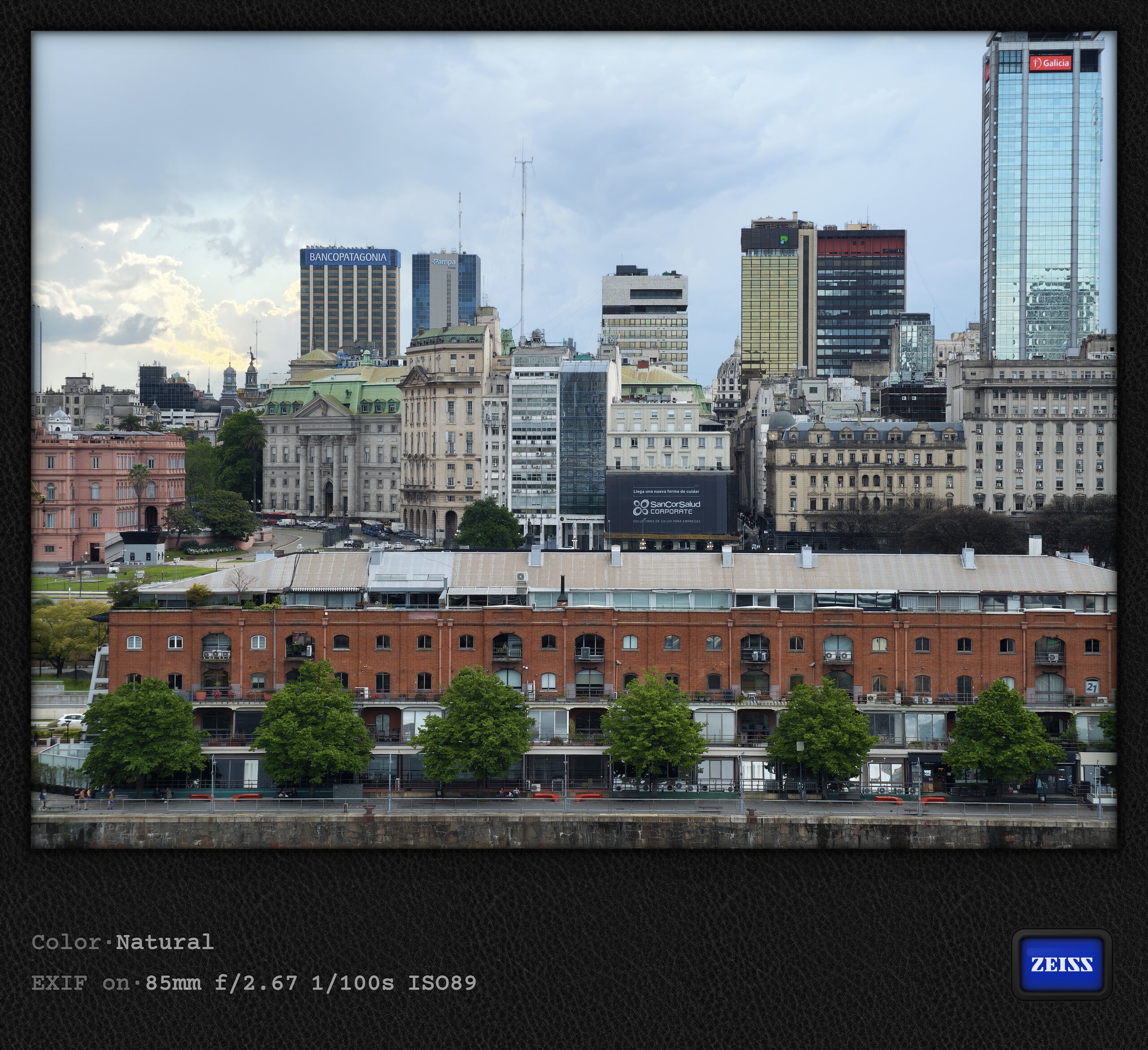
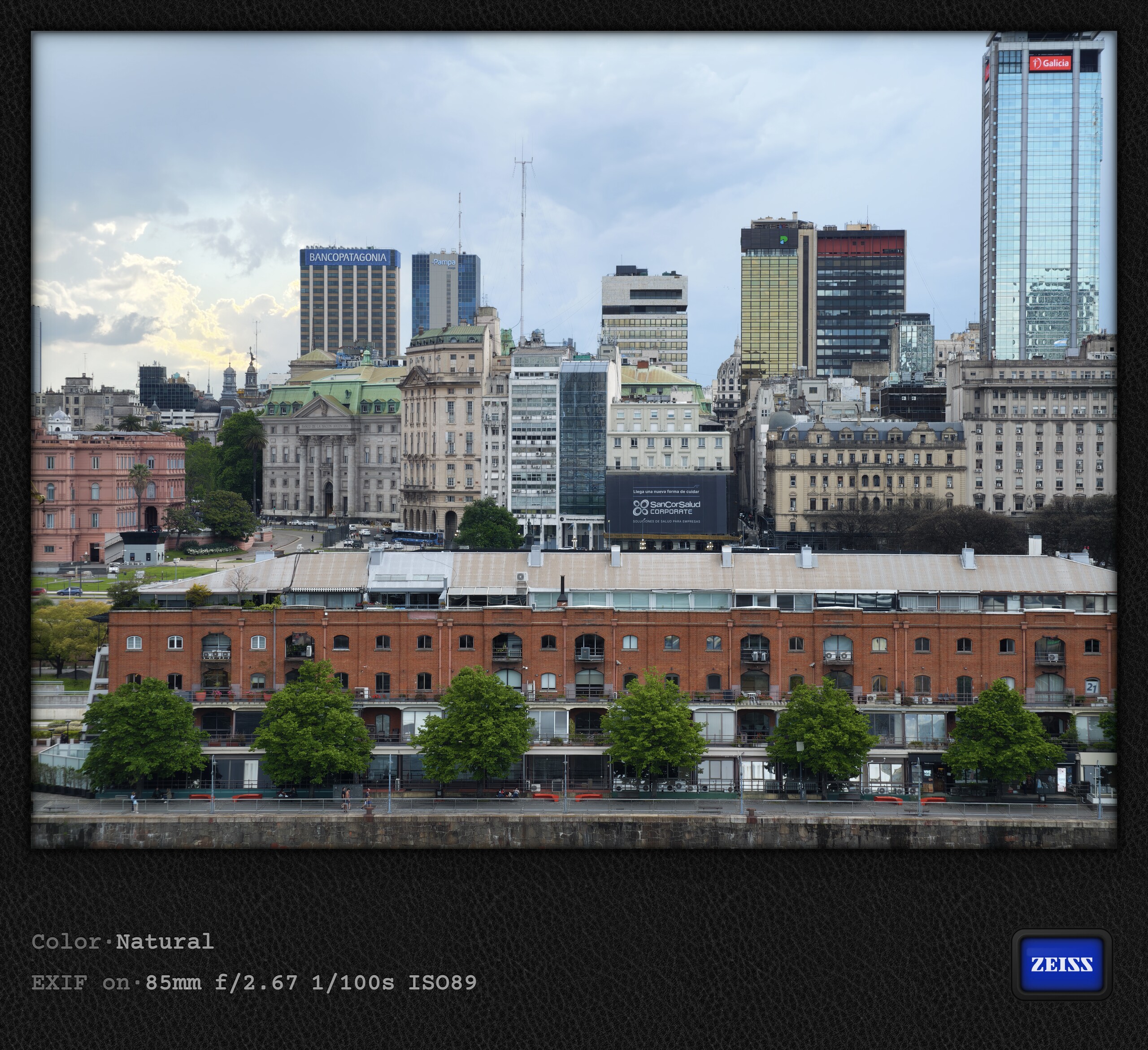
Over the course of this trip, I photographed the same subject several times at 12/25/50 megapixels and, with the telephoto camera, at 200 megapixels as well. Without a tripod, however, this may not be an entirely fair comparison, especially since 50- and 200-megapixel shots take longer to capture than 12/25-megapixel photos. Speaking of which, taking a 200-megapixel photo is now considerably faster than on the Vivo X300 Pro. The latter builds up the 200 MP photo in several stages, whereas the Vivo X500 Pro Max finishes in about a second. When analyzing the images, however, I could never find a clear, reproducible advantage for the higher-resolution photos. Sometimes there are slight gains in sharpness, but not consistently.
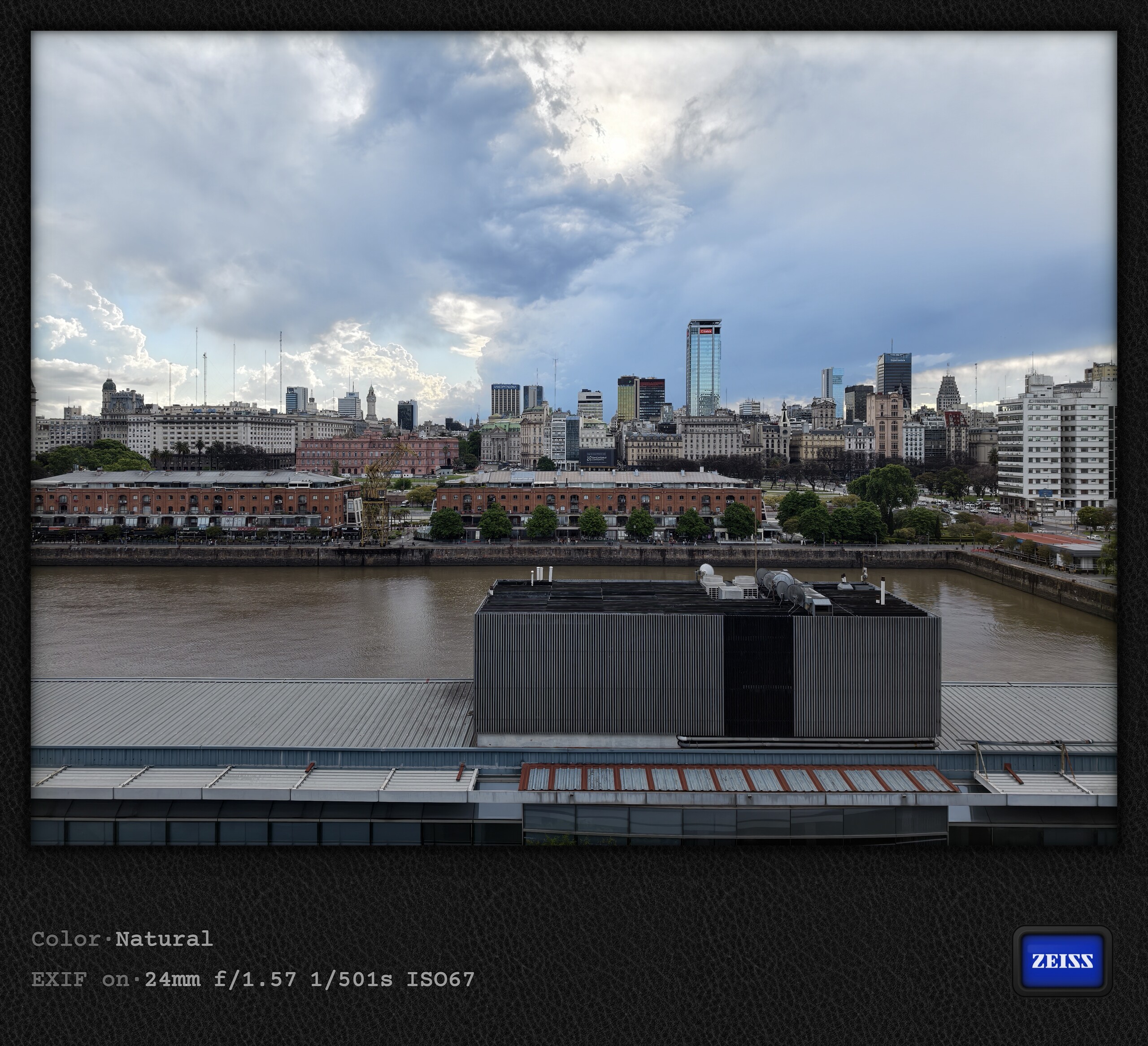
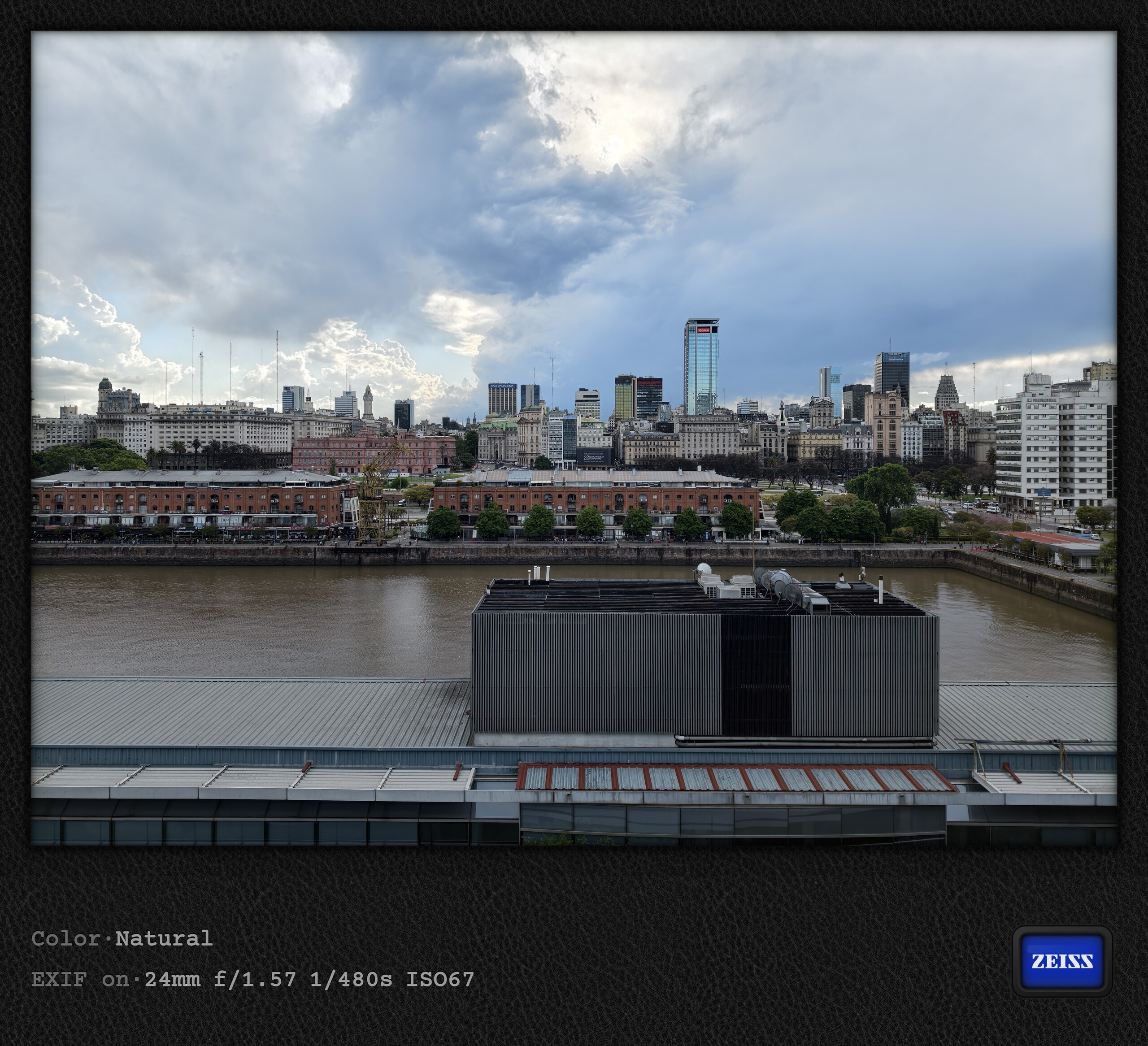
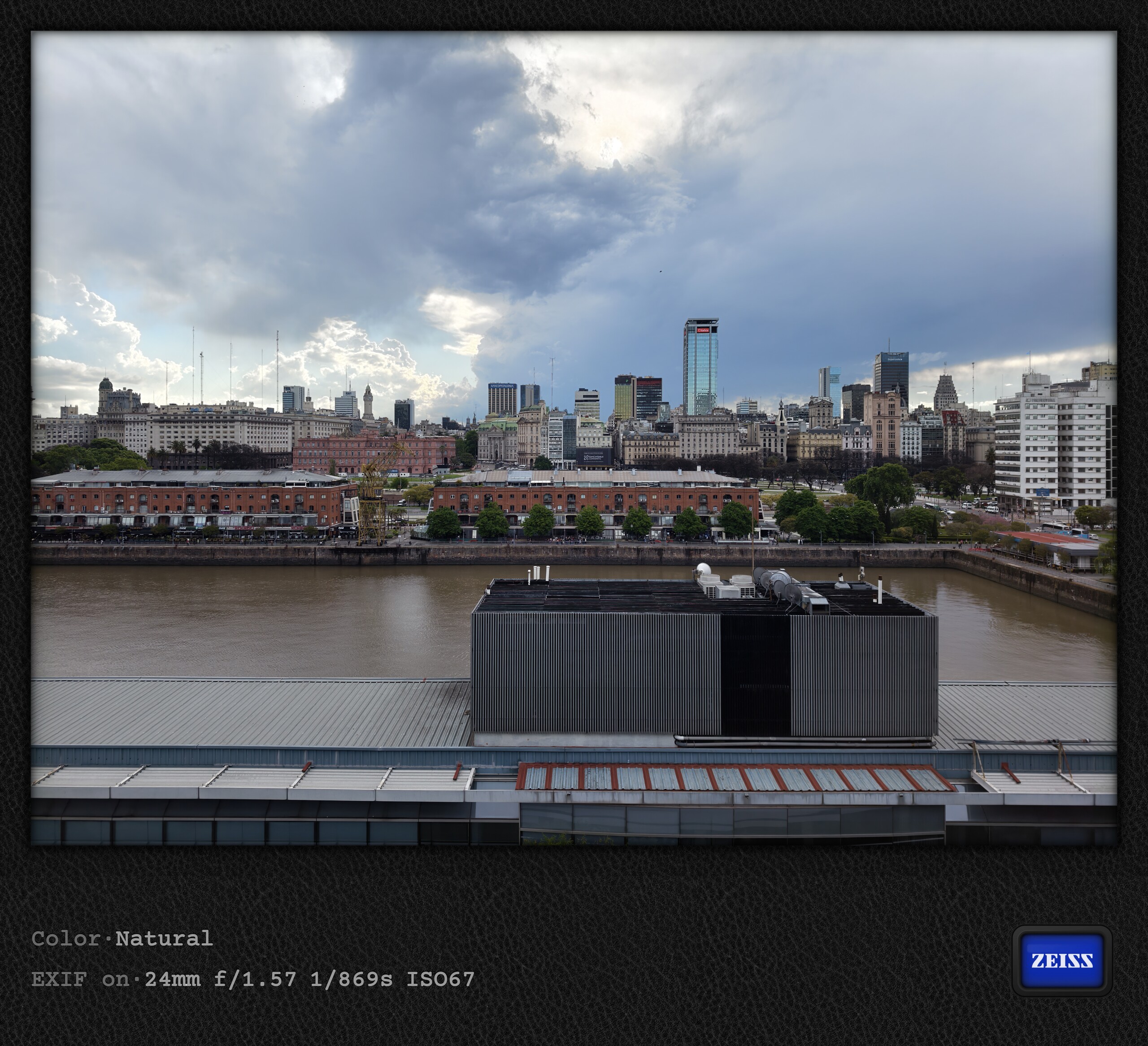
So let us jump ahead to Buenos Aires, where I am currently staying before setting off for Antarctica from Ushuaia shortly. I placed the Vivo X500 Pro Max on a flat windowsill, leaning it against the glass and enabled a three-second timer to eliminate any camera shake caused by pressing the shutter. The following series was taken with the 15mm ultra-wide camera, the 24mm main camera, and the 200-megapixel telephoto camera, each at all available resolutions. Unfortunately, our image tool currently cannot be used to compare different resolutions, but if you are interested, you can load the photos below into an image editor of your choice and compare them yourself. I use the free and highly recommended RapidRaw tool for this.
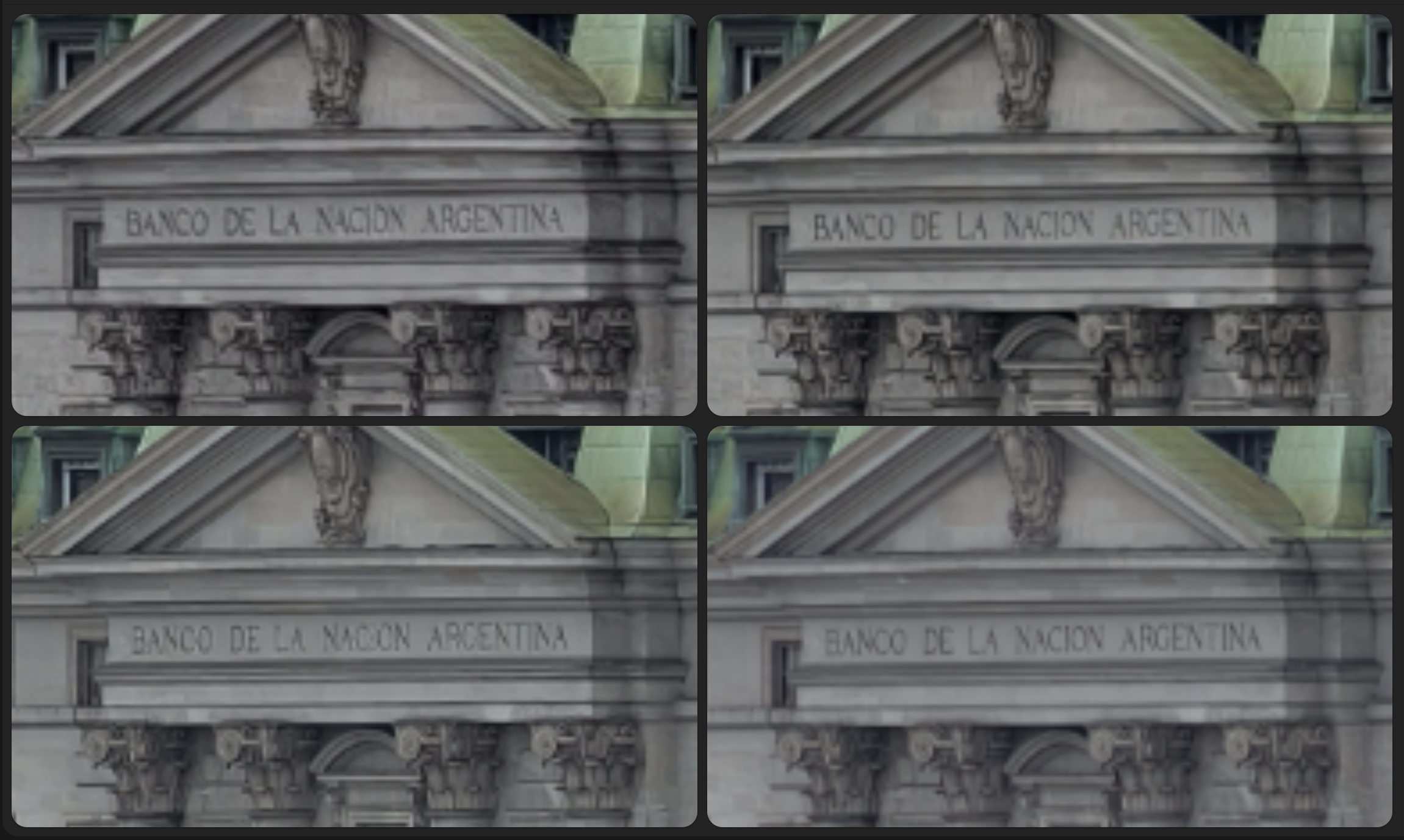

More does not always mean more
The 12-megapixel photo is always at the top left, with the resolution increasing clockwise. Given that file sizes grow significantly with the megapixel count and storage is currently very expensive, you really have to ask whether more megapixels actually mean more detail. My conclusion from this test, as with all my previous tests, is generally no. With the ultra-wide camera, there is a minimal improvement as the pixel count increases. With the 85mm telephoto camera, the 25-megapixel photo seems sharpest to me, and sharpness actually tends to decline again at 50 megapixels and above. Only with the 24mm main camera the difference seems more apparent: here, the 50-megapixel photo really does deliver the sharpest image, at least in the comparison above.
This test would probably need to be repeated using RAW images and multiple shots, as well as a truly rock-solid tripod. But my off-the-cuff assessment would be that, for handheld shots of the kind most people take every day, it makes relatively little difference whether you shoot at 12, 25, 50, or 200 megapixels. In fact, 12 megapixels is enough in most cases, as my experience with the Vivo X500 Pro Max so far suggests. A small correction to part 1 of this series, where I claimed that the photos' megapixel counts differed considerably from these values: the final image includes the watermark, which I had not taken into account. Remove that, and the megapixel figures are roughly correct.
The megapixel comparison images at full resolution

Destination 7: Iguaçu Falls in a Super El Niño year
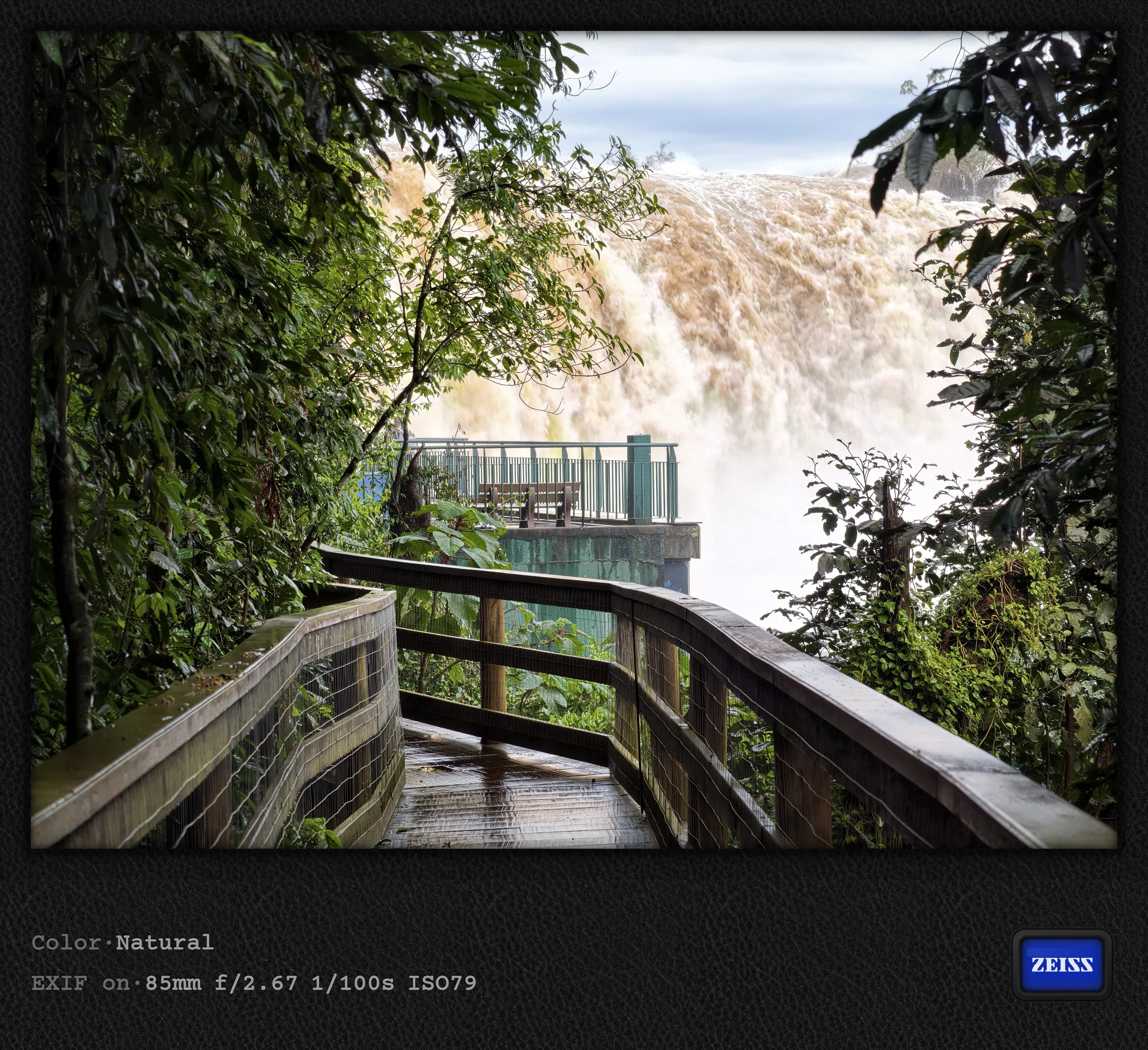
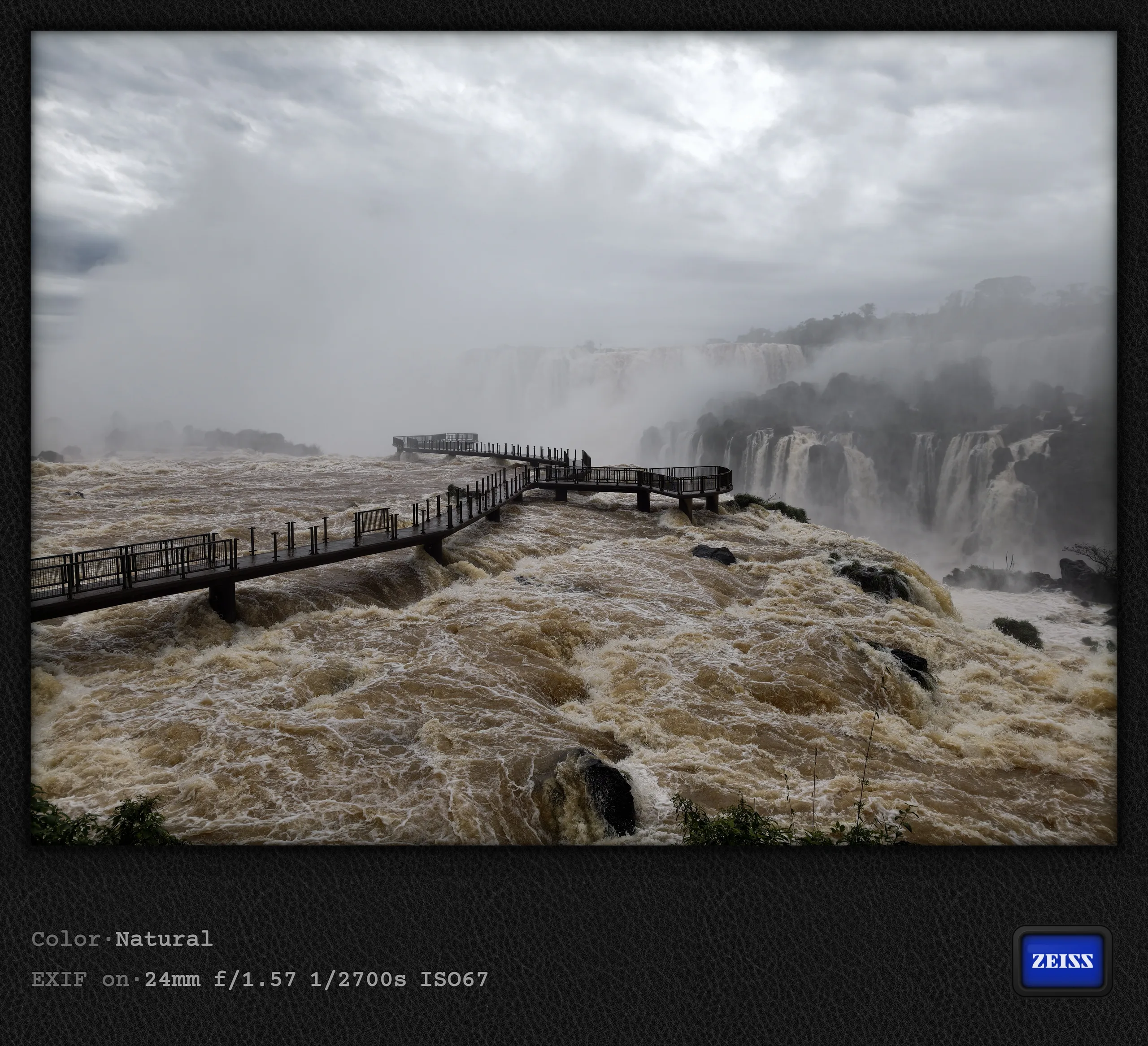
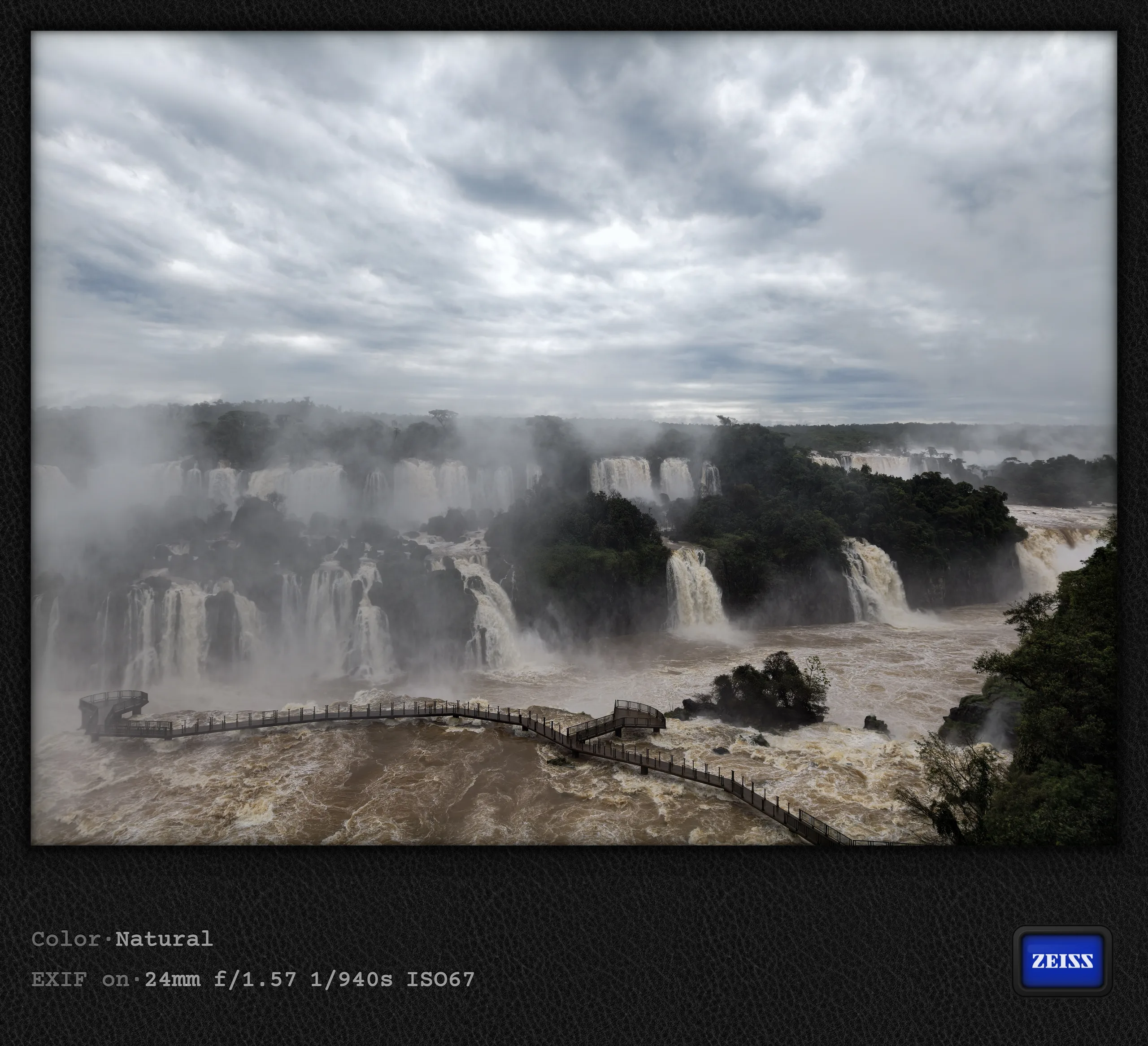
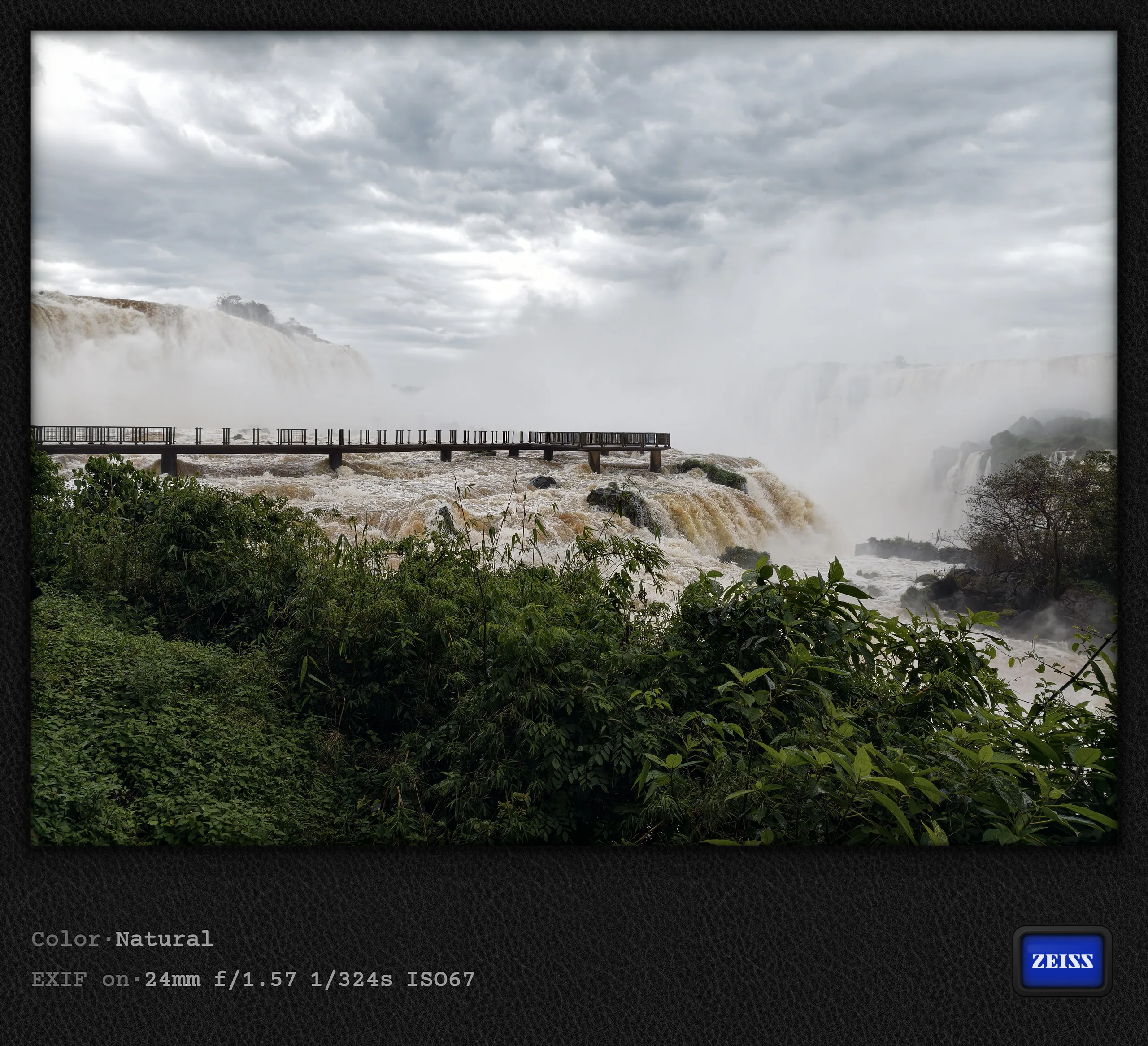
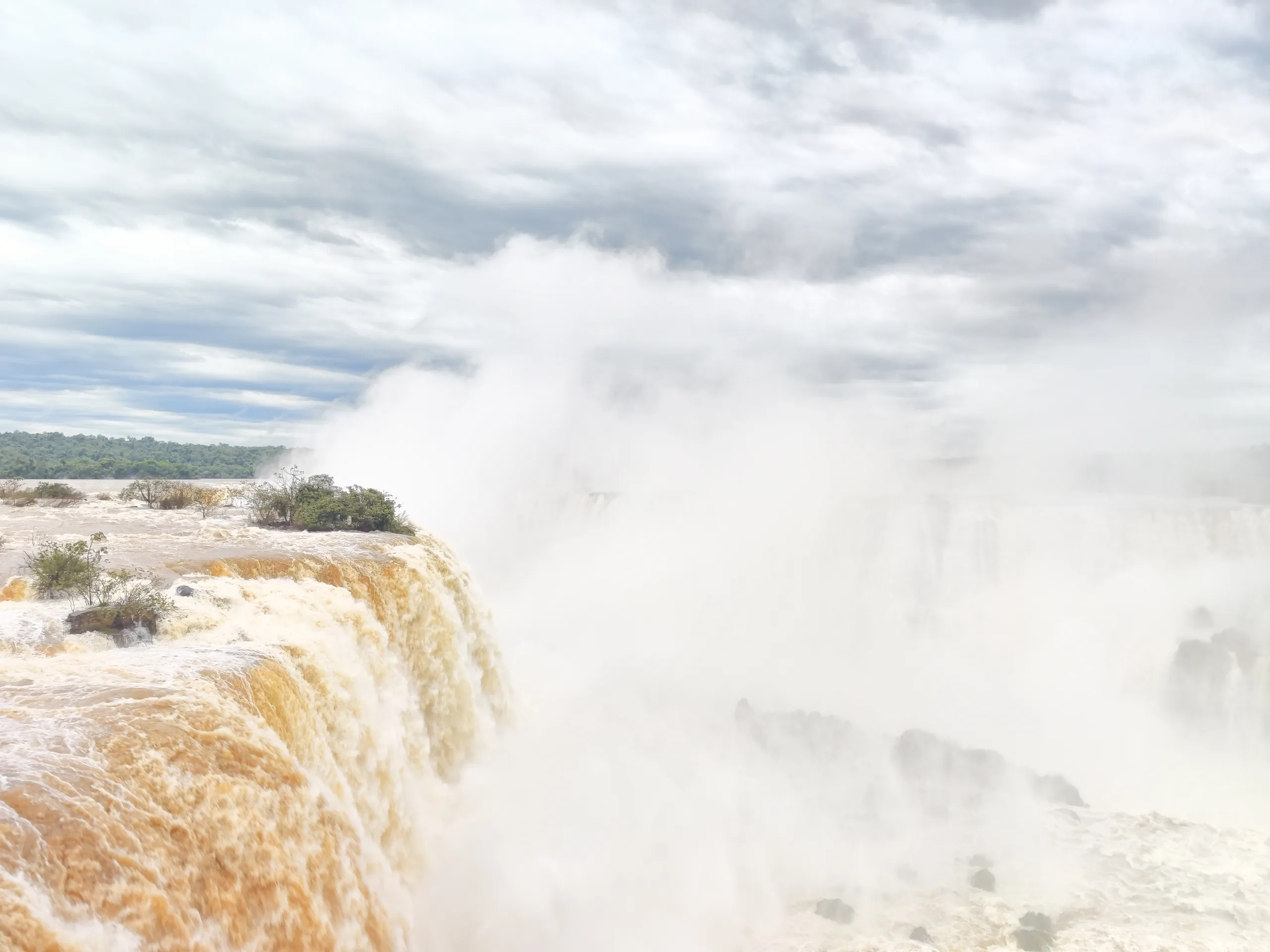
My last stop in Brazil was Foz do Iguaçu, on the border with Puerto Iguaçu in Argentina (and Ciudad del Este in Paraguay). The tri-border region was an exciting finale to my trip through Brazil, especially since the falls had made headlines beforehand. Some reports said they were closed, but fortunately, this only applied to a walkway directly over the falls on the Brazilian side (Mirante da Garganta do Diabo) and the corresponding, much longer trail from Garganta station to Garganta del Diablo in Argentina. Even the relevant train station was closed, so there was a third less to see than usual on the Argentine side.
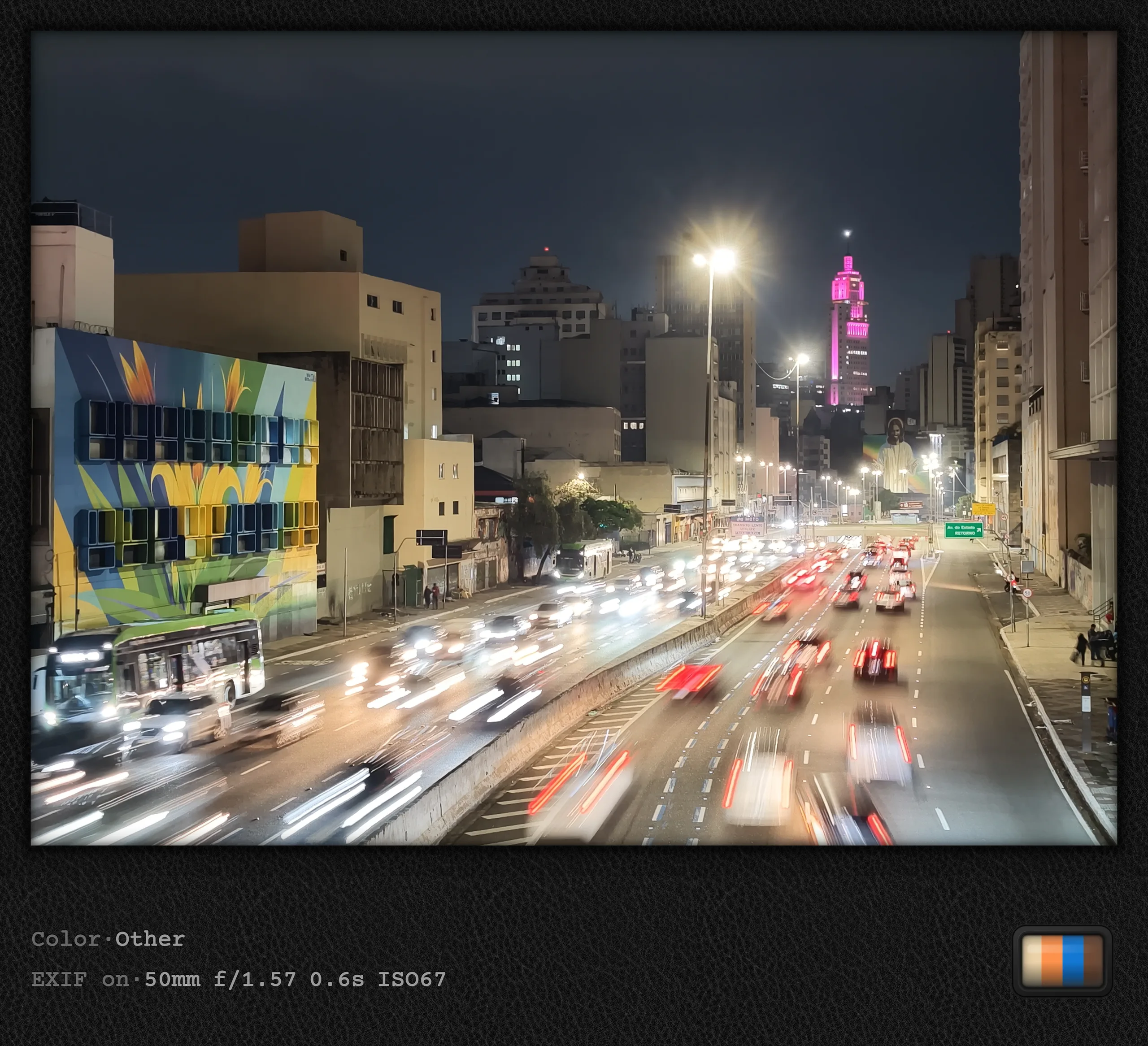
Nevertheless, the whole experience was immense, something the photos unfortunately failed to convey at all. I had also planned to use an ND filter for long exposures, but that did not work out for several reasons. First, it was nowhere near strong enough given the incredible brightness around the falls, and second, the narrow path (particularly on the Brazilian side) and enormous crowds made it difficult to keep a steady hand. A shame, as I wanted to test whether Vivo's CIPA 7.0 promise really allows handheld long exposures. At least I managed the following handheld 0.6-second shot in Pro mode in São Paulo.
Too immense for photos
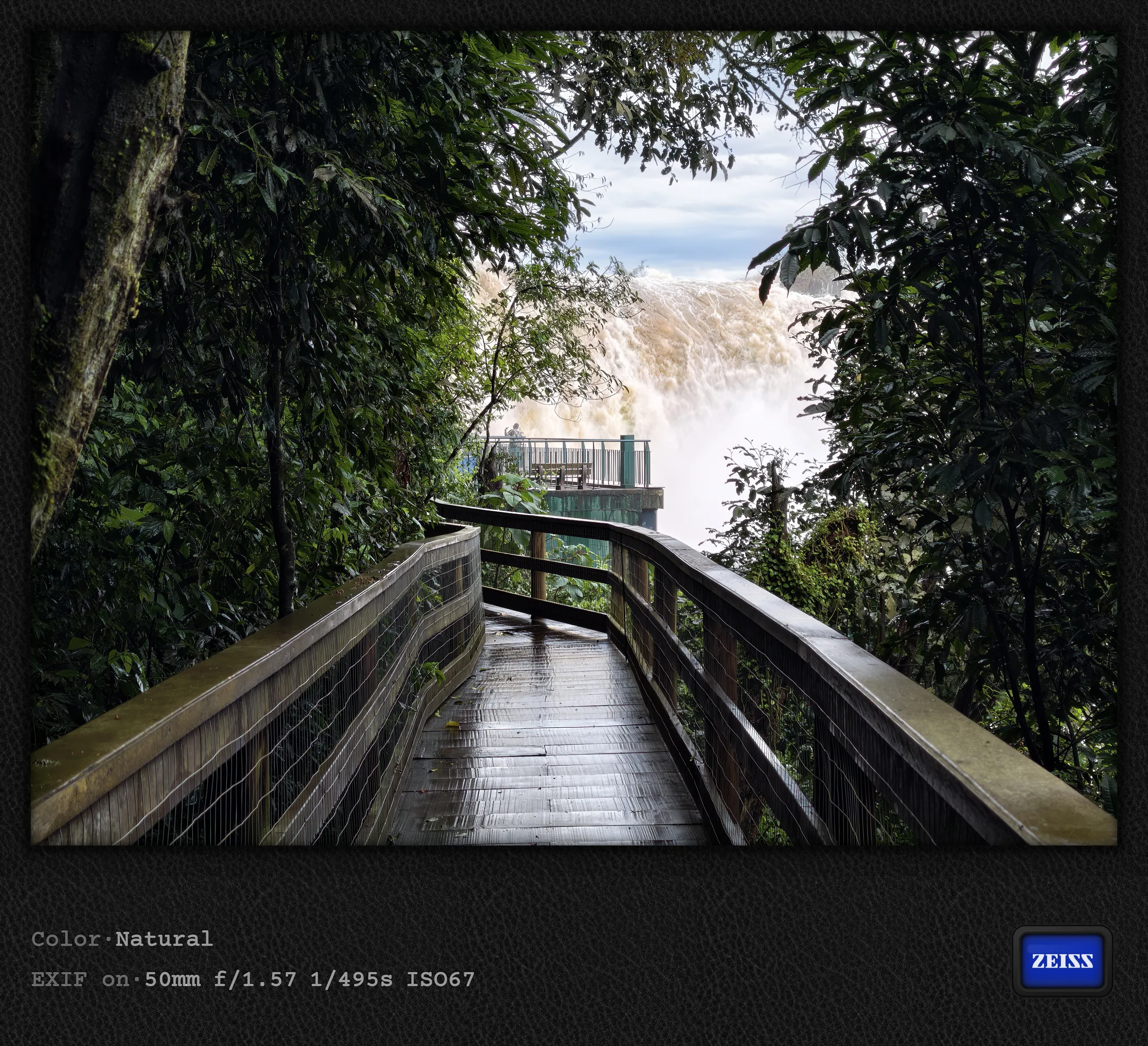
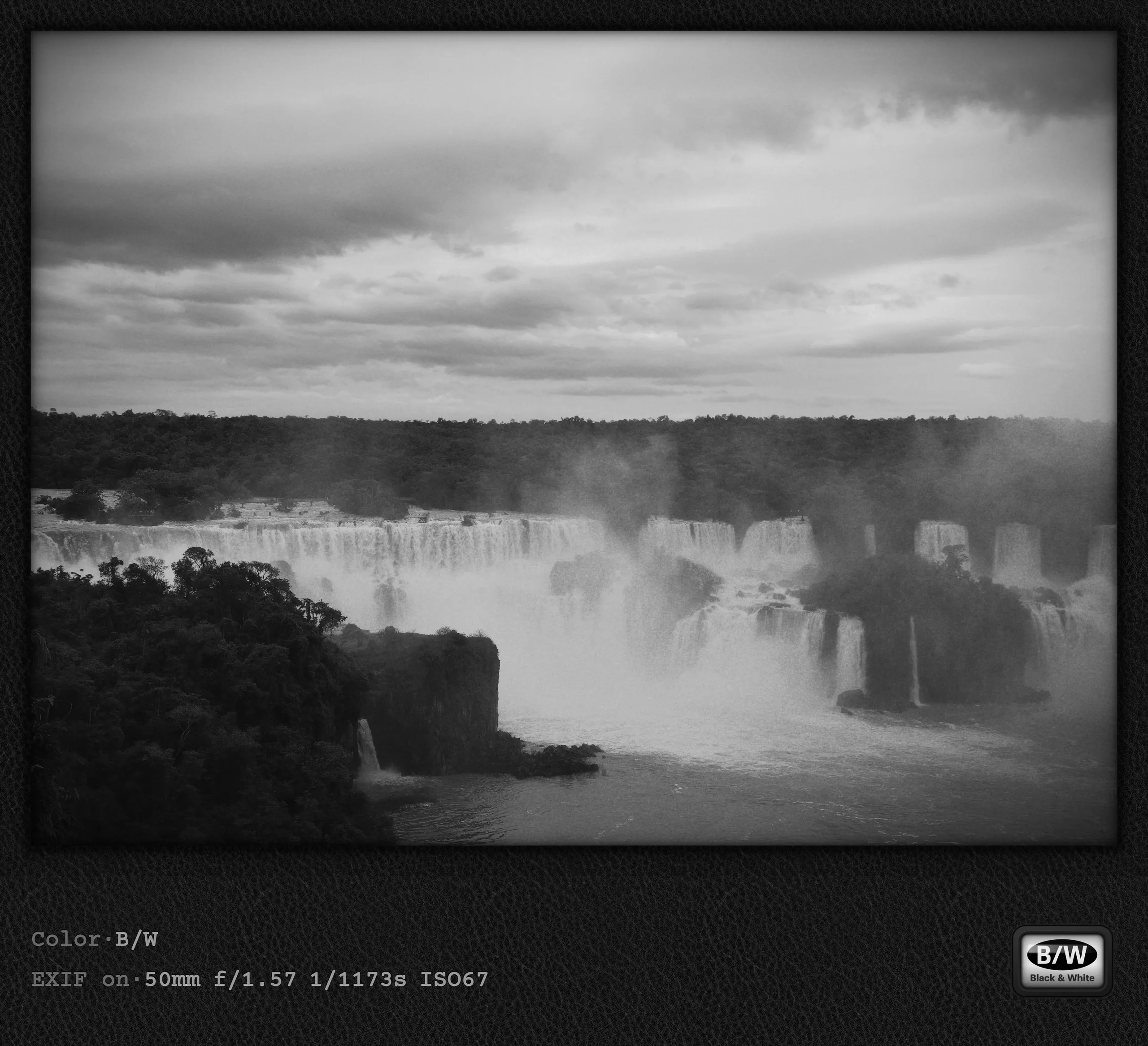
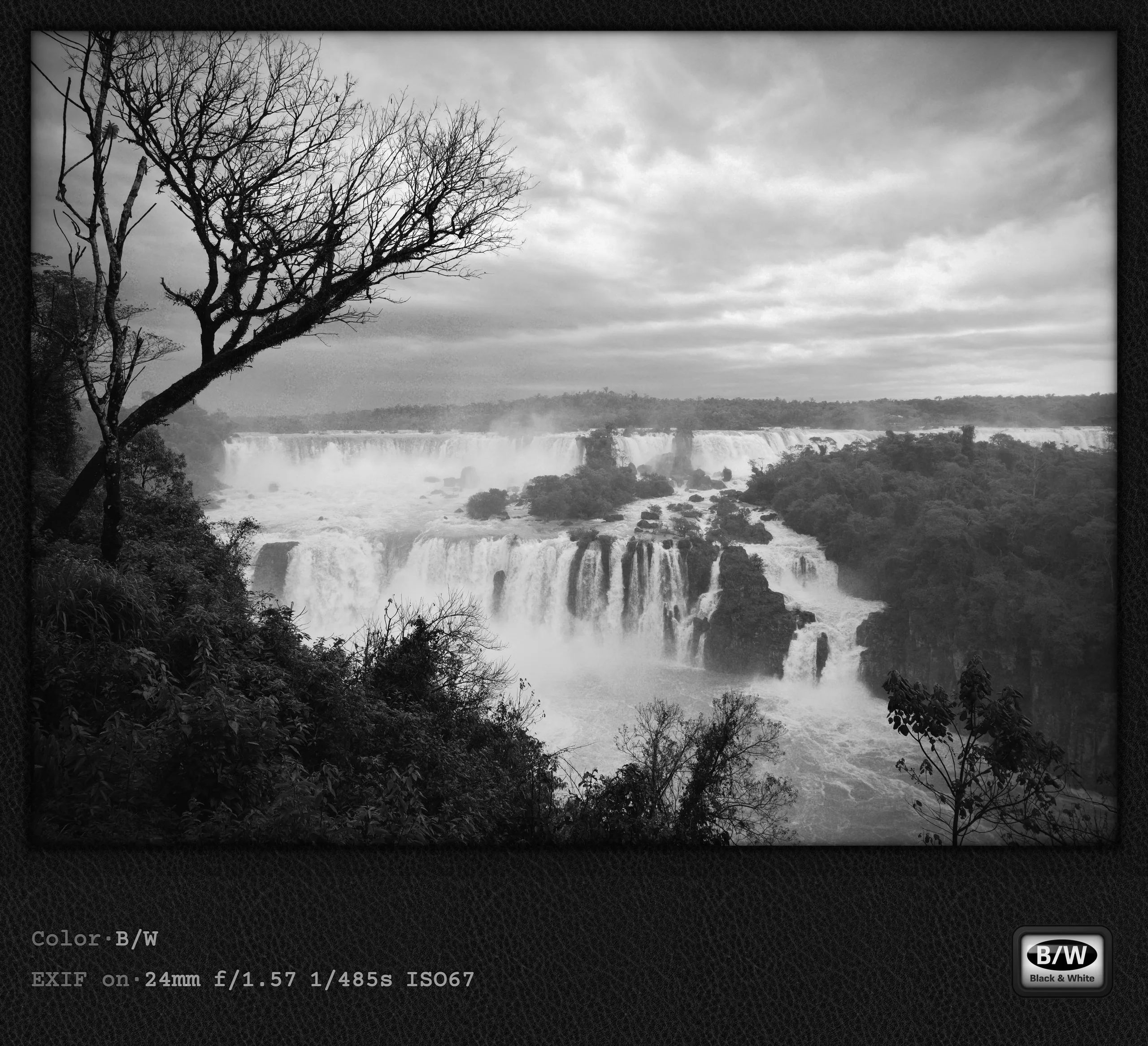
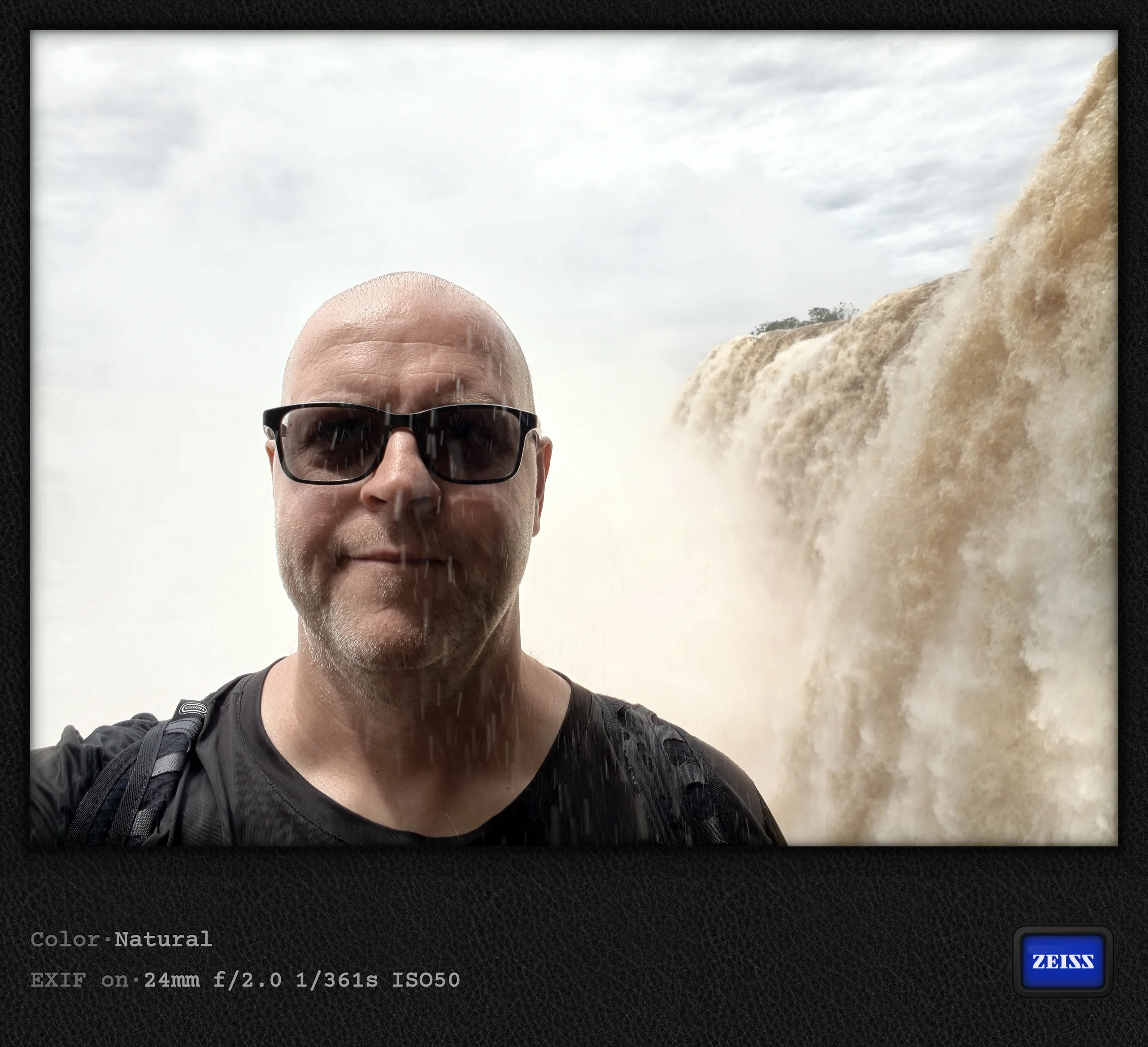
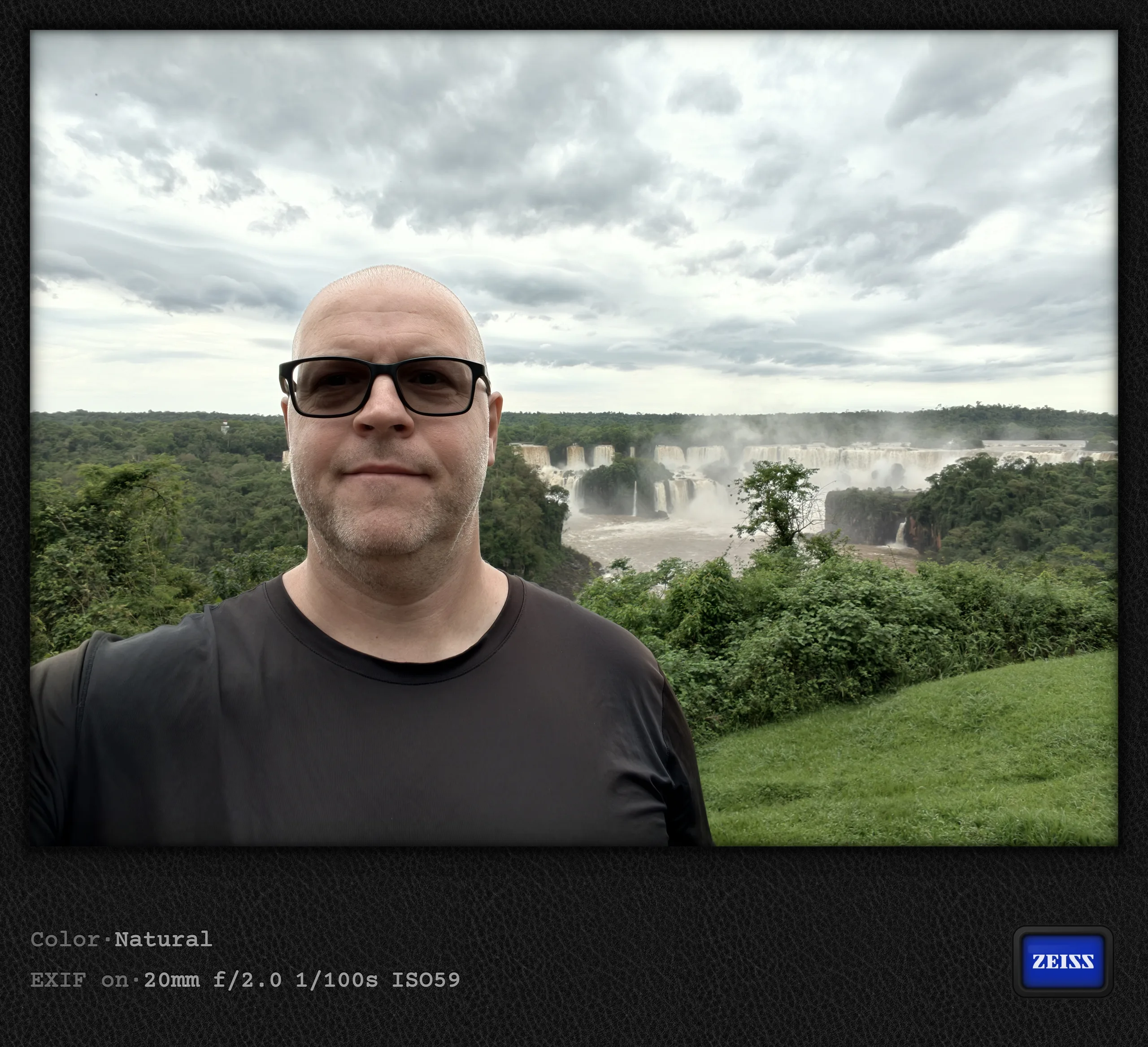
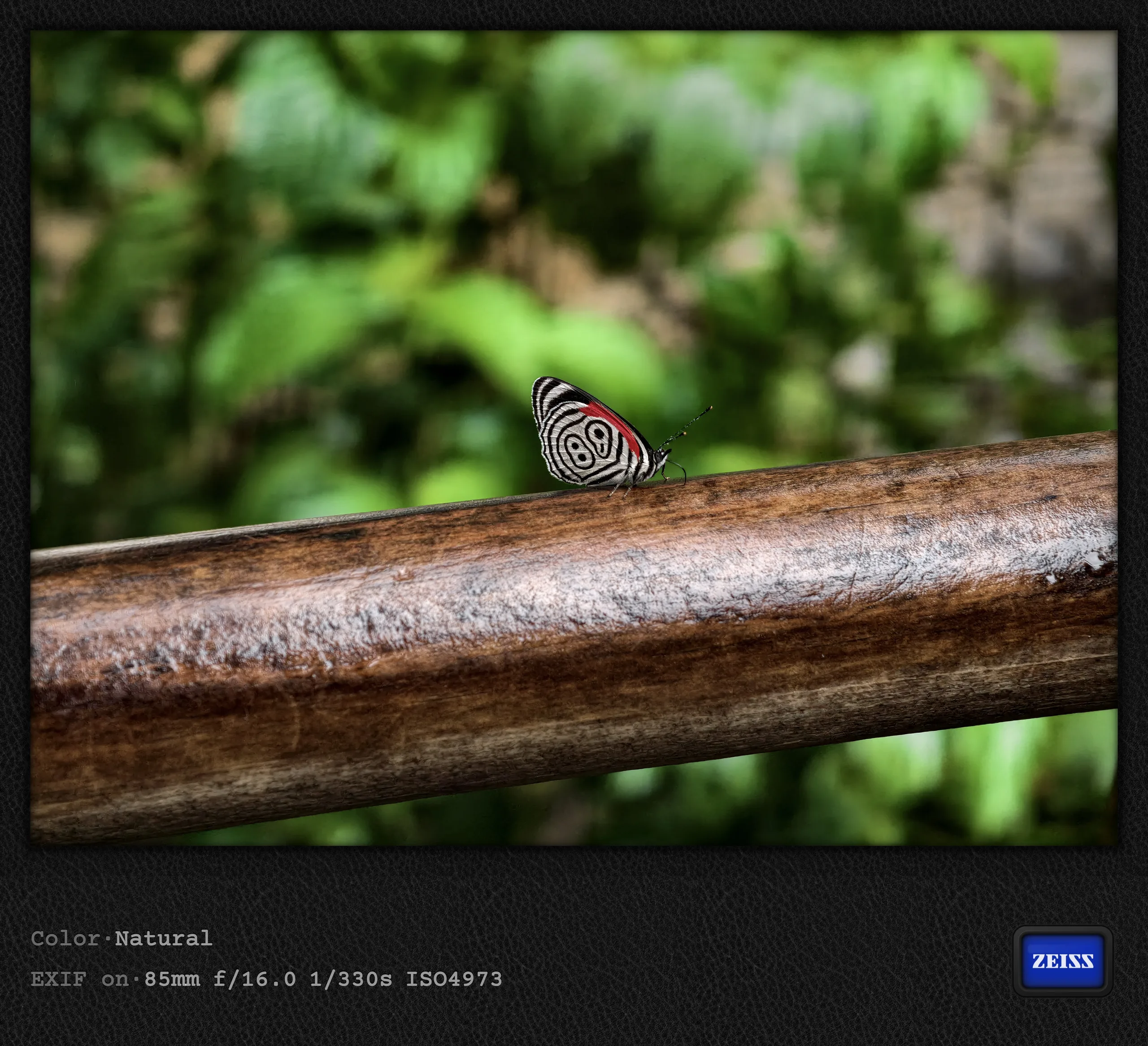
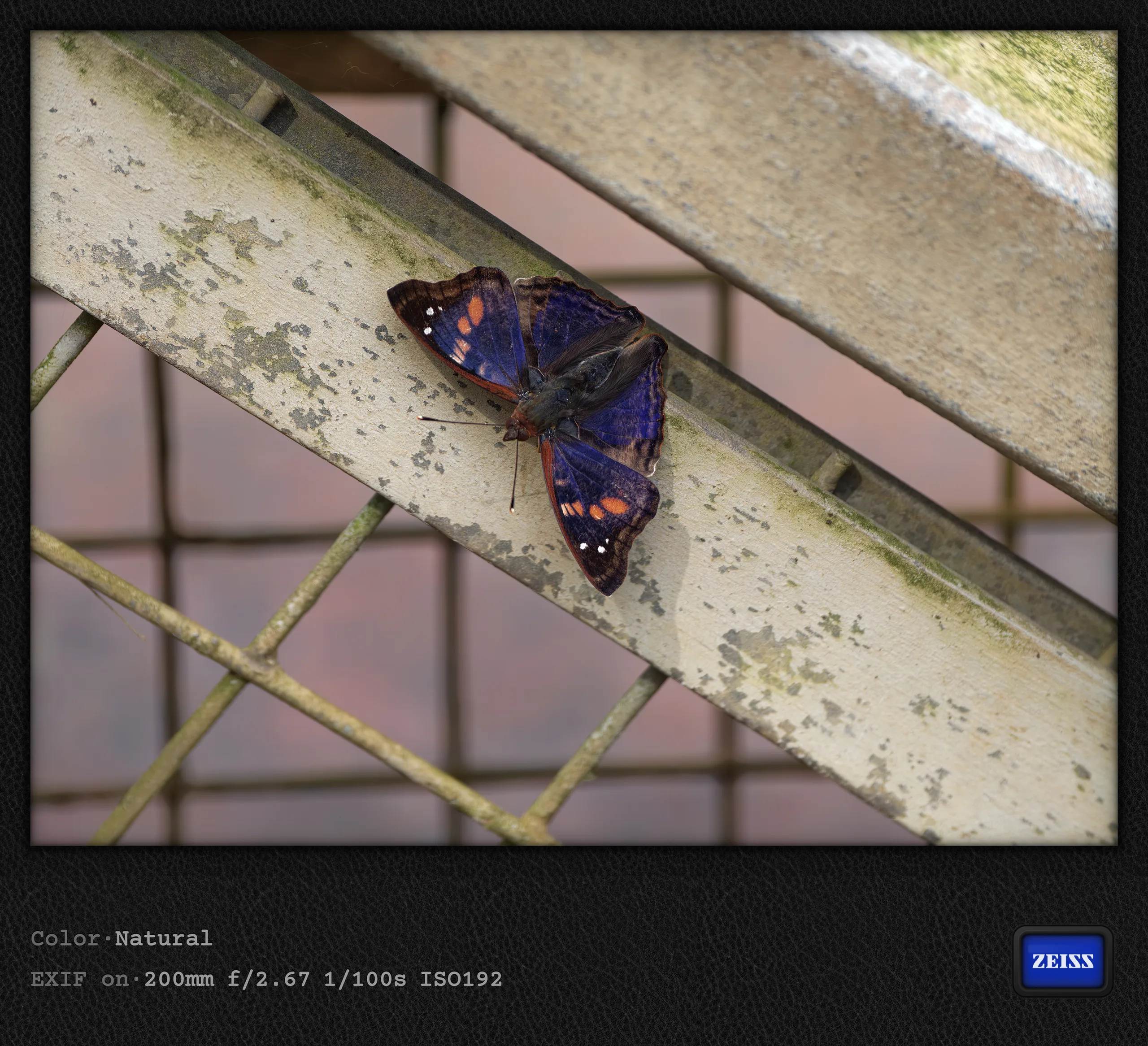
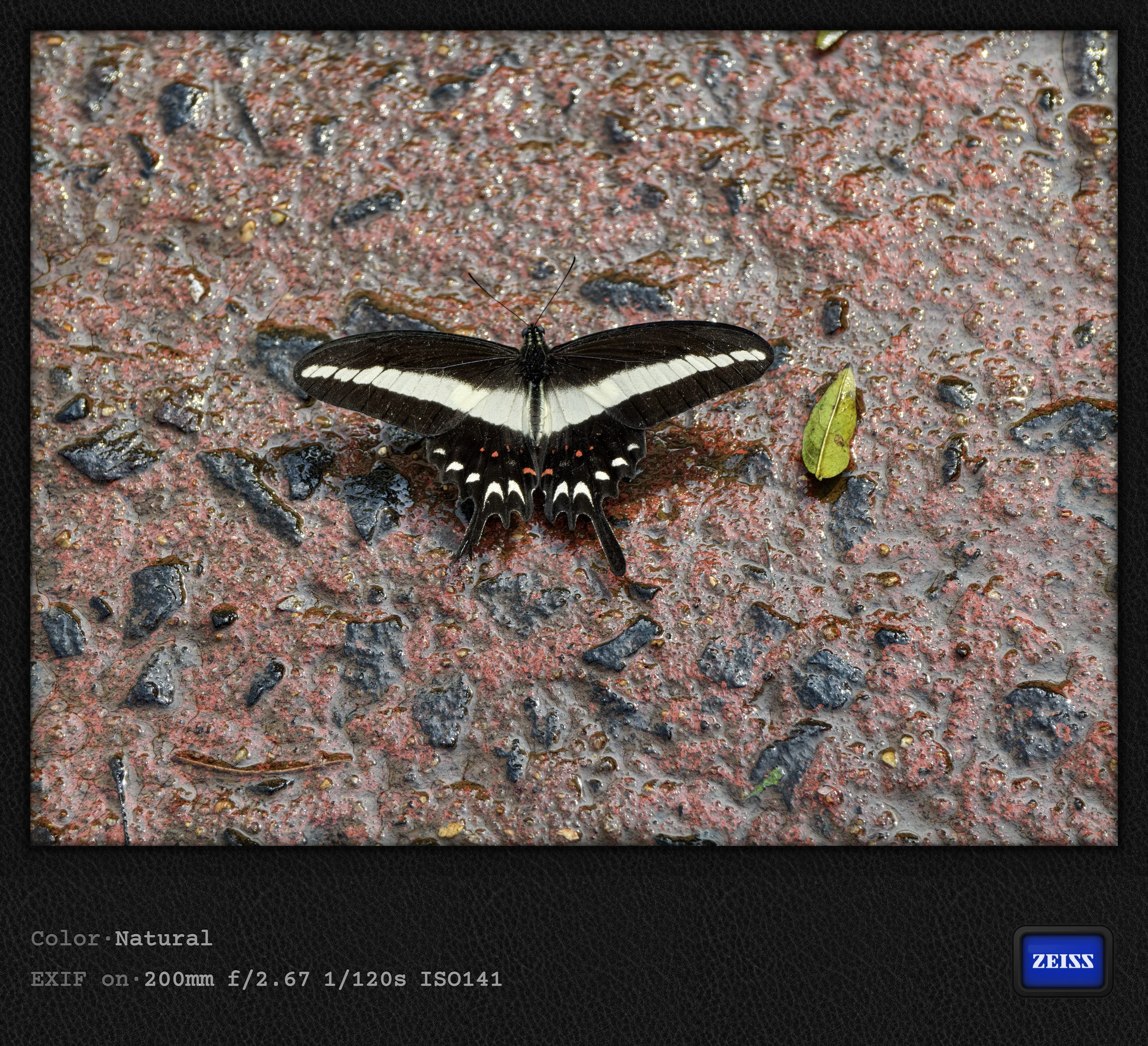
I probably should have splurged on the helicopter tour, but with parts of the falls closed, I will have to return anyway, hopefully better prepared next time. To avoid the crowds, for example, you can buy a (considerably more expensive) sunrise or sunset ticket on the Brazilian side. I would probably treat myself to that next time around. Drones are not allowed, so anyone wanting to convey the immense scale of the falls in pictures will probably need to take a helicopter. With that disclaimer out of the way, here are a few photos from the Brazilian side, this time including a few selfies. Incidentally, I encountered the three butterflies on the Argentine side, but included them here anyway to show the Vivo`s ability to take close up (if not completely macro) shots with its telefoto.
My (second) verdict on the X500 Pro Max
The comparison with the Vivo X300 Pro will hopefully follow soon, although not before the end of November, especially since I am now spending two weeks on a ship heading toward Antarctica. After a month with Vivo's current flagship, I am very enthusiastic about the photo quality 95 percent of the time. The Vivo X300 Pro already delivered very consistent photos that could also be very neutral if desired (Neutral/Zeiss style, Authentic Lighting), often rivaling those from an interchangeable-lens camera. I could also rely on the Vivo X500 Pro Max in almost every situation. Only after a marathon session at Iguazu Falls, taking countless videos and photos, did the camera app become somewhat unstable and apparently need a few seconds to recover.
What could still be improved
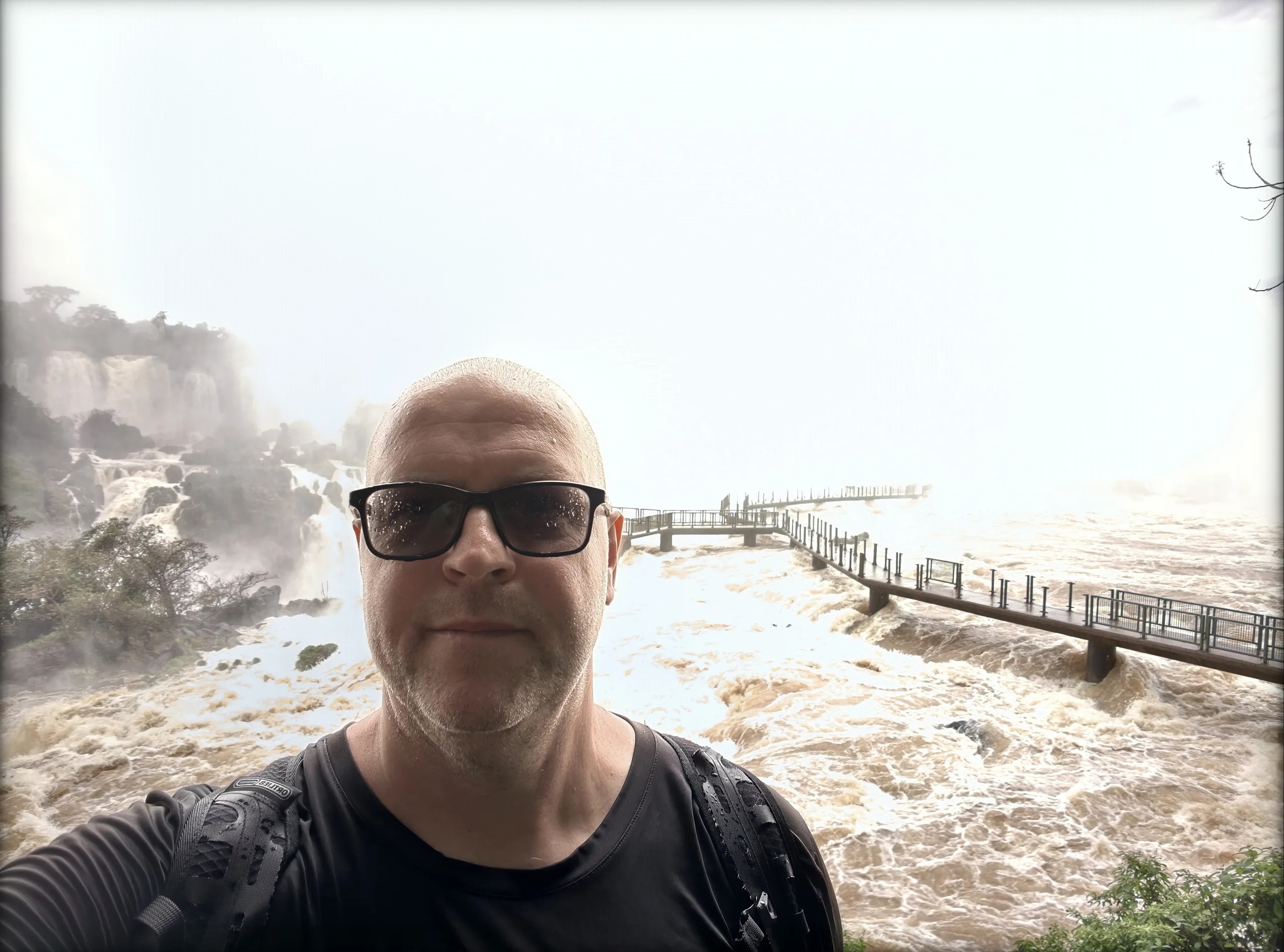
The photo quality probably speaks for itself. As for video, here is a brief preview of future articles: compared directly with the Vivo X300 Pro, the preview for 4K240 videos was a little choppy, and the display was often too dark. I still need to compare the results more closely with the Vivo X300 Pro, but I do remember often being unable to make out much on the Vivo X500 Pro Max's display while recording, whereas I could on the Vivo X300 Pro. Right next to the falls, some photos also came out completely overexposed, such as the following:
Ultra-wide camera limited to 4K60
Those were exceptions, however, which I specifically noticed in very bright environments. While we are on the subject of the (few) negatives, I also want to mention the ultra-wide camera, which is still limited to 4K60 recording this year. Even 4K120 is not possible, which I no longer consider acceptable for such an expensive, high-end camera flagship in 2026. I do not expect the same quality as on the Ultra model, but at least 4K120 would be nice when the main camera now supports 4K240. For me, the biggest shortcoming of Vivo's flagships as cameras is usability, as I have explained throughout these two articles. In my view, this is now the one area where Vivo has the most catching up to do. Oh, and I can no longer recommend a model with 256 GB of storage in 2026 either. This month, I have already had to back up and delete all my pictures twice because the storage was full. Admittedly, I have been experimenting a lot with 200-megapixel photos and 4K240 videos.
Waters of Brazil: A 4K240 test video
I had actually intended to finish this article with the above paragraph, but got around to launching DaVinci Resolve and assembling a few of my 4K240 clips from Brazil after all. Please excuse the occasional less-than-perfect transition; I am still a DaVinci Resolve newbie. While some 4K240 pans without a gimbal were less smooth than expected, especially when the camera movement was too slow (they can wobble a bit, particularly vertically), the short sequences below do demonstrate the potential of extreme slow motion like that. For now, though, it is limited to 24mm and 50mm, meaning the main camera. Let`s hope that the Vivo X500 Ultra, expected globally in spring 2027, will extend this feature to the other two cameras. The Vivo X500 Pro Max is currently available on Amazon Germany with a €100 discount. You can also get it directly from Vivo in three storage configurations with various preorder deals.
 Add as a preferred source on Google


