




Vivo X300 Pro camera test in Cyprus - Part 1: Is the Zeiss teleconverter really worth it?
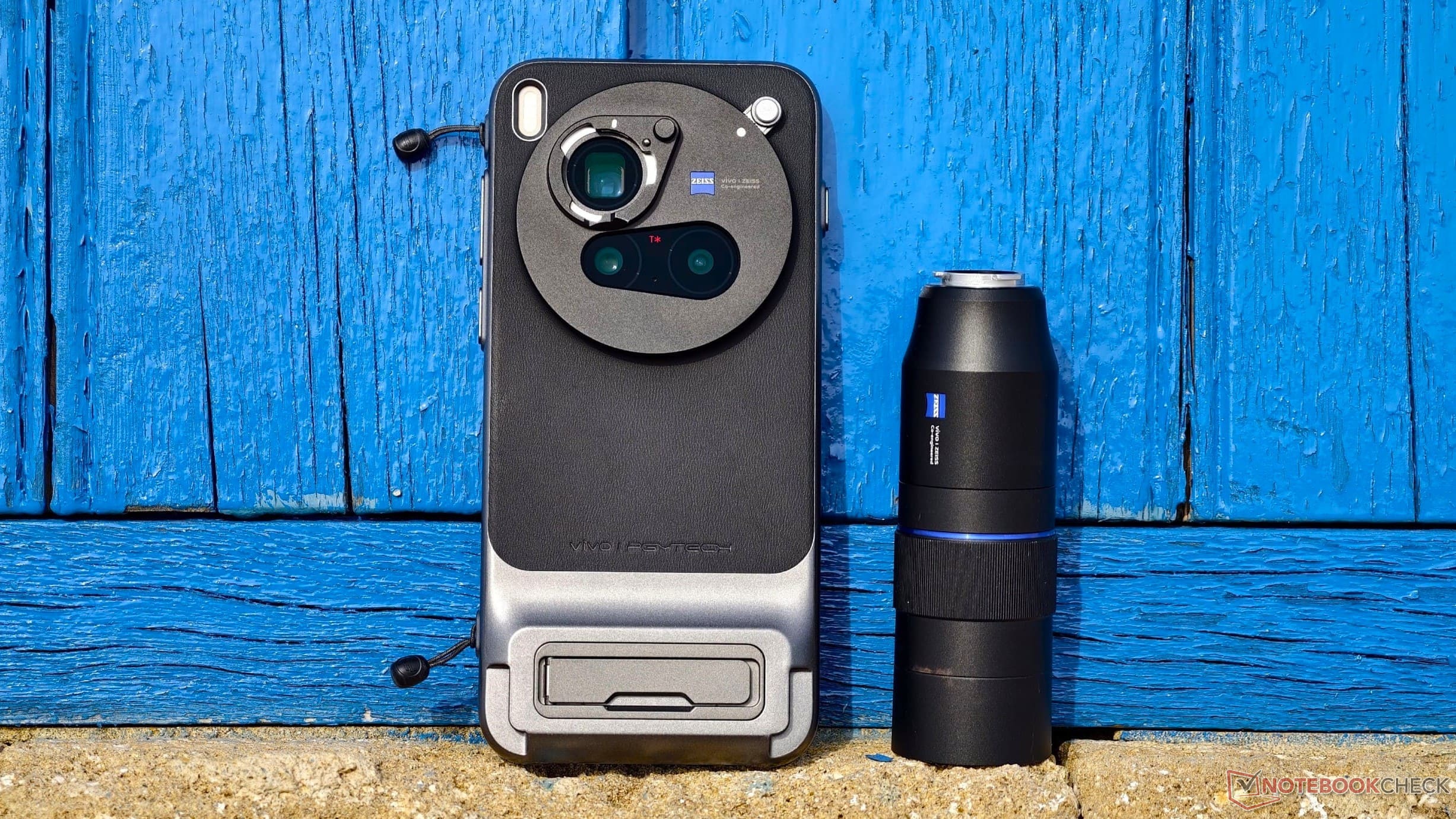
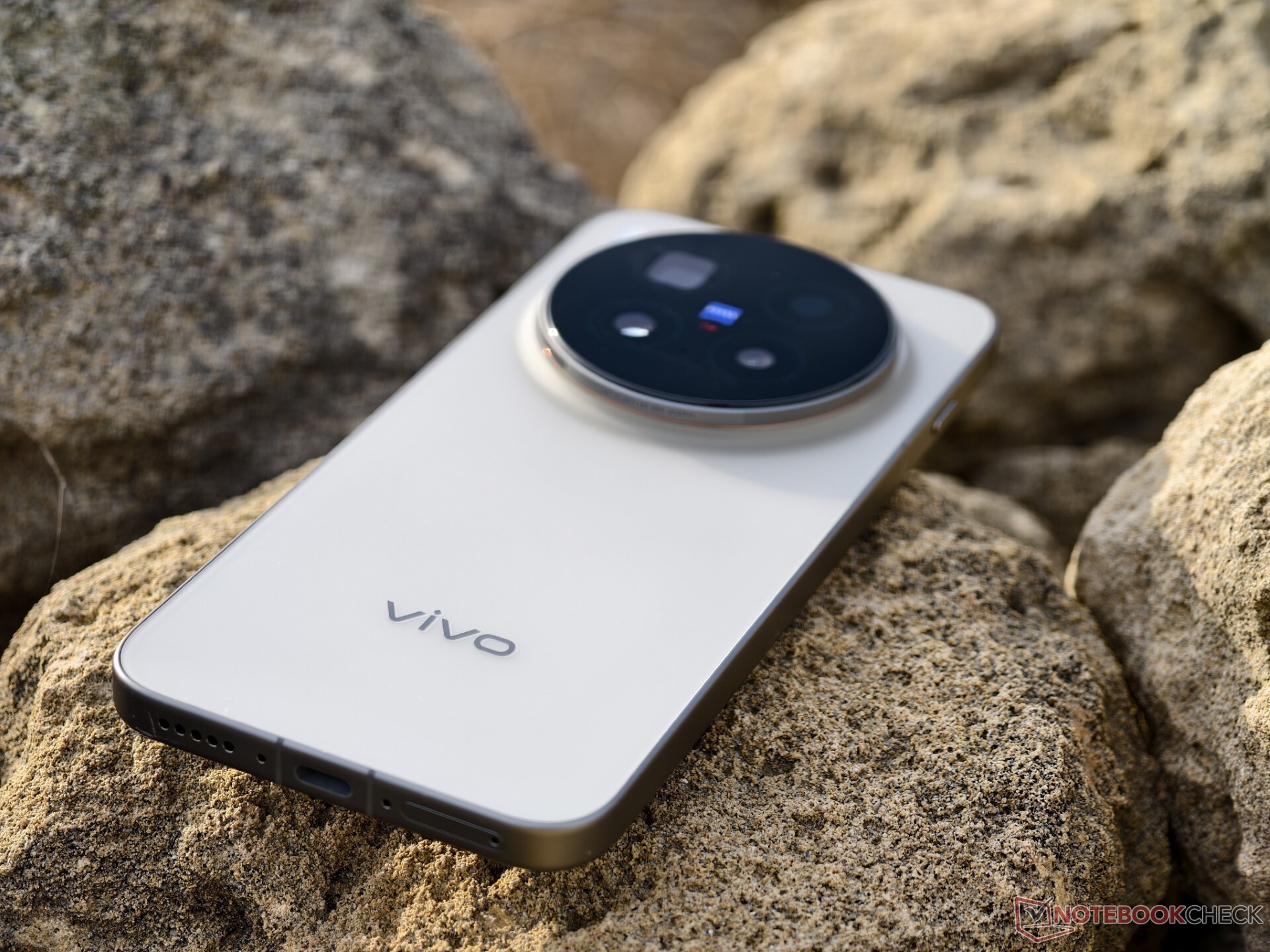
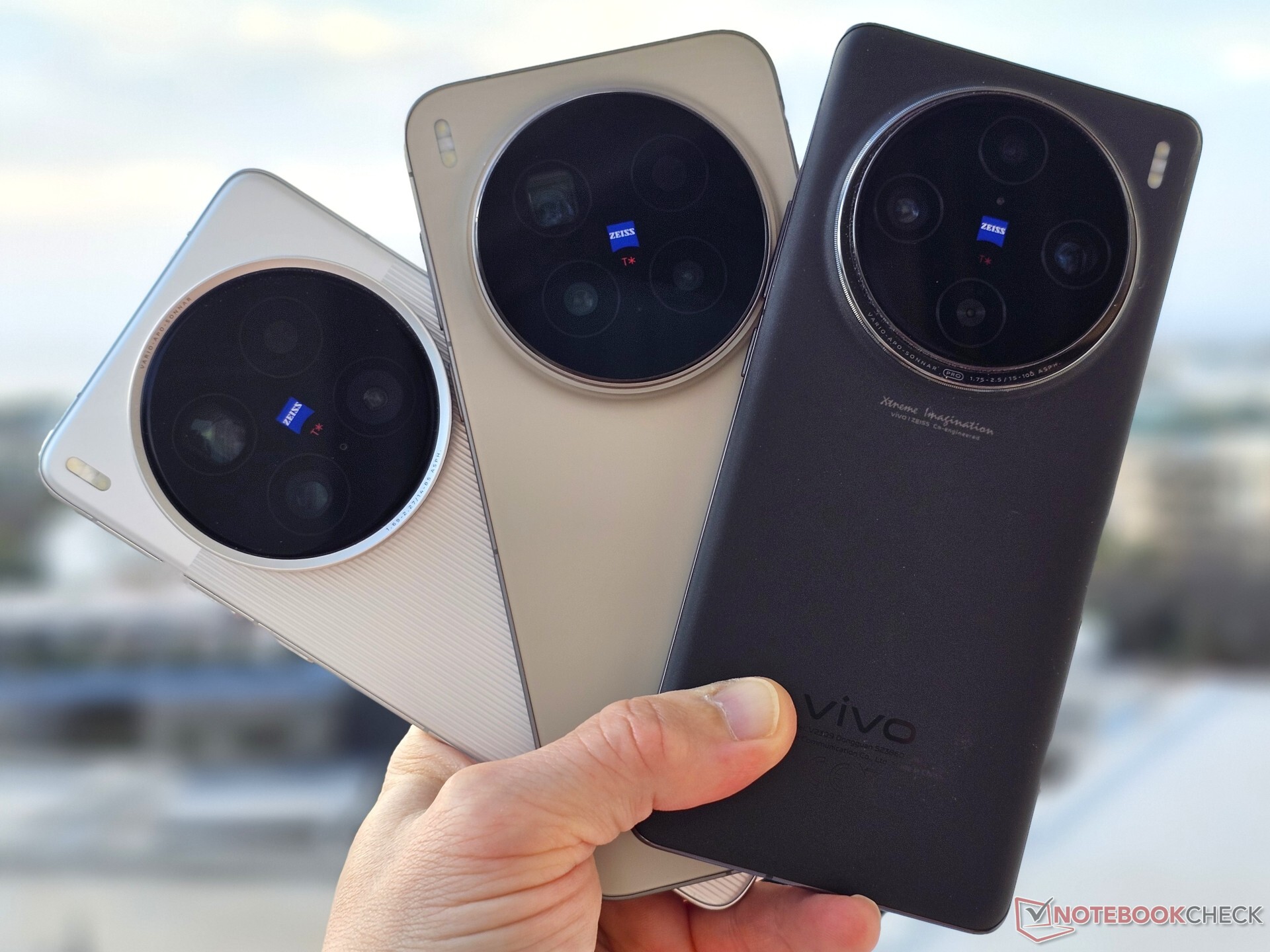
This year, Vivo was quick to bring the X300 Pro to Europe shortly after its launch in China. Whether you choose the European model with the flaw of the smaller battery available on Amazon DE and Amazon US), an imported global model, or the cheaper China version with the typical limitations like missing eSim support, one thing is clear: with its Zeiss flagship camera, Vivo is increasingly evolving from being an afterthought to becoming a real compelling alternative to the Samsungs and Apples of the world.
Thanks to the global release of OriginOS, Vivo's software can now easily keep up with the competition.
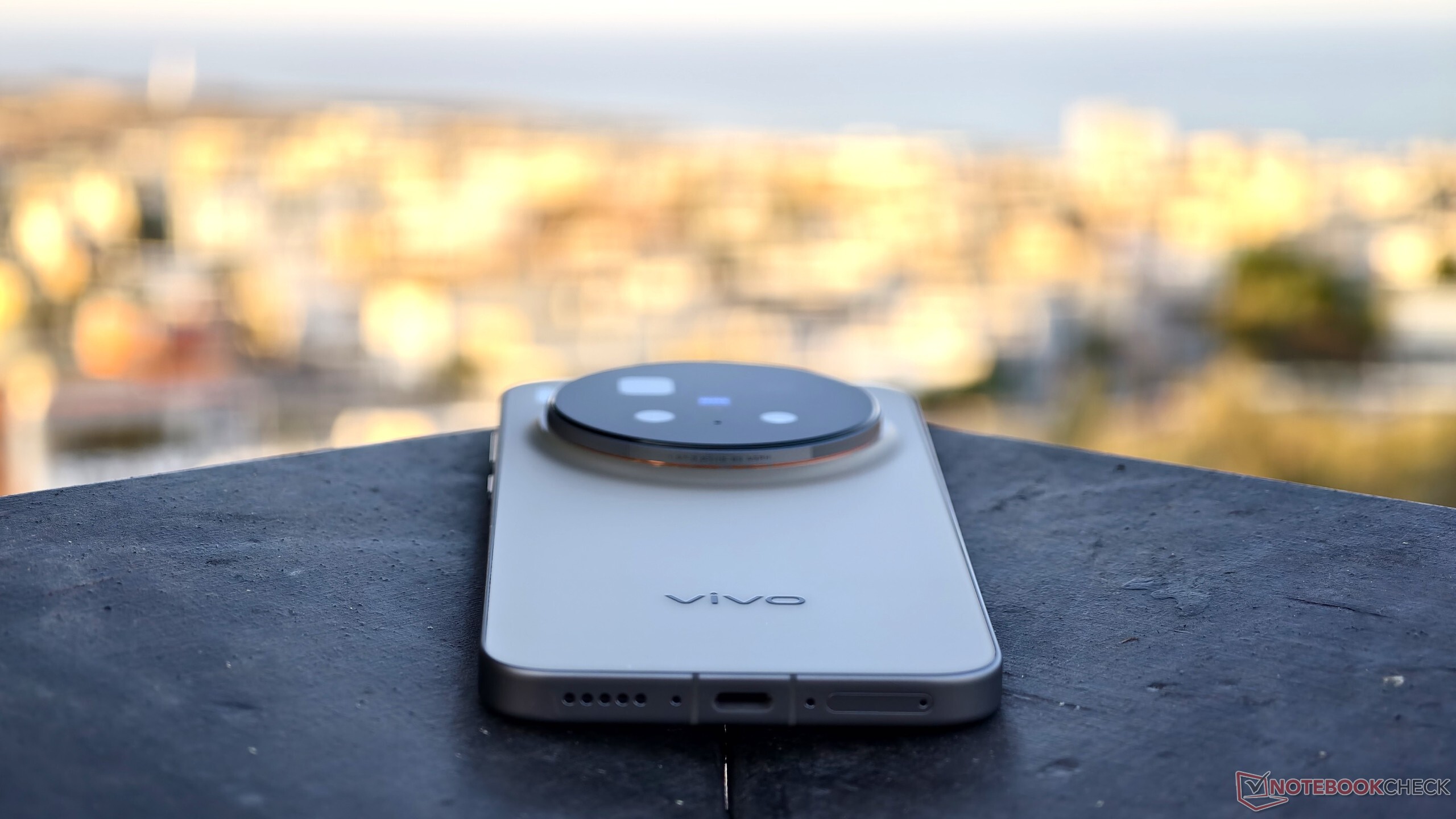
Comparisons lined up for Part 2 in this series
This is not a complete Notebookcheck review of the Vivo X300 Pro — there's one already in preparation. Instead, this report is about my experiences with the camera during a trip to Cyprus based on a review sample provided by Vivo, including the camera grip and the Zeiss teleconverter.
Also on board was my current daily driver, the Vivo X200 Ultra from China, the global Vivo X100 Pro, and the Samsung Galaxy S23 Ultra. The Galaxy S23 Ultra is my last Samsung phone, which was still equipped with a real 10x zoom, albeit using a comparatively small 1/3.52-inch sensor.
In Part 2 of this test, I am particularly interested in how well the Vivo X300 Pro with the 2.35x Zeiss teleconverter and equivalent 200 mm focal length can set itself apart from the 230 mm Samsung telephoto and how the new Vivo flagship performs in comparison to its predecessors.
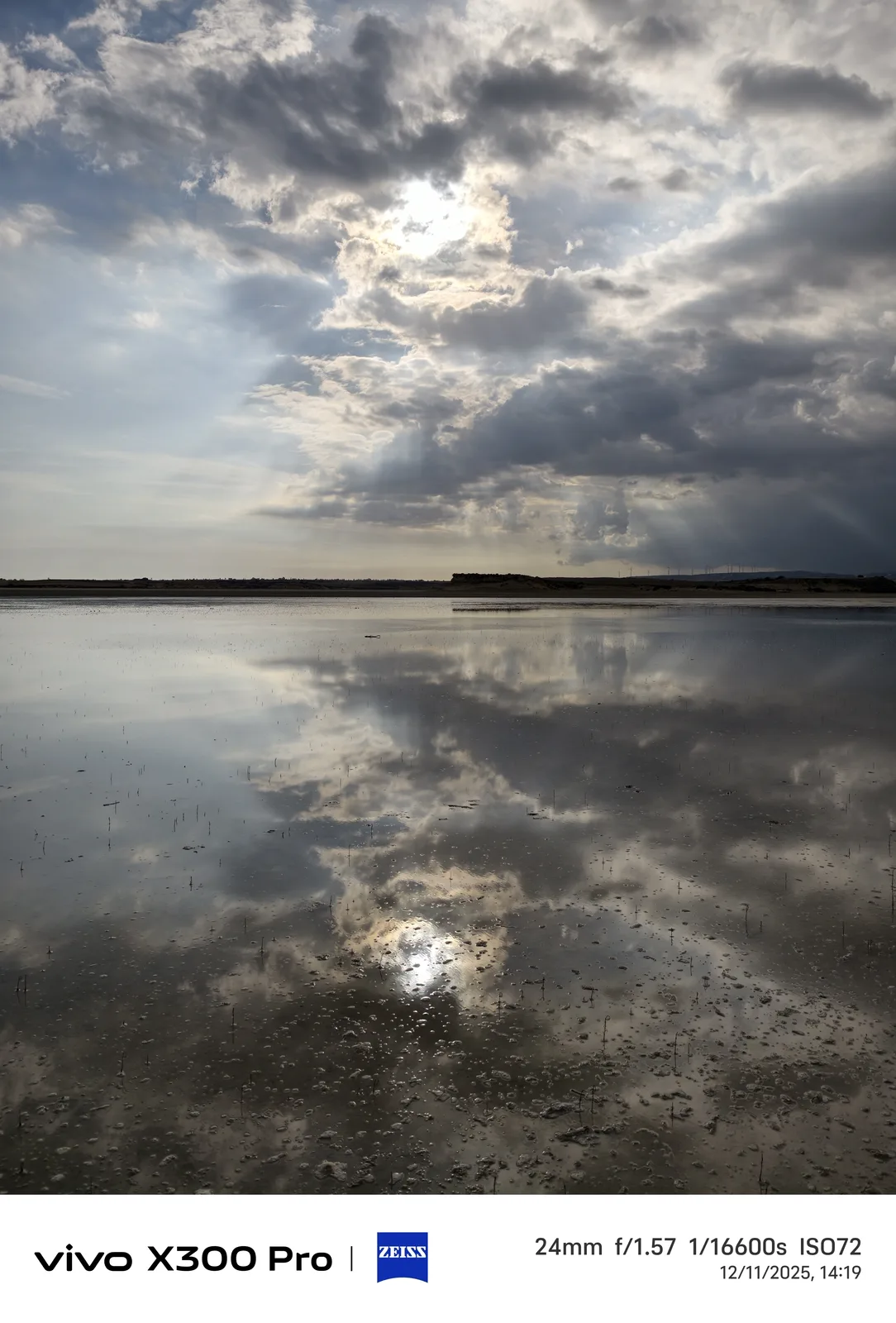
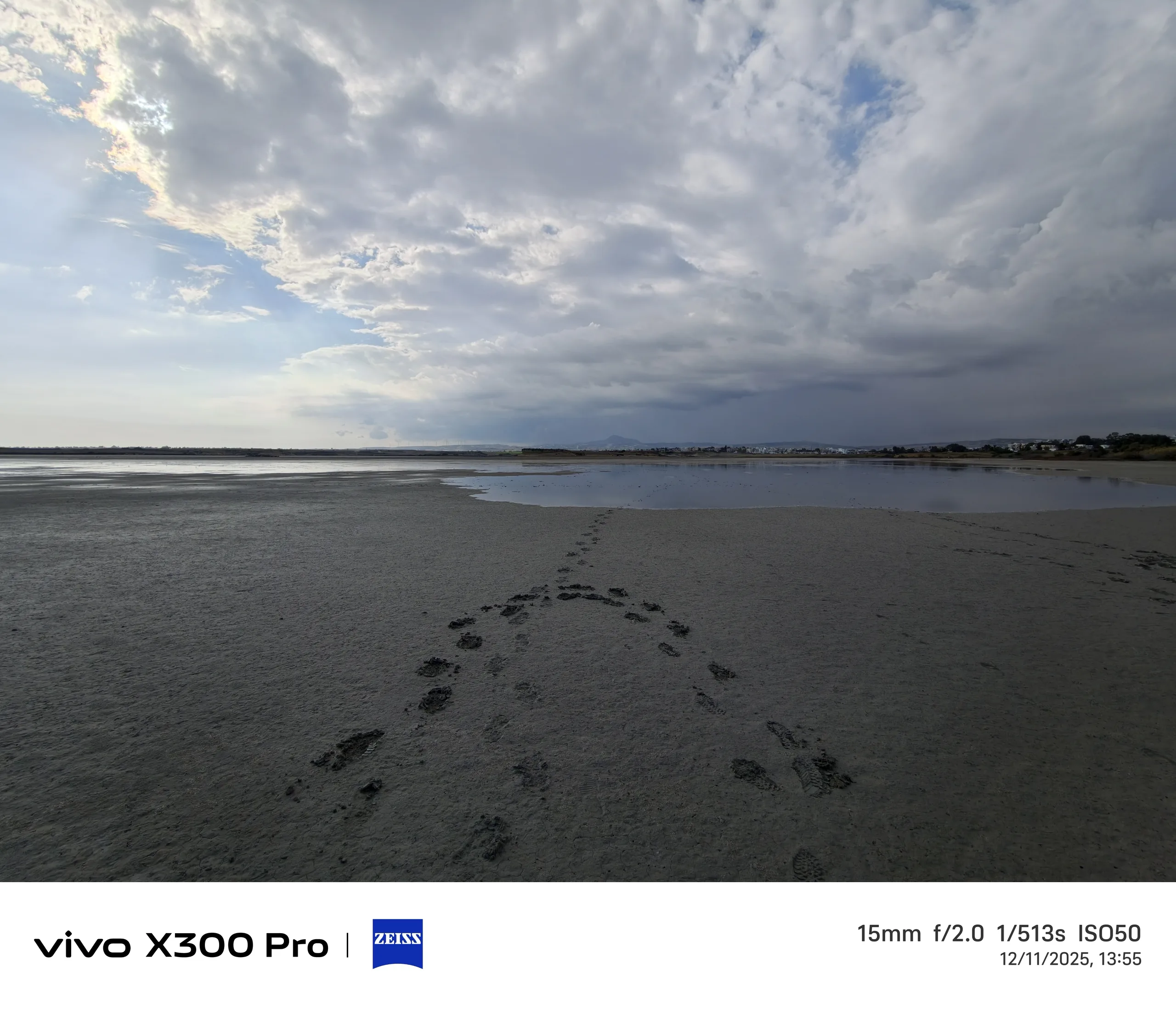
Excursion: Photos from Larnaca
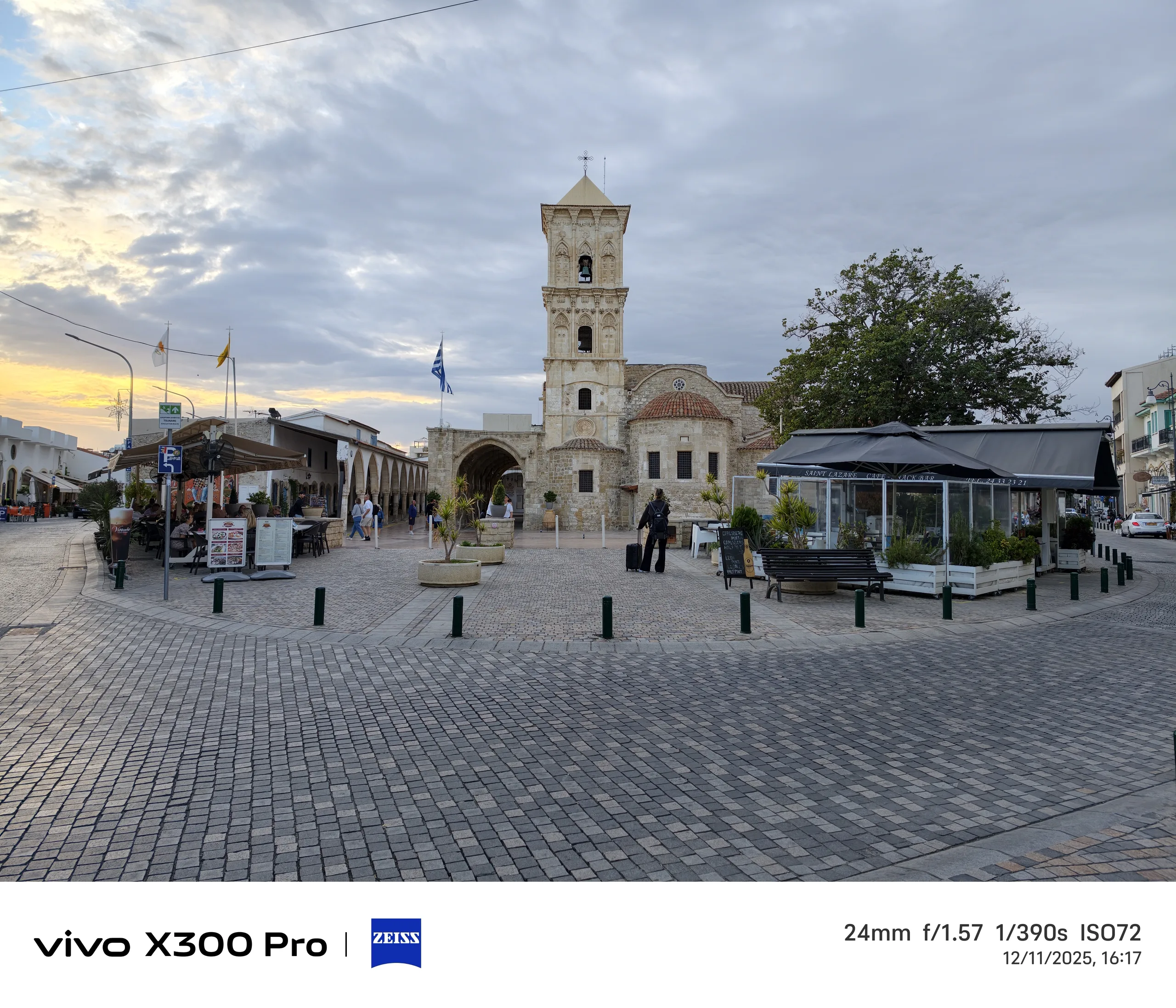
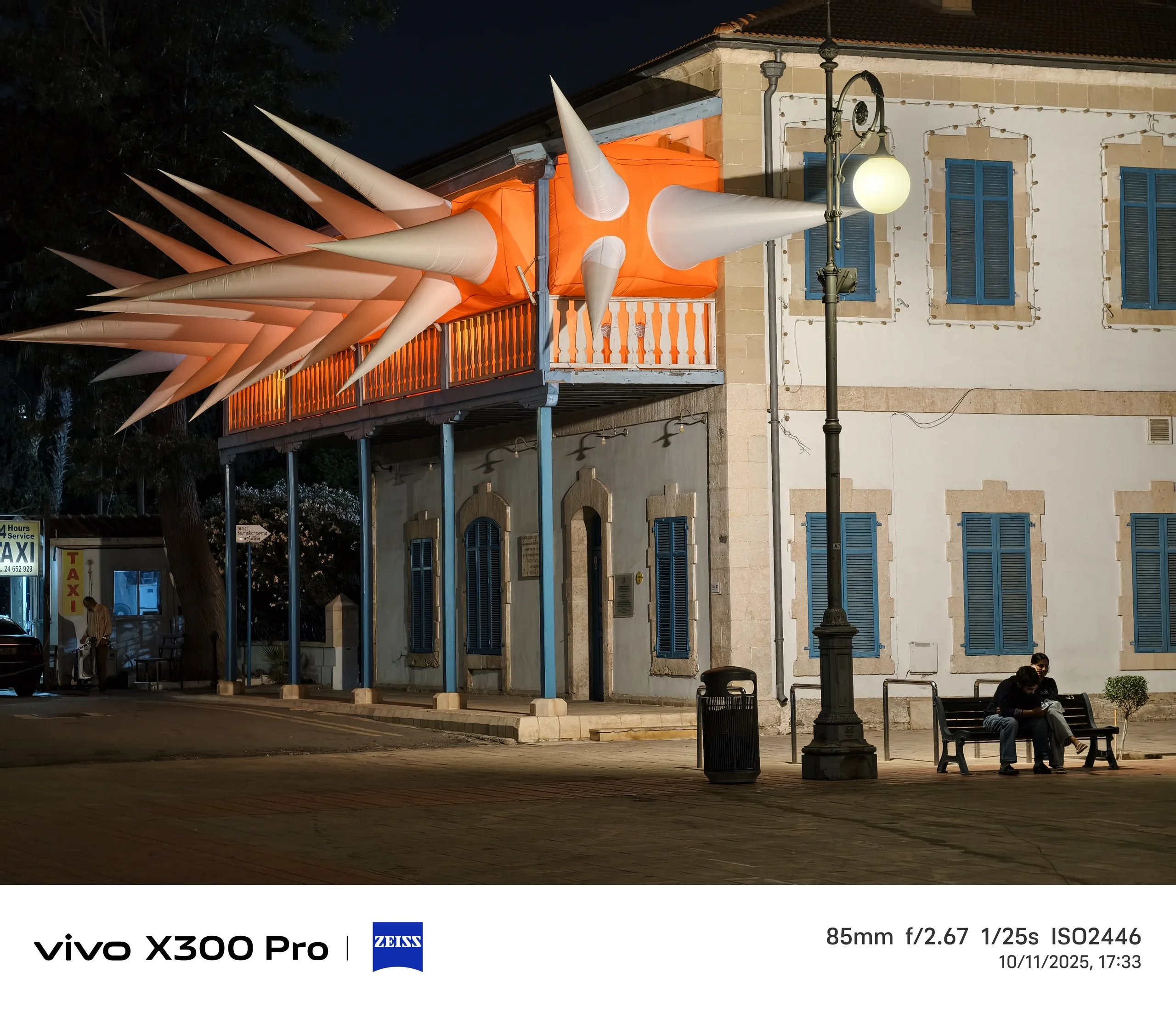
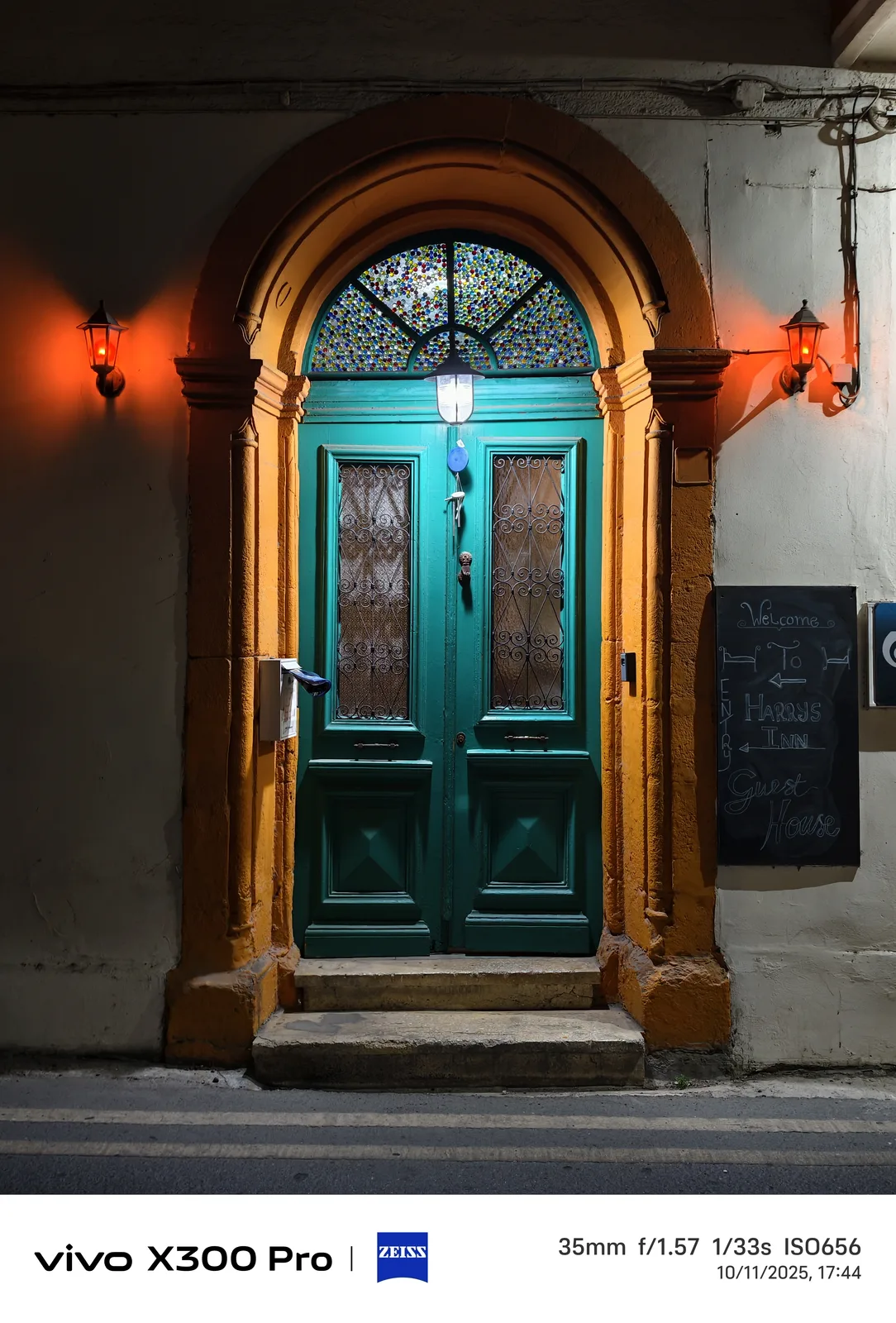
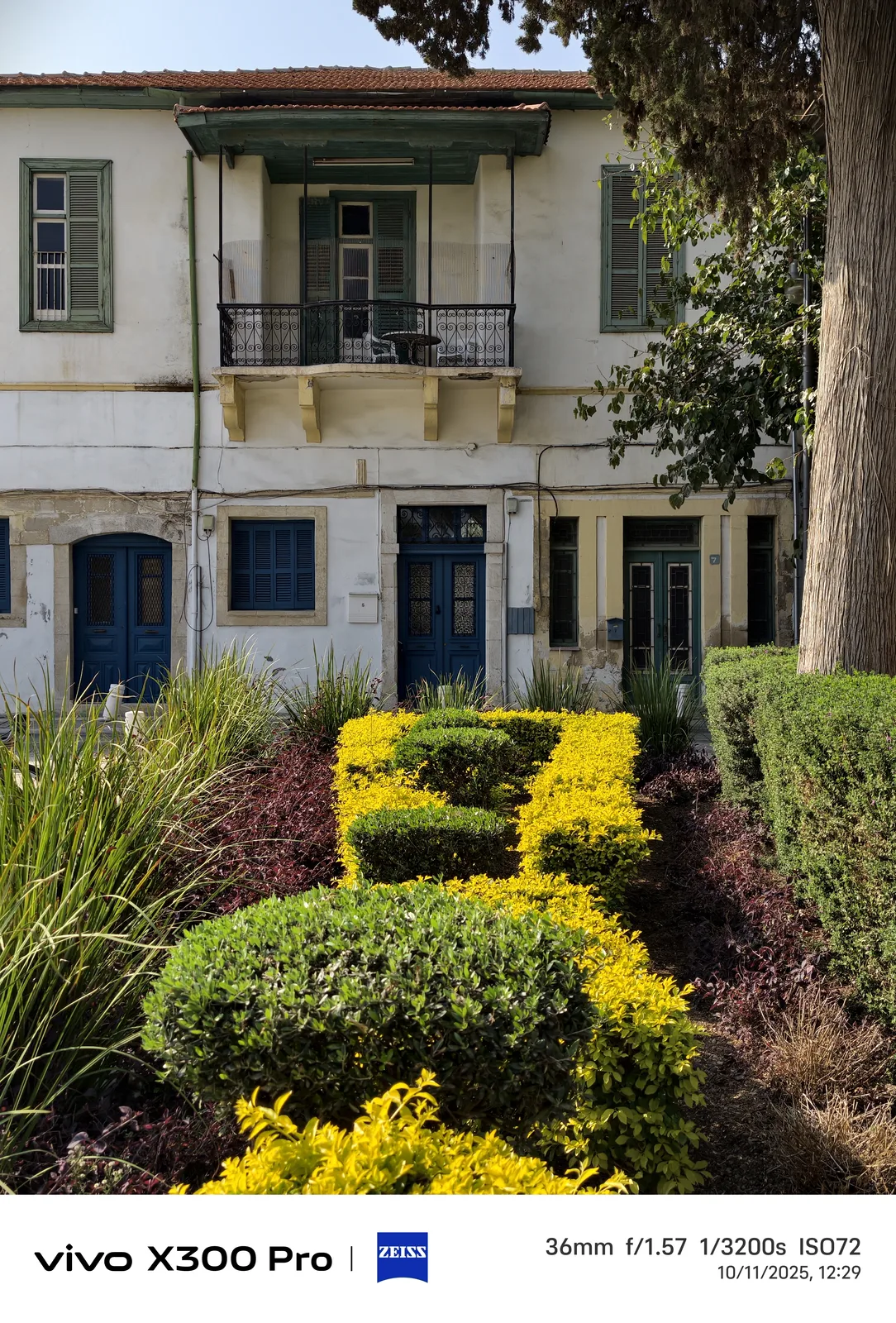
The Vivo camera button tragedy
For me personally, the biggest criticism of the Vivo flagships in recent years is the inconsistent nature of the camera button. The Vivo X100 Pro doesn't have one; instead, you can configure a double-click on the volume down button as the start shortcut for the camera, which only works in what feels like 50% of cases until the new OriginOS 6 update.
I can't emphasize enough how many snapshots I've missed over the last few years due to problems with this shortcut whether listening to music or the shortcut just fails for, often, completely random reasons.
The double-click on the On/Off button on the Galaxy S23 Ultra, on the other hand, still works extremely reliably to this day.
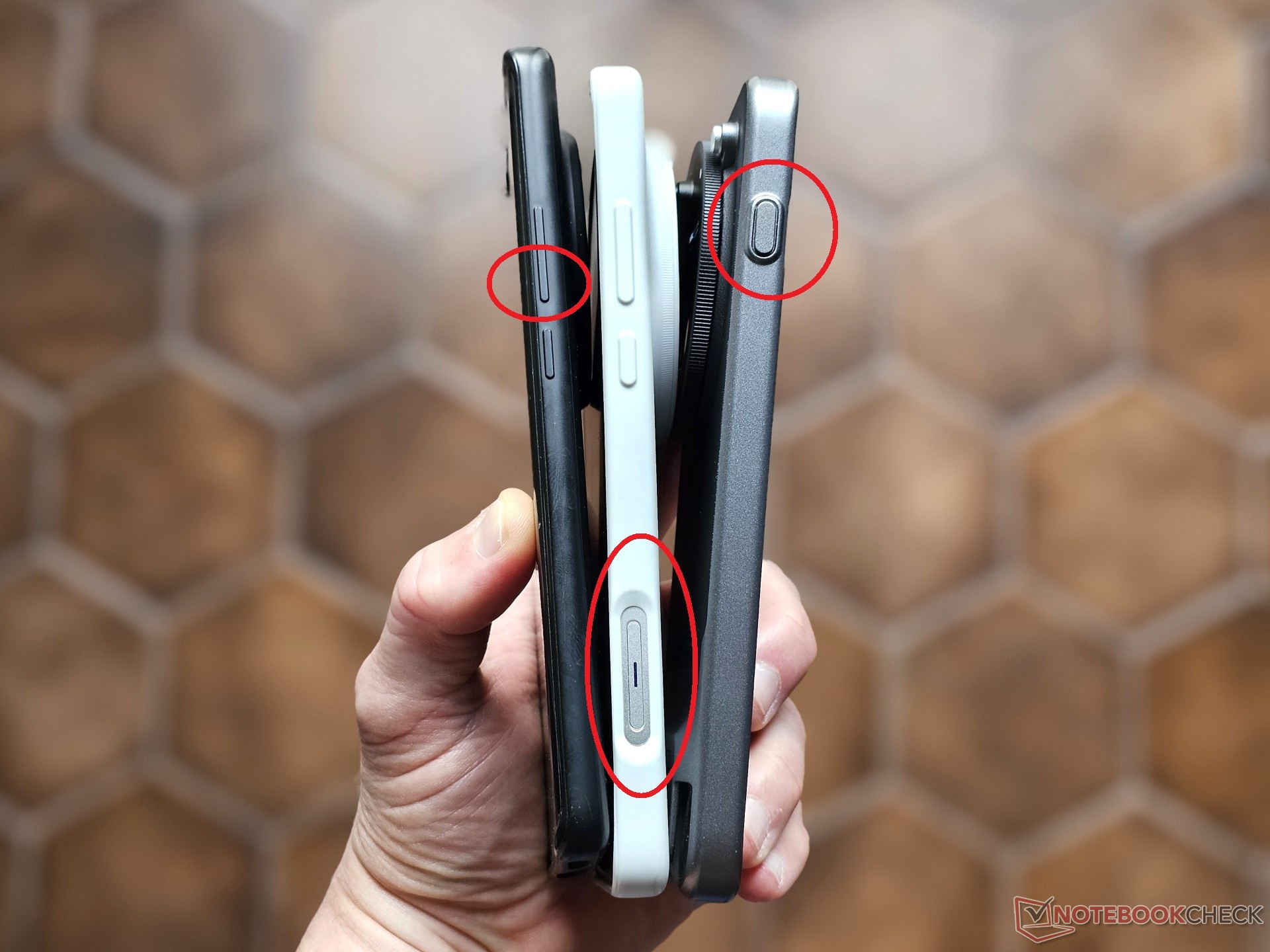
Problems with the X300 Pro's shortcut button
The Vivo X300 Pro has a new shortcut key, but unfortunately not the dedicated camera button of the Vivo X200 Ultra on the lower right side (as seen from the front). To date, this has been the most reliable and practical way to start and trigger the camera.
Unfortunately, the X300 Pro's shortcut button feels like a step backwards in comparison as it is on the wrong side. You have to use the Vivo X300 Pro in landscape mode rotated by 180° if you want to press it with the index finger of your right hand.
This is not only inconsistent and impractical compared to most other smartphones, but it also comes with the disadvantage that you often unintentionally press the volume up/down rocker or the power button on the opposite side, either because you touch them with the thumb of your right hand or while stabilizing the Vivo X300 Pro on a railing when taking photos.
This sometimes triggers unwanted actions, such as shortcuts configured for the volume up button, starting Gemini, or popping up the shutdown dialog.


Inconsistency with the camera grip
There's another argument to be made against the Vivo X300 Pro's shortcut button positioning as a shutter button on the left side. If you want to use the optional camera grip with the two-stage camera button, you have to turn the Vivo X300 Pro around again — not very consistent.
There is only one sensible solution for a smartphone advertised as a camera flagship: a dedicated camera button on the bottom right side, as with Sony, Oppo, Apple, and the Vivo X200 Ultra.
In my opinion, the fact that Vivo did without a dedicated camera key on the X300 Pro, unlike Oppo on the Find X9 Pro, is a major shortcoming if you primarily want to use the phone in landscape mode for taking photos.
Advantages of the Vivo teleconverter
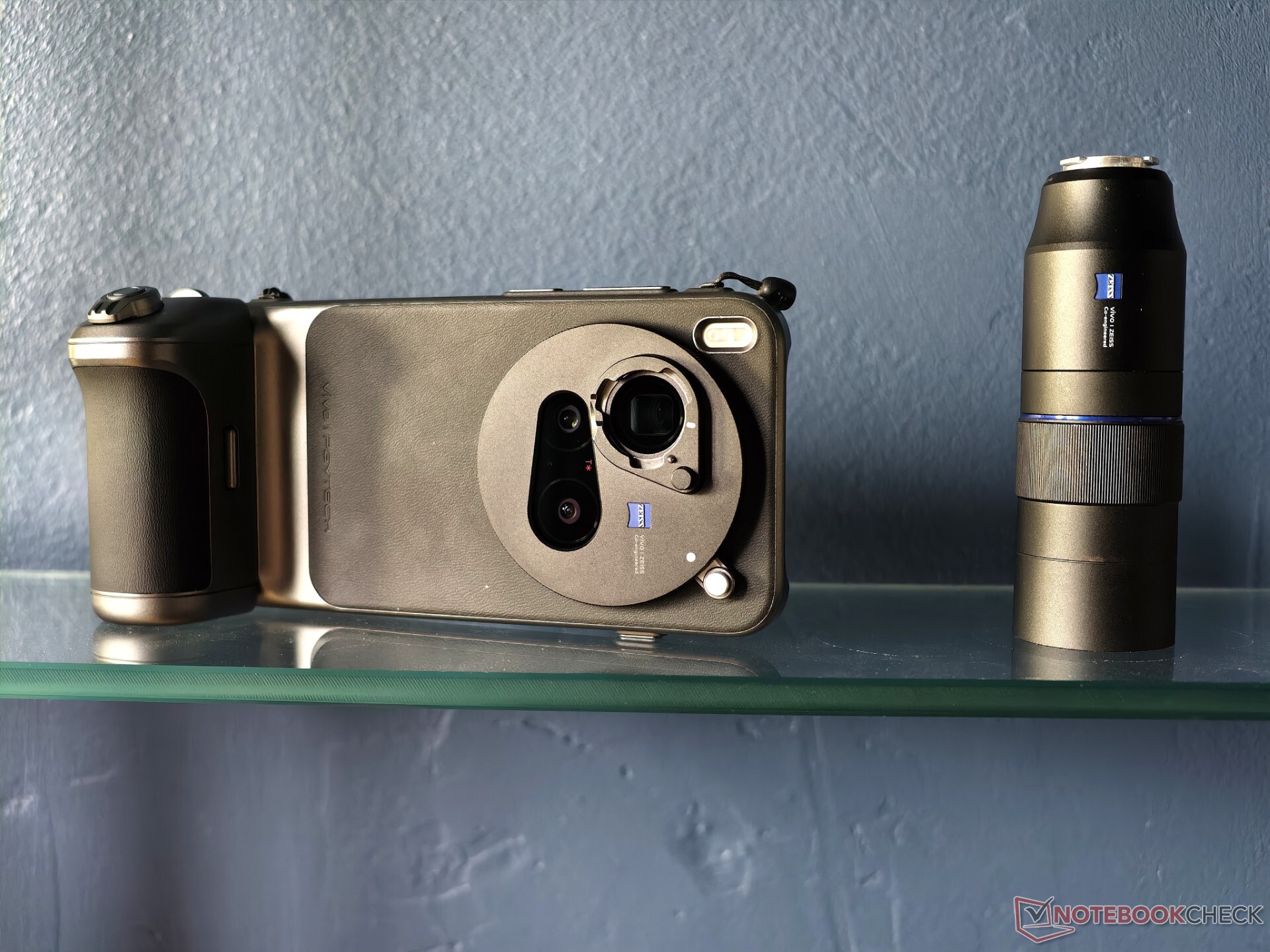
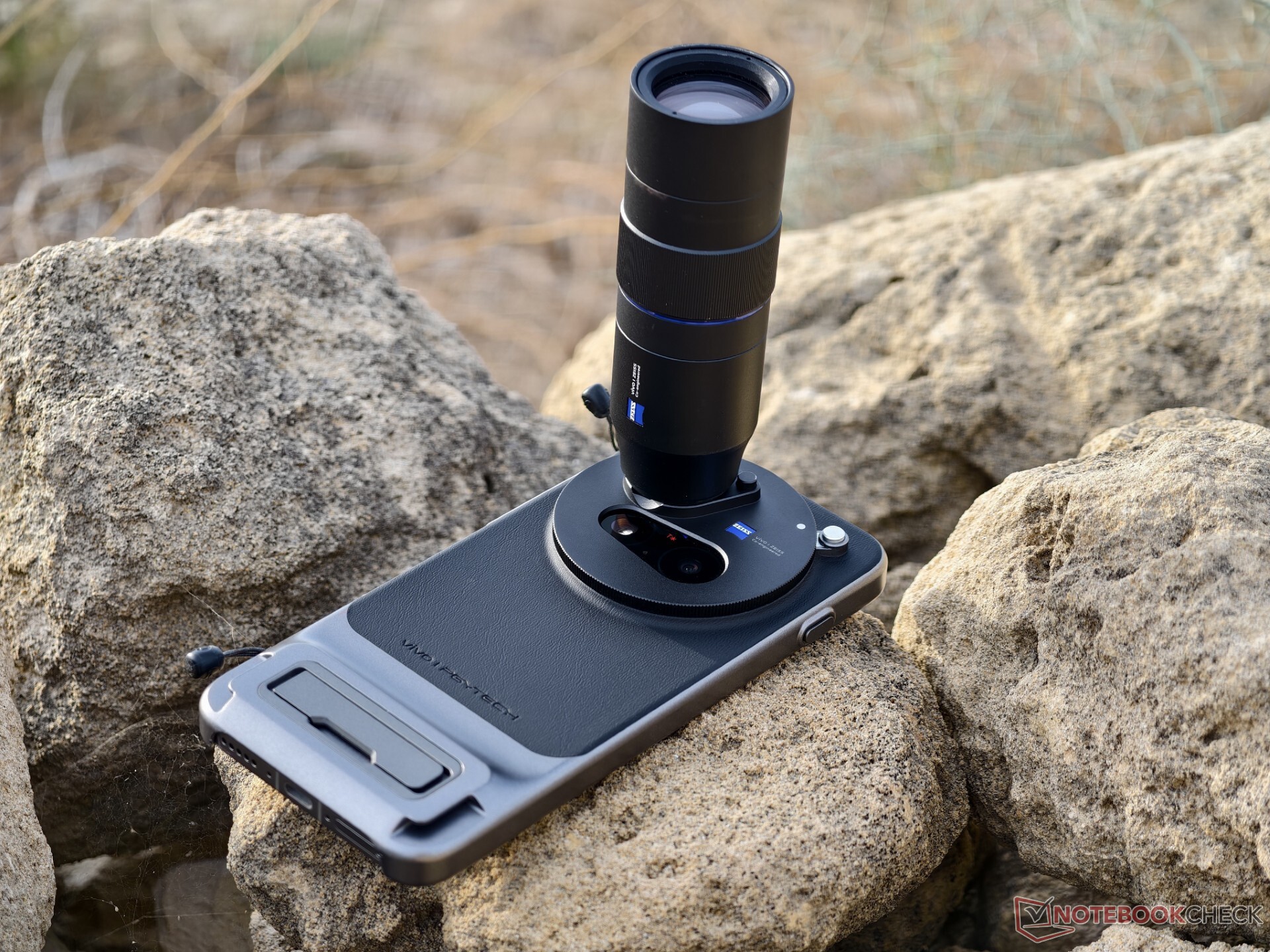
I had previously mentioned this fact in my camera test of the Oppo Find X9 Pro a few weeks ago: Vivo currently has the better implementation when it comes to teleconverters, primarily due to the fact that the lens bayonet can always remain screwed on.
This means that the other two cameras aren't fully covered, and that the 2.35x teleconverter can be used a lot more quickly.
Like Oppo, the shutter is not completely unproblematic with Vivo either because removing it with one hand (pressing the shutter and turning the lens at the same time) is not always successful, and it hangs a little at times.
Vivo is also one step ahead of Oppo when it comes to software. Automatic detection of the Zeiss lens is not possible due to the lack of an electronic connection, but unlike the Find X9 Pro you no longer have to select a separate mode with the X300 Pro.
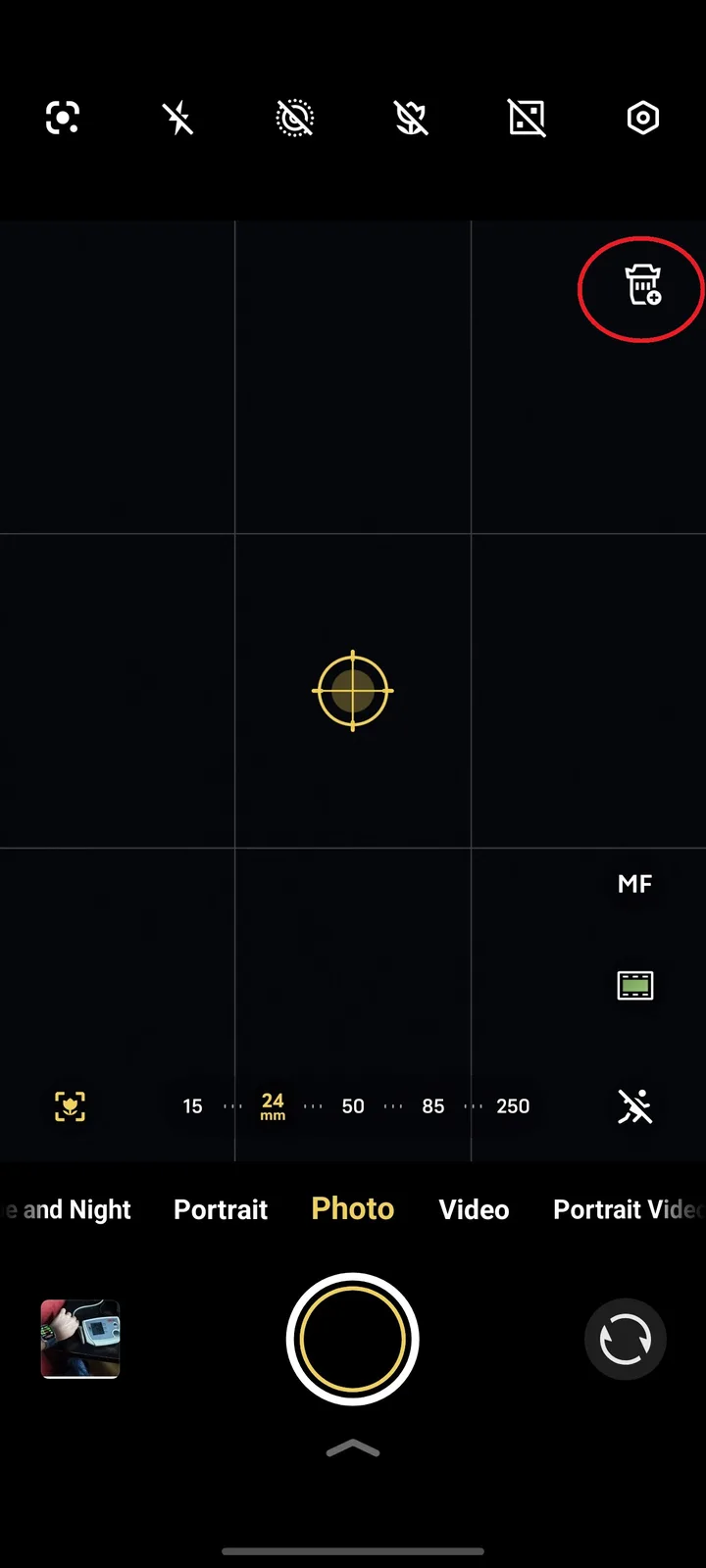
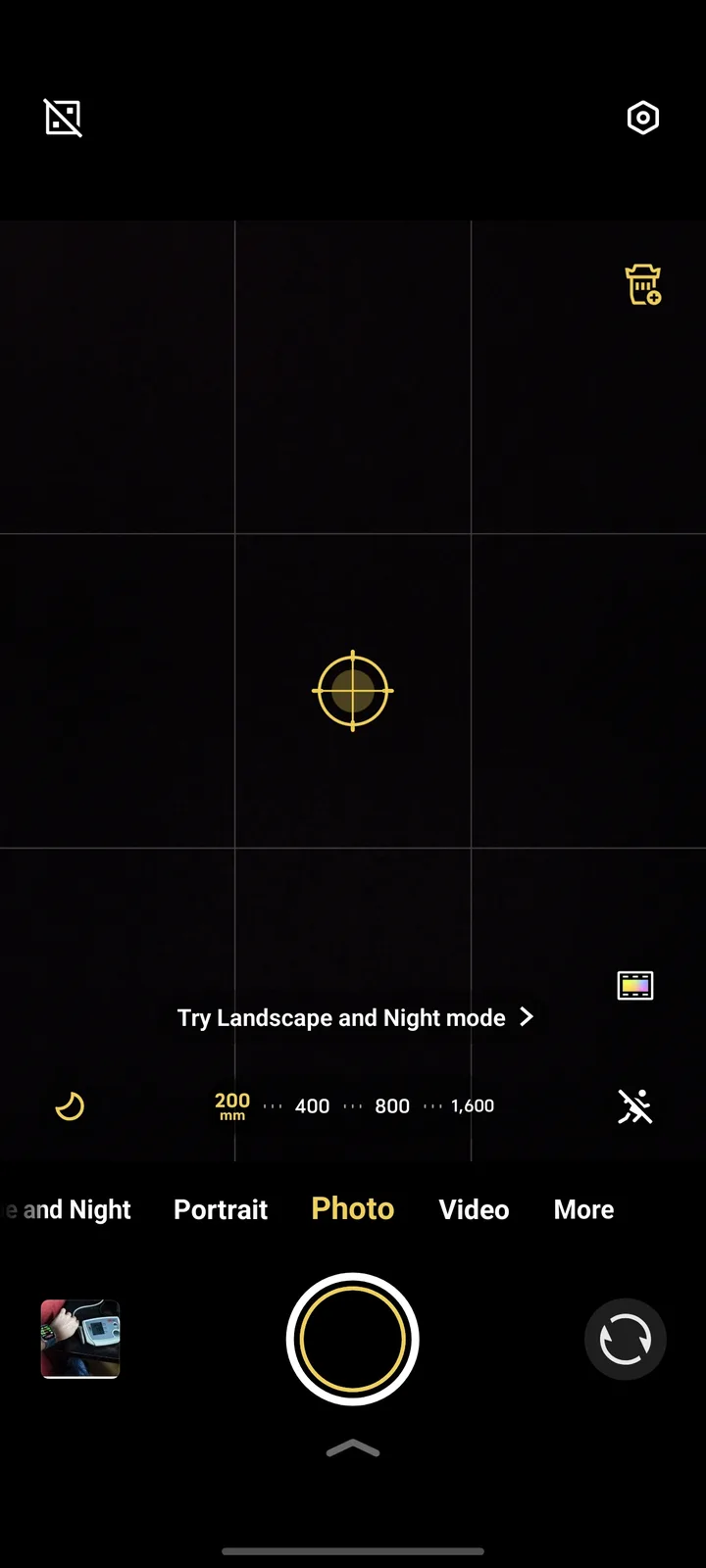
If activated in the settings, a teleconverter symbol is available in almost all modes to quickly switch to this mode. Another tap on the lens icon reactivates the standard focal lengths.
In the future, I hope that Vivo (and Oppo) will support the marking of photos and videos created with teleconverter in the album app. At the moment, you have to use tricks such as minimally different focal lengths to be able to distinguish photos with a lens from those without a teleconverter in the photo album.
If you have to activate a separate mode or an icon for the teleconverter anyway, the app should actually be able to track this now and display it accordingly in the album.
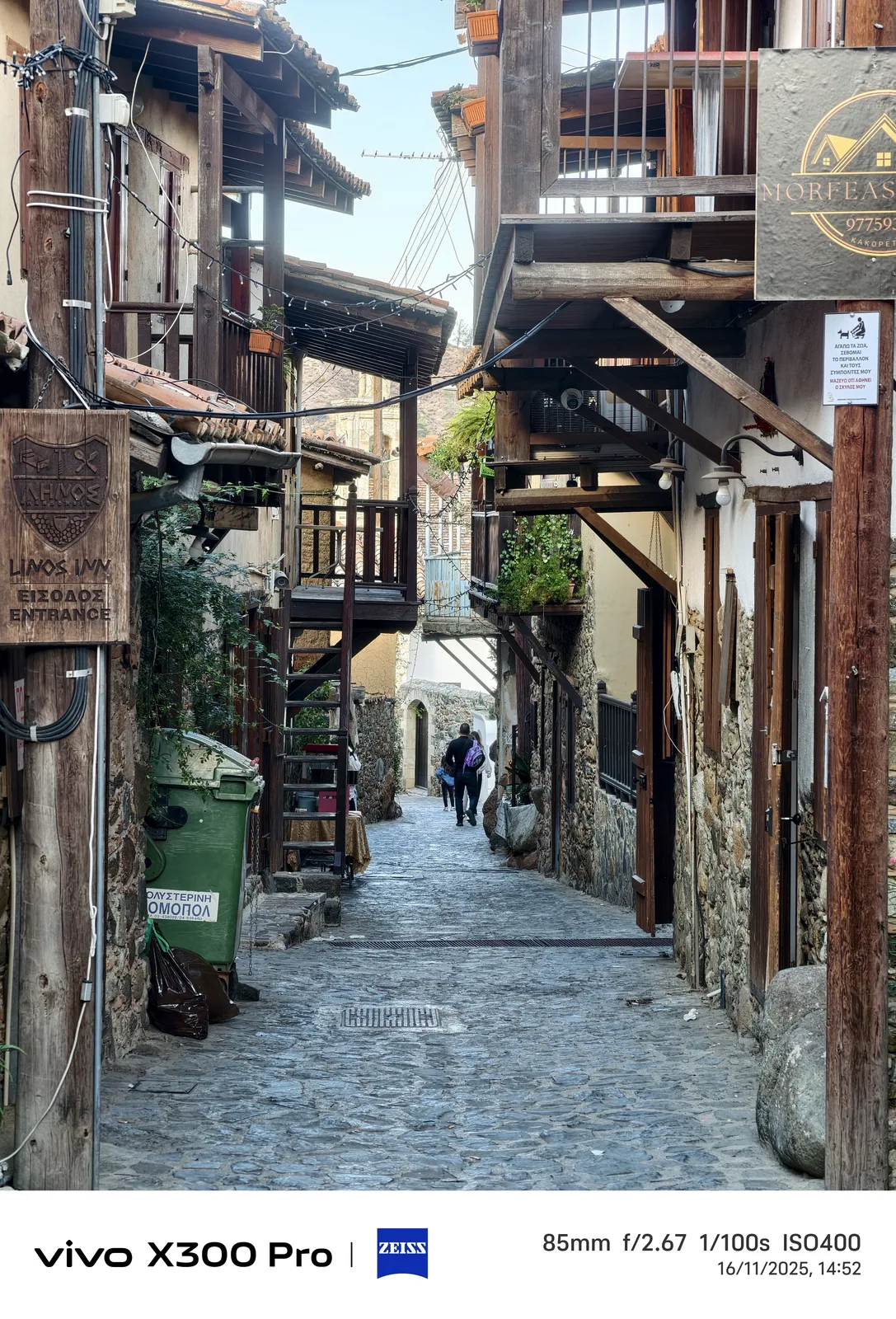
Excursion: Photos from Kakopetria



What are the benefits of the teleconverter?
In the following examples there are comparisons with and without the teleconverter, mostly at 200 mm or 400 mm focal lengths.
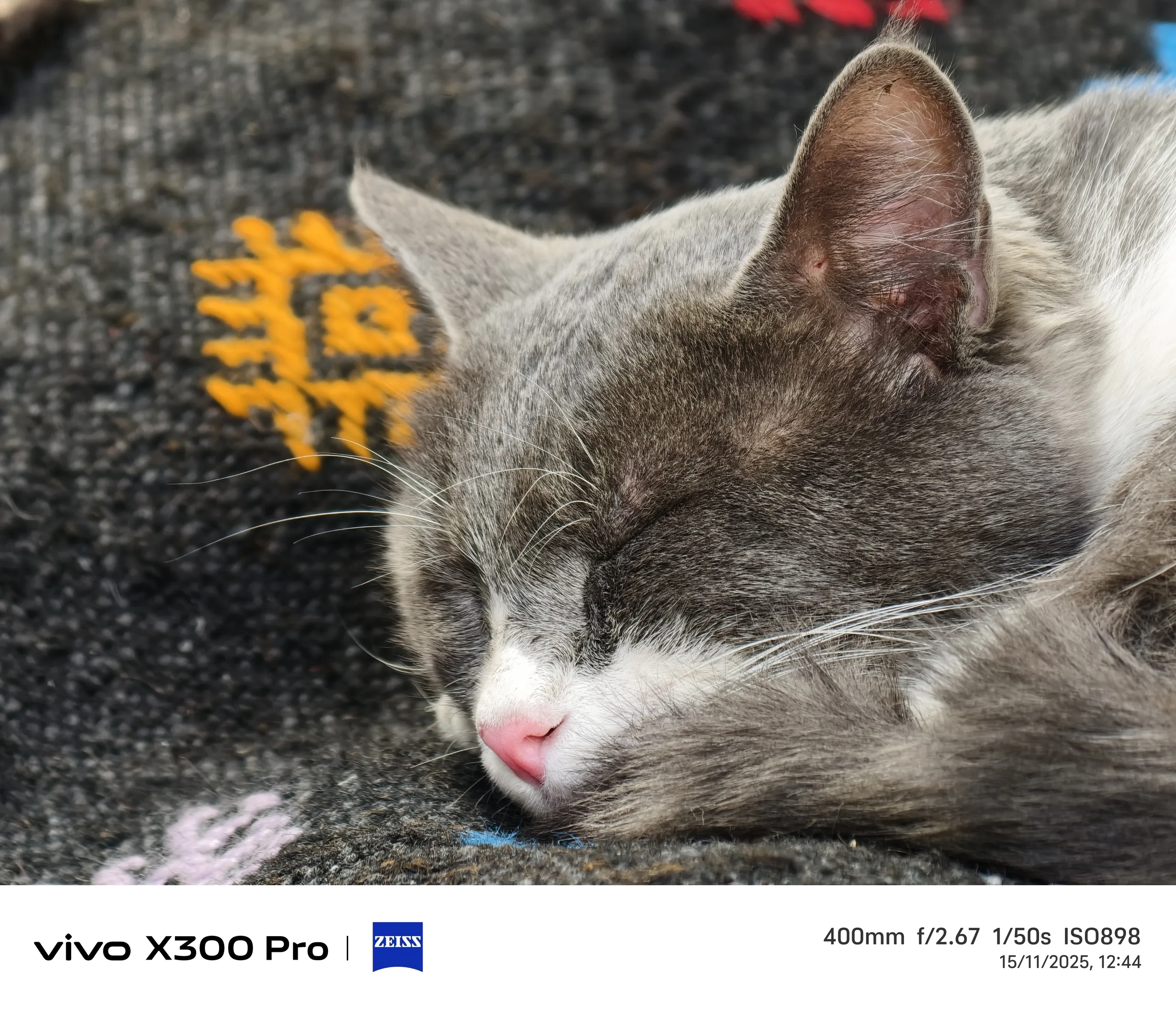
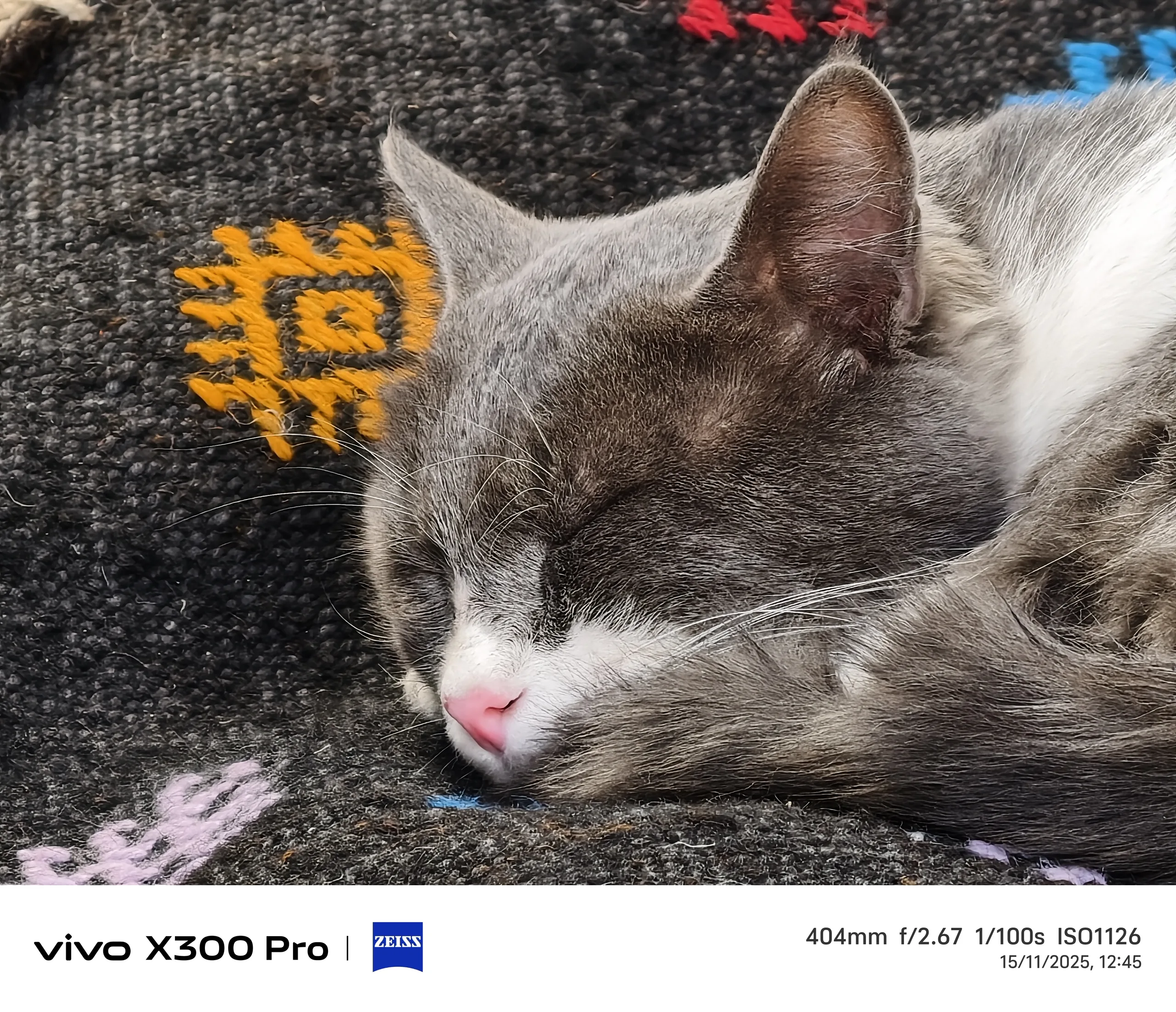
I try to avoid longer ranges, as otherwise the AI would primarily dictate the result. Even at 400 mm without the lens, you can see how details such as cat hair disappear and are compensated for by oversharpening.
The natural bokeh effect with the optical 200 mm shot is also very nice, particularly clearly visible on the carpet on which the cat is lying.
The digital zoom of the 85 mm photo, on the other hand, is consistently sharp. It can therefore be clearly stated that in the range up to about 17x zoom with little movement in the image and in sufficient light, the teleconverter brings a lot of naturality.

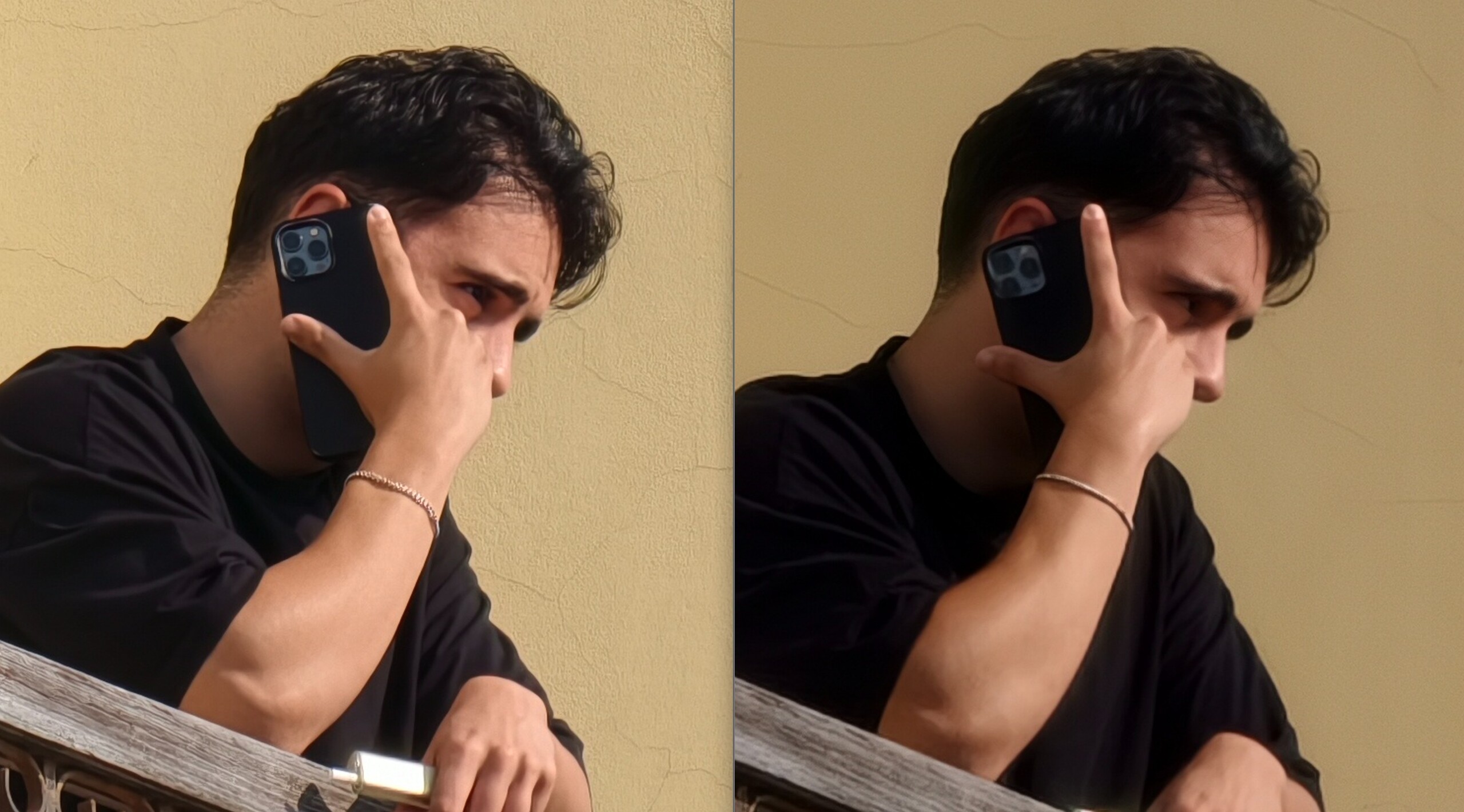
With people — not necessarily my choice of subject — the difference is also clearly visible in daylight.
In the example below, not only are the details clearly more recognizable in the face of the person on the phone, the wall of the house in the background also retains its structure at 400 mm equivalent focal length only with the teleconverter.
Individual elements are still vaguely recognizable here with the attachment, but that's not the case with pure digital zoom.


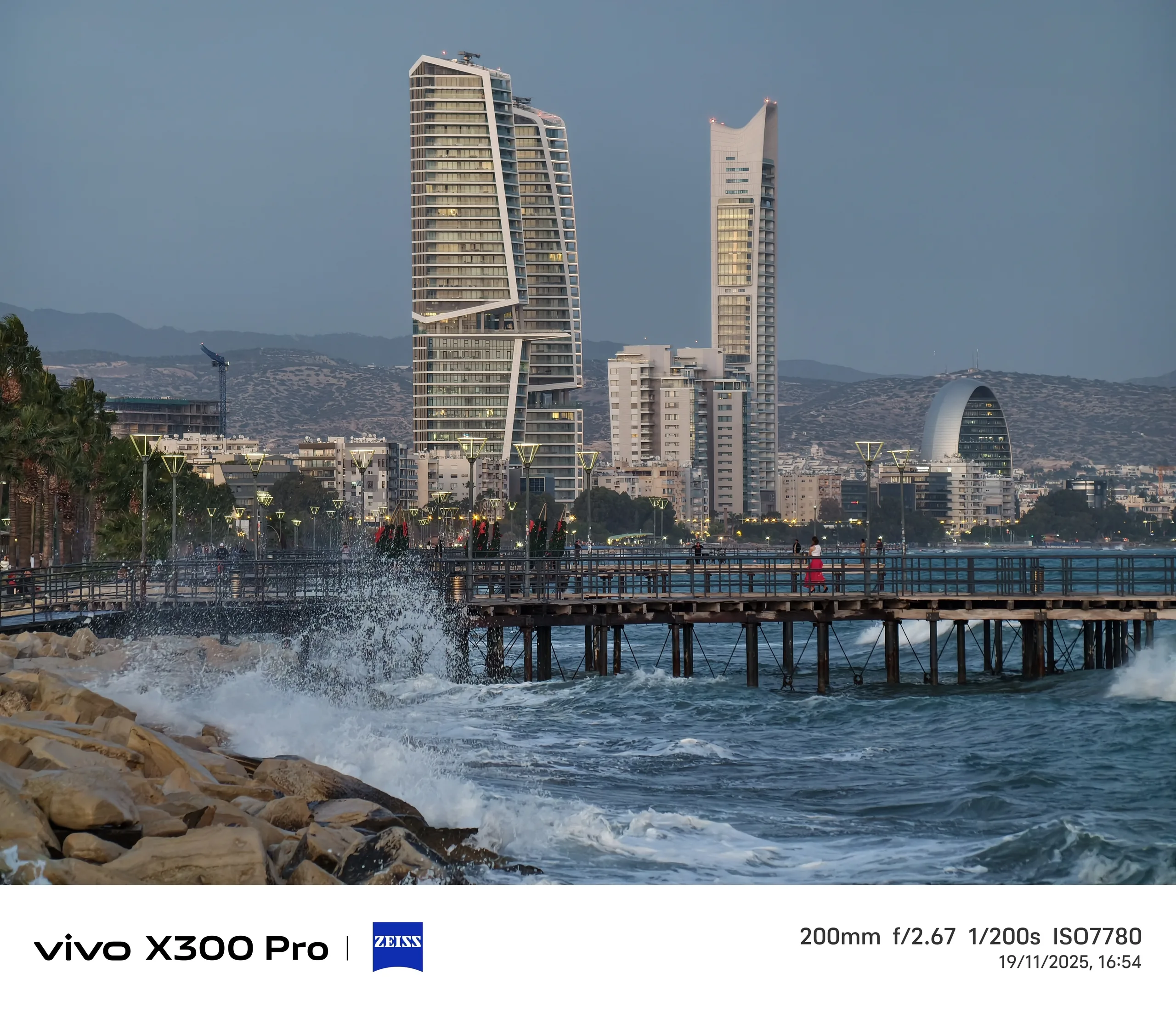
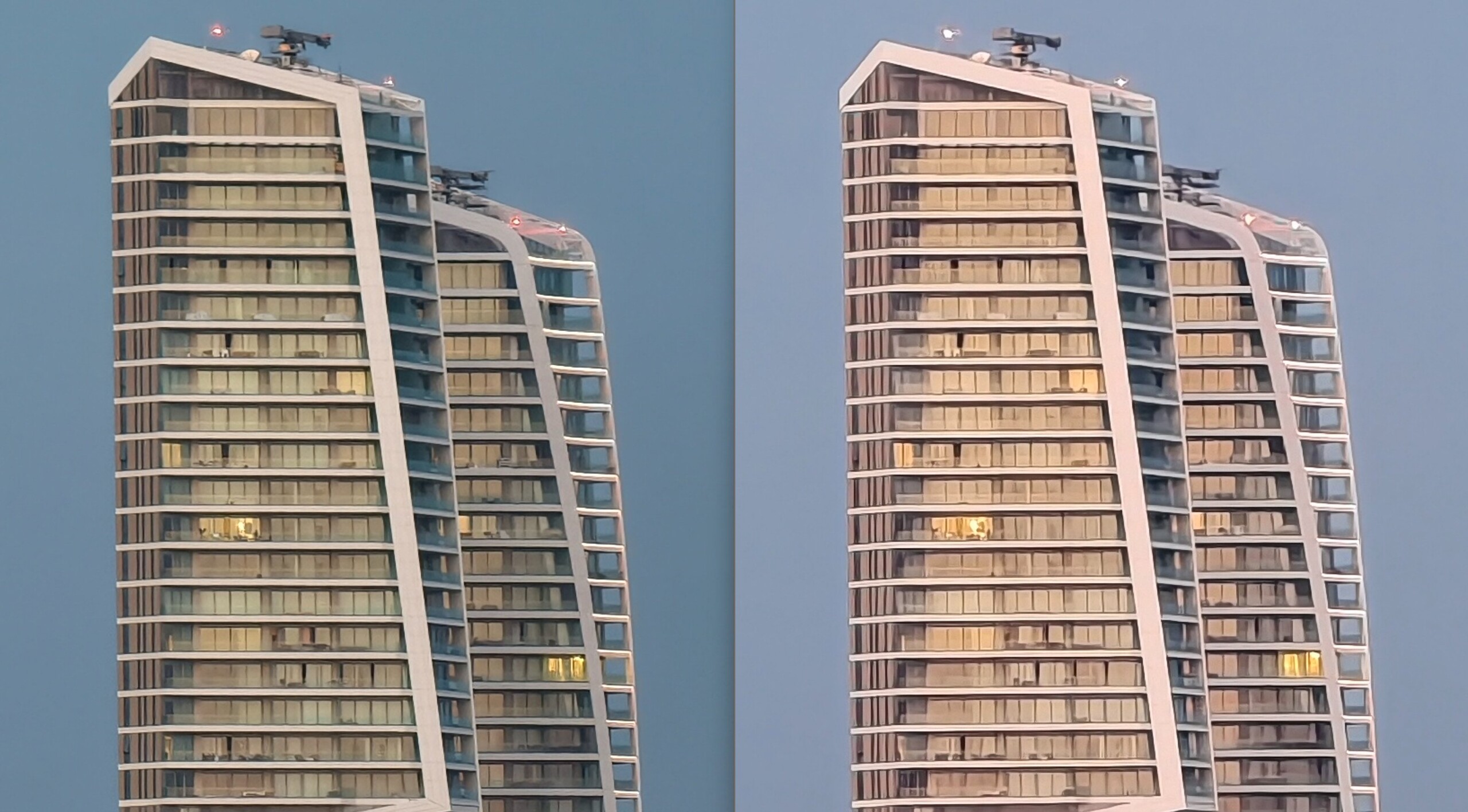
At dusk and in stormy winds, the advantages of the teleconverter are less clear. The magenta touch of the photo without the additional lens is primarily noticeable here, which was constantly visible in several shots, and the differences in ISO and shutter speed are also striking.
Although the lens shows its advantages in reproducing detail, neither photo looks really detailed and natural when enlarged.
That being said, if the circumstances here were adverse, so you would probably have to work with a stable camera fixation.

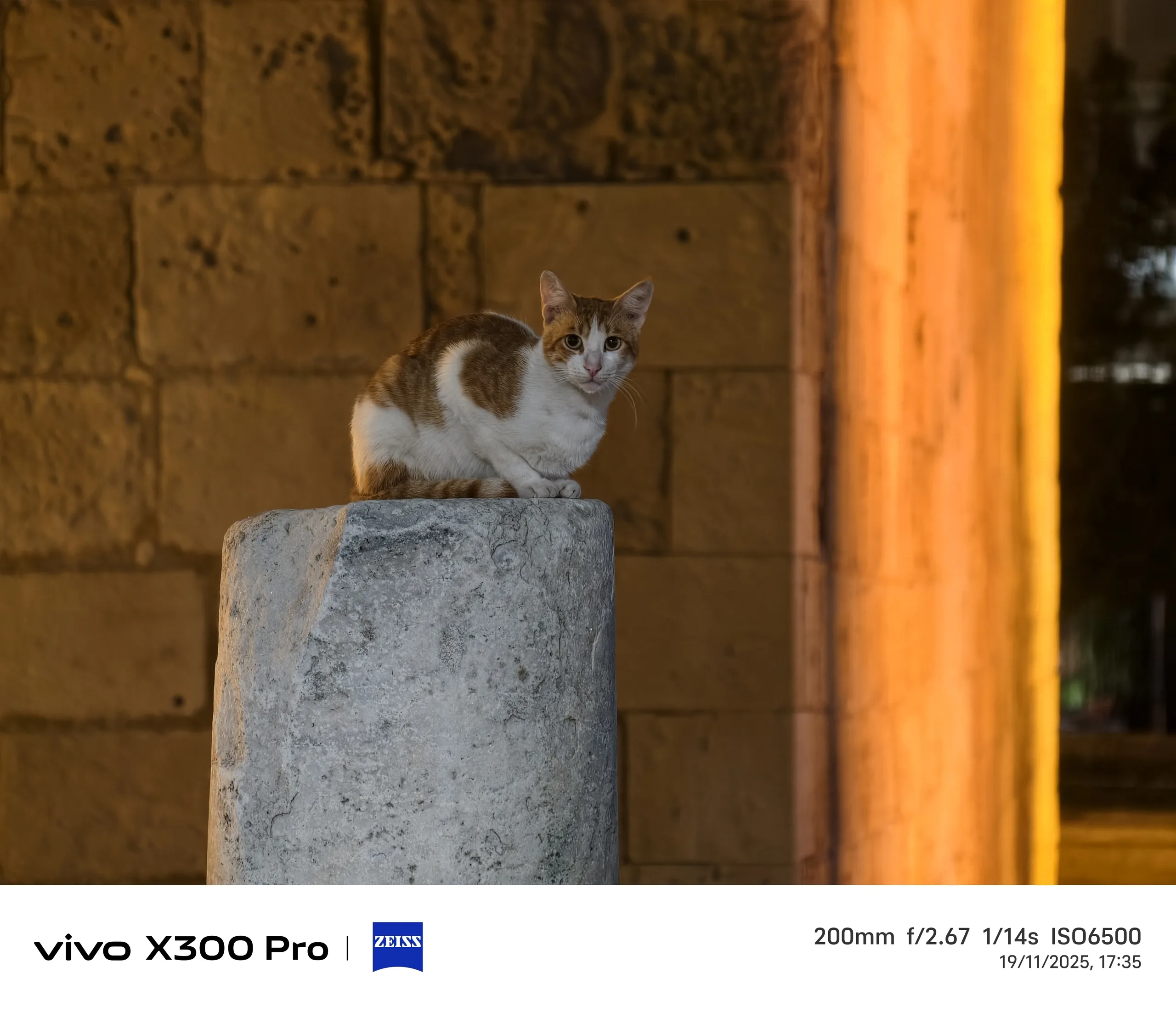
I surprisingly had better experiences with the Vivo X300 Pro's teleconverter in even darker situations, likely because I was able to stabilize the lens on the railing of the Lemesos Castle in Limassol to photograph the cat that had made itself comfortable on the ancient column but unfortunately did not stay in one position.
Nevertheless, the difference with and without the teleconverter is clear. Without the optical amplification, the four-legged friend looks like a wax figure on closer inspection.
However, the higher ISO value here also indicates a substantial loss of light due to the additional lenses in the teleconverter.


At 60x zoom, nothing helps anymore
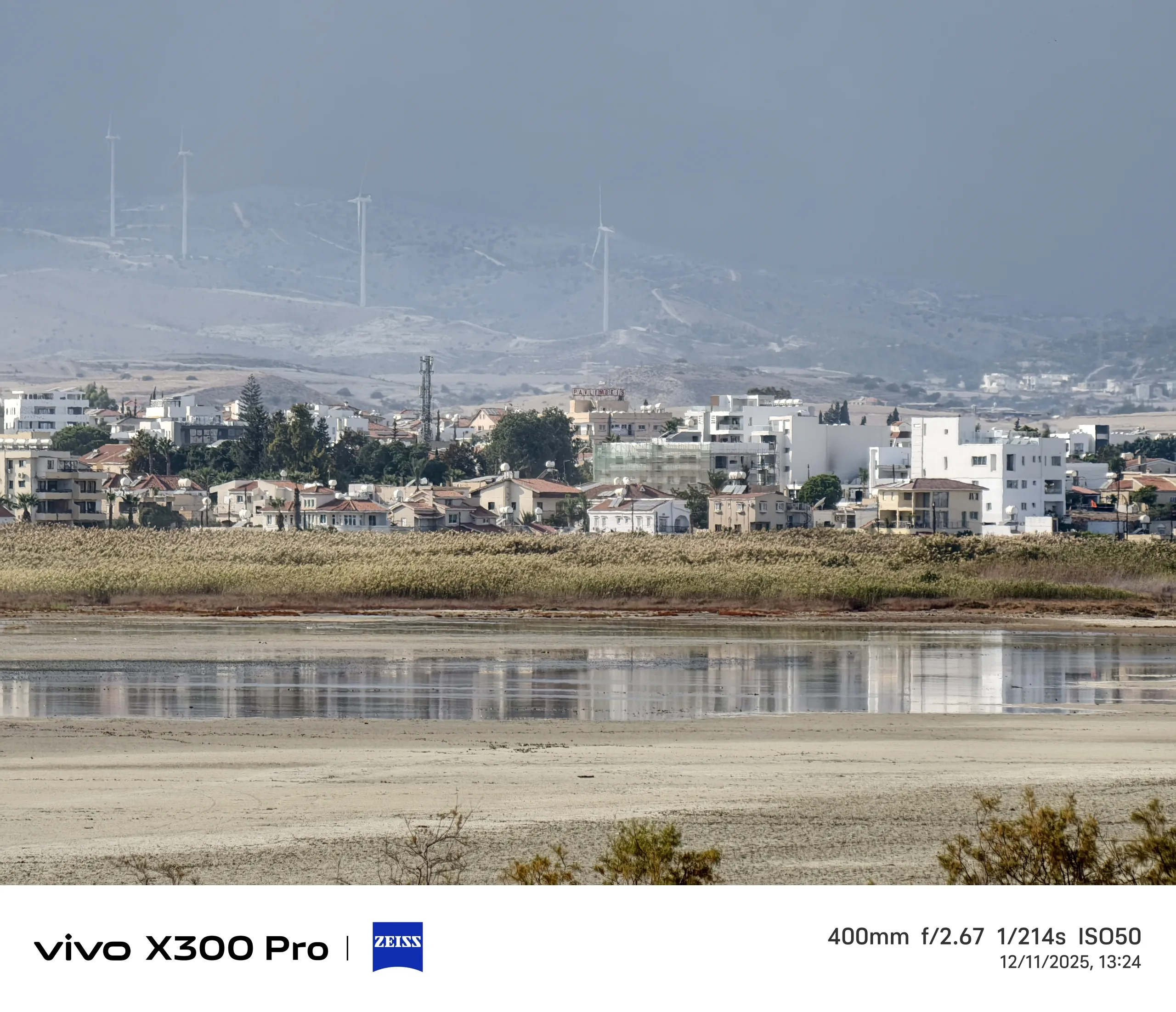
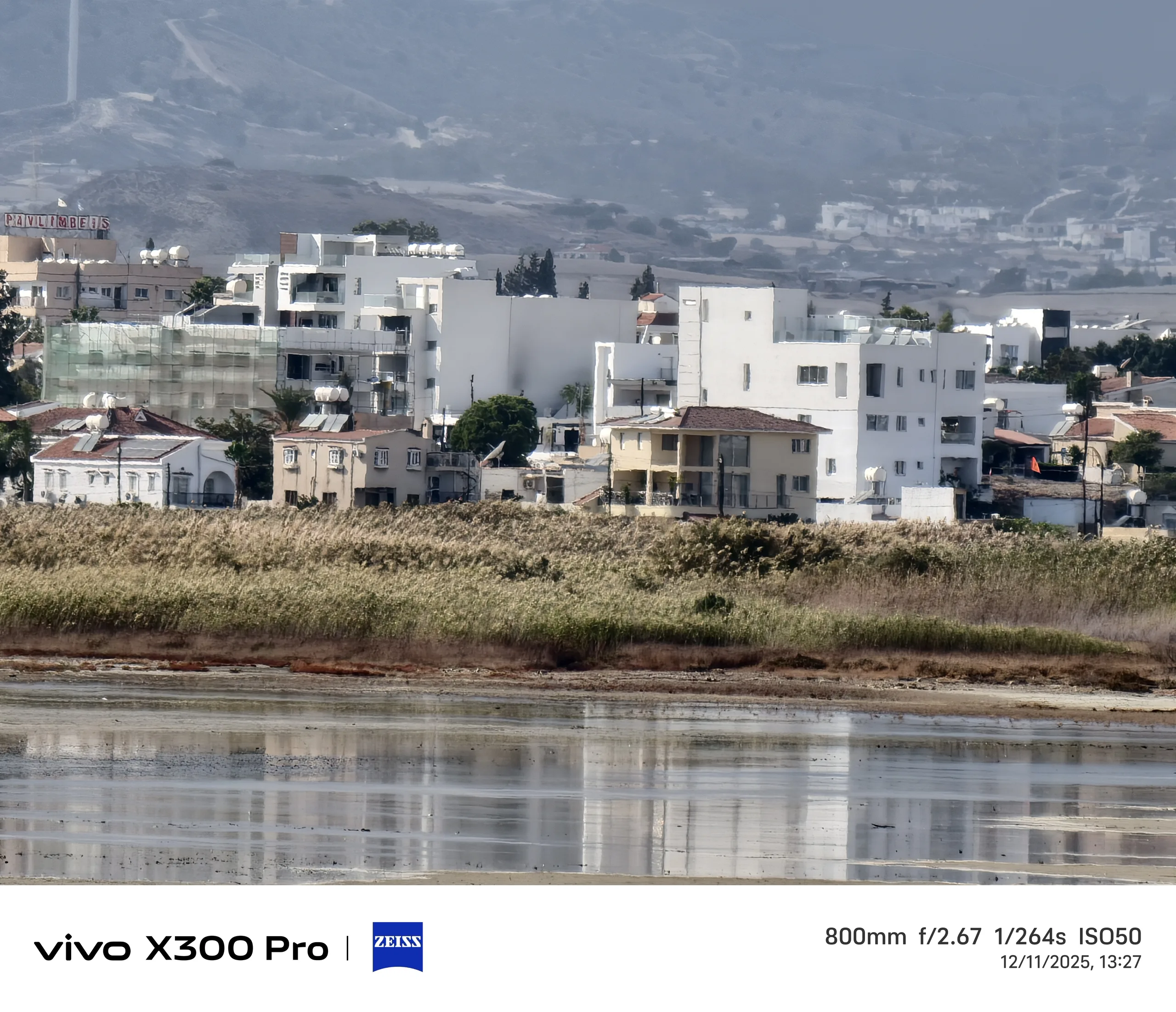
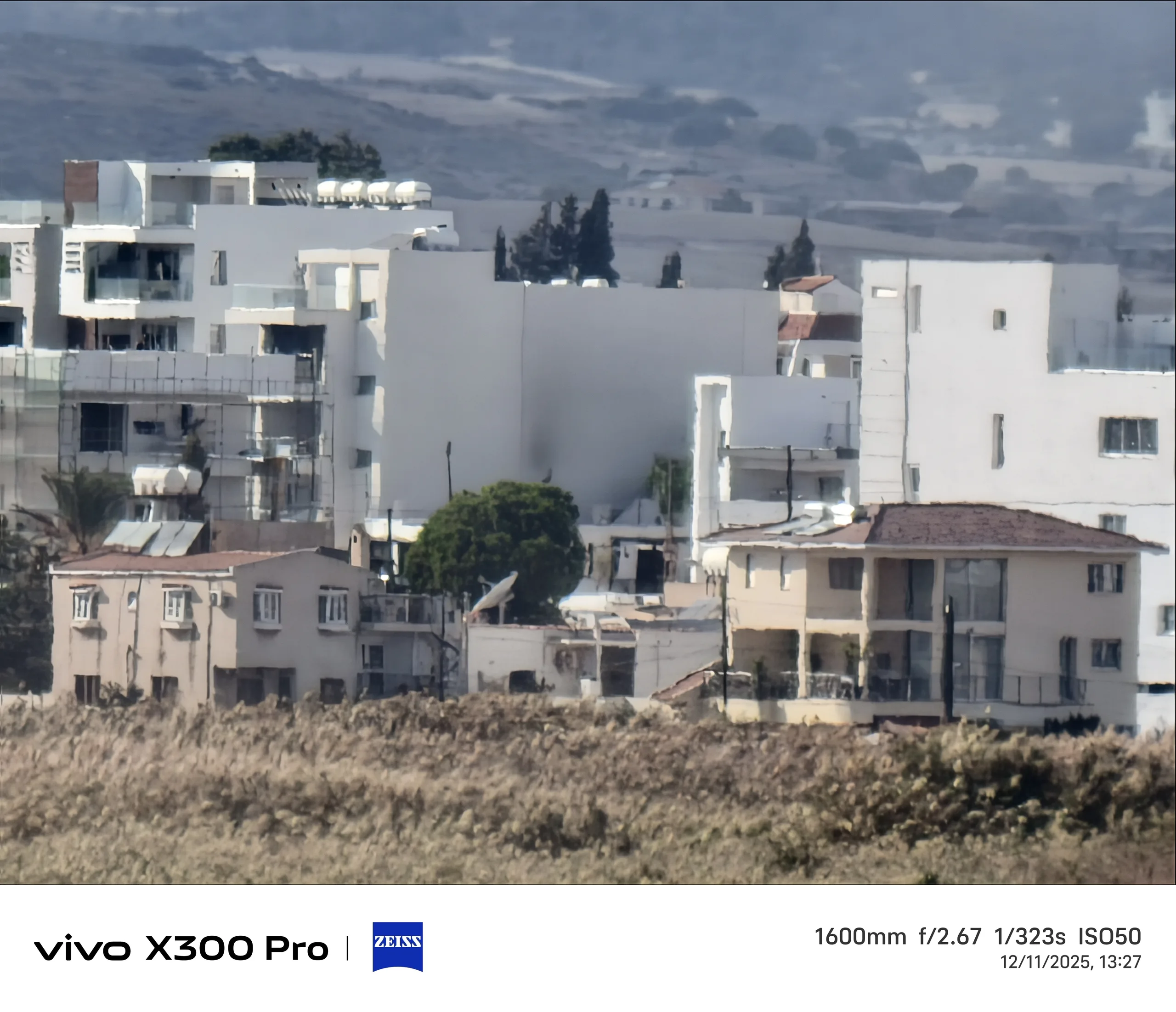
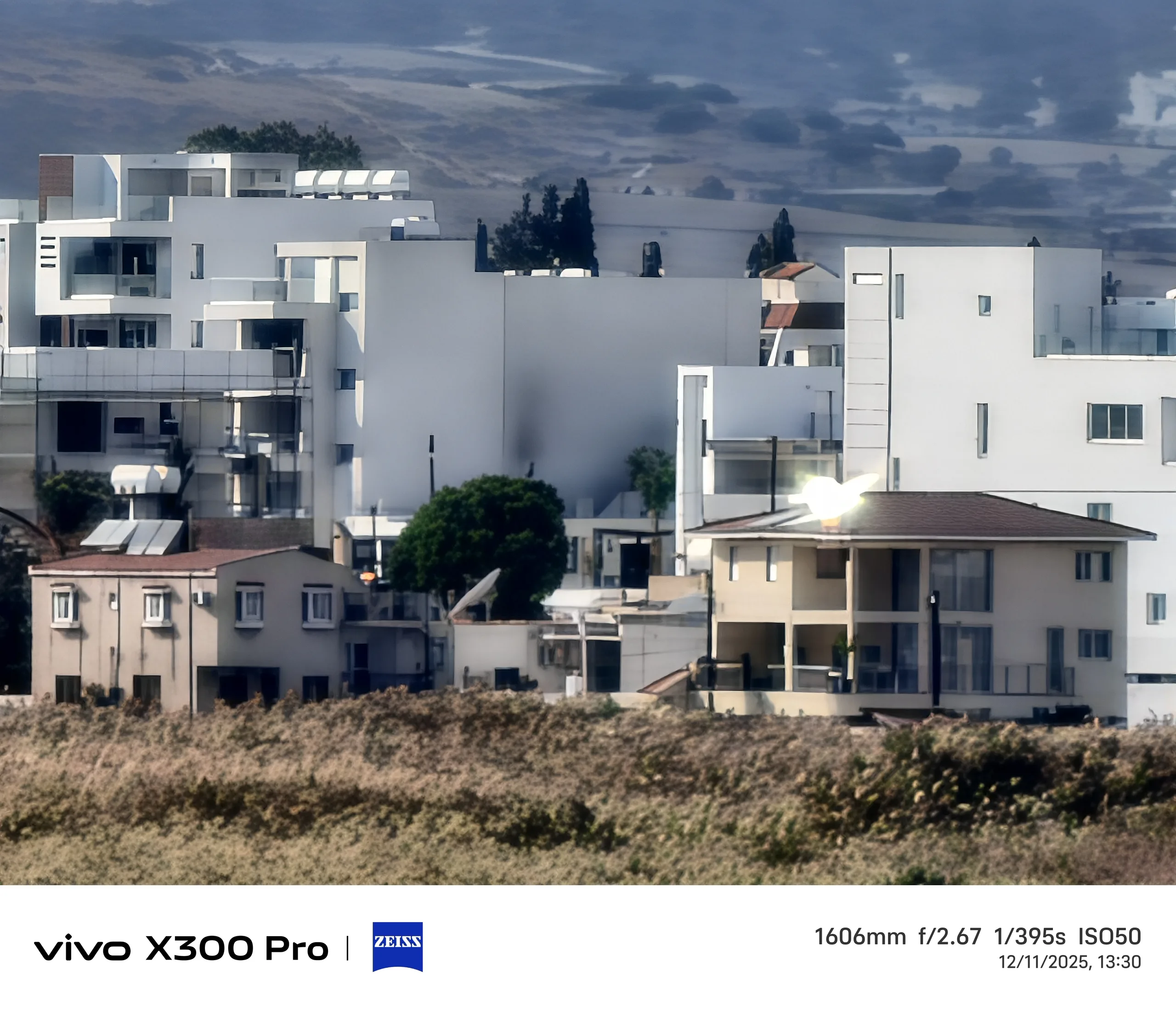
As mentioned earlier, I rarely zoom beyond 400 mm because even with telephoto optics I'm primarily left with AI slob as you can see for yourself below.
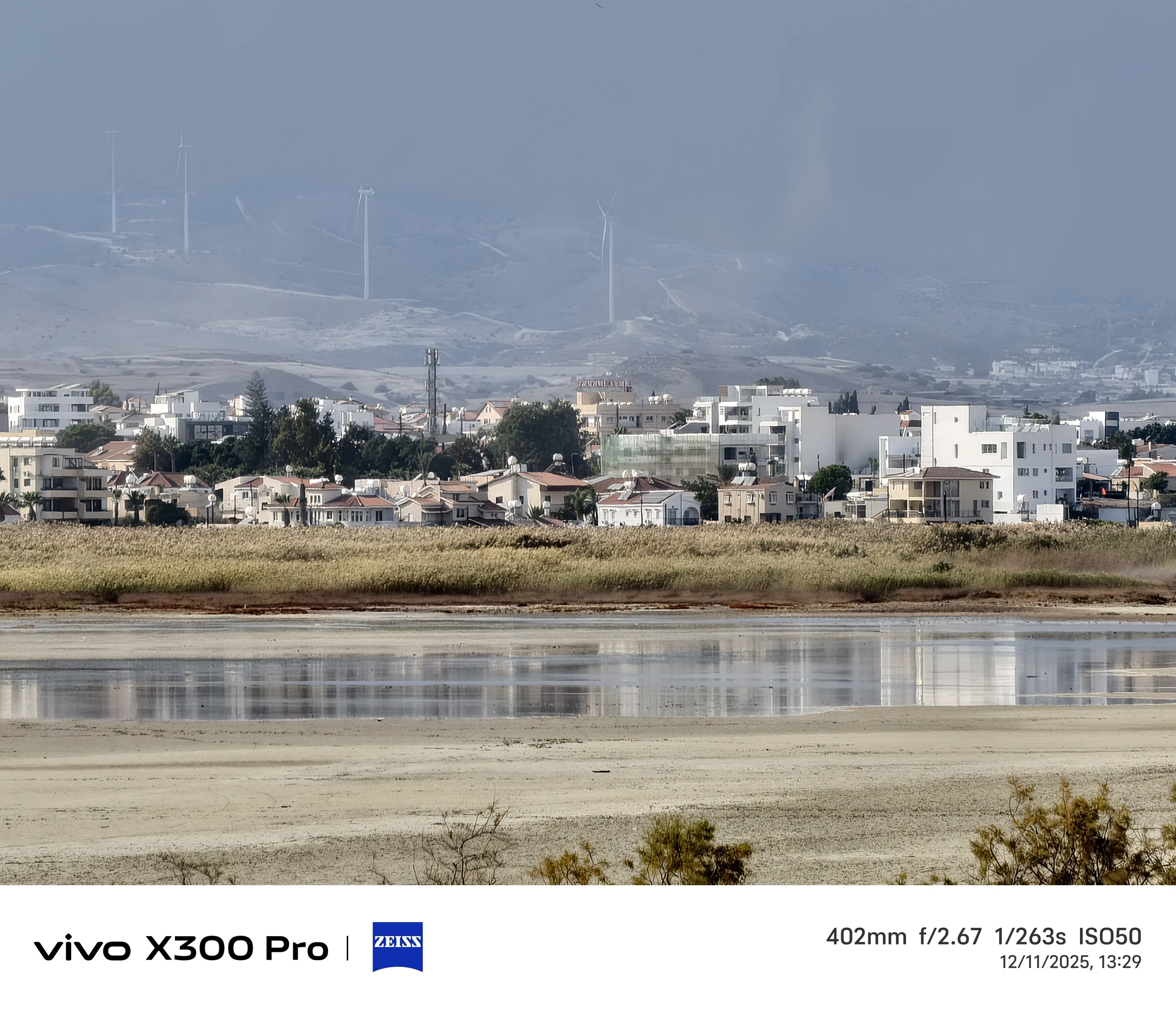
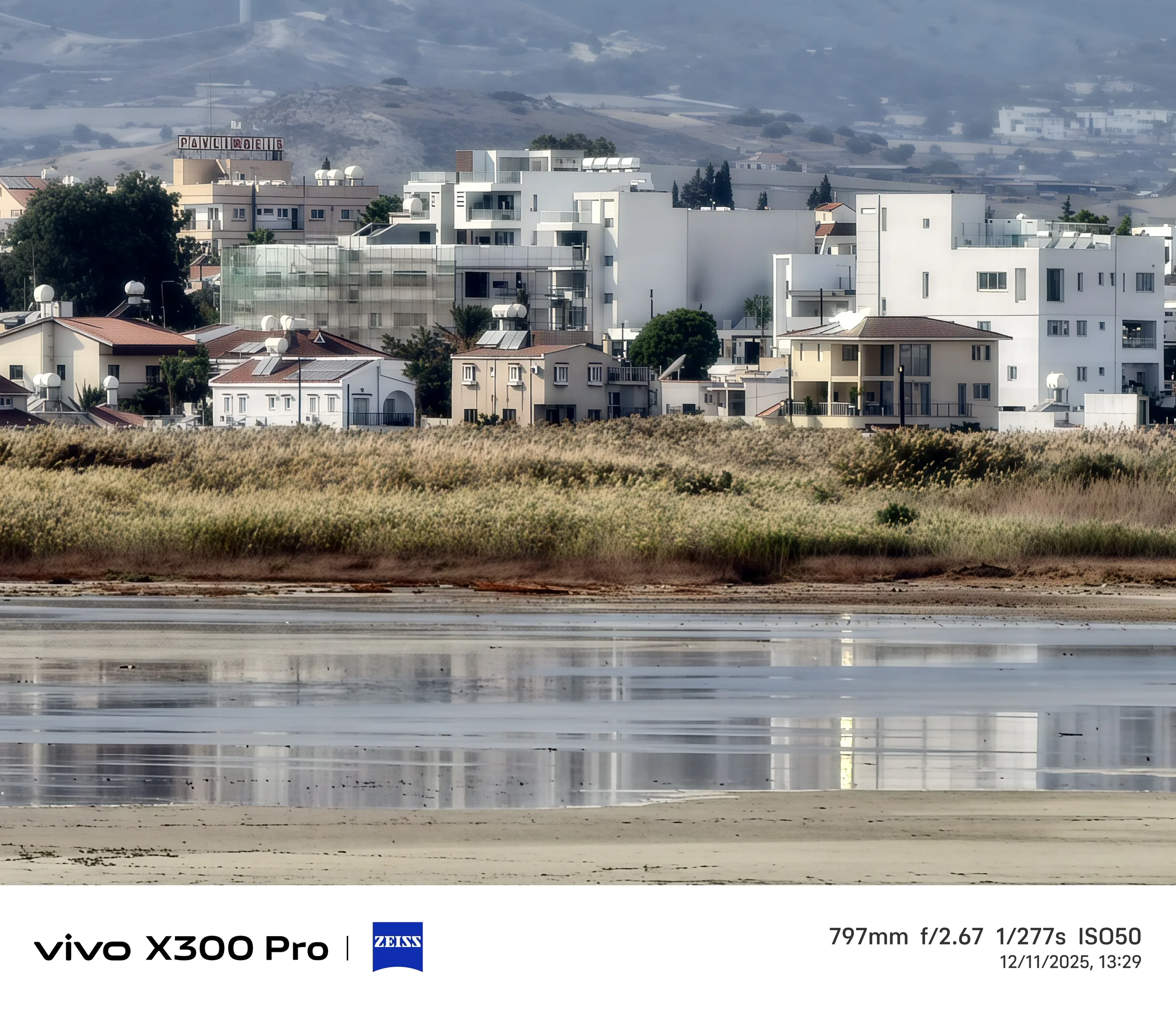
At an observation station of the unfortunately half-dried Salt Lake near Larnaca, I tried out a 400-800-1600 mm zoom with and without the teleconverter.
Decide for yourself whether the Zeiss optics still produce usable images. The camera was roughly stabilized on a wooden plank.
Raw Lighting: Less AI, no HDR
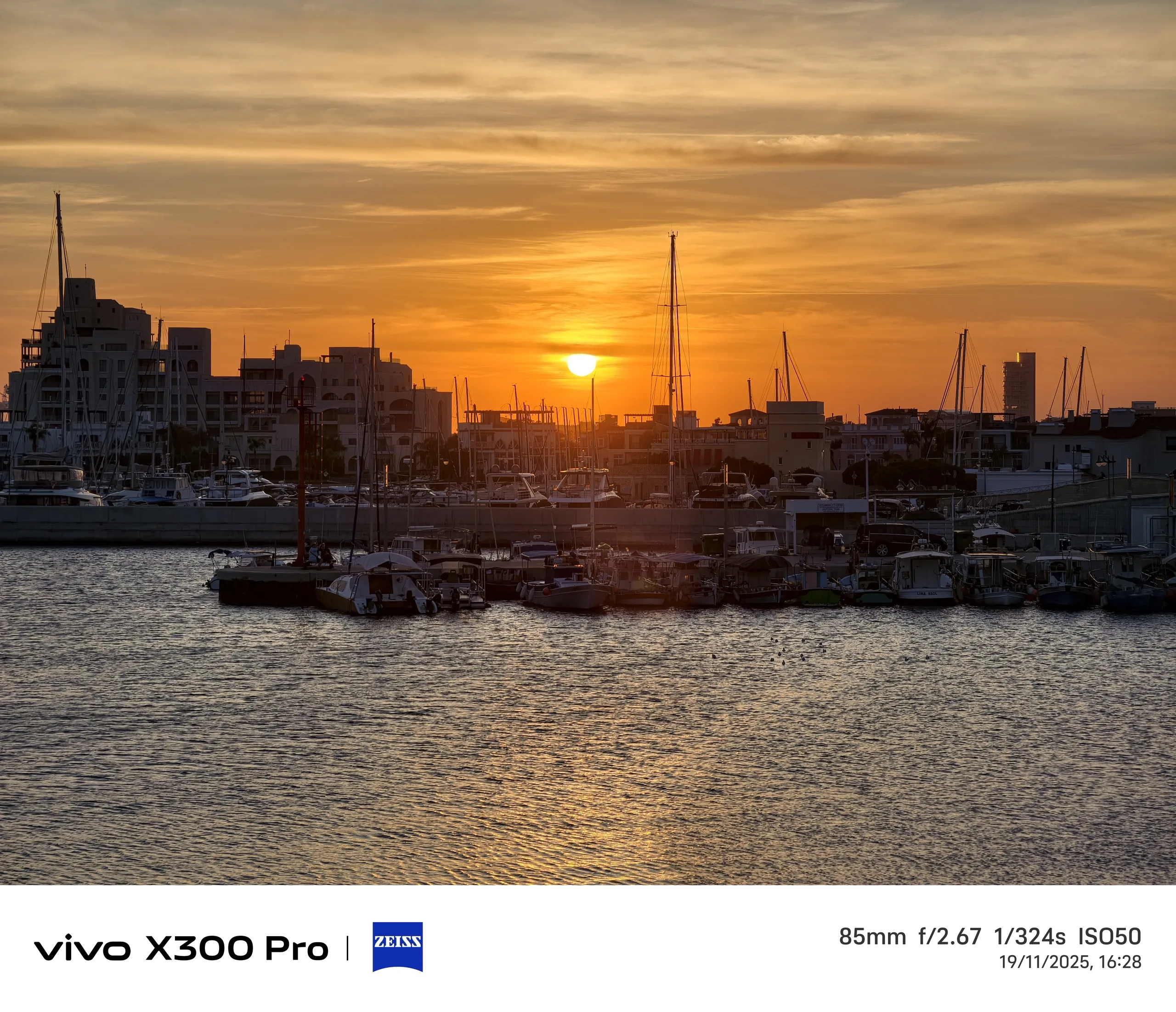
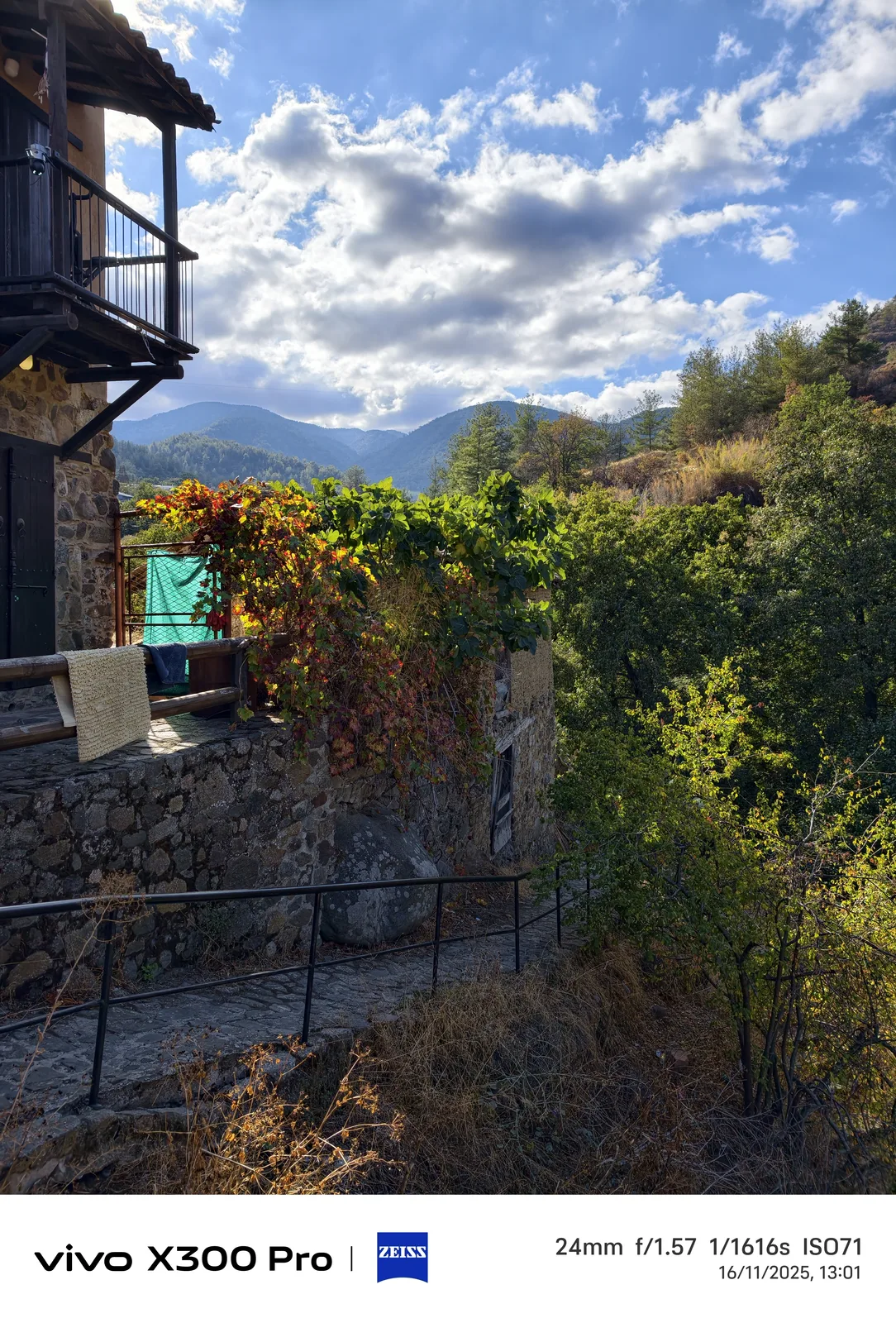
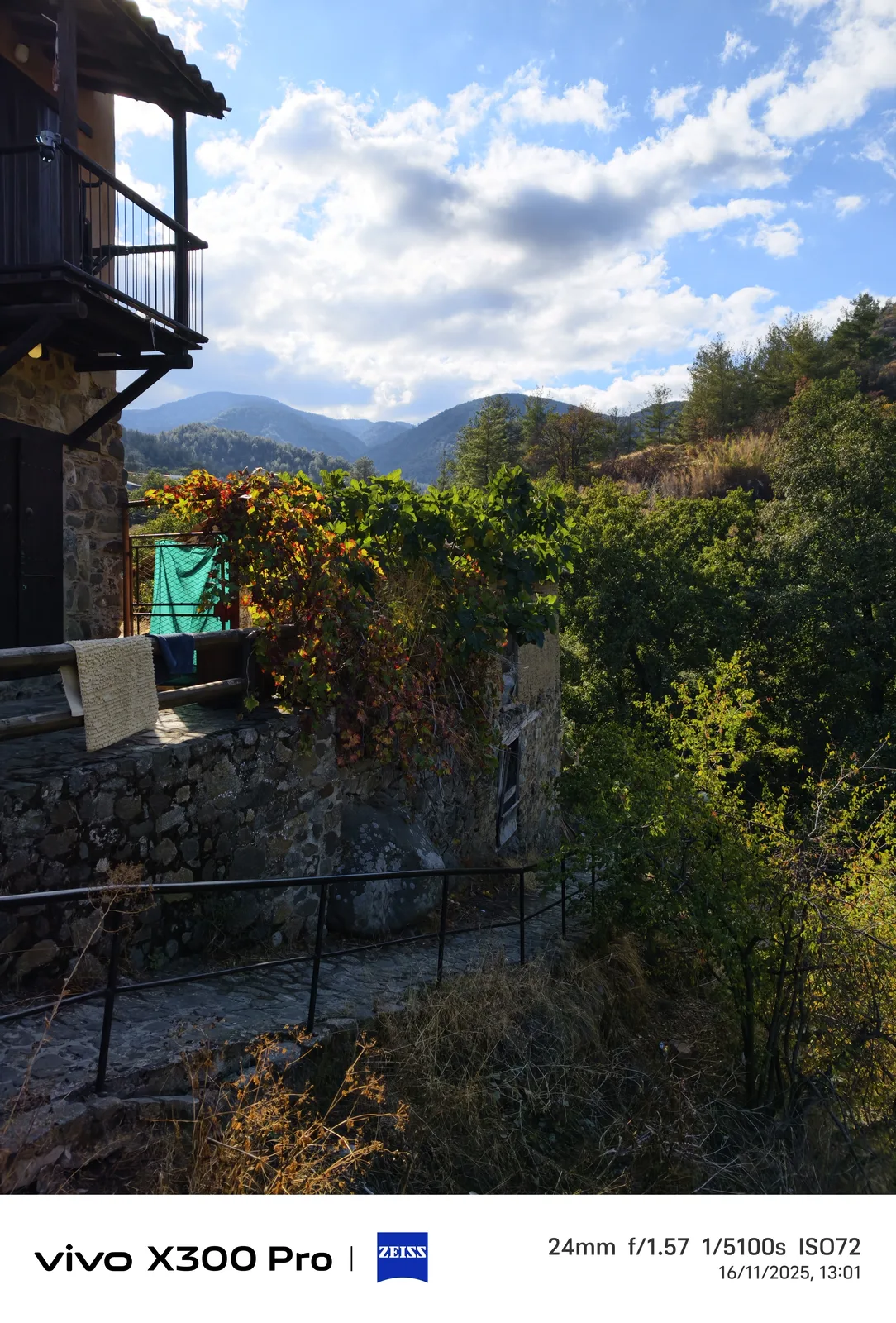
A new feature of the Vivo X300 Pro is a setting in the regular photo mode called Raw Lighting, which replaces HDR On/Off. According to Vivo, this not only switches off HDR but also reduces AI processing, which should lead to more natural-looking shots that look more like those taken with a classic camera.
In my opinion, reduced AI processing is definitely desirable; the extreme AI post-processing of zoom shots can also be regulated separately in the settings. Unfortunately, the combination with switching off HDR often leads to overexposure, especially with high in-image dynamics as some examples below show. This option also changes the shutter speed considerably in some cases.

The Camera app is a lot more confusing now
Compared to Samsung Galaxy cameras, Vivo allows many interventions in the image composition, which gives more artistic freedom. An example of this are the many styles available, from black and white to my favorite Textured, to Classic Negative and Positive.
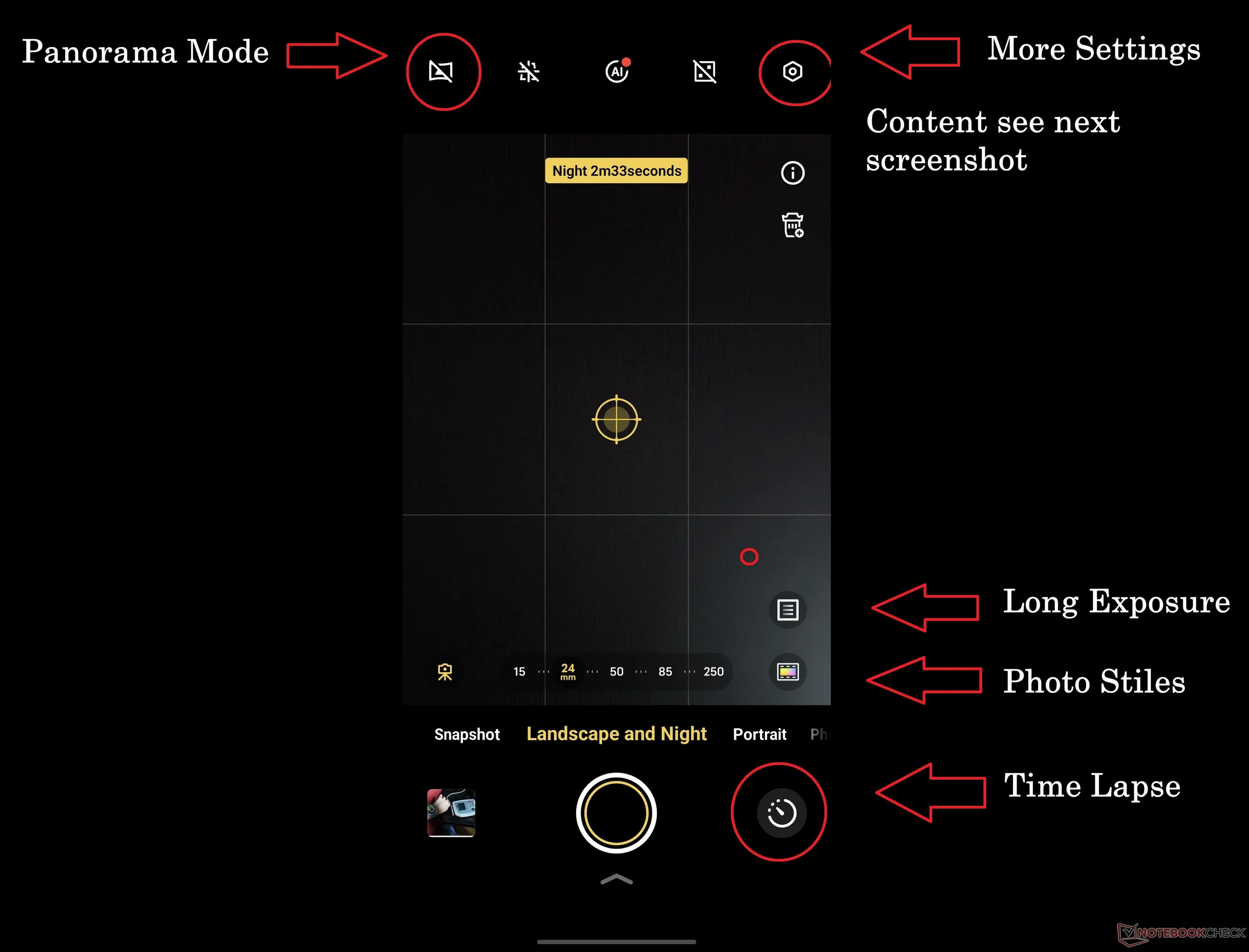
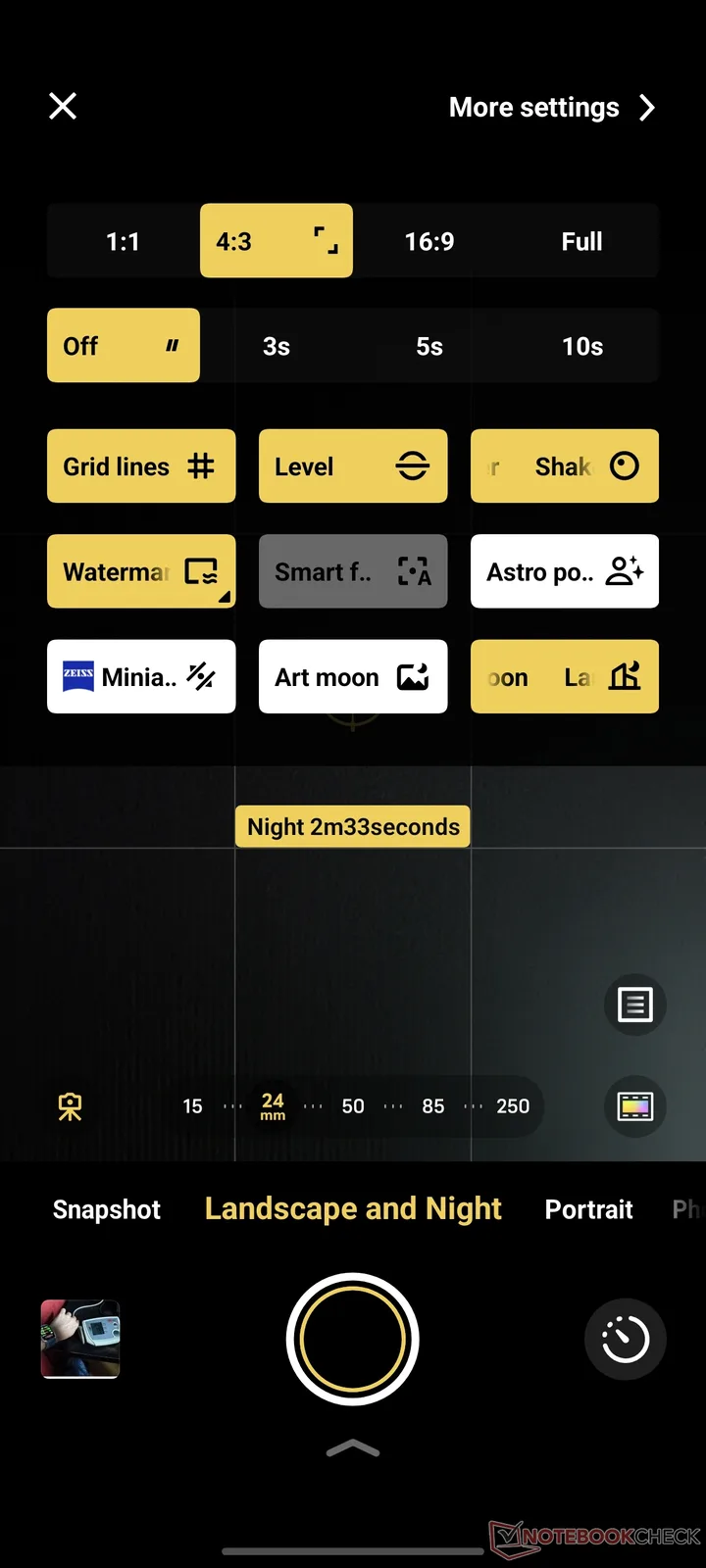
Unfortunately, the camera app has become increasingly confusing. I feel there is a lack of consistency here. The now-named Landscape and Night mode for all kinds of special modes such as Long Exposure, Timelapse, Supermoon, or Astro photography is a good idea in principle, but there is currently a bit of chaos within this mode.
Some settings can be accessed via the button on the top right, some via individual buttons on the right-hand side or top left, while the timelapse mode can be found at the bottom right next to the shutter release.
Also worth mentioning is the completely separate Street Photography mode, the purpose of which has never quite made sense to me. The separate snapshot mode could also be implemented as a simple button analogous to the Raw Lighting mode in the regular photo mode.
Speaking of Raw Lighting, this feature has still not been distributed to older models via an update, although OriginOS 6 is now available on both the Vivo X200 Ultra and Vivo X100 Pro.
Apparently, older Vivo flagships do not often benefit from new camera features. I have also not noticed any updates that explicitly include improved camera algorithms for the newer models.
Excursion: Photos from Limassol


50 MP / 200 MP: Advantages?
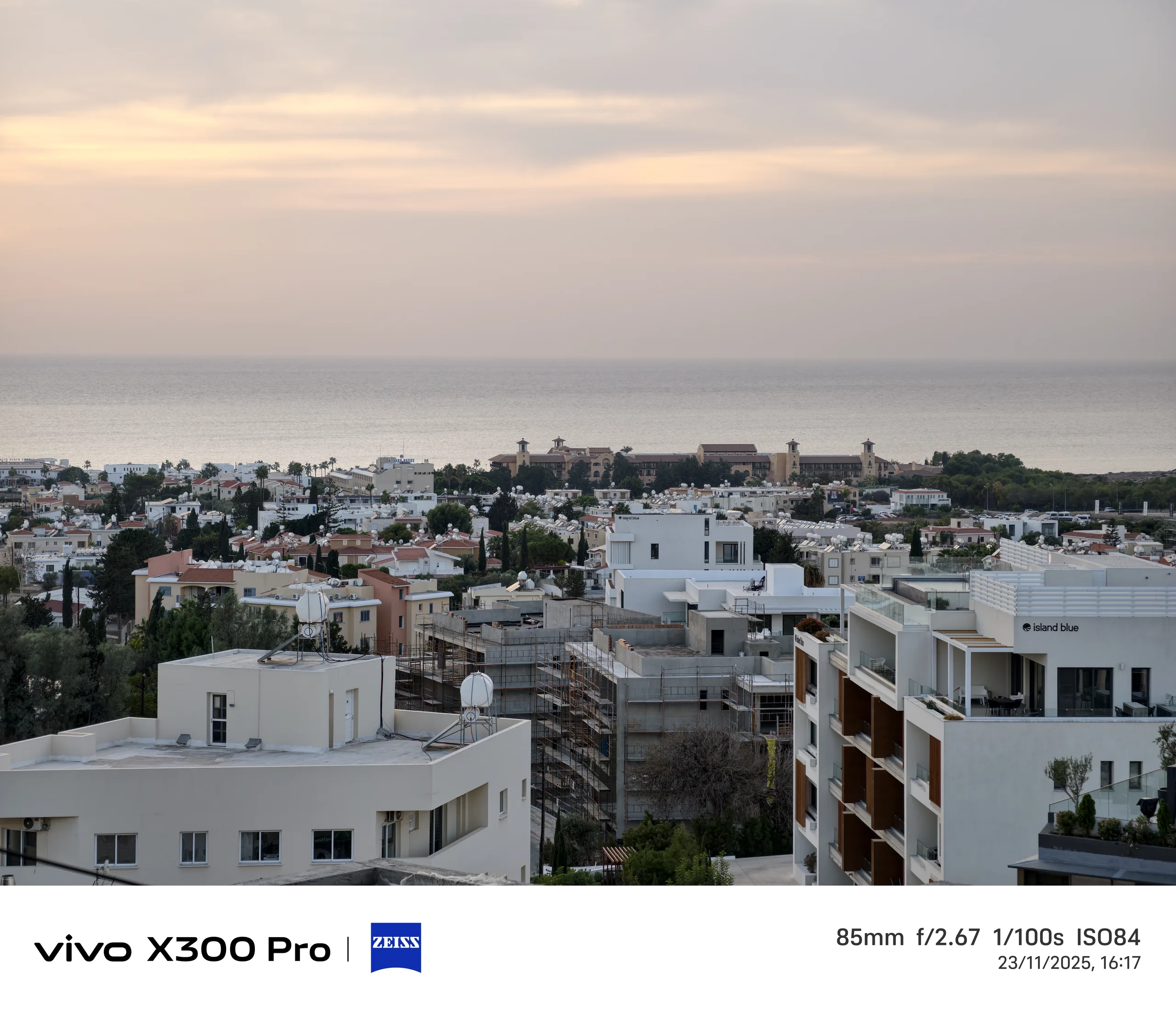
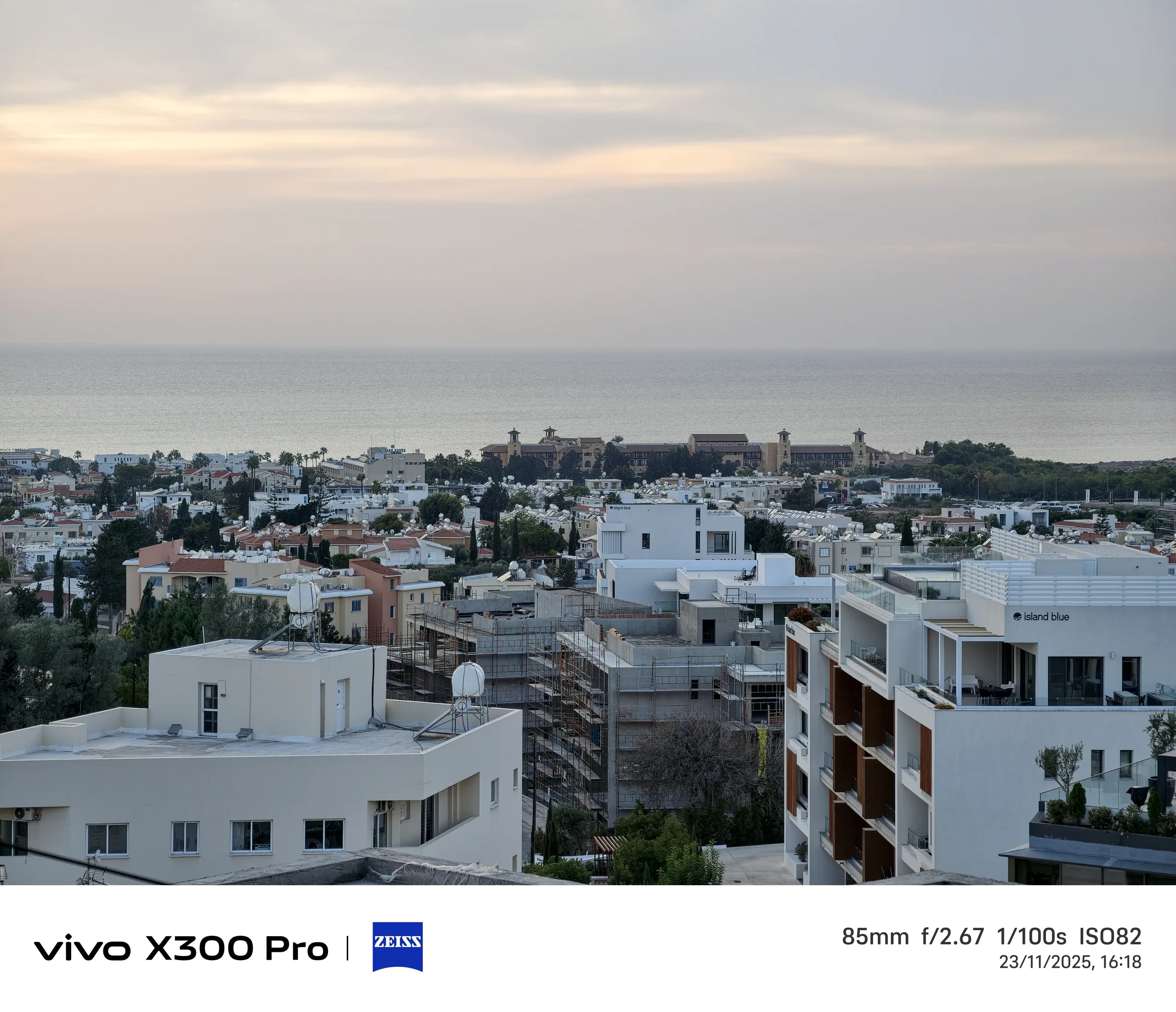
Unlike Oppo, Vivo still uses 12 MP photos as standard. If you want a higher resolution, you need to explicitly select 50 MP for all three focal lengths or 200 MP for the 85 mm telephoto, which is possible in photo and landscape/night mode.
In contrast to my experience with the Oppo Find X9 Pro, taking a 200 MP photo on the Vivo X300 Pro is much faster; it happens in just a few milliseconds. I wanted to briefly check whether it is actually worth it.
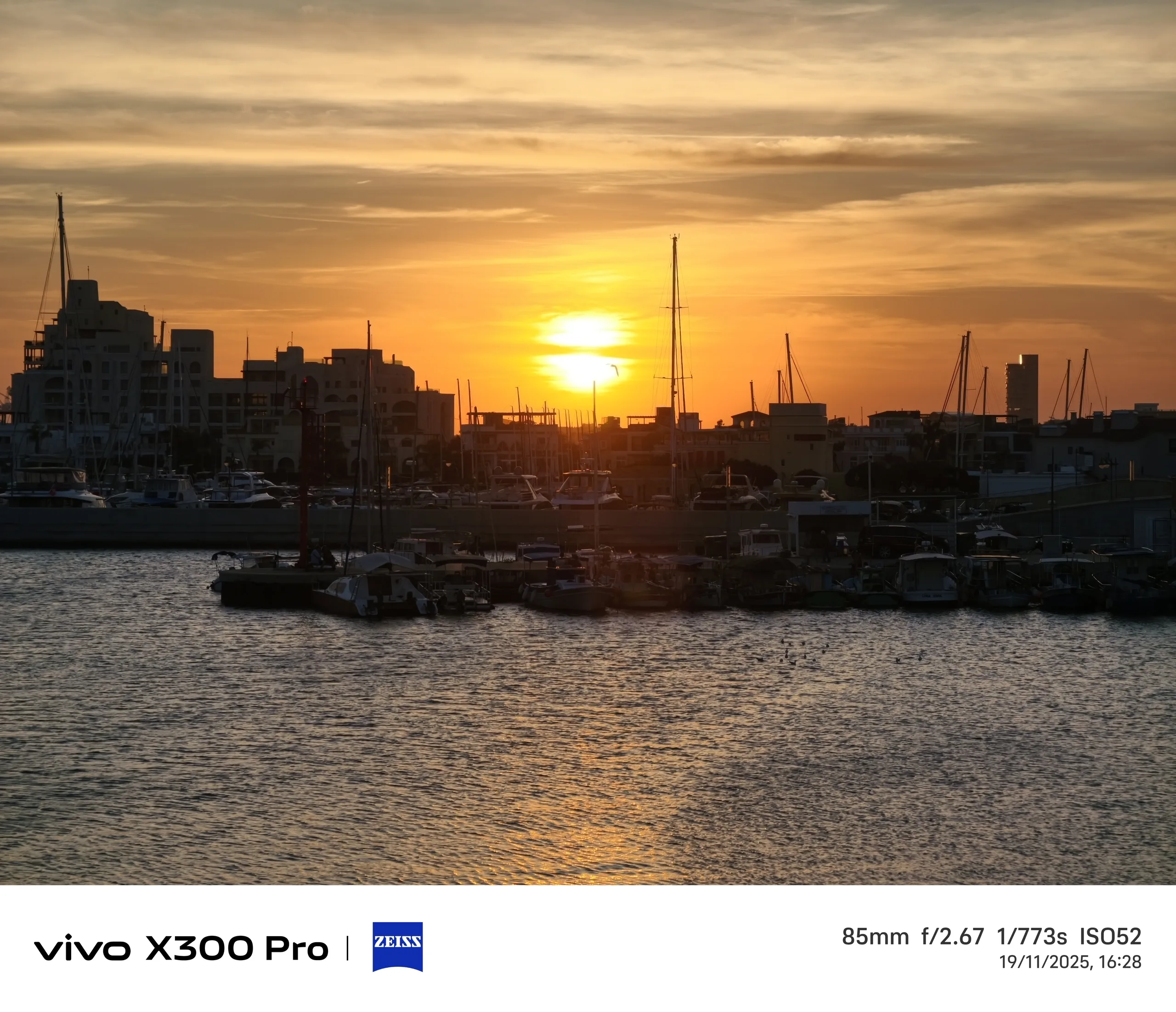
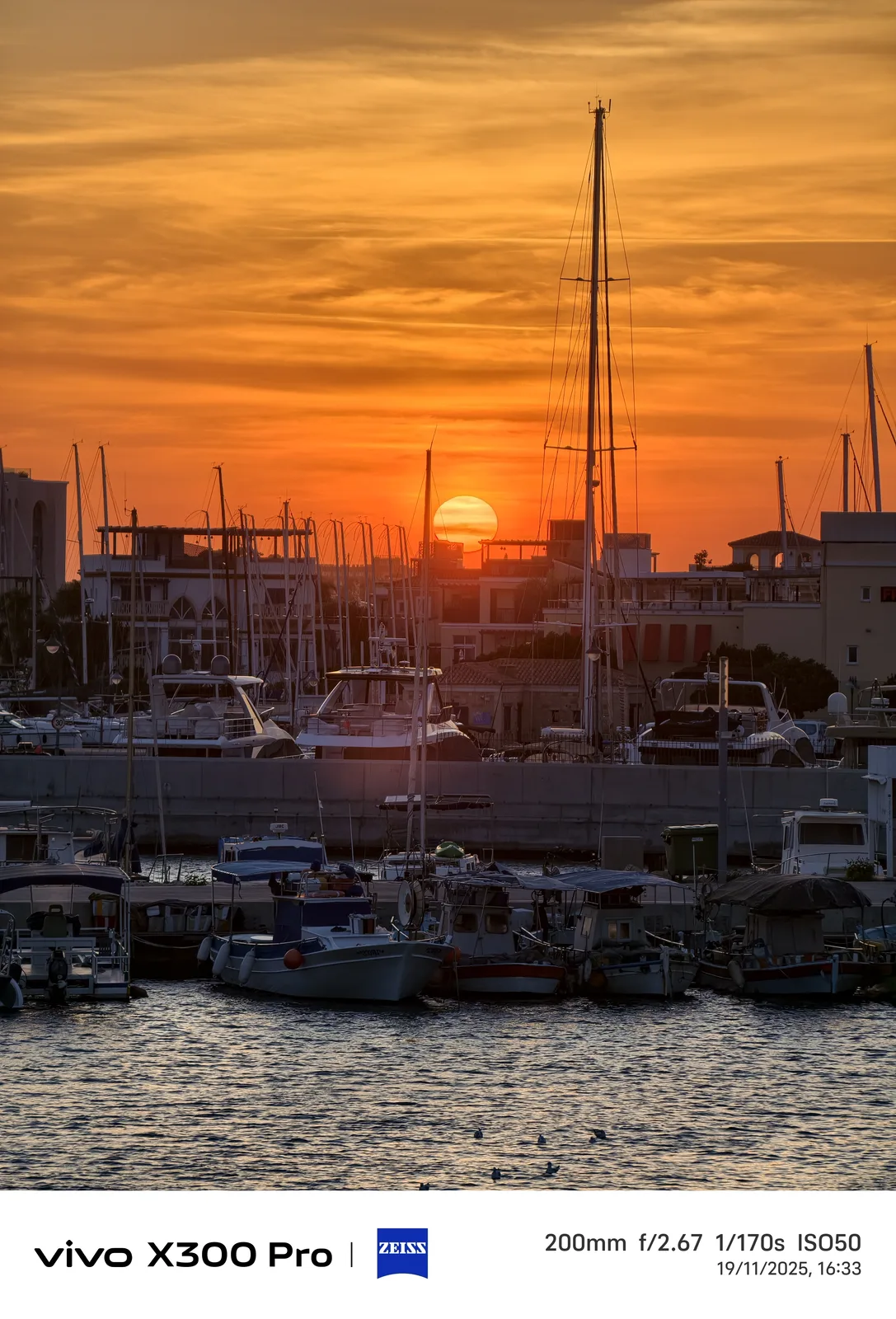
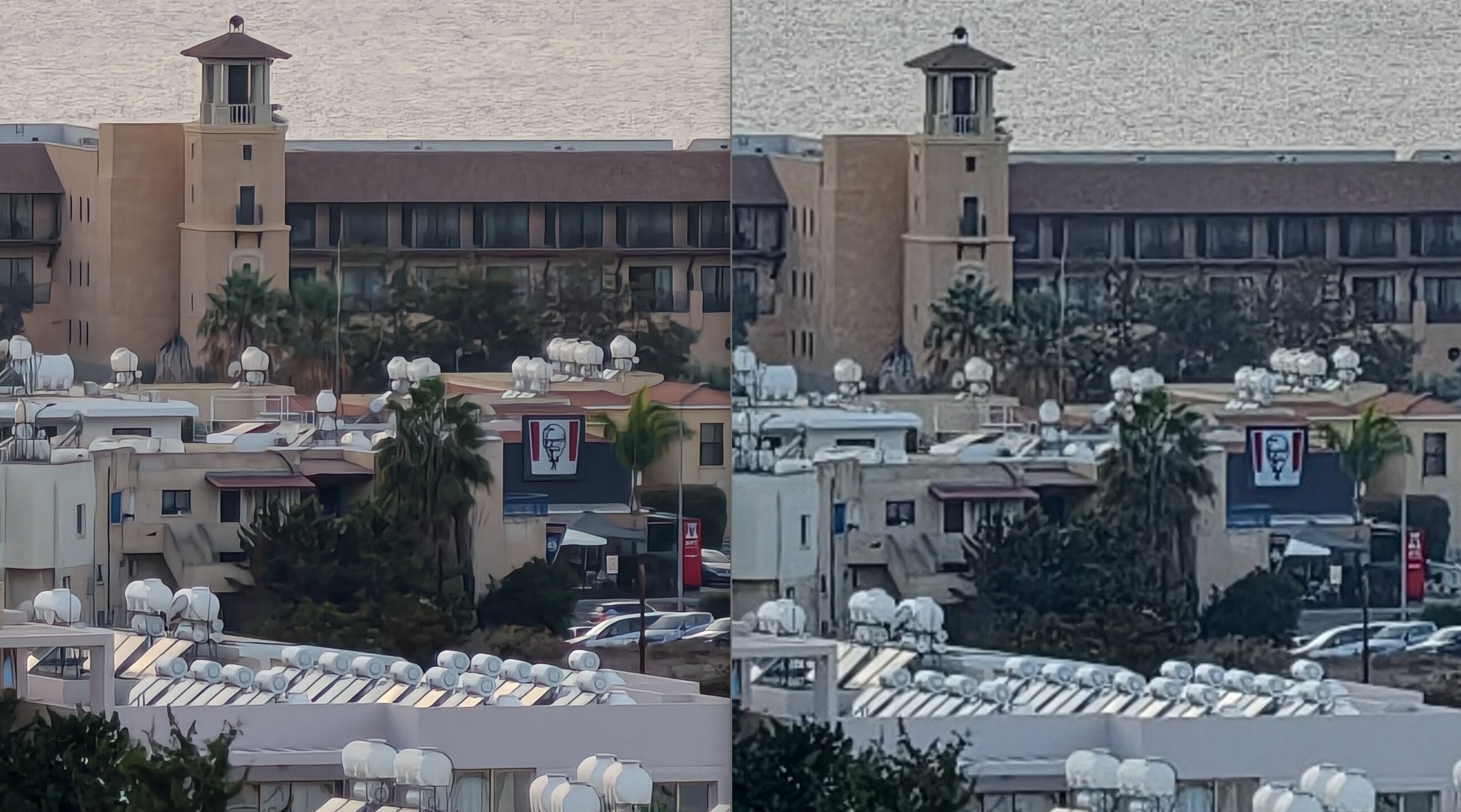
First of all, the slightly different white balance is noticeable, constant for every three shots. The 200 MP photo is clearly warmer/redder, which goes well with the approaching sunset but is not consistent with the 12 MP shot.
You can see differences in the magnification, but they are marginal in my eyes. Not too many details are conjured up in view of the more than 6x larger file size.
As with the Oppo Find X9 Pro, the question arises as to whether the 200 MP really adds any value. Incidentally, the Vivo X300 Pro was not on a tripod, but rested on a railing, so it was reasonably stabilized.
The beauty of Vivo: Photo styles
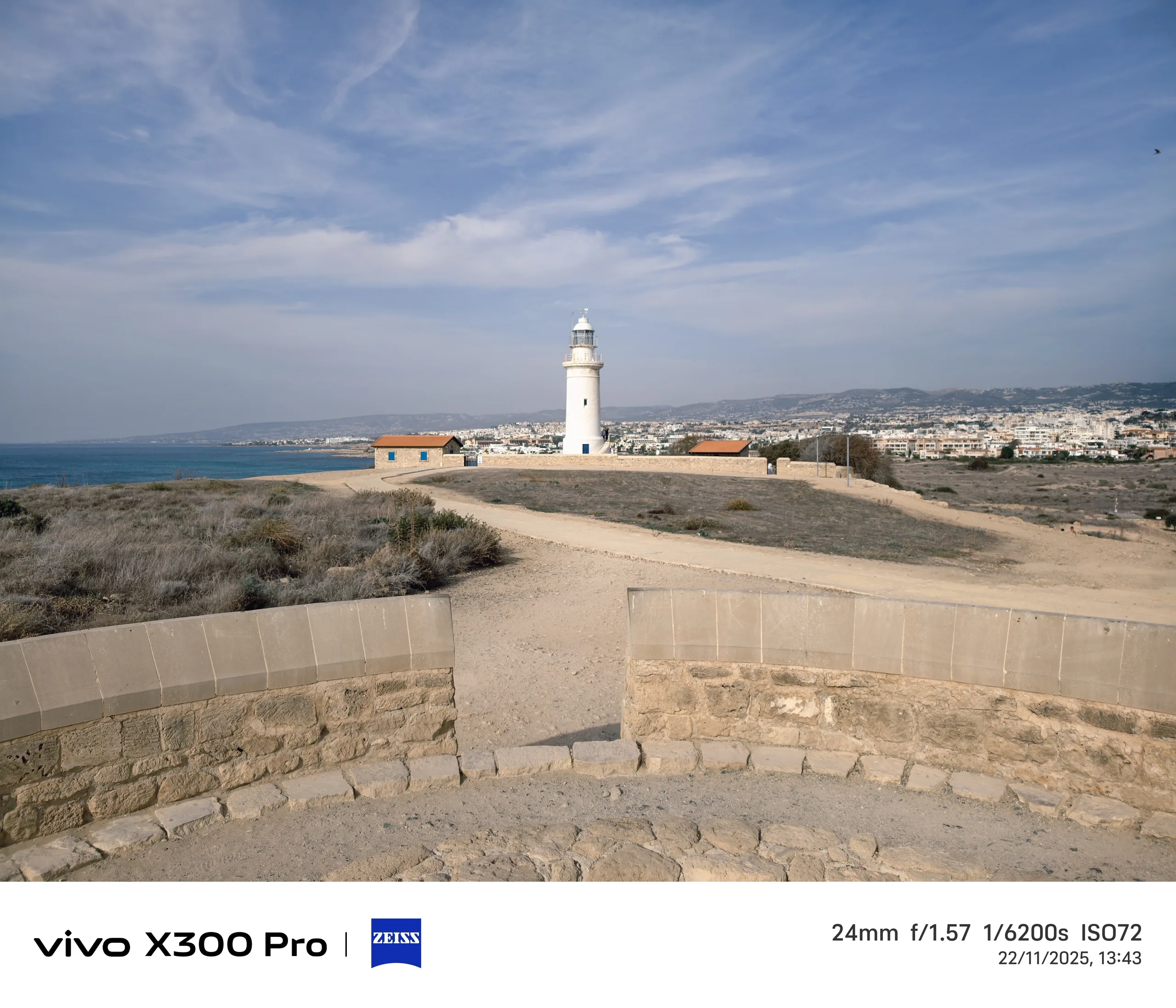
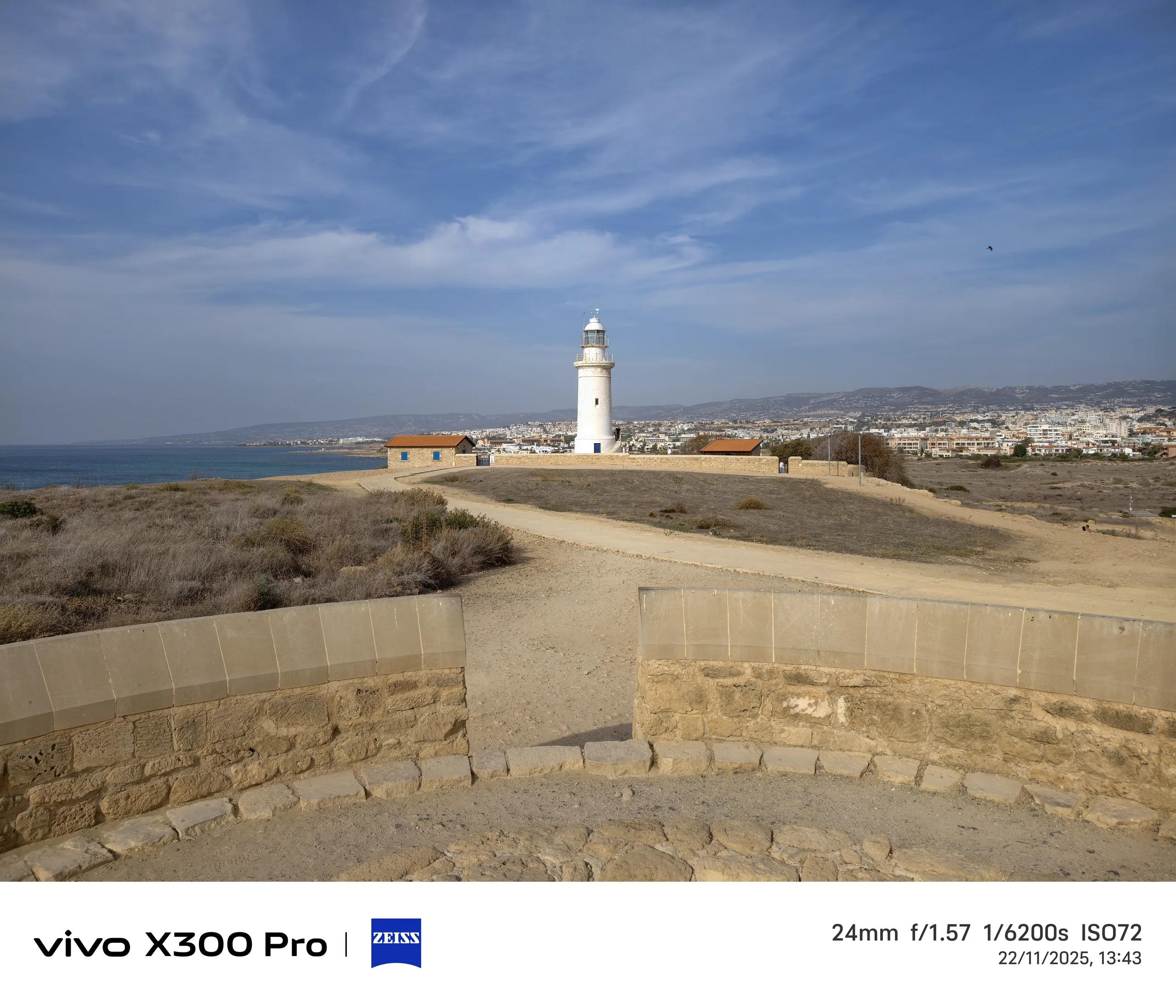
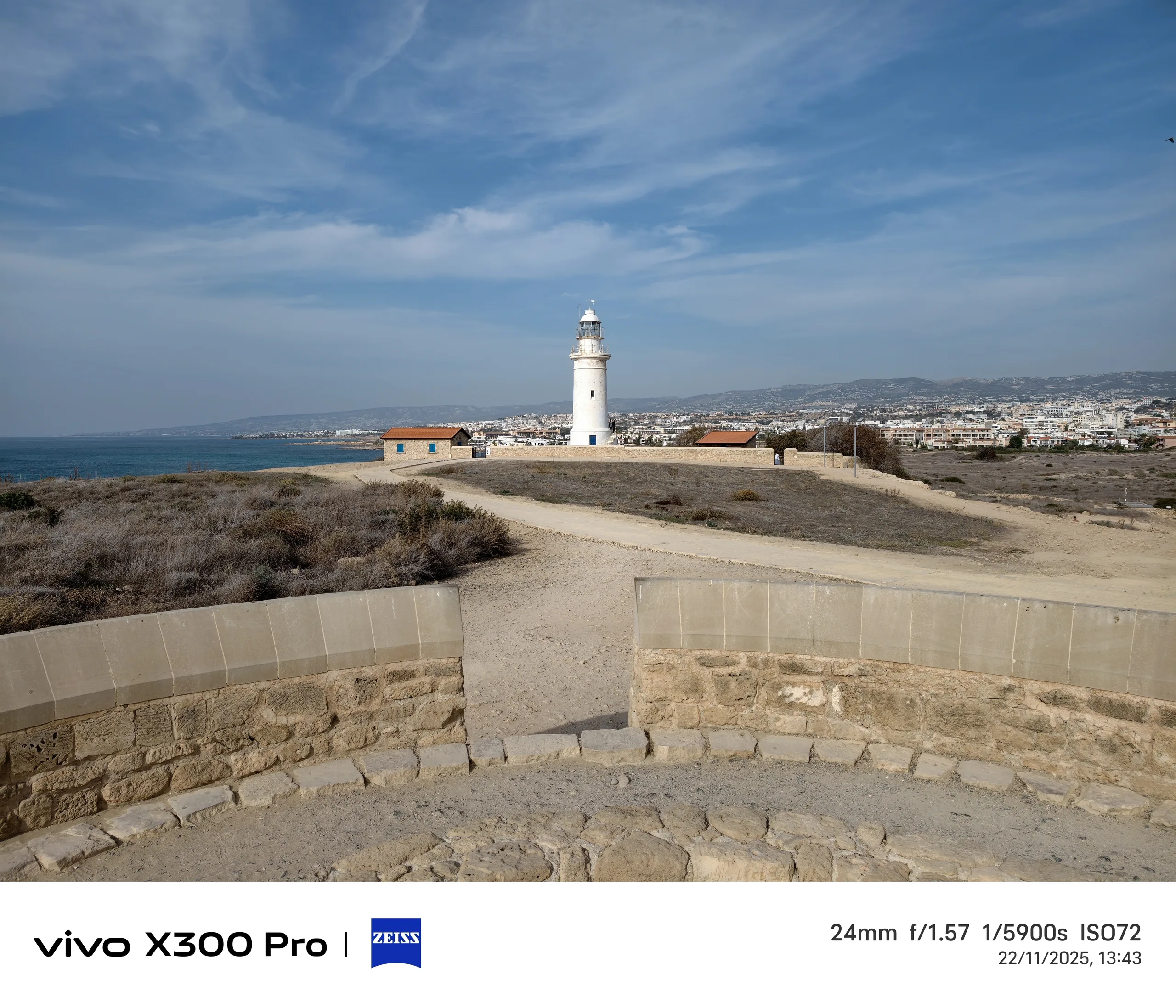
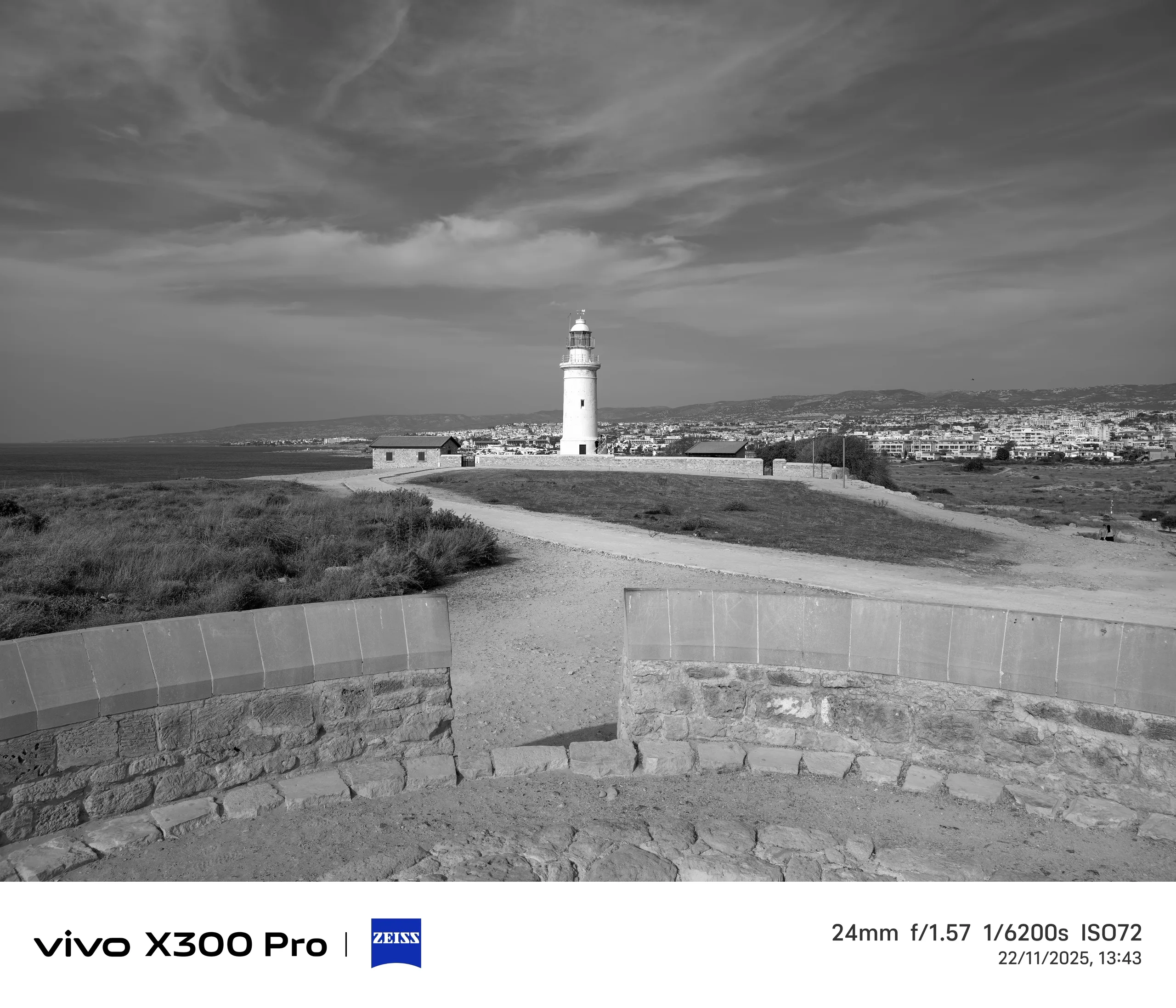
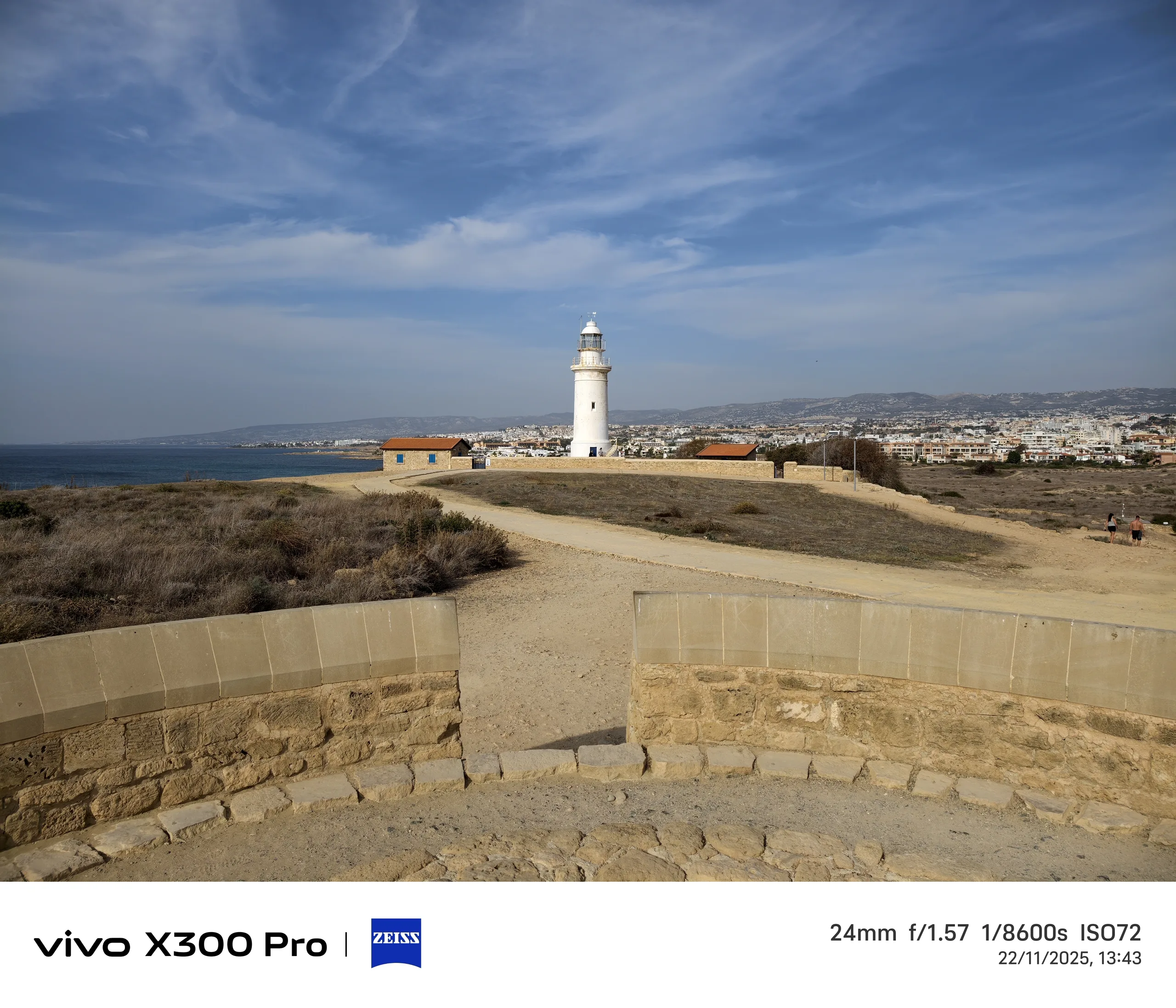
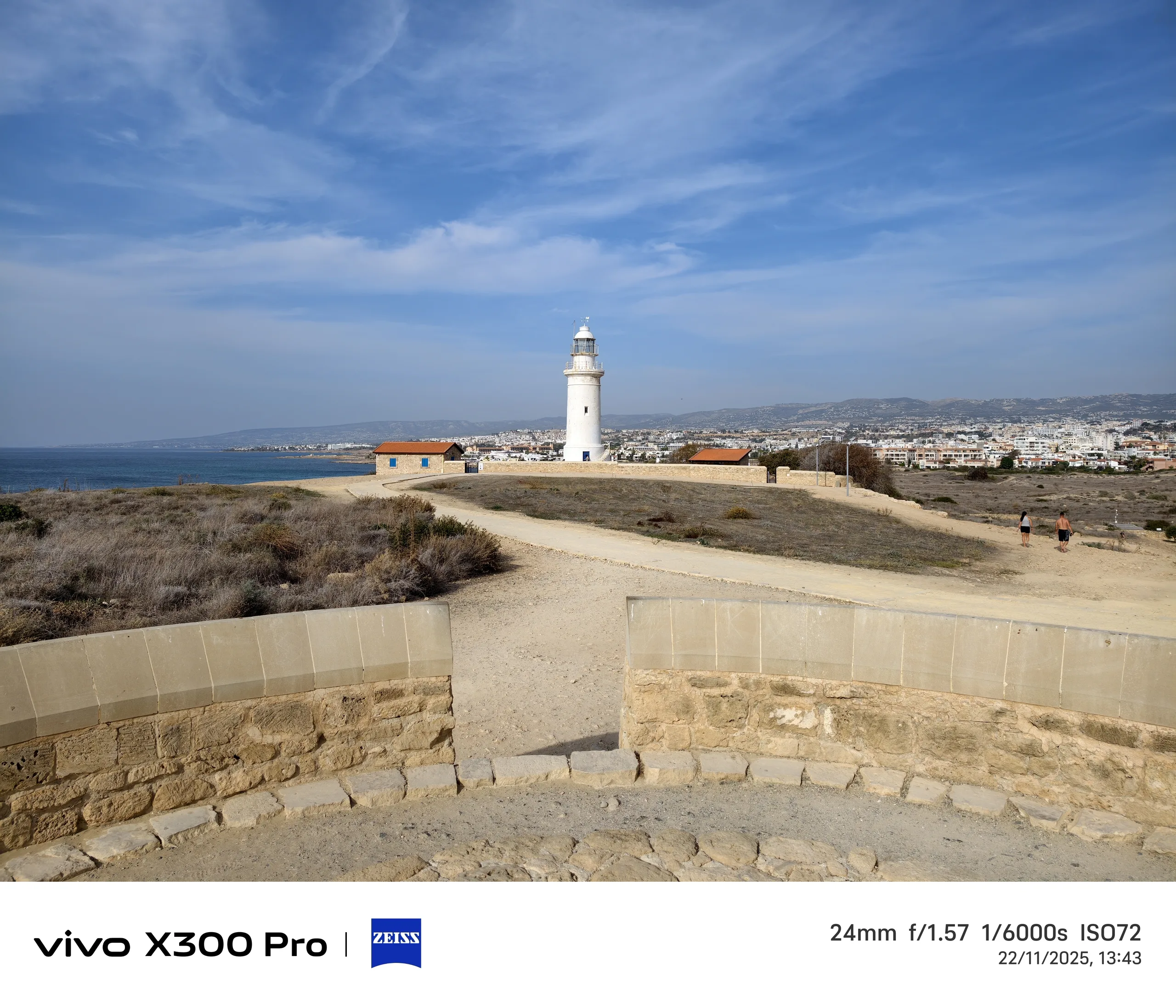
As a long-time Vivo fan, I am always delighted by the variety of creative photo styles on offer. For this camera test, I almost exclusively used the default Vibrant style, but I can show how different the same motif looks with some of the other styles using the example of the Lighthouse in the archaeological park of Pafos.
The most important styles are certainly Textured, Black & White, Zeiss, and Classic Negative, but there are many more available for creative experiments — including the Vintage style in Portrait mode, which was very popular a few years ago.
It would be nice if the camera app could track the respective style variant and display it in the album here too. Then I wouldn't have to guess which photo was taken with which style two weeks after the photos have been taken.
4K 120 fps video recording
Videos are not my main focus, but after my rather poor experience with 4K 120 fps recording on the Vivo X200 Ultra, I wanted to check whether the high-resolution and smooth slow motion works better on the Vivo X300 Pro.
In fact, all my 4K120 panning recordings turned out buttery smooth, both as a slow-mo version and with 30 fps playback.
This applies at least to the videos with the 24 mm main camera, the ultra-wide angle can unfortunately only be used up to a maximum of 4K 60 fps and a gimbal is recommended for stabilization with the telephoto.
Conclusion of Part 1: Yes, the teleconverter is worth it
Anyone who likes to look far out into the world will really benefit from the Zeiss teleconverter. Subjectively speaking, the images are natural, less blurred, and more detailed — the AI doesn't have to hallucinate as much.
In low light, you should probably provide some stabilization, which is recommended anyway when using an external lens, as this changes the phone's center of gravity considerably and you need a steady hand.
With the X300 Pro's successor, I would like to see communication with the software in the camera app so that shots with the lens are marked accordingly and the mode works even faster. Of course, I would prefer an optical 8-10x zoom directly in the smartphone, so you don't have to carry another attachment with you.
I only used the camera grip intensively on one day, but it's a cool accessory for anyone who appreciates the feeling of a real camera in their hand. Particularly, it also replaces the shortcut button as the camera shutter release and has an additional battery on board.
What I would like to see from Vivo in the future is a dedicated camera button on every model, like on the Vivo X200 Ultra, a more logically structured and tidy camera app, and camera updates for older models.
In the second part of this review, which will probably be published around Christmas time, I will compare many more photos from Cyprus (and a few from Malta) between the Vivo X300 Pro, the Vivo X200 Ultra, the Vivo X100 Pro, and the Samsung Galaxy S23 Ultra, so stay tuned for that.
Sources
Own
All images and photos: Alexander Fagot, Notebookcheck
 Add as a preferred source on Google


