




CheckMag | DLSS 4.5 image quality and performance analysis: 2nd gen Transformer brings improved visual fidelity with hidden performance penalty
Nvidia first introduced DLSS with its RTX 20 Turing generation of GPUs. DLSS 1 wasn't exactly renowned for its image quality as it was just a spatial image upscaler and had limited game support, but DLSS 4 with its Transformer model arrived last year alongside RTX 50 Blackwell GPUs marking a significant improvement to upscaled visual fidelity.
This year, Nvidia is bringing forth an incremental DLSS 4.5 update that promises to further refine DLSS 4. According to Nvidia, DLSS 4.5's 2nd gen Transformer offers better temporal stability, improved resolution, and sharper details.
With the Nvidia app now officially supporting DLSS 4.5 upscaling in more than 400 titles, we take a closer look at image quality comparisons with the new 2nd gen Transformer model and the previous iteration, and anti-aliasing techniques such as TAA and DLAA.
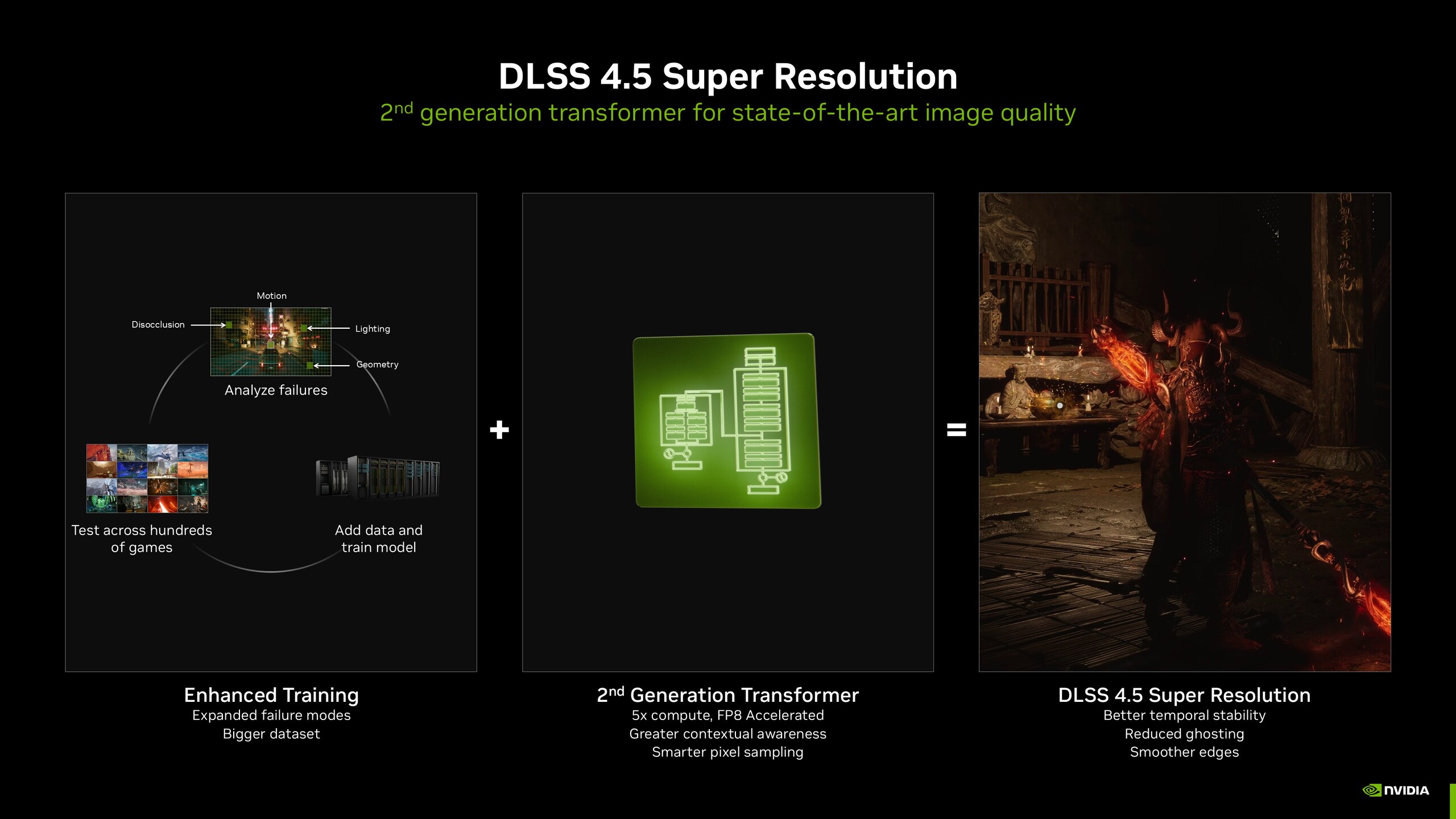
Table of Contents
- Evaluating DLSS 4.5 with a Core i9-14900K and RTX 5090
- Setting up DLSS 4.5: Because K, L, and M totally make sense
- Battlefield 6: Improved sharpness and detail
- Doom: The Dark Ages: Glory kills at a massive frame rate cost
- Cyberpunk 2077: Phantom Liberty: A prettier Night City with minimal frame rate impact
- Black Myth: Wukong: Reduced shimmering but sharpening goes overboard
- DLSS 4.5 brings welcome improvements, but not all RTX GPUs are cut out for it
Evaluating DLSS 4.5 with a Core i9-14900K and RTX 5090
Our test system uses the Intel Core i9-14900K processor paired with 32 GB of DDR5-6400 RAM (32-39-39-80) and a Zotac Gaming GeForce RTX 5090 Arcticstorm AiO GPU, all running on the Gigabyte Z790 Aorus Master motherboard. The Alienware AW3225QF 4K 240 Hz QD-OLED was the monitor of choice.
For this comparison, we checked out four popular AAA titles, Battlefield 6, Cyberpunk 2077: Phantom Liberty, Doom: The Dark Ages, and Black Myth: Wukong. We stacked up game captures at 4K native TAA, 4K native DLAA, DLSS 4 Performance, and DLSS 4.5 Performance (Preset M).
All games ran at maxed-out 4K Ultra settings. Frame generation and ray reconstruction (RR) were disabled where applicable. It is worth noting that RR still uses the original Transformer model, so enabling it in-game basically kicks you back to DLSS 4.
Setting up DLSS 4.5: Because K, L, and M totally make sense
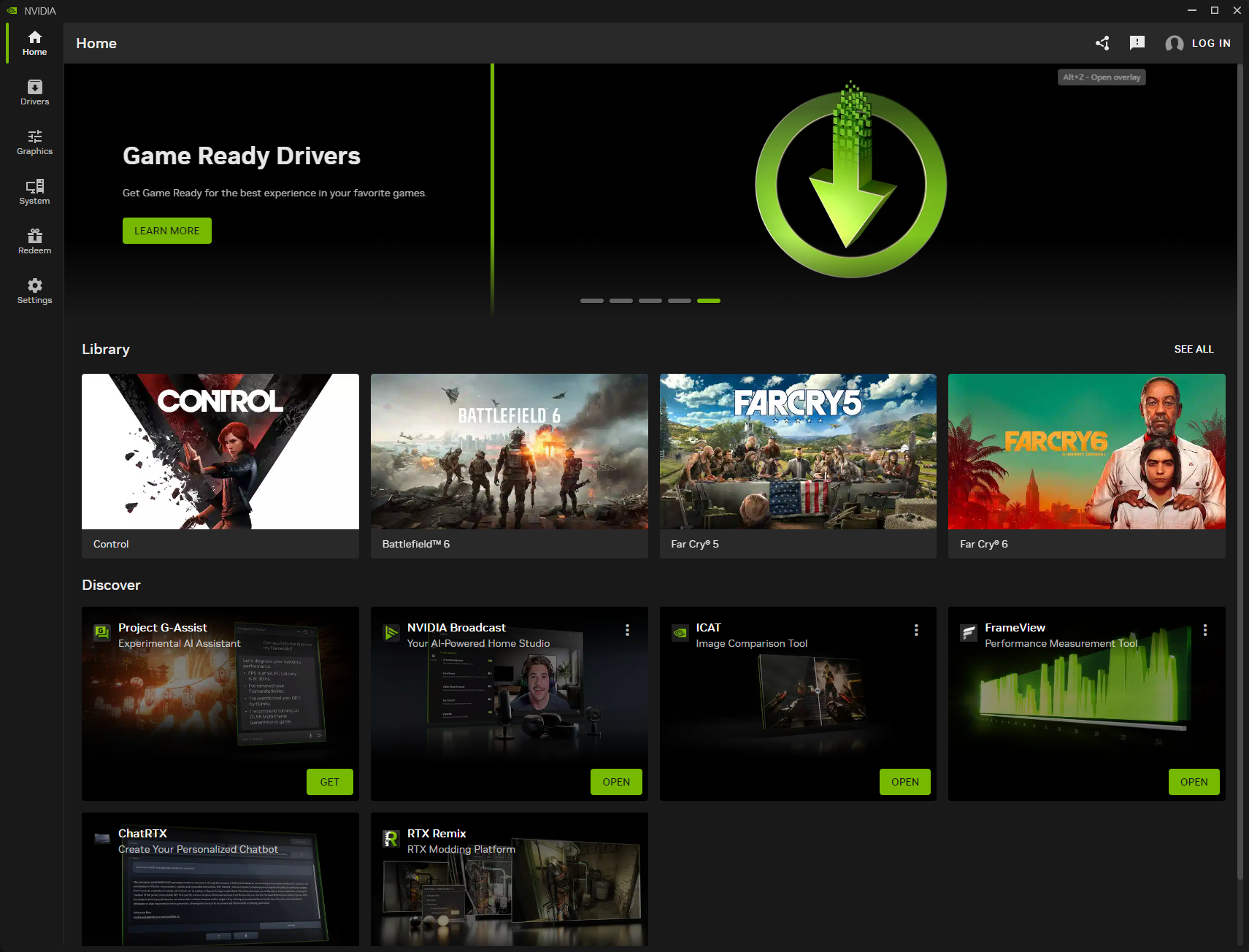
To get started with DLSS 4.5, update the Nvidia app version 11.0.6.379 or later (it should auto-update on startup if not already). Although technically not required, it helps to have the latest Game Ready Driver version 591.74 or later installed as well.
It will be some time before developers natively support DLSS 4.5 in their games. Until then, you can manually override the DLSS version from the Nvidia app.
DLSS works with a set lower native render resolution, usually denoted as a percentage of the target resolution. For instance, the native internal render resolutions for a 4K target resolution would be:
- Quality: 2560x1440 (67%)
- Balanced: 2227x1253 (58%)
- Performance: 1920x1080 (50%)
- Ultra Performance: 1280x720 (33.3%)
Apart from these, you can also use DLAA, which is Nvidia's AI-based anti-aliasing alternative to TAA that works directly at the native resolution.
Nvidia uses presets to set the right DLSS version for the game depending on the rendered resolution, with Preset L and Preset M being the new presets for DLSS 4.5.
Preset M is Nvidia's top choice for DLSS Performance and higher including DLAA, while Preset L works best for DLSS Ultra Performance. Preset K is the older DLSS 4 Transformer.
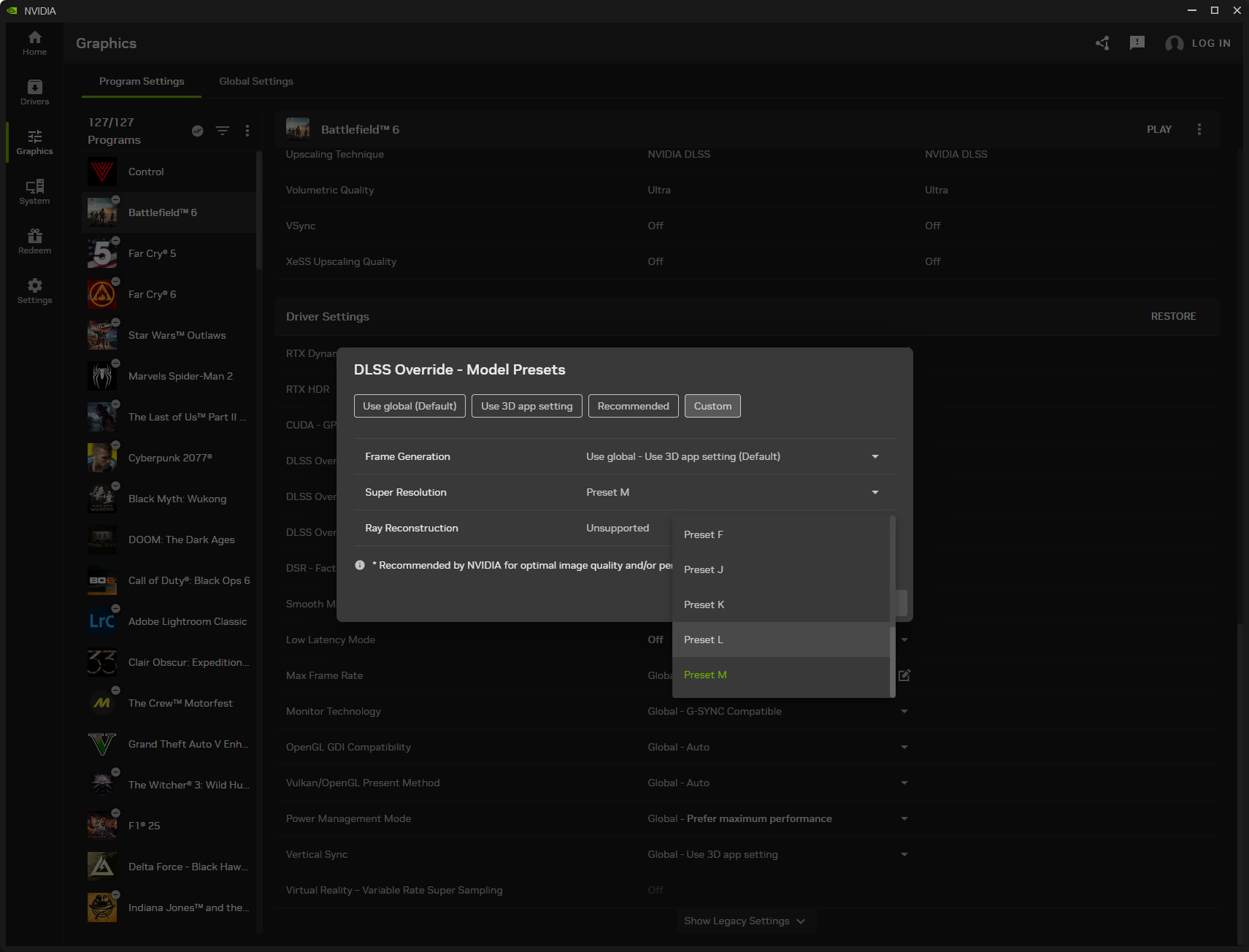
The easiest and straightforward way is to set DLSS Override to Recommended. That will automatically activate Preset M for Performance, L for Ultra Performance, and K for all other modes.
You can also manually select the desired model preset in the Super Resolution drop down in the Custom tab.
Another way would be to select the Super Resolution Mode to set an input resolution, which then uses the right preset accordingly.
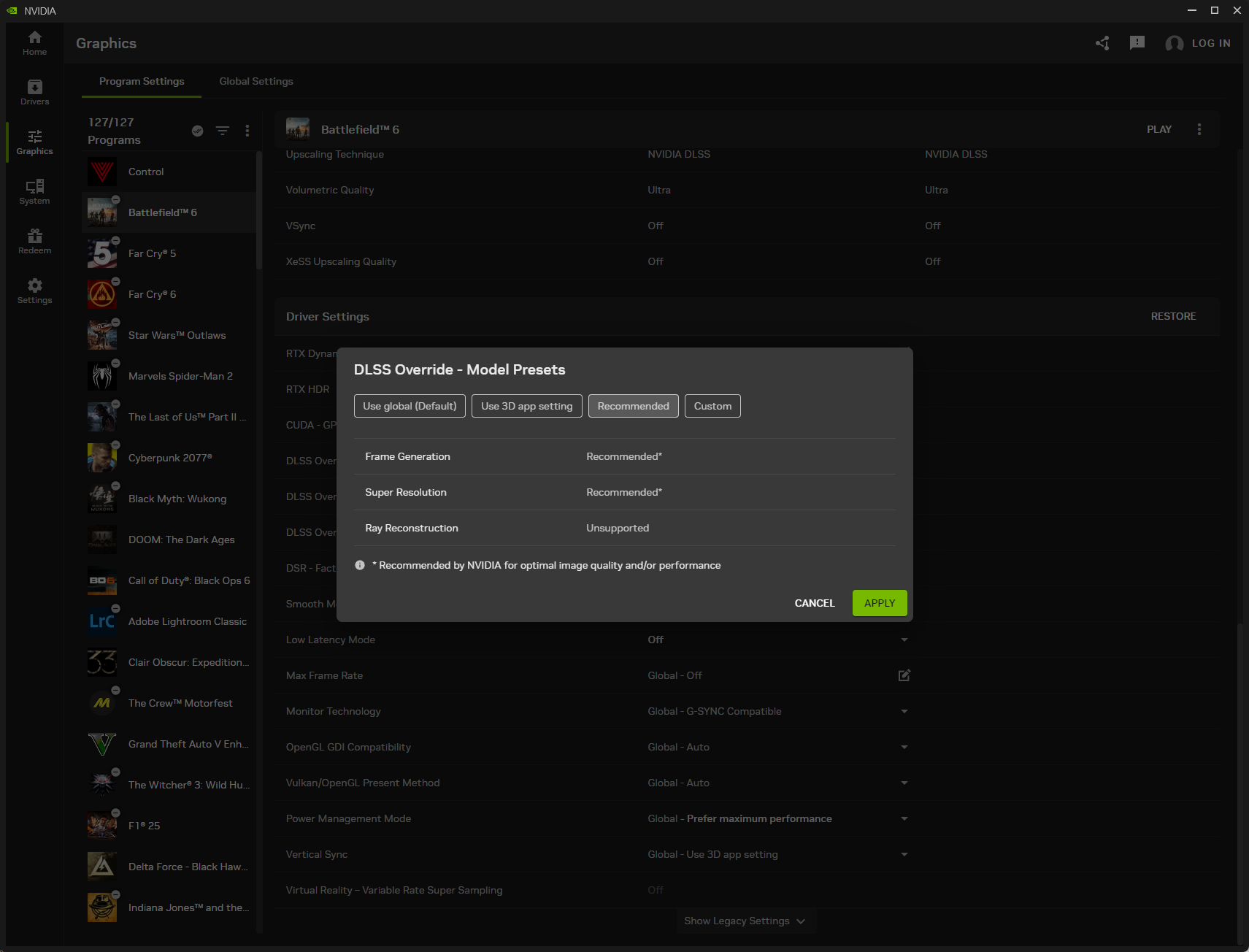
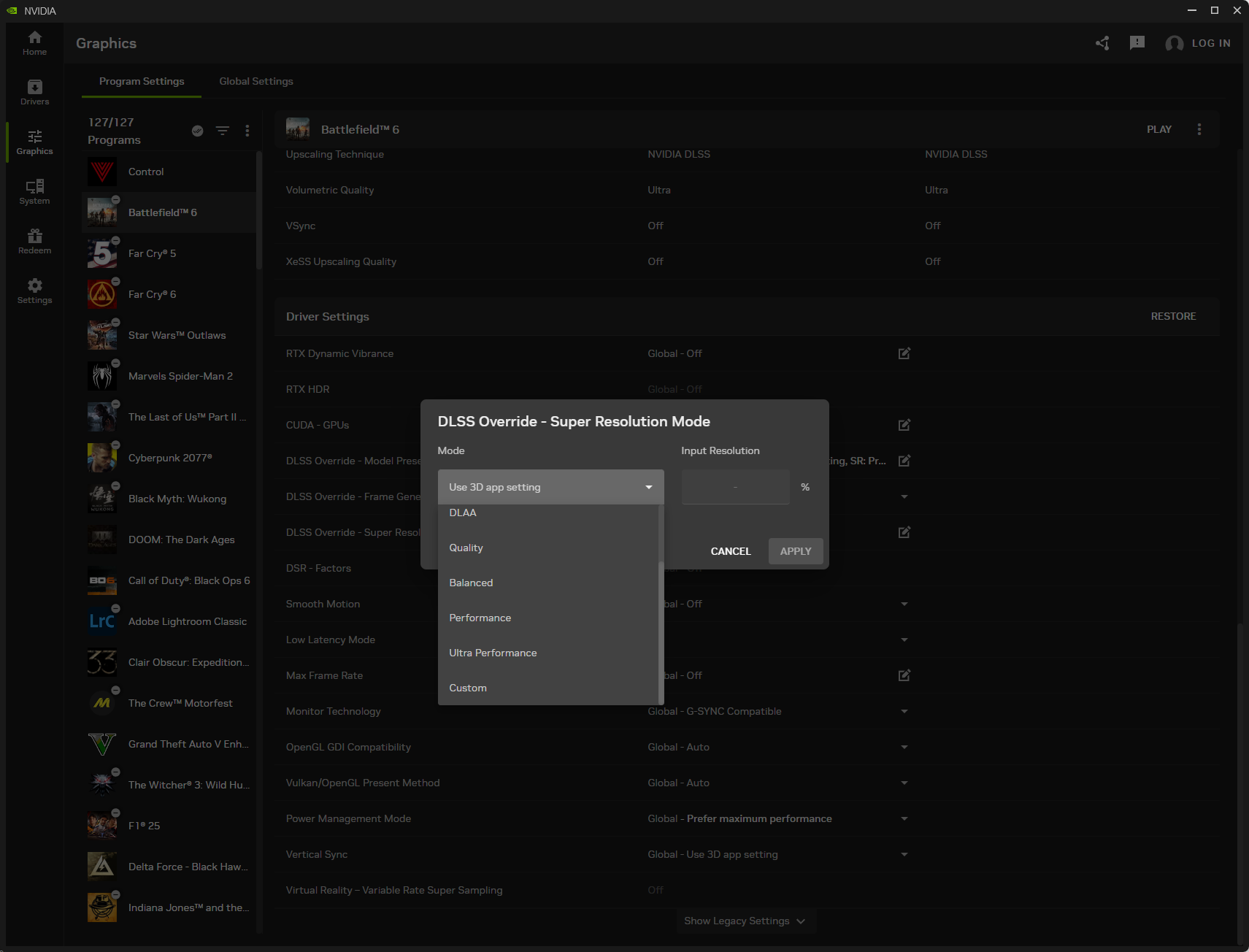
Once you've selected the override mode for your game, open the Nvidia overlay (Alt+Z), select Statistics, and select DLSS in the Statistics view section.
This will indicate the model override preset when you press Alt+R while running a game.
And that's all there's to it. Time for some pixel peeping.
Battlefield 6: Improved sharpness and detail
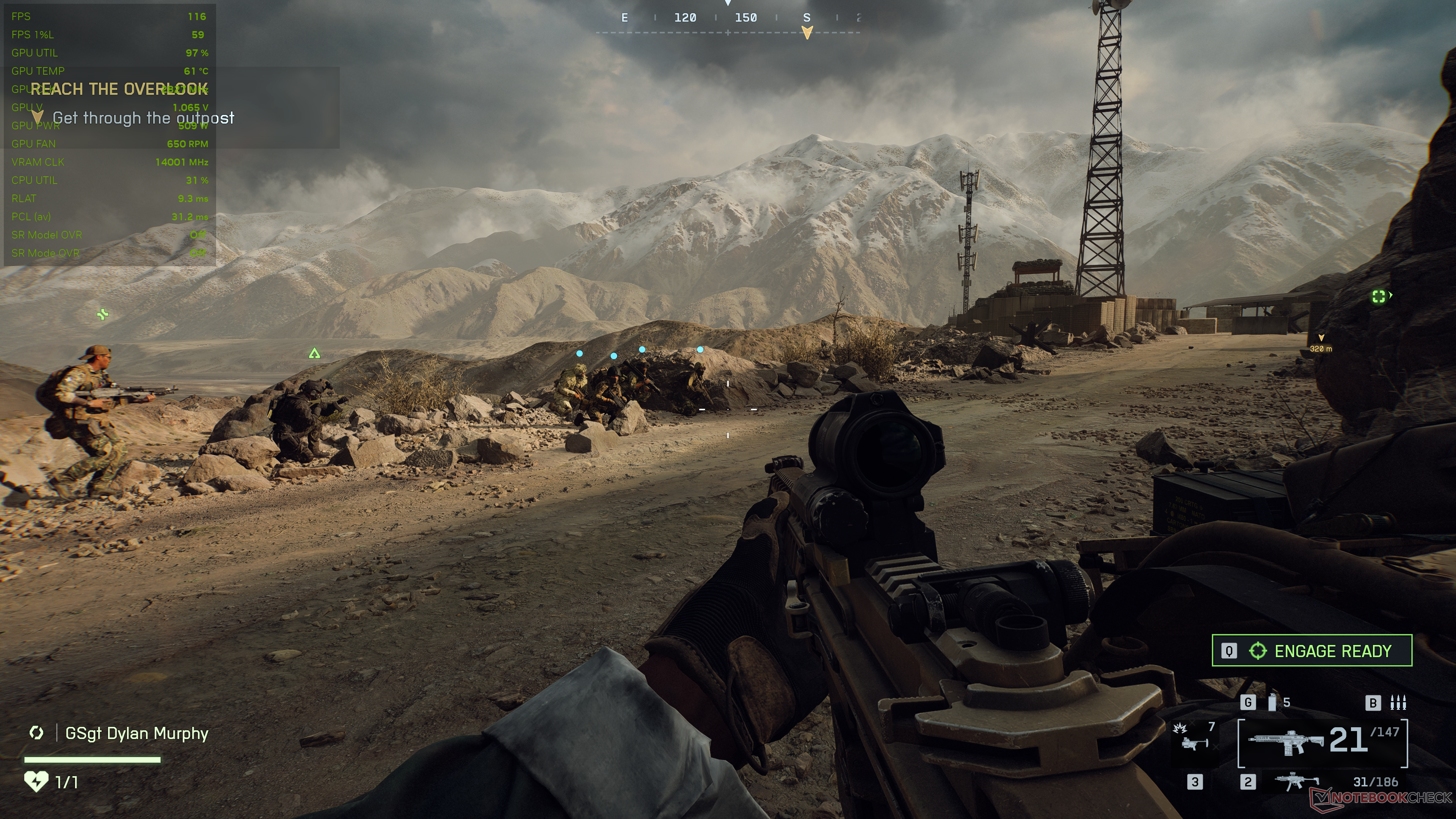
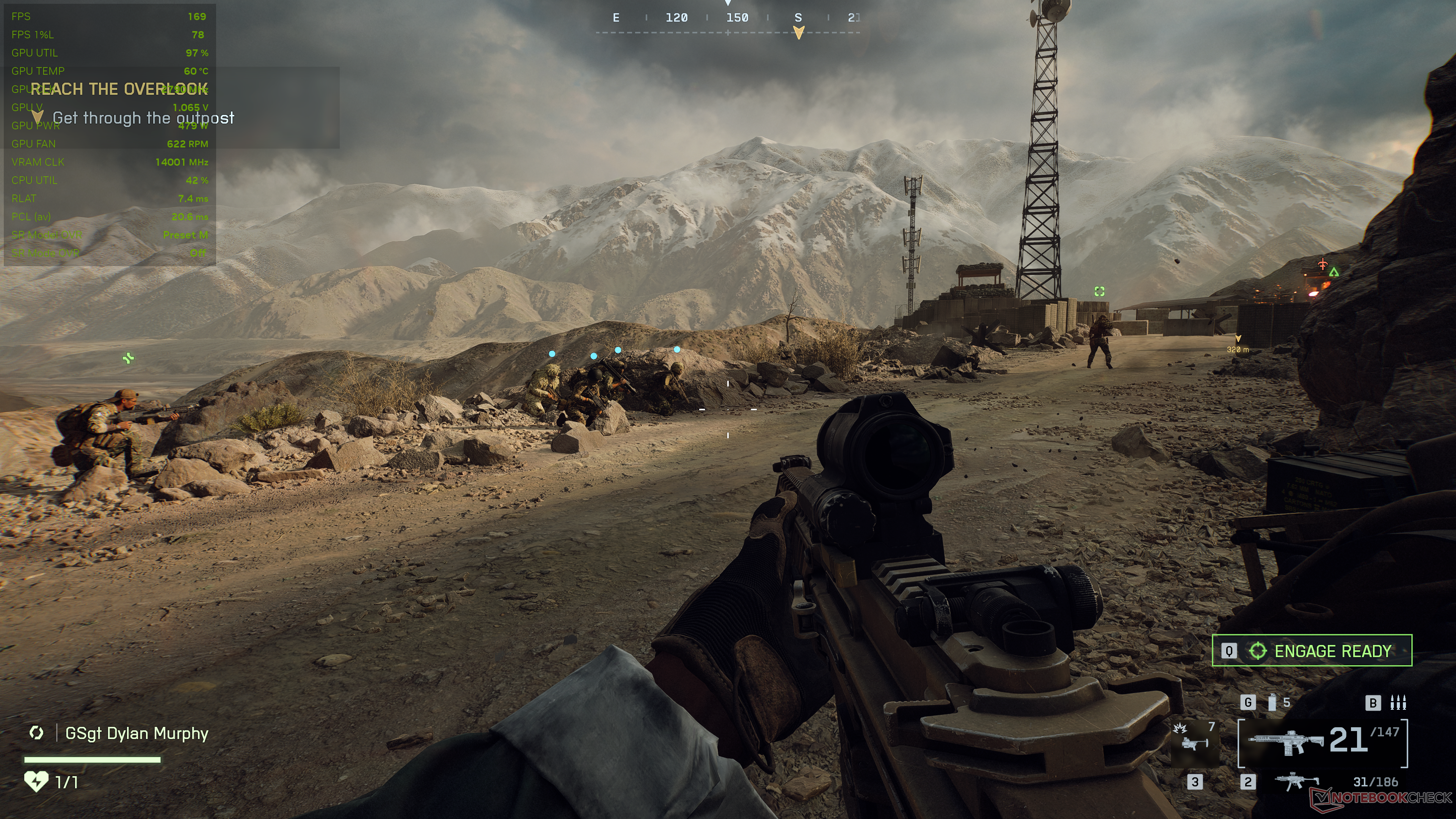
In Battlefield 6, DLSS 4.5 Preset M delivers some tangible visual benefits over the previous Performance mode.
We notice an improved image sharpness overall, and lot of hitherto missing details — especially in faraway objects like the mountains and other terrain features — now seem properly reconstructed. There aren't any perceivable improvements in direct first-person view, however.
That being said, these quality improvements come with a 7% hit to the average frame rate compared to the original Transformer model.
Image comparison
Choose a scene and navigate within the first image. One click changes the position on touchscreens. One click on the zoomed-in image opens the original in a new window. The first image shows the scaled photograph of the test device.



Doom: The Dark Ages: Glory kills at a massive frame rate cost
Doom: The Dark Ages leverages idTech8 engine's built-in ray tracing that adds a lot of immersion and gameplay value. The game also now supports path tracing with ray reconstruction (RR), but we disabled those for this comparison.
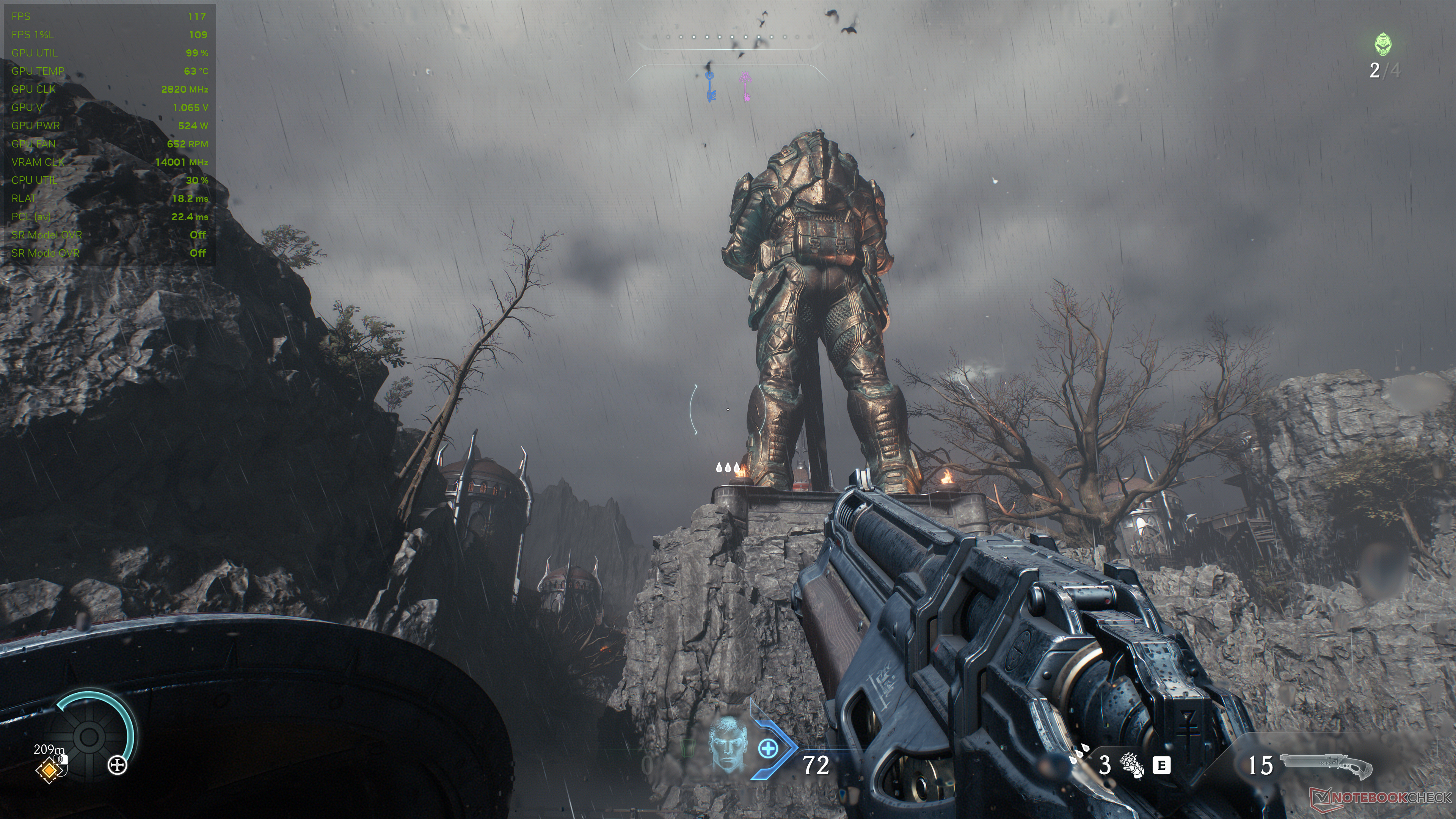
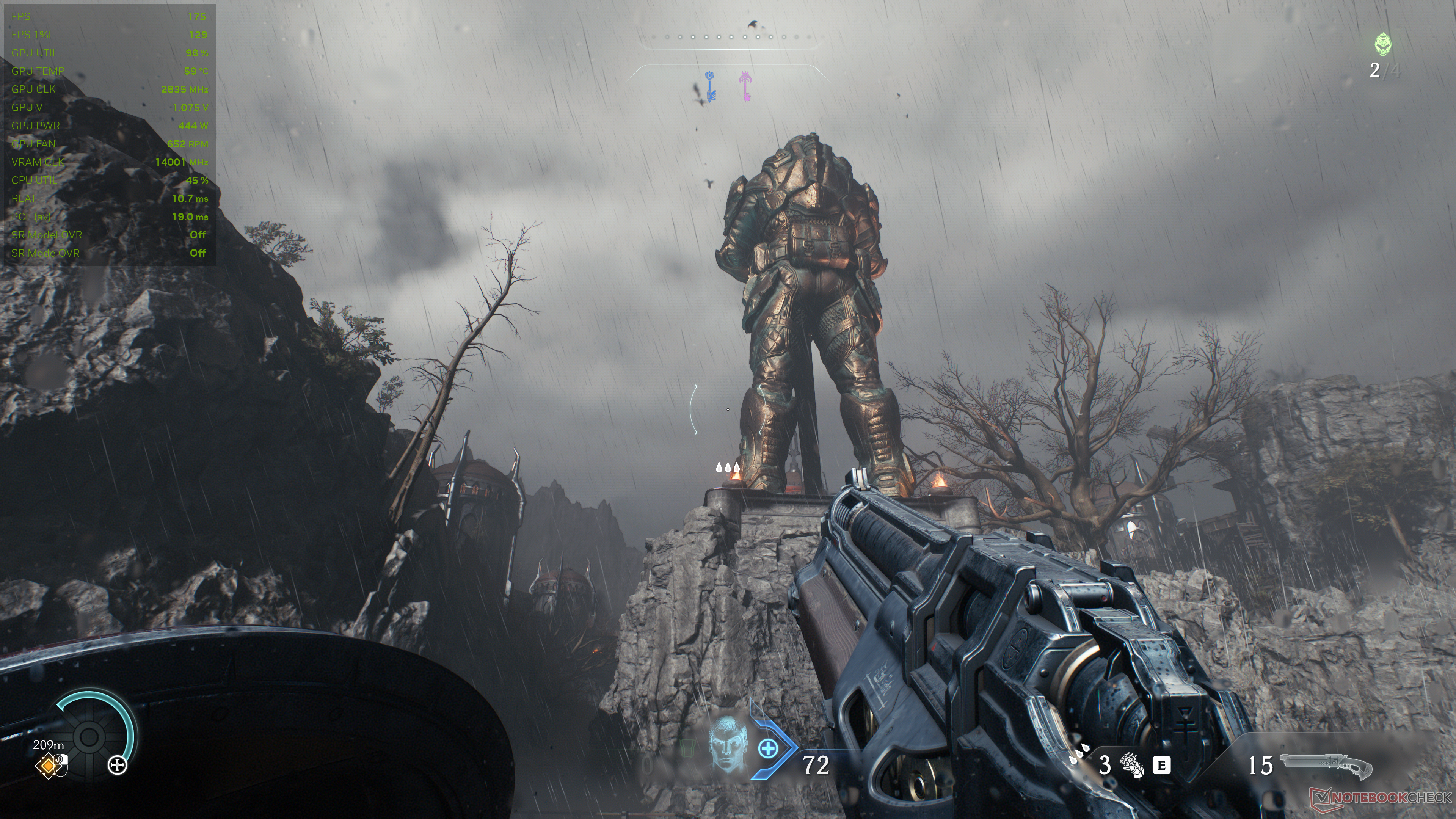
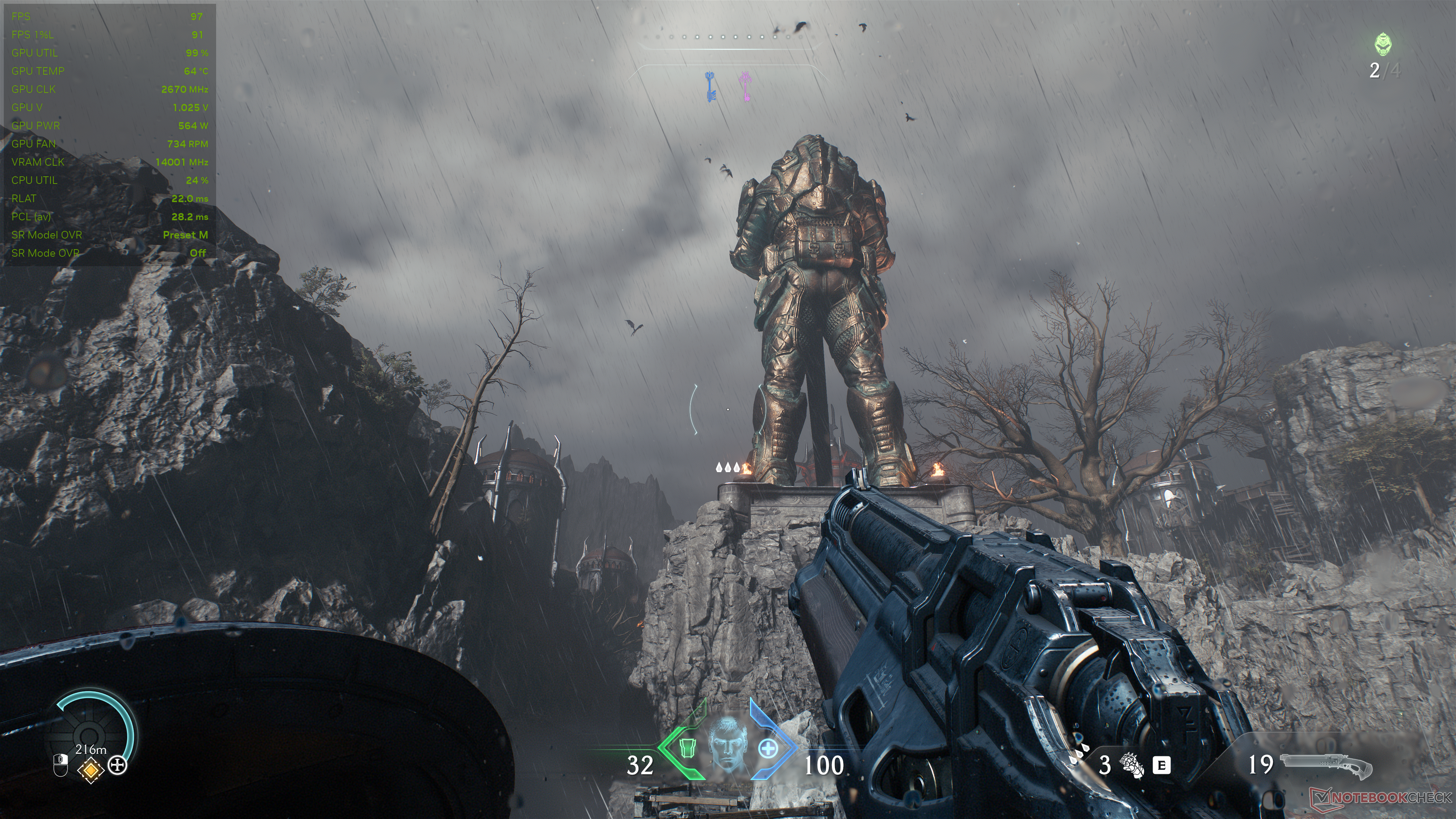
Right away, we see that DLSS 4.5 Preset M offers a perceivably superior image than even native resolution, with details in the dried-up tree, the statue, and the rocky mound it stands on being noticeably clearer and sharper.
But this comes with a drastic 44.5% performance cost, with the average frame rate dropping from 175 fps using DLSS 4 Performance to just 97 fps with DLSS 4.5 Preset M.
Image comparison
Choose a scene and navigate within the first image. One click changes the position on touchscreens. One click on the zoomed-in image opens the original in a new window. The first image shows the scaled photograph of the test device.

Enabling path tracing (PT) with Preset M without RR improves the lighting quality considerably but further cuts the frame rate by more than half.

Cyberpunk 2077: Phantom Liberty: A prettier Night City with minimal frame rate impact
Cyberpunk 2077 may be more than five years old at this point, but the game's neon-drenched streets remain a good showcase for Nvidia's latest technologies.
With DLSS 4.5 Preset M and path tracing enabled, we see a good improvement in the overall quality of the scene. Reflections in particular look far more convincing with Preset M compared to the pixelated mess with the older Transformer.
Distant objects also benefit from noticeably sharper resolution and cleaner anti-aliasing with Preset M compared to TAA, while the average frame rate impact is minimal at just about 3%.
Image comparison
Choose a scene and navigate within the first image. One click changes the position on touchscreens. One click on the zoomed-in image opens the original in a new window. The first image shows the scaled photograph of the test device.
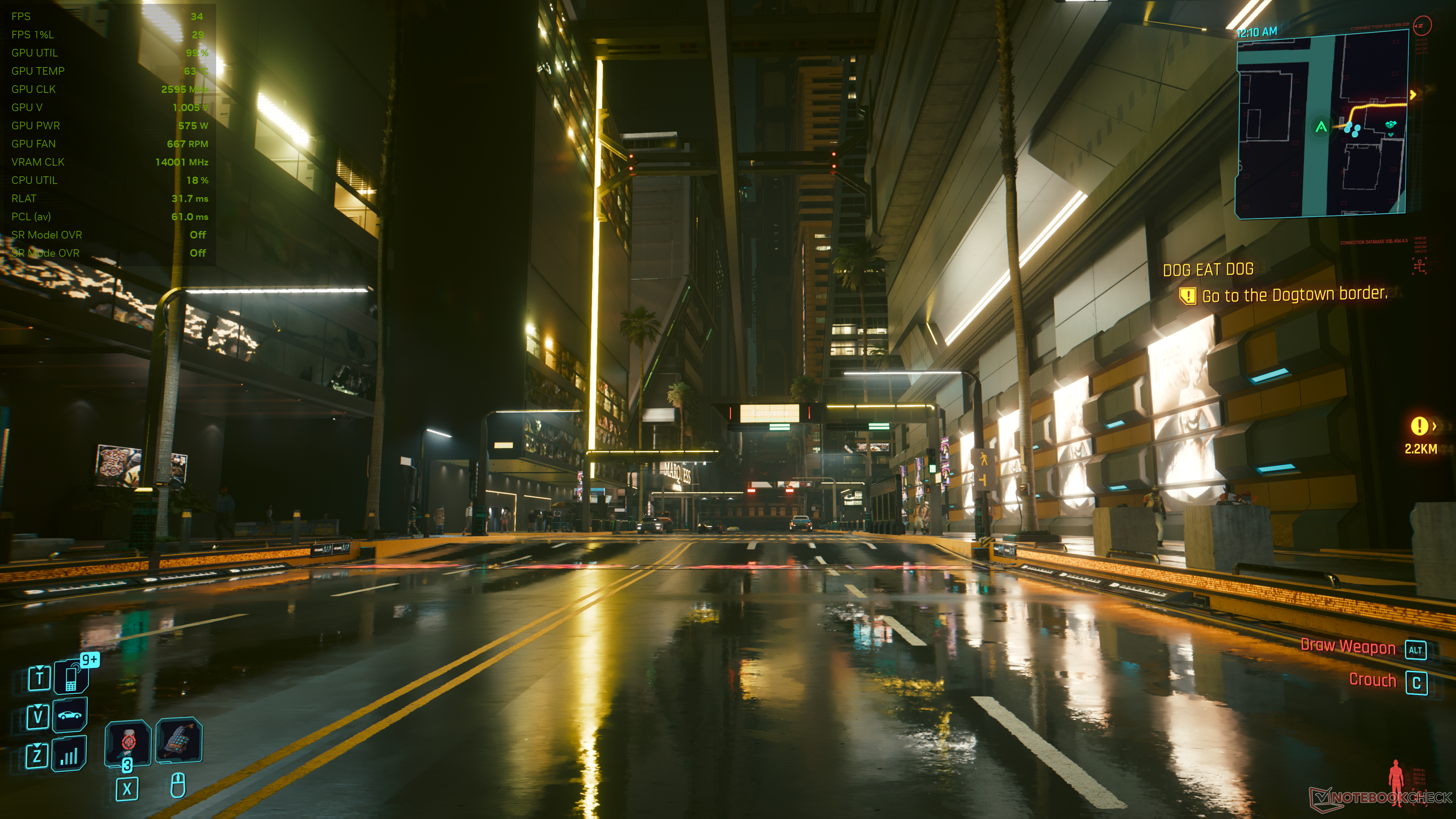
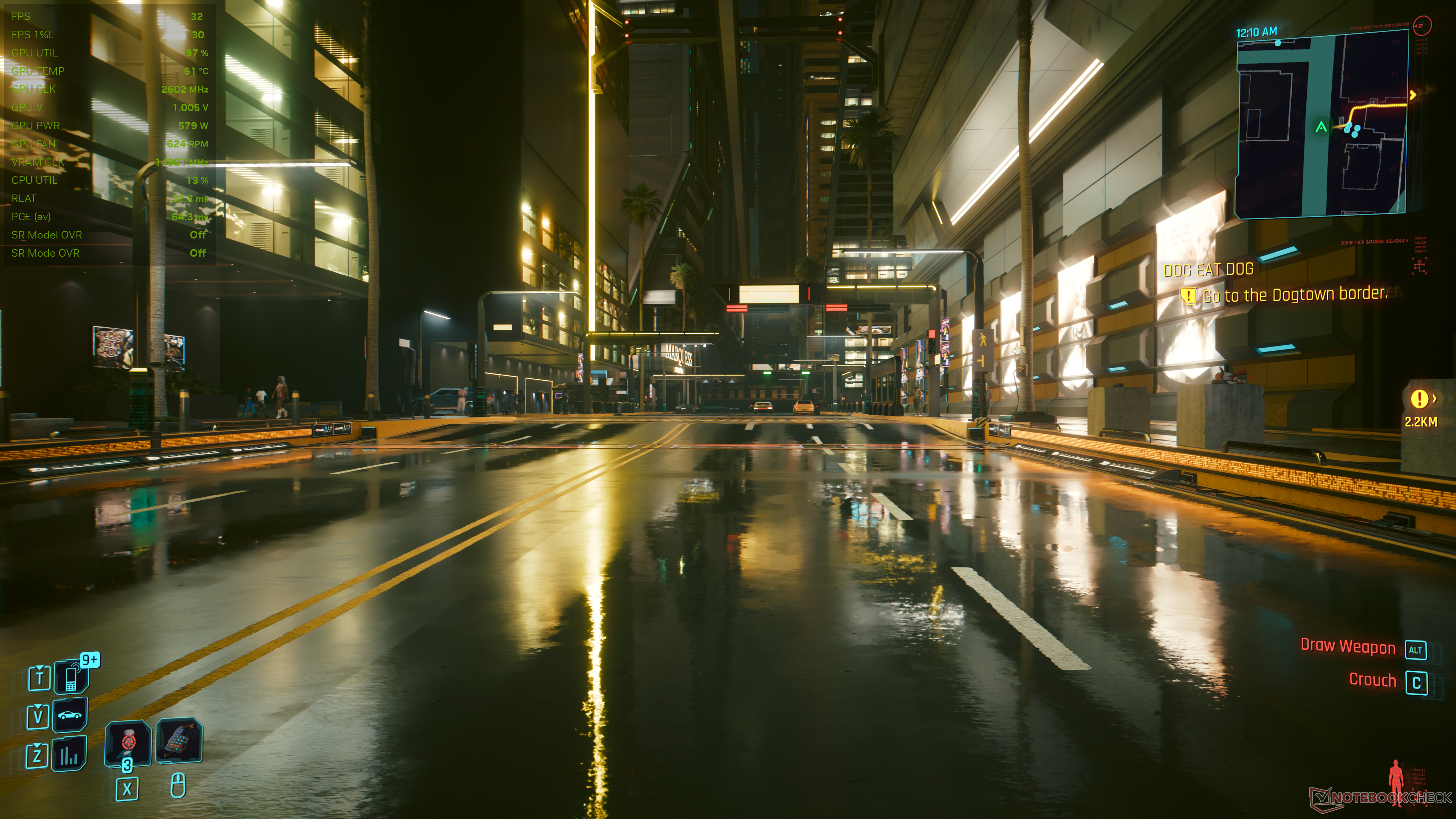
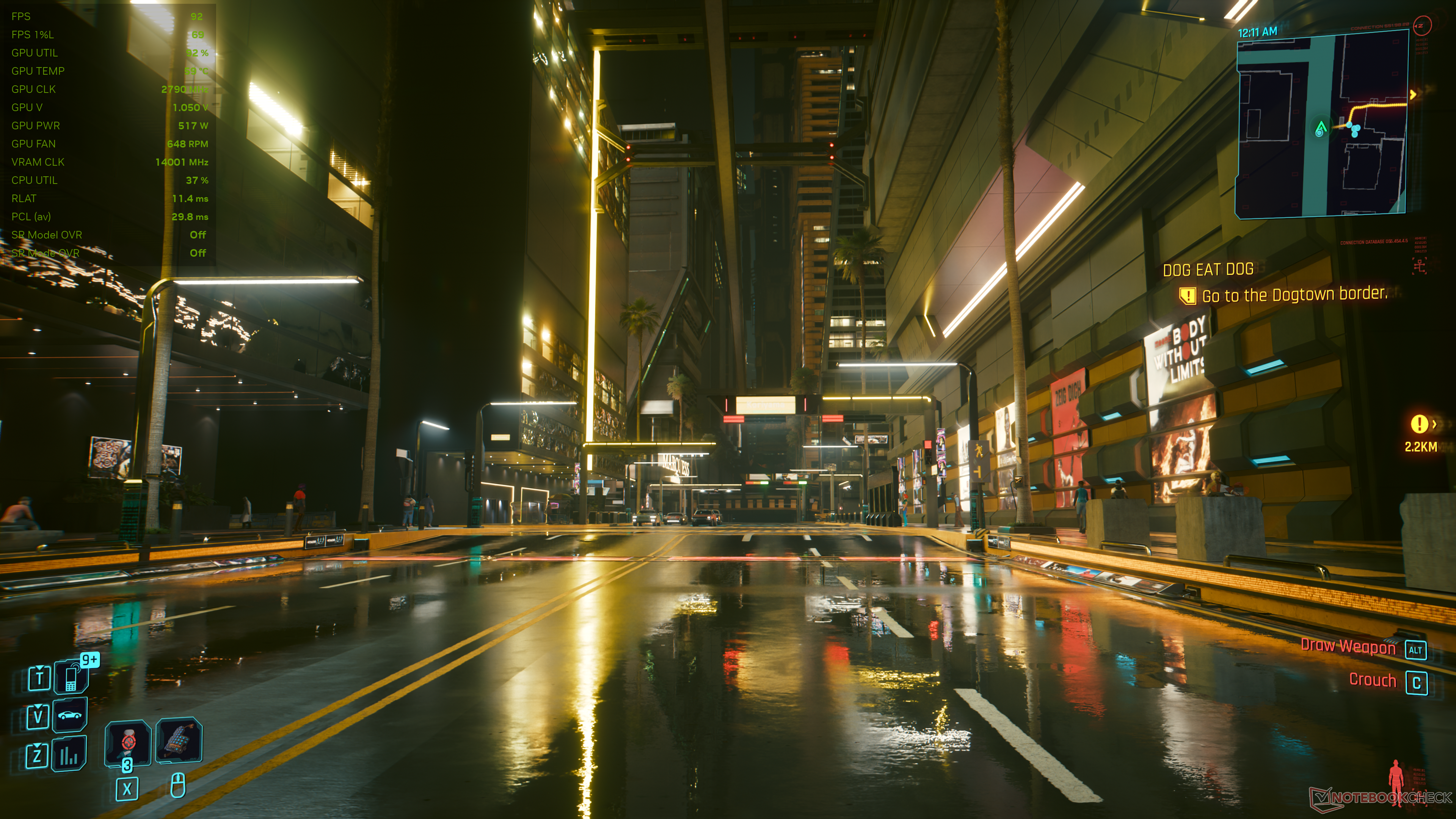
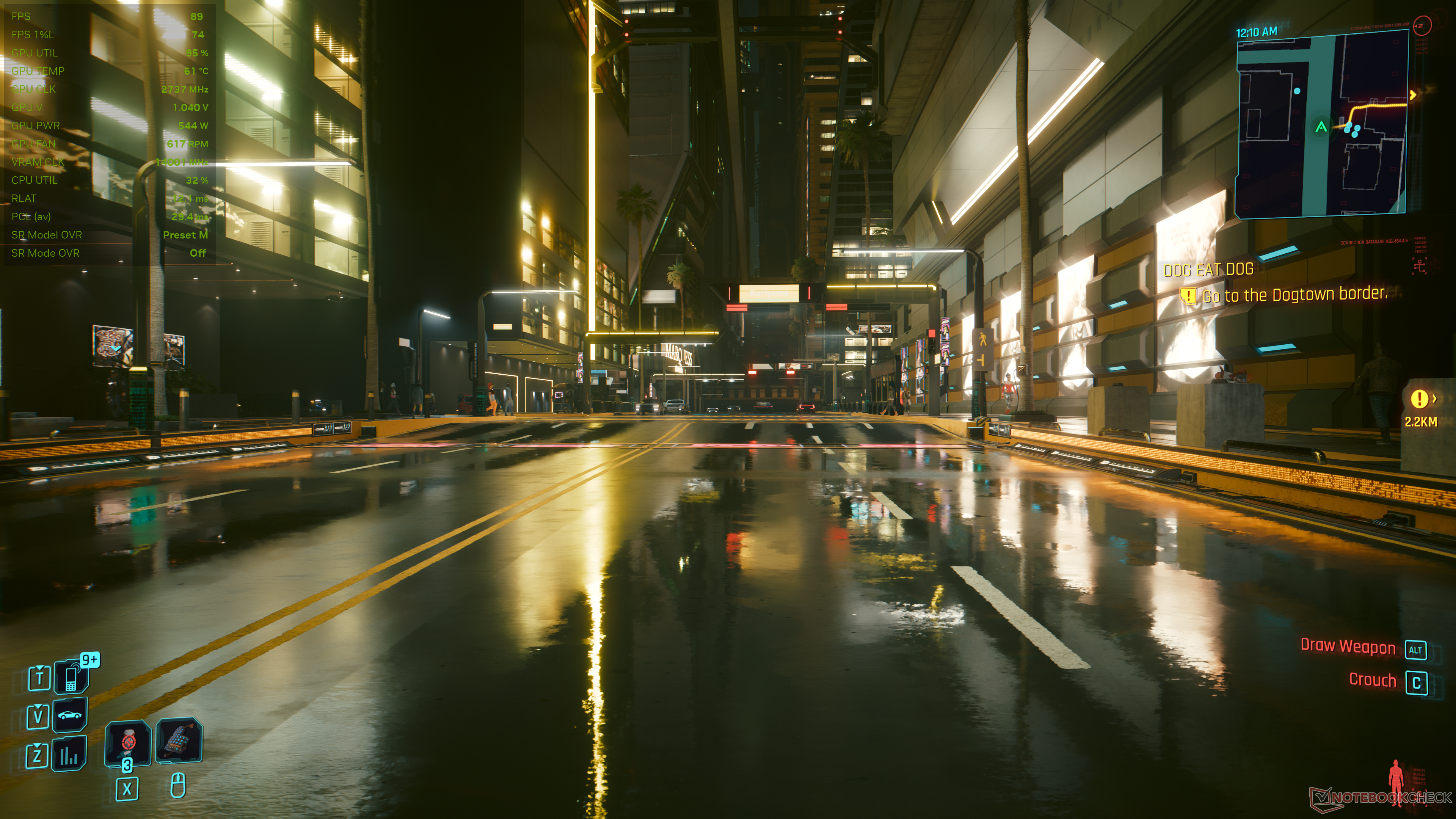
Preset L offers more or less the same image quality as Preset M and a convincingly superior image compared to the older Ultra Performance mode with no frame rate disadvantage.
Impressive, considering that Preset L has to work its way up from a lot fewer native pixels than Preset M.


Black Myth: Wukong: Reduced shimmering but sharpening goes overboard
Black Myth: Wukong, with its super-dense foliage and path tracing effects, was Unreal Engine 5's way of making even high-end GPUs bend the knee, so the game benefits from any kind of upscaling assistance.
At Full RT Cinematic settings, Preset M does a good job in restoring detail at long viewing distances and reduces shimmering effects seen with the old Transformer.
But the overall image appears a bit oversharpened, with noticeably pronounced and crisper shadows than those seen with native TSR 100.
On average, the fps hit with Preset M is only about 5% compared to DLSS 4 Performance mode.
Image comparison
Choose a scene and navigate within the first image. One click changes the position on touchscreens. One click on the zoomed-in image opens the original in a new window. The first image shows the scaled photograph of the test device.
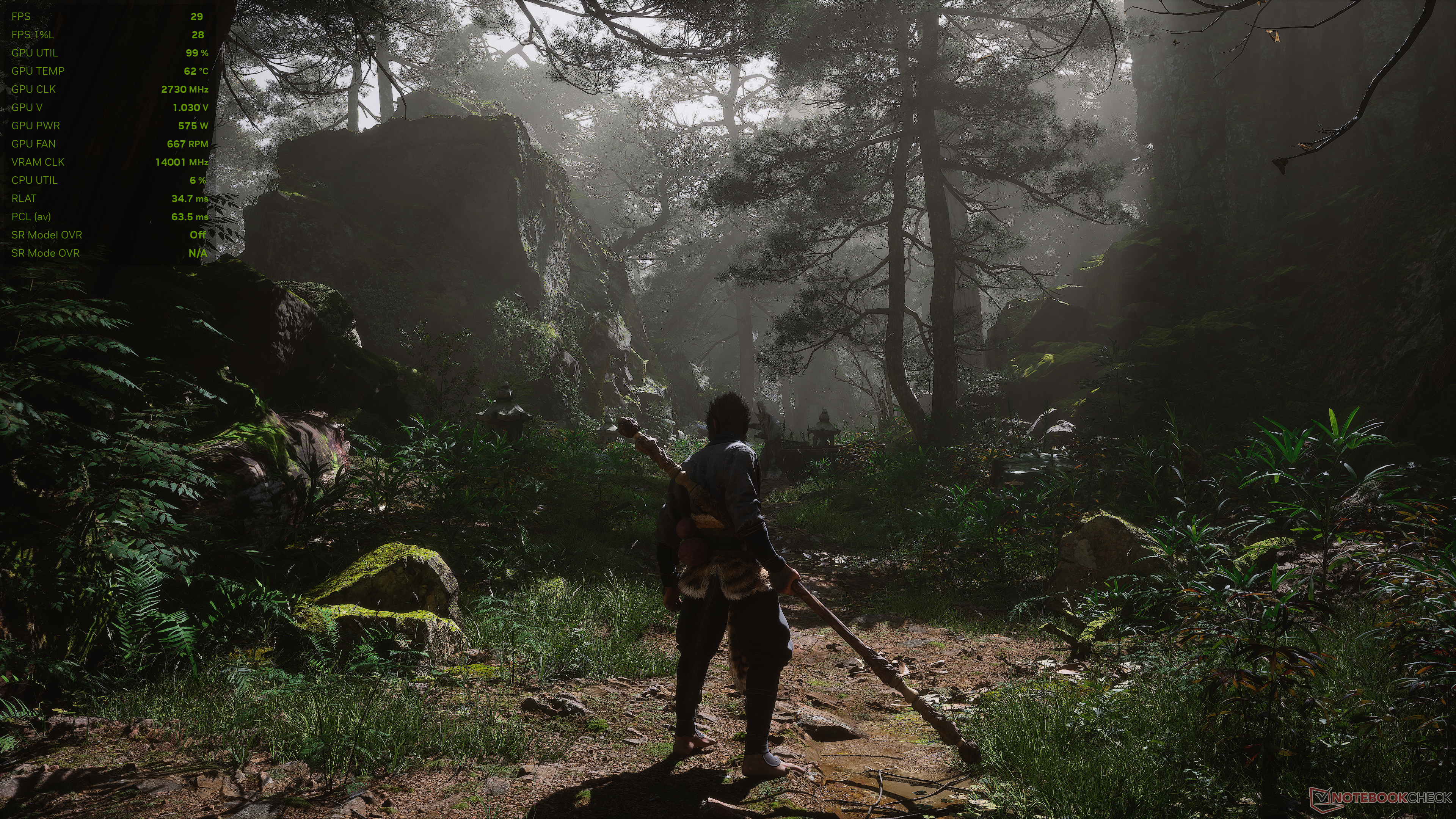
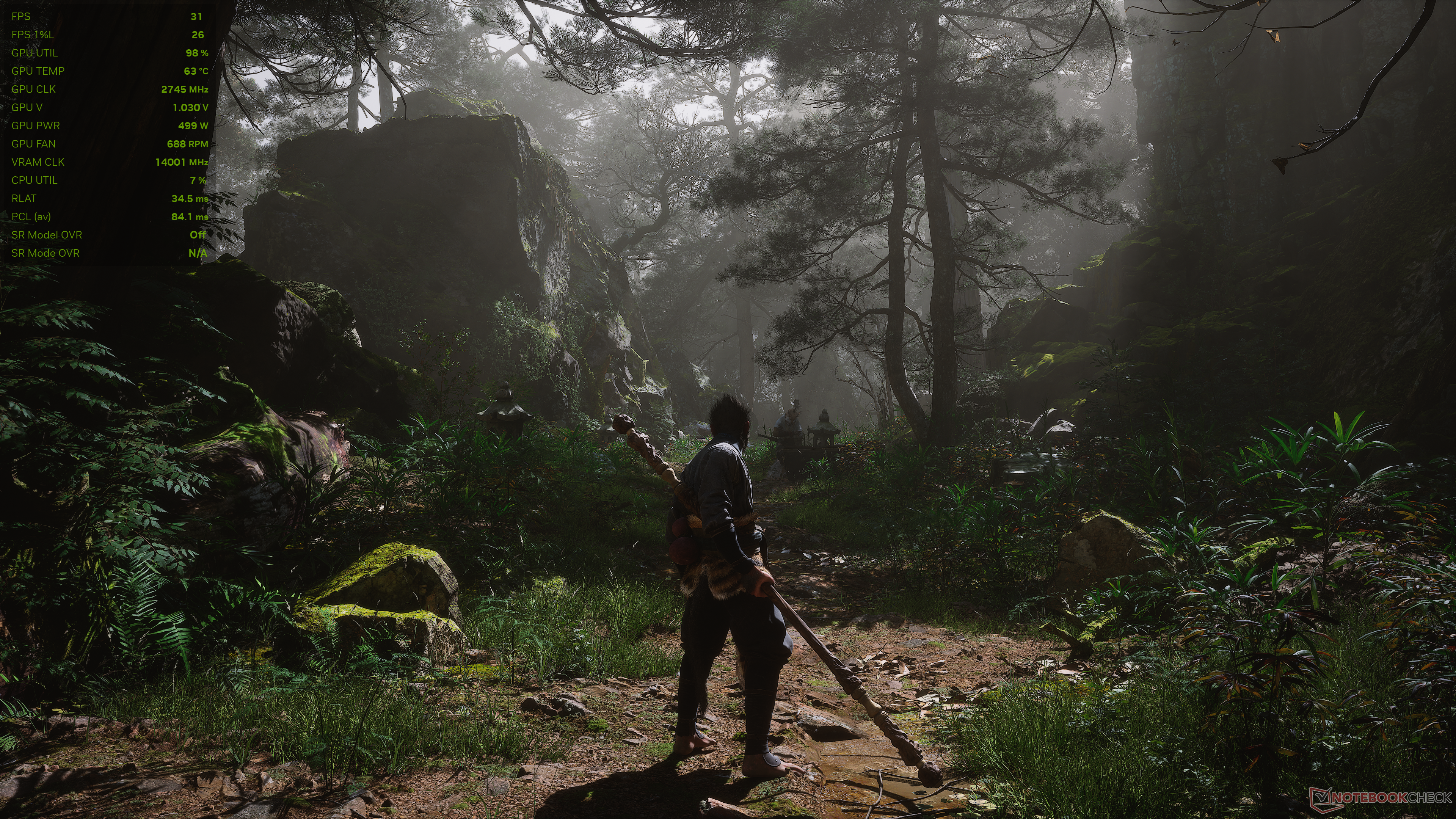
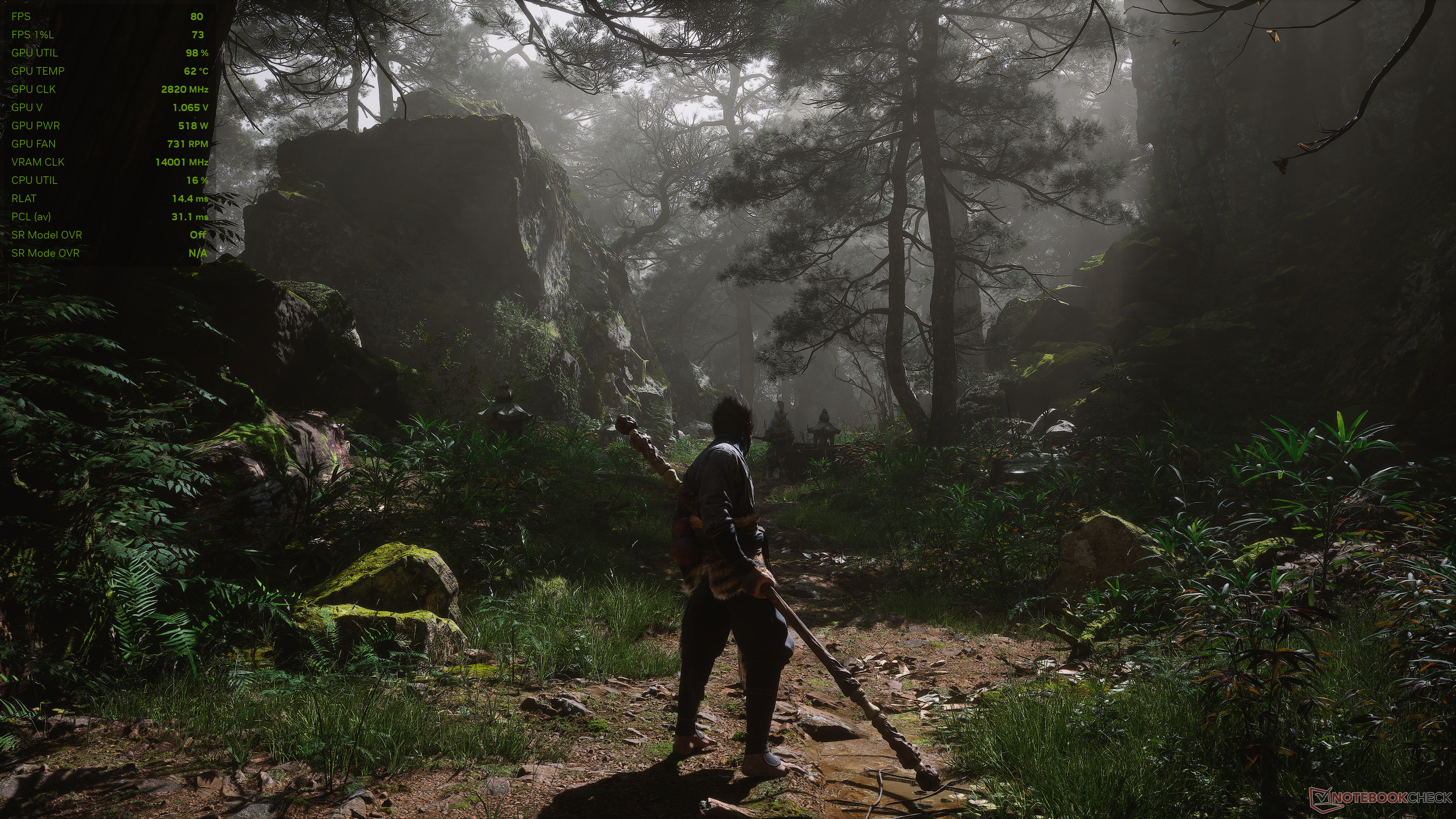
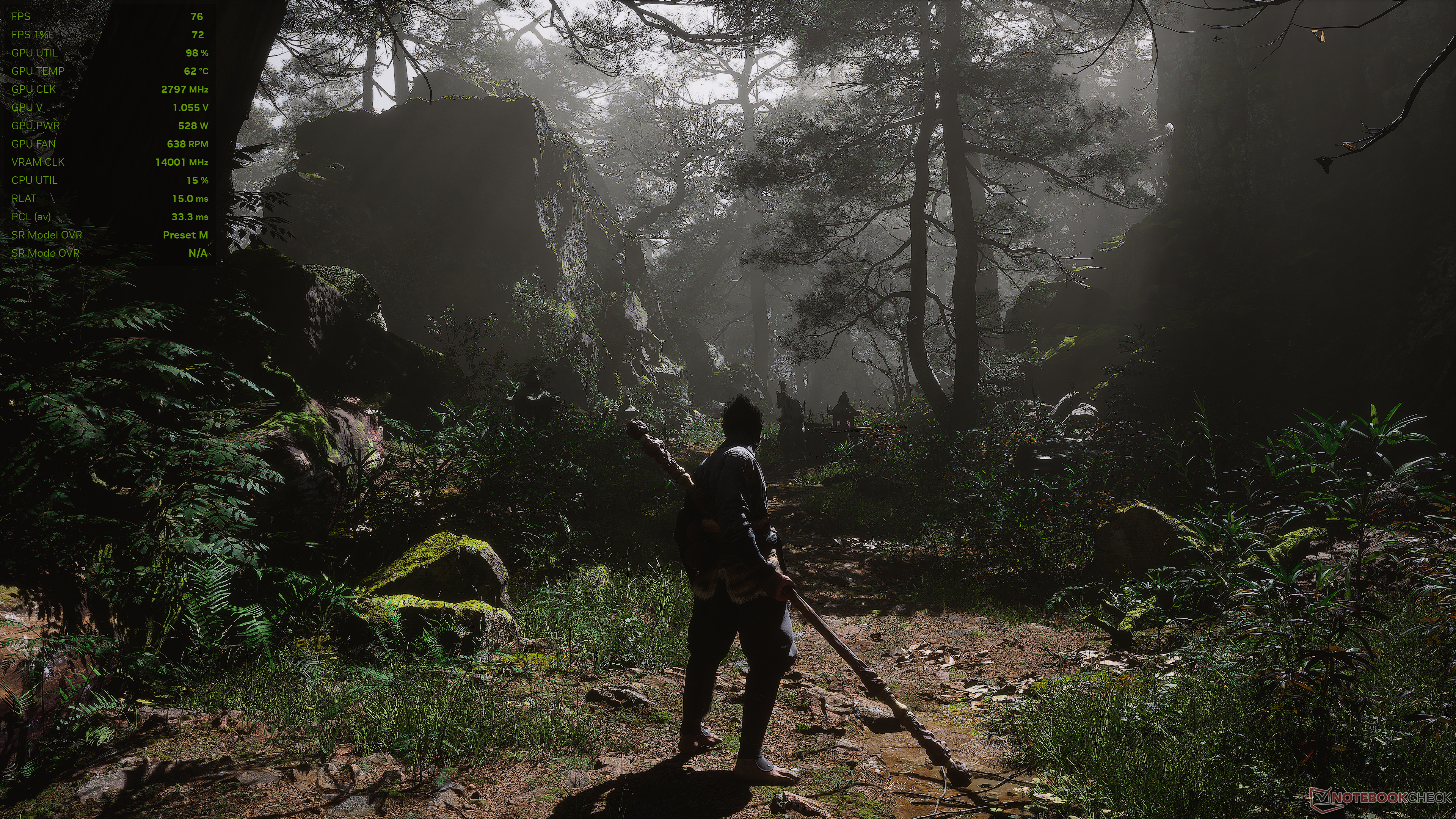
Similarly, Preset L does a good job in upscaling from 720p native, effectively reconstructing the image with markedly improved clarity over the previous Transformer with virtually no performance loss.


DLSS 4.5 brings welcome improvements, but not all RTX GPUs are cut out for it
DLSS 4's shift to a Transformer model from DLSS 3.x's convolutional neural network (CNN) already marked a major step-up in upscaled image quality. Nvidia's new DLSS 4.5 with its 2nd gen Transformer promises even further fidelity improvements, and we can say that it delivers for the most part.
Across the games we tested, the primarily visual impact of DLSS 4.5 stems from increased sharpness and, in some cases, improved temporal stability, especially with longer viewing distances and in scenes with complex lighting.
However, these differences are largely palatable only when running DLSS Performance or Ultra Performance as the 2nd gen Transformer is specifically tuned for these scenarios.
While Nvidia recommends Preset M in general, Preset L is surprisingly good given the low native resolution it has to start with. This can be particularly beneficial for users of RTX 4060 or RTX 5060 GPUs (laptop and desktop) with limited VRAM.
Later this year, Nvidia will also introduce multi-frame generation (MFG) up to 6x, offering up to five generated frames for every rendered frame, but that is coming exclusively for RTX 50 cards. MFG 6x will also operate dynamically — generating only as many frames needed to match the monitor's refresh rate.
Now for the bad news. DLSS 4.5's improvements do not come cheap. Even with high-end RTX 40 and RTX 50 series GPUs, there is a noticeable performance overhead, particularly with Preset M. This can be quite significant in some titles, which then necessitates the use of frame generation for smoother visuals.
The RTX 20 and RTX 30 series cards have it even tougher as the Tensor cores in these GPUs lack FP8 acceleration, which the 2nd gen Transformer relies on. So, while DLSS 4.5 does work on these cards, the performance penalty can easily offset the modest visual quality uptick.
Ultimately, the benefits of switching to DLSS 4.5 are highly dependent on the specific game, your target resolution and graphic settings, and the RTX GPU you're using.
At times, sticking with the original DLSS 4 may still be the smarter choice.
 Add as a preferred source on Google


