




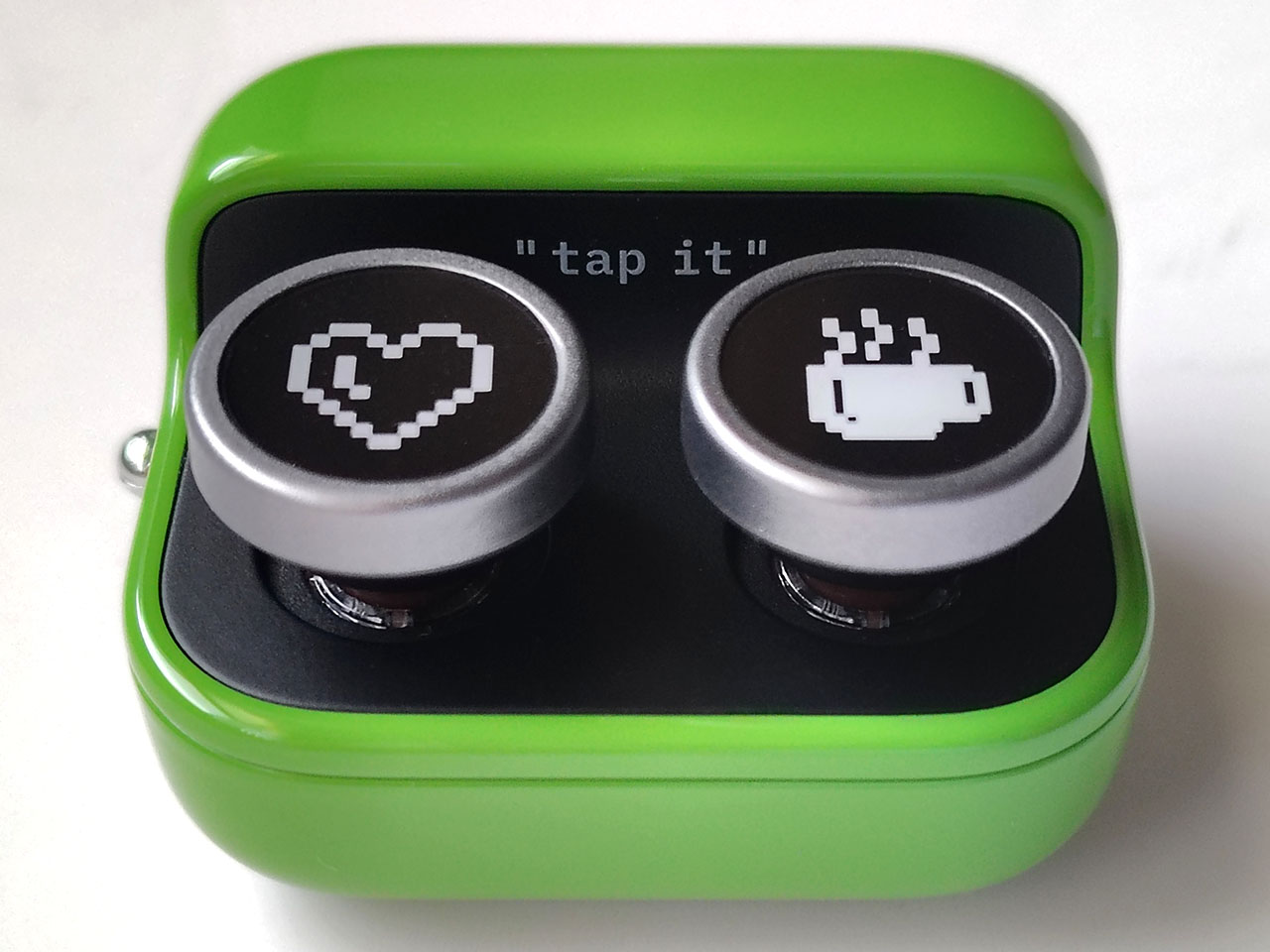
Boox Tappy hands-on review: Bluetooth page turner for e-books
Colorful convenience.
The Boox Tappy is a colorful page turner connecting wirelessly with the company’s e-book tablets, allowing readers to flip pages, scroll websites, and adjust volume levels from afar.David Chien Published 🇳🇱 🇫🇷 ...
Verdict - Convenient e-reader accessory
The Tappy enables ebook readers to flip pages without having to hold or touch their tablets. The accessory can also be used to scroll through long websites and adjust media volume.
Although responsive, the Tappy’s two buttons limit its functionality. It also does not have a finger clip, so users cannot quickly switch between cooking with both hands and flipping recipe pages.
Still, the Tappy page turner can help relieve arm and back muscle strain from hours of reading or studying, and it is very responsive even when used from dozens of feet away.
Pros
Cons
Price and availability
The Boox Tappy wireless page turner is available for $29.99 in green or citrus from Boox, and in green from Amazon.

Book lovers using the Tappy page turner gain the ability to flip pages without needing to touch or hold their Boox e-readers.
Specifications
| Compatibility | Boox e-readers with Bluetooth |
| Connectivity | Bluetooth |
| Dimensions | 43 x 37 x 25 mm (1.69 x 1.45 x 0.98 in.) |
| Weight | 29 g (1.02 oz.) |
Packaging
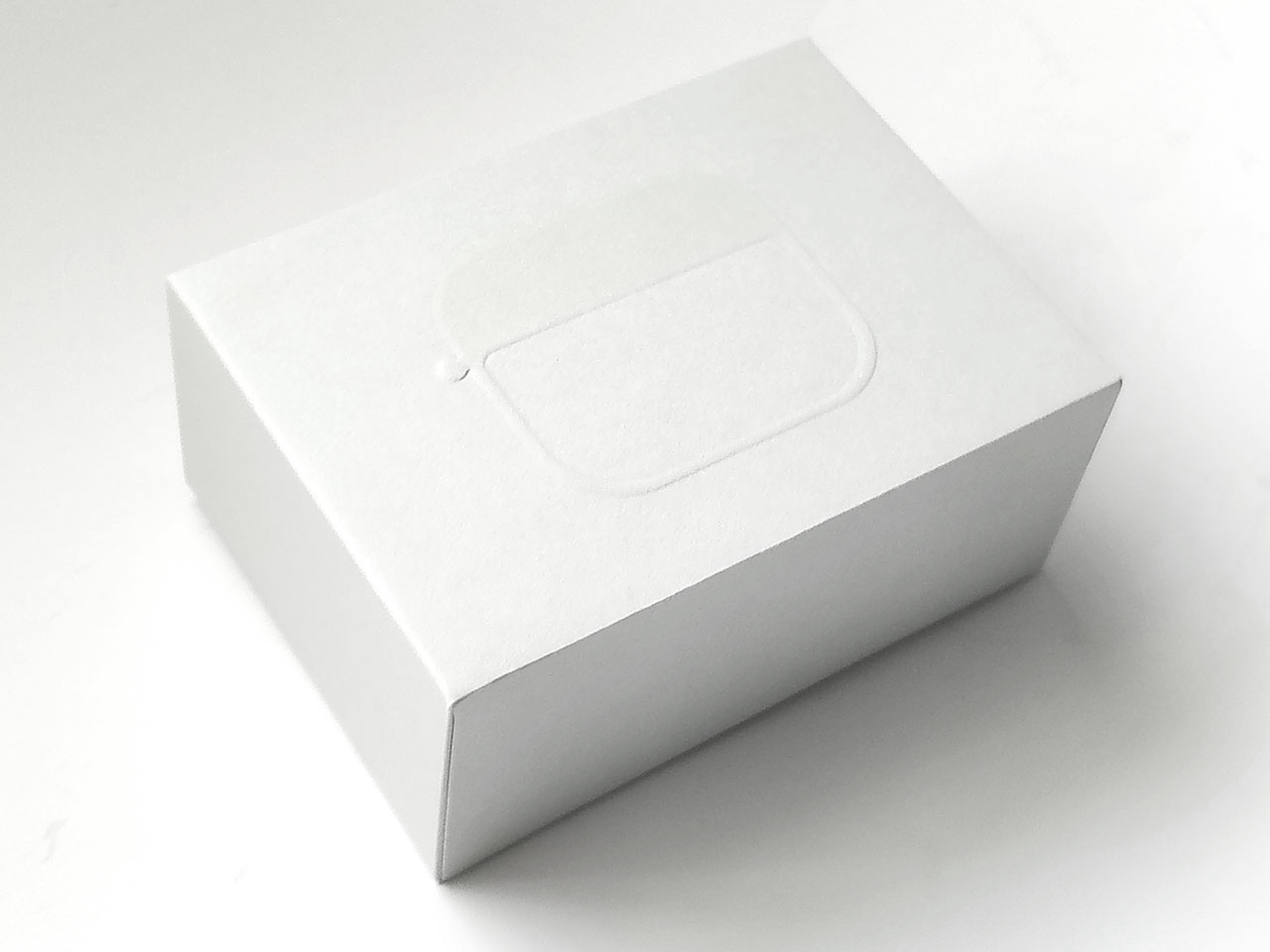
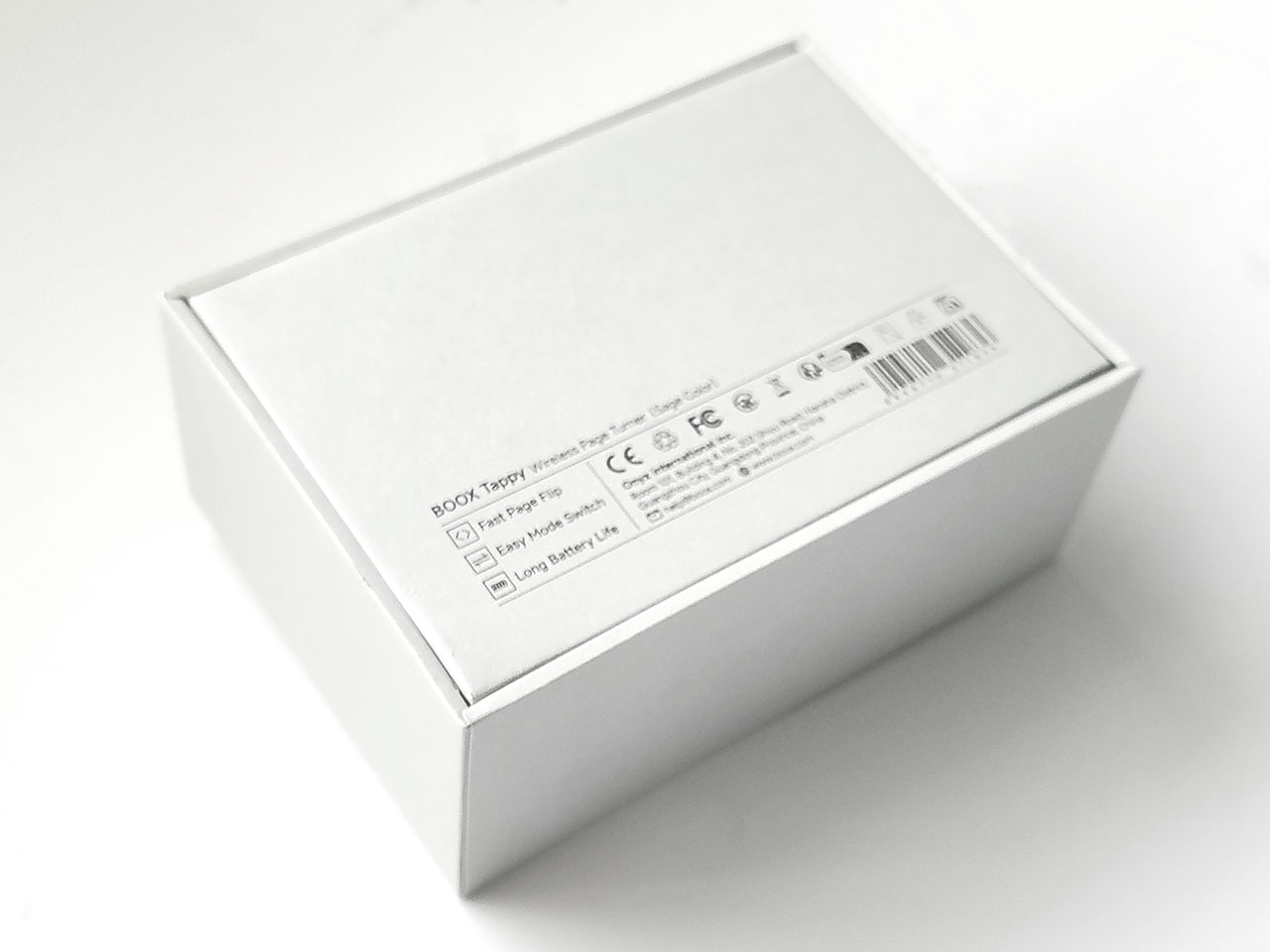
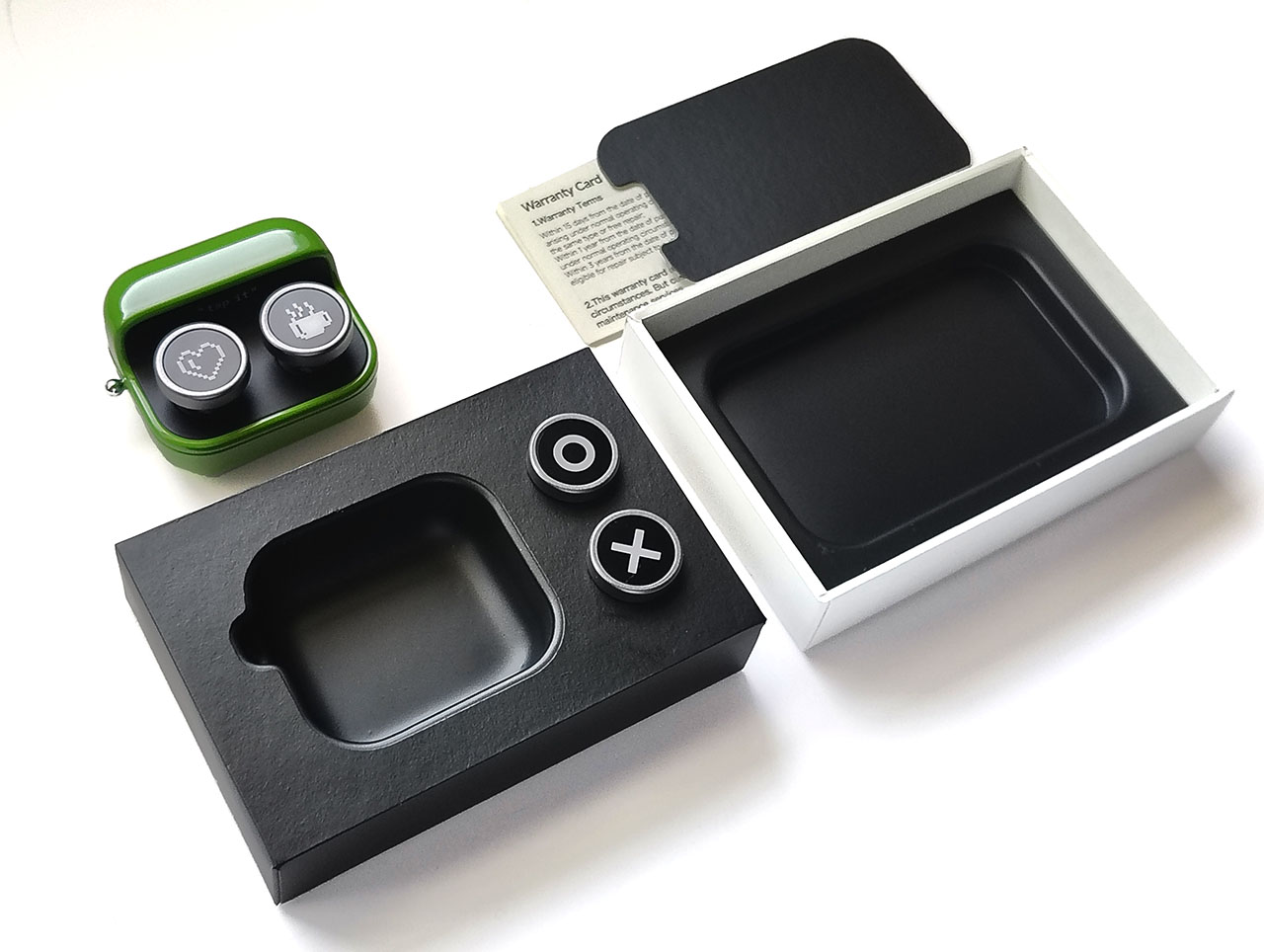
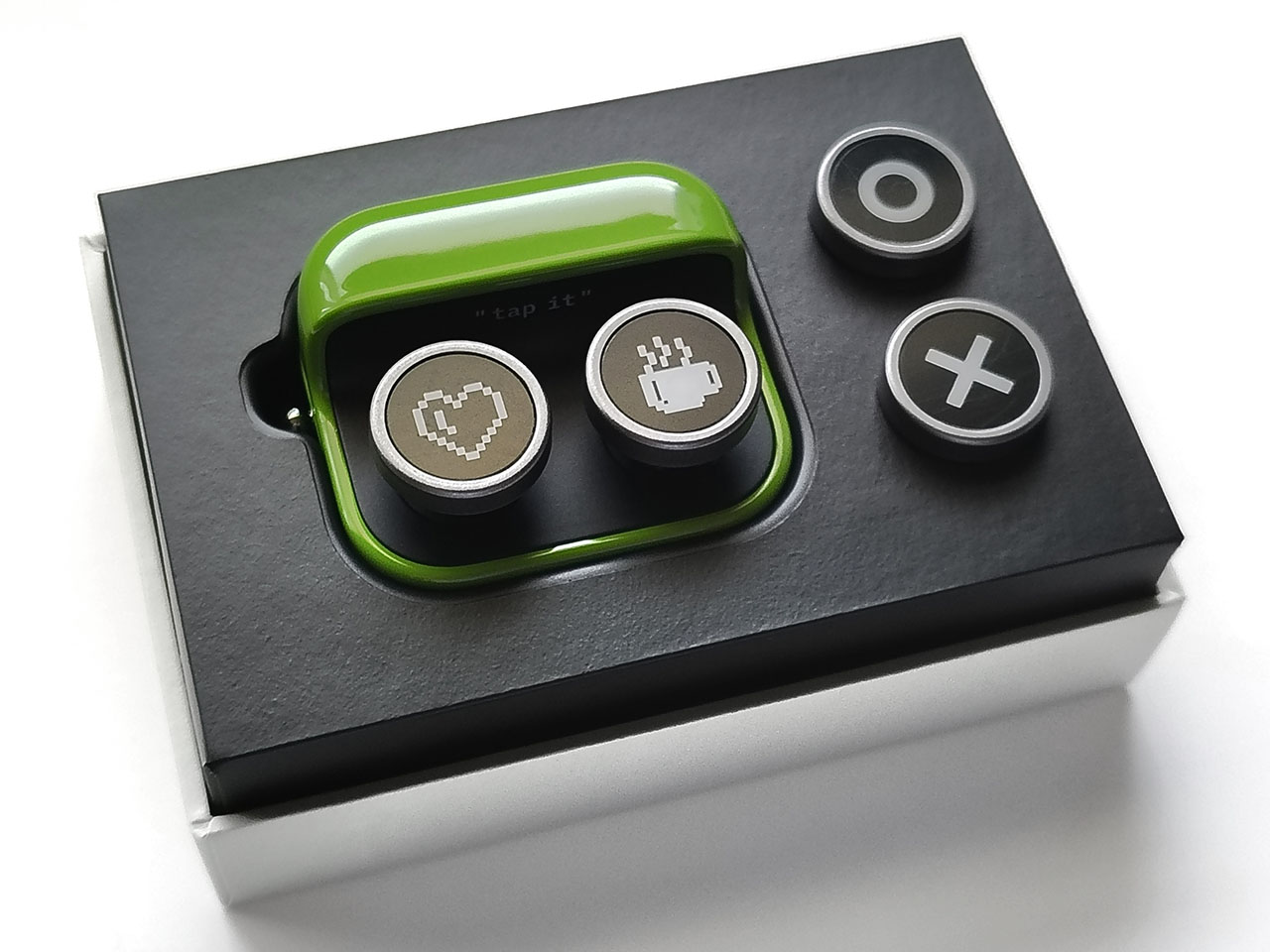
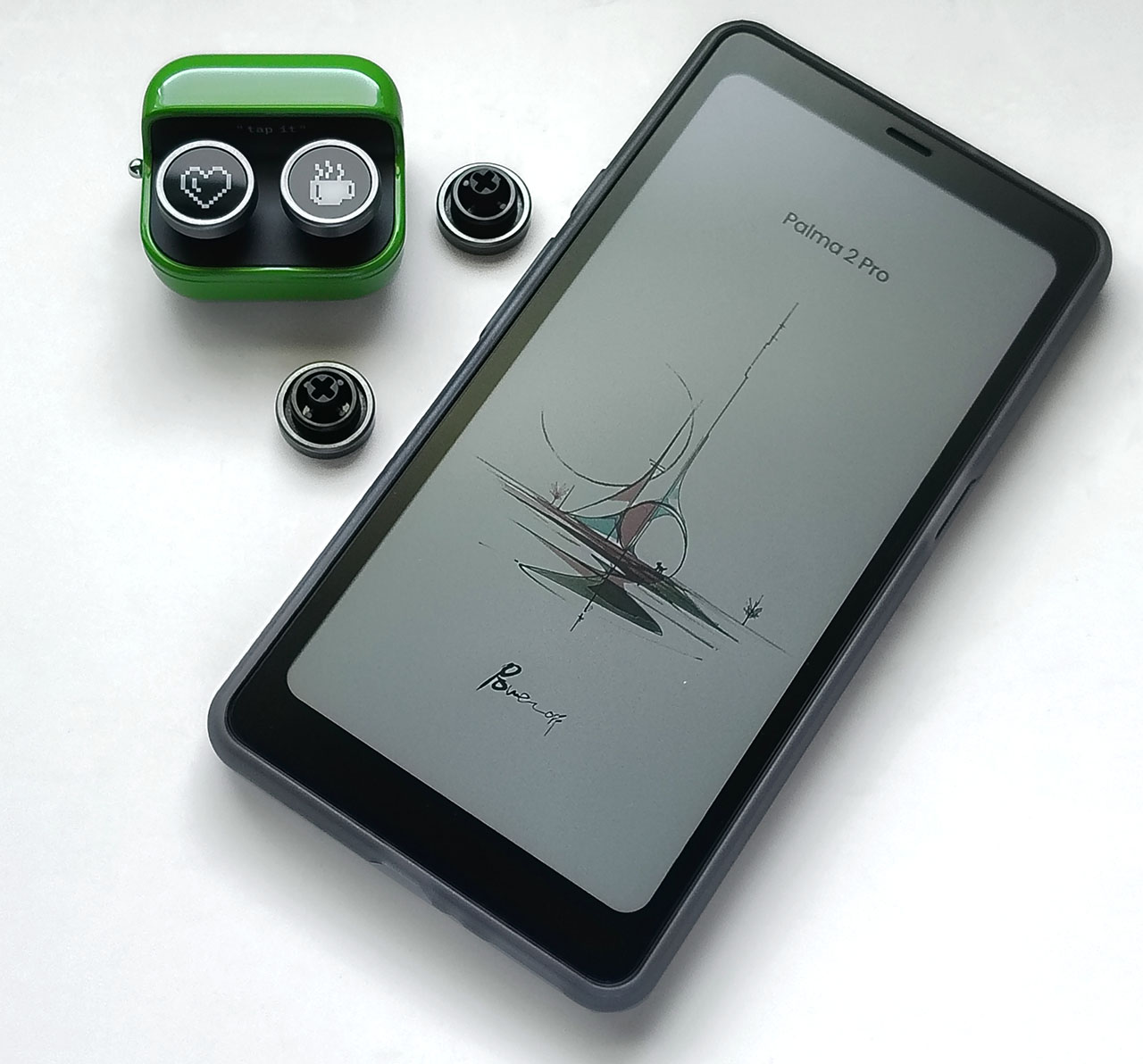
The page turner arrived with two extra buttons and a manual.
Design
The Tappy buttons ship with protective film that can be removed by peeling back an edge using a knife.
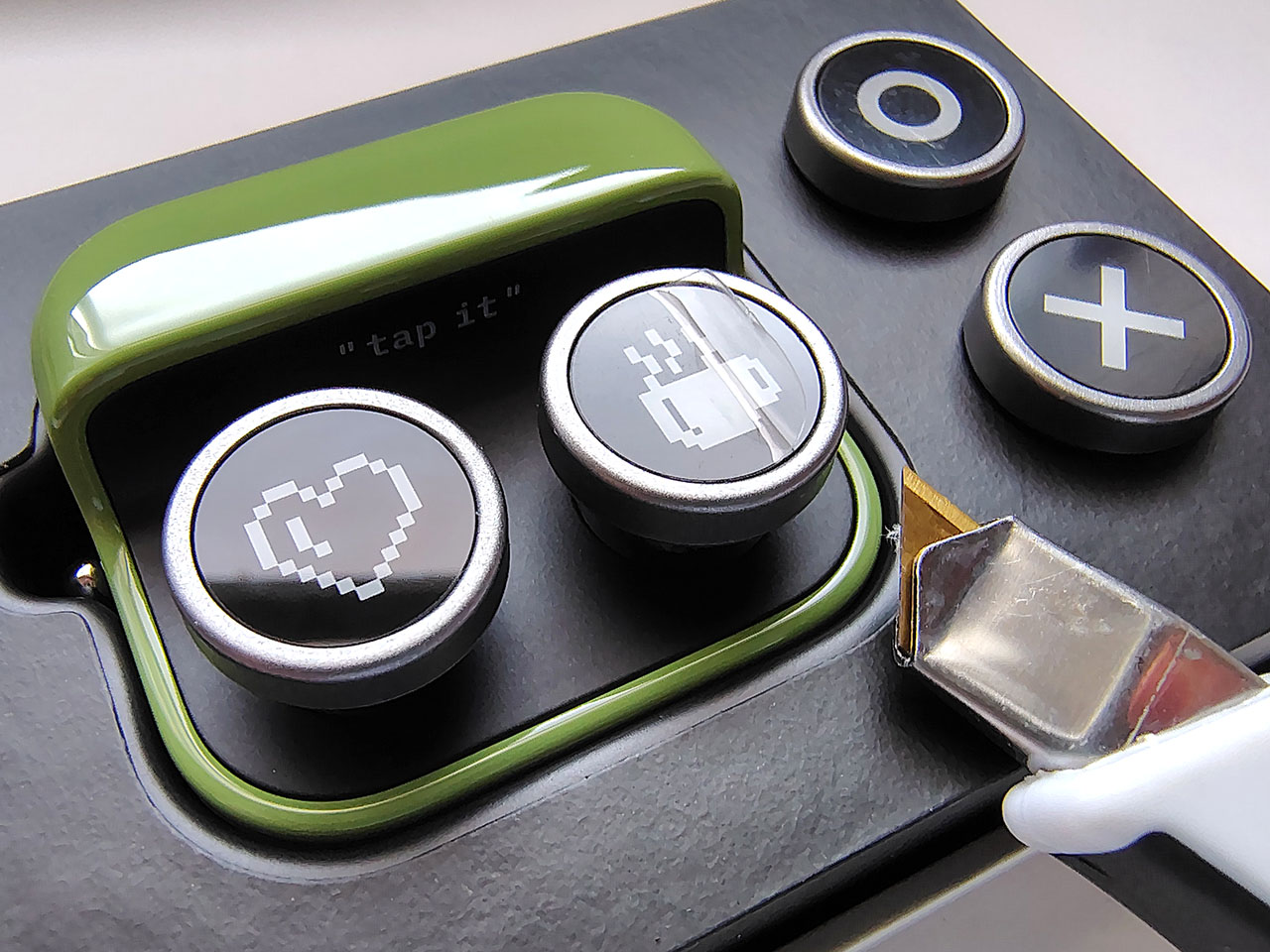
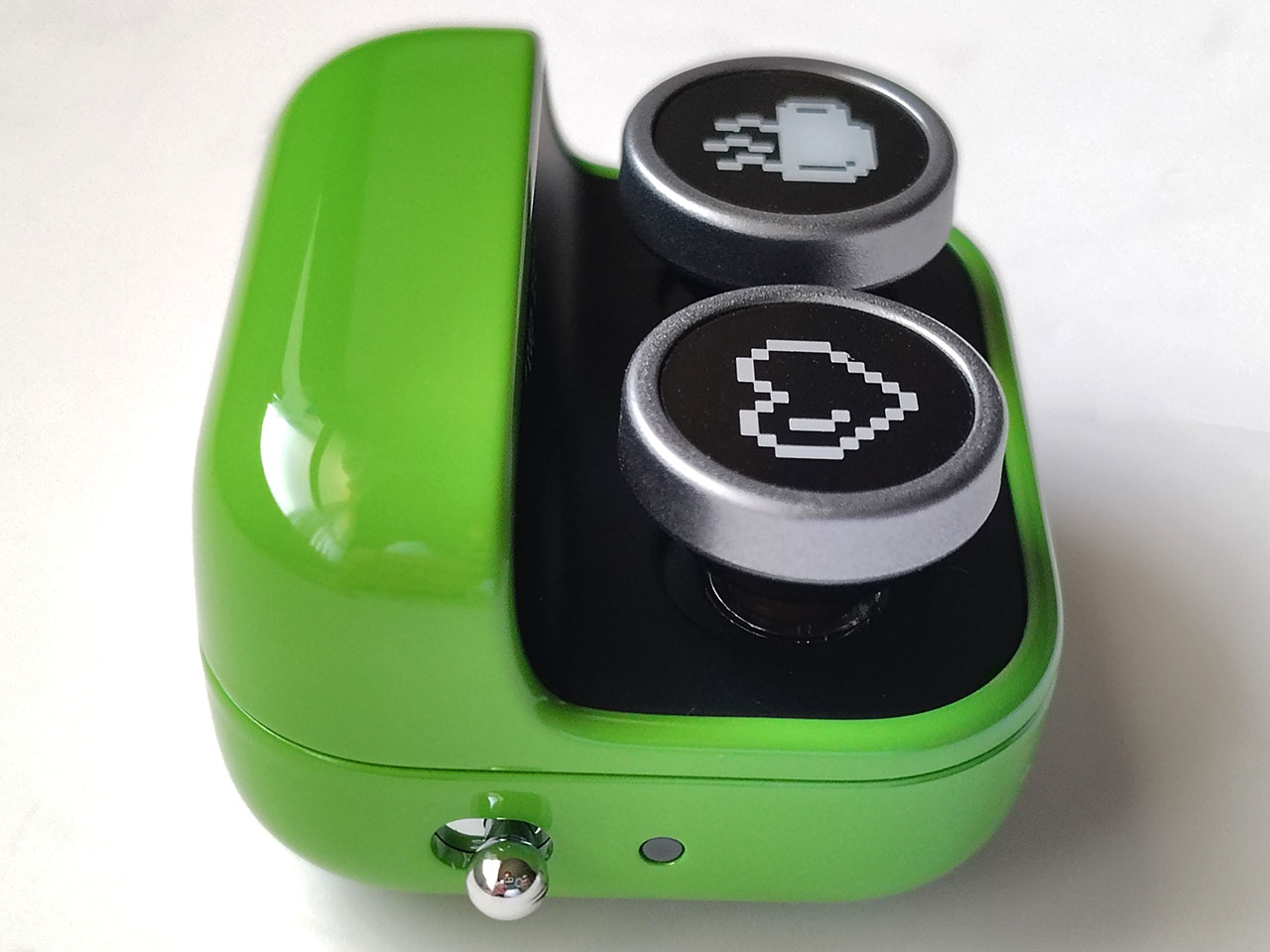
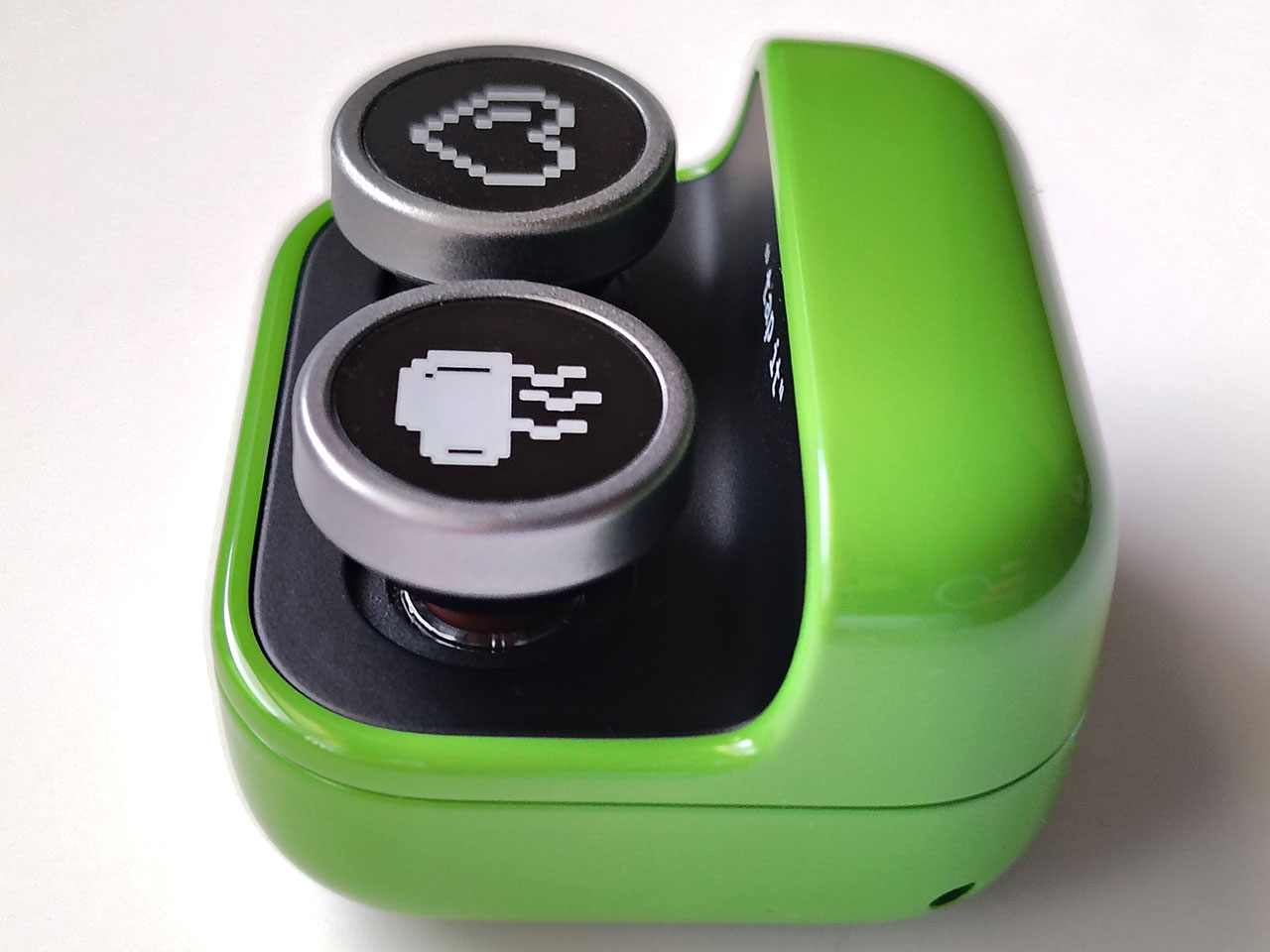
The Tappy comes with heart and coffee cup buttons installed, which can be swapped for the included O and X buttons.
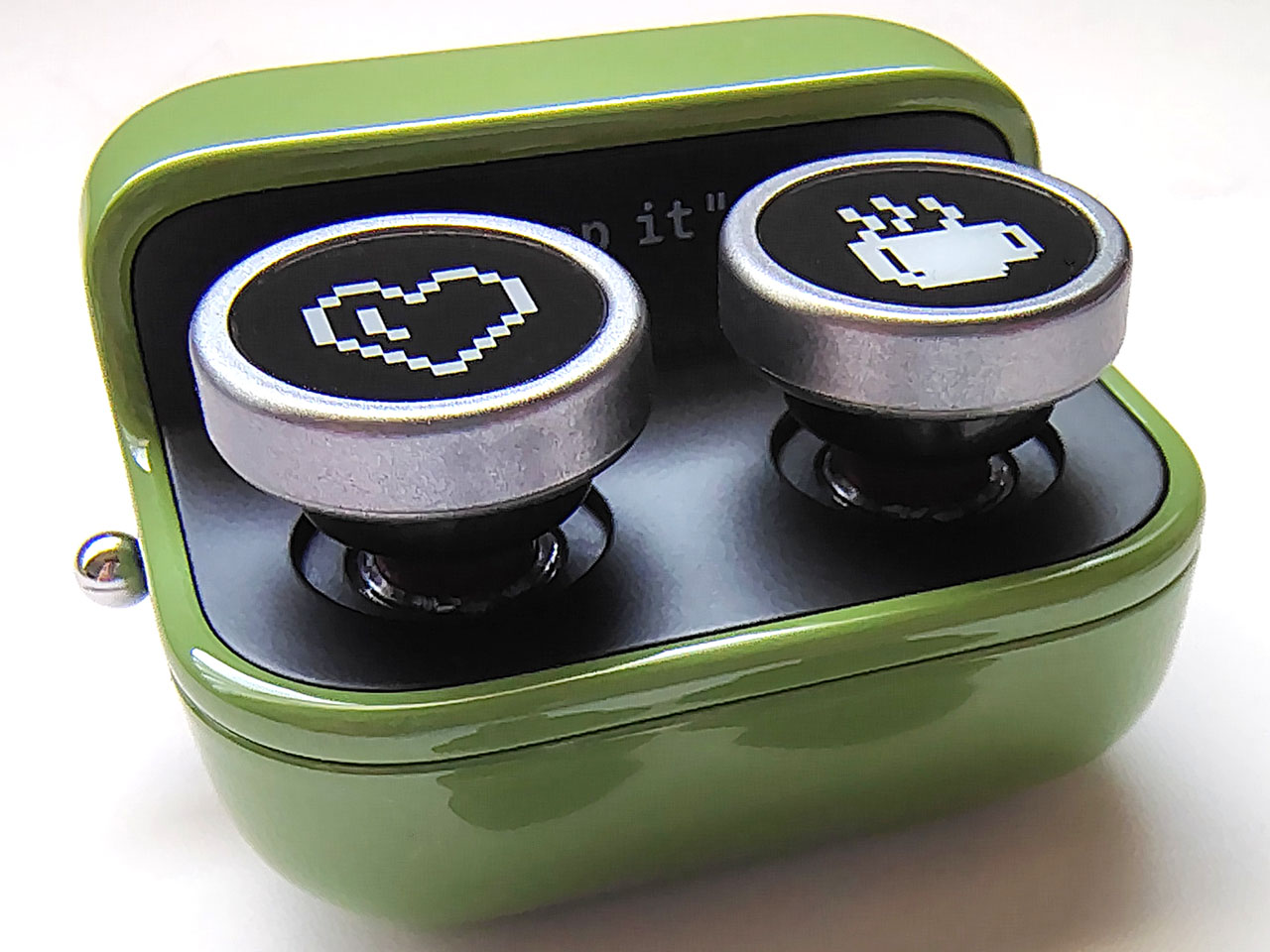
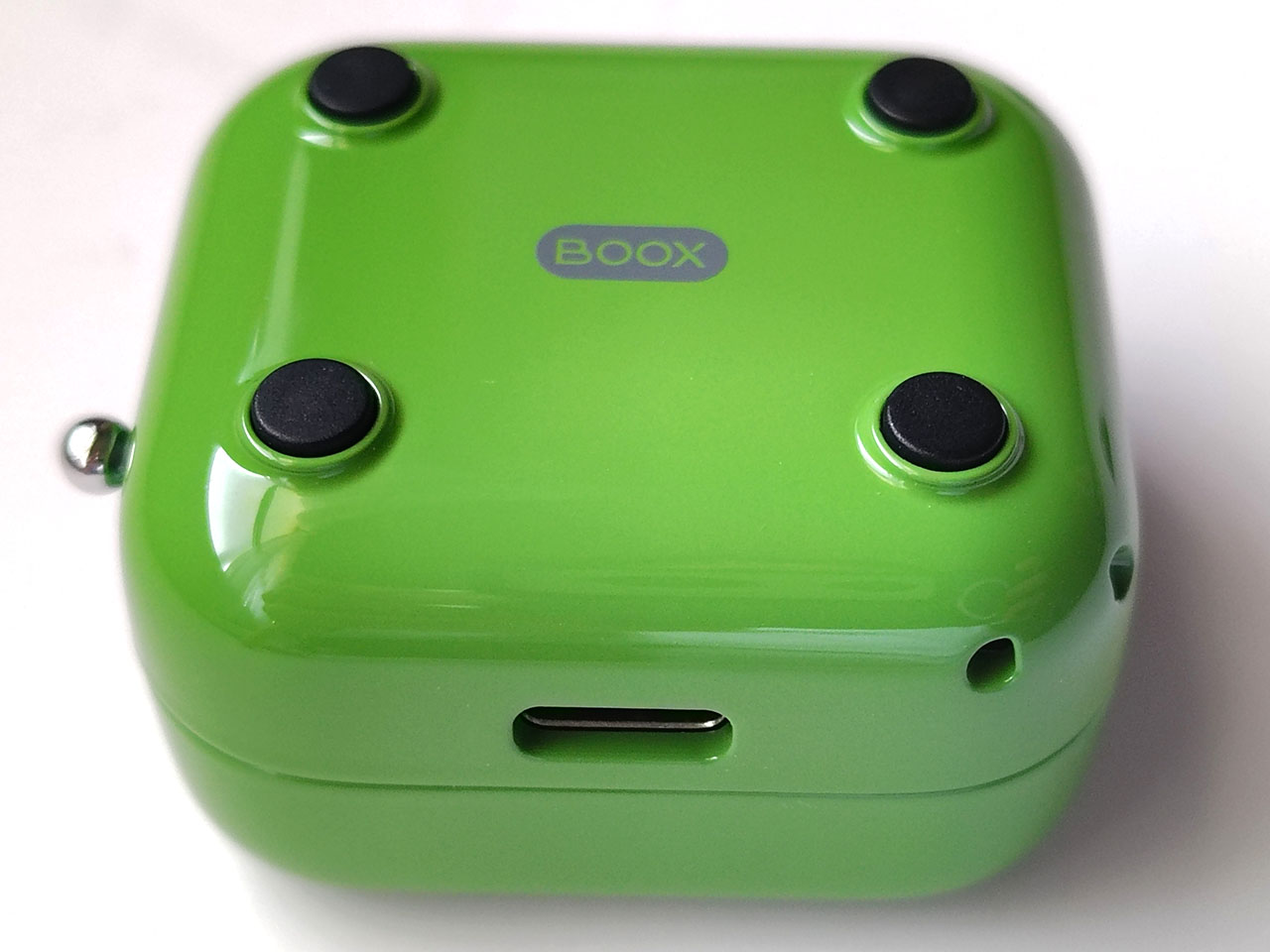
The lightweight body comes in a distinctive spring green with smooth edges. Four rubber feet on the bottom help prevent the Tappy from sliding across a desk, and a USB-C charging port is located on the rear.
A power switch and LED light is located on the left, and a strap hole is located on the rear right corner. The page turner does not come with a hand strap.
Setup
Once the Tappy is turned on and both buttons pressed to enter pairing mode, it can be added in the Bluetooth setting of any Boox e-reader. The Tappy is only designed for use with Boox e-readers, but it can also be paired with other devices, although functionality is not guaranteed.
Settings
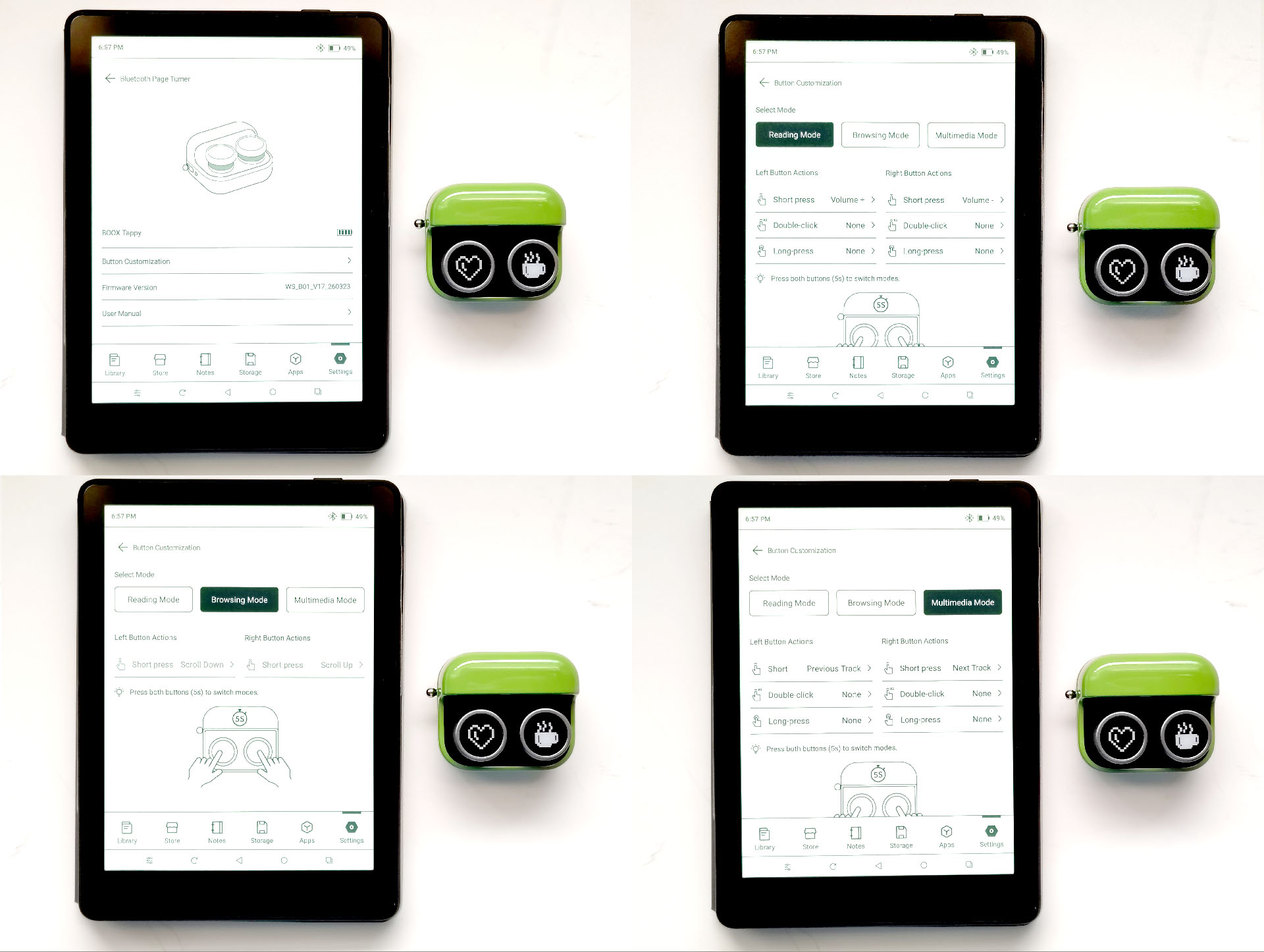
The Tappy has three modes—Reading, Mutimedia, and Browsing—that are rotated through when its two buttons are pressed for five seconds, then released. A green LED next to the power switch flashes for three seconds each time the mode changes.
The buttons functions as follows when tested with a Boox Palma 2 Pro:
- Reading mode:
- Boox Reader
- Right button – Next Page
- Left button – Prior Page
- Boox Browser and Music Player
- Right button – Volume Down
- Left button – Volume Up
- Boox Reader
- Mutlimedia mode:
- Boox Reader and Browser
- Right button – no effect
- Left button – no effect
- Boox Music Player
- Right button – Next Track
- Left button – Prior Track
- Boox Reader and Browser
- Browsing mode:
- Boox Reader and Browser
- Right button – Next Page
- Left button – Prior Page
- When held down, continuous paging
- Boox Music Player
- Right button – no effect
- Left button – no effect
- Boox Reader and Browser
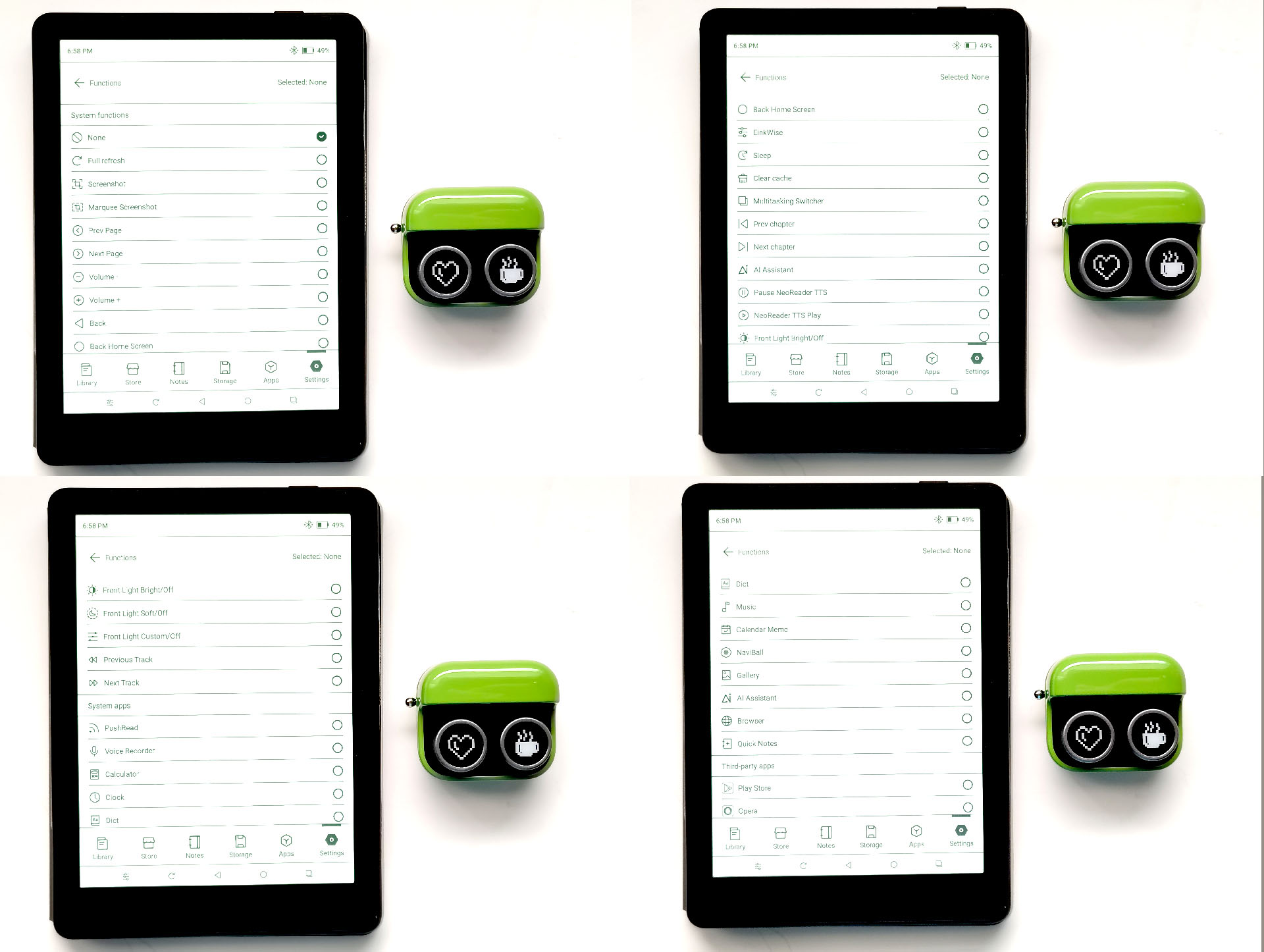
Although Boox notes that the buttons can be customized when used with Boox devices on firmware 4.2+, the Palma 2 Pro used in this review (2026-05 fw v.4.2) could not yet be customized as described.
In-use
The Boox Tappy was instantly likeable thanks to its curved, petite body and large buttons with low activation pressure. The buttons produced a solid, distinct click when reaching the bottom.
WITH BOOX PALMA 2 PRO E-READER
A quick tap of either button flipped ebook pages instantly, with no apparent difference versus tapping the Boox Palma 2 Pro screen it was paired with.
In Reading mode, the Tappy required one button press for each page turn, and holding the button down did not continuously flip through pages. When using the Boox web browser or music player, the buttons changed the volume, which is convenient when viewing YouTube videos or listening to audio books.
The Browsing mode did enable continuous page turns in ebooks and continuous scrolling when viewing websites when the buttons were held down, but missing the ability to change the volume in the Music player.
In Multimedia mode, the buttons changed tracks when using the Music player, but there was no way to fast forward or rewind tracks, limiting its use when listening to audio books or podcasts. The buttons did not do anything when using the ebook reader or web browser in this mode.
Flipping pages.
Scrolling webpages.
Adjusting music volume.
Changing music tracks.
The Palma 2 Pro was not designed for gaming, so although it could run the PPSSPP emulator with Taiko no Tatsujin, emulator and Tappy performance was laggy.
Boox Tappy gaming response on Palma 2 Pro with Taiko no Tasujin game.
The Boox Palma 2 Pro did not have the ability to customize the buttons as of the date of the review, but the newer Boox Go 6 (Gen II) did, enabling short, double, and long press access to pages of system actions.
WITH NON-BOOX DEVICES
The Tappy was tested with an Android phone and Windows PC, although it was not designed for such use. Functionality varied from when it was paired with a Boox Palma 2 Pro because these devices did not have Tappy support in the firmware nor the Boox Reader, Music Player, or Web Browser apps.
Pairing was attempted with a Surface Pro 6 PC but it did not work due to an error in Device Manager. No further troubleshooting was done.
The accessory was briefly tested with LG G6 and Moto G Stylus 2024 phones. With the LG, the buttons could be used to flip pages in Xodo, but had no effect on music or sound in the Music Player in any mode.
With the Moto, the Tappy could be used to flip pages in Xodo, and adjust volume or change tracks in Musicolet. In the PPSSPP PlayStation Portable emulator, the Tappy could be used to interact with video games such as Taiko no Tatsujin. The Tappy worked fine as a game controller, although with Bluetooth lag when timing drum hits in Taiko.
Boox Tappy gaming response on Moto G Stylus 2024 with Taiko no Tasujin game.
Conclusion
The Boox Tappy page turner meets the needs of users who want an easy way to flip ebook pages or adjust video and podcast volumes without touching or holding their Boox e-readers, with large, easy-to-press buttons.
Transparency
The selection of devices to be reviewed is made by our editorial team. The test sample was given to the author by the manufacturer free of charge for the purposes of review. There was no third-party influence on this review, nor did the manufacturer receive a copy of this review before publication. There was no obligation to publish this review. As an independent media company, Notebookcheck is not subjected to the authority of manufacturers, retailers or publishers.
 Add as a preferred source on Google


