




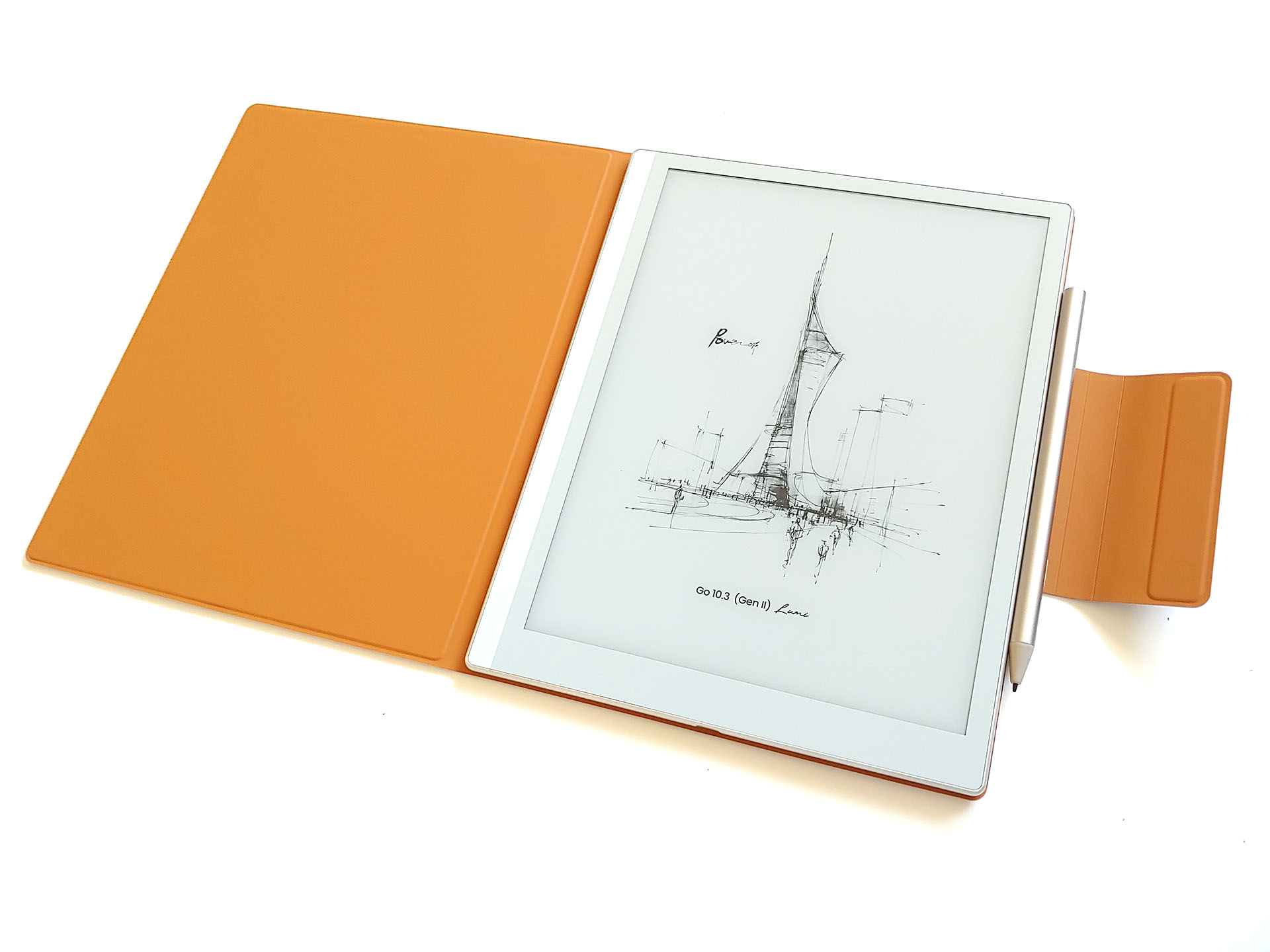
Boox Go 10.3 (Gen II) Lumi hands-on review: Lightweight ePaper tablet with Android apps
Svelte Android e-reader.
The Boox Go 10.3 (Gen 2) Lumi is an Android e-reader with a paper-like display, making it a versatile device for reading, writing, and listening to podcasts.David Chien Published 🇳🇱 🇫🇷 ...
Verdict - Svelte e-reader
The Boox Go 10.3 (Gen II) Lumi delivers laser‑print‑like text on its matte ePaper display and a pencil‑like stylus for natural writing and drawing, with loud stereo speakers for audiobooks and podcasts.
It lacks color and smooth video playback, but its low‑glare, flicker‑free ePaper screen offers a comfortable alternative to LCD and OLED displays that can trigger migraines or eye strain.
Pros
Cons

The Boox Go 10.3 (Gen II) Lumi e-reader combines the flexibility of an Android device with a touchscreen ePaper display and a pen for people who love reading and drawing.
Specifications
| Display | 10.3" HD ePaper panel |
| Resolution | 2480x1860 (300 ppi) |
| OS | Android 15 |
| System | Octa-core CPU, 4 GB RAM, 64 GB storage |
| Battery | 3,700 mAh Li-ion polymer |
| Connectivity | Wi-Fi (2.4 GHz + 5 GHz), Bluetooth 5.1 |
| Dimensions | 235 x 183 x 4.8 mm (9.3 x 7.2 x 0.19 in.) |
| Weight | 364 g (12.8 oz.) |
| Pen | BOOX InkSense Plus stylus |
| Sensitivity | 4,096 pressure levels and tilt sensitivity |
| Battery | 80 mAh Li-ion |
| Dimensions | 9 mm x 157.5 mm (0.35 x 6.2 in.) |
| Weight | 15.3 g (0.54 oz.) |
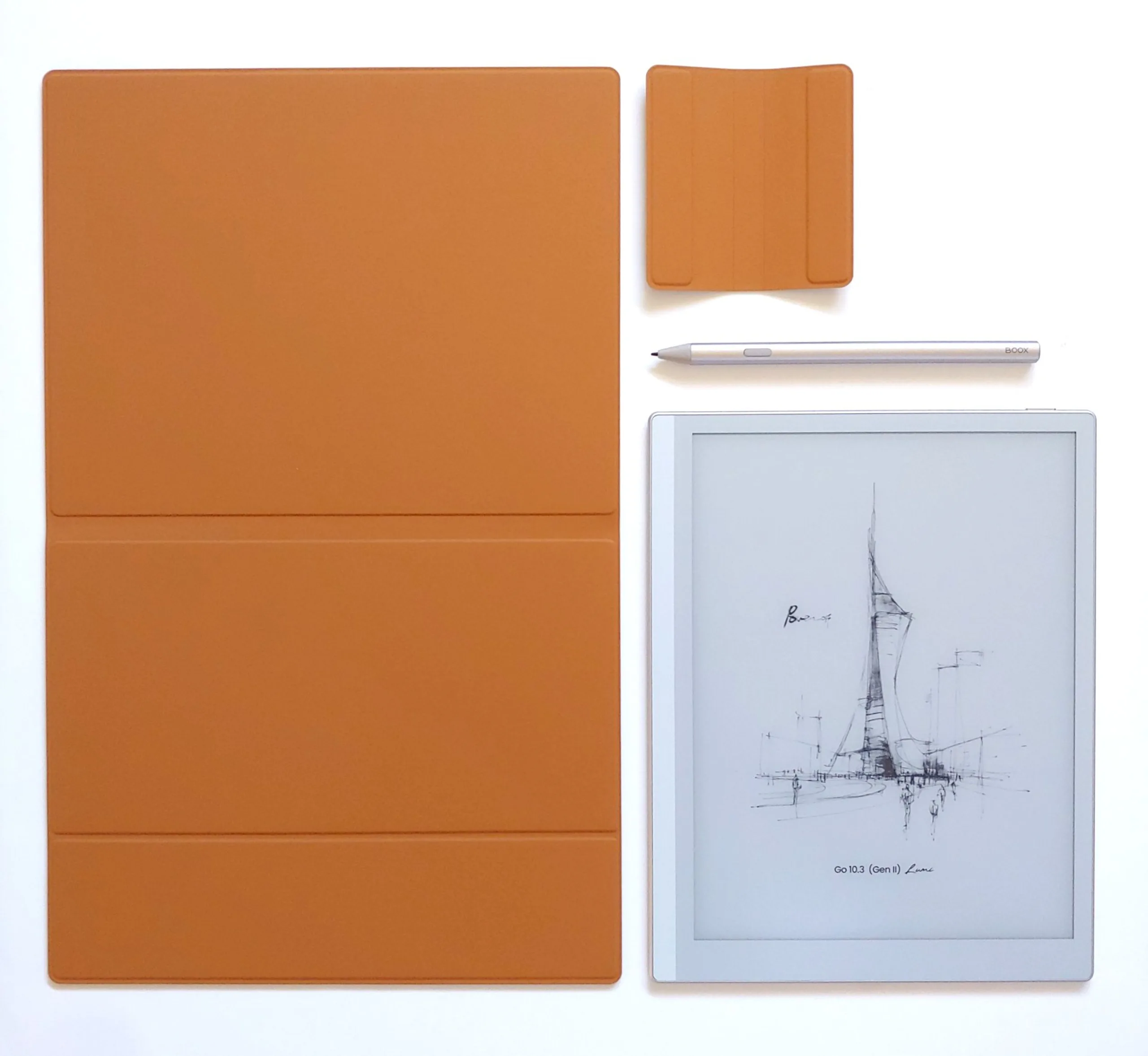
| Case | Magnetic case |
| Dimensions | 375 x 235 x 2.5 mm(14.8 x 9.3 x 0.098 in.) |
| Weight | 260 g (9.2 oz.) |
Packaging
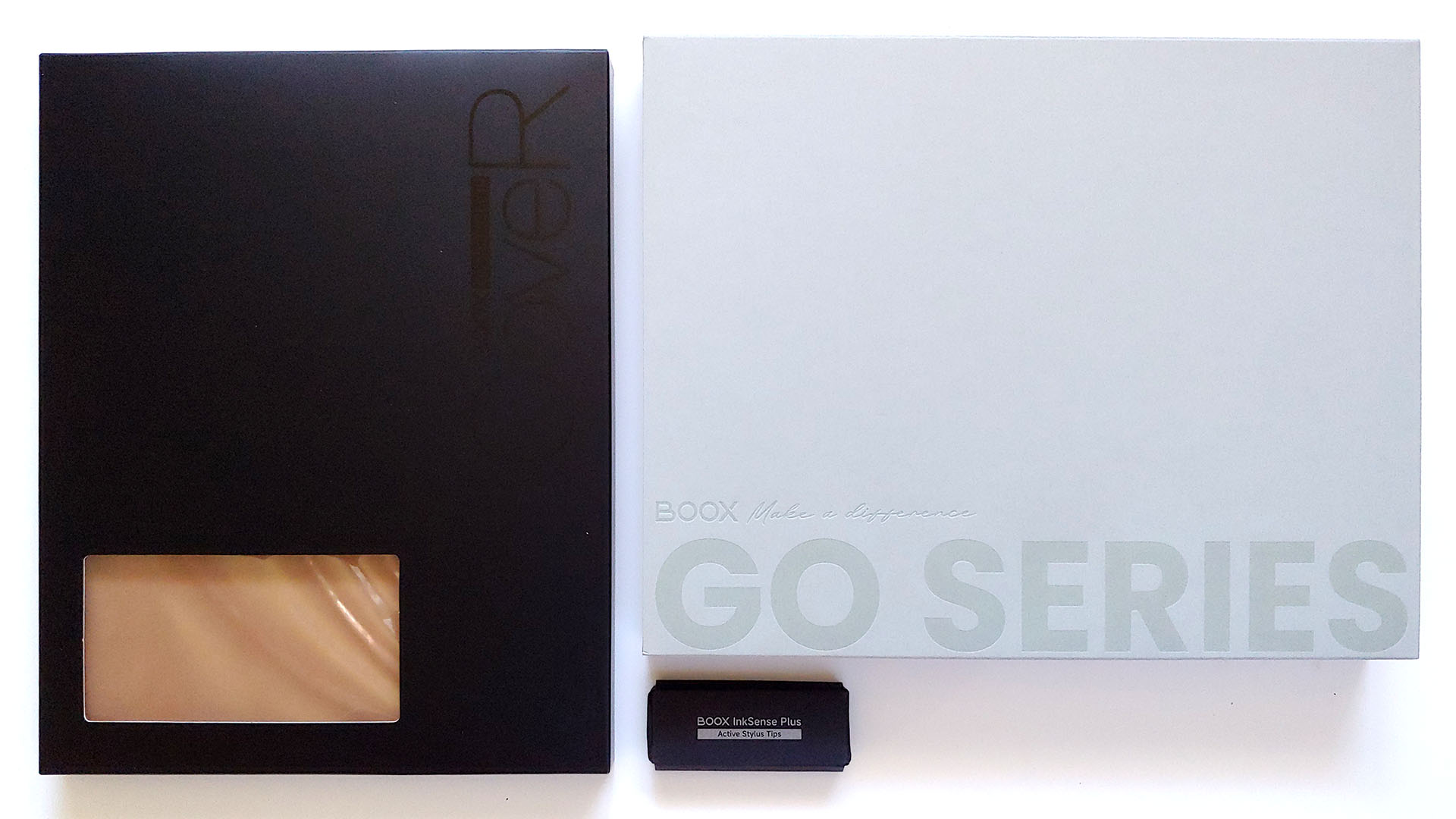
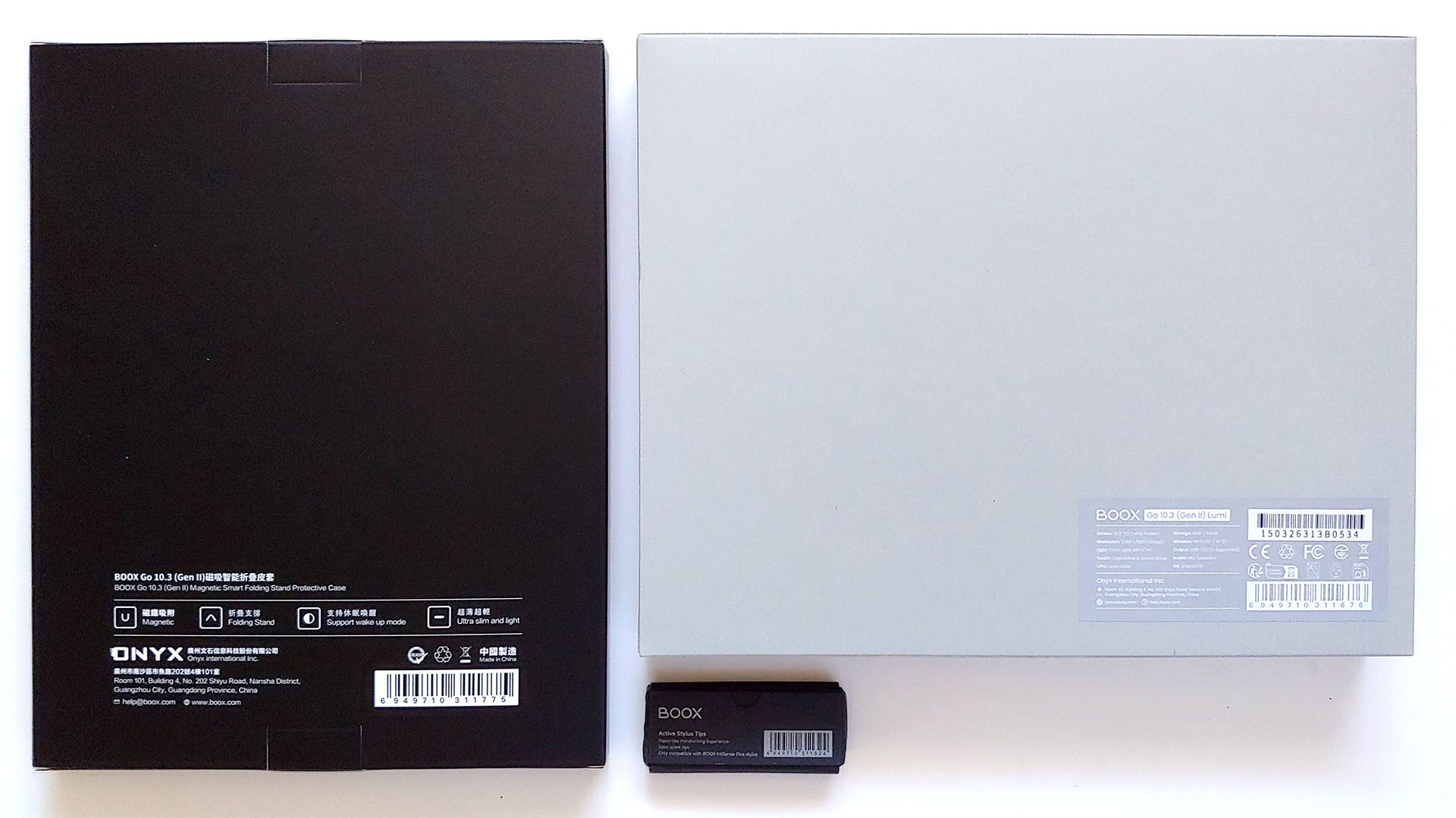
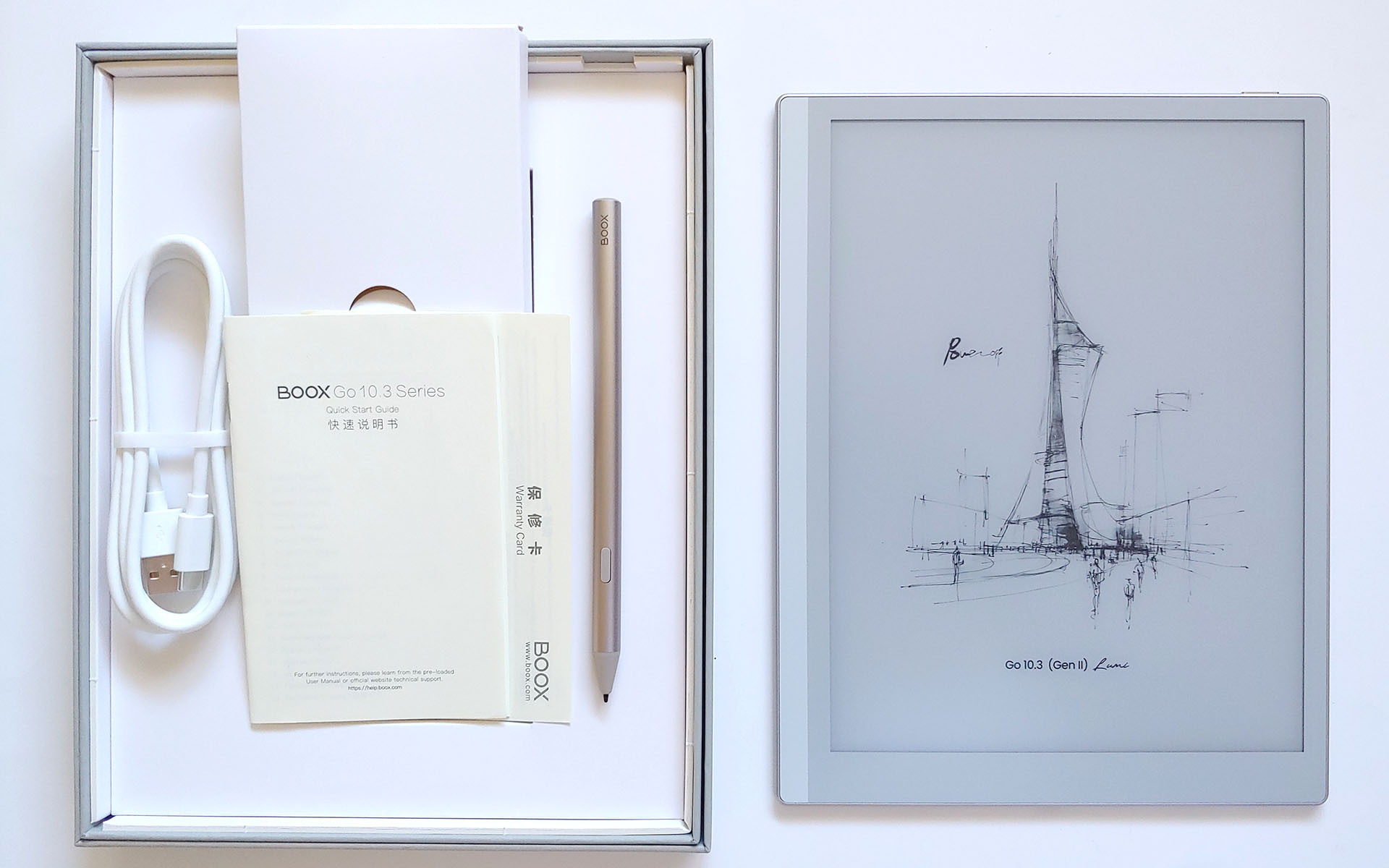
The e-reader arrived with a USB-C cable, a quick-start guide, a warranty sheet, and a stylus, plus an optional magnetic case.
Design and Performance
The Boox resembles a thin pad of paper, with stereo speakers for podcasts and music, and a pencil‑like stylus for drawing and note‑taking. Its only physical control is a top‑edge power button.
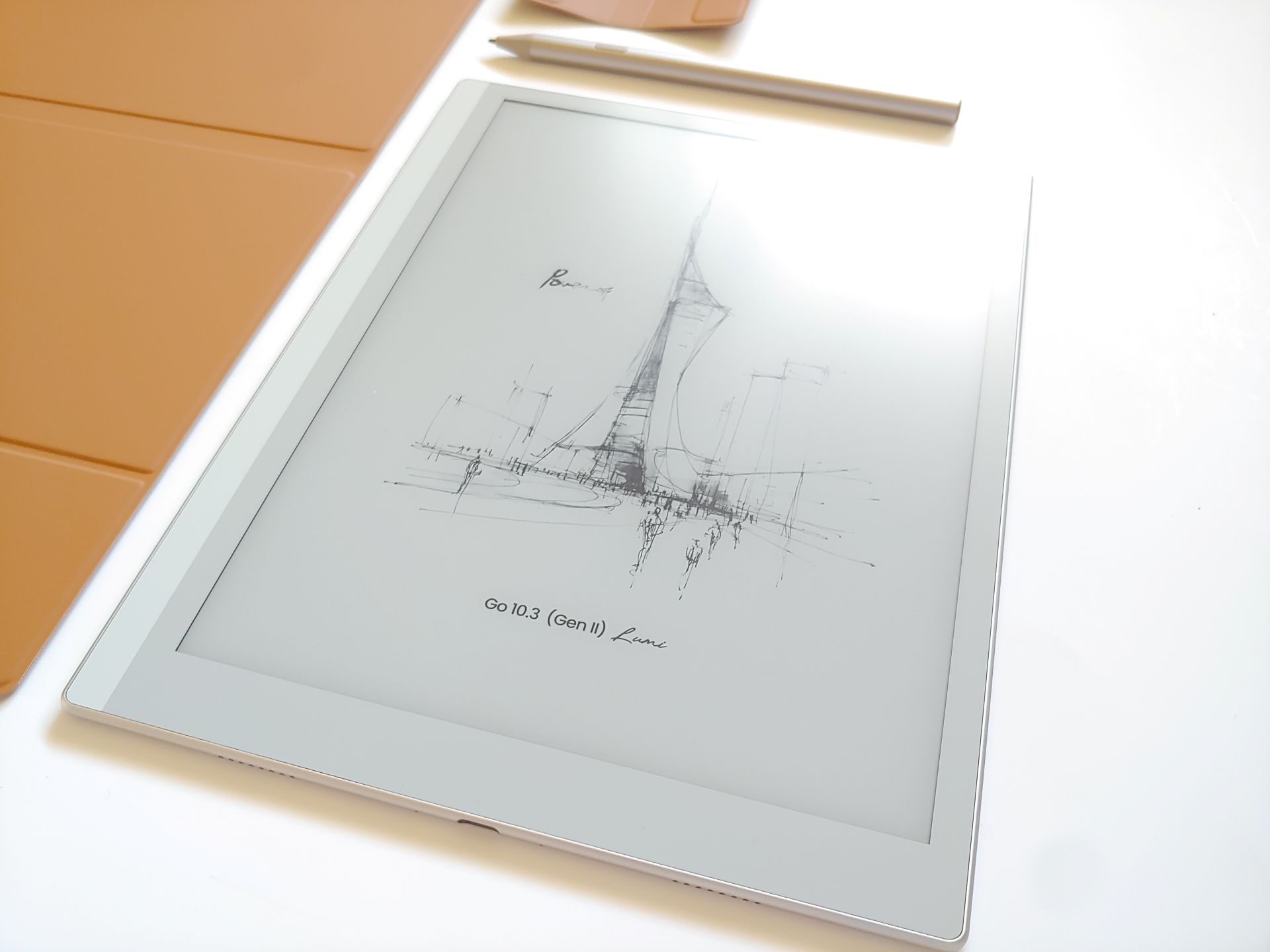
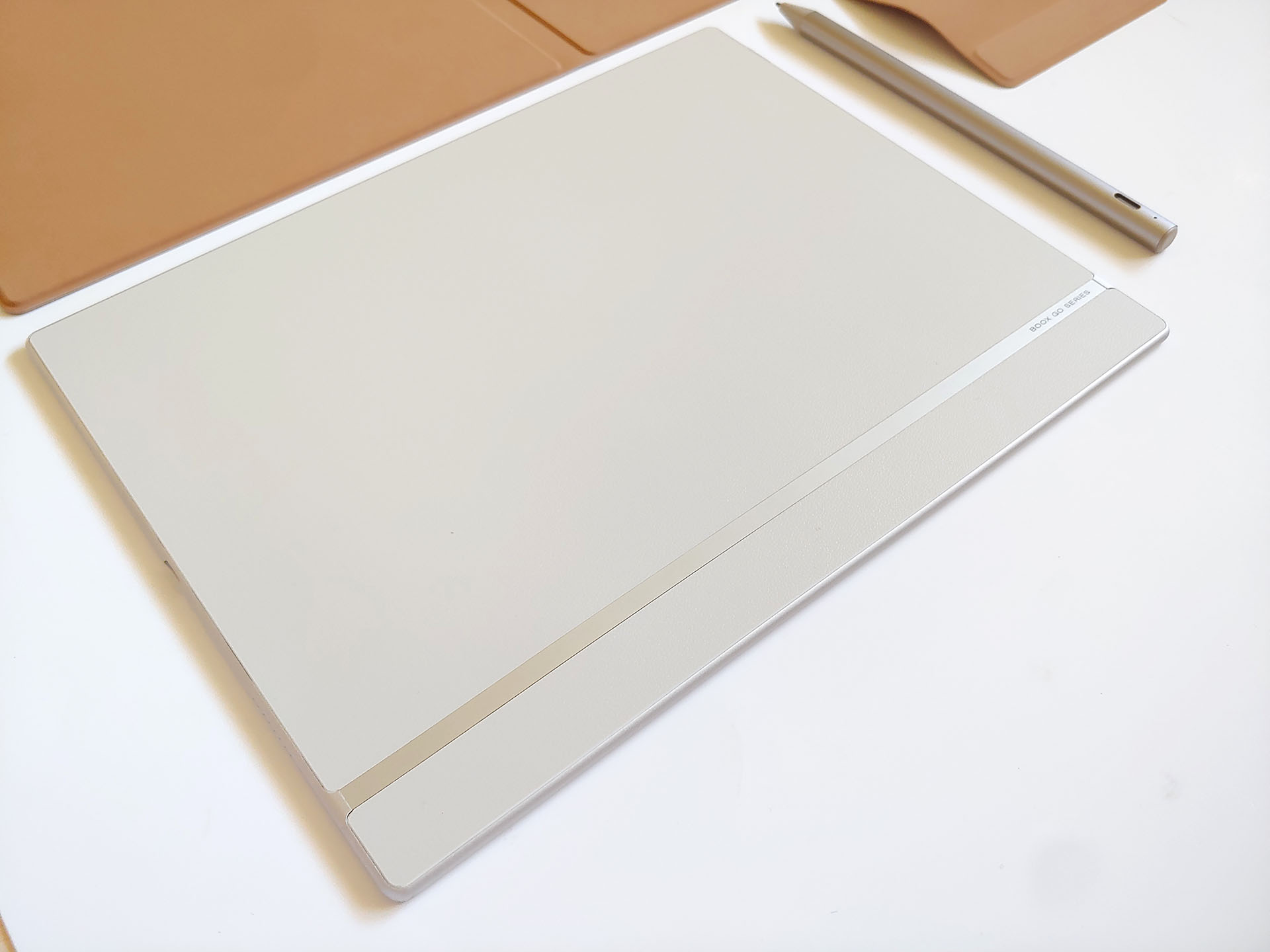
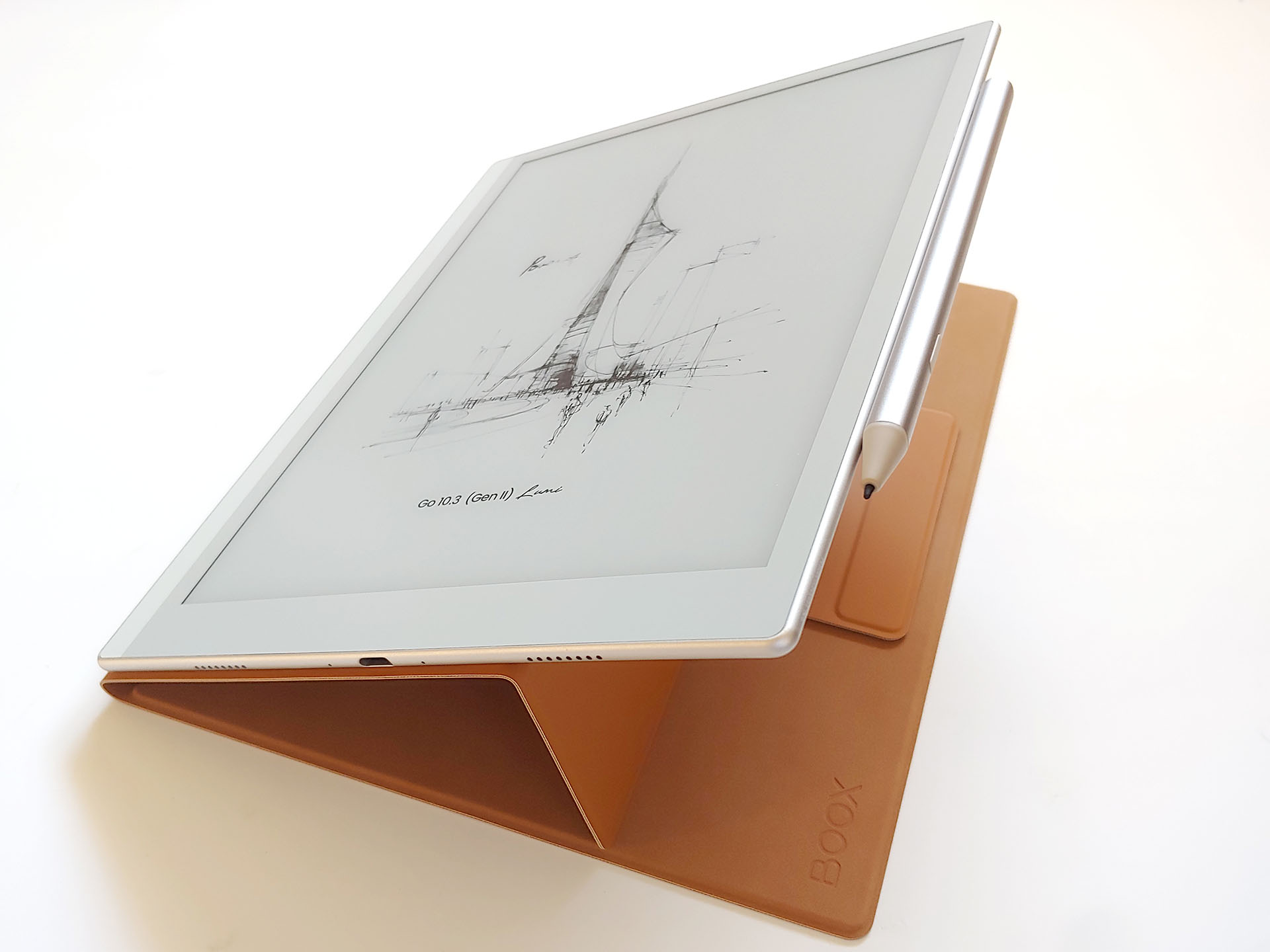
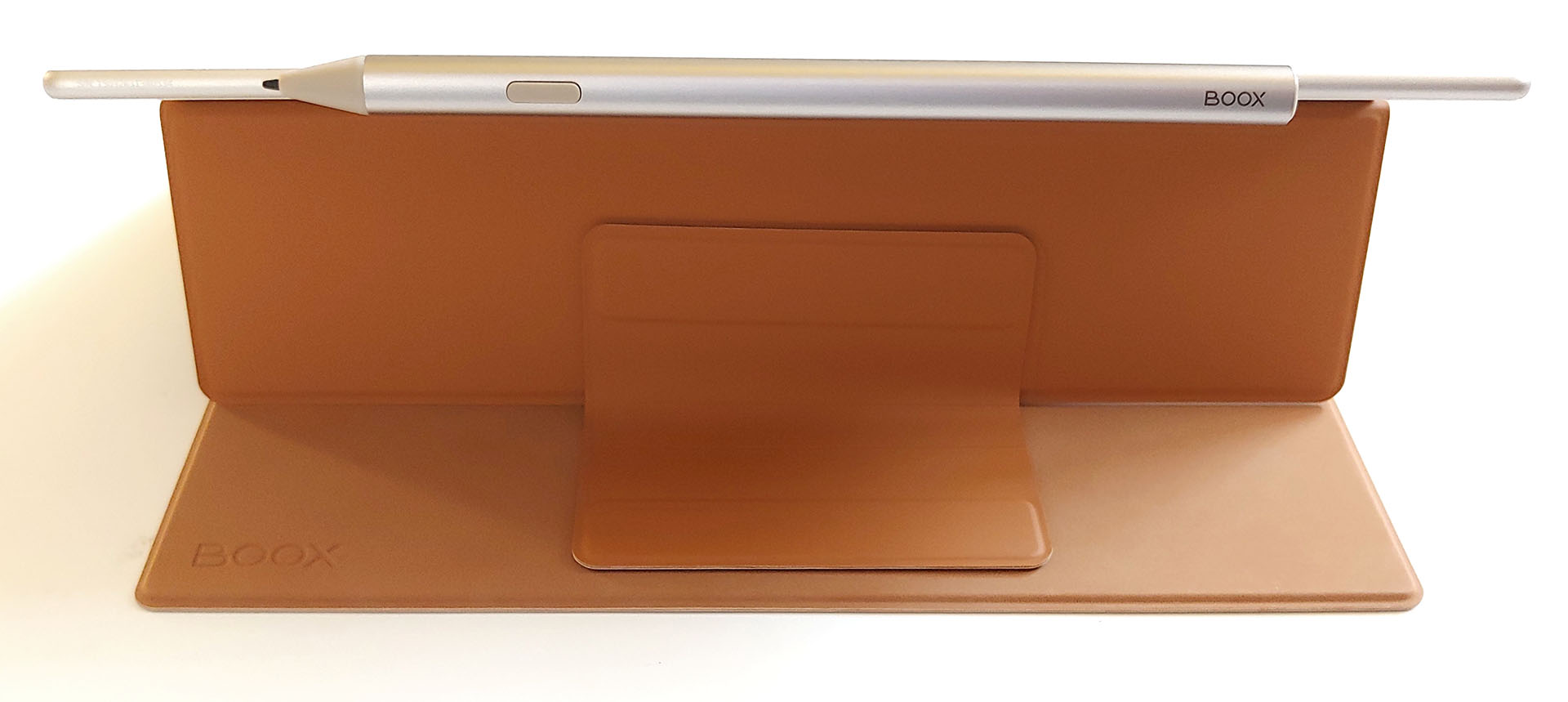
The e‑reader attaches magnetically to the case. The pen attaches to either the front of the case or side of the tablet. A removable magnetic flap can secure both during transport.
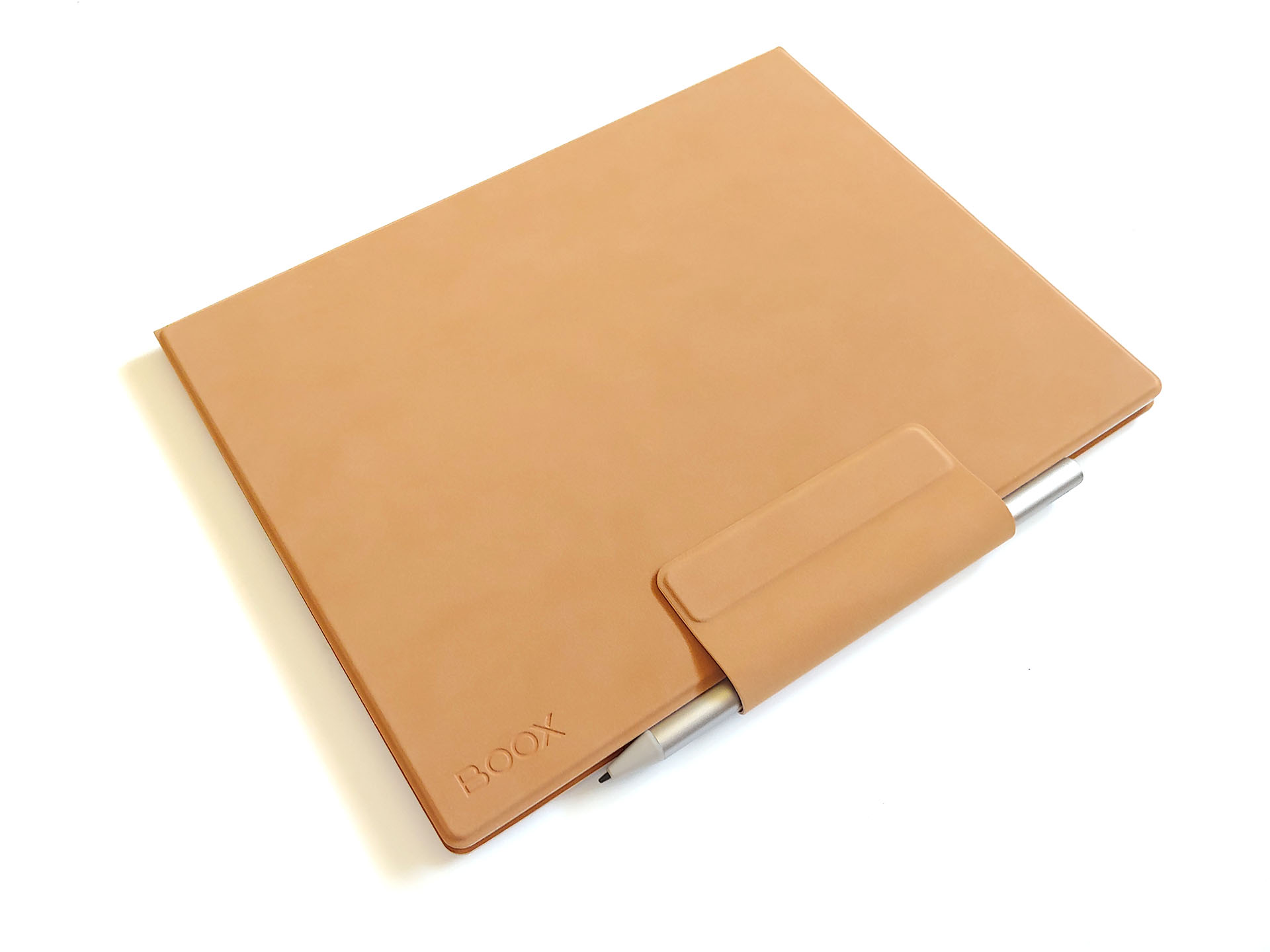
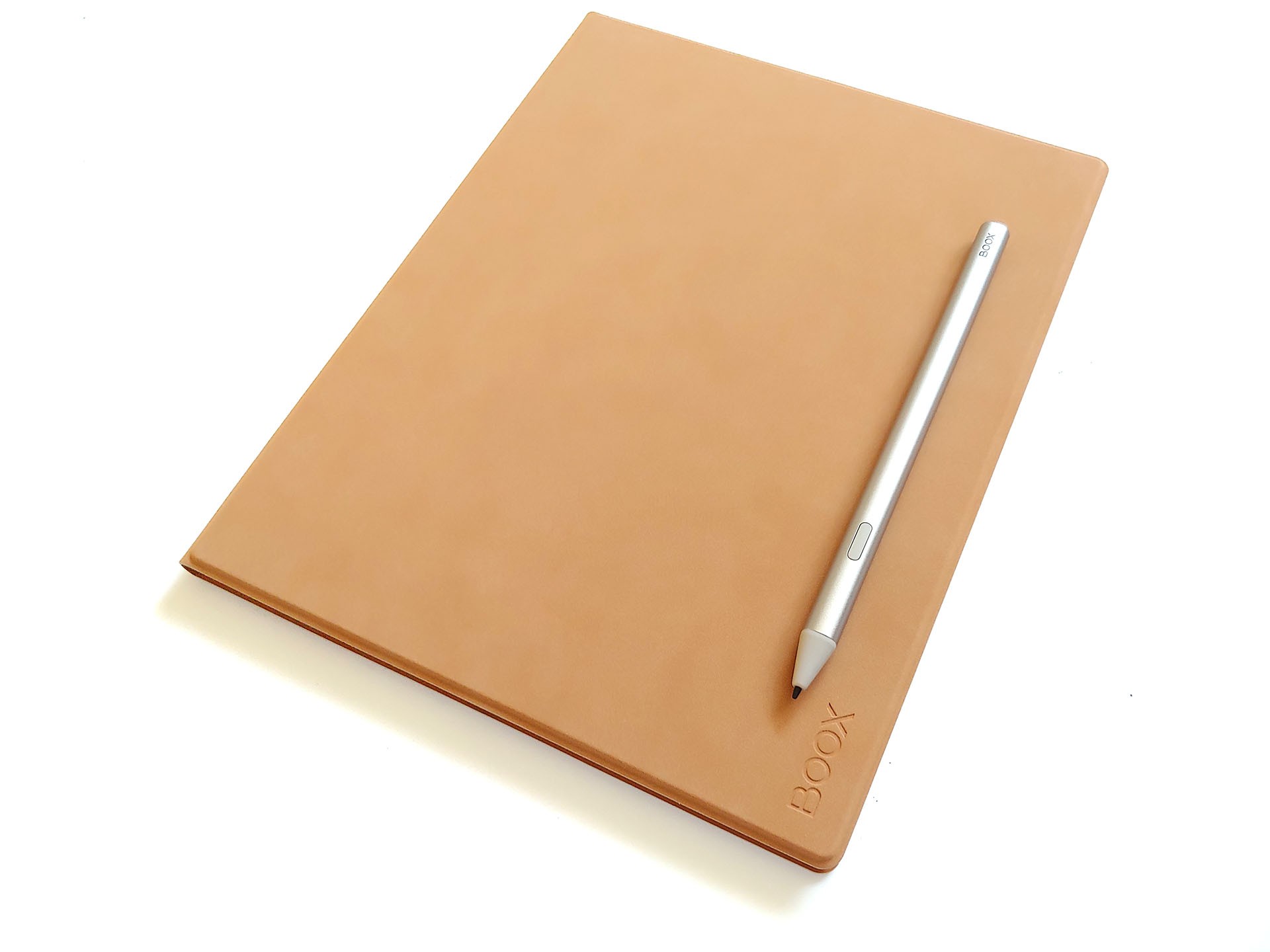
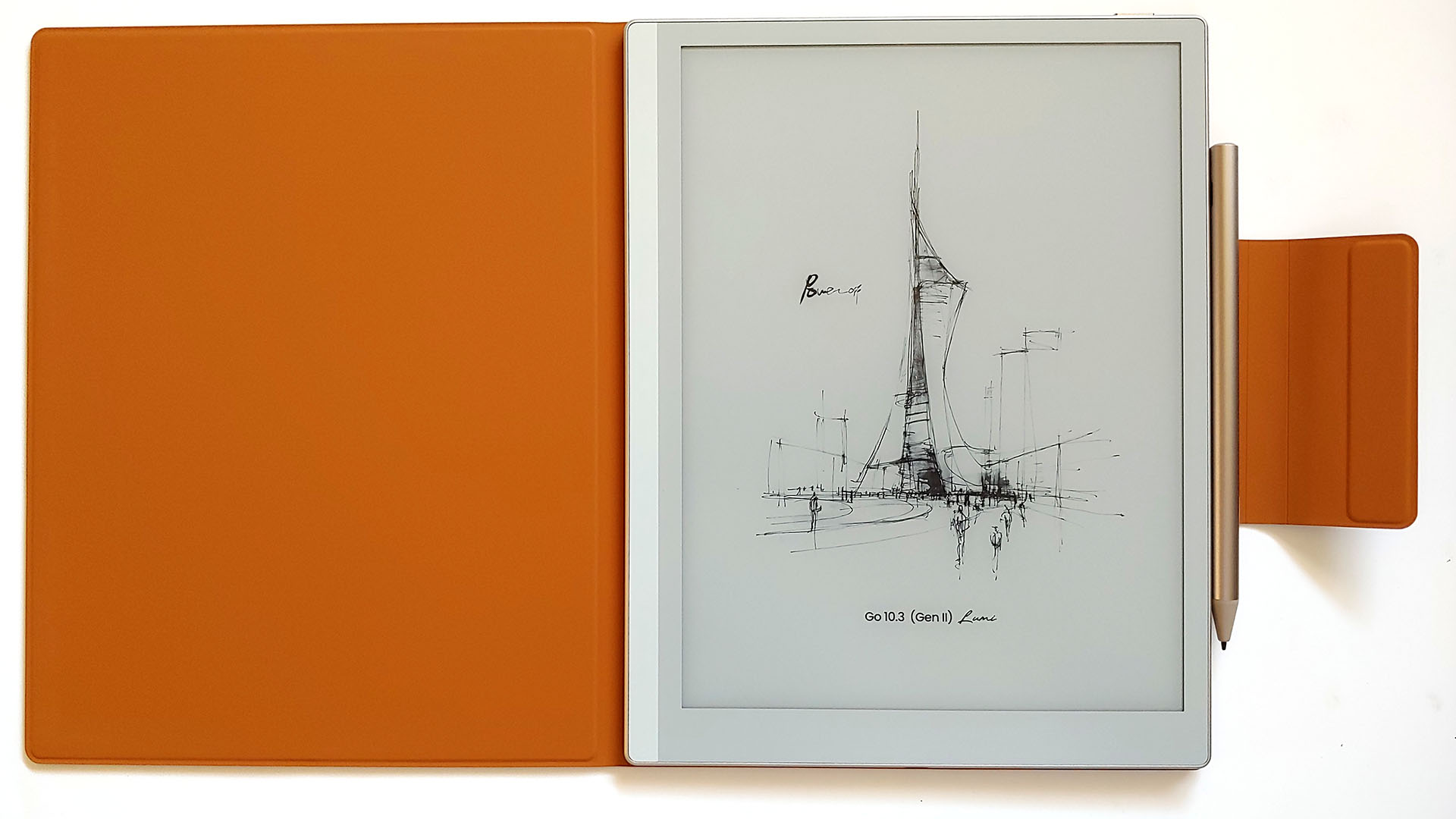
The Boox is thinner than the stylus but thicker with the case attached.
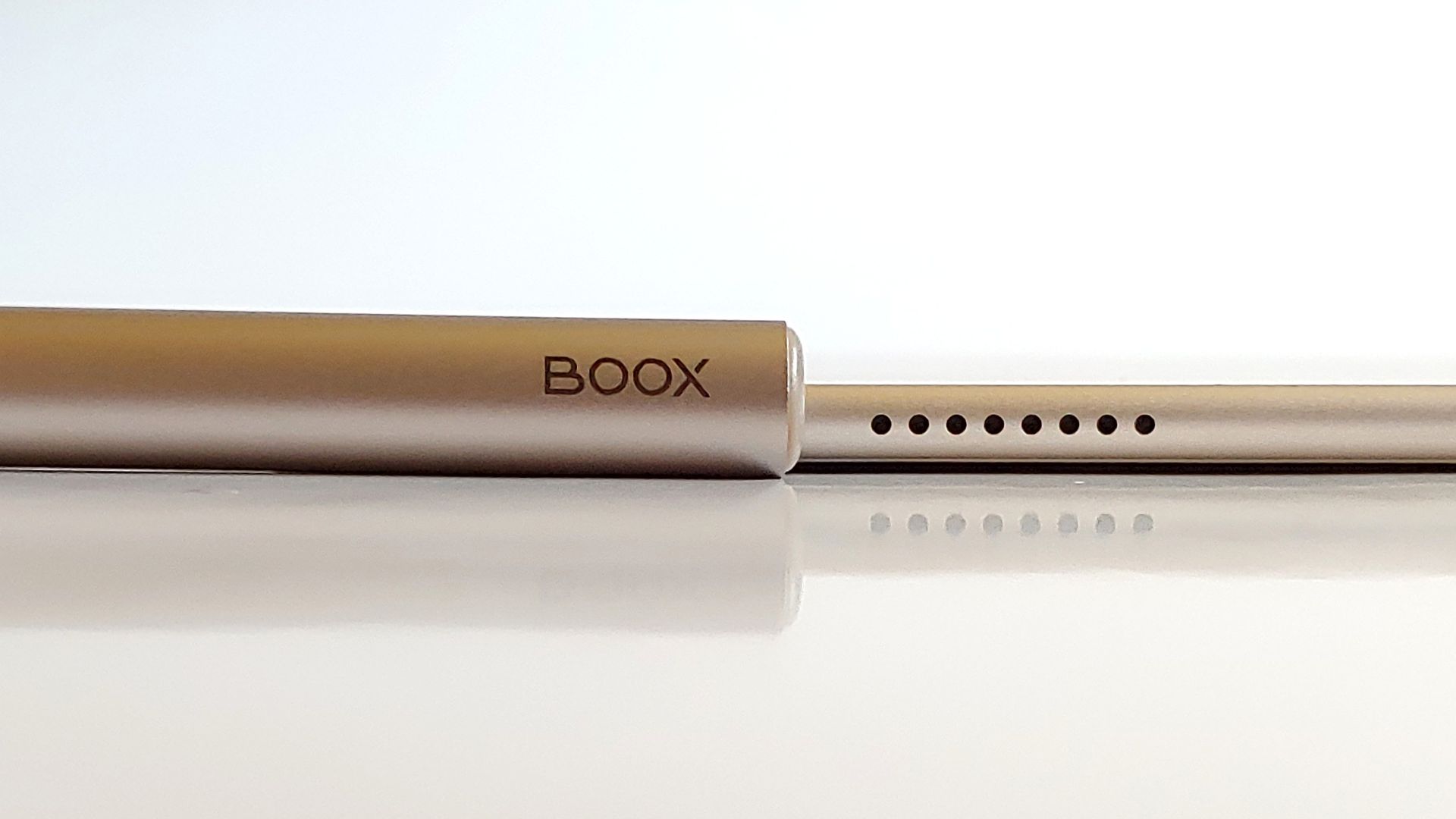
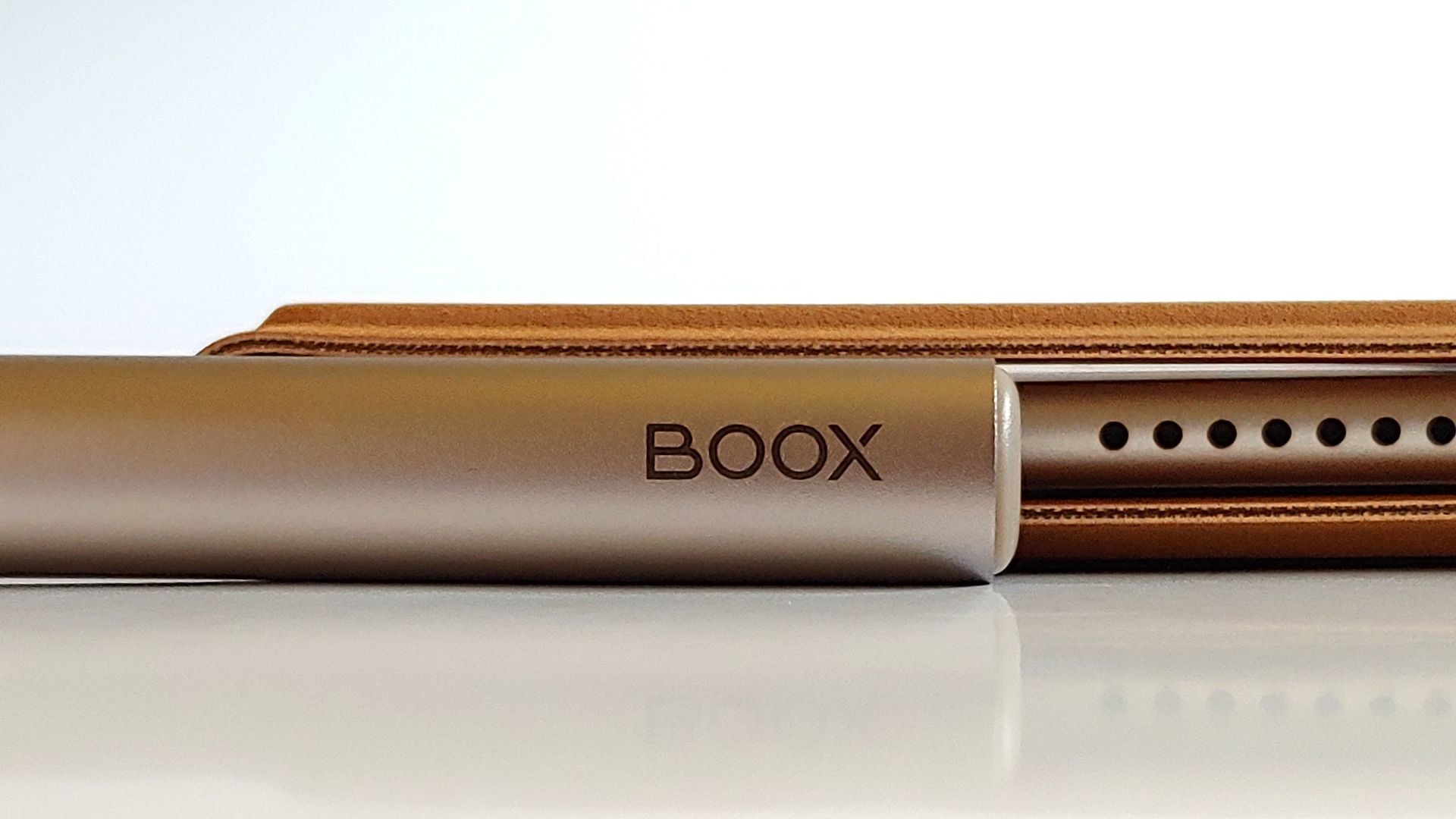
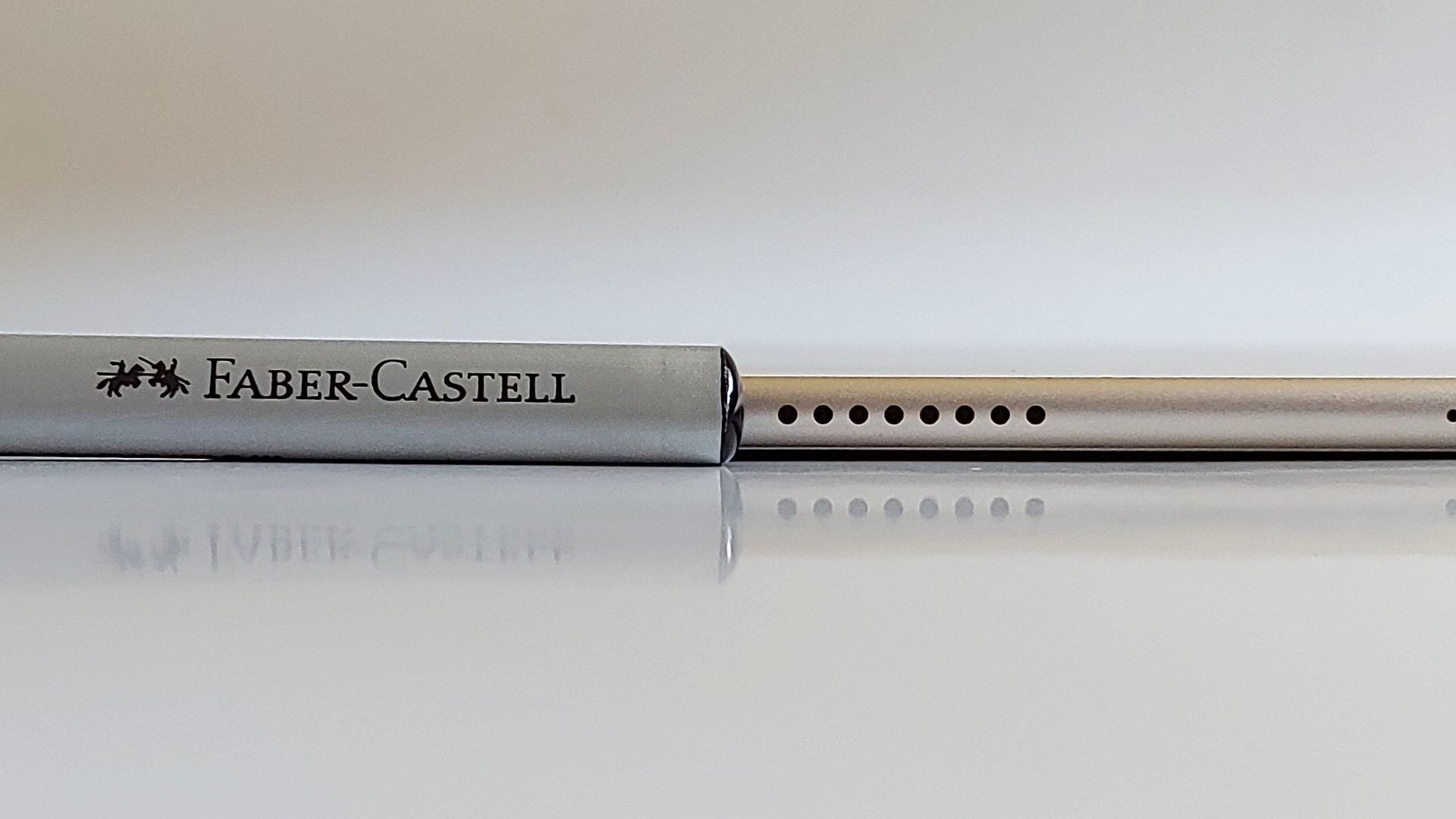
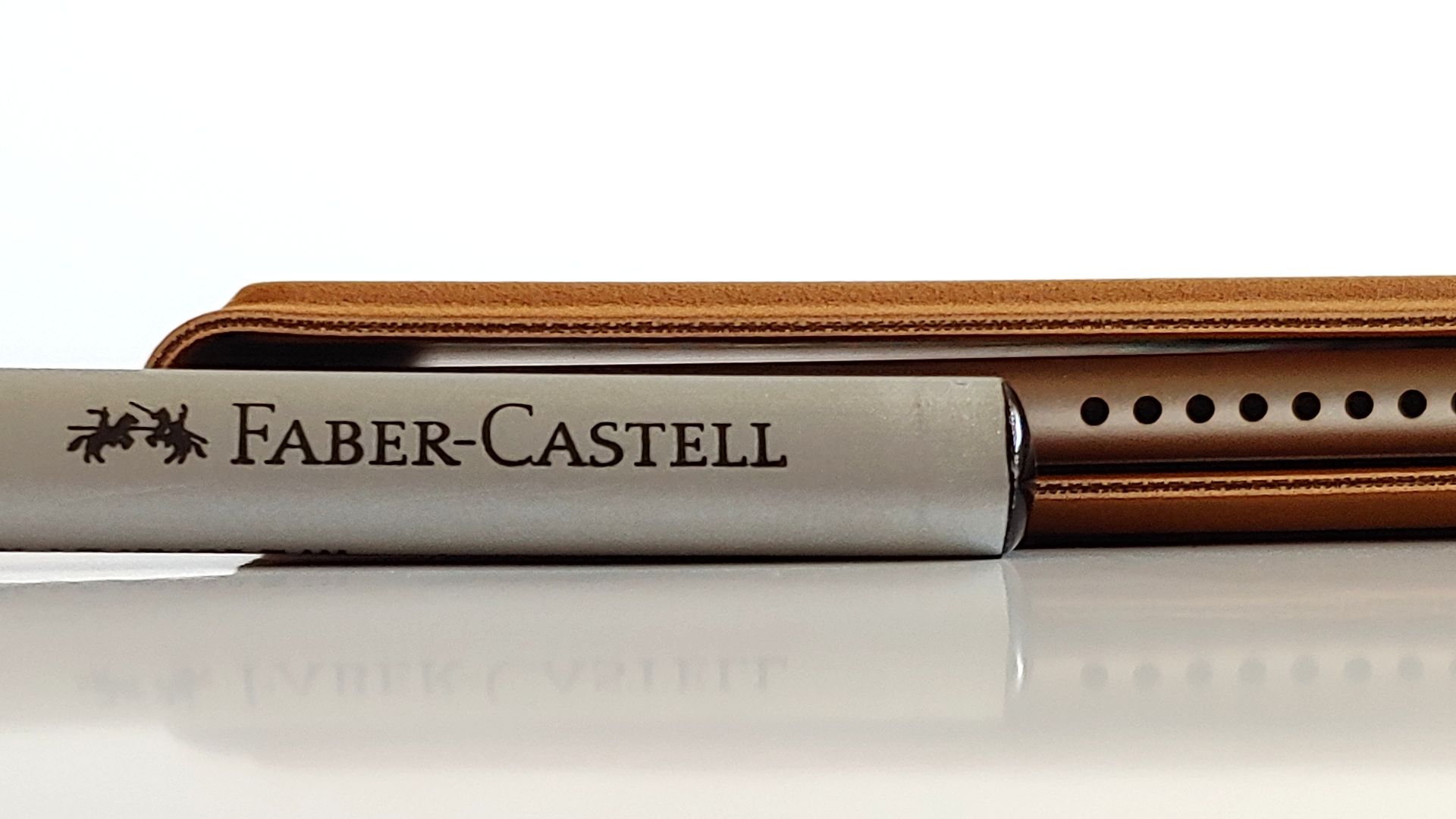
The case doubles as a stand.
The tablet's PassMark performance (7772 system and 3825 CPU) is comparable to a Samsung S10 or A24.
Setup, Stores, and Apps
Setup was quick, and a Google account isn’t required, although the AI Assistant does need an Onyx account.
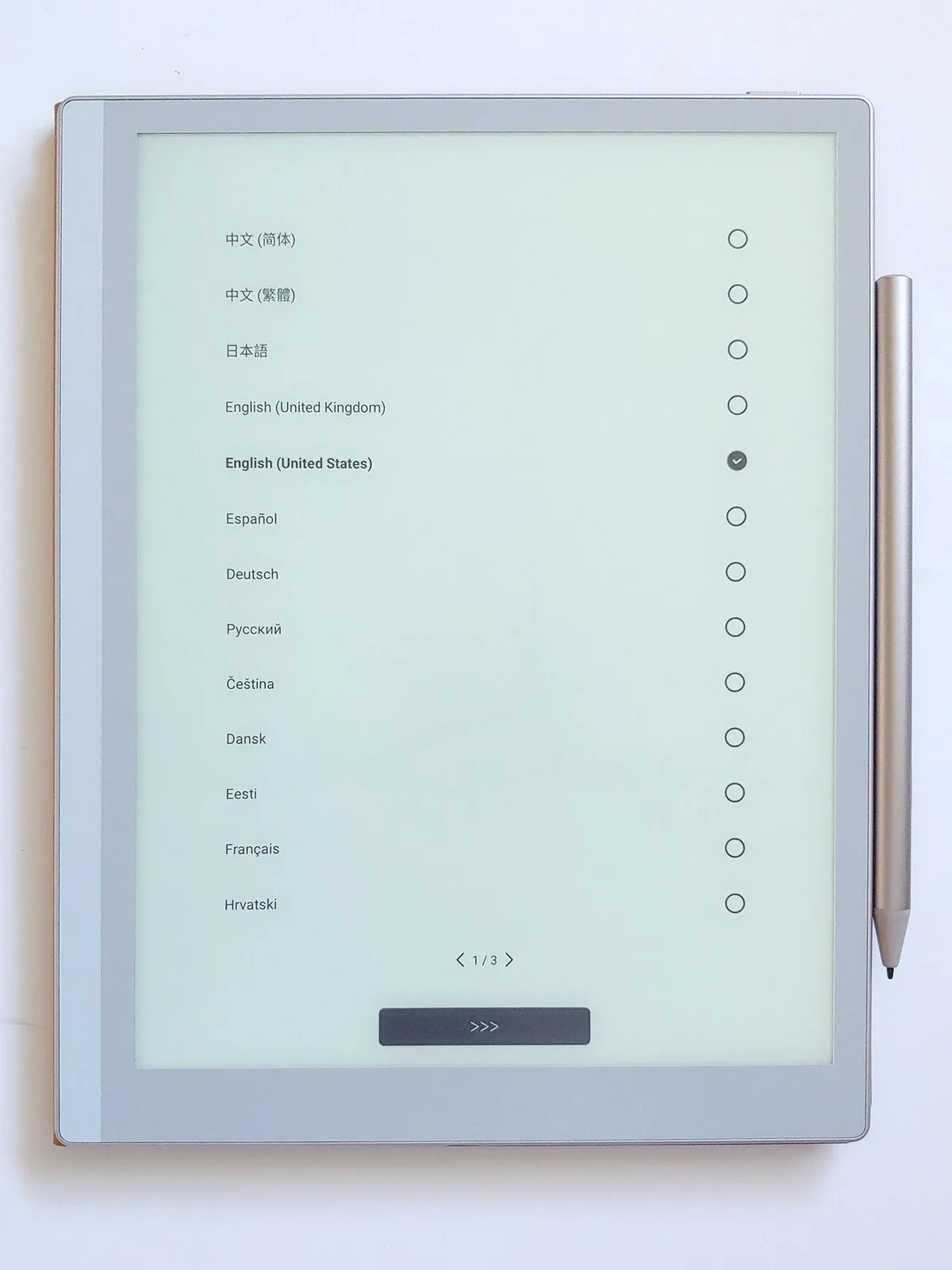
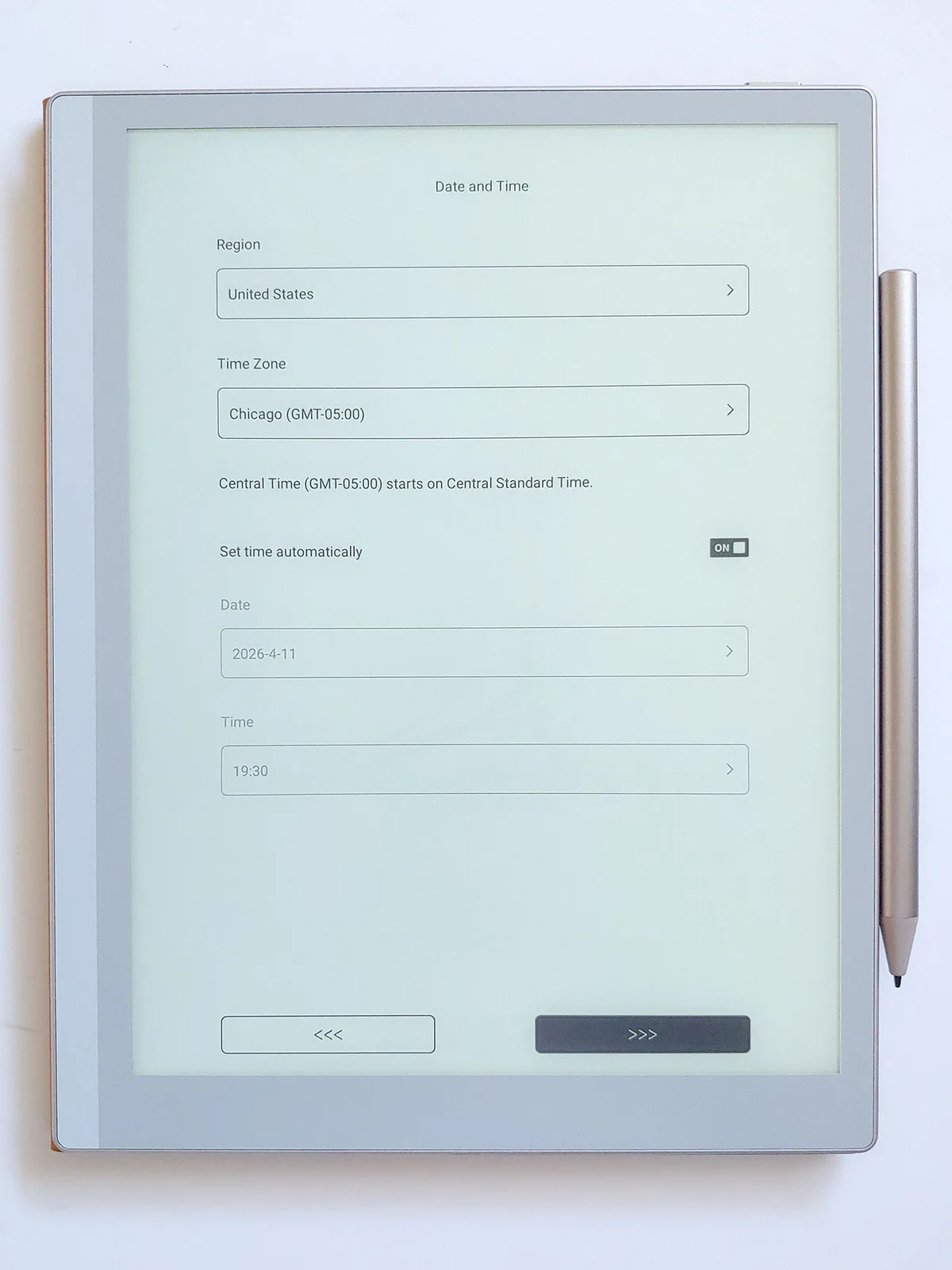
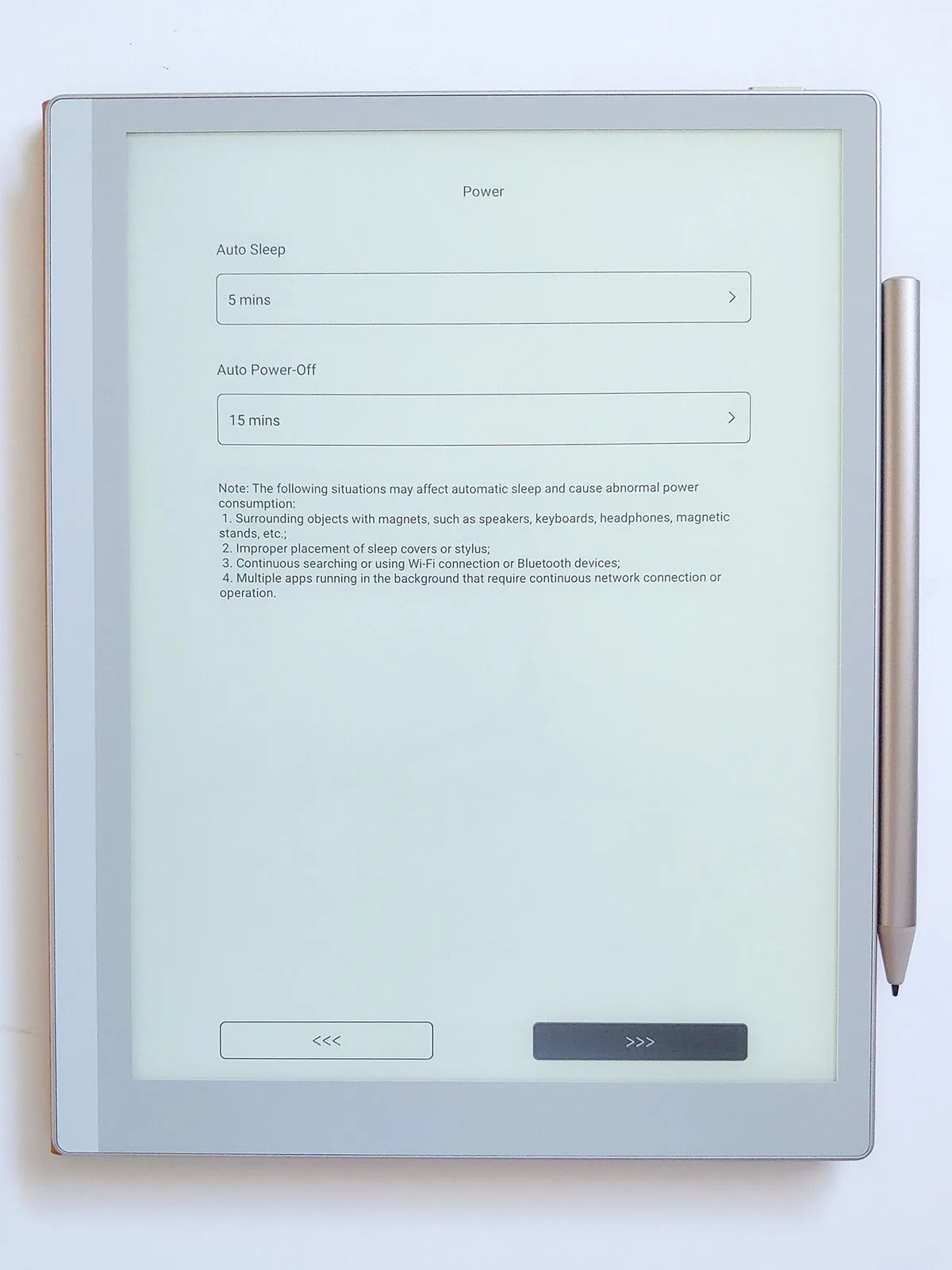
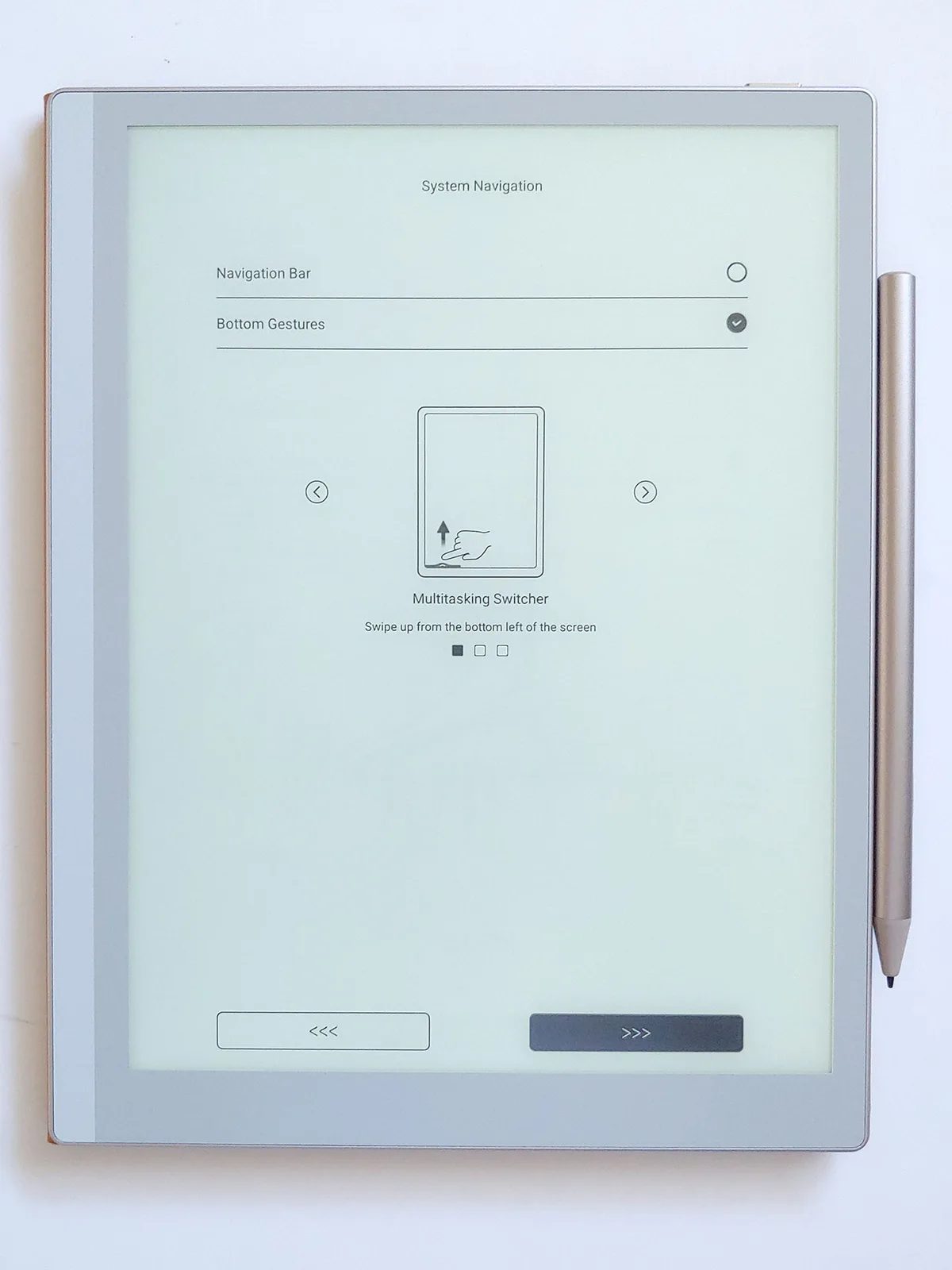
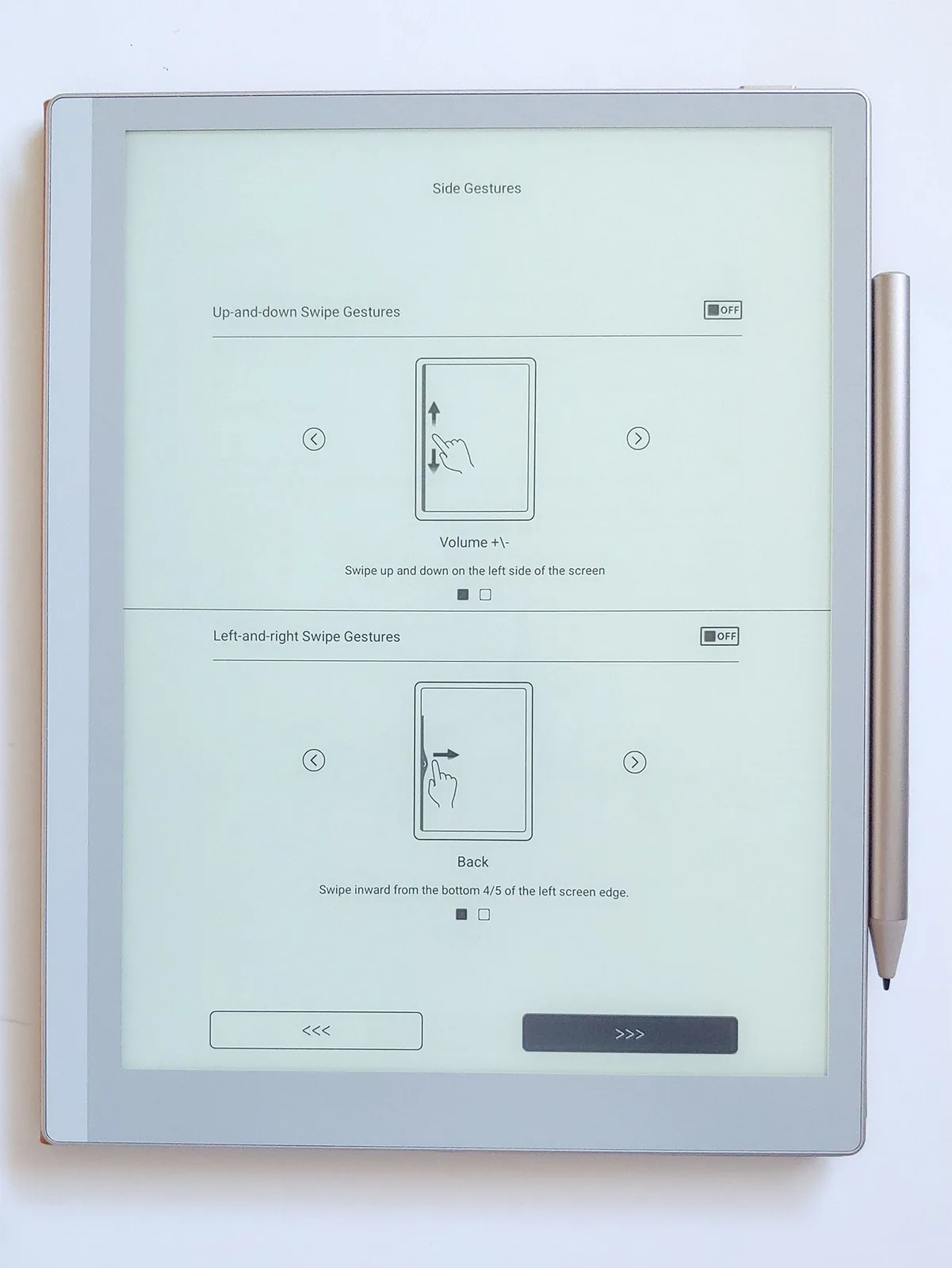
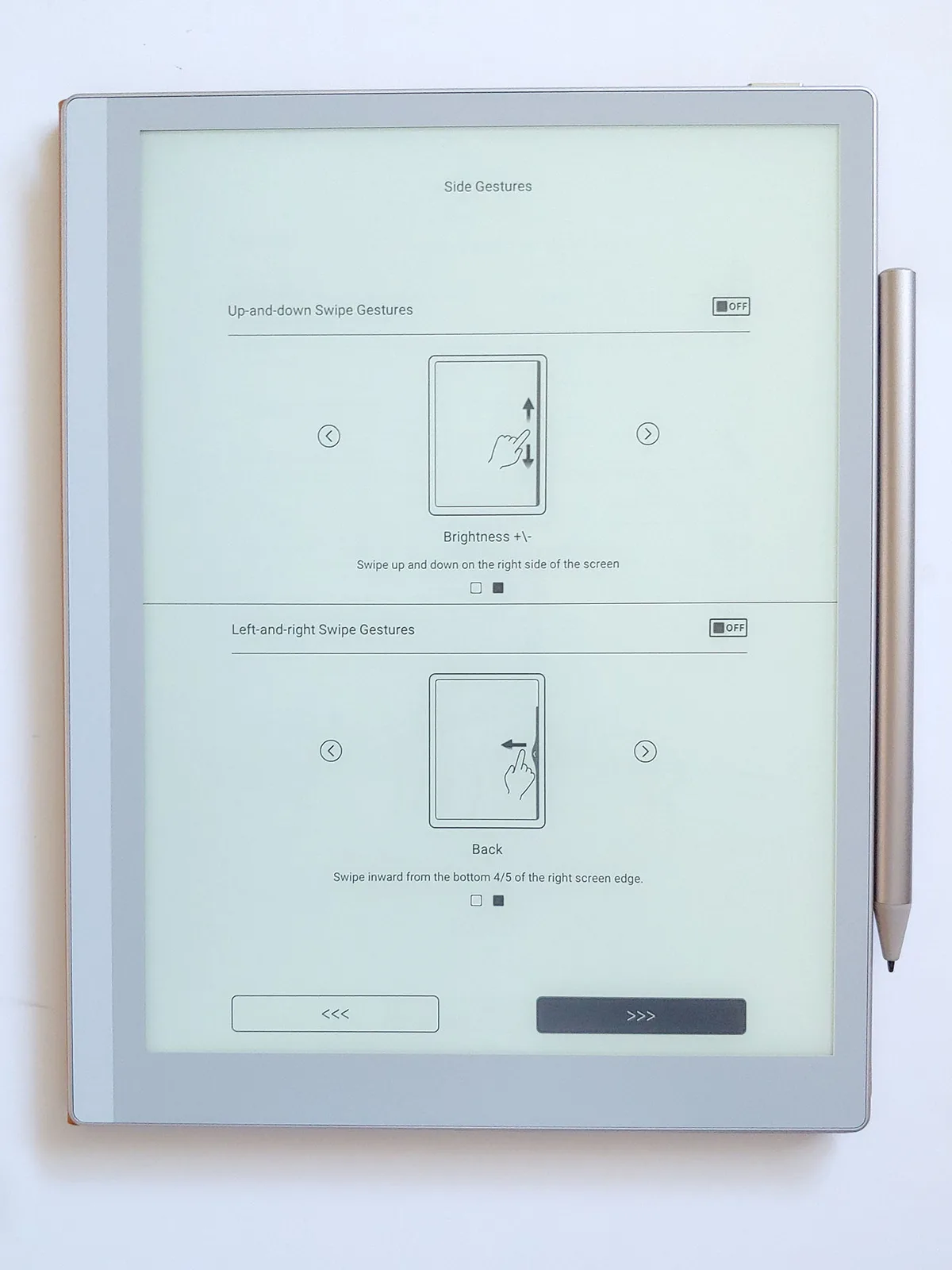
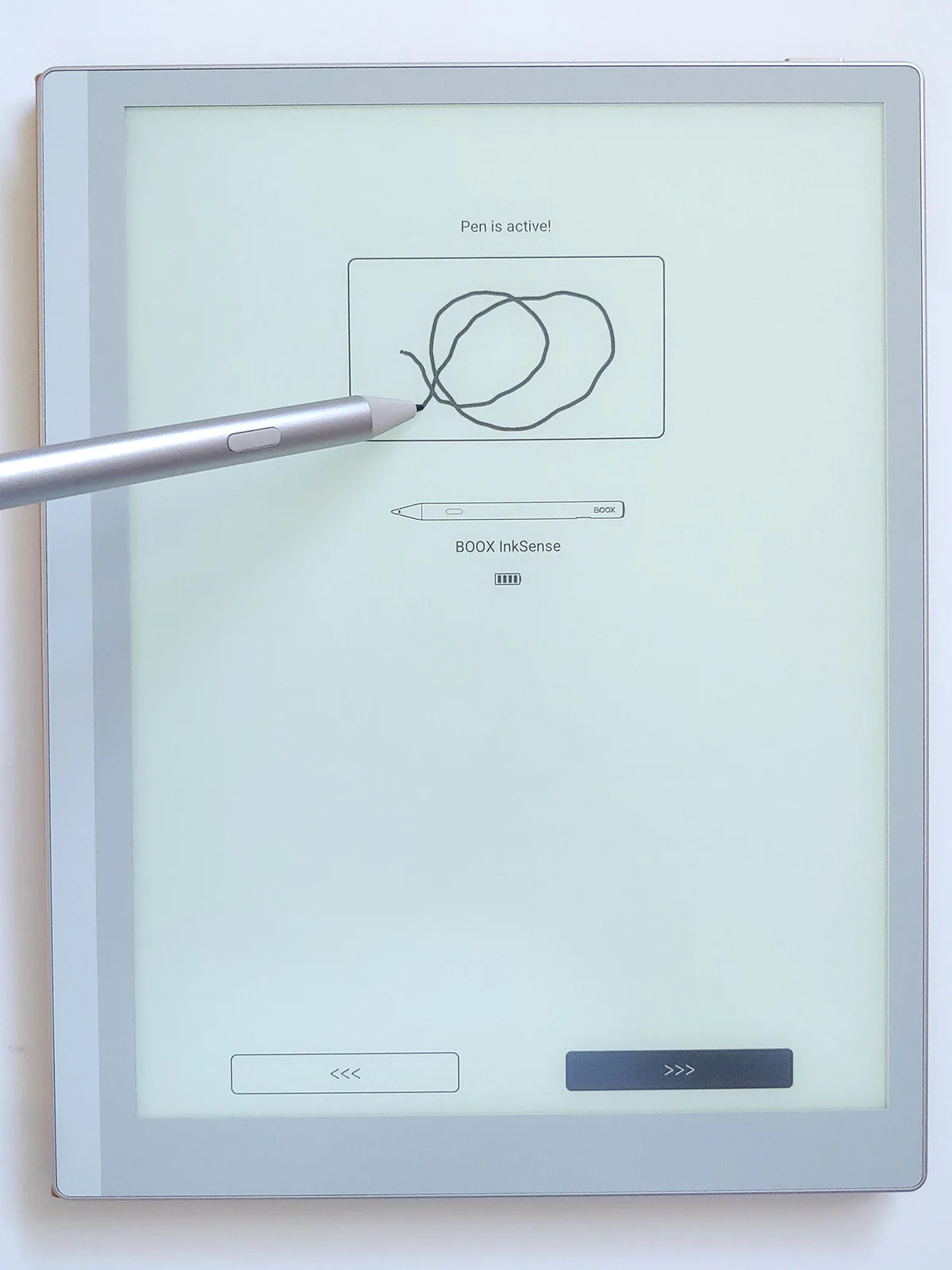


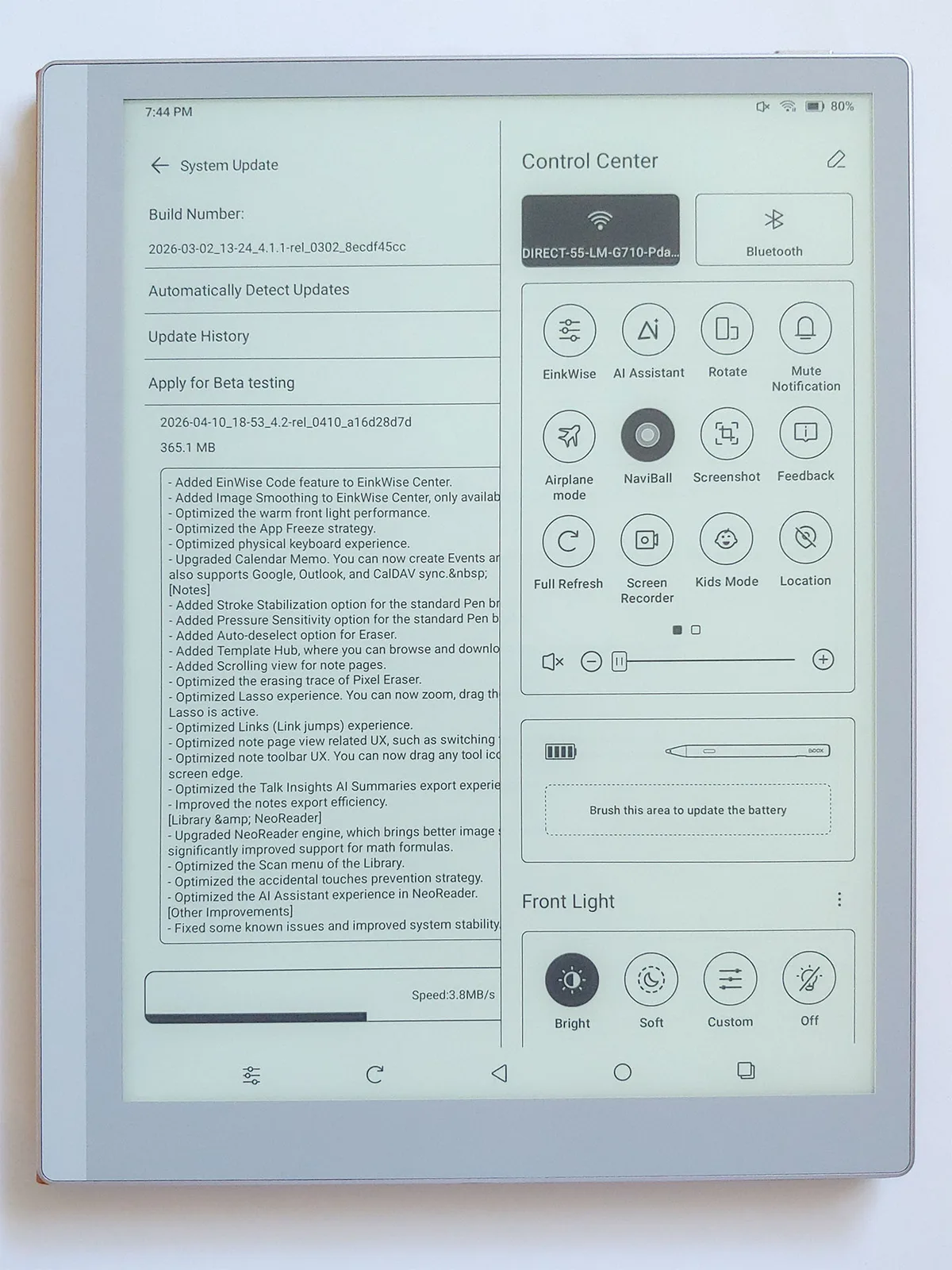
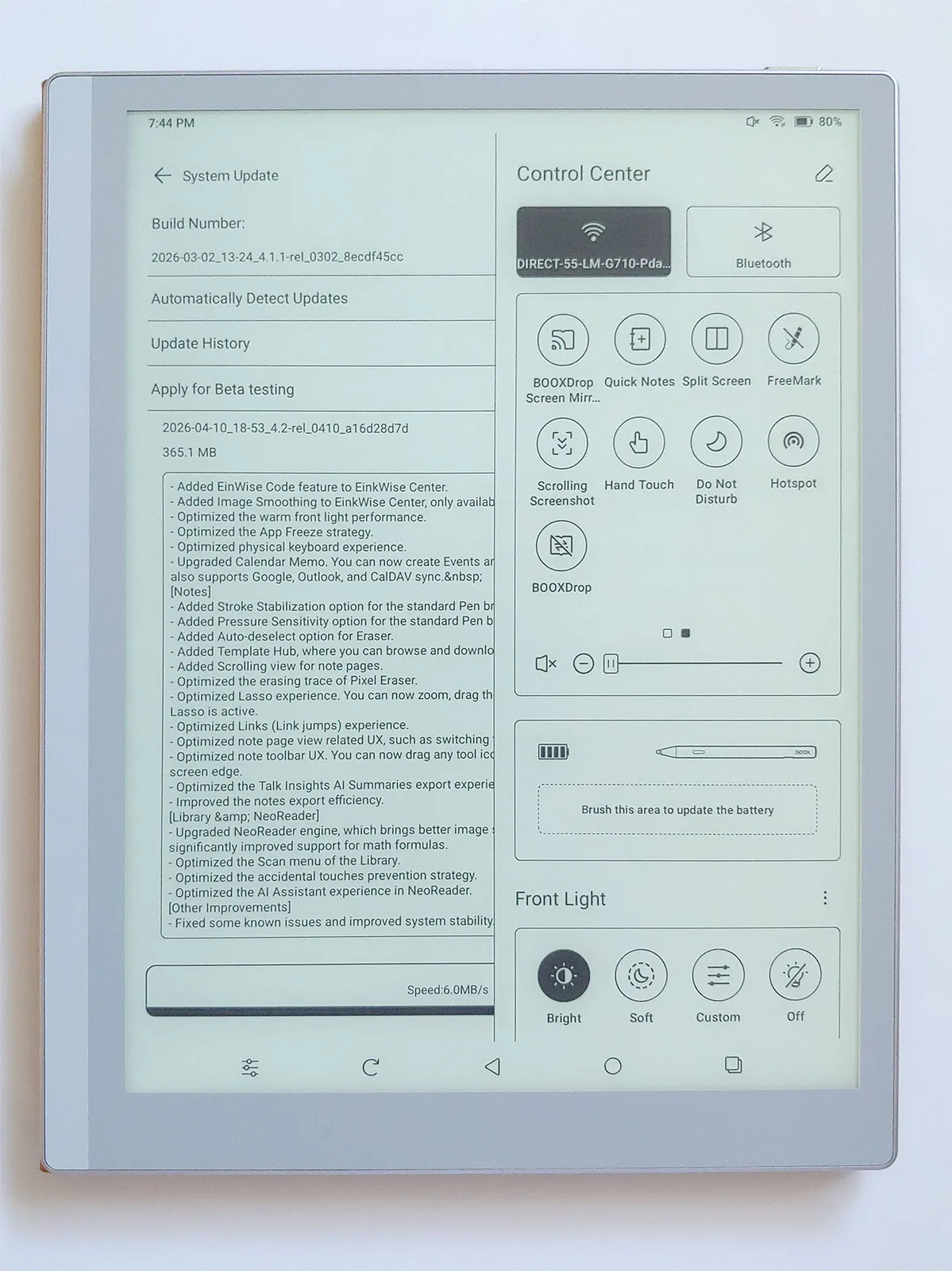
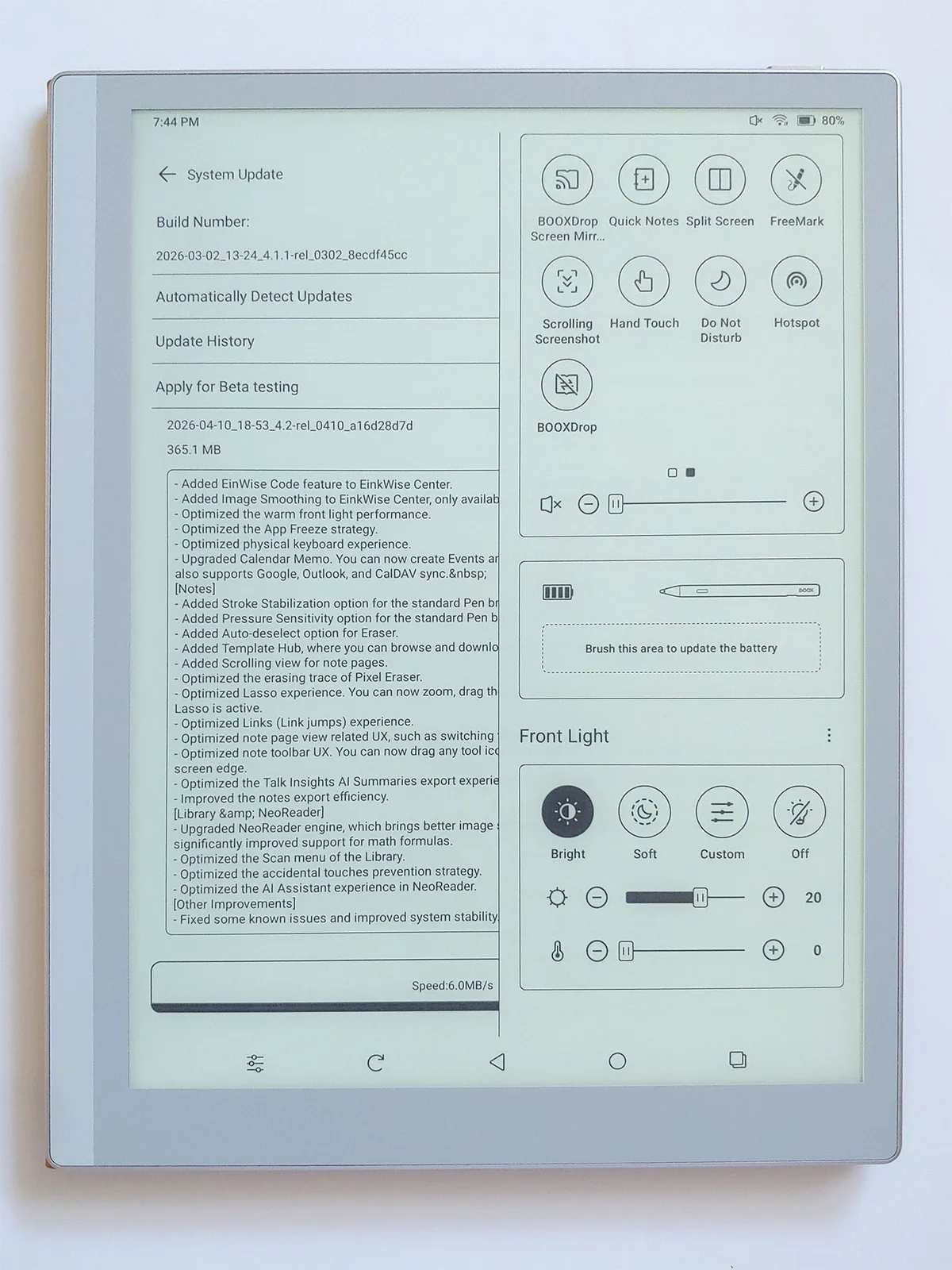
The system is clutter‑free, with only basic apps for e‑book reading and note‑taking, plus the Boox store for quick downloads of free e‑books.
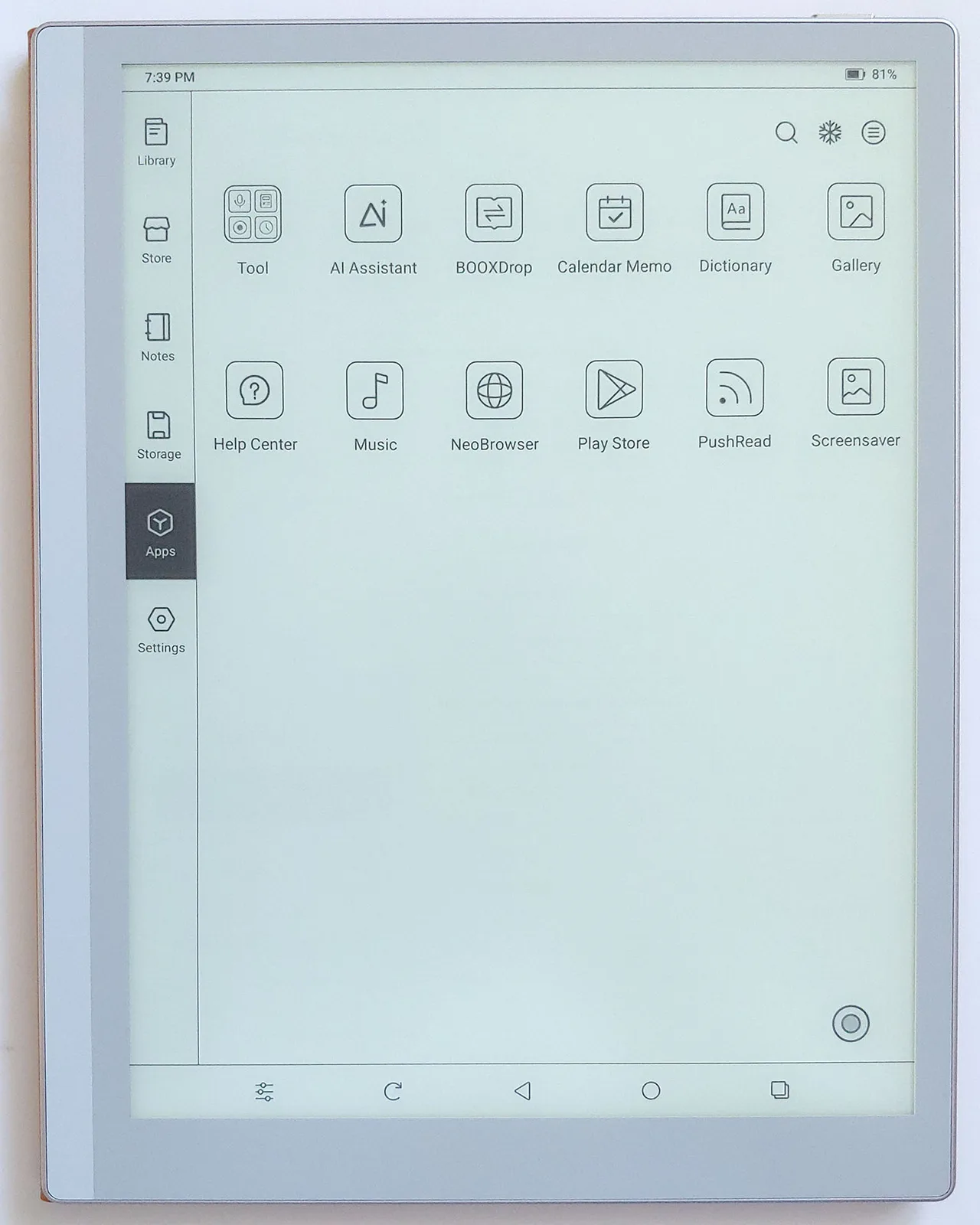
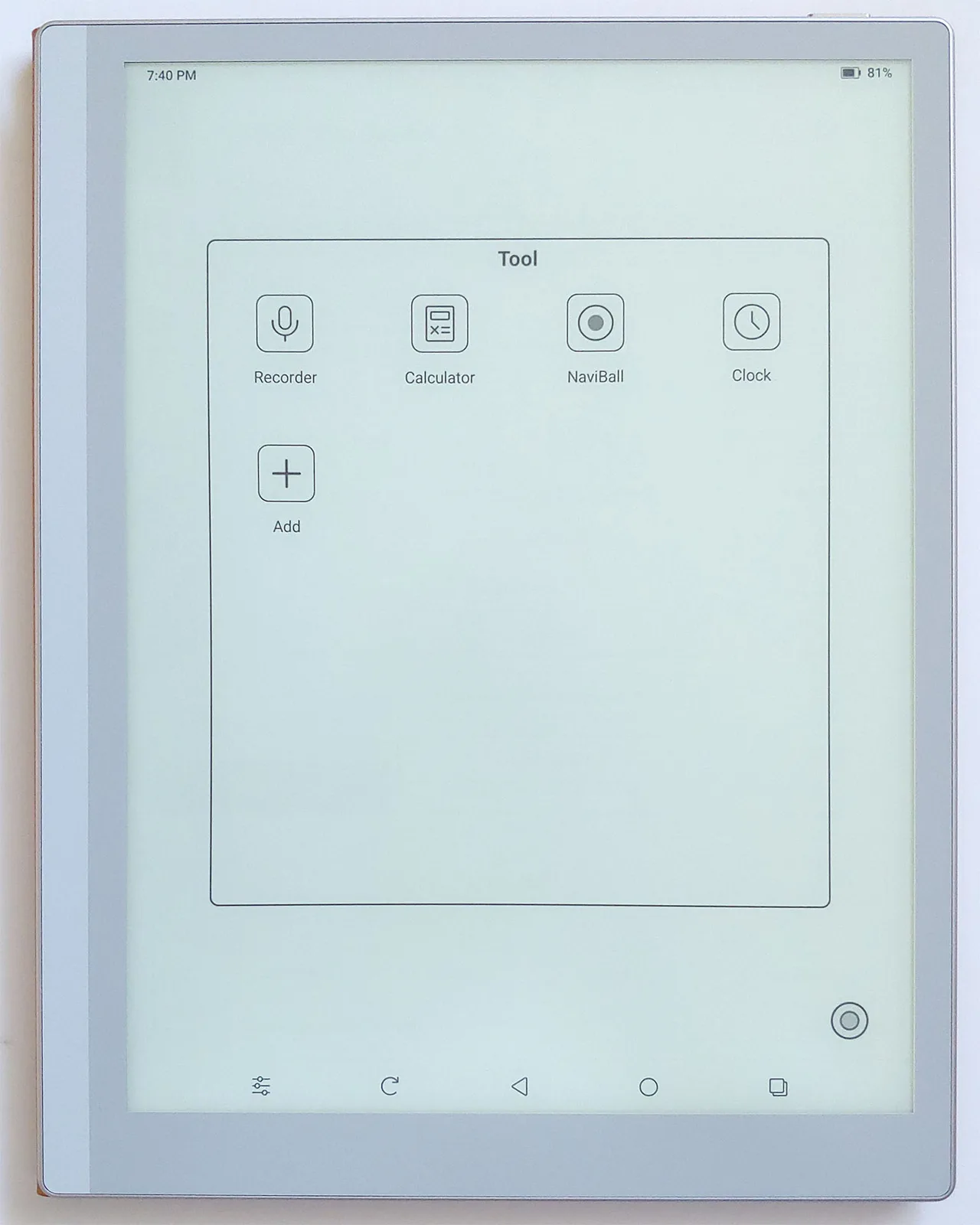
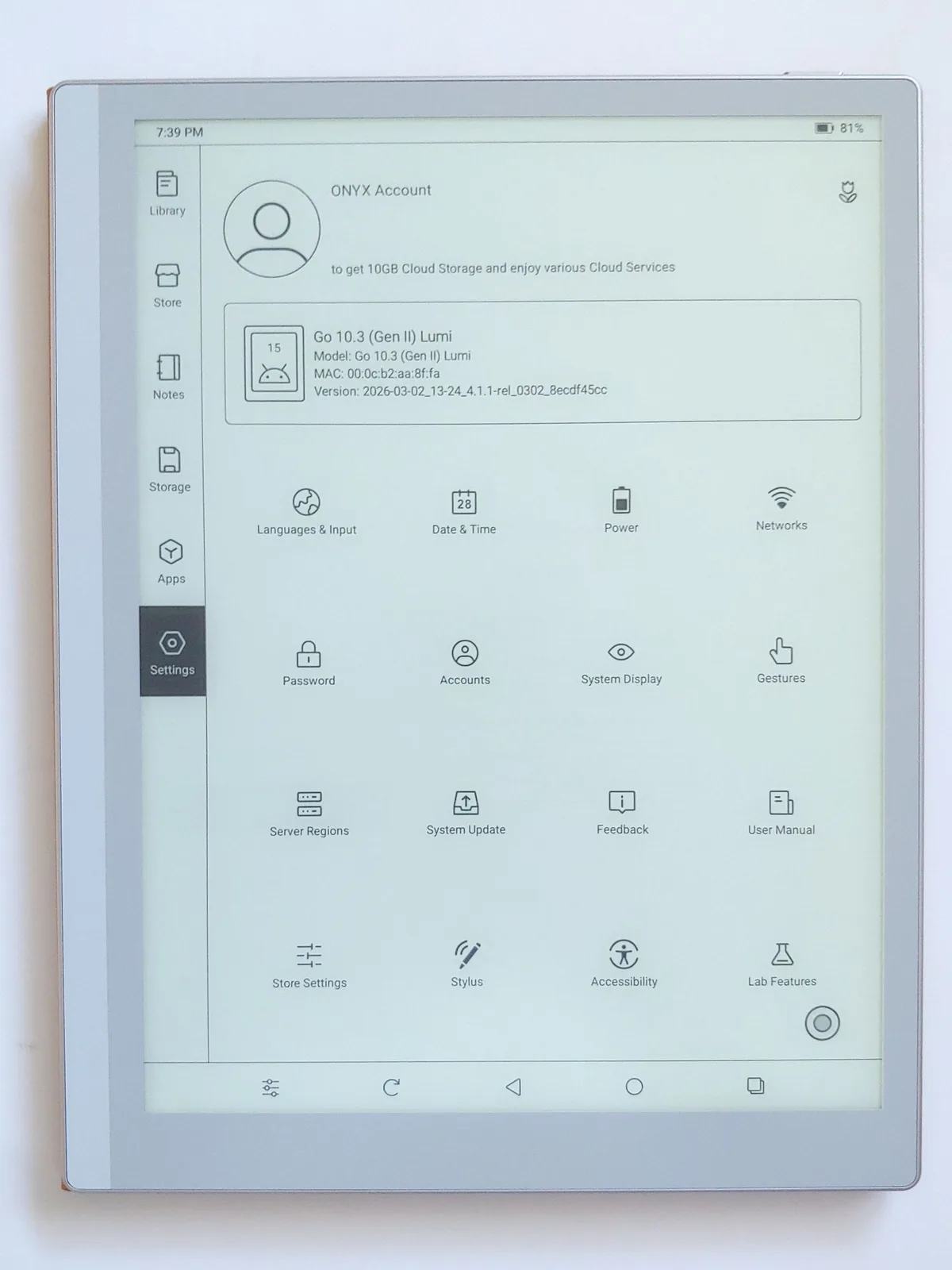
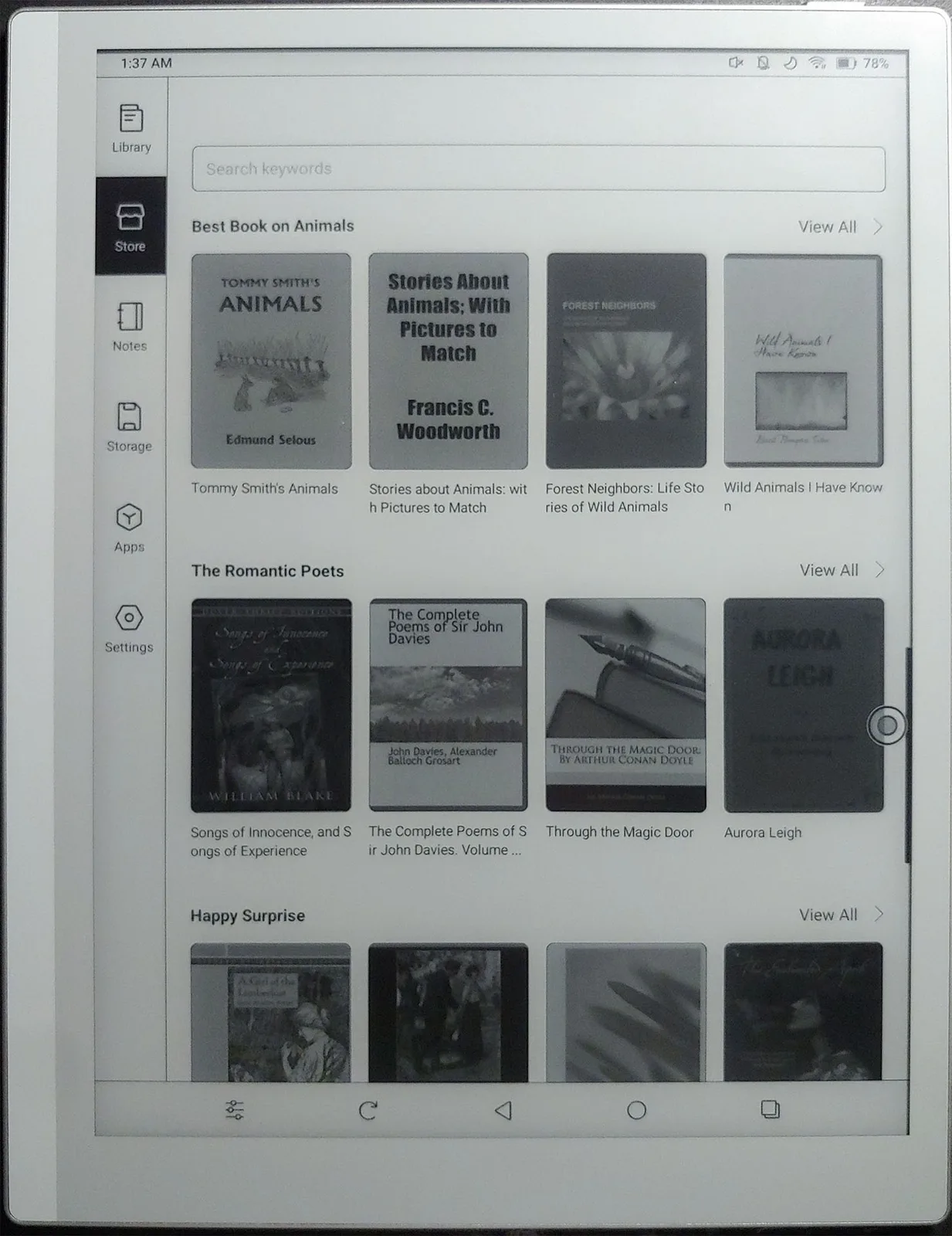
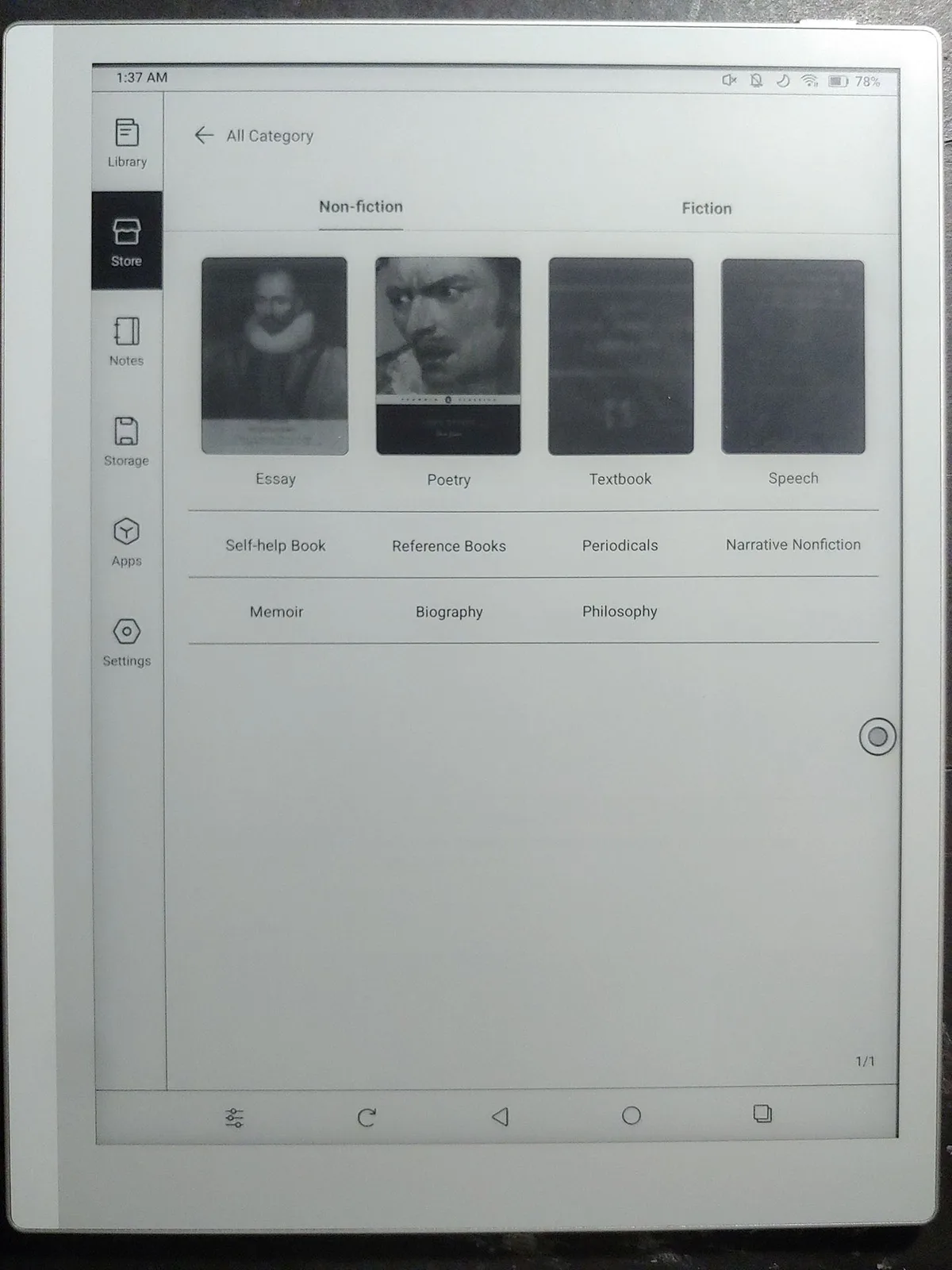
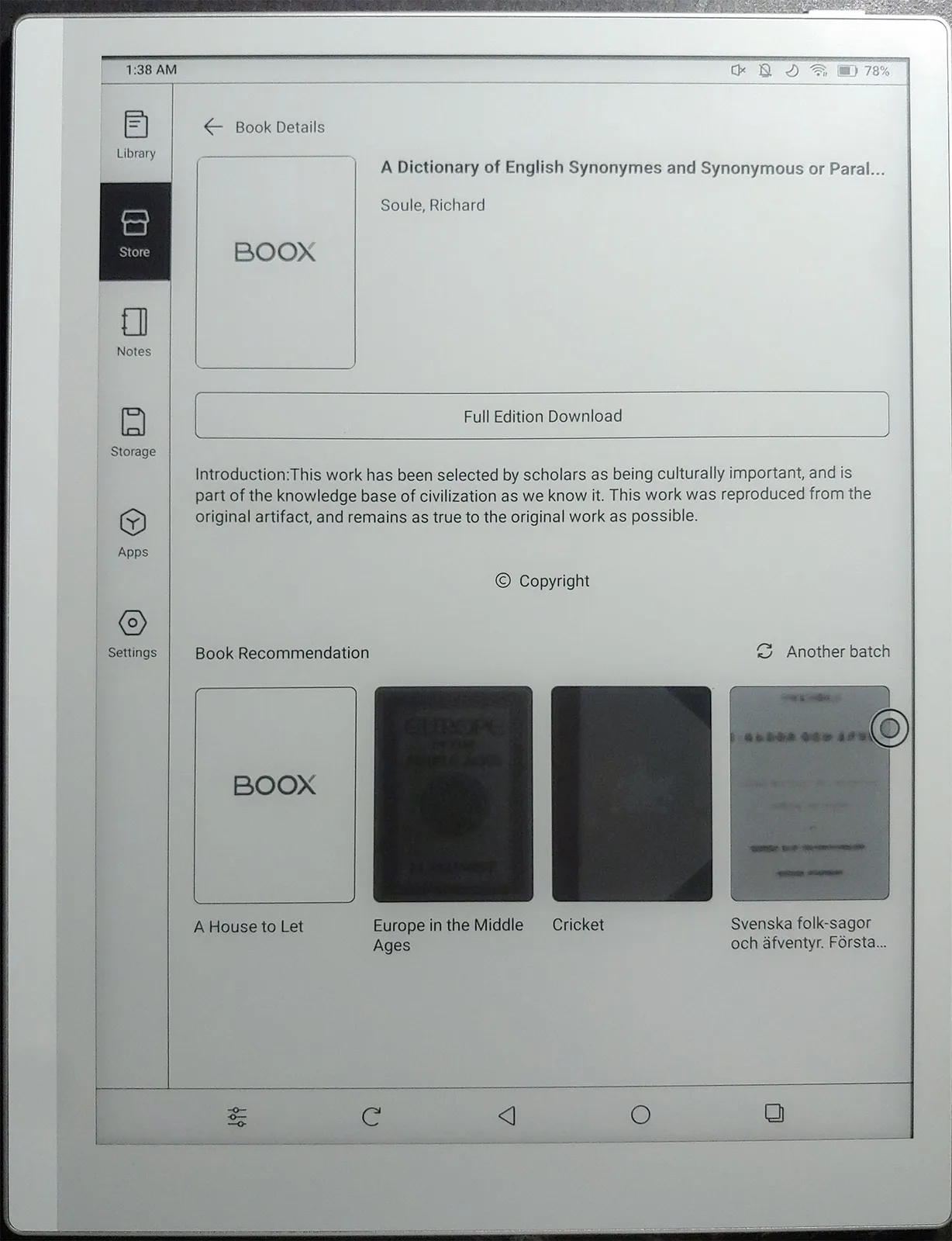
Owners can load e-books, music, videos, audiobooks, documents, and apps from any Android app store including F-Droid, or transfer them from a computer.
Sound
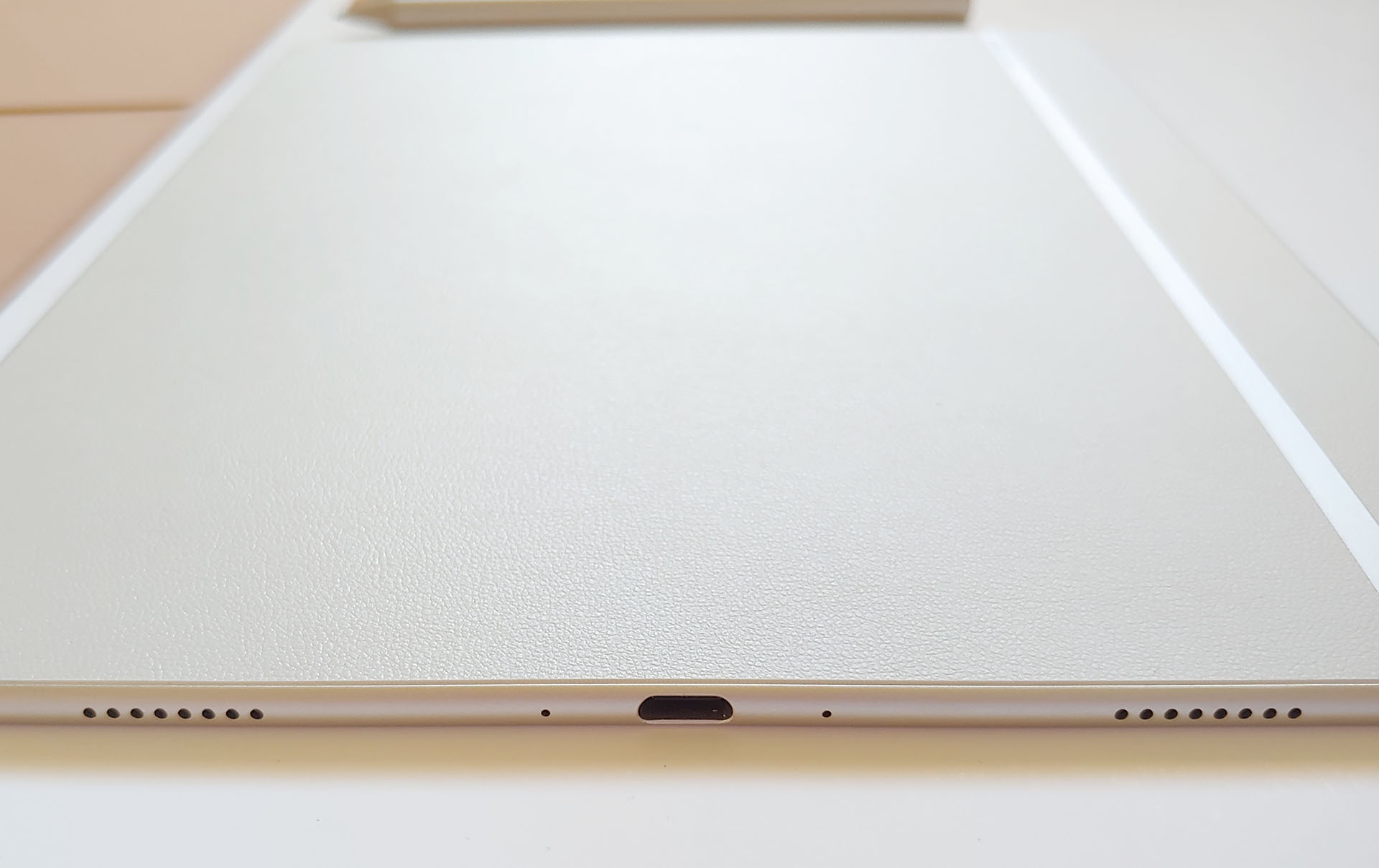
The bottom‑firing speakers offer fair but thin sound, less rich than the Palma 2 Pro, with enough volume to be heard across a room. The following recording was made on a LG G7 placed 1 m (3.3 ft.) away, with the volume at 50%, then 100%.
Stylus
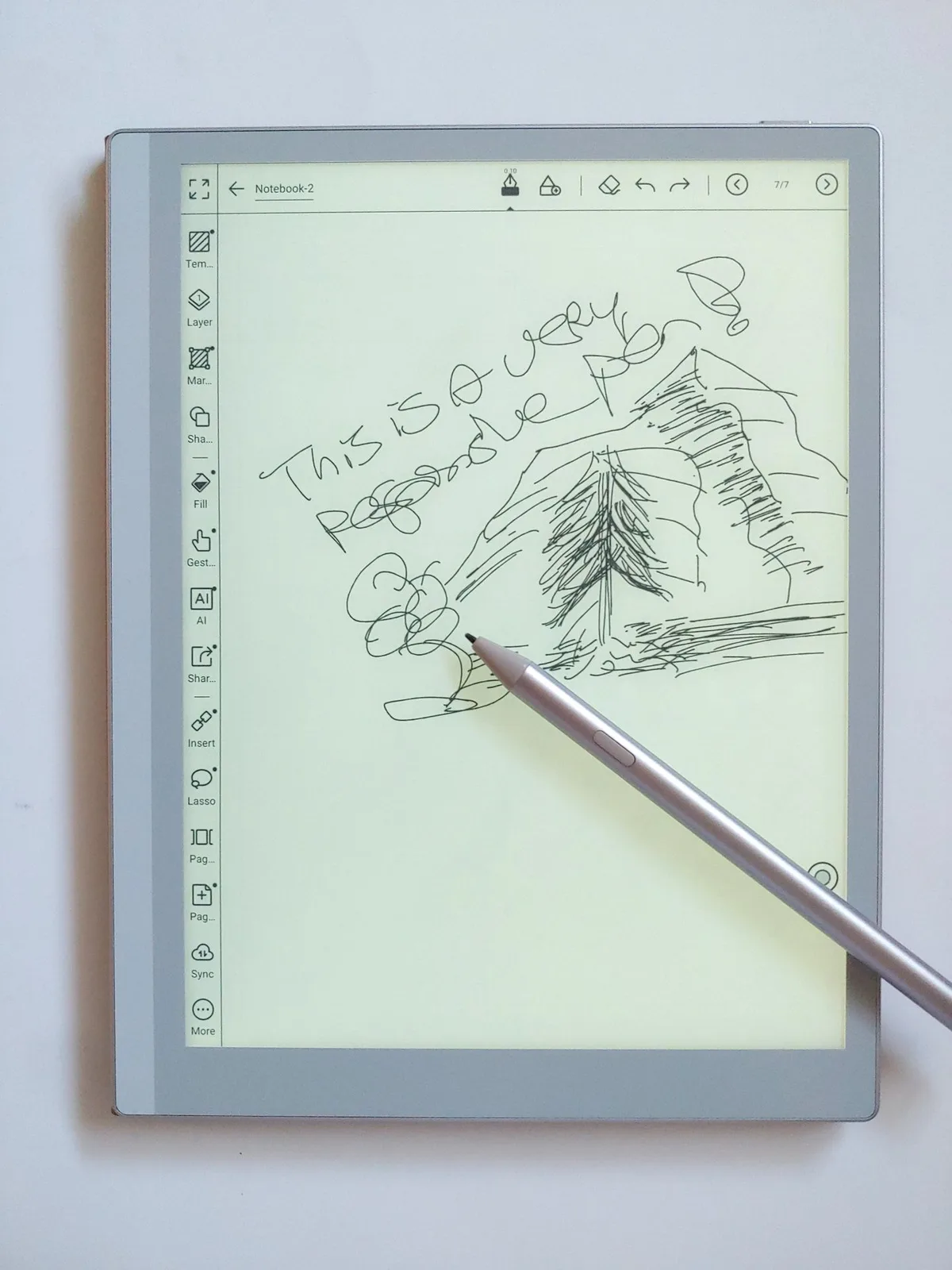
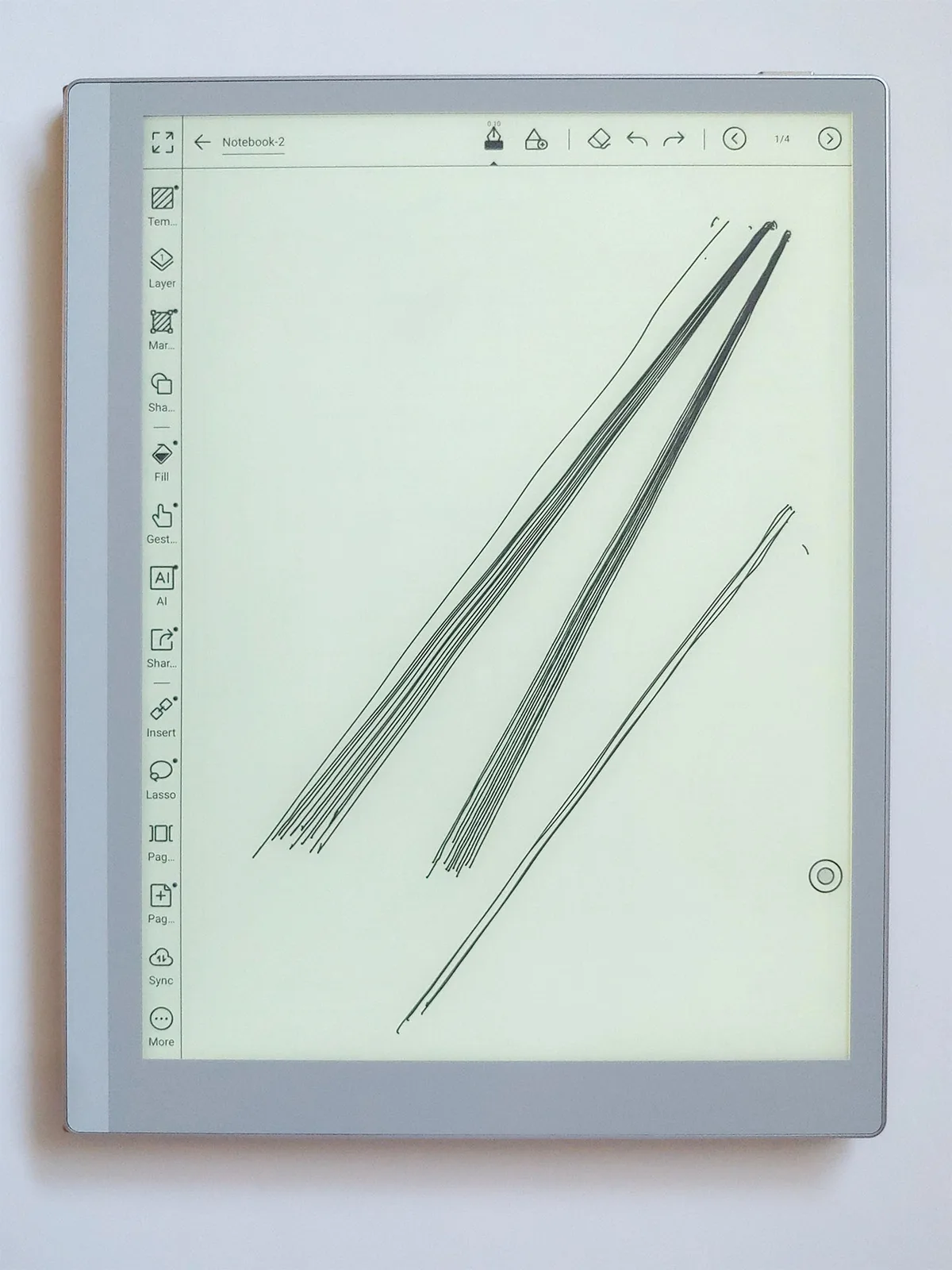
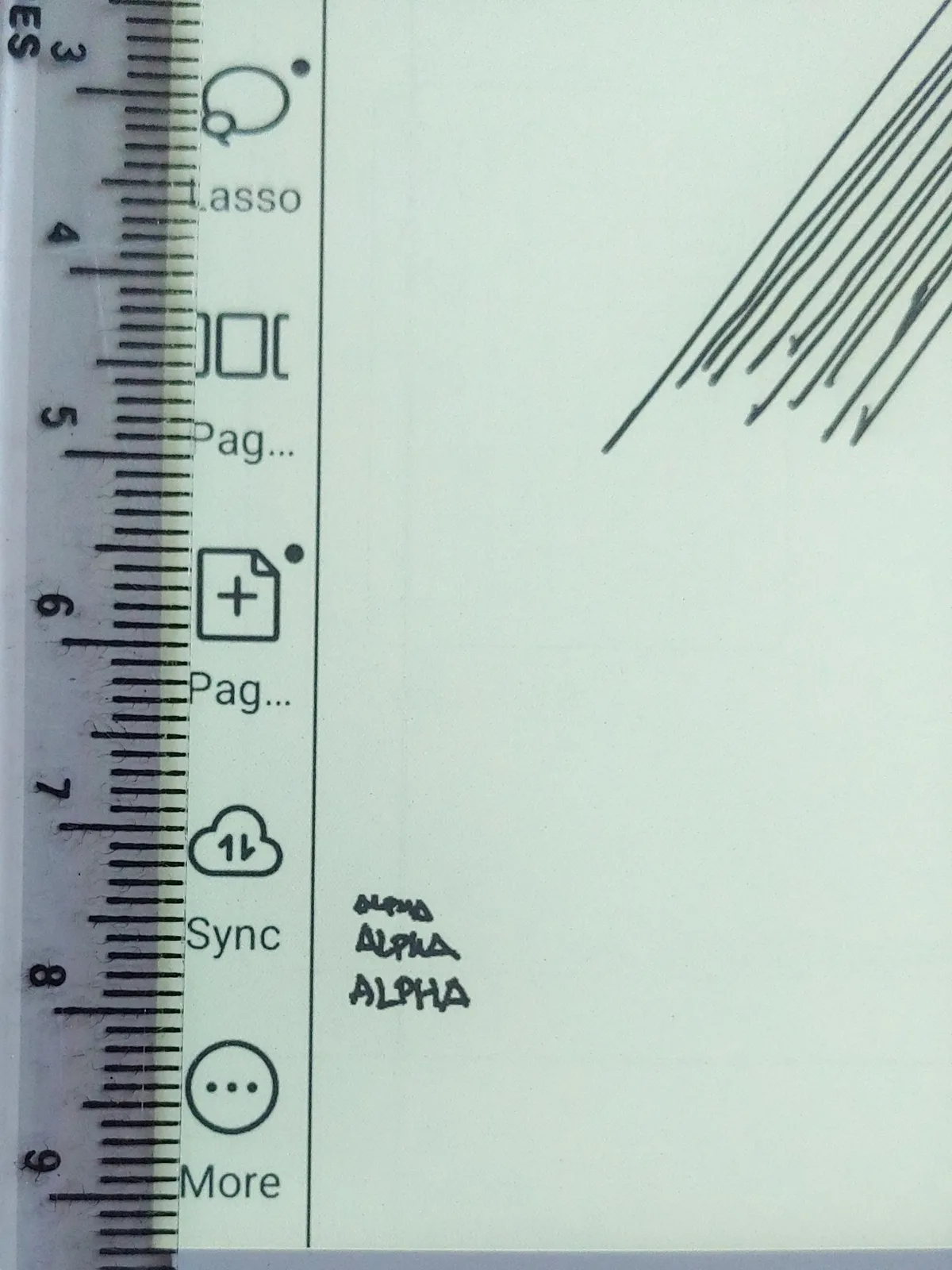
The stylus feels pencil‑like and highly responsive—one of the best available—allowing quick notes and sketches with minimal lag. Its limits show only when writing text less than 1–2 mm tall or drawing parallel lines spaced under 1 mm, where a sharp pencil can produce finer detail.
Display and Settings
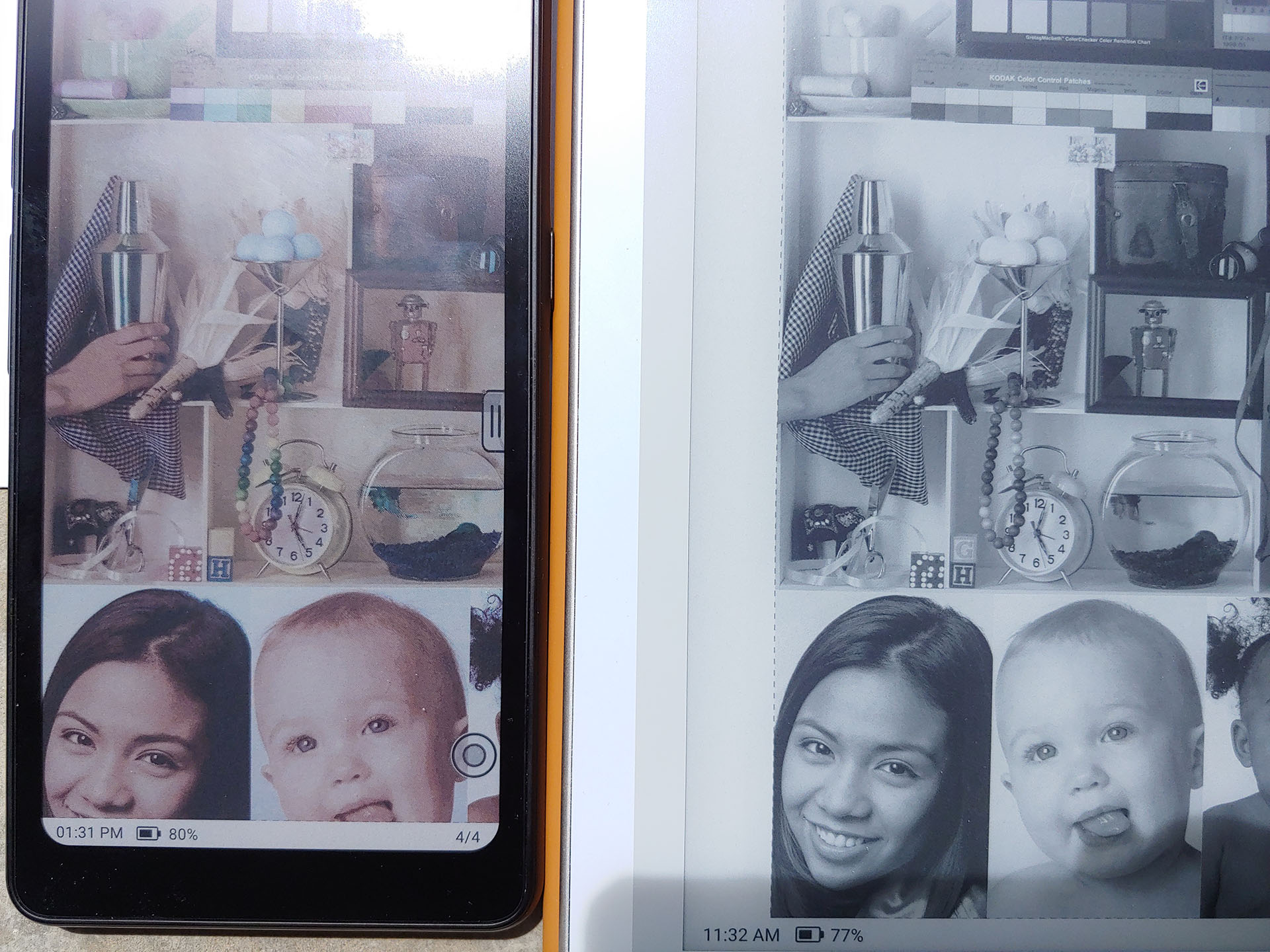
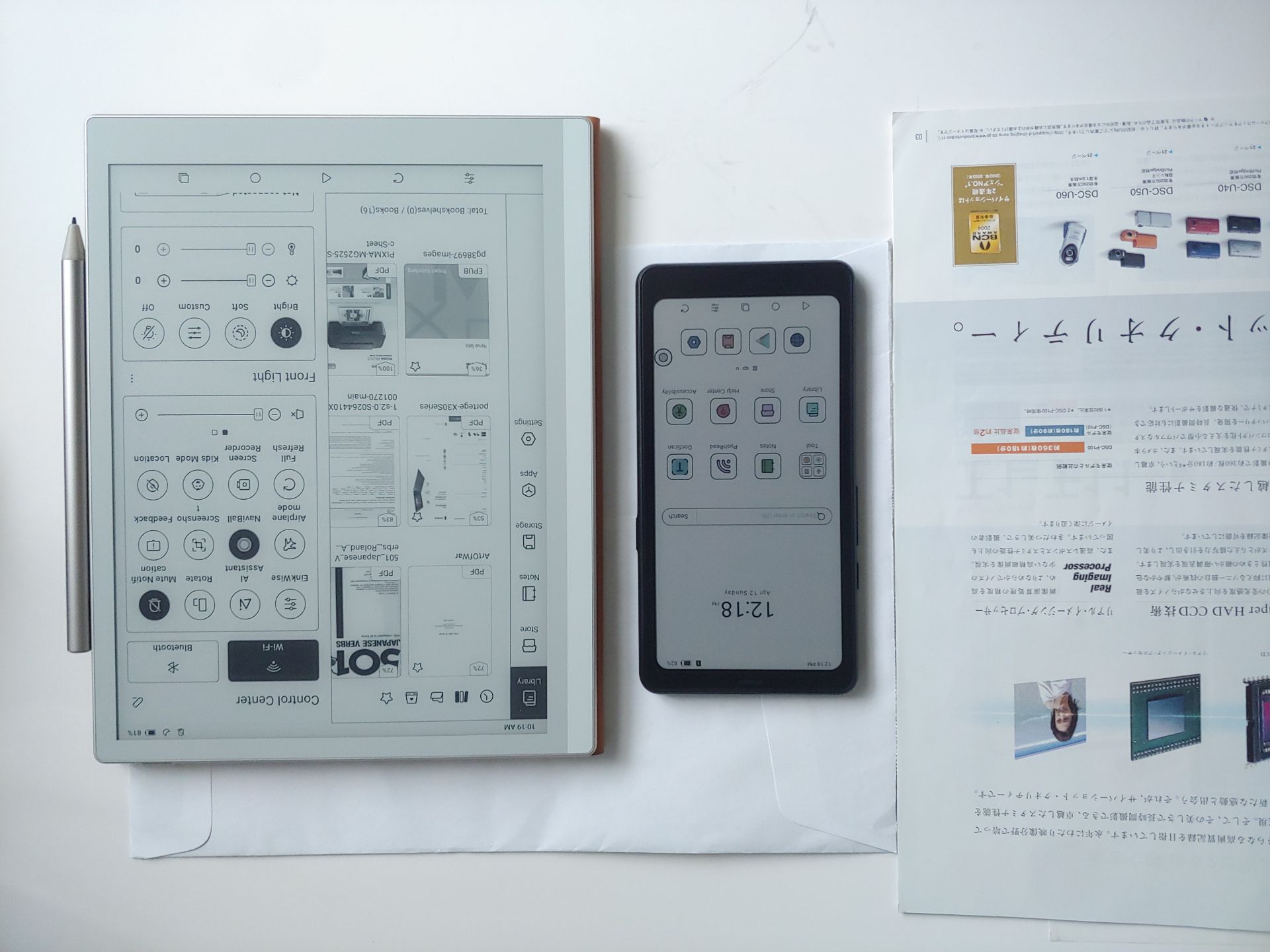
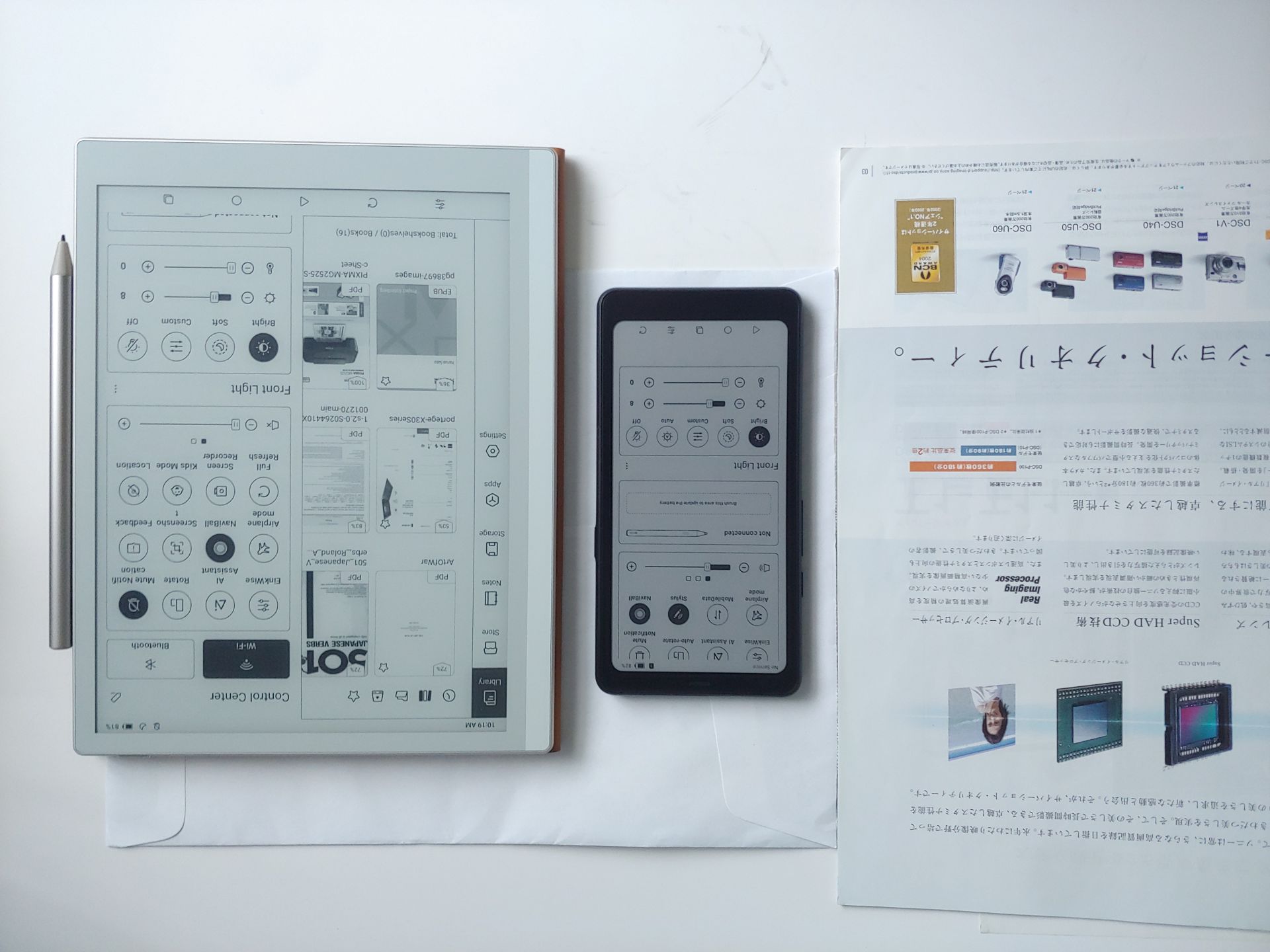
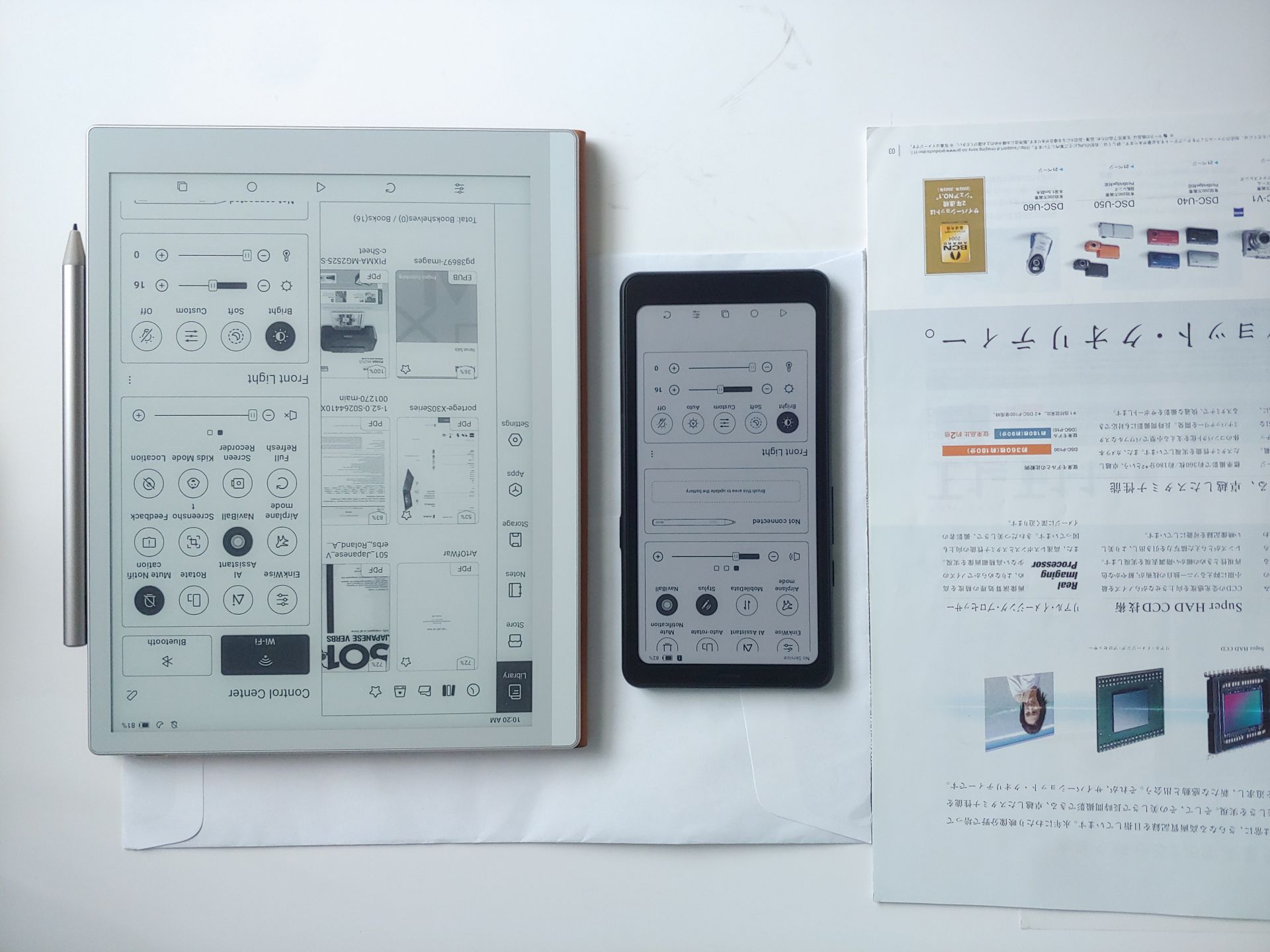
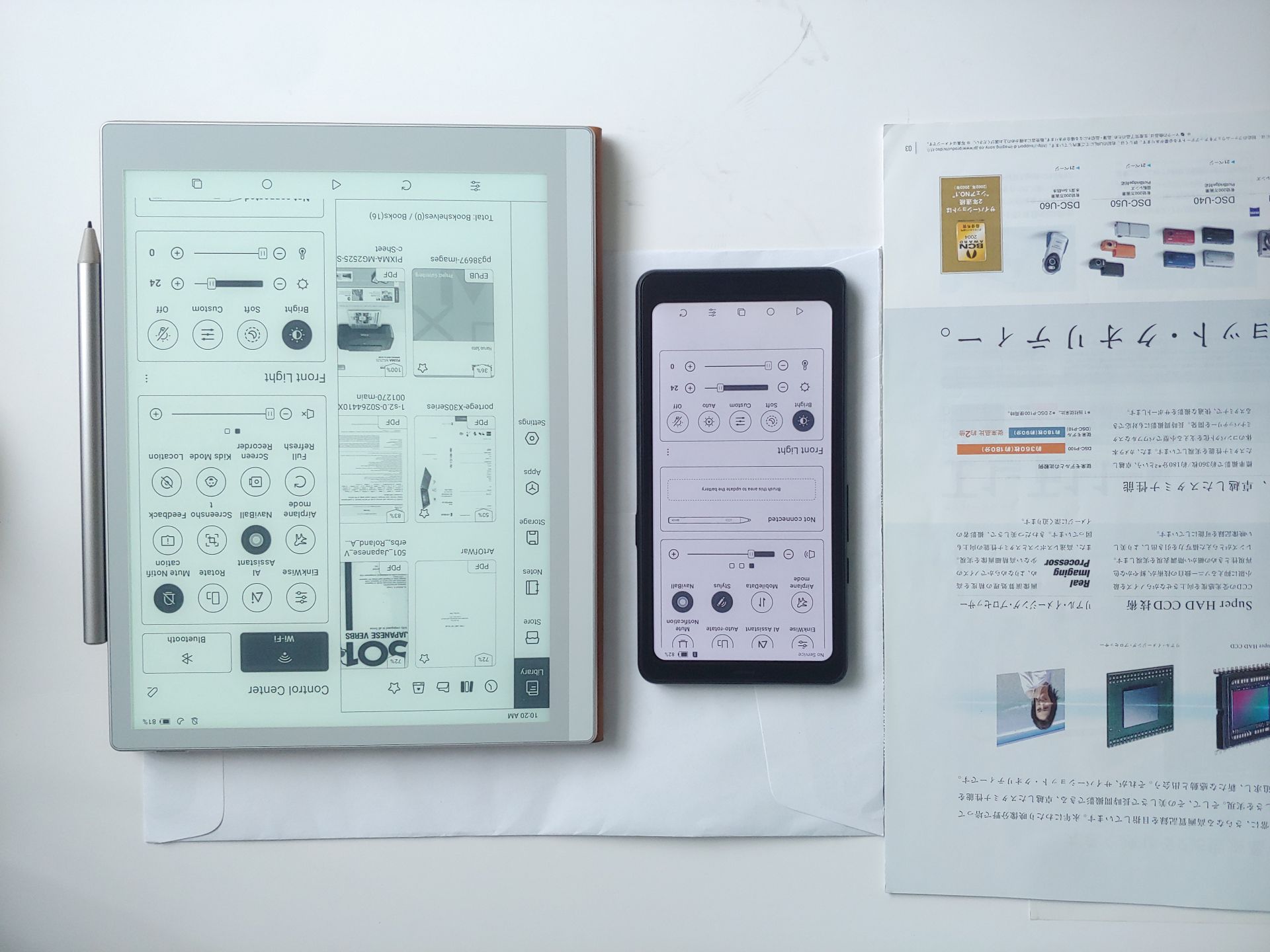
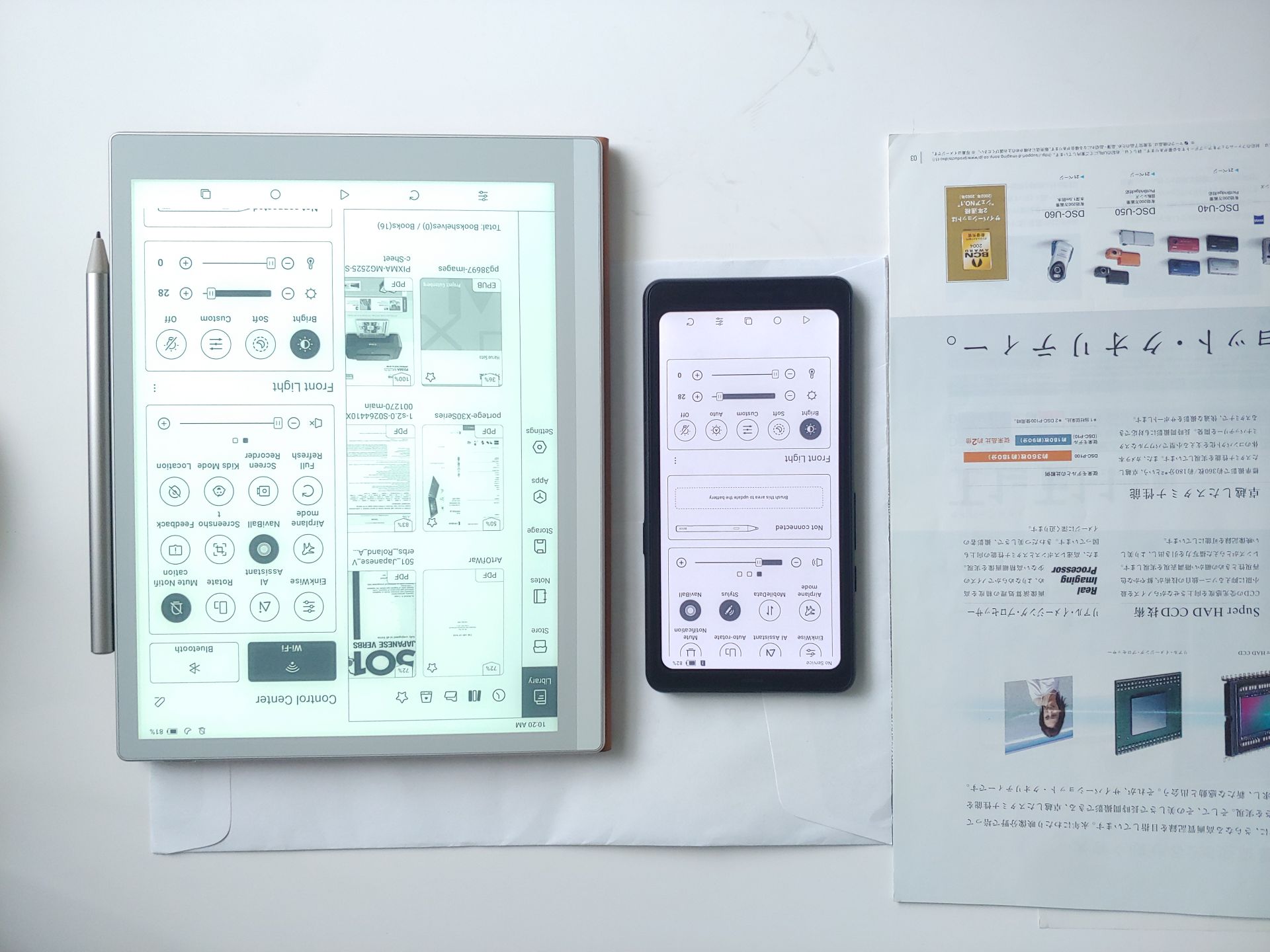
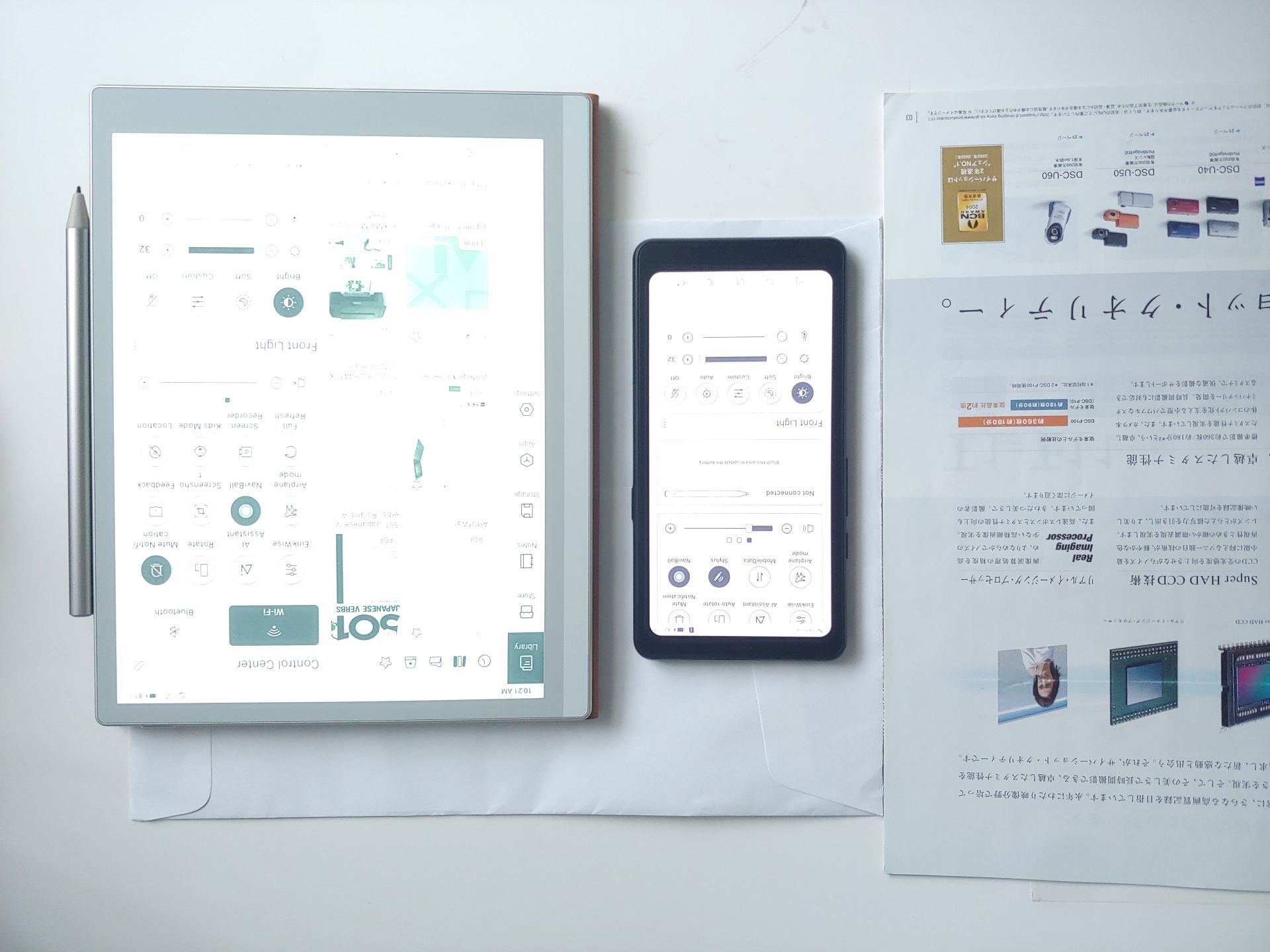
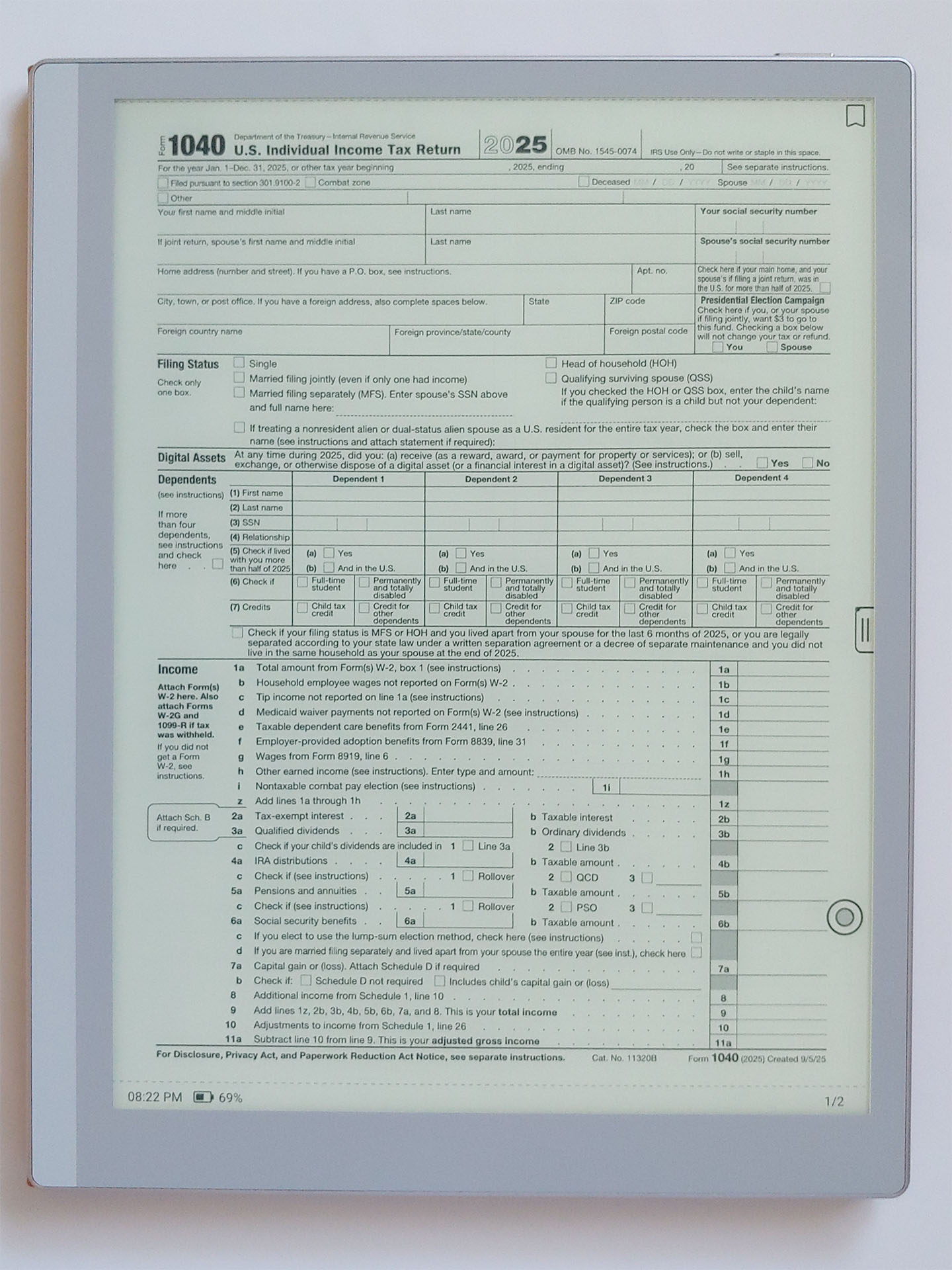
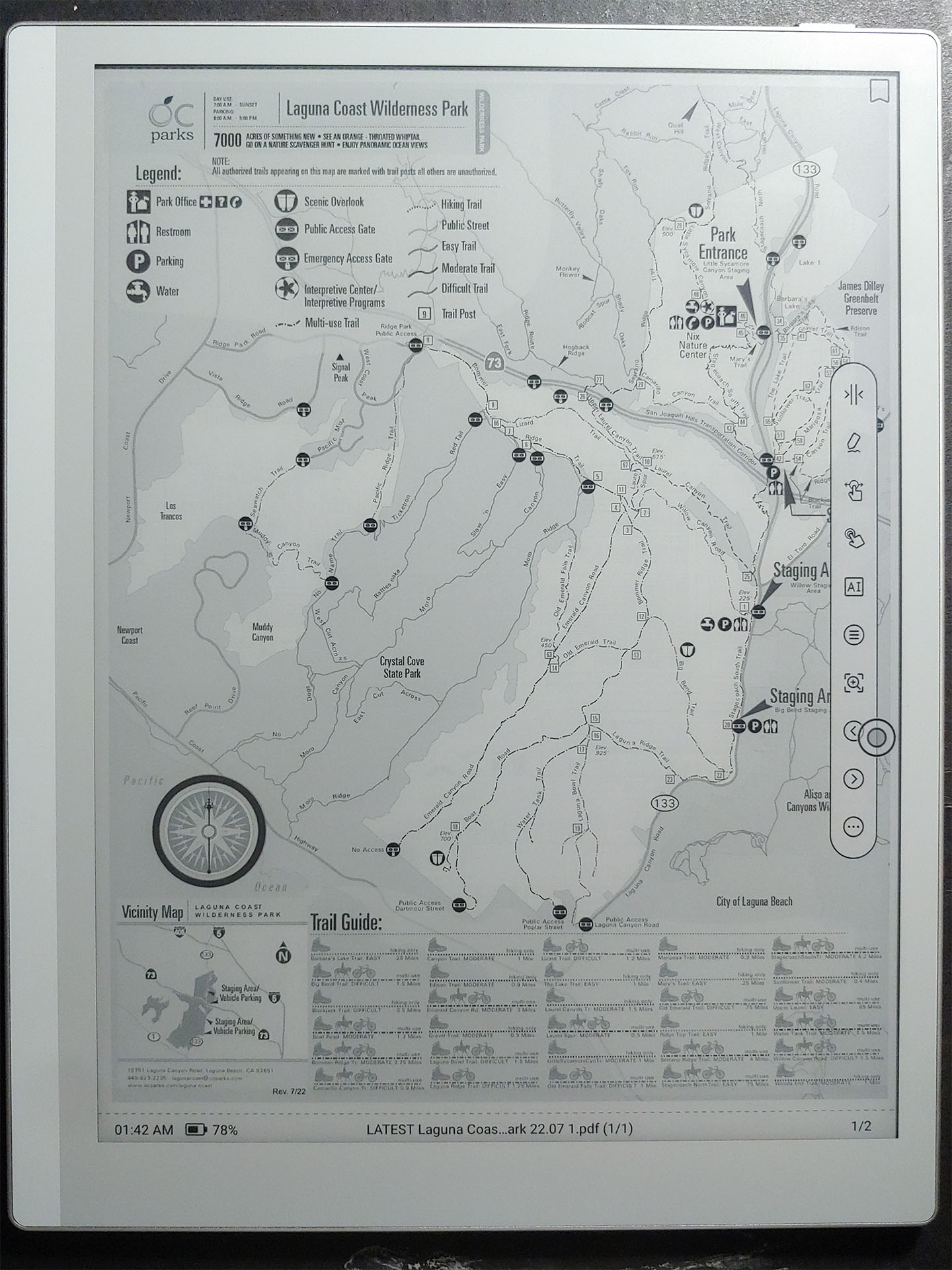
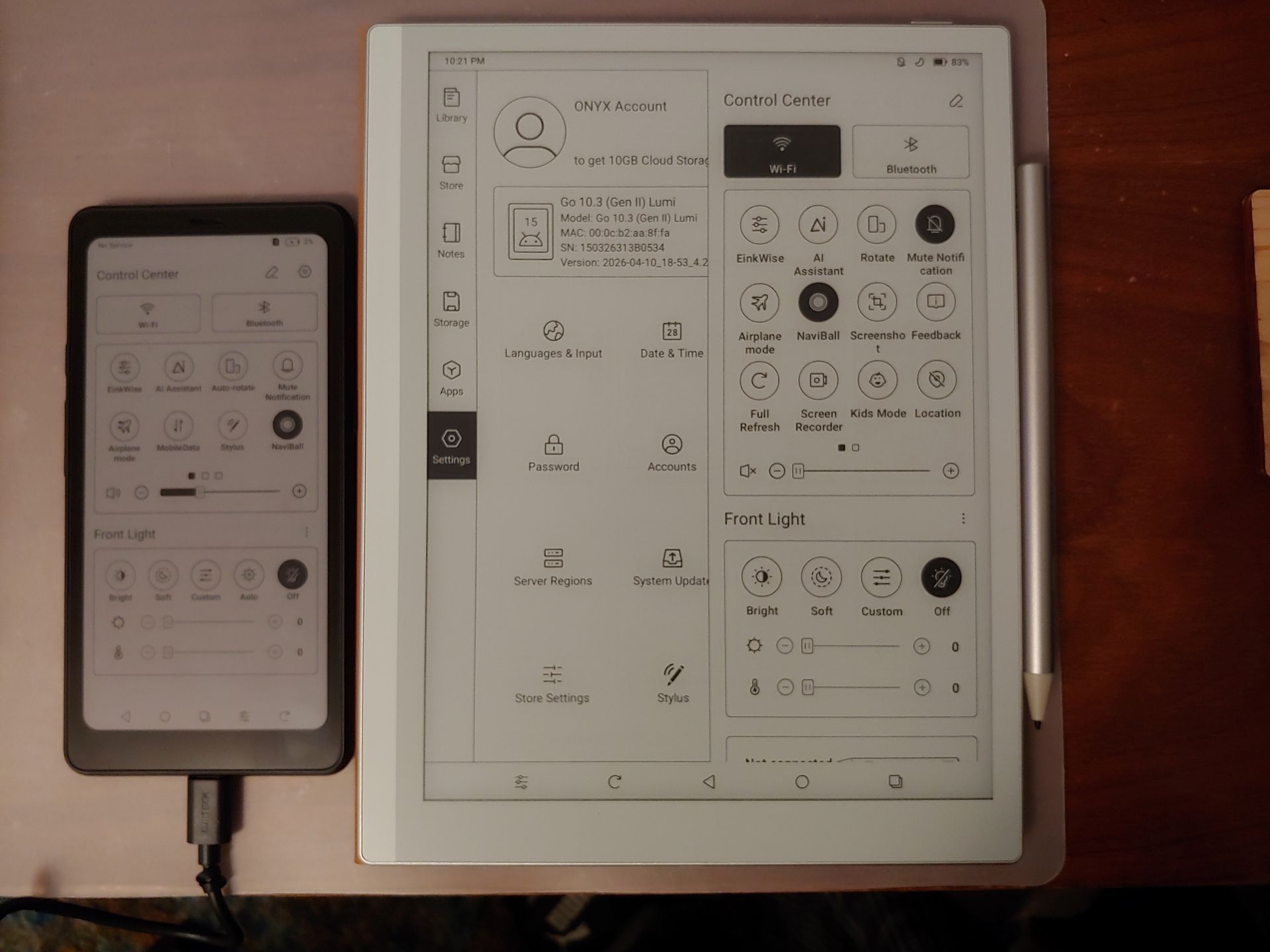
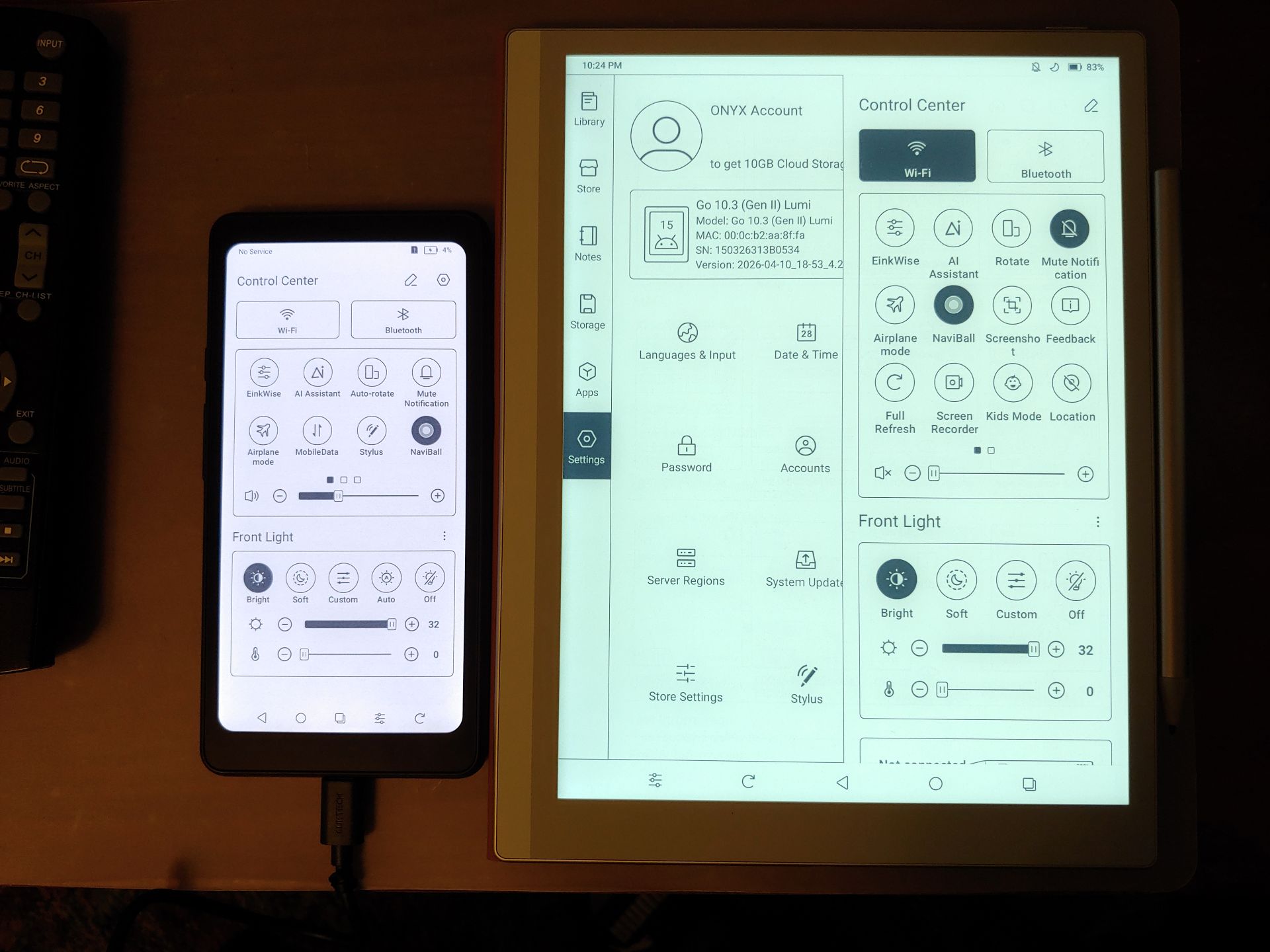
Image quality varies with lighting, backlight settings, and viewing distance, but the ePaper display is among the best reflective displays. It mimics printed material and is readable without a backlight in daylight.
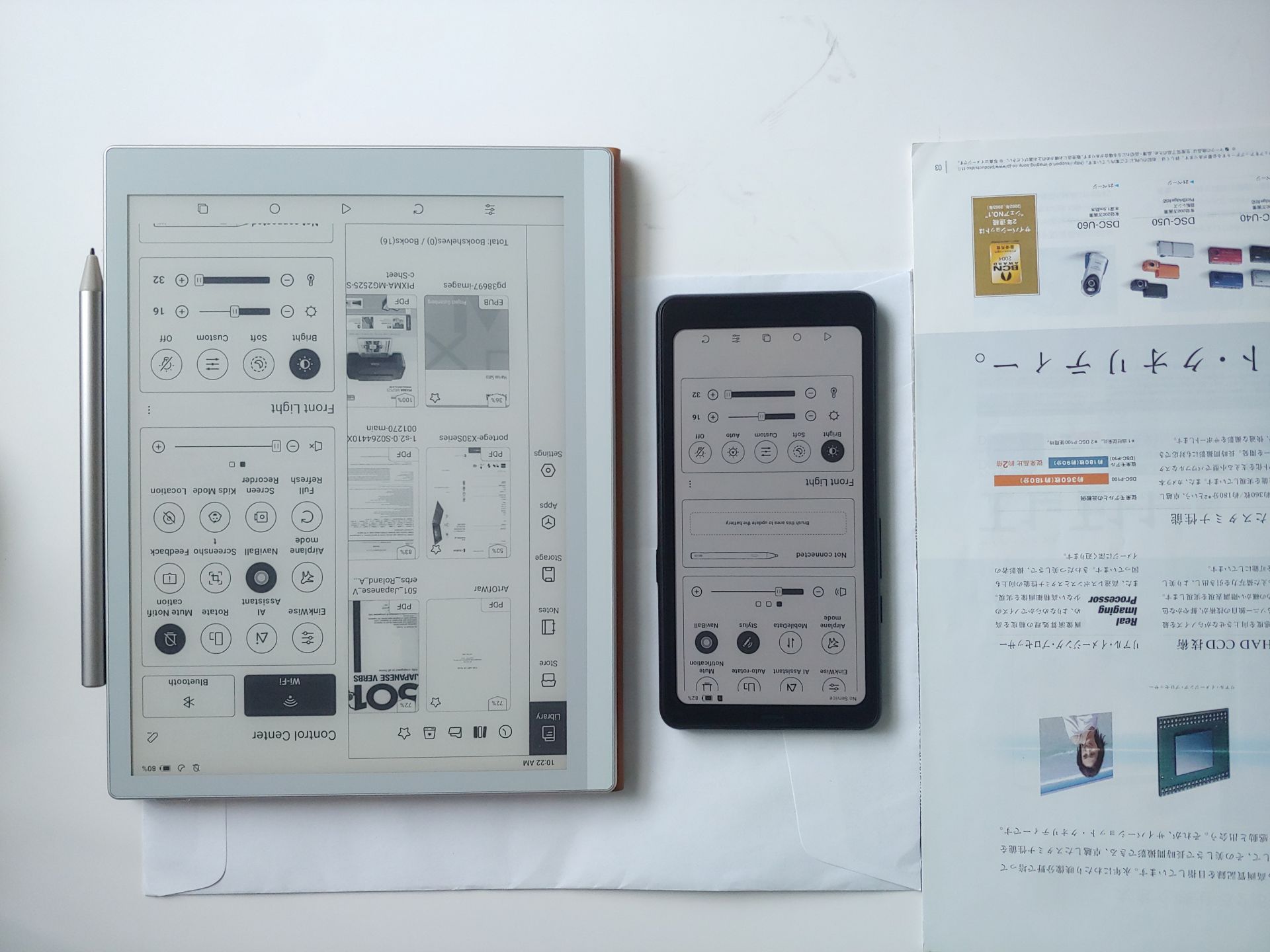
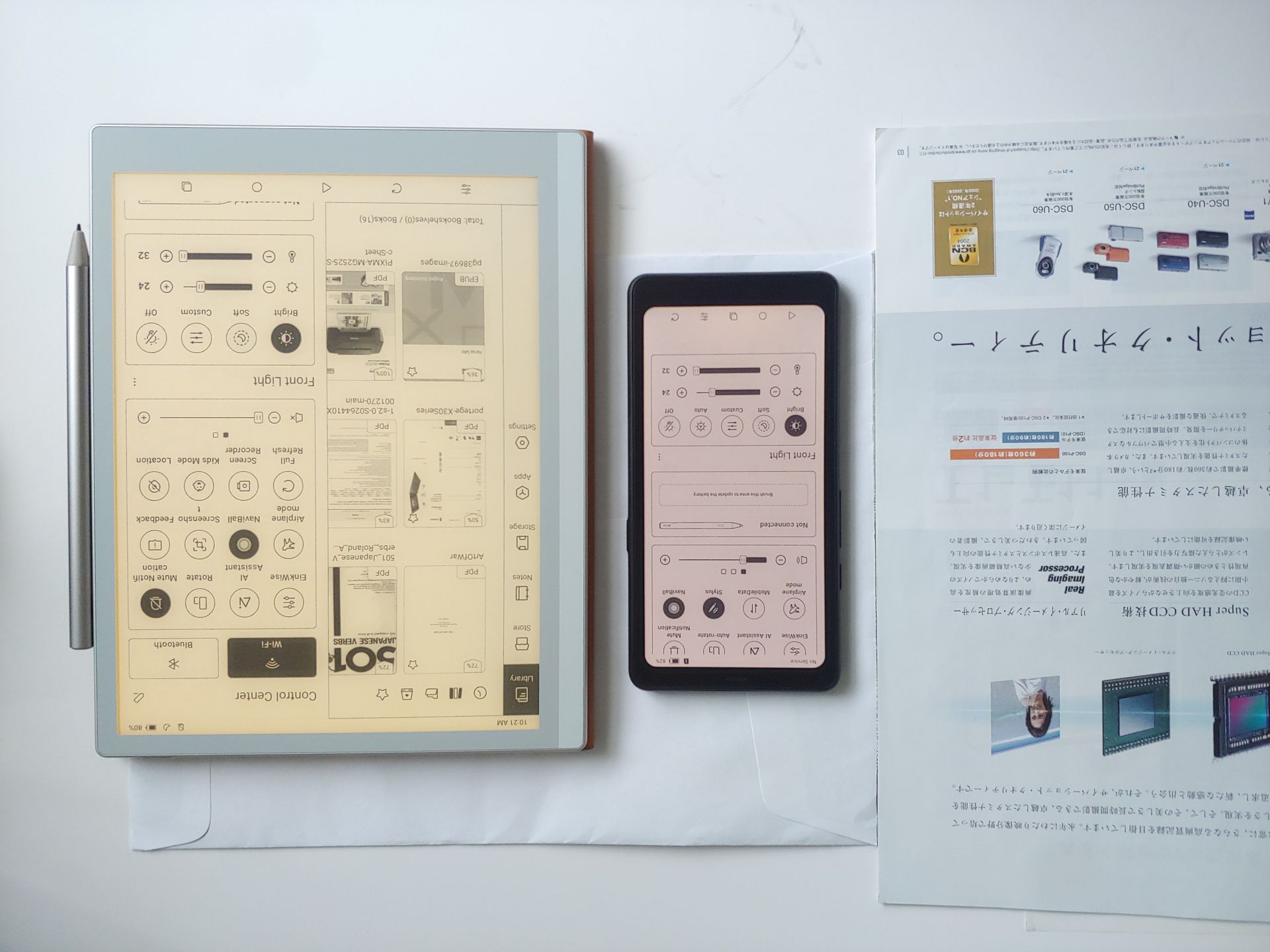
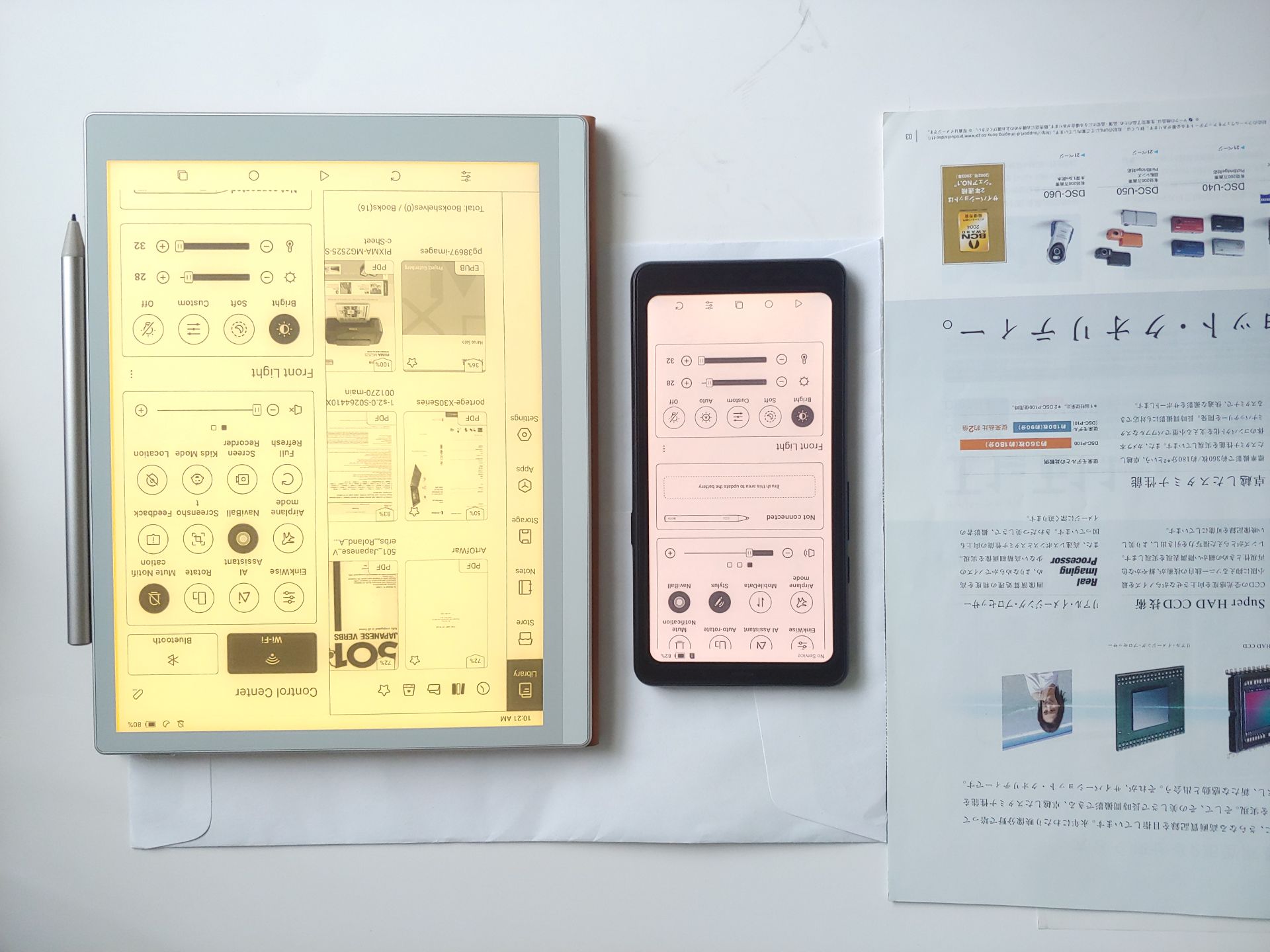
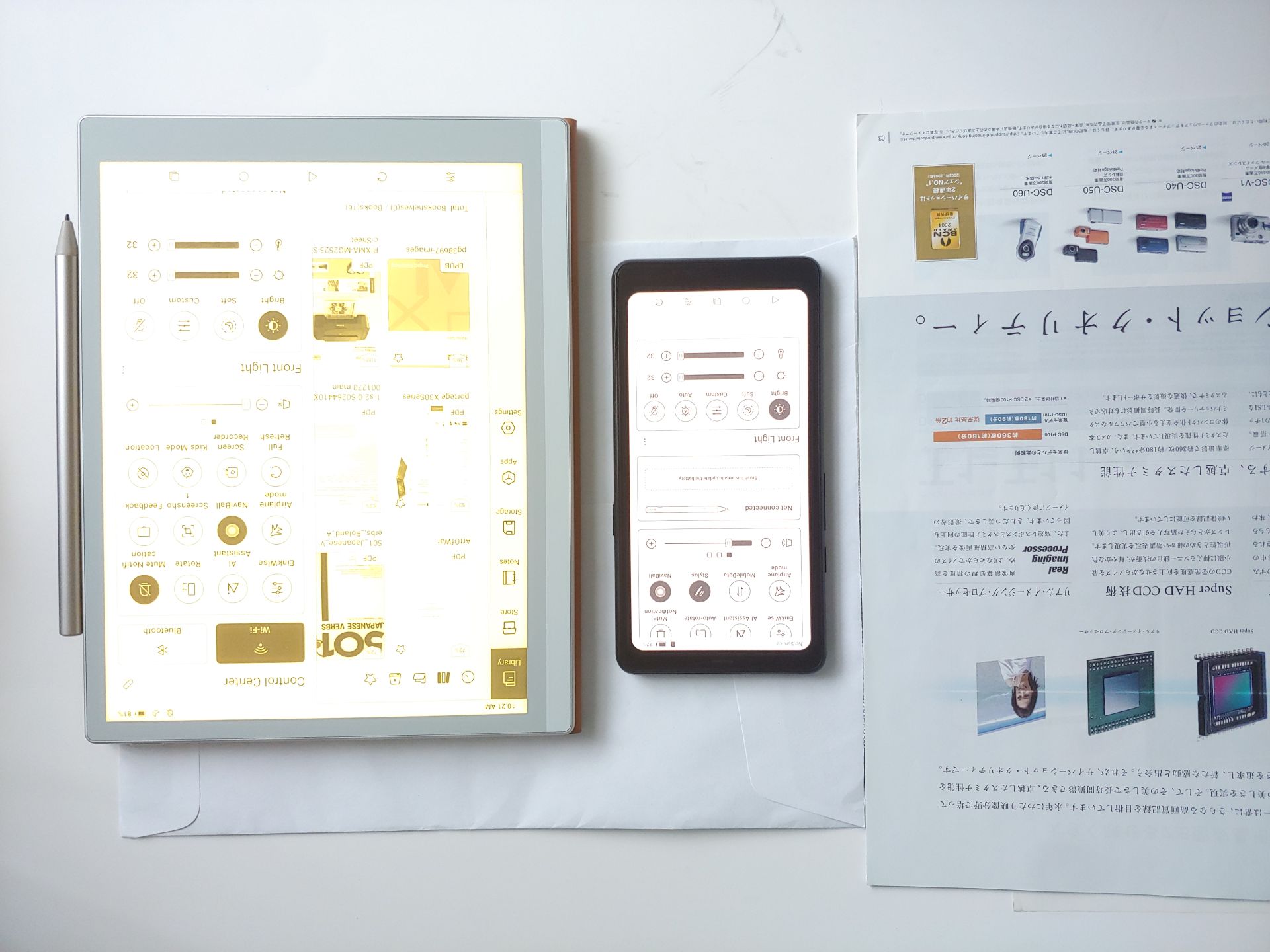
Indoors or at night, an adjustable backlight with a soft‑to‑cool white range (~2700K to 6000K) can be used.
DISPLAY SETTINGS
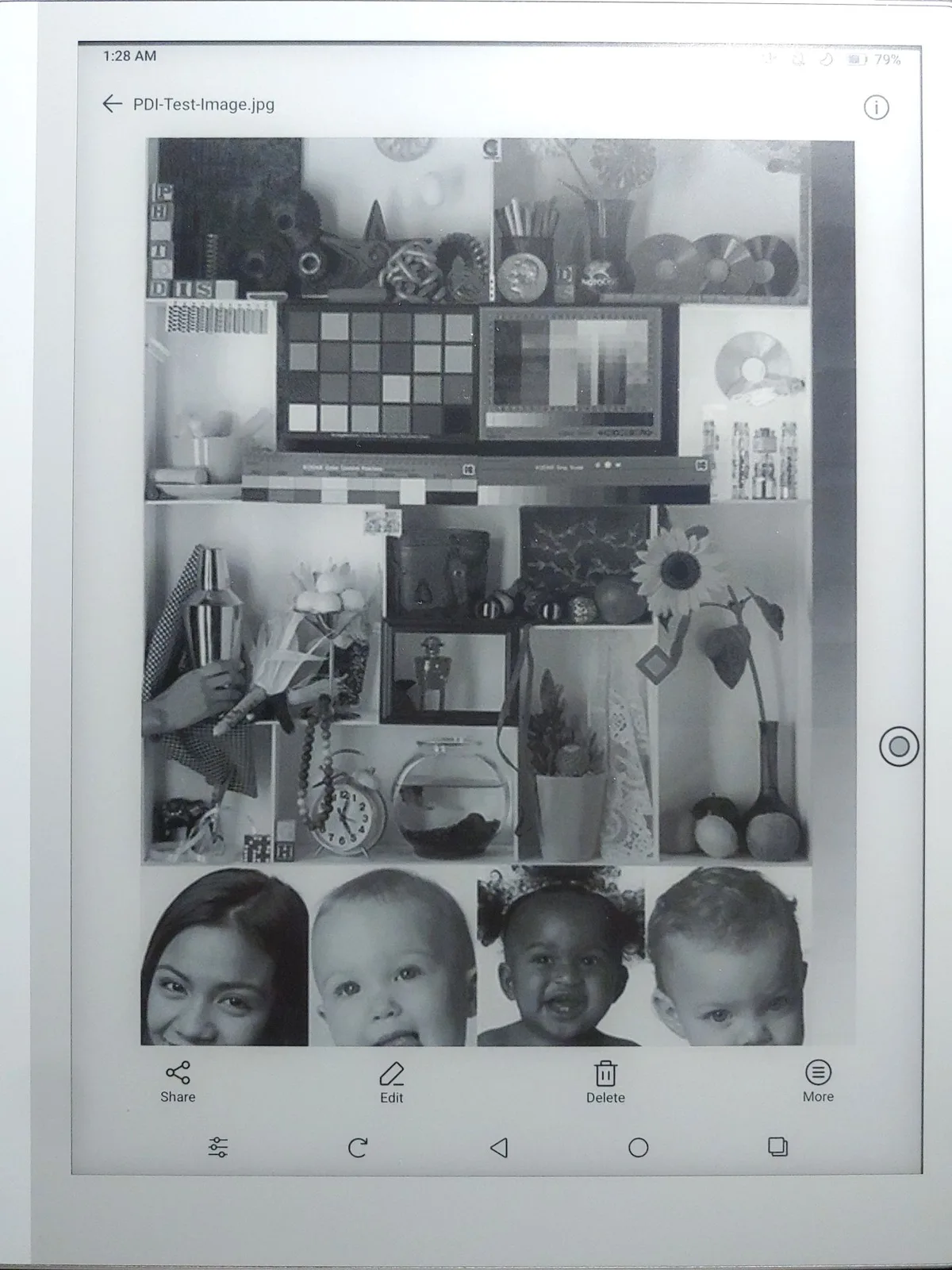
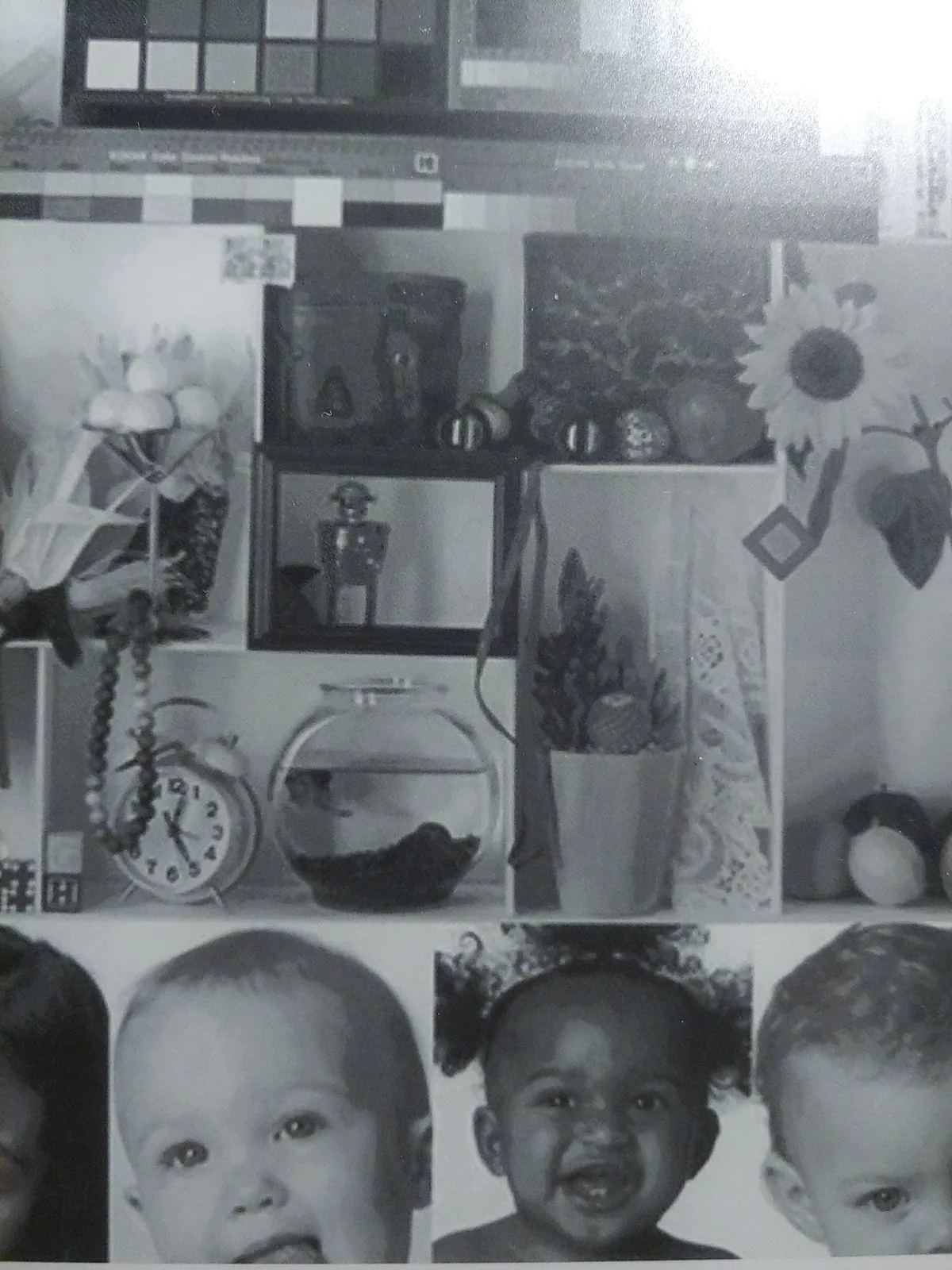
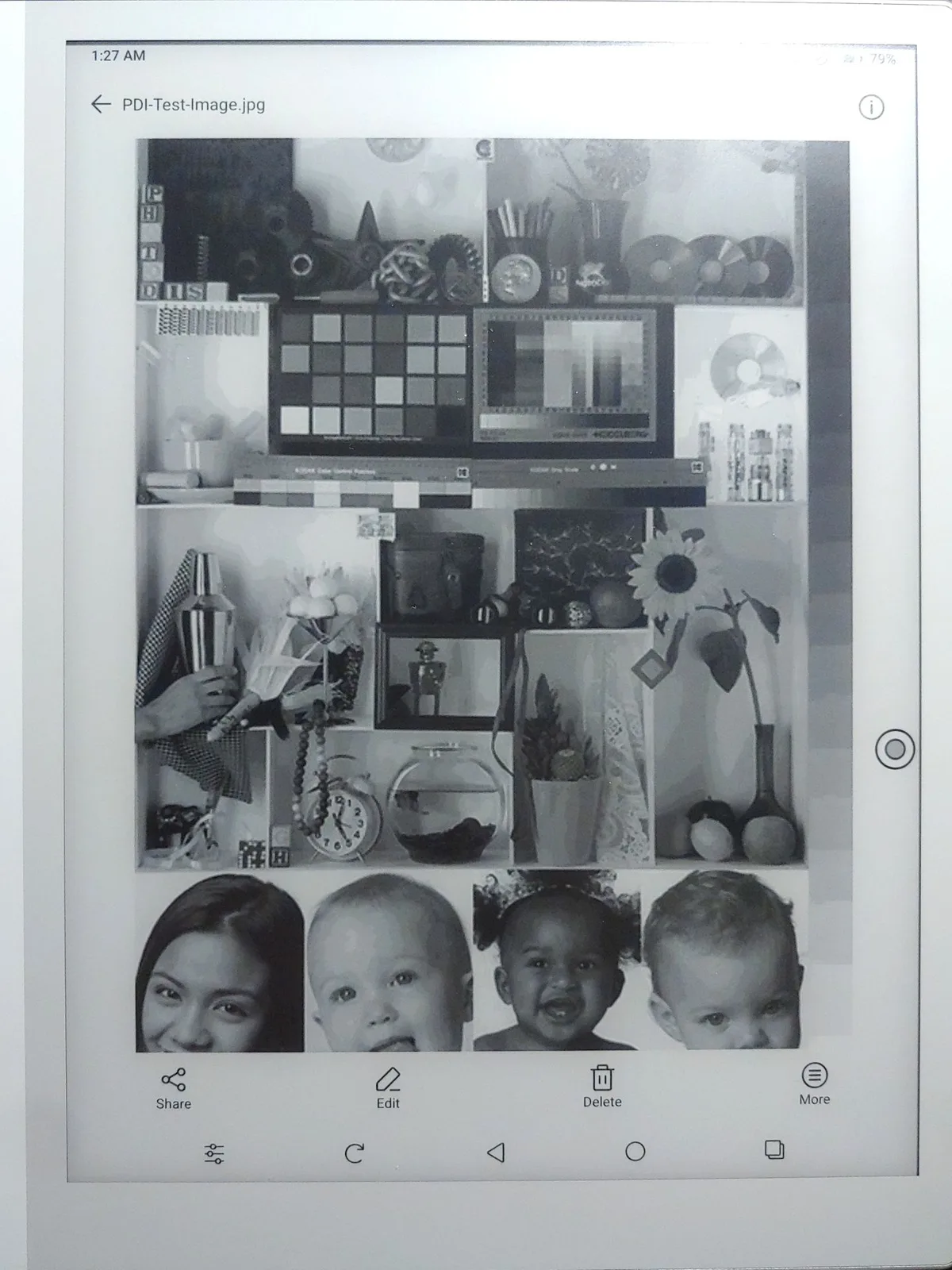
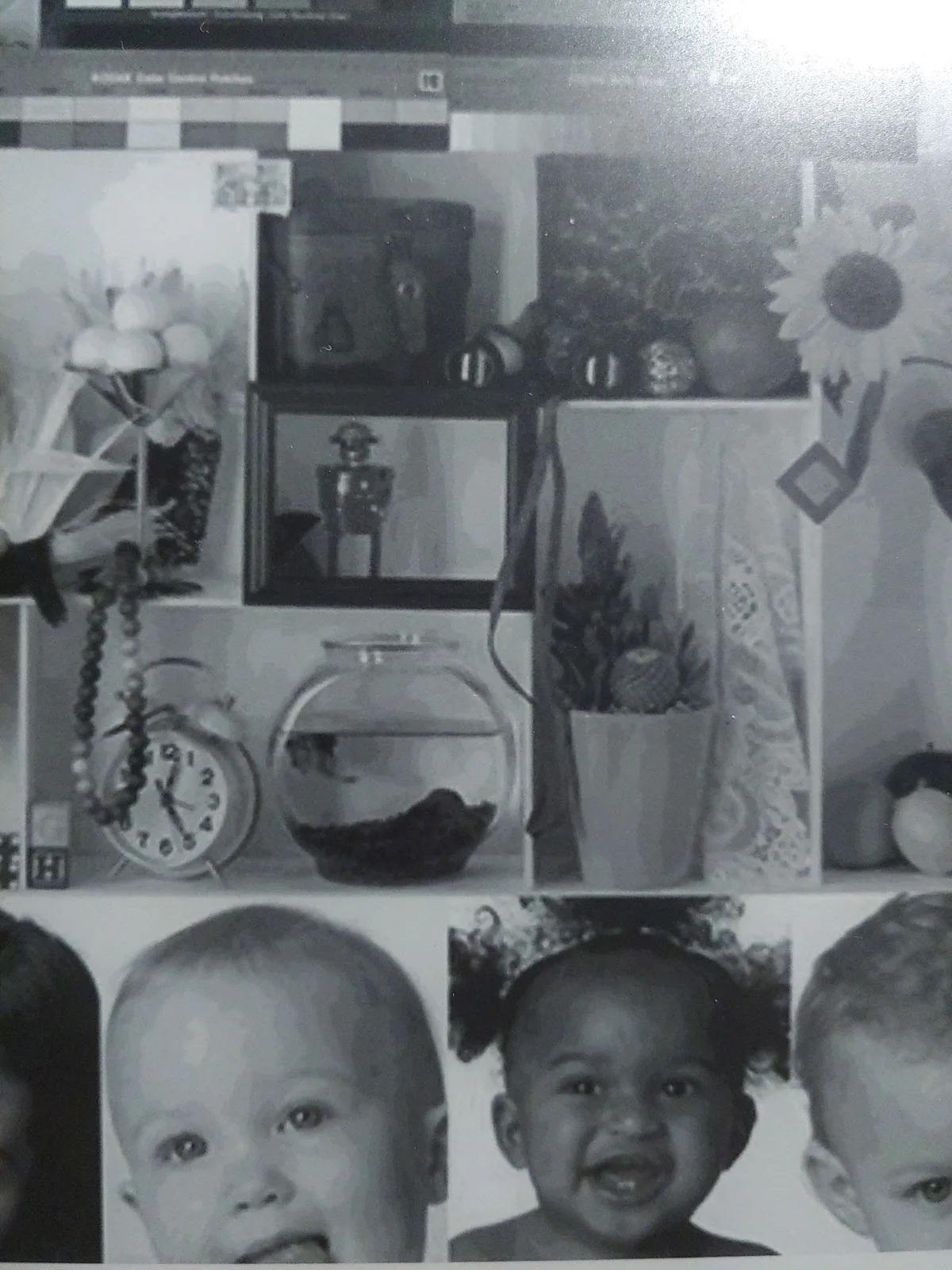
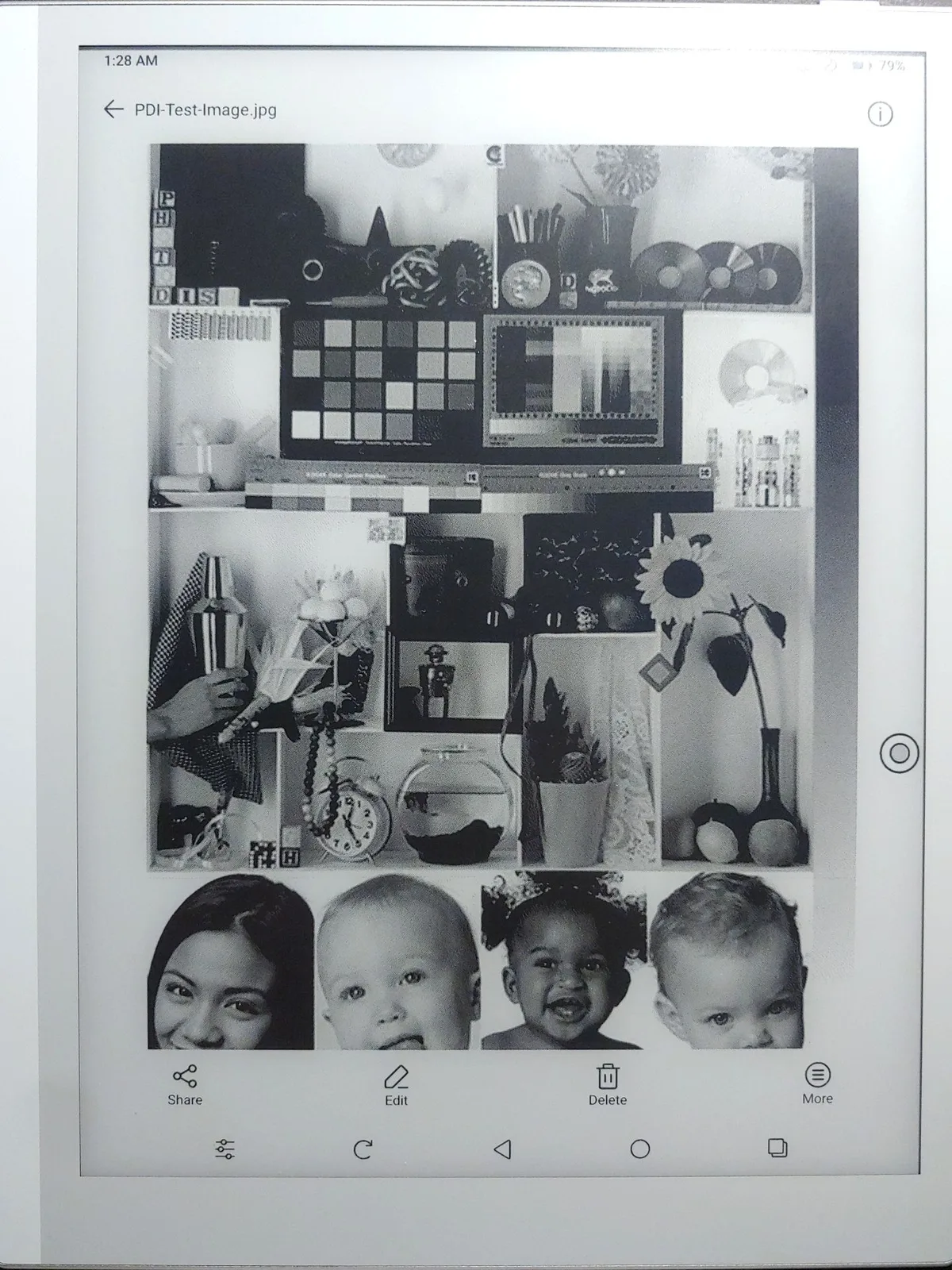
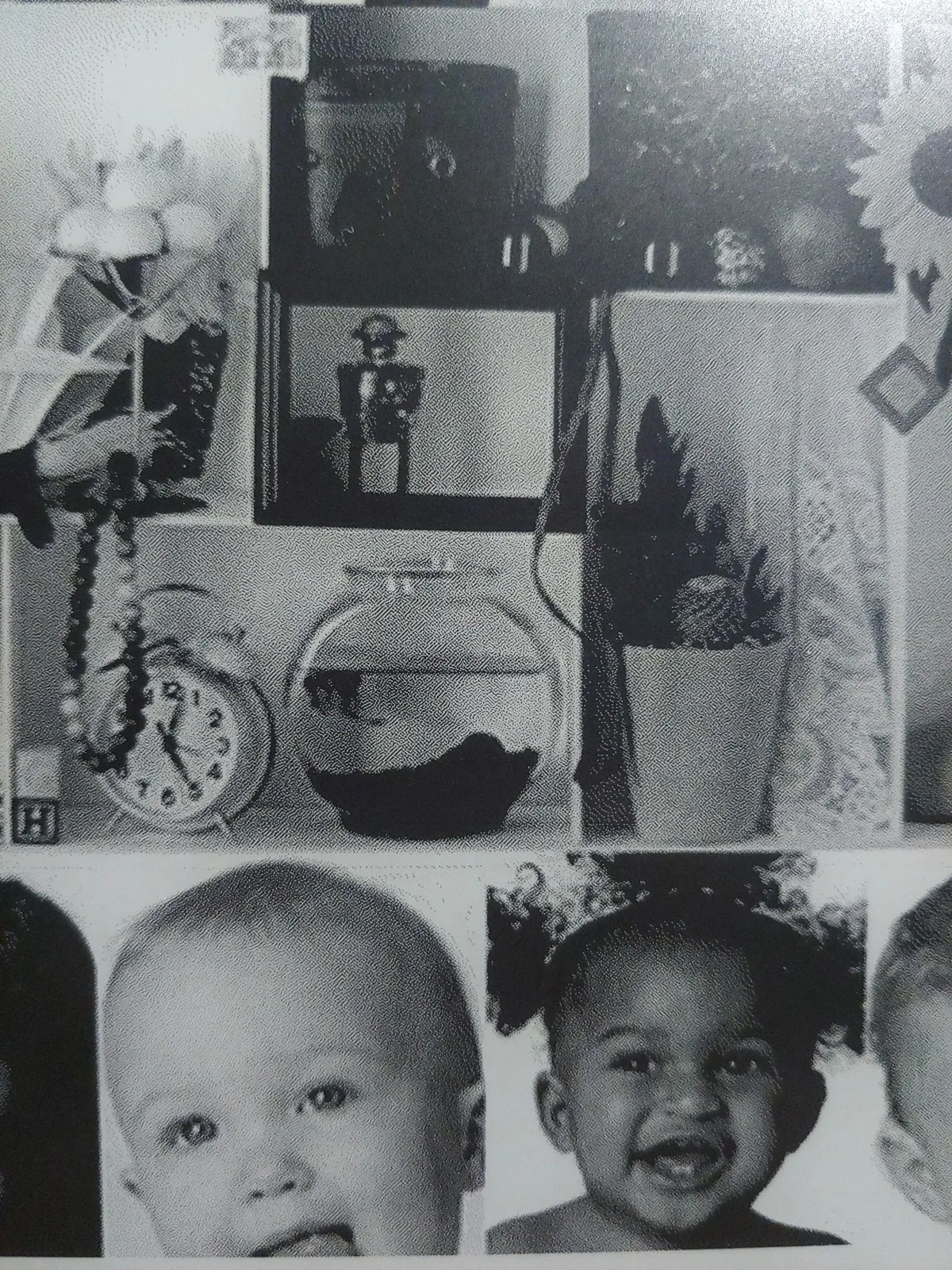
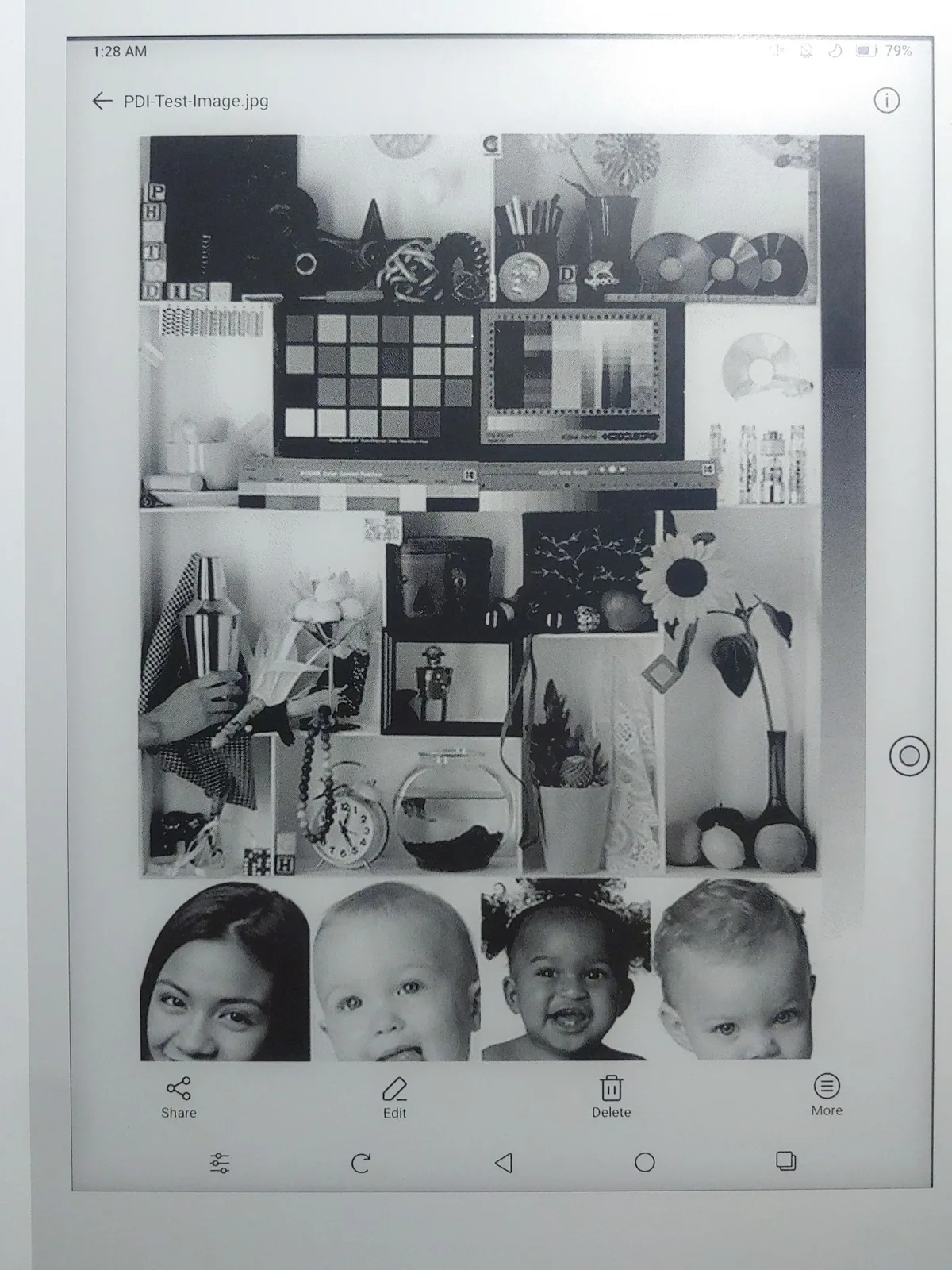
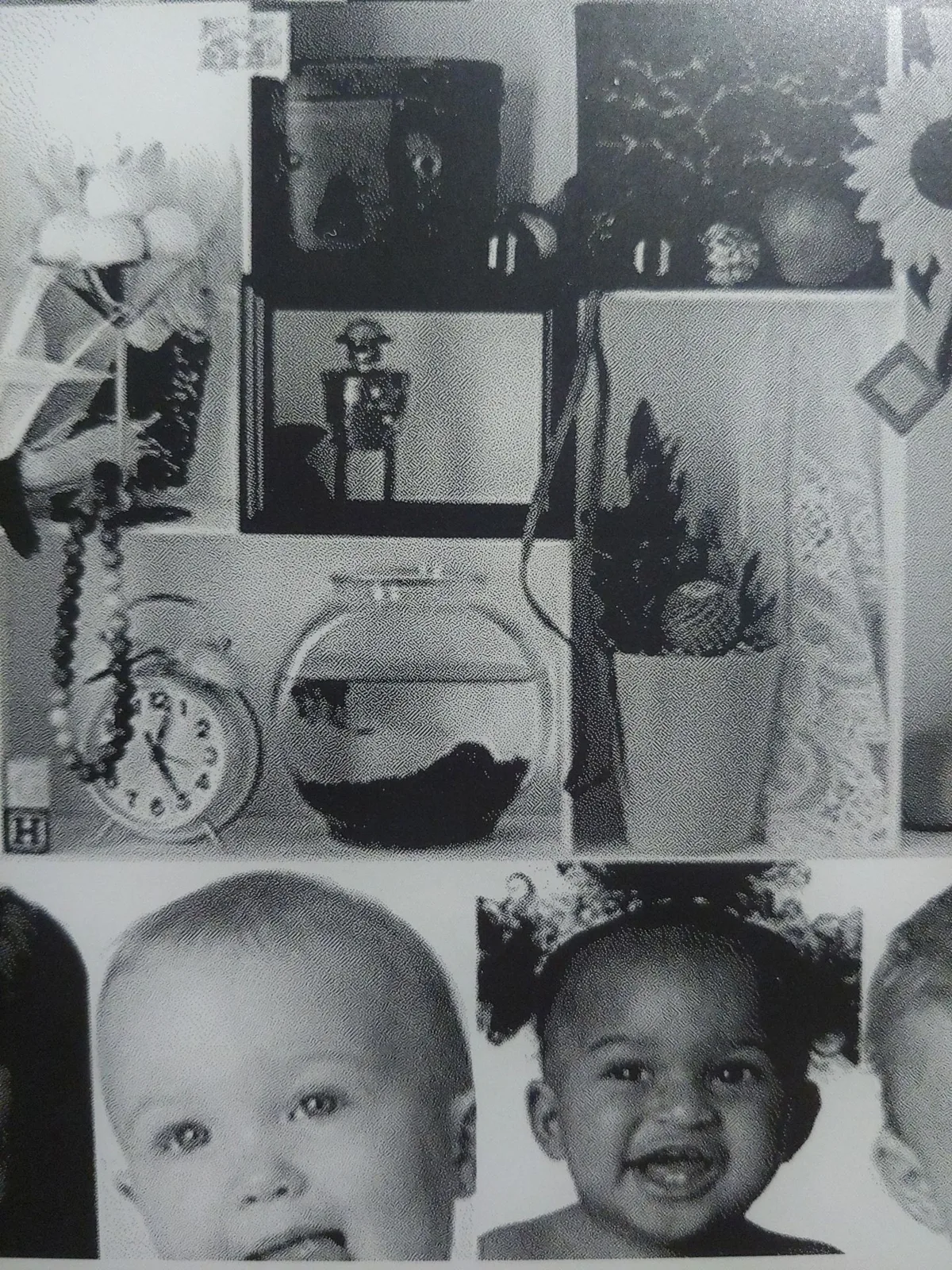
Text and image quality depend on the EinkWise settings. Regal/HD mode offers the best clarity for reading, while Speed mode reduces the screen-refresh lag when scrolling through websites or viewing videos.
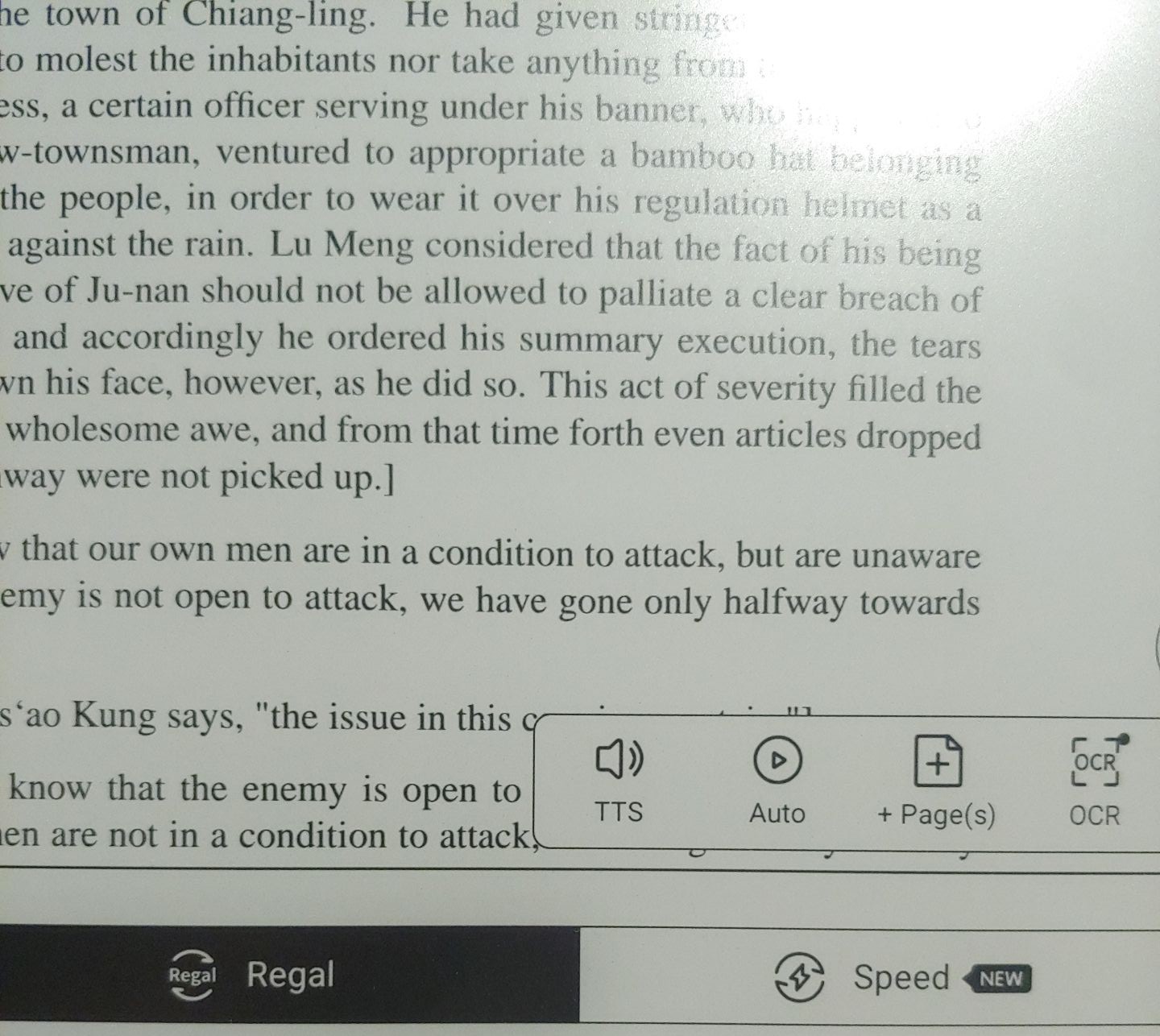

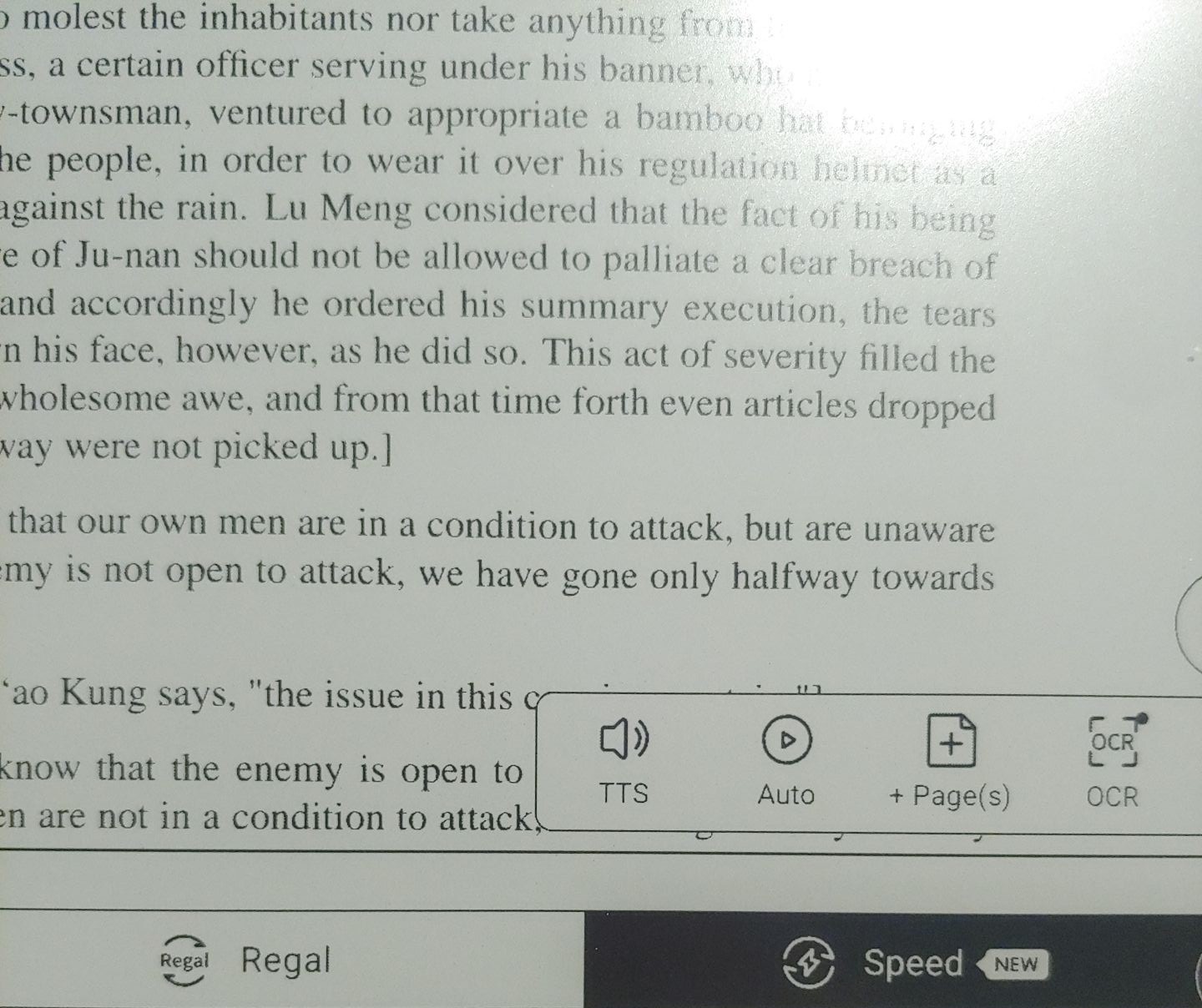
When viewing images, Image Smoothing can be toggled in HD mode, and High-contrast can be toggled in Speed mode, affecting the image quality noticeably.
BACKLIGHT HUE
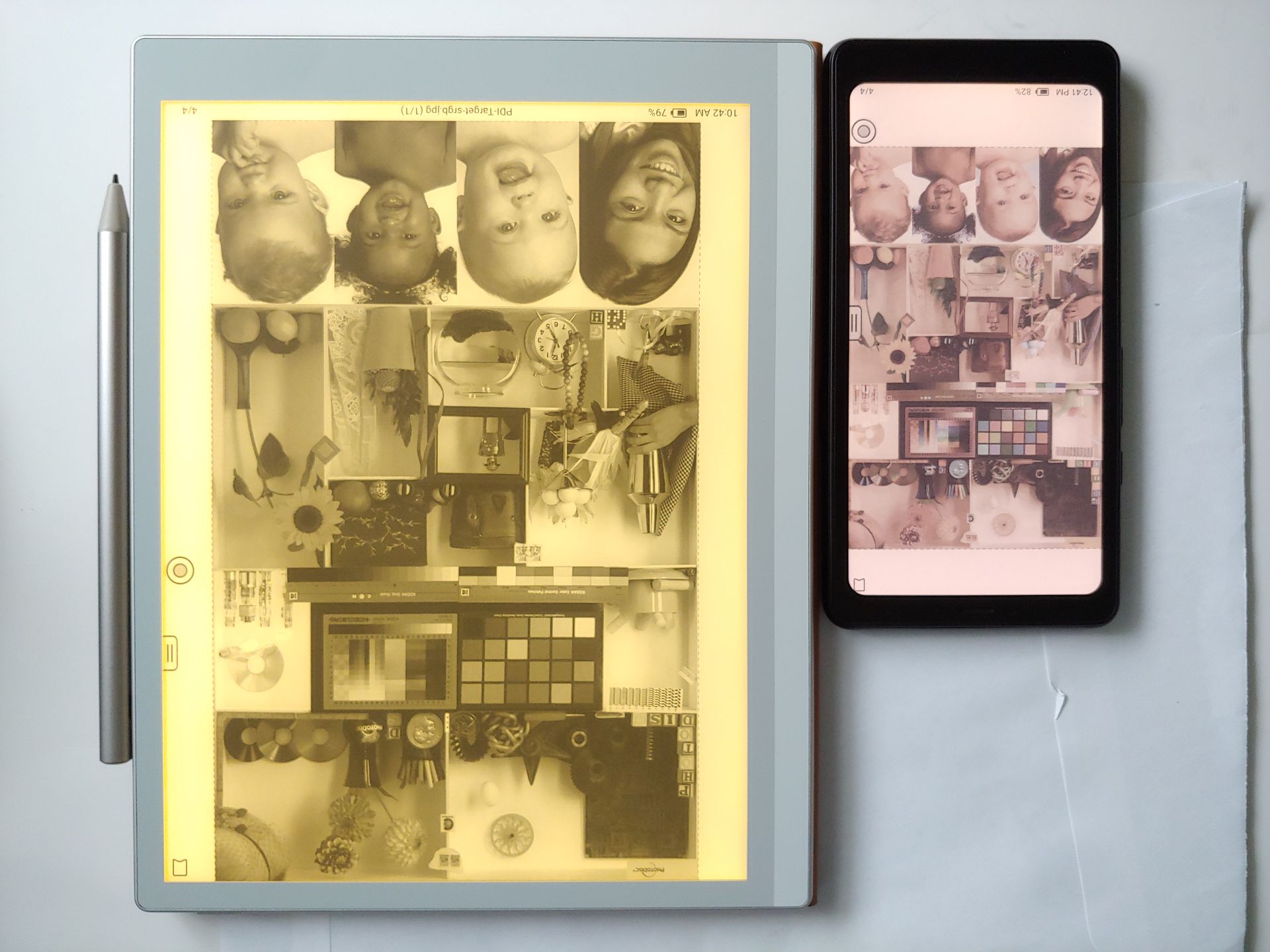
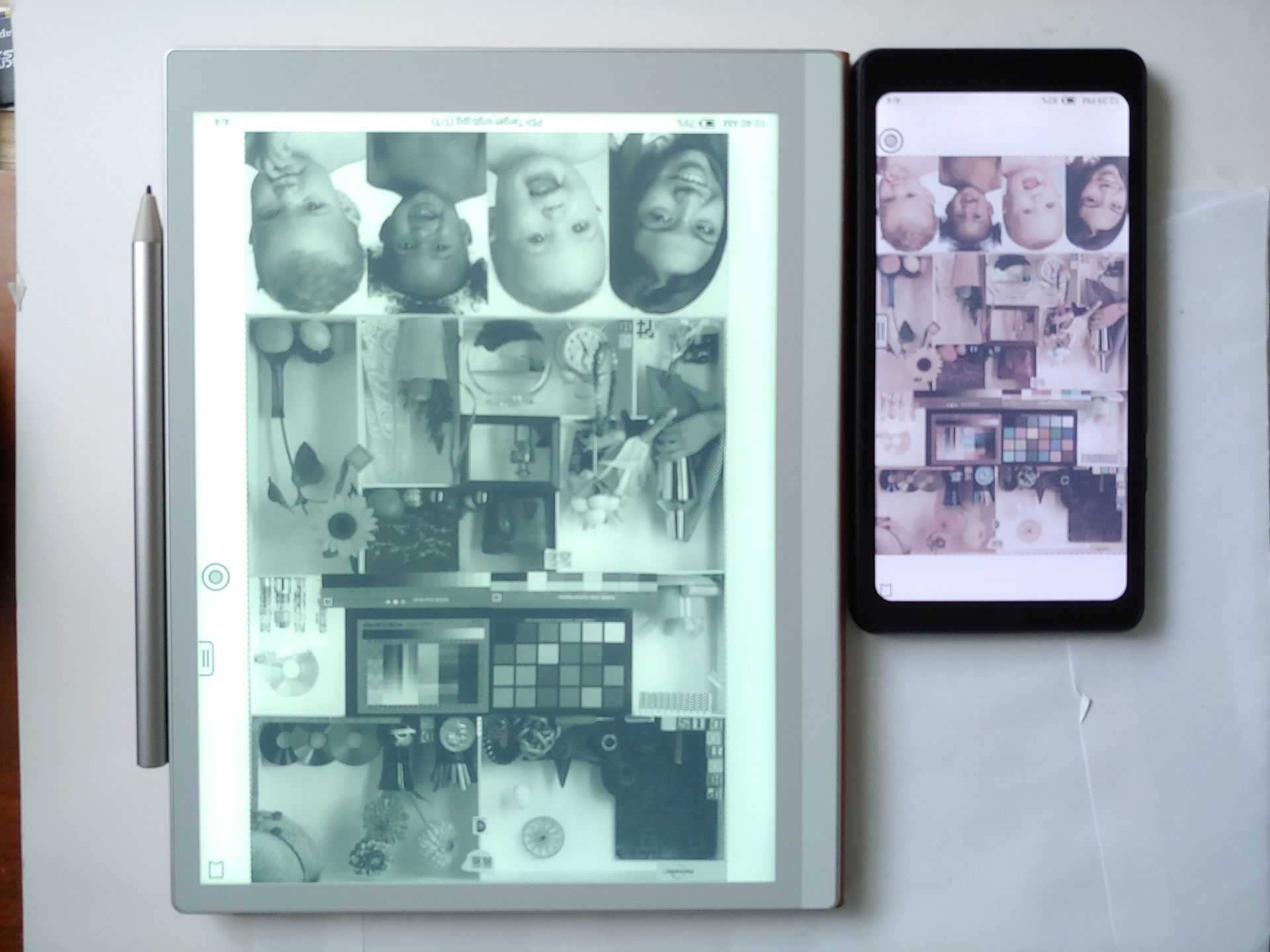
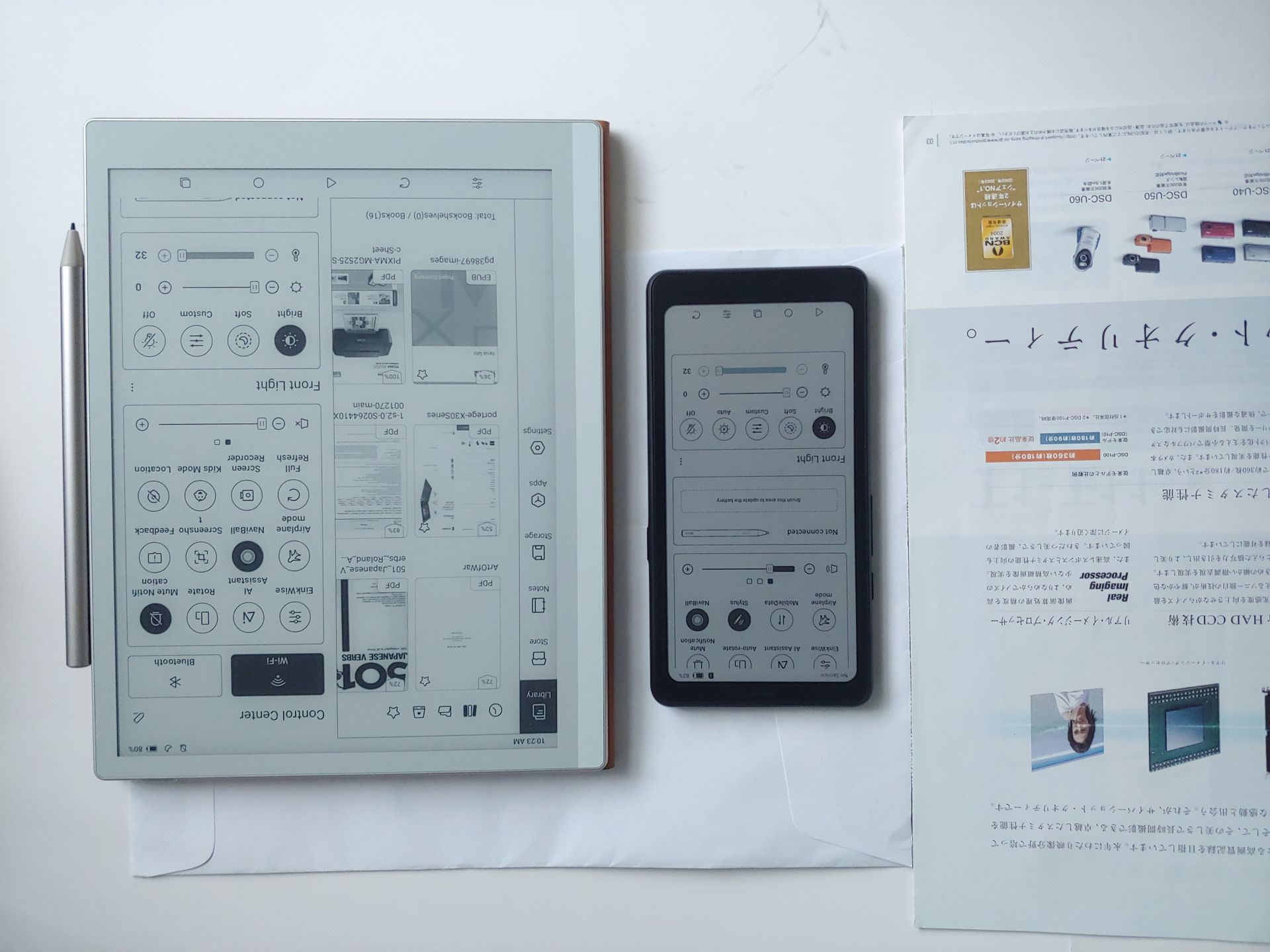
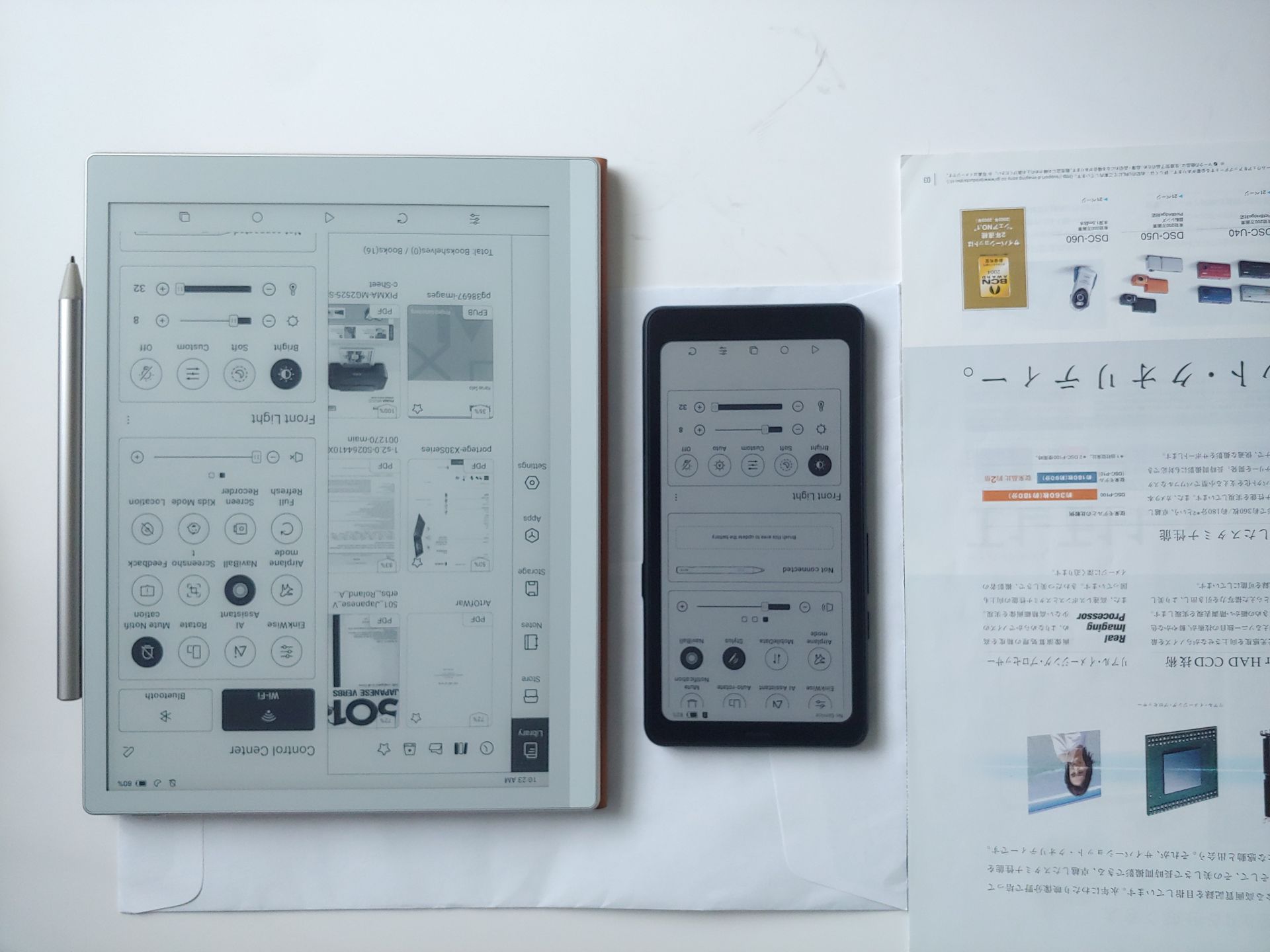
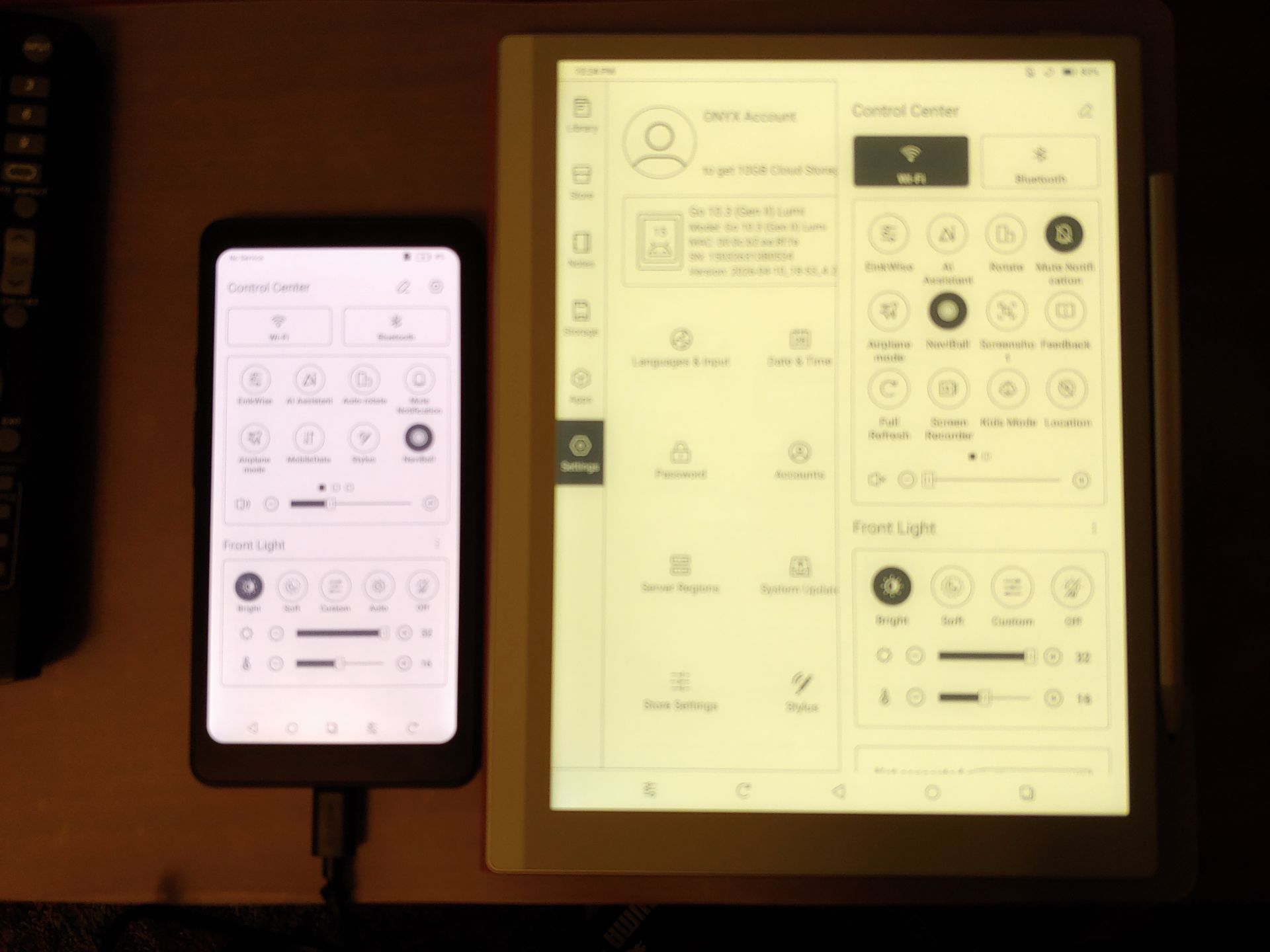
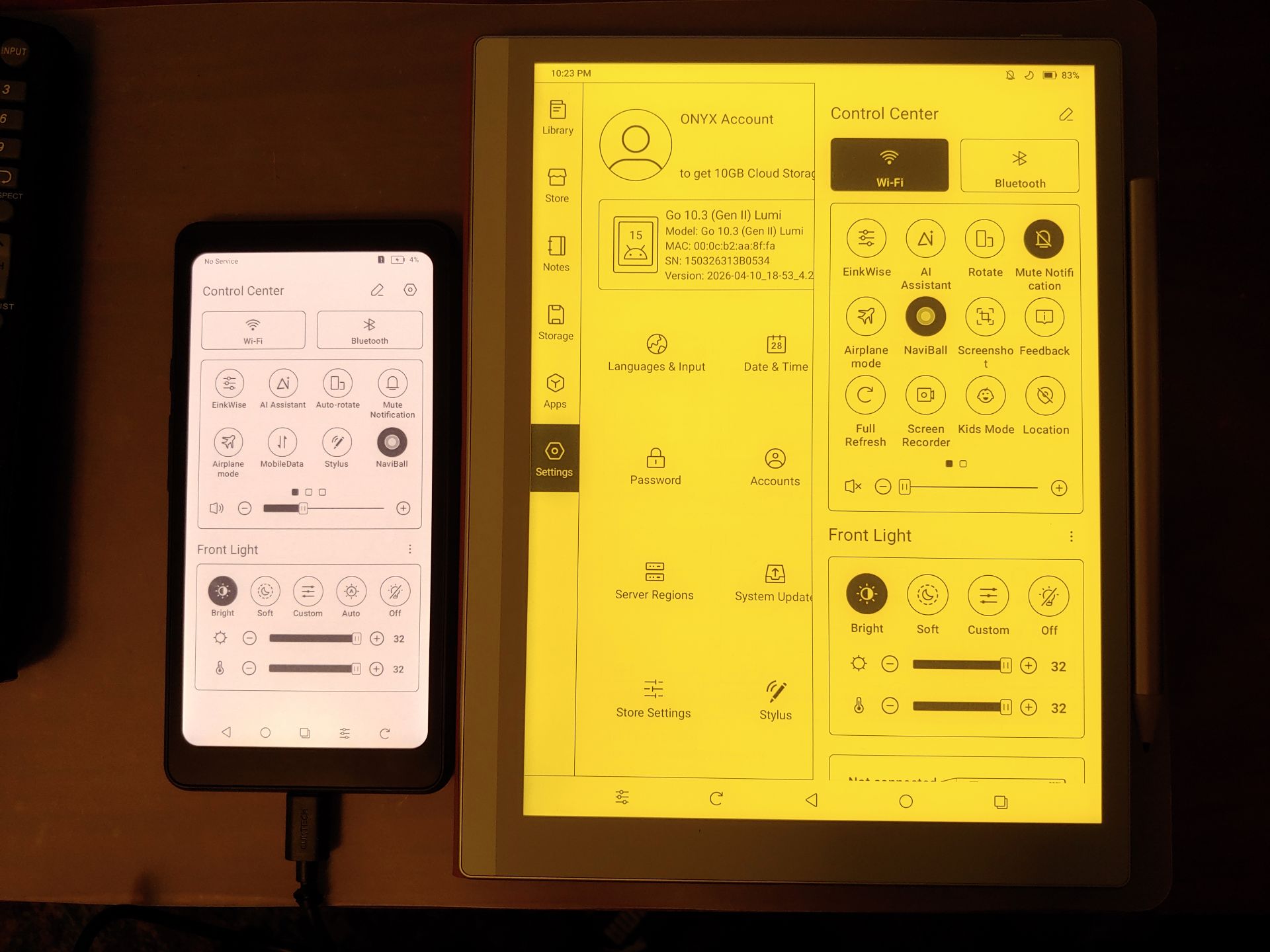
The backlight of the Lumi has a slight green hue when set at the coolest white and a strong yellow hue when set at the warmest white. For comparison, the Palma 2 Pro has a slight reddish hue across its color temperature range.
The photos in this review overemphasize these hues. In reality, the green hue is only noticeable by those who are sensitive to slight color differences and the screen appears ‘white’ to most people.
DAYLIGHT – OUTDOORS
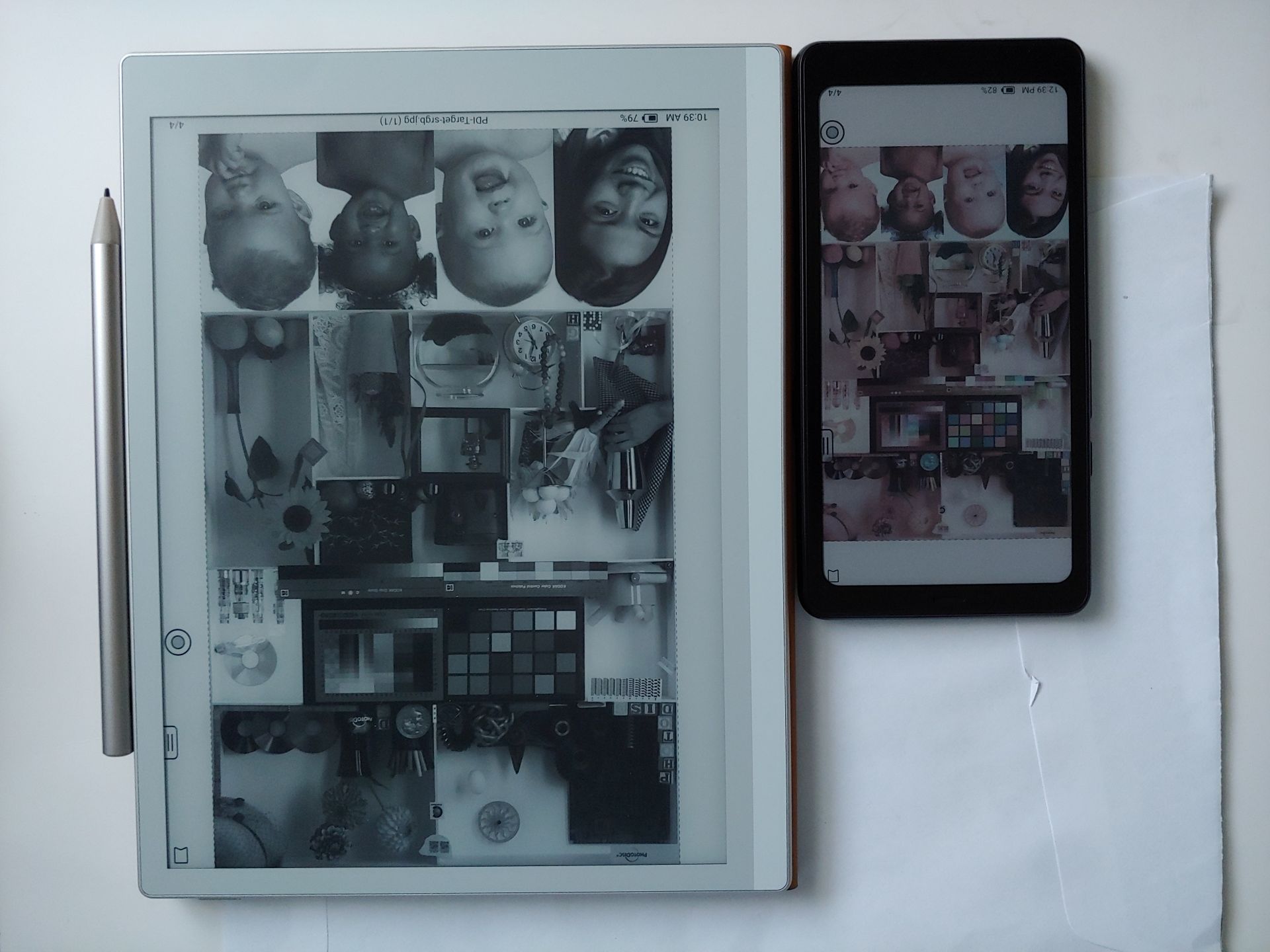
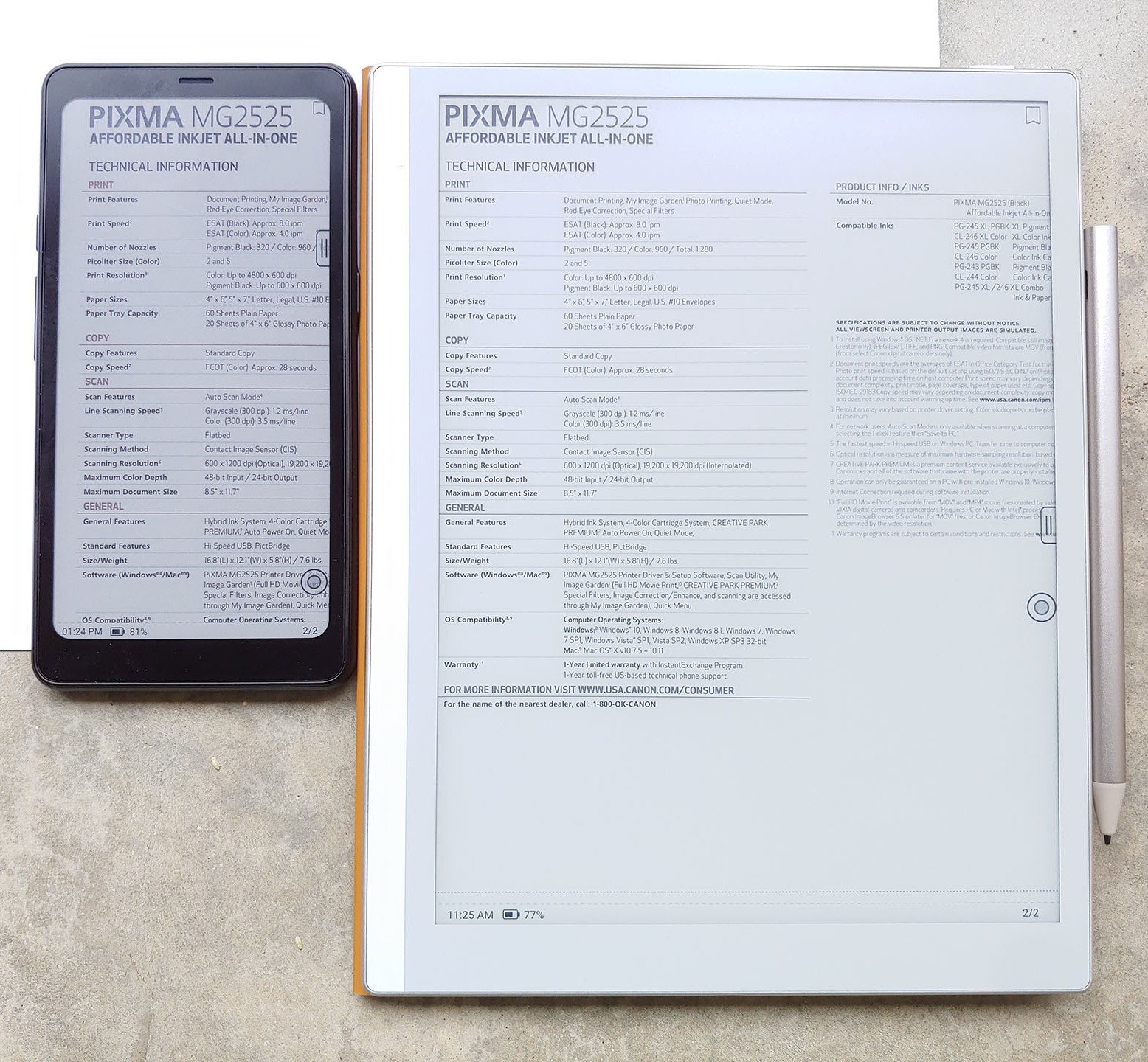
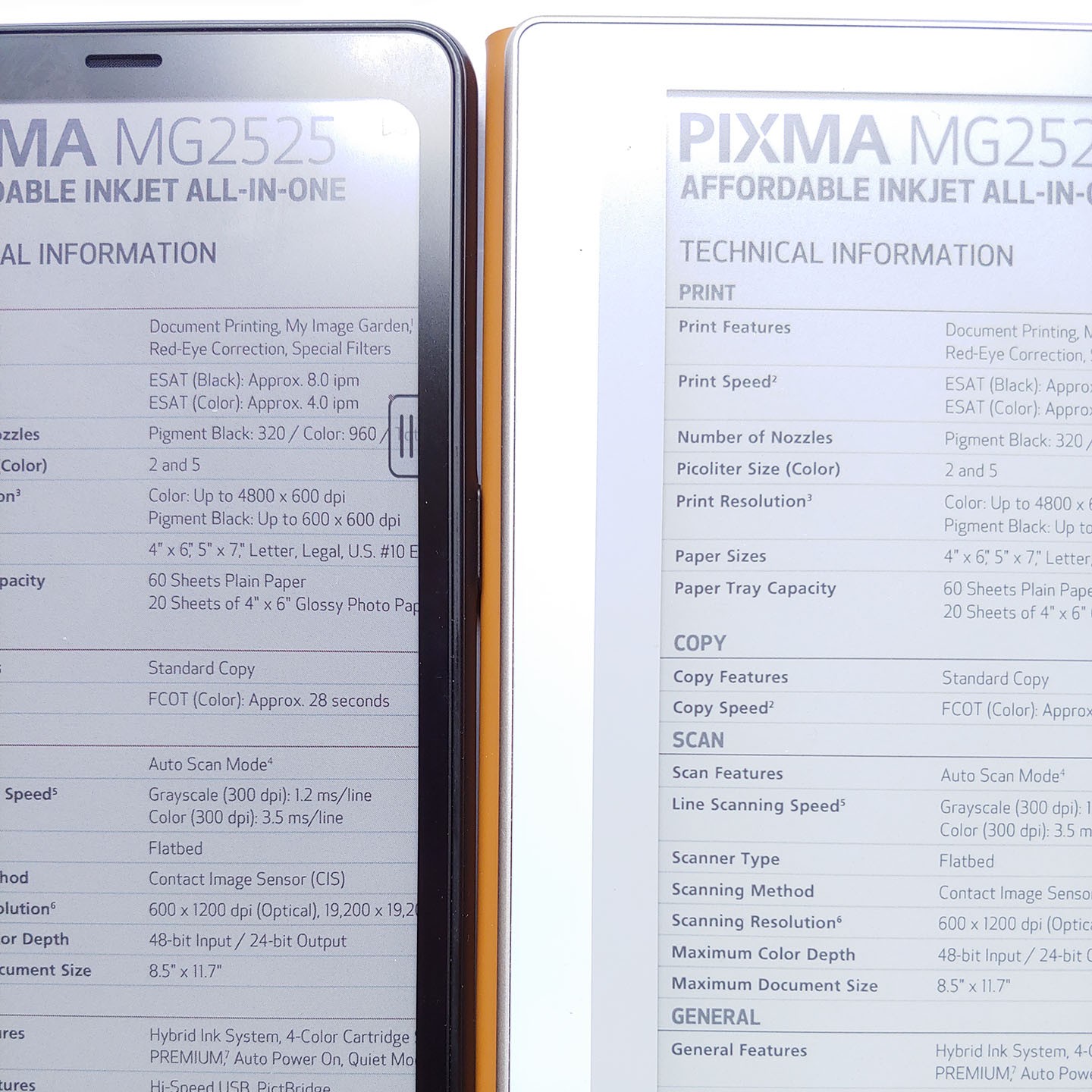
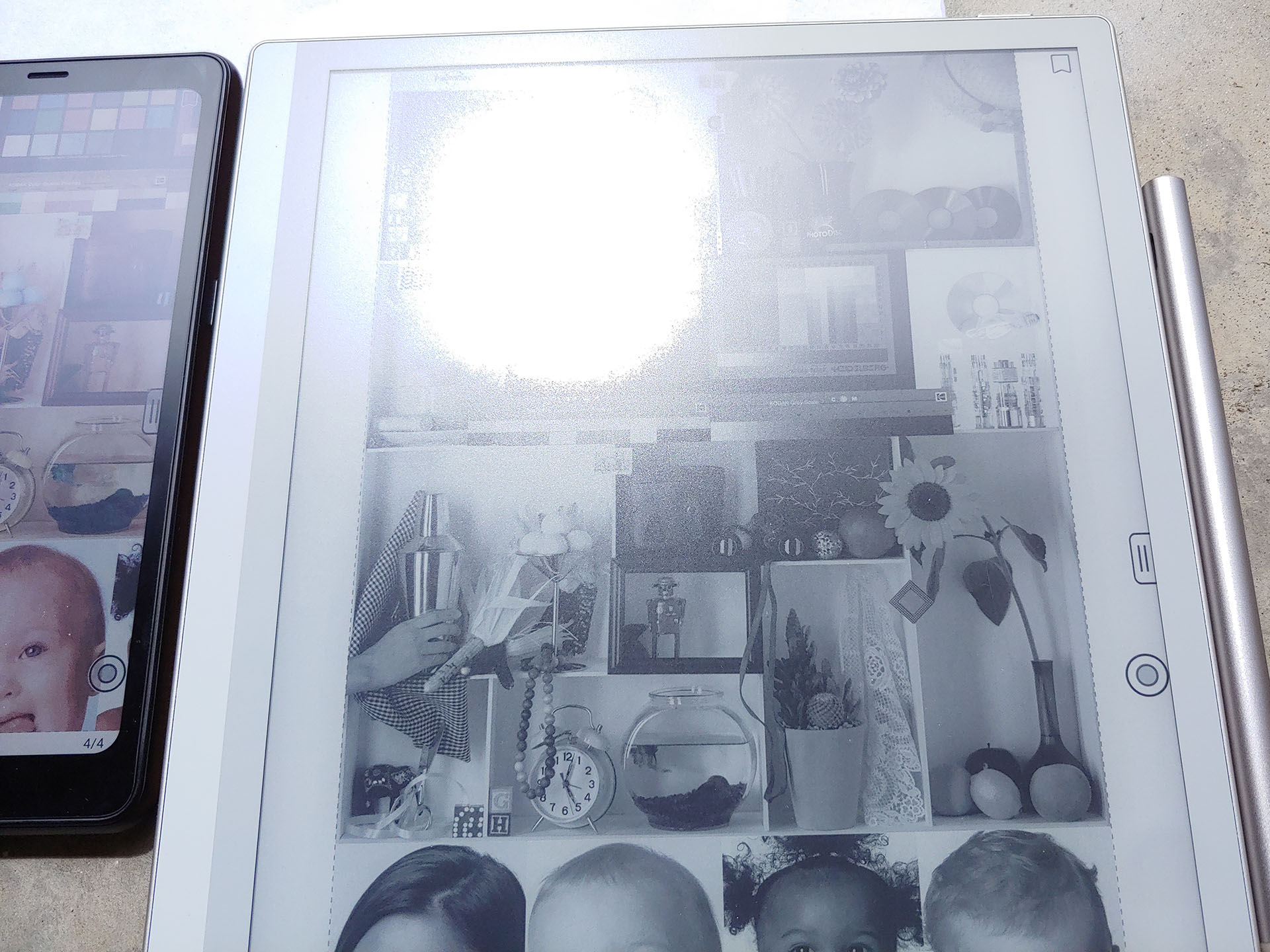
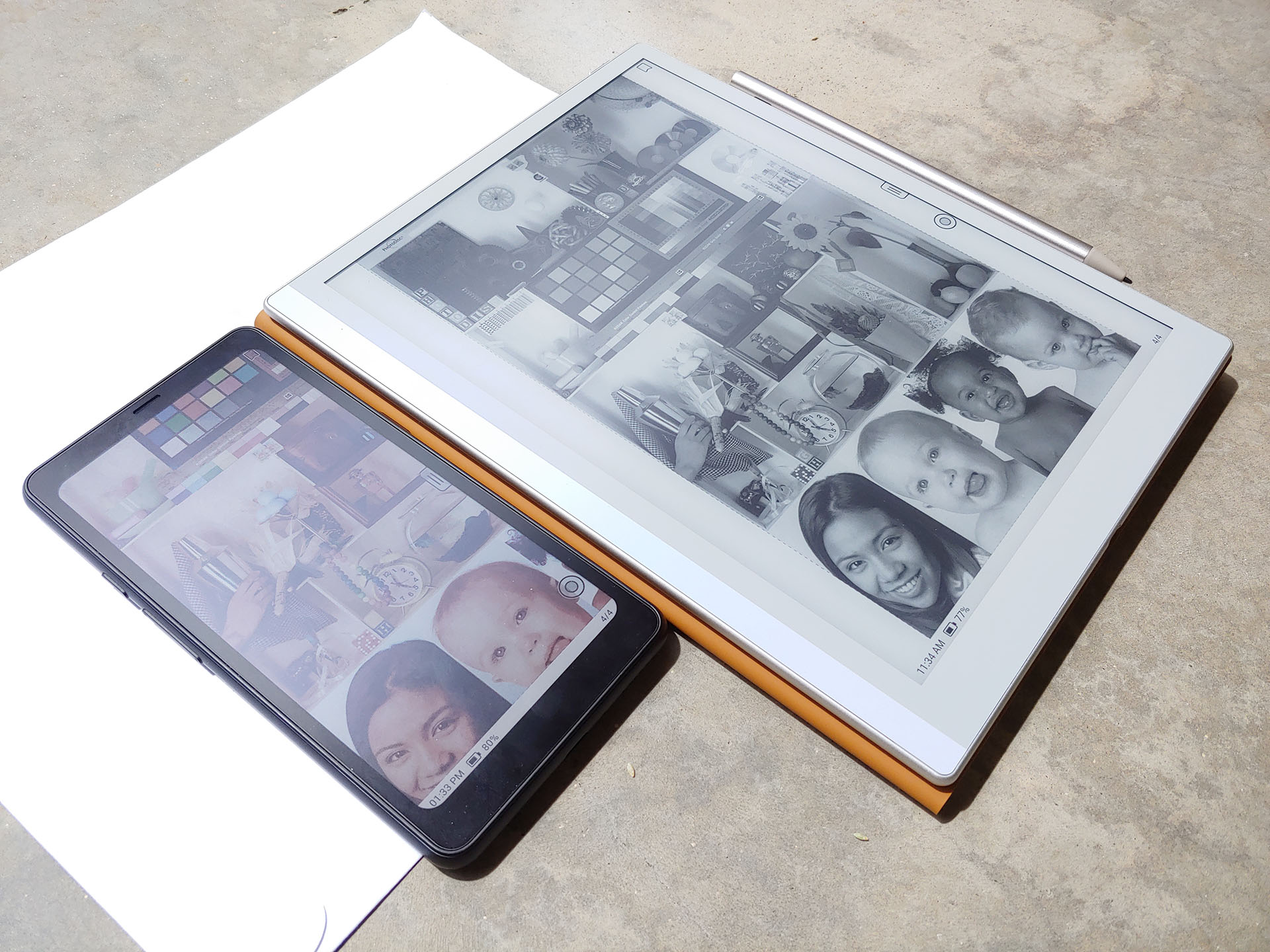
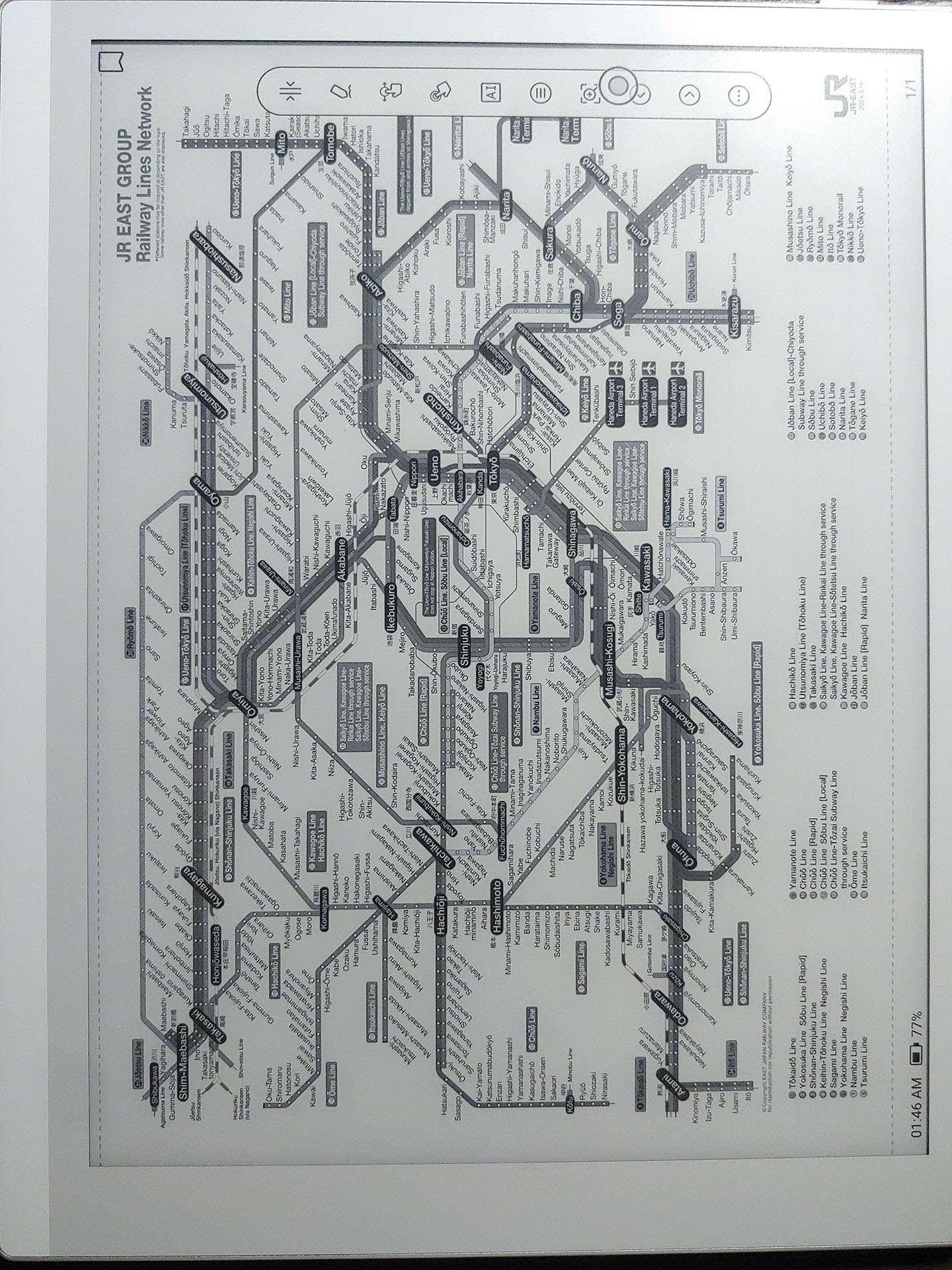
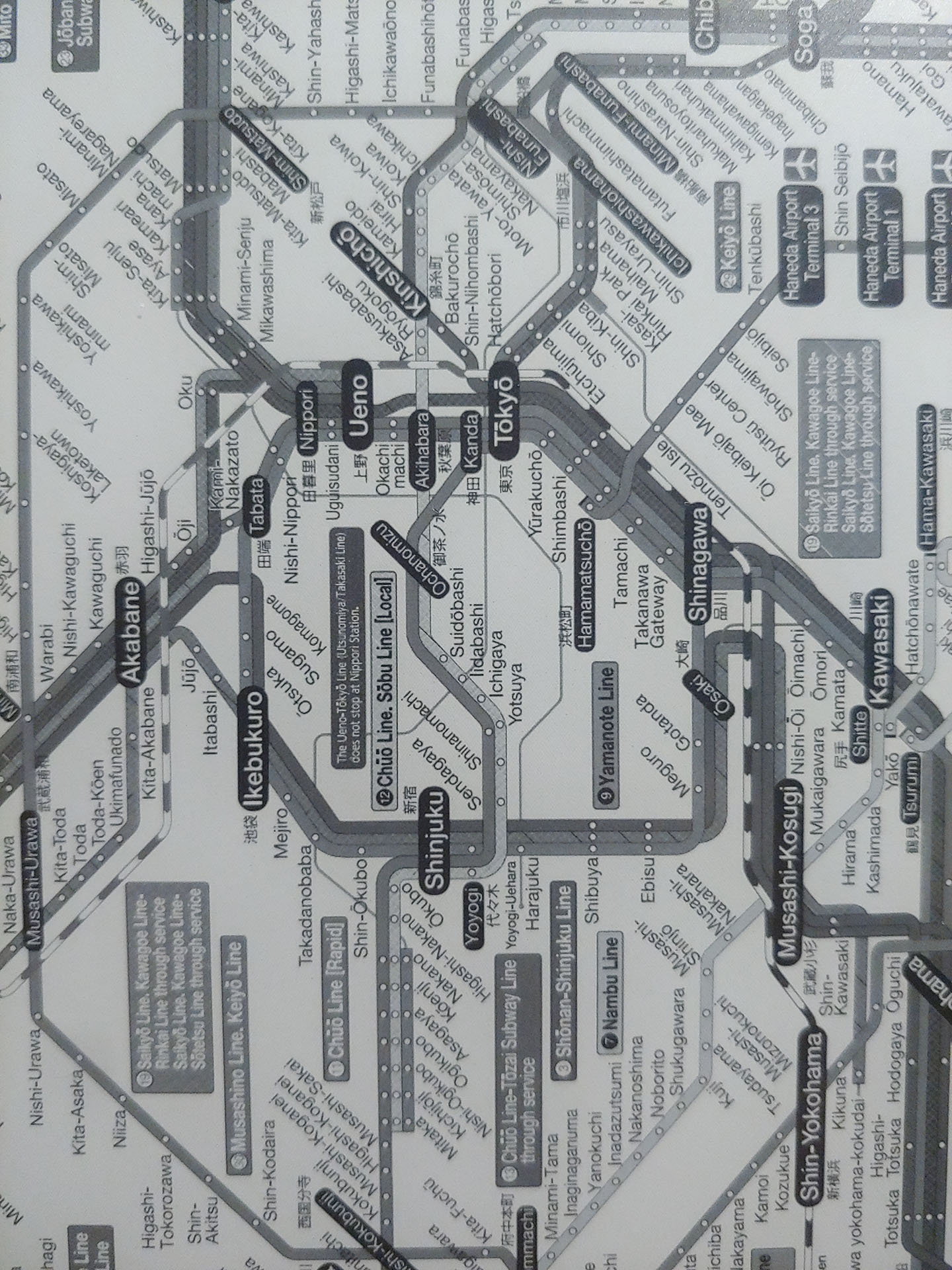
In daylight, the Boox Go ePaper display is perfectly legible except when the reflected sunlight is visible. Fine details are crisply reproduced thanks to the display’s 300 dpi resolution, which is similar to a laser print. Overall, the ePaper panel has a whiter background with less grain than the color E Ink display of the Boox Palma 2 Pro.
DAYLIGHT – INDOORS
The Boox Go was quite readable indoors under shaded daylight without using the backlight, but using it helps bring the appearance closer to actual printed material by making the background whiter.
The backlight can be set quite bright and the color temperature can be adjusted from a cooler white to a noticeably yellow-looking warmer white, helping users avoid exposure to excessive blue light at night.
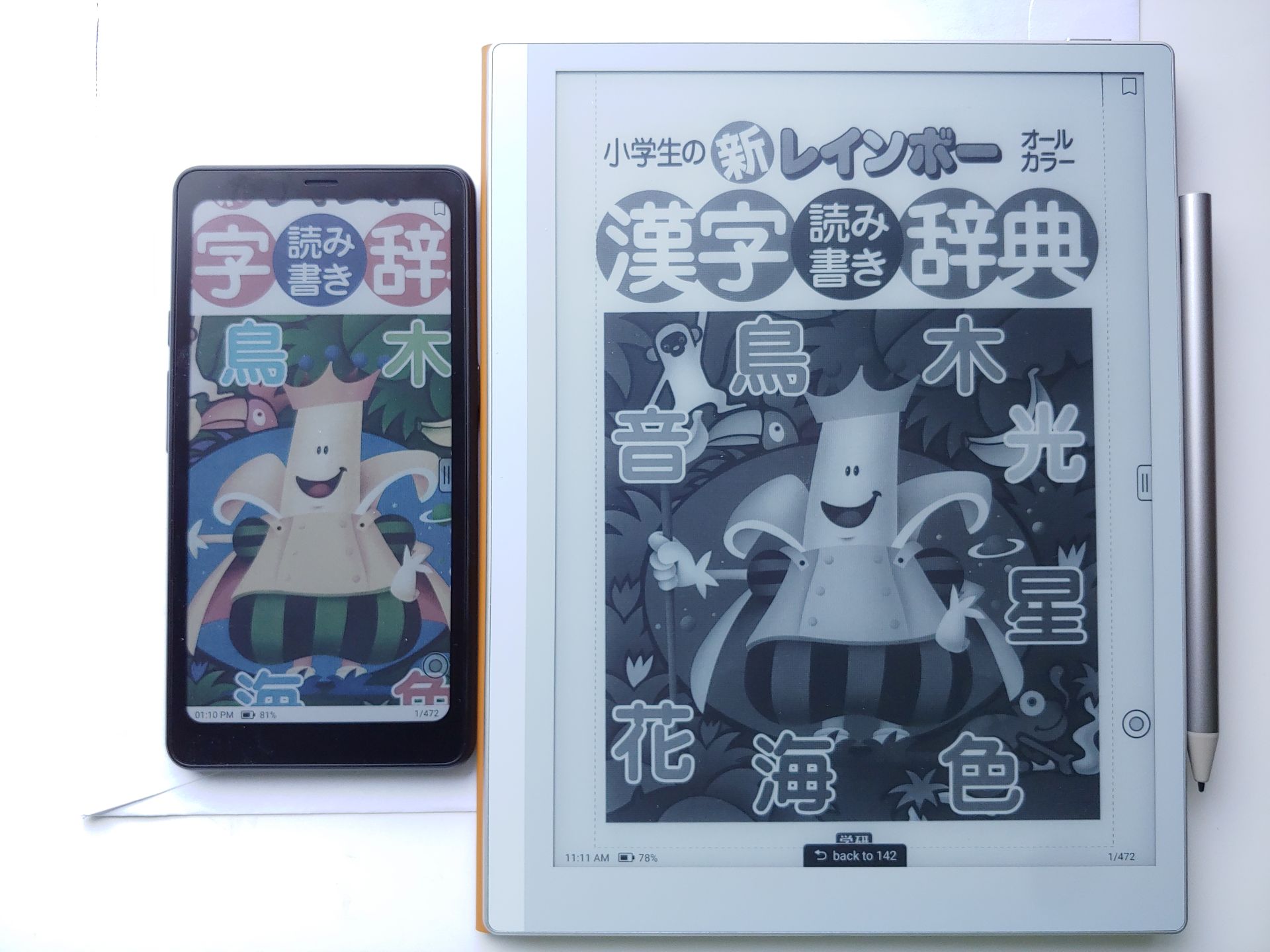
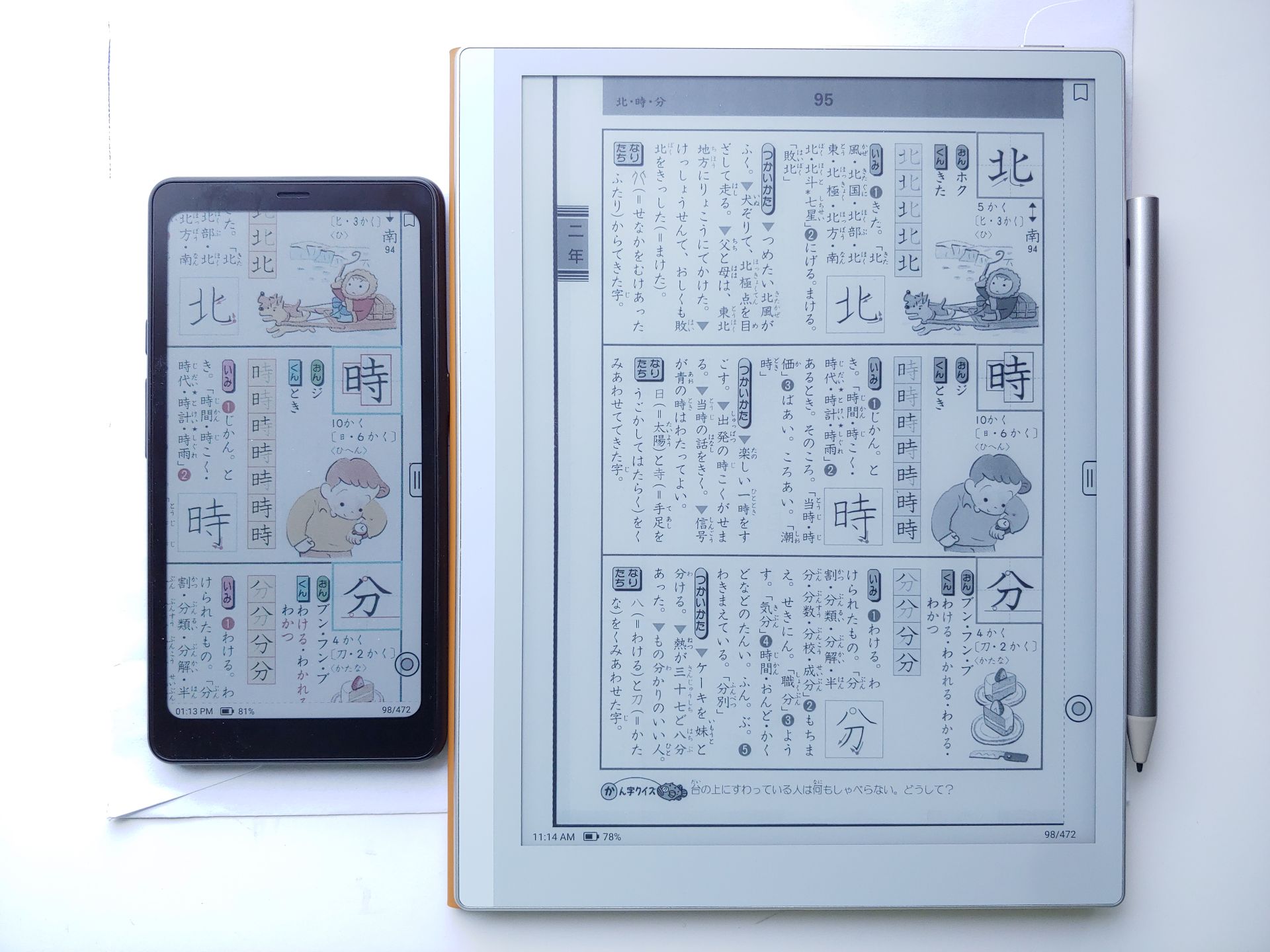
NIGHTTIME – INDOORS
At night, the screen remains readable, but is definitely darker than a newspaper. Use of the backlight is preferred. The samples below overemphasize the hues so that buyers who are sensitive to minor color differences can decide if they prefer the very slight greenish tone present.
MAGNIFIED VIEWS
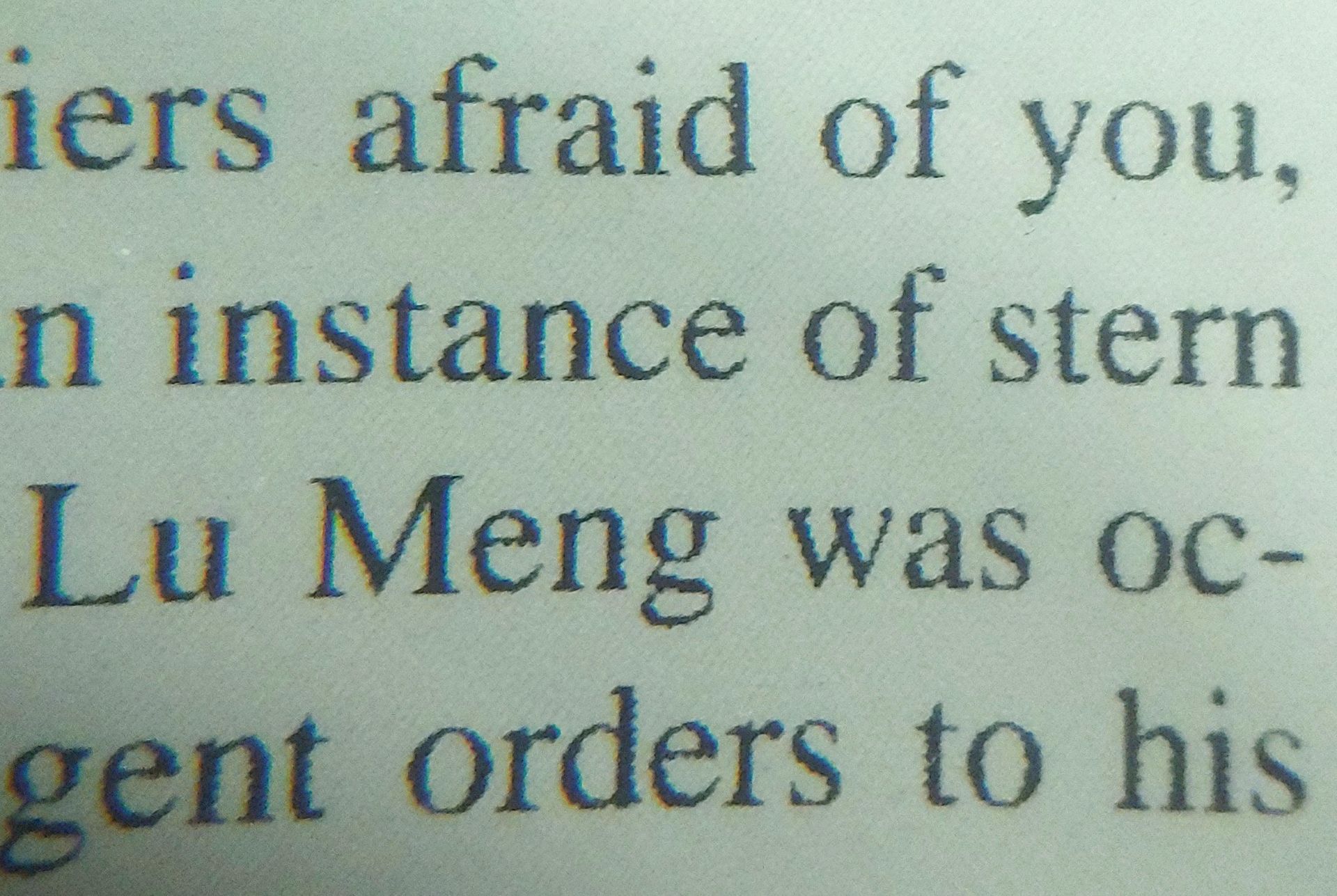
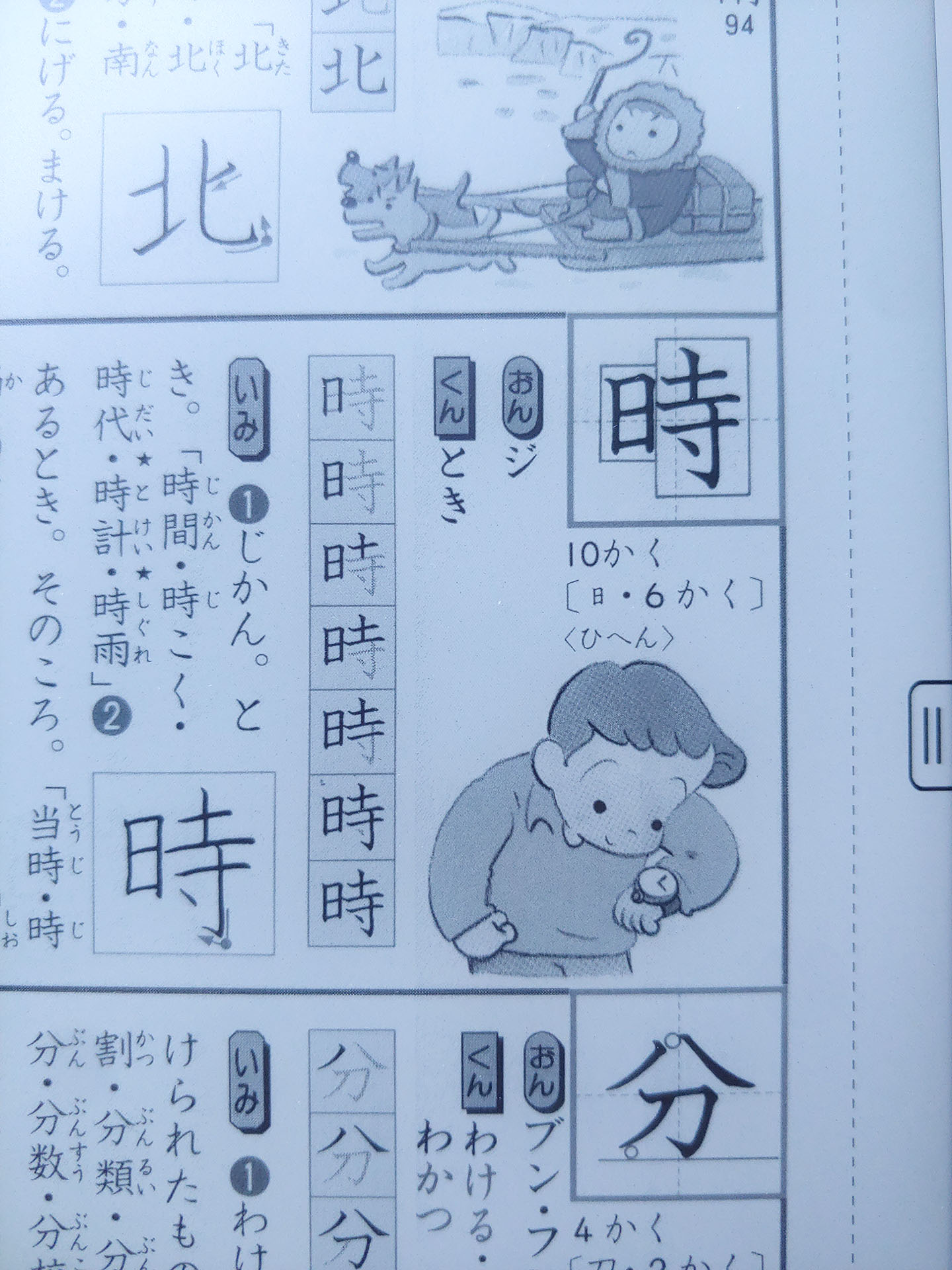
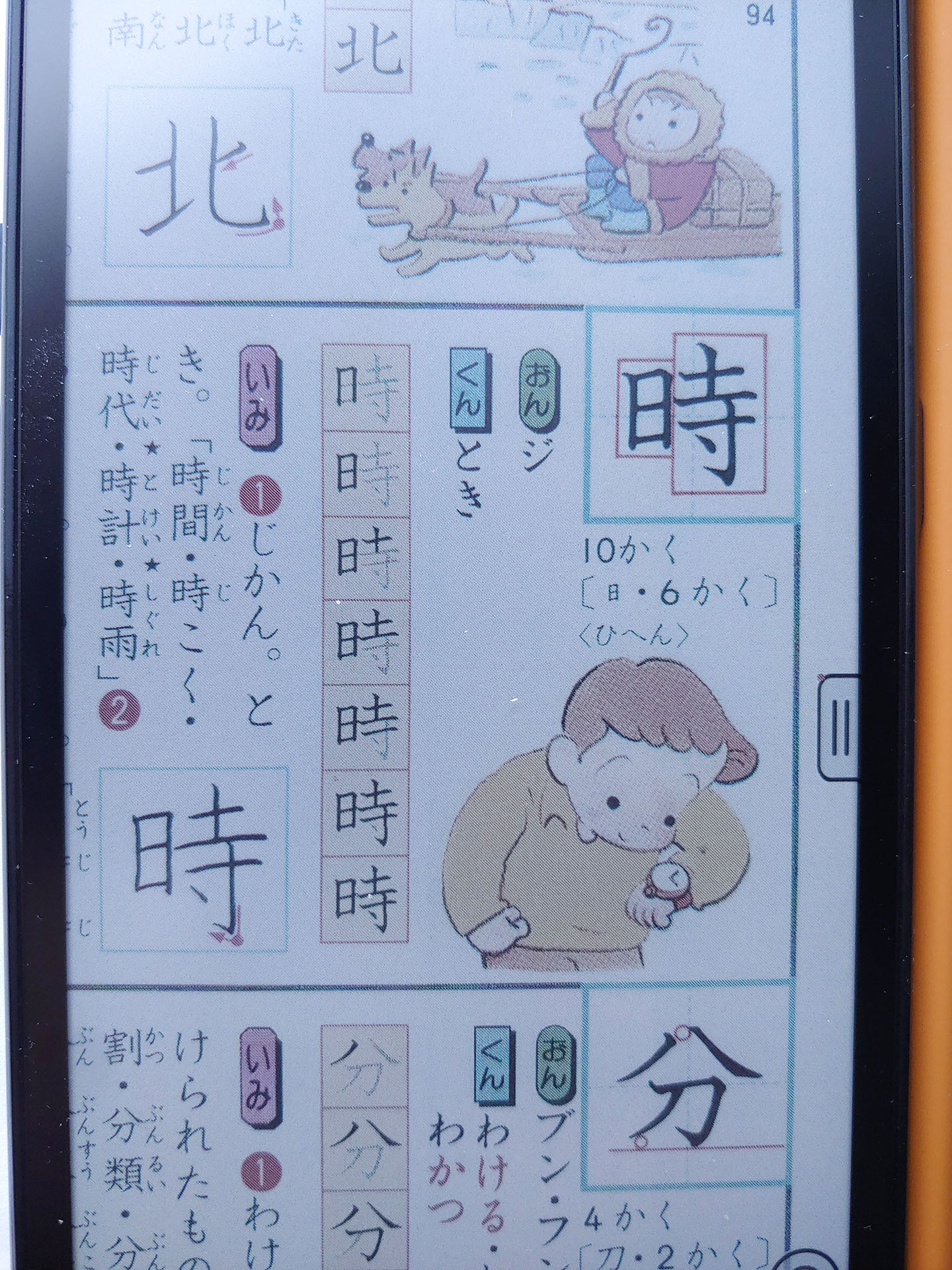
The panel in Regal/HD mode retained the appearance of a laser print under an 8x magnifier, with well-formed text and a mostly pixel-free appearance. The underlying ePaper structure was less visible in blank areas than the background of the color Palma 2 Pro.



Conclusion
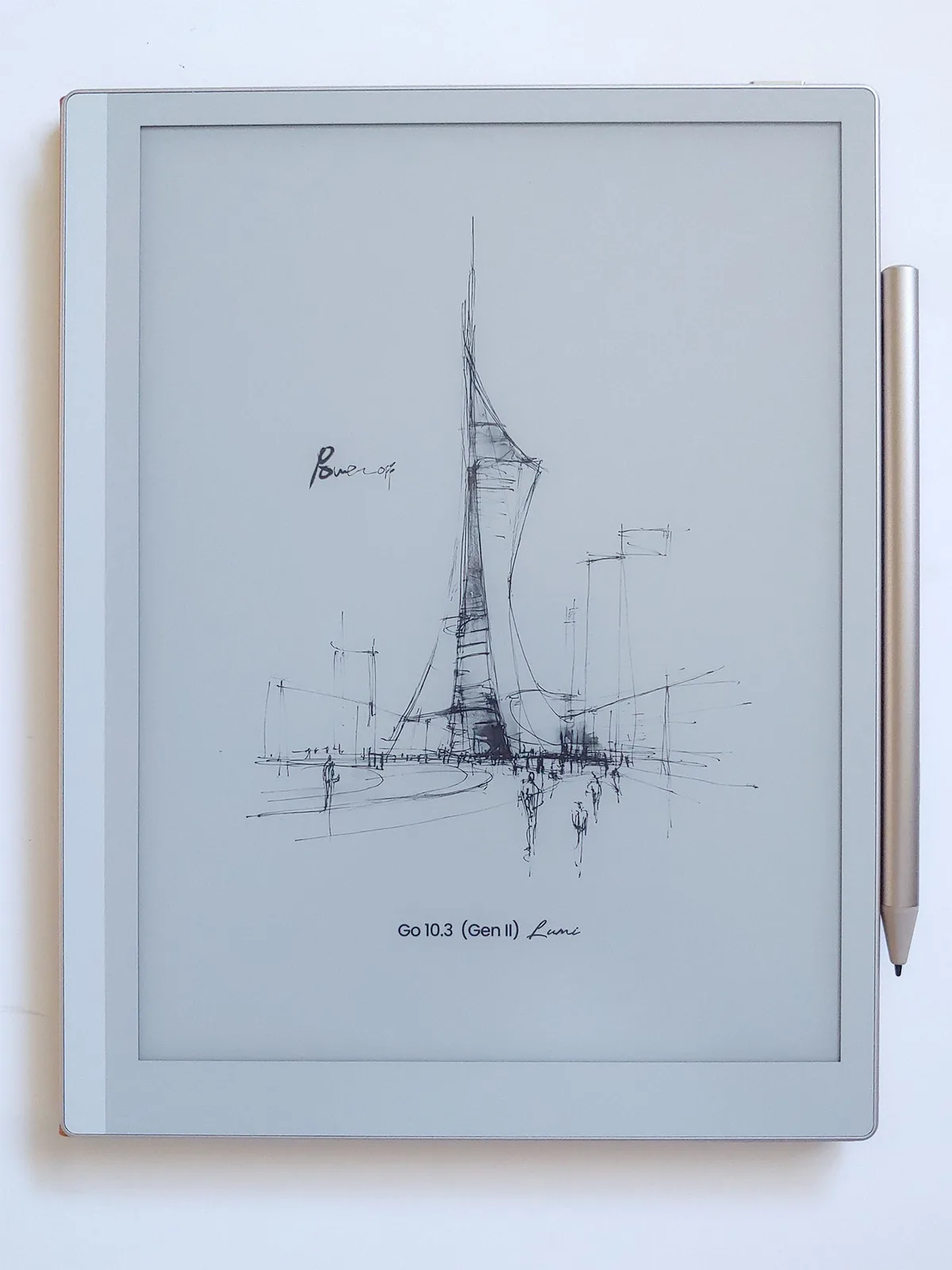
The Boox Go 10.3 (Gen 2) Lumi e-reader squarely meets the needs of users who desire a lightweight tablet for reading, drawing, and playing podcasts and music, with the flexibility of an Android device.
Transparency
The selection of devices to be reviewed is made by our editorial team. The test sample was given to the author by the manufacturer free of charge for the purposes of review. There was no third-party influence on this review, nor did the manufacturer receive a copy of this review before publication. There was no obligation to publish this review. As an independent media company, Notebookcheck is not subjected to the authority of manufacturers, retailers or publishers.
 Add as a preferred source on Google


