




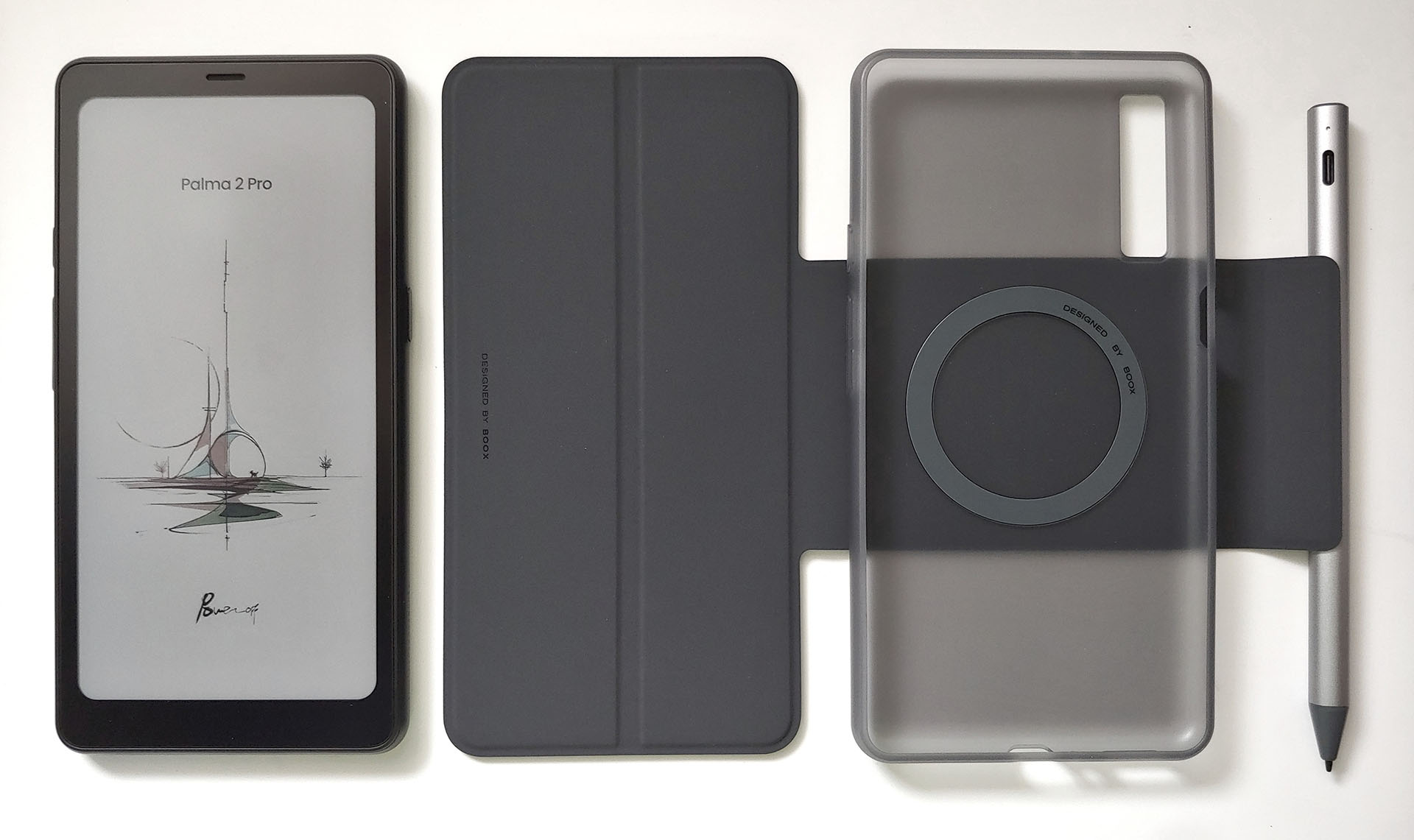
Boox Palma 2 Pro hands-on review: Colorful 5G e-reader with Android
Versatile & colorful.
The Palma 2 Pro is a color Android e-reader with 5G connectivity. A camera, speakers, and stylus make it a versatile device for reading and studying while listening to podcasts.David Chien Published 🇳🇱 🇫🇷 ...
Verdict – Versatile color e-reader
The Palma 2 Pro offers fast page flips on its color E Ink display. The stylus draws well on the matte, paper-like screen. Loud stereo speakers handle audiobooks and podcasts easily. It supports 5G SIM cards for Internet access, though not voice calls, and its A-GPS requires one. The display has a limited color gamut, and the video quality lags behind OLED panels.
Still, the e-reader offers reduced glare in direct and shaded sunlight, helping reduce eye strain and migraines.
Pros
Cons

The Boox Palma 2 Pro e-reader combines the flexibility of an Android device with a color E Ink display for users who love reading and drawing.
Specifications
| Display | 6.13" E Ink Kaleido 3 touchscreen |
| Resolution | 412 x 824 (4,096 colors), 824 x 1648 (16 greys) |
| OS | Android 15 |
| System | Octa-core CPU, 8 GB RAM, 128 GB storage, microSD card |
| Battery | 3,950 mAh Li-ion |
| Connectivity | Wi-Fi, Bluetooth 5.1, dual 5G SIMs |
| Camera | 16 MP with flash |
| Dimensions | 159 x 80 x 8.8 mm (6.3 x 3.1 x 0.35 in.) |
| Weight | 175 g (6.2 oz.) |
| Pen | BOOX InkSense Plus |
| Sensitivity | 4,096 pressure levels and tilt sensitivity |
| Battery | 80 mAh lithium-polymer |
| Dimensions | 9 mm x 157.5 mm (0.35 x 6.2 in.) |
| Weight | 15.3 g (0.54 oz.) |
| Case | Magnetic case |
| Dimensions | 164 x 80 x 17 mm (6.4 x 3.2 x 0.6) |
| Weight | 100 g (3.5 oz.) |
Packaging
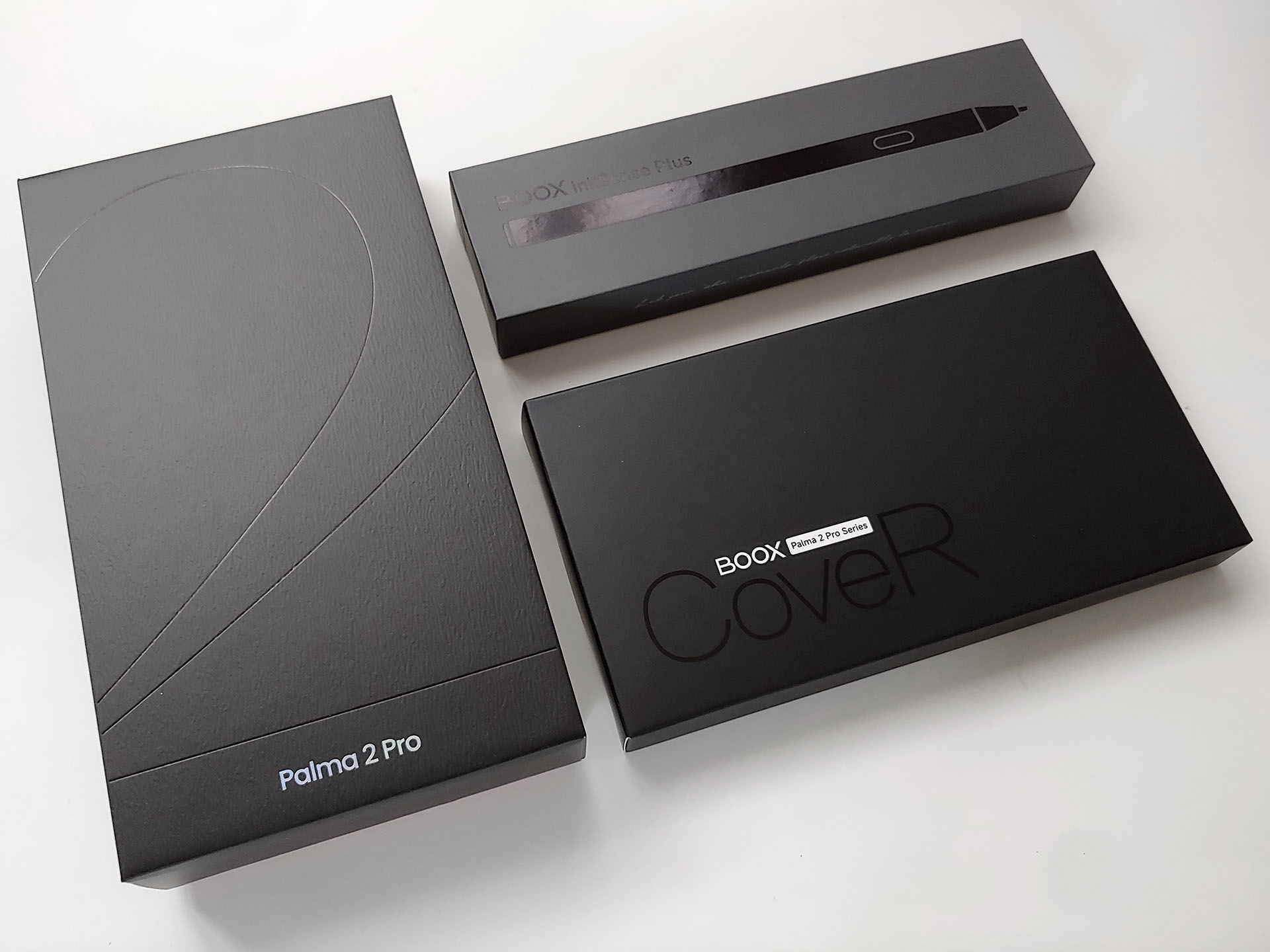
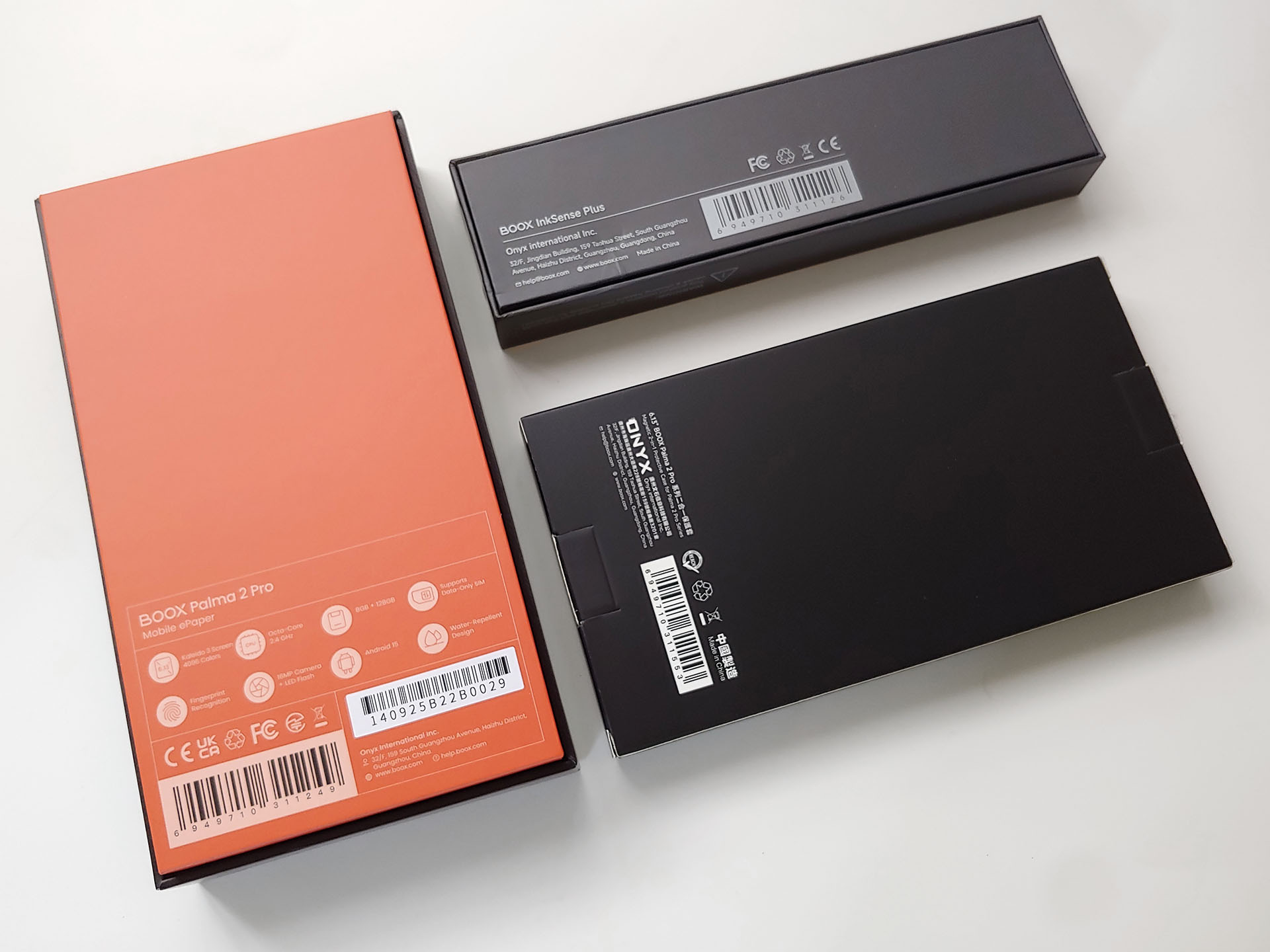
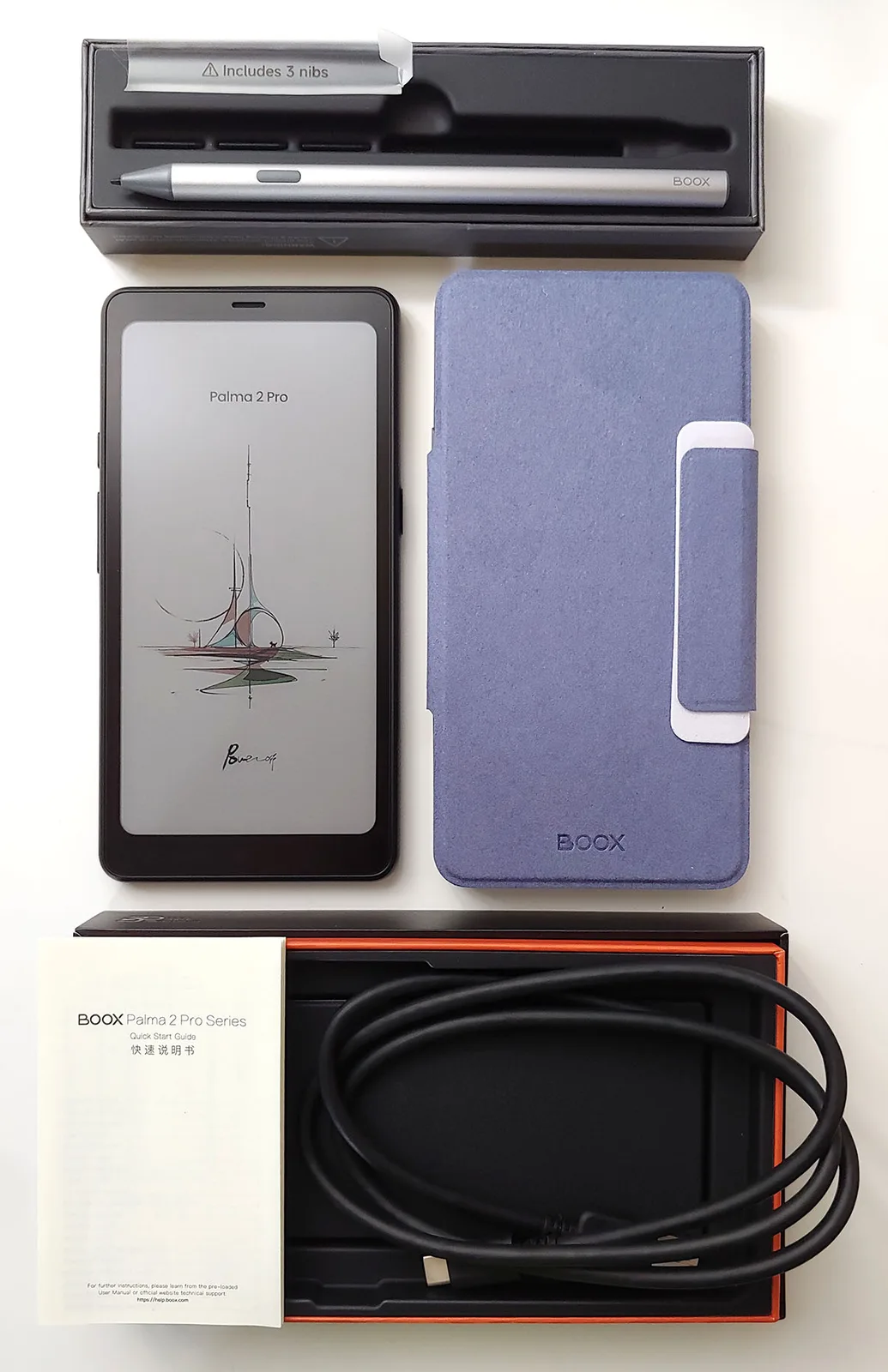
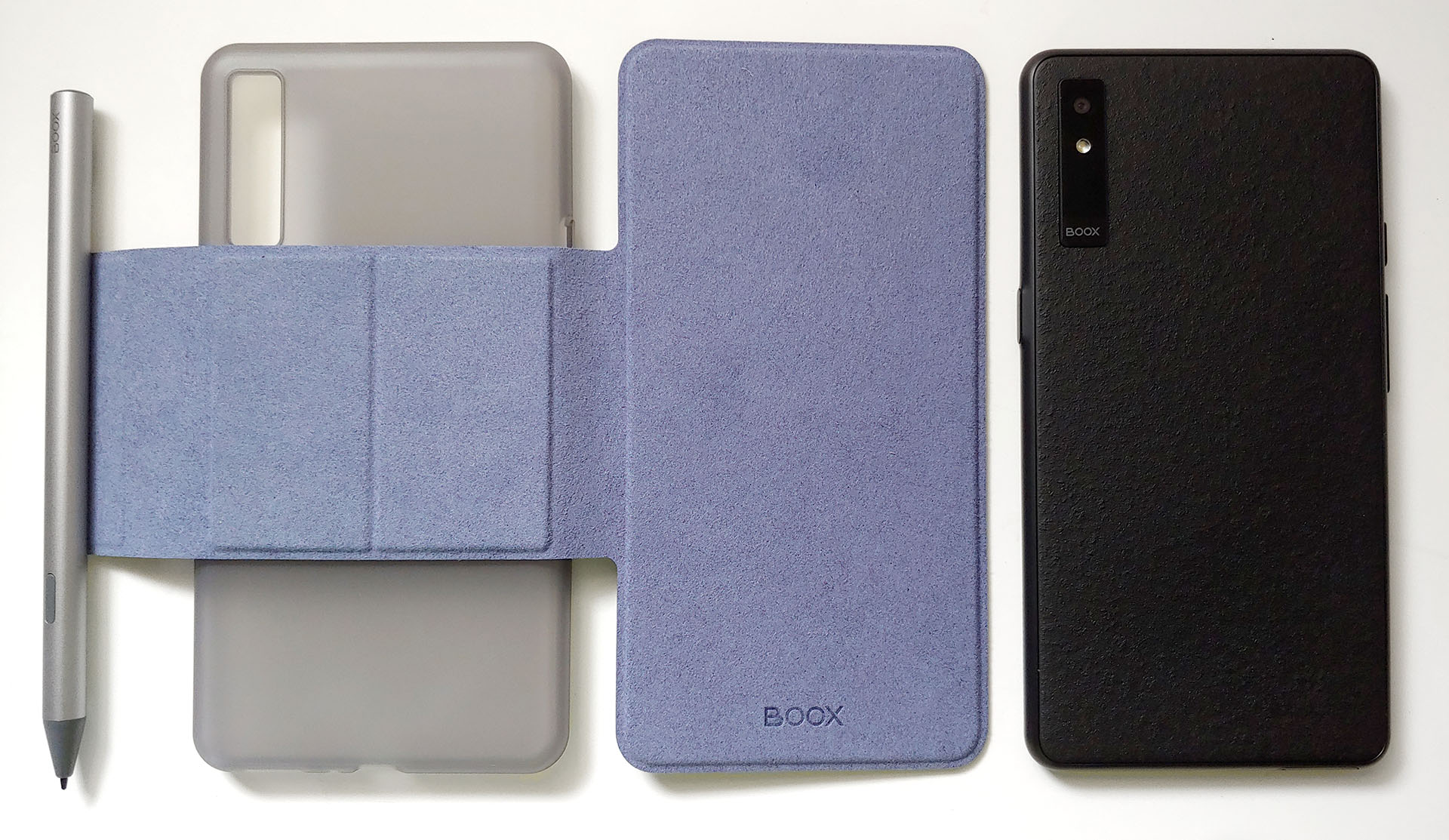
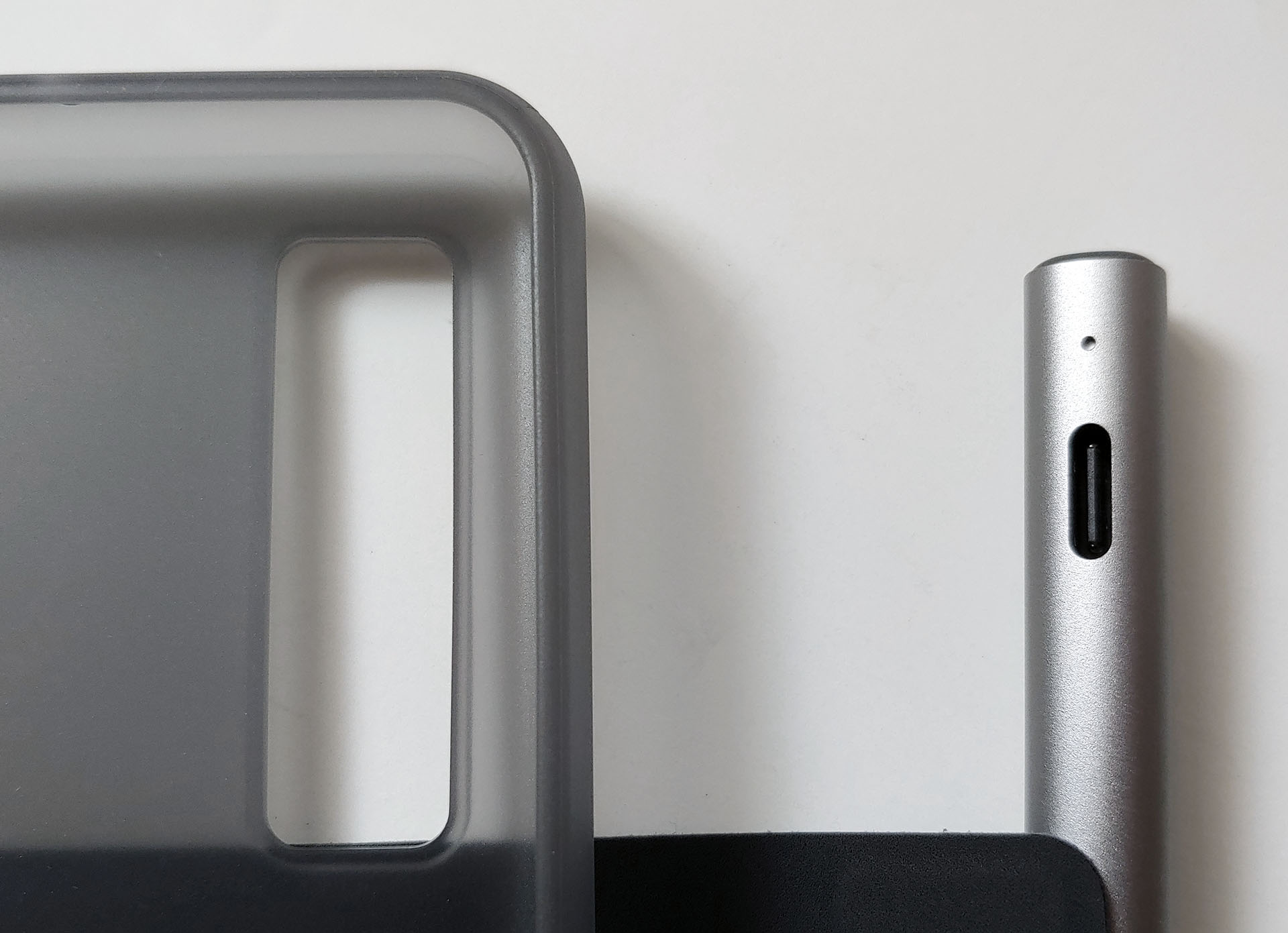
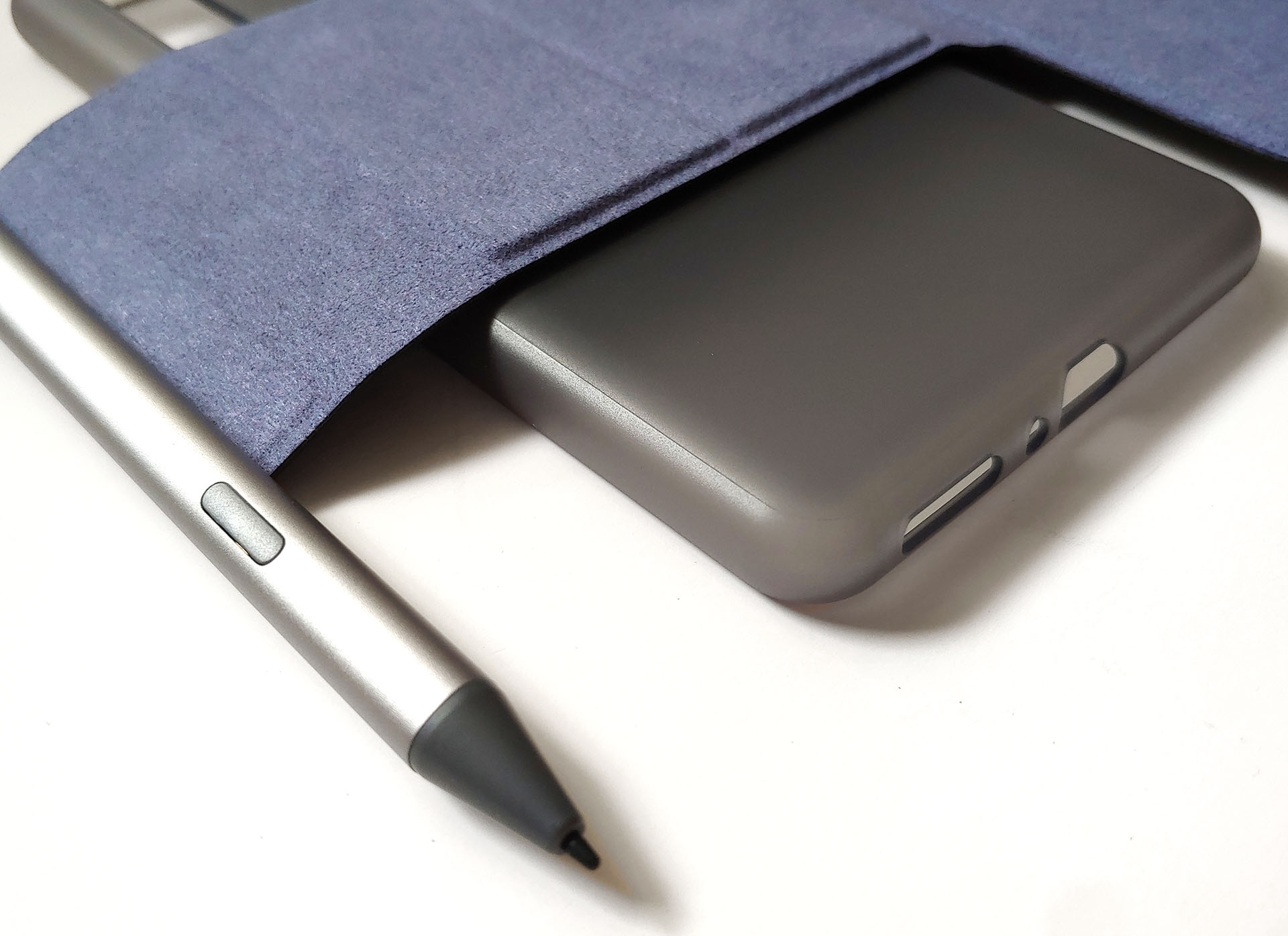
The e-reader arrived with a USB-C cable, a quick-start guide, and a SIM eject tool, plus an optional magnetic case and stylus with three replacement nibs.
Design
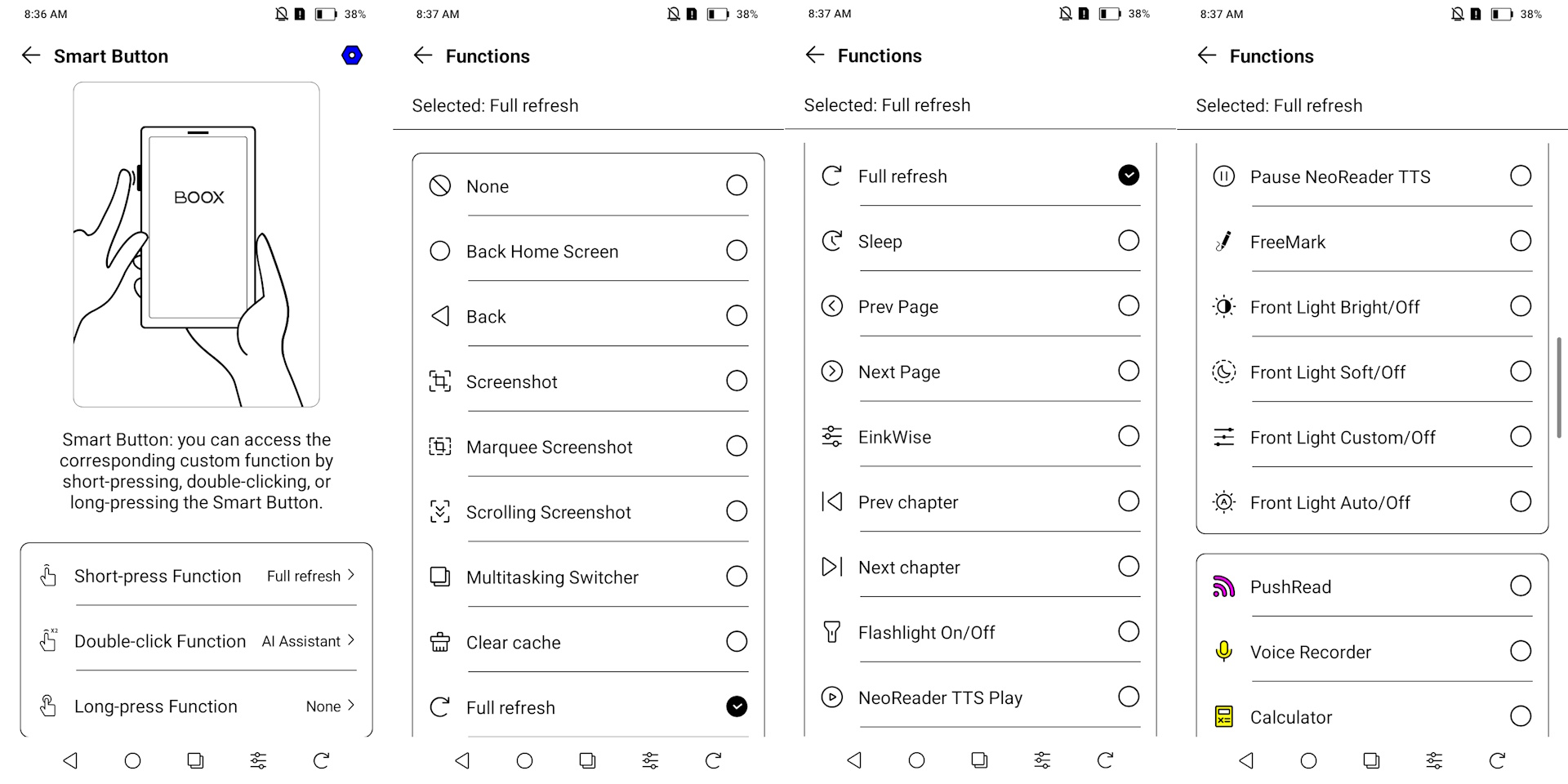
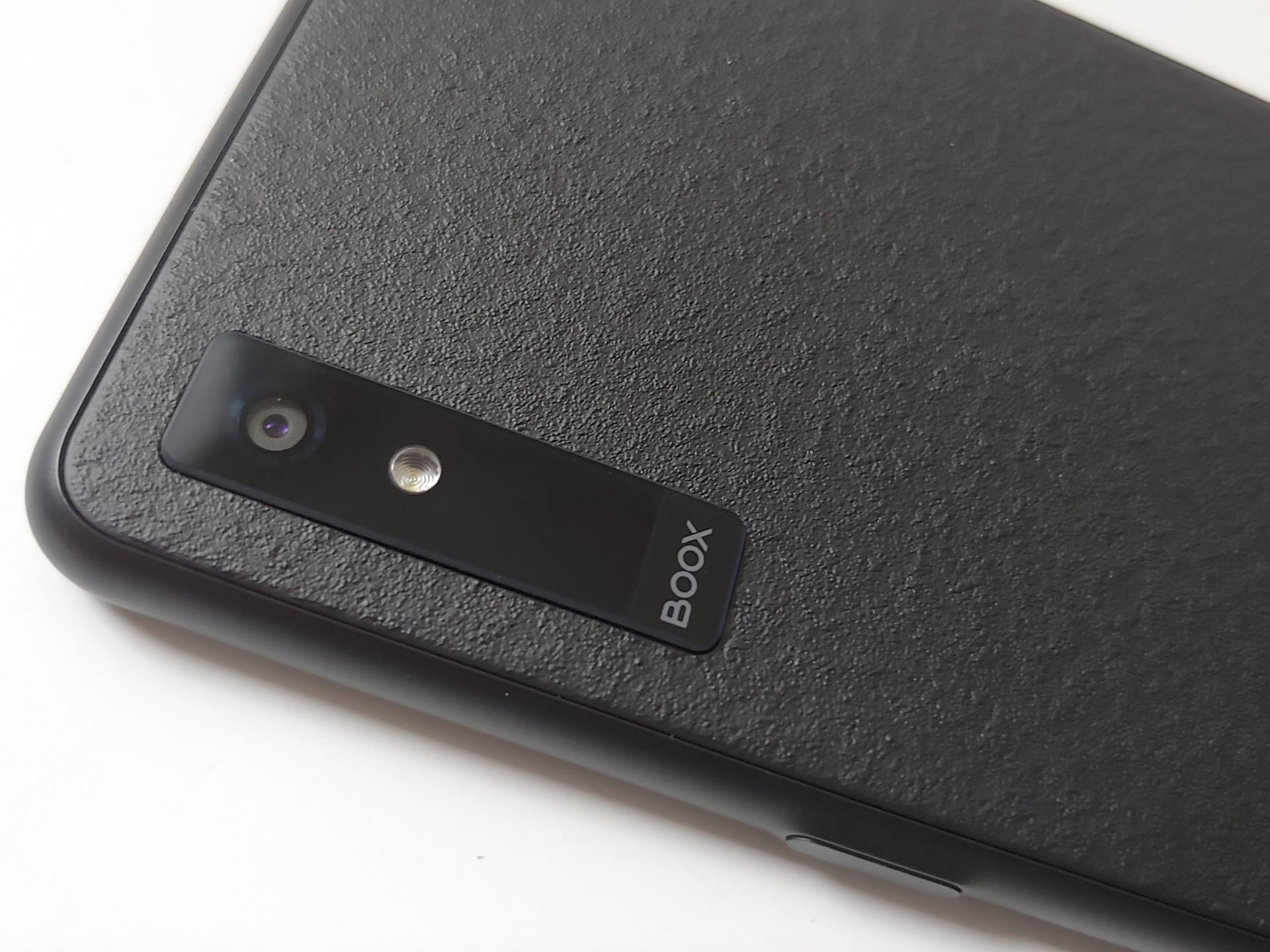
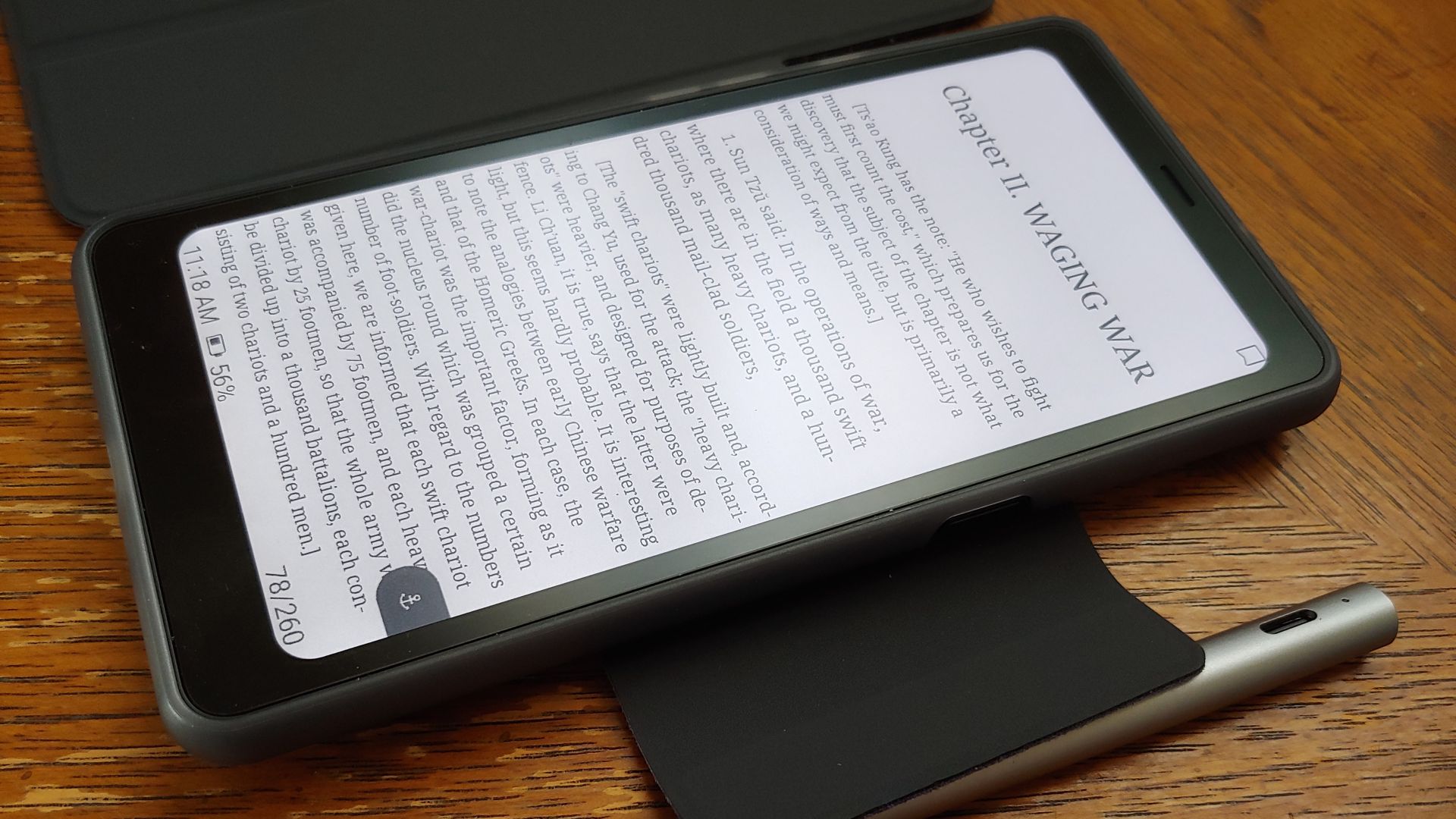
The Boox resembles a smartphone, with a matte E Ink Kaleido 3 touchscreen for glare-free reading, dual microphones, and stereo speakers. Physical controls include a power button on the right edge, and smart and volume buttons on the left. A 16 MP camera with flash sits on the back.
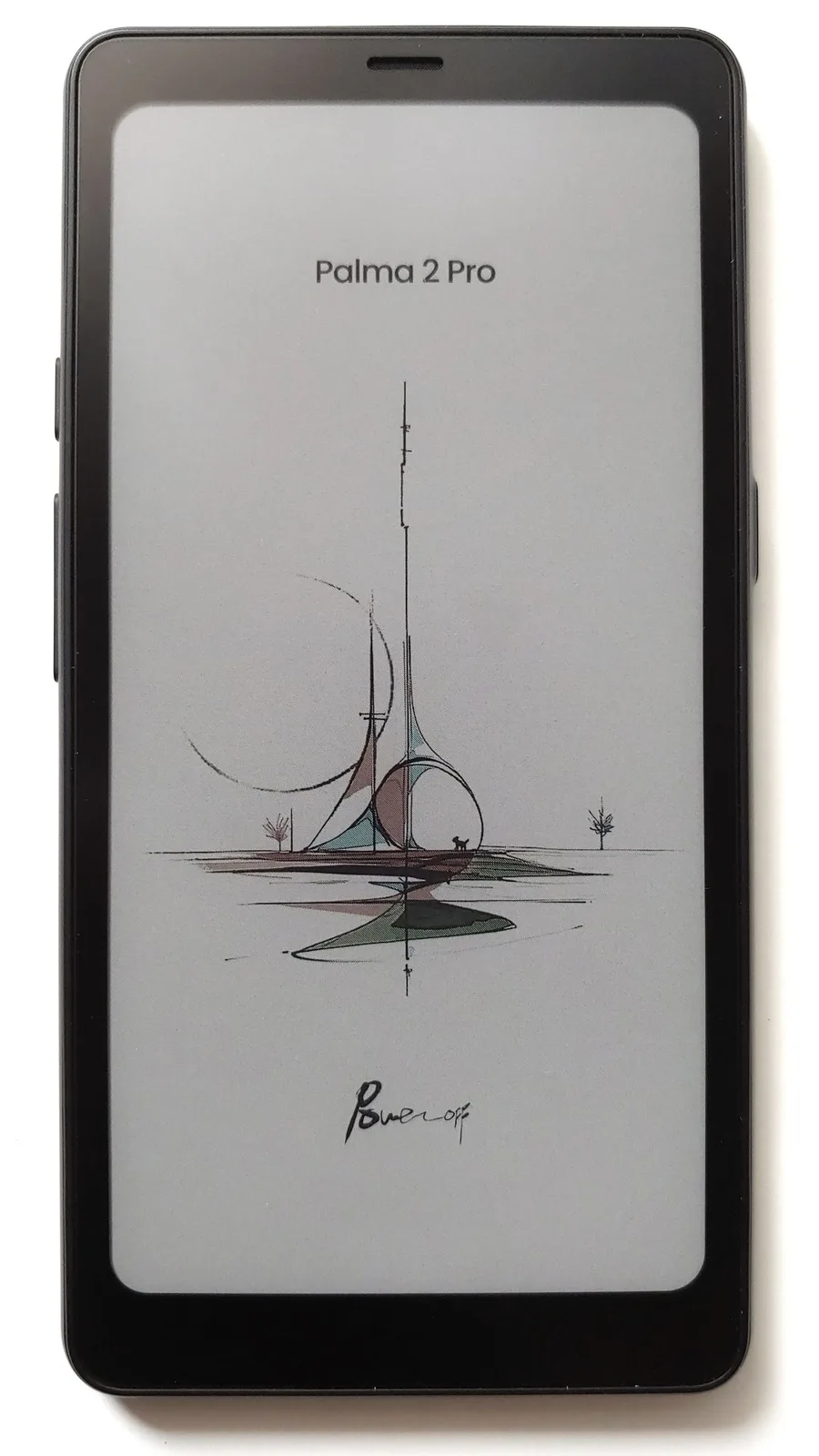
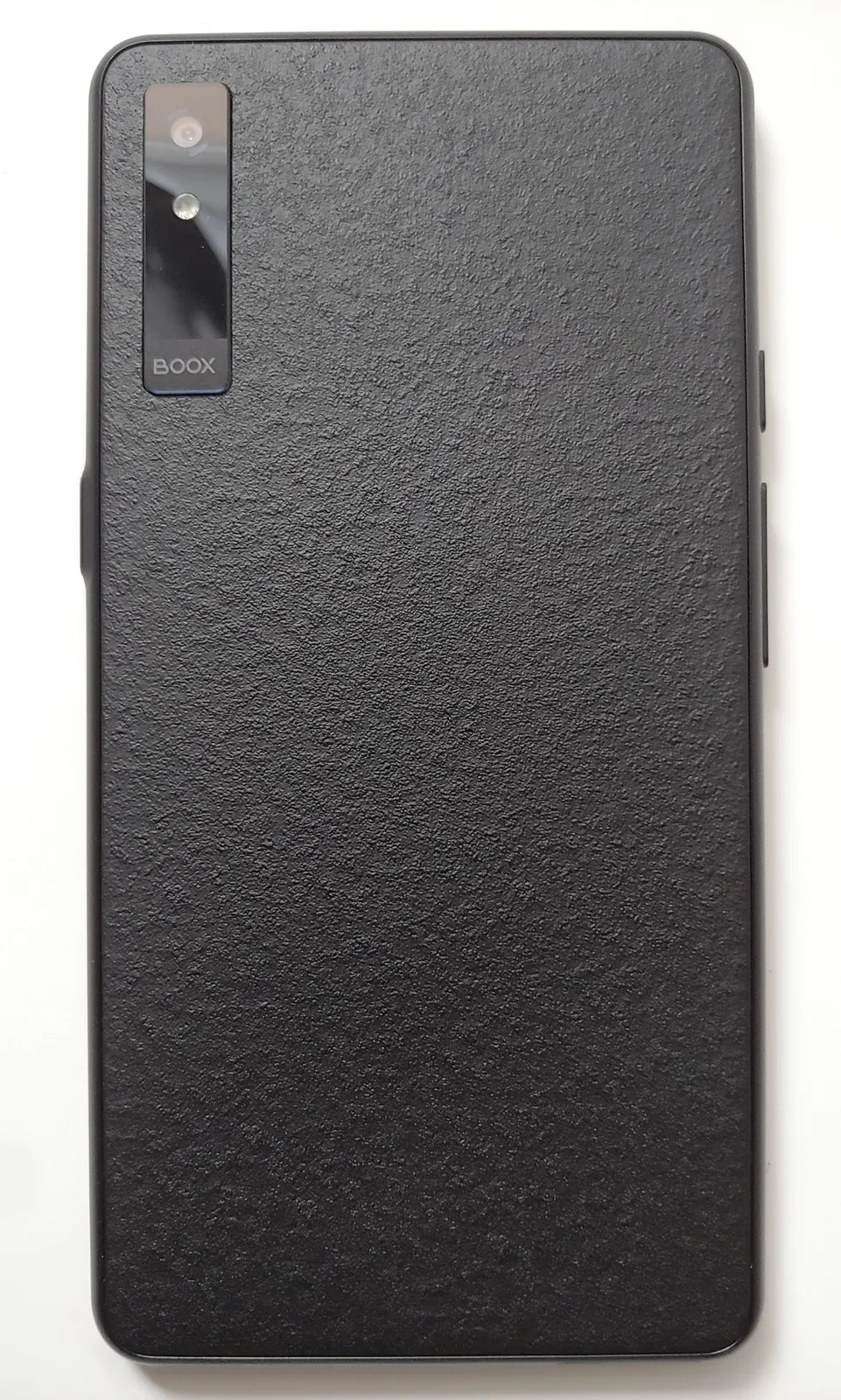
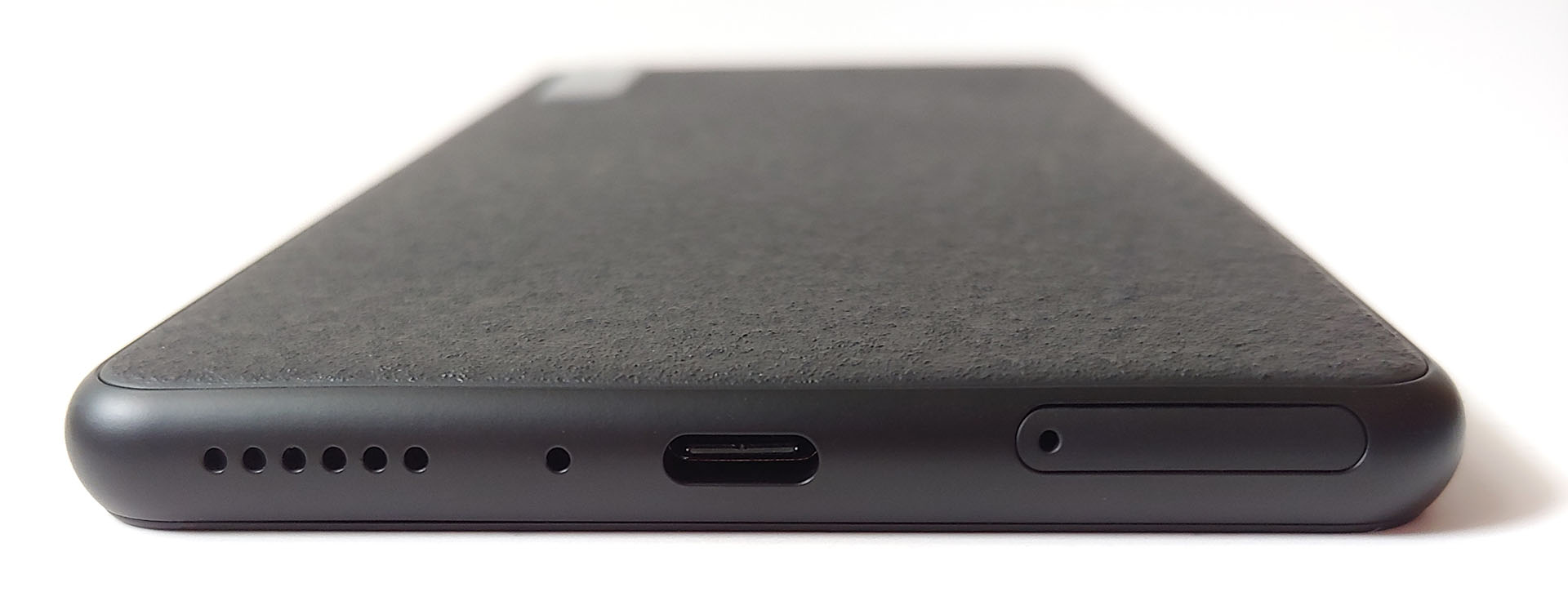
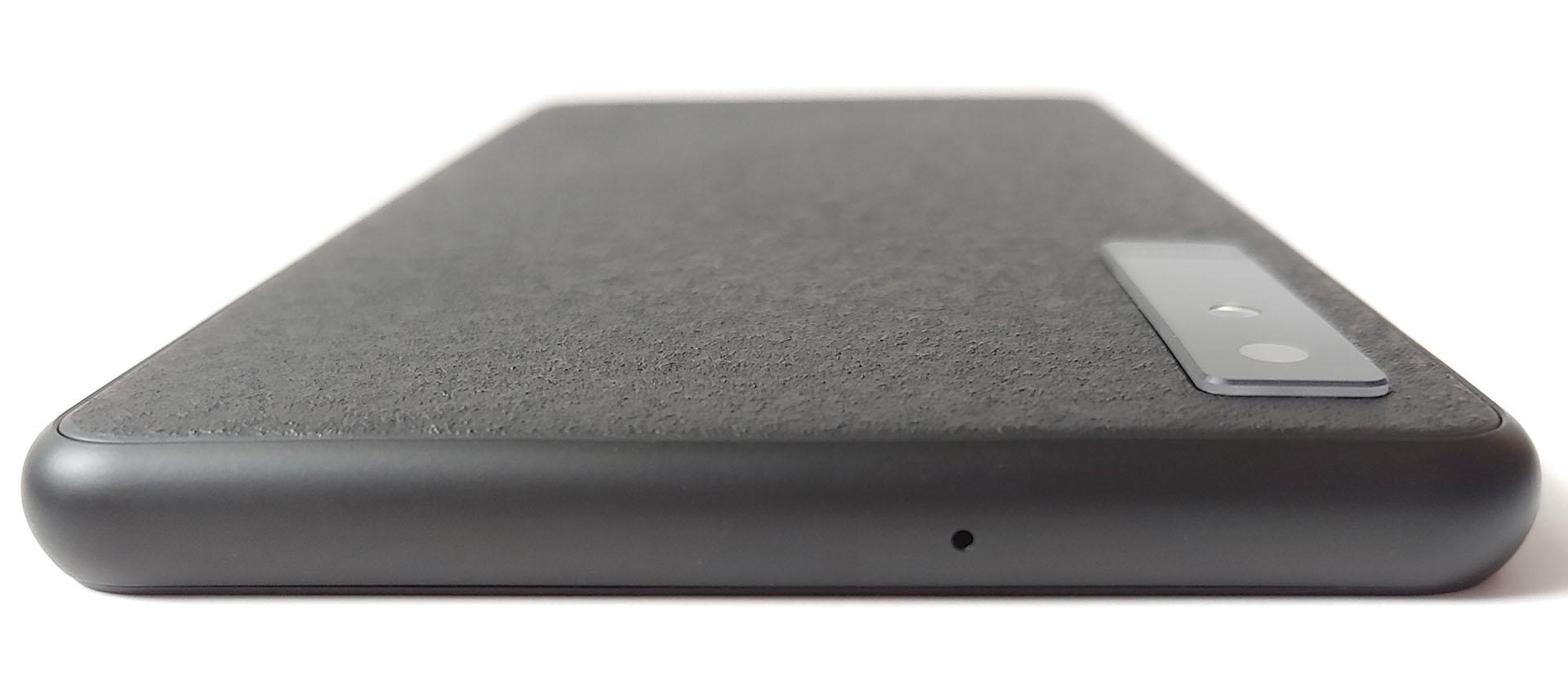
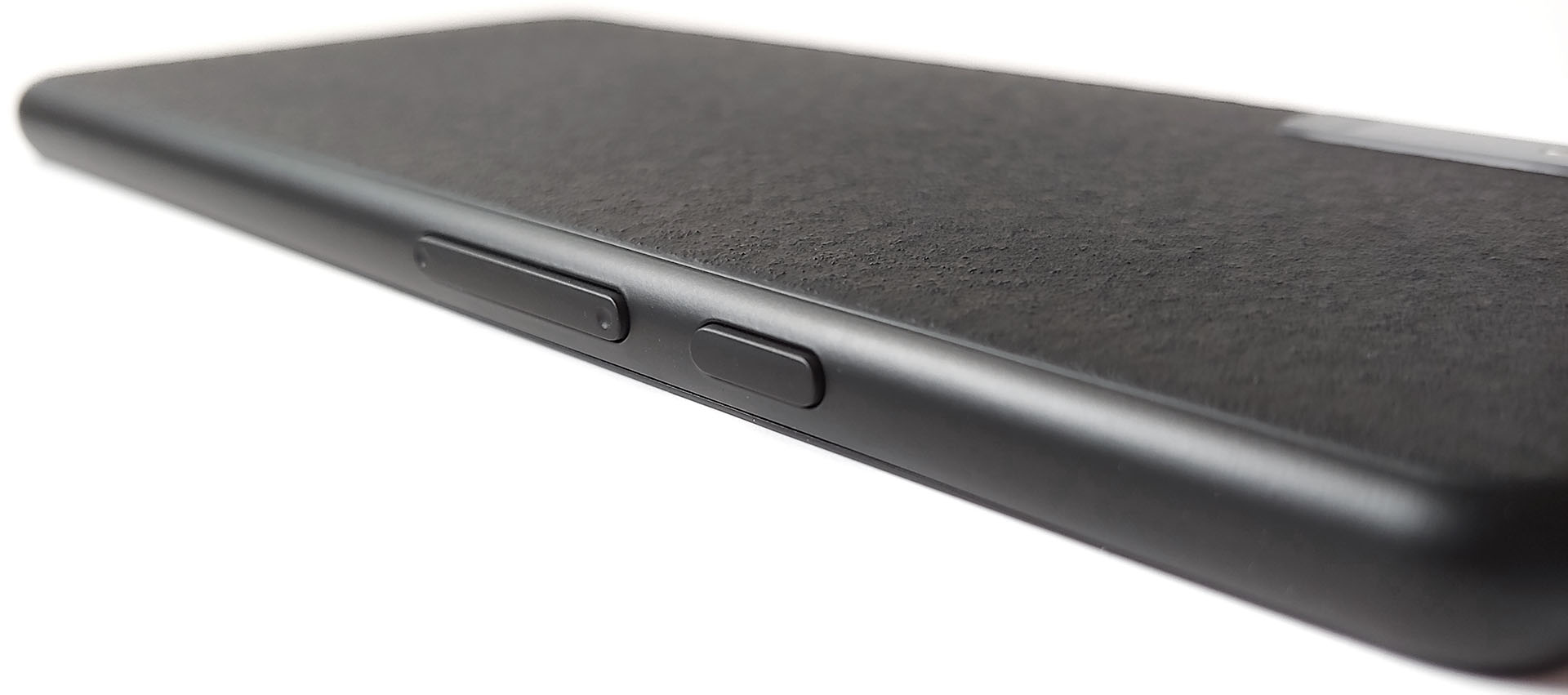
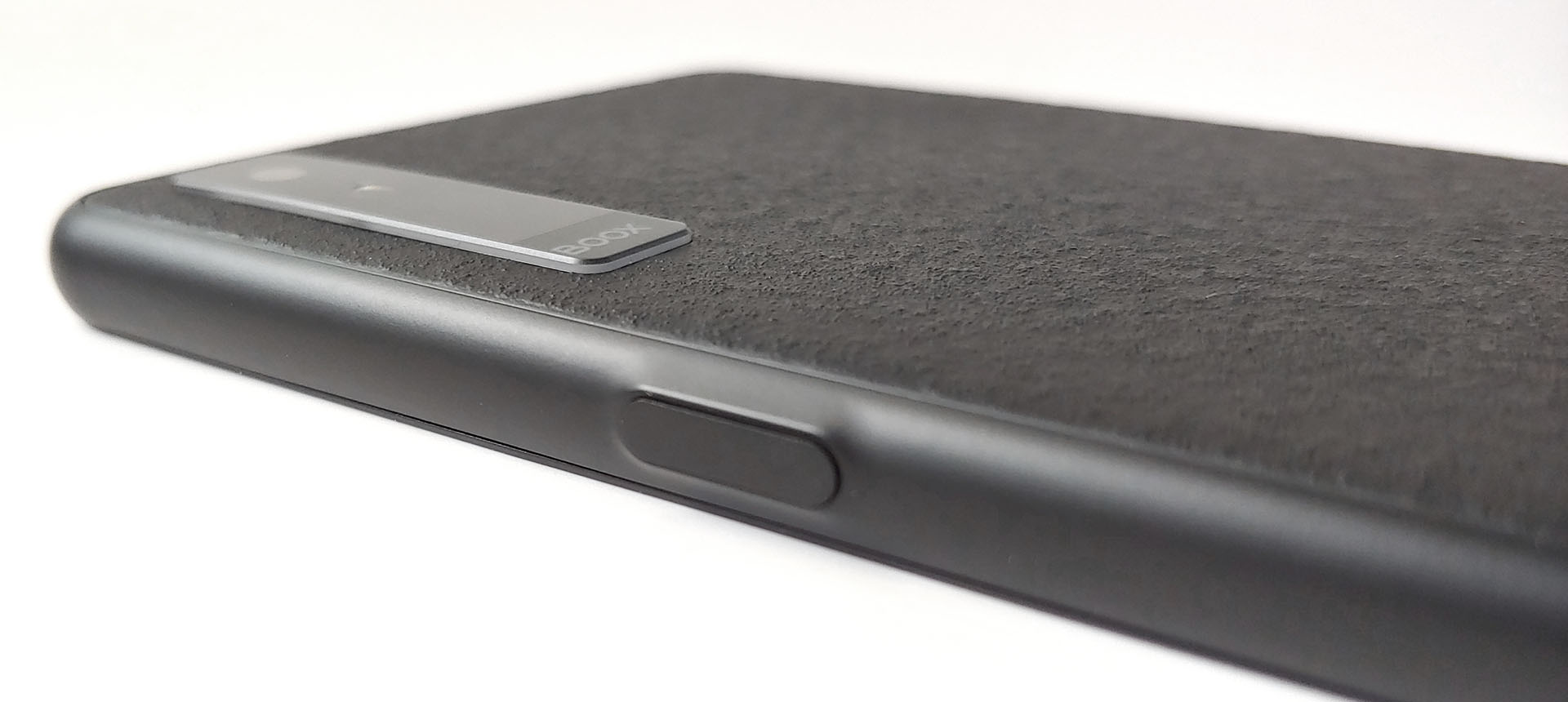
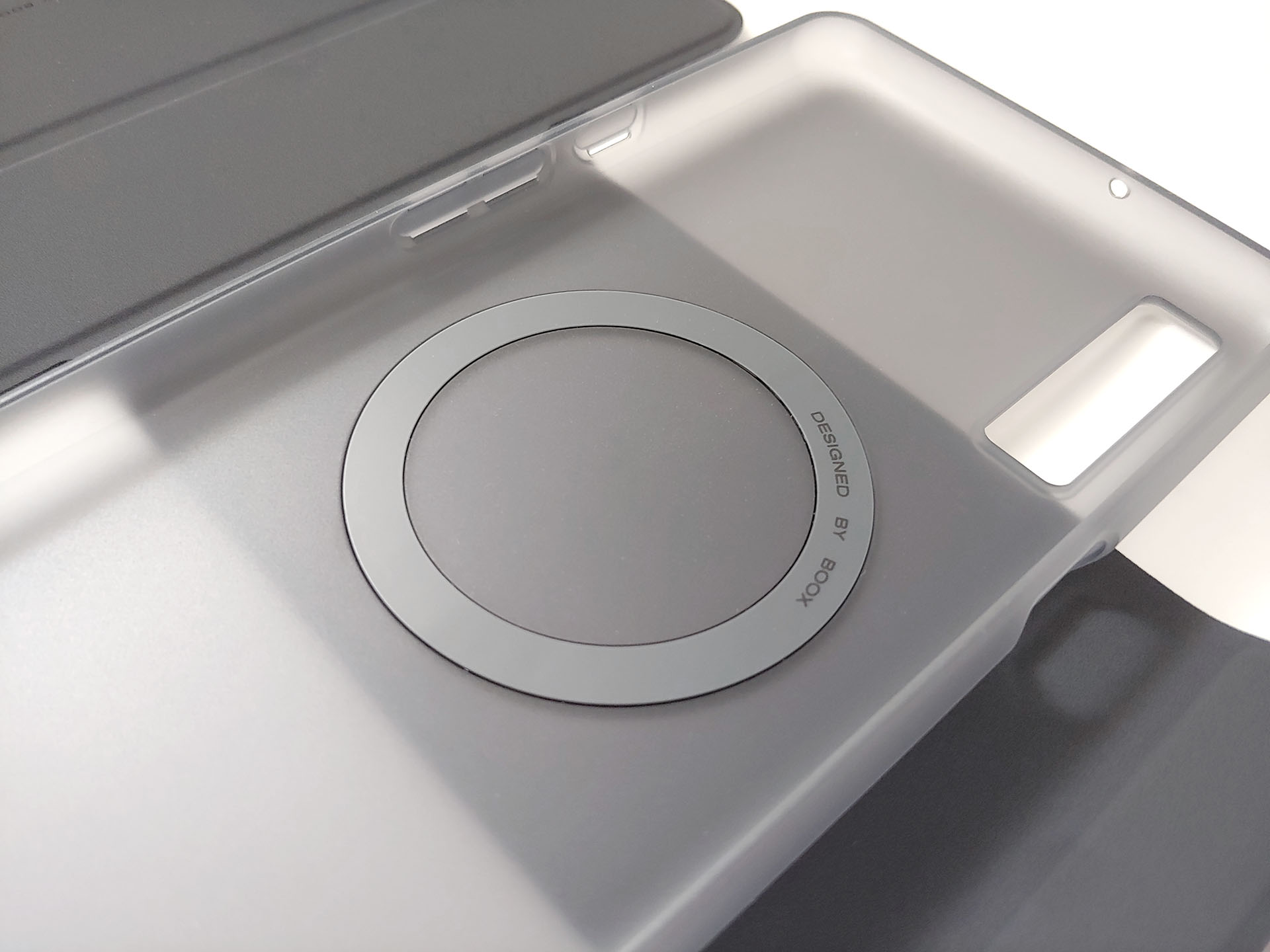
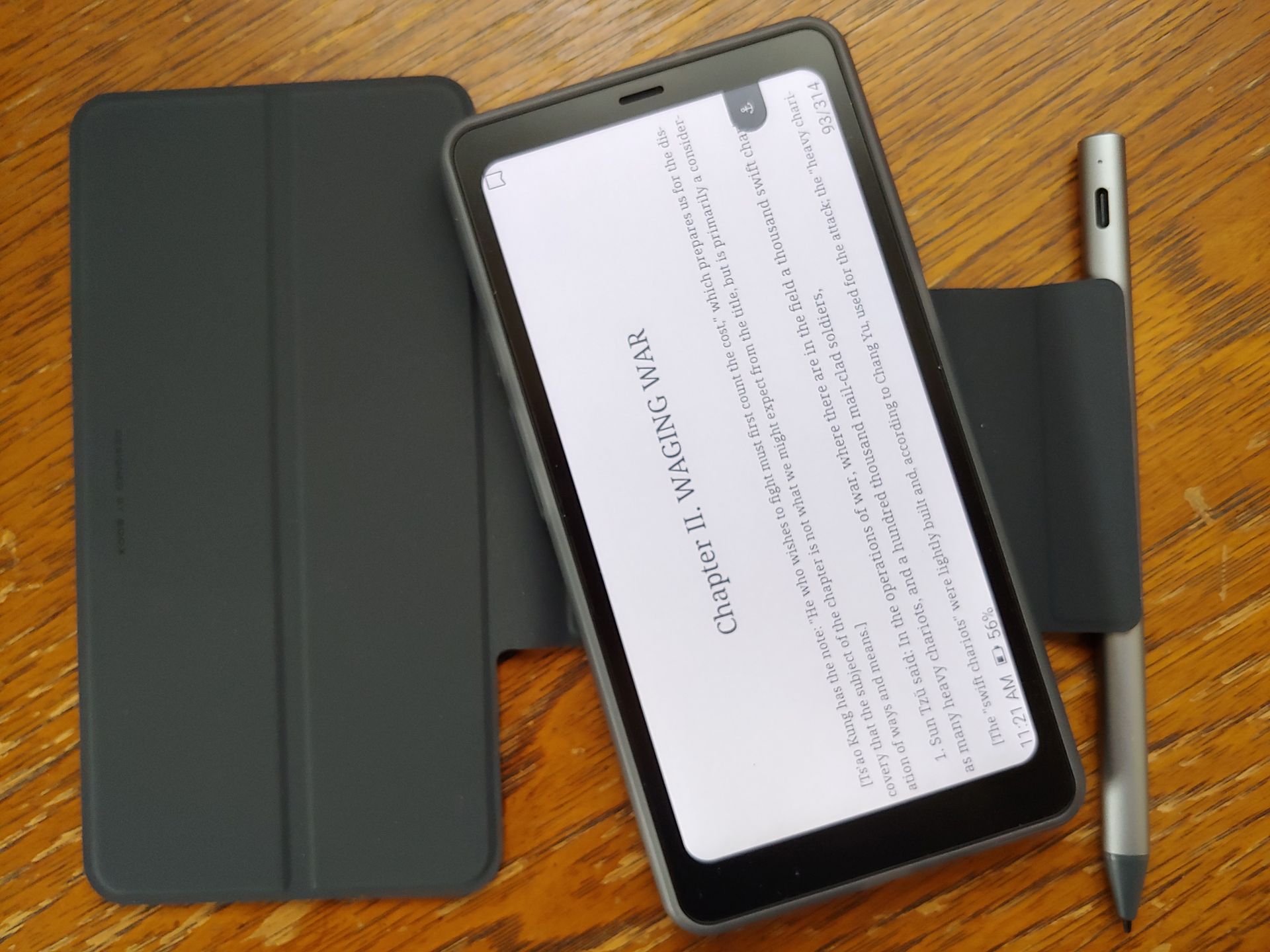
The e-reader works with a magnetic stylus and case. The stylus attaches to the bare Boox back or case flap. The Boox fits into the plastic case, then magnetically attaches to the cover, which can also be knocked loose fairly easily.
The cover is floppy when open, allowing the e-reader to shift about, though it can be flipped around and held in place with the flap.
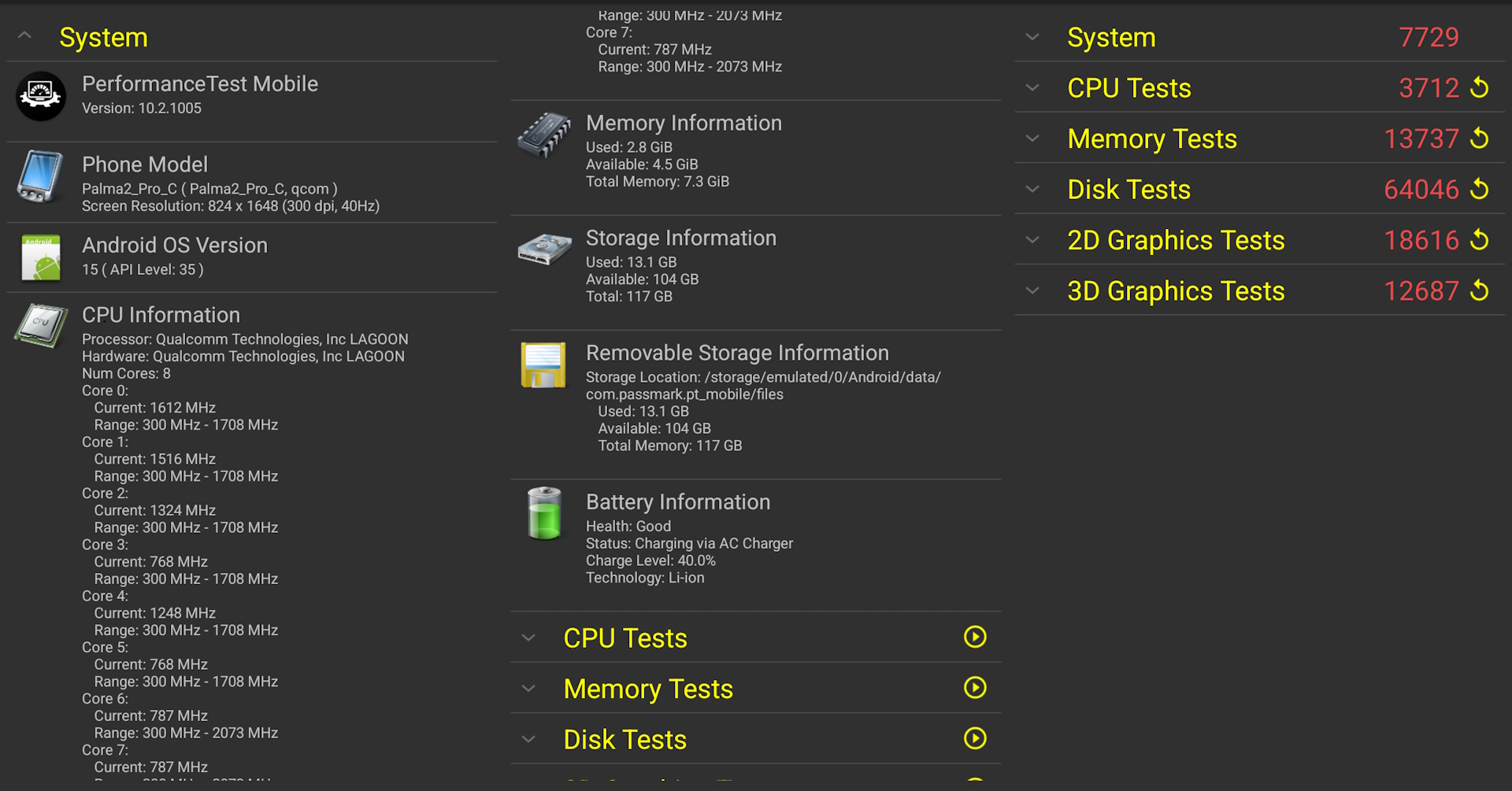
PassMark benchmarks suggest performance is comparable to a Samsung S10 or A52.
Setup, Stores, and Apps
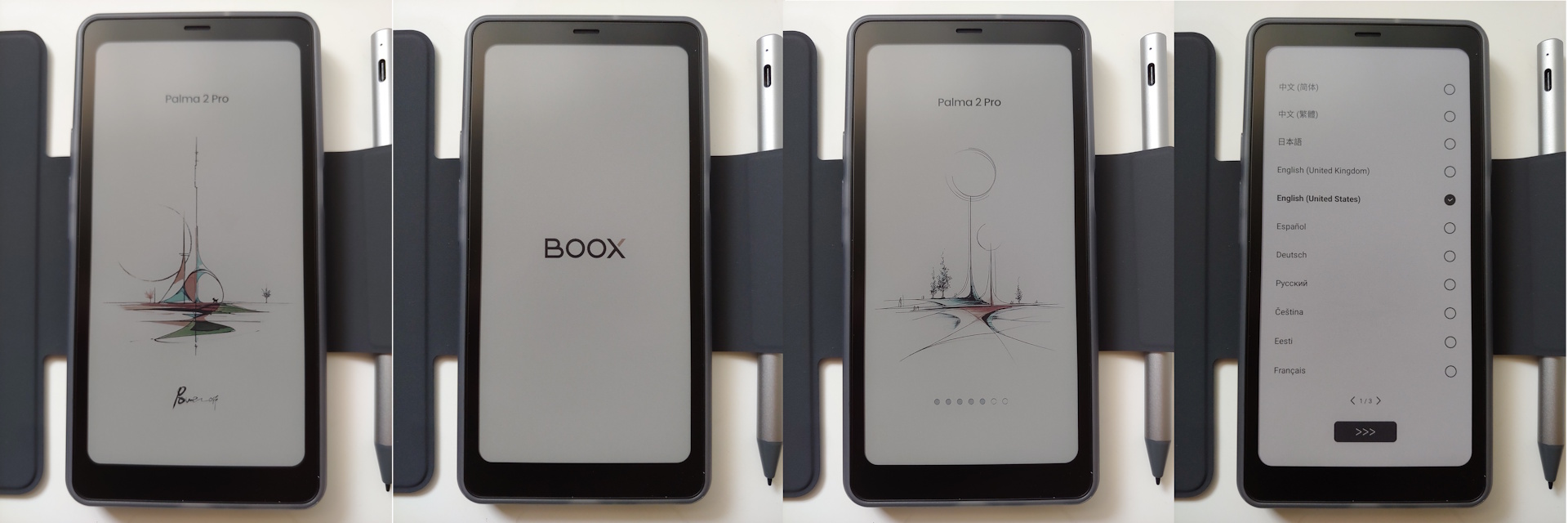
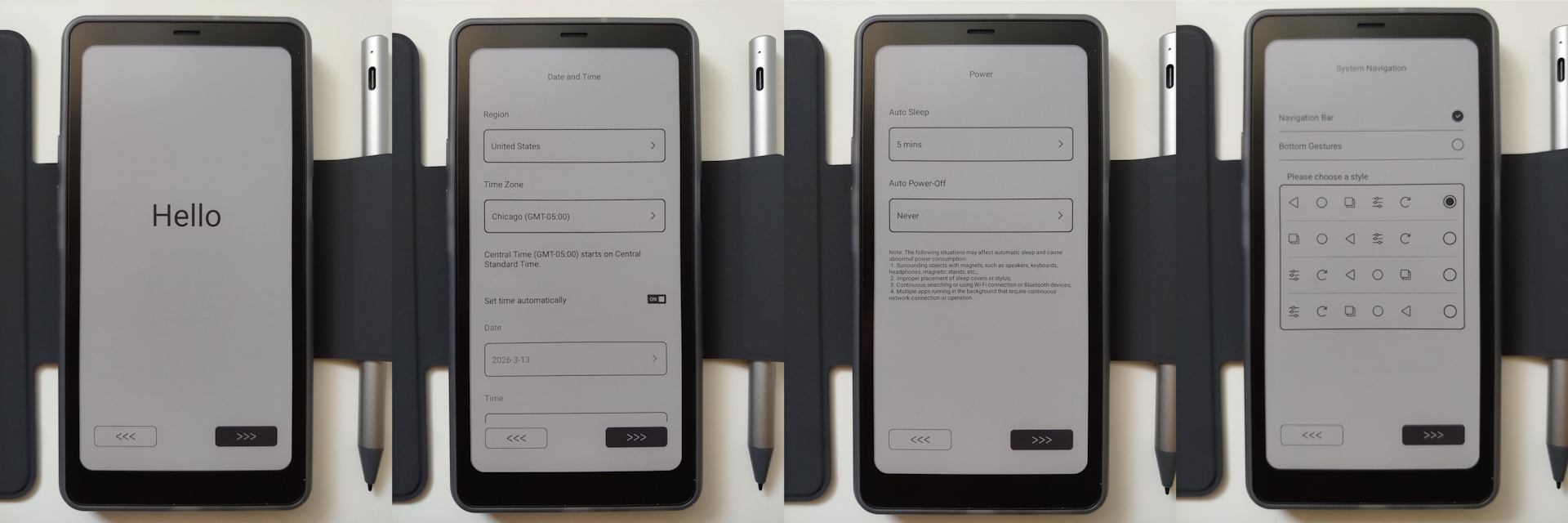
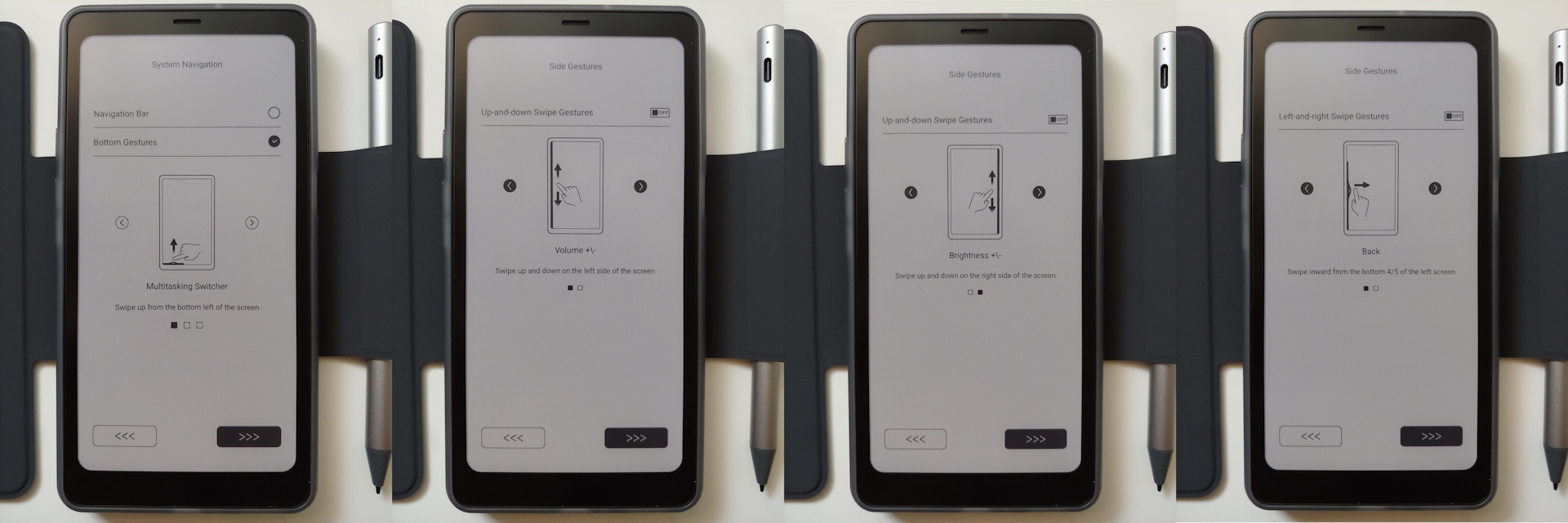
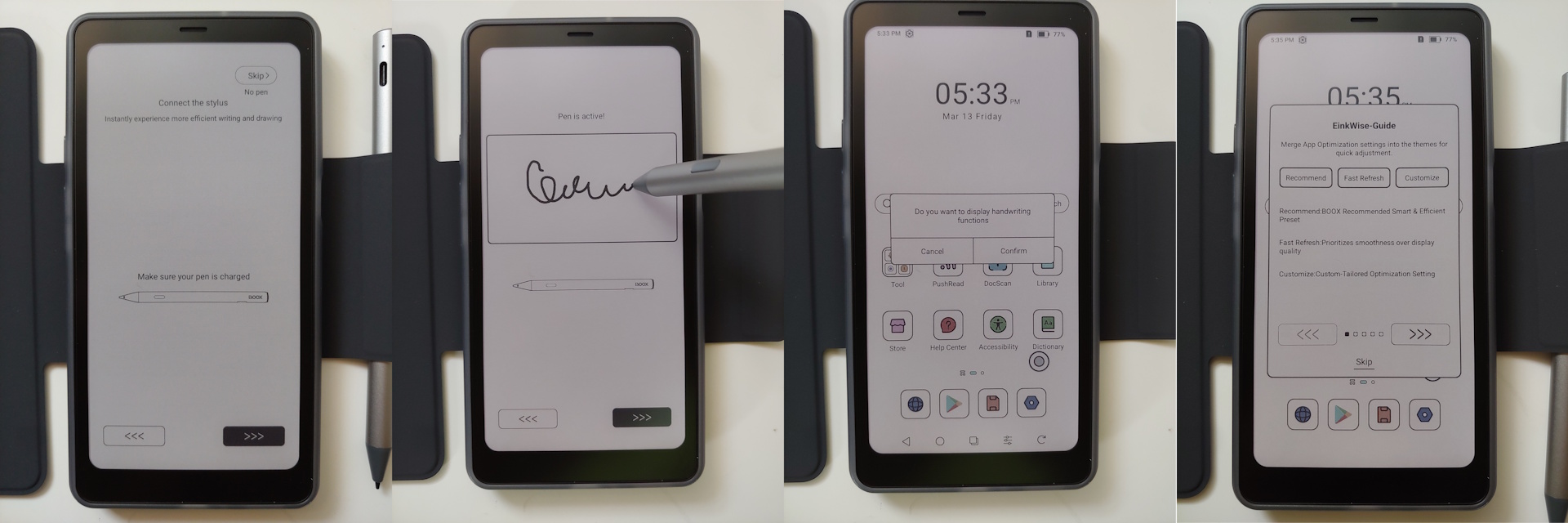
Setup was quick, with prompts for language, time, GUI, pen setup, and an EinkWise tutorial before reaching the home screen. A Google account isn’t required, though the AI Assistant does require an Onyx account.
The Palma 2 Pro can load e‑books from any Android‑supported source—including major stores, free sites, and library apps—and files can also be added via microSD or USB‑C. Music, videos, audiobooks, and documents can be transferred the same way.
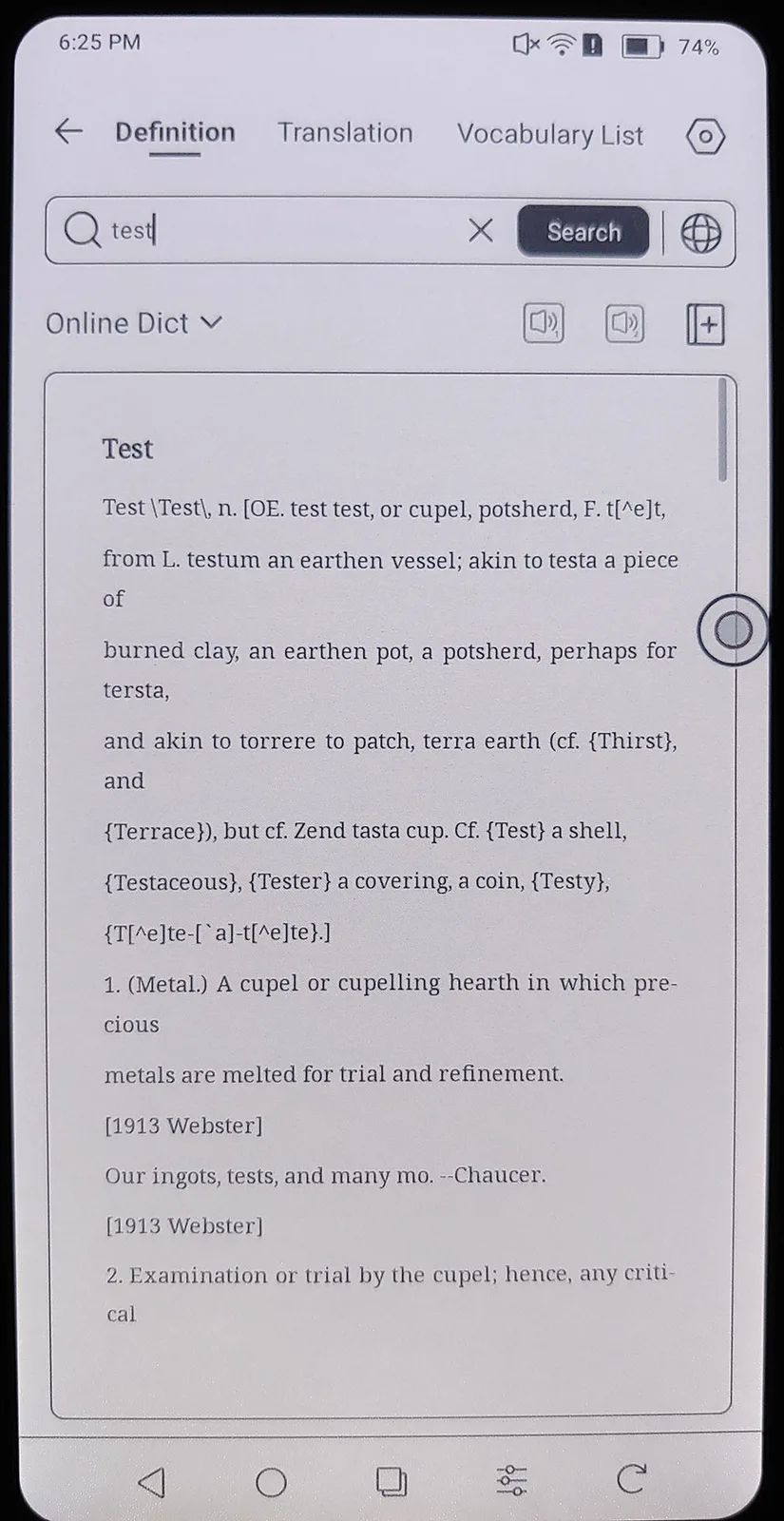
The system is clutter‑free, including only apps for the basics like e‑book reading and note‑taking, though some are limited—for example, the dictionary omits words like “naysay.”
Android 15 apps can be installed from any store and most run normally, but voice‑calling apps do not, as the Boox supports only data communications over cellular networks.
Camera and Sound
The camera delivers passable photos and videos, mainly serving to OCR printed text using the DocScan app. The speakers produced balanced sound reproduction, with volume that is more than adequate for music and podcasts, even inside a car on the freeway.
Display and Settings
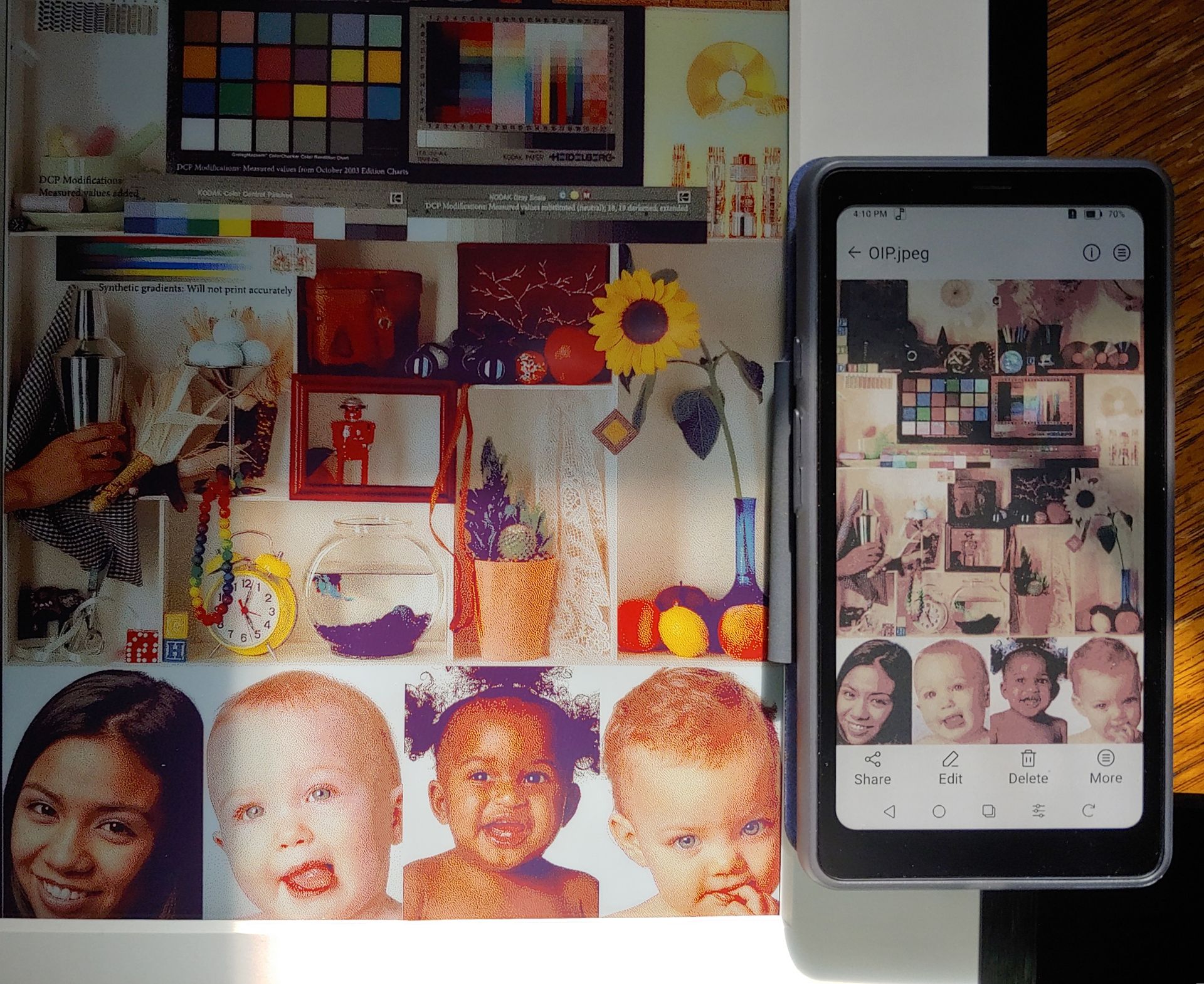
Perceived image quality varies with lighting and viewing distance, but the E Ink Kaleido 3 color panel comes with inherent tradeoffs versus monochrome ones.
Its color gamut and contrast are limited compared to magazines, with whites appearing light grey and blacks dark grey, but it reflects light like printed material and works in daylight without a backlight. The backlight brightness and color temperature are adjustable for comfortable indoor use.
KALEIDO 3 DISPLAY
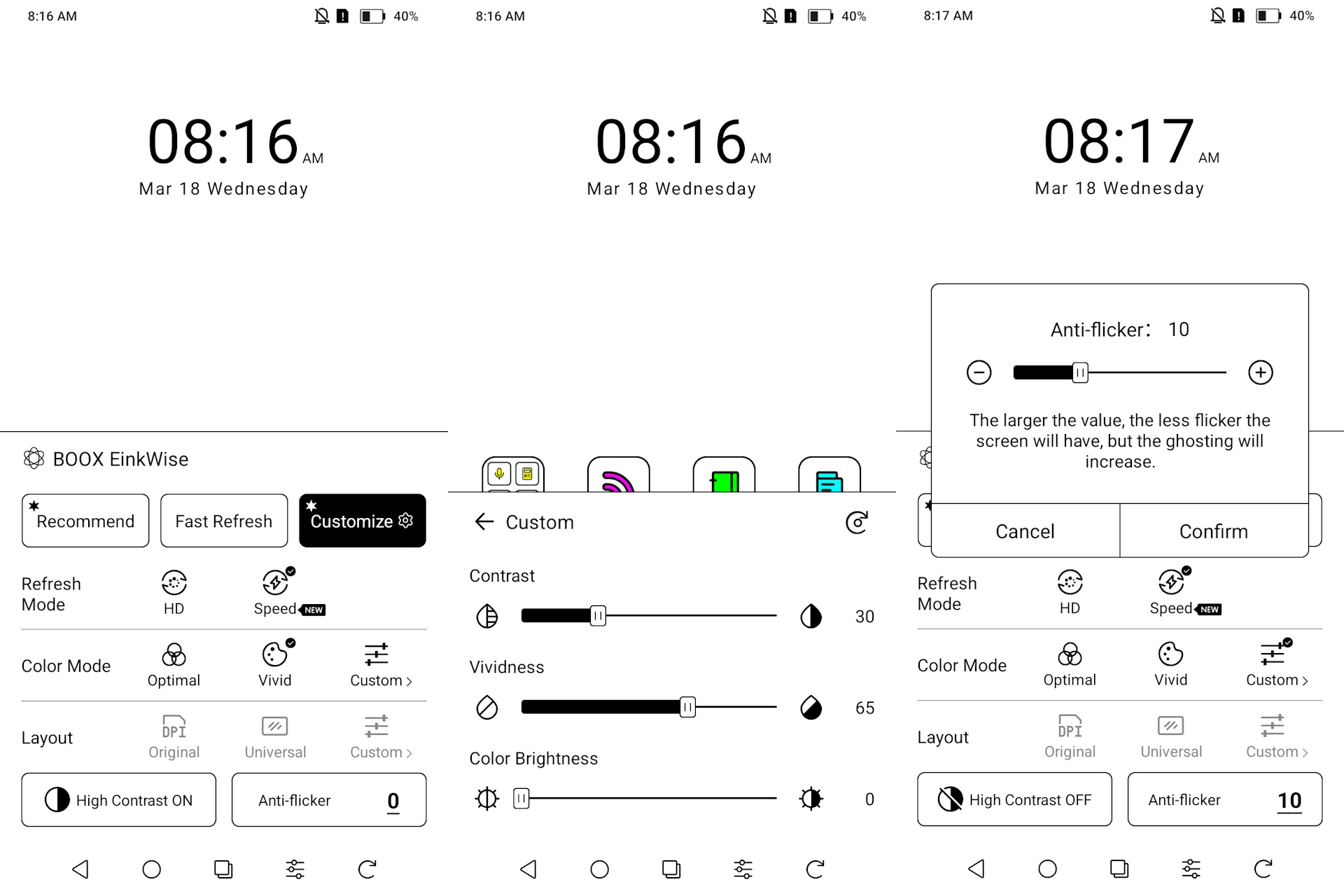
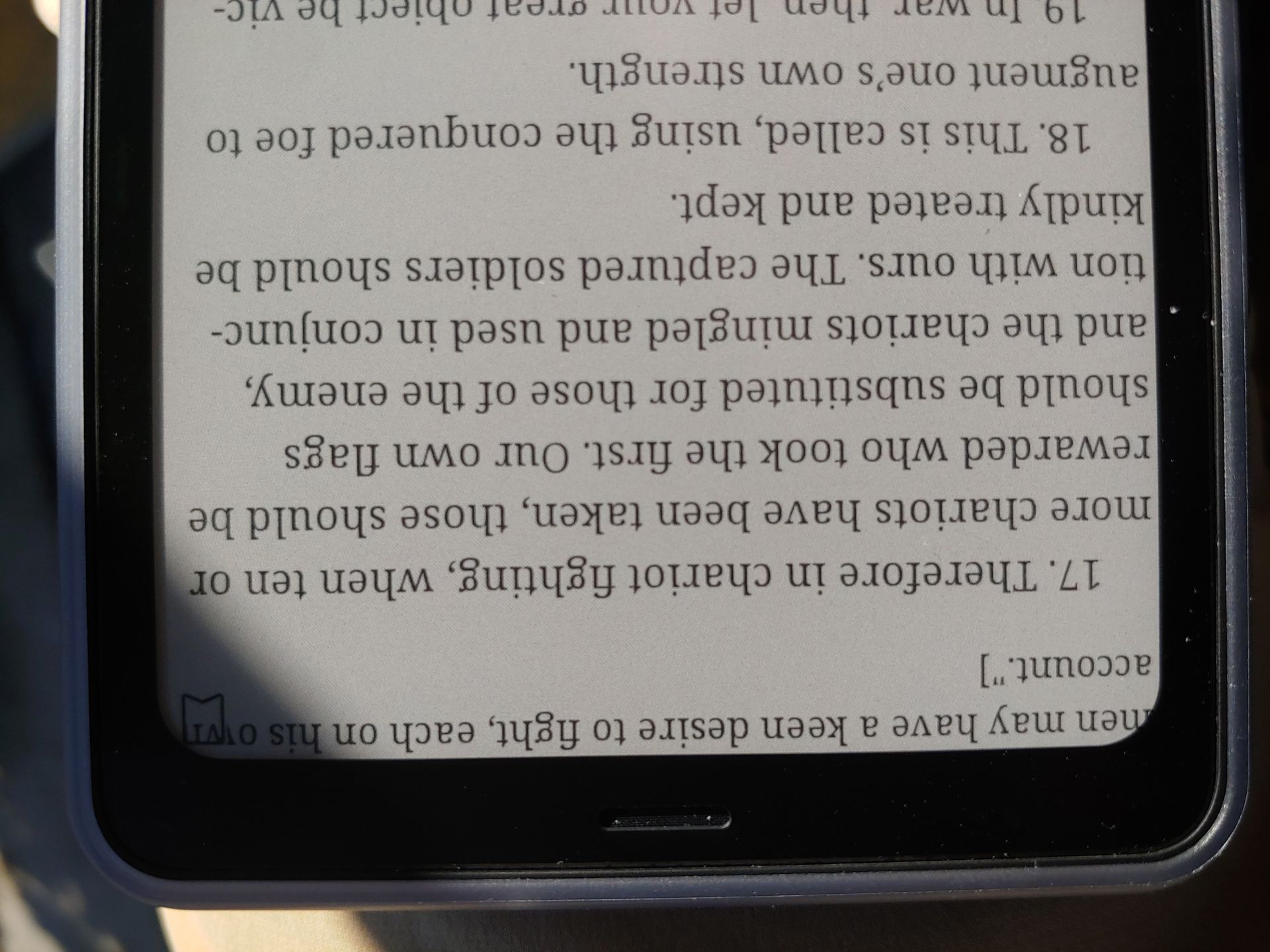
Text and image quality depend on the EinkWise settings. The matte E Ink panel reflects light like paper and stays fully visible at any angle in daylight or with the backlight on.
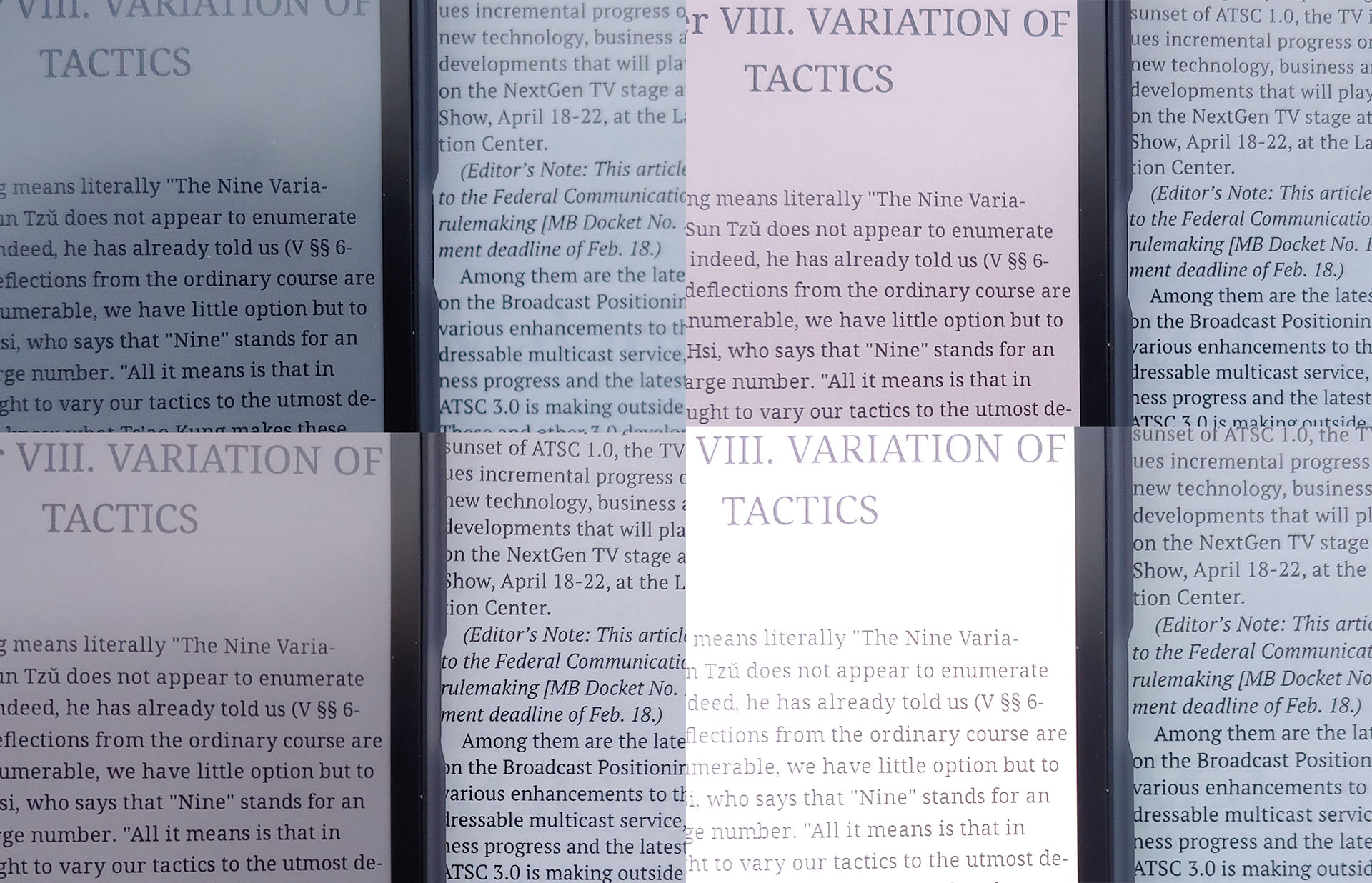
Speed refresh mode enables fast scrolling but lowers visual quality, while Regal and HD modes improve clarity at the cost of slower interactions and occasional inverted flashes. Quality approaches newspaper‑like levels in the higher modes and becomes noticeably rougher in Speed mode.
Videos are unwatchable in the high quality modes due to the frequent display of inverted images and are barely viewable in Speed mode, but E Ink readers are not designed for this use.
Oddly, the Palma uses a display with rounded corners, cutting off text, so e-reader apps must use adjusted margins.
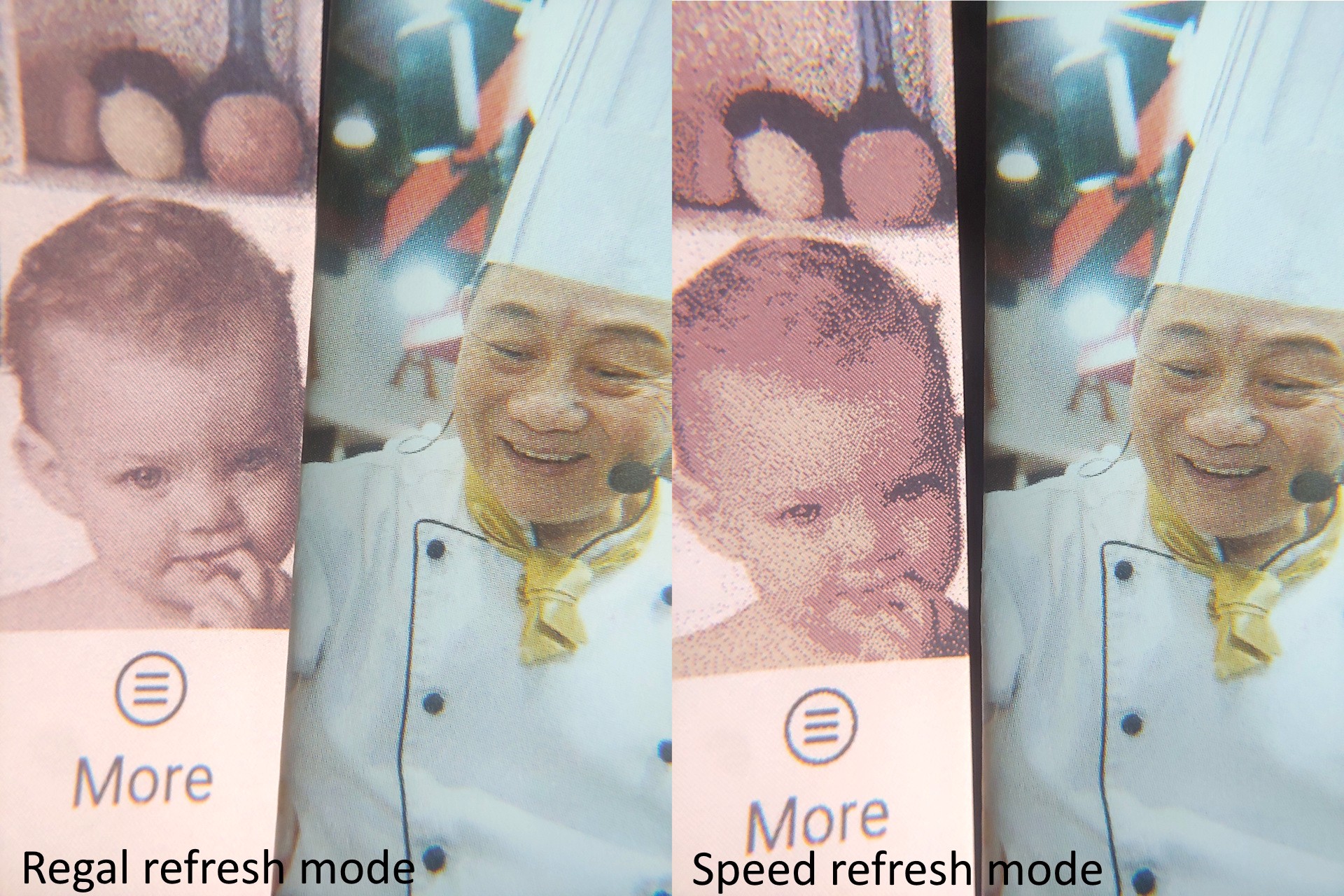
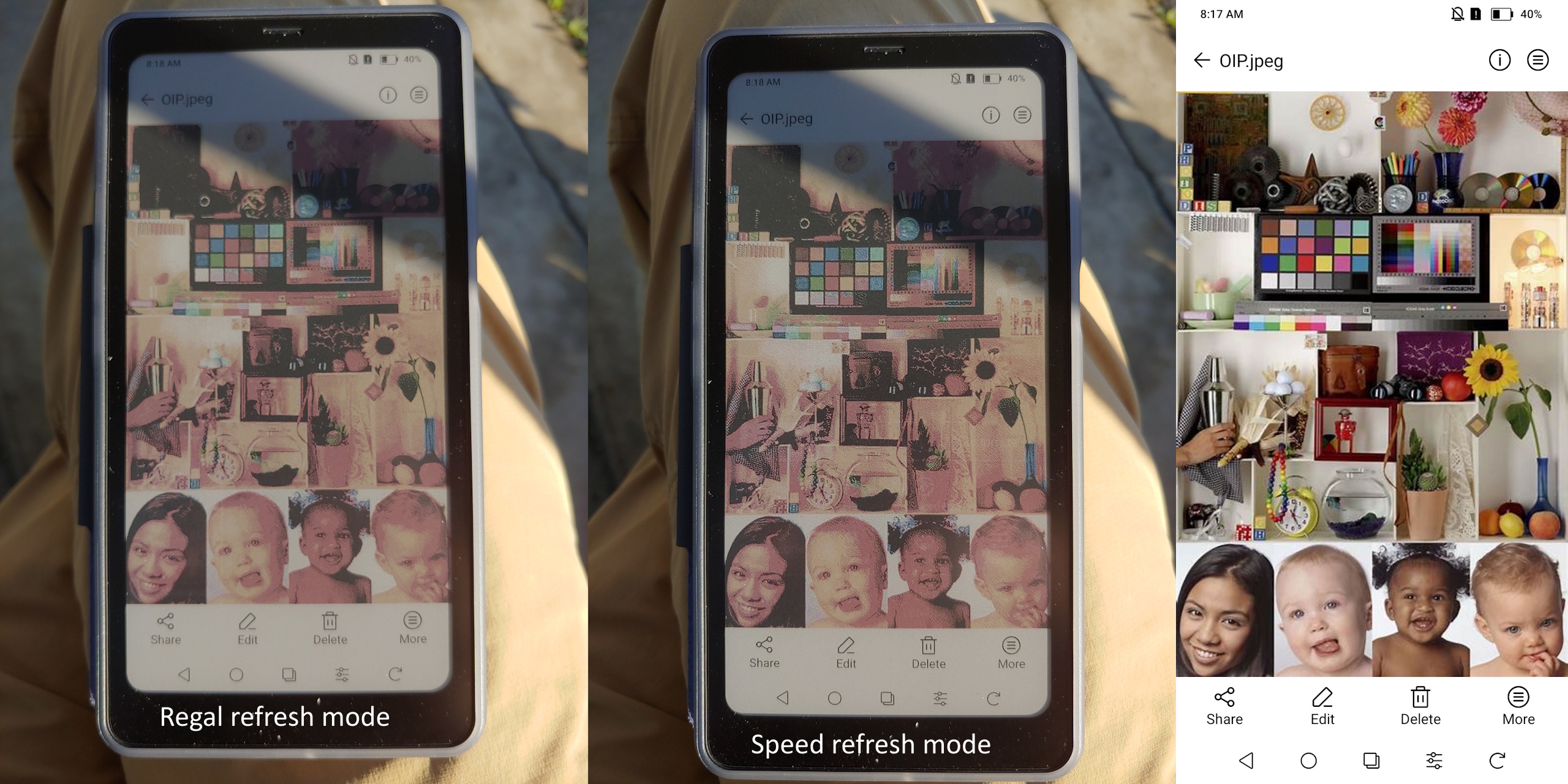
Regal refresh mode.
Speed refresh mode.
Regal refresh mode.
Speed refresh mode.
DAYLIGHT - OUTDOORS
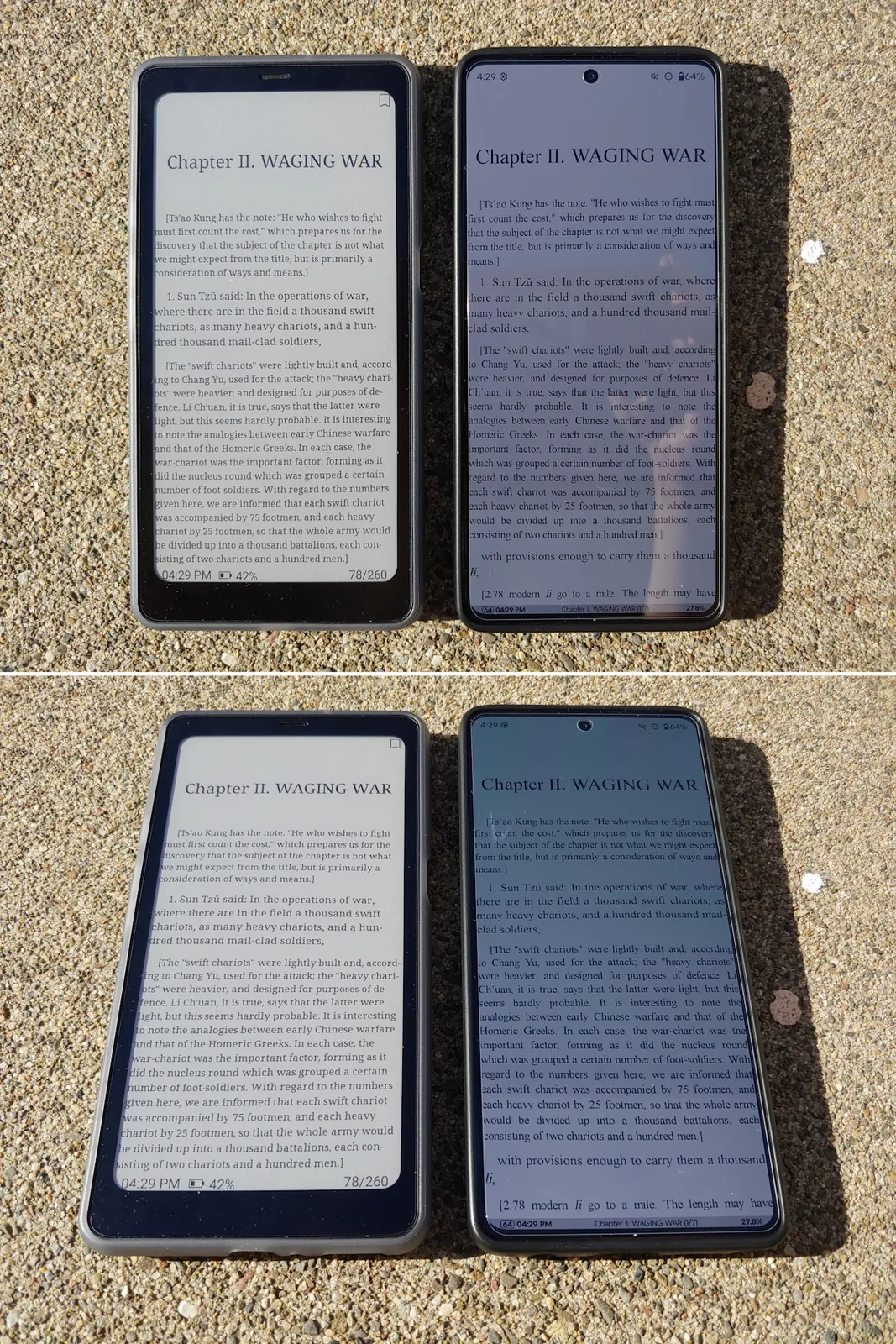
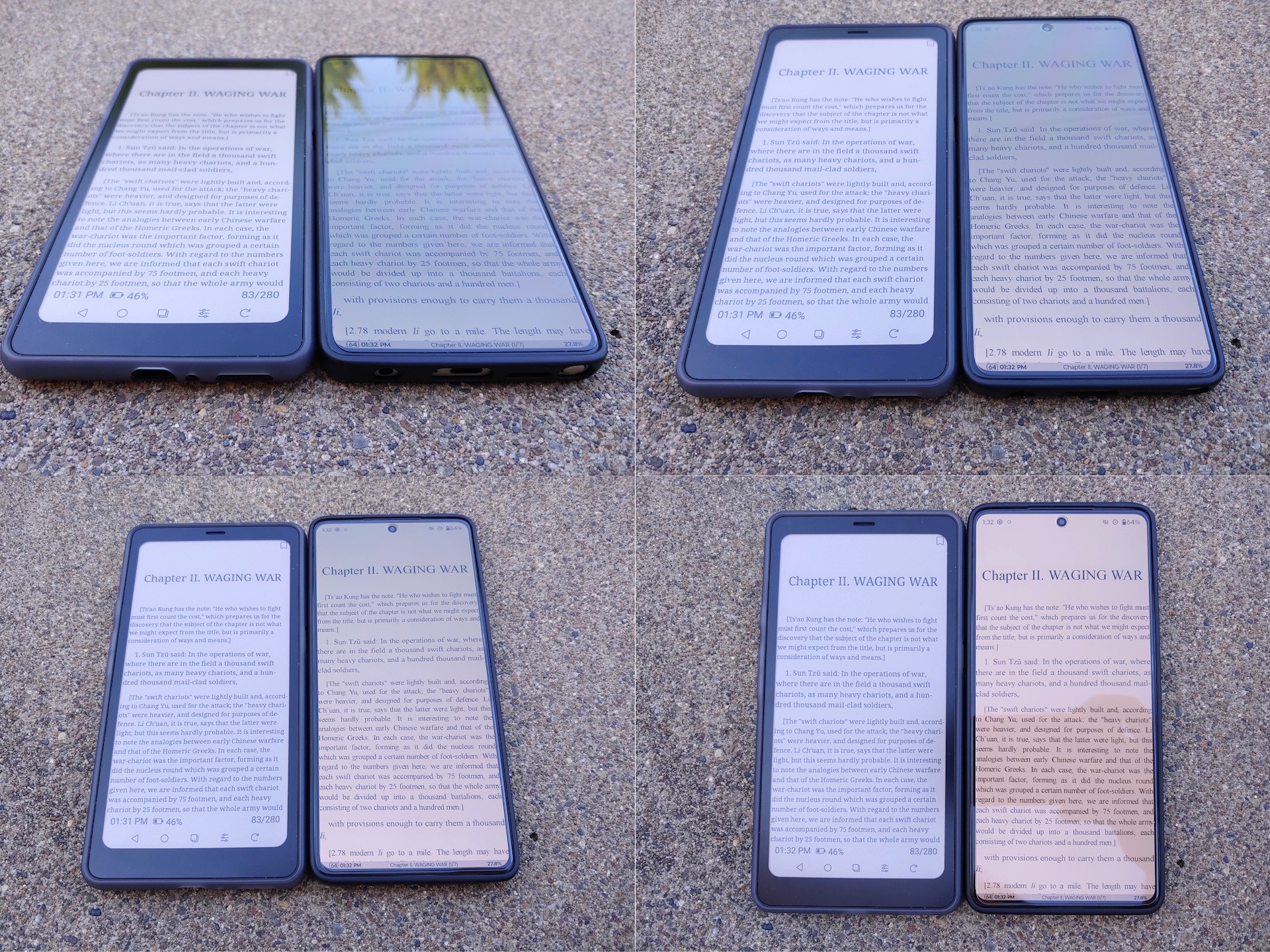
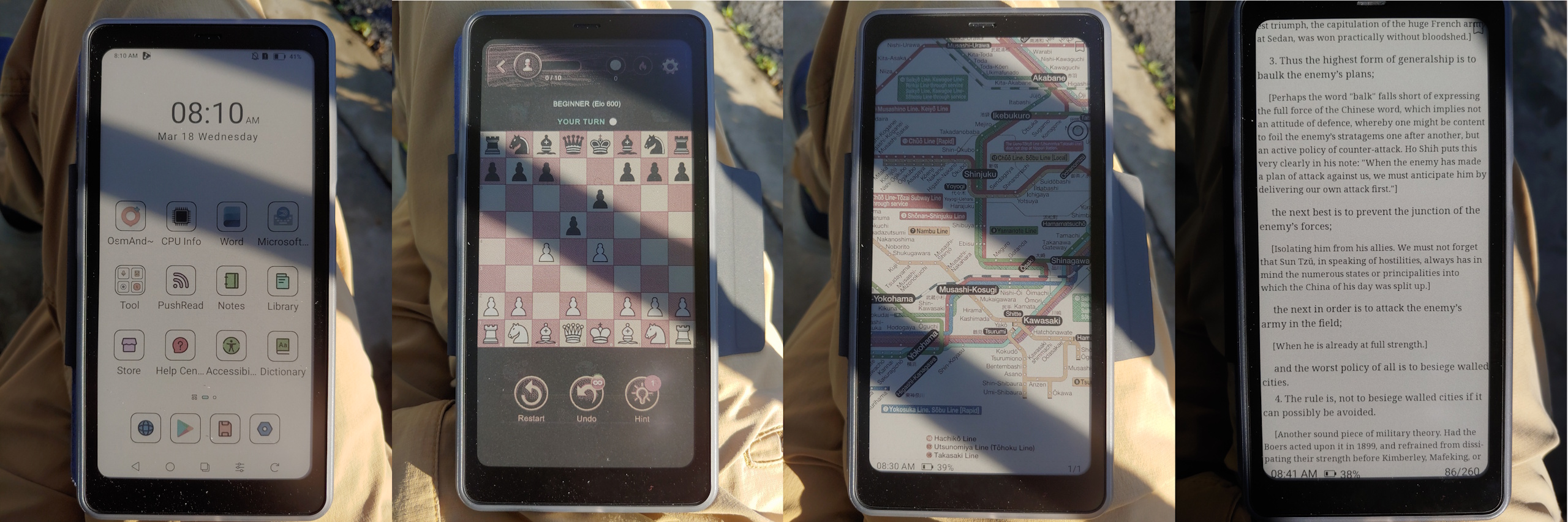
In direct sun, the Kaleido 3 display is far more legible than the Moto G Stylus 2024 OLED at its 1,200‑nit maximum auto brightness. Shaded, both appear similarly bright when the Moto is set to its ~550‑nit manual maximum. The E Ink panel also stays readable at any angle without the reflections or color shifts of the OLED.
DAYLIGHT – INDOORS
The display was dimmer but still readable in daylight near a shaded window with the backlight off. Turning the backlight on—around 25 of 32—made the screen much easier to read.

MAGNIFIED VIEWS
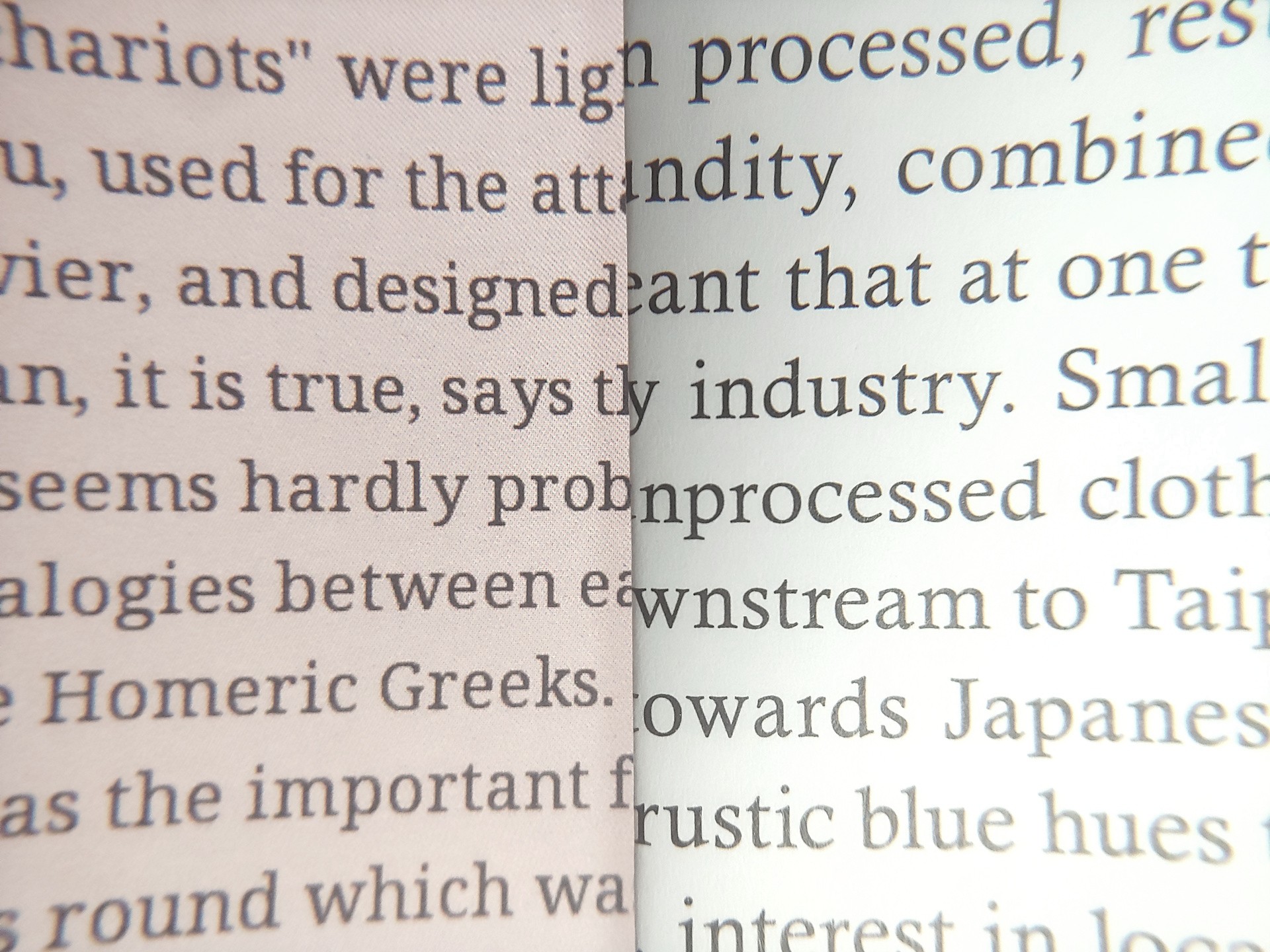
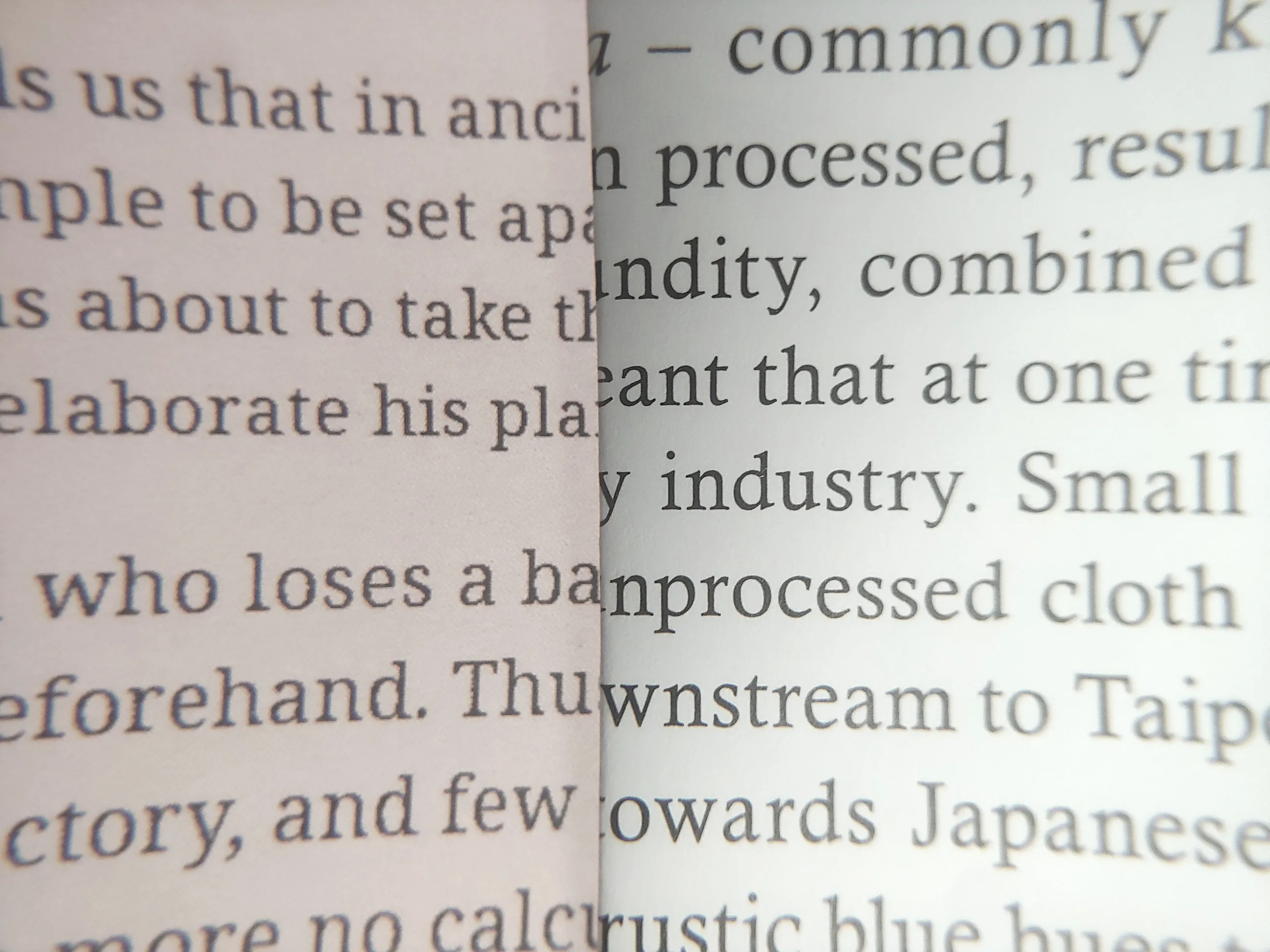
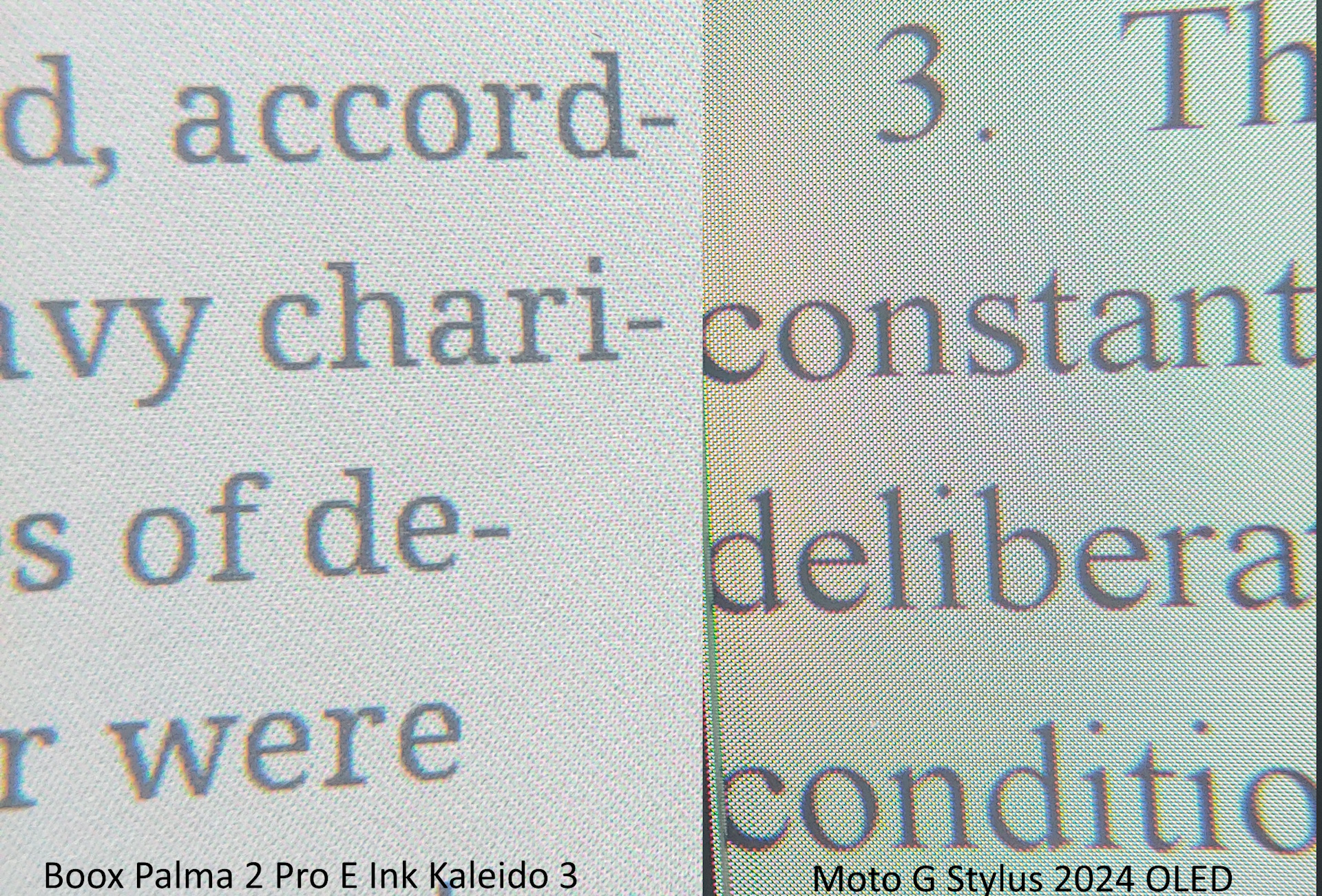
Pixels were visible at 8x magnification. The OLED display had slightly cleaner text edges, though neither matched magazine print, and edges grew rougher when switching from Regal to Speed mode.
KALEIDO 3 VS SPECTRA 6
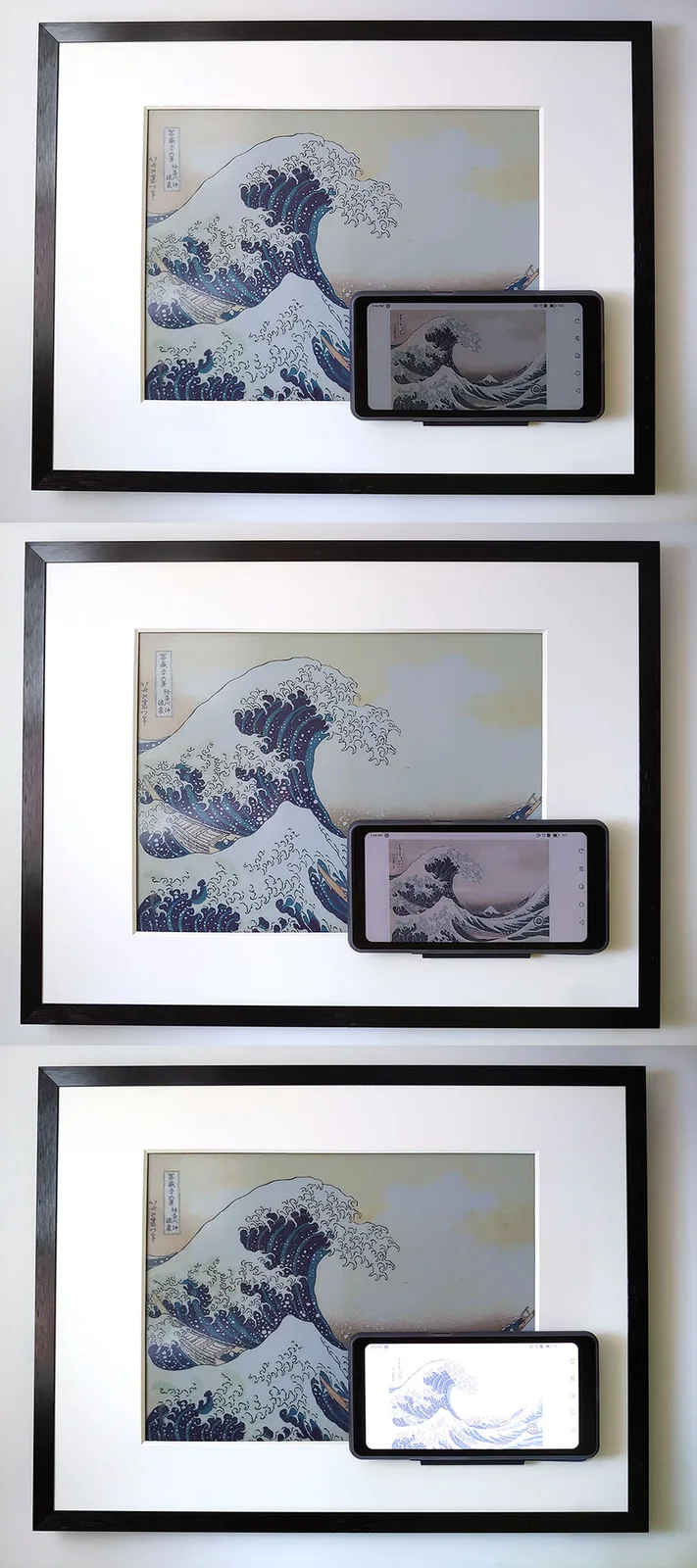
The Spectra 6 panel in the Switchbot AI Frame has better colors, lower resolution, and multi-second image updates.
Conclusion
The Boox Palma 2 Pro e-reader meets the needs of users who desire a color E Ink device for ebook reading, drawing, and playing podcasts and music, with a low-glare screen and the flexibility of an Android device.
Transparency
The selection of devices to be reviewed is made by our editorial team. The test sample was given to the author by the manufacturer free of charge for the purposes of review. There was no third-party influence on this review, nor did the manufacturer receive a copy of this review before publication. There was no obligation to publish this review. As an independent media company, Notebookcheck is not subjected to the authority of manufacturers, retailers or publishers.
 Add as a preferred source on Google


