




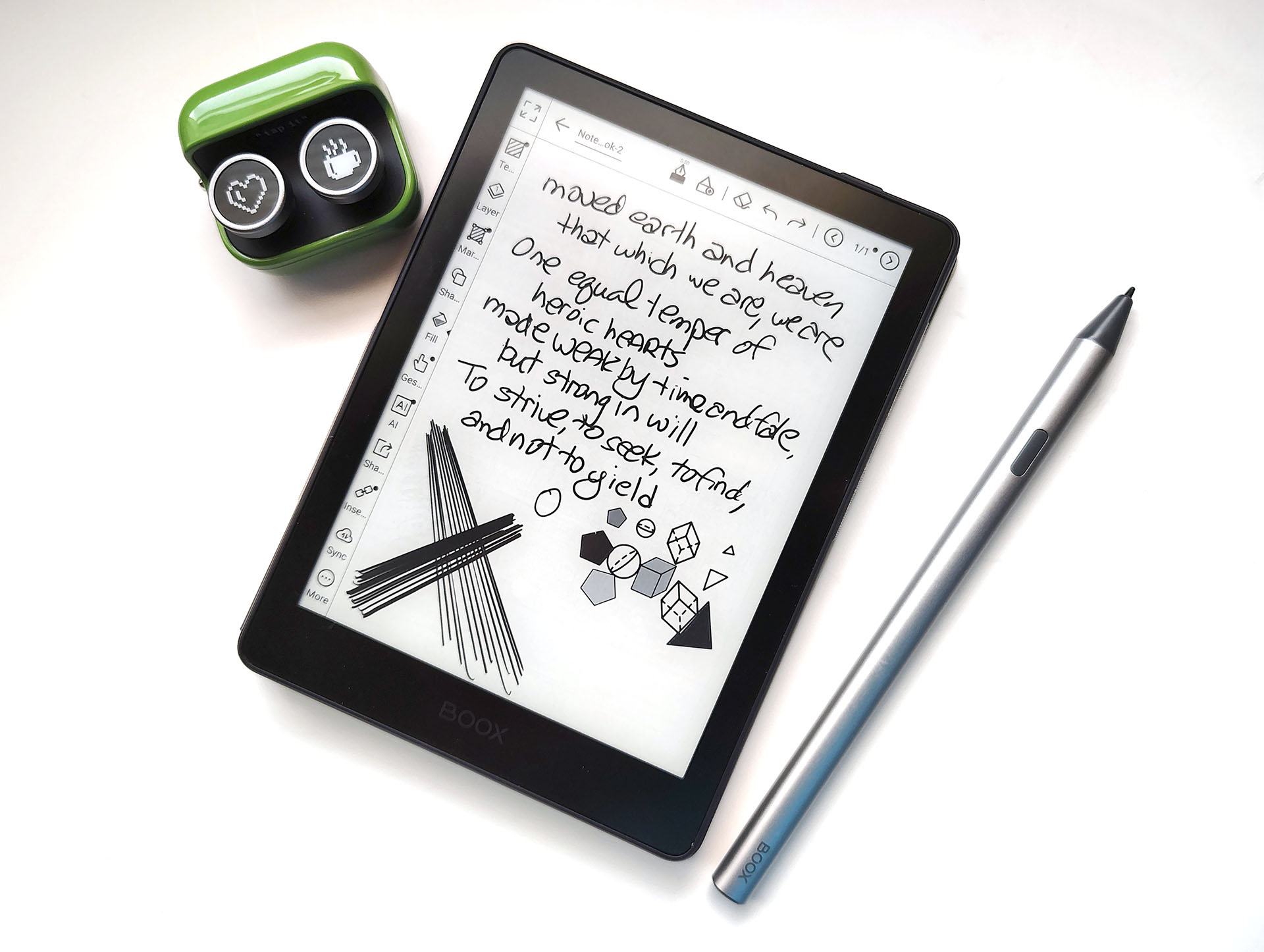
Boox Go 6 (Gen II) hands-on review: Top-notch pocketable e-reader with a responsive pen and Android apps
Petite e-reader.
The Boox Go 6 (Gen 2) is an Android e-reader with a paper-like display, making it a versatile device for reading, writing, and note-taking.David Chien Published 🇳🇱 🇫🇷 ...
Verdict – Petite e-reader
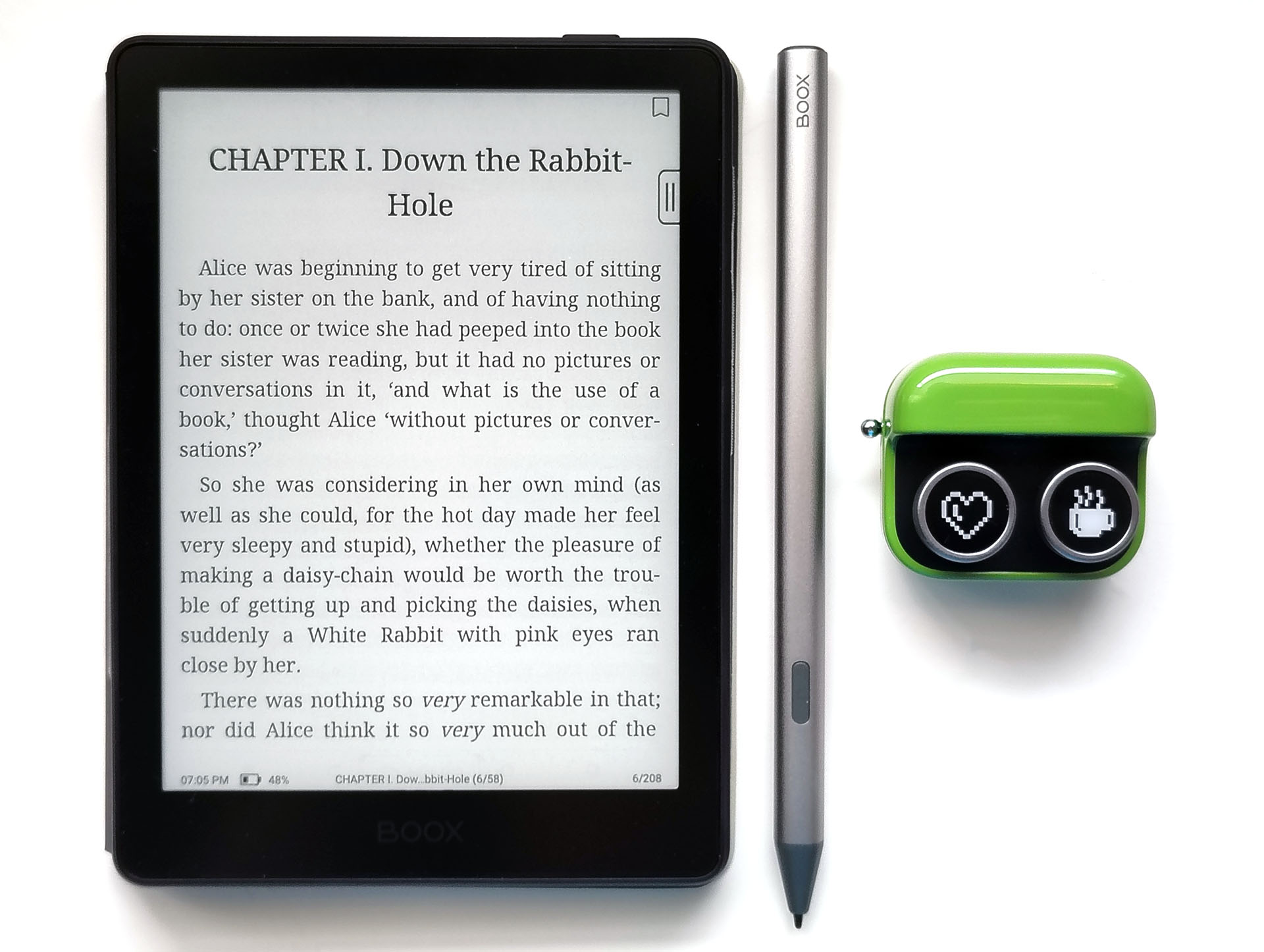
The Boox Go 6 (Gen II) is a memo‑pad‑sized e‑reader with sharp text on its matte ePaper display and a highly responsive stylus for quick notes and sketches. Bluetooth audio support also makes it suitable for audiobooks and podcasts.
Its black‑and‑white screen, low video quality, and lack of a speaker mean it cannot replace a color tablet, and the older Android 11 OS limits compatibility with newer apps. Still, the low‑glare, flicker‑free ePaper panel offers a more eye‑friendly reading experience than LCD/OLED screens, especially for users sensitive to flicker or eye strain.
Pros
Cons
Price and availability
The e-reader is available for $189.99 from Boox and coming soon to the Boox store on Amazon.
The Boox Go 6 (Gen II) combines the flexibility of a palm-sized Android tablet with a crisp ePaper display and a pen for people who love reading and drawing.
Specifications
| Display | 6" HD ePaper panel |
| Resolution | 1448x1072 (300 ppi) |
| OS | Android 11 |
| System | Octa-core CPU, 3 GB RAM, 32 GB storage |
| Battery | 1,500 mAh Li-ion polymer |
| Connectivity | Wi-Fi (2.4 GHz + 5 GHz), Bluetooth 5.0 |
| Dimensions | 149 x 109 x 6.8 mm (5.9 x 4.3 x 0.27 in.) |
| Weight | 160 g (5.64 oz.) |
| Pen | BOOX InkSense Plus stylus |
| Sensitivity | 4,096 pressure levels and tilt sensitivity |
| Battery | 80 mAh Li-ion |
| Dimensions | 9 mm x 157.5 mm (0.35 x 6.2 in.) |
| Weight | 15.3 g (0.54 oz.) |
| Case | Magnetic cover |
| Dimensions | 150 x 110 x 3 mm (5.91 x 4.33 x 0.12 in.) |
| Weight | 90 g (3.2 oz.) |
Packaging
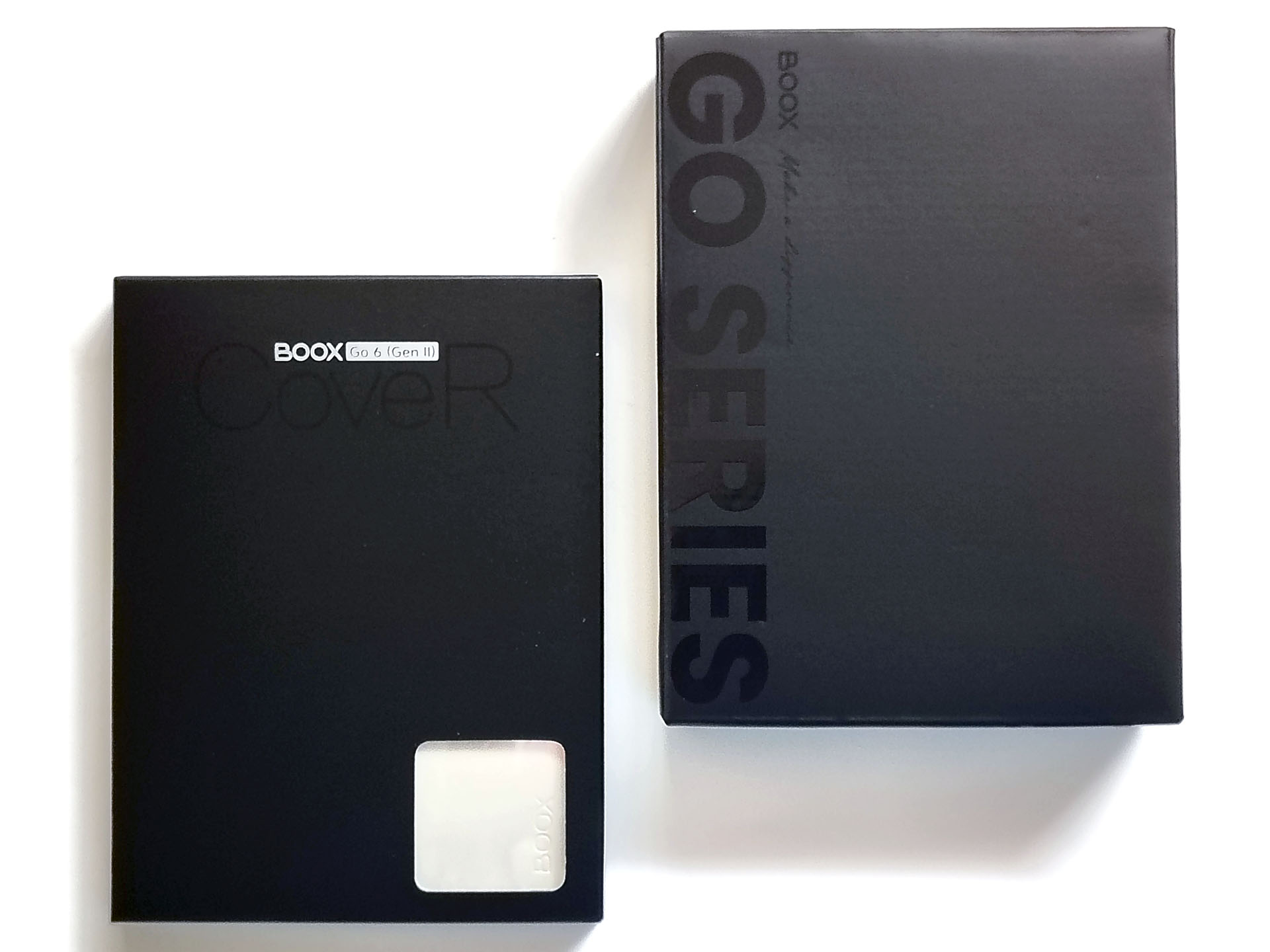
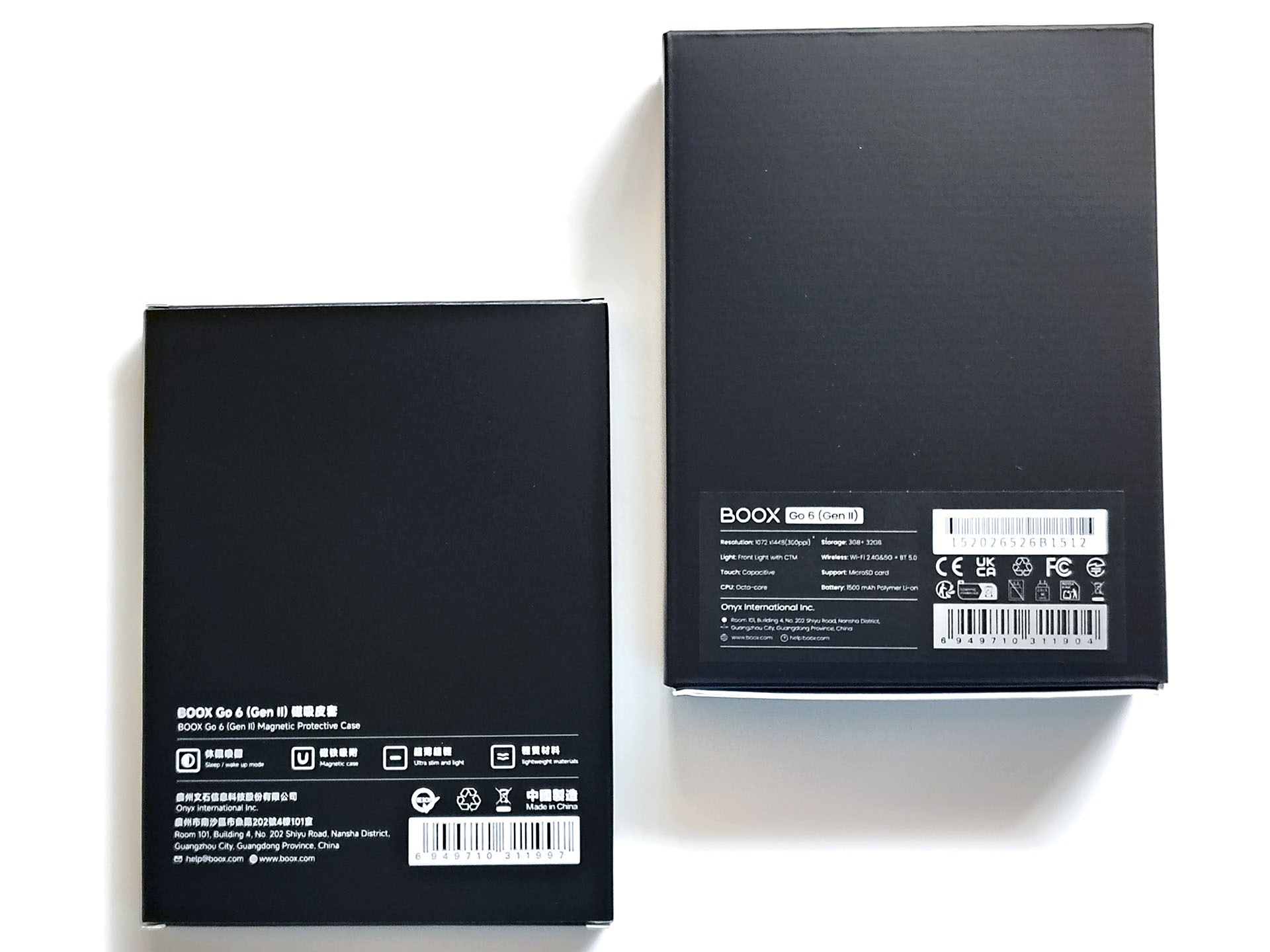
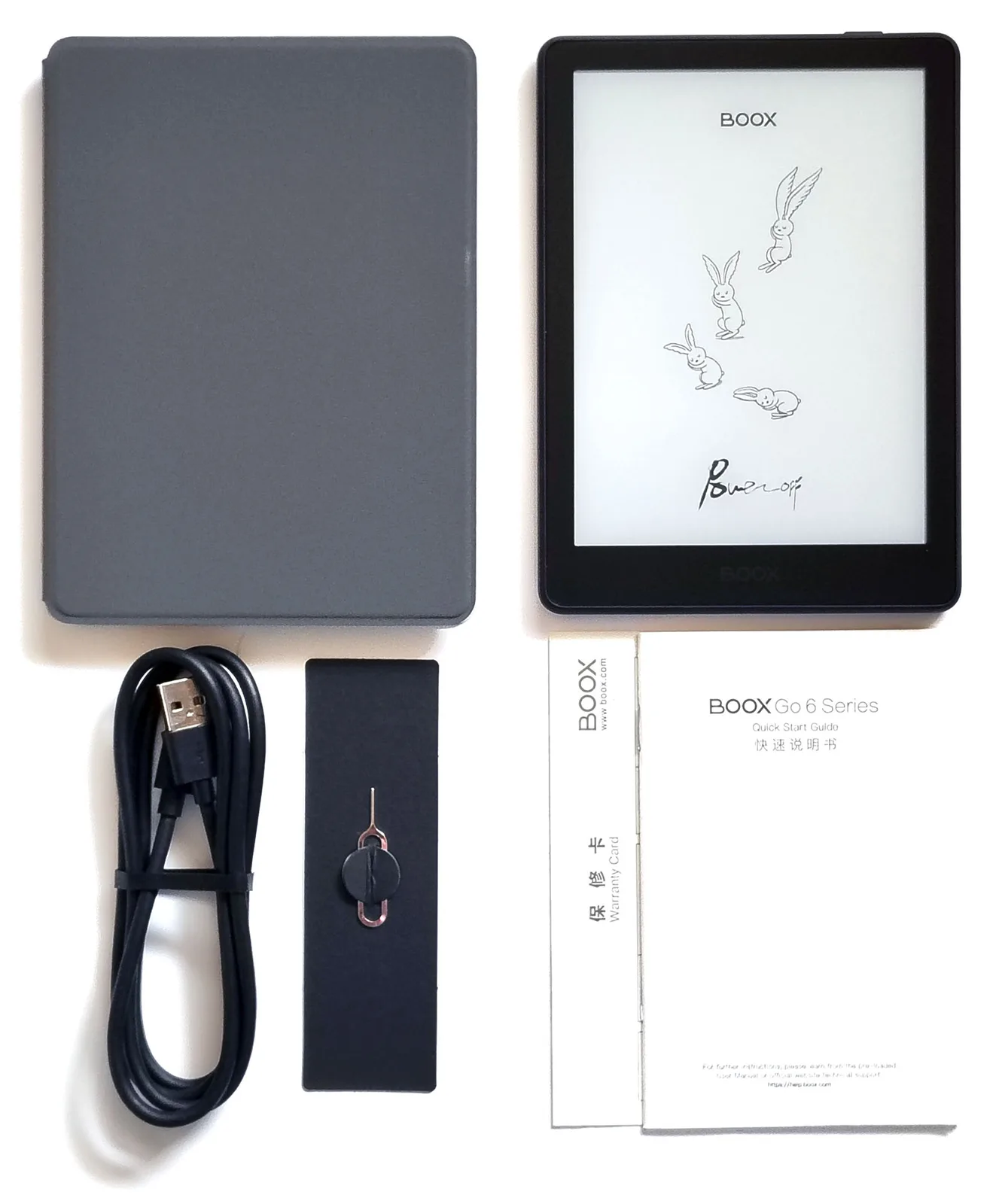
The package included a USB-C cable, a card eject tool, a quick-start guide, and a warranty sheet. An optional magnetic cover, InkSense Plus stylus, and Boox Tappy were also provided.
Design and Performance
The Boox Go 6 (Gen II) resembles a memo pad, small enough to be pocketed. An optional stylus can be used for drawing and note‑taking. The only physical control is a top-edge power button. There is no speaker, but it works with Bluetooth speakers and headphones.
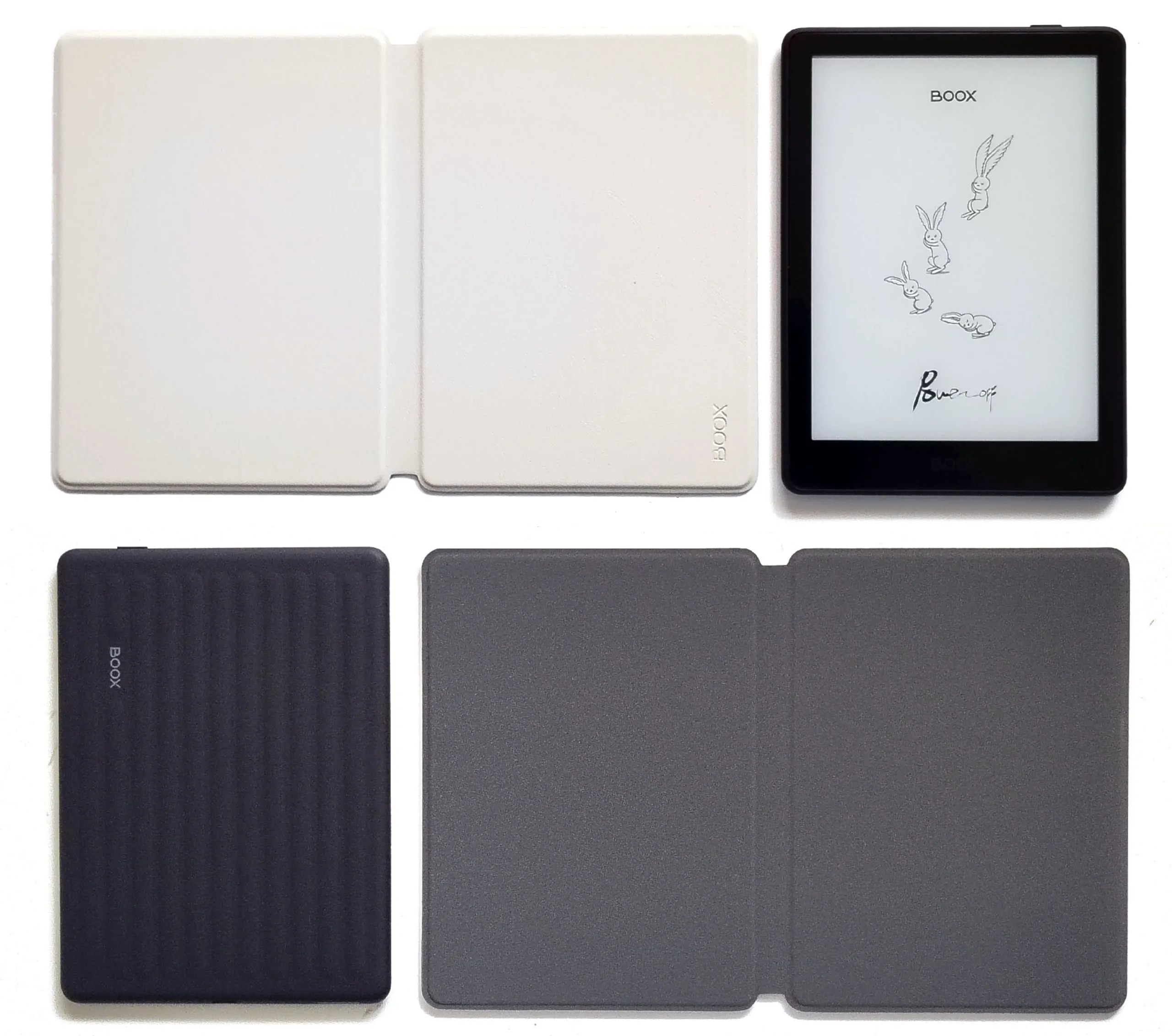
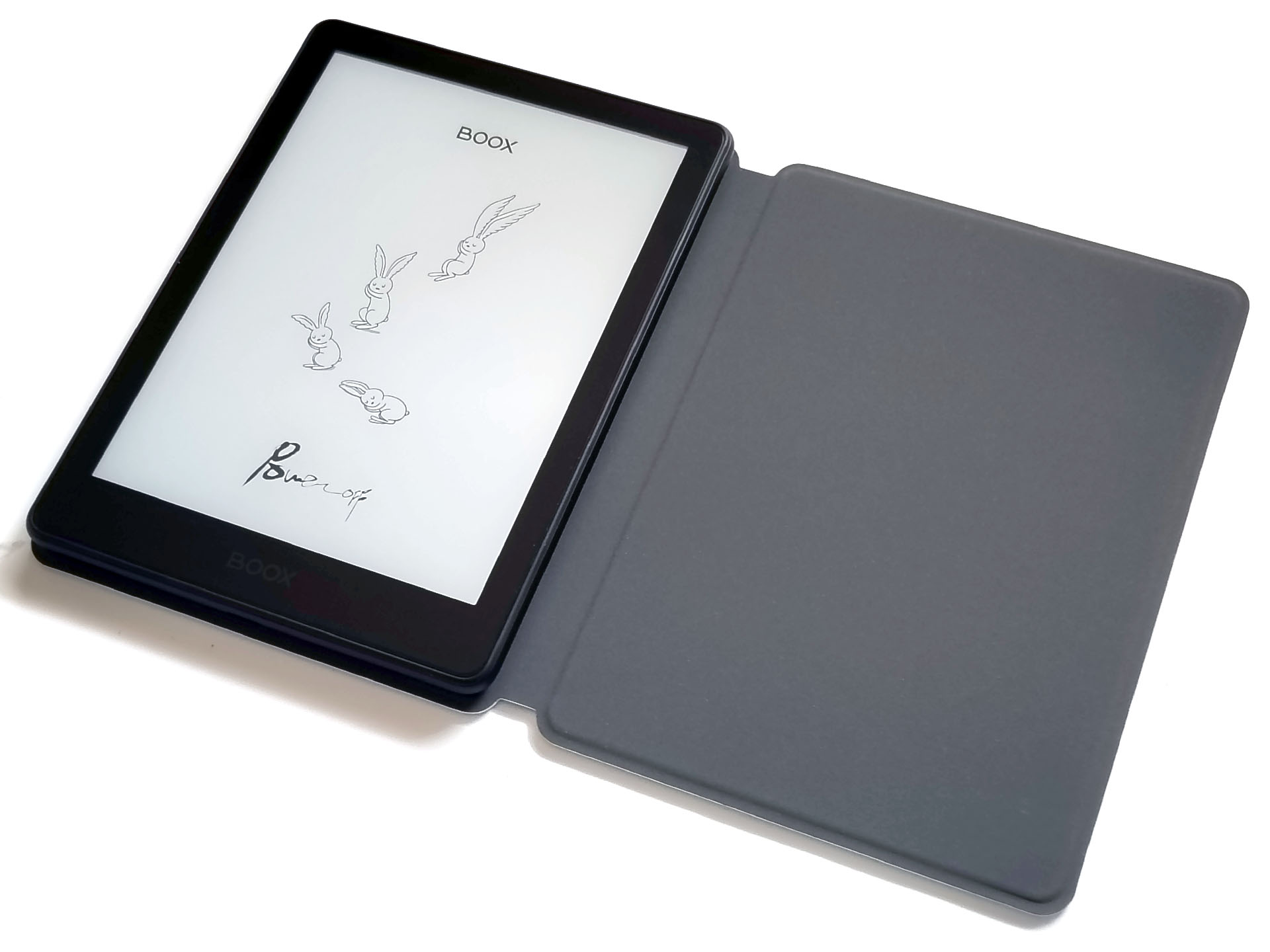
The magnetic case works as a stand and auto‑sleeps the Go 6 II, though it lacks pen storage. To the delight of users who are left‑handed or read books laid out left‑to‑right, the e‑reader can be attached on the left.
The tablet’s PassMark performance (5987 system and 2887 CPU) is comparable to a 2019 Samsung Galaxy A70 phone.
Setup, Store, and Apps
Setup was quick, and a Google account isn’t required, although the AI Assistant does need an Onyx account.
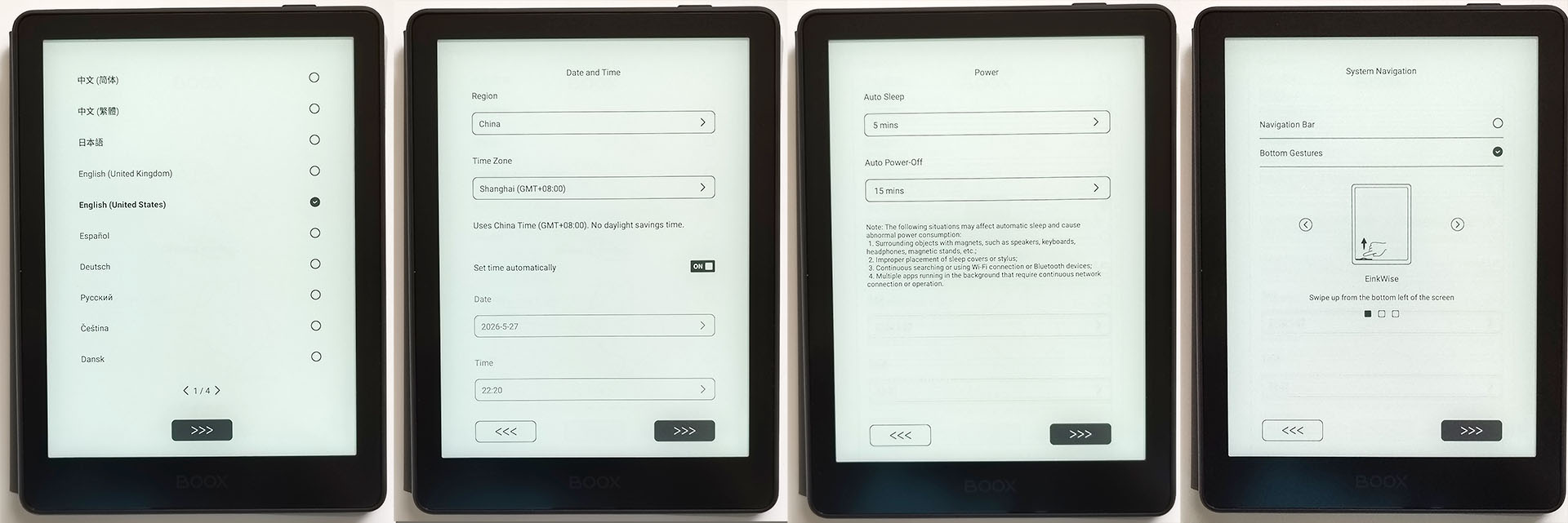
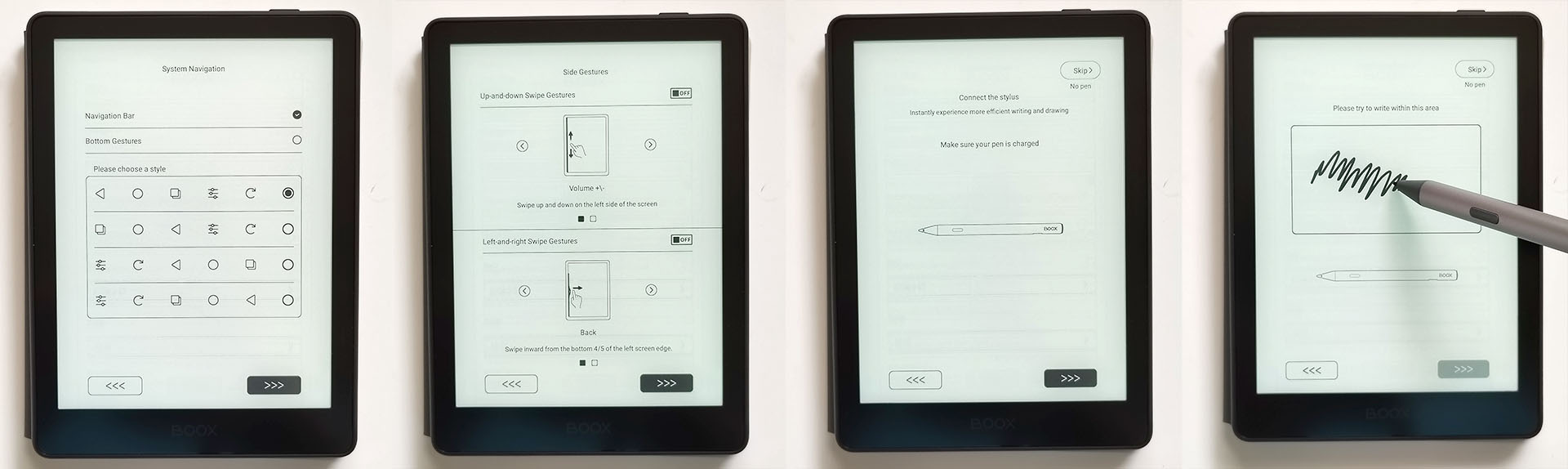
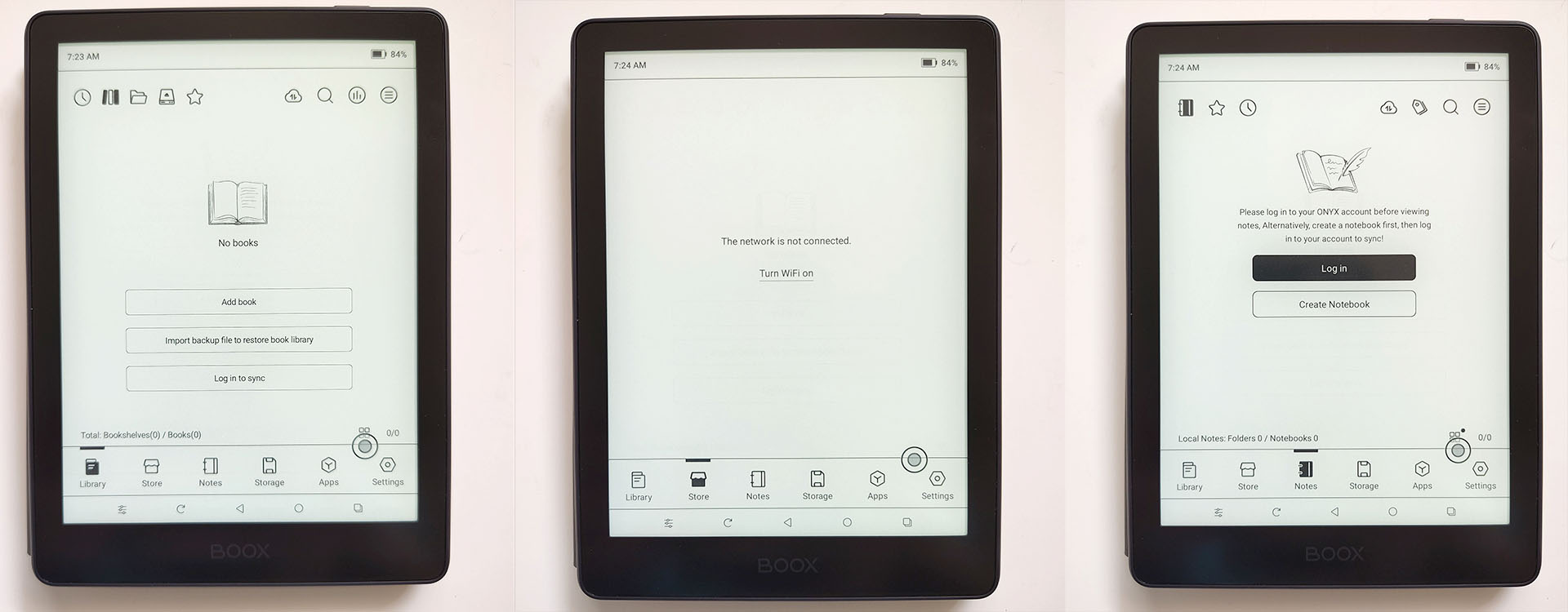
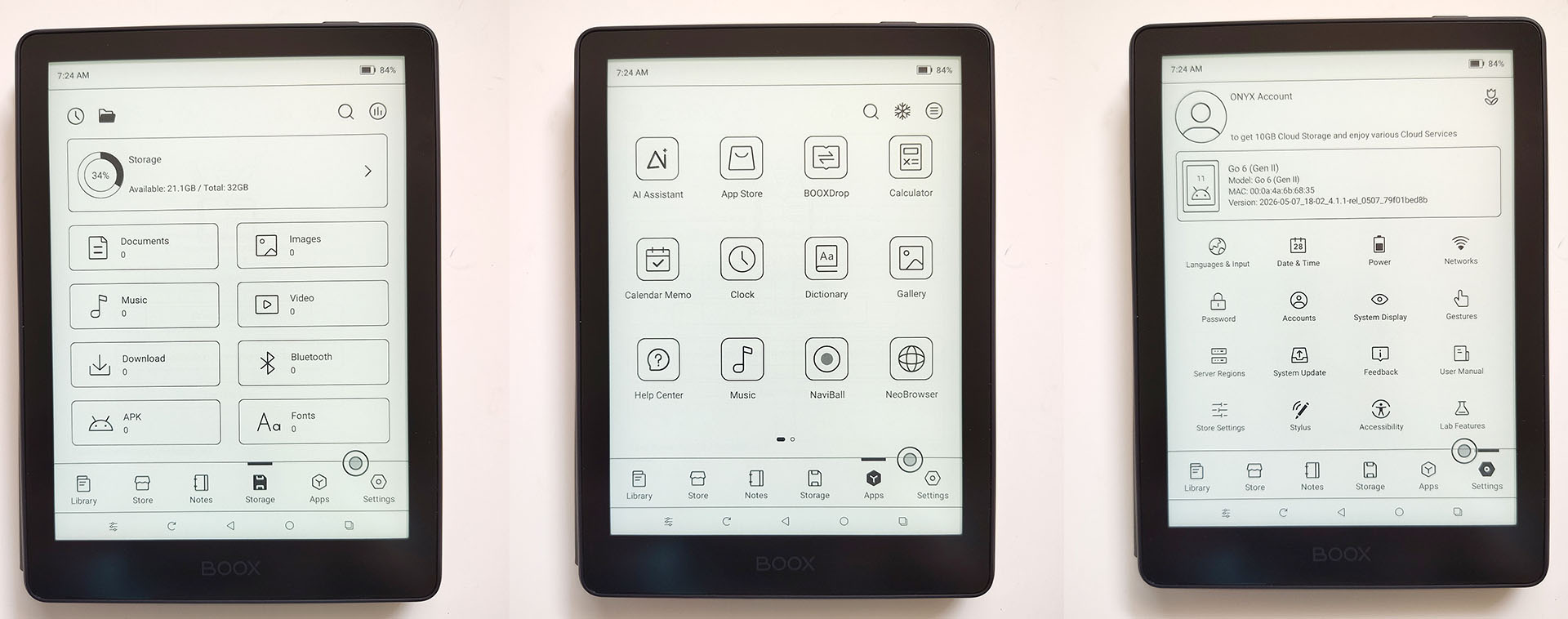
The system is clutter‑free, with only basic apps and the Boox store for free e‑books.
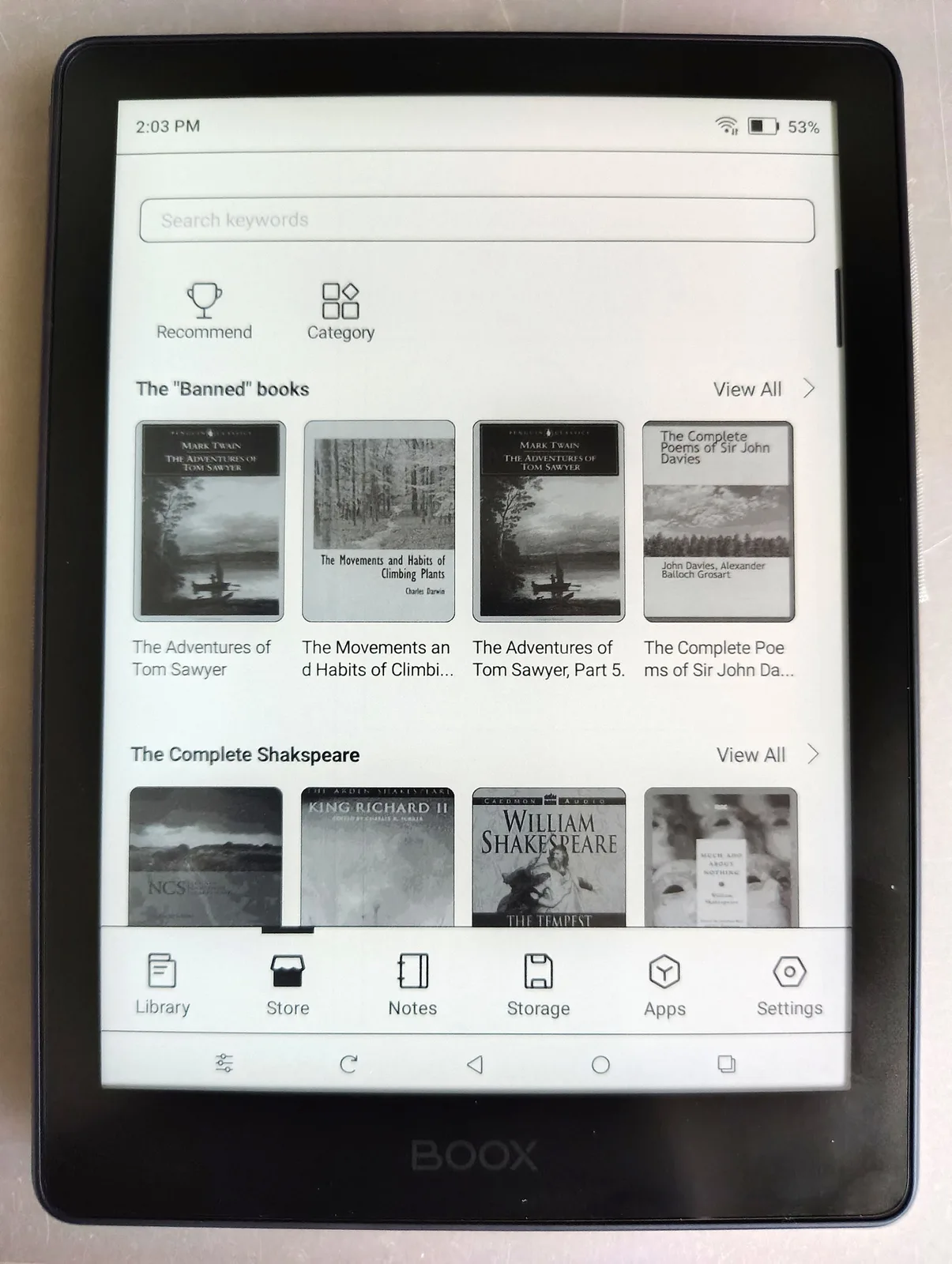
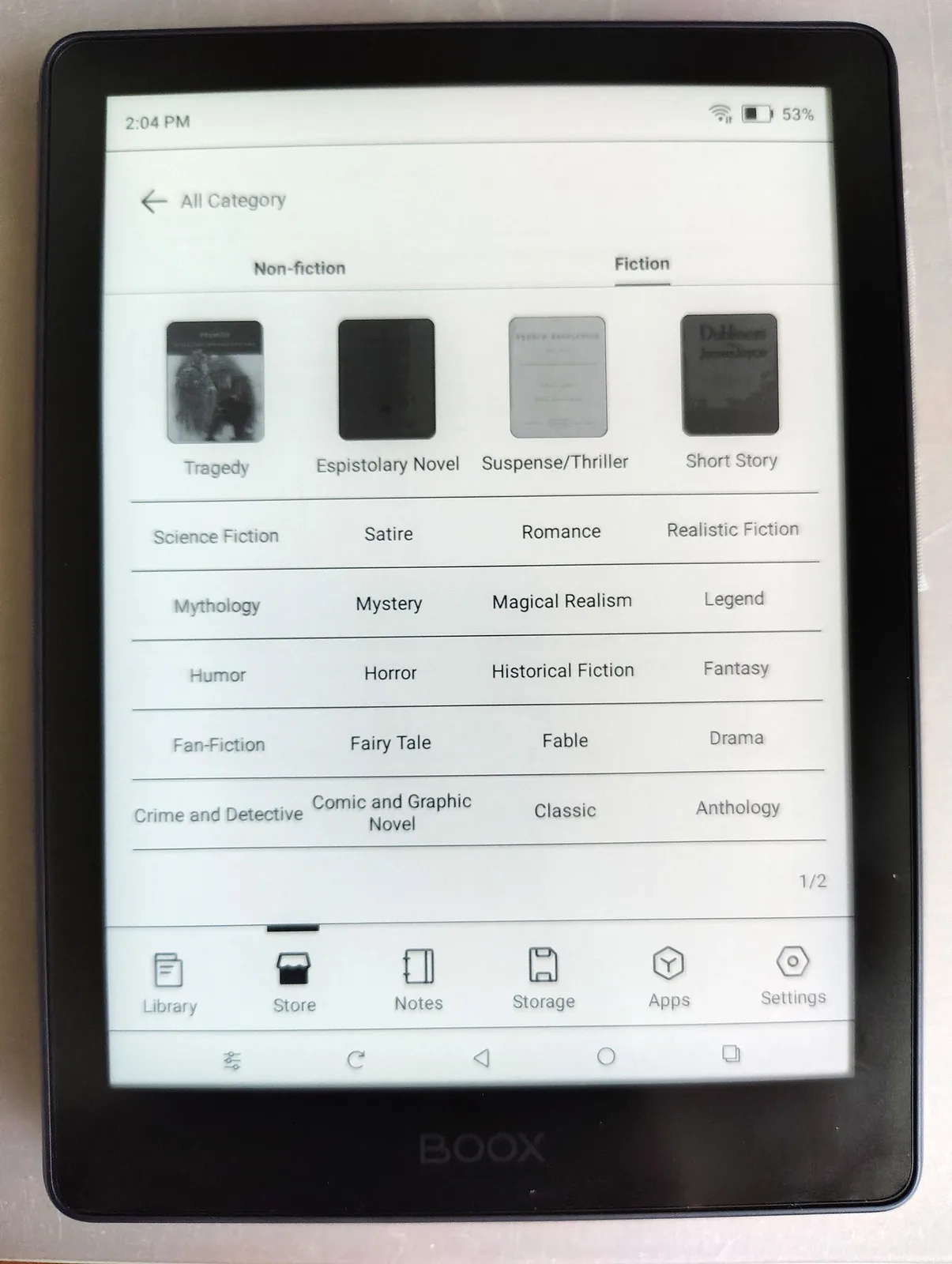
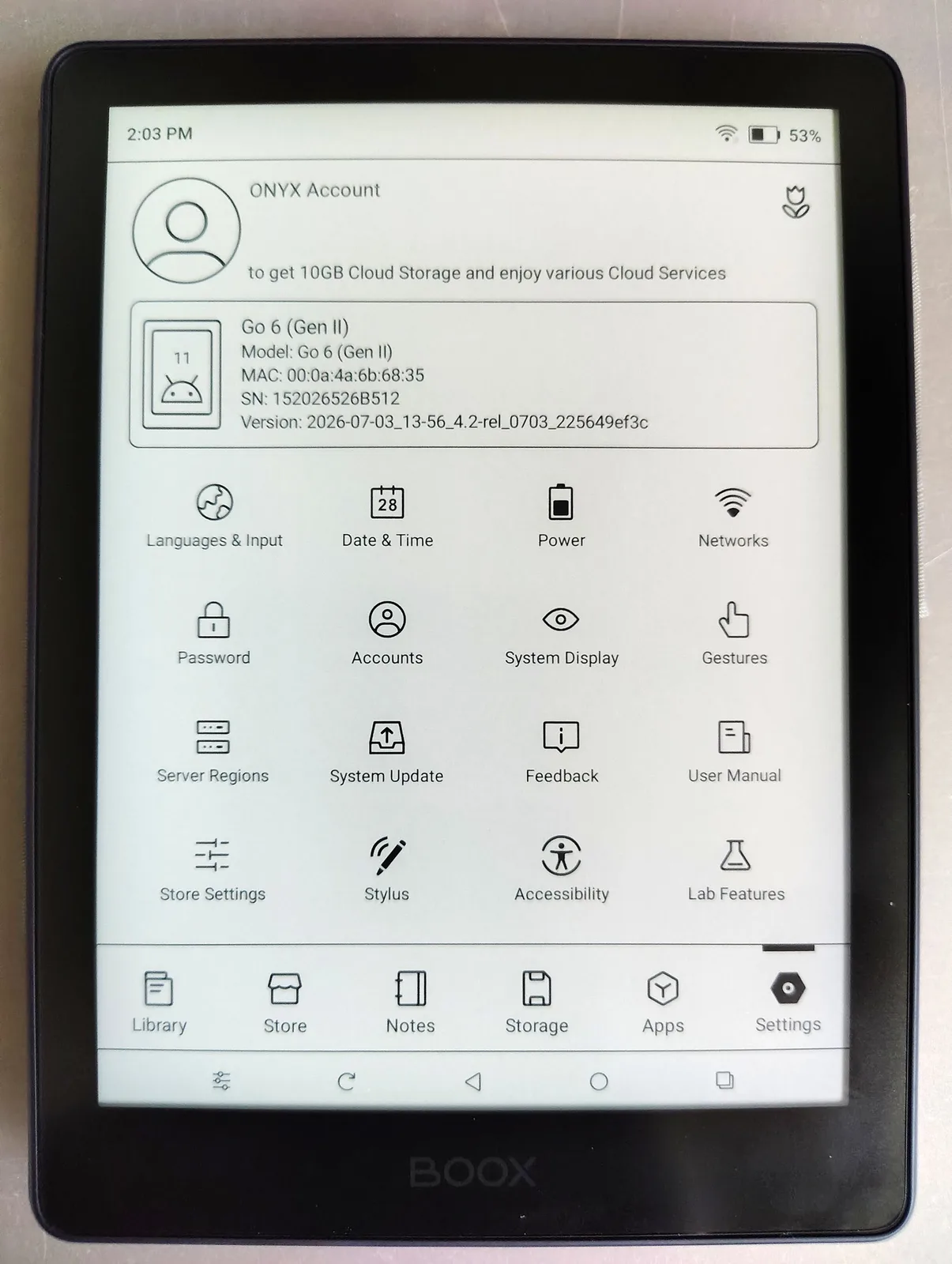
Owners can load e-books, music, videos, audiobooks, documents, and apps from any Android app store, including Google Play and F-Droid, or transfer them from a computer, microSD card, or flash drive.
Stylus
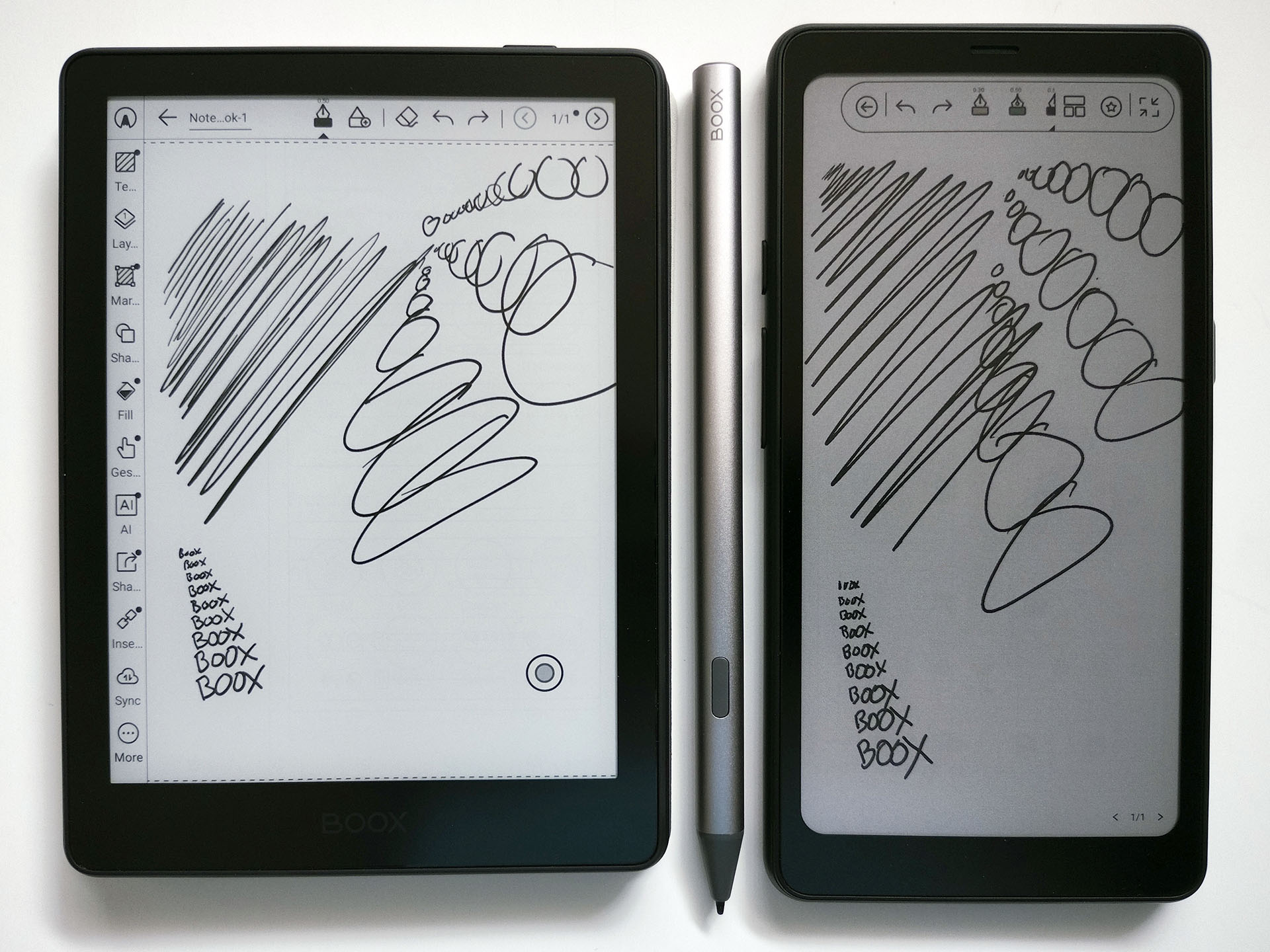
The Go 6 II delivers excellent pen performance superior to that of the Palma 2 Pro and Go 10.3 II, with lower parallax on a wider screen than the Palma. Among eInk and color tablets, the responsiveness and fluidity of the stylus is top-ranked. Its limits appear only when writing text smaller than 1–2 mm tall or when drawing parallel lines spaced under 1 mm, areas where a sharp pencil on paper still performs better.
Boox Tappy
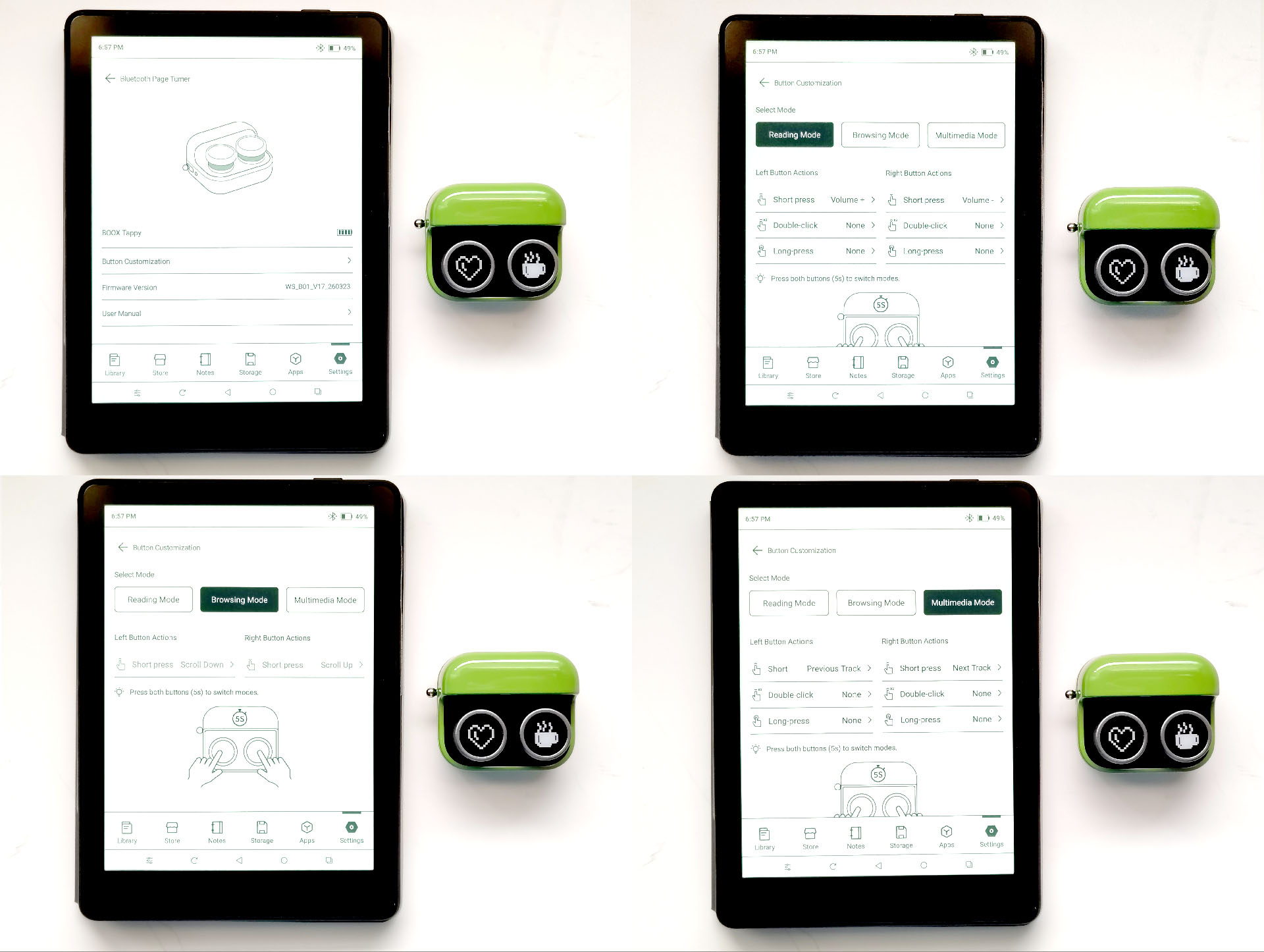
The Go 6 II works seamlessly with the Boox Tappy on V4.2 firmware, with instant Bluetooth recognition.
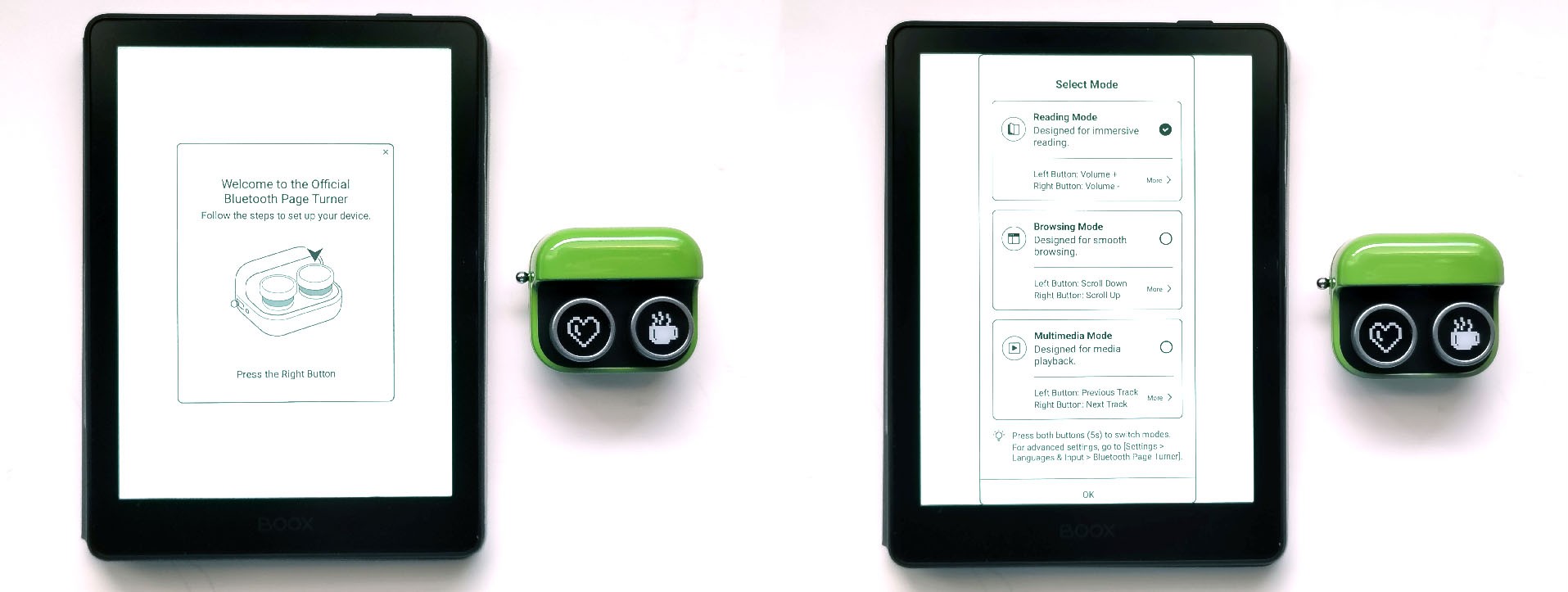
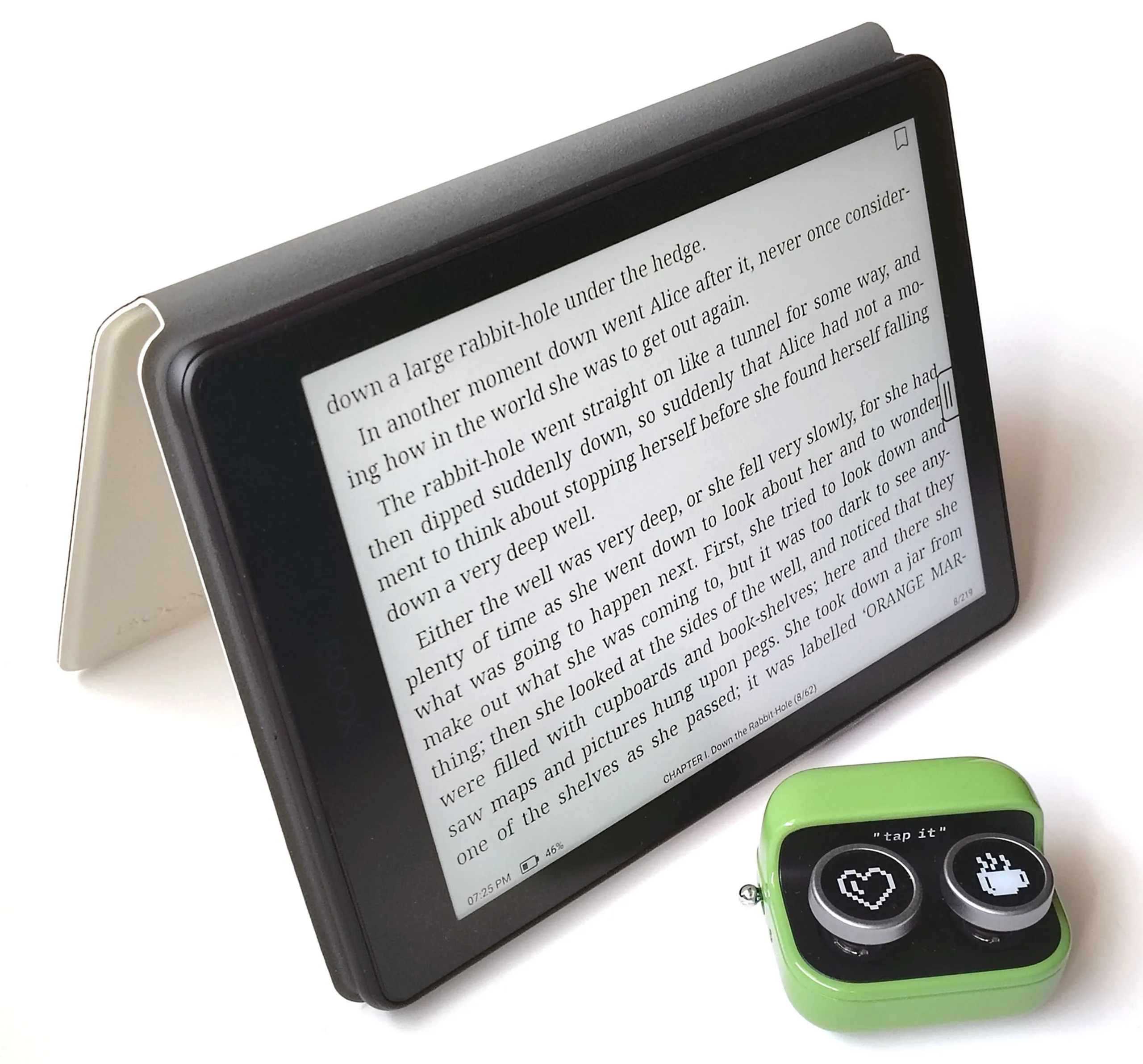
In tent mode, the Tappy lets you flip pages, adjust volume, and perform other actions from a chair, removing the need to hold the tablet while reading.
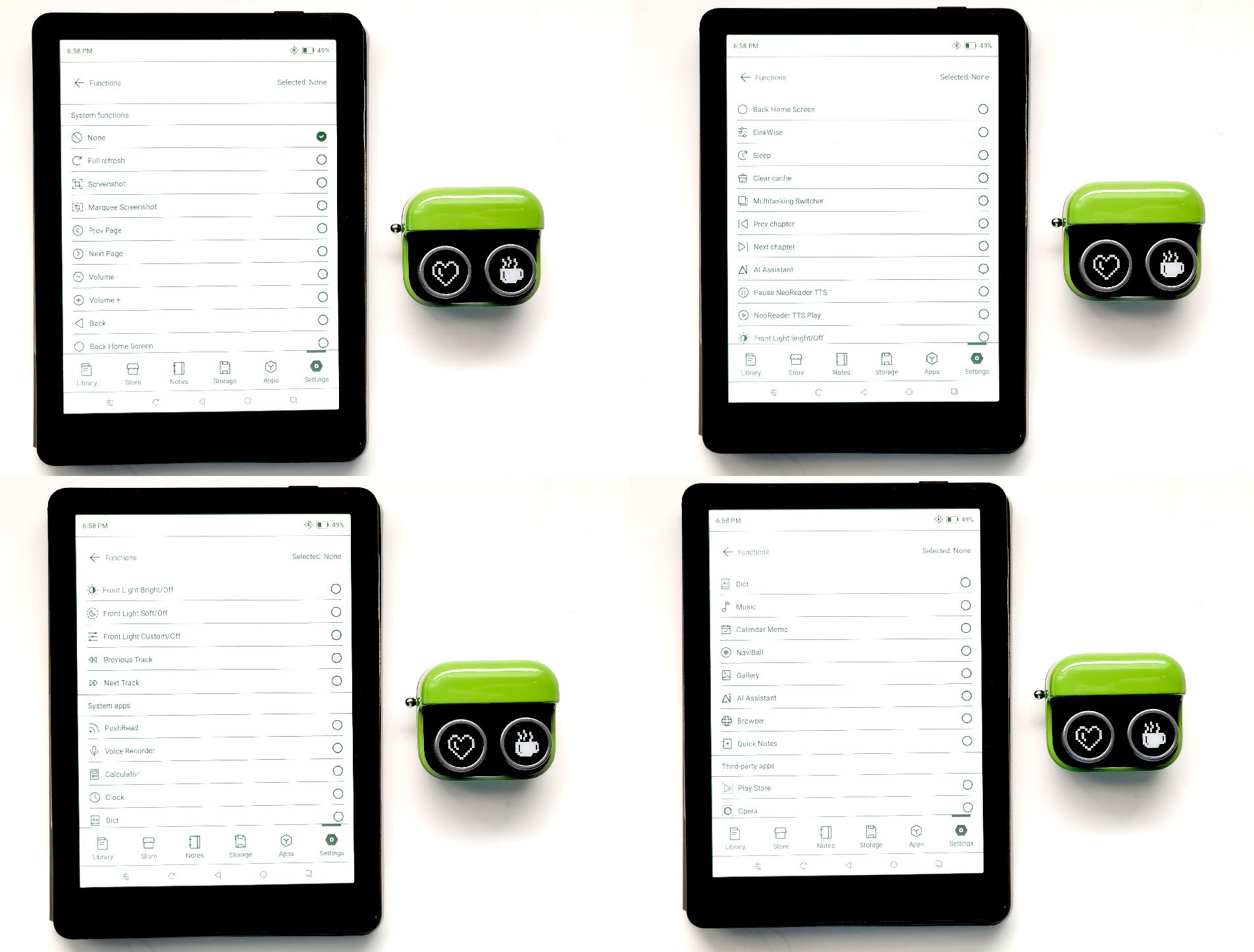
Full Tappy customization is supported, including setting single, long, and double presses to a long-list of actions.
Other accessories
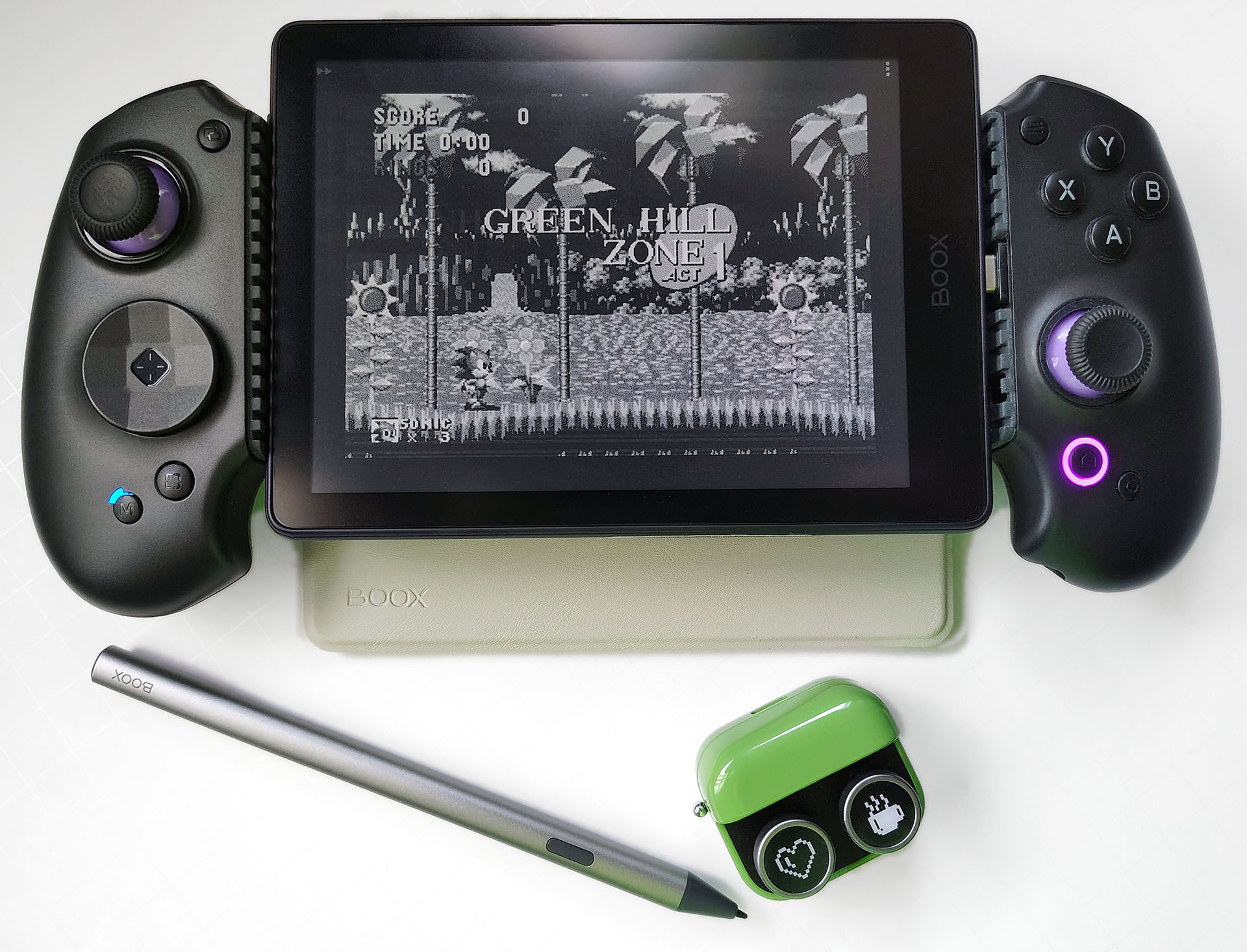
The Go 6 II supports Android USB C and Bluetooth accessories, including the Abxylute S9 controller. When running PPSSPP or Genplus in Fast Refresh mode, it handled light gaming well, with low blur and responsive Taiko no Tatsujin and Sonic the Hedgehog gameplay.
Display and Settings
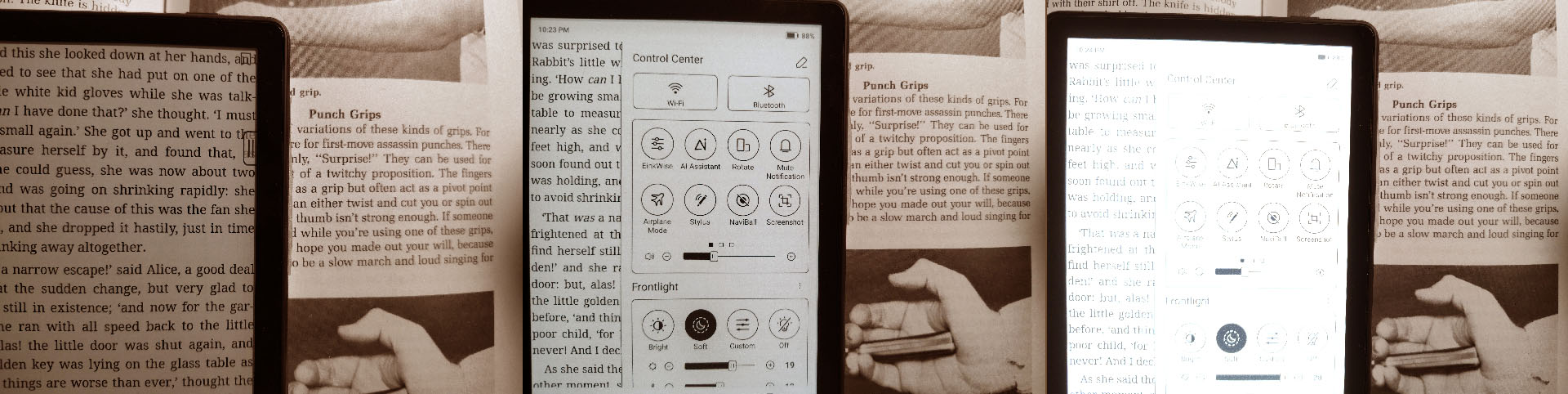
The Go 6 (Gen II) offers one of the best reflective ePaper displays, delivering superb daylight readability and a lighter appearance than the Palma 2 Pro. It’s never as white as paper, but the adjustable soft or cool white (~3700K or ~5800K) backlight helps indoors and at night.
DISPLAY SETTINGS
Text quality is quite similar to printed text in a paperback book.
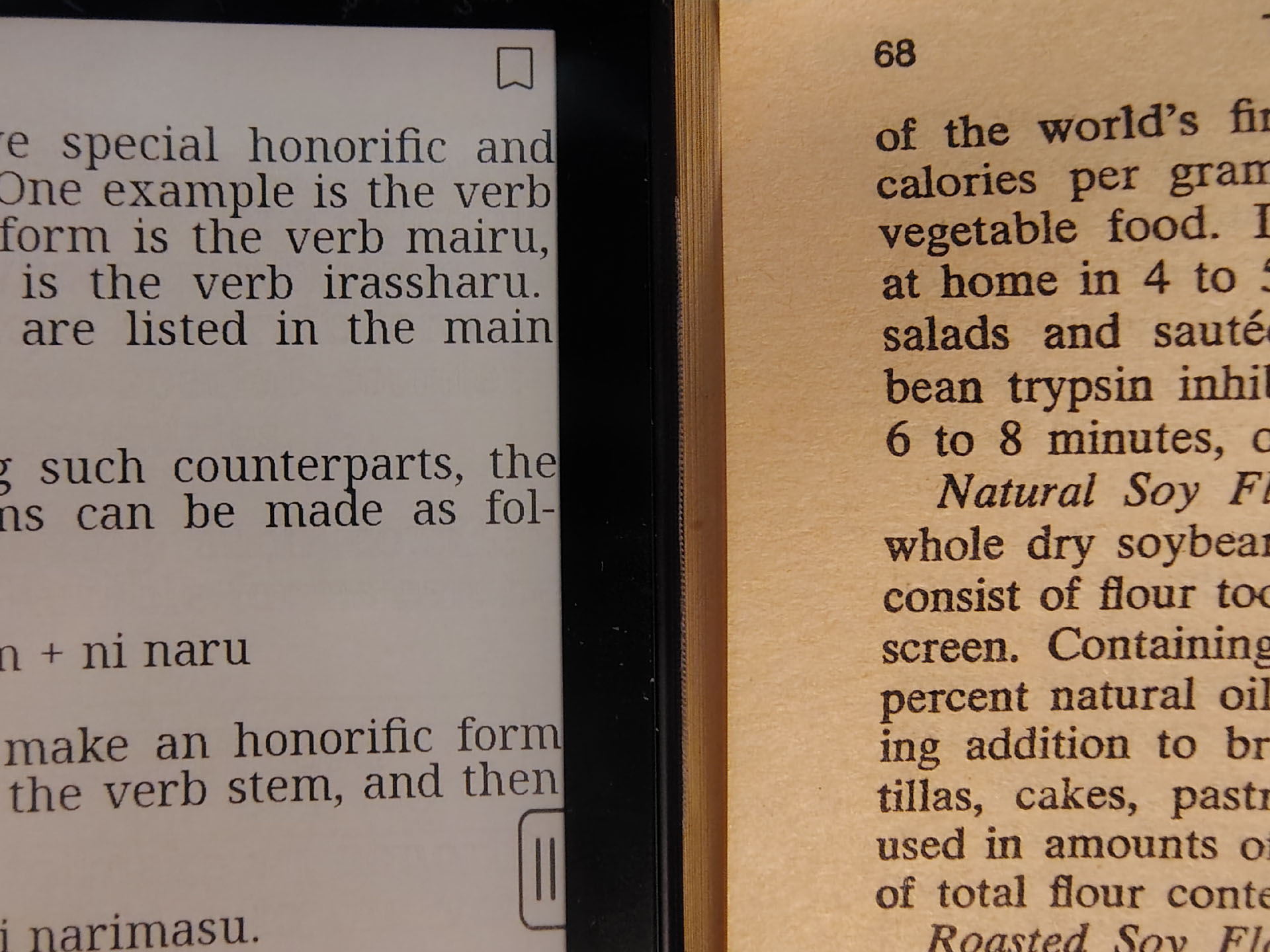
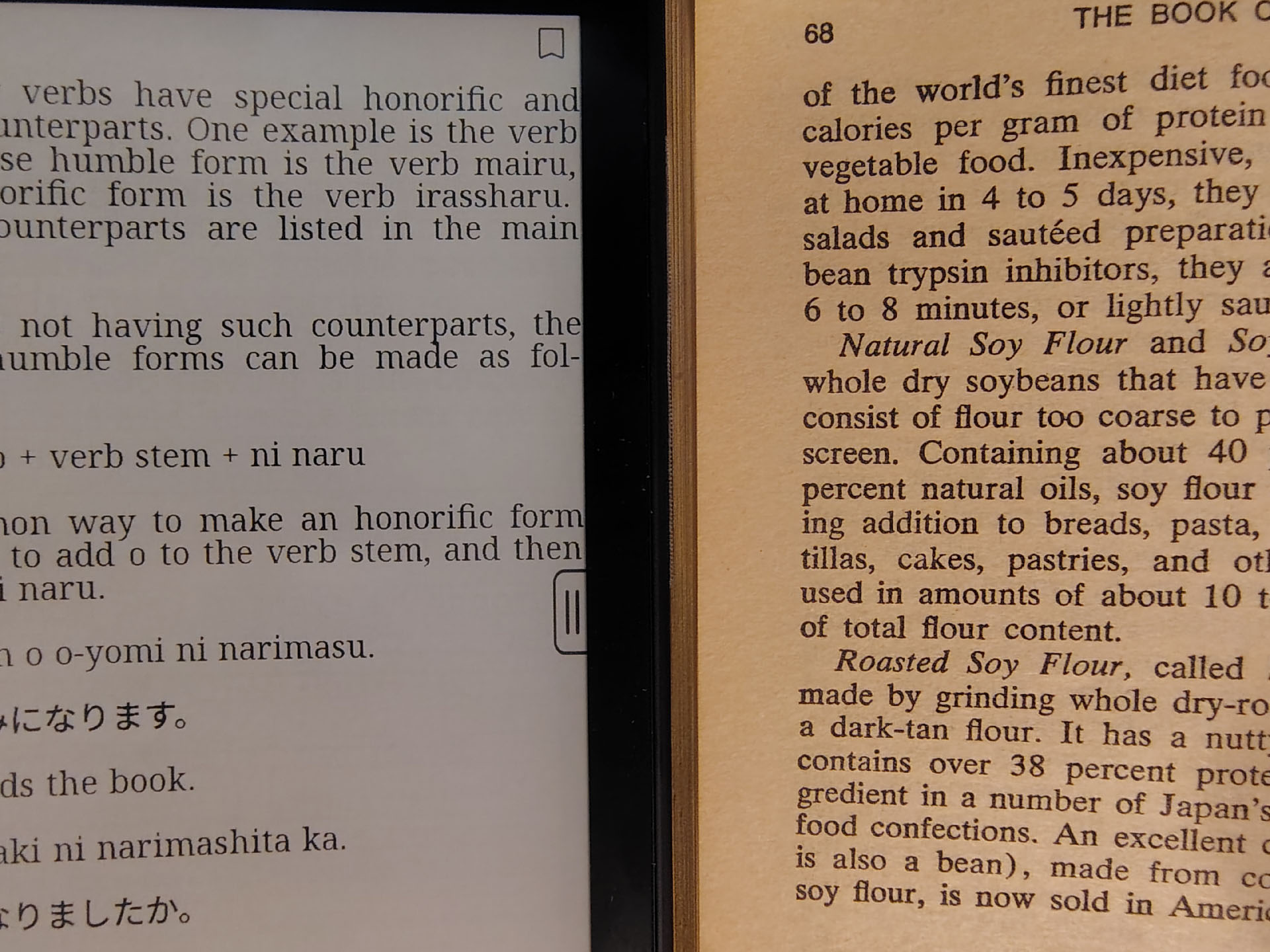
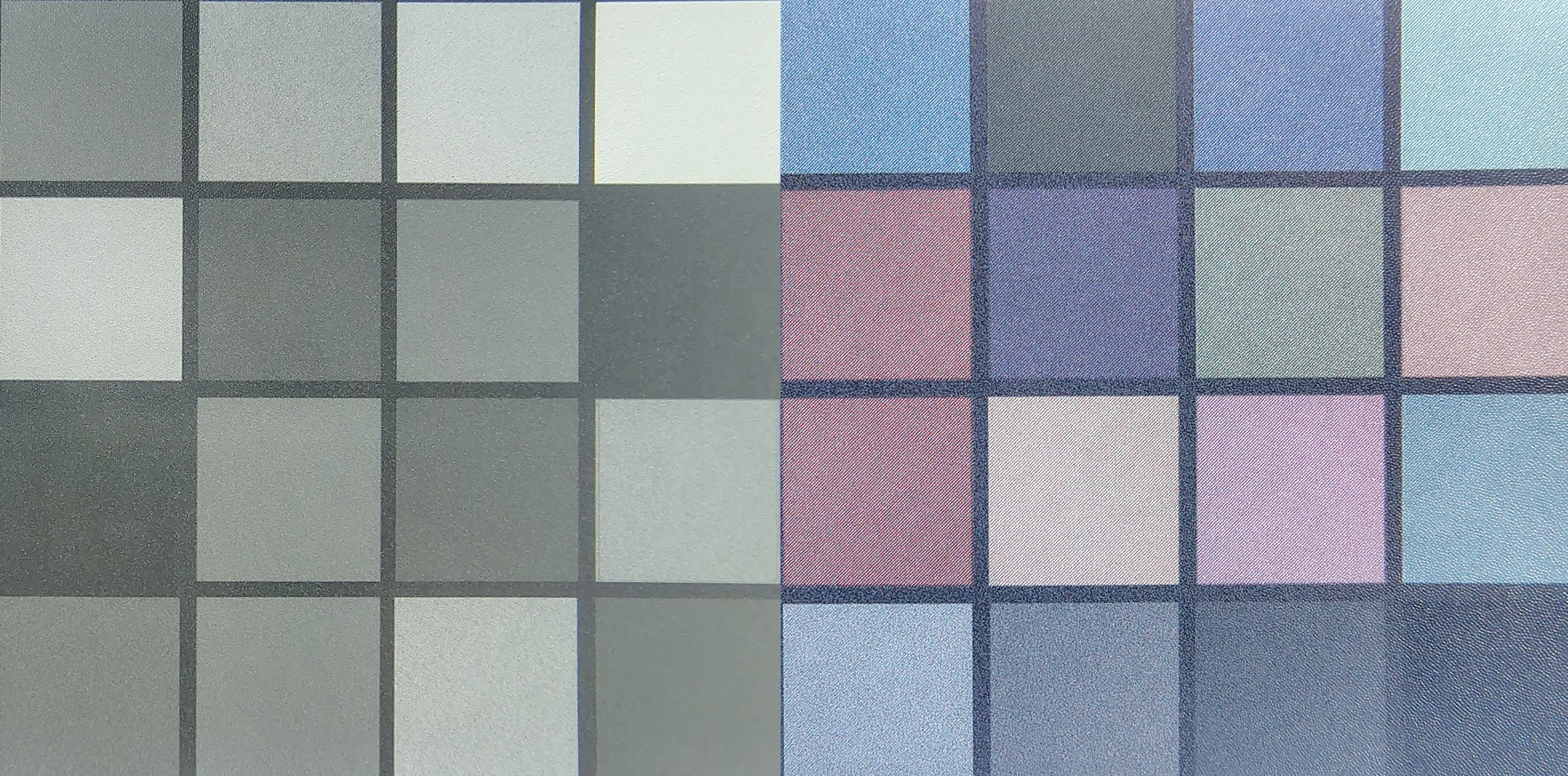
The panel in Regal/HD mode retained the appearance of a laser print under an 8x magnifier, with well-formed text and a mostly pixel-free appearance. The underlying ePaper structure was less visible in blank areas than the background of the color Palma 2 Pro.


Display quality also depends on the EinkWise settings. Regal/HD mode offers the best text quality for reading, while Speed mode reduces text quality in exchange for faster scrolling through long websites and documents.
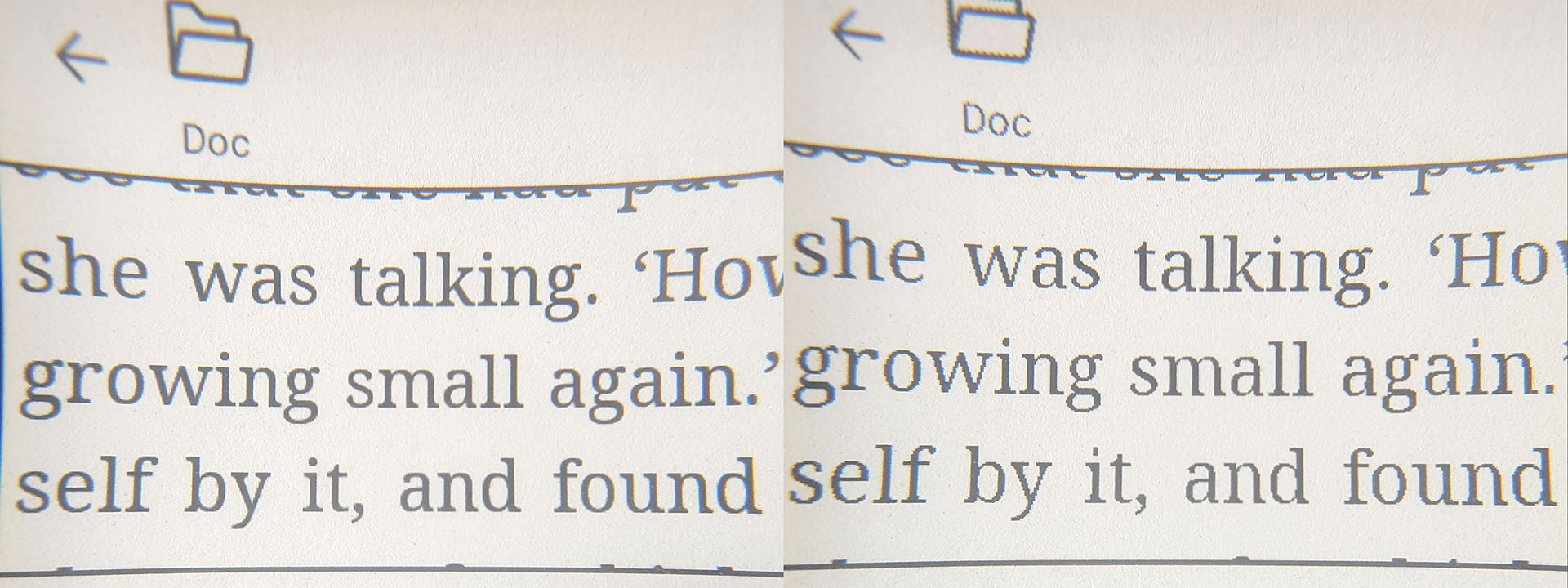

Only Speed refresh mode enabled videos to be watchable.
(Speed vs HD vs Regal screen refresh modes.)
BACKLIGHT HUE
The backlight has a slight green hue when set at Bright (cool white) and a yellow hue when set at Soft (warm white).
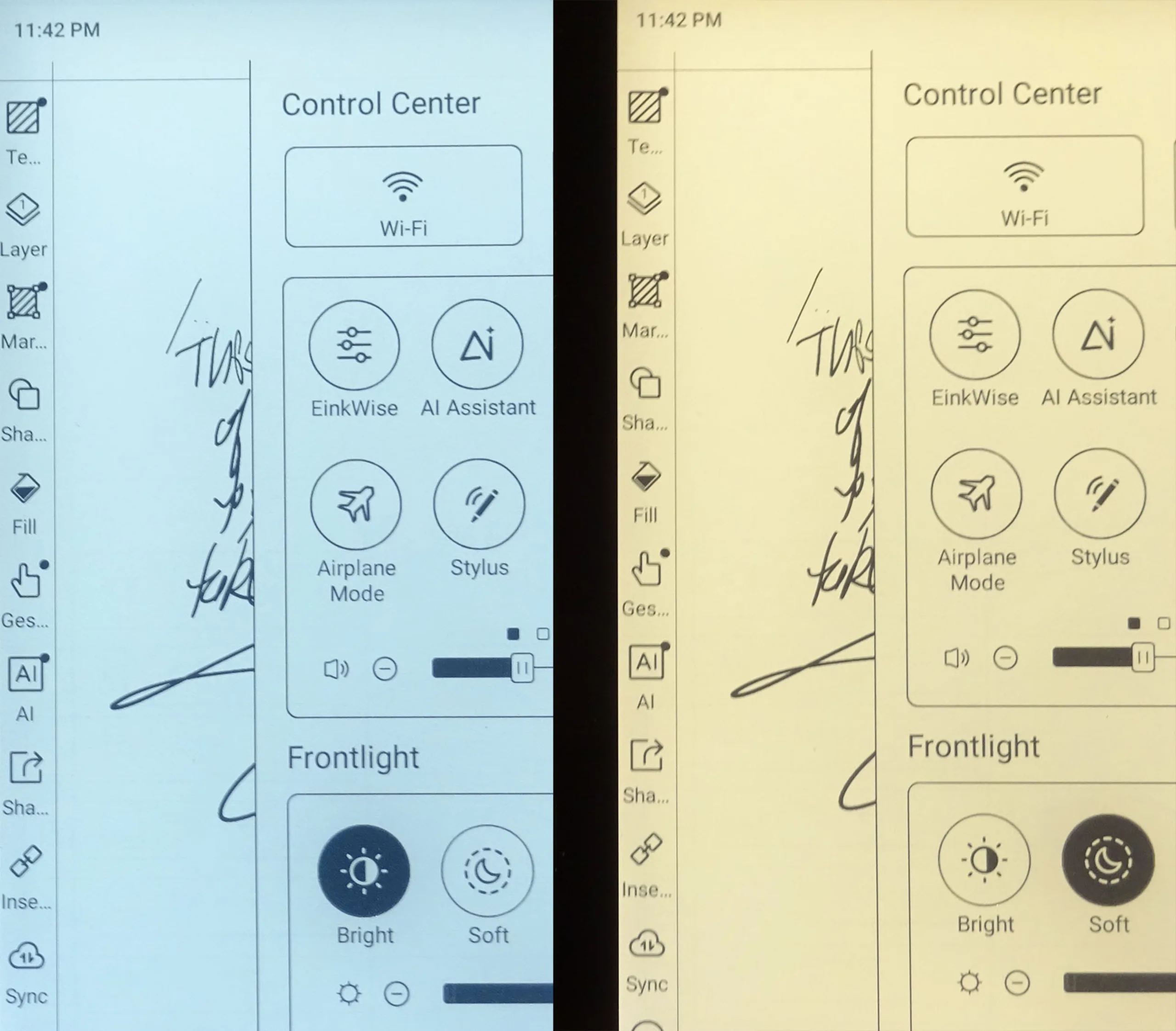
DAYLIGHT – OUTDOORS
In daylight, the Go 6 (Gen II) ePaper display is perfectly legible except when there is glare. Its 300‑dpi panel delivers crisp, laser‑print‑like detail and a whiter, less‑grainy background than the Palma 2 Pro’s color E Ink screen.
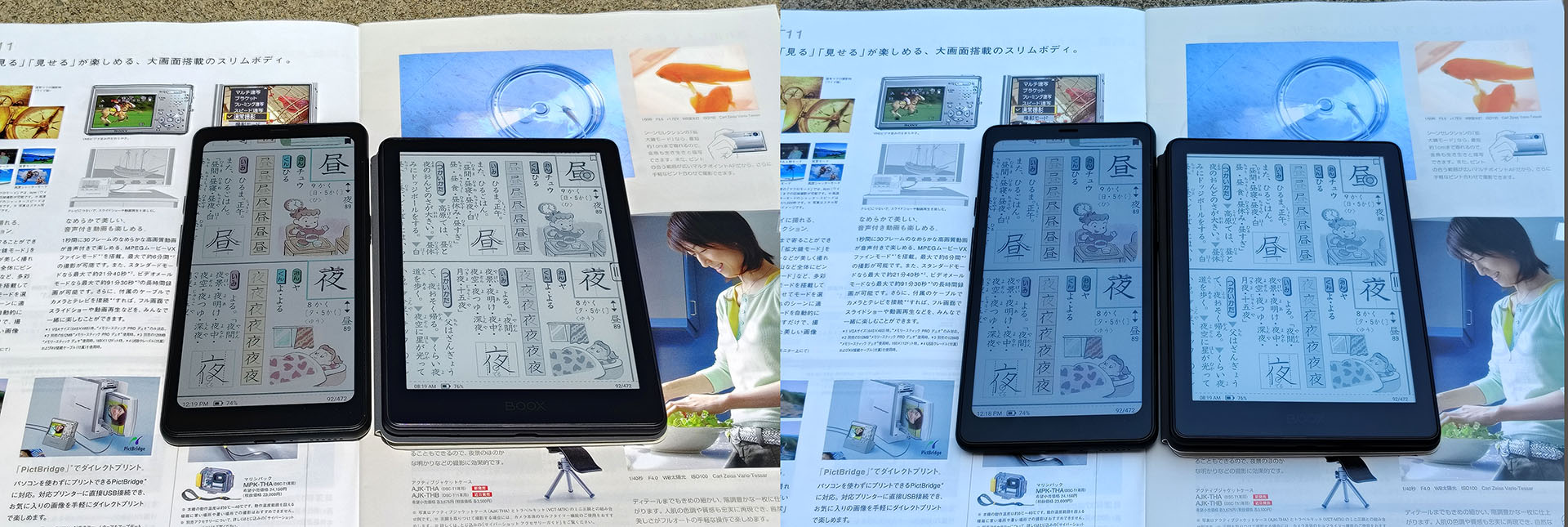
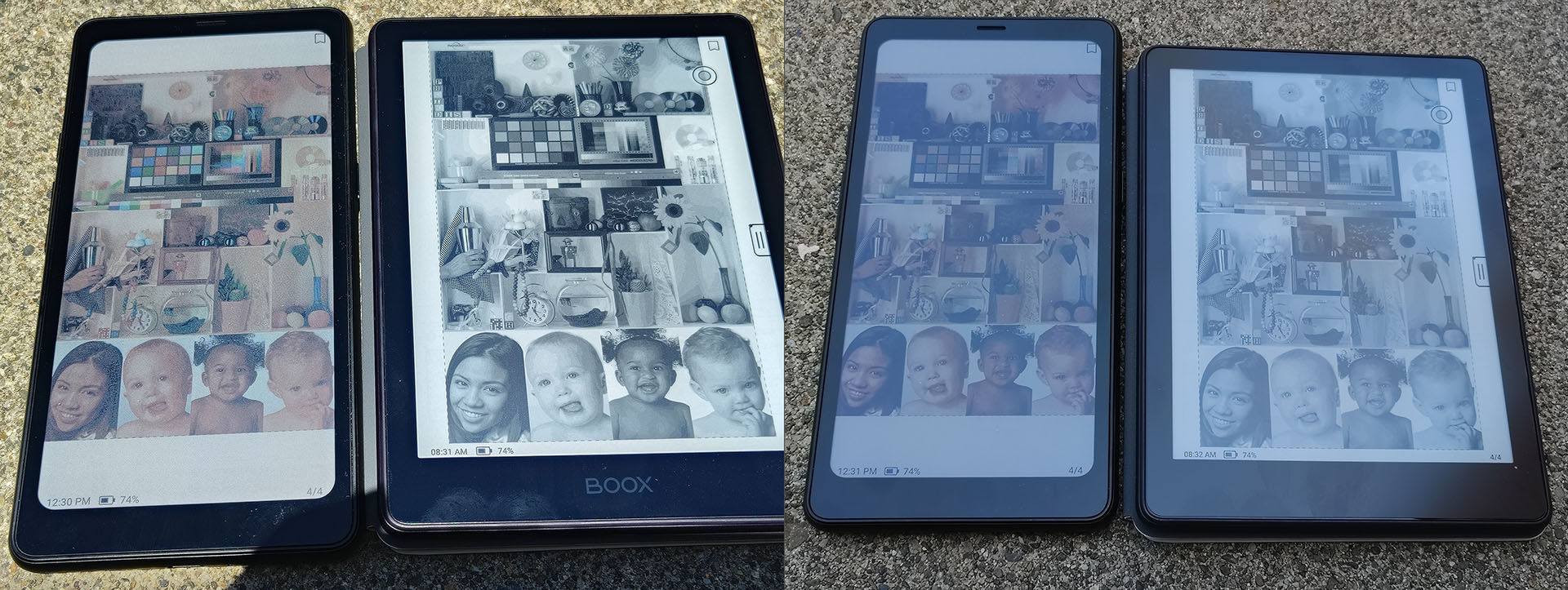
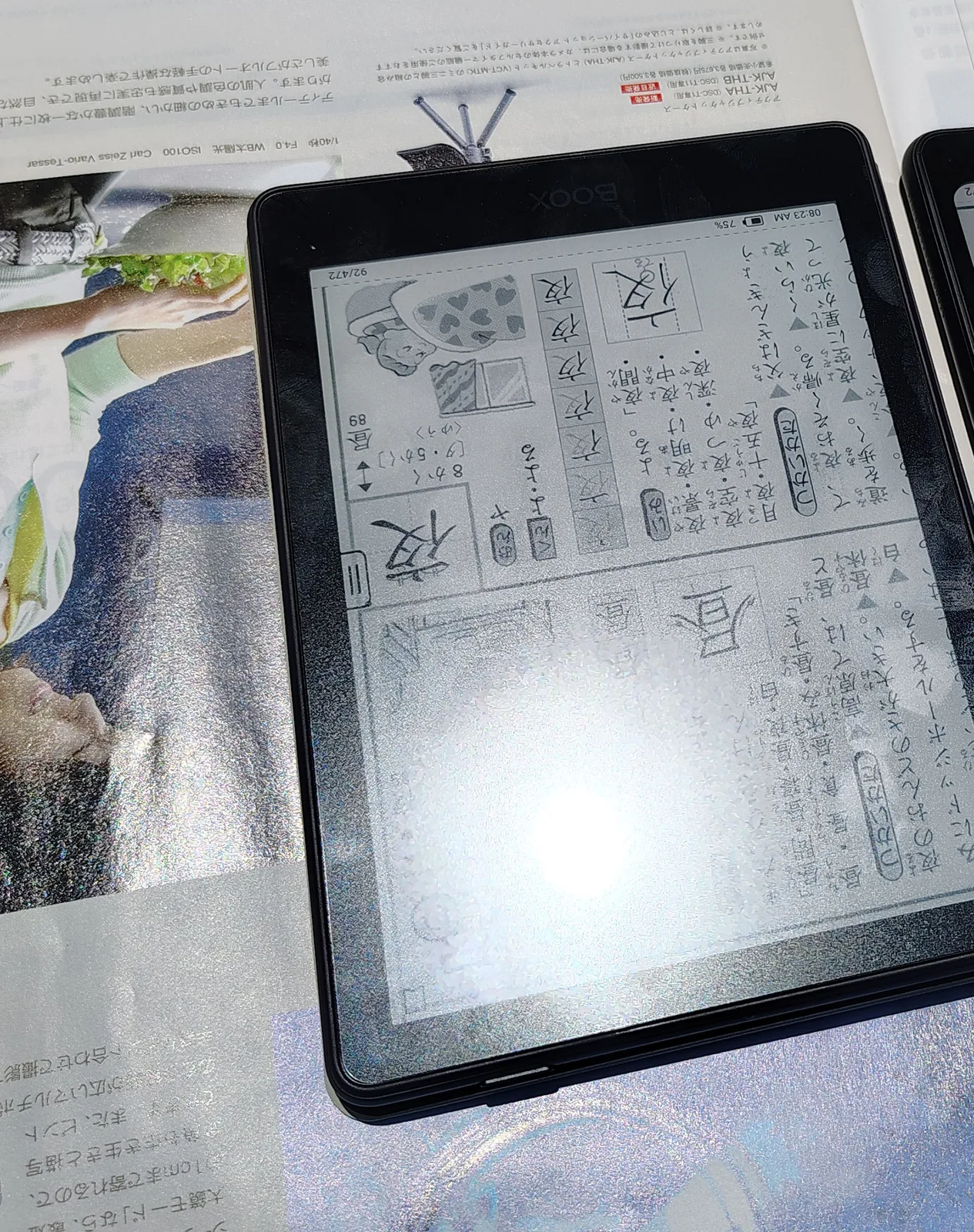
DAYLIGHT – INDOORS
The Boox was quite readable indoors under shaded daylight without using the backlight, but using it helps bring the appearance closer to actual printed material by making the background whiter.
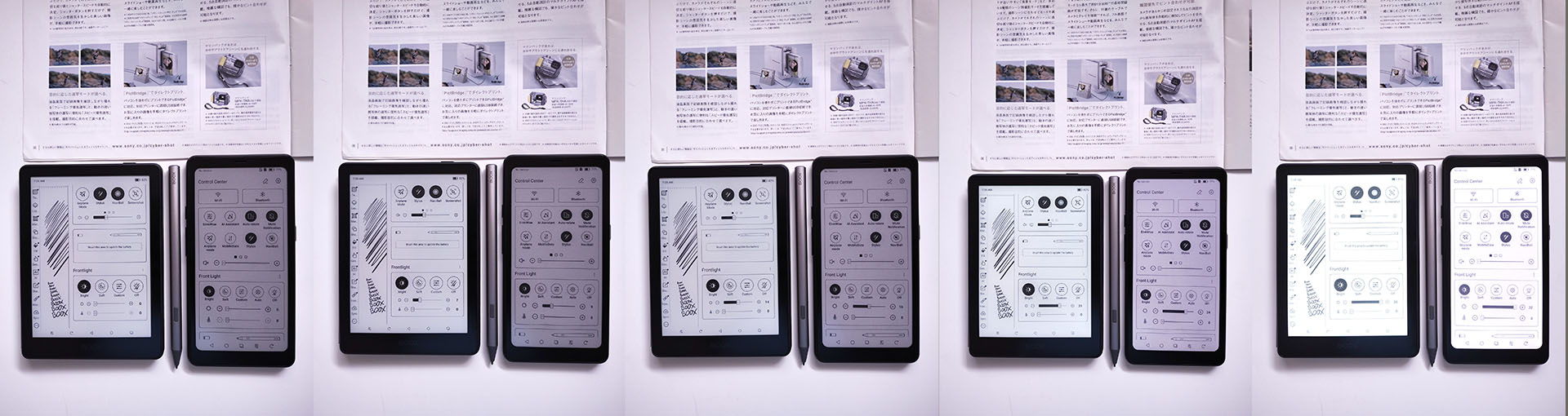
NIGHTTIME – INDOORS
The display remains readable at night, but the ePaper panel is noticeably darker than a book page, so using the backlight is preferred.
Conclusion
The Go 6 II is one of the best palmable e-readers for reading, note-taking, and drawing, with the flexibility of an Android device.
Transparency
The selection of devices to be reviewed is made by our editorial team. The test sample was given to the author by the manufacturer free of charge for the purposes of review. There was no third-party influence on this review, nor did the manufacturer receive a copy of this review before publication. There was no obligation to publish this review. As an independent media company, Notebookcheck is not subjected to the authority of manufacturers, retailers or publishers.
 Add as a preferred source on Google


