





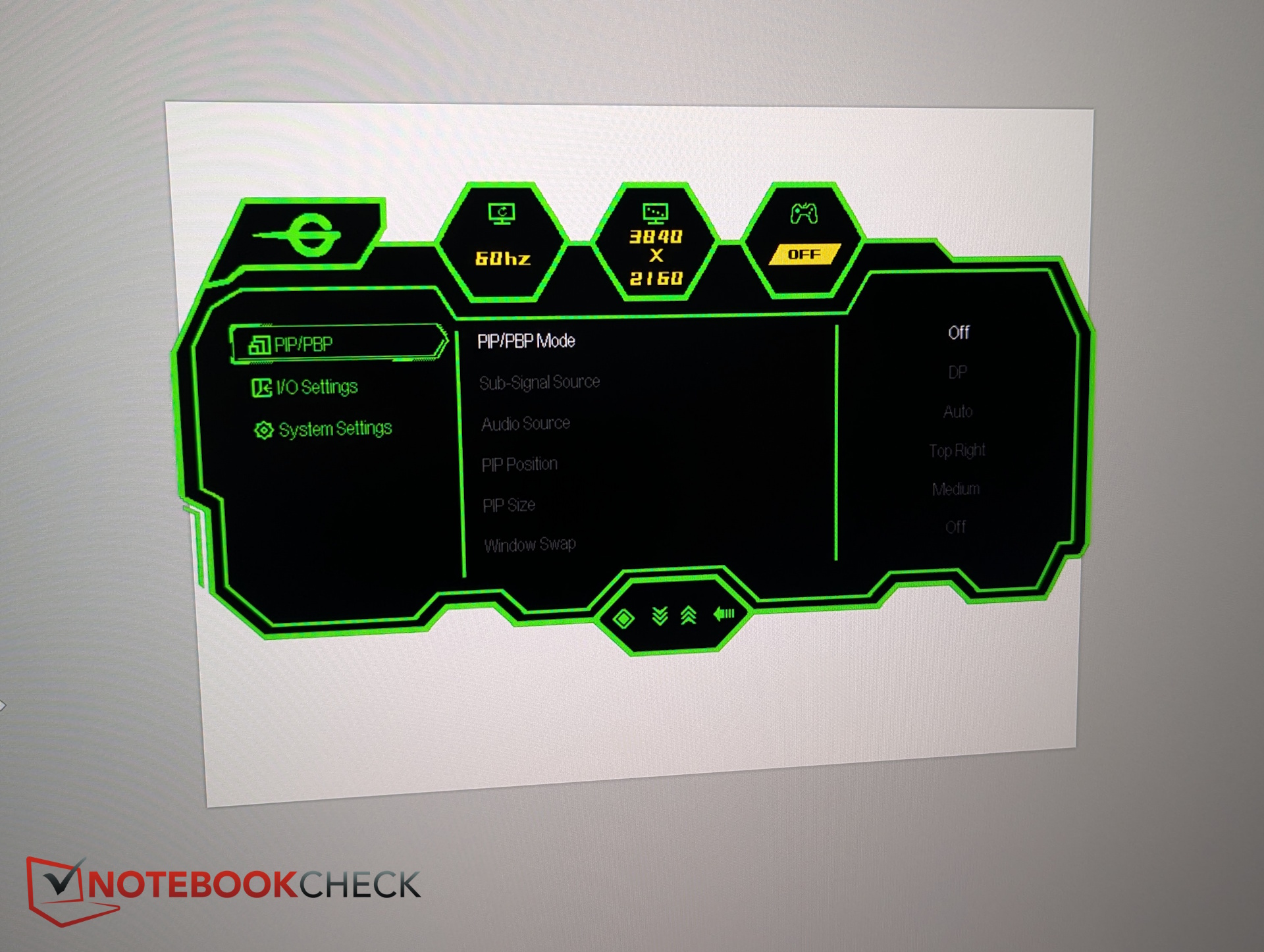
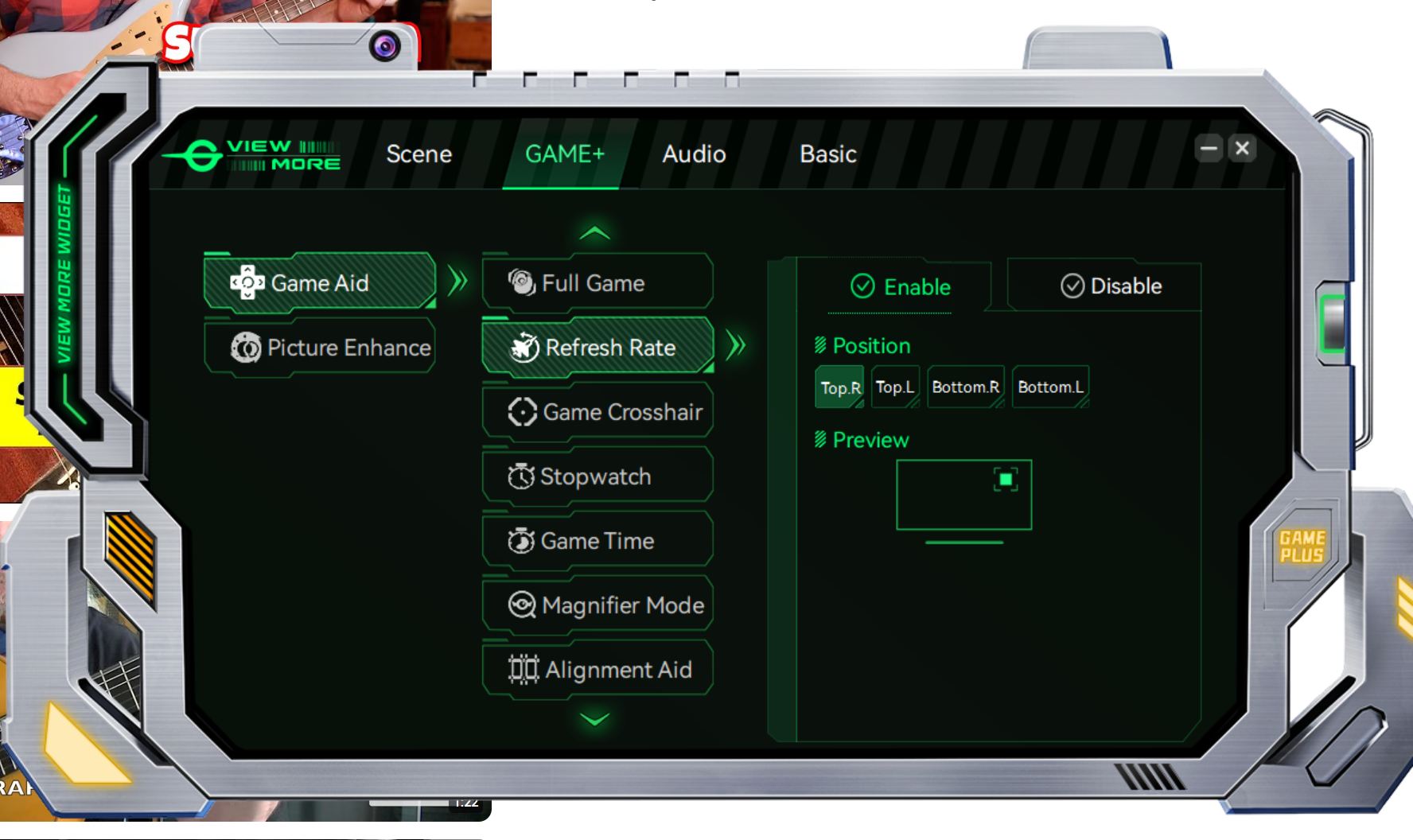
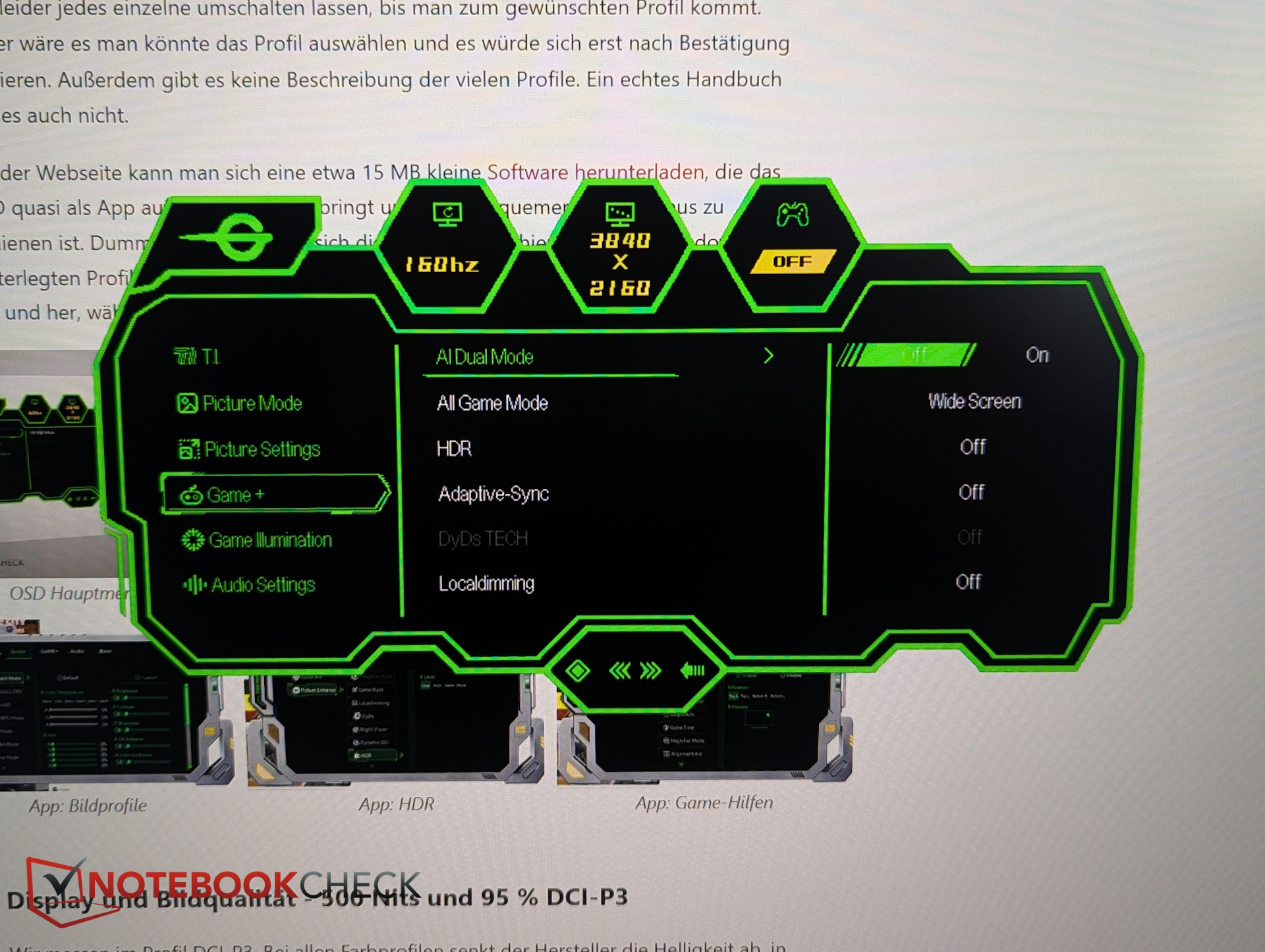
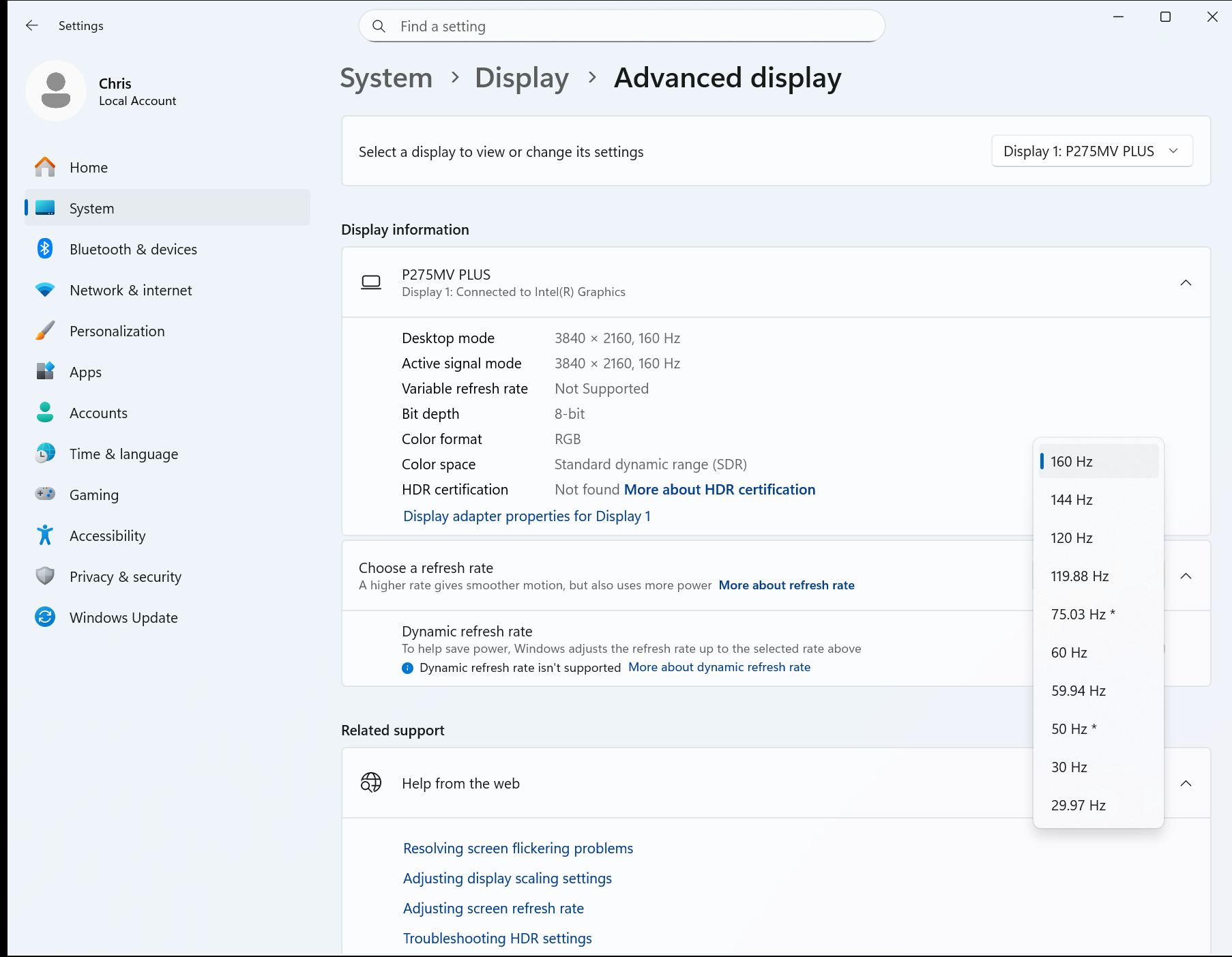
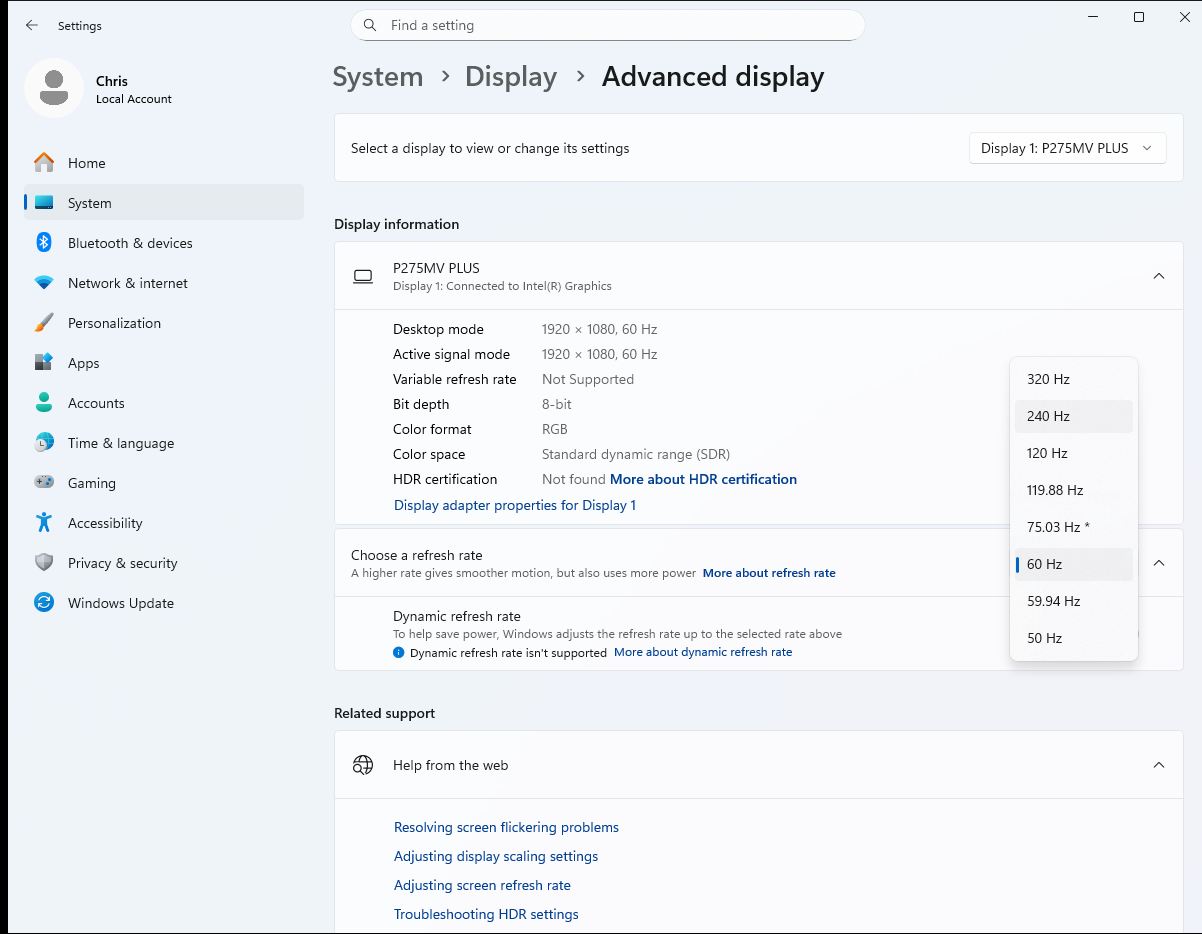
The dual mode cannot be enabled via the software app—at least we were unable to find the option there. In the OSD menu, however, you’ll find an entry called AI Dual Mode under the Gaming section. Once activated, the PC switches to Full HD resolution, allowing you to select up to 320 Hz.
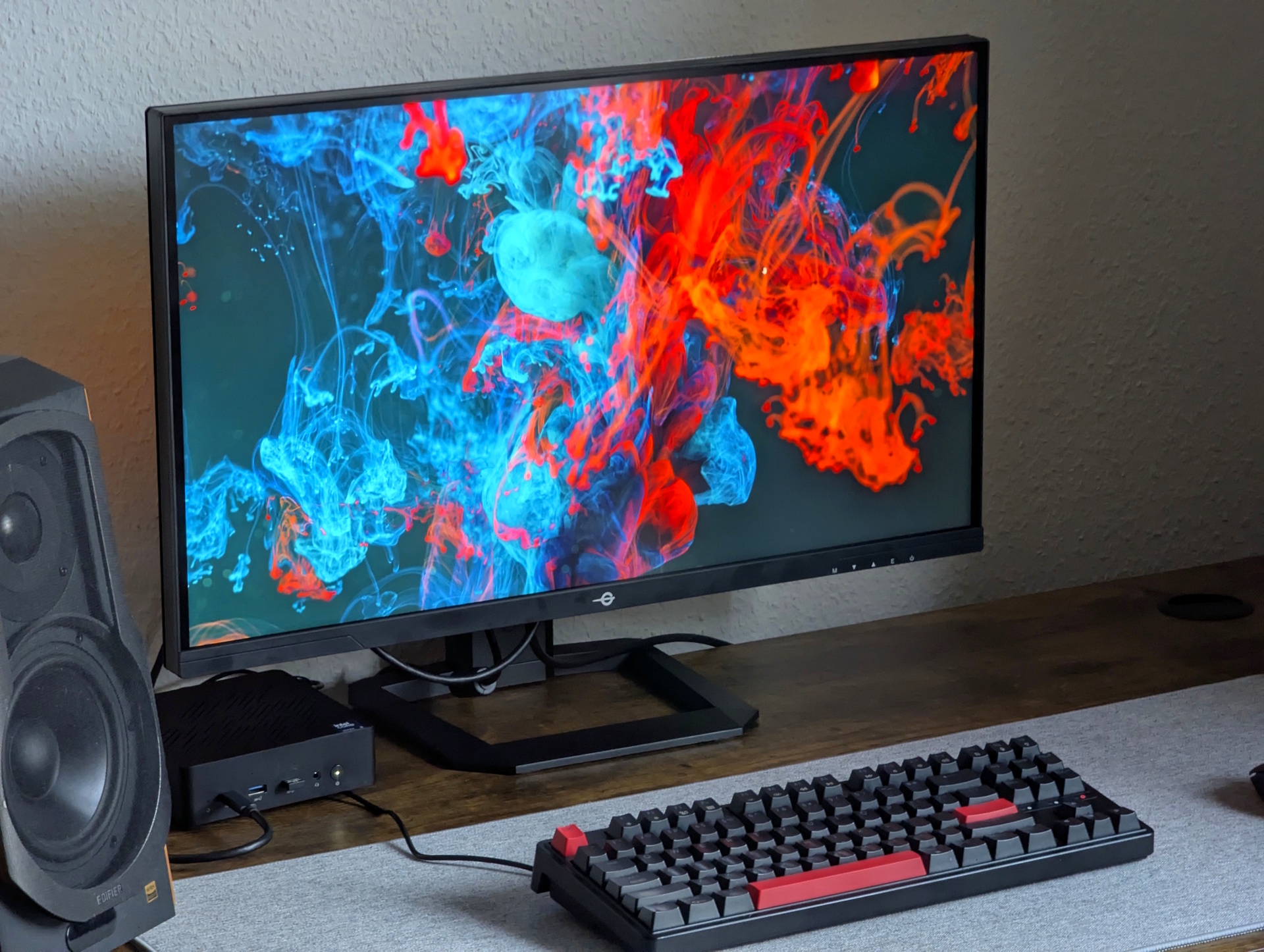
27-inch 4K MiniLED with dual mode (160/320 Hz) for $470 – TITAN ARMY P275MV PLUS gaming monitor review
LED there be light!
The TITAN ARMY P275MV PLUS combines 4K resolution, a MiniLED backlight with 1,152 local dimming zones, and an unusual dual mode: 160 Hz at 4K or 320 Hz at Full HD. Priced at around 400 euros, the 27-inch display promises HDR1000 support, 95% DCI-P3 coverage, and high brightness. In this review, we take a closer look at image quality, build quality, and overall performance.Christian Hintze (translated by Christian Hintze) Published 🇩🇪 🇳🇱 ...
Verdict – Bright, feature-rich and colorful, but not without flaws
For around 400 euros, you get a 4K MiniLED monitor that exceeds 500 nits even in SDR mode, delivers solid contrast (especially after calibration), supports DCI-P3, includes built-in speakers (though they’re not very good), RGB ambient lighting, and a wide range of picture modes.
The biggest downside in our unit was the presence of several dead pixels. The menue could use an overhaul.
Pros
+ 4K MiniLED
+ 500 nits and good contrast
+ DCI-P3
+ dual mode (160/320 Hz)
+ competitive price
Cons
- OSD control
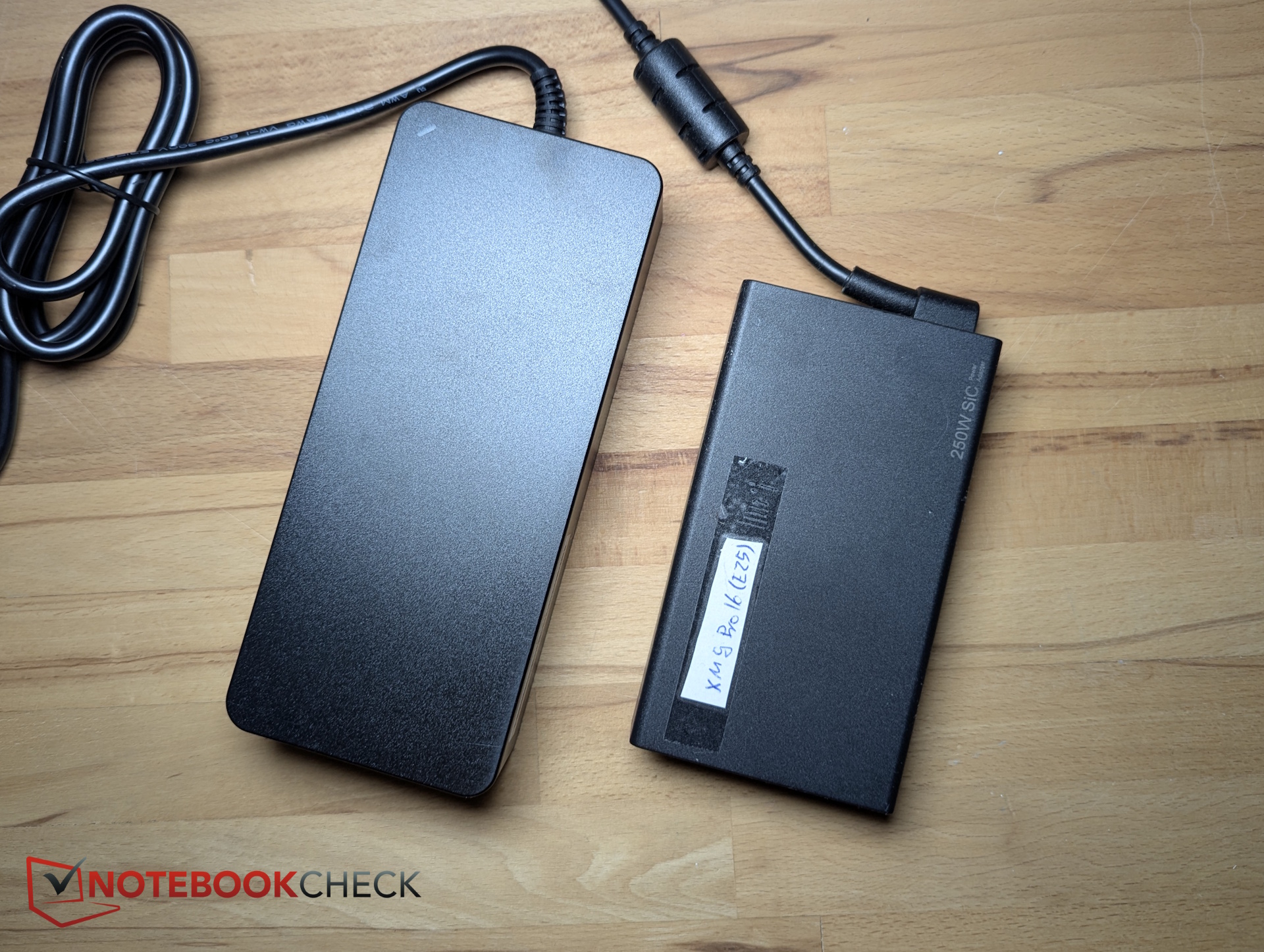
- bulky power brick
- dead Pixel detected
- weak speakers
Price and availability
On the Titan Army website, the MiniLED monitor is currently listed at 470.99 Dollars.
The TITAN ARMY P275MV PLUS is a 27-inch 4K MiniLED monitor with 1,152 dimming zones. Its standout feature is the dual mode: in addition to 4K at 160 Hz, it also supports Full HD at 320 Hz—appealing for competitive shooter players.
The panel also promises DCI-P3 coverage and strong contrast performance. We put those claims to the test.
Features and specifications – 4K MiniLED with 1,152 dimming zones
The dual mode is clearly the highlight. At native 4K resolution, the monitor runs at up to 160 Hz. Switch to 1920 × 1080, and refresh rate jumps to 320 Hz.
There’s also a wide range of features, including Picture-in-Picture (PIP) for displaying two sources simultaneously.
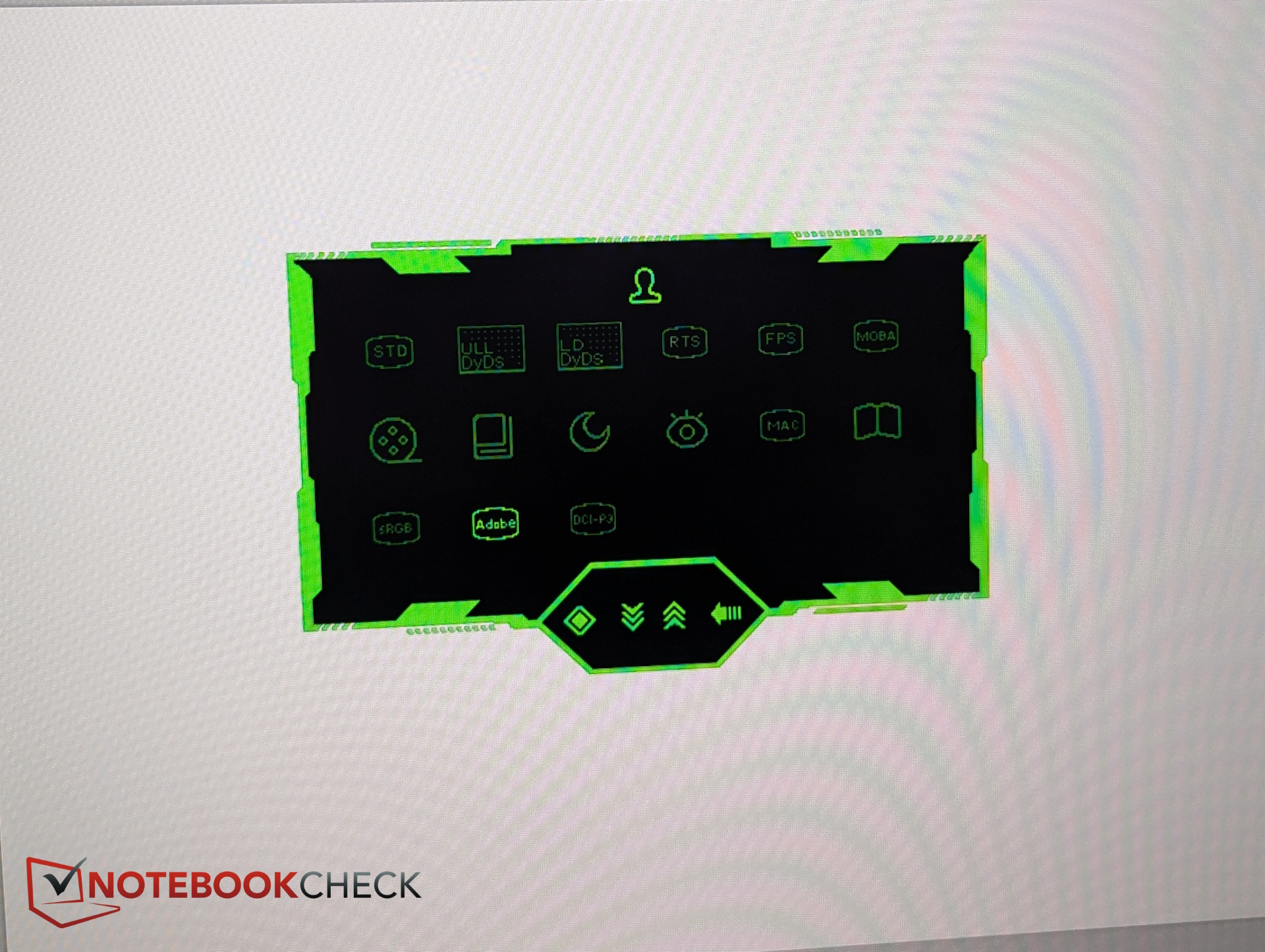
The OSD includes 15 picture presets. These cover color spaces like sRGB, DCI-P3, and AdobeRGB, as well as gaming-specific modes such as:
- RTS/RPG mode: boosts mid-tones to make map details easier to spot
- FPS mode: brightens mid-tones and darker areas to improve visibility in shadows
- MOBA mode: increases overall contrast for stronger visual impact
| Feature | Titan Army P275MV Plus |
| Panel technology | MiniLED |
| Dimming zones | 1152 |
| Dual-mode resolutions | 3840 × 2160 @ 160 Hz or 1920 × 1080 @ 320 Hz |
| Color depth | 8-bit; 1.07 billion colors |
| Technologies | Adaptive Sync, HDR1000, Eye Care, PIP, PBP, RGB ambient light |
| Ergonomics | -5° to ~20° tilt, -25° to +25° swivel, 90° pivot, 120 mm height adjustment |
| Speakers | Stereo |
| Ports | USB-A, USB-B, HDMI 2.1, Type-C, DP 1.4 |
| Price | Approx. $470 |
Setup and box contents – Tool-free assembly
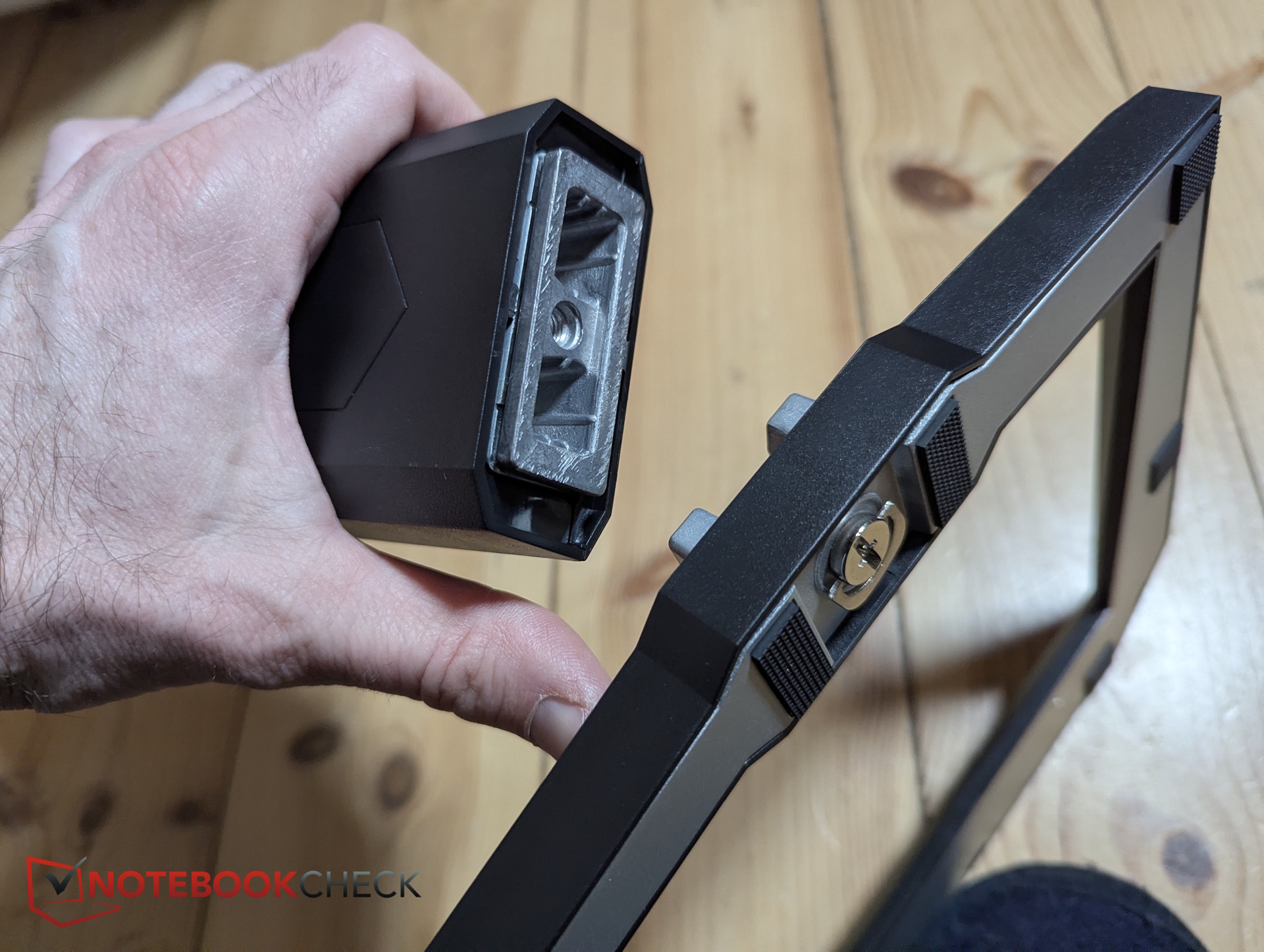
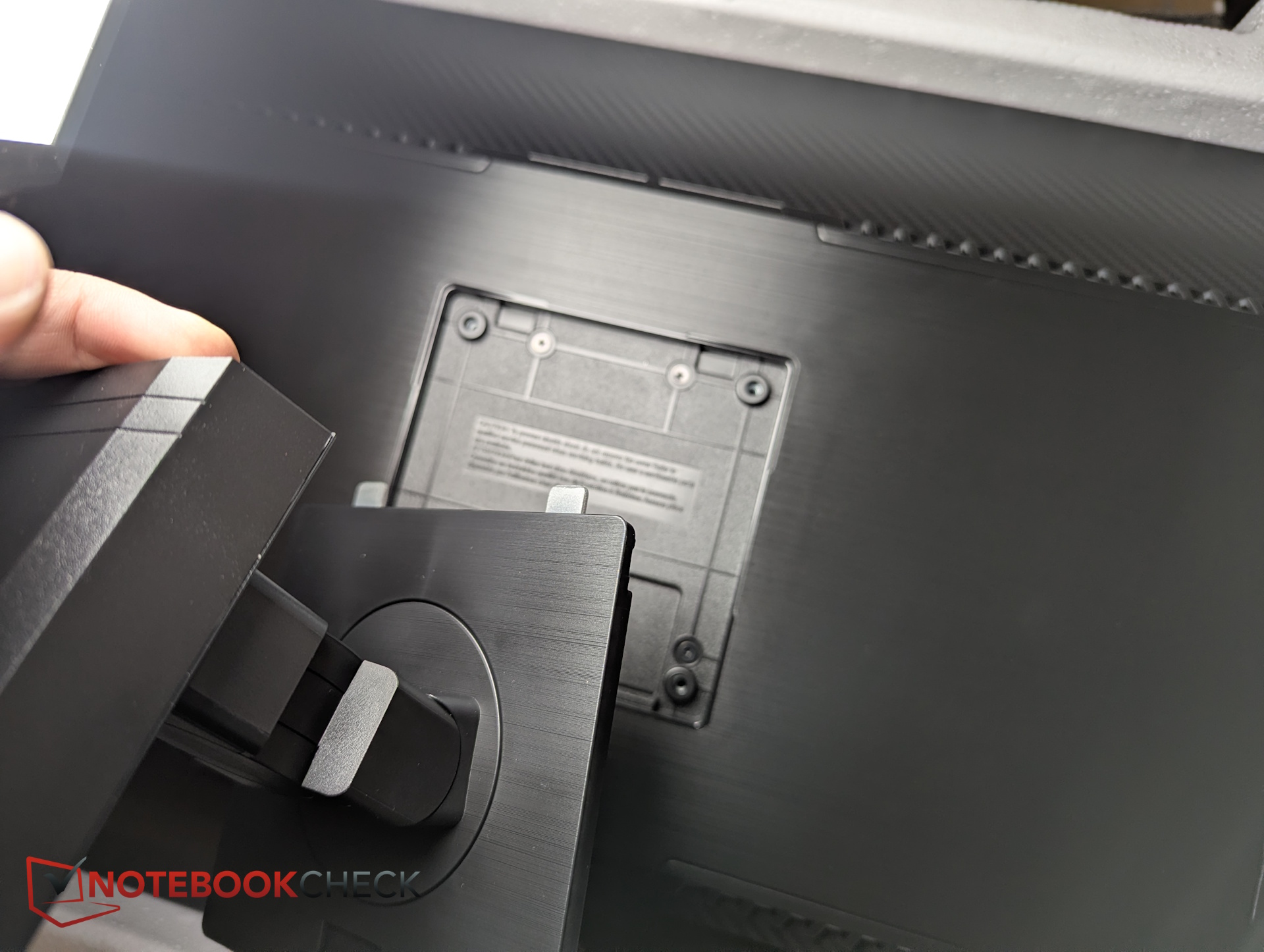
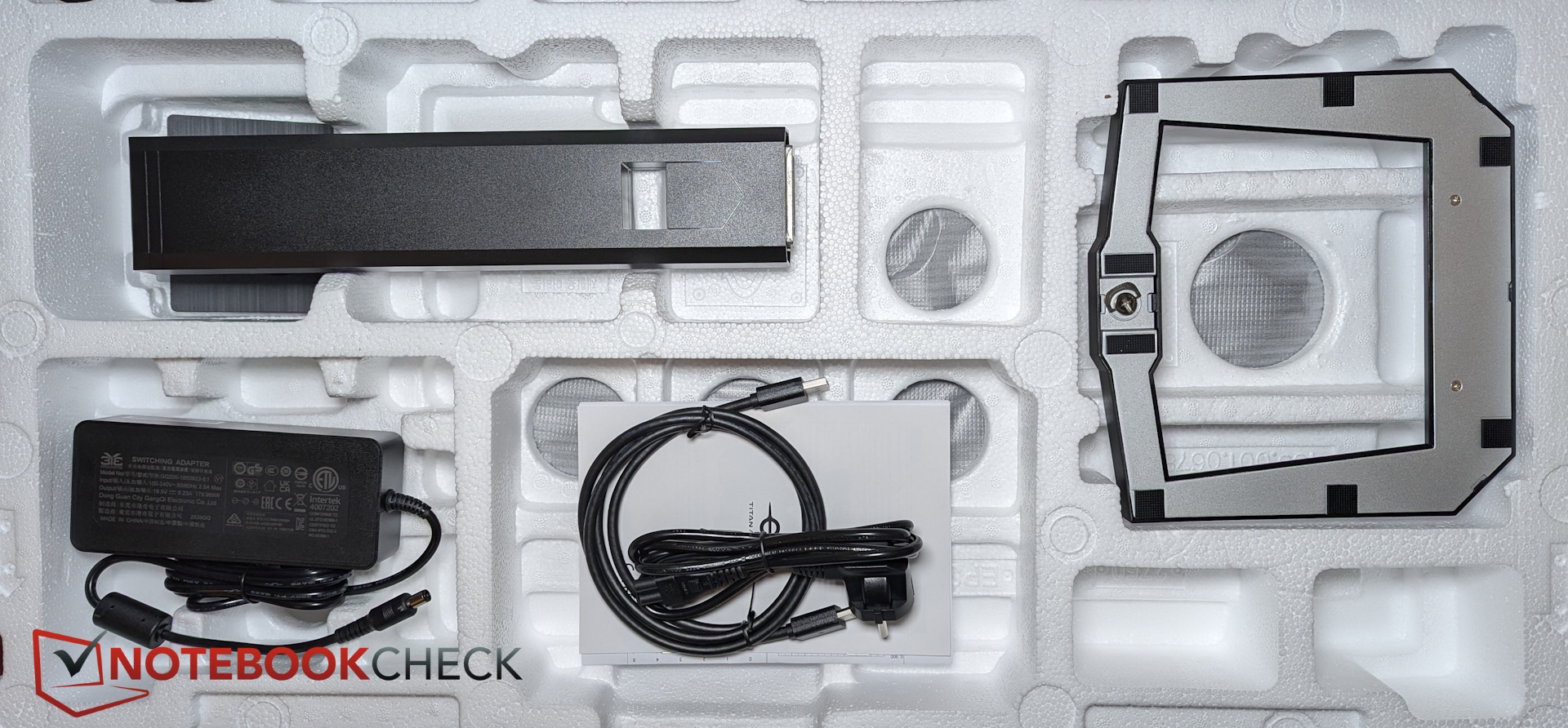
Assembly is straightforward. The stand clicks directly into the VESA mount on the back of the display—no screws required.
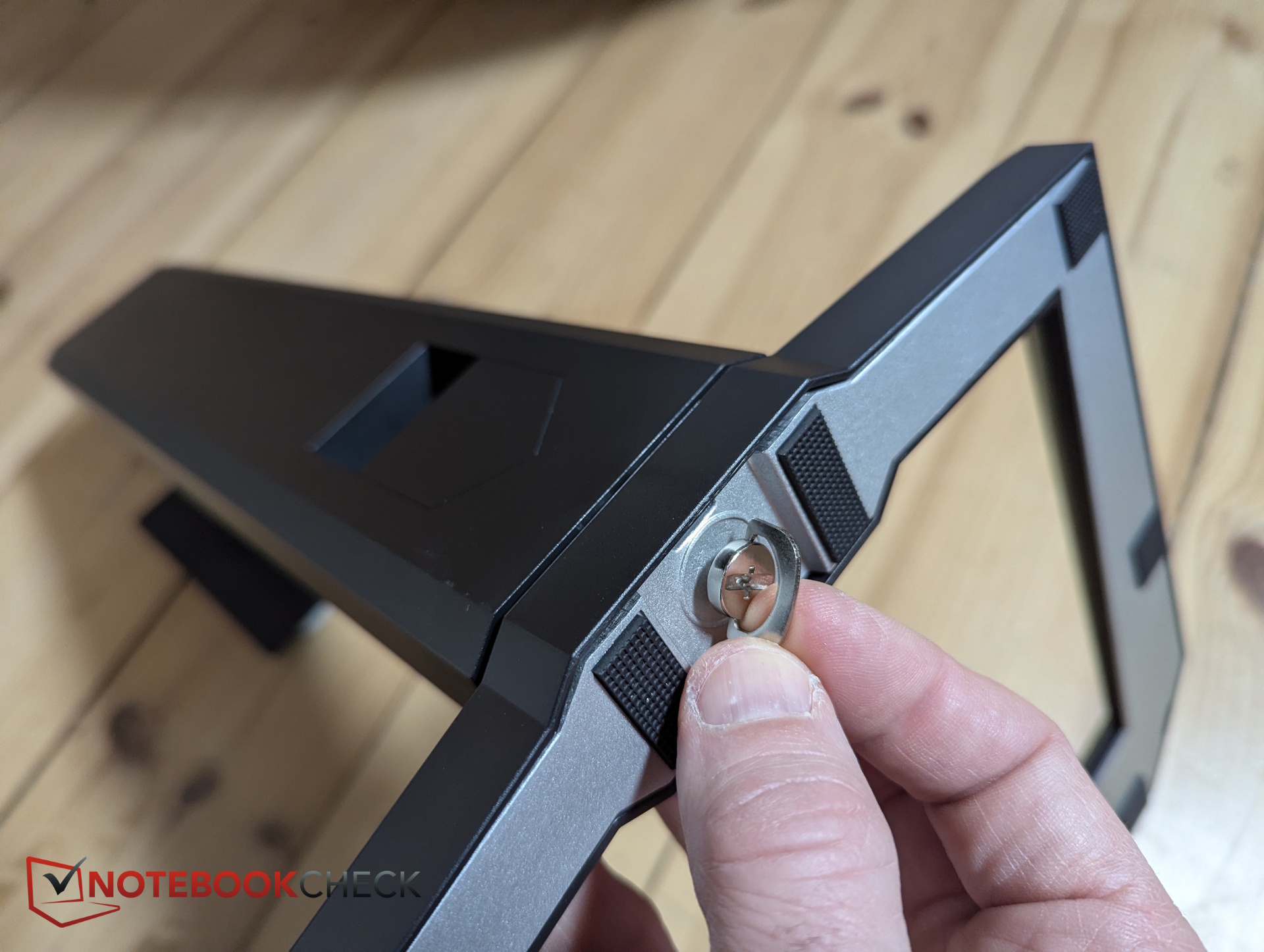
Before that, the base attaches to the stand via an integrated thumb screw.
Included in the box is a DisplayPort-to-DisplayPort cable. The external power supply, however, is quite large.
Design and build – RGB ambient lighting included
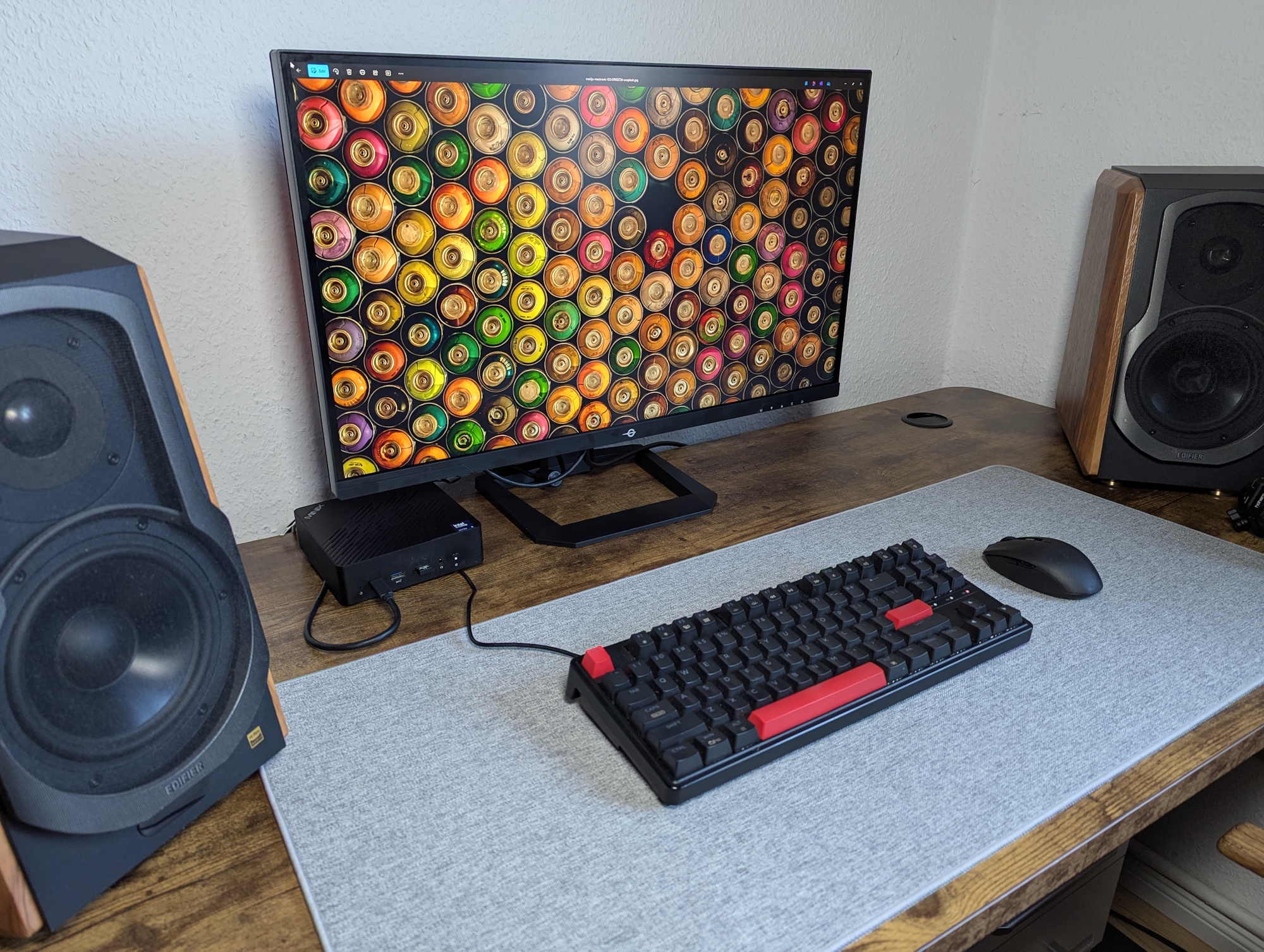
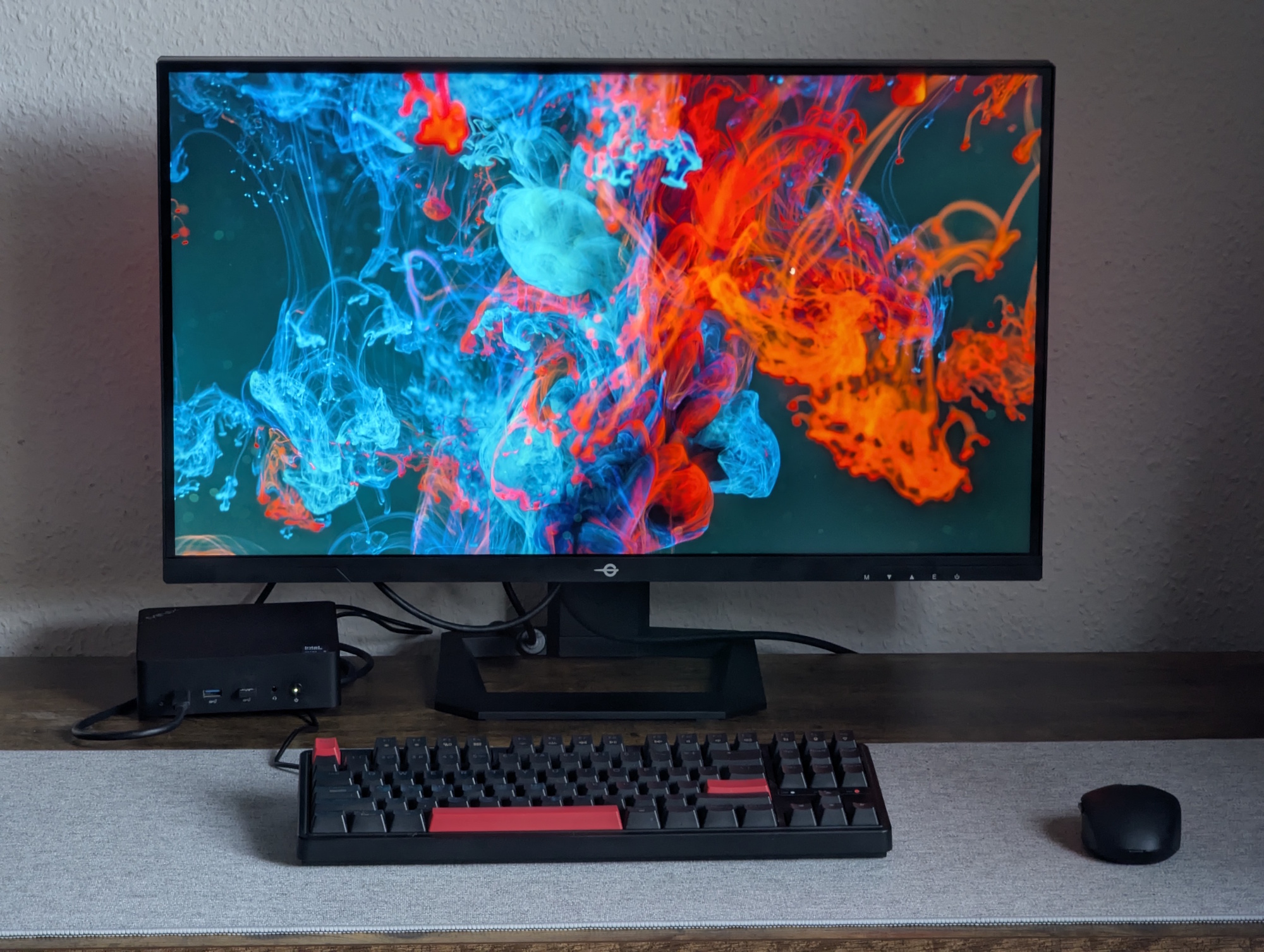
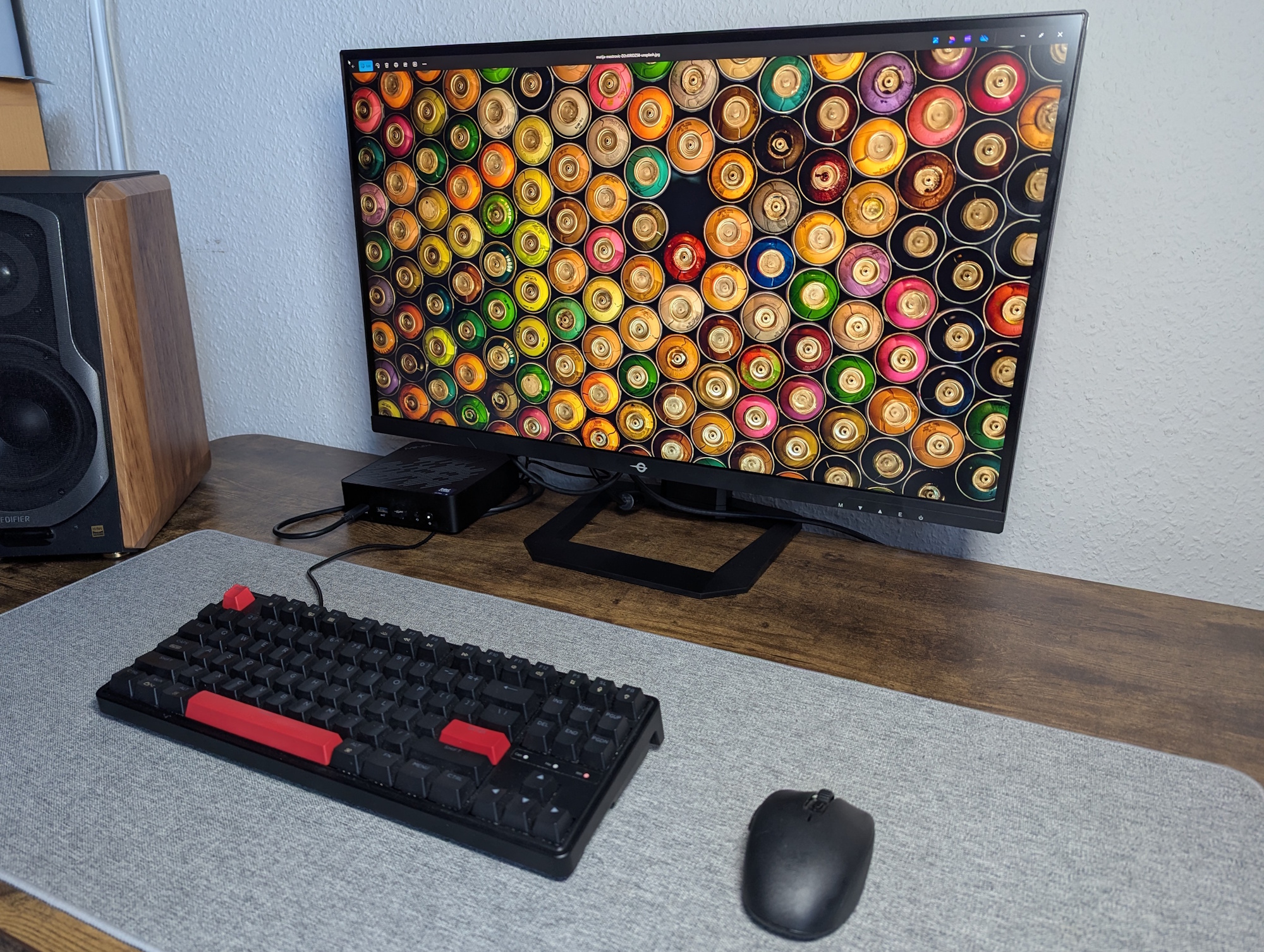
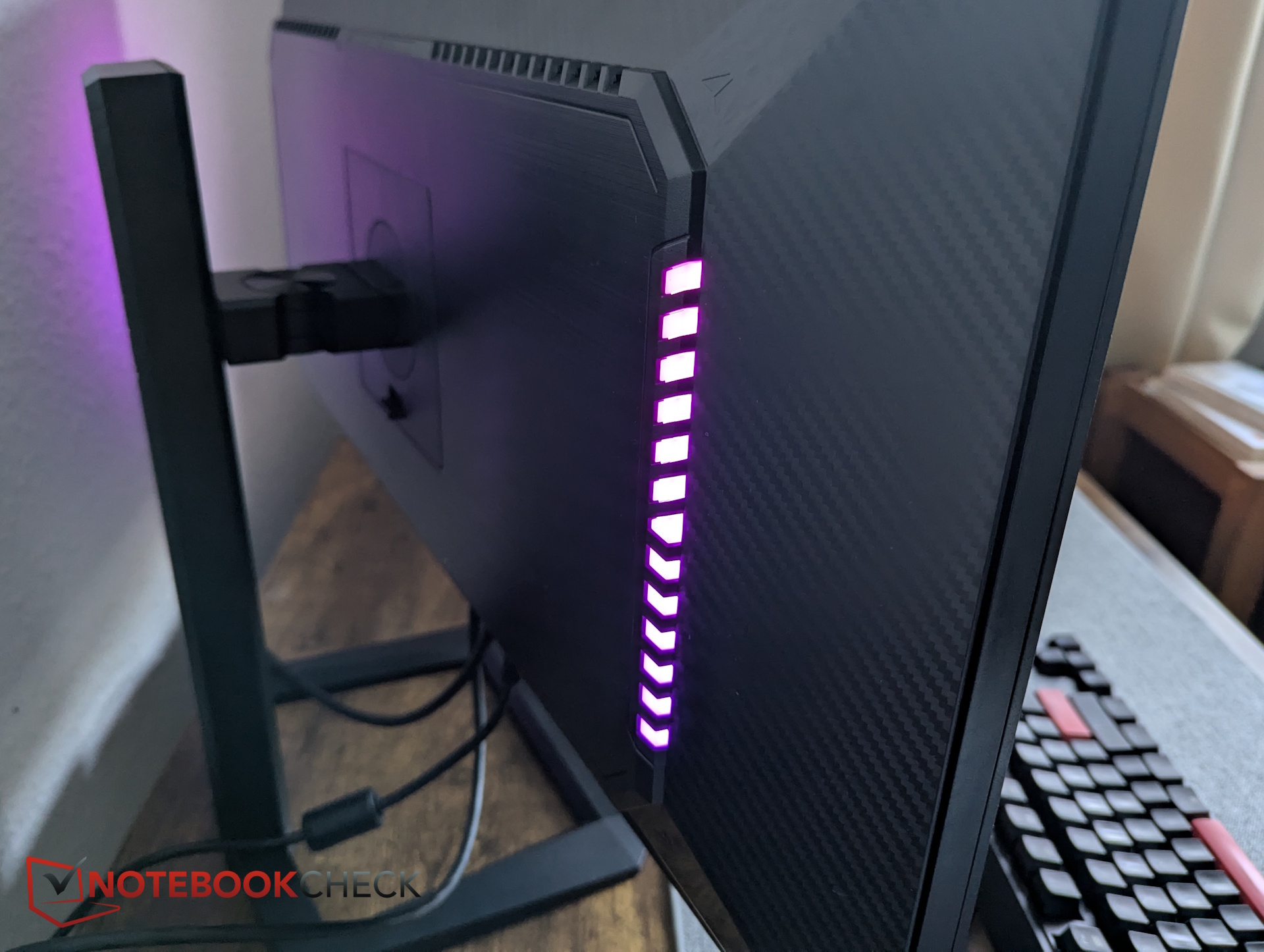
The stand is made of sturdy metal, while the monitor housing itself is plastic. The bezels are slim and comparable to those on the KTC H27P22S.
The TITAN ARMY model is slightly thicker at the rear, likely due to the integrated RGB ambient lighting.
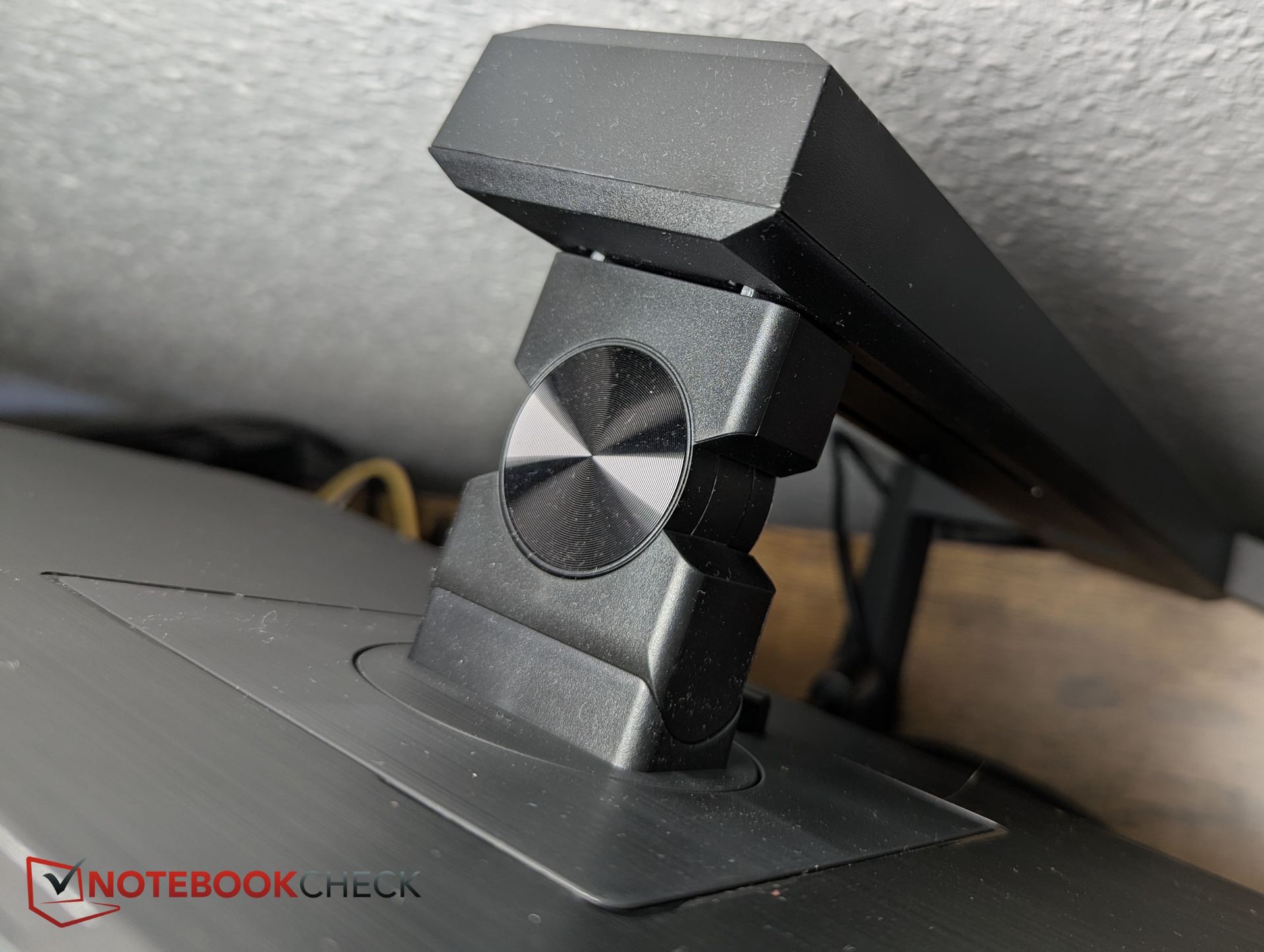
The stand’s gimbal mechanism supports tilt, swivel, pivot, and height adjustment, allowing flexible positioning (see specifications above).
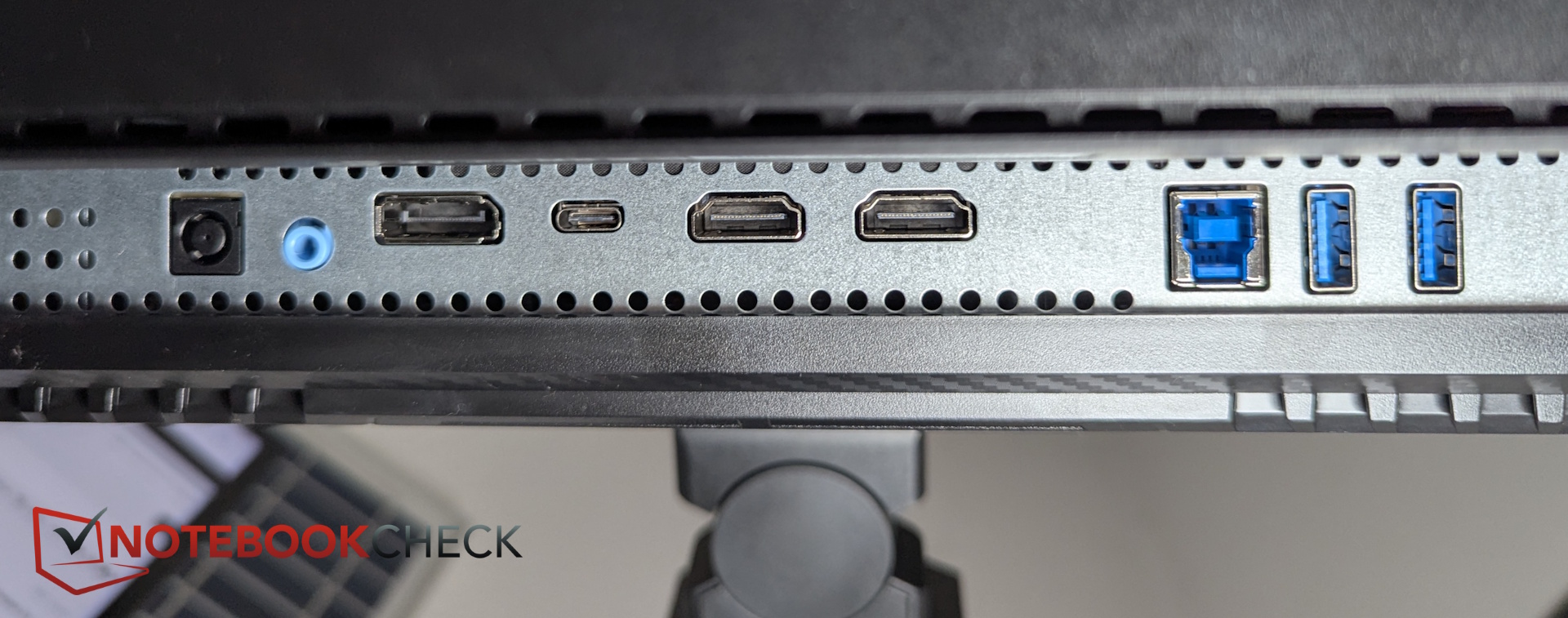
Connectivity – 2x HDMI, 1x DisplayPort, 1x USB-C
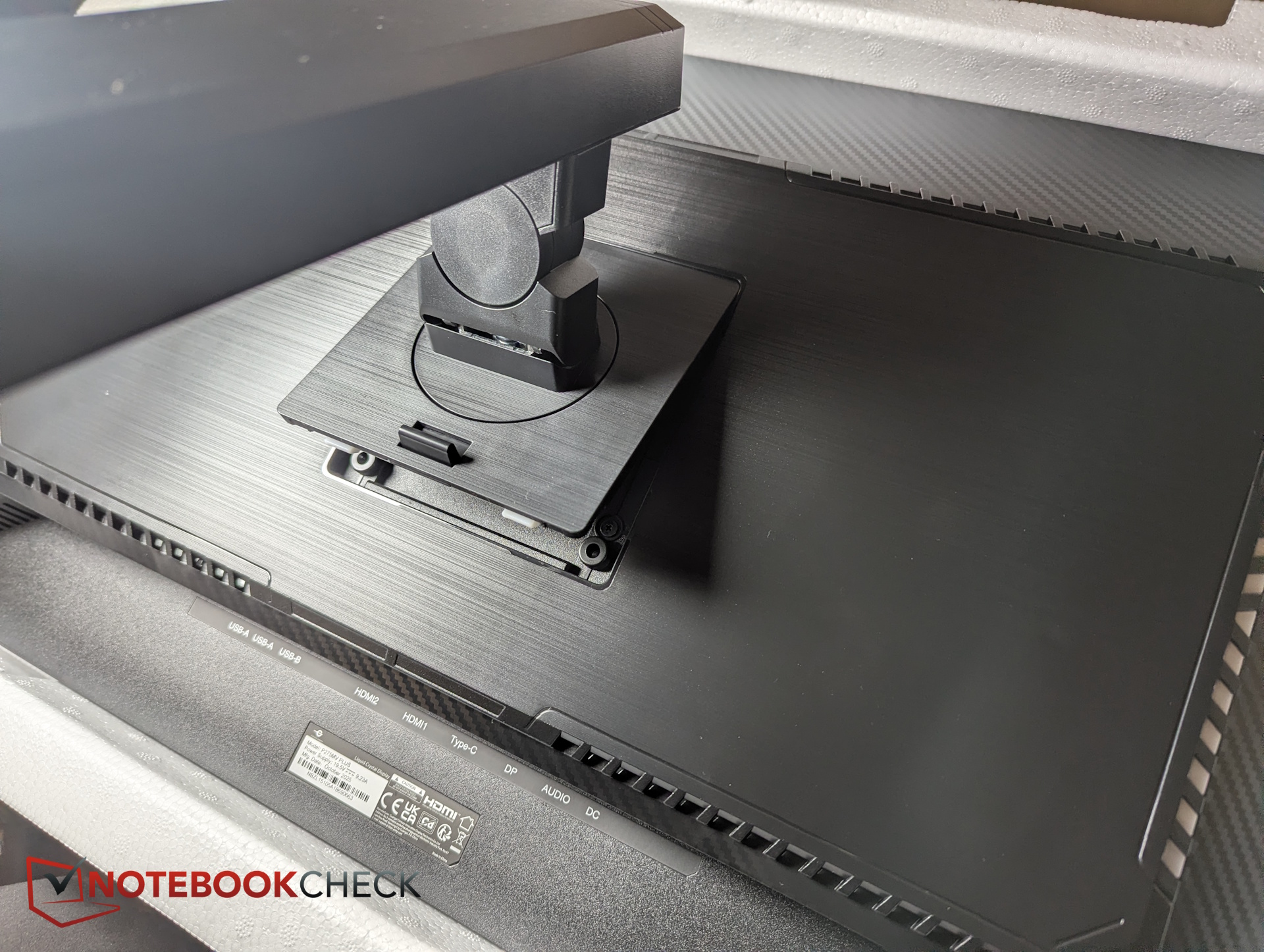
All ports are located on the underside at the center. As is typical, they’re somewhat difficult to access despite the tilt functionality. However, all essential connections are present.
OSD controls and software
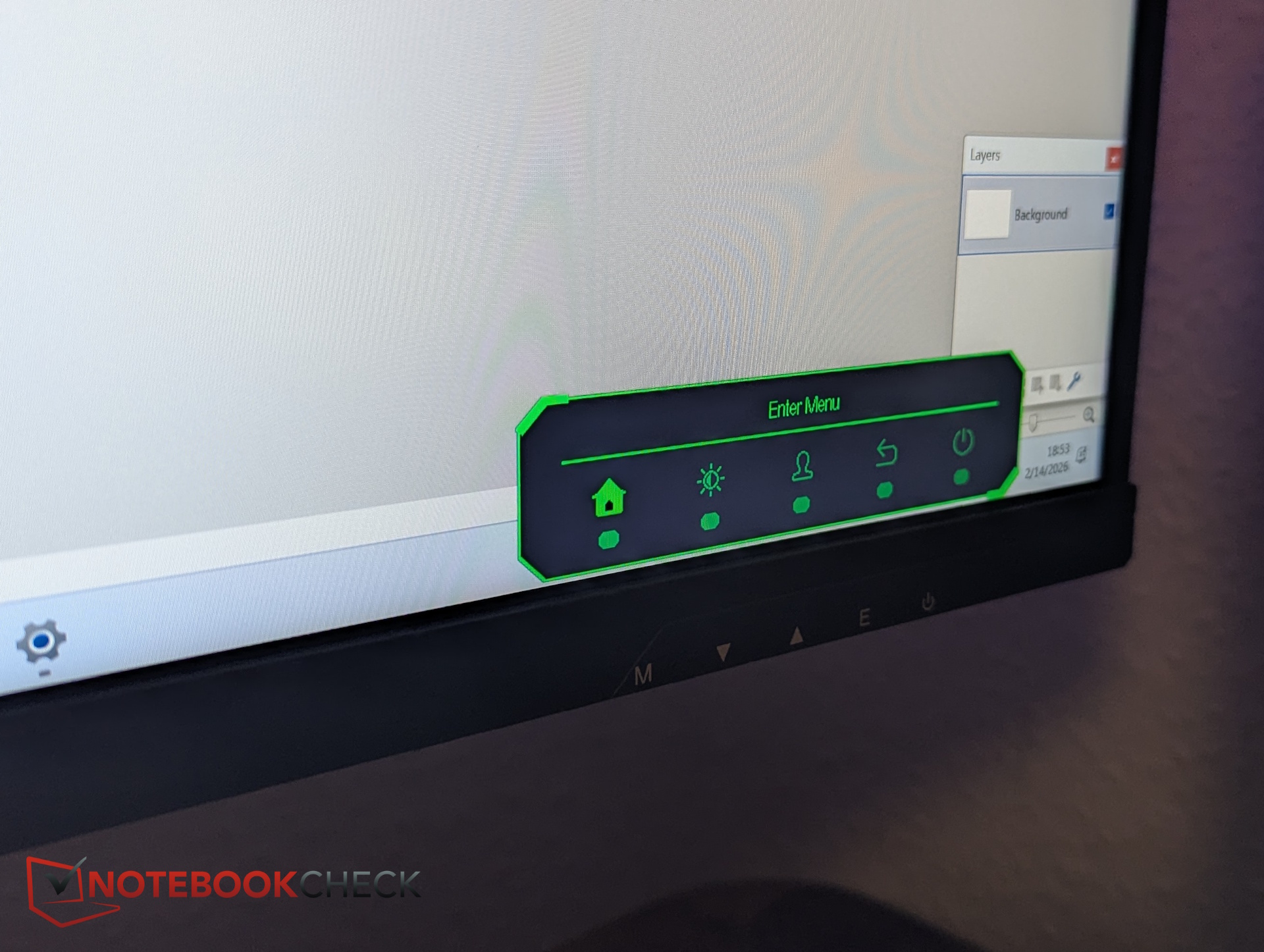
Navigating the on-screen display can be frustrating. Instead of a joystick, the monitor uses five physical buttons.
Switching picture profiles requires cycling through each preset until you reach the desired one. A confirmation-based selection system would be more intuitive. There’s also no explanation of the various presets, and no detailed manual is included.
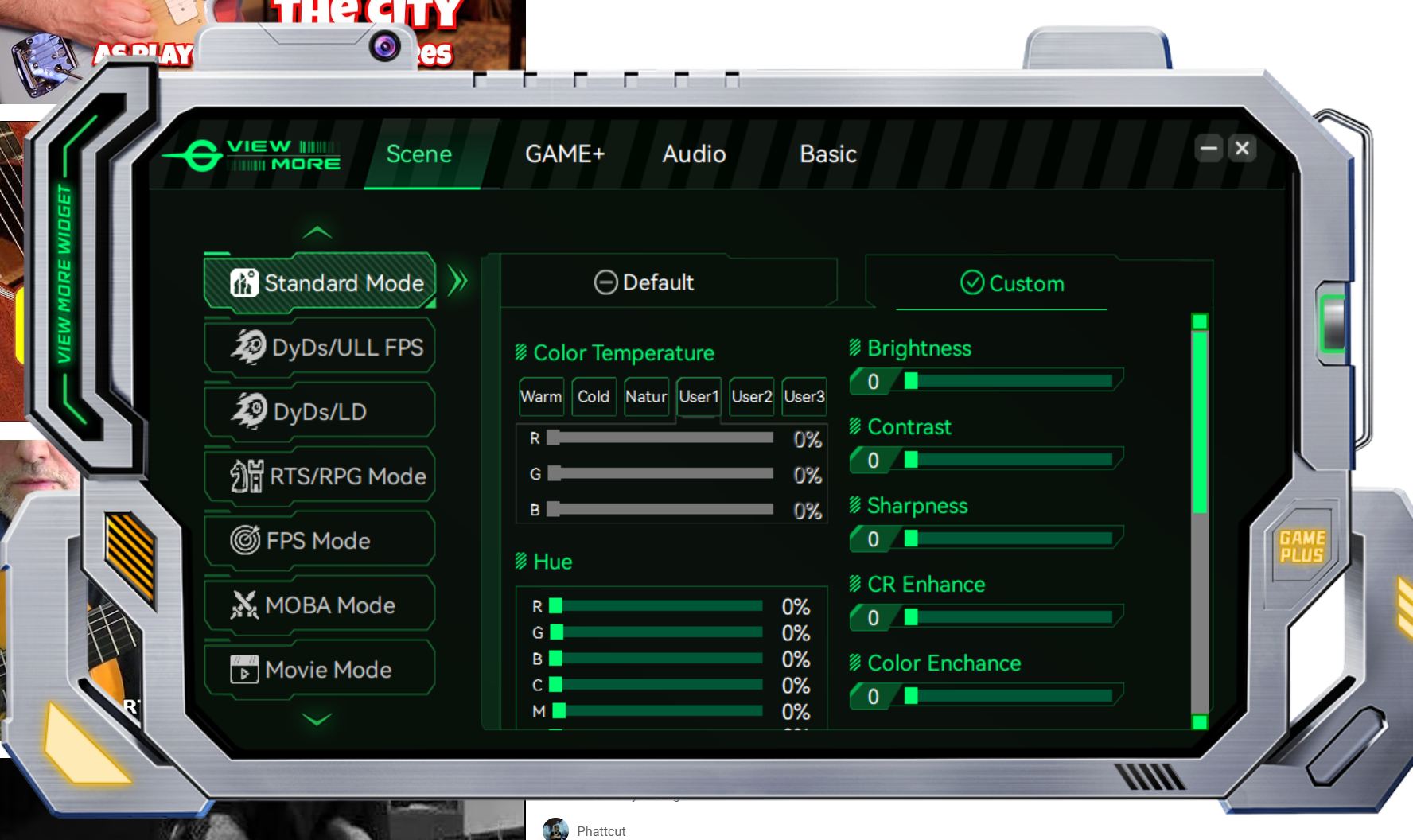
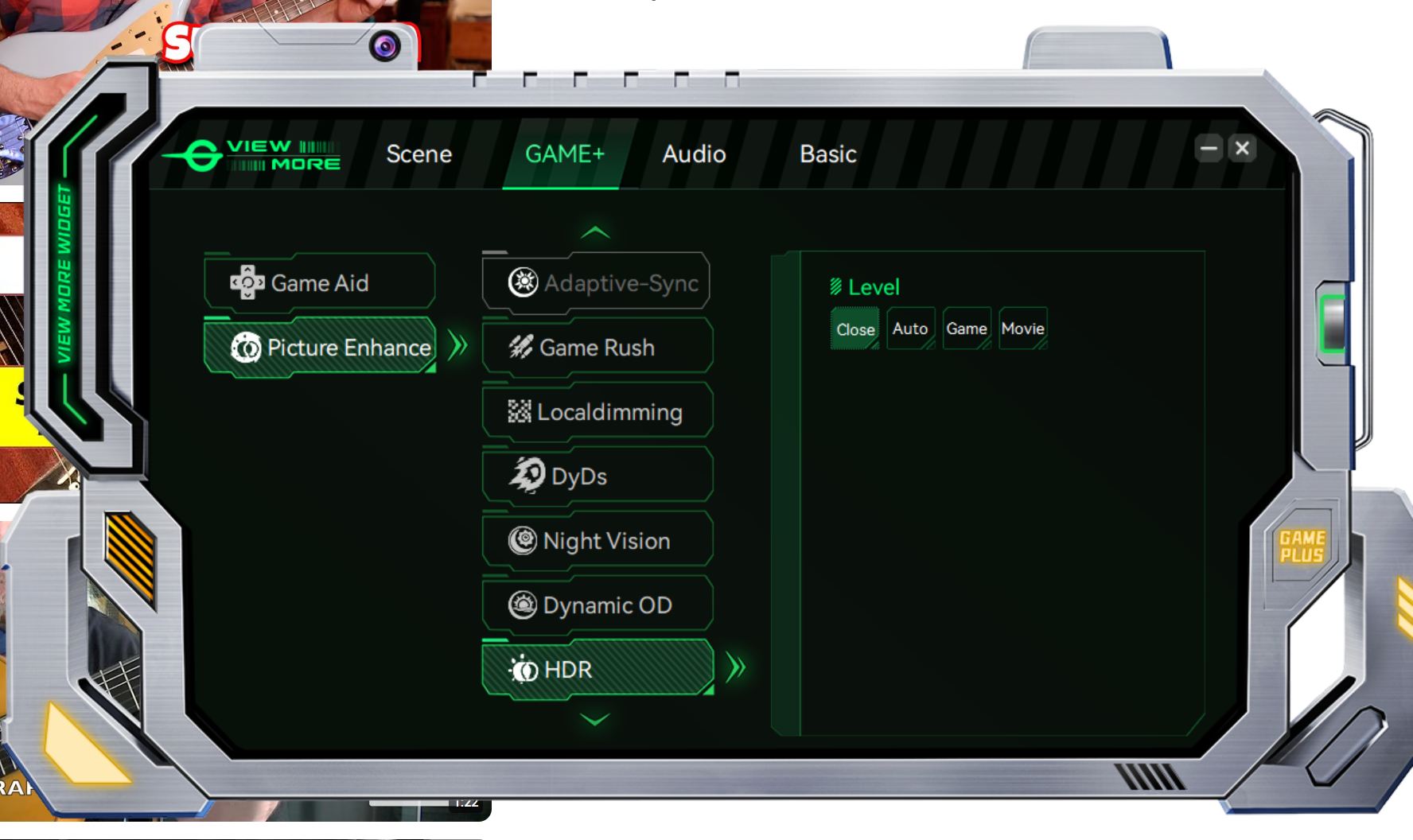
A small (about 15 MB) software tool is available for download from the manufacturer’s website. It mirrors the OSD in a Windows app, allowing mouse control.
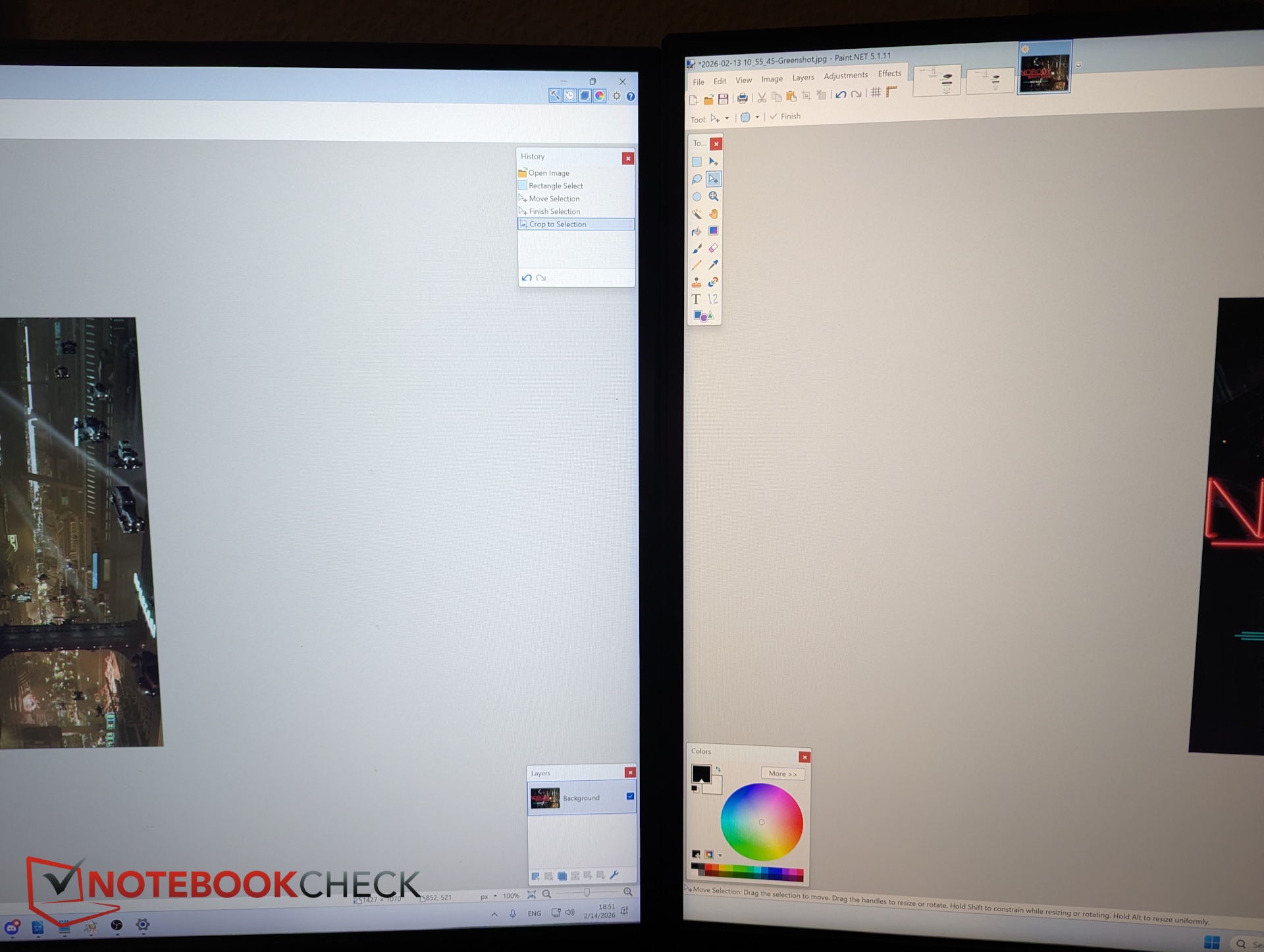
Unfortunately, the app conflicts with Windows color management settings. In practice, Windows often overrides the app’s adjustments, causing the active profile to switch back and forth while making changes.
Display and image quality – over 500 nits and 95% DCI-P3
We performed our measurements in the DCI-P3 preset. In all color profiles, the manufacturer reduces brightness—down to around 25% in this case. At that level, we measured approximately 300 nits on average, with uniformity exceeding 90%.
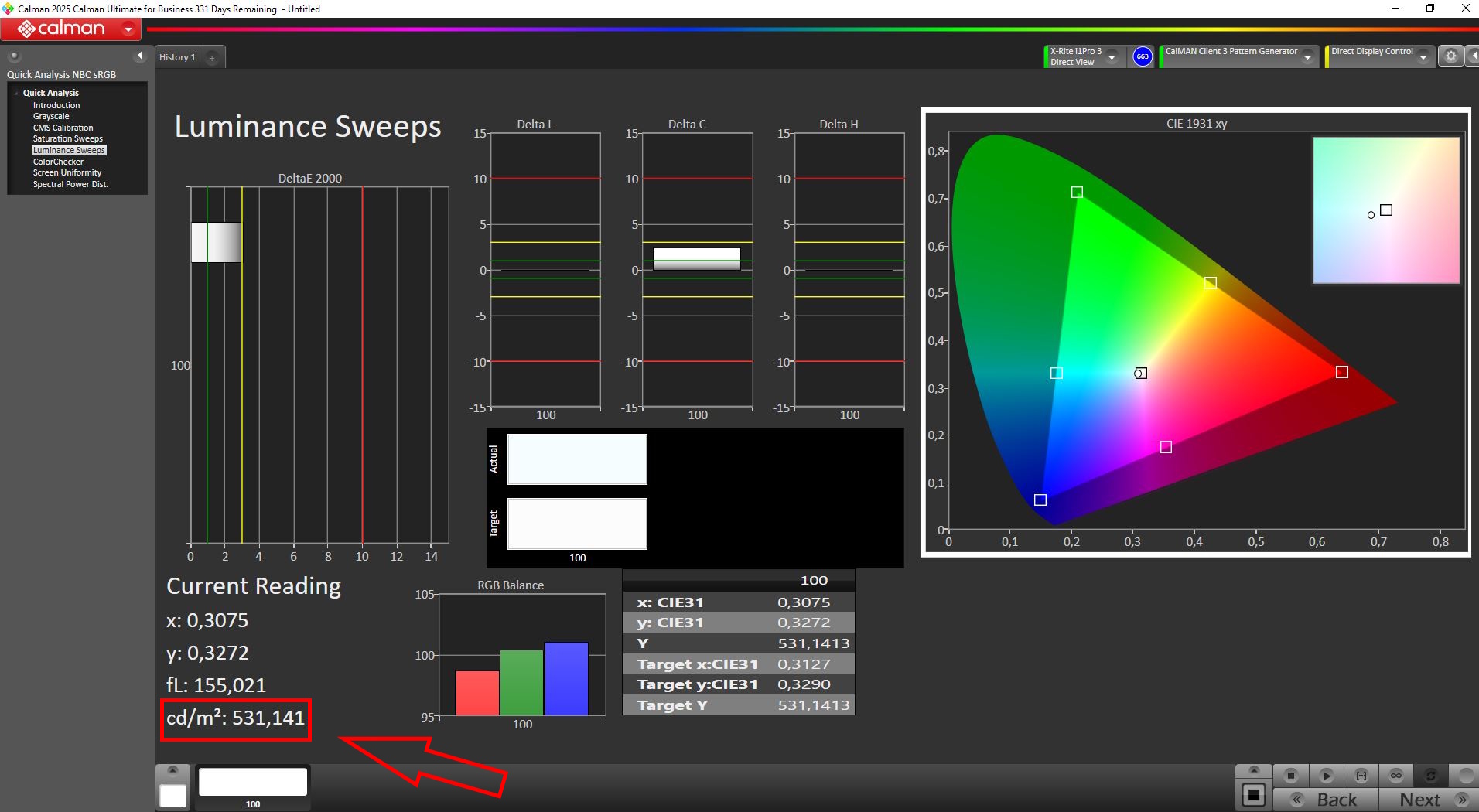
At 100% brightness, the panel reaches roughly 530 nits.
The display does not use PWM for brightness control. Response times are already fast in the default mode, with an additional overdrive option available.
To fully enable HDR1000, HDR must be activated both in Windows and separately in the monitor’s settings menu under the gaming section.
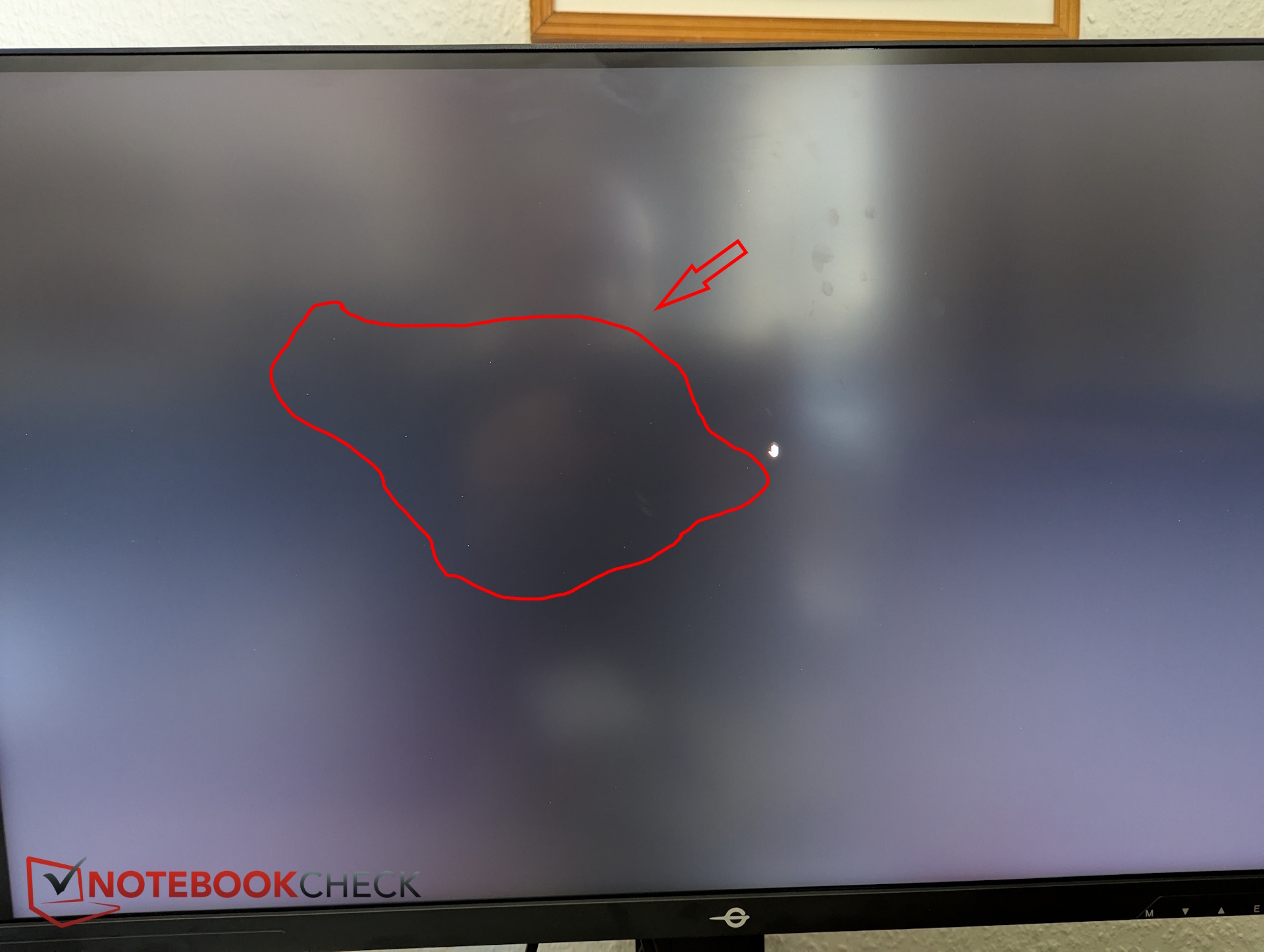
After reading Amazon reviews mentioning dead pixels, we carefully inspected the panel. Against a black background, we identified several small non-black pixels. Thanks to the high resolution, they are extremely small and barely noticeable—but still disappointing.

| |||||||||||||||||||||||||
tested with X-Rite i1Pro 3
Maximum: 311 cd/m² (Nits) Average: 295.9 cd/m² Minimum: 63 cd/m²Brightness Distribution: 92 %
Contrast: 897:1 (Black: 0.34 cd/m²)
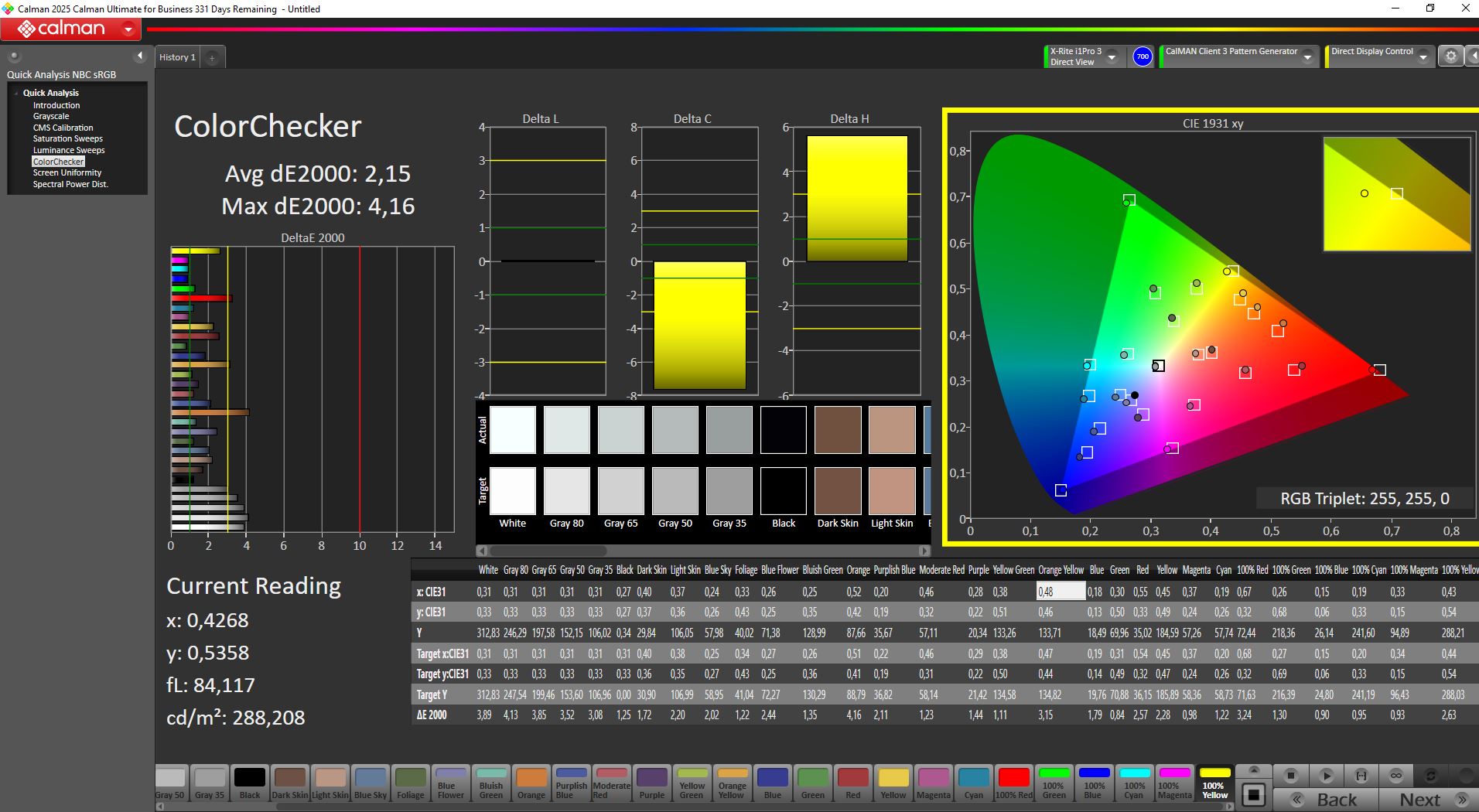
ΔE ColorChecker Calman: 2.15 | ∀{0.5-29.43 Ø4.69}
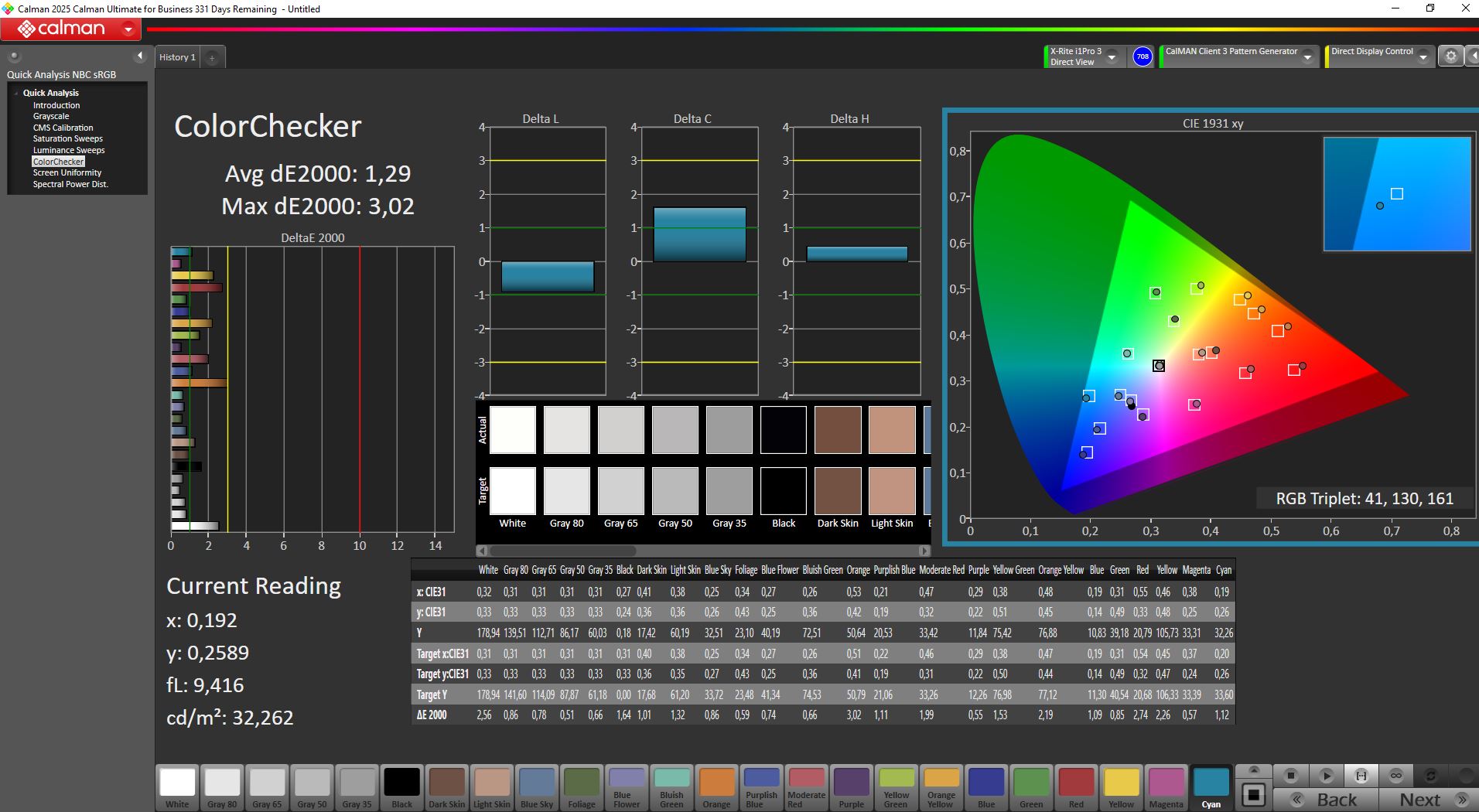
calibrated: 1.29
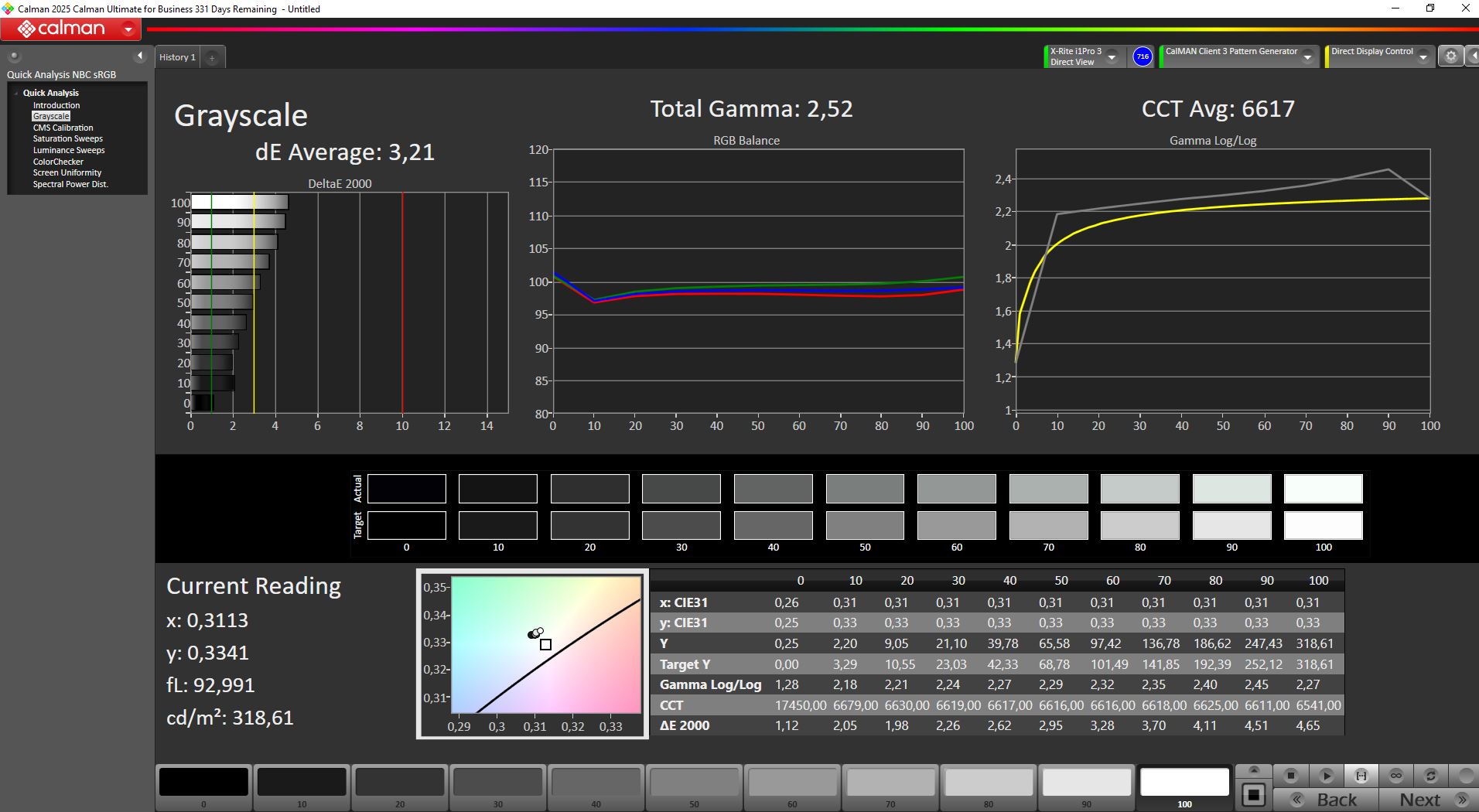
ΔE Greyscale Calman: 3.21 | ∀{0.09-98 Ø4.94}
88.9% AdobeRGB 1998 (Argyll 3D)
100% sRGB (Argyll 3D)
94.7% Display P3 (Argyll 3D)
Gamma: 2.52
CCT: 6617 K
| TITAN ARMY P275MV PLUS 3840x2160, 27", 160 Hz | KTC H27P22s AUO 7.0, IPS, 3840x2160, 27", 160 Hz | Asus ROG Strix XG27UCS IPS-type, , 3840x2160, 27", 160 Hz | MSI MAG 274QRF QD E2 MAG 274QRF QD E2, IPS, 2560x1440, 27", 180 Hz | Alienware AW2725DF AW2725DF, QD-OLED , 2560x1440, 27", 360 Hz | |
|---|---|---|---|---|---|
| Display | -5% | 1% | 3% | ||
| Display P3 Coverage (%) | 94.7 | 86.9 -8% | 97.6 3% | 98.2 4% | |
| sRGB Coverage (%) | 100 | 99.8 0% | 99.7 0% | 100 0% | |
| AdobeRGB 1998 Coverage (%) | 88.9 | 81.6 -8% | 88.9 0% | 93.9 6% | |
| Response Times | -18% | 19% | 27% | 98% | |
| Response Time Grey 50% / Grey 80% * (ms) | 12.8 ? | 11.8 ? 8% | 9.6 ? 25% 3.3 ? 74% | 5.76 ? 55% | 0.165 ? 99% |
| Response Time Black / White * (ms) | 5.6 ? | 8 ? -43% | 6.6 ? -18% 5.8 ? -4% | 5.73 ? -2% | 0.213 ? 96% |
| PWM Frequency (Hz) | 360 ? | ||||
| PWM Amplitude * (%) | 28.5 | ||||
| Screen | -32% | 2% | -59% | -46% | |
| Brightness middle (cd/m²) | 305 | 454 49% | 441 45% | 453 49% | 246 -19% |
| Brightness (cd/m²) | 296 | 398 34% | 390 32% | 404 36% | 245 -17% |
| Brightness Distribution (%) | 92 | 79 -14% | 81 -12% | 84 -9% | 97 5% |
| Black Level * (cd/m²) | 0.34 | 0.41 -21% | 0.54 -59% | 0.28 18% | |
| Contrast (:1) | 897 | 1107 23% | 817 -9% | 1618 80% | |
| Colorchecker dE 2000 * | 2.15 | 4.61 -114% | 1.6 26% | 7.97 -271% | 4.89 -127% |
| Colorchecker dE 2000 max. * | 4.16 | 8.04 -93% | 4.5 -8% | 14.32 -244% | 6.97 -68% |
| Colorchecker dE 2000 calibrated * | 1.29 | 2.57 -99% | 1.71 -33% | 2.06 -60% | |
| Greyscale dE 2000 * | 3.21 | 4.77 -49% | 3.1 3% | 8.2 -155% | 4.4 -37% |
| Gamma | 2.52 87% | 2.28 96% | 2.3 96% | 1.46 151% | 1.8 122% |
| CCT | 6617 98% | 7540 86% | 6368 102% | 7427 88% | 6484 100% |
| Total Average (Program / Settings) | -18% /
-24% | 11% /
8% | -10% /
-34% | 18% /
-10% |
* ... smaller is better
Display Response Times
ℹ
Display response times show how fast the screen is able to change from one color to the next. Slow response times can lead to afterimages and can cause moving objects to appear blurry (ghosting). Gamers of fast-paced 3D titles should pay special attention to fast response times.| ↔ Response Time Black to White | ||
|---|---|---|
| 5.6 ms ... rise ↗ and fall ↘ combined | ↗ 1.8 ms rise | 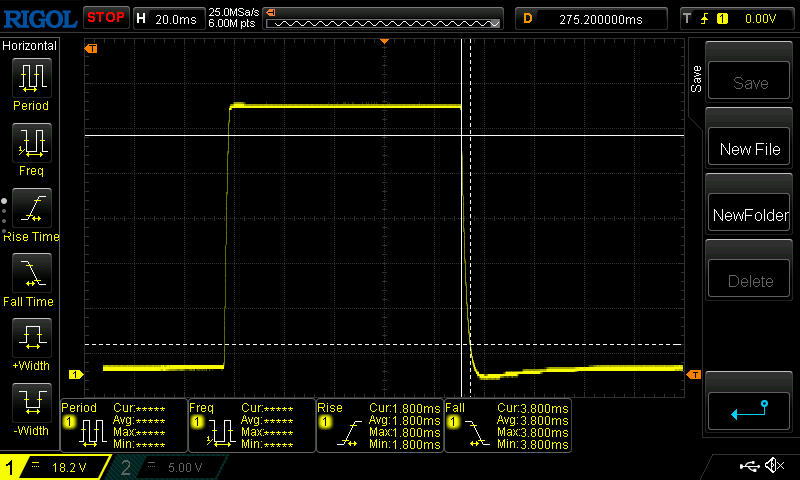 |
| ↘ 3.8 ms fall | ||
| The screen shows very fast response rates in our tests and should be very well suited for fast-paced gaming. In comparison, all tested devices range from 0.1 (minimum) to 240 (maximum) ms. » 19 % of all devices are better. This means that the measured response time is better than the average of all tested devices (19.6 ms). | ||
| ↔ Response Time 50% Grey to 80% Grey | ||
| 12.8 ms ... rise ↗ and fall ↘ combined | ↗ 5.8 ms rise | 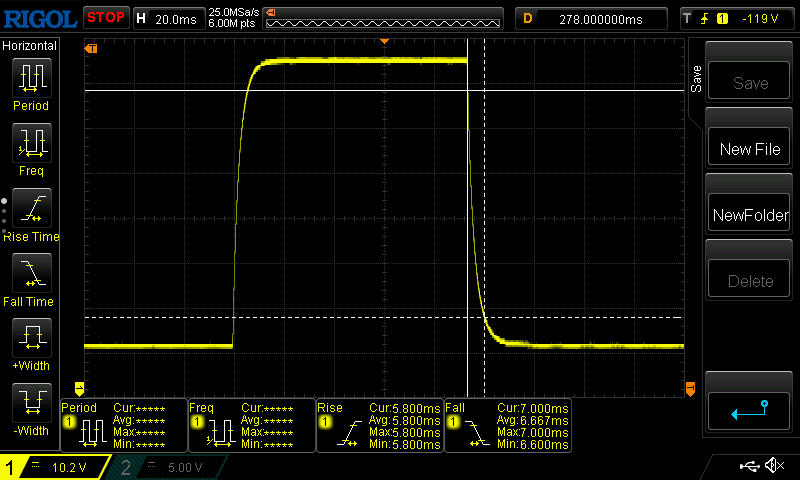 |
| ↘ 7 ms fall | ||
| The screen shows good response rates in our tests, but may be too slow for competitive gamers. In comparison, all tested devices range from 0.13 (minimum) to 636 (maximum) ms. » 27 % of all devices are better. This means that the measured response time is better than the average of all tested devices (30.7 ms). | ||
Screen Flickering / PWM (Pulse-Width Modulation)
ℹ
To dim the screen, some notebooks will simply cycle the backlight on and off in rapid succession - a method called Pulse Width Modulation (PWM) . This cycling frequency should ideally be undetectable to the human eye. If said frequency is too low, users with sensitive eyes may experience strain or headaches or even notice the flickering altogether.| Screen flickering / PWM not detected | 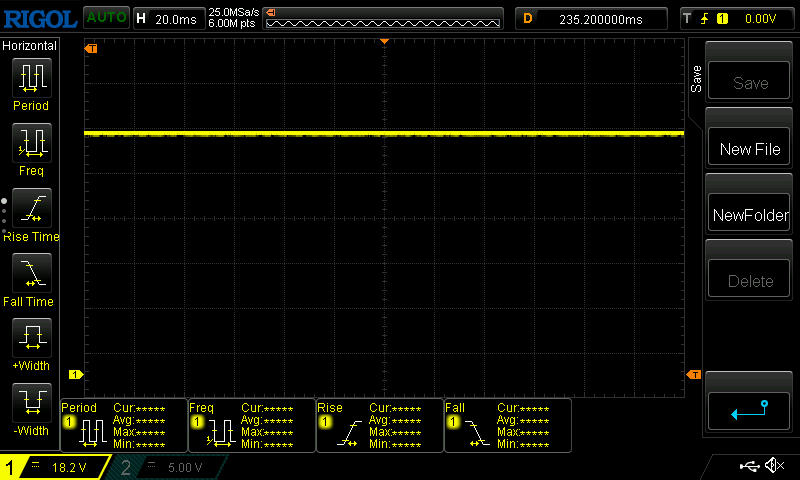 | ||
In comparison: 52 % of all tested devices do not use PWM to dim the display. If PWM was detected, an average of 7594 (minimum: 5 - maximum: 343500) Hz was measured. | |||
Color accuracy
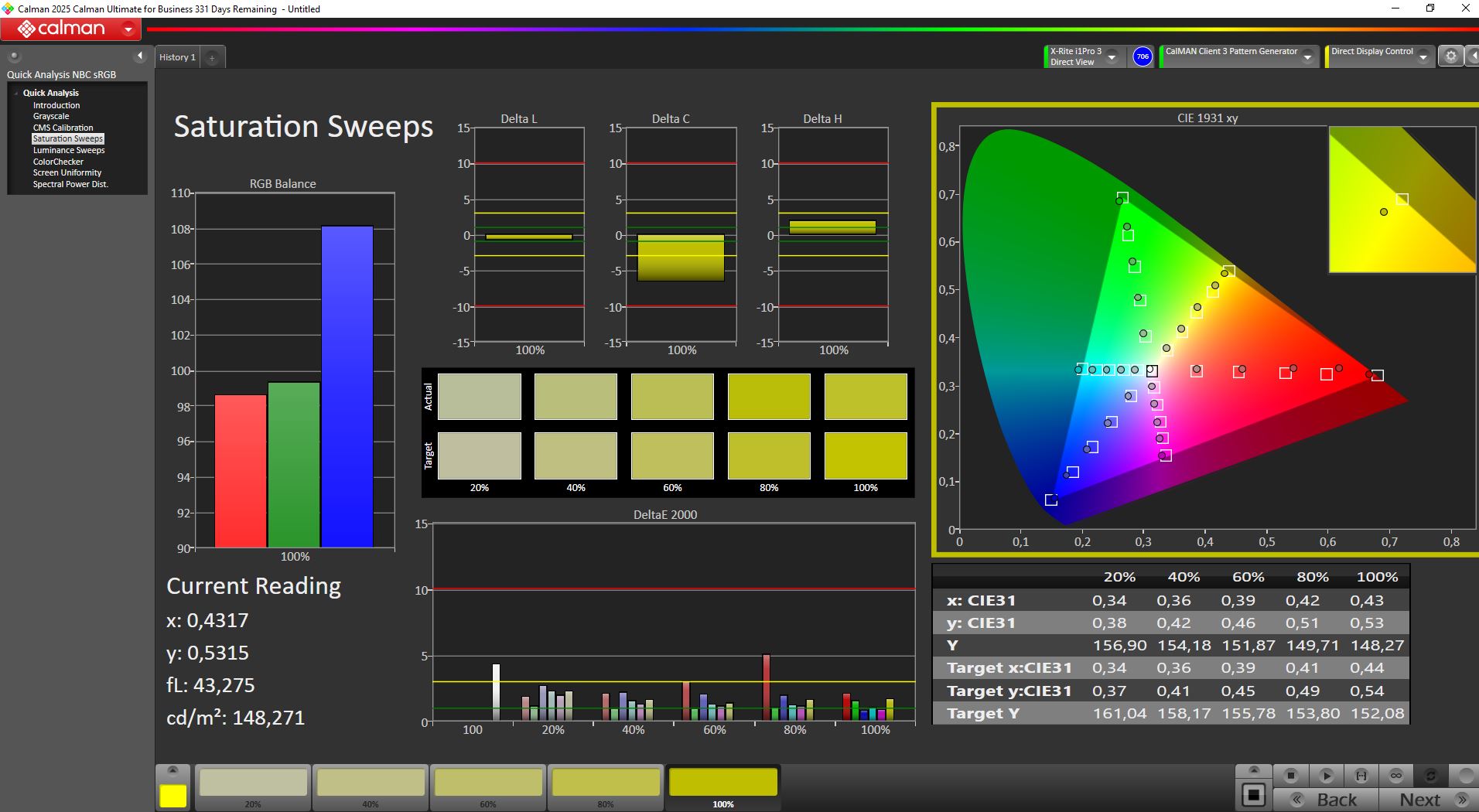
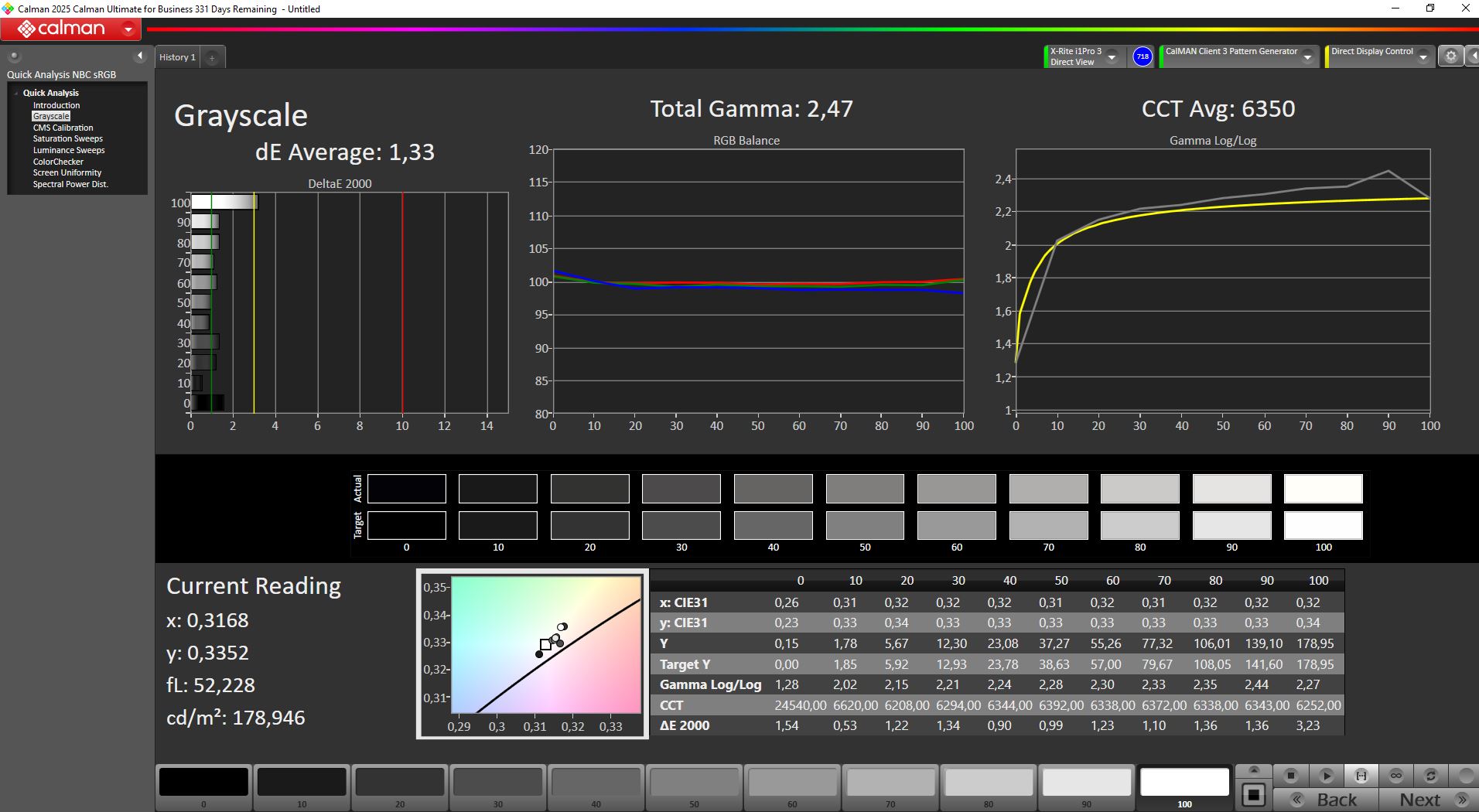
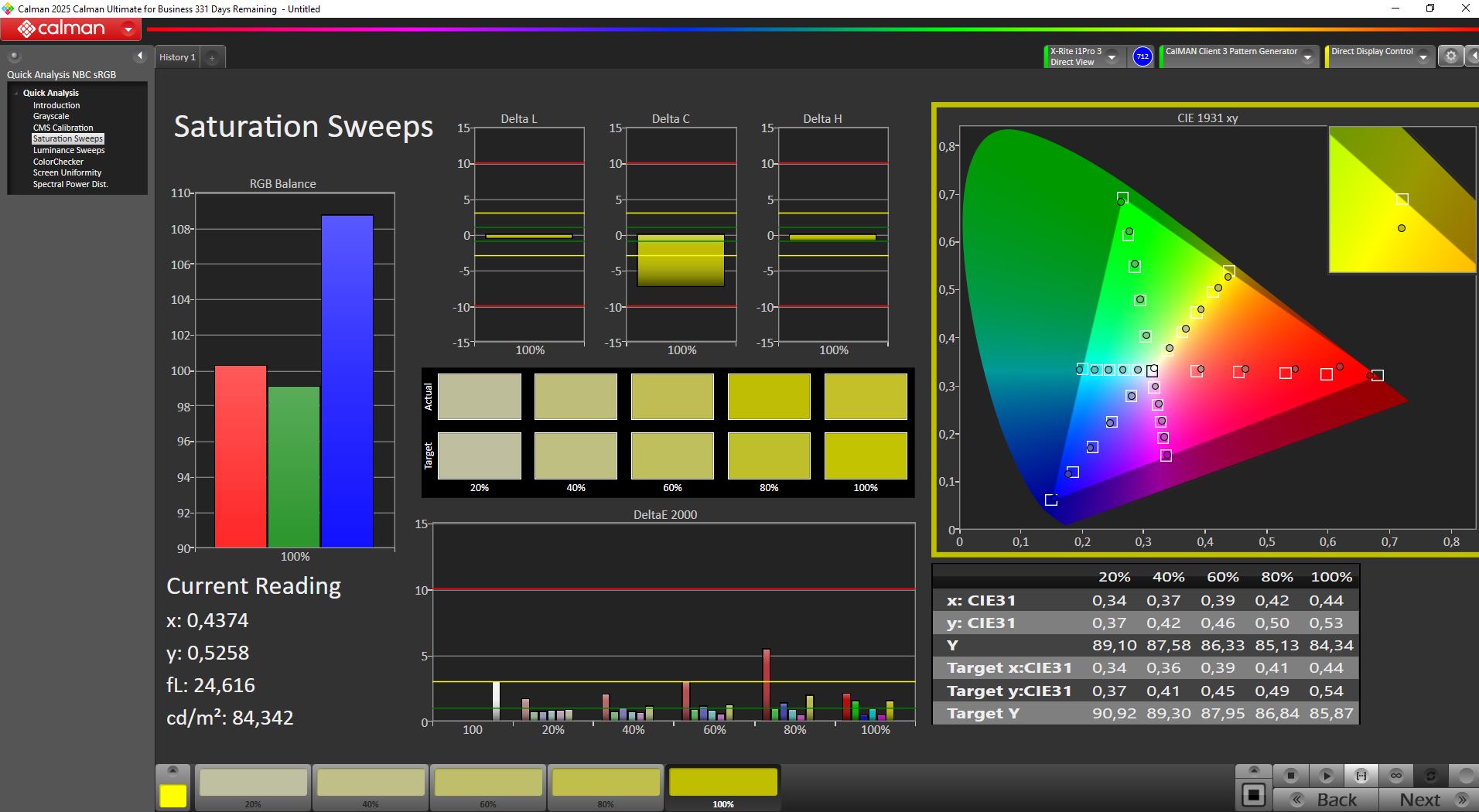
Out of the box, the display is reasonably well calibrated. After manual calibration, grayscale and color deviations were reduced further, reaching an average deltaE of around 1.3.
At the same time, the black level drops from 0.34 to a darker 0.17, increasing the contrast ratio to a very strong 1,700:1.
Transparency
The selection of devices to be reviewed is made by our editorial team. The test sample was given to the author by the manufacturer free of charge for the purposes of review. There was no third-party influence on this review, nor did the manufacturer receive a copy of this review before publication. There was no obligation to publish this review. As an independent media company, Notebookcheck is not subjected to the authority of manufacturers, retailers or publishers.
 Add as a preferred source on Google


