




We go hands-on with the Framework Laptop 13 Pro and the improvements are night and day
Framework's message about sustainability and right-to-repair is arguably more relevant today than it was back in 2021 during the launch of their original Laptop 13.5 model. With prices inflating at an alarming rate these days, the ability to upgrade even the original 2021 model to the latest CPUs from Intel or AMD is quite an attractive feature. Last week's Framework Laptop 13 Pro announcement seemingly blends the best of both worlds: Offer new hardware features that would have otherwise been impossible on the original Framework Laptop 13.5 design while maintaining backwards compatibility with the vast majority of components.
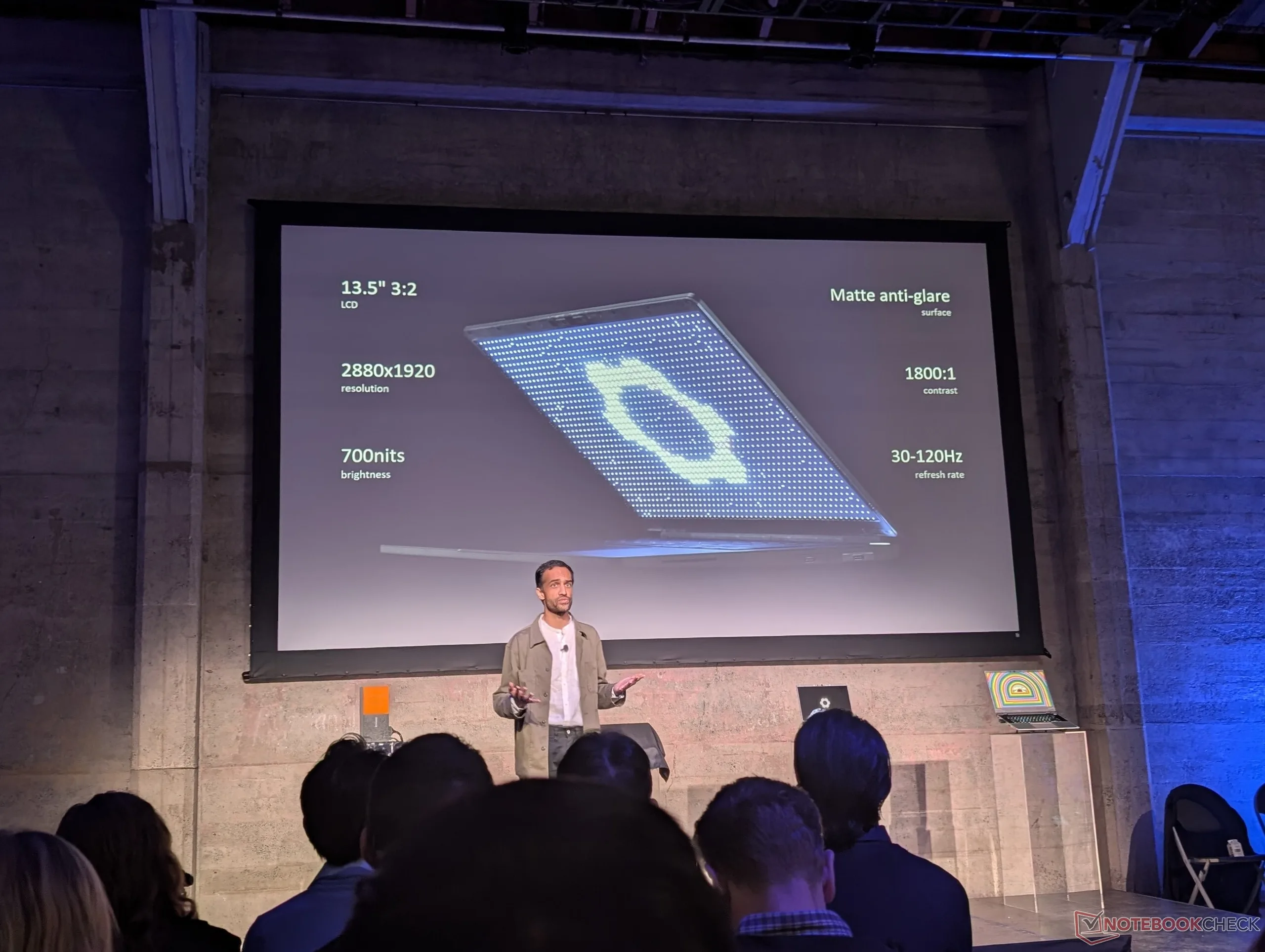
When Framework CEO Nirav Patel revealed the Framework 13 Pro onstage during the San Francisco press event, we weren't exactly excited as "Pro" models are already very common in the industry. Is Framework merely playing catch-up with competitors instead of innovating in the field? It wasn't until we got to play around with the new model firsthand did we understand why a redesign was necessary.
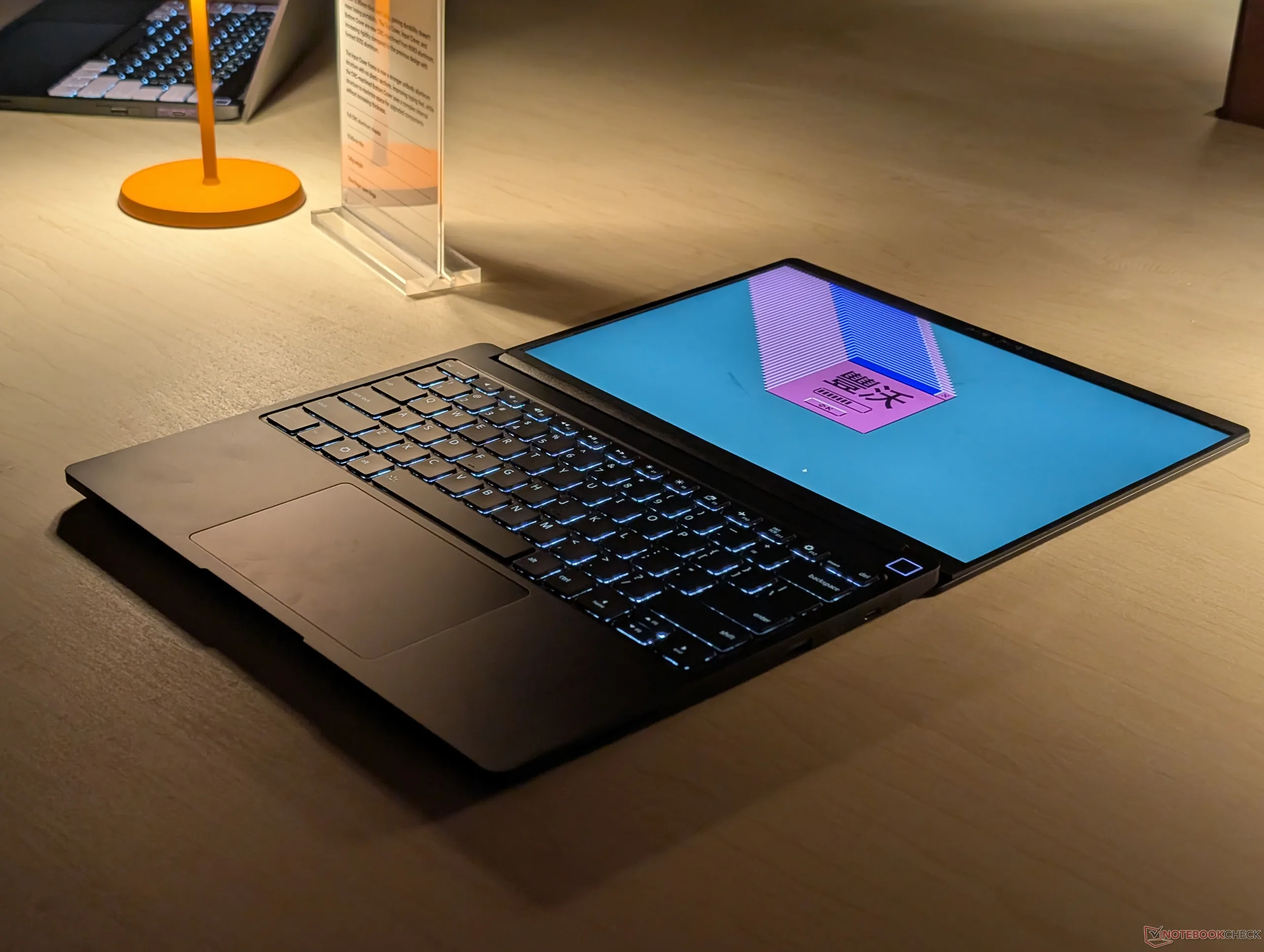
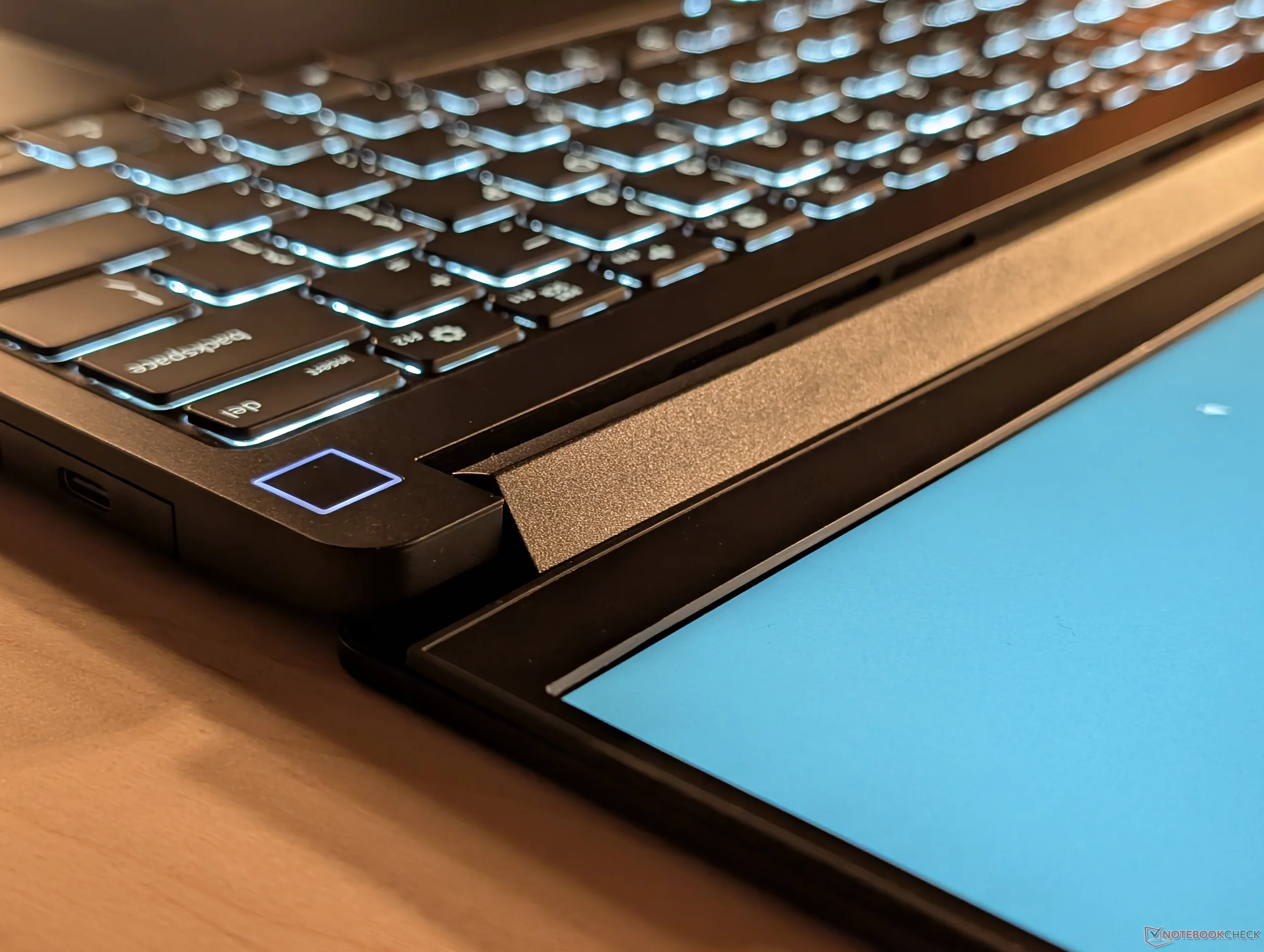
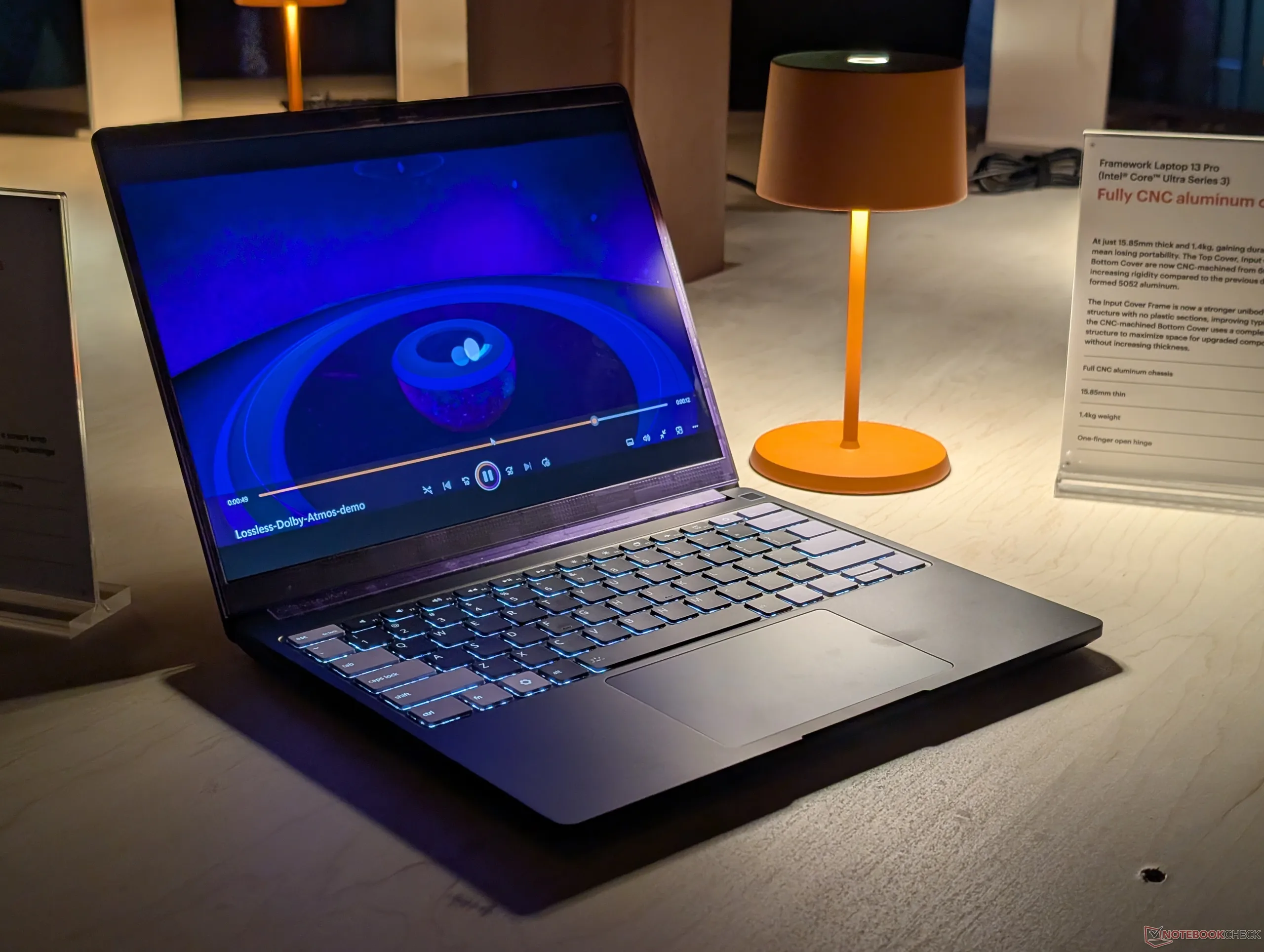
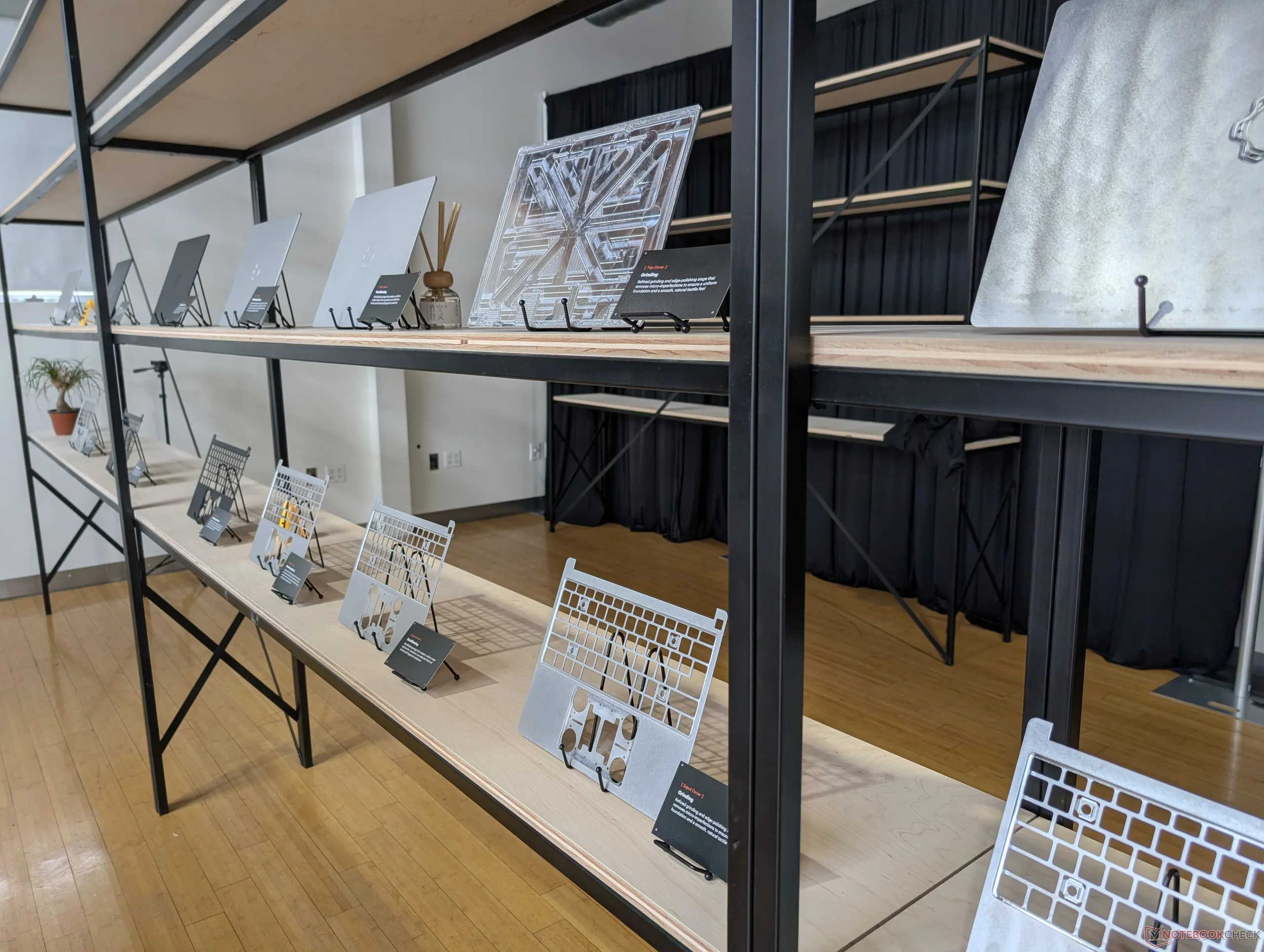
Upon first impression, the Framework 13 Pro addresses one of our main complaints about the original Framework Laptop 13.5 design: chassis rigidity. While the original was highly modular, its surfaces would flex and creak much more readily when compared to laptops from traditional manufacturers like Dell, Lenovo, or HP. The new CNC aluminum frame is much more substantial and arguably the best part about the new model outside of the updated support for Intel Panther Lake or the Ryzen AI 300 series.
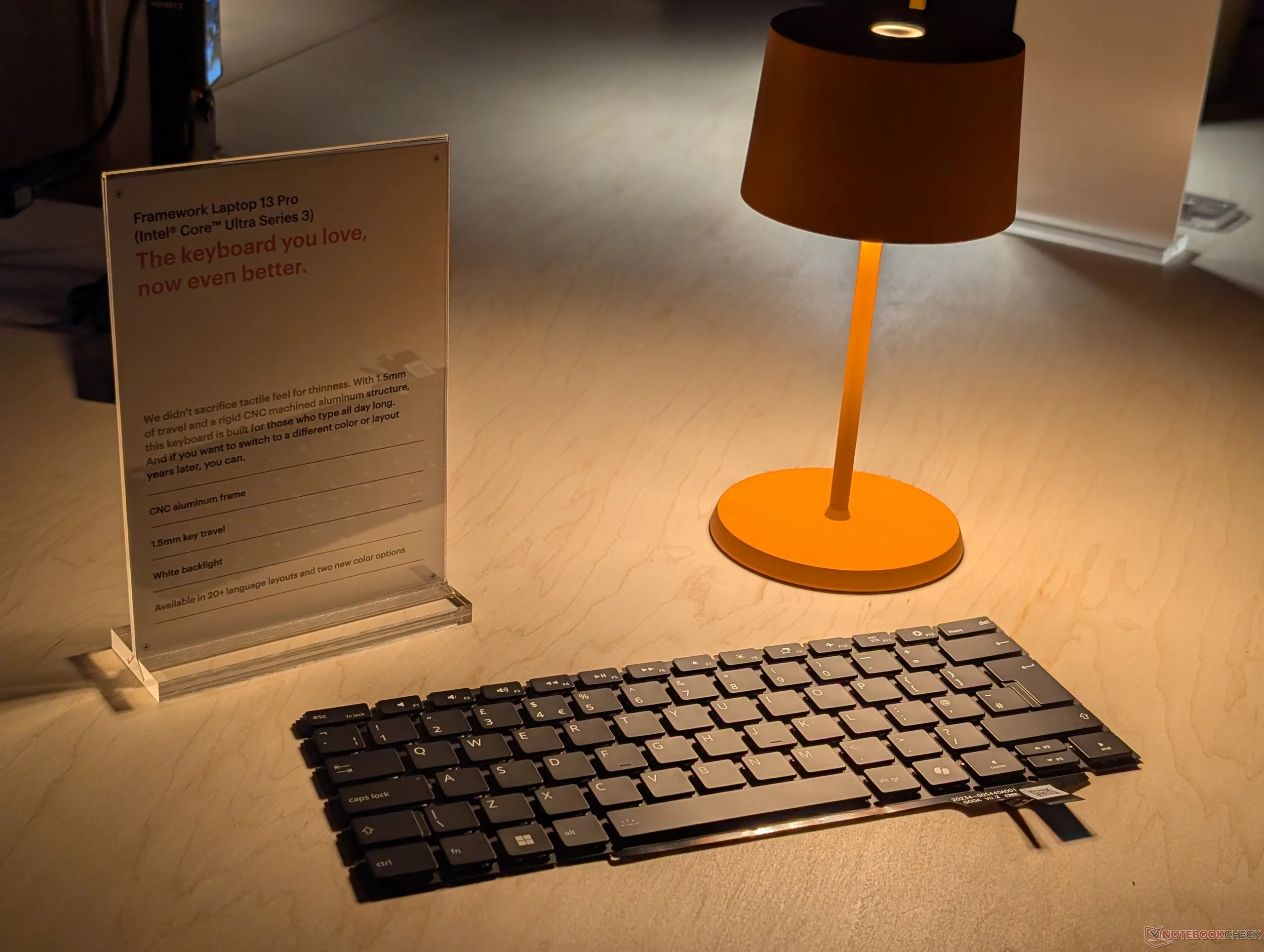
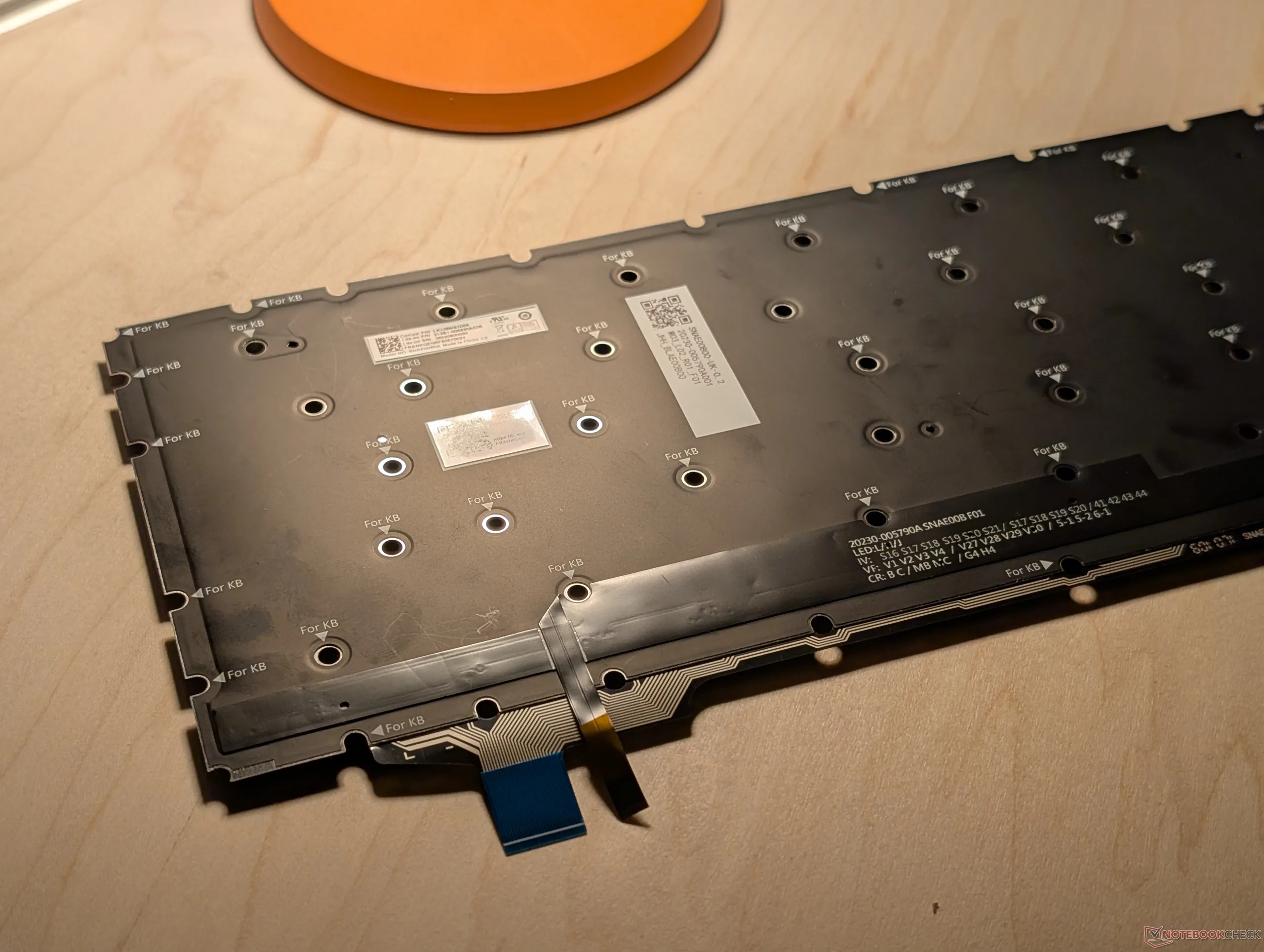
The keyboard and piezo clickpad have been updated with crisper feedback and MacBook-like haptics, respectively, for a higher-end feel. Patel says Framework has paid special attention to the clickpad in particular as it is often overlooked by most other manufacturers.
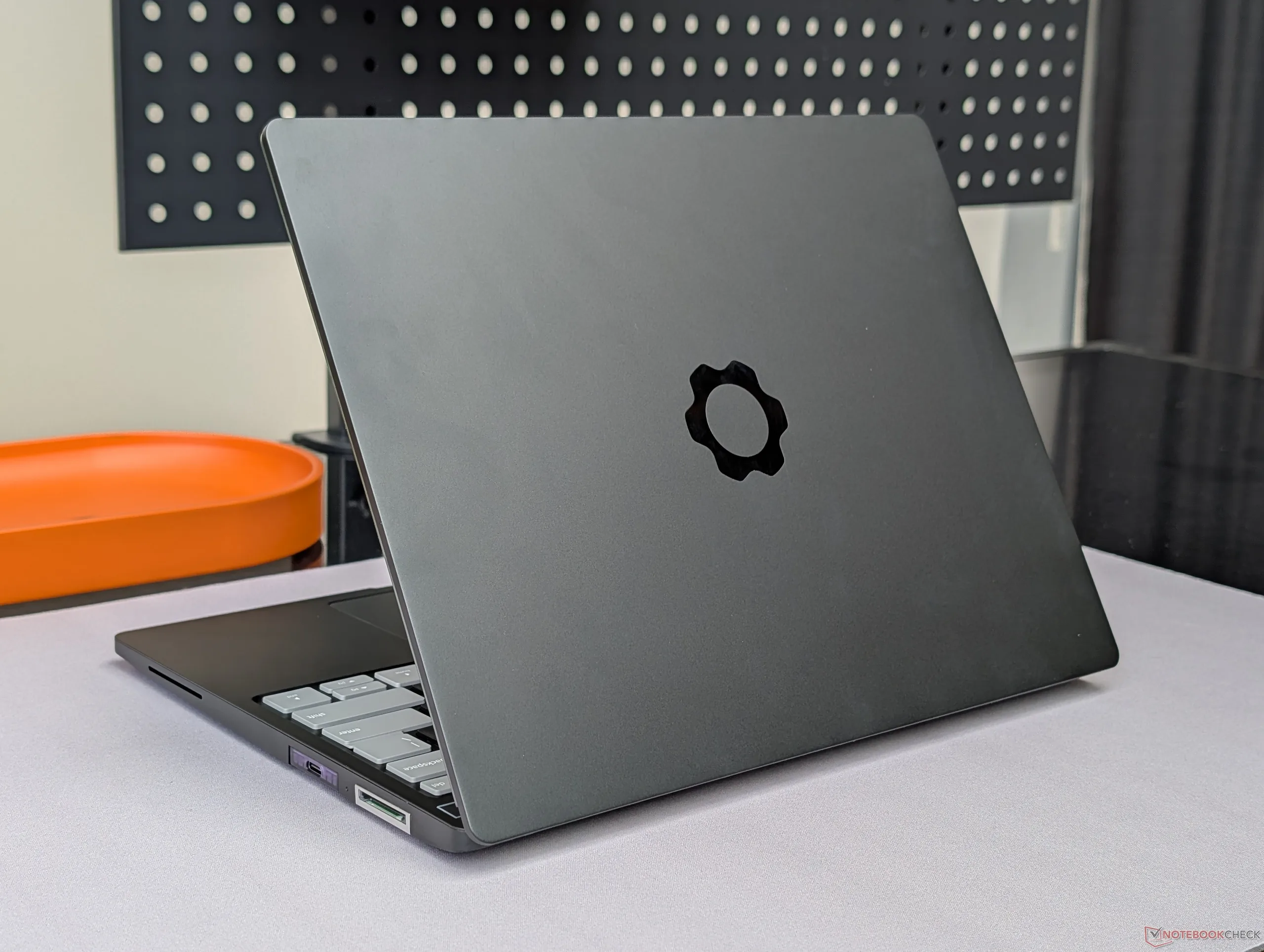
Meanwhile, the display resolution and refresh rate remain the same as before at 2880 x 1920 and 120 Hz, respectively, but with added support for touchscreen and an extra-bright 700-nit setting. It's worth noting that OLED continues to be omitted likely due to battery life concerns and a potentially low demand from the target audience of developers.
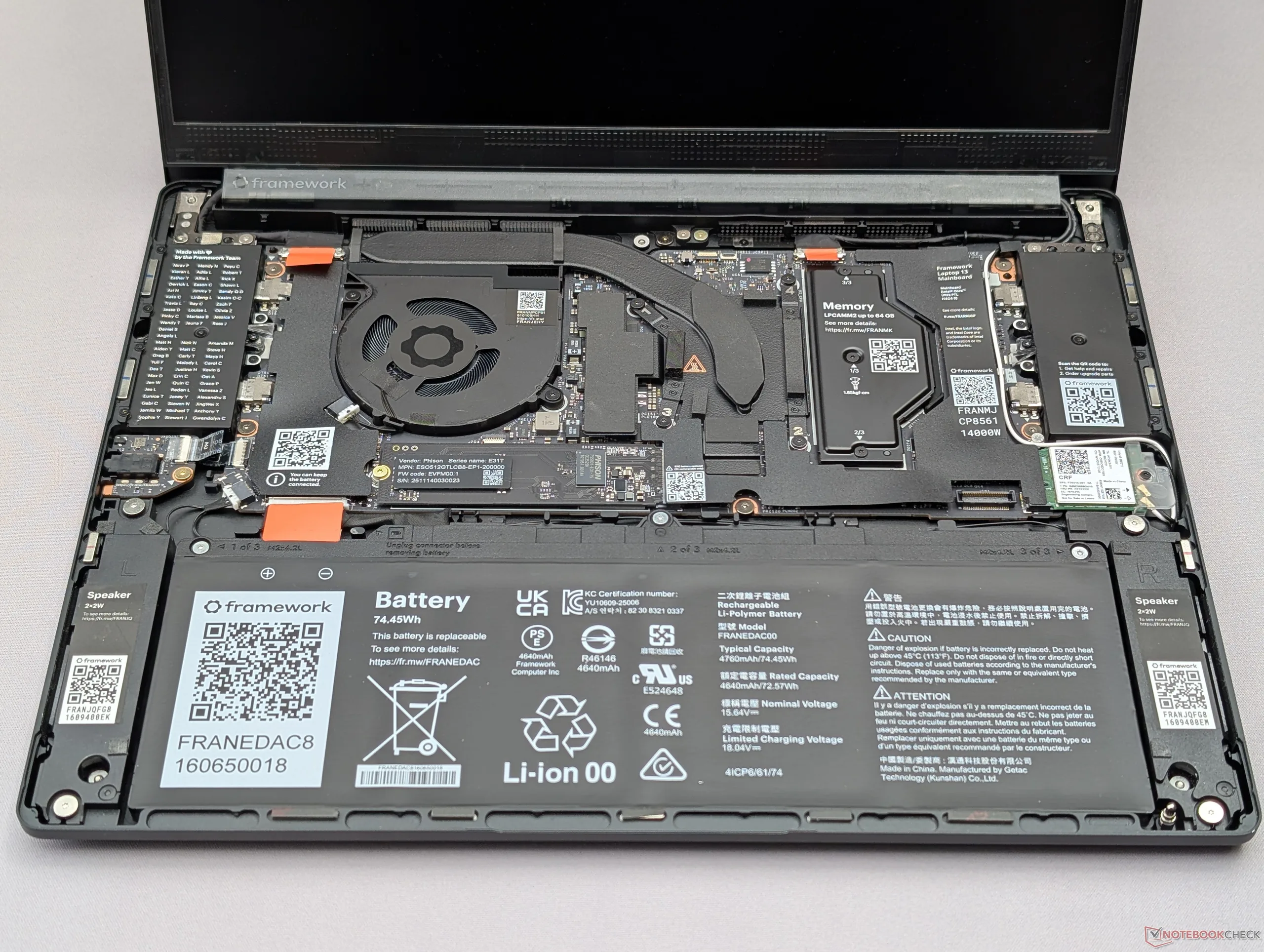
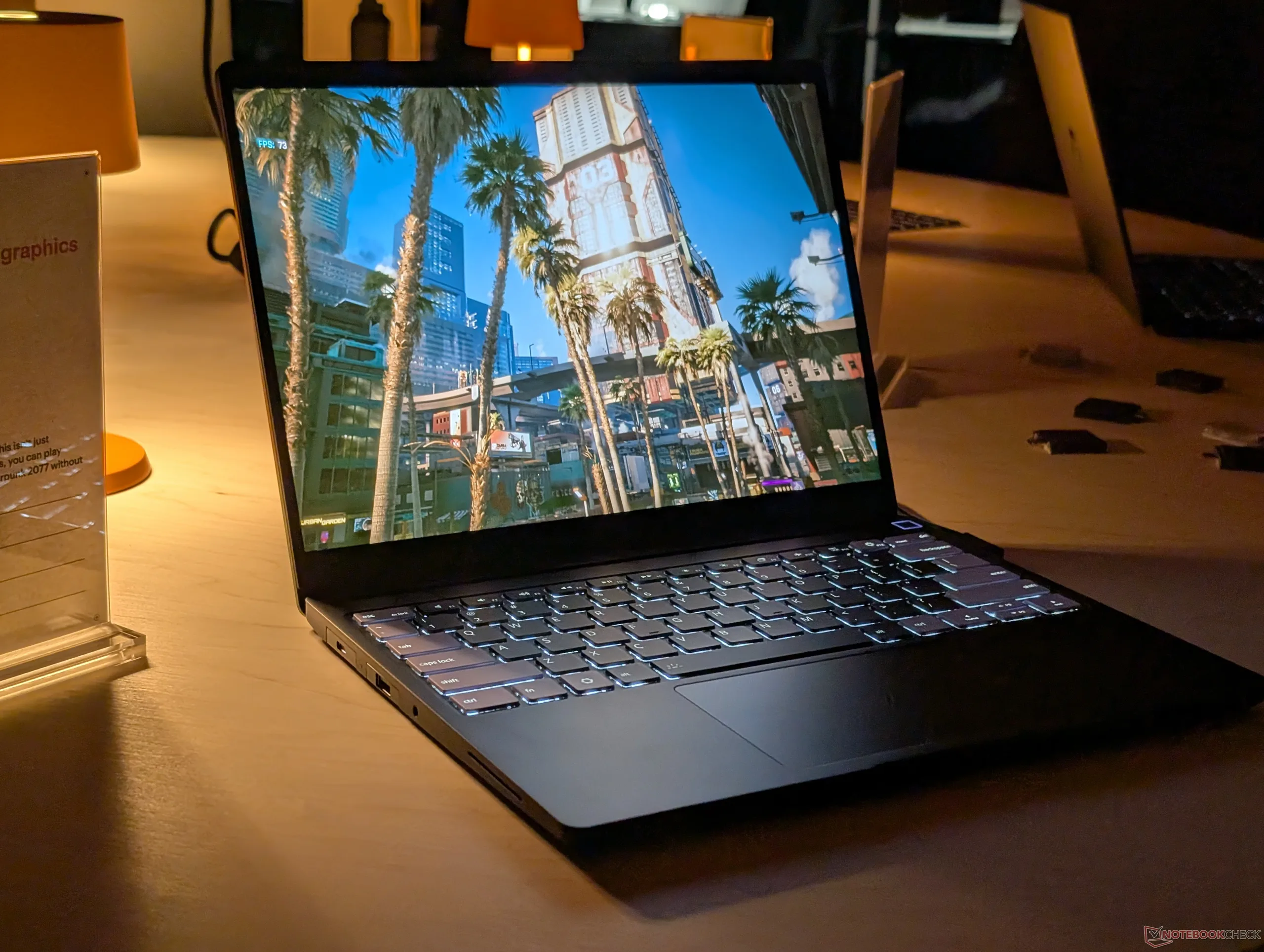
Performance and battery life have been improved significantly largely because of Panther Lake and the denser battery pack. As shown many times already in our reviews, Panther Lake X7 can run demanding games at near RTX 3050 levels while extending runtimes to double digits when browsing or streaming.
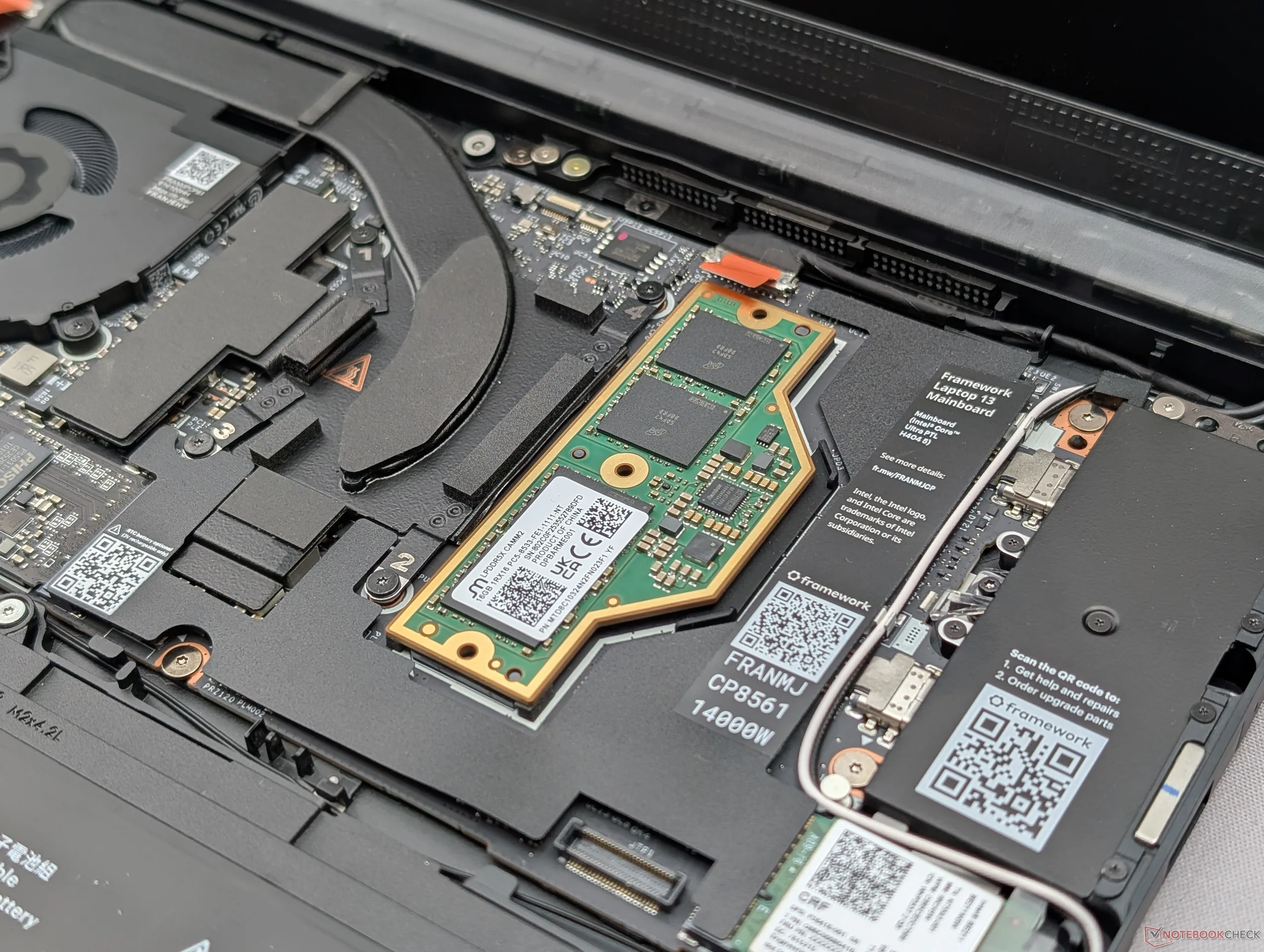
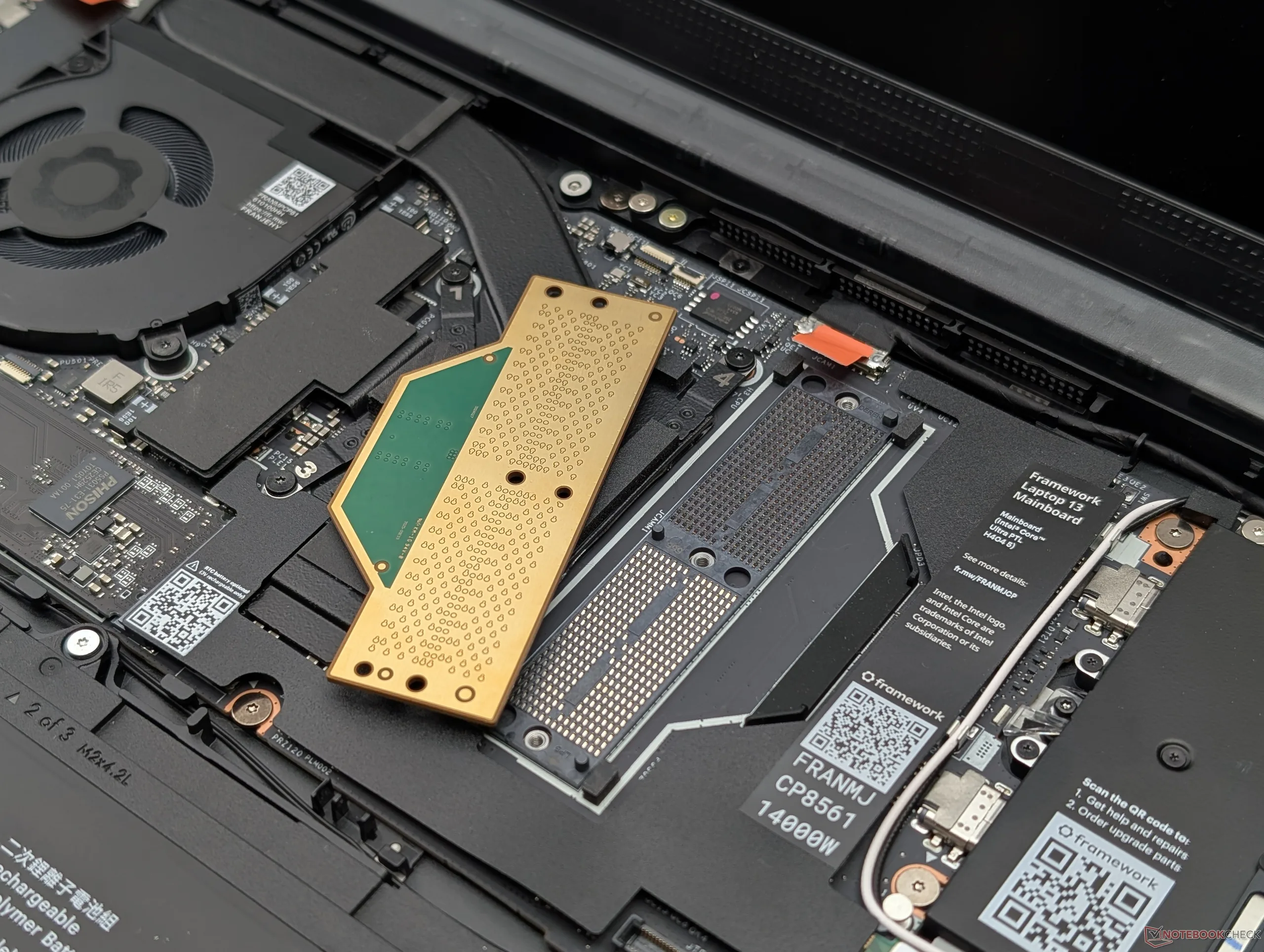
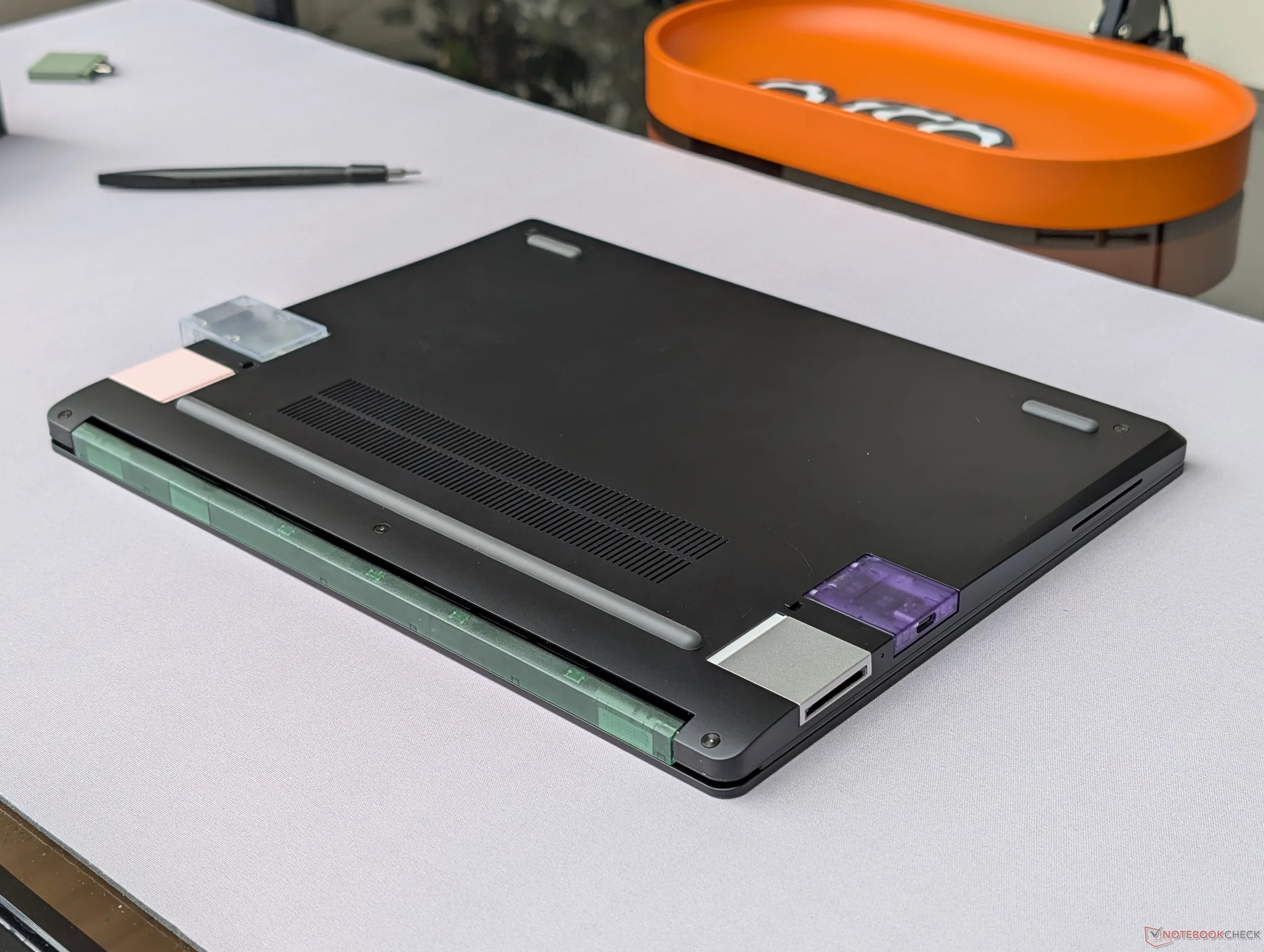
Most impressively, owners of the original 2021 Framework 13.5 can still swap out their original Ice Lake motherboards for new Panther Lake or Ryzen ones as found on the Laptop 13 Pro. While not all components are swappable between the 13 Pro and original 13.5, their mainboards and expansion cards are most definitely interchangeable.
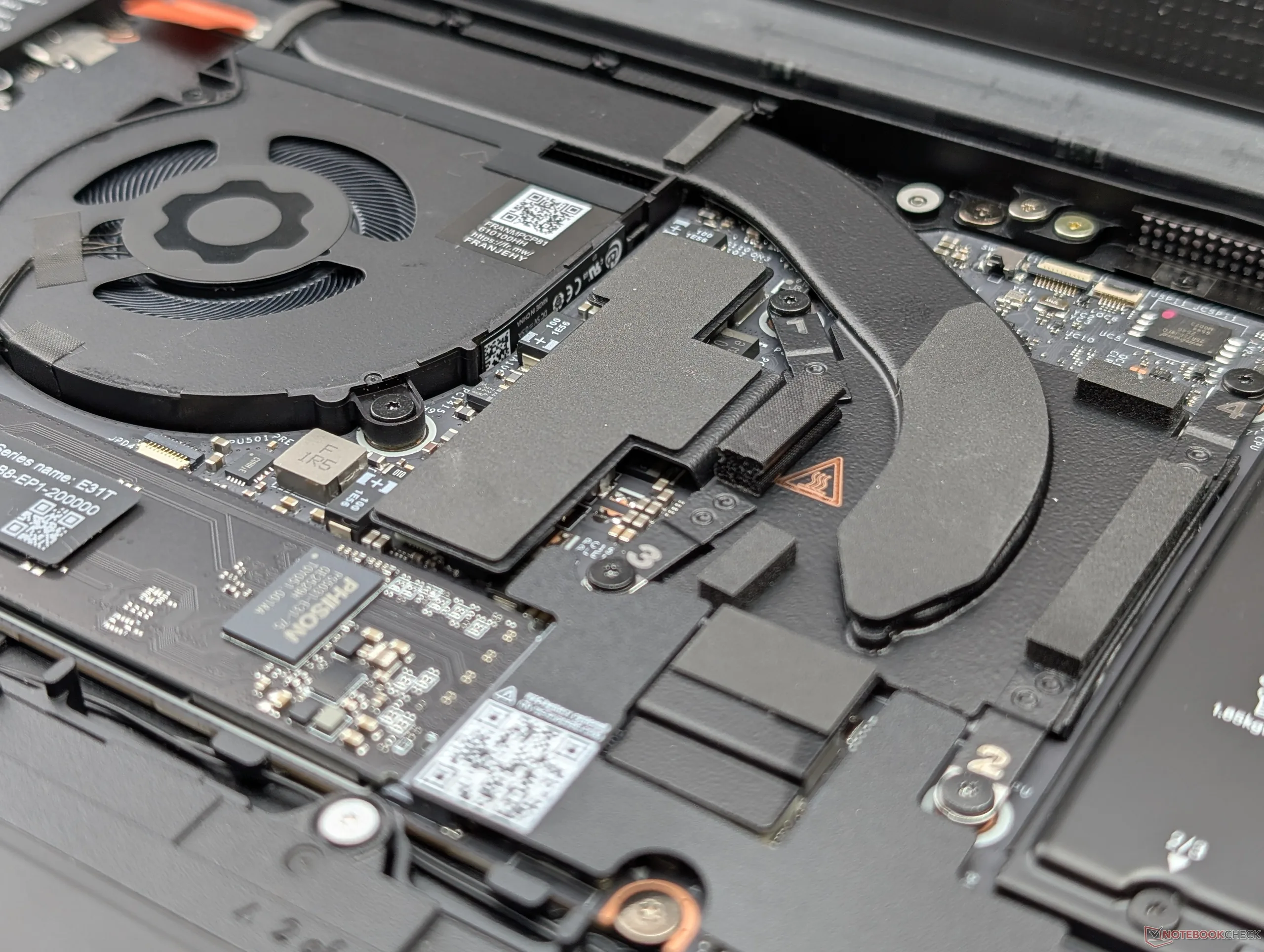
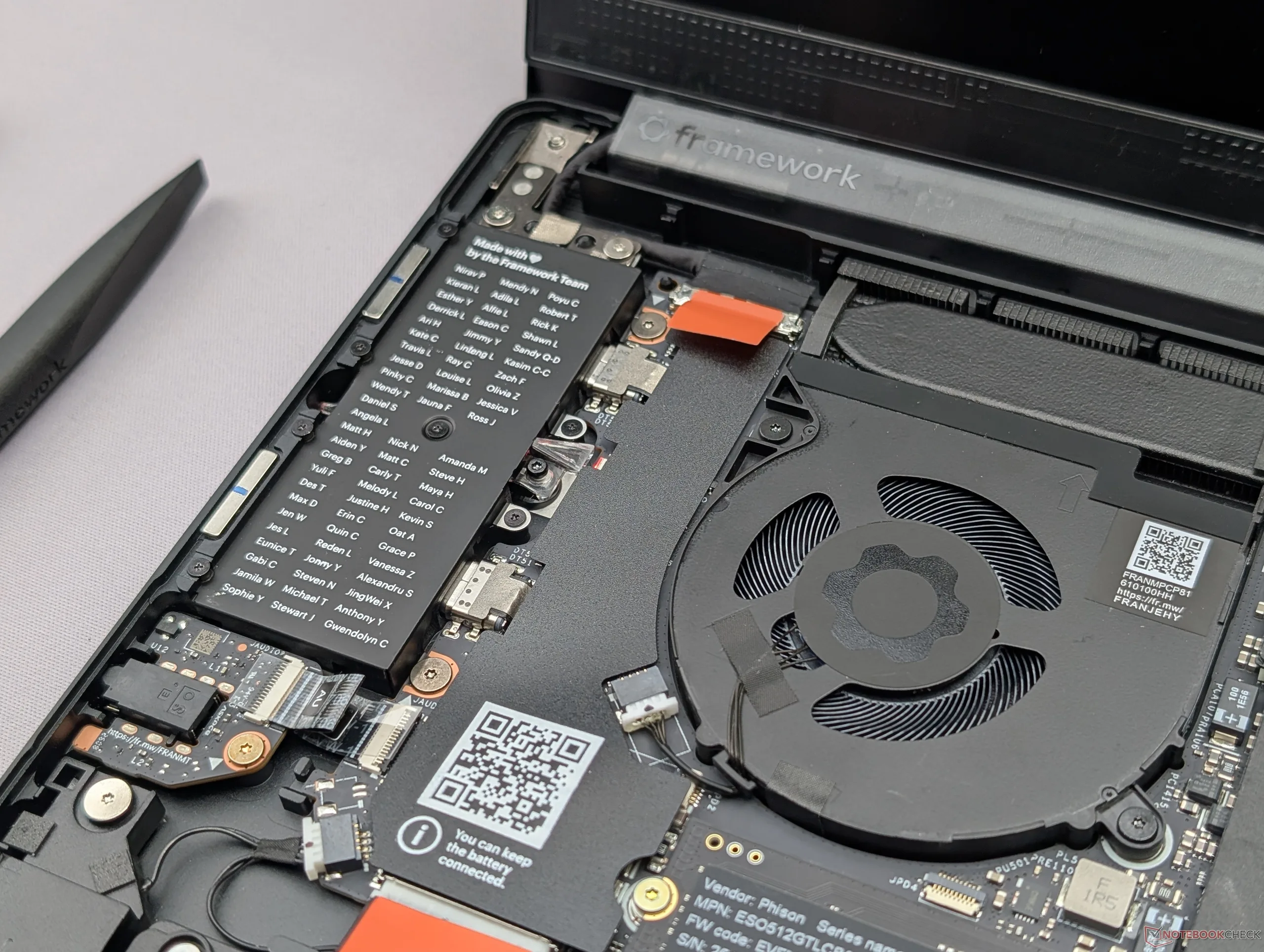
We nonetheless noticed a couple of drawbacks to the 13 Pro. Weight and thickness in particular is heavier and thicker, respectively, when compared to other 13-inch or 14-inch laptops running on similar Panther Lake CPUs. The recent Lenovo Yoga 7 Ultra 14, for example, comes in at under 1 kg or almost half the weight of the new Framework. The move to more efficient LPCAMM RAM, while commendable, will make memory upgrades even more expensive than traditional SODIMM. Just like with the original Framework 13.5, maximizing serviceability and upgradeability inevitably means living with a denser and heavier system.
Framework is currently accepting pre-orders for the Laptop 13 Pro starting at $1200 for the barebones Core Ultra 5 325 configuration up to $1600 or more for the Core Ultra X7 358H. Configuring with just 16 GB of RAM adds an extra $240 while storage starts at $115 for 500 GB. Initial shipments are expected to begin this June. Expect our review on the model to come as we move closer to launch.
 Add as a preferred source on Google


