




Google Pixel smartphones can now unlock even faster with the latest update
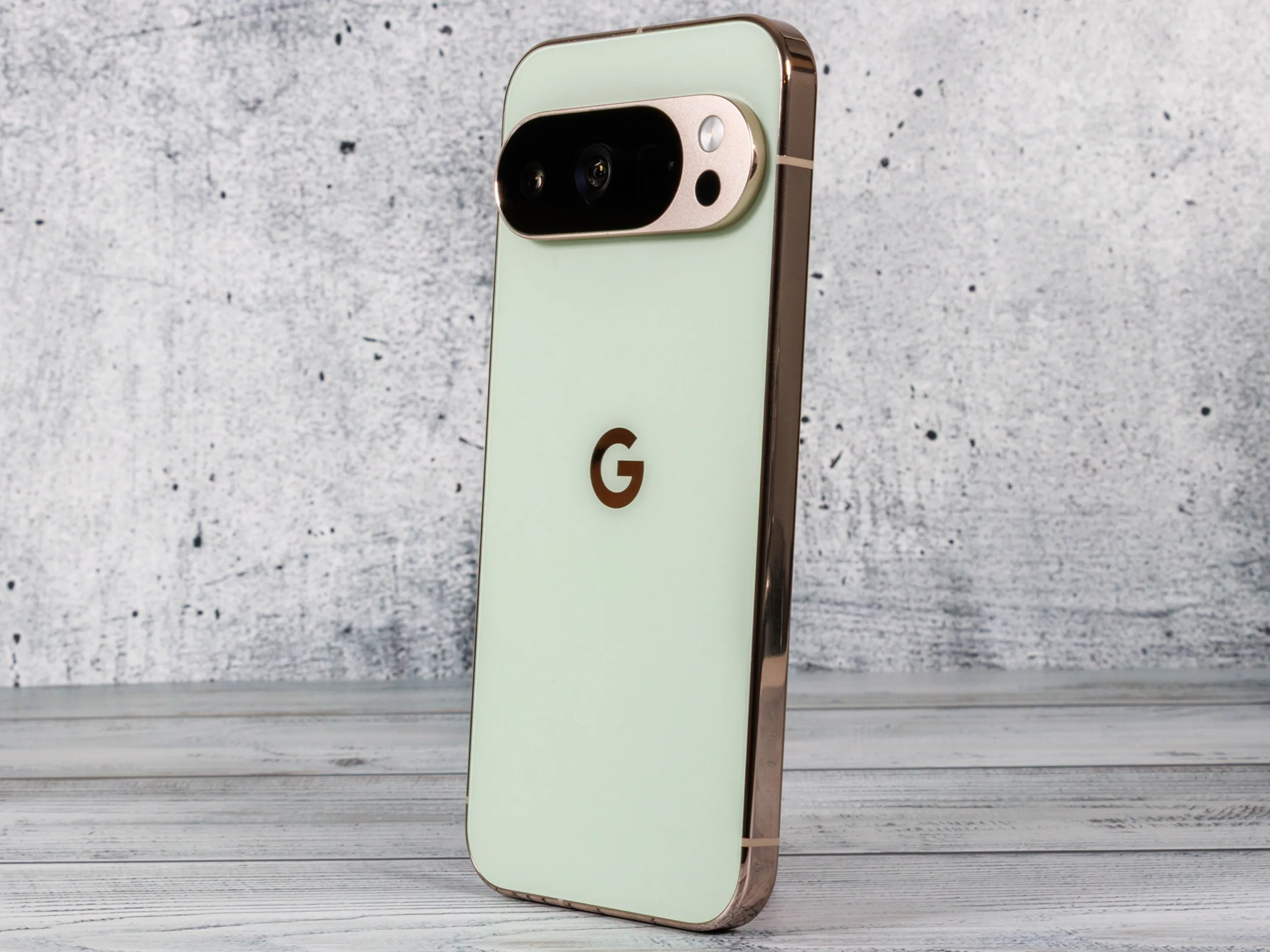
Since December 2, Google has been rolling out Android 16 QPR2, the biggest update to its operating system so far. It introduces several useful features for users of the Pixel 10 and older models, including extended dark mode support for apps that do not offer it, AI-powered summaries for long notifications, and customizable app icons. The update also brings back a feature that will make unlocking the phone even more seamless going forward.
Normally, you need to wake your phone’s display before unlocking it with the fingerprint sensor. With Google's screen-off fingerprint unlock feature, introduced in the Android 16 developer preview, Pixel users can skip that step and simply place their thumb on the screen to unlock the device – without turning it on first. The time saved may be small, but the added convenience is noticeable, especially for frequent users.
Much to the disappointment of many Pixel users, the feature was removed in later beta versions. However, the Android 16 QPR2 update, which is currently rolling out, is bringing it back. For now, screen-off unlock is supported on the Pixel 7 and newer models. Note that the feature is not enabled by default after the update – it has to be switched on manually. To do this, go to Settings > Privacy and security, select Device unlock, then tap Fingerprint to activate it.
Source(s)
 Add as a preferred source on Google


