Garmin releases new update for mid-range smartwatches with display improvement
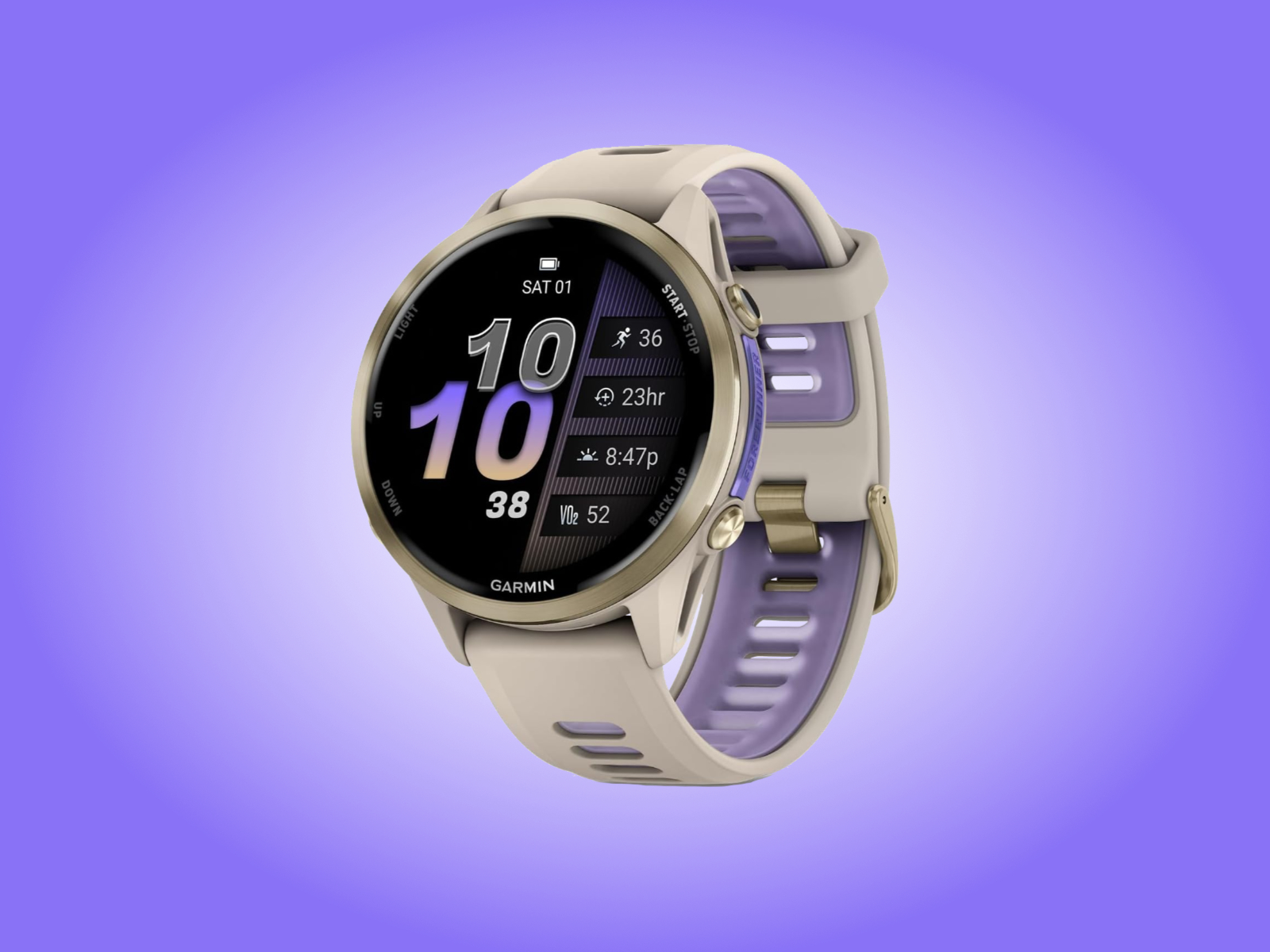
Less than a week has passed since Garmin released a new stable update to the Forerunner 570 or Forerunner 970 (curr. $749 on Amazon). As we discussed at the time, Software Version 17.38 promised to bring multiple security improvements to both smartwatches. Garmin remained elusive about what these improvements did for either smartwatch, though.
Now, the company has delivered a fresh stable update for the pair. On its forum, Garmin clarifies that one can download the update manually by navigating through the main menu to System and Software Update before selecting 'Check for Updates'.
From separate posts on Garmin's forums, it seems that the new update is being rolled out automatically as an over-the-air (OTA) download, too. Unfortunately, the new update does not represent recent v18.xx beta development. Instead, Software Version 17.39 persists with older v17.xx development.
This time, Garmin claims to have addressed a bug that could cause unexpected display behaviours, including inconsistent gesture responses. Incidentally, the company has already silently transitioned Software Version 17.38 to Software Version 17.39 for the Venu 4, Venu X1 and Vivoactive 6, too.
 Add as a preferred source on Google