




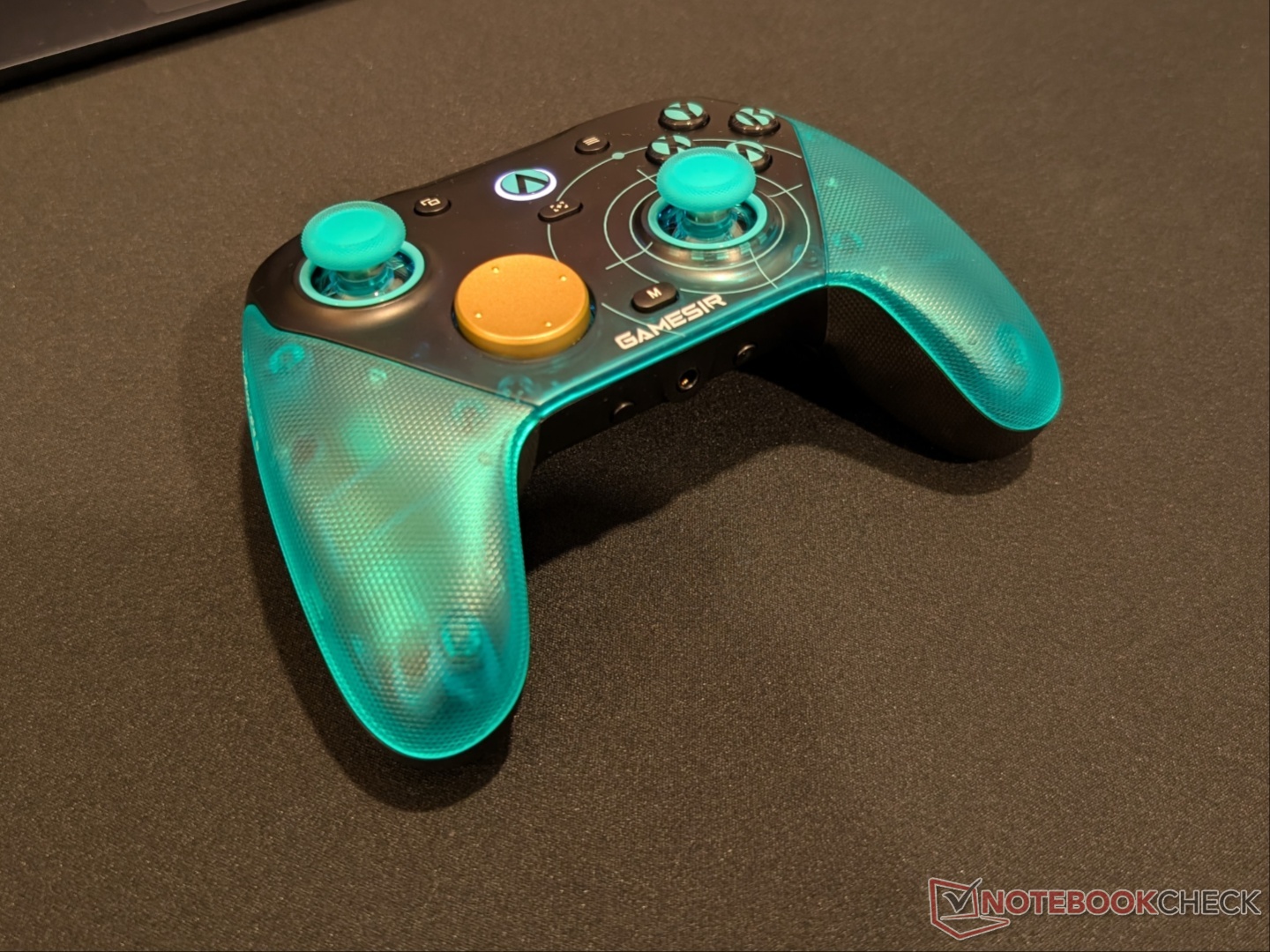
GameSir G7 Pro 8K Aimlabs Edition controller review: 8K polling on a budget
Top-tier performance.
The G7 Pro 8K Aimlabs Edition from GameSir offers great performance for a relatively budget-friendly price point. It is one of the very few 8K controllers and is the cheapest among them.Vineet Washington Published 🇪🇸 🇵🇹 ...
Verdict - Excellent performance for PC gamers
The G7 Pro 8K Aimlabs Edition is aimed at esports players, and it has the chops to back that level of performance. It is ergonomic with comfortable grips and easily accessible buttons. Swappable thumbstick caps and D-pads allow for customizing the controller to your specific grip style. Polling rate and input latency are excellent, and so are the dual-trigger capabilities. GameSir Connect works great and has a user-friendly interface. The included charging dock makes sure the controller stays charged when not in use.
The only drawback is no support for consoles, so the $90 price point may feel a bit steep to some, especially considering the cheaper non-8K G7 Pro works with PC and Xbox. That said, PC players will be fully satisfied with the performance.
Pros
Cons
Price and availability
The GameSir G7 Pro 8K PC Aimlabs Edition is priced at $90 and is available via the official store as well as Amazon. Compared to the standard GameSir G7 Pro from last year, the Aimlabs Edition is $10 costlier.

Specifications
| Joystick | GameSir Mag-Res TMR Sticks Gen-2 |
| Triggers | Hall Effect analog triggers with Micro Switch trigger stops |
| Connectivity | 2.4 GHz + wired |
| Compatibility | PC, mobile (Bluetooth) |
| Battery capacity | 1,200 mAh |
| Extra buttons | 2 back + 2 mini bumpers |
| Customisation | 3 swappable stick caps + 2 extra D-pads + 3-piece magnetic faceplate |
| Customisation software | GameSir Connect |
| Audio jack | Yes |
| Weight | 392 g |
Unboxing and accessories
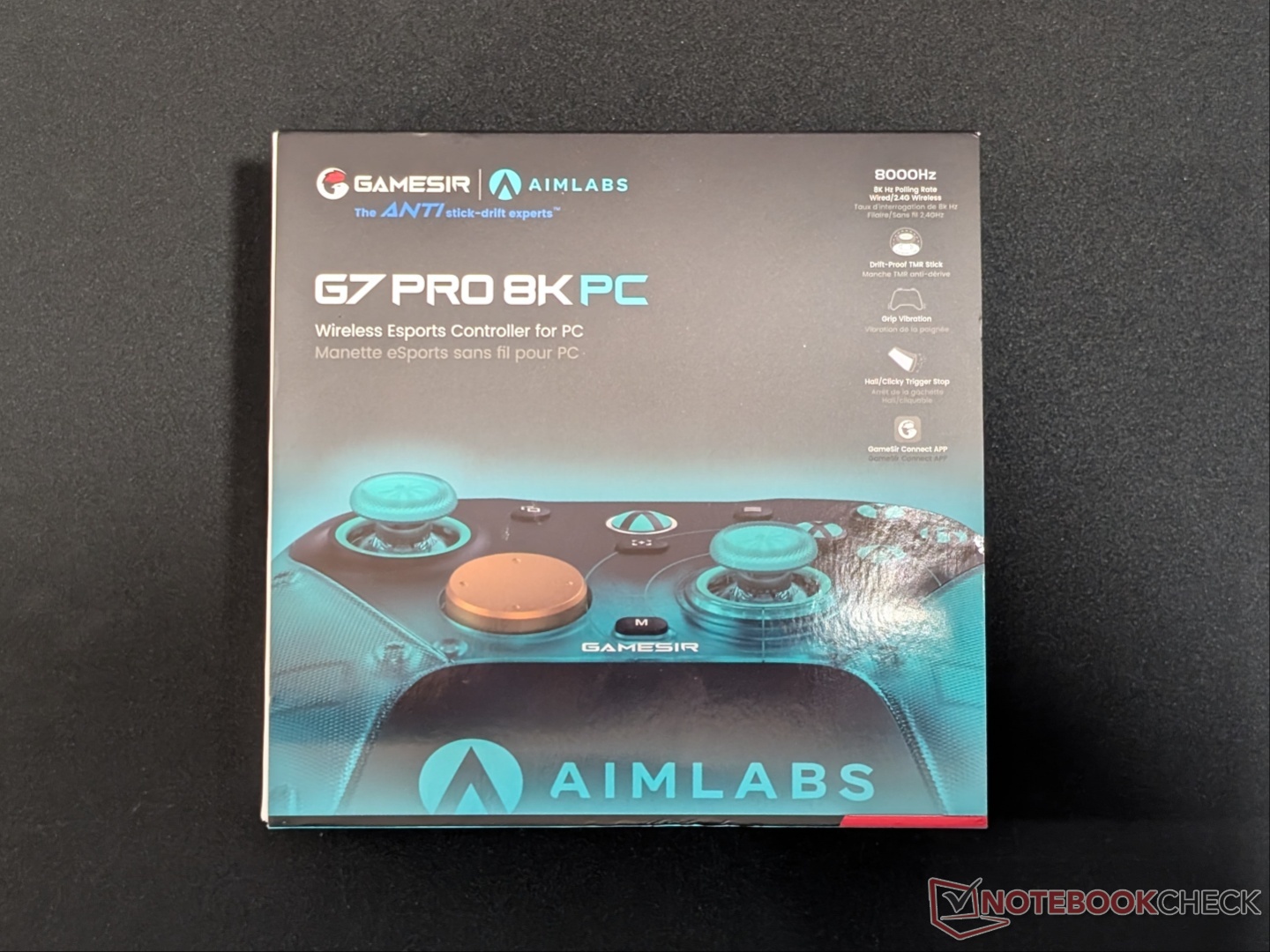
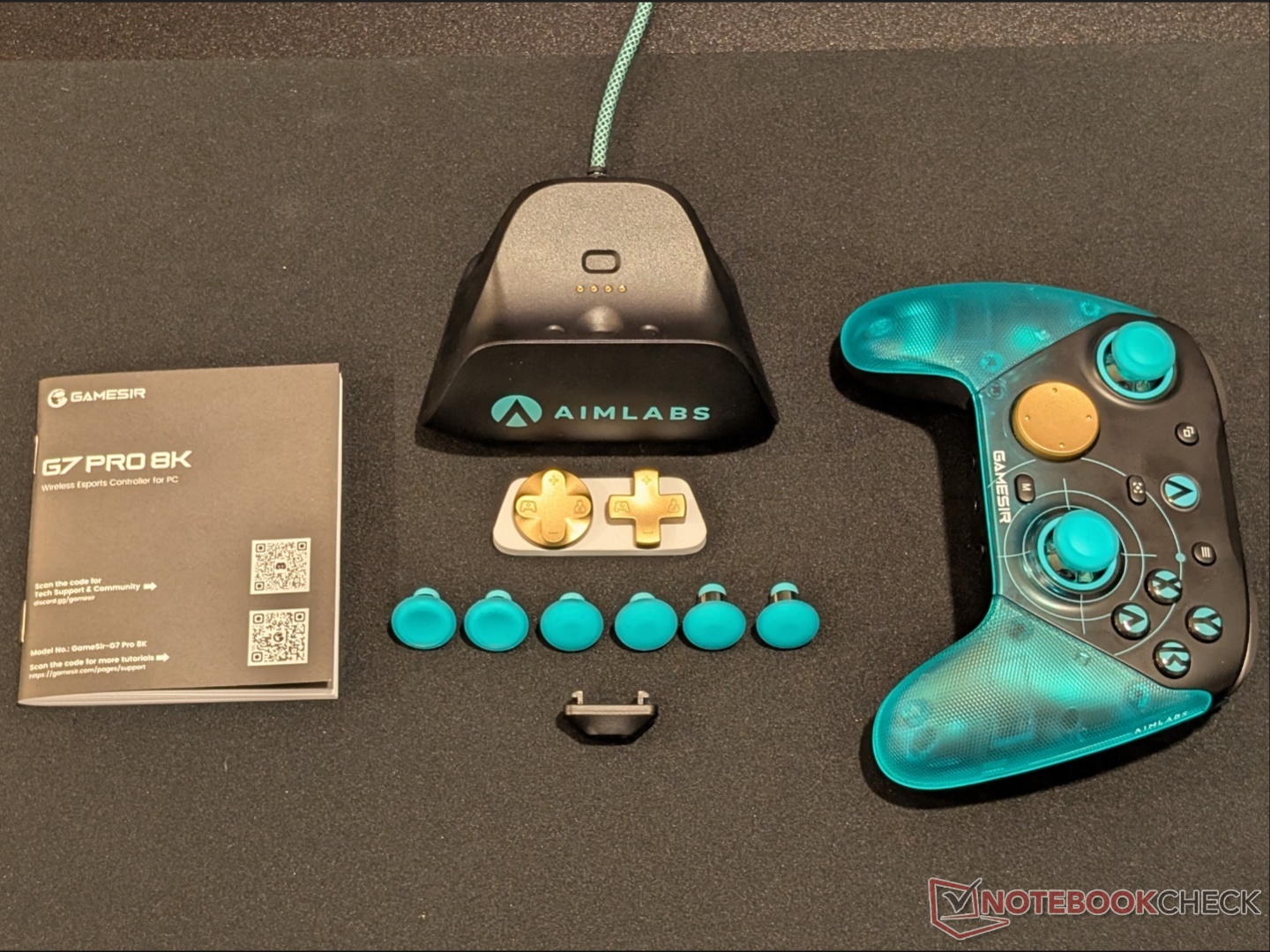
The G7 Pro 8K, like the G7 Pro, comes with a USB-A to USB-C cable, a charging dock with a hidden dongle compartment, and extra D-pads. In addition, it comes with three sets of stick caps with different ergonomics. There is also an attachment that prevents the USB cable from detaching.
Design and features
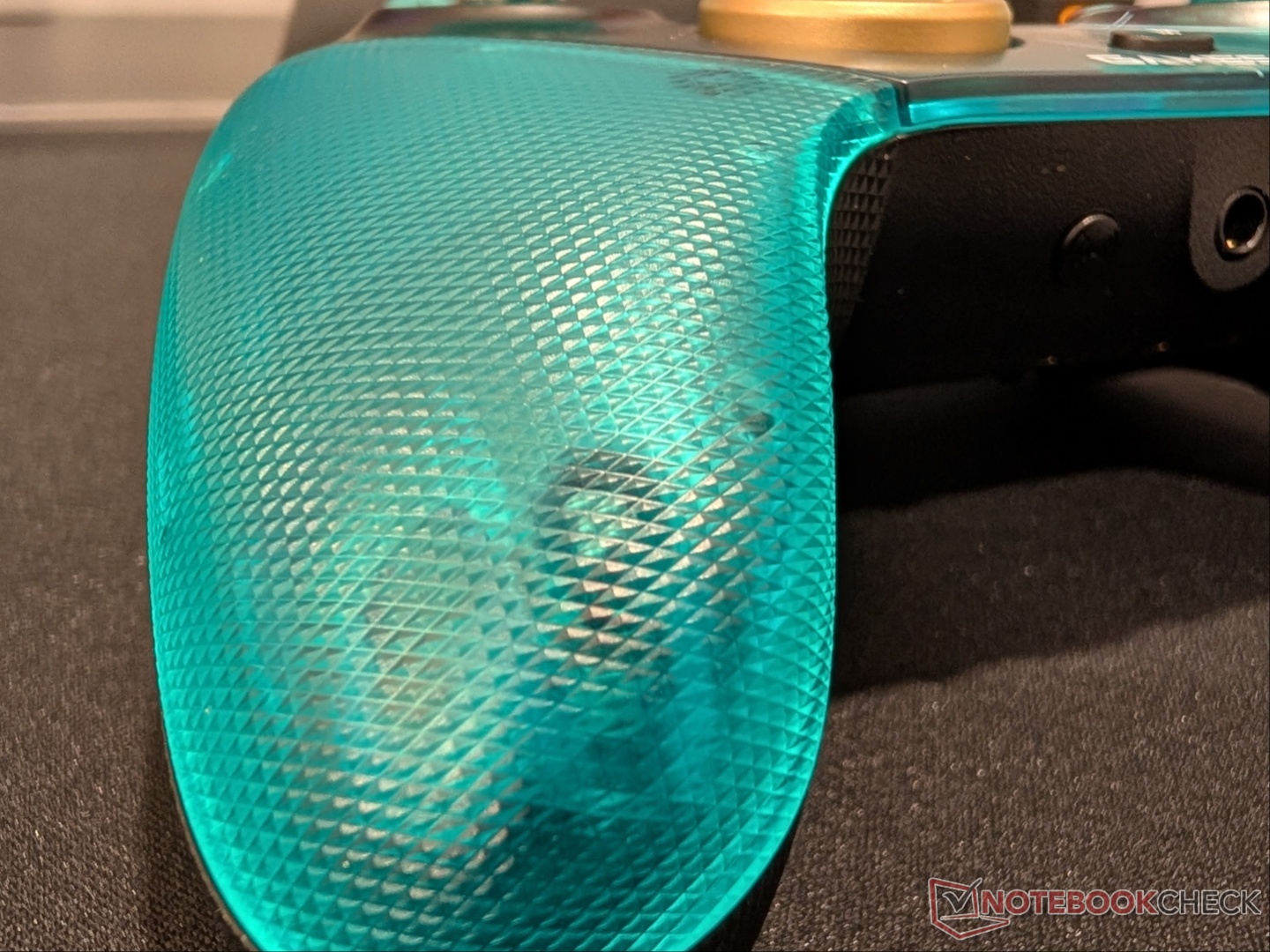
Since this variant of the G7 Pro is in collaboration with Aimlabs, it follows the teal and black color scheme, with the golden D-pads adding a nice accent. The grips are textured with a rubberised back, and the two remappable back buttons are perfectly located where the middle fingers rest. GameSir is no stranger to controllers, so ergonomics are on point. That said, some (including me) would prefer two more back buttons rather than the mini-bumpers.
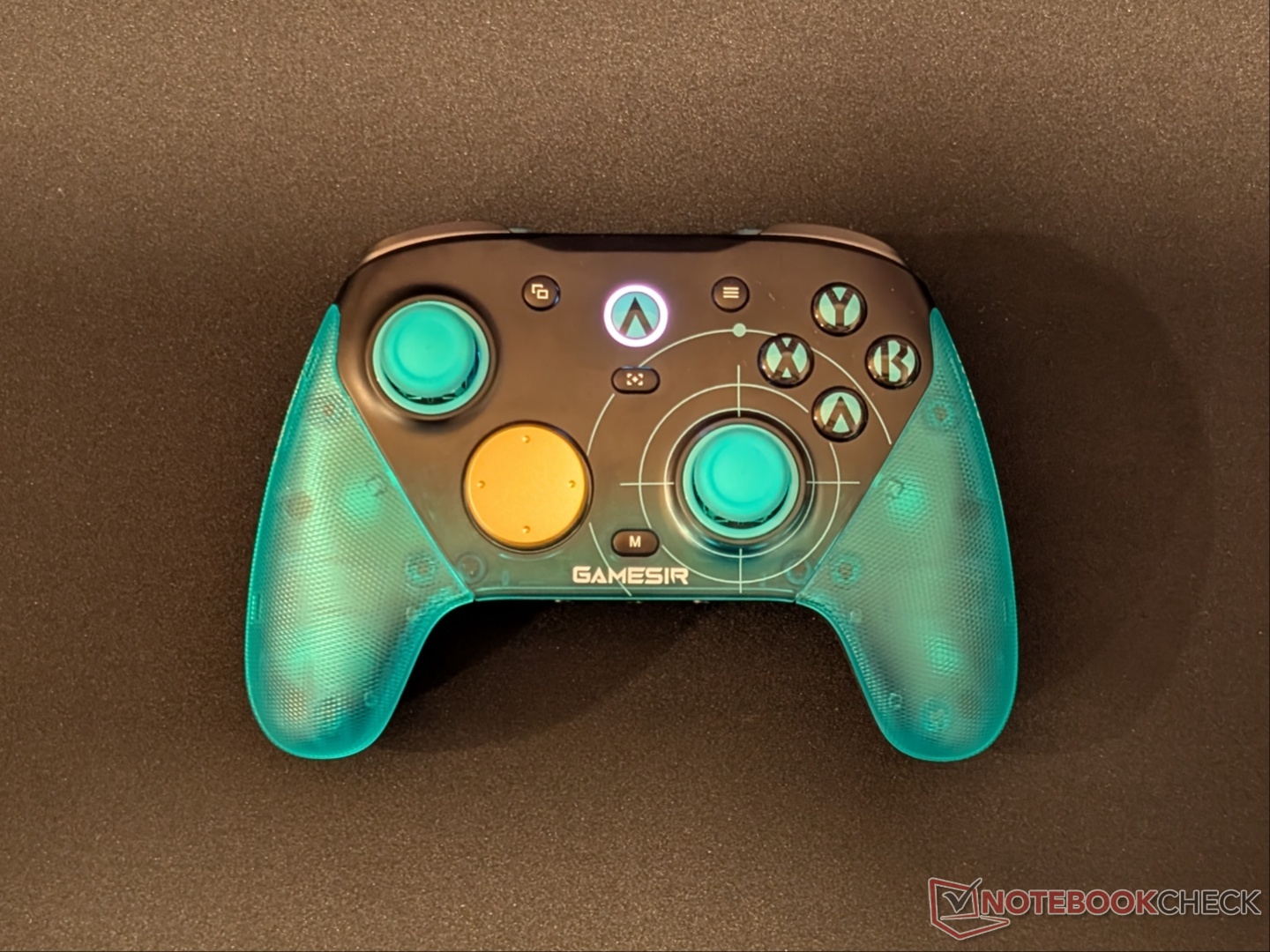
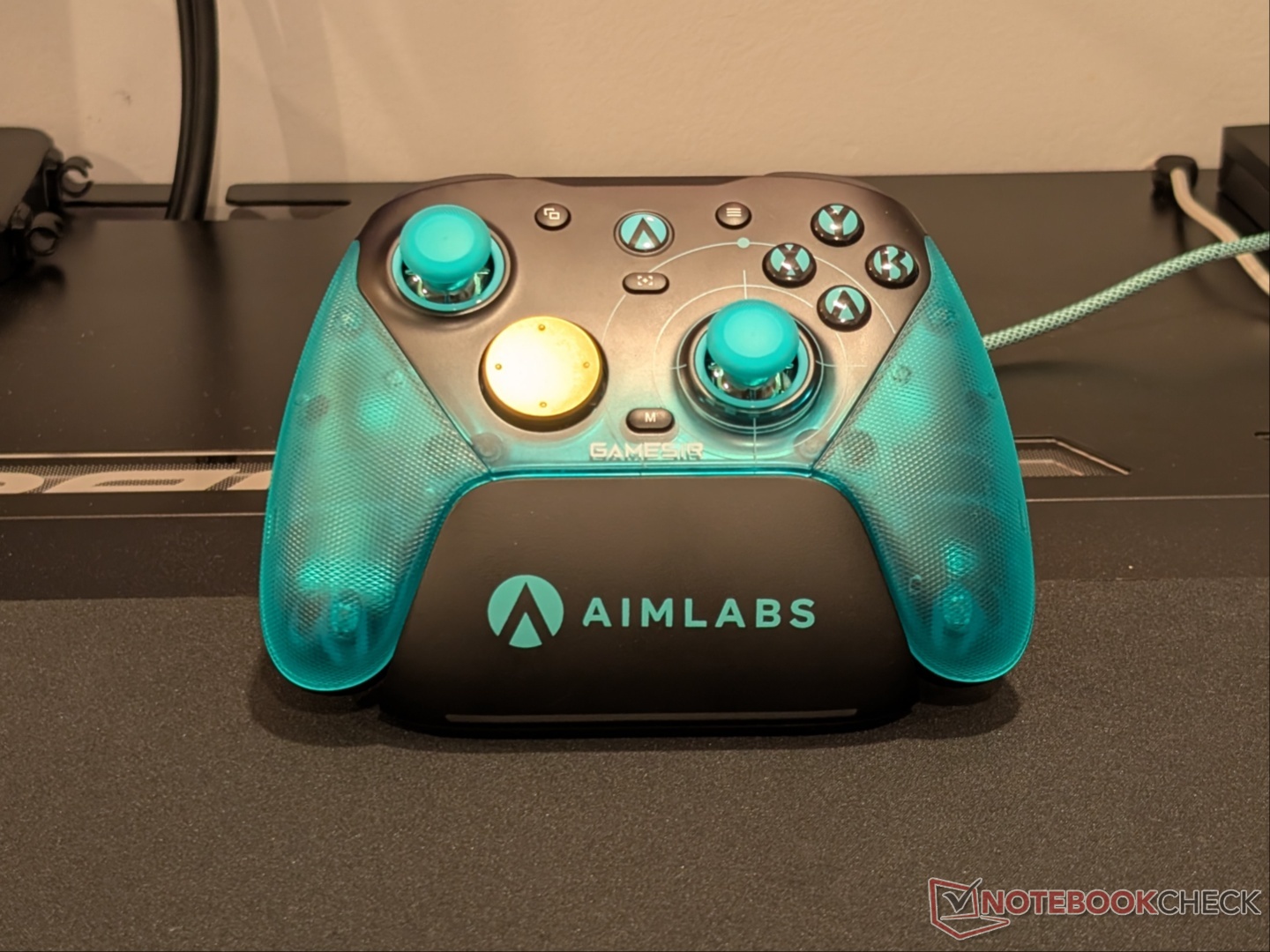
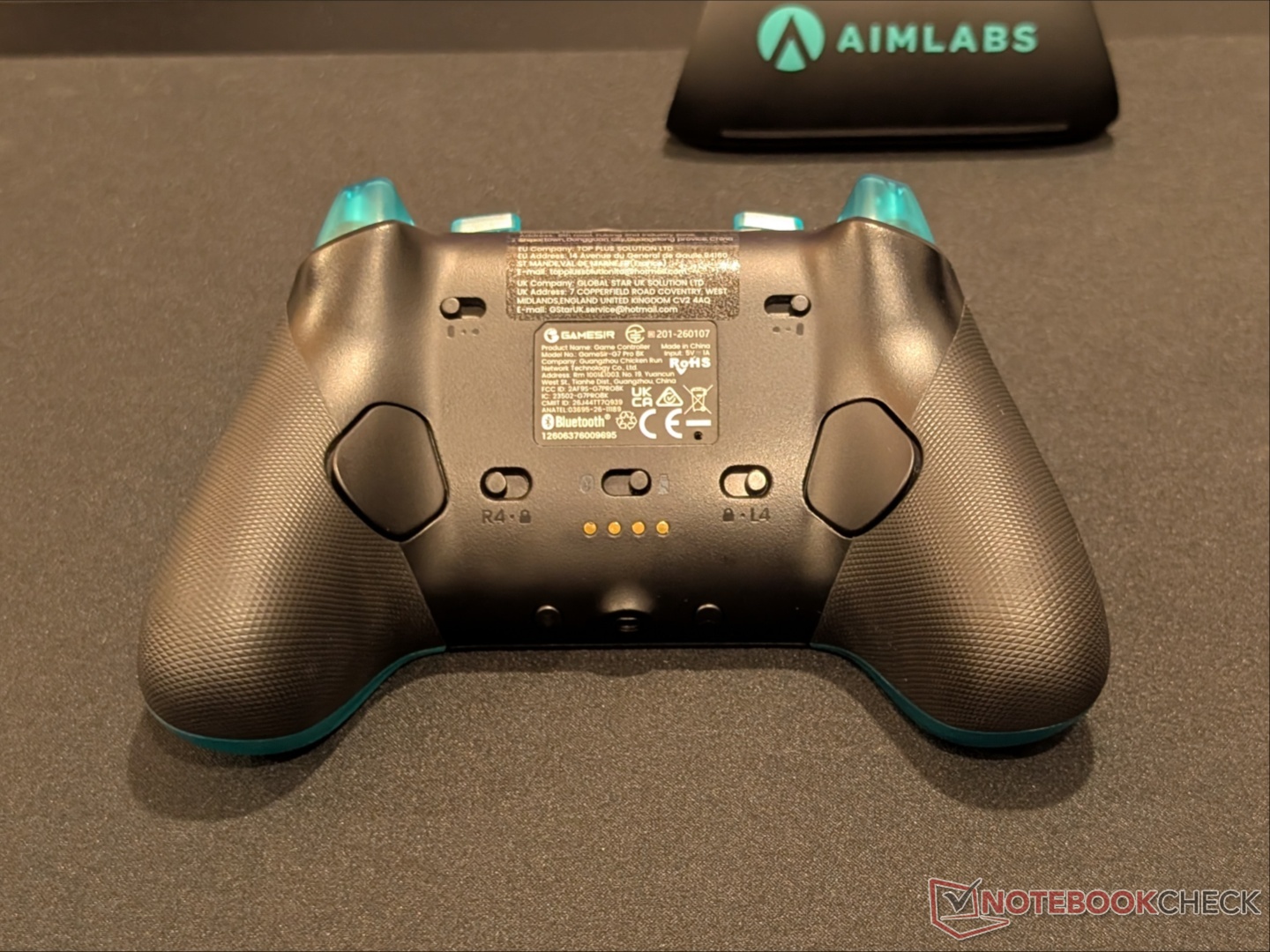
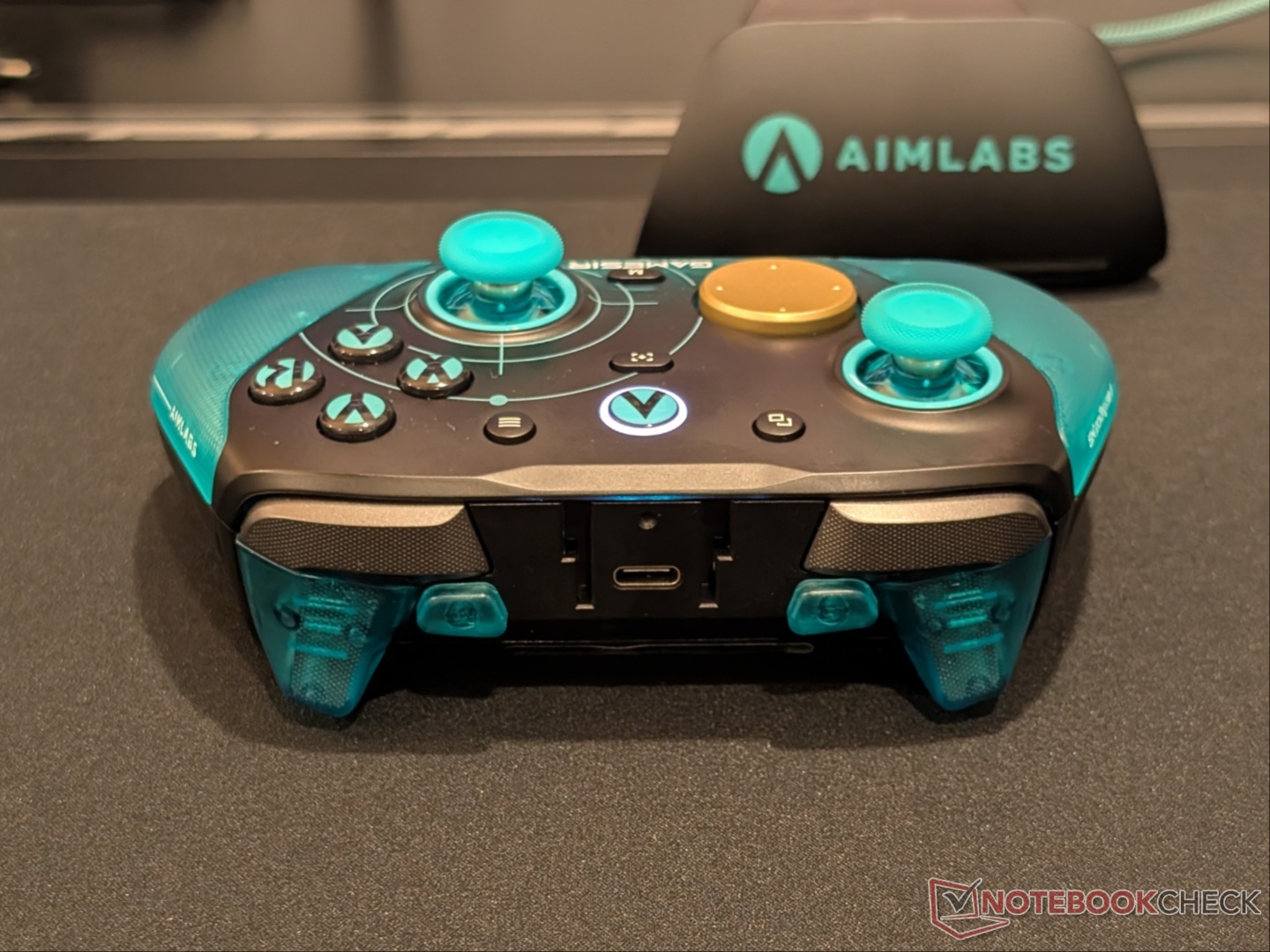
On the back, there are several toggles that allow for adjustments to the triggers, back buttons, and connectivity modes. The dual-mode triggers can be switched to actuate much sooner, resulting in a faster input that feels like a mouse click. The back buttons can be disabled, meaning they will not press at all. At the bottom is a 3.5mm headphone jack flanked by a pairing button and a mic mute button. The top is where the USB-C port and two extra bumpers are located, and there’s an attachment that you can slot in to secure the cable in place.
The faceplate of the G7 Pro is a three-piece magnetic swappable cover, and GameSir has quite a few color options listed on the website; however, they are all one-piece faceplates, so you can't have the grips be a different color. They are easy to pull out, and so are the sticks, as well as the D-pad. First time pulling the sticks requires some force, but subsequent swaps are easier. Taking the faceplate off reveals the see-through shell, and while you can use the controller that way if you so prefer, the base of the sticks is exposed to dust and debris.
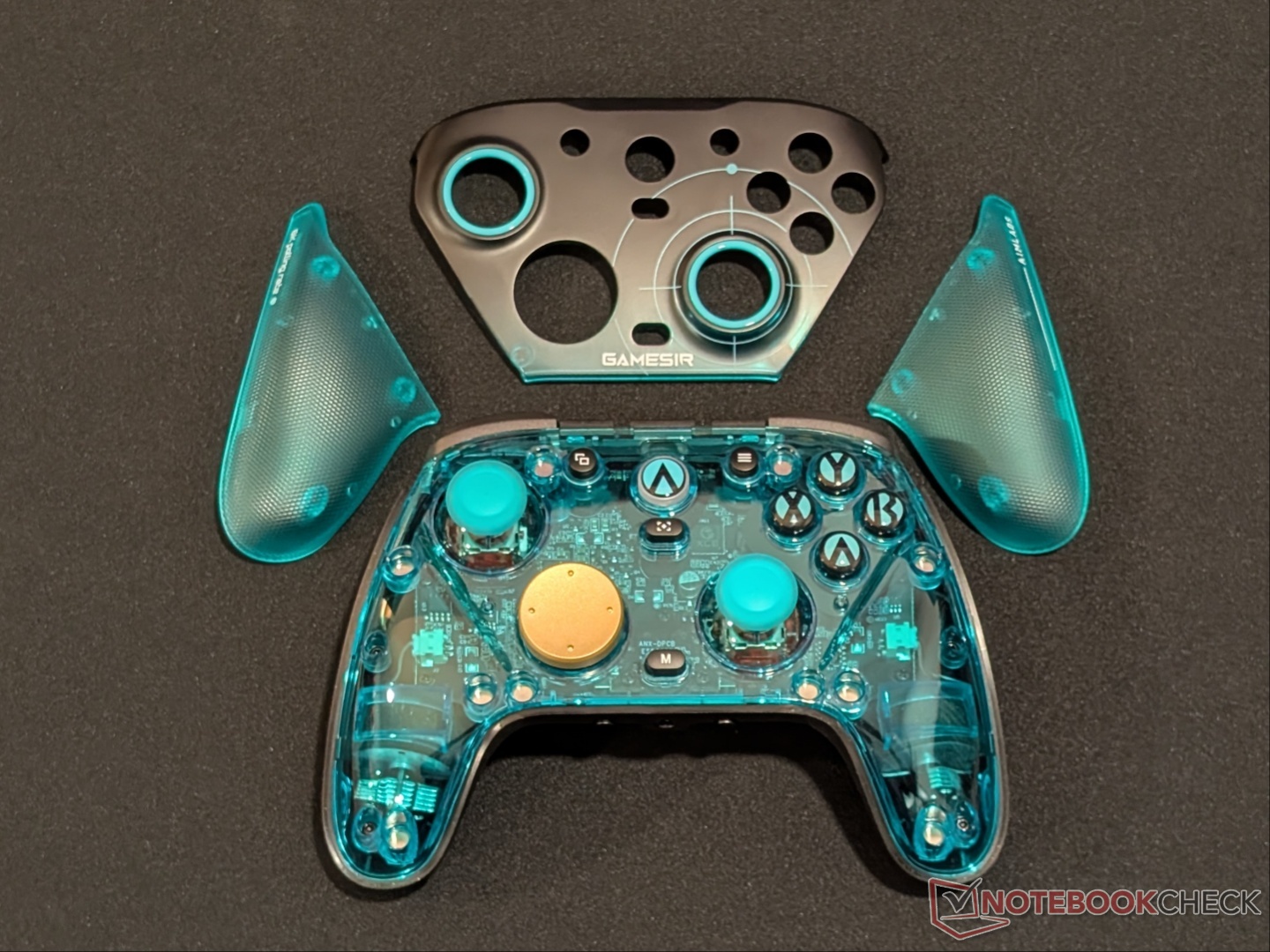
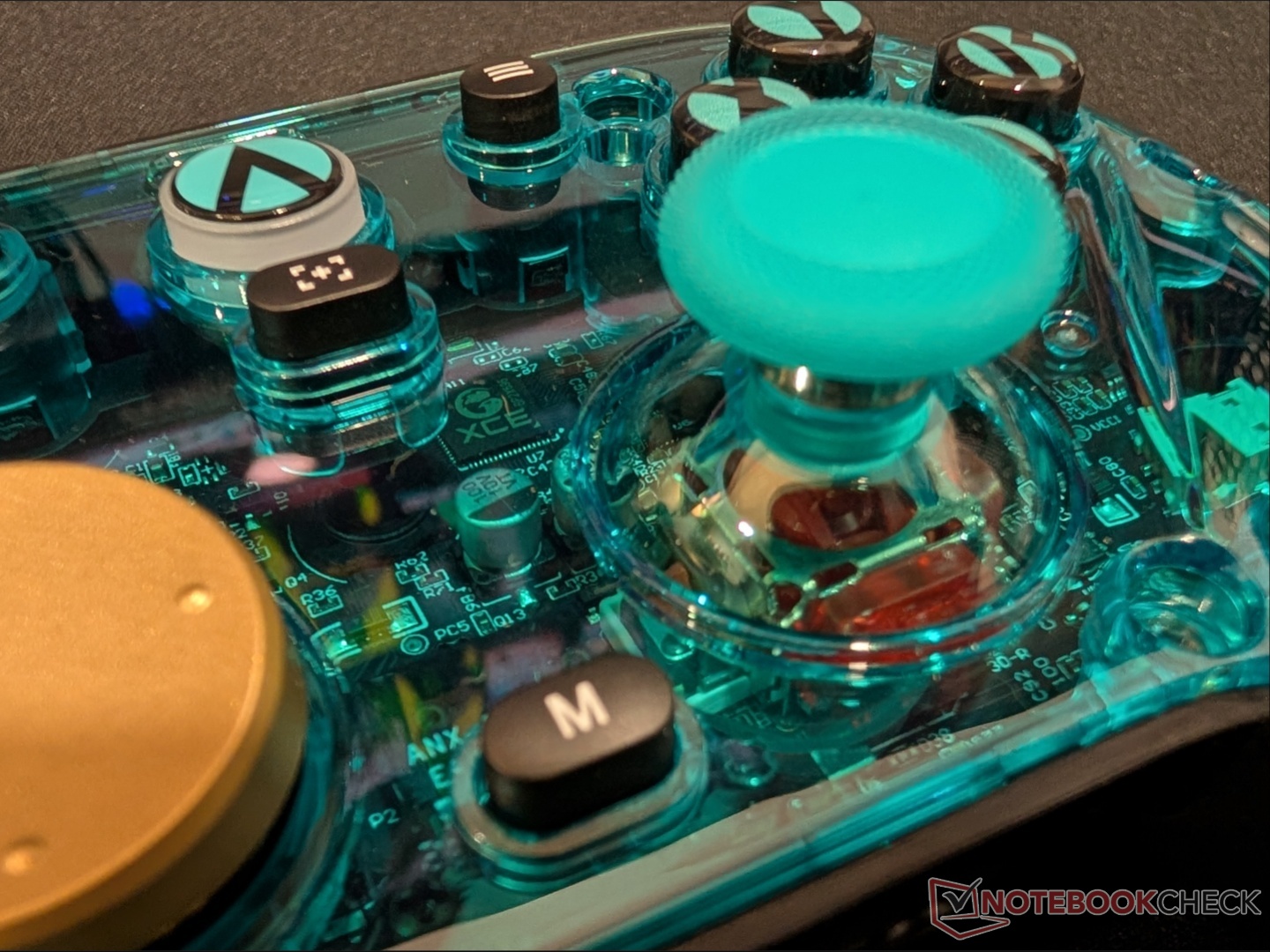
GameSir is using Mag-Res TMR sticks for what it calls ‘more linear control.’ Magnetic sticks have proven to be more reliable and durable than traditional potentiometer-based sticks, so it’s a given that a professional gaming-focused PC controller would have them. What it improves on compared to the regular G7 Pro is the 8K (8,000 Hz) polling rate in both wired and wireless modes. You also get a six-axis gyroscope for motion controls, dual asymmetric rumble motors, Turbo function, and a 1,200 mAh battery.
Performance, software, and battery life
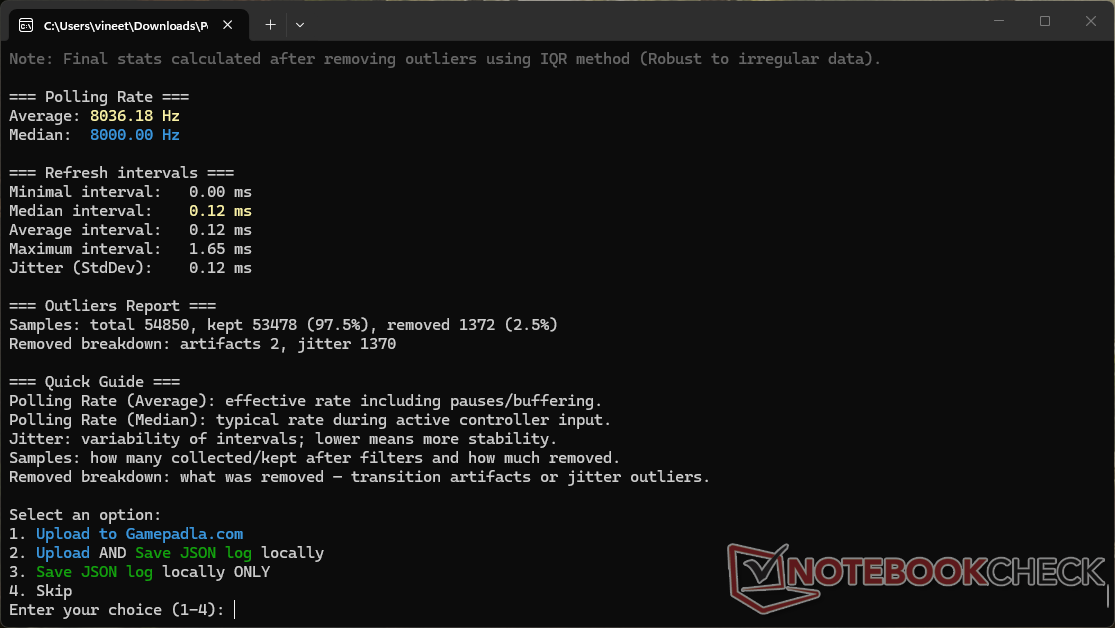
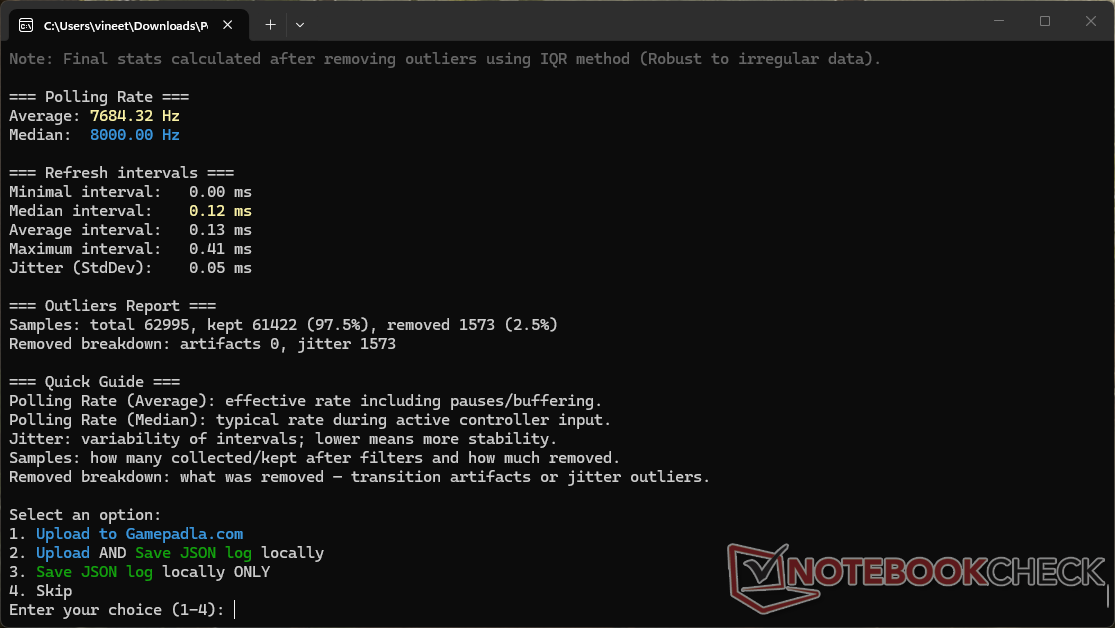
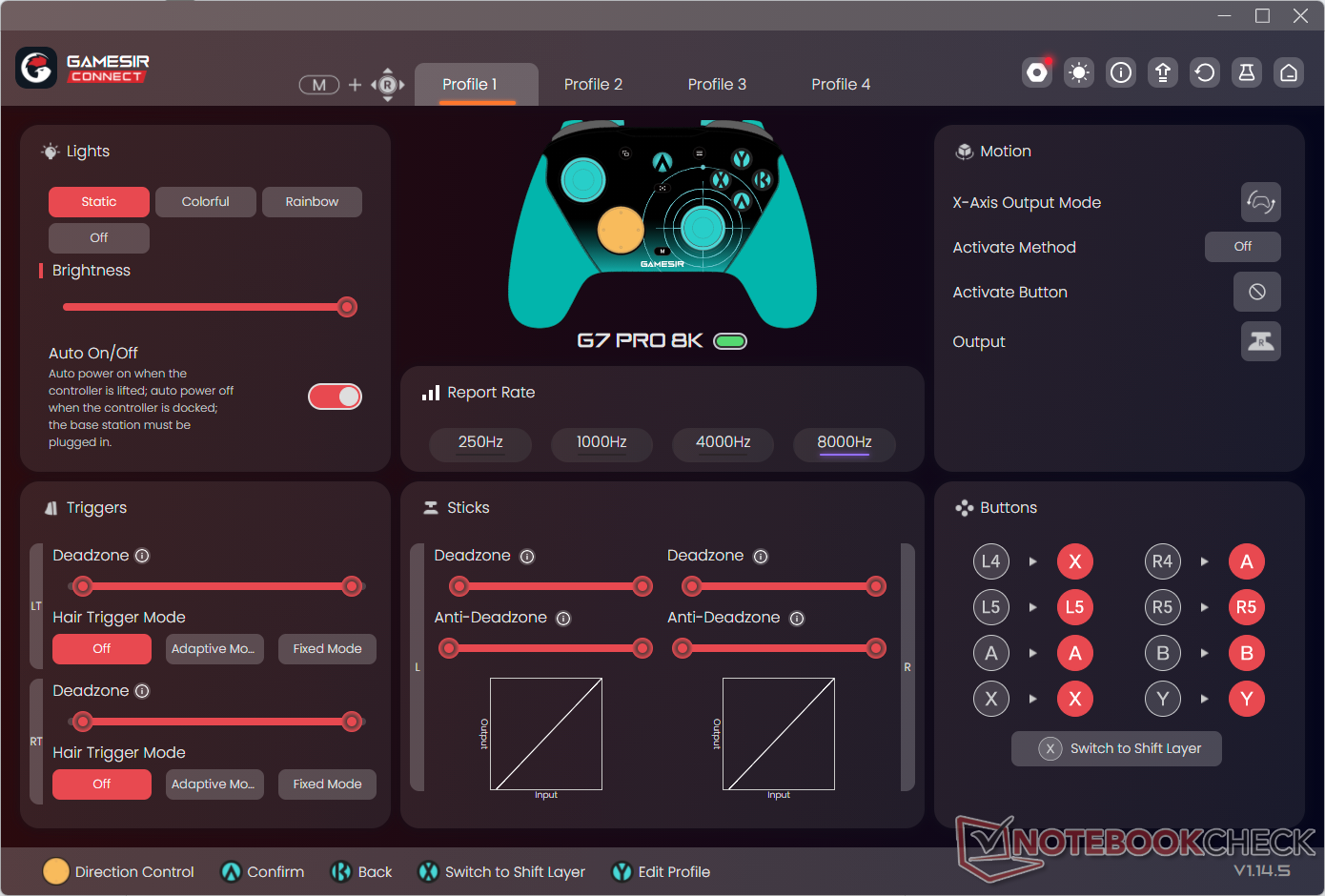
By default, the G7 Pro 8K is set to 1,000 Hz polling, and for testing, we switched it to 8K through GameSir Connect. Running the Gamepadla polling rate tester verified that the controller actually polls at 8K, both in wired and wireless mode. Latency numbers are also excellent, with an average of 3.5ms in 2.4 GHz and 1.1ms in wired mode.
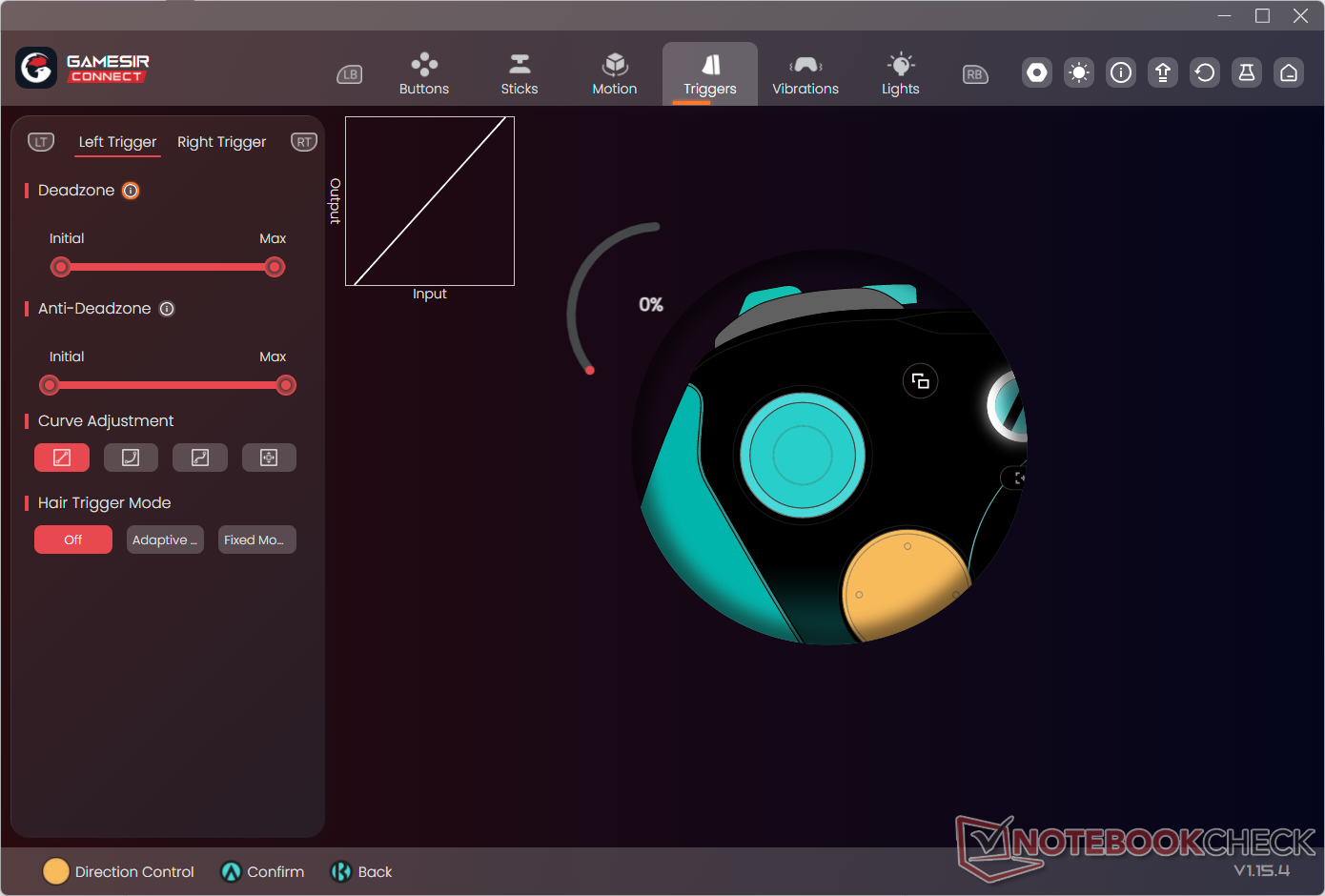
The dual-mode triggers allow for faster inputs when needed; for example, in games like Horizon: Forbidden West where bows and arrows are the primary weapon, the left trigger can be left at analog input while the right trigger can be switched to microswitch input. For shooters, both can be switched to microswitch mode, while racing games work better with analog inputs.
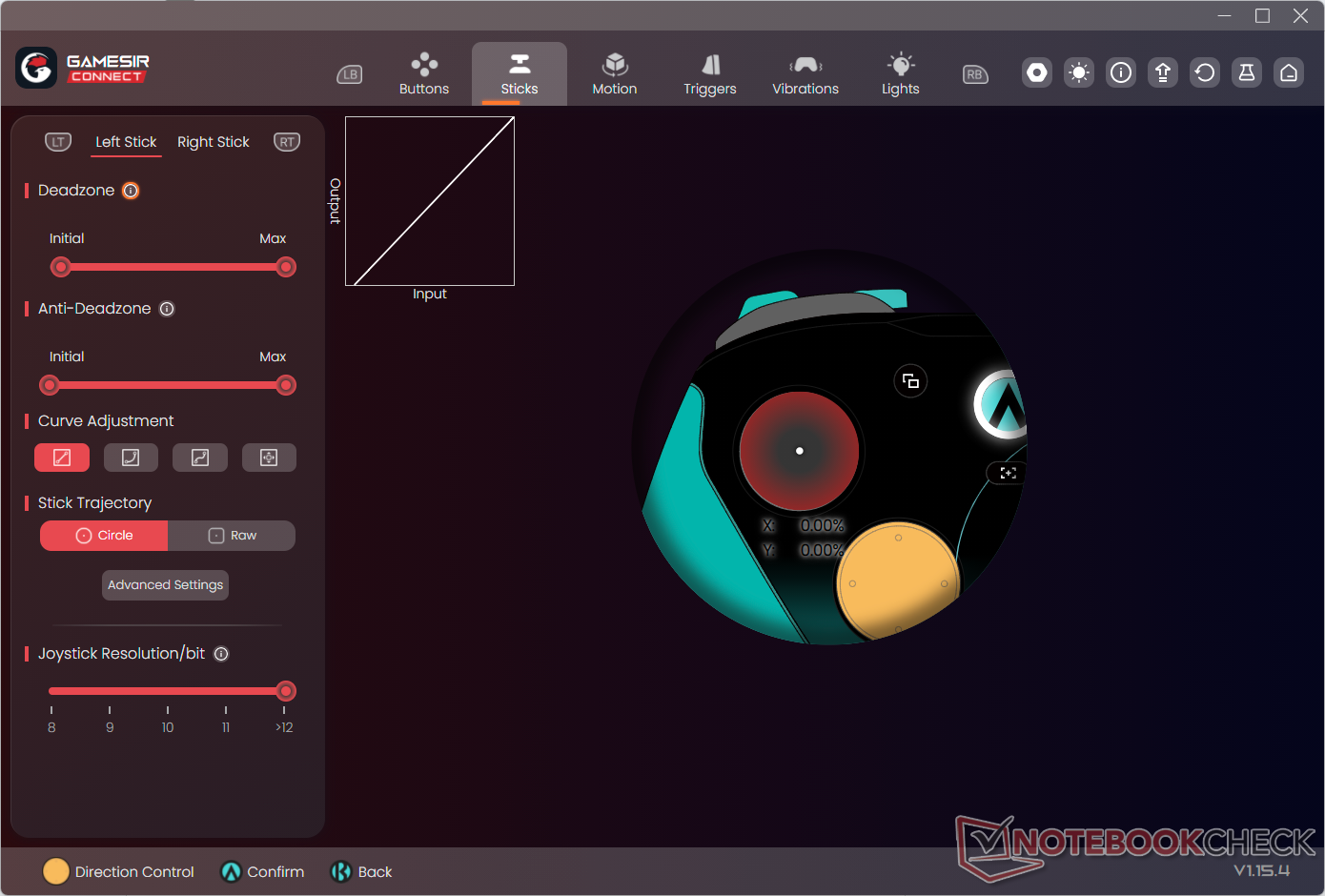
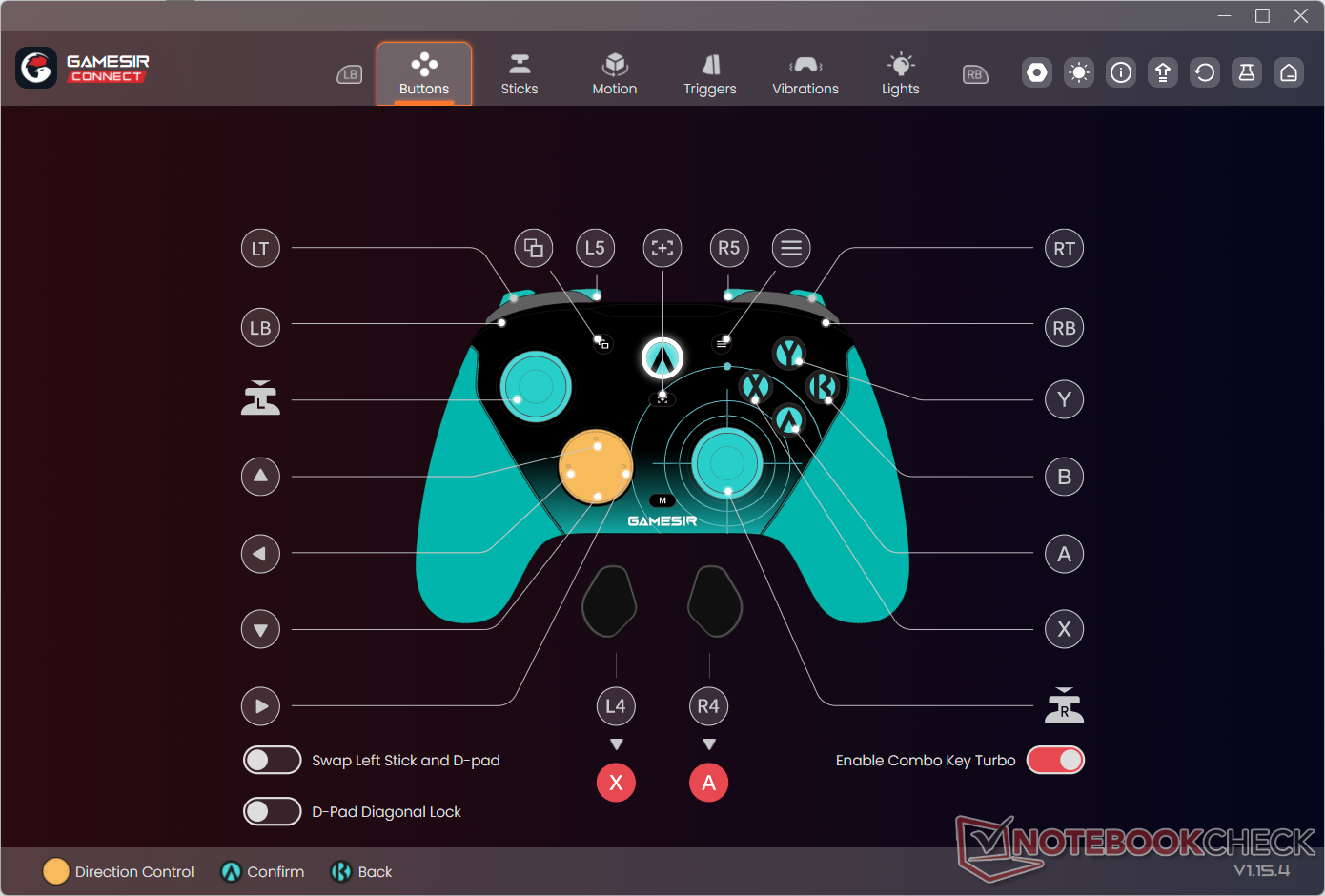
The GameSir Connect PC app is where all the customization is handled, including deadzone adjustment, button remapping, vibration adjustment, and RGB settings. Speaking of which, the controller has a small RGB ring around the Home button that can be customized. Four profiles can be saved and switched on-the-fly using the M button + right stick combination. The app itself is well laid out and easy to use.
Battery life is a non-issue as it easily lasts through long gaming sessions and starts recharging when placed on the dock. So every time you pick up the controller, it has a full battery. Placing it on the dock is not always seamless, so make sure the charging indicator comes on, ensuring proper contact of the pogo pins.
Transparency
The selection of devices to be reviewed is made by our editorial team. The test sample was given to the author by the manufacturer free of charge for the purposes of review. There was no third-party influence on this review, nor did the manufacturer receive a copy of this review before publication. There was no obligation to publish this review. As an independent media company, Notebookcheck is not subjected to the authority of manufacturers, retailers or publishers.
 Add as a preferred source on Google


