




Gulikit releases a mobile app for its controllers
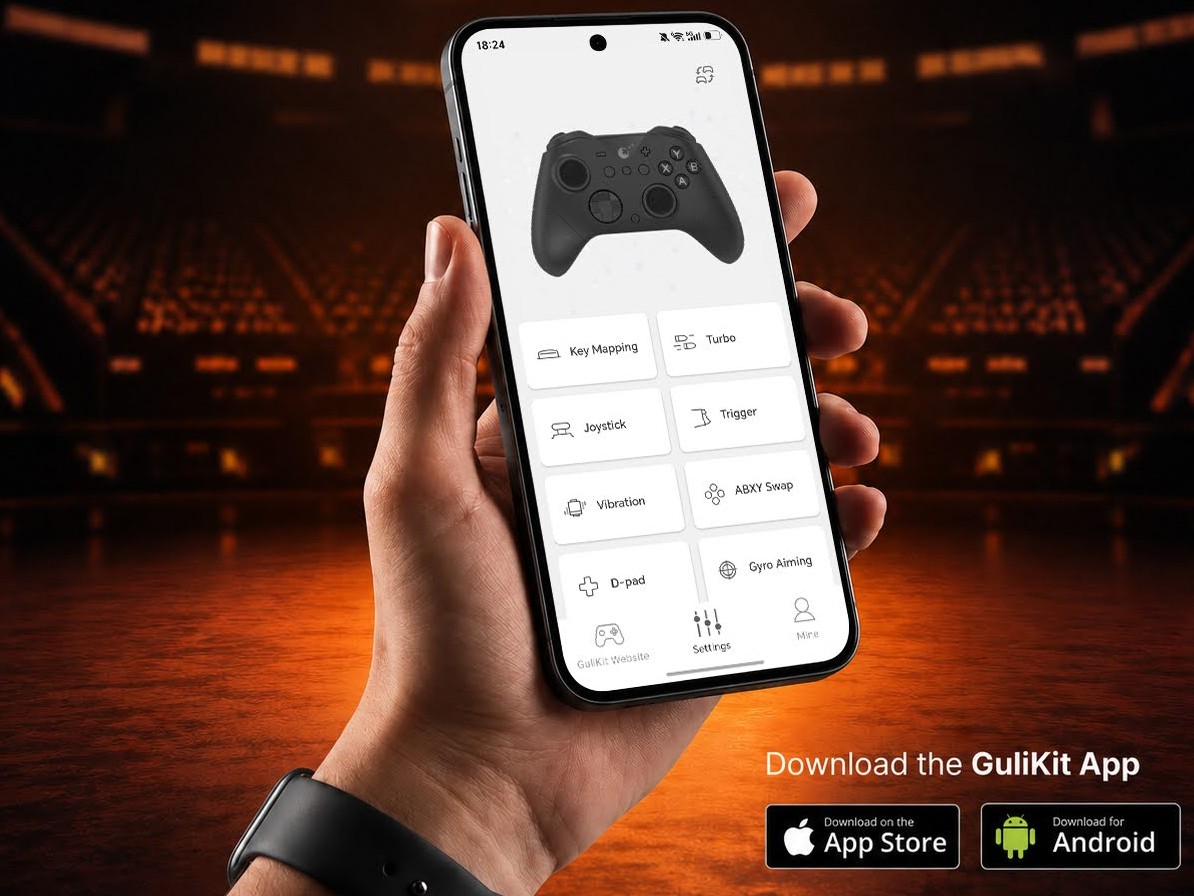
Manufacturers such as 8BitDo and GameSir have a mobile app for their game controllers that give users access to customization features right on their smartphones. Now, Gulikit has followed suit with the launch of its own mobile app for its controllers.
Simply called the GuliKit App, and available on smartphones running iOS or Android only, owners of compatible controllers can now customize them to their liking. According to GuliKit, the supported controllers are the GuliKit ES, GuliKit ES Pro, GuliKit ES Max, GuliKit TT Pro, and GuliKit TT Max. It is not stated if other models such as the Elves 2 Pro will eventually gain support for the new app in the future.
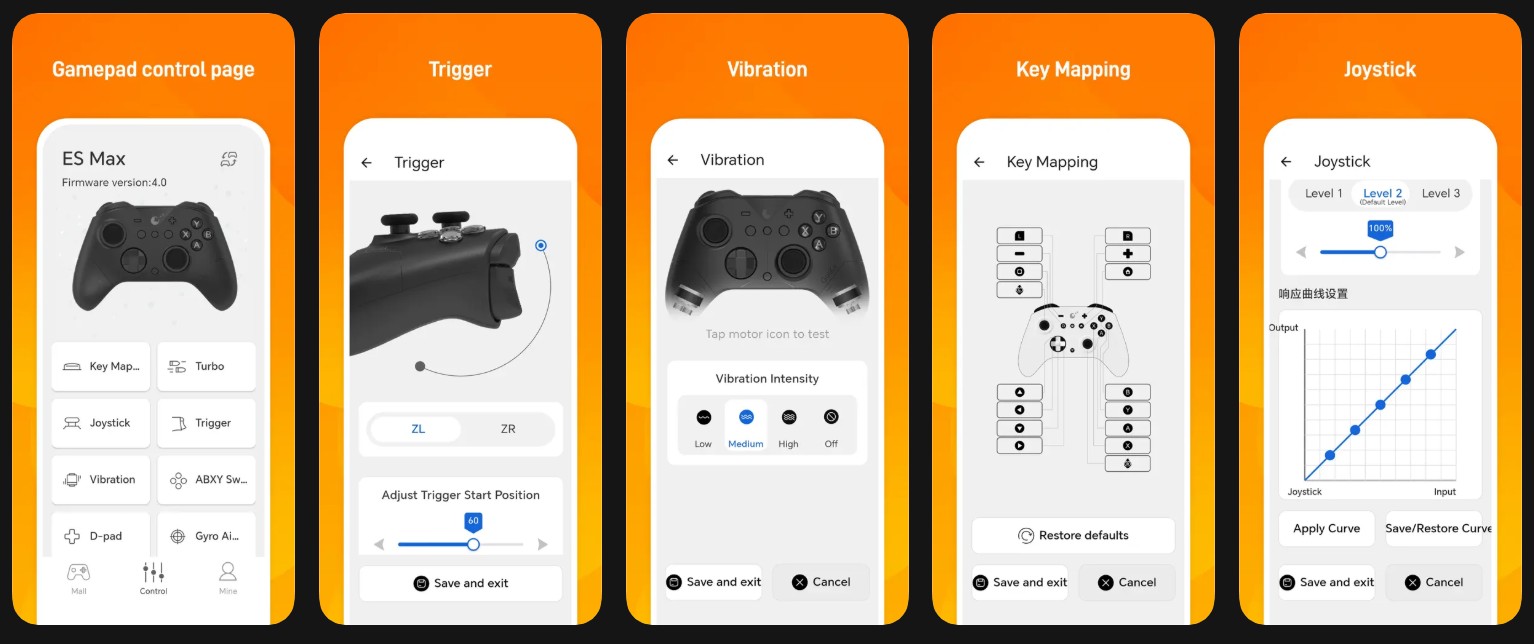
To use the aforementioned supported controllers with the app, owners will have to download the latest firmware update first. For the GuliKit ES series, the latest firmware is version 4.2 while that of the GuliKit TT controllers requires updating to version 7.5. To update the firmware, you will need a computer to download and copy the update file to the controller.
The GuliKit app allows users to remap buttons and configure turbo settings and joystick curves. They will also be able to adjust the RGB lights and vibration intensity, access user manuals, and even install the latest firmware updates. GuliKit also says that users will be able to connect and customize their controllers even while the controller is in use.
The app is available to download from the App Store for iOS users while Android users will have to download the APK from GuliKit's website. For iOS users, you have to be running iOS 13 or later, while Android devices have no device requirements. When connecting your controller for the first time, it is required that you Grant it permission to access nearby devices.
Source(s)
 Add as a preferred source on Google


