




Desktop mode turns this mid-range smartphone into a mini PC
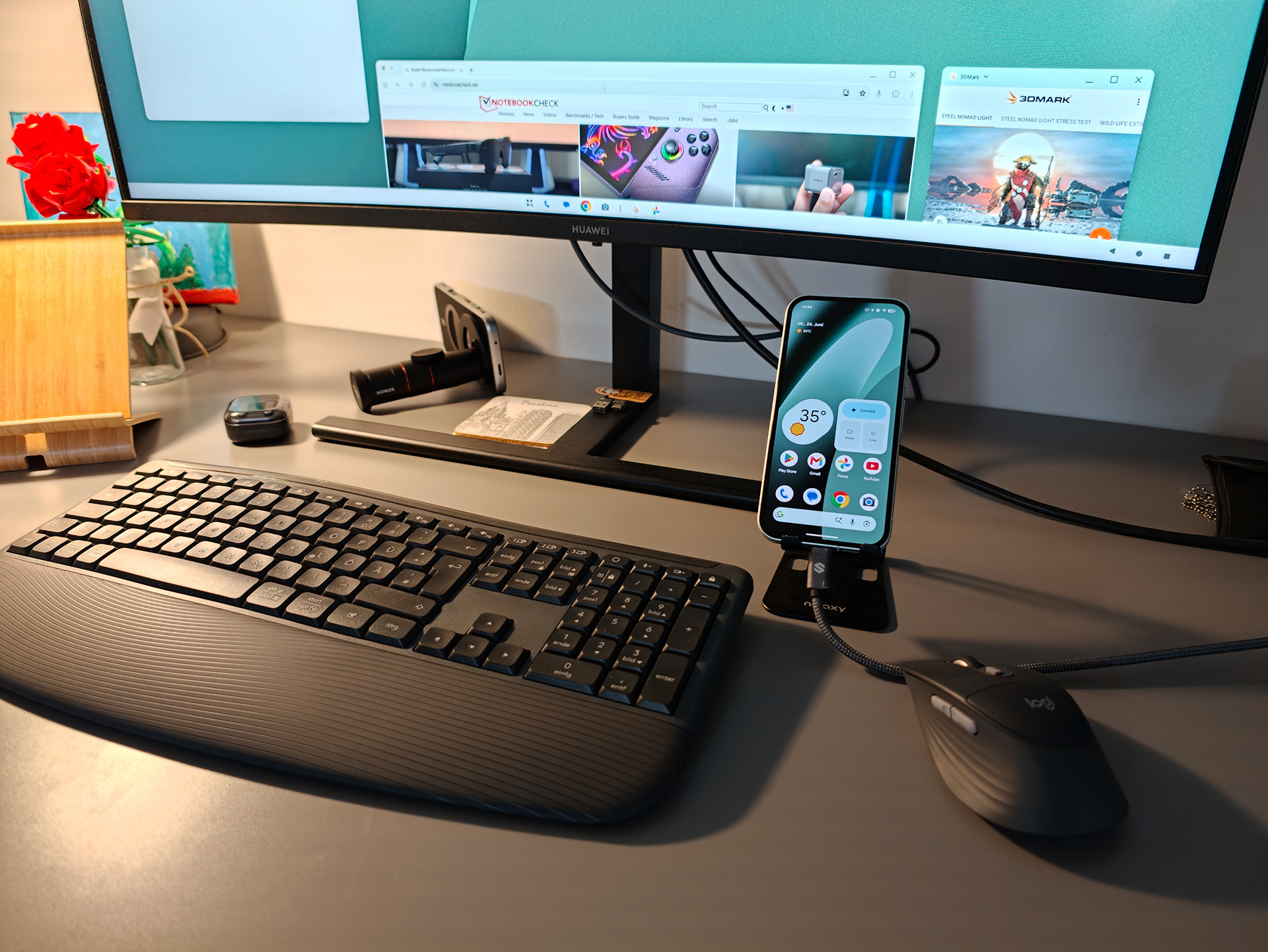
The Google Pixel 10a expands the traditional smartphone experience with a feature you’d hardly expect in this price range: a full-fledged desktop mode. Via USB 3.2, the device can not only connect quickly to accessories but also plug directly into external monitors. Combined with a keyboard and mouse, the smartphone transforms into a compact workstation—in our test, this worked seamlessly via Bluetooth with the Logitech Signature Comfort Plus Combo MK880 (buy here on Amazon).
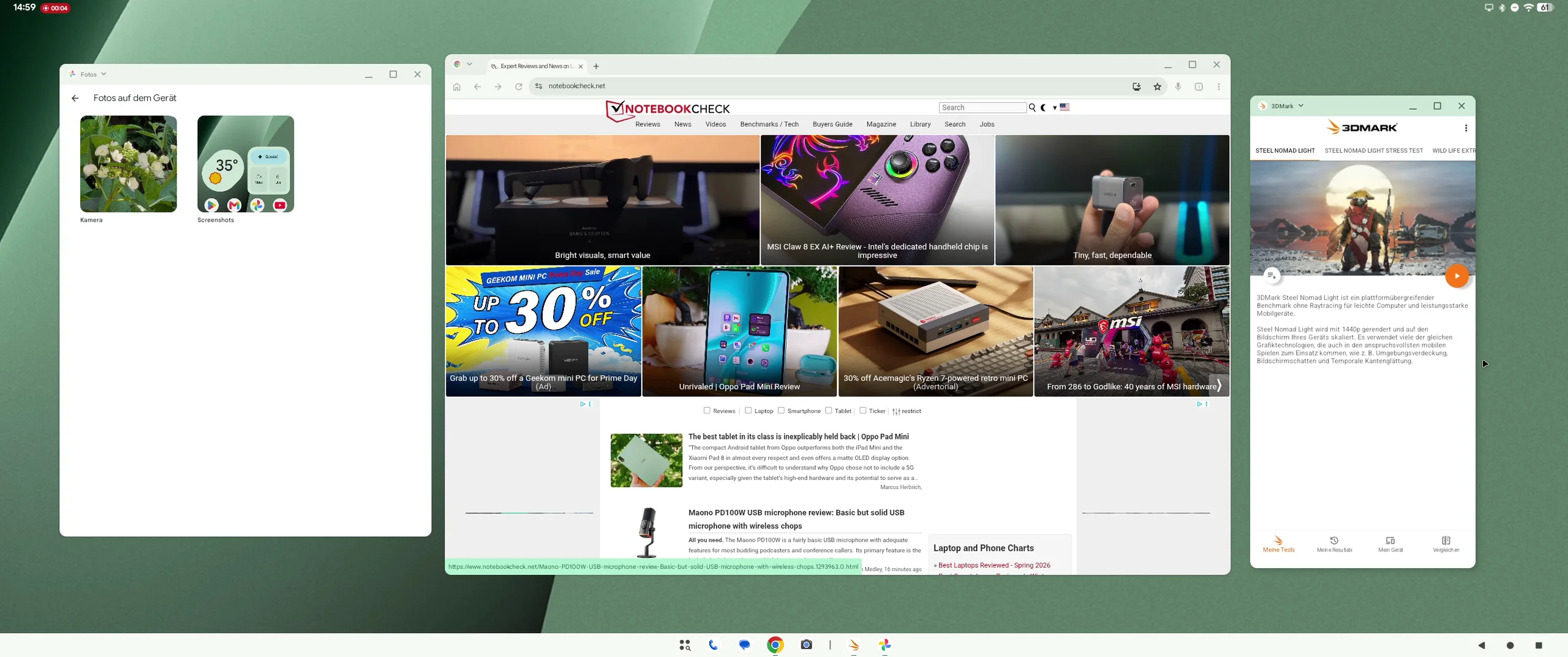
The desktop mode itself is clearly modeled after traditional operating systems. Multiple windows can be opened, moved, and resized simultaneously. This allows you to edit documents, sort emails, and conduct web searches all at the same time. Particularly handy is the ability to continue using the smartphone for other tasks—such as calls or messaging—while the external screen serves as the main workspace.
In everyday use, however, it quickly becomes apparent that, despite its promising features, desktop mode doesn’t quite measure up to a full-fledged laptop. Certain applications aren’t yet optimally scaled for large displays, and the Tensor G4’s processing power also has its limits in more demanding multitasking scenarios. For office tasks, presentations, or text editing, however, the performance is more than sufficient.
One clear advantage is flexibility: Users no longer need a separate device to work productively on the go. Especially when traveling or working from home, the Google Pixel 10a (buy it here on Amazon) can partially replace a laptop.
Despite these strengths, desktop mode remains more of a supplementary feature than a complete replacement for a PC. A lack of optimization in some apps and the still-limited hardware performance prevent a true high-end desktop experience.
Nevertheless, with the Pixel 10a, Google shows where smartphones could be headed: toward universal devices that switch between mobile and desktop use as needed. This approach is particularly noteworthy in the mid-range segment and clearly sets the device apart from many competitors.
Source
 Add as a preferred source on Google


